
Best Acer Monitors for Classrooms and Computer Labs
22- to 32-inch Acer panels for computer labs, library stations and staff desks — panel type, inputs and mounting explained.
Acer monitors in stock at Uniqcli
How to choose →A curated selection with live pricing — in-stock lines first, then back-ordered lines with a typical lead time. Every line is sourced through US distribution and screened for NDAA §889 status before checkout, with TAA verified on request.
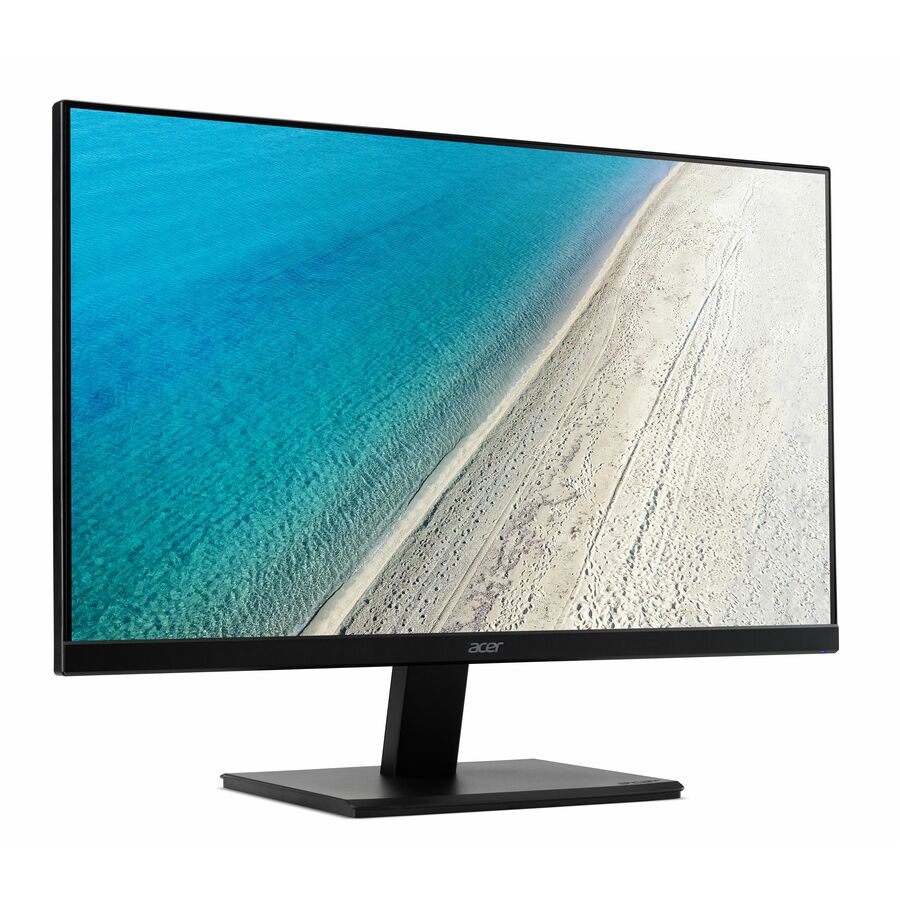
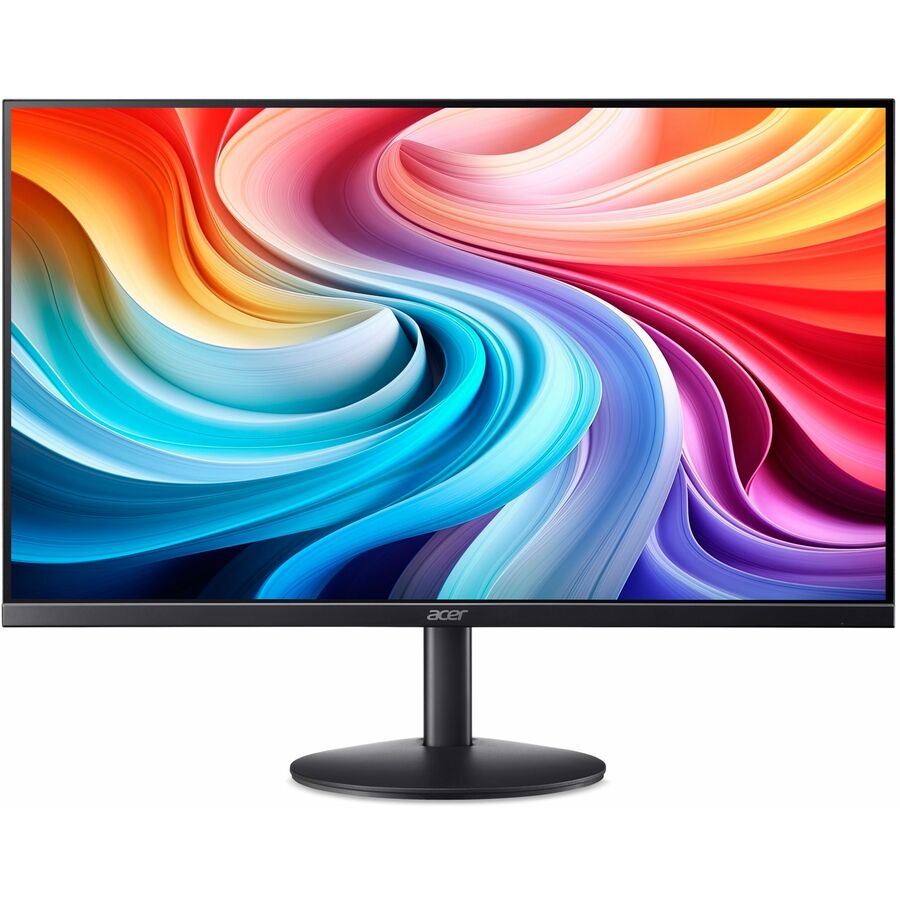
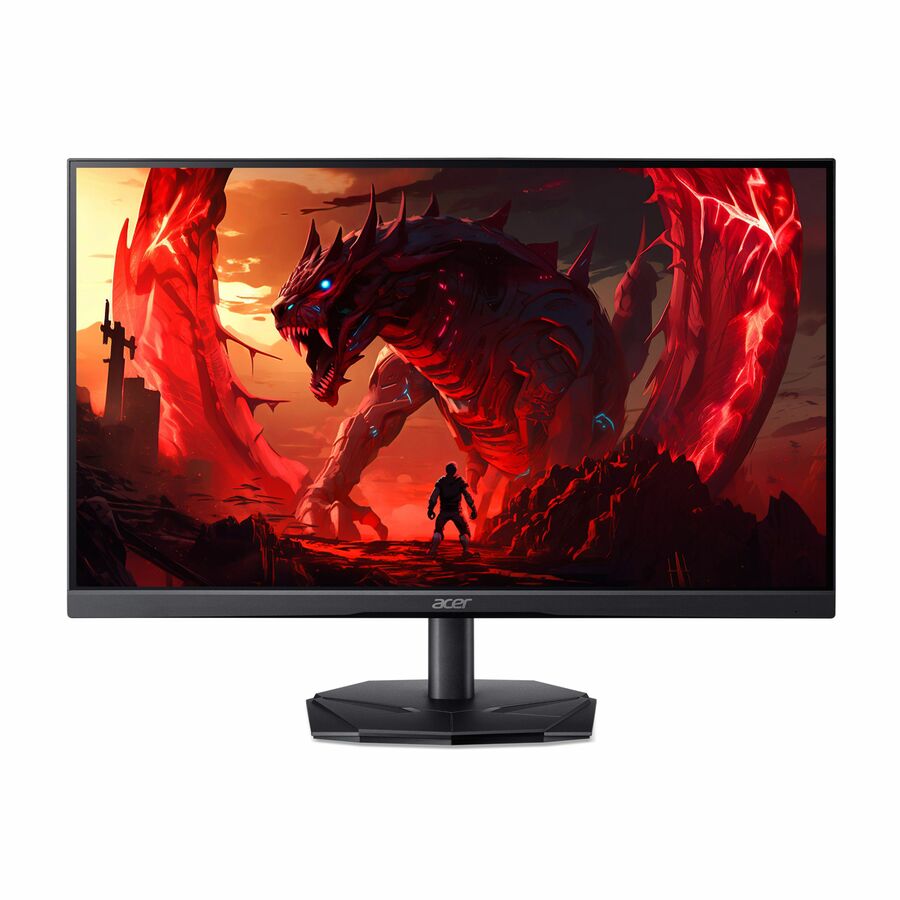
- AcerAcer Vero V247Y G 24" Class Full HD LCD Monitor - 16:9 - Black - 23.8" Viewable - In-plane Switching (IPS) Technology - LED Backlight - 1920 x 1080 - 16.7 Million Colors - VESA Adaptive Sync (DisplayPort VRR) - 250 Nit - 4 ms - 120 Hz Refresh Rate - Speakers - USB Type-C - HDMI - VGA - VESA Mount CompatibleUM.QV7AA.G05
$142.99
$101.66
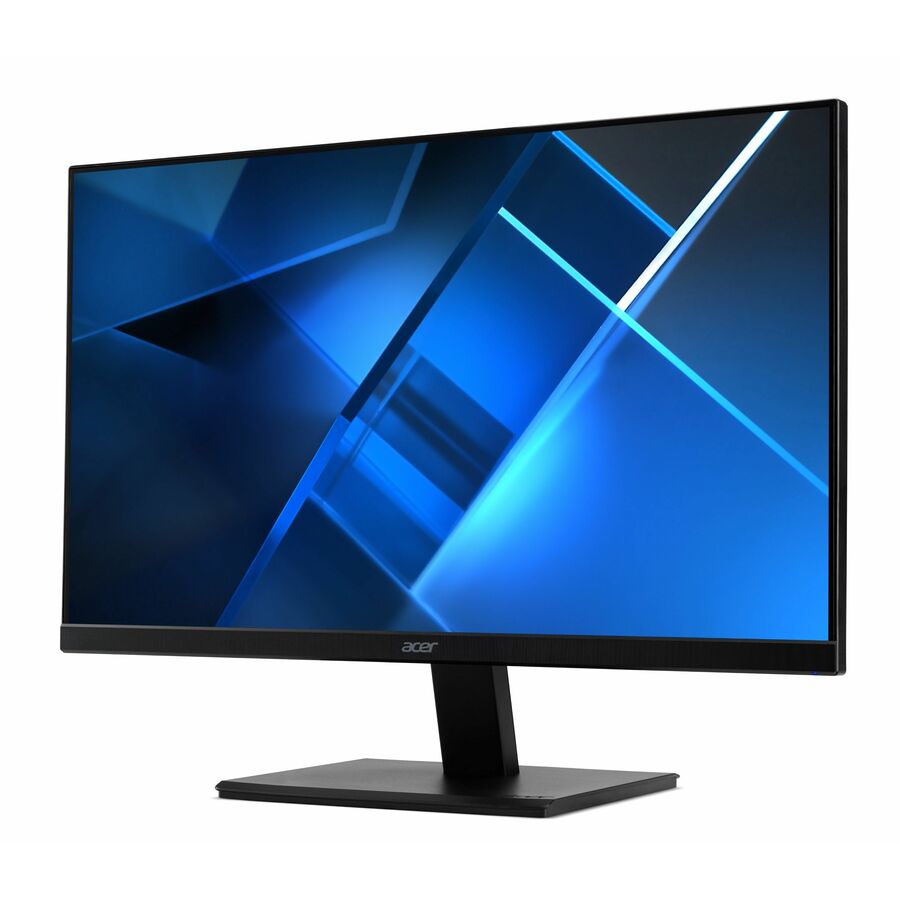
110 in stock - AcerAcer Vero V227Q E1 22" Class Full HD LCD Monitor - 16:9 - Black - 21.5" Viewable - In-plane Switching (IPS) Technology - LED Backlight - 1920 x 1080 - 16.7 Million Colors - VESA Adaptive Sync - 300 Nit - 4 ms - 100 Hz Refresh Rate - Speakers - HDMI - DisplayPort - VESA Mount CompatibleUM.WV7AA.101
$139.99
$101.66
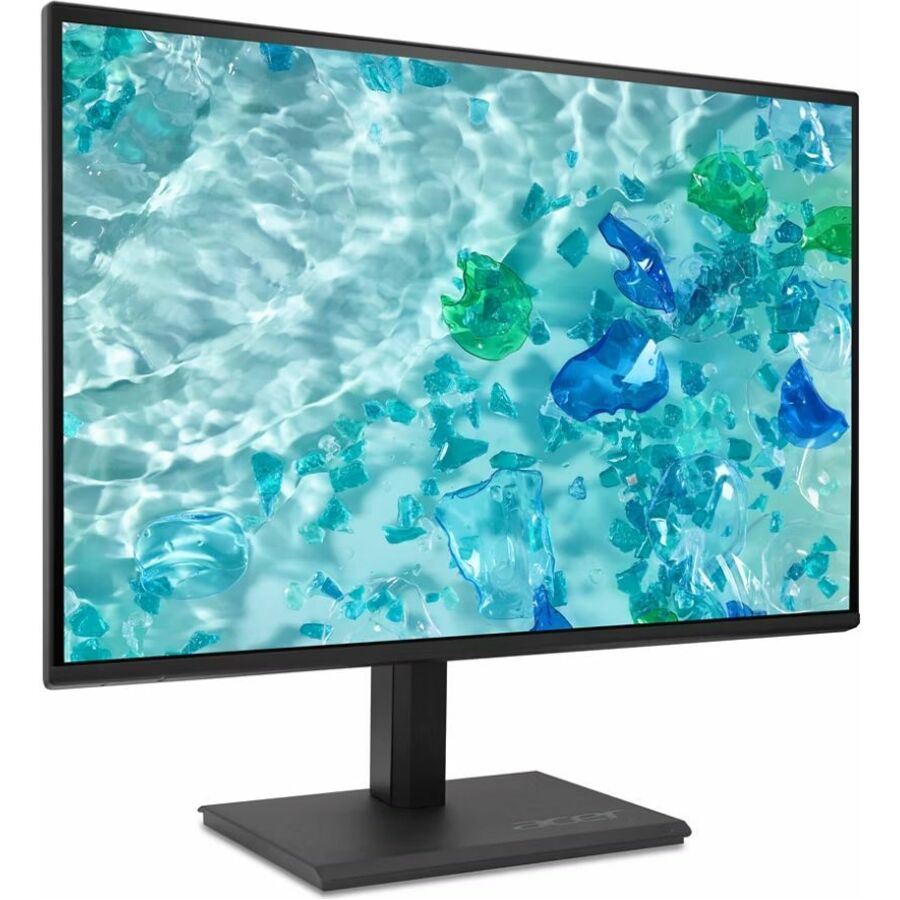
4 in stock - AcerAcer Vero V227Q E3 22" Class Full HD LED Monitor - 16:9 - Black - 21.5" Viewable - In-plane Switching (IPS) Technology - LED Backlight - 1920 x 1080 - 16.7 Million Colors - AMD FreeSync - 250 Nit - 4 ms - 75 Hz Refresh Rate - Speakers - HDMI - VGA - DisplayPort - VESA Mount CompatibleUM.WV7AA.303
$123.99
$106.75
259 in stock - AcerAcer Vero V7 V227Q E3 22" Class Full HD LED Monitor - 16:9 - 21.5" Viewable - In-plane Switching (IPS) Technology - LED Backlight - 1920 x 1080 - 16.7 Million Colors - AMD FreeSync - 250 Nit - 4 ms - 75 Hz Refresh Rate - Speakers - HDMI - VGA - DisplayPort - VESA Mount CompatibleUM.WV7AA.302
$129.99
$109.29
375 in stock - AcerAcer Vero V227Q H 22" Class Full HD LCD Monitor - 16:9 - Black - 21.5" Viewable - Vertical Alignment (VA) - LED Backlight - 1920 x 1080 - 16.7 Million Colors - AMD FreeSync (DisplayPort VRR) - 250 Nit - 4 ms - 100 Hz Refresh Rate - Speakers - HDMI - VGA - DisplayPort - VESA Mount Compatible - SpeakerUM.WV7AA.H02
$114.99
$109.29
105 in stock - AcerAcer Vero V247Y G 24" Class Full HD LCD Monitor - 16:9 - Black - 23.8" Viewable - In-plane Switching (IPS) Technology - LED Backlight - 1920 x 1080 - 16.7 Million Colors - VESA Adaptive Sync (DisplayPort VRR) - 250 Nit - 4 ms - 120 Hz Refresh Rate - Speakers - USB Type-C - HDMI - VGA - VESA Mount Compatible - SpeakerUM.QV7AA.G03
$149.99
$111.84
800 in stock - AcerAcer Vero V247Y G 24" Class Full HD LCD Monitor - 16:9 - Black - 23.8" Viewable - In-plane Switching (IPS) Technology - LED Backlight - 1920 x 1080 - 16.7 Million Colors - VESA Adaptive Sync (DisplayPort VRR) - 250 Nit - 4 ms - 120 Hz Refresh Rate - Speakers - USB Type-C - HDMI - VGA - DisplayPort - VESA Mount Compatible - SpeakerUM.QV7AA.G01
$154.99
$116.91
913 in stock - AcerAcer Vero V277 G 27" Class Full HD LCD Monitor - 16:9 - Black - 27" Viewable - In-plane Switching (IPS) Technology - LED Backlight - 1920 x 1080 - 16.7 Million Colors - VESA Adaptive Sync (DisplayPort VRR) - 250 Nit - 4 ms - 120 Hz Refresh Rate - Speakers - USB Type-C - HDMI - VGA - VESA Mount Compatible - SpeakerUM.HV7AA.G07
$159.99
$119.46
319 in stock - AcerAcer PM161Q B 16" Class Full HD LED Monitor - 16:9 - Black - 15.6" Viewable - In-plane Switching (IPS) Technology - LED Backlight - 1920 x 1080 - 16.7 Million Colors - AMD FreeSync - 250 Nit - 4 ms - 60 Hz Refresh Rate - Speakers - USB Type-C - HDMI - VESA Mount CompatibleUM.ZP1AA.B01
$139.99
$127.09
11 in stock - AcerAcer Vero V277 G 27" Class Full HD LCD Monitor - 16:9 - Black - 27" Viewable - In-plane Switching (IPS) Technology - LED Backlight - 1920 x 1080 - 16.7 Million Colors - VESA Adaptive Sync (DisplayPort VRR) - 250 Nit - 4 ms - 120 Hz Refresh Rate - Speakers - USB Type-C - HDMI - VGA - VESA Mount Compatible - SpeakerUM.HV7AA.G03
$159.99
$134.71
281 in stock - AcerAcer Vero V277 G 27" Class Full HD LCD Monitor - 16:9 - Black - 27" Viewable - In-plane Switching (IPS) Technology - LED Backlight - 1920 x 1080 - 16.7 Million Colors - VESA Adaptive Sync (DisplayPort VRR) - 250 Nit - 4 ms - 120 Hz Refresh Rate - Speakers - USB Type-C - HDMI - VGA - DisplayPort - VESA Mount CompatibleUM.HV7AA.G04
$179.99
$142.34
132 in stock - AcerAcer Vero B247Y G 24" Class Full HD LED Monitor - 16:9 - Black - 23.8" Viewable - In-plane Switching (IPS) Technology - LED Backlight - 1920 x 1080 - 16.7 Million Colors - VESA Adaptive Sync - 250 Nit - 4 ms - 75 Hz Refresh Rate - Speakers - HDMI - VGA - DisplayPort - VESA Mount CompatibleUM.QB7AA.G02
$169.99
$144.88
759 in stock - AcerAcer Vero V277 G 27" Class Full HD LCD Monitor - 16:9 - Black - 27" Viewable - In-plane Switching (IPS) Technology - LED Backlight - 1920 x 1080 - 16.7 Million Colors - VESA Adaptive Sync (DisplayPort VRR) - 250 Nit - 4 ms - 120 Hz Refresh Rate - Speakers - USB Type-C - HDMI - VGA - DisplayPort - VESA Mount Compatible - SpeakerUM.HV7AA.G01
$184.99
$151.23
207 in stock - AcerAcer Vero V247Y G 24" Class Full HD LCD Monitor - 16:9 - Black - 23.8" Viewable - In-plane Switching (IPS) Technology - LED Backlight - 1920 x 1080 - 16.7 Million Colors - VESA Adaptive Sync (DisplayPort VRR) - 250 Nit - 4 ms - 120 Hz Refresh Rate - Speakers - USB Type-C - HDMI - DisplayPort - VESA Mount Compatible - SpeakerUM.QV7AA.G08
$179.99
$152.50
96 in stock - AcerAcer Vero B247Y G 24" Class Full HD LED Monitor - 16:9 - Black - 23.8" Viewable - In-plane Switching (IPS) Technology - LED Backlight - 1920 x 1080 - 16.7 Million Colors - VESA Adaptive Sync - 250 Nit - 4 ms - 75 Hz Refresh Rate - Speakers - HDMI - VGA - DisplayPort - VESA Mount CompatibleUM.QB7AA.G01
$189.99
$155.04
112 in stock
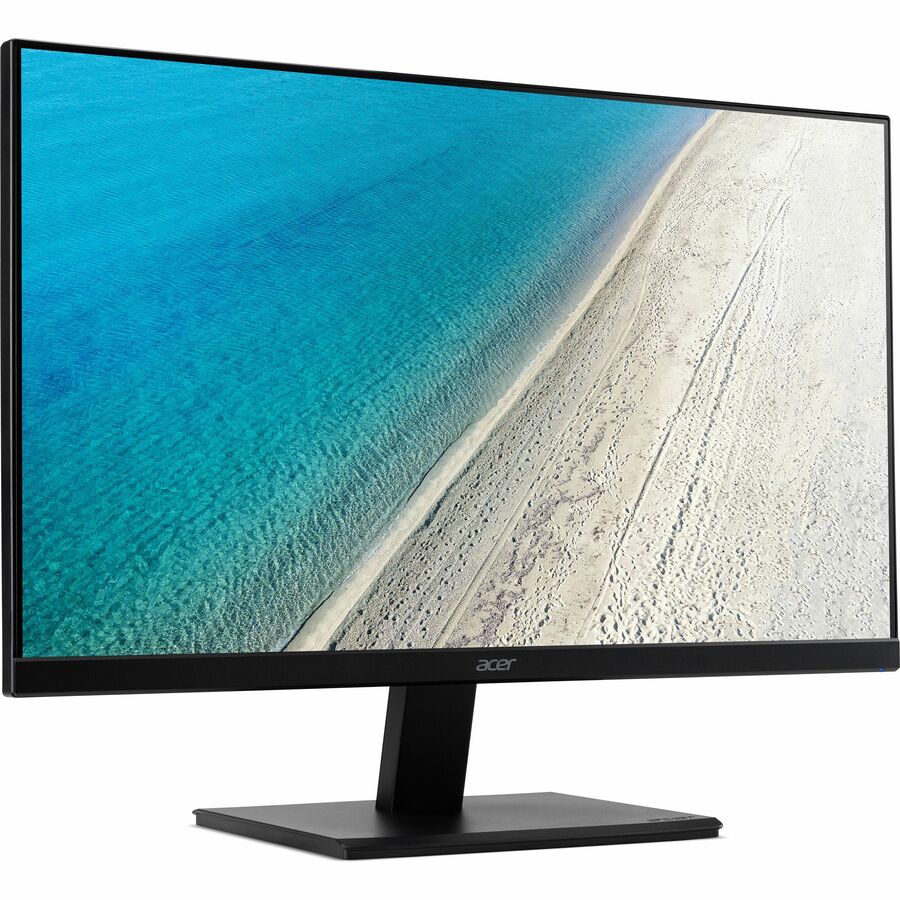

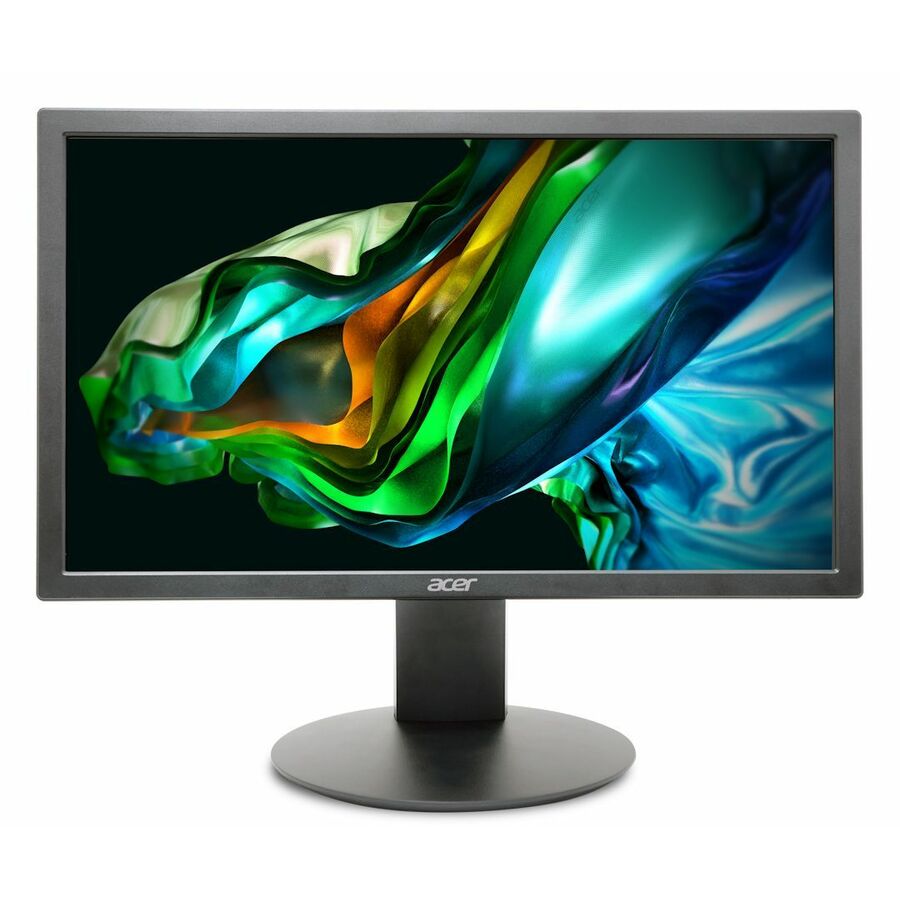
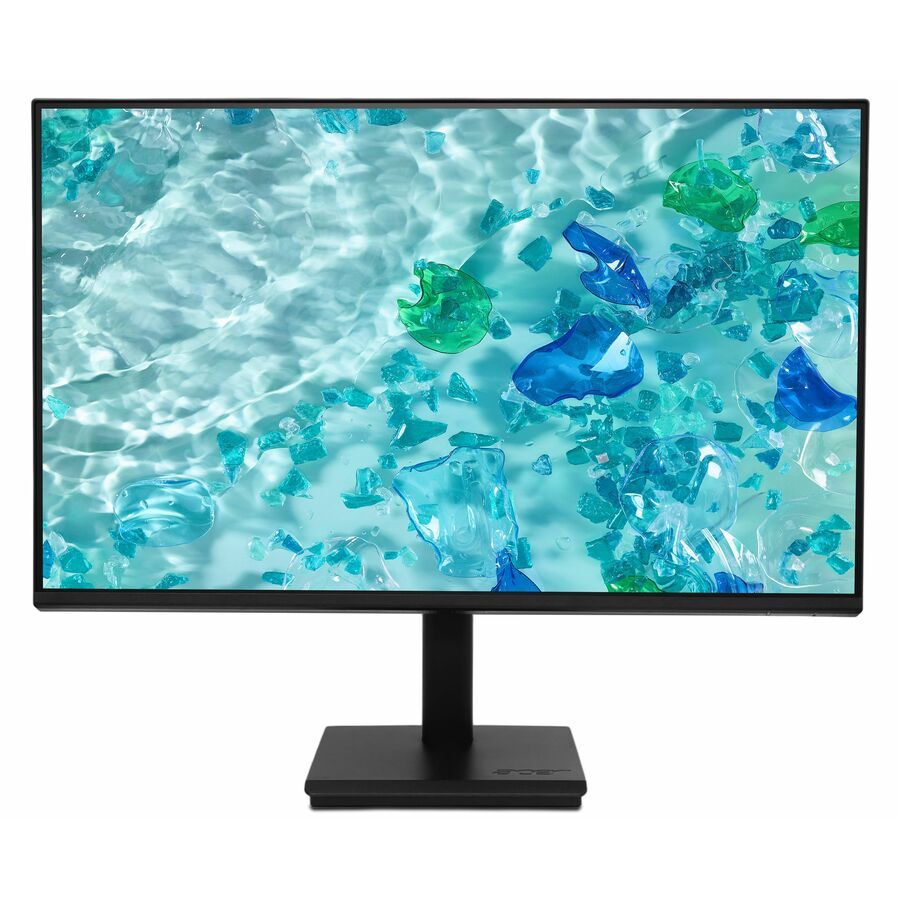
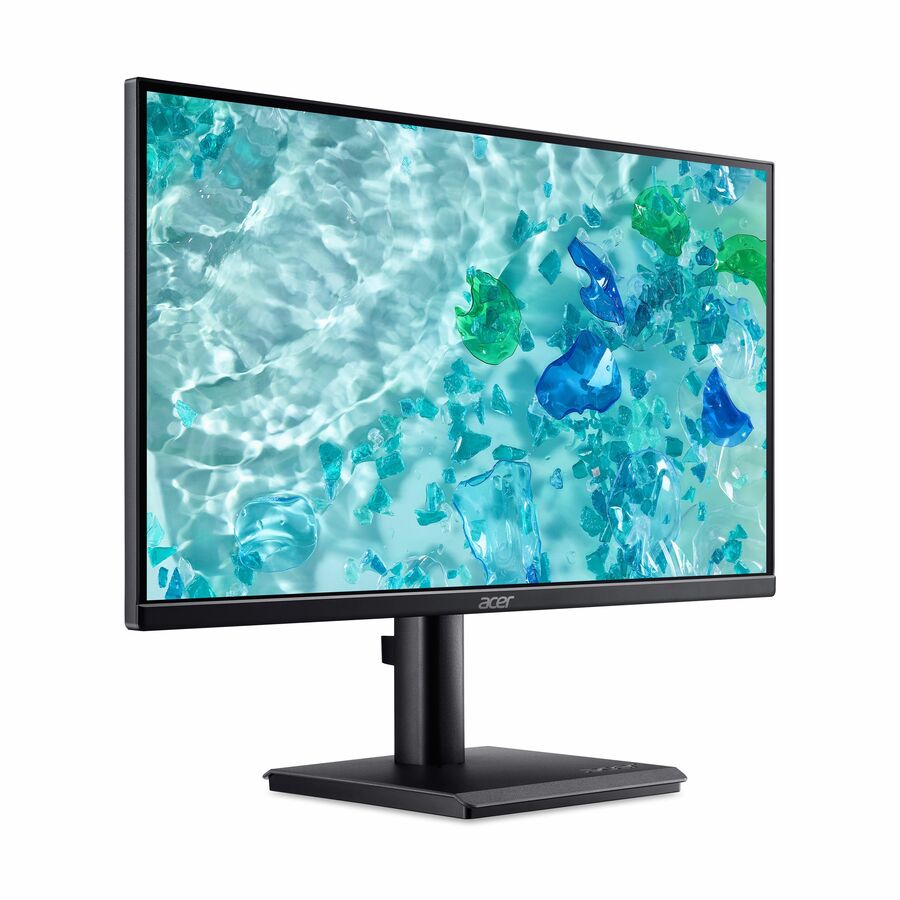
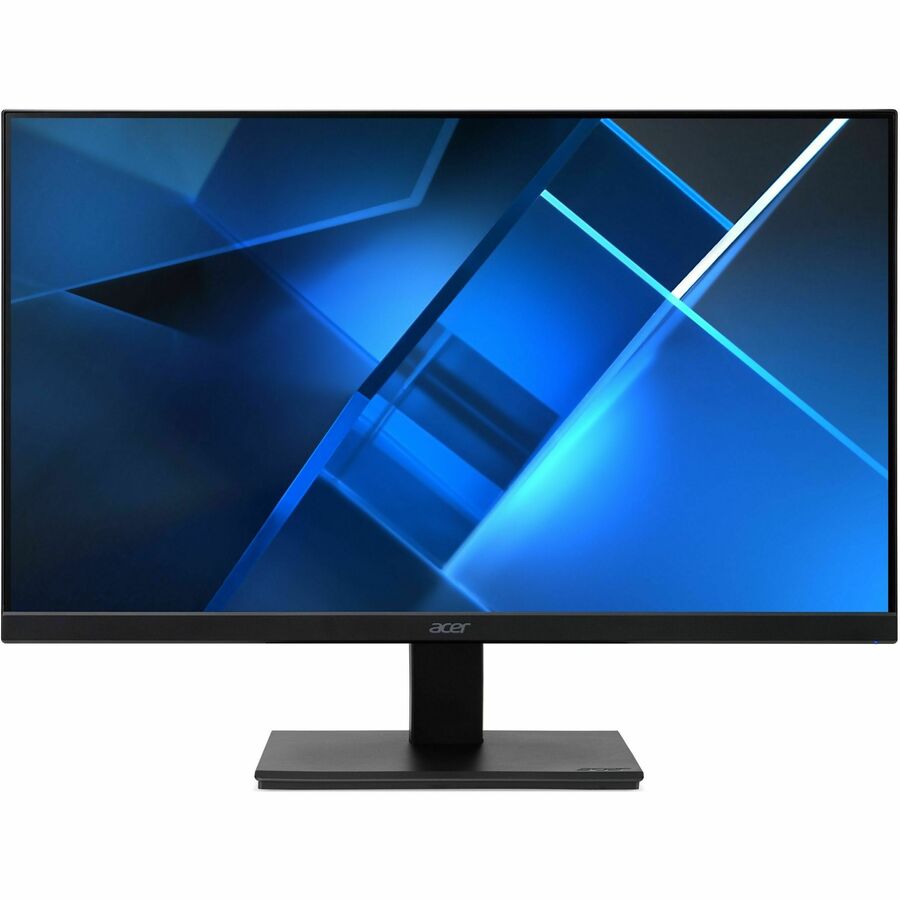
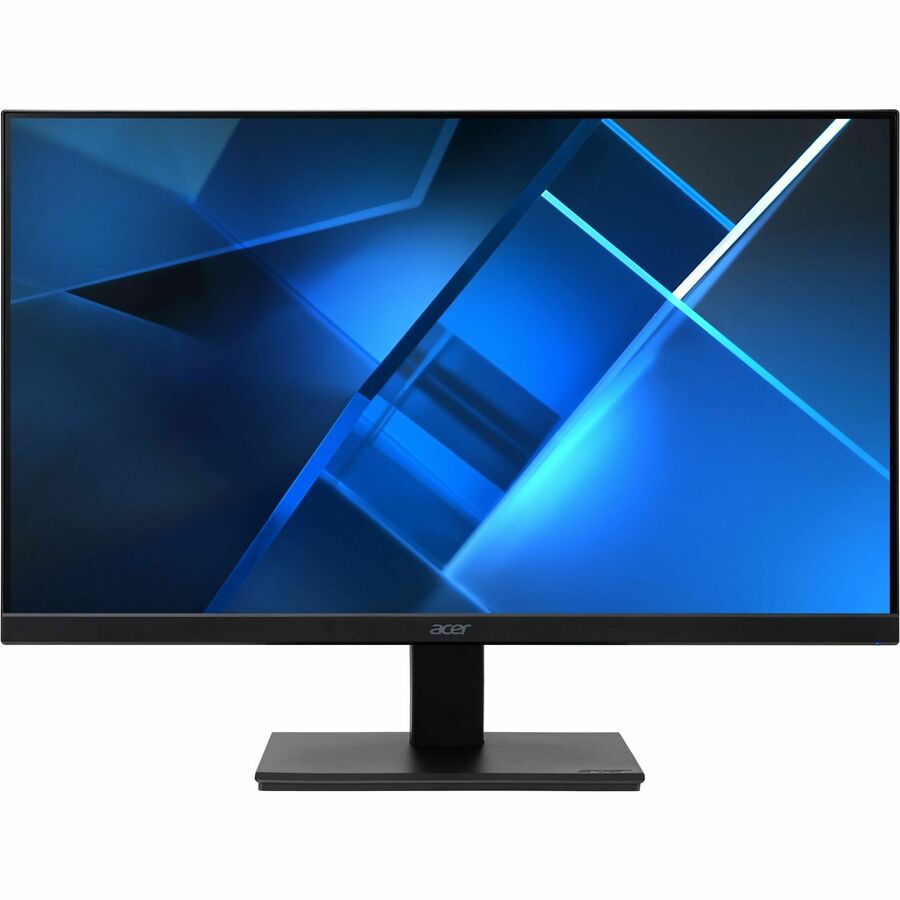
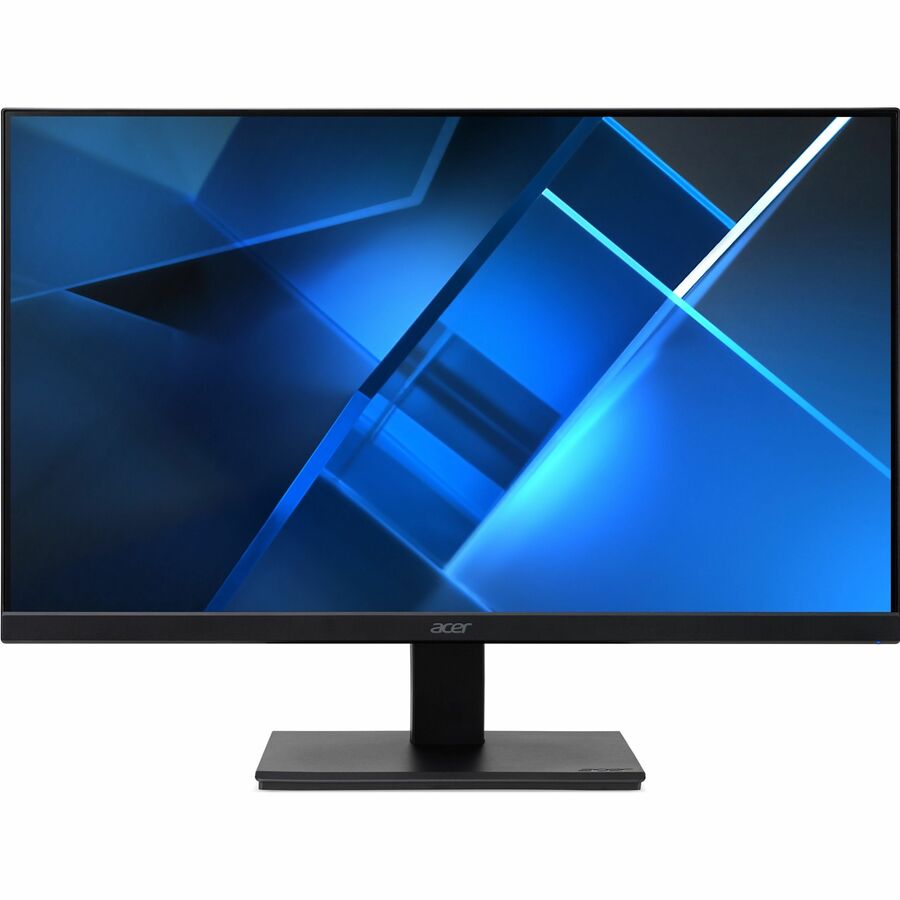
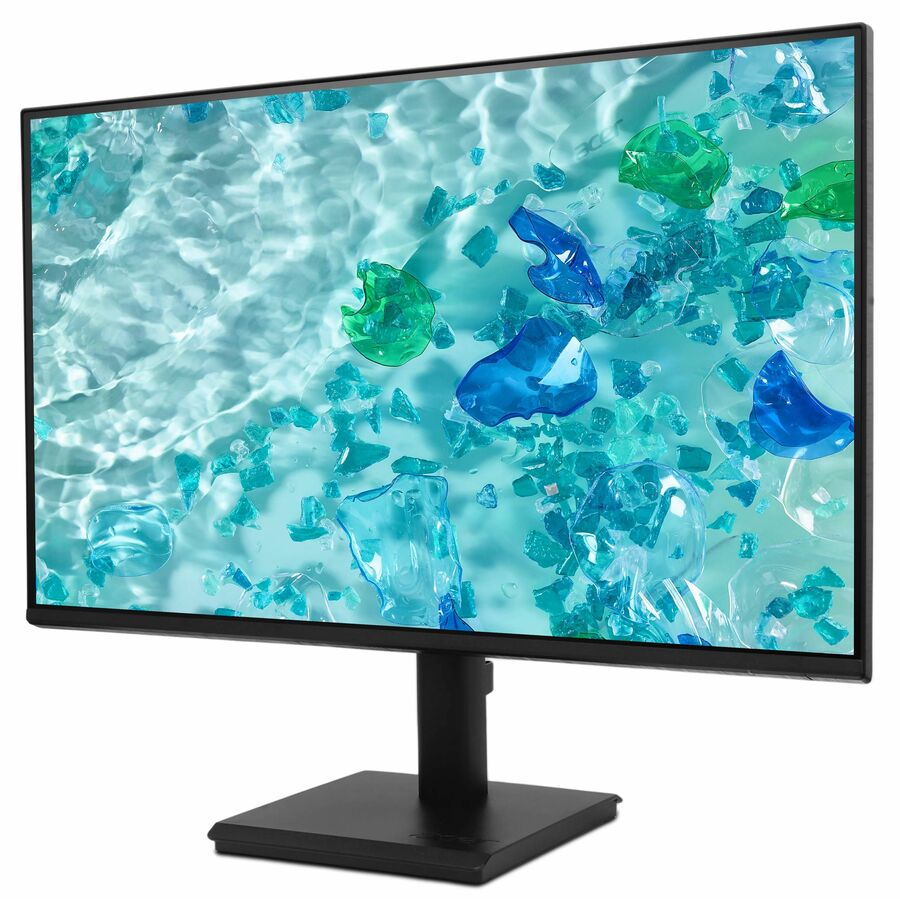
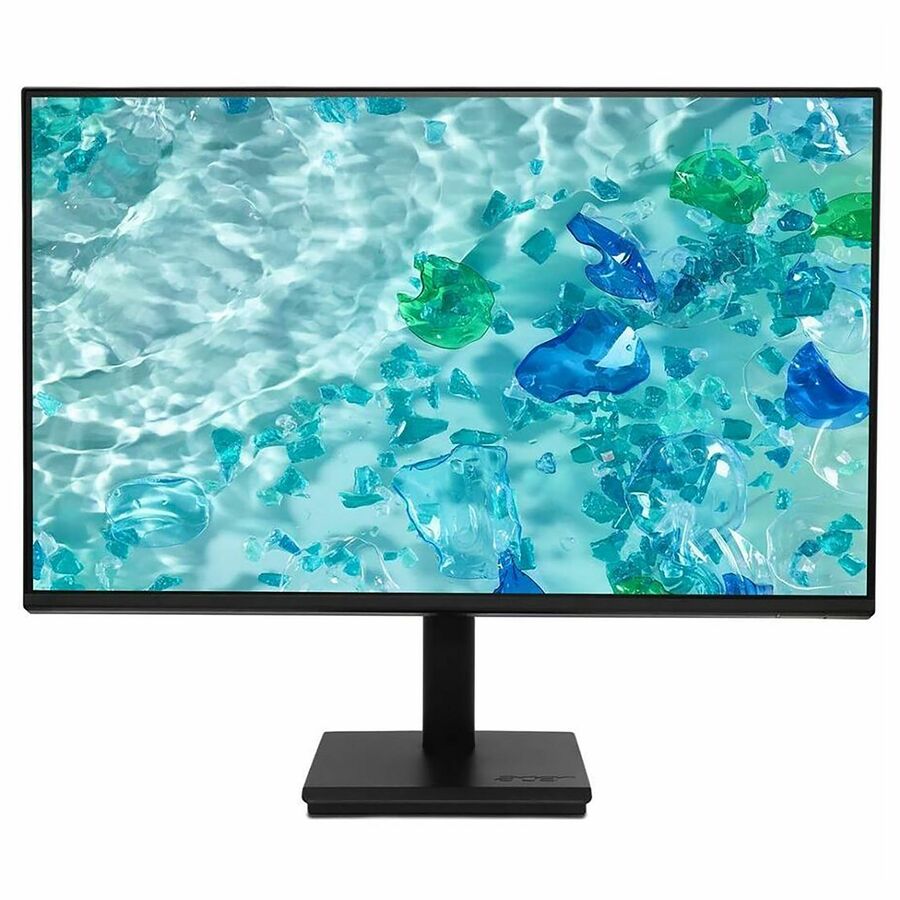

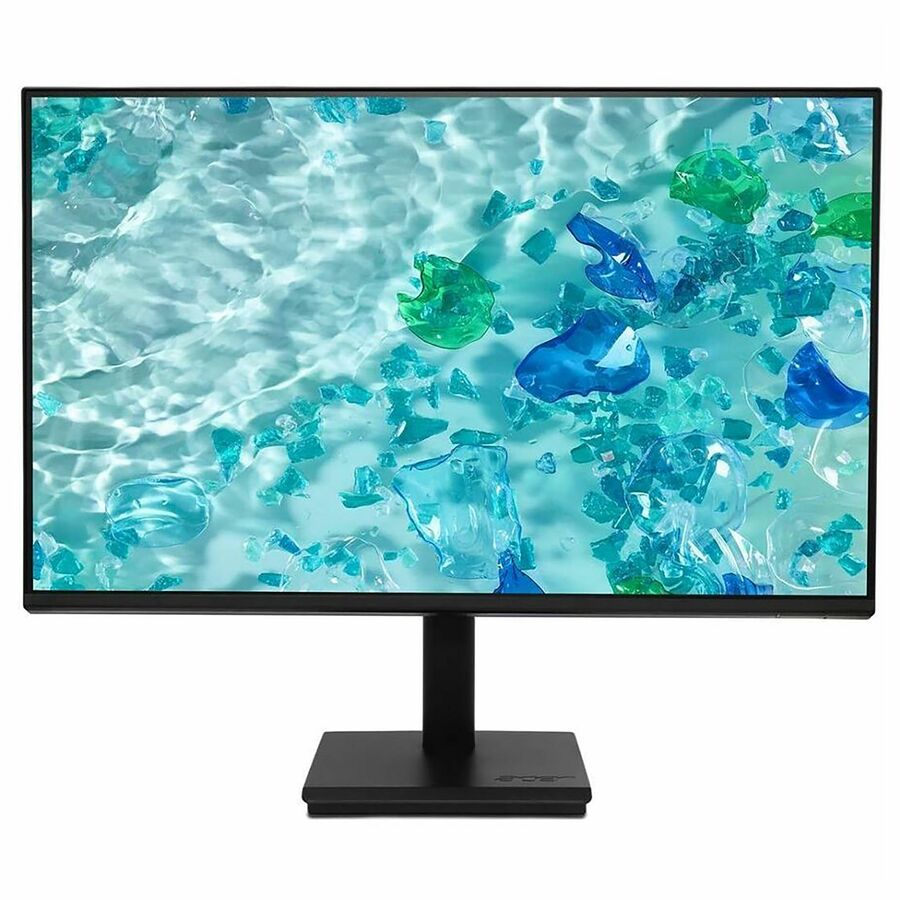
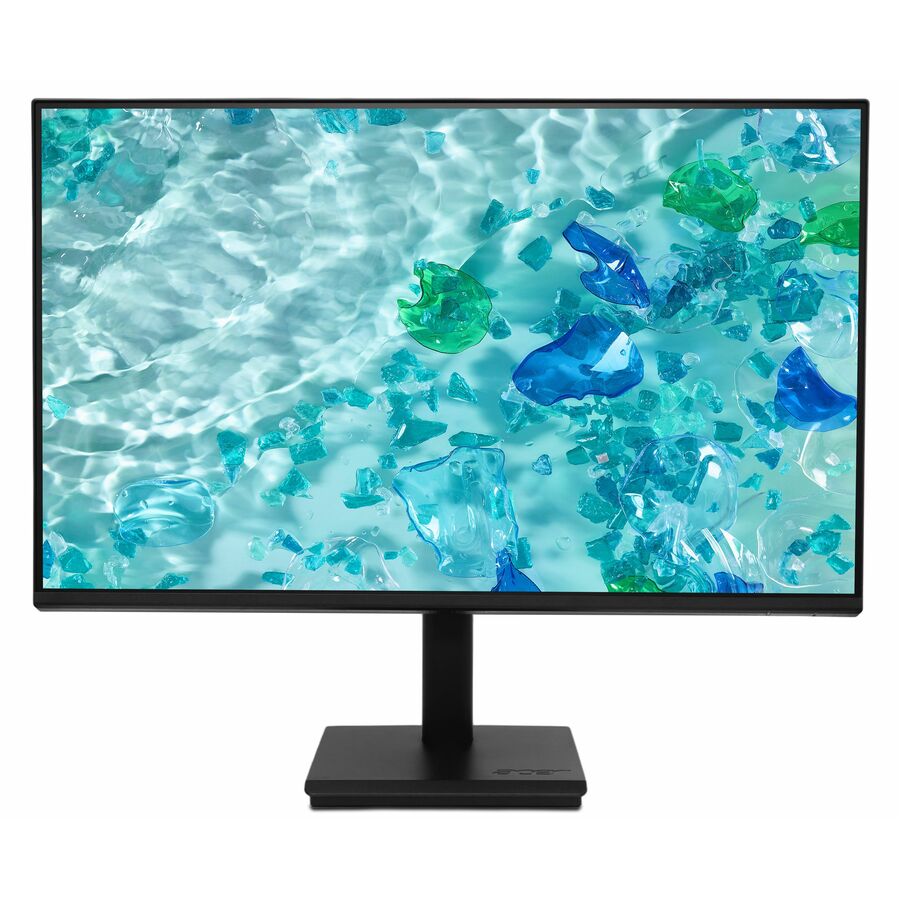
Top pick
Acer
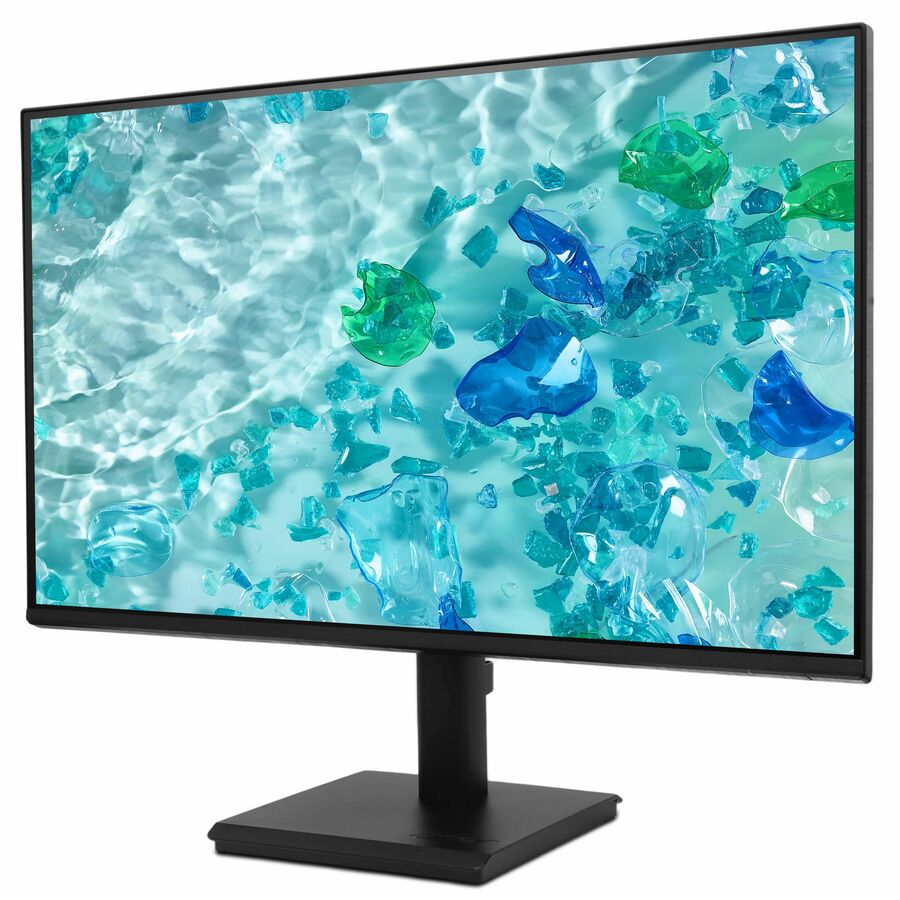
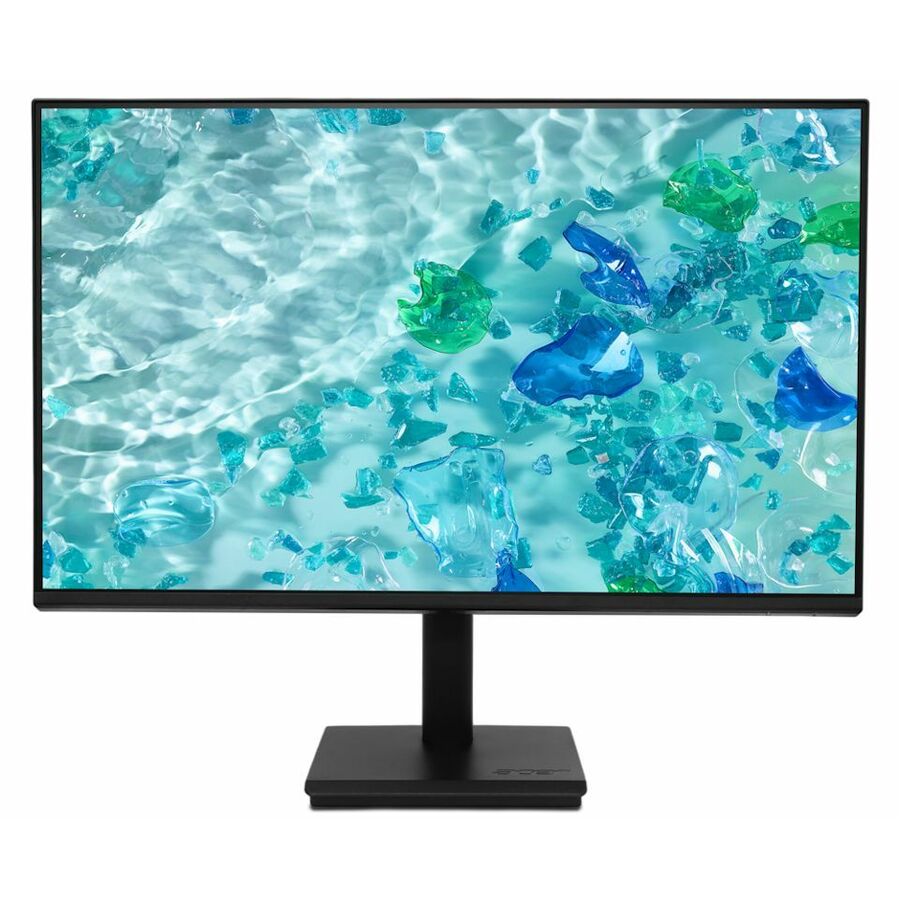
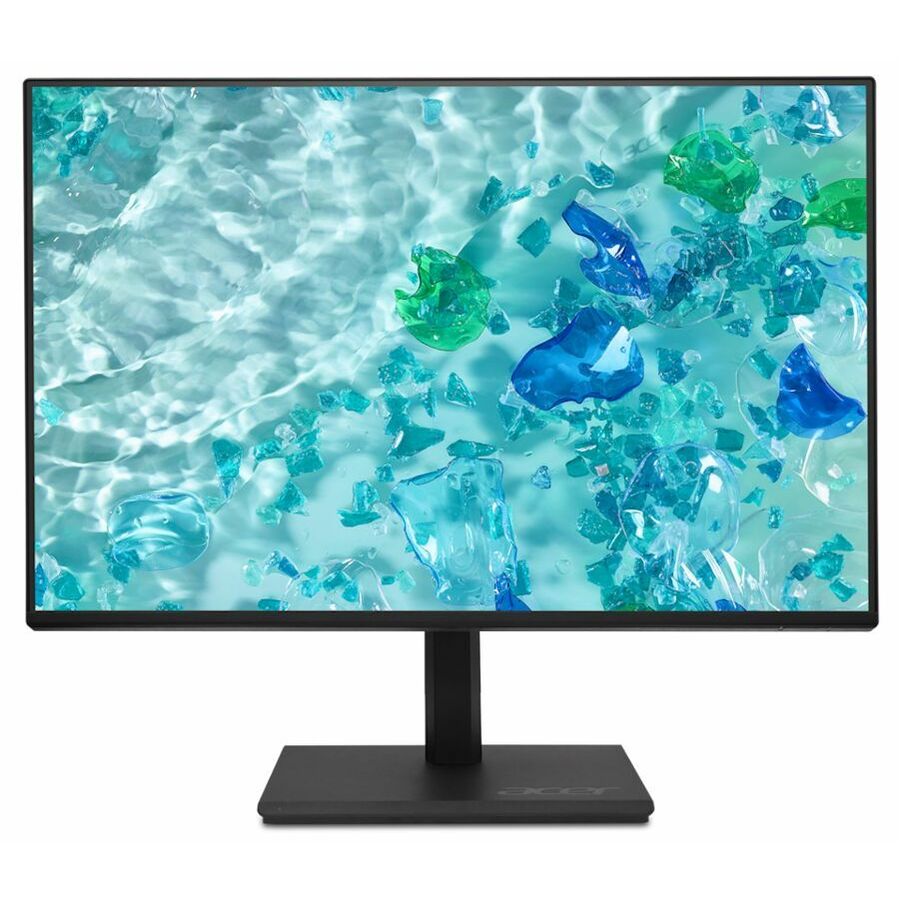
Acer Vero V247Y G 24" Class Full HD LCD Monitor
UM.QV7AA.G05
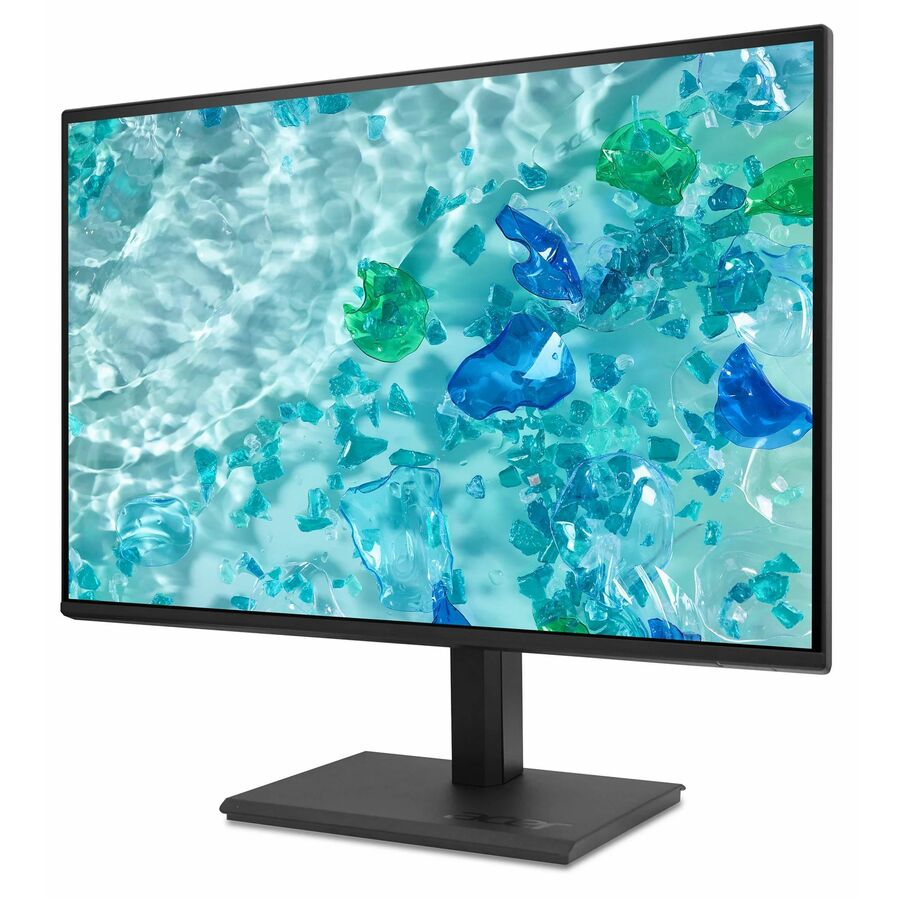
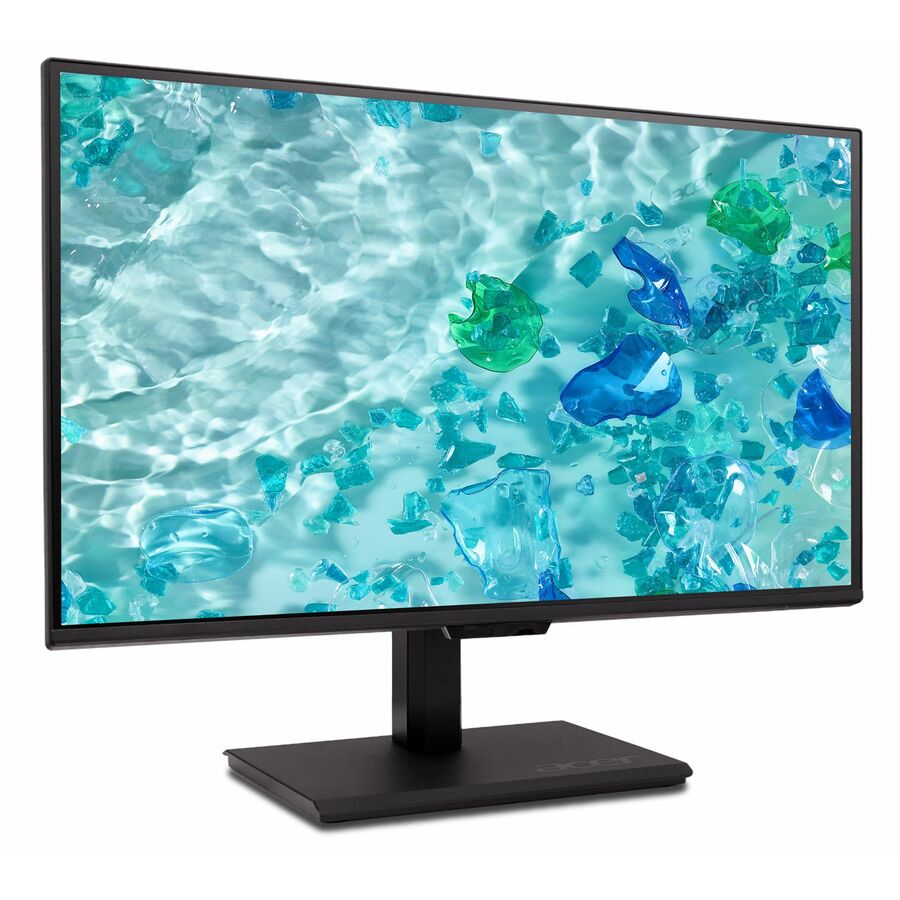
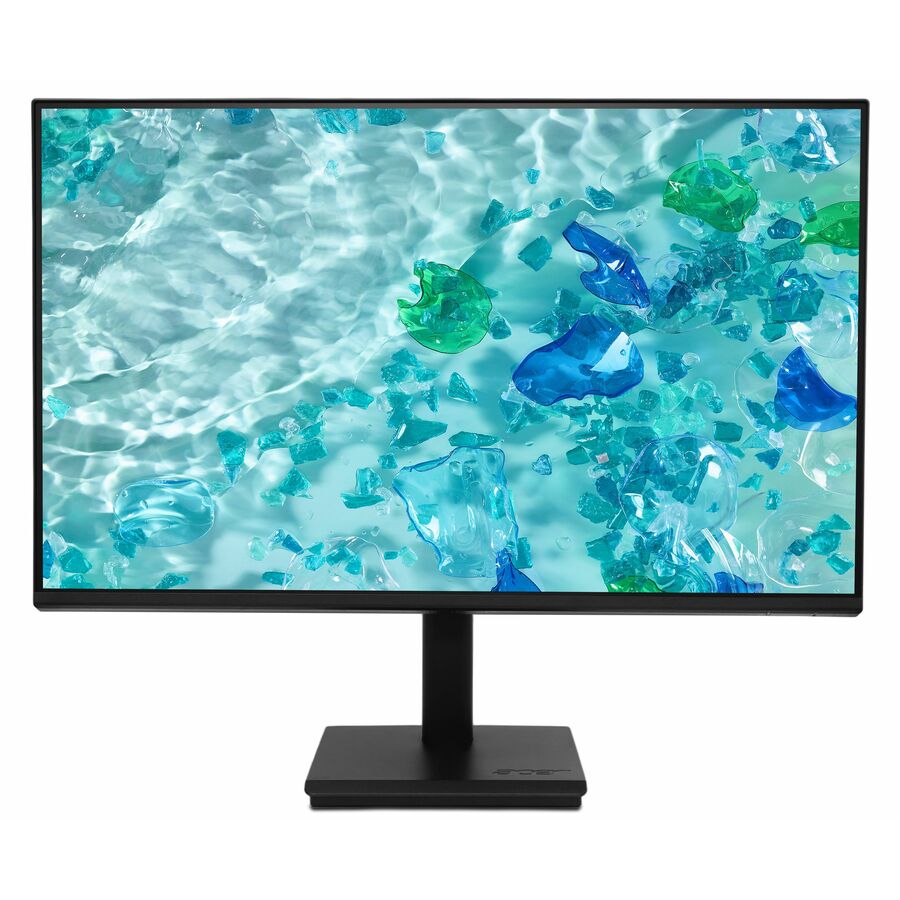
The default 24-inch lab panel: 1080p on an in-plane switching panel that holds color when two students share a screen, with HDMI and VGA so the older desktops already on the floor stay in service, and VESA mounting listed on the row.
250 nits is adequate rather than generous — in a room with unshaded south-facing windows look at a brighter panel. There is no USB-C here, so a laptop-cart deployment needs adapters.
$101.66In stockMore monitors in the Uniqcli catalog
See all 1,690 monitorsMore Acer first — closest to what you were just looking at; “See all monitors” above opens every other brand in the category. In-stock lines lead, and a back-ordered line carries the same estimated availability its product page does — with live pricing throughout, NDAA §889 screening before checkout and TAA verified on request.
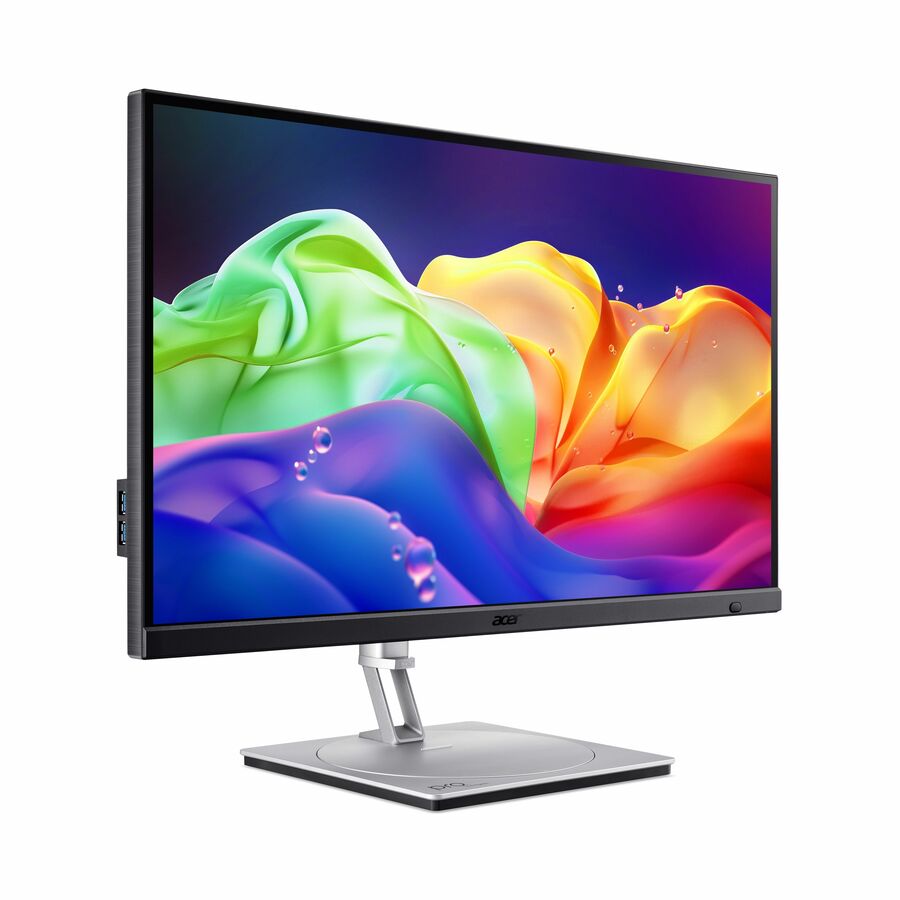
- AcerAcer ProDesigner PE320QXT 32" Class 6K LCD Monitor - 16:9 - Black - 31.5" Viewable - In-plane Switching (IPS) Technology - LED Backlight - 6016 x 3384 - 1.07 Billion Colors - 600 Nit - 4 ms - 60 Hz Refresh Rate - Speakers - Height - USB Type-C - HDMI - DisplayPort - VESA Mount Compatible - SpeakerUM.JP0AA.003
$1,799.99
$1,523.73
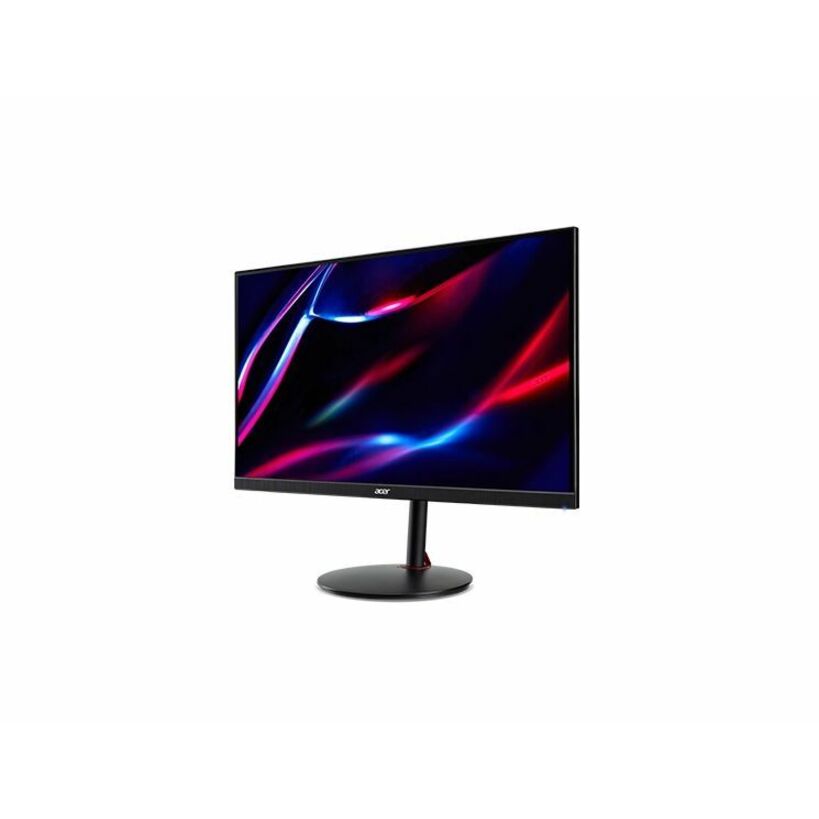
3 in stock - AcerAcer Nitro XV272U W2 27" Class WQHD Gaming LED Monitor - 16:9 - Black - 27" Viewable - In-plane Switching (IPS) Technology - LED Backlight - 2560 x 1440 - 1.07 Billion Colors - AMD FreeSync Premium - 400 Nit - 1 ms - 144 Hz Refresh Rate - Speakers - HDMI - DisplayPort - VESA Mount CompatibleUM.HX2AA.201
$483.99
$278.32
7 in stock - AcerAcer EK321Q H 32" Class Full HD LCD Monitor - 16:9 - Black - 31.5" Viewable - Vertical Alignment (VA) - LED Backlight - 1920 x 1080 - 16.7 Million Colors - VESA Adaptive Sync (DisplayPort VRR) - 250 Nit - 1 ms - 100 Hz Refresh Rate - Speakers - HDMI - VGA - DisplayPort - VESA Mount Compatible - SpeakerUM.JE1AA.H03
$229.99
$165.21
63 in stock - AcerAcer Vero V277U G 27" Class WQHD LCD Monitor - 16:9 - Black - 27" Viewable - In-plane Switching (IPS) Technology - LED Backlight - 2560 x 1440 - 16.7 Million Colors - VESA Adaptive Sync (DisplayPort VRR) - 350 Nit - 4 ms - 120 Hz Refresh Rate - Speakers - HDMI - DisplayPort - VESA Mount Compatible - SpeakerUM.HV7AA.G05
$229.99
$177.91
133 in stock - AcerAcer Nitro XV272U F3 27" Class WQHD Gaming LCD Monitor - 16:9 - Black - 27" Viewable - In-plane Switching (IPS) Technology - LED Backlight - 2560 x 1440 - 1.07 Billion Colors - AMD FreeSync Premium (DisplayPort VRR) - 400 Nit - 0.50 ms - 300 Hz Refresh Rate - Speakers - HDMI - DisplayPort - VESA Mount Compatible - SpeakerUM.HX2AA.307
$1,006.26
$955.85
3 in stock - AcerAcer Vero V277K L 27" Class 4K UHD LED Monitor - 16:9 - Black - 27" Viewable - In-plane Switching (IPS) Technology - LED Backlight - 3840 x 2160 - 1.07 Billion Colors - AMD FreeSync (DisplayPort VRR) - 350 Nit - 4 ms - 60 Hz Refresh Rate - Speakers - HDMI - DisplayPort - VESA Mount Compatible - SpeakerUM.HV7AA.L01
$329.99
$279.59
29 in stock - AcerAcer Vero B277 G 27" Class Full HD LCD Monitor - 16:9 - Black - 27" Viewable - In-plane Switching (IPS) Technology - LED Backlight - 1920 x 1080 - 16.7 Million Colors - VESA Adaptive Sync (DisplayPort VRR) - 250 Nit - 4 ms - 120 Hz Refresh Rate - Speakers - USB Type-C - HDMI - VGA - DisplayPort - VESA Mount Compatible - SpeakerUM.HB7AA.G01
$214.99
$170.29
29 in stock - AcerAcer Vero B277 G 27" Class Full HD LCD Monitor - 16:9 - Black - 27" Viewable - In-plane Switching (IPS) Technology - LED Backlight - 1920 x 1080 - 16.7 Million Colors - VESA Adaptive Sync (DisplayPort VRR) - 250 Nit - 4 ms - 120 Hz Refresh Rate - Speakers - HDMI - VGA - DisplayPort - VESA Mount Compatible - SpeakerUM.HB7AA.G02
$204.99
$162.66
233 in stock - AcerAcer Nitro KG251Q Z1 25" Class Full HD Gaming LCD Monitor - 16:9 - Black - 24.5" Viewable - Vertical Alignment (VA) - LED Backlight - 1920 x 1080 - 16.7 Million Colors - AMD FreeSync Premium (DisplayPort VRR) - 250 Nit - 1 ms - 240 Hz Refresh Rate - Speakers - HDMI - DisplayPort - VESA Mount CompatibleUM.KX1AA.101
$604.31
$579.41
3 in stock - AcerAcer PM161Q A1 16" Class LCD Monitor - 16:9 - Black - 15.6" Viewable - 250 Nit - 4 ms - Speakers - USB Type-C - HDMIUM.ZP1AA.103
$567.64
$544.25
175 in stock - AcerAcer Vero V247Y G 24" Class LCD Monitor - 16:9 - Black - 23.8" Viewable - 250 Nit - 4 ms - HDMI - VGA - VESA Mount CompatibleUM.QV7AA.G07
$533.85
$513.56
125 in stock - AcerAcer SB273 G0 27" Class Full HD LCD Monitor - 16:9 - Black - 27" Viewable - In-plane Switching (IPS) Technology - LED Backlight - 1920 x 1080 - 16.7 Million Colors - VESA Adaptive Sync (DisplayPort VRR) - 250 Nit - 1 ms - 120 Hz Refresh Rate - Speakers - HDMI - VGA - VESA Mount CompatibleUM.HS3AA.001
$526.09
$506.09
3 in stock - AcerAcer Vero V277 G 27" Class Full HD LCD Monitor - 16:9 - Black - 27" Viewable - In-plane Switching (IPS) Technology - LED Backlight - 1920 x 1080 - 16.7 Million Colors - VESA Adaptive Sync (DisplayPort VRR) - 250 Nit - 4 ms - 120 Hz Refresh Rate - Speakers - USB Type-C - HDMI - DisplayPort - VESA Mount Compatible - SpeakerUM.HV7AA.G10
$209.99
$193.16
51 in stock - AcerAcer Nitro ED270 Z 27" Class Full HD Curved Screen LCD Monitor - 16:9 - Black - 27" Viewable - Vertical Alignment (VA) - LED Backlight - 1920 x 1080 - 16.7 Million Colors - AMD FreeSync Premium (DisplayPort VRR) - 250 Nit - 1 ms - 240 Hz Refresh Rate - Speakers - HDMI - DisplayPort - VESA Mount Compatible - SpeakerUM.HE0AA.Z01
$427.28
$411.04
5 in stock - AcerAcer Nitro VG270 S6 27" Class Gaming LCD Monitor - 16:9 - Black - 27" Viewable - 250 Nit - 1 ms - HDMI - VGAUM.HV0AA.603
$364.91
$351.04
15 in stock - AcerAcer Nitro KG251Q P3 25" Class Full HD Gaming LCD Monitor - 16:9 - Black - 24.5" Viewable - Vertical Alignment (VA) - LED Backlight - 1920 x 1080 - 16.7 Million Colors - AMD FreeSync (DisplayPort VRR) - 250 Nit - 2 ms - 180 Hz Refresh Rate - Speakers - HDMI - DisplayPort - VESA Mount CompatibleUM.KX1AA.302
$273.15
$263.20
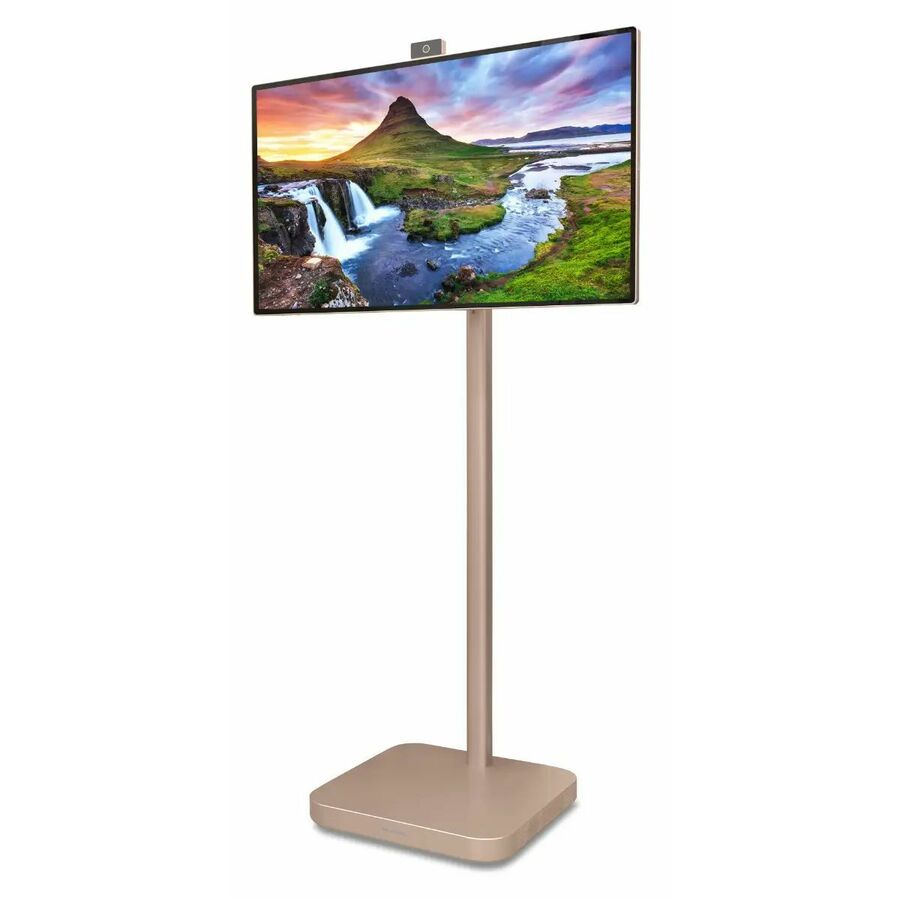
9 in stock - AcerAOpen 32S1UPRO 4K UHD LED Monitor - 16:9 - Gold - 31.5" Viewable - Vertical Alignment (VA) - LED Backlight - 3840 x 2160 - 16.7 Million Colors - 350 Nit - 21 ms - 60 Hz Refresh Rate - Speakers - Height, Swivel - USB Type-C - HDMI - VESA Mount CompatibleUM.JS1AA.001
$1,599.99
$1,015.39
Back-orderedBack-ordered — estimated OEM lead time 3–8 weeks (Nov 17 – Dec 22 if ordered today).
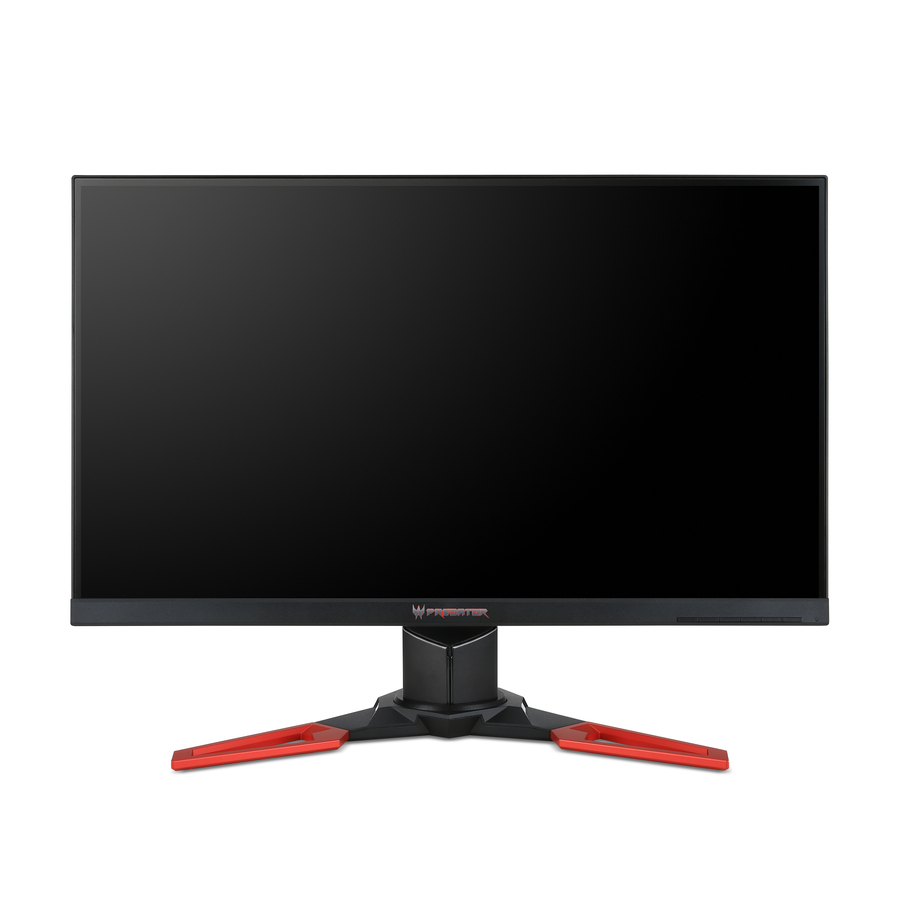
- AcerAcer Predator XB271HK 27" Class 4K UHD Gaming LCD Monitor - 16:9 - Black - 27" Viewable - In-plane Switching (IPS) Technology - LED Backlight - 3840 x 2160 - 1.07 Billion Colors - NVIDIA G-Sync - 300 Nit - 4 ms - 60 Hz Refresh Rate - Speakers - HDMI - DisplayPortUM.HX1AA.002
$1,199.00
$757.41
Back-orderedBack-ordered — estimated OEM lead time 3–8 weeks (Nov 17 – Dec 22 if ordered today).

Need pricing on Acer monitors?
Tell us where to reach you and a Uniqcli specialist will follow up by email with current pricing, availability and lead time for the quantities you need — including parts that aren’t shown on this page.
Buying for an organization or for yourself — both work. No payment up front.
A computer lab is one of the few purchases in a district where the monitor decision is genuinely a fleet decision. You are not buying one panel, you are buying twenty-eight to thirty-two of them, mounting them on the same desks, cabling them to the same desktops, and living with the result for six to eight years. That changes the criteria: viewing angle across a shared room matters more than contrast ratio, input compatibility with the machines already on the floor matters more than refresh rate, and the ability to buy the same part number again in eighteen months matters more than any individual feature.
Acer is a useful bench for that job because it is broad and price-realistic at the same time. The catalog carries roughly one hundred and fifty photographed, priced Acer panels, and the range runs from sub-hundred-dollar 22-inch business monitors up through 27-inch WQHD and 32-inch 4K panels for design and CTE rooms. The Vero line in particular — the V- and B-series 22-, 24- and 27-inch monitors — is where most lab orders land, and there are usually a couple of dozen of those available at any given time.
Two honest notes about the grid below. First, it is sorted to put in-stock units first and then to lead with the largest discounts and the highest prices, so the top of the grid is not necessarily the top of the shortlist for a lab: scroll past the ProDesigner and Nitro panels to reach the Vero rows that most districts actually deploy. Second, a small number of rows carry Acer's AOpen sub-brand name rather than the Acer name; they are the same catalog family and we have not filtered them out.
Buyer's checklist
How to choose a monitor for a lab or classroom fleet
- Standardize on one part number per room. Identical panels mean one mounting pattern, one cable, one spare and one set of on-screen-display instructions for whoever covers the room — the saving from mixing models is almost never worth what it costs in support.
- Choose IPS where students share a screen. In-plane switching panels hold color and contrast off-axis; VA panels are cheaper and have deeper blacks but shift noticeably when two students are looking at one monitor from either side. Check which technology the product title names before you commit a room to it.
- Match the inputs to the machines already on the floor. Several Acer Vero panels list VGA alongside HDMI, which still matters in districts running older desktops, document cameras or presentation switchers. If your new desktops are DisplayPort-only, verify the panel accepts it rather than assuming an adapter is acceptable.
- Confirm VESA mounting is listed if you plan to mount. Most panels in this bench state "VESA Mount Compatible" in the product title, but not all of them do — read the specific row rather than the family, especially if you are mounting behind a micro PC or on a monitor arm.
- Decide 22, 24 or 27 inches by desk depth, not by preference. A 27-inch panel at a shallow lab desk sits too close for comfortable reading; 22- and 24-inch panels are the volume sizes in school labs for that reason, and they leave room for a keyboard and a notebook.
- Size resolution to the coursework. 1080p is sufficient and cheaper for general-use rooms. WQHD or 4K earns its place in CTE, yearbook, CAD and media rooms where two windows sit side by side.
- Check for a built-in speaker if the room has no other audio. Many Acer panels list speakers in the title; where they do, that can remove a separate purchase for a library or catalog station, though nobody should expect them to serve a classroom presentation.
- Buy 3 to 5 percent spares with the order. Panels fail in ones and twos, and a matched spare on the shelf is the difference between a same-day swap and a seat out of service for a two-week period.
The Vero line is where most lab orders belong
Acer's Vero designation covers the value and business panels most relevant to a district: V227Q and B227Q at 22 inches, V247Y at 24 inches, and V277 and B277 at 27 inches. The V227Q, V247Y and V277 rows are the entry tier most lab orders land on, with the B-series panels stepping up from there — read the live price on each card. They are the reason this page is worth writing: a thirty-seat lab at the entry tier is a line item a building budget can absorb, not a capital request.
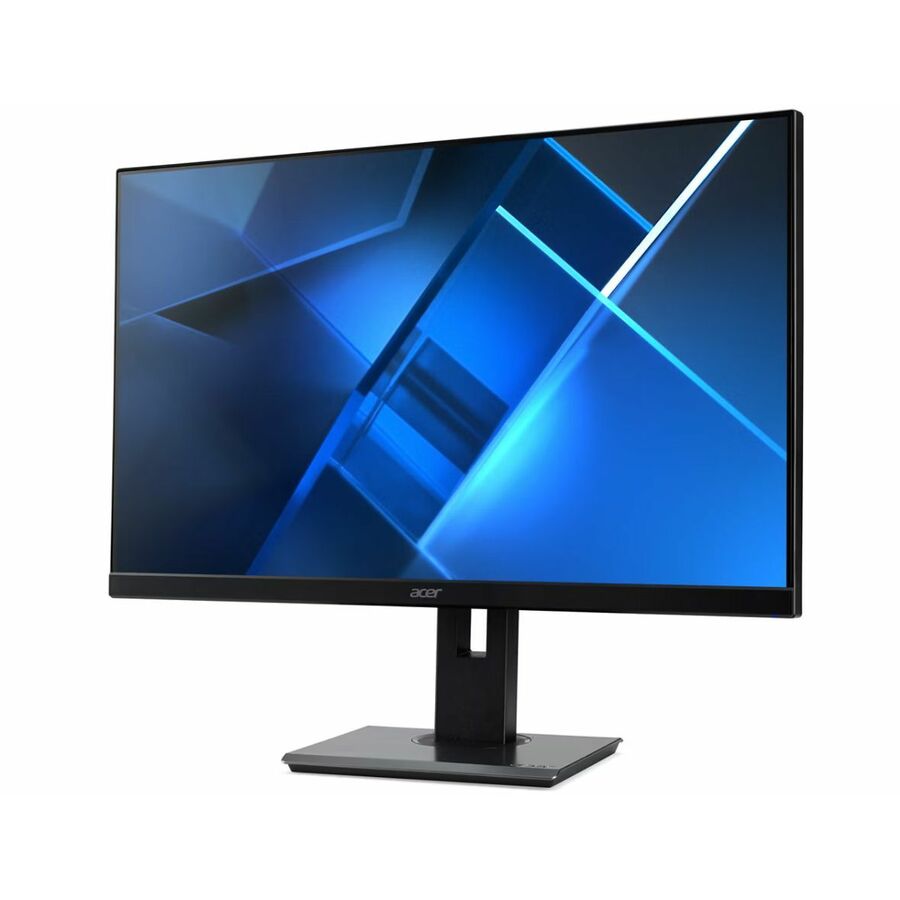
The practical distinction inside the line is between the V-series and the B-series. The V panels are the volume option: 1080p, IPS or VA depending on the specific row, HDMI and VGA inputs, VESA mounting, and adequate brightness for a lit classroom at 250 nits. The B-series adds business features and, in some rows, a higher resolution — the B277U G, for instance, is a 350-nit panel that Acer specifies as WQHD, though the resolution is not carried on the catalog row — confirm it on the quote. If the seat is a general-use student station, the V-series is the correct answer and the extra money belongs elsewhere in the order.
One caveat worth reading carefully: the product titles in this family are not uniform about what they list. Some Vero rows explicitly state "VESA Mount Compatible" and name the panel technology; others state neither. Where a title is silent, treat that as unknown rather than as a yes, and ask us to confirm against the manufacturer specification before you build a mounting plan around it.
Panel type and the shared-screen problem
In a lab, the person looking at a monitor is frequently not the person sitting in front of it. A teacher leans over a shoulder. Two students work a paired assignment. A technician reads an error message from the aisle. That single fact should drive the panel-technology decision more than any specification on the box.
IPS panels hold their color and contrast when viewed from an angle. VA panels produce deeper blacks and higher contrast head-on but wash out or shift when viewed off-axis. For a home or single-user desk, VA is often the better buy; for a room where screens are shared and viewed obliquely all day, IPS is worth the small premium. In this bench, both technologies appear across the Vero and Nitro families, and the title states which one a given row uses — the V247Y G and V277 G rows name in-plane switching, while some V227Q variants name vertical alignment.
Refresh rate, by contrast, is close to irrelevant for a general-use lab. Several Acer panels here list 100 Hz or 120 Hz, and a few gaming-branded rows go far higher. Unless the room is specifically an esports or simulation space, that specification should not influence the decision, and it should certainly not justify a higher price per seat across thirty desks.
Three Acer Vero panels worth a closer look
A note on reading this list against the grid above. The grid sorts in-stock rows first and then by price, under a fixed card count, so a part number named here may not have a card on this page. Every one of them is a live hub row we can quote — send the part number and we will return price, availability and lead time.
Vero V247Y G (UM.QV7AA.G05 and UM.QV7AA.G03) — the default 24-inch lab panel. 1080p, in-plane switching, 250 nits, HDMI and VGA, VESA-mountable, with speakers. Upside: it is the cheapest way to put a genuinely appropriate panel on a student desk, and the VGA input keeps older desktops in service. Downside: 250 nits is adequate rather than generous in a room with unshaded south-facing windows, and there is no USB-C, so a laptop cart deployment needs adapters.
Vero V227Q (UM.WV7AA.101, UM.WV7AA.H01) — the 22-inch option for shallow desks and library catalog stations. Upside: the smallest sensible footprint and the lowest price in the bench. Downside: read the row carefully, because this model number spans both IPS and VA variants; the H-suffix rows in stock name vertical alignment, which is the weaker choice for a shared screen.
Vero V277 G (UM.HV7AA.G07, UM.HV7AA.G03) — the 27-inch step up for staff desks and CTE seats. Upside: in-plane switching, 1080p at a size that suits two windows side by side, and still under about a hundred and thirty dollars. Downside: 1080p at 27 inches is visibly less sharp than at 24; if the room does design or video work, look at the B277U G (Acer-specified WQHD) or a 4K panel instead.
ProDesigner PE270K L1 (UM.HP0AA.102) — the honest recommendation for a media or CTE room rather than a general lab. Upside: 27-inch 4K, 400 nits, USB-C, HDMI and DisplayPort. Downside: it costs roughly four times a Vero panel, which means it belongs on a handful of specialist seats, not on a floor plan.
Ordering thirty of the same thing
The single most useful thing a district can do on a monitor order is fix the part number early and buy the whole room from one lot. Panel families get revised — the same model name can carry a different panel, a different stand or a different input set between production runs — and a lab assembled from three purchase orders across two years is a lab where the mounting plate does not always fit and the on-screen menu is never in the same place twice.
That argues for consolidating monitor purchases into fewer, larger orders even when the money arrives in instalments, and for confirming quantity availability against a specific SKU before the requisition is written rather than after. Send the part number and the quantity through the quote form and we will tell you what one lot can actually cover, and where the remainder would have to come from a different production run.
It also argues for buying the spares with the fleet rather than budgeting for them later. A matched spare panel on a shelf costs a hundred dollars once; a mismatched replacement two years later costs a technician's afternoon every time somebody has to re-learn where the input selector lives on that one desk in the corner.
FAQ
Common questions
- What size monitor is right for a school computer lab?
- For general-use student stations, 22 to 24 inches at 1080p is the volume choice and the one most districts land on. It fits a standard shallow lab desk with room for a keyboard and a notebook, and it keeps the per-seat cost low enough to do a whole room at once. Reserve 27-inch and larger panels for staff desks and for CTE, media and design rooms where two windows genuinely need to sit side by side.
- Should we buy IPS or VA panels for a classroom?
- IPS, in most cases. In-plane switching panels hold color and contrast when viewed from an angle, and in a lab the screen is constantly being read by someone standing beside it rather than sitting in front of it. VA panels are cheaper and have better head-on contrast, which makes them a reasonable choice for a single-user staff desk but a weaker one for a shared room. The product title on each row names the technology.
- Do Acer monitors still have VGA inputs?
- Several of the Vero panels in this bench list VGA alongside HDMI in their product titles. That still matters in districts running older desktops, document cameras or presentation switchers that have not been replaced yet. Check the specific row rather than assuming it across the family, because the higher-end panels in the same bench have moved to HDMI, DisplayPort and USB-C only.
- Can these monitors be mounted on arms or behind a micro PC?
- Most rows in this bench state "VESA Mount Compatible" in the product title, but not every one does. Read the specific row before building a mounting plan around it. If the title is silent on VESA, treat that as unknown rather than as a yes and ask us to confirm against the manufacturer specification — it is a five-minute check that avoids a delivery of thirty panels that will not go on the arms you already bought.
- How many spare monitors should a district order?
- Three to five percent of the fleet is the working figure most district technicians use, ordered at the same time as the main quantity. The point is not the failure rate so much as the matching: a spare bought with the fleet is the same revision as the panels around it, and a spare bought two years later usually is not. One matched spare on a shelf turns a failure into a same-day swap.
Need Acer monitors pricing?
Send a bill of materials or part numbers — we confirm stock and a below-market total, with TAA verified on request. No payment up front.