
Best ASUS Monitors for School Labs and Staff Workstations
ProArt color-accurate panels for CTE and media programs, BE-series business displays for staff desks — sized, specified and priced live.
ASUS monitors in stock at Uniqcli
How to choose →A curated selection with live pricing — in-stock lines first, then back-ordered lines with a typical lead time. Every line is sourced through US distribution and screened for NDAA §889 status before checkout, with TAA verified on request.
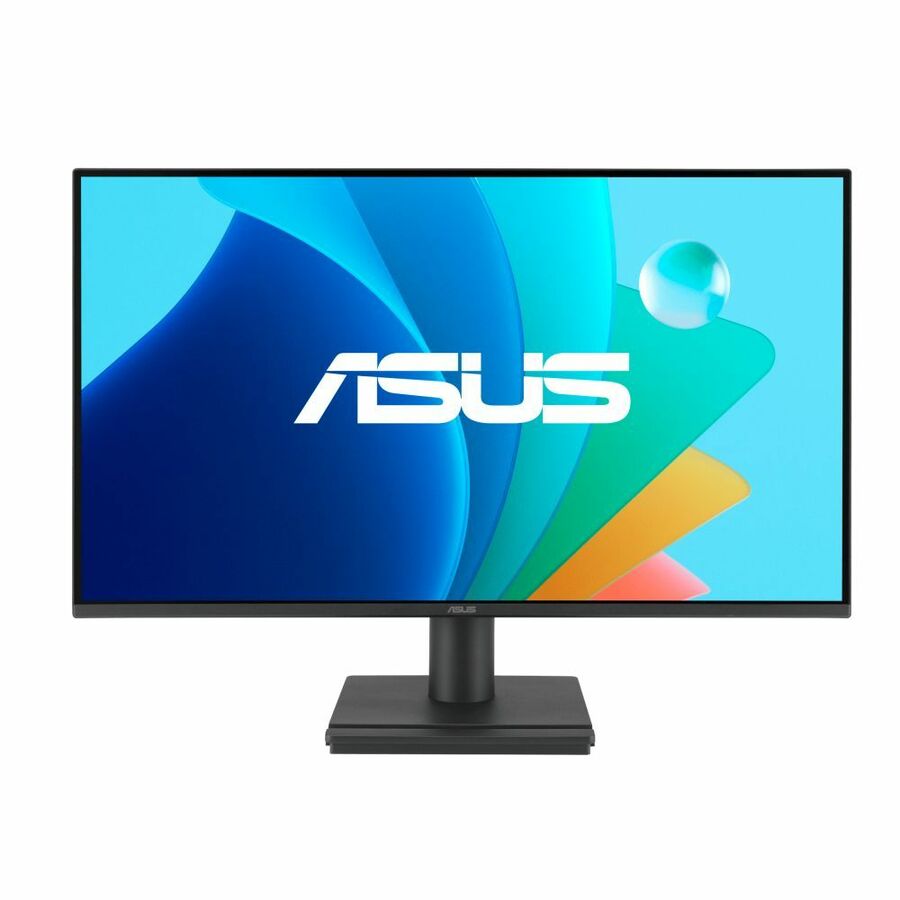

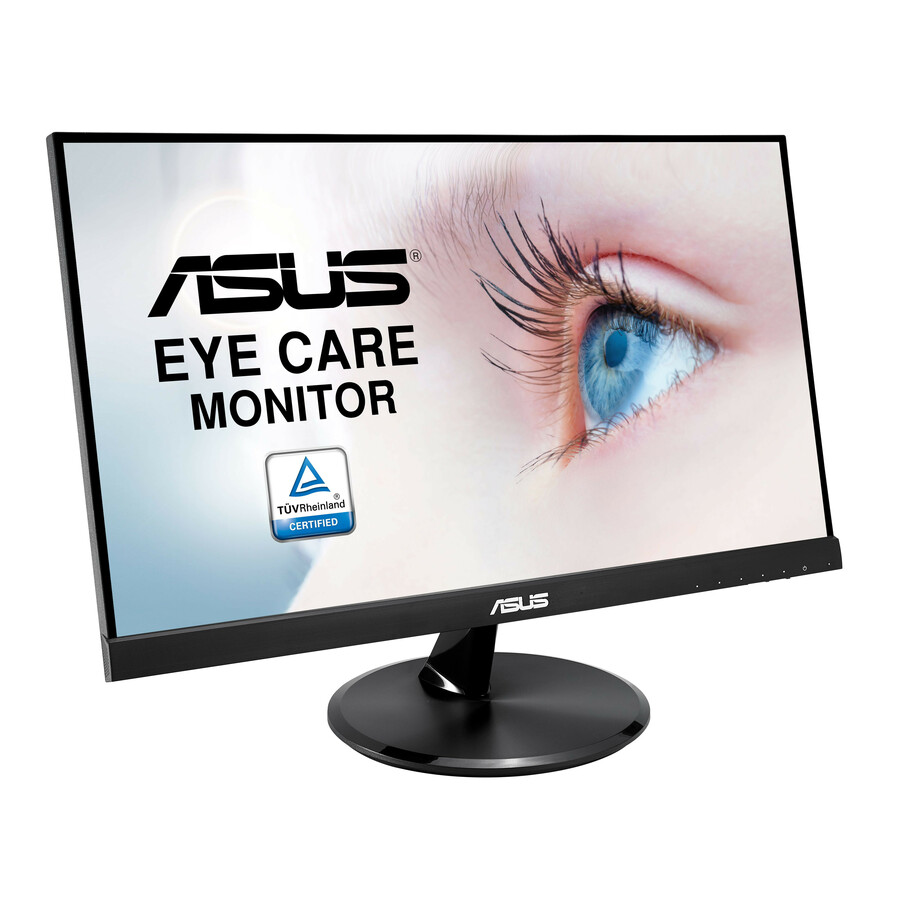
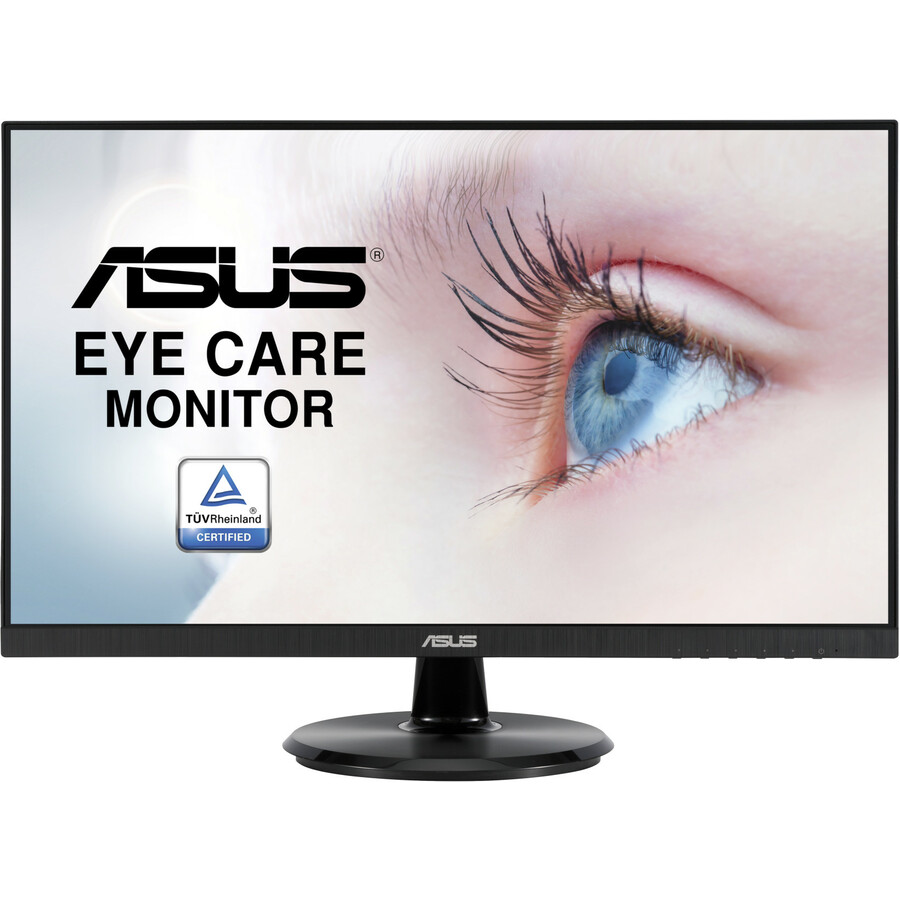
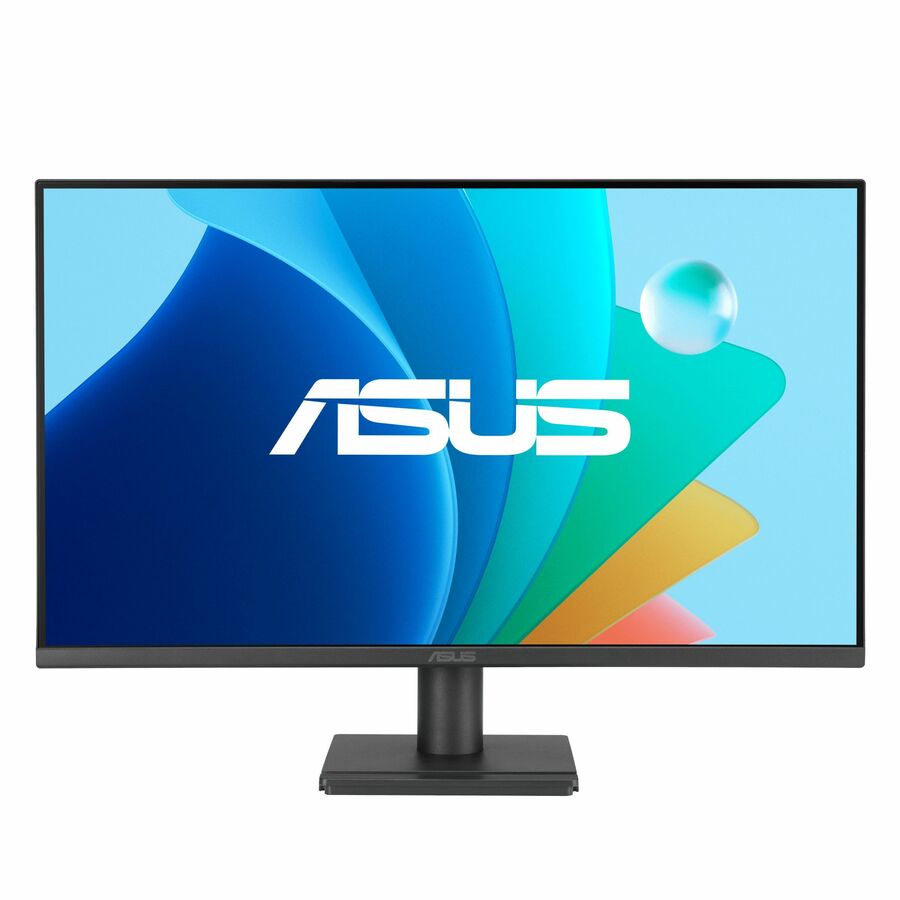
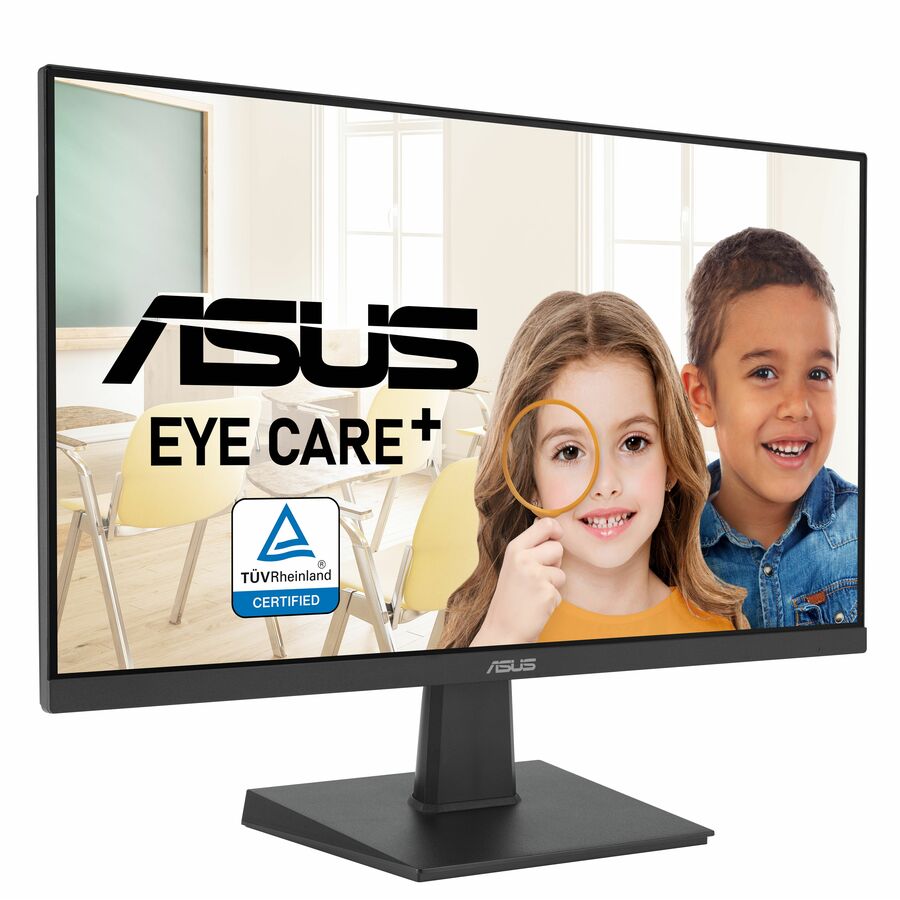
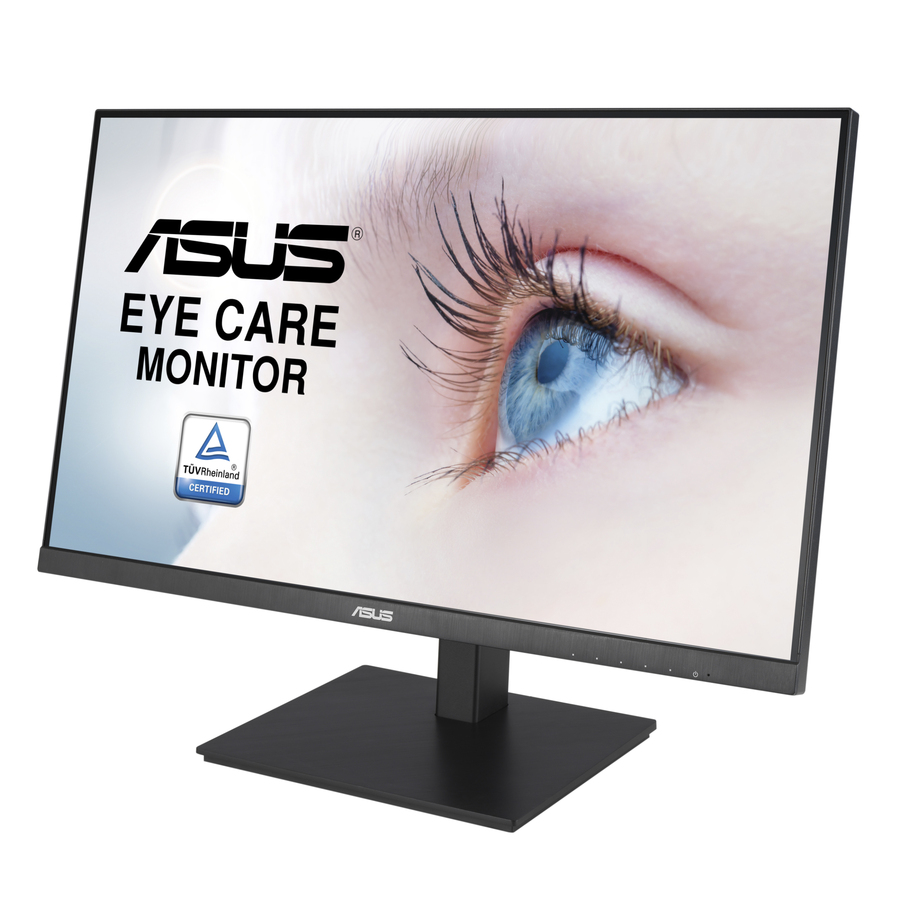
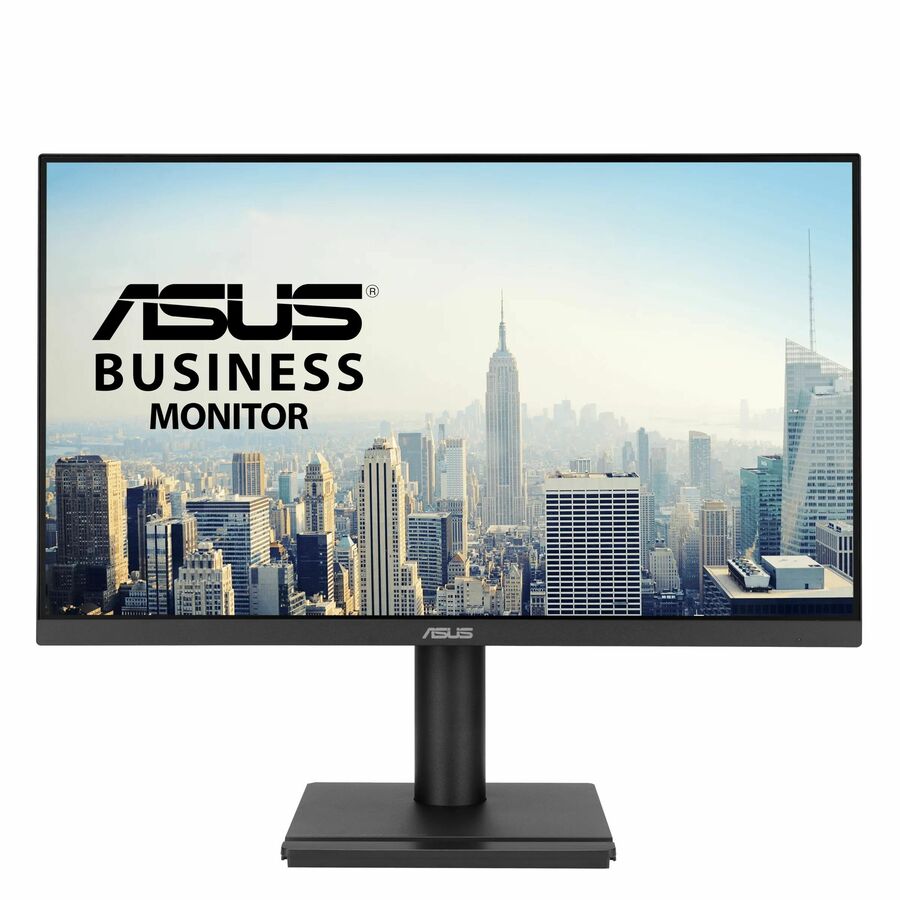
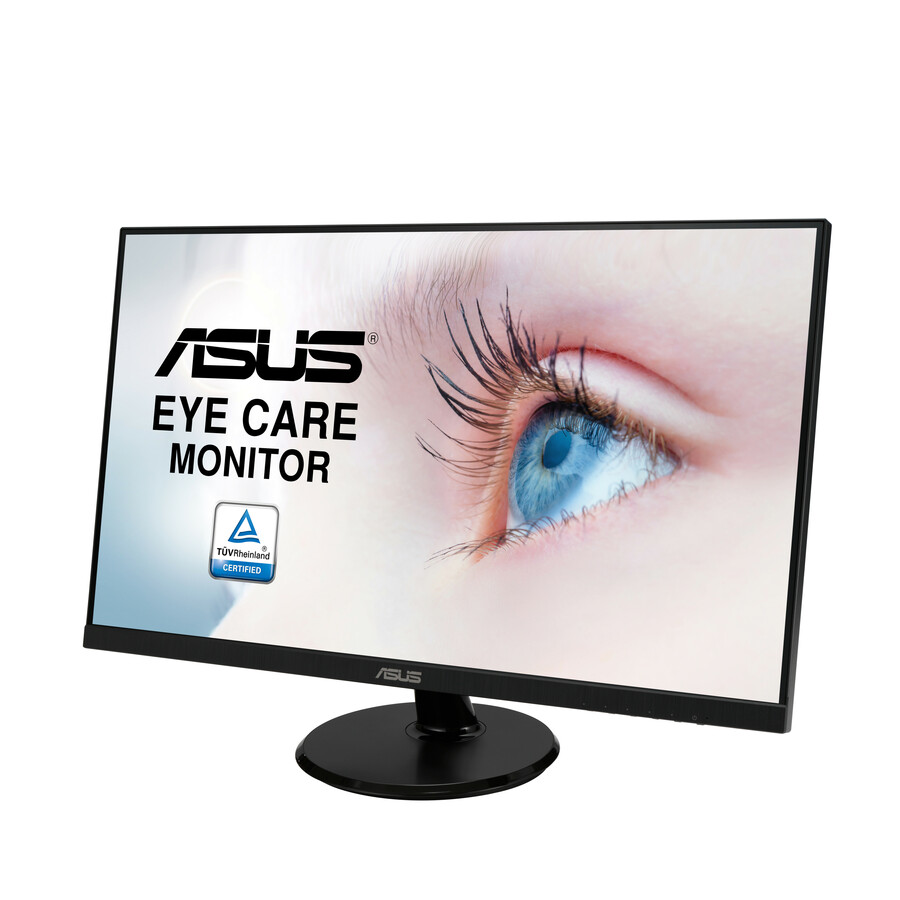
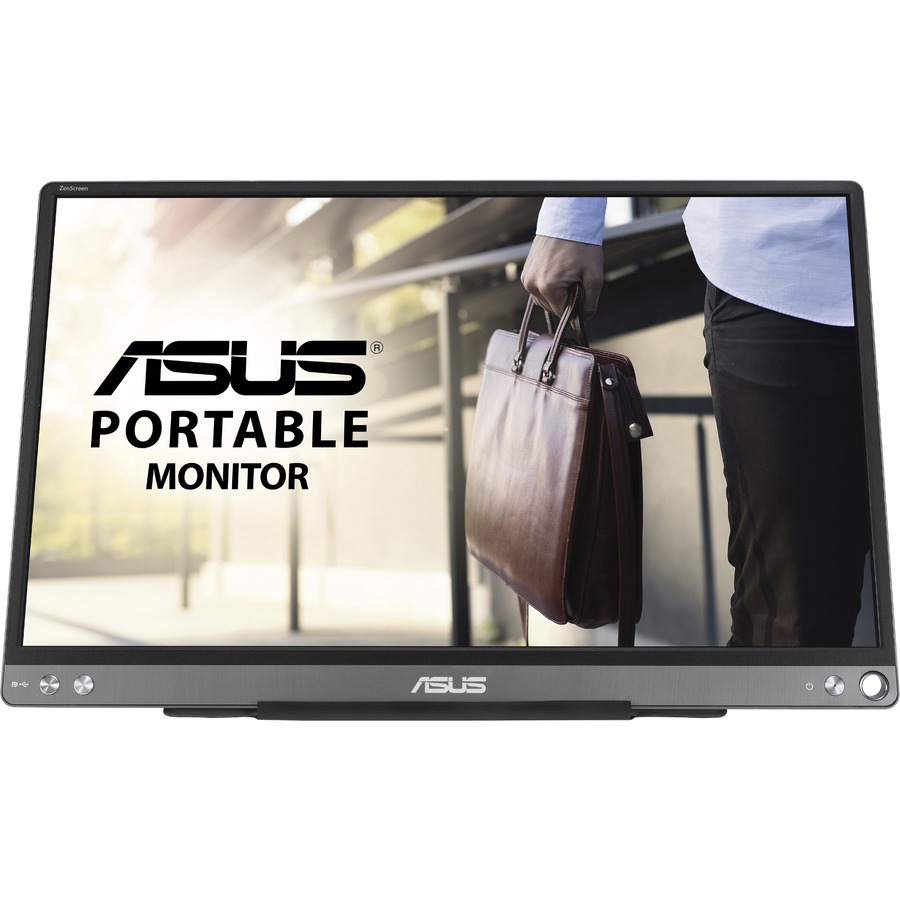
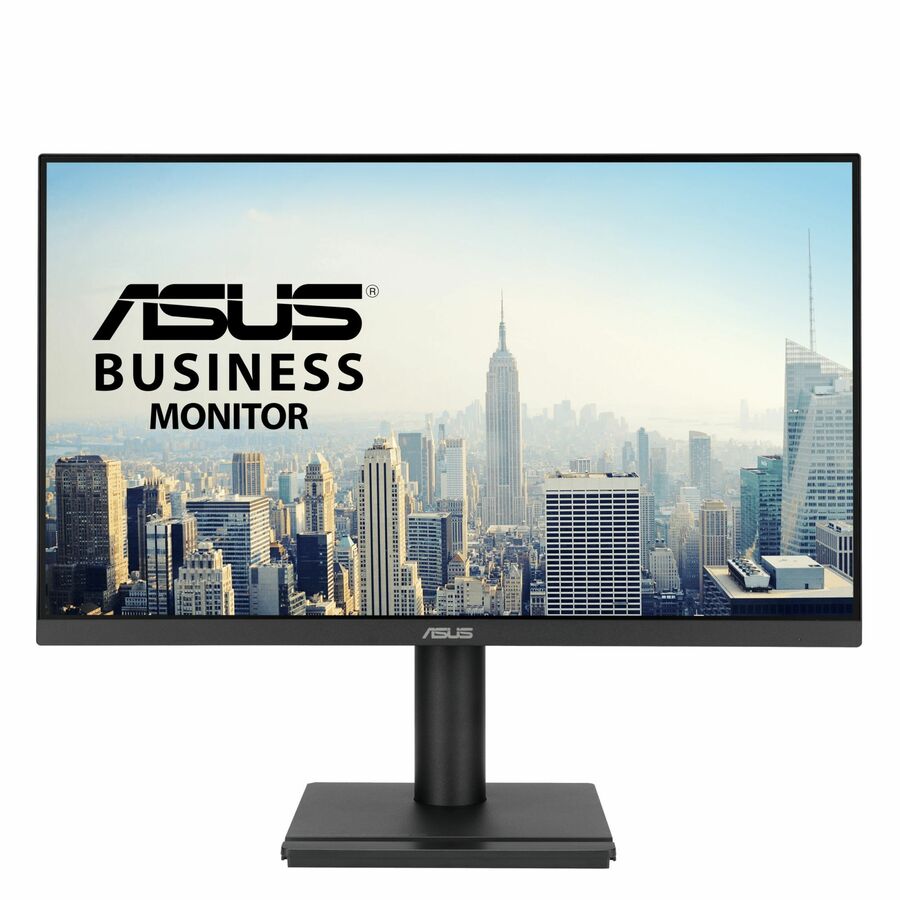


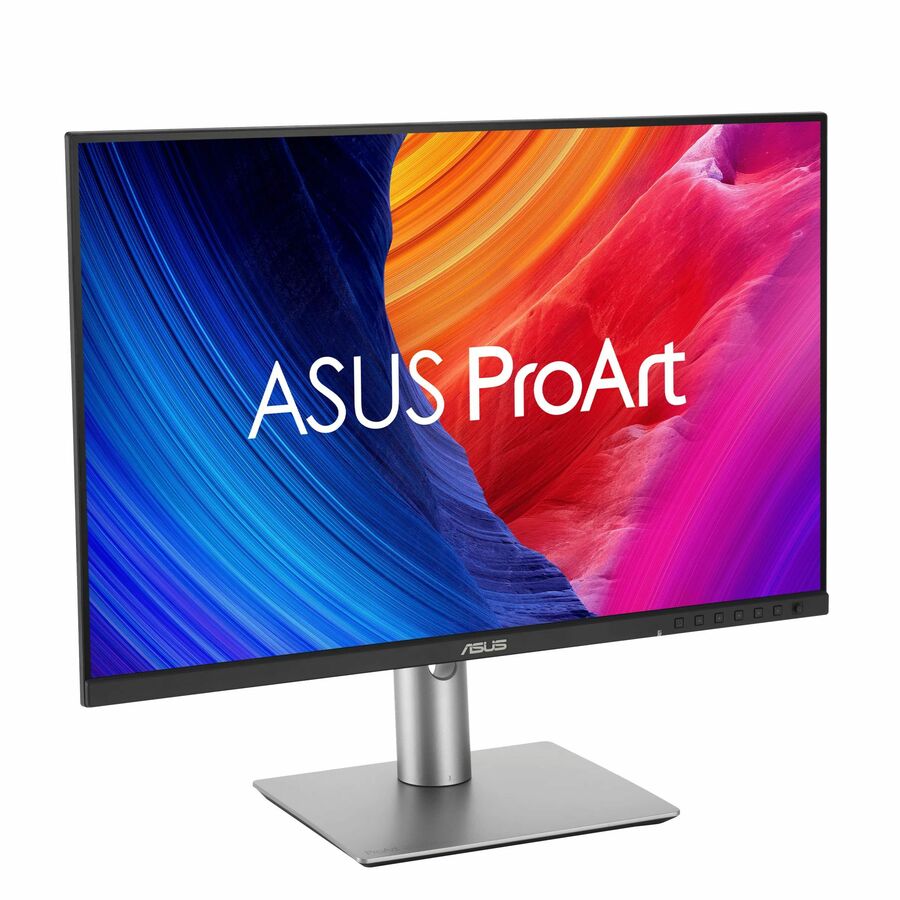
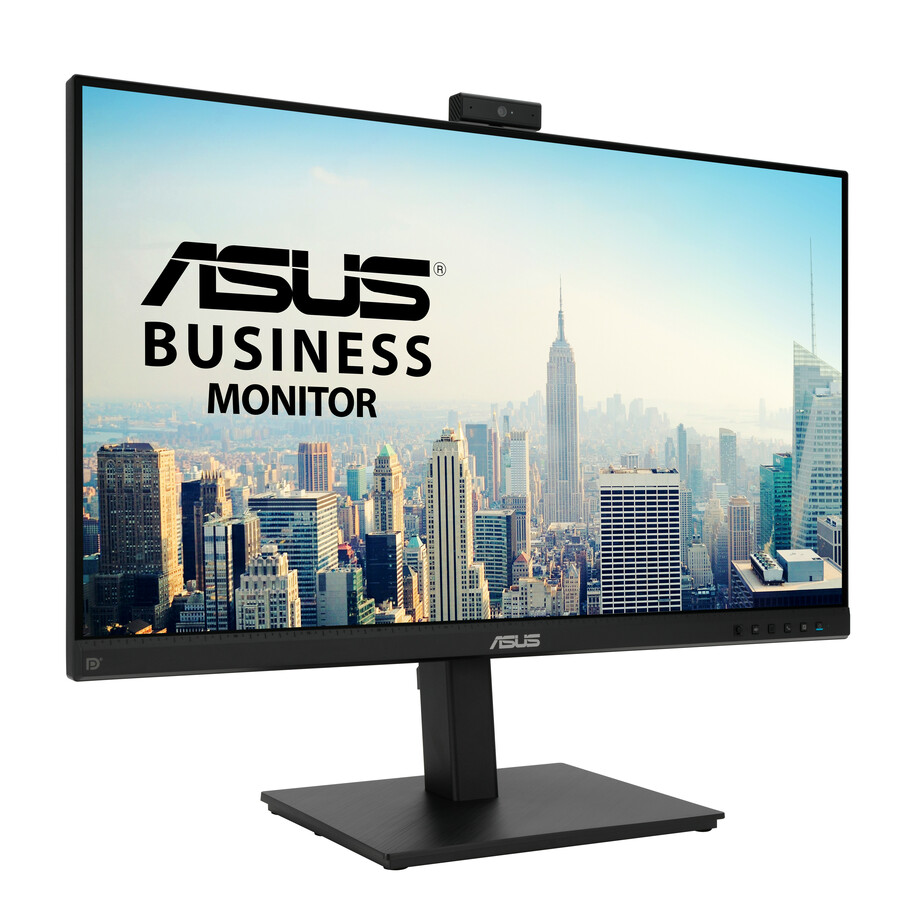


More monitors in the Uniqcli catalog
See all 1,690 monitorsMore ASUS first — closest to what you were just looking at; “See all monitors” above opens every other brand in the category. In-stock lines lead, and a back-ordered line carries the same estimated availability its product page does — with live pricing throughout, NDAA §889 screening before checkout and TAA verified on request.
Back-ordered — estimated OEM lead time 3–8 weeks (Nov 13 – Dec 18 if ordered today).
Back-ordered — estimated OEM lead time 3–8 weeks (Nov 13 – Dec 18 if ordered today).
Back-ordered — estimated OEM lead time 3–8 weeks (Nov 13 – Dec 18 if ordered today).
Back-ordered — estimated OEM lead time 3–8 weeks (Nov 13 – Dec 18 if ordered today).
Back-ordered — estimated OEM lead time 3–8 weeks (Nov 13 – Dec 18 if ordered today).
Back-ordered — estimated OEM lead time 3–8 weeks (Nov 13 – Dec 18 if ordered today).
Back-ordered — estimated OEM lead time 3–8 weeks (Nov 13 – Dec 18 if ordered today).
Back-ordered — we expect to receive stock the week of Nov 2–8 and will process your delivery right after.
Back-ordered — estimated OEM lead time 3–8 weeks (Nov 13 – Dec 18 if ordered today).
Back-ordered — estimated OEM lead time 3–8 weeks (Nov 13 – Dec 18 if ordered today).
Back-ordered — estimated OEM lead time 3–8 weeks (Nov 13 – Dec 18 if ordered today).
Back-ordered — estimated OEM lead time 3–8 weeks (Nov 13 – Dec 18 if ordered today).
Back-ordered — estimated OEM lead time 3–8 weeks (Nov 13 – Dec 18 if ordered today).
Back-ordered — estimated OEM lead time 3–8 weeks (Nov 13 – Dec 18 if ordered today).
Back-ordered — estimated OEM lead time 3–8 weeks (Nov 13 – Dec 18 if ordered today).
Back-ordered — estimated OEM lead time 3–8 weeks (Nov 13 – Dec 18 if ordered today).





Need pricing on ASUS monitors?
Tell us where to reach you and a Uniqcli specialist will follow up by email with current pricing, availability and lead time for the quantities you need — including parts that aren’t shown on this page.
Buying for an organization or for yourself — both work. No payment up front.
Most monitor buying guides written for schools assume every seat is the same seat. In a district, it is not. A general-use lab needs thirty identical, inexpensive, durable panels. A yearbook or digital-media room needs four or five monitors that show color accurately enough that what a student edits is what prints. A staff workstation needs height adjustment and a USB-C connection so a teacher's laptop docks with one cable. Those are three different purchases, and buying the same panel for all three is how districts either overspend on the lab or underspend on the specialist rooms.
ASUS is one of the few benches deep enough to answer all three from one vendor. The catalog carries roughly one hundred and twenty-five photographed, priced ASUS panels: the ProArt line for color-critical work, the BE series for business and staff desks, the VA line as a mainstream option, and TUF and ROG gaming panels that occasionally make sense in an esports or simulation room. Standardizing on one vendor across a building is not a small convenience — it means one mounting pattern to learn, one on-screen menu, one warranty channel and one set of spares.
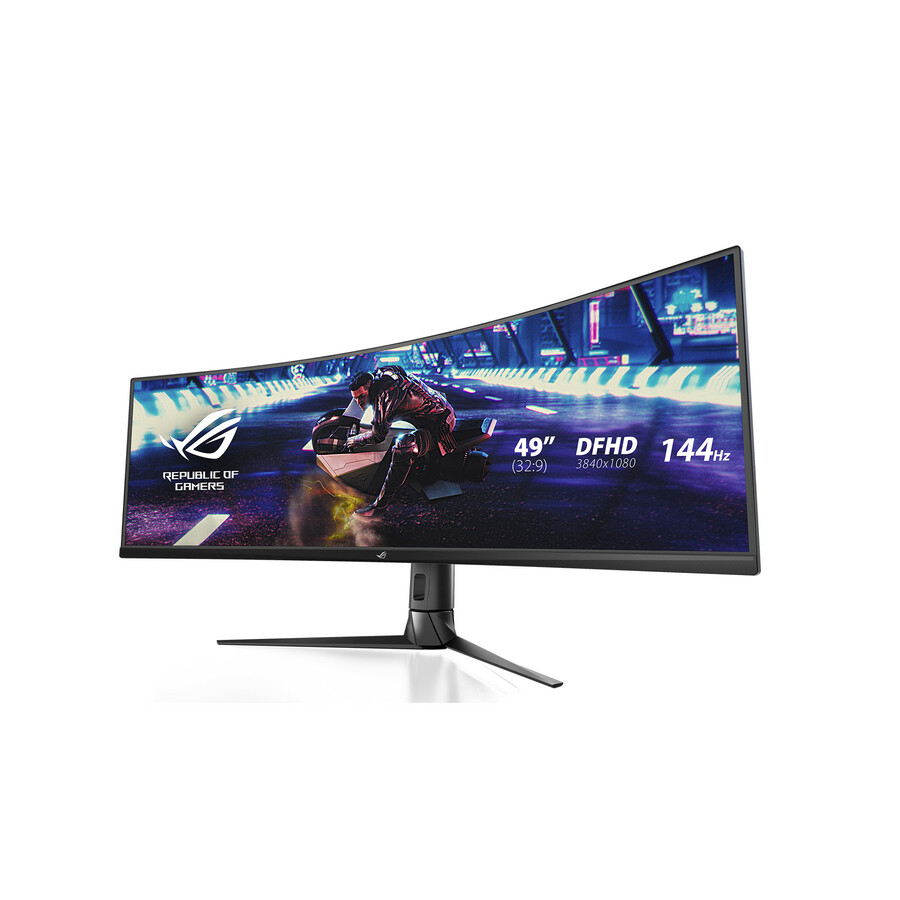
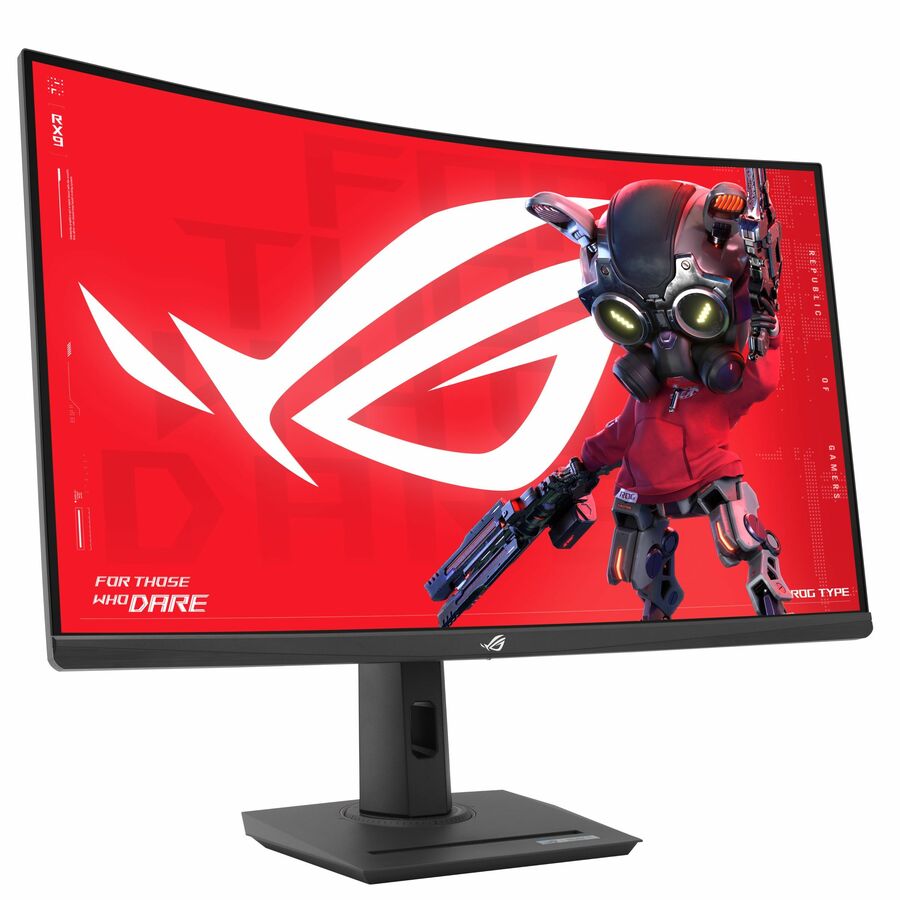
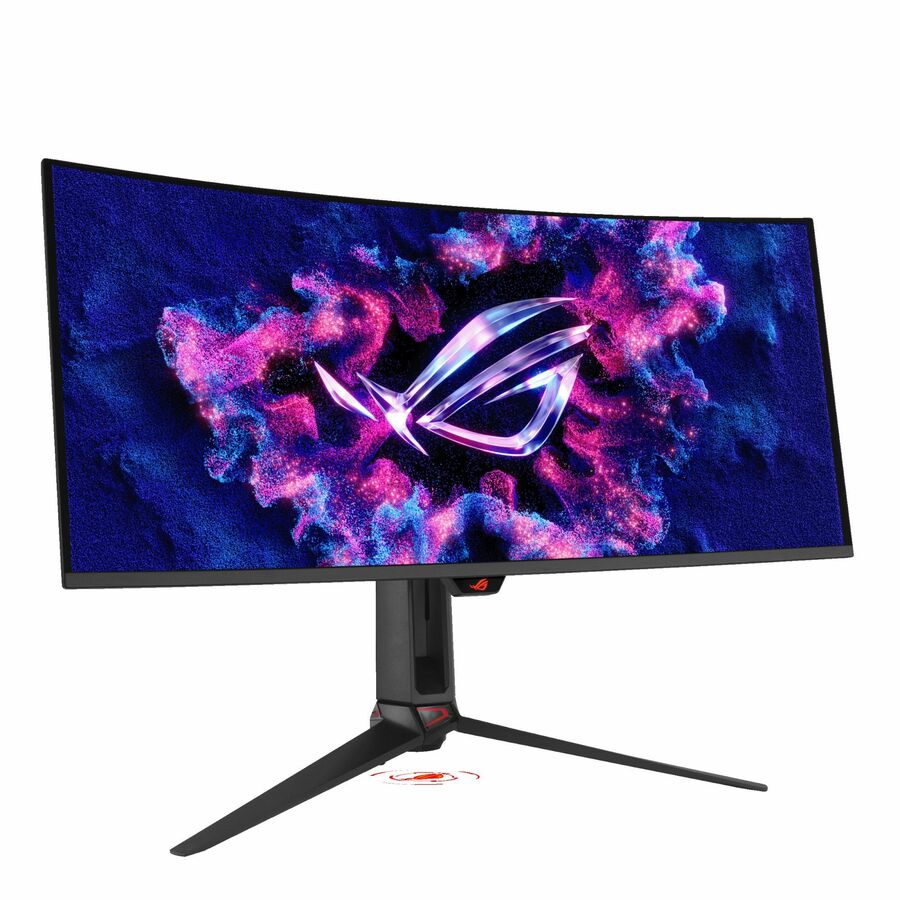
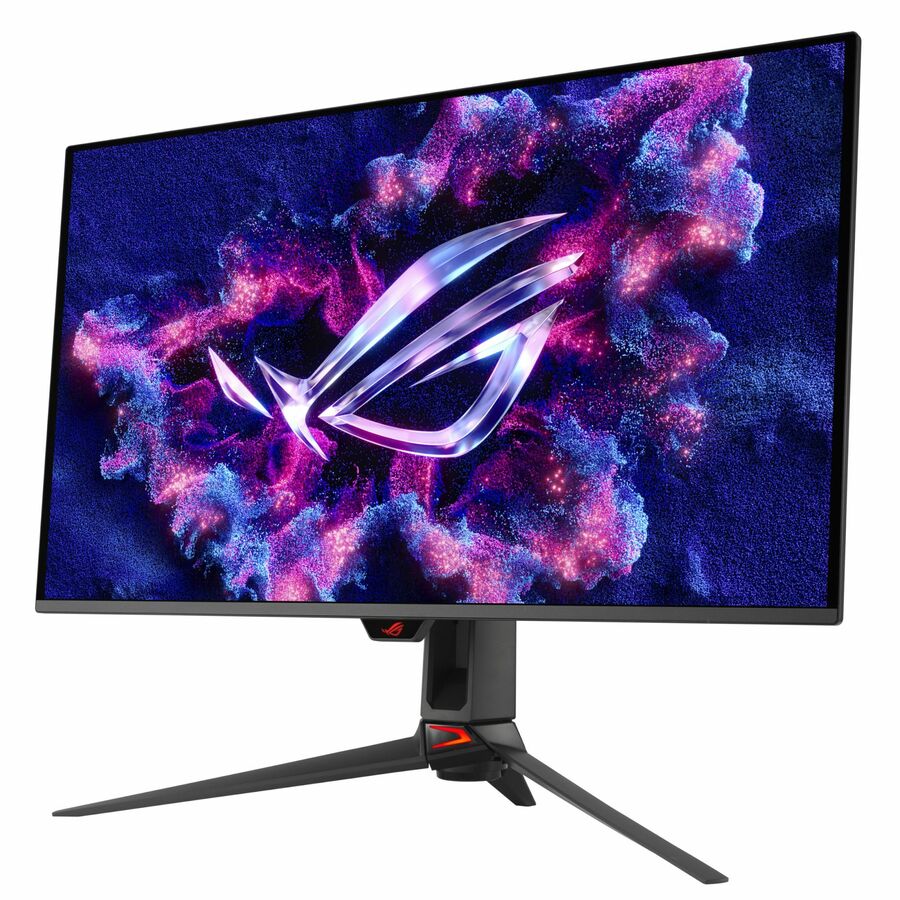
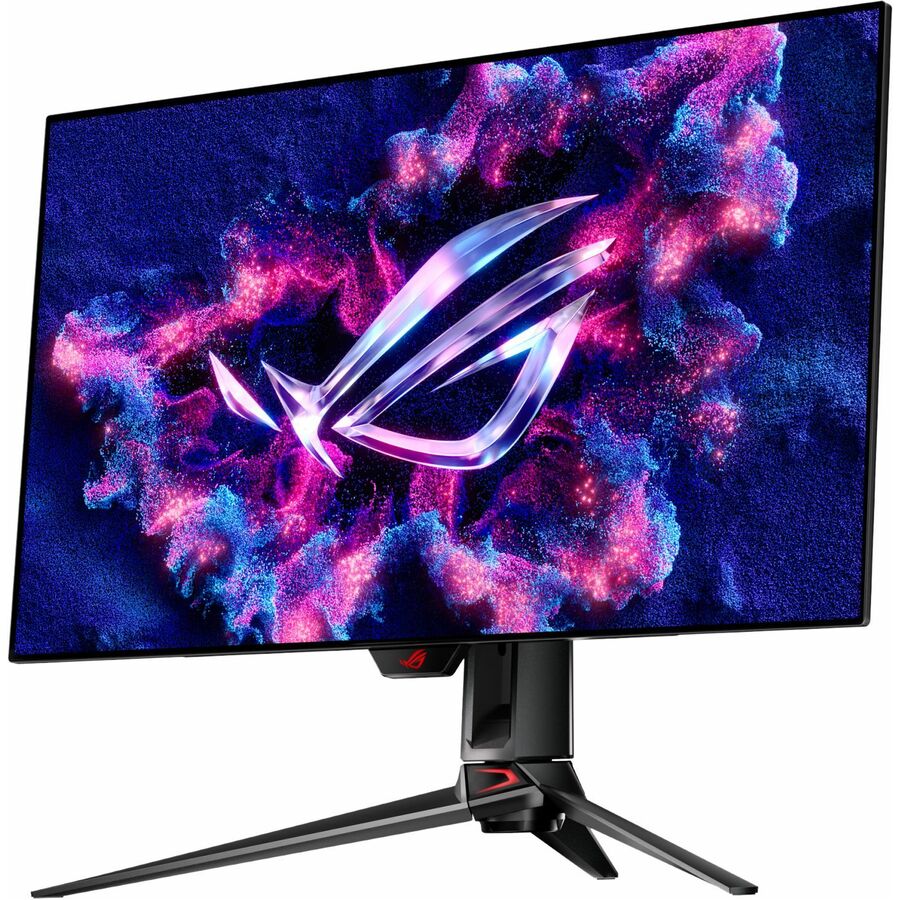
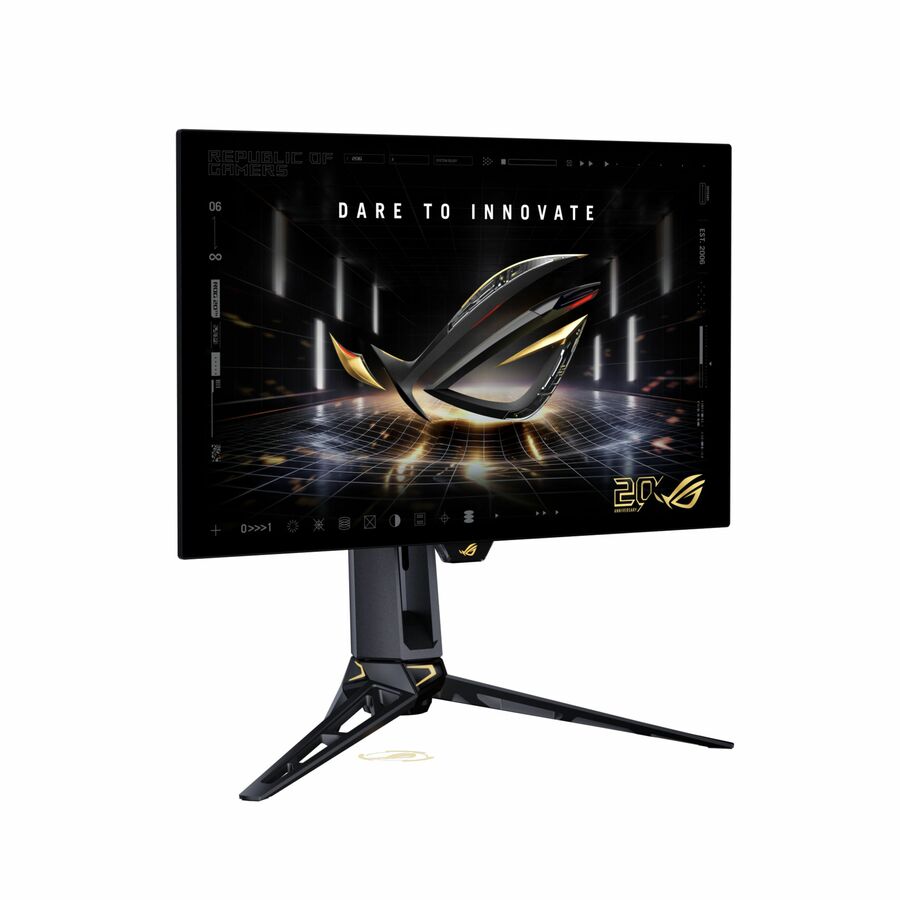
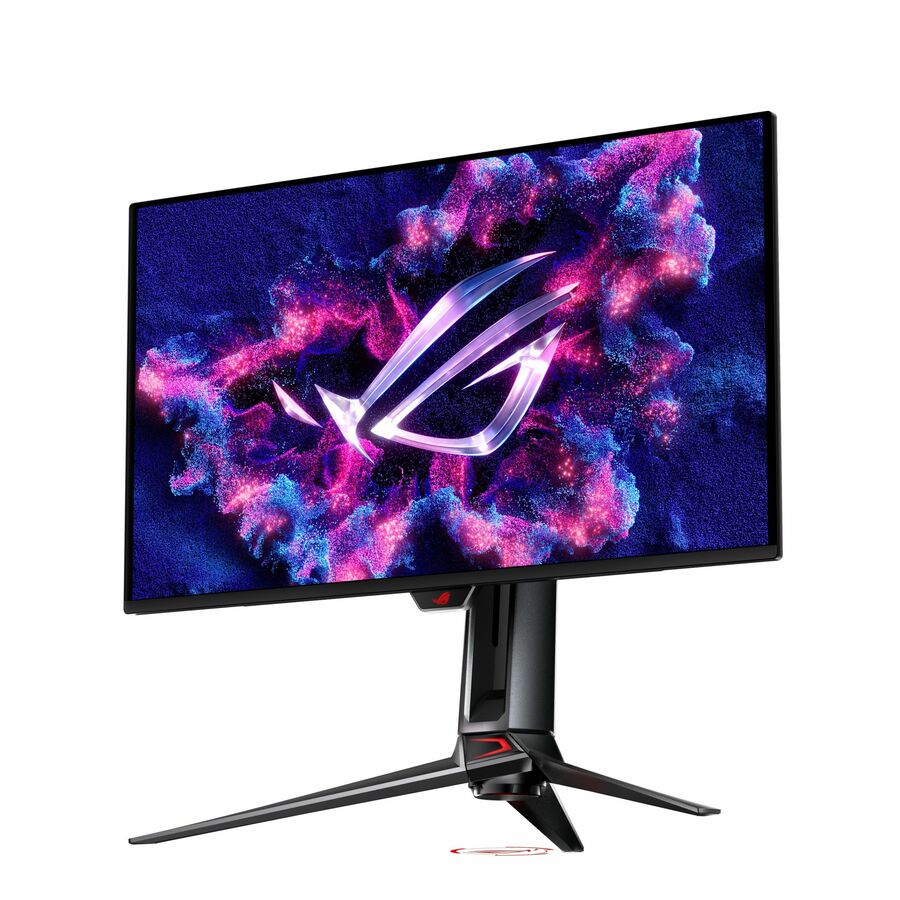
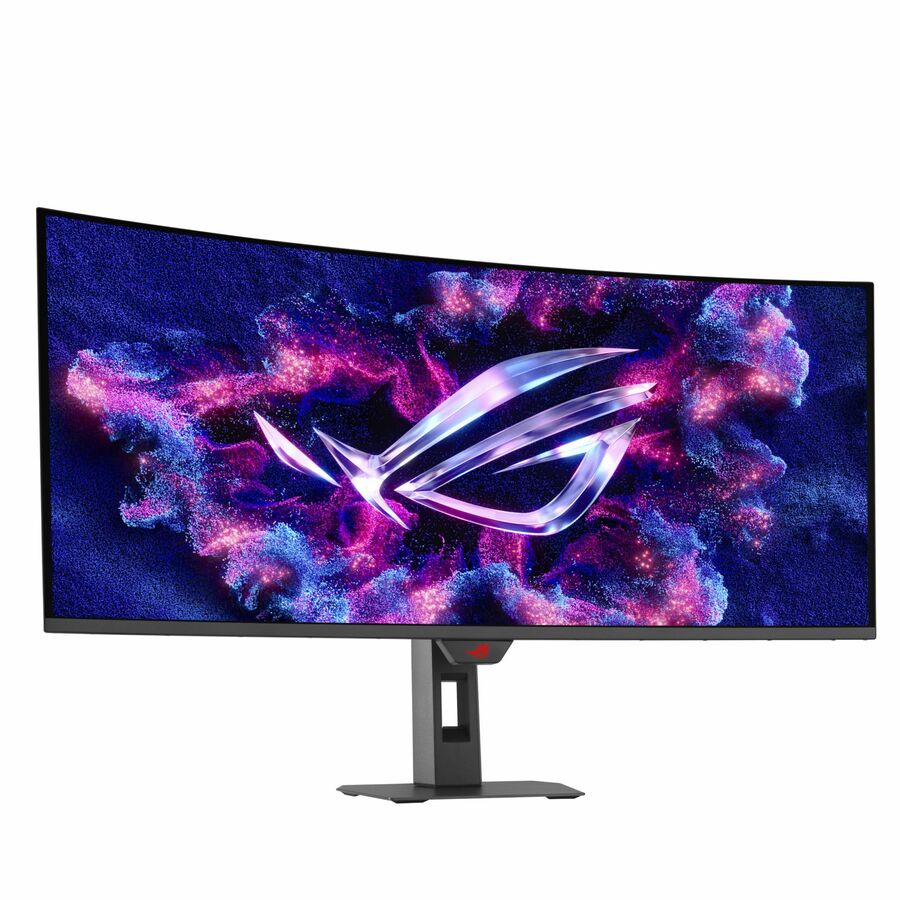
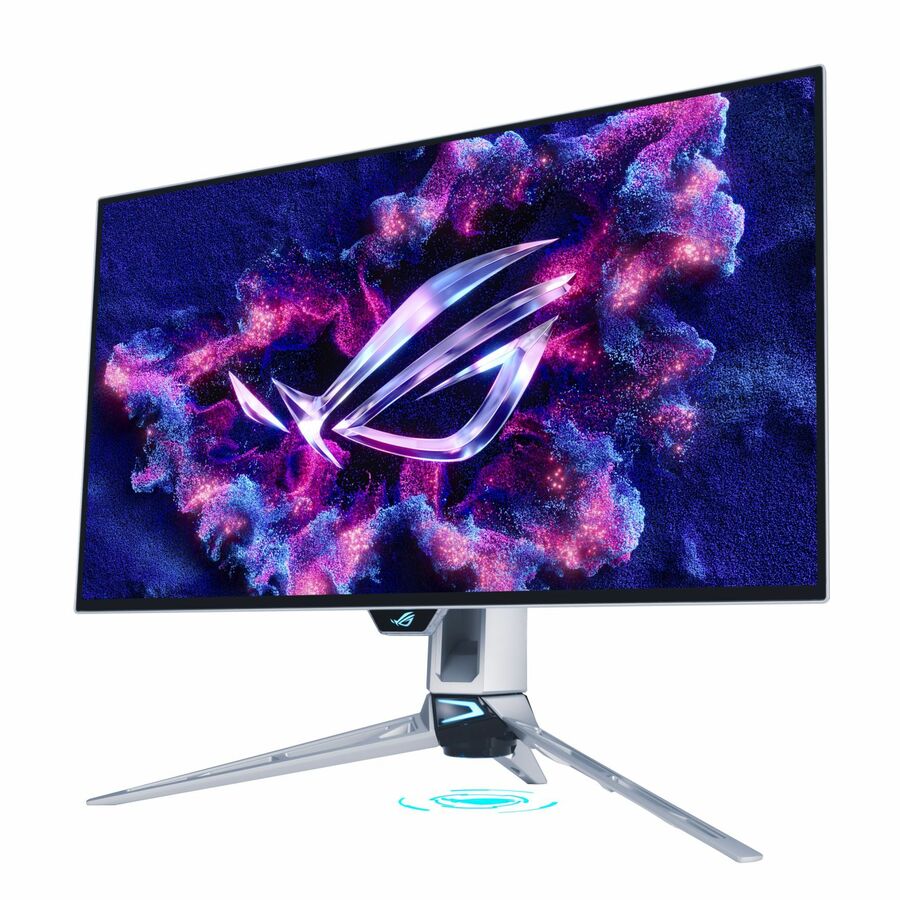
The grid below is live and sorted to show in-stock panels first, with the highest-priced and most-discounted rows leading. That means the large gaming display at the top is not the recommendation — it is simply the most expensive thing currently available. The rows worth a district's attention are further down: the ProArt 27-inch panels for CTE, the BE-series business displays for staff, and the VA and BE 24-inch panels for volume seats.
Buyer's checklist
How to choose ASUS monitors for a school building
- Split the order by room type before you shop. Volume lab seats, staff desks and color-critical CTE stations have different requirements; one part number for all three either wastes money or short-changes the specialist room.
- For color work, look for the specification in the product record, not the brand name. The ProArt rows that state a color-gamut coverage figure and a Delta-E tolerance in the title are the ones a media program can rely on; a panel that simply carries the family name without those figures should be treated as a general-purpose display.
- Check the aspect ratio. Several ASUS BE and ProArt panels are 16:10 at 1920x1200 or 1920x1200-class resolutions rather than 16:9. The extra vertical space is genuinely useful for documents, spreadsheets and code, and it is the sort of detail that gets missed when a requisition just says "24-inch monitor".
- Decide whether the seat needs USB-C. A single USB-C cable that carries video, data and power turns a teacher's docking routine into one connector. Confirm the panel lists USB Type-C, and confirm the laptop it will serve supports video over that port before you standardize on it.
- Specify ergonomics explicitly for staff seats. The BE-series rows that list height, pivot, tilt and swivel adjustment are the ones that will still be comfortable in year four; fixed-stand panels are acceptable in a student lab and a false economy on a desk somebody sits at all day.
- Confirm TAA country-of-origin status on the quote for the specific part. A small number of rows in this bench record TAA compliance in the product data itself, but that attribute belongs on the quote for the exact part number you are buying rather than being inferred from a family name.
- Skip the refresh-rate arms race outside esports rooms. Several panels here list 100 Hz, 120 Hz or far higher. Unless the room is specifically a simulation or competitive-gaming space, that specification should not move the decision or the price per seat.
- Fix the part number and buy the room from one lot. Panel families get revised between production runs; a room assembled from three orders across two years is a room where the mounting plate does not always fit.
ProArt: the narrow case where color accuracy is the requirement
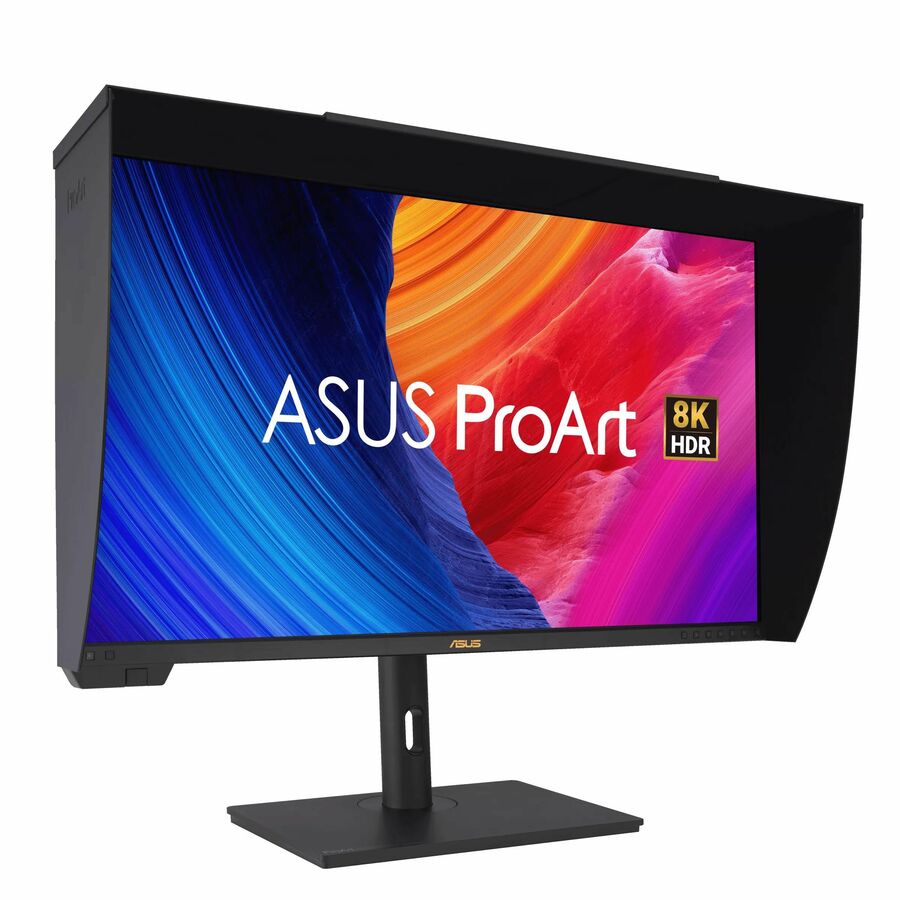
There is a small, real set of rooms in most districts where monitor color is not a preference. Yearbook and student-publication programs send files to a printer and get back something that has to match. Digital-media and broadcast courses grade video that will be shown on other screens. Graphic-design and CTE visual-communications pathways teach students to work to a color standard because the industry they are being prepared for works to one. In those rooms, an ordinary office panel quietly teaches the wrong habits.
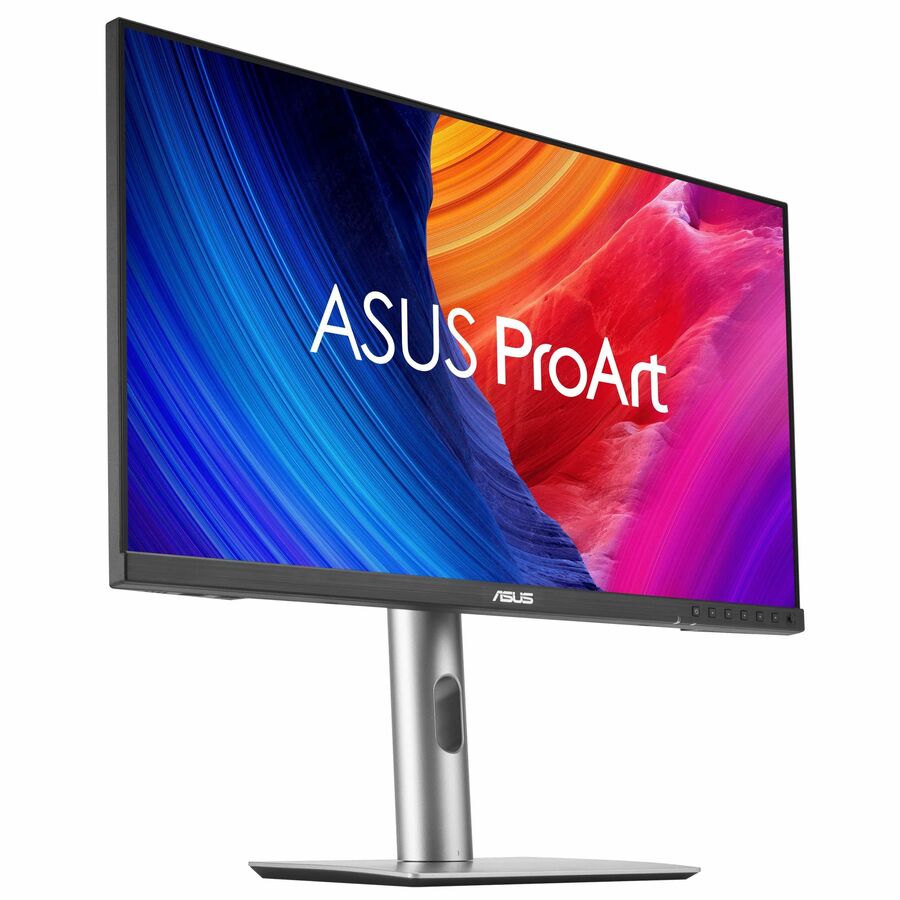
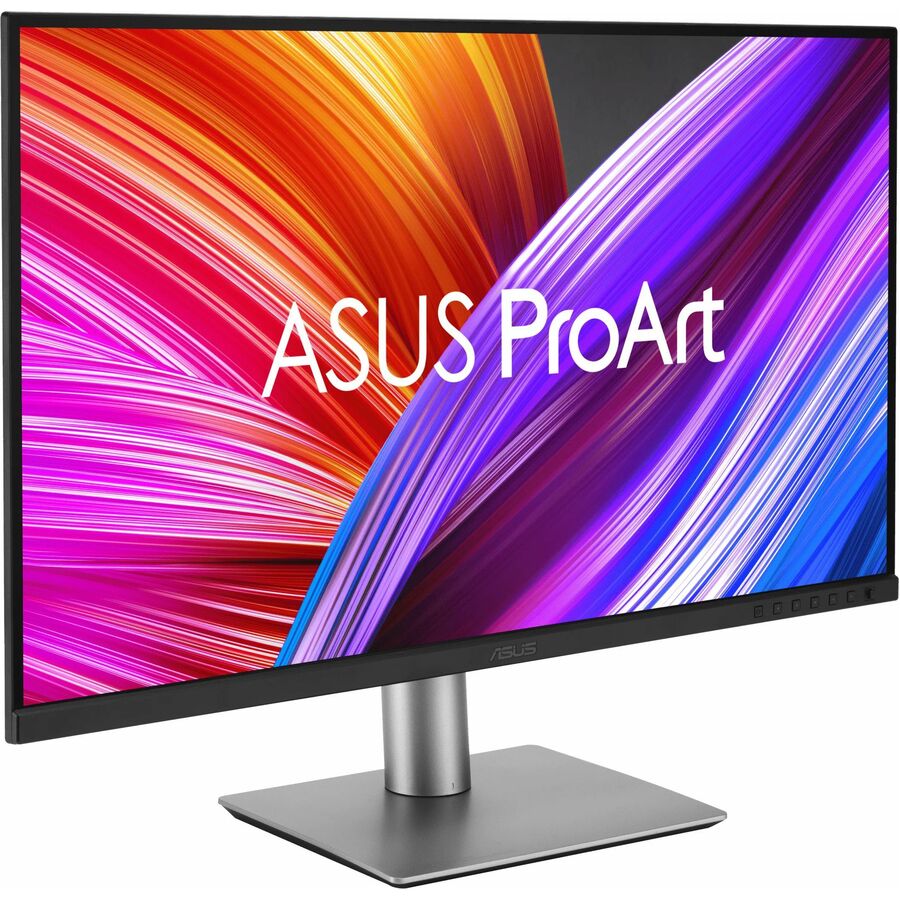
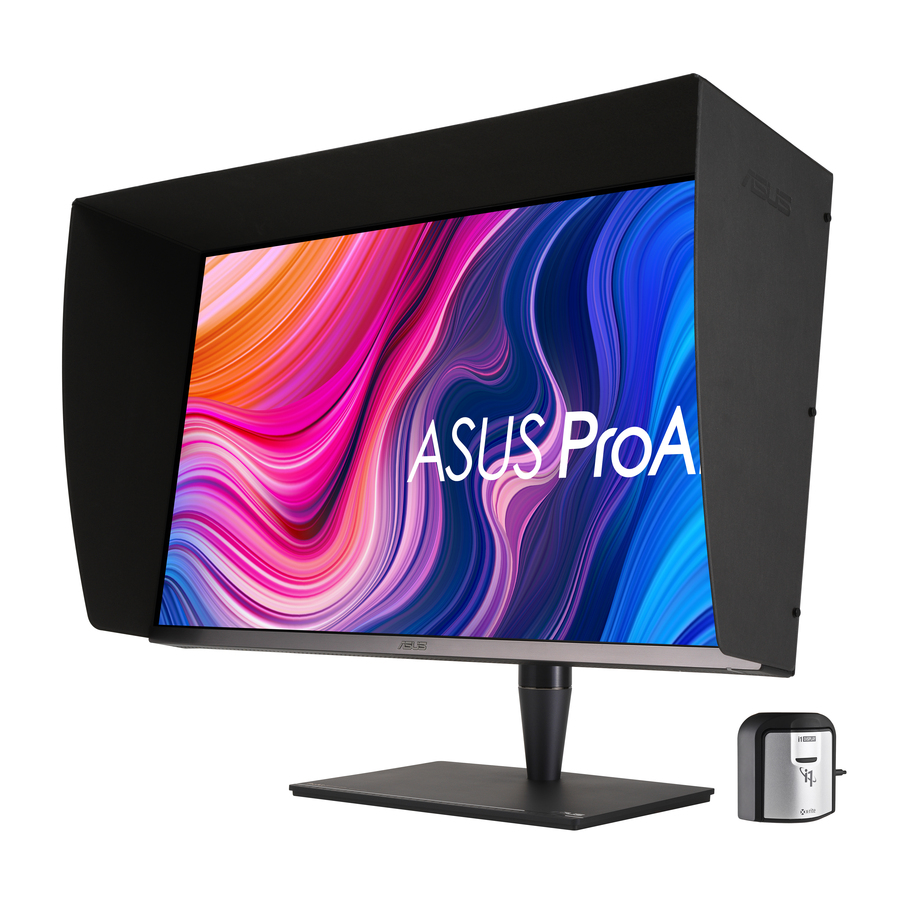
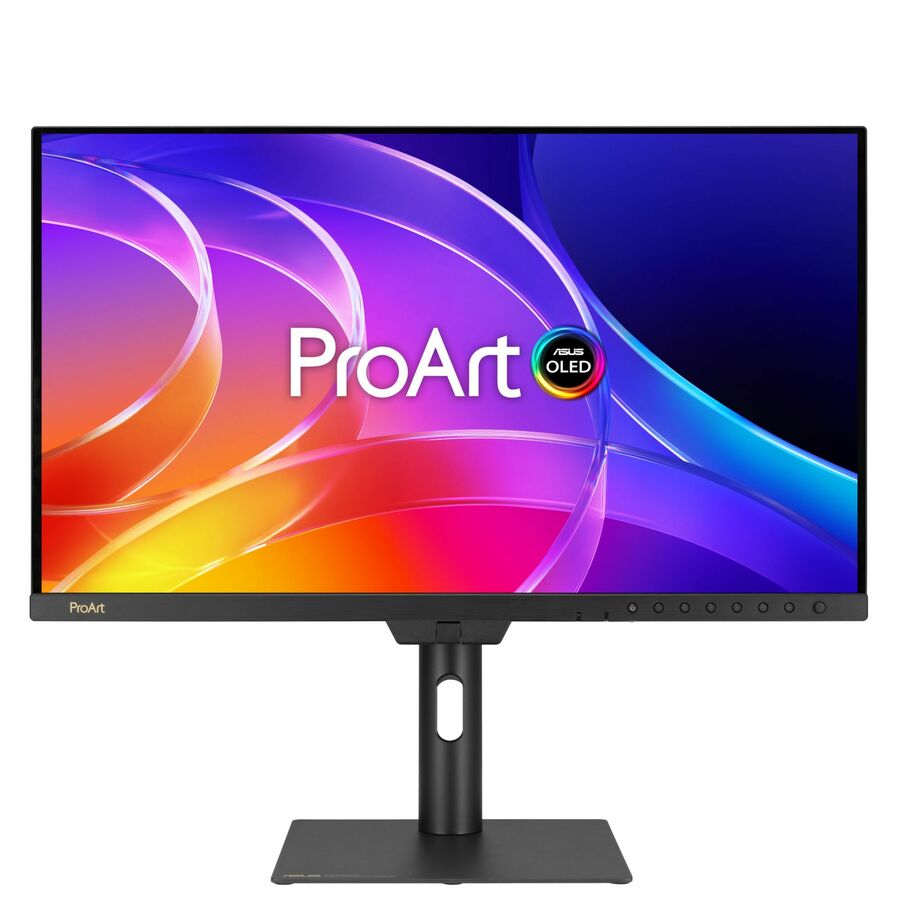
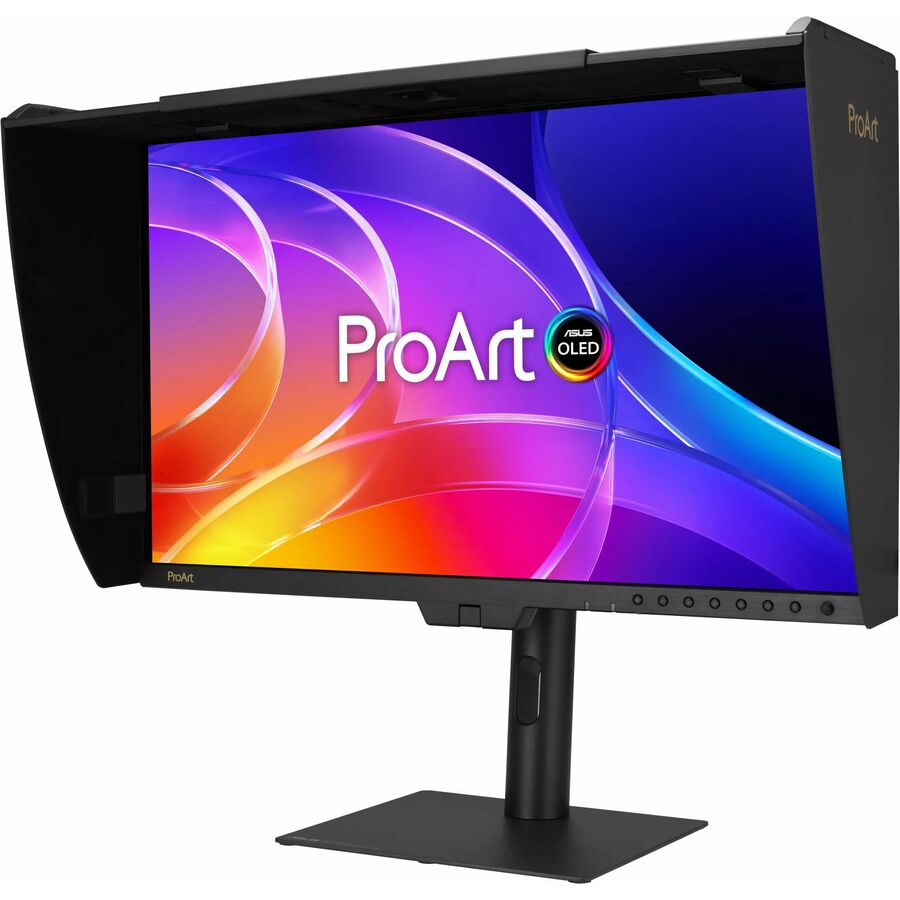
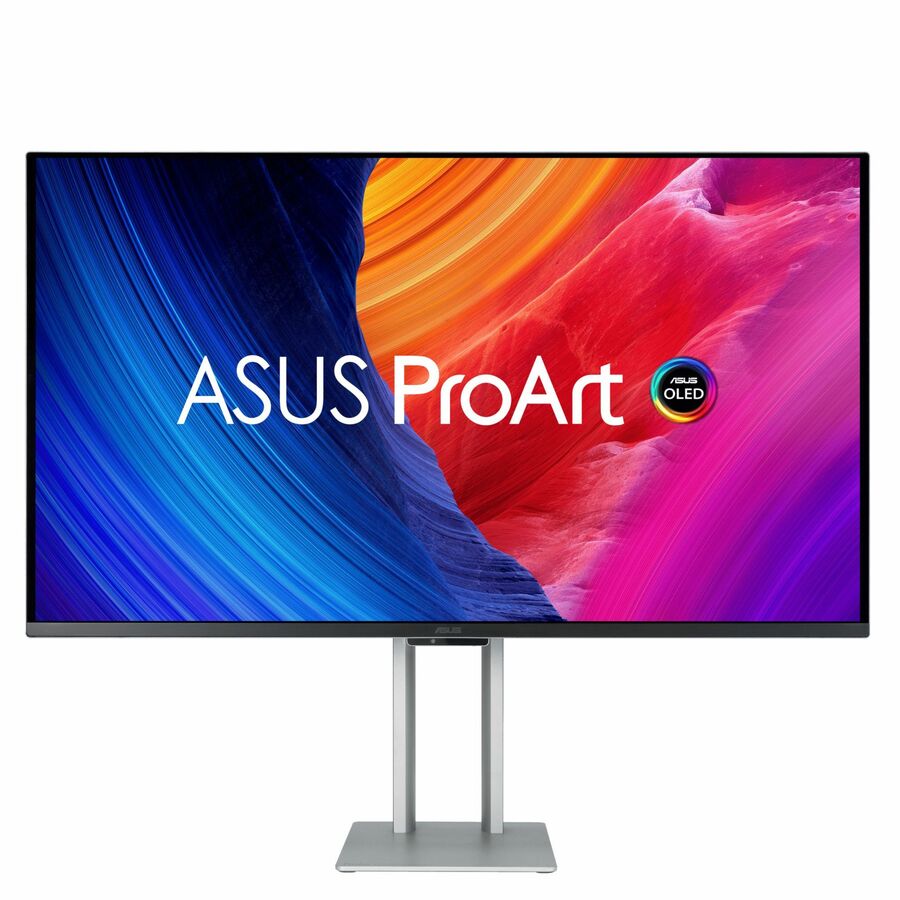
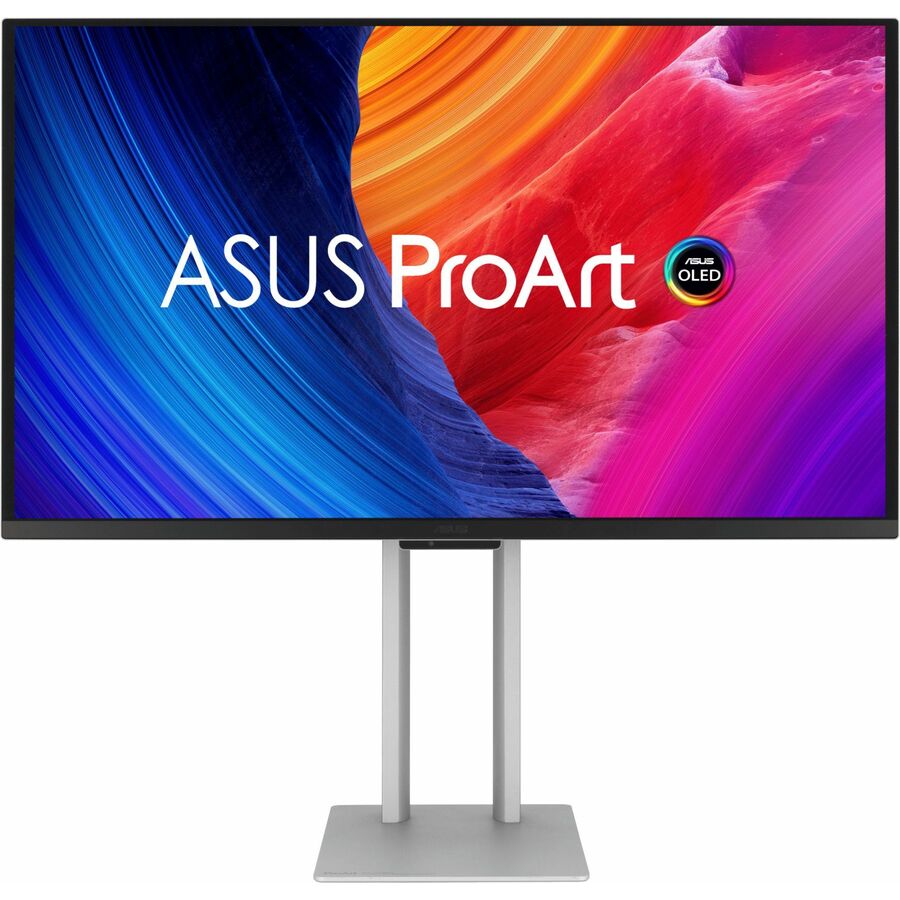
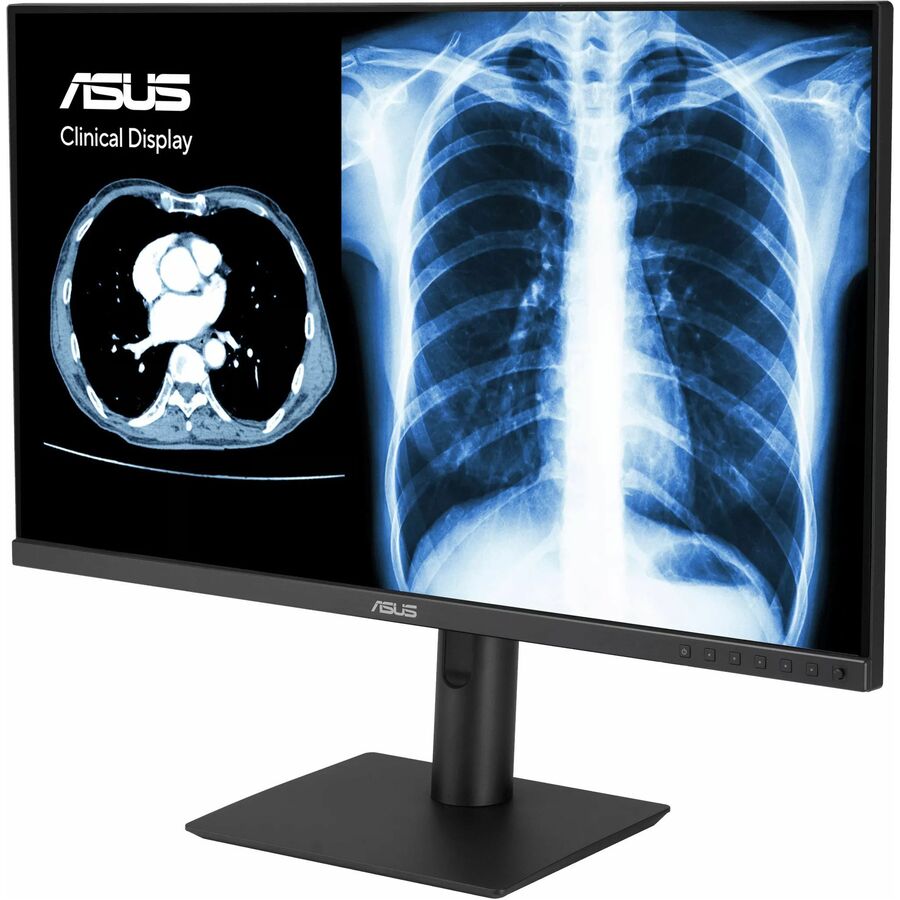
The ProArt rows in this bench are the ones aimed at that use. The PA278CV is the most explicit about it: its product record states QHD 2560x1440, in-plane switching, 100 percent sRGB and Rec. 709 coverage, a Delta-E tolerance below 2, Calman verification, USB-C, DisplayPort daisy-chaining and a height-adjustable stand. That is a specification a media instructor can point at. The PA279CV steps up to 27-inch 4K at 360 nits with USB-C, HDMI, DisplayPort and Mini DisplayPort, which suits a video-editing seat that needs the resolution as well as the accuracy.
A word of caution about how these are described. We are quoting the coverage and tolerance figures that appear in the product record for those specific parts, and we are not going to generalise them across the family — several other ProArt-named rows in this bench do not carry those figures in their records at all. If color accuracy is the reason for the purchase, buy the specific part whose record states the specification, and ask us to confirm it against the manufacturer datasheet before the order goes in.
BE series: the staff-desk and front-office answer
The BE line is ASUS's business range, and it is the part of this bench most districts will actually deploy in volume outside the lab. The distinguishing features are the ones that matter on a desk somebody occupies for six hours a day: full ergonomic adjustment, USB hubs, and in several rows a USB-C connection that handles video and data over one cable.
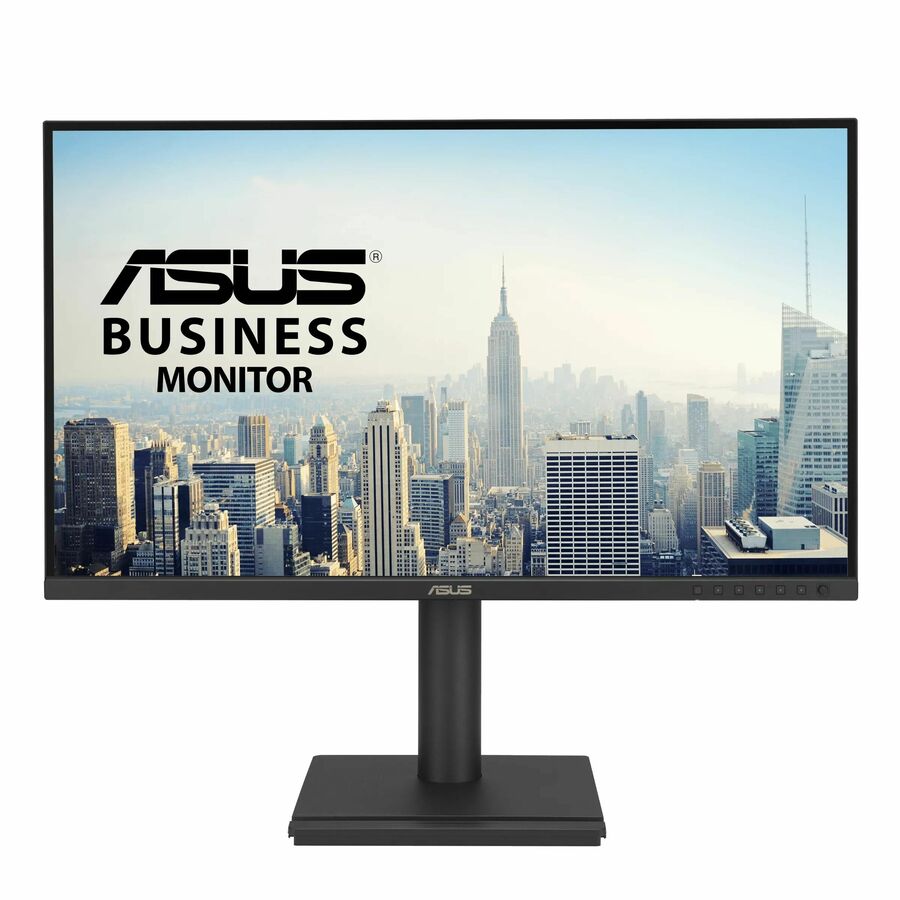
The BE27ACGN is a representative example — 27-inch WQHD at 2560x1440, in-plane switching, 350 nits, with swivel, height, pivot and tilt adjustment, USB-C, HDMI, DisplayPort, a USB hub and VESA mounting. For a counsellor, a registrar or a building administrator working across two windows all day, that combination is the difference between a monitor and a workstation. The BE248CFN is the 24-inch, 16:10 counterpart at 1920x1200 — the extra hundred and twenty vertical pixels sound trivial and are not, once somebody is reading student records or working a spreadsheet.
The BE27AQG is worth separate mention because its product record explicitly states TAA compliance alongside the same 27-inch WQHD panel and full ergonomic adjustment. Where country-of-origin status is a documented requirement for a particular purchase, that attribute needs to be confirmed on the quote for the exact part number rather than assumed from the family — but it is a useful starting point when a specification has to be written before the quote comes back.
Which ASUS panel for which room
PA278CV — the CTE and media-lab default. Upside: the color specification is stated explicitly in the product record, it has USB-C and DisplayPort daisy-chaining so two panels can run from one laptop port, and the stand adjusts. Downside: 1440p rather than 4K, so a video program working with high-resolution footage will want the step up.
PA279CV — the 27-inch 4K ProArt option. Upside: resolution and brightness for editing seats, with USB-C, HDMI, DisplayPort and Mini DisplayPort covering essentially any machine you connect. Downside: it costs roughly what three volume lab panels cost, which places it firmly in the specialist-seat category rather than the floor plan.
BE27ACGN — the staff-desk recommendation. Upside: 27-inch WQHD, IPS, full four-way ergonomic adjustment, USB-C and a USB hub. Downside: at 350 nits it is bright enough for a normal office but not for a west-facing room with no blinds, and the price puts it out of reach for a thirty-seat lab.
BE248CFN — the 24-inch, 16:10 option for document-heavy seats. Upside: 1920x1200 gives real vertical working space, USB-C simplifies docking, and 24 inches fits a standard shallow desk. Downside: 16:10 panels can look unusual next to 16:9 monitors in the same room, which is another argument for standardizing a whole space rather than replacing desks one at a time.
VA27UCPS — the value 4K panel. Upside: 27-inch 4K with in-plane switching and USB-C at a materially lower price than the ProArt equivalents. Downside: it does not carry the stated color tolerance the ProArt rows do, so it belongs on a general staff or CTE seat rather than in a color-critical workflow.
What not to buy for a classroom
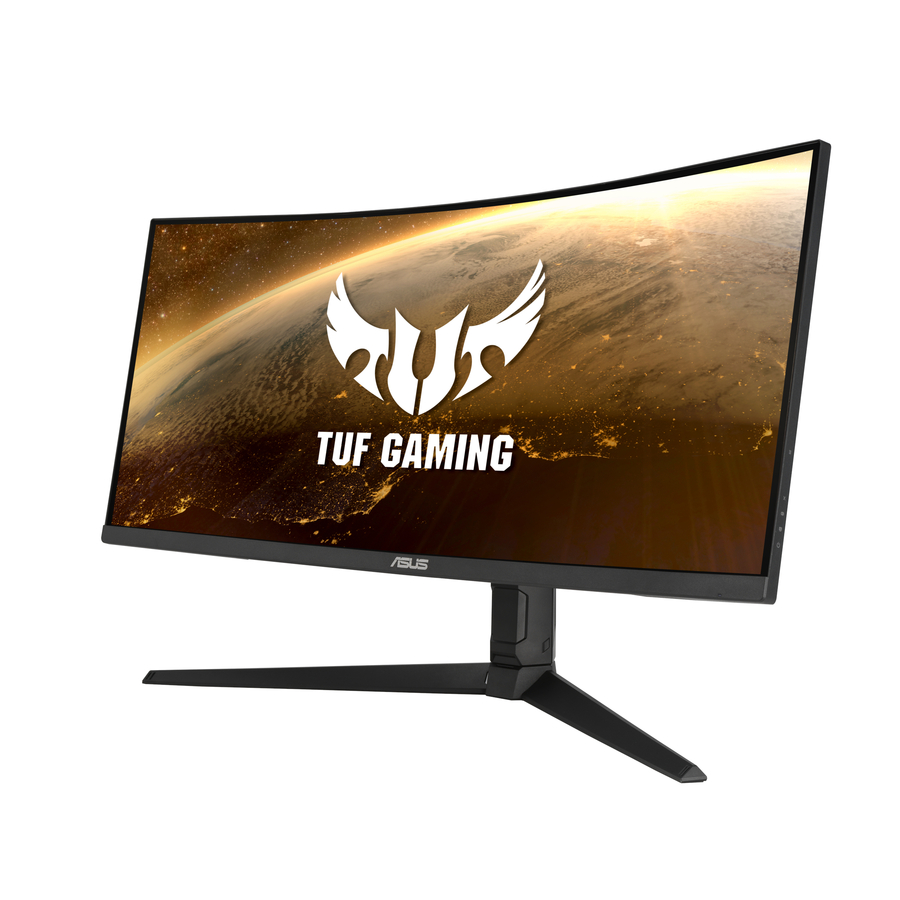
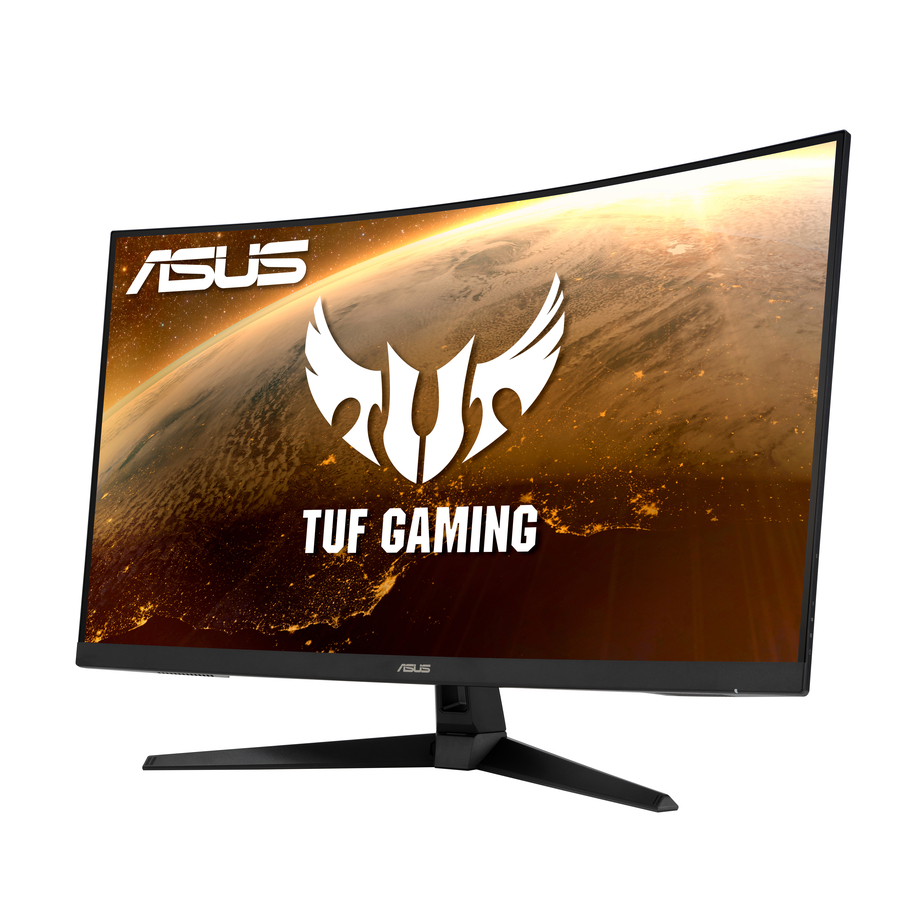
The gaming panels in this bench — the ROG and TUF rows, the curved ultrawides, the very high refresh-rate displays — are legitimate products that are almost never the right answer for a school purchase. A 49-inch ultrawide is a poor fit for a lab desk, a 180 Hz refresh rate does nothing measurable for coursework, and both carry a price premium that is entirely wasted on a general-use seat.
There is one exception worth naming honestly: a district running a competitive esports program has a real reason to buy high-refresh panels, because that is the specification the competition format assumes. If that is the room being equipped, say so on the quote request and the shortlist changes completely. For every other room in the building, the money is better spent on ergonomics, resolution and buying enough identical units to finish the space in one order.
The same logic applies to curved panels generally. They are pleasant at a single desk and awkward in a row, because a curve that suits one seating position is a distortion from the seat beside it. Flat panels remain the right default for anywhere students sit shoulder to shoulder.
FAQ
Common questions
- Which ASUS monitors are appropriate for a digital-media or yearbook program?
- Look at the ProArt rows whose product records state a color-gamut figure and a Delta-E tolerance — the PA278CV records 100 percent sRGB and Rec. 709 coverage with Delta-E below 2, and the PA279CV adds 4K resolution. Those are the panels a program sending files to a printer can work against. Do not assume the specification across the whole family; buy the specific part whose record states it and ask us to confirm against the manufacturer datasheet.
- What does 16:10 mean on a monitor, and does it matter for schools?
- It is the aspect ratio: a 16:10 panel is taller than a 16:9 panel of the same width, typically 1920x1200 rather than 1920x1080. Those extra vertical pixels show more of a document, a spreadsheet or a page of code without scrolling, which is genuinely useful at a registrar's or counsellor's desk. It matters less in a general lab, and mixing 16:10 and 16:9 panels in one room looks inconsistent, so decide per space rather than per order.
- Do we need USB-C monitors for a school?
- Only where laptops dock at fixed desks. A USB-C panel that carries video, data and power lets a teacher connect with one cable instead of three, which measurably reduces the number of help requests that turn out to be an unplugged display cable. It is wasted money on a desktop lab seat where the machine never moves. Confirm the laptop supports video over its USB-C port before standardizing on it.
- Are gaming monitors ever the right choice for a school?
- Rarely, and only for a specific reason. A competitive esports program buys high-refresh panels because the competition format assumes them, and that is a legitimate specification. For general instruction, coursework and lab use, high refresh rates make no measurable difference and the price premium is better spent on ergonomics, resolution or simply on finishing the room in one order.
- How do we confirm TAA country-of-origin status on a specific monitor?
- Ask for it on the quote for the exact part number. A small number of rows in this bench record TAA compliance in the product data itself, which is a useful starting point when a specification has to be drafted before quotes come back, but country-of-origin status belongs on the quote for the specific part being purchased rather than inferred from a product family.
Need ASUS monitors pricing?
Send a bill of materials or part numbers — we confirm stock and a below-market total, with TAA verified on request. No payment up front.