
Best BenQ Monitors for Classrooms and Media Labs
PhotoVue and DesignVue panels for CTE and media programs, BL and GW business displays for volume seats.
BenQ monitors in stock at Uniqcli
How to choose →A curated selection with live pricing — in-stock lines first, then back-ordered lines with a typical lead time. Every line is sourced through US distribution and screened for NDAA §889 status before checkout, with TAA verified on request.

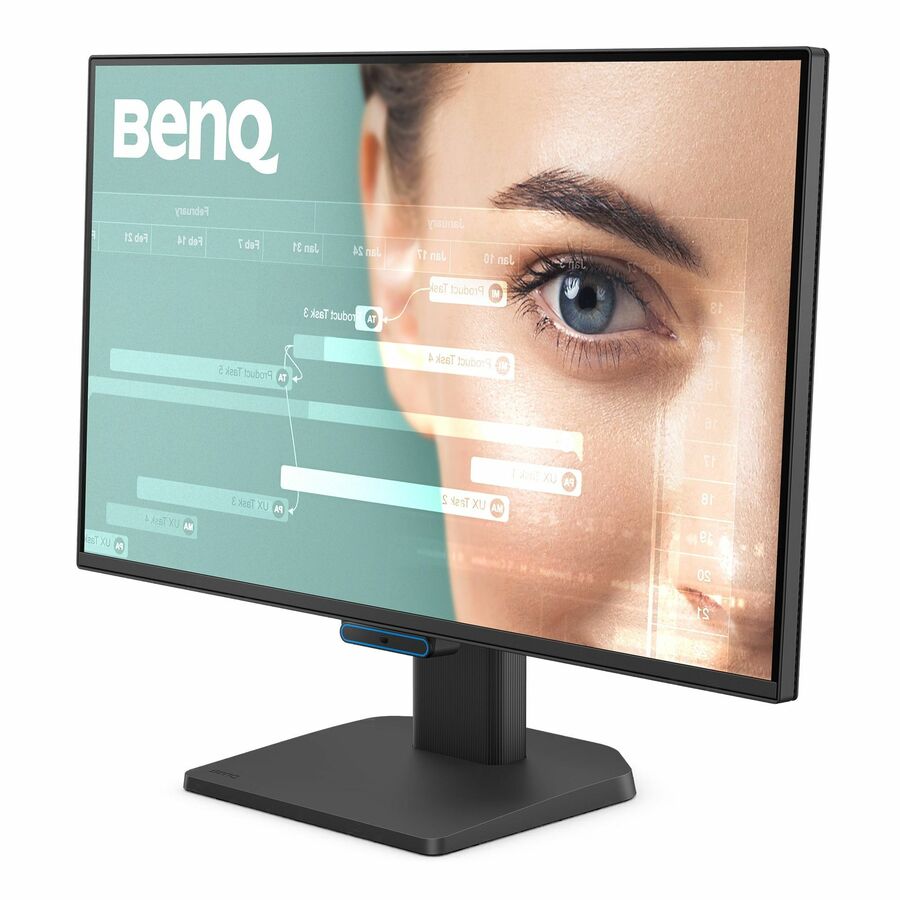
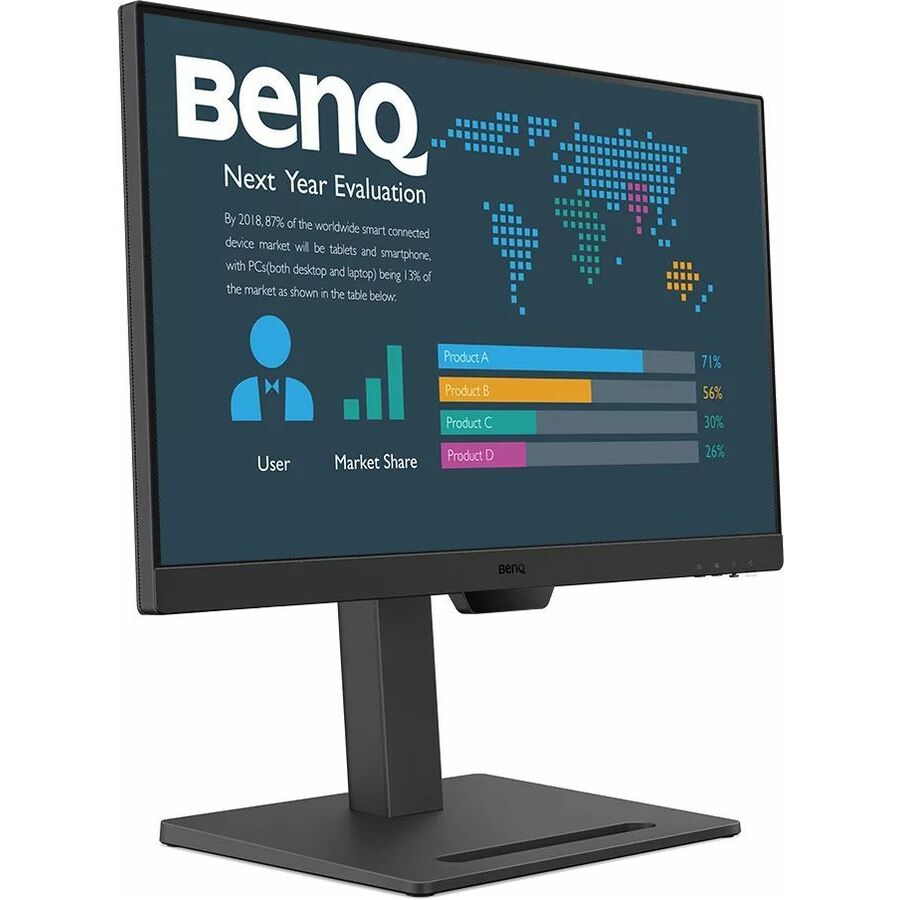
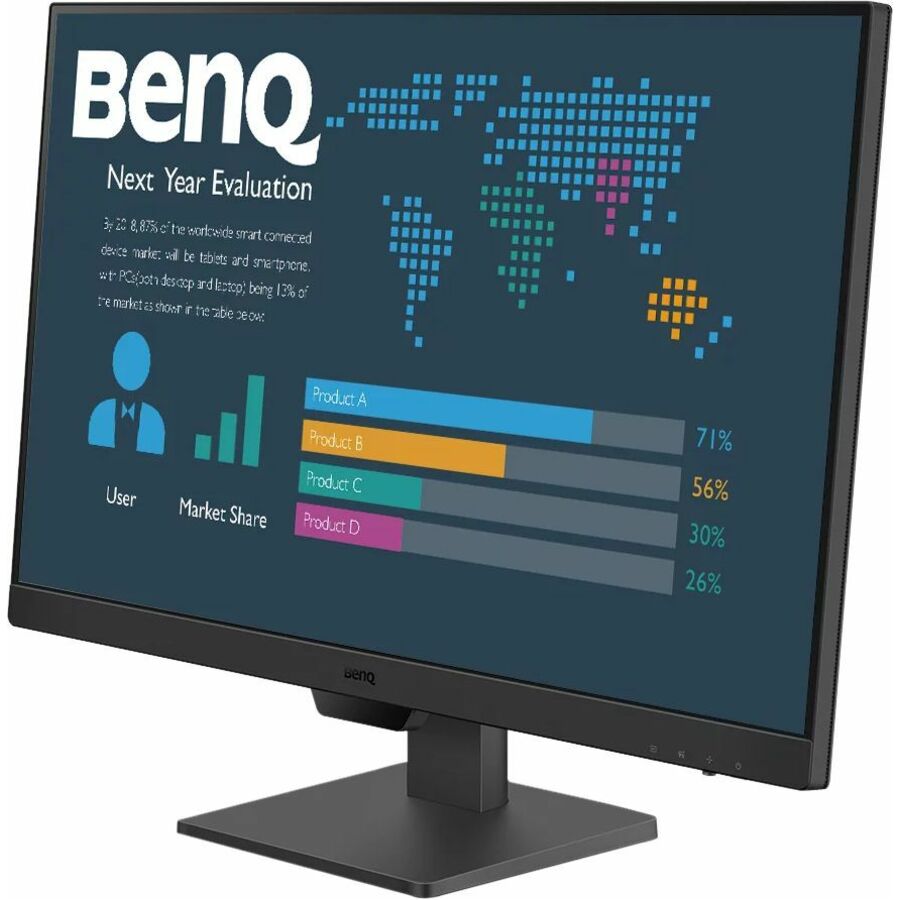
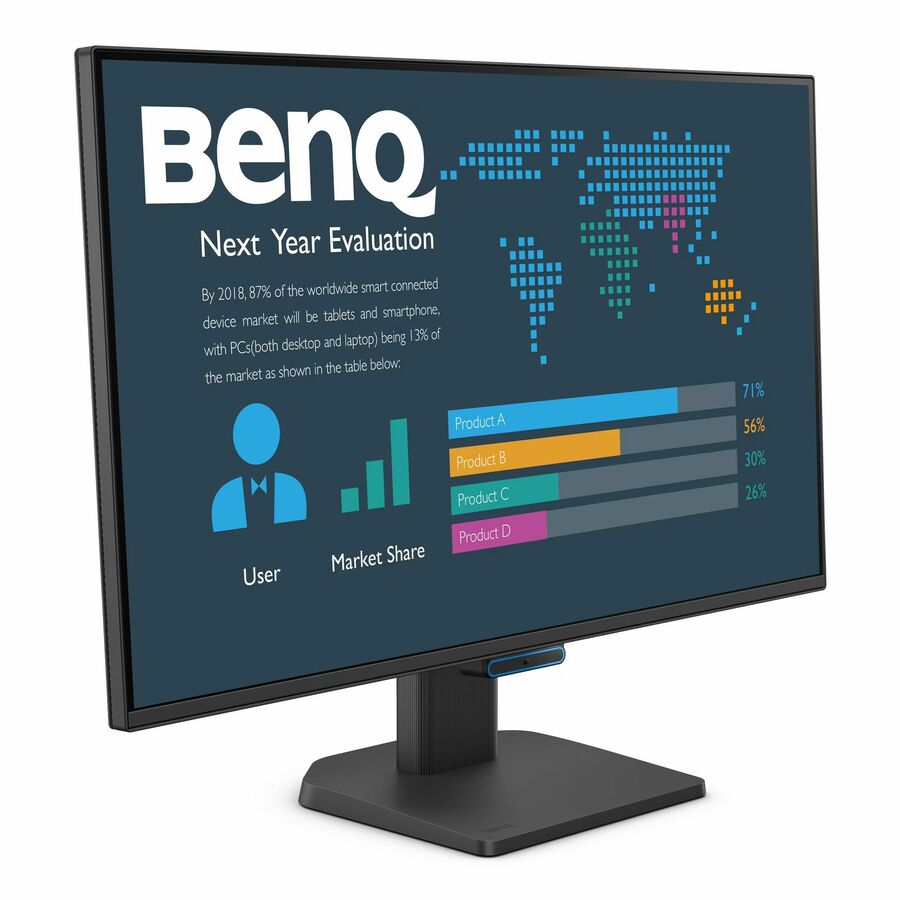
More monitors in the Uniqcli catalog
See all 1,690 monitorsMore BenQ first — closest to what you were just looking at; “See all monitors” above opens every other brand in the category. In-stock lines lead, and a back-ordered line carries the same estimated availability its product page does — with live pricing throughout, NDAA §889 screening before checkout and TAA verified on request.
Back-ordered — estimated OEM lead time 3–8 weeks (Nov 13 – Dec 18 if ordered today).
Back-ordered — we expect to receive stock the week of Oct 26 – Nov 1 and will process your delivery right after.
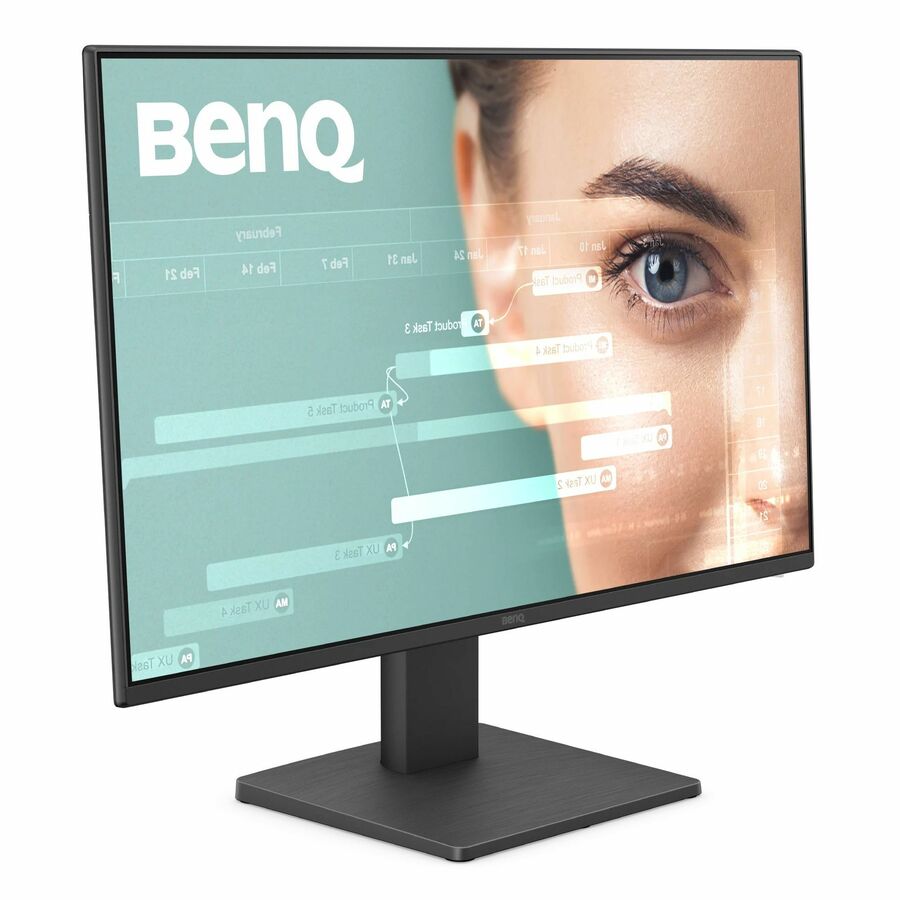
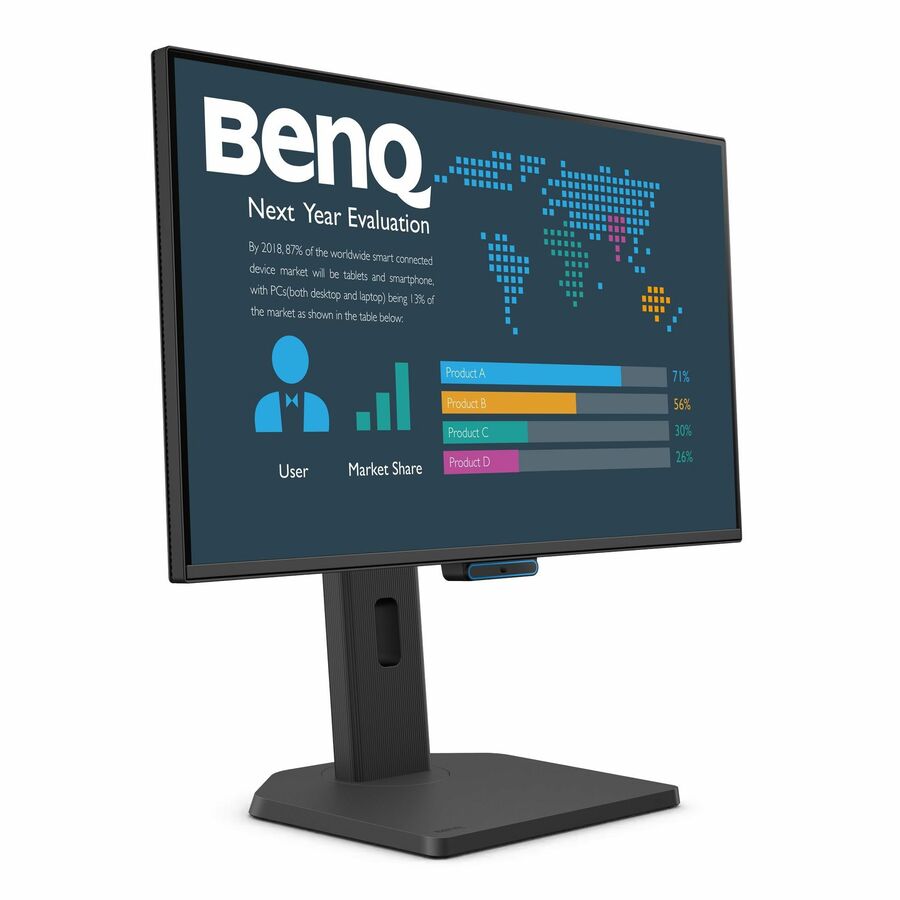
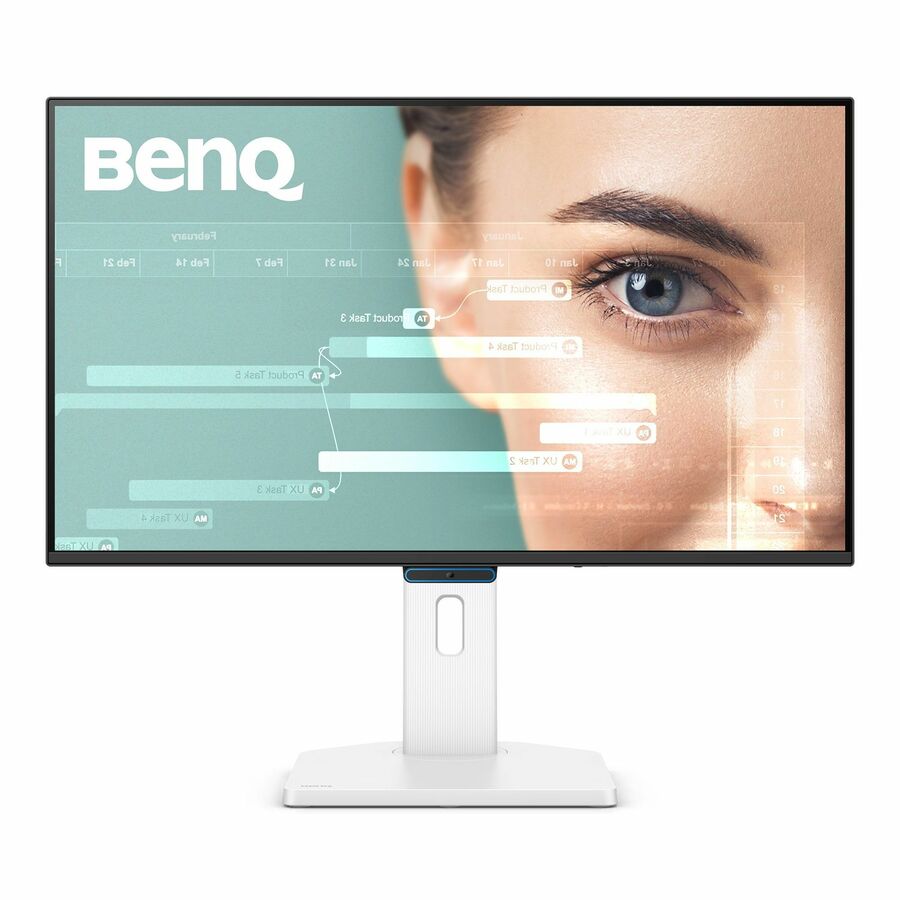
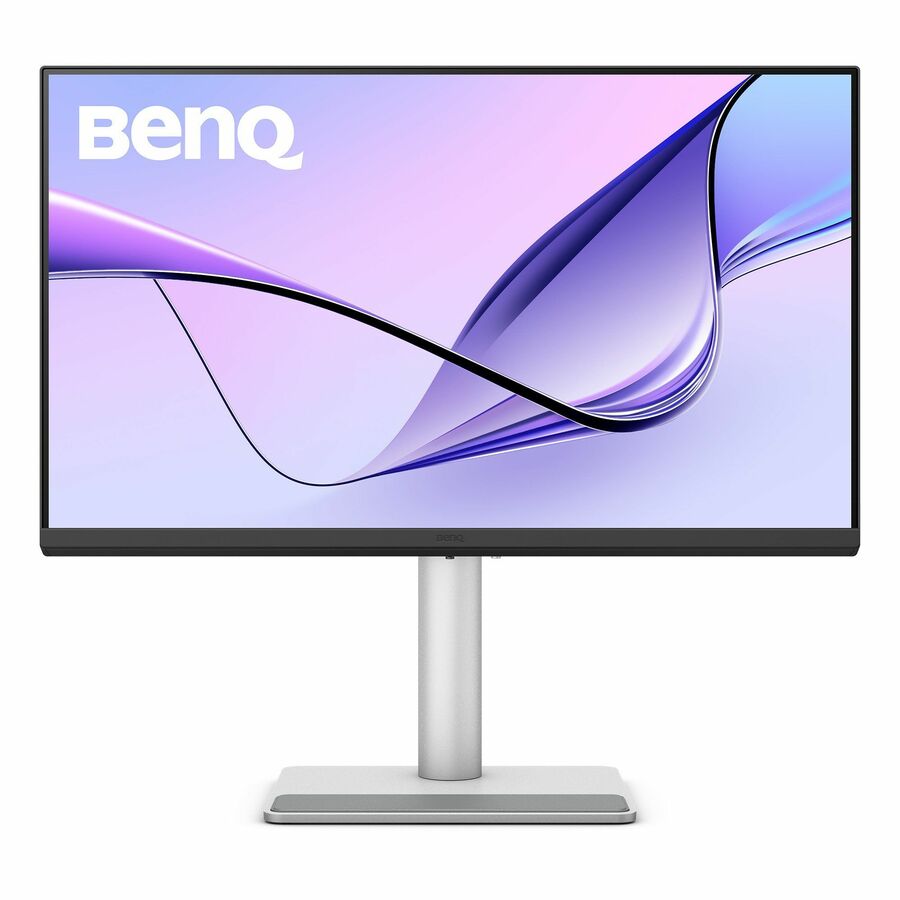
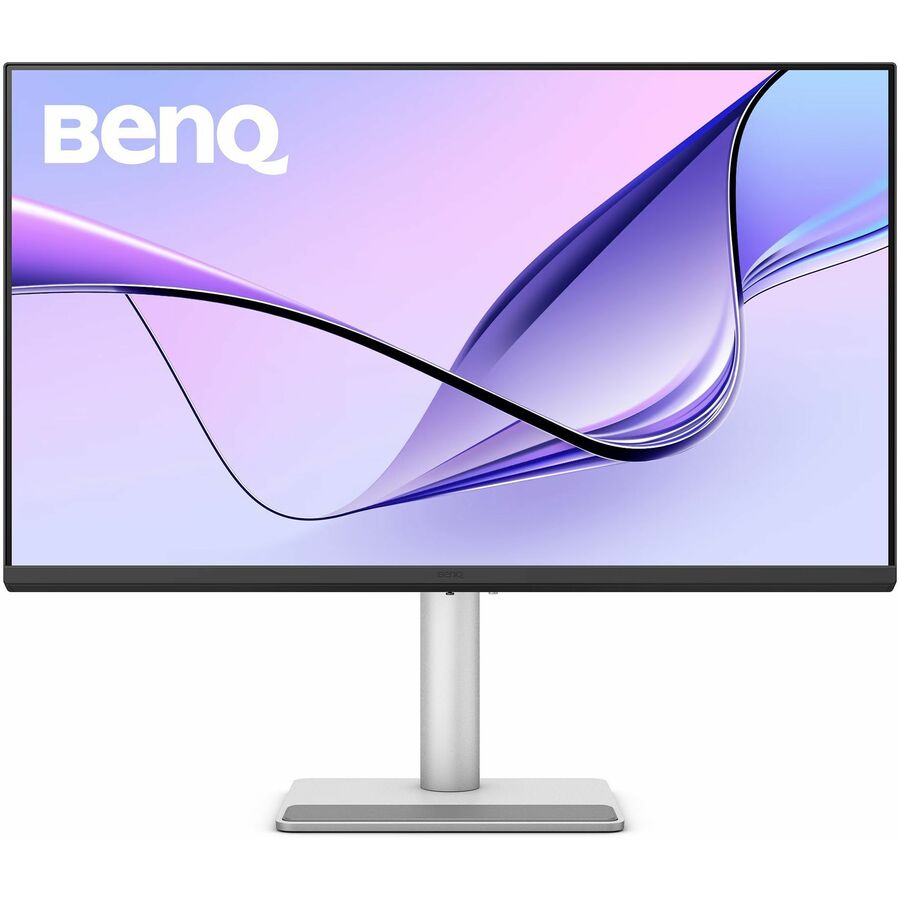
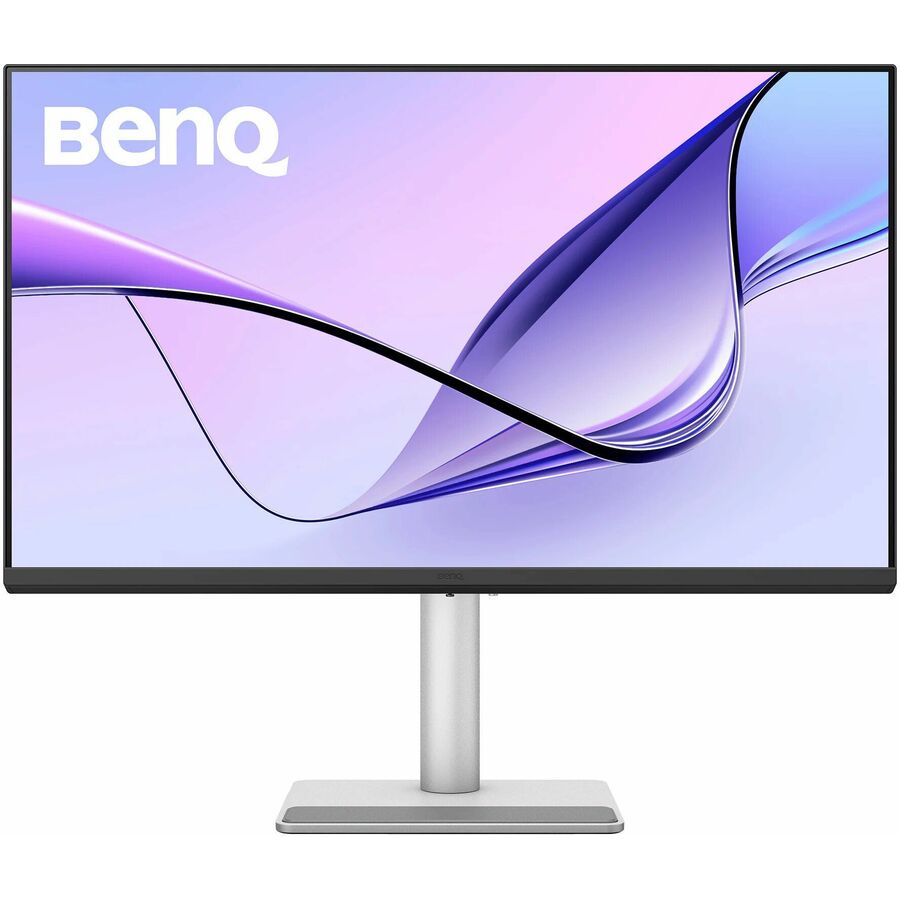
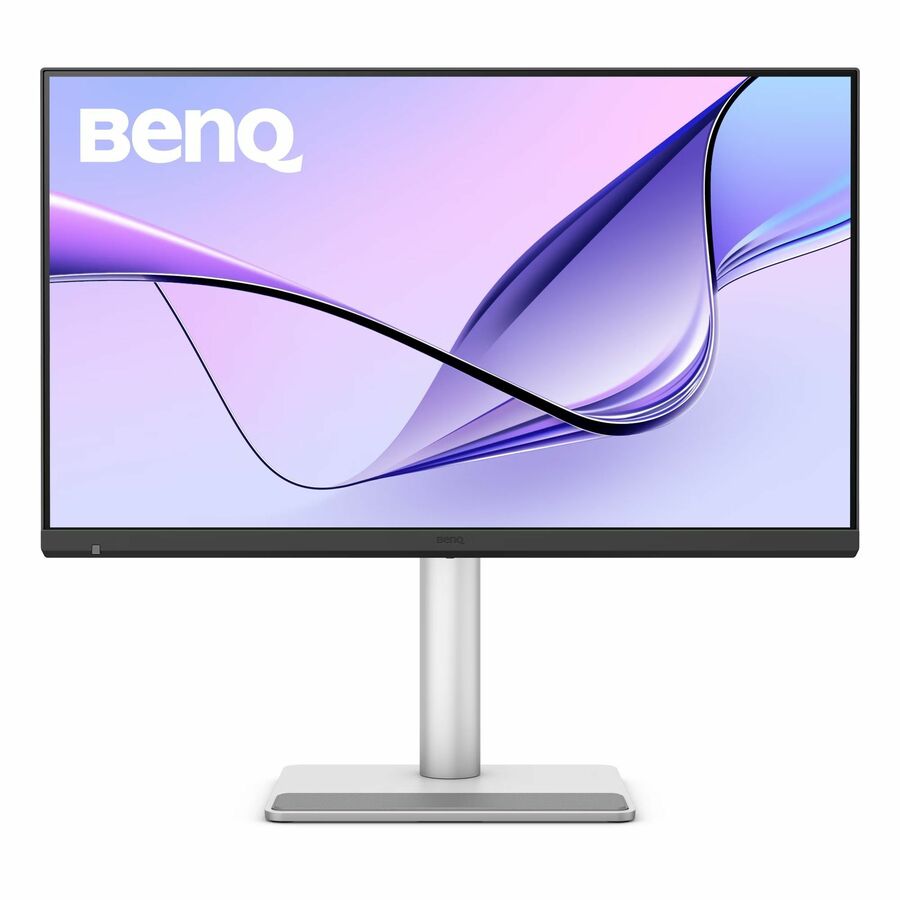
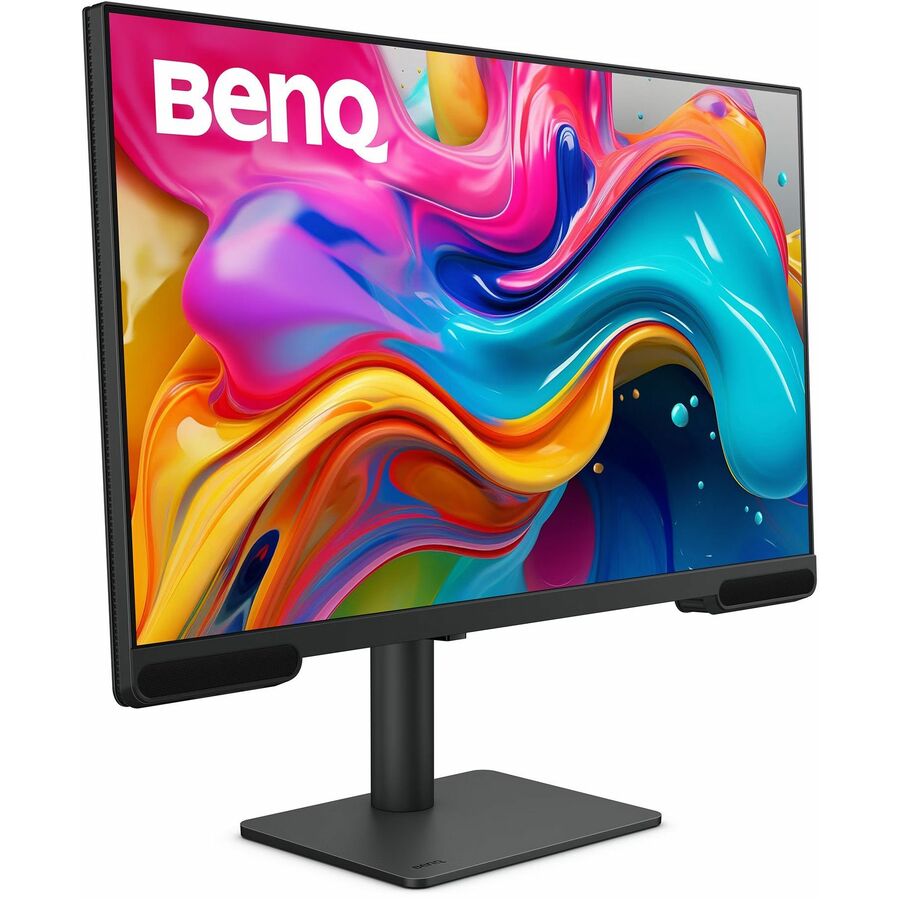
- BenQBenQ PV3200U 22" Class Full HD LED Monitor - 16:9 - Black - 21.5" Viewable - LED Backlight - 1920 x 1080 - 250 Nit - 60 Hz Refresh Rate - HDMI - VGAPV3200U
$817.73
Back-orderedBack-ordered — estimated OEM lead time 3–8 weeks (Nov 13 – Dec 18 if ordered today).
Back-ordered — estimated OEM lead time 3–8 weeks (Nov 13 – Dec 18 if ordered today).
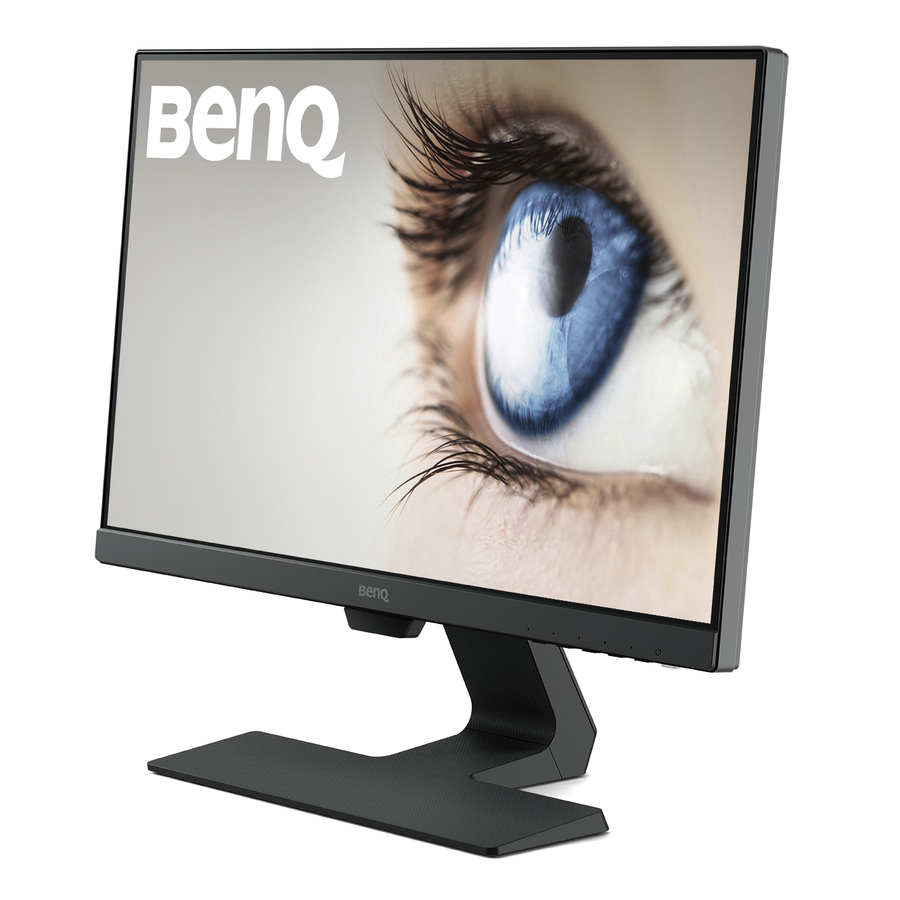
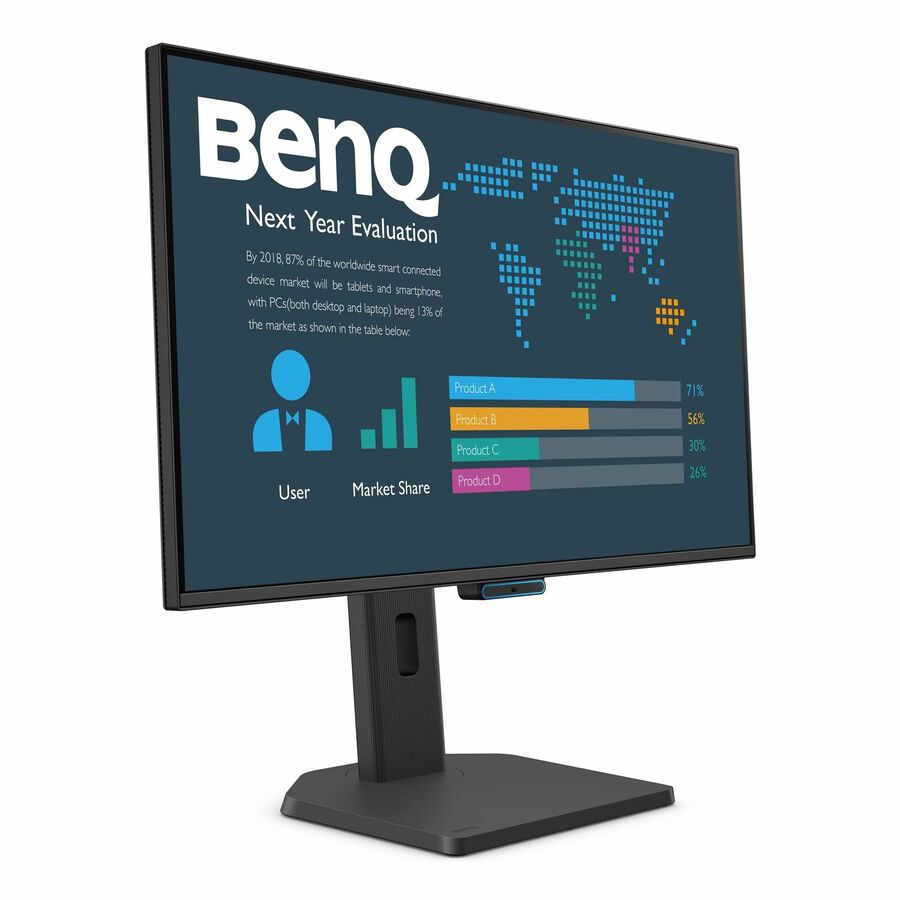
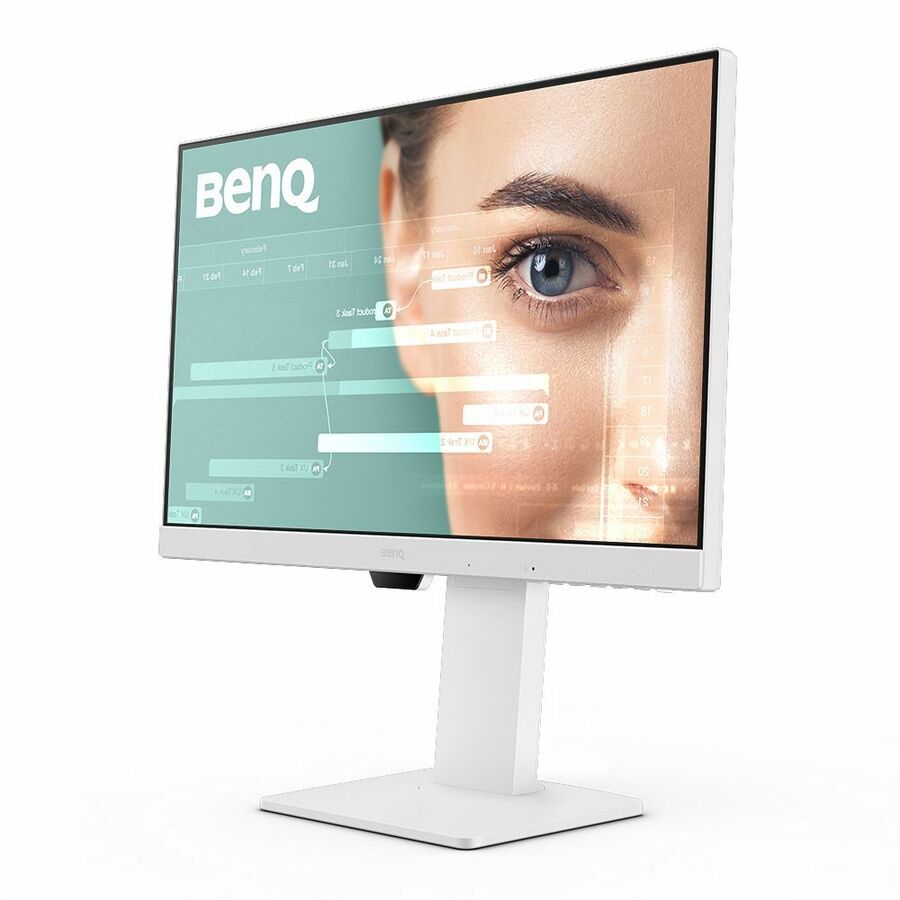
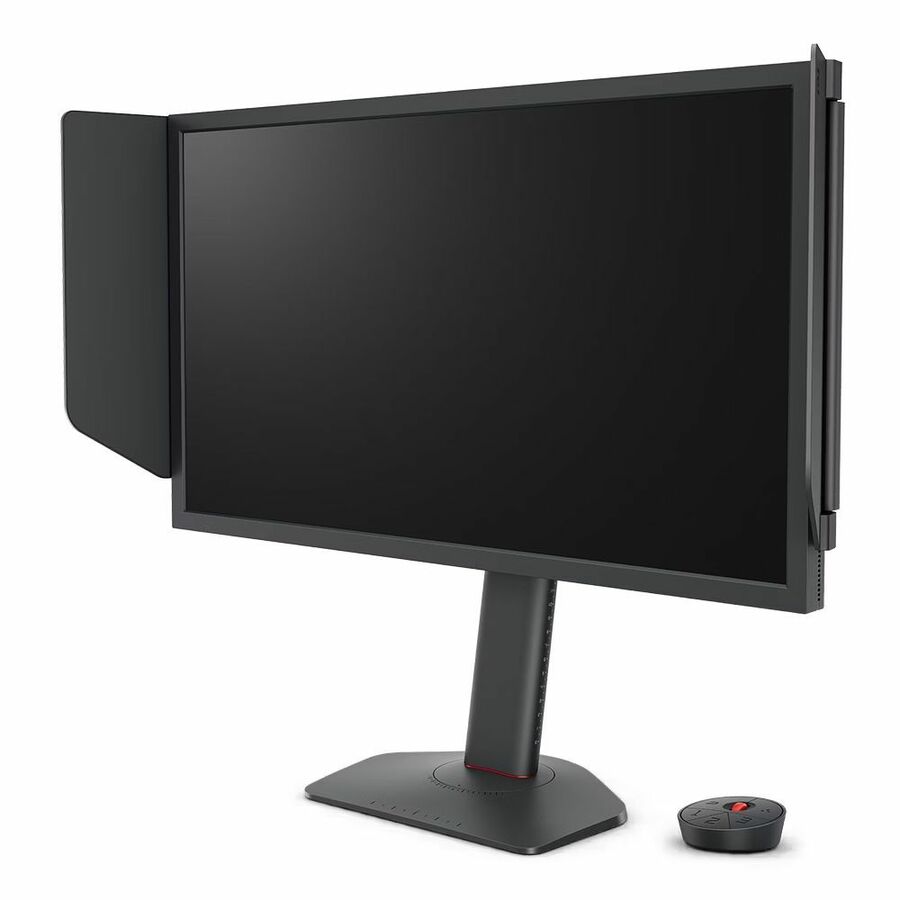
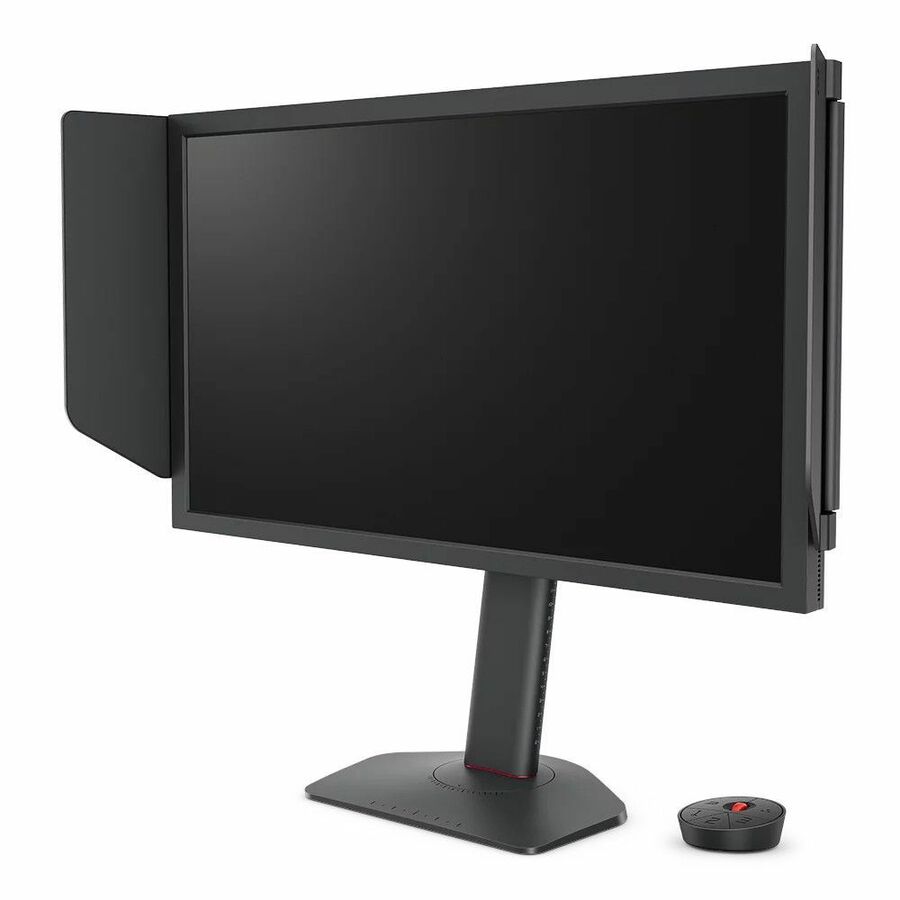
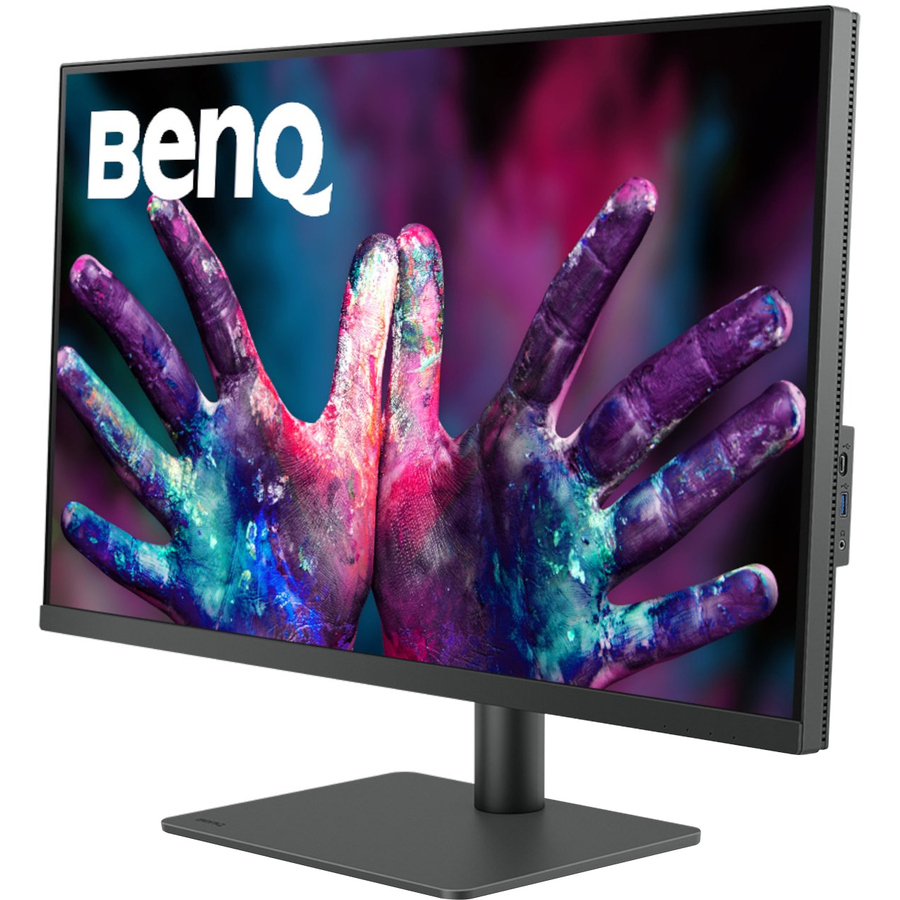
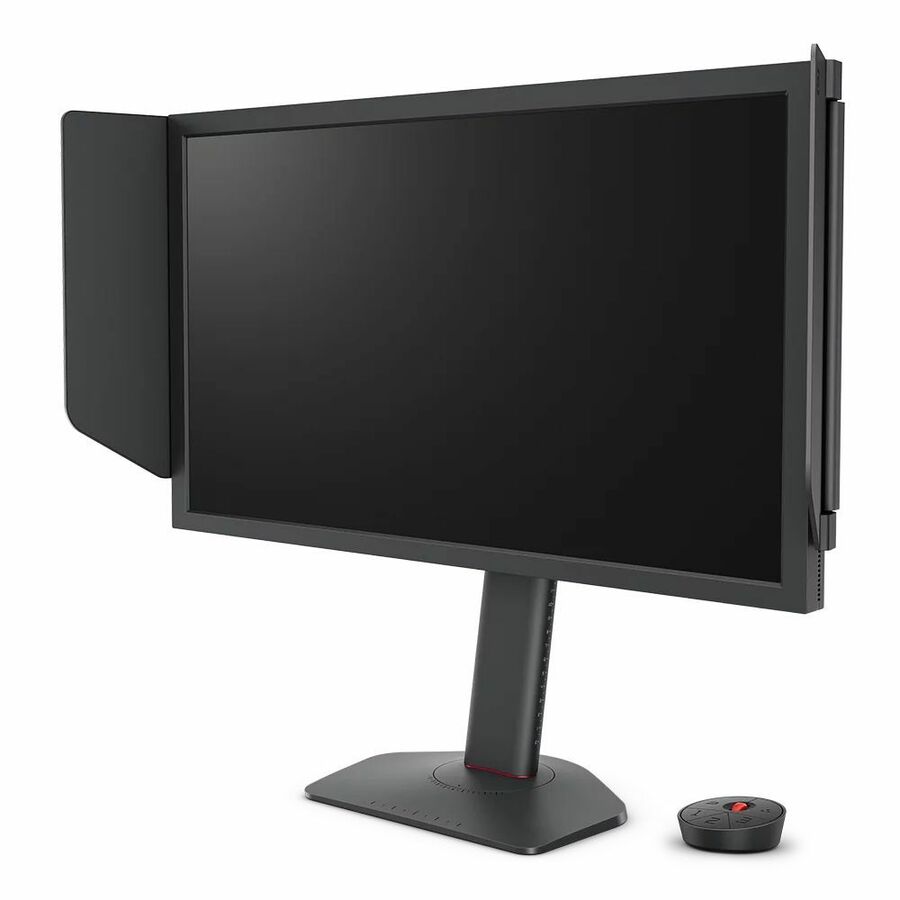
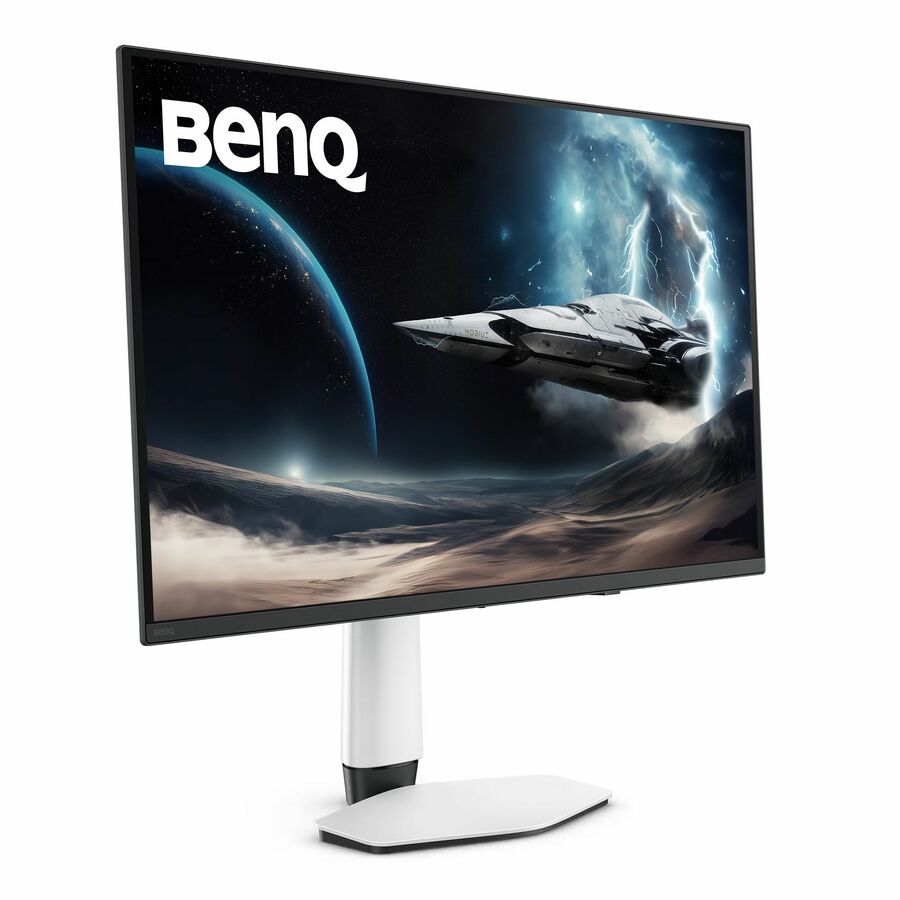
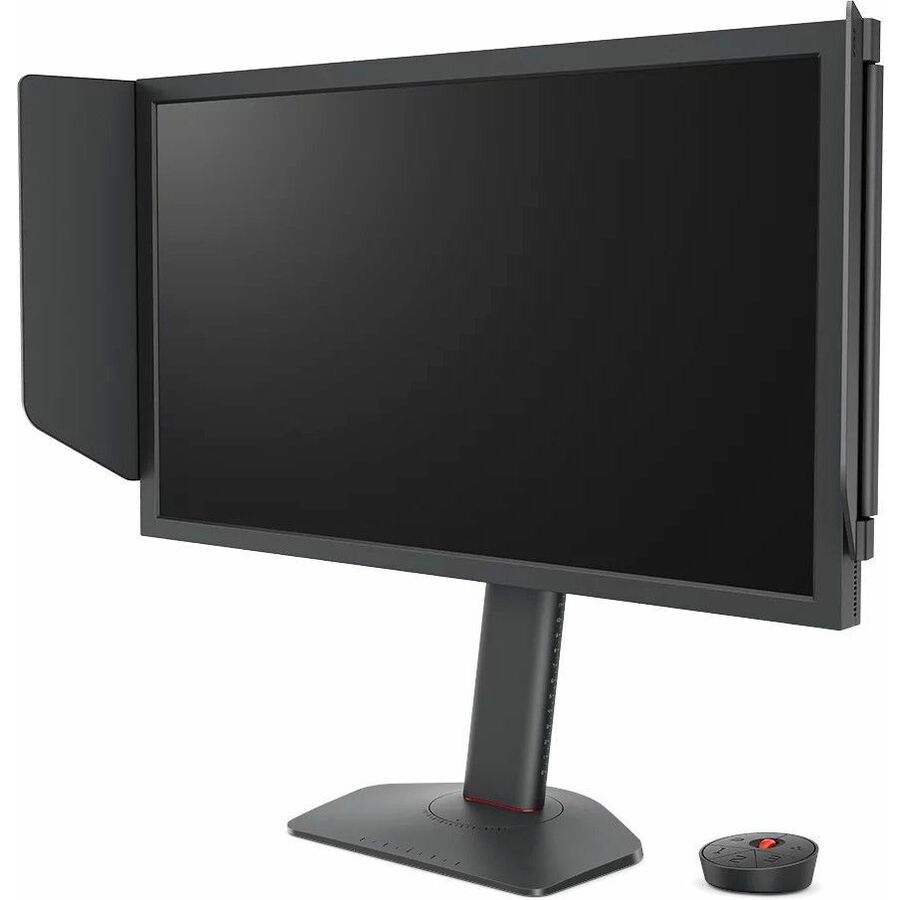
- BenQBenQ Zowie XL2566X+ 24" Class Full HD Gaming LCD Monitor - 16:9 - 24.1" Viewable - Twisted nematic (TN) - 1920 x 1080 - 320 Nit - 0.50 ms - 400 Hz Refresh Rate - HDMI - DisplayPort - VESA Mount CompatibleXL2566X+
$759.33
Back-orderedBack-ordered — estimated OEM lead time 3–8 weeks (Nov 13 – Dec 18 if ordered today).
Back-ordered — estimated OEM lead time 3–8 weeks (Nov 13 – Dec 18 if ordered today).
Back-ordered — estimated OEM lead time 3–8 weeks (Nov 13 – Dec 18 if ordered today).
Back-ordered — we expect to receive stock the week of Nov 9–15 and will process your delivery right after.
Back-ordered — estimated OEM lead time 3–8 weeks (Nov 13 – Dec 18 if ordered today).
Need pricing on BenQ monitors?
Tell us where to reach you and a Uniqcli specialist will follow up by email with current pricing, availability and lead time for the quantities you need — including parts that aren’t shown on this page.
Buying for an organization or for yourself — both work. No payment up front.
BenQ occupies an unusual position in a school buying conversation. It is best known in education for interactive displays and projectors, but its monitor range is where the more interesting district decisions sit: a color-managed panel line that a digital-media or photography program can actually work against, and a business line priced for volume seats. Both hold up reasonably well on availability — roughly half the photographed, priced BenQ panels in the catalog are in stock at any given time, one of the better ratios among the monitor benches we carry, though not the deepest (the ViewSonic bench runs higher).
Availability is the differentiator worth being explicit about, because it is the one we can prove rather than assert. A district building a room in a summer window does not need the theoretically best panel; it needs enough identical panels that are actually shippable in August. That is a boring advantage and a real one, and it is the reason this page exists alongside the other monitor guides in this catalog.
Read the grid below with its sort order in mind. It shows in-stock units first, then leads with the highest-priced rows, so the top of the page is the PhotoVue, DesignVue and esports panels — the specialist end of the range. The BL and GW business displays that most classrooms and labs should actually be buying sit toward the bottom of the grid, in the two-hundred-dollar band and below. Both ends of that range are legitimate purchases; they are simply for different rooms.
Buyer's checklist
How to choose BenQ monitors for a school building
- Decide which of the three rooms you are buying for: a general-use lab, a staff or administrative desk, or a color-critical media or CTE station. BenQ's ranges map onto those three cases cleanly, and buying across them with one part number wastes money at one end and short-changes the other.
- For color work, buy the panel whose record states the calibration. The DesignVue and PhotoVue rows that name calibration and a specific color workflow in the product data are the ones a media program can rely on; a general business panel with good reviews is not a substitute when the output has to match a print.
- Check the aspect ratio before you standardize. Several rows in this bench are 3:2 or 16:10 rather than 16:9. The extra vertical space is a genuine advantage for code, documents and page layout — and a genuine inconsistency if half a room gets it and half does not.
- Specify ergonomic adjustment for any seat somebody occupies all day. The BL rows that list height, pivot, tilt and swivel are the ones that will still be comfortable in year four. Fixed stands are acceptable in a student lab and a false economy at a registrar's desk.
- Look for USB-C where laptops dock at fixed desks. A single cable carrying video, data and power removes the most common category of help-desk ticket in a laptop building. It is wasted spend in a desktop lab where nothing ever moves.
- Treat vendor eye-comfort branding as branding. Several BenQ ranges are marketed on eye-comfort features. We describe what a product record states and we do not repeat health claims — if that is a factor in your specification, ask the manufacturer for the underlying documentation rather than relying on a reseller page.
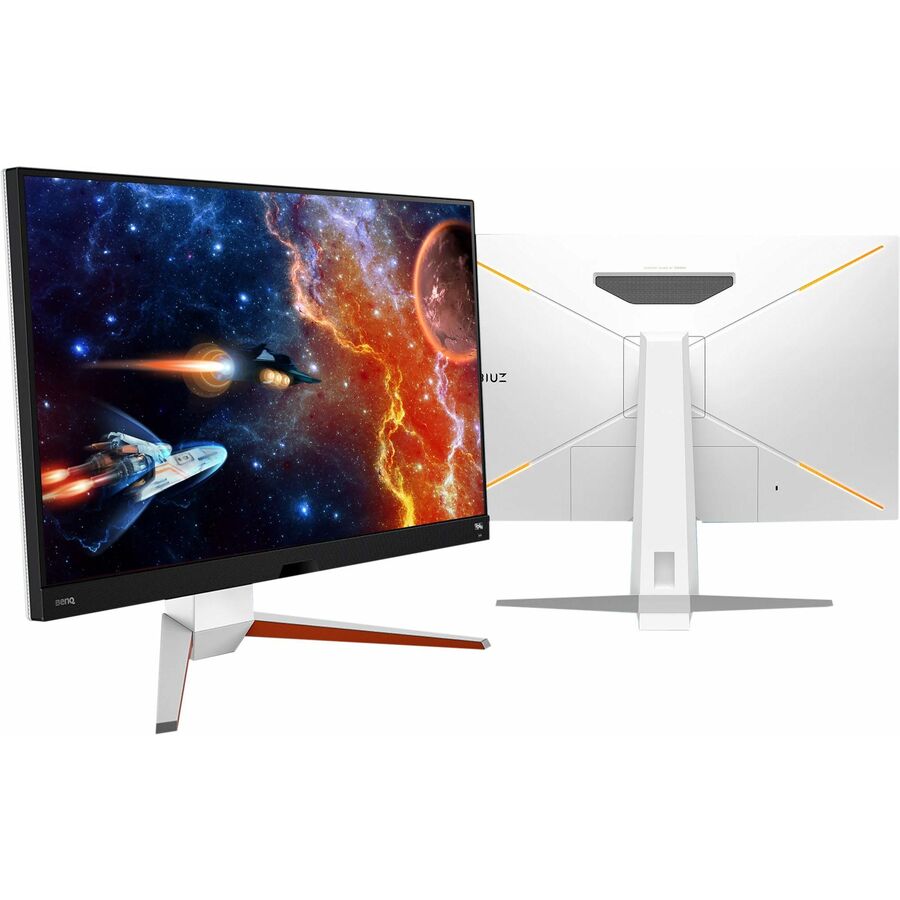
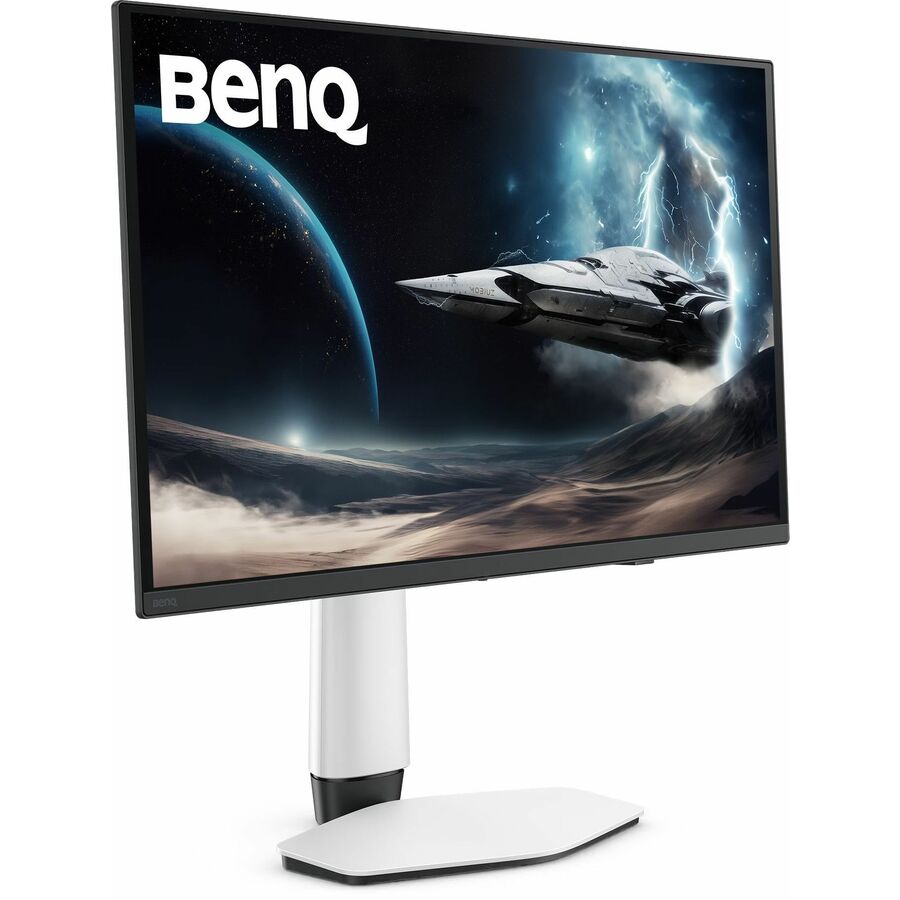
- Ignore refresh rate outside an esports room. The Zowie and MOBIUZ panels in this bench carry very high refresh rates for competitive play. That specification does nothing for coursework and should not influence a per-seat price across thirty desks.
- Confirm quantity against a specific part number before writing the requisition. In-stock depth is this bench's strength, but it is still finite — get the availability confirmed for the exact SKU and quantity you need.
The media-lab end: PhotoVue, DesignVue and the RD panels
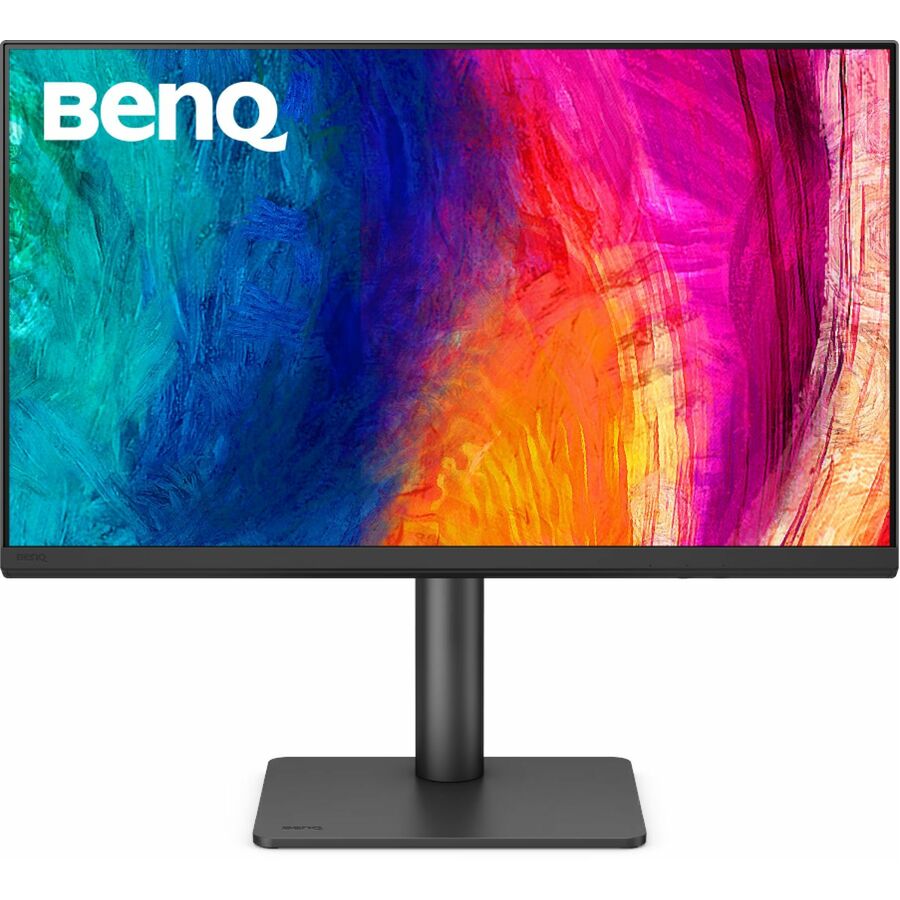
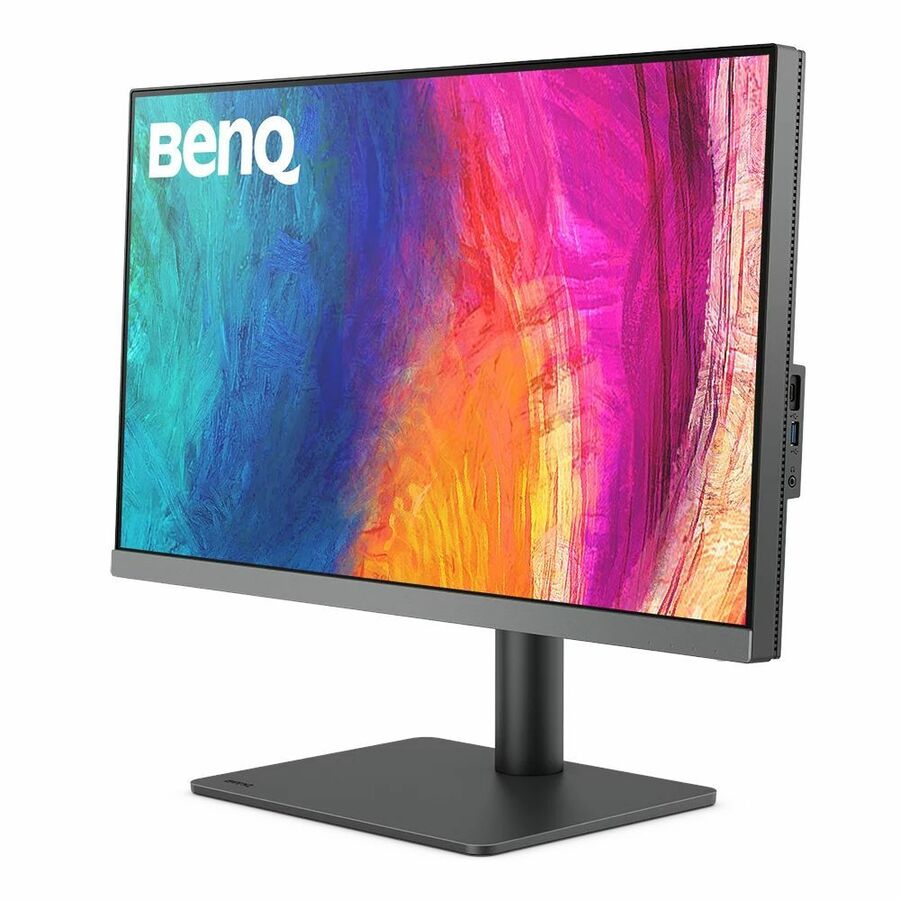
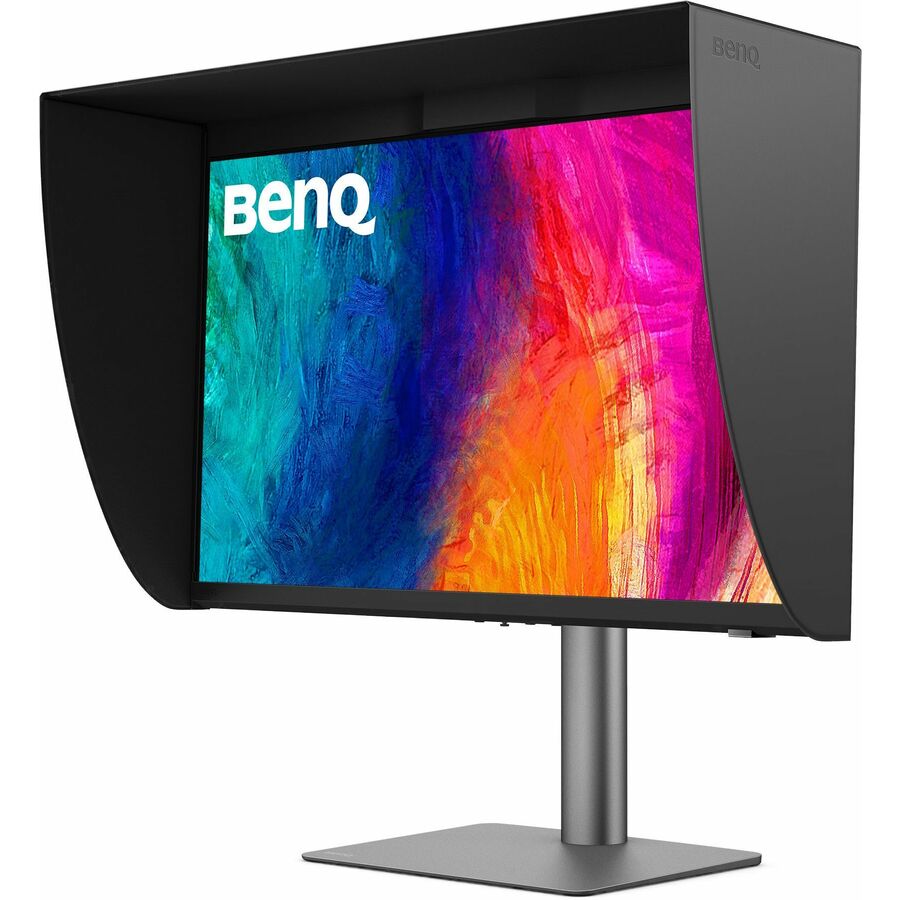
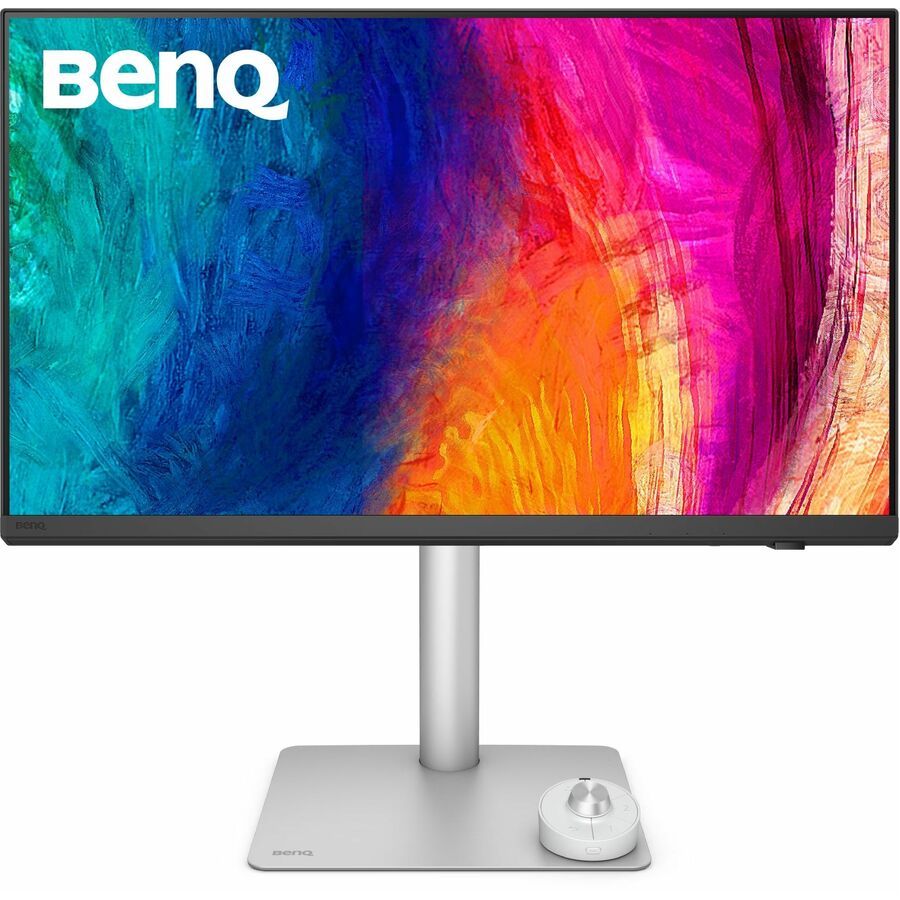
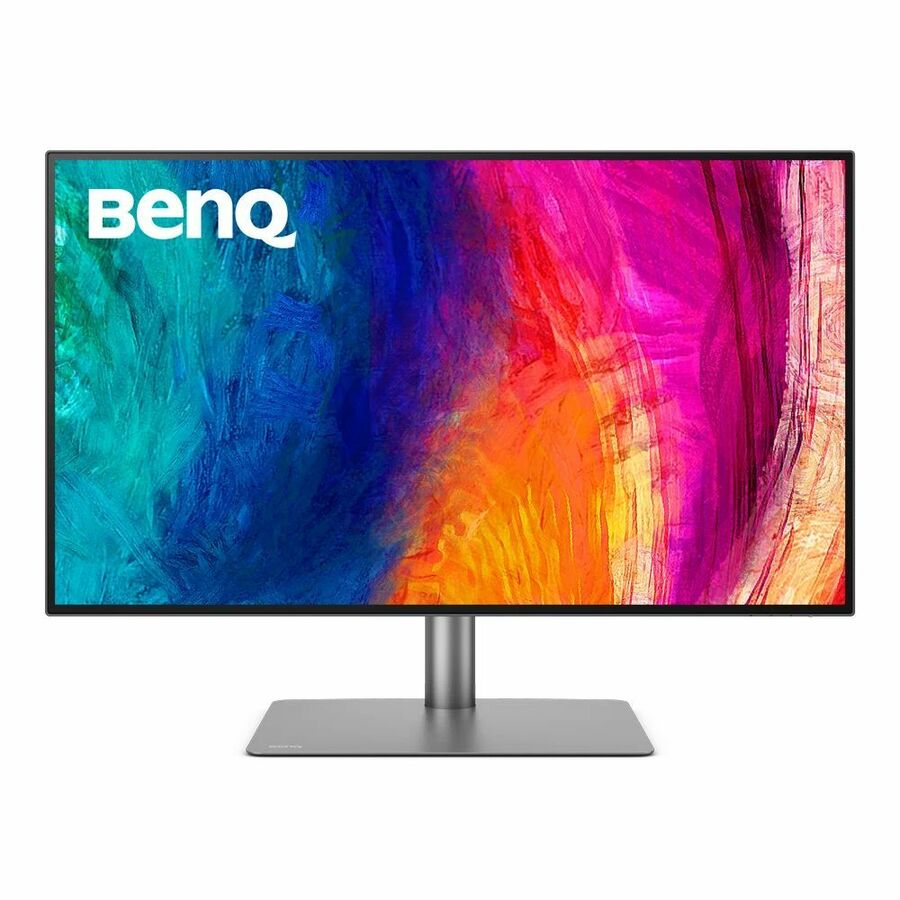
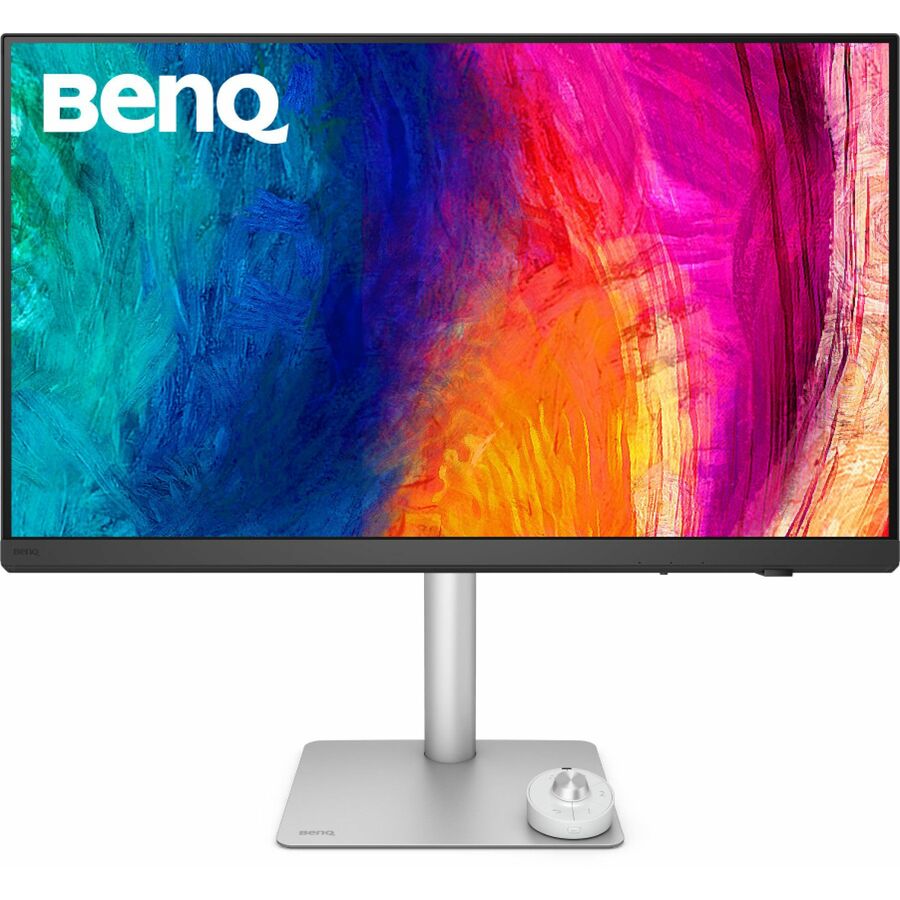
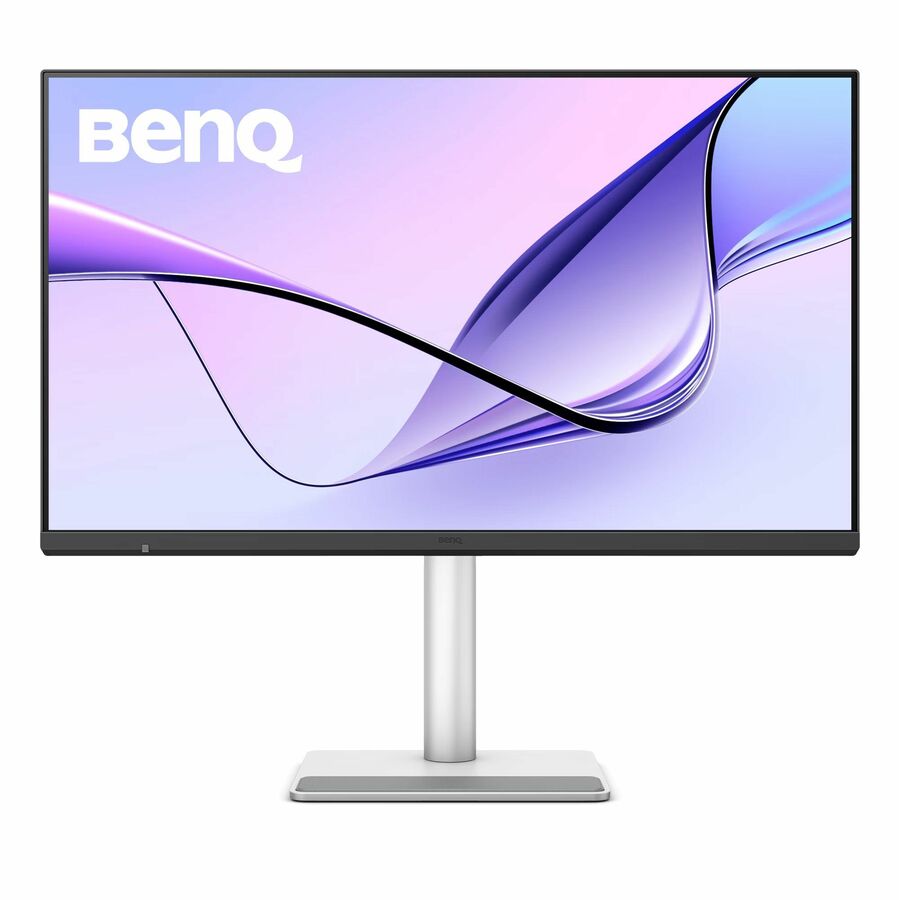
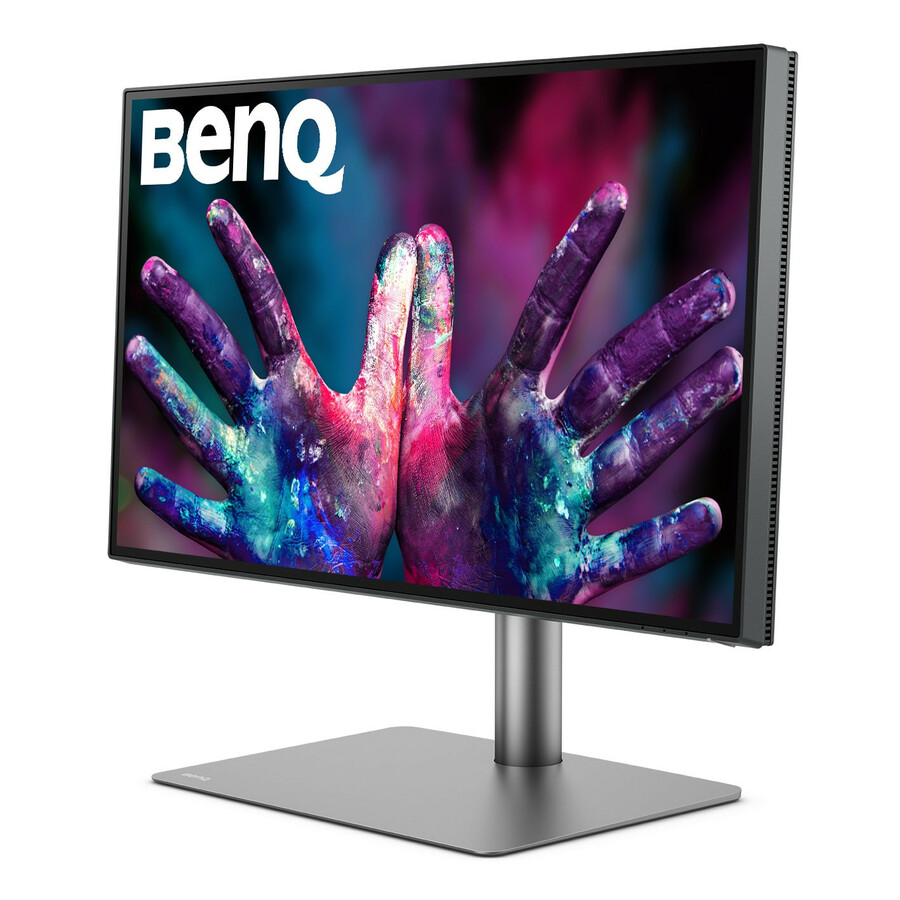
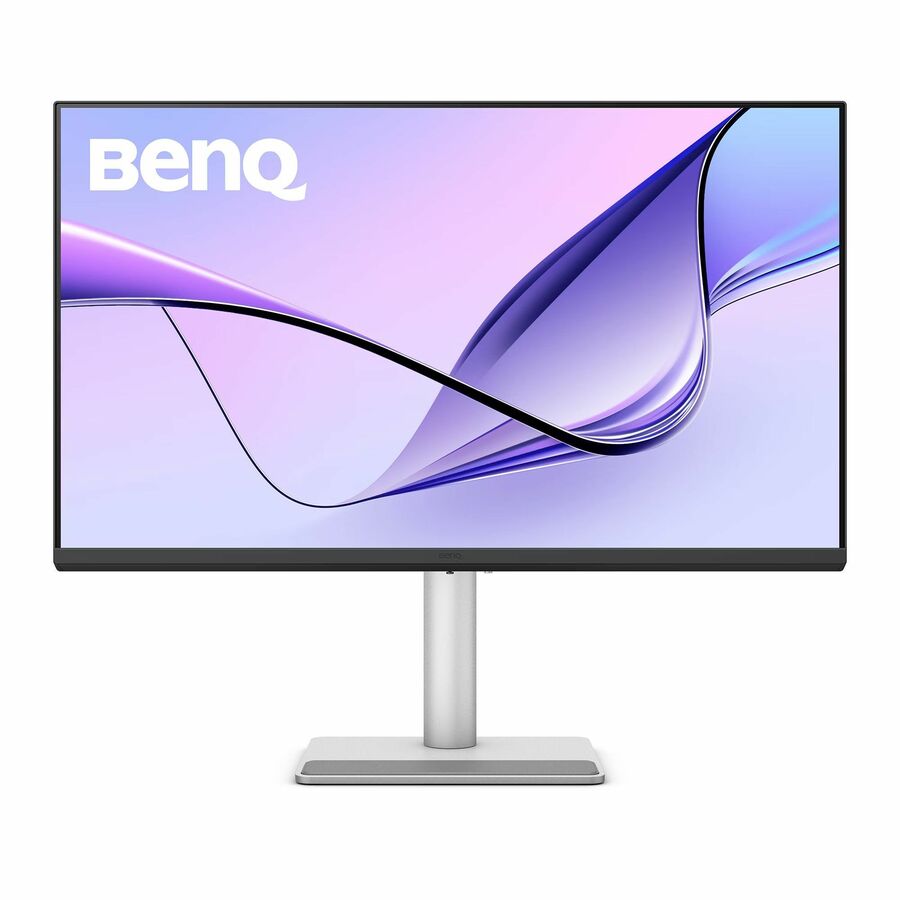
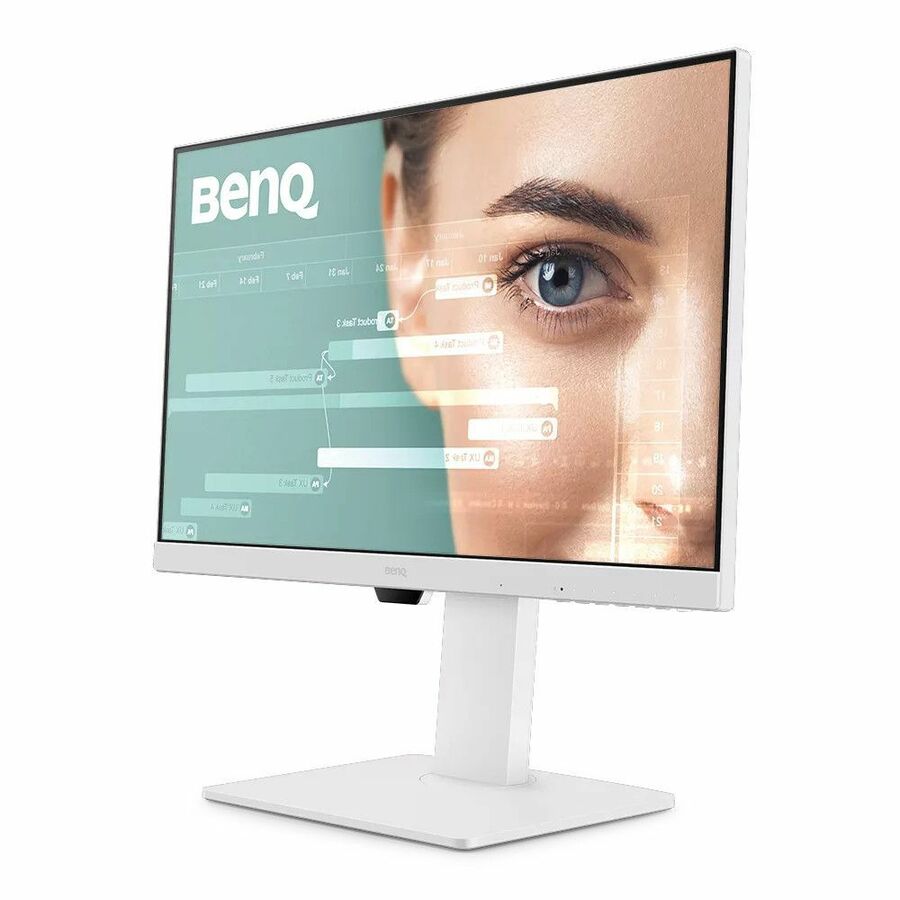
The top of the grid is a color-managed range, and it is aimed at a room most districts have exactly one or two of. The PhotoVue SW272U is a 27-inch 4K in-plane-switching panel at 400 nits with USB-C, HDMI and DisplayPort — a photography or print-workflow seat. The DesignVue PD-series panels — the PD3225U and PD3226G at 32 inches, the PD2725U and PD3205U at 27 and 32 inches — record calibration for design work in their product data, and several add a built-in KVM switch, which matters more than it sounds when one desk serves both a lab machine and a student's own laptop.
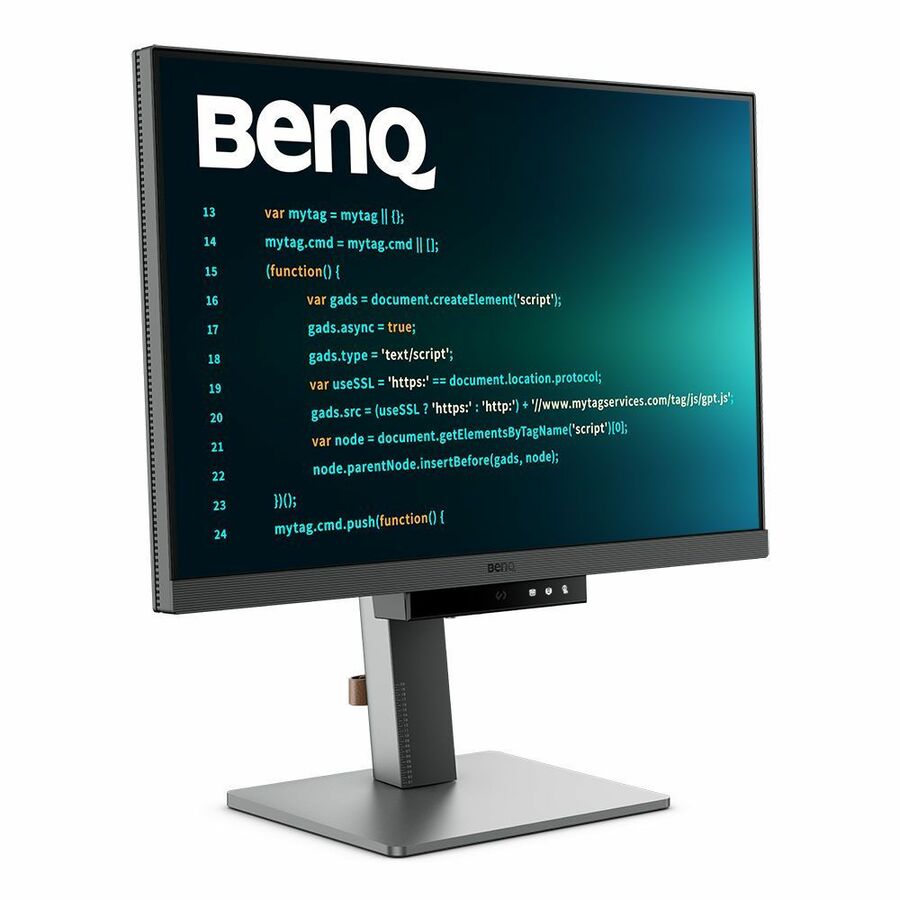
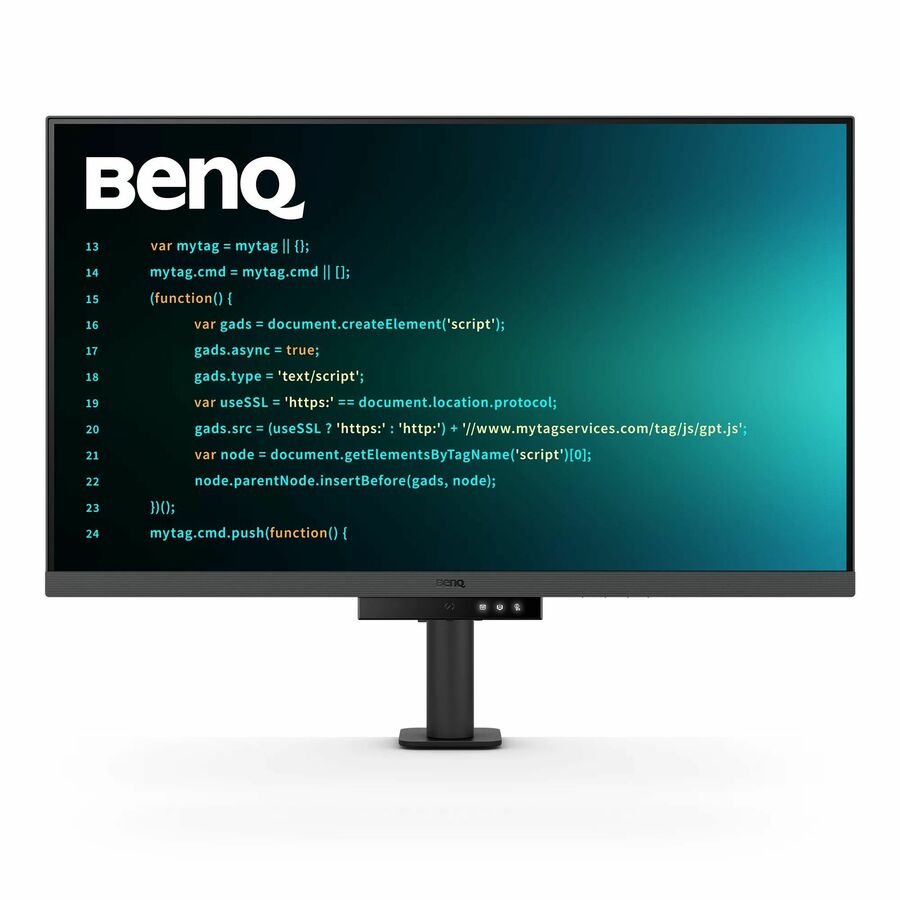
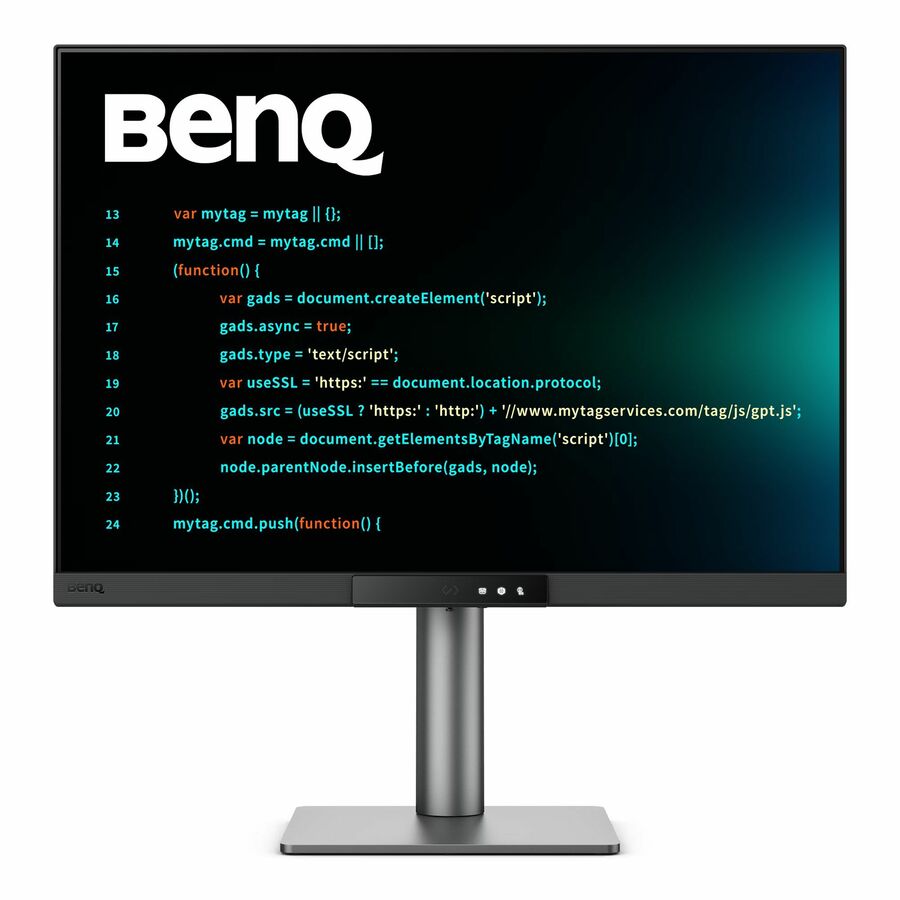
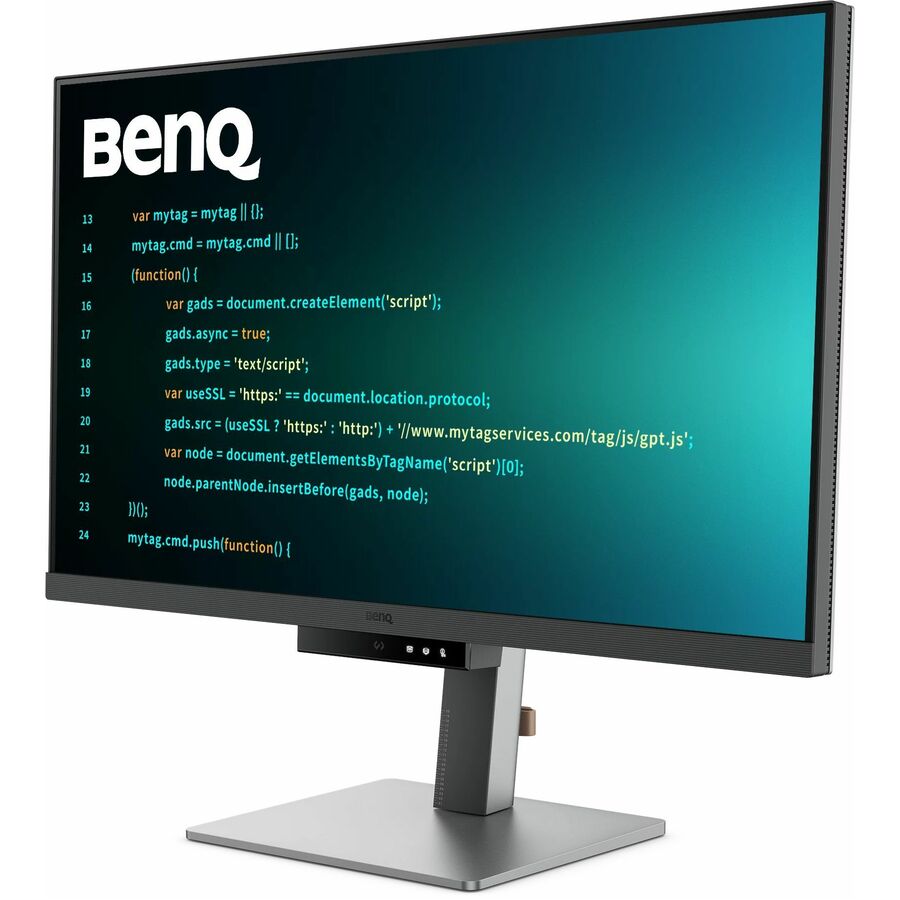
The RD panels are the quiet recommendation inside this group for a computer-science or software-development pathway. The RD280U is a 28.2-inch WQXGA display in a 3:2 aspect ratio, and the RD240Q is a 24-inch WQXGA panel at 16:10. Both trade width for height, and height is what a page of code, a long document or a stacked terminal actually needs. In a room teaching programming, that geometry does more for a student's working day than another few inches of diagonal.
None of these belong on a floor plan. A single PhotoVue or DesignVue panel costs what six or eight volume classroom panels cost, which means they are a specialist-seat purchase — four to six of them in a media suite, not thirty of them in a lab. Buying them at volume is the most common way a media-lab budget gets spent before the room has enough seats to run a class.
The volume end: BL and GW business panels
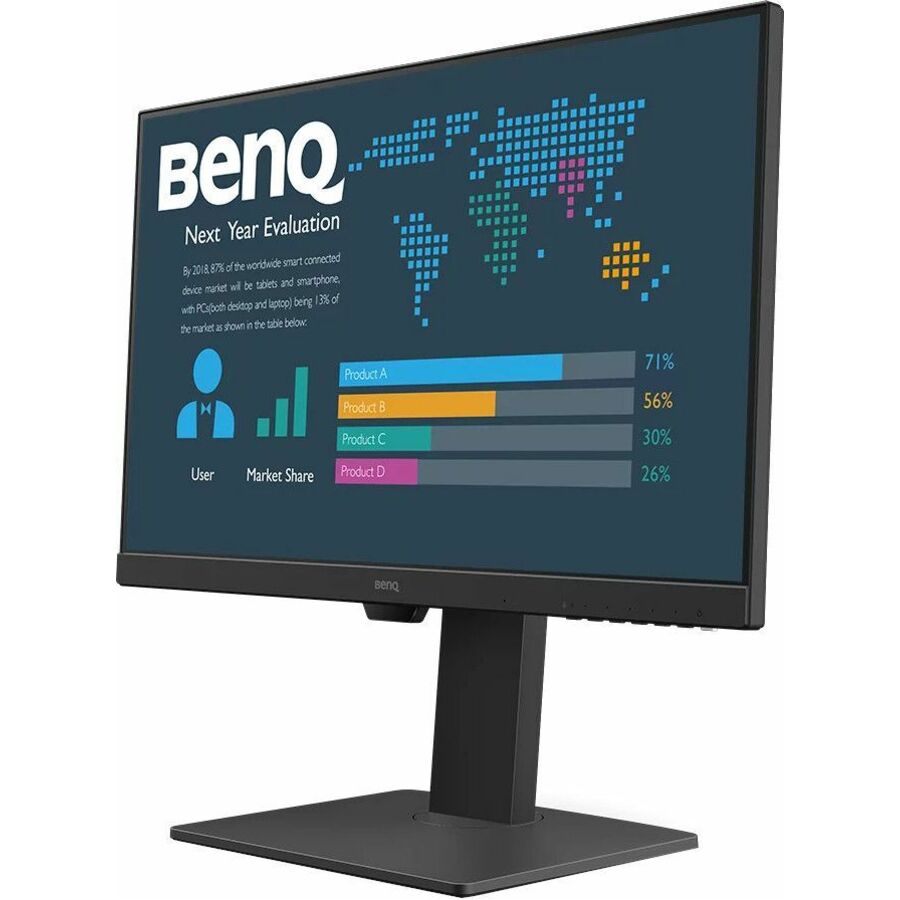
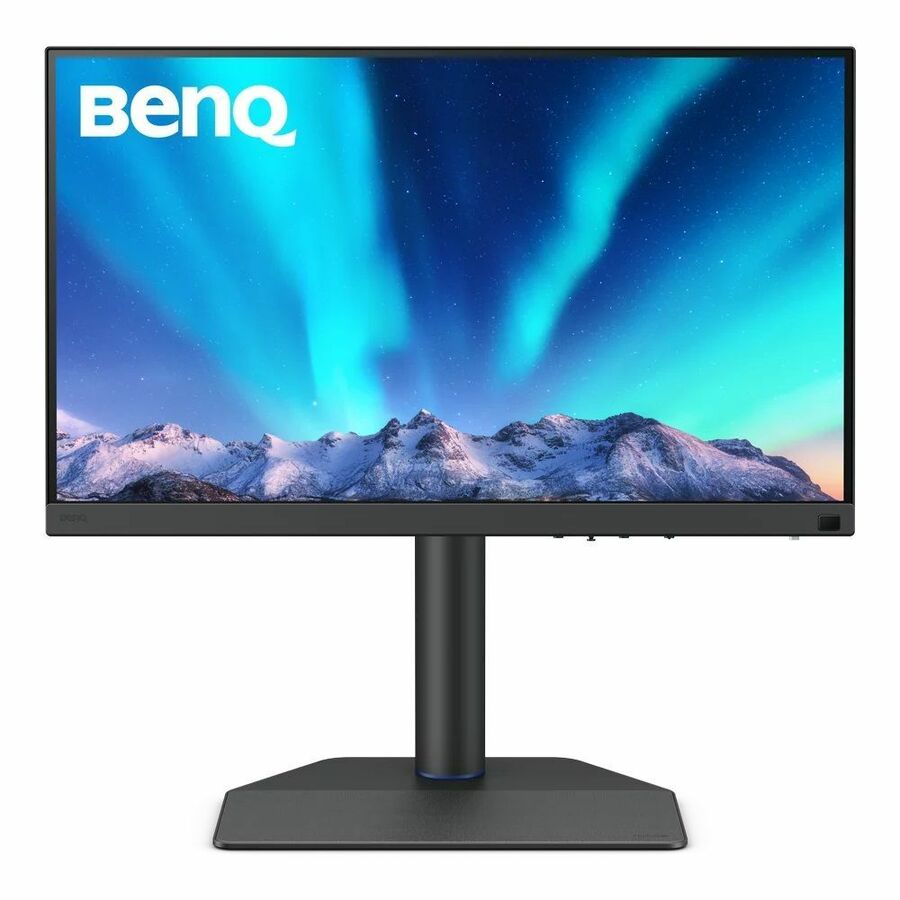
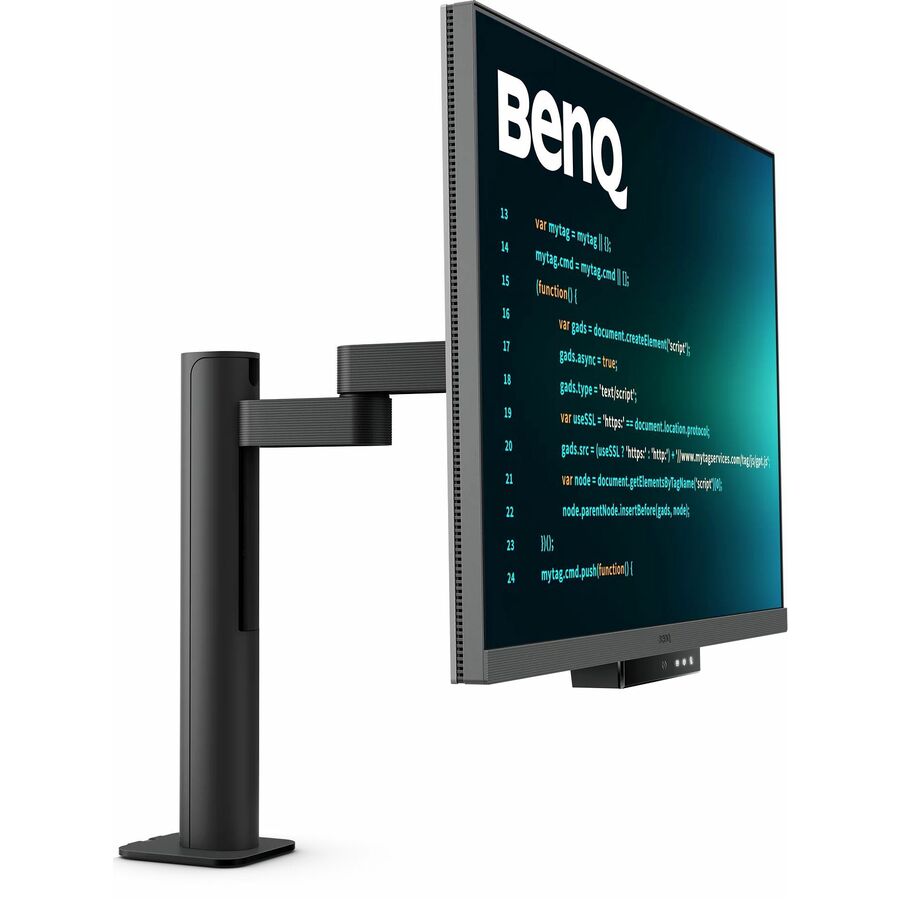
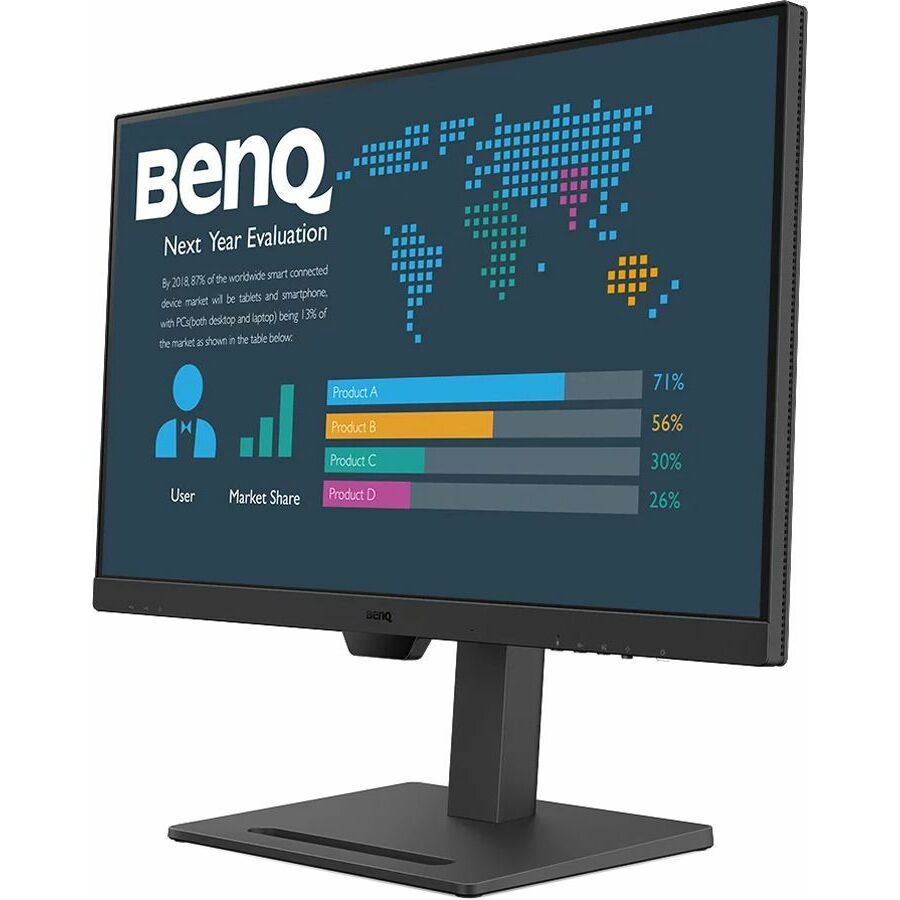
The rows most classrooms and labs should be looking at are further down the grid. The BL series is BenQ's business line and the GW series is its mainstream office line, and between them they cover the 22- to 27-inch, 1080p-and-1440p territory where school seats actually live. The BL2486TC is representative of the better end: 24-inch 1080p, in-plane switching, 250 nits, with pivot, tilt, swivel and height adjustment, USB-C, HDMI, DisplayPort, a USB hub and VESA mounting. That is a full workstation panel at a price a building budget can absorb.
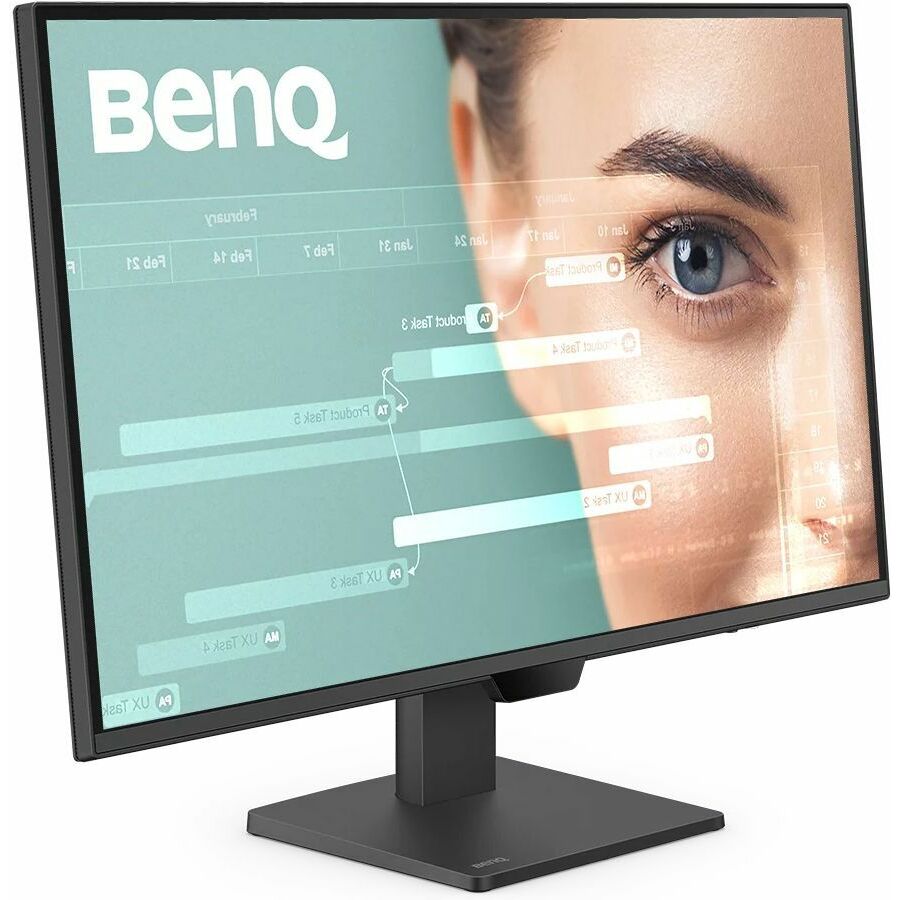
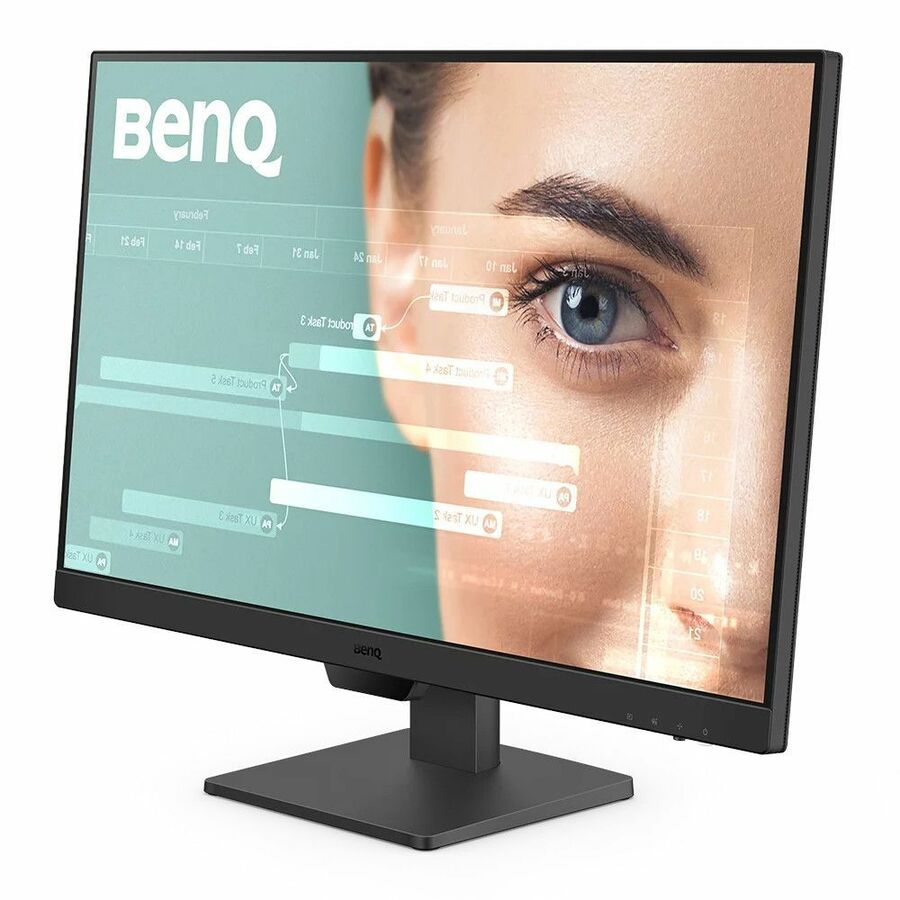
The BL2790QT steps up to 27-inch WQHD at 2560x1440 and 350 nits with USB-C, which suits a staff desk working across two windows. At the value end, the GW2790 and GW2490 rows are straightforward 27- and 24-inch 1080p IPS panels with VESA mounting — no USB-C, simpler stands, and priced accordingly. Both sit below the price band the grid above renders, so ask us to quote them by part number rather than looking for a card. For a general-use student station where the machine never moves and nobody adjusts the height, that is the correct specification and the money saved should go into finishing the room.
The practical split is simple. If somebody sits at the desk all day, buy a BL row with the ergonomic adjustment listed. If a student sits there for a fifty-minute period, buy a GW row and put the difference into spares and into buying the whole room from one lot.
What we will not claim about these panels
BenQ markets several of these ranges around eye-comfort features — flicker reduction, blue-light filtering, ambient brightness adjustment. Those features exist and are described in the manufacturer's own material. We are not going to restate them here as claims about student eye health or comfort outcomes, because we have no basis on which to make that assertion and a reseller page is the wrong place for it to originate.
If reduced eye strain is a factor a district wants to write into a specification, the right move is to ask the manufacturer for the underlying technical documentation and any independent testing behind it, and to evaluate that on its merits. What we can tell you accurately is what the product record states — panel technology, brightness in nits, resolution, refresh rate, inputs, adjustment range and mounting — and those are the specifications this page is built on.
The same discipline applies to the calibration language on the PhotoVue and DesignVue rows. Where a product record names a calibration or a color workflow, we quote it. Where it does not, we do not infer it from the family name, because those families span several generations and specifications and the difference matters to the one room that is buying them for exactly that reason.
Buying alongside the rest of the room
One reason to look at BenQ specifically is that a district equipping a whole classroom can source consistently from the same vendor across categories — the interactive display at the front of the room, the projector where a projector is still the right answer, and the monitors on the desks. That is not a technical requirement; a monitor does not care what is on the wall. It is a procurement and support convenience: one vendor relationship, one warranty channel, one set of firmware and menu conventions for whoever supports the building.
It is worth weighing that against the alternative, which is buying the best-value panel in each category regardless of badge. For a large district with a dedicated technology staff, mixed-vendor buying is entirely manageable and usually cheaper. For a small district where one or two people support every building, vendor consolidation has a real operational value that does not show up on the quote.
Whichever way that decision goes, fix the part number before the requisition and buy the room in one order. Panel families get revised between production runs, and a lab assembled from three purchase orders across two years is a lab where the mounting plate does not always fit and the input selector is never in the same place twice. Send the part number, the quantity and the delivery window through the quote form and we will confirm what a single lot can actually cover.
FAQ
Common questions
- Which BenQ monitors suit a digital-media or photography class?
- The PhotoVue and DesignVue rows — the SW272U for photography and print workflows, and the PD-series panels for design work. Buy the specific part whose product record names the calibration and color workflow rather than inferring it from the family name, because those families span several generations. Budget them as a handful of specialist seats, not as a floor plan: one costs roughly what six or eight volume classroom panels cost.
- What should we buy for a general-use computer lab?
- The GW and BL rows in the two-hundred-dollar band and below. A 24-inch 1080p in-plane-switching panel with VESA mounting covers a student station properly, and the money saved against a specialist panel is better spent on finishing the room in one order and buying matched spares. Step up to a BL row with height and pivot adjustment for any desk somebody occupies for a full day.
- Do BenQ's eye-care features reduce student eye strain?
- We are not in a position to make that claim and we will not repeat it as one. BenQ describes those features in its own material; if reduced eye strain is something a district wants in a specification, ask the manufacturer for the underlying technical documentation and any independent testing and evaluate it directly. What we can tell you is what the product record states: panel technology, brightness, resolution, inputs, adjustment range and mounting.
- What is a 3:2 monitor and why would a school want one?
- It is an aspect ratio that is taller relative to its width than the usual 16:9. The RD280U in this bench is a 28.2-inch WQXGA panel in 3:2. The practical effect is more vertical space — more lines of code, more of a document, more of a page layout visible without scrolling. It suits a computer-science or publications room well and looks inconsistent beside 16:9 panels, so it is a whole-room decision rather than a desk-by-desk one.
- Why are BenQ panels more consistently in stock than other brands you carry?
- We are describing our own inventory position rather than anything about the manufacturer: roughly half the photographed, priced BenQ monitors in our catalog are available at a given time, which is one of the better in-stock ratios among the monitor benches we hold. That matters for a district working to a summer installation window. It is a live figure, so confirm the specific quantity you need against the specific part number before the requisition is written.
Need BenQ monitors pricing?
Send a bill of materials or part numbers — we confirm stock and a below-market total, with TAA verified on request. No payment up front.