Compare an explicit pixel-clock or active-pixel lower bound with a documented link payload budget.
AV & workplace
Display link bandwidth worksheet
Compare an explicit pixel-clock or active-pixel lower bound with a documented link payload budget.
Example inputs · Replace these with your measurements to build your plan.
1 means uncompressed. A ratio above 1 needs exact end-to-end DSC evidence.
Method, example and sources
Determine active pixel rate or enter an exact documented total pixel clock.
Convert color sampling and component depth into bits per pixel.
Apply only the explicitly supported compression ratio and compare with documented payload or the selected raw-rate encoding.
Check the complete host, cable, adapter and display mode separately; treat active-only demand as a lower bound.
Worked example. A 594 MHz RGB clock at 8 bits per component needs 14.256 Gb/s before other transport overhead. Four 8.1 Gb/s lanes with 8b/10b encoding supply 25.92 Gb/s of encoded payload budget.
The entered pixel clock includes timing, but exact transport and device mode support still need confirmation.
Stream demand
14.256Gb/s
Entered link payload
25.92Gb/s
Payload margin
11.664Gb/s
Bits per pixel before compression
24
Stream demand14.26 Gb/s
Link payload25.92 Gb/s
Within this arithmetic budget does not establish a supported display mode.
Audio, framing, timing rules, DSC overhead, cable limits, allocated USB-C lanes and exact host/sink support remain separate. 128b/132b is a DisplayPort encoding choice, not a PCIe Gen6 model.
From the catalog
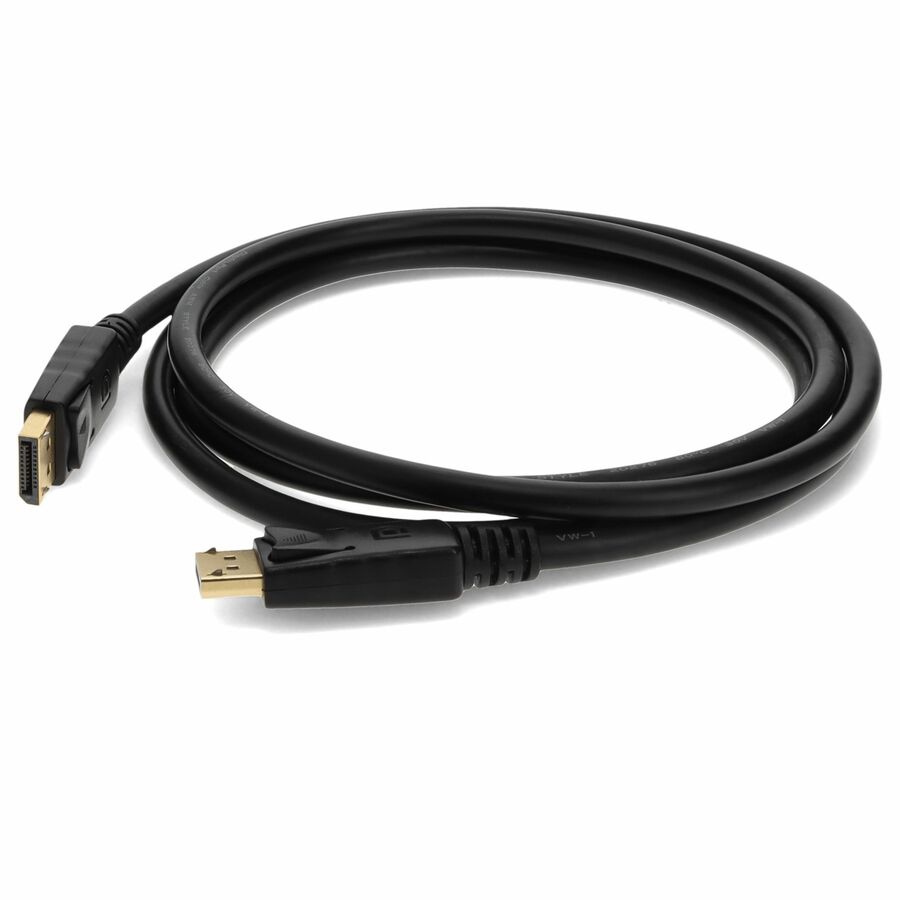
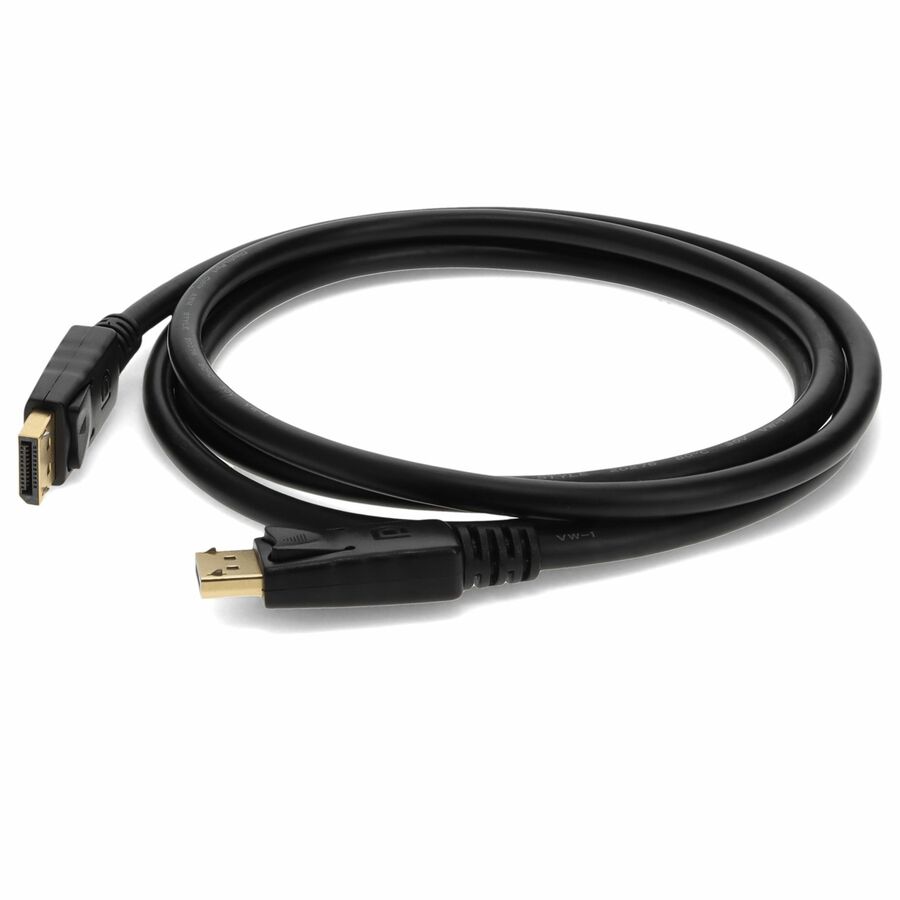
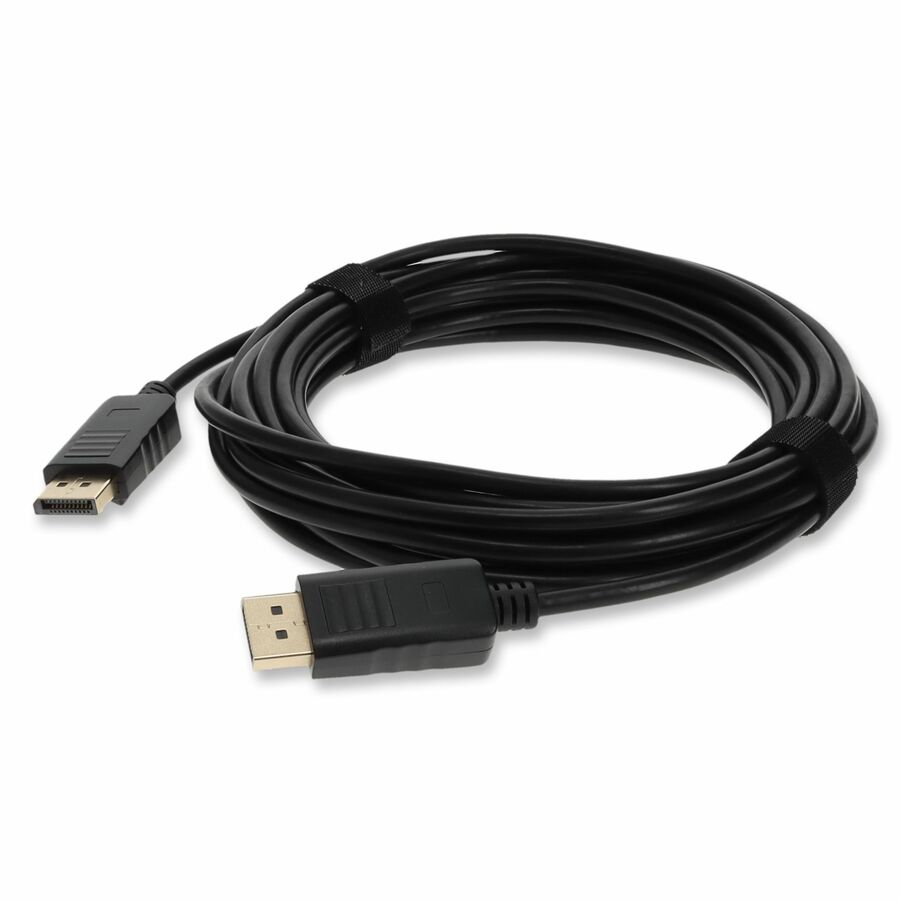
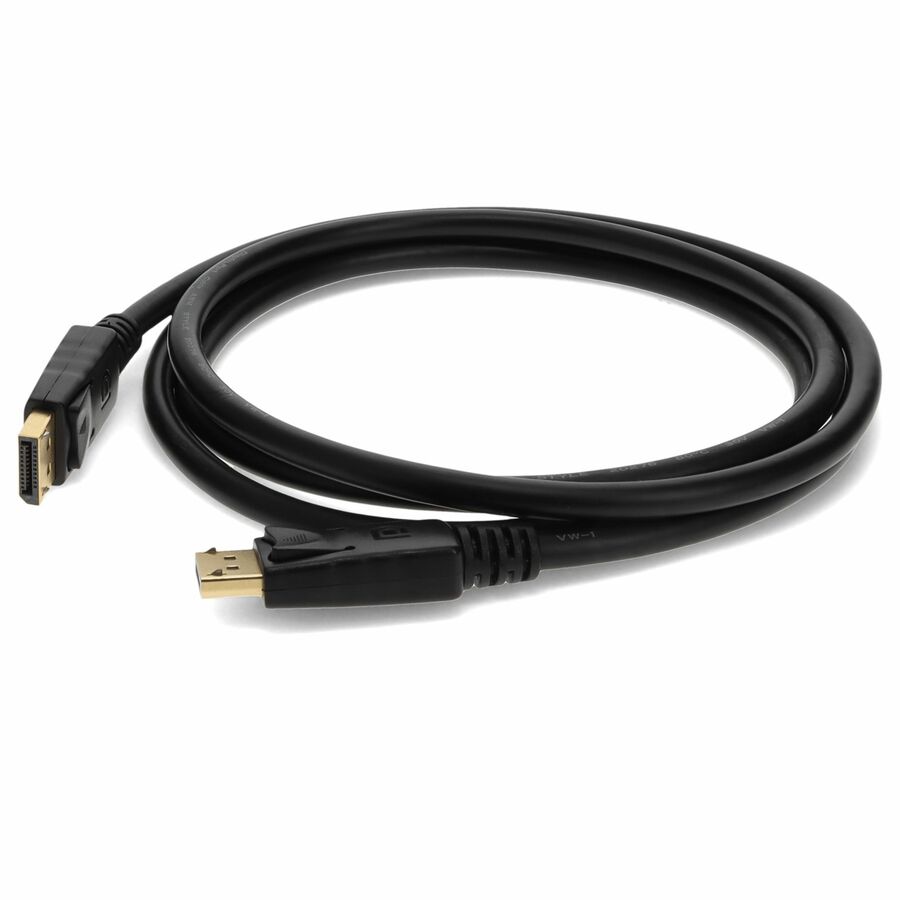
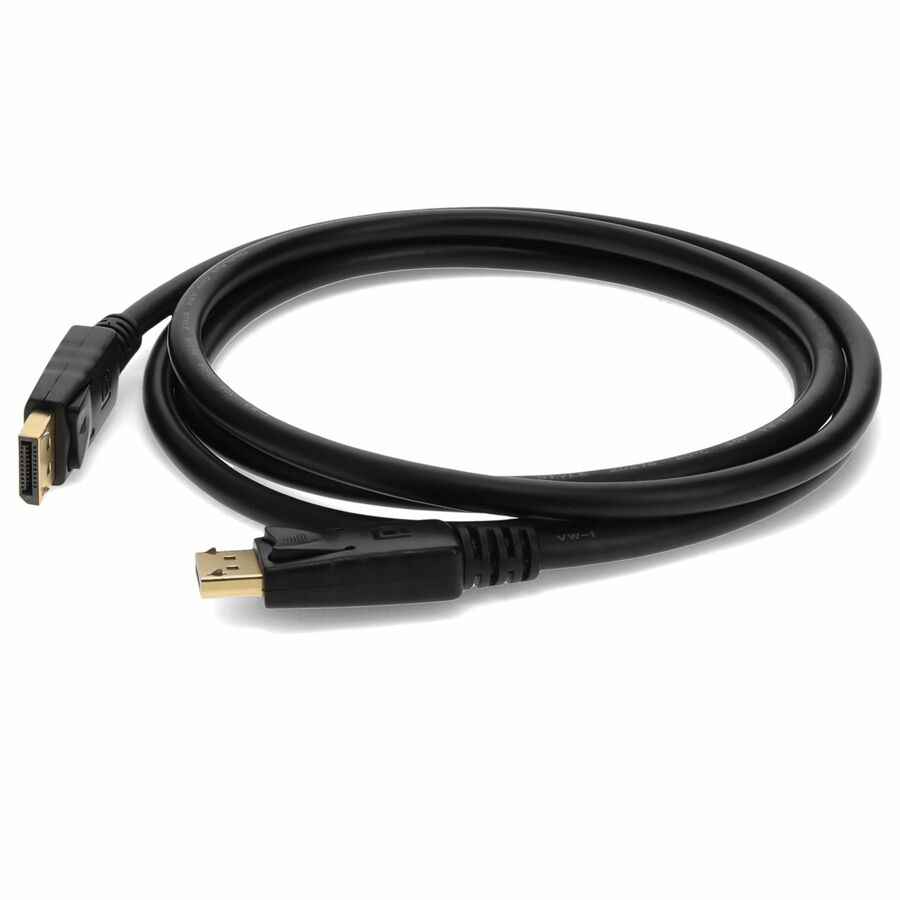
Connector Cables
Explore related listings, then confirm the exact model requirements against your plan. These listings are not an automatic compatibility or capacity verdict.
Resolution multiplied by refresh rate counts active pixels, not every symbol carried by a display link. A documented pixel clock adds the timing basis, while color depth and chroma sampling determine the data represented by each pixel. Encoding consumes some raw link rate before useful payload is available. These layers are shown separately so a marketing interface label does not become a false compatibility verdict.
Before choosing a product
The same connector can carry different lane allocations and negotiated modes. Confirm the exact source, dock or adapter, cable and display support the desired timing, sampling and compression together. A compression ratio is an entered scenario, not automatic DSC support. Audio, transport overhead and firmware can still constrain a path that appears to have spare arithmetic bandwidth, so retain the source documentation with the result.
Worked example
A 594 MHz RGB clock at 8 bits per component needs 14.256 Gb/s before other transport overhead. Four 8.1 Gb/s lanes with 8b/10b encoding supply 25.92 Gb/s of encoded payload budget.