Keep physical tile geometry, pixel canvas, outputs and installation loads in separate ledgers.
AV & workplace
Video wall dimensions and pixel canvas
Keep physical tile geometry, pixel canvas, outputs and installation loads in separate ledgers.
Example inputs · Replace these with your measurements to build your plan.
Method, example and sources
Choose rows, columns and tile orientation, rotating both physical and pixel dimensions together.
Multiply outer dimensions and add only the gaps between adjacent tiles.
Compute native pixel canvas separately from physical bezel and gap compensation.
Count output paths and entered tile mass/power while retaining controller and installation requirements for review.
Worked example. Three columns and two rows of 1210 × 680 mm tiles with 2 mm gaps form a 3634 × 1362 mm outer wall. At 1920 × 1080 pixels per landscape tile, the native canvas is 5760 × 2160; six tiles need at least two four-output controllers by output count alone.
Outer tile dimensions already include their bezels. Extra gaps are added once; content compensation and controller routing remain separate.
Tiles
6
Outer wall width
3,634mm
Outer wall height
1,362mm
Native canvas
5760 × 2160pixels
Controller output-count lower bound
2
Tile mass excluding mounts
120kg
Entered tile operating load
900W
Video wall dimensions and pixel canvas: detailed result
Row
Tile count
Native row pixels
1
3
5760 × 1080
2
3
5760 × 1080
A controller-count bound based on outputs does not establish canvas size, processing bandwidth, mapping or synchronized output support.
Verify exact active/outer geometry, wall support, mounts, service gaps, power feeds and installation loads. No structural or electrical approval is implied.
From the catalog
Digital Signage Systems
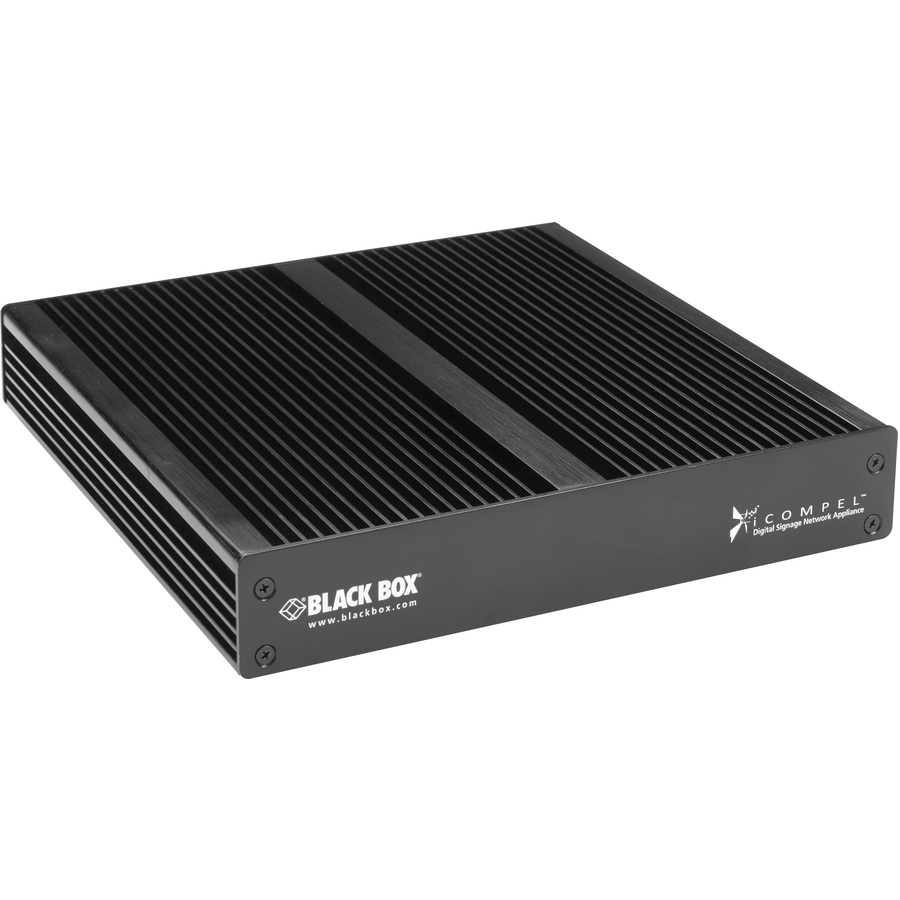
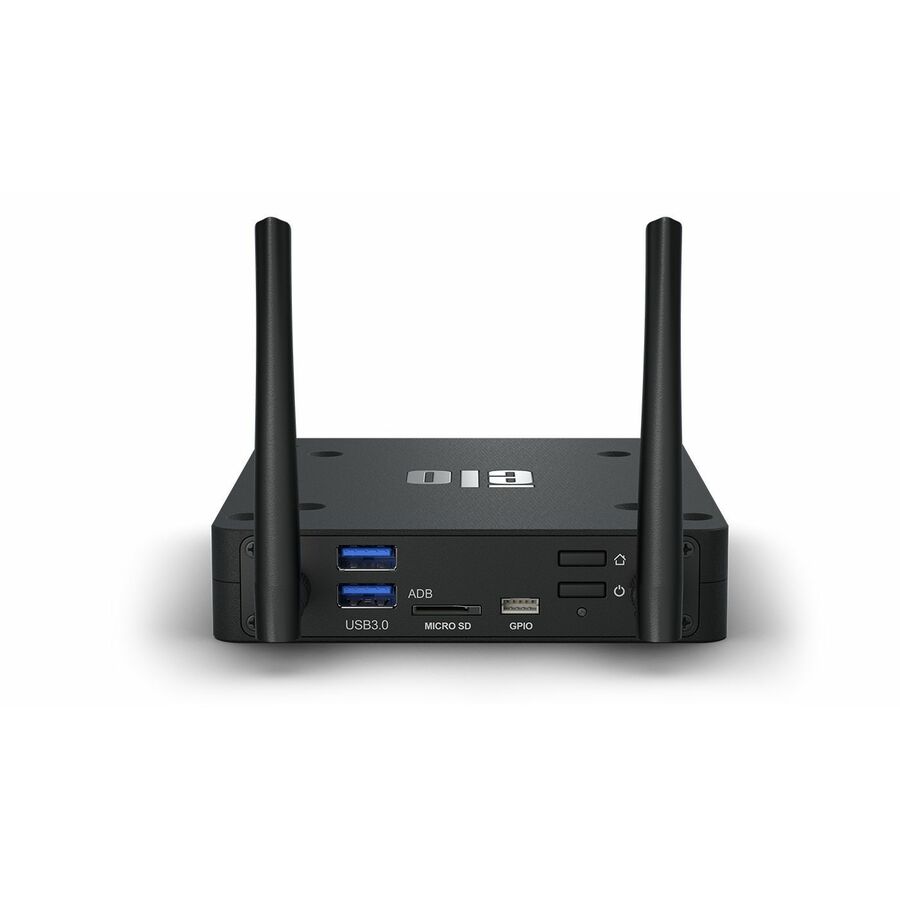
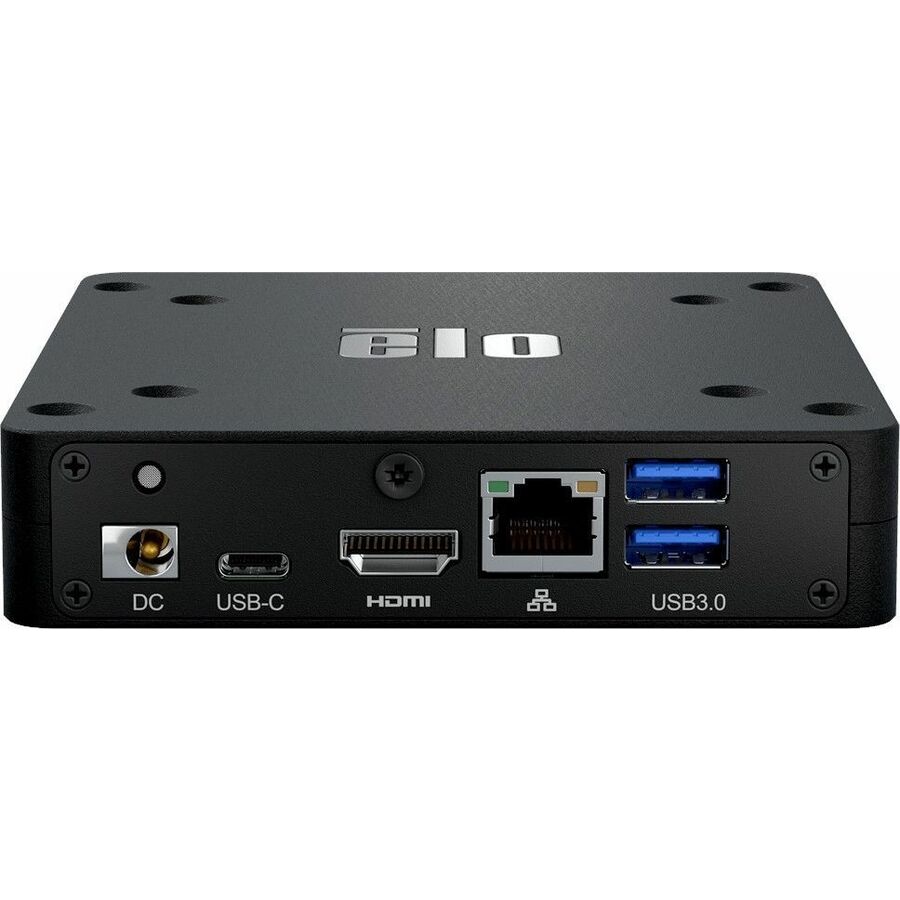
Explore related listings, then confirm the exact model requirements against your plan. These listings are not an automatic compatibility or capacity verdict.
A video wall has both a physical installation and a pixel canvas. Tile outer dimensions include borders, while the image grid follows native pixels and controller mapping. Rotating a tile changes both sets of dimensions, and gaps occur only between adjacent tiles. Keeping these ledgers separate prevents a bezel or service gap from being counted twice as extra image pixels.
Before choosing a product
Controller selection needs more than an output count. Verify input canvas, processing rate, synchronized output modes, bezel compensation and the exact panel or cabinet topology. Structural support, mounts, service access and electrical loading remain an installation design. The mass and power totals here contain only the entered tiles, so brackets, processors, cabling and conversion losses must be added where the project requires them.
Worked example
Three columns and two rows of 1210 × 680 mm tiles with 2 mm gaps form a 3634 × 1362 mm outer wall. At 1920 × 1080 pixels per landscape tile, the native canvas is 5760 × 2160; six tiles need at least two four-output controllers by output count alone.