Example inputs · Replace these with your measurements to build your plan.
Comma-separated dpalt, thunderbolt, usb4, or unknown.
Connector shape is not evidence of a transport.
Method, example and sources
List display transports documented at both host and dock, without inferring them from USB-C shape.
Compare required displays with both documented count limits and retain exact timing/OS support separately.
Limit source power by the cable current, subtract the dock/shared-port allocation, then cap it at the accepted laptop profile.
Review the exact cable, profile, firmware and display path before selecting a bundle.
Worked example. A 20 V, 5 A source/cable ceiling is 100 W. With 15 W allocated to a dock and a laptop accepting 20 V at 3.25 A, the laptop ceiling is 65 W, not 50 W: dock overhead is deducted before applying the sink cap.
Transport overlap and count limits are necessary checks, not proof that a specific OS/display mode works.
Source/cable shared power ceiling
100W
Laptop allocation ceiling
65W
Required laptop input
65W
Display count ceiling
2
USB-C desk path and charging worksheet: detailed result
Check
Entered result
Common documented transport
dpalt
Display count
Within entered limits
Fixed-voltage profile
Within entered limits
Charging allocation
Within entered limits
Exact timing / OS
Unknown
Use the manufacturer’s simultaneous-port mode table; do not divide a total charger wattage equally between ports.
This fixed-profile calculation does not model PPS, data-dependent dock behavior, DisplayLink drivers, cable EPR certification or every adapter direction.
From the catalog
Docking Stations
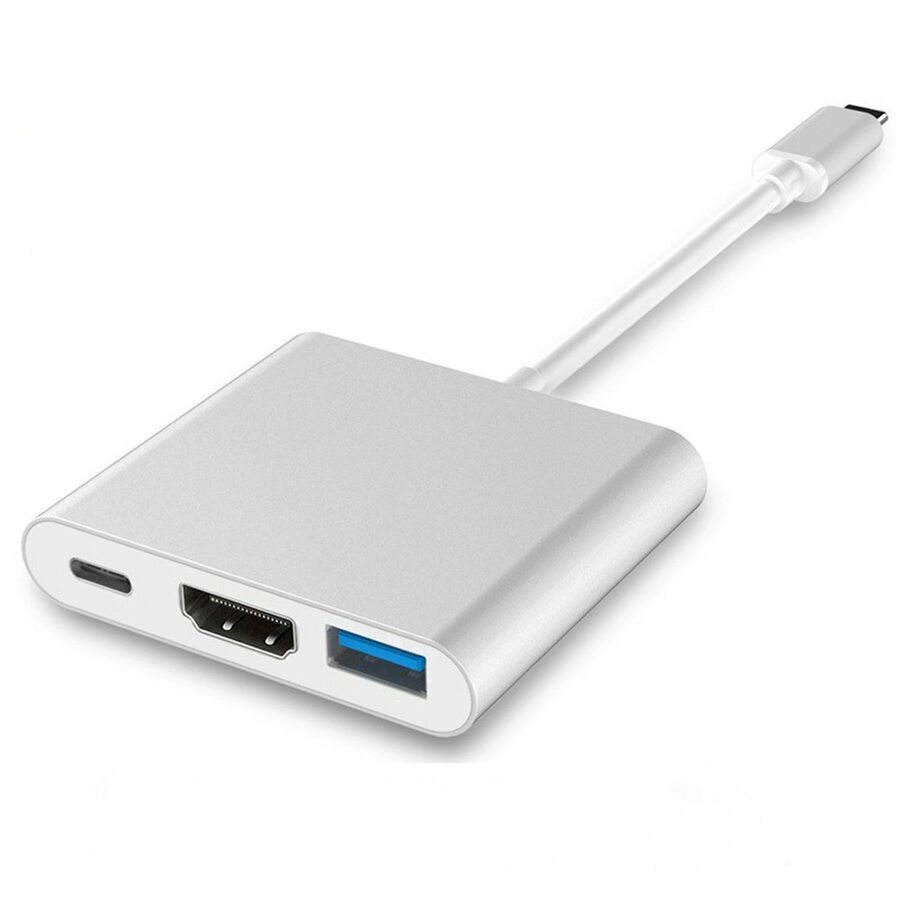
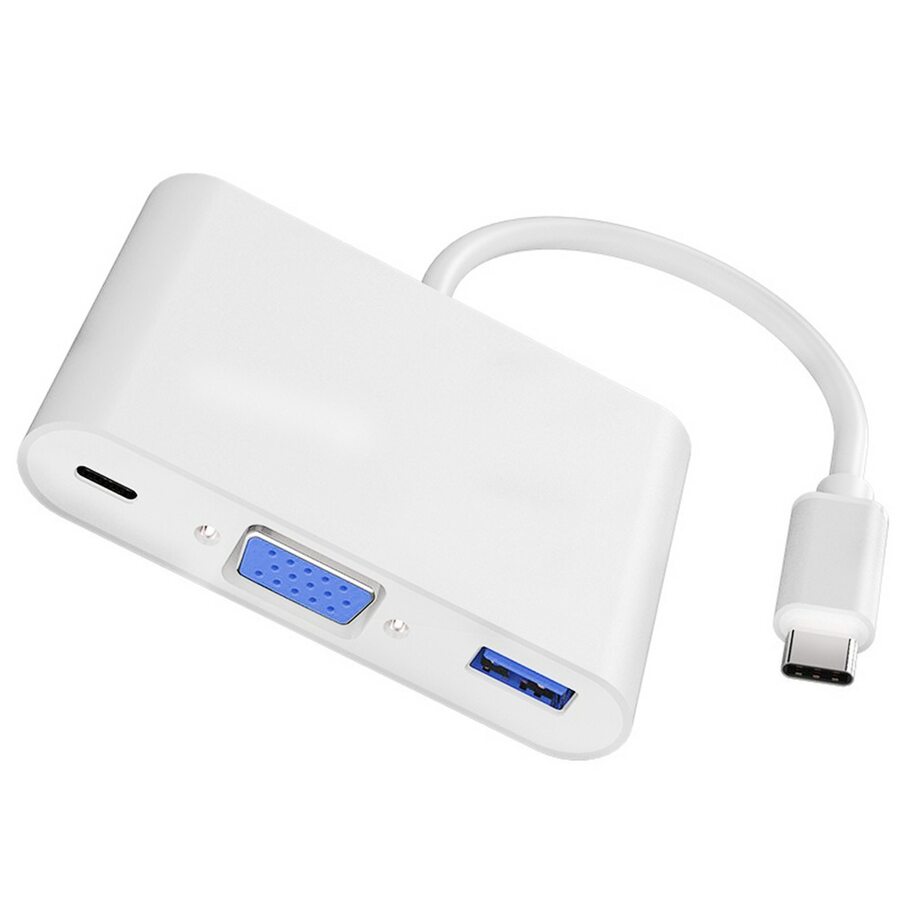
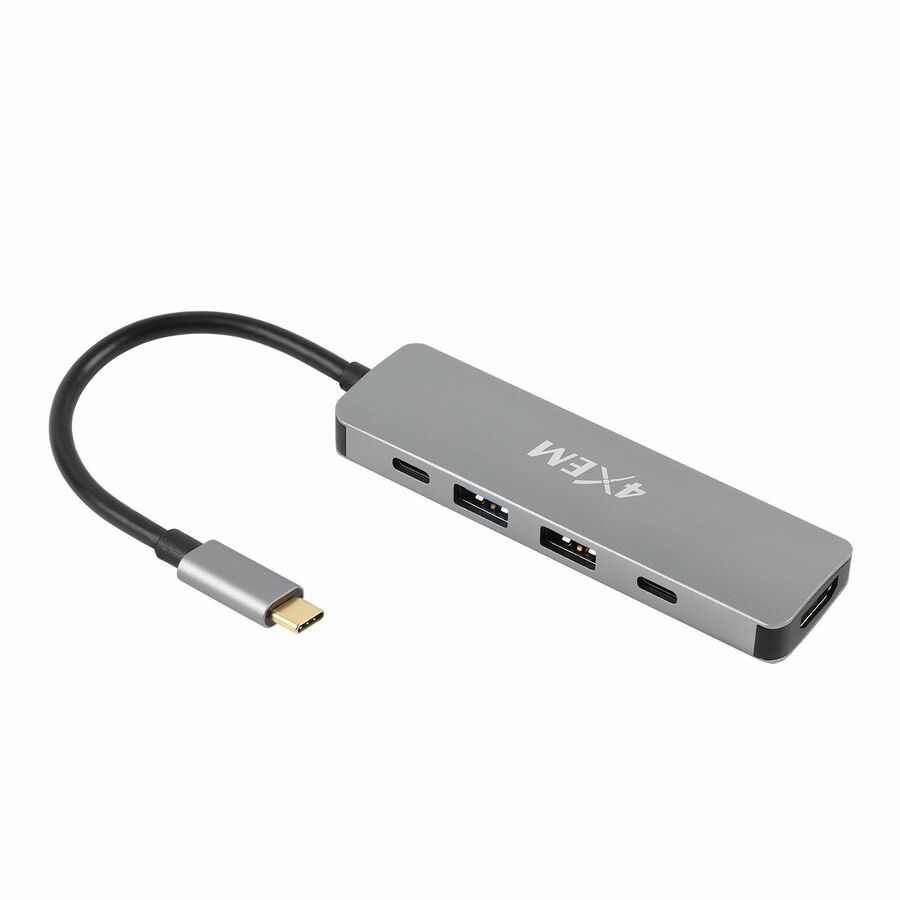
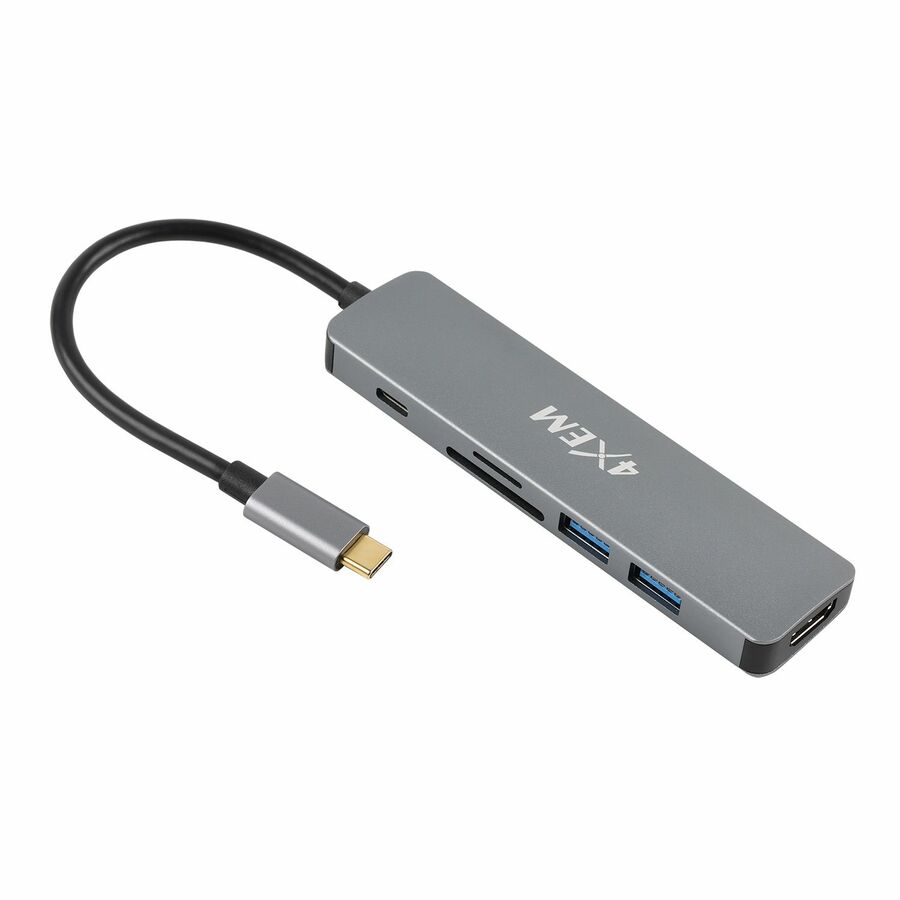
Explore related listings, then confirm the exact model requirements against your plan. These listings are not an automatic compatibility or capacity verdict.
Display transport, peripheral data and charging are independent capabilities of a desk connection. A USB-C connector does not establish DisplayPort Alt Mode, Thunderbolt, USB4 or a particular charging profile. This worksheet intersects only explicitly documented transports and compares display counts separately from exact resolution and operating-system behavior, leaving unsupported or missing paths visible.
Before choosing a product
Charging power depends on the simultaneous port configuration and a negotiated profile that the source, cable and laptop all support. Dock overhead must come out of the source budget before the laptop’s accepted maximum is applied. Check the manufacturer’s shared-mode table rather than assigning every port the headline charger rating. The resulting bundle still needs model-specific timing, cable, firmware and application validation.
Worked example
A 20 V, 5 A source/cable ceiling is 100 W. With 15 W allocated to a dock and a laptop accepting 20 V at 3.25 A, the laptop ceiling is 65 W, not 50 W: dock overhead is deducted before applying the sink cap.