Count complete video/USB paths and compare entered KVM, host and display capability evidence.
AV & workplace
KVM host and display path planner
Count complete video/USB paths and compare entered KVM, host and display capability evidence.
Example inputs · Replace these with your measurements to build your plan.
Method, example and sources
Count one independent host-side video path for every computer and monitor combination.
Add console video links and a USB upstream path per computer.
Compare the required counts and USB line-rate bound with documented limits.
Review the exact video mode, EDID, HDCP and operating-system behavior before selecting a KVM bundle.
Worked example. Two computers with two displays require four host video links, two console video links and two USB upstream links. A USB path with host 5 Gb/s, KVM 5 Gb/s and cable 0.48 Gb/s is bounded by 0.48 Gb/s before protocol overhead.
Link counts do not establish exact video timing, USB throughput or secure-domain suitability.
Host-side video links
4
Console-side video links
2
USB upstream links
2
Lowest stated USB link rate
5Gb/s
KVM host and display path planner: detailed result
Check
Result
Computer inputs
Within entered limits
Video paths from every host
Within entered limits
KVM display outputs
Within entered limits
USB line-rate bound
Within entered limits
Exact video timing
Unknown
EDID / HDCP
Unknown
Path counts are logical video streams, not automatic cable quantities: a documented MST/USB-C cable may carry multiple streams. Subtract included assemblies and verify adapter direction. USB link rate is not sustained payload.
A maximum-resolution label cannot establish all refresh, color-depth or multi-monitor combinations.
From the catalog
KVM Switchboxes
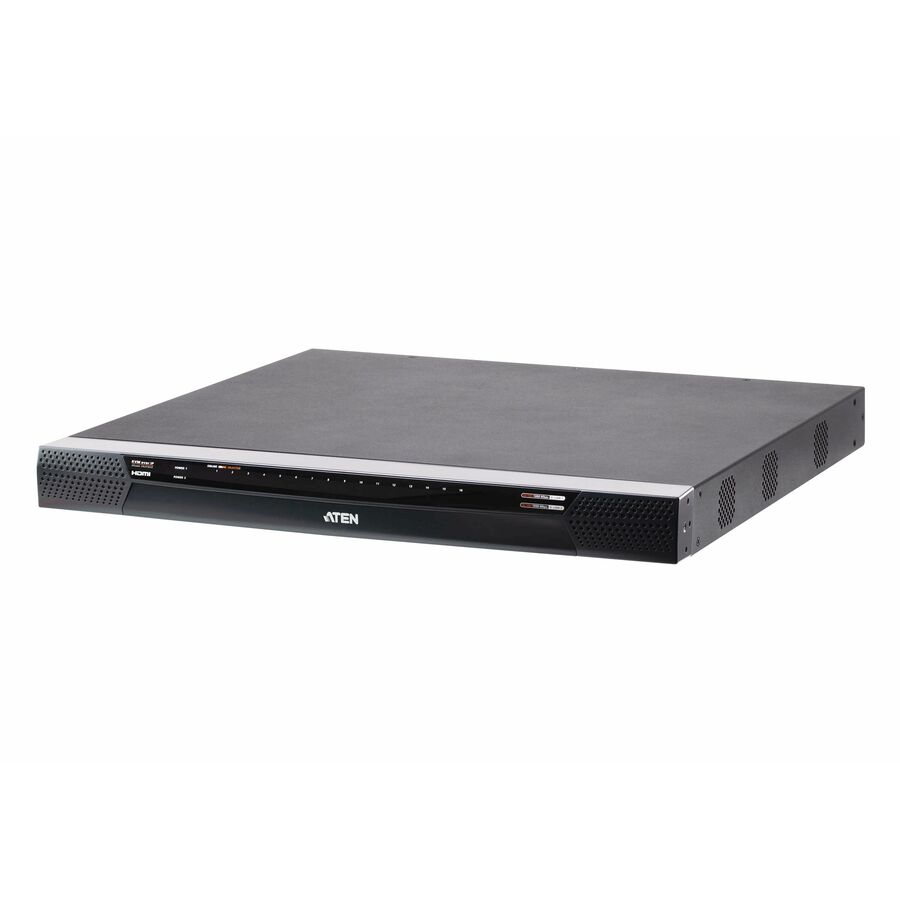
Explore related listings, then confirm the exact model requirements against your plan. These listings are not an automatic compatibility or capacity verdict.
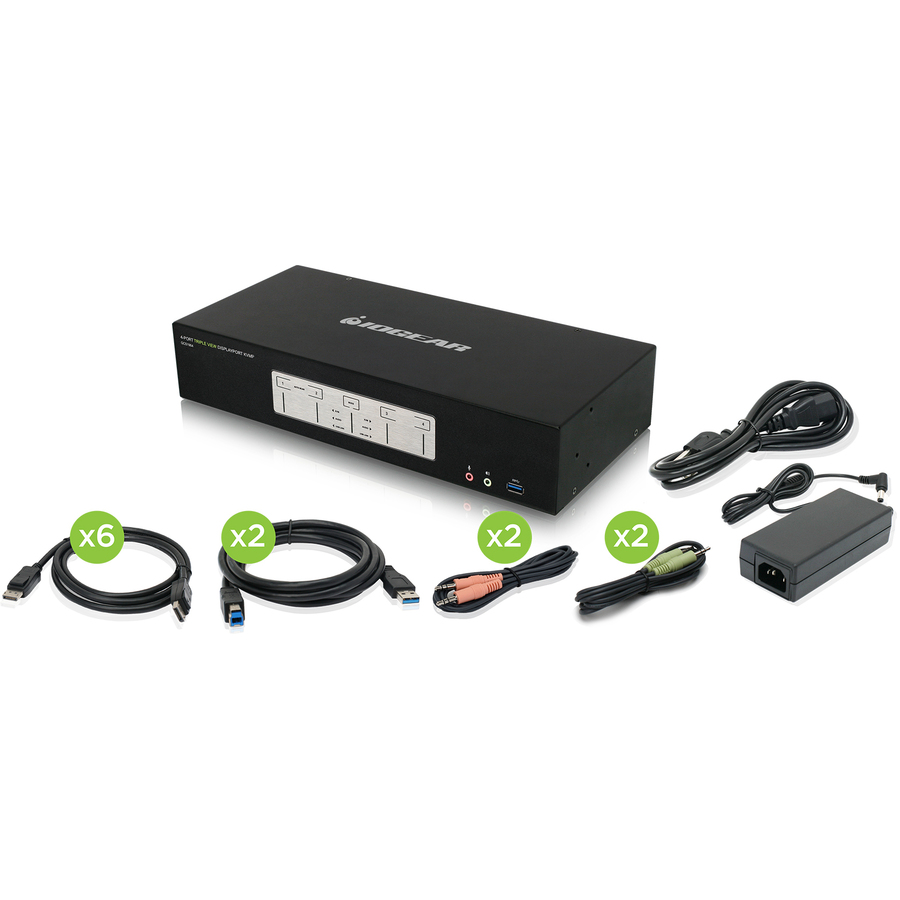
Multi-monitor switching requires a complete video path from every host, not simply enough sockets on the console side. USB input switching also needs its own upstream connections. Counting these paths exposes missing cables or adapters early, while the narrowest entered USB link gives only a line-rate bound rather than promised peripheral throughput.
Before choosing a product
The exact video timing must be supported by the source, adapters, KVM and displays together. EDID persistence, HDCP, docking behavior and software can change the experience when switching. A device marketed as 4K does not establish every multi-monitor or high-refresh mode. Preserve the documented mode matrix and test the complete bundle; secure multi-domain operation requires a separately qualified product and deployment review.
Worked example
Two computers with two displays require four host video links, two console video links and two USB upstream links. A USB path with host 5 Gb/s, KVM 5 Gb/s and cable 0.48 Gb/s is bounded by 0.48 Gb/s before protocol overhead.