


Build a small meeting room video kit
Specify a small meeting room as one usable system: camera, audio, display, host connection, mounting and a repeatable start-of-meeting routine.
By Uniqcli Team · · 4 min read
On this page
A meeting room is ready when a visitor can start a call and remote participants can see and hear the people at the table. A box containing a camera is only part of that result. The room’s geometry and the connection workflow determine what belongs in the kit.
This page is a starting specification for an IT-led purchase. Product choices are catalog-based candidates to validate in the room. Ask for a complete bill of materials and a pilot before copying the design across several locations.
Integrated room candidate
Logitech
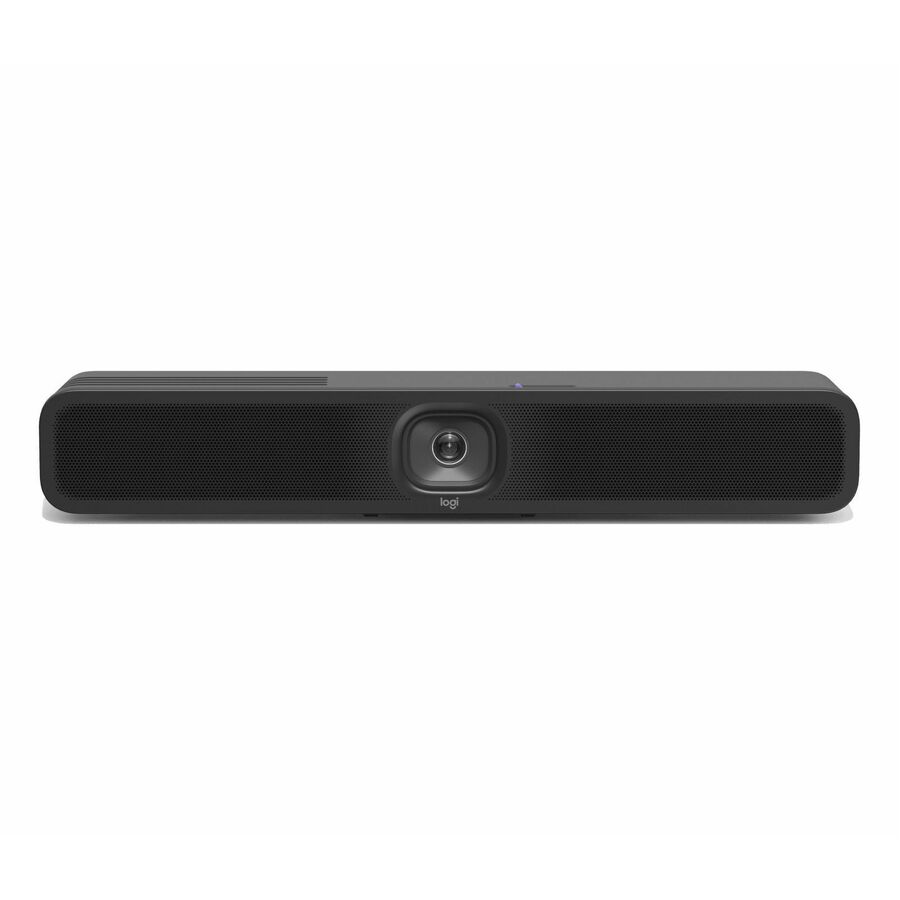
MeetUp 2 All-in-One USB Conference Camera with Built-In AI
960-001691
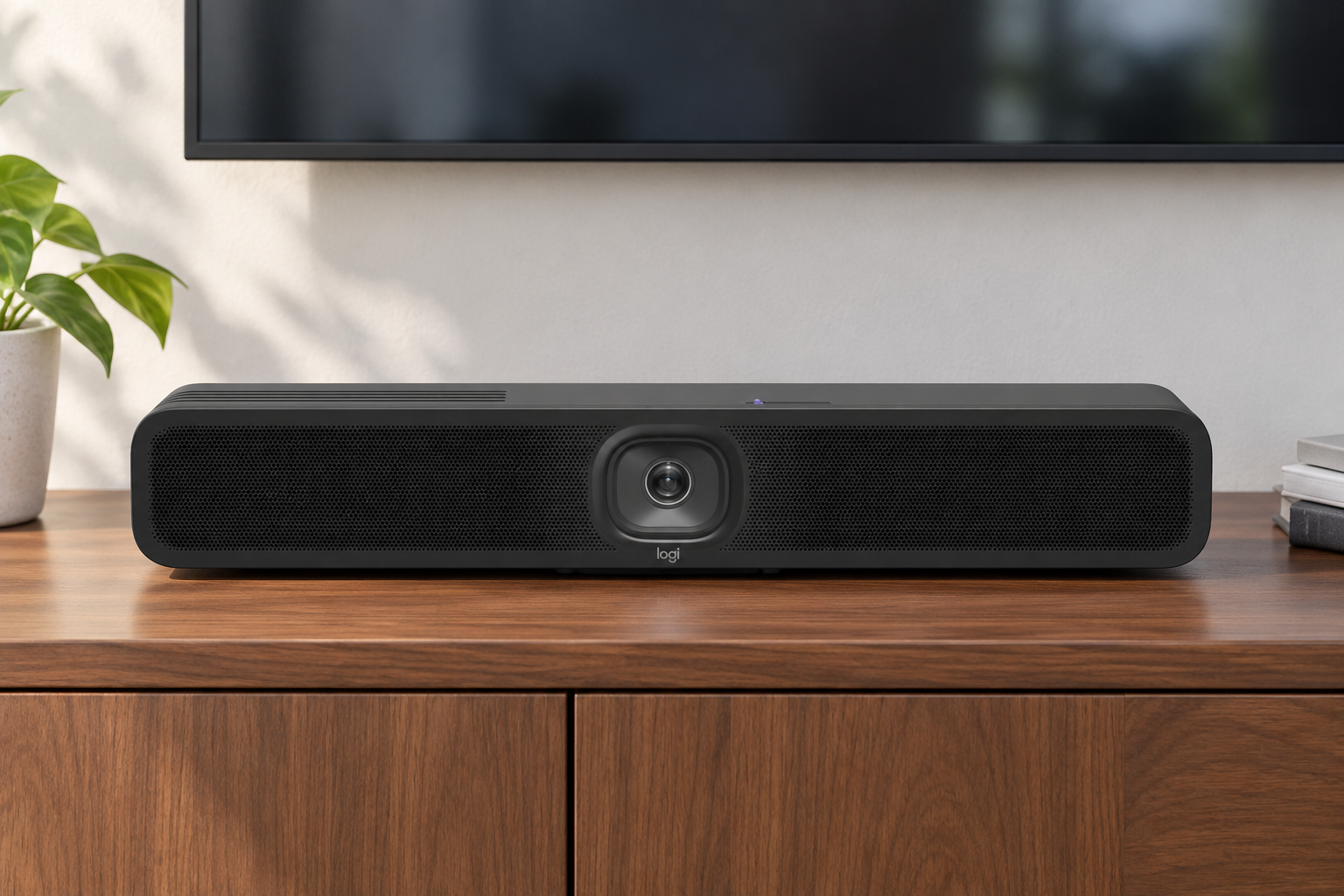
Logitech MeetUp 2 combines a room camera and audio functions for evaluation in a small meeting space. It reduces the number of separate audio/video devices to coordinate.
Verify coverage, host software support and mounting accessories against the actual room.
$1,188.81In stockMobile display candidate

StarTech.com
StarTech TV Cart
STNDMTV70
StarTech’s TV cart provides an option when a display must move between rooms rather than remain wall-mounted.
Match the specific display’s weight and mounting pattern, and plan cable routing and safe movement.
$608.22In stockHost connection candidate
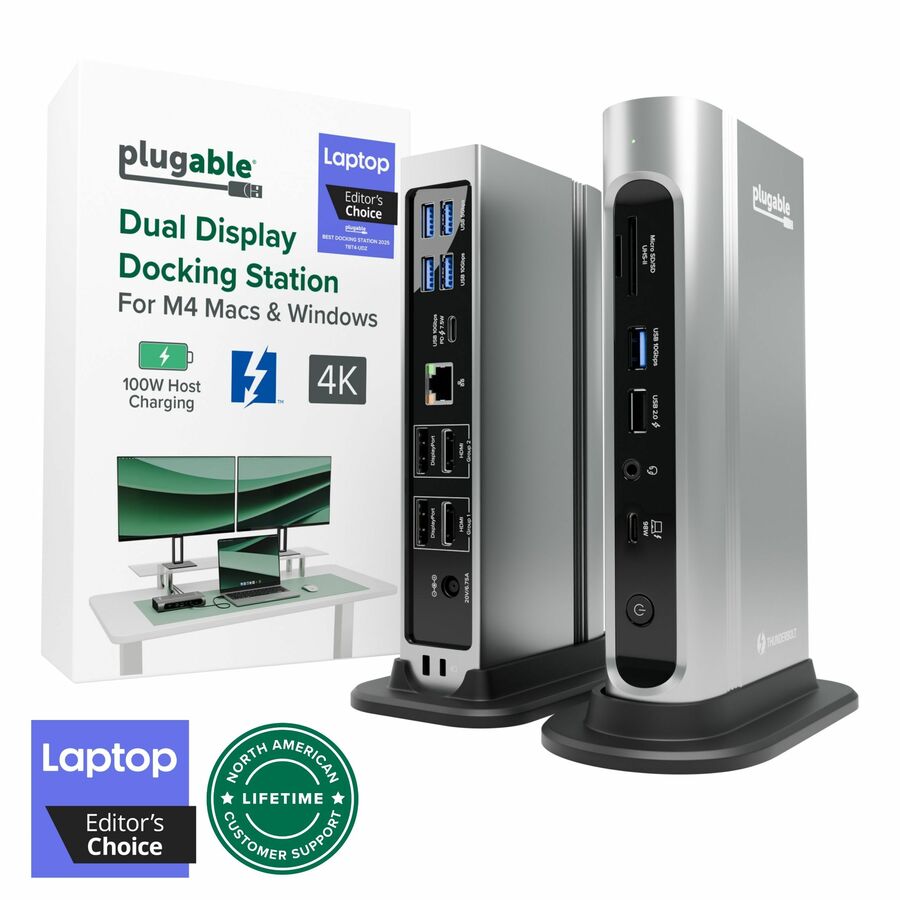
Plugable Technologies
Plugable 16-in-1 Thunderbolt 4 Dock with 100W Charging, 4K Quad Monitor…
TBT4-UDZ
Plugable’s Thunderbolt 4 dock can be evaluated as part of a supported laptop connection design where its ports fit the room equipment.
It is not a meeting-room appliance; host compatibility and the camera path still require testing.
$396.47In stockDecide who brings the computer
In a bring-your-own-device room, the visiting laptop runs the meeting. The room needs an obvious, supported connection for its camera, audio and display. In a room with a dedicated computer or meeting appliance, IT owns sign-in, updates, scheduling and recovery. Choose the operating model before buying peripherals because it determines support responsibilities and cabling.
List the laptop families expected in a shared room. A single USB-C lead may be a useful goal, but the dock or room connection must support the required video and power functions on those hosts. Keep a documented alternative for unsupported laptops rather than hiding a collection of untested adapters in the room.
Measure the table and the view
Record the table length, seat positions, camera location and distance to the display. Confirm that the camera view includes the intended seats at a useful face size. A very wide view can include the room while leaving participants too small. Test screen sharing from the furthest seat to make sure text can be read on the room display.
Audio deserves equal attention. Have people speak from every seat and ask the far-end listener whether the conversation remains understandable. Reflective surfaces, HVAC noise and adjacent rooms can matter. The selected device’s published coverage is a starting point; it does not replace a room trial.
Recommended configuration
- Camera and audio
- Purchasing detail: Exact model and supported coverage · Room acceptance check: Every intended seat is visible and audible
- Display
- Purchasing detail: Size, inputs and mounting arrangement · Room acceptance check: Shared text readable from the back seat
- Host connection
- Purchasing detail: Laptop models and cable capability · Room acceptance check: Call begins without IT intervention
- Mounting
- Purchasing detail: Wall, display or table hardware · Room acceptance check: Stable placement and clear sightline
- Support
- Purchasing detail: Owner, updates and recovery card · Room acceptance check: Next user can restore a working room
Build the cabling and mounting into the quote
Include brackets, appropriate host cables, display cables, power and any extension technology needed for the measured distances. Do not assume a short cable supplied in the box reaches the table. USB extension products have their own compatibility limits and should be qualified with the camera and host. Keep mains and installation requirements within the facilities team’s approved practice.
Place connectors where users can reach them without moving the camera or pulling cables across the floor. Label the one intended host connection. If the room uses a mobile display cart, check display size, weight, mounting pattern and stability with the equipment installed; a cart’s total load rating is not a complete compatibility approval.
Acceptance test: rehearse a meeting from the doorway
Ask an employee who did not help install the room to enter, connect, start a call, share content and end the meeting. Watch for hidden steps such as choosing a microphone or changing a display input. Repeat with a second approved laptop model. Record the outcome and adjust the instructions or design before the room becomes a standard.
Keep a short recovery card and a named support owner in the room. Define how firmware changes are tested and how missing cables are replaced. For a quote, send the room dimensions, seating, display details, laptop mix and intended meeting platform. That gives the supplier enough context to identify accessories and assumptions instead of pricing a camera in isolation.
Questions before you order
Is a dedicated room computer required?
No. A laptop-hosted room can work well if the connection is clear and supported. A dedicated computer changes ownership of updates and sign-in; select the model that fits staffing and meeting needs.
What should we send for a room quote?
Include room and table dimensions, seats, display model, mounting preference, laptop mix, meeting platform and cable distances. Ask the quote to identify every accessory and any installation assumption.
Build the right equipment list
Send your quantities, required configurations and delivery needs for a quote.
Sources
- 1.Logitech 960-001691 — catalog specificationsgetuniqcli.com
- 2.StarTech.com STNDMTV70 — catalog specificationsgetuniqcli.com
- 3.Plugable Technologies TBT4-UDZ — catalog specificationsgetuniqcli.com
Product-reference composite · 960-001691. AI-generated setting; original catalog photography appears in the product listings.