
A dock compatibility checklist for IT purchasing
Use a repeatable compatibility record to qualify the laptop, dock, cables, displays, network and management tools before a bulk order.
By Uniqcli Team · · 4 min read
On this page
A dock purchase goes wrong when a successful connection on one laptop is treated as proof for the whole fleet. Compatibility is a combination of hardware, operating system, cables, display settings and software permissions. Document that combination before comparing bids.
The practical deliverable is a supported configuration record. It should tell IT exactly what was connected, which functions passed and what the buyer still needs to confirm. The products below illustrate different connection approaches rather than an interchangeable set of docks.
Windows desk candidate
Kensington Computer Products
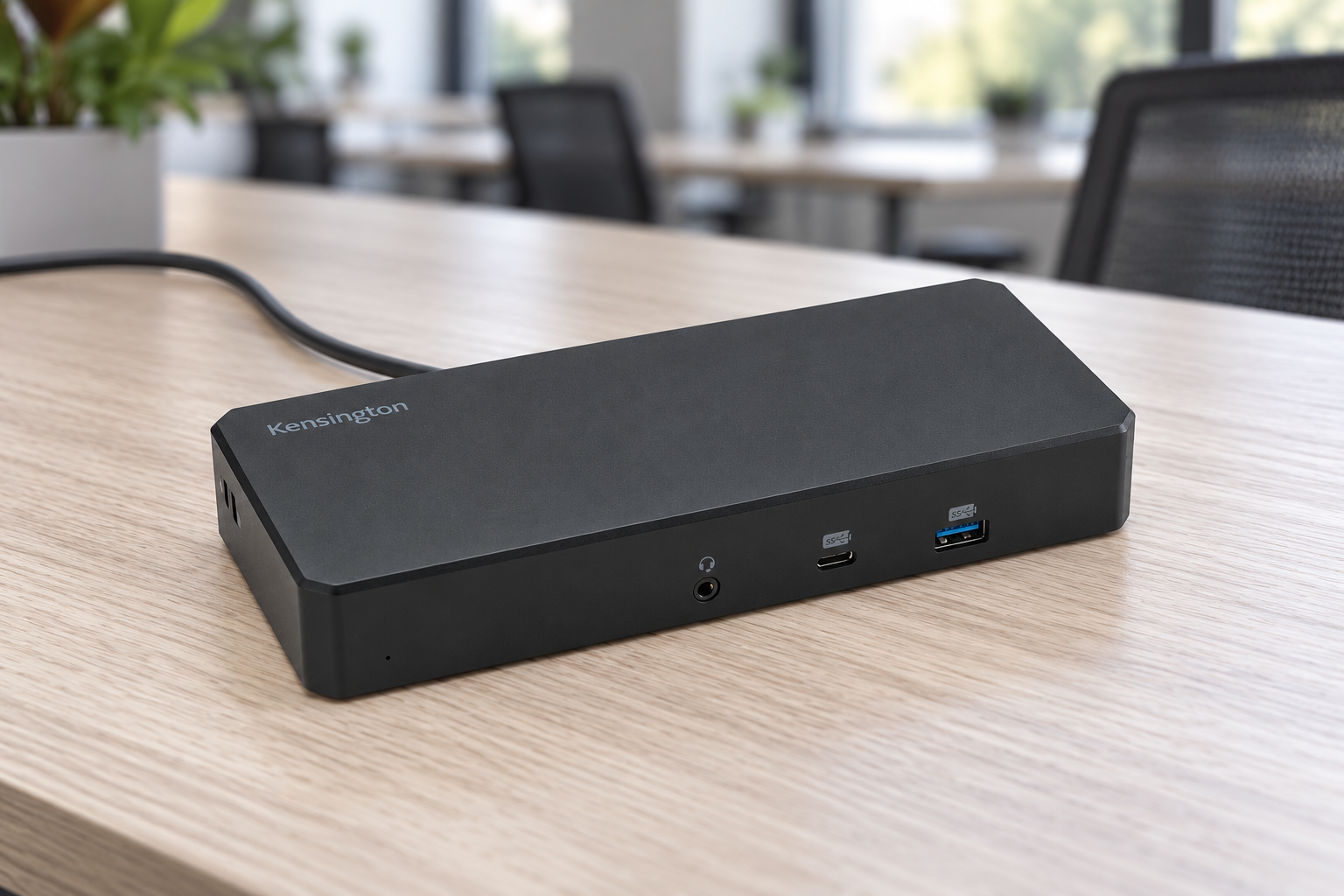
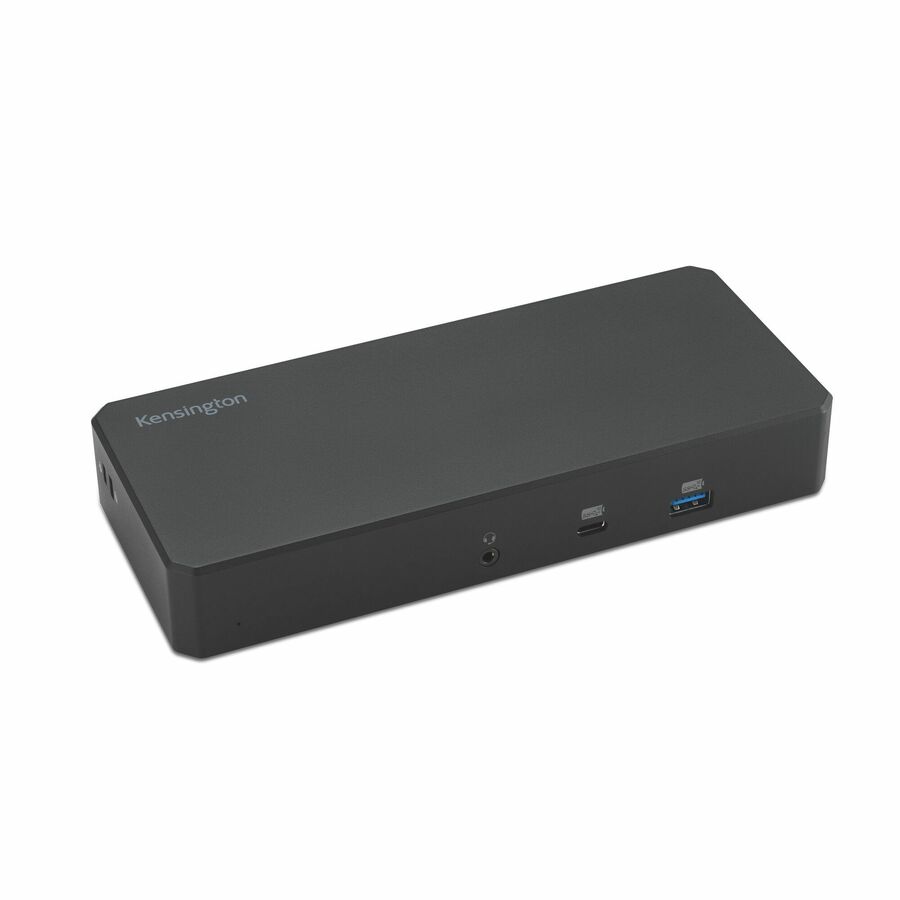
Kensington SD3220U3 EQ USB-C® 10Gbps Triple Video Driverless Dock
K32803NA
Kensington SD3220U3 is listed as a Windows driverless triple-video dock with host charging. It is useful for evaluating a native display workflow.
The advertised display count still depends on supported host modes; qualify the exact monitors.
$163.57*In stockThunderbolt candidate
Plugable Technologies
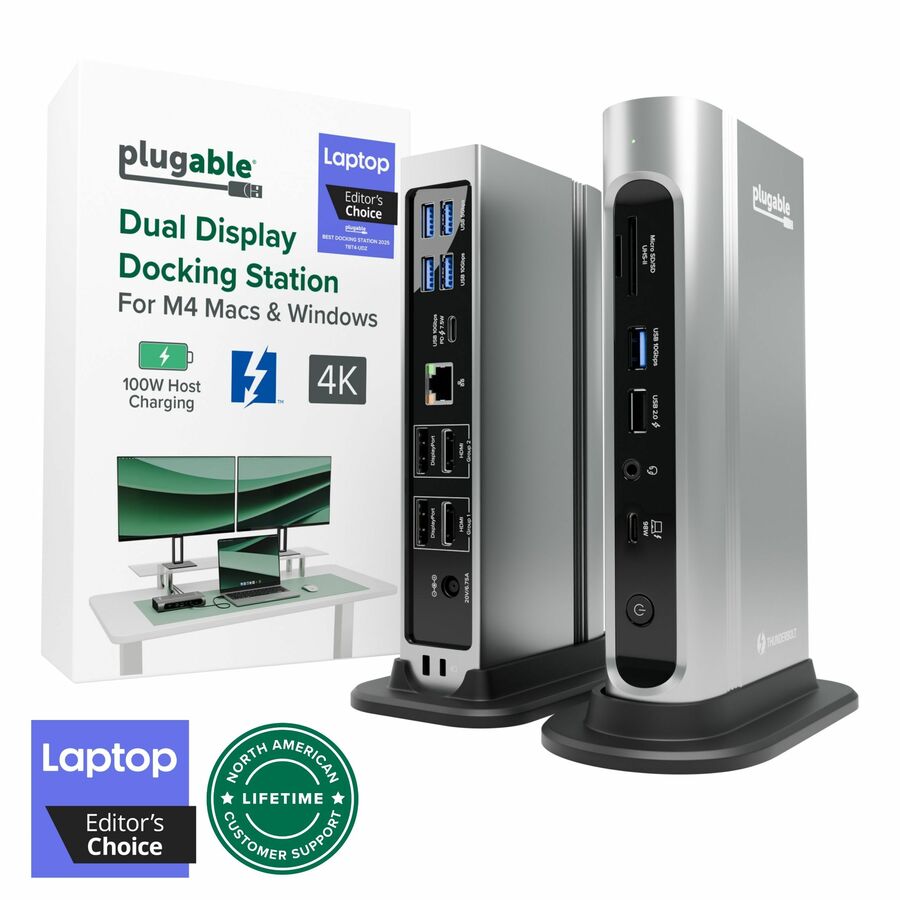
Plugable 16-in-1 Thunderbolt 4 Dock with 100W Charging, 4K Quad Monitor…
TBT4-UDZ
Plugable TBT4-UDZ is a Thunderbolt 4 dock with a broad selection of display and USB connections for a standardized desk.
Its quad-display headline is tied to compatible Windows hosts; read the Mac configuration limits separately.
$396.47In stockManaged software candidate
Plugable Technologies
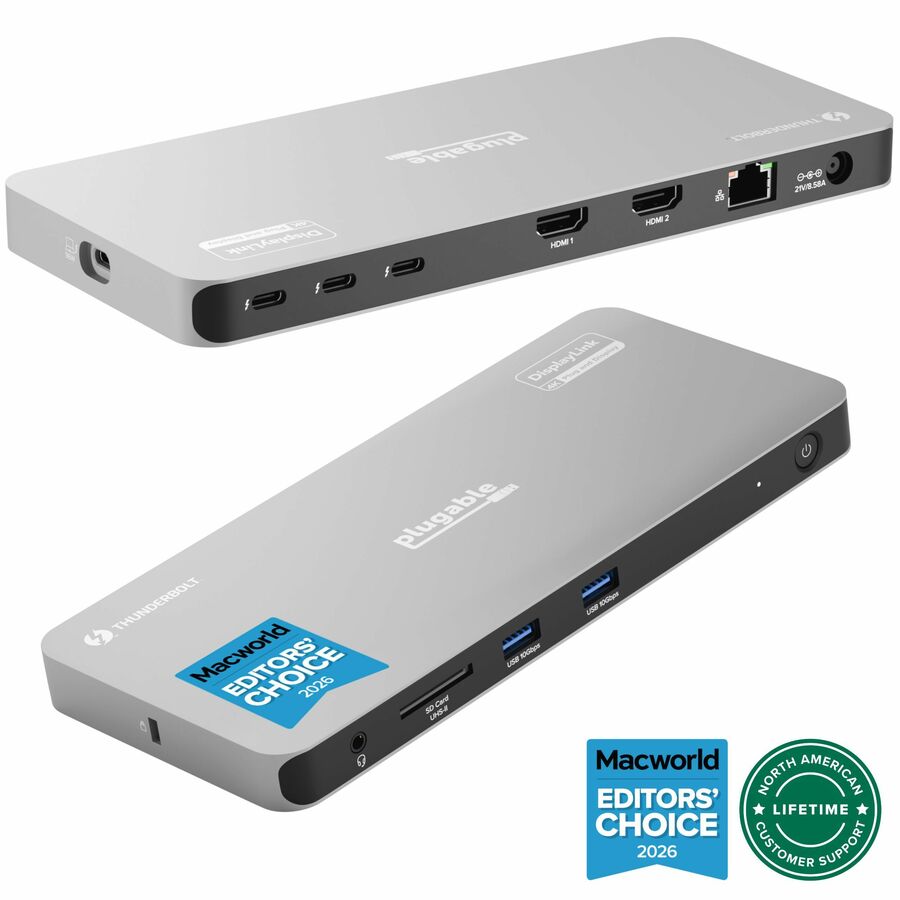
Plugable Thunderbolt 4 Dock for Quad Monitors 100W, Thunderbolt Docking…
TBT-6950PD
Plugable TBT-6950PD explicitly lists a driver requirement and a multi-display design. It belongs on a shortlist where IT can manage that software dependency.
Do not promise driverless operation or identical behavior across operating systems.
$409.58In stockWrite the configuration before the shopping list
Identify each laptop by model and configuration, the intended host port and its documented capabilities. Record operating system version, graphics drivers and firmware policy. Add the monitor model, input, resolution, refresh rate and whether screens must be extended independently. A request that says only “two monitors” leaves too much room for an unsuitable product.
Next list peripherals that are important to the job: headset, webcam, security key, card reader, Ethernet and external storage. Some can share a low-speed connection without affecting the work; others need a particular interface or driver. Put any preboot keyboard, network boot or management requirement in writing. Those functions need explicit vendor support and cannot be inferred from an Ethernet socket.
Use a qualification matrix
A matrix makes exceptions visible. For each laptop family, classify every requirement as verified, failed, not required or awaiting evidence. Keep the dock’s exact SKU on the record. Similar product names can conceal different adapters, host power, video technology or region-specific packaging.
Recommended configuration
- Charging
- Evidence to collect: Delivered host wattage and supported profiles · Acceptance condition: No workload-related battery drain in the pilot
- Displays
- Evidence to collect: Host limits plus dock mode table · Acceptance condition: All required screens extend at the agreed modes
- USB devices
- Evidence to collect: Driver and security policy checks · Acceptance condition: Devices reconnect without admin intervention
- Network
- Evidence to collect: Adapter driver and management requirements · Acceptance condition: Approved network functions work consistently
- Recovery
- Evidence to collect: Sleep, reboot and unplug/replug results · Acceptance condition: User follows one documented recovery sequence
Understand the architecture of the shortlisted dock
Thunderbolt, USB4 and USB-C products can share a connector while offering different capabilities. Intel documents Thunderbolt 4’s certification requirements, which can help narrow a fleet standard. That still leaves the host, cable and display configuration to verify. Software-driven displays introduce another dependency: the required software must be supported and permitted on the organization’s operating system image.
Mac fleets need model-specific display checks. Apple documents external-display limits by computer model and display mode. Buying more output connectors does not automatically raise those limits. For a mixed fleet, make the Windows and Mac results separate rows, and document any software-based approach clearly so users know what must be installed.
Make the pilot reproducible
Run the qualification with an ordinary user account and the security software employees actually receive. Test a cold boot, resume, charging under the real workload, headset selection during a call, file transfer and network reconnection. Repeat on each supported laptop family. Retain the cable SKU and firmware versions with the result.
Before ordering, ask the supplier to quote the tested combination and identify substitutions. Assign an owner for driver and firmware updates and store one known-good spare set. When a later laptop refresh arrives, rerun the matrix instead of automatically carrying the dock approval forward. This gives purchasing a defensible standard and gives support a concrete starting point for troubleshooting.
Questions before you order
Can the connector shape prove compatibility?
No. Check the host protocol, supported video modes, cable capability, power delivery and operating system. The physical plug is only the starting point.
What should an approved dock standard include?
Keep the dock, power adapter and host cable SKUs together with tested laptop models, display modes, required software and support instructions. An exact configuration is more useful than a brand-level approval.
Build the right equipment list
Send your quantities, required configurations and delivery needs for a quote.
Sources
- 1.Intel: Thunderbolt 4 and USB-Cintel.com
- 2.Apple: external display limits by MacBook Air modelsupport.apple.com
- 3.Kensington Computer Products Group K32803NA — catalog specificationsgetuniqcli.com
- 4.Plugable Technologies TBT4-UDZ — catalog specificationsgetuniqcli.com
- 5.Plugable Technologies TBT-6950PD — catalog specificationsgetuniqcli.com
Product-reference composite · K32803NA. AI-generated setting; original catalog photography appears in the product listings.