
Buying business laptops in bulk: a complete quote checklist
Prepare a bulk laptop request that makes configurations, delivery, service and deployment work visible before comparing unit prices.
By Uniqcli Team · · 4 min read
On this page
A volume laptop purchase is a deployment project with a hardware line item. A low unit price can be attractive while concealing different memory, warranty or delivery arrangements. Build the request around a defined configuration and a documented rollout, so the quote can be checked before the devices arrive.
Compact fleet baseline
Lenovo
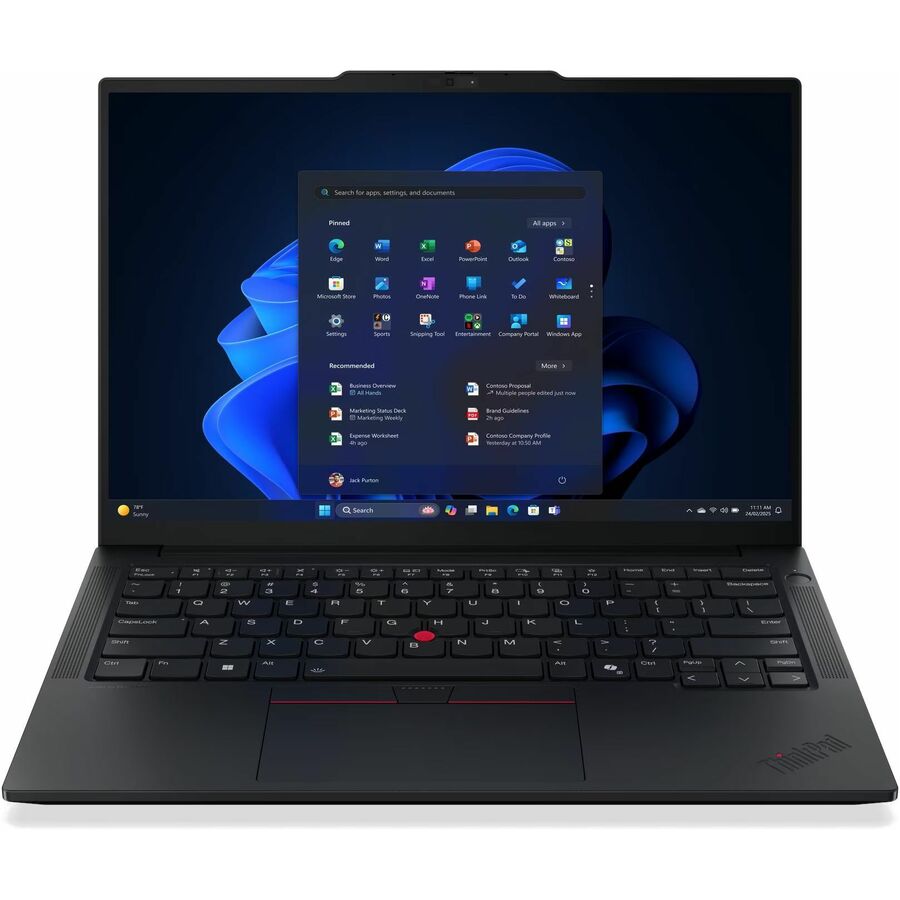
Lenovo ThinkPad E14 Gen 7 21T9002FUS 14" Notebook
21T9002FUS
Use this E14 Gen 7 part number as an explicit 16GB, 256GB, 14-inch configuration for comparing like-for-like quotes.
Confirm total quantity, delivery timing and service entitlement at quote time; the listing alone does not establish a bulk allocation.
$1,241.50In stockLarge-screen role option

Lenovo
Lenovo ThinkPad E16 Gen 3 21TF0027US 16" Notebook
21TF0027US
This E16 Gen 3 configuration lists 16GB memory and 512GB storage with a 16-inch display, giving the larger-screen role a specific orderable reference.
Do not allow the larger-screen role to silently replace the compact role without checking travel and desk requirements.
$1,462.59In stockConvertible role exception

Lenovo
ThinkPad L13 2-in-1 Gen 6 (AMD) 3.30 GHz W11P64 32.0GB 512GB PCIe 13.3
21RD000WUS
The 32GB L13 2-in-1 gives a clearly identified alternative for users who need more memory and a touch convertible form factor.
Keep the exception justified by the role. Touch capability and memory do not replace a compatibility pilot.
$2,575.19In stockWrite a specification suppliers can price consistently
Give the manufacturer part number when a configuration has already passed your pilot. Otherwise list the essential operating system, memory, storage, display and connection requirements, and clearly separate preferences from requirements. State keyboard layout and any regional power-cord needs. Avoid comparing two quotes solely on a family name such as ThinkPad E14.
List quantities by role and destination. A single shipment to an IT staging room is different from individual shipments to employees. Ask how partial shipments and unavailable configurations will be handled. If a substitute is offered, compare it against the approved requirements and pilot it when the difference affects software, docks or support.
Recommended configuration
- One office
- Prioritize: Central receiving and staging · Check before ordering: Serial-number report and batch dates
- Remote employees
- Prioritize: Destination-level packing plan · Check before ordering: Who handles returns and failed delivery
- Mixed roles
- Prioritize: Separate configuration lines · Check before ordering: Substitution rules for each role
Expose the work around the hardware
Put asset labeling, serial-number reporting, enrollment preparation, imaging or provisioning, accessory bundling and delivery labeling on separate lines if you need them. Verify which services the supplier can actually provide and what your IT team must complete. A request for a service is not evidence that it is included.
Compare the delivered cost of a working seat: laptop, appropriate charger, dock if needed, display connections, freight and agreed support. Keep optional accessories visible rather than hiding them in a package description. Request a quote validity period and a delivery estimate for the stated quantity; neither a webpage nor an old quote reserves inventory.
Receiving checks before the purchase order
Name an owner for counting boxes, matching serial numbers to the purchase order and recording damage. Test a sample of the ordered configuration with enrollment, login, network access and peripherals. Keep packaging until the receiving process is complete and confirm the supplier’s return procedure for discrepancies.
Release staff devices in batches that match IT support capacity. Hold back a documented replacement pool when the business needs rapid swaps. Track deployment completion separately from delivery, because a delivered laptop is not yet a productive employee seat. Preserve the approved configuration and quote so later additions can be evaluated against the original standard.
Resolve partial shipments in the quote
Ask whether a proposed delivery date covers the full quantity or the first shipment. If batches are necessary, align them with the sites and roles IT can deploy independently. Clarify whether accessories and laptops will arrive together; a complete seat cannot be released when its required power supply or dock is in another shipment.
Make the receiving report easy to reconcile: purchase-order line, manufacturer part number, quantity, serial number and destination. Record discrepancies before devices enter employee circulation. A quote that exposes delivery and configuration differences gives the buyer a more useful comparison than a unit-price table alone, particularly when several roles are being purchased at once.
Questions before you order
Can we assume a discount from a quantity threshold?
No universal discount is established here. Request a quantity-specific quote and compare its full configuration, service and delivery terms.
When should a substitute be accepted?
After an owner checks it against the approved requirements. Re-pilot changes that affect applications, ports, drivers, deployment methods or employee usability.
Build the right equipment list
Send your quantities, required configurations and delivery needs for a quote.
Sources
- 1.Lenovo Group Limited 21T9002FUS — catalog specificationsgetuniqcli.com
- 2.Lenovo Group Limited 21TF0027US — catalog specificationsgetuniqcli.com
- 3.Lenovo Group Limited 21RD000WUS — catalog specificationsgetuniqcli.com
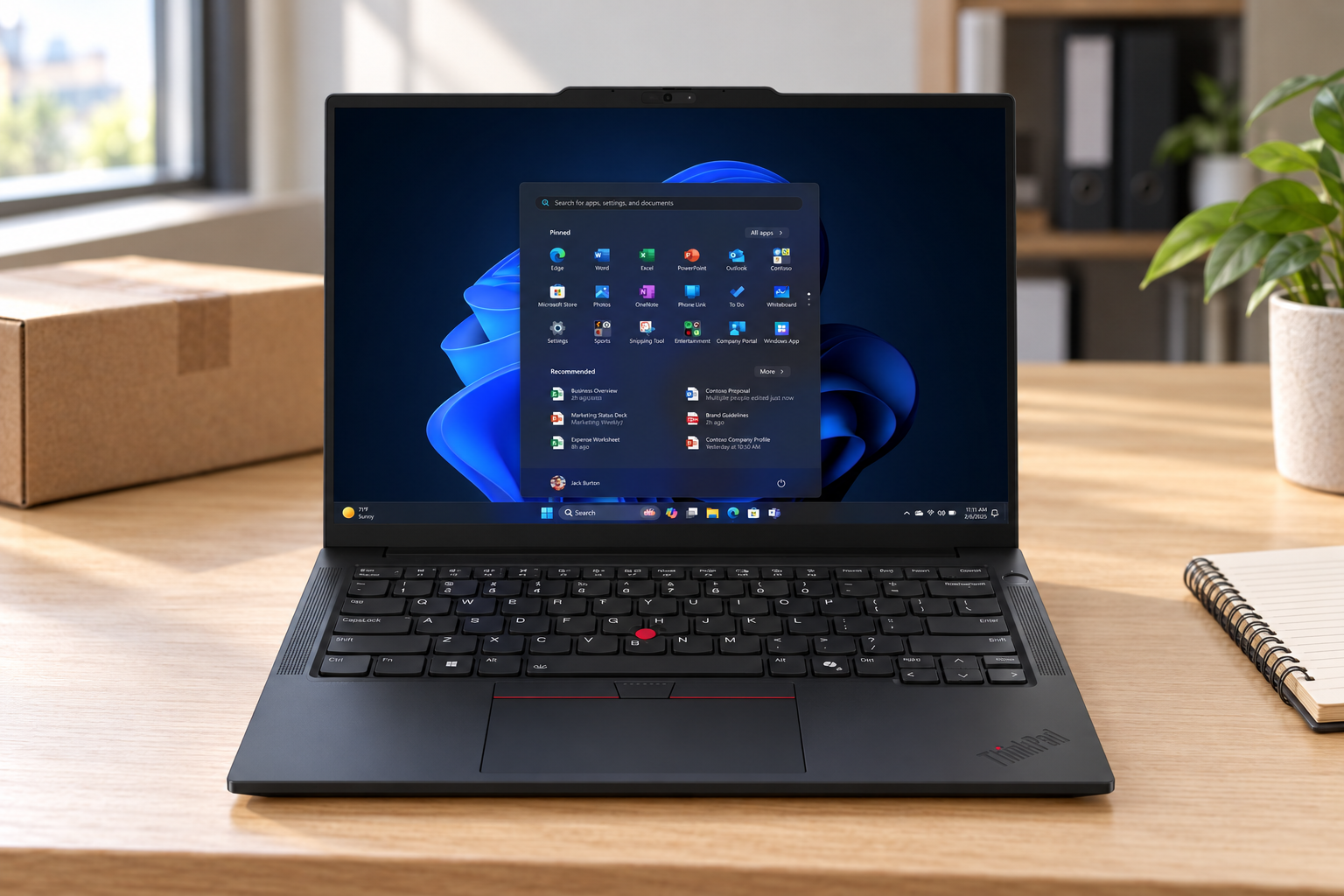
Product-reference composite · 21T9002FUS. AI-generated setting; original catalog photography appears in the product listings.