
Document scanners for office intake and records
Select a document scanner around originals, volume, application compatibility and the way completed files enter the office’s records workflow.
By Uniqcli Team · · 4 min read
On this page
A dedicated scanner earns its place when staff regularly turn paper into usable records. The important output is a correctly captured, named and stored document. A pages-per-minute figure tells only part of that story.
The shortlist covers a desktop batch scanner and two compact alternatives. It uses verified product specifications and practical acceptance criteria. It does not claim measured throughput, OCR accuracy or compatibility with every records application.
Desktop batch candidate
Fujitsu
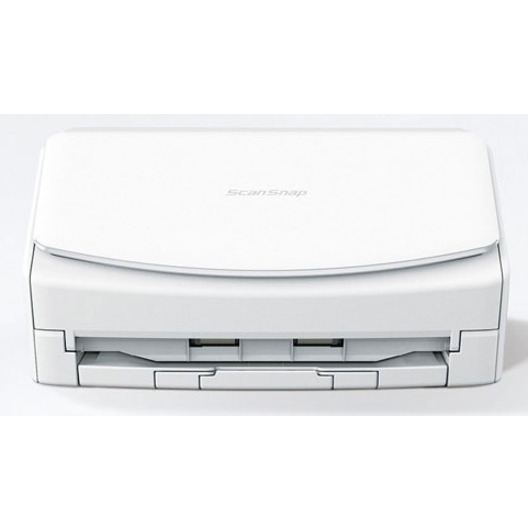
Fujitsu ScanSnap iX1600 ADF/Manual Feed Scanner
PA03770-B401
The ScanSnap iX1600 variant is listed with an automatic feeder, duplex scanning and USB connectivity, making it a candidate for regular desktop intake.
Validate the ScanSnap software workflow against your records application; do not assume a required driver interface is supported.
$994.73In stockCompact shared-workflow candidate

Brother Industries
Brother ADS-1800W Sheetfed Scanner
ADS1800W
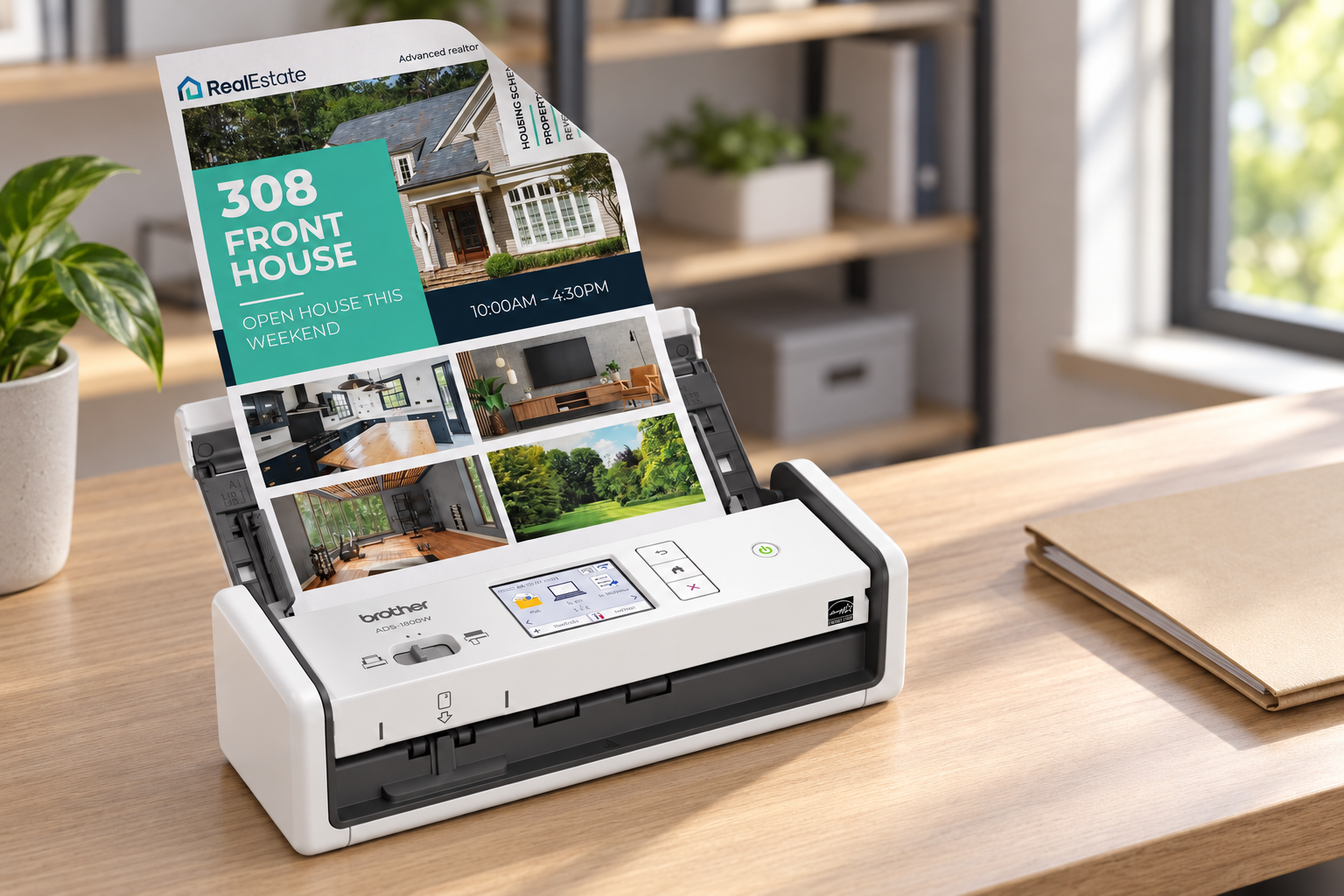
Brother ADS-1800W is a sheetfed scanner candidate with a compact format and connectivity features to evaluate for an office intake station.
Confirm the exact network destination, permissions and software requirements before choosing a shared configuration.
$435.31In stockCompact USB candidate
Brother Industries
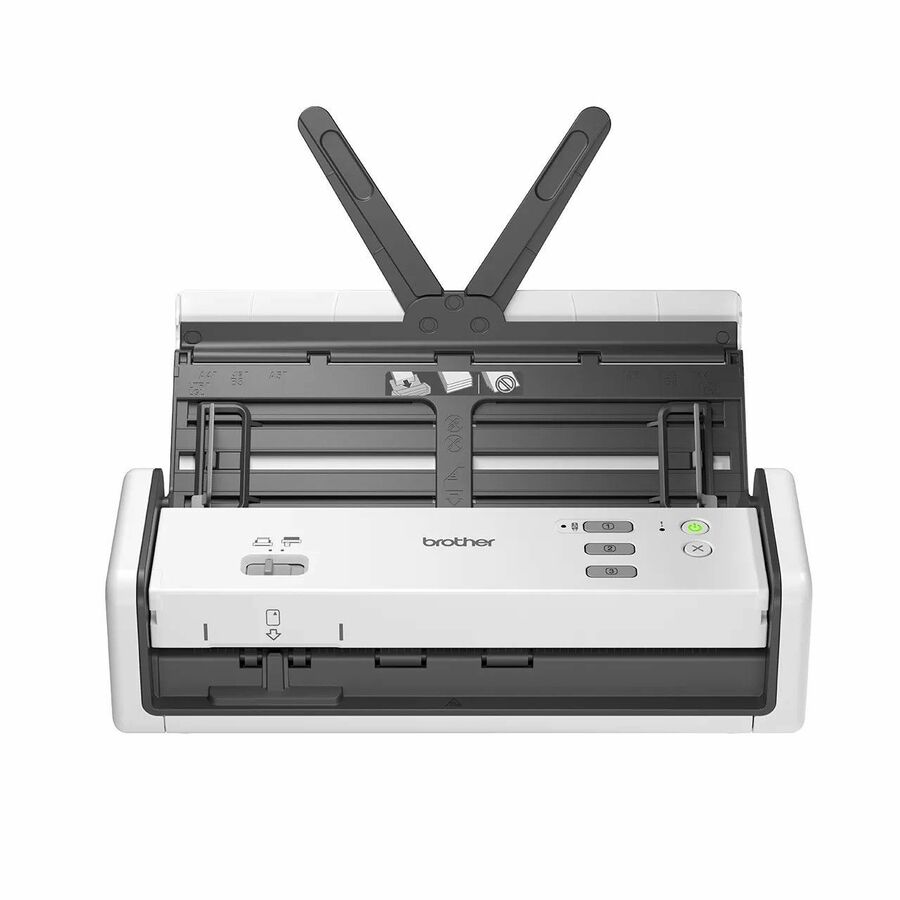
Brother ADS1300 Large Format Sheetfed Scanner
ADS-1300
Brother ADS-1300 provides a compact sheetfed alternative for a supported computer-based scanning workflow.
Check power requirements, supported originals and the application’s driver requirements for this exact SKU.
$342.34In stockInventory the originals and the destination
List what staff scan: standard sheets, two-sided forms, receipts, business cards, long documents or fragile originals. Measure the typical batch, not only the largest one. A feeder that works well with uniform sheets may require preparation or a different method for mixed materials. Identify anything that needs a flatbed or special handling rather than assuming every item can go through an automatic feeder.
Define where the files must end up and which application owns the process. Some offices scan into a vendor’s desktop software; others need a records application that calls a supported scanning interface. Verify required driver standards and operating-system support with the application vendor before ordering. A scanner’s USB port does not establish that the software workflow is compatible.
Separate capture, OCR and filing
Capture creates the image. OCR attempts to recognize text. Filing puts the result into the right location with a useful name and permissions. The purchase may need to support all three, but they are distinct functions. Check which software is included, whether licensing covers the intended users and whether the organization can deploy and update it.
For a shared scanner, decide whether each person uses a computer or whether a configured destination can be selected at the device. A network feature needs an IT-approved destination and authentication process. Confirm what happens when credentials change or the destination is unavailable; an apparently completed scan should not leave staff guessing where the document went.
Recommended configuration
- Regular mixed batches
- Scanner characteristic: Feeder handling and duplex support · Acceptance evidence: Representative originals captured correctly
- Application-controlled intake
- Scanner characteristic: Required driver interface · Acceptance evidence: Vendor-supported integration test
- Small mobile office
- Scanner characteristic: Compact size and power arrangement · Acceptance evidence: Easy setup and supported host connection
- Shared scan destination
- Scanner characteristic: Network or device workflow · Acceptance evidence: Files arrive with correct access permissions
- Searchable archive
- Scanner characteristic: OCR and naming process · Acceptance evidence: Usable output checked by staff
Use a known test batch
Create a batch that reflects ordinary work, including a few difficult originals that appear regularly. Count pages before scanning, verify both sides where required and compare the resulting files with the originals. Check orientation, blank-page handling, legibility and file size. When OCR matters, inspect several names, dates and reference numbers rather than accepting the presence of selectable text as proof of accuracy.
Time the complete task from preparing originals to finding the final file. That can reveal whether the bottleneck is feeding, recognition, naming or a slow upload. Keep any measured result labeled as the office’s own pilot conditions. Do not replace the vendor’s specifications with an unsupported general performance claim.
Plan maintenance and custody of records
Ask about cleaning, consumable rollers and replacement intervals appropriate to the workload. Identify the person responsible for maintenance and keep supplies accessible. Check how staff handle originals after scanning and how they report an incomplete or misfiled record. Those procedures can matter more to reliable intake than a small difference in rated speed.
Request the scanner, required software and accessories as a complete quote. Confirm the supported operating systems and integration path in writing. Choose the smallest system that can handle the actual materials and workflow reliably, then document the setup so another employee can reproduce it.
Questions before you order
Can a dedicated scanner replace every MFP scanning task?
No. Original size, fragile materials, books and integration requirements may call for a different capture method. Match the scanner to the actual documents.
What is the most useful acceptance test?
Scan a counted batch of real office originals and verify every required side, destination and file name. Include OCR checks when searchable text is part of the workflow.
Build the right equipment list
Send your quantities, required configurations and delivery needs for a quote.
Sources
- 1.Fujitsu PA03770-B401 — catalog specificationsgetuniqcli.com
- 2.Brother Industries, Ltd ADS1800W — catalog specificationsgetuniqcli.com
- 3.Brother Industries, Ltd ADS-1300 — catalog specificationsgetuniqcli.com
Product-reference composite · ADS1800W. AI-generated setting; original catalog photography appears in the product listings.