




Business monitors: choose a standard your staff can use
Choose an office monitor standard by the work on screen, desk layout, connection requirements and the practical needs of a fleet.
By Uniqcli Team · · 4 min read
On this page
A business monitor should make the intended work comfortable and the desk easy to support. Start with the applications people use, the space available and the laptop or desktop driving the screen. Screen size is useful, but resolution, scaling, stand movement and connections determine much of the daily experience.
Adjustable office candidate
LG Electronics
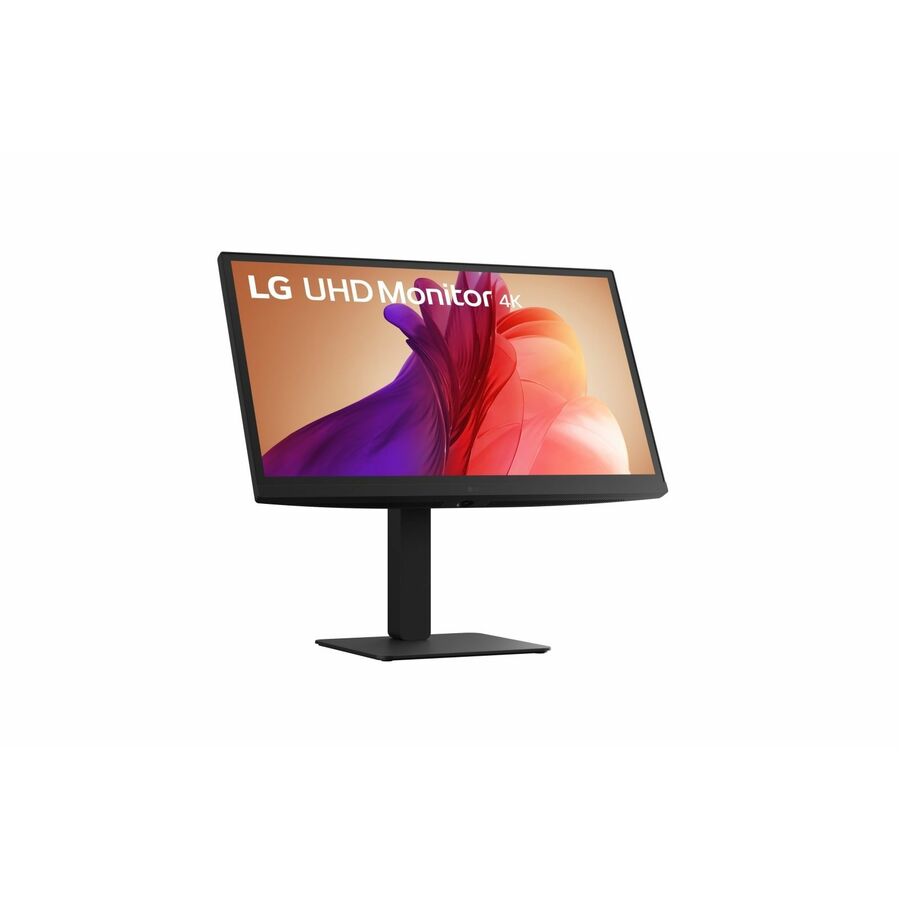
LG 27BA45U-B 27" Class LCD Monitor
27BA45U-B
The LG 27BA45U-B listing identifies a 27-inch IPS monitor with height, swivel, pivot and tilt adjustment plus HDMI and DisplayPort.
Verify the exact resolution and included cable set on the quote; this selection does not infer them from screen size.
$510.00*Back-orderedLarger 4K alternative
LG Electronics
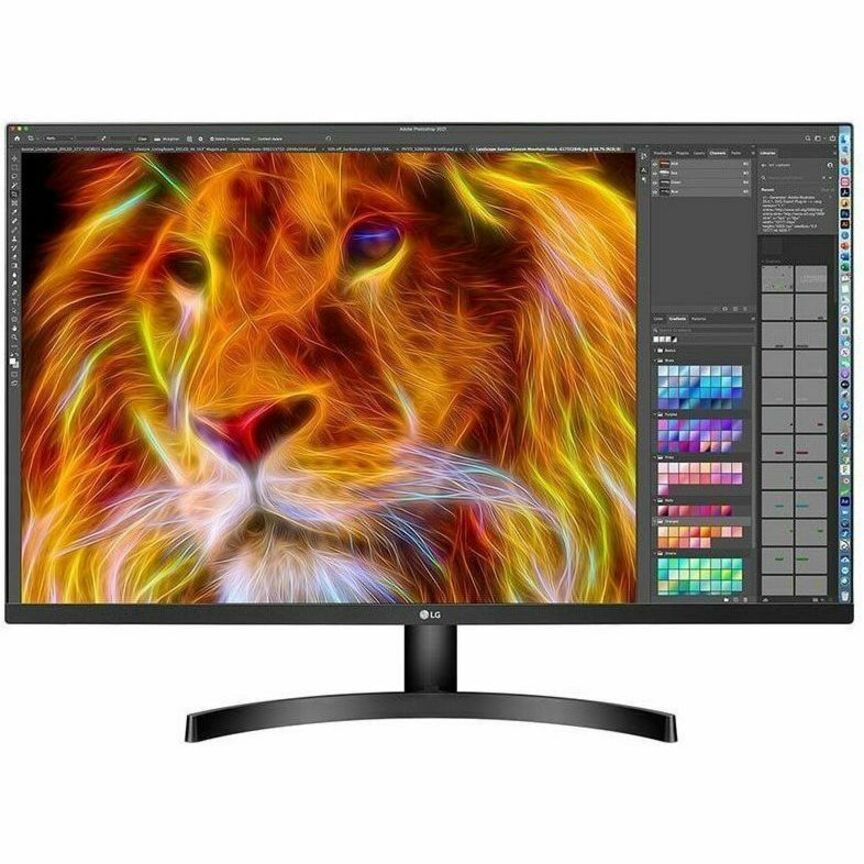
LG 32BN50U-B 32" Class 4K UHD LCD Monitor
32BN50U-B
The LG 32BN50U-B is listed as a 32-inch-class 4K UHD display for evaluating a larger work surface.
Check desk depth, scaling preferences and the host’s output capabilities before using it as a fleet standard.
$637.50*In stockWide workspace candidate
Samsung
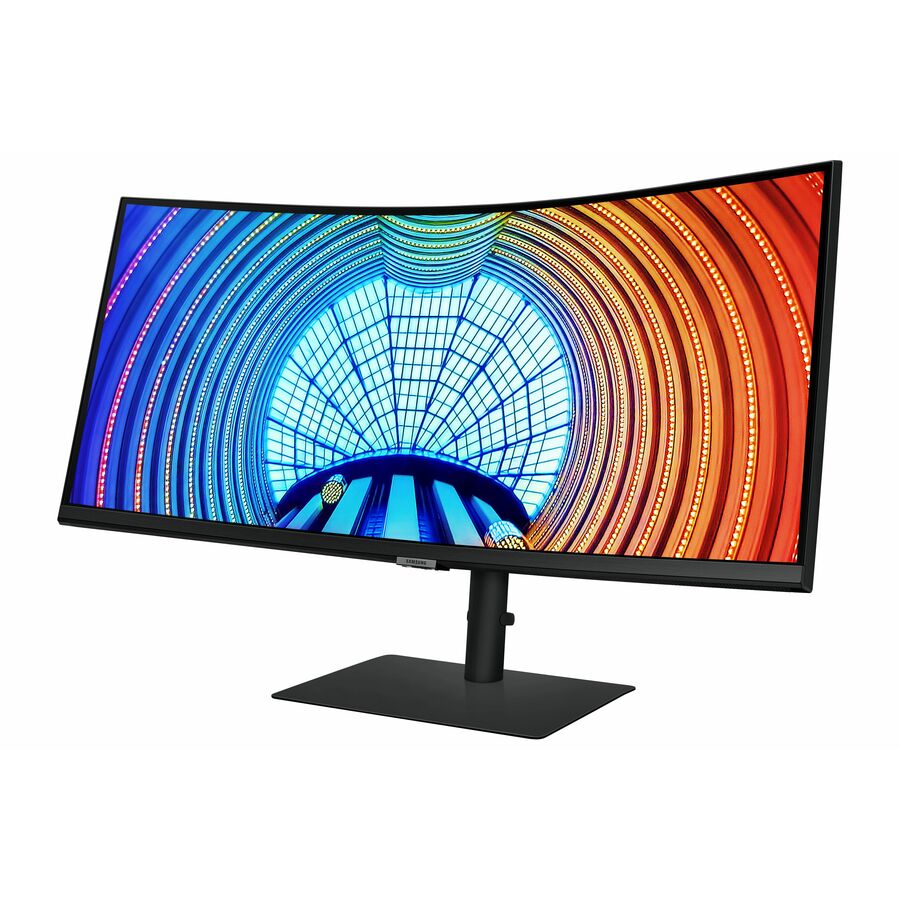
Samsung ViewFinity S34A654UBN 34" Class UW-QHD Curved Screen LCD Monitor
S34A654UBN
The Samsung ViewFinity listing specifies a 34-inch 3440×1440 curved display with USB-C, HDMI and DisplayPort.
A wide screen changes window management and sharing behavior. Verify the USB-C functions and power capability for the actual laptop.
$703.50In stockMatch the screen to the task and desk
Ask users to show their normal workspace: documents beside a browser, a spreadsheet with many columns or a design application with panels. Test those layouts on candidate screens at the operating system’s usable scaling setting. More pixels do not automatically create more comfortable text if the user must enlarge everything to read it.
Measure desk depth and width. A larger screen may need more viewing distance and can crowd a compact desk. Check whether the supplied stand offers the movement users need, and whether a monitor arm is appropriate for the desk. The best fleet standard allows reasonable exceptions for access needs and specialist work.
Recommended configuration
- General office desk
- Prioritize: Readable layout and adjustable stand · Check before ordering: Actual scaling and desk depth
- Large documents or detailed work
- Prioritize: Evaluate 4K or more workspace · Check before ordering: Host output and text size
- Laptop desk
- Prioritize: Useful docking connections · Check before ordering: Power and video behavior
Choose connections that fit the host fleet
List the computer’s available outputs and the display resolution and refresh rate you intend to use. Include the dock in this chain where one is present. Identify the exact cable required rather than relying on a general HDMI or USB-C label. A screen with USB-C may offer useful docking functions, but those functions and power delivery need verification on the specific model.
A standard with fewer connection variations can simplify spare cables and support. That benefit should be balanced against the existing computers you plan to retain. Before replacing working monitors, check whether the actual problem is a poor stand position, an unsuitable cable or an outdated desk arrangement.
Validate a desk and the purchasing record
Test typical documents, spreadsheets and calls with the selected display. Confirm wake behavior, text clarity, screen sharing and any built-in hub functions. Check that the intended mount supports the screen’s weight and VESA pattern if the stand is being removed.
Record the exact part number and the included cables. For a fleet order, ask how the supplier will handle a model substitution and what the warranty process requires. Keep a replacement plan for failed units so a minor screen fault does not become an improvised collection of mismatched desks. Review user feedback after the pilot before extending the standard.
Set a monitor substitution standard
Write the requirements that must survive a model change: usable resolution, stand movement, inputs, mounting support and the warranty arrangement. Keep preferences such as enclosure styling separate unless they have a specific operational purpose. This allows purchasing to consider availability changes without silently reducing the desk’s capability.
Ask the supplier to identify included cables and any proposed substitute before shipment. For multi-site orders, note which locations use monitor arms and which retain the supplied stands. Keep a sample configuration or clear installation record so local teams can reproduce the approved setup. A monitor standard becomes more valuable when its requirements remain understandable beyond the original buyer.
Questions before you order
Is 27 inches the best size for every office?
No. Match the layout to desk dimensions, viewing distance, applications and user needs. Test the actual resolution and scaling setting rather than choosing by diagonal size alone.
Should every monitor use the same cable?
A consistent approved connection is useful where it meets all host and display requirements. Keep documented exceptions for computers that need another supported path.
Build the right equipment list
Send your quantities, required configurations and delivery needs for a quote.
Sources
- 1.LG Electronics 27BA45U-B — catalog specificationsgetuniqcli.com
- 2.LG Electronics 32BN50U-B — catalog specificationsgetuniqcli.com
- 3.Samsung S34A654UBN — catalog specificationsgetuniqcli.com
Manufacturer catalog image · 27BA45U-B