
Best USB Headsets for Remote and Hybrid Work
Headsets their makers list with a USB connection in the part's own title — selected by connector, mono or stereo, wearing style, microphone type and noise cancelling.
USB headsets in stock at Uniqcli
How to choose →A curated selection with live pricing — in-stock lines first, then back-ordered lines with a typical lead time. Every line is sourced through US distribution and screened for NDAA §889 status before checkout, with TAA verified on request.
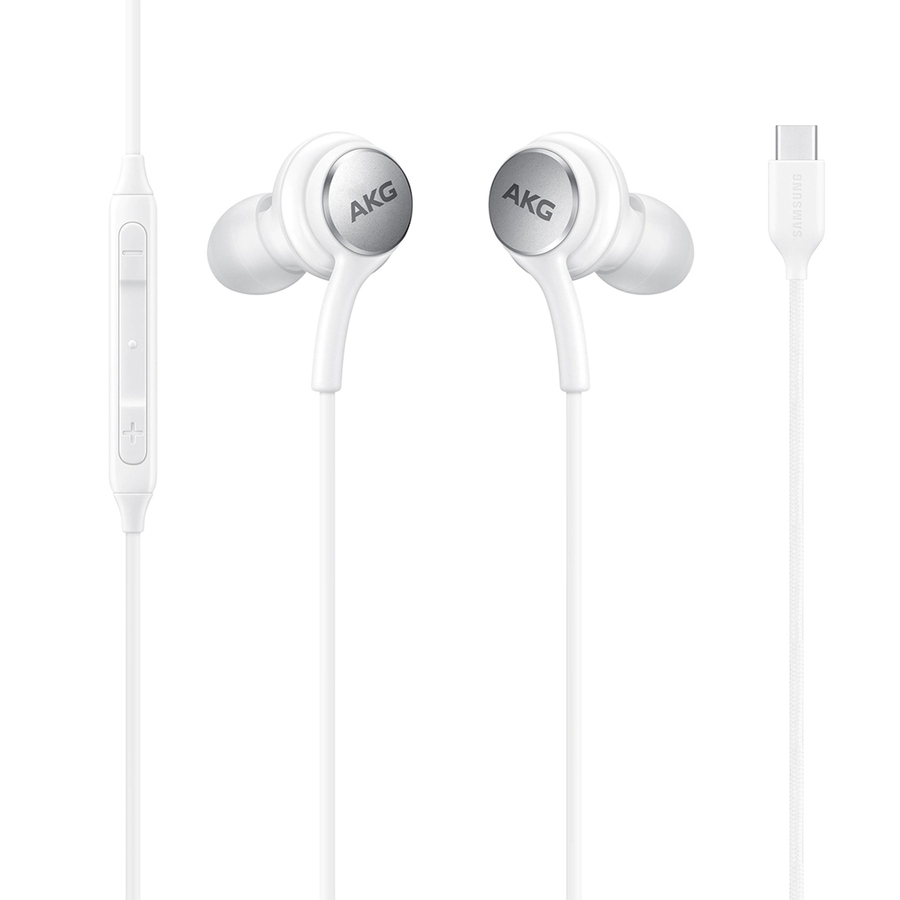
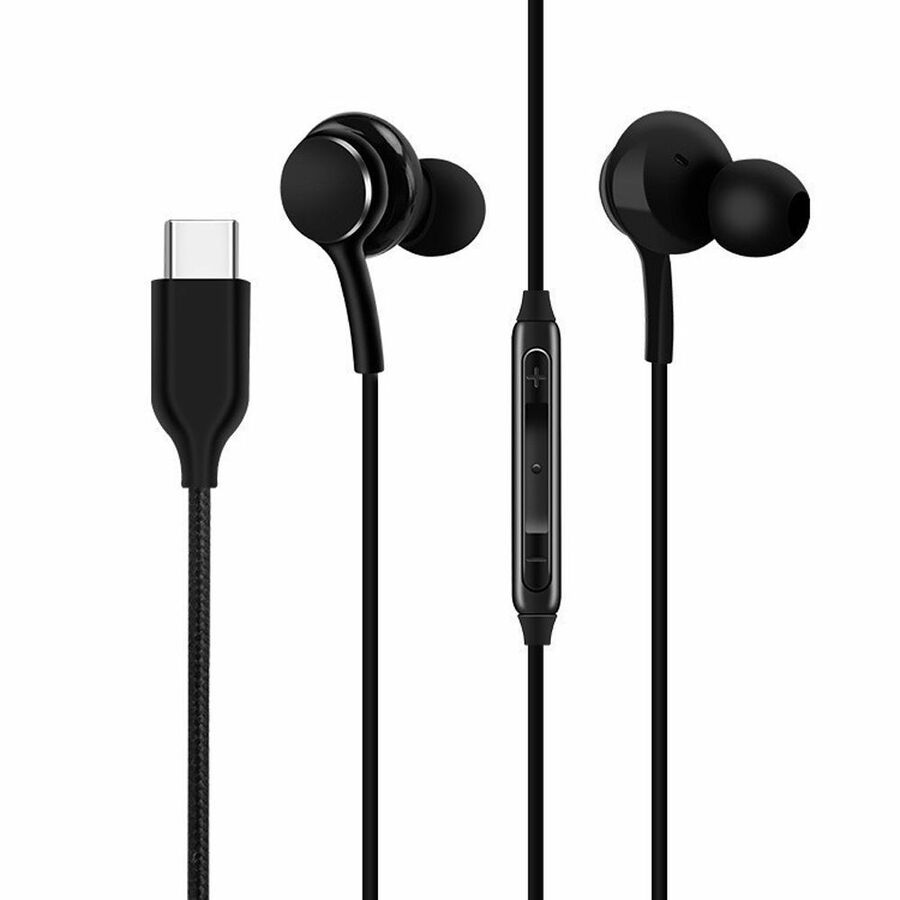
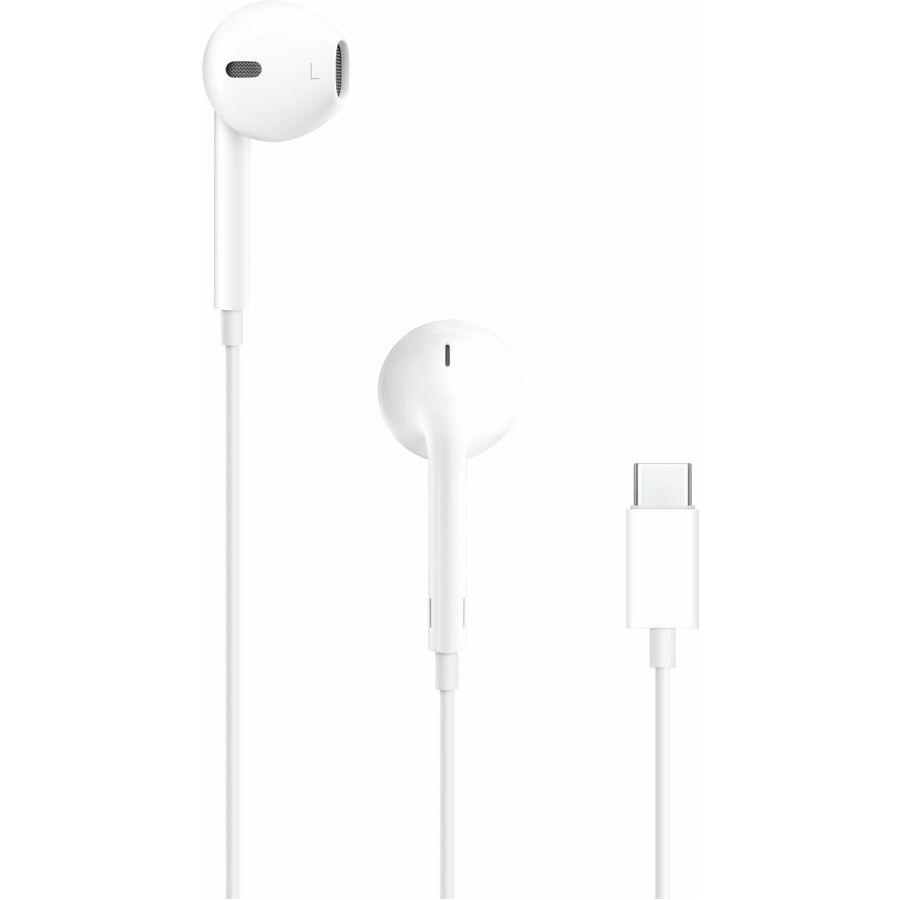
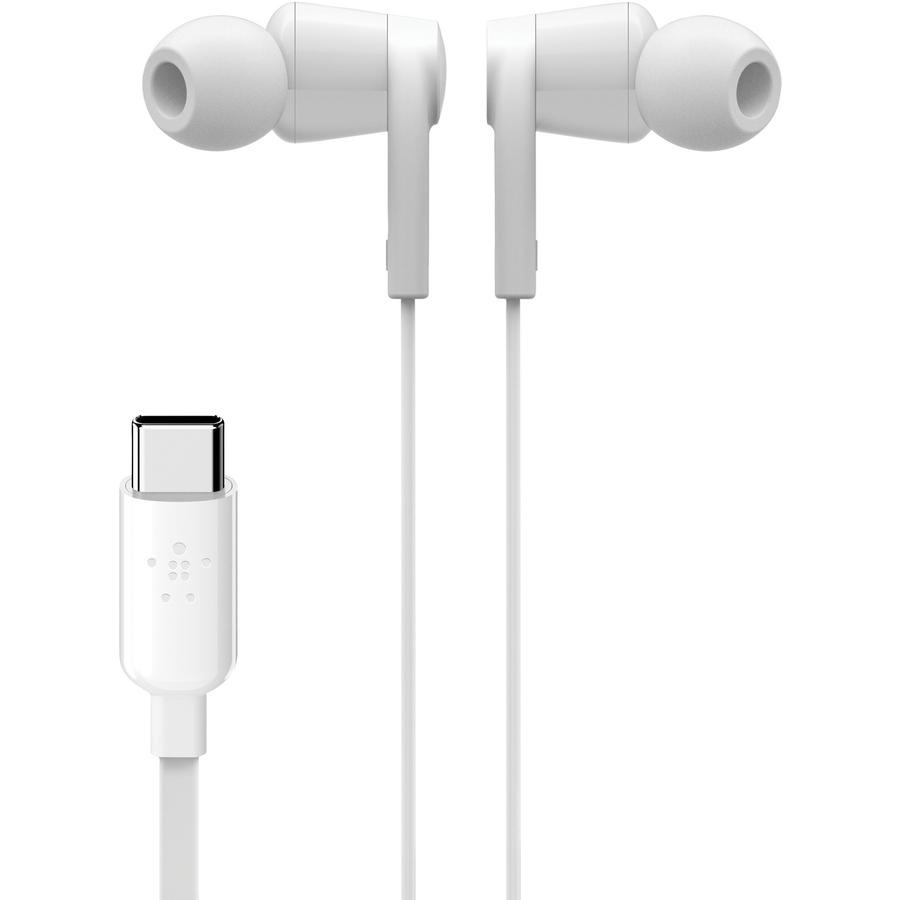
- AppleApple EarPods Earset - Stereo - USB Type C - Earbud - Binaural - In-ear - WhiteMYQY3AM/A
$19.47
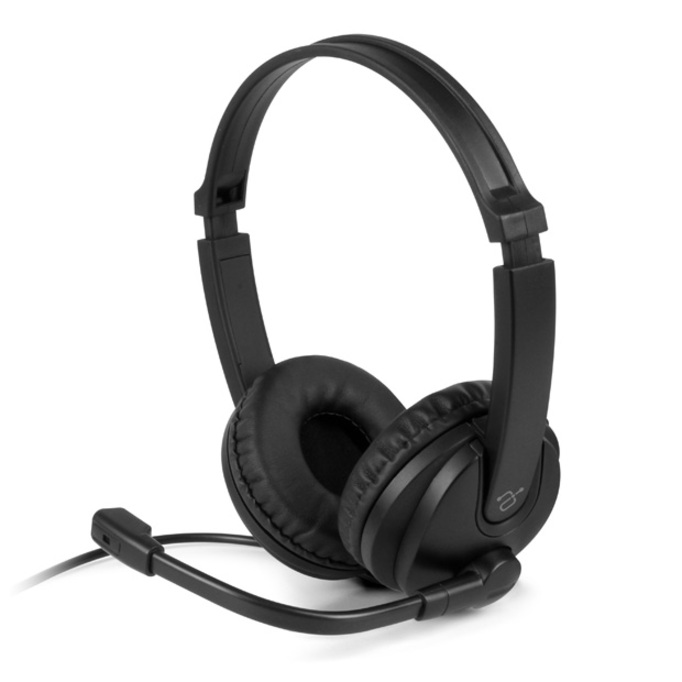
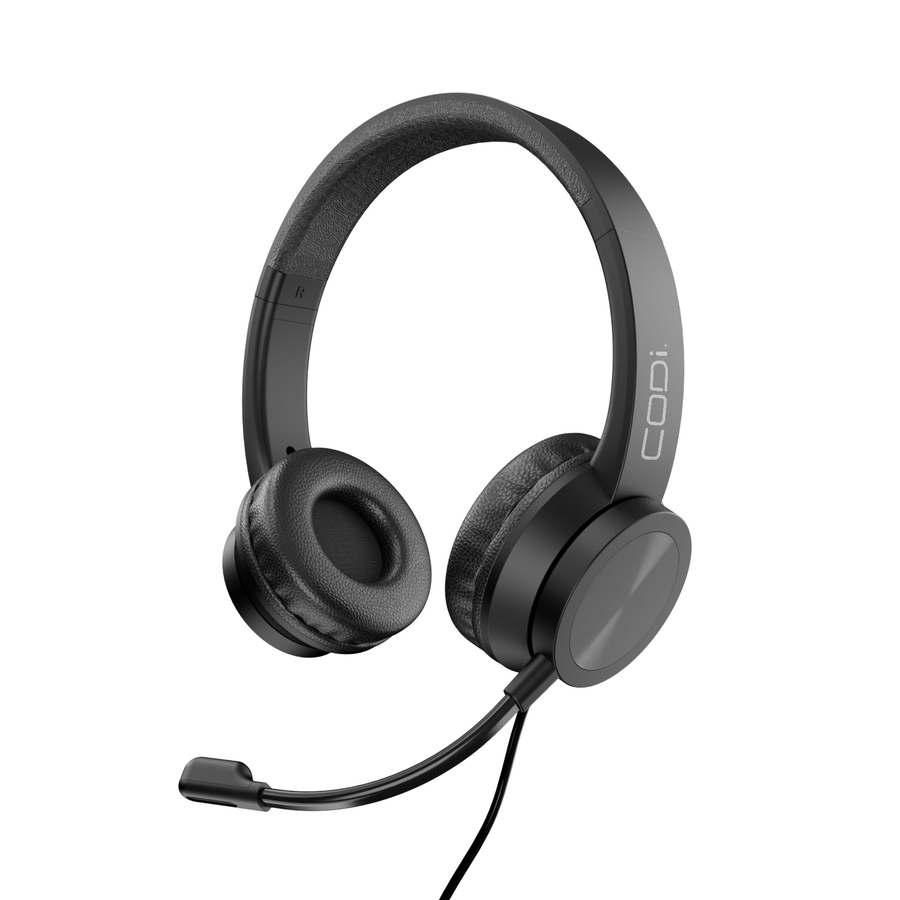
69,533 in stock - CODi WorldwideCODi Voice-Isolating USB-A Headset with Pivoting Boom Microphone - BlackA04508
$24.99
$22.30
7,916 in stock




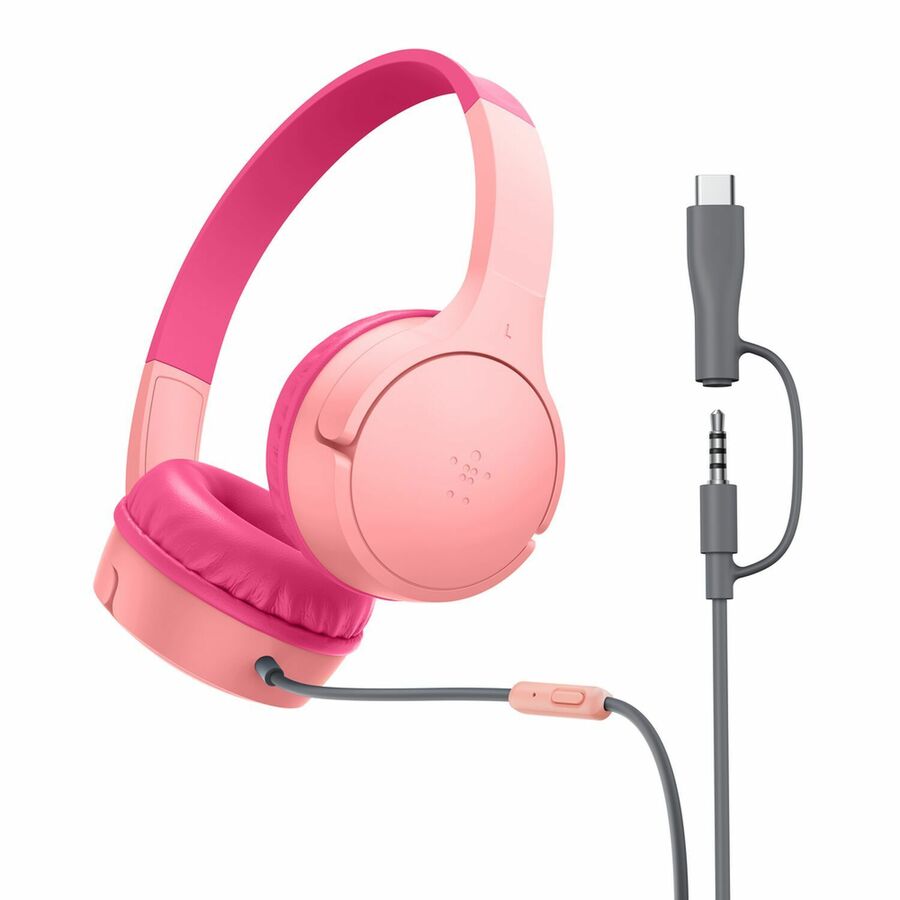
Entry USB stereo
Cyber Acoustics
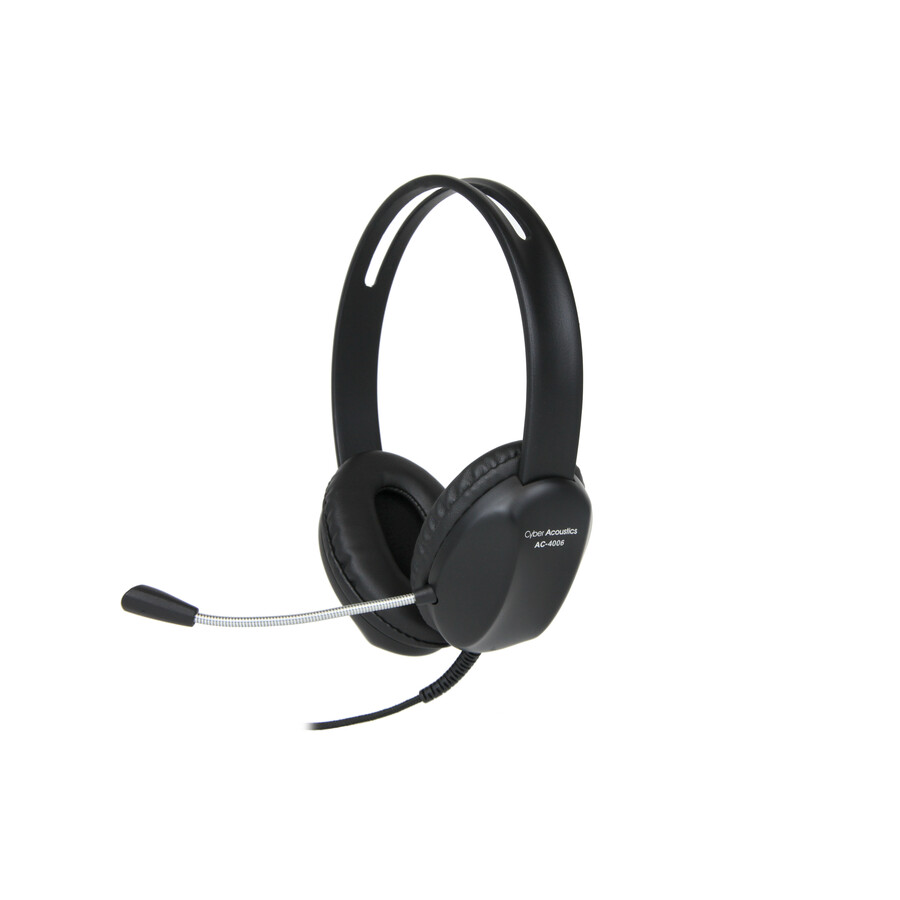
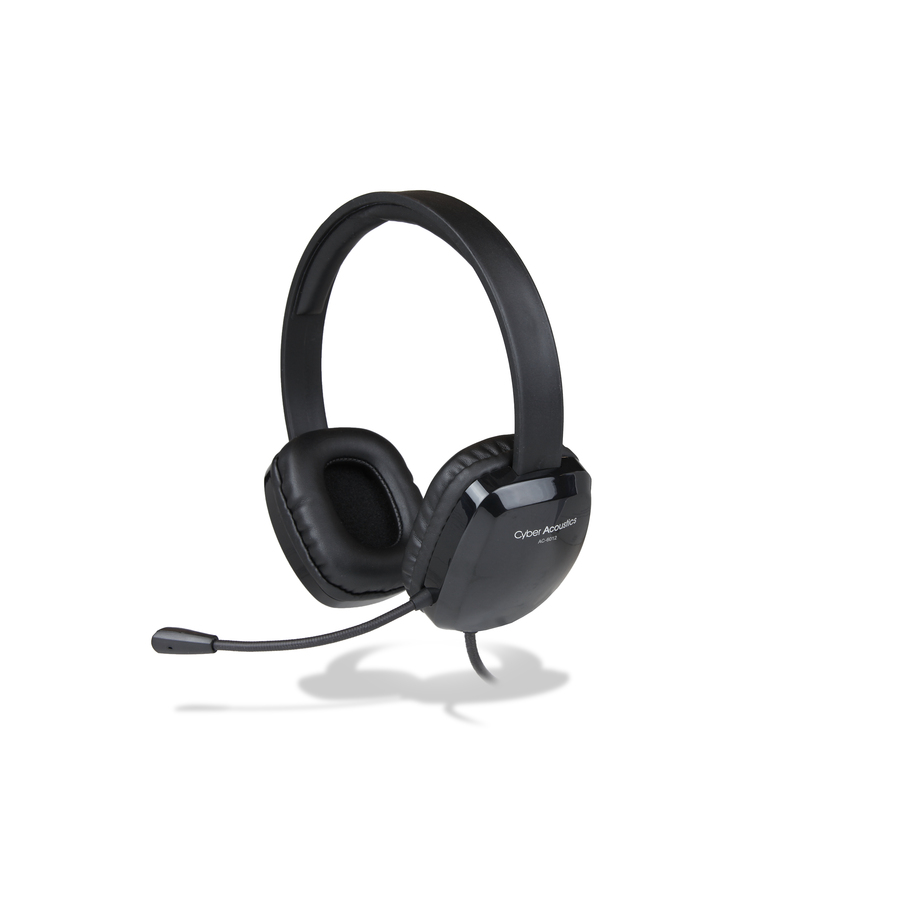
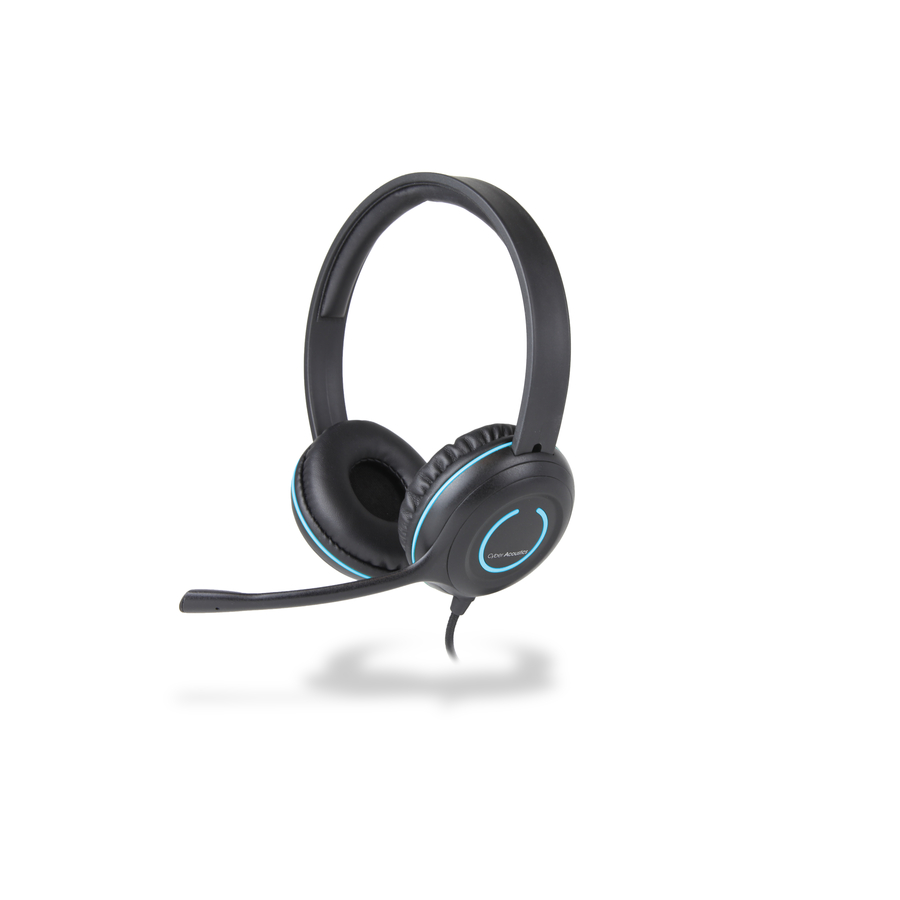
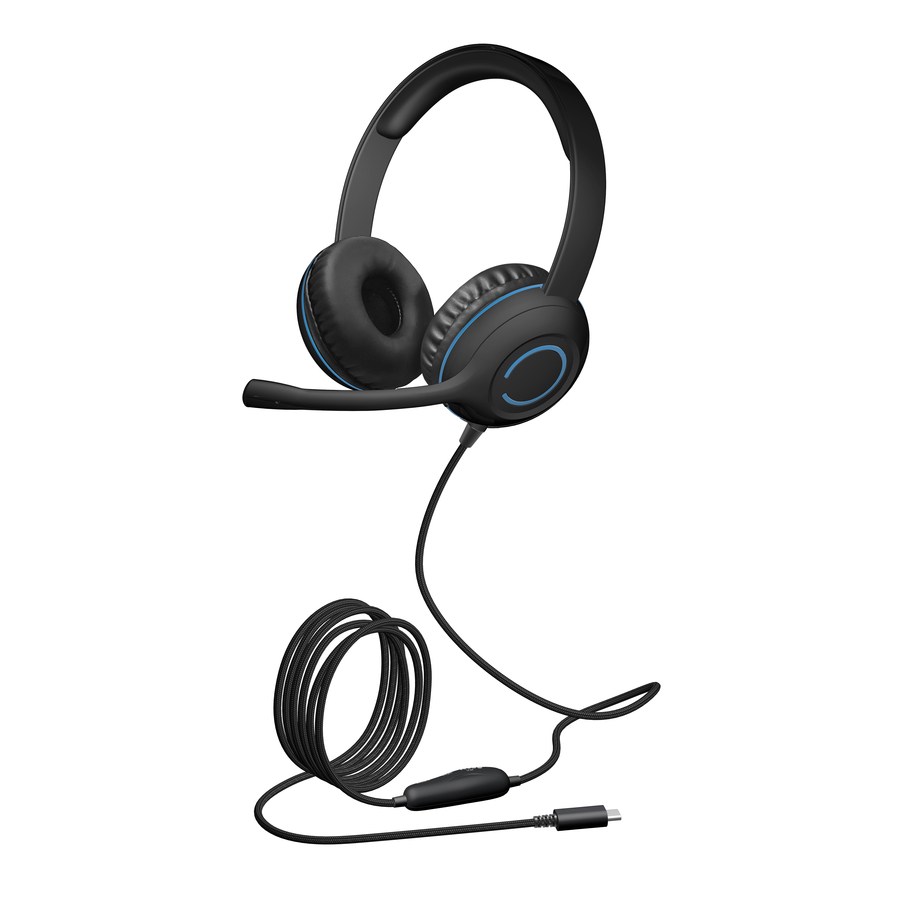
Cyber Acoustics AC-4006 USB Stereo Headset
AC-4006
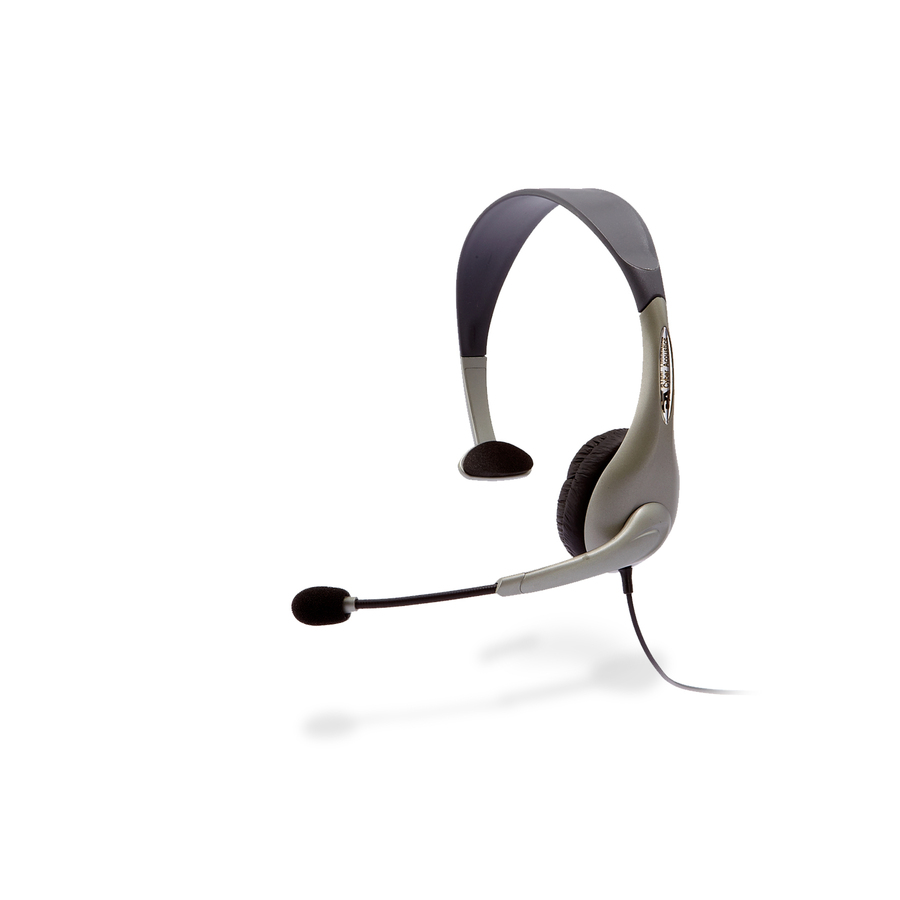
The Cyber Acoustics AC-4006 — a USB stereo headset, over-the-head and supra-aural, with a uni-directional noise-cancelling microphone for a first desk deployment.
$19.46In stockLightweight USB
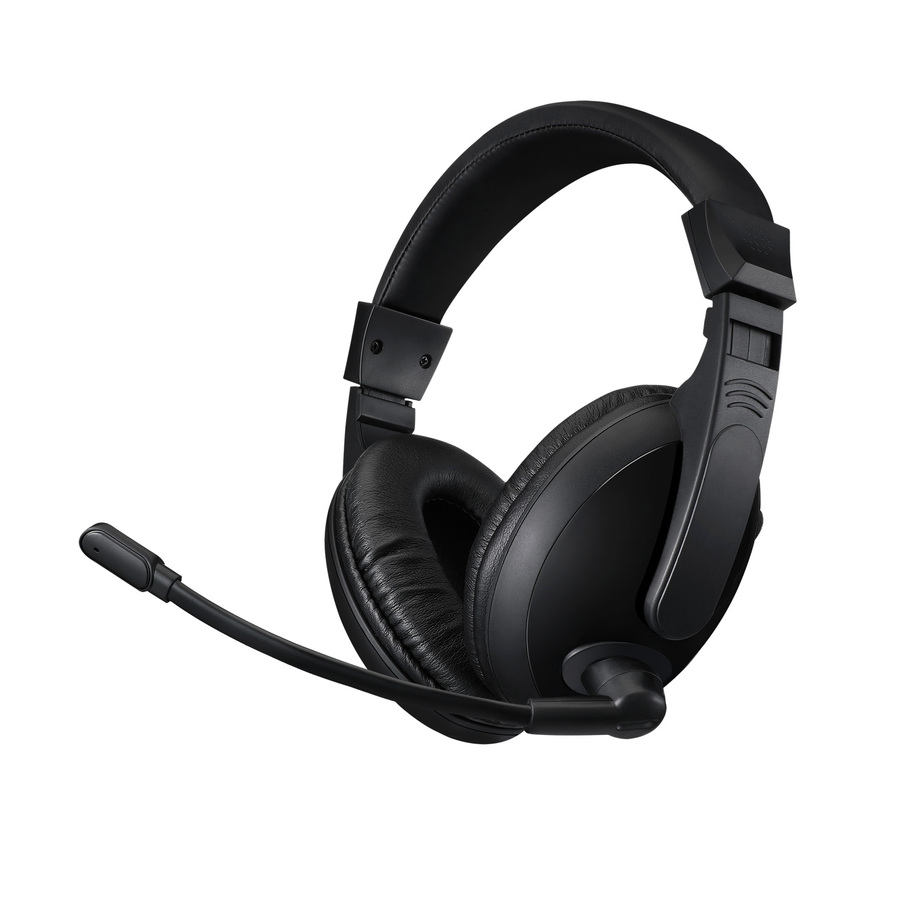
Adesso
Adesso Xtream H5U
XTREAM H5U
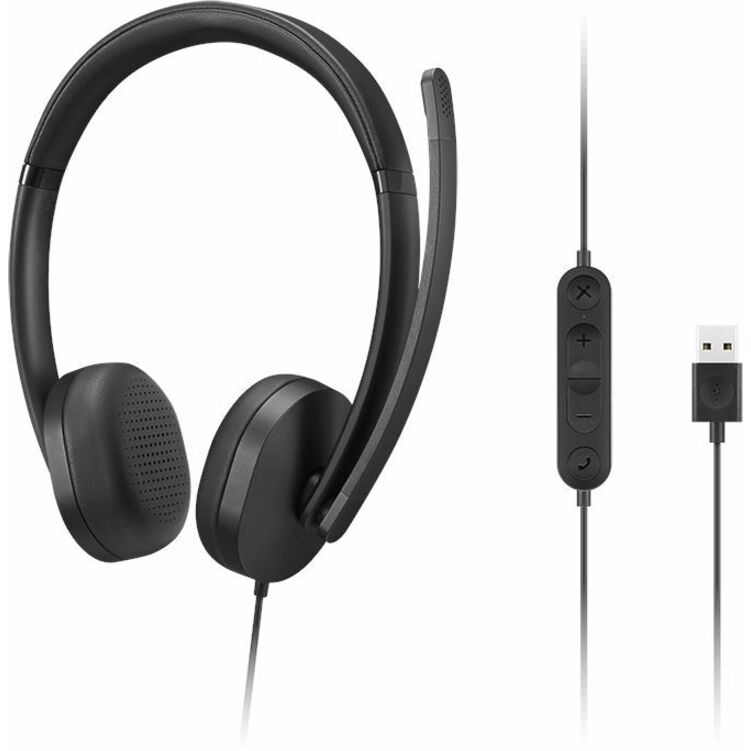
The Adesso Xtream H5U — a wired USB stereo headset with a noise-cancelling microphone, listed by its maker as working with computers, tablets and smartphones.
$27.73In stockUSB-A classic
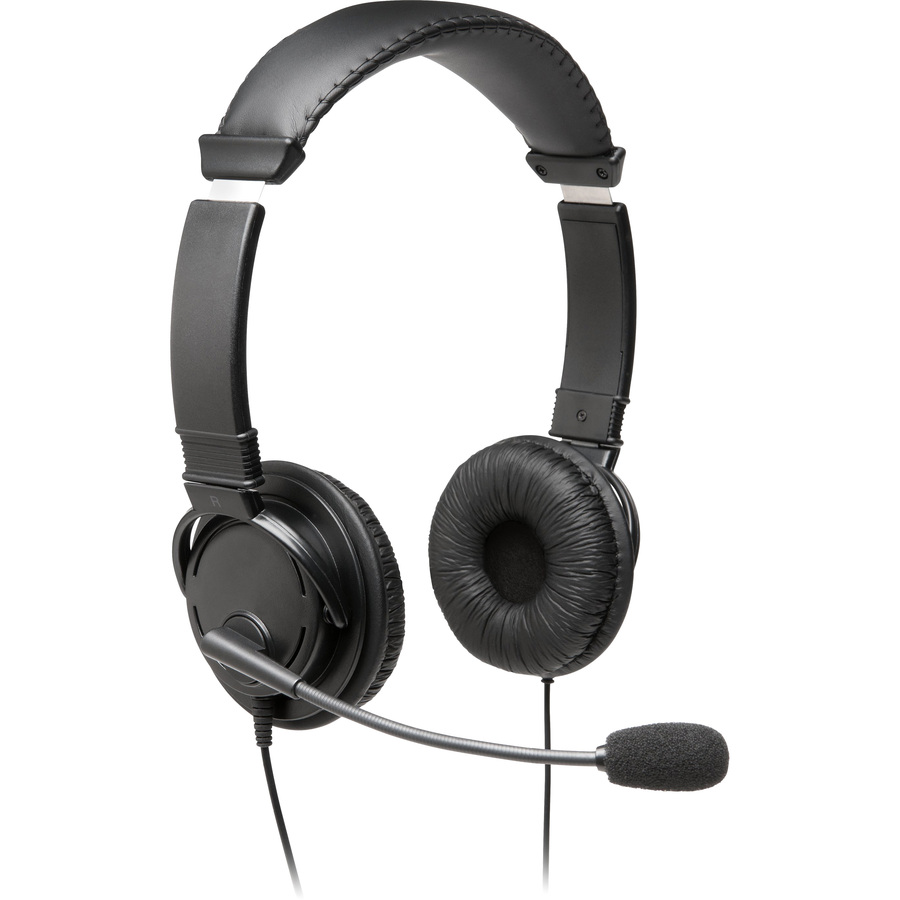
Kensington Computer Products
Kensington Classic USB-A Headset with Mic
K97601WW
The Kensington Classic USB-A headset — a wired stereo headset with circumaural ear cups and a noise-cancelling microphone on a six-foot cable.
$29.78In stockUSB-A with C adapter
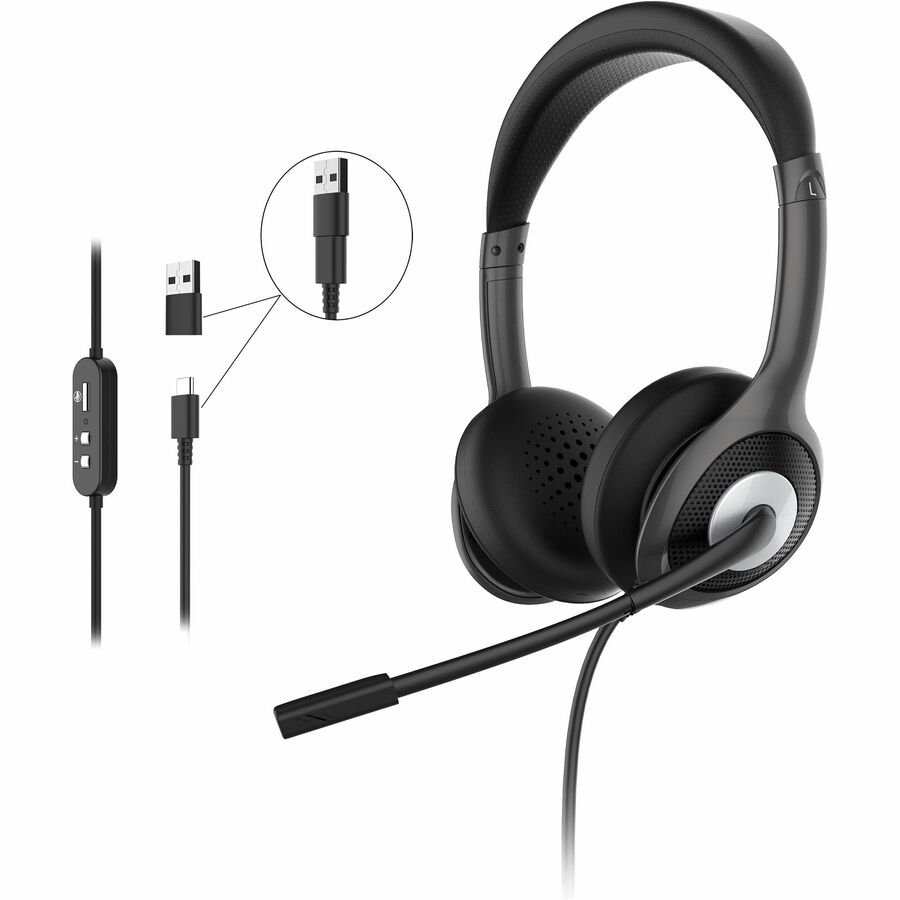
Morpheus 360
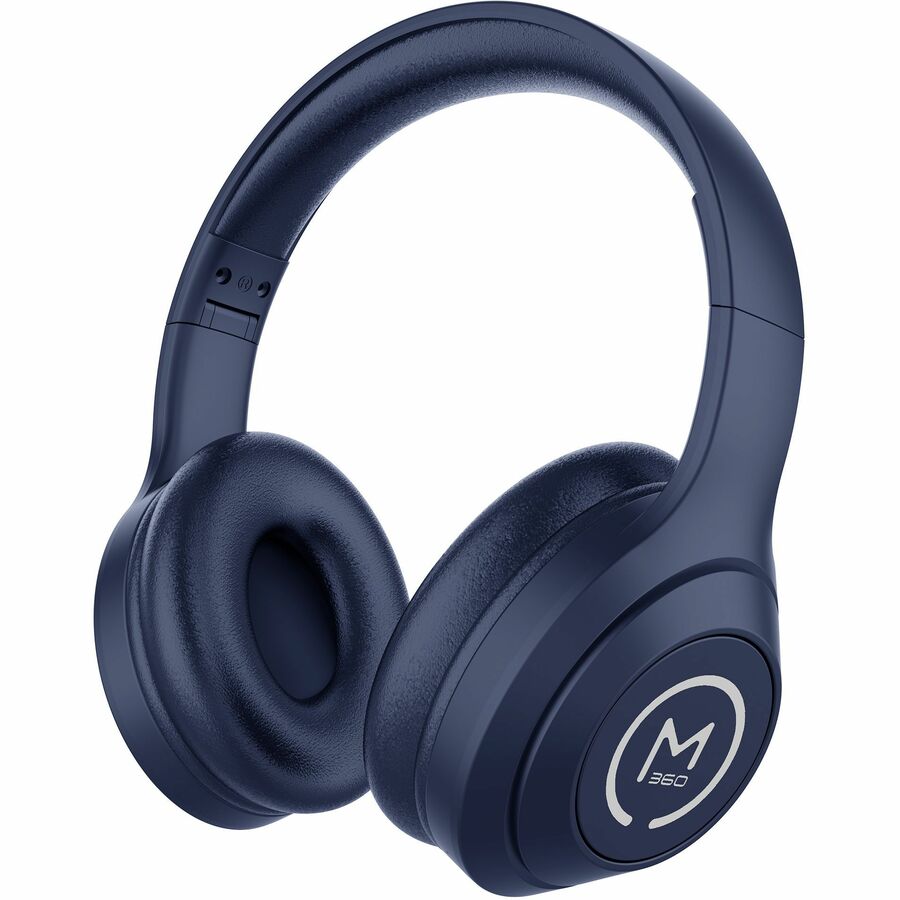
Morpheus 360 Connect USB Stereo UC Headset with Boom Microphone HS5600SU
HS5600SU
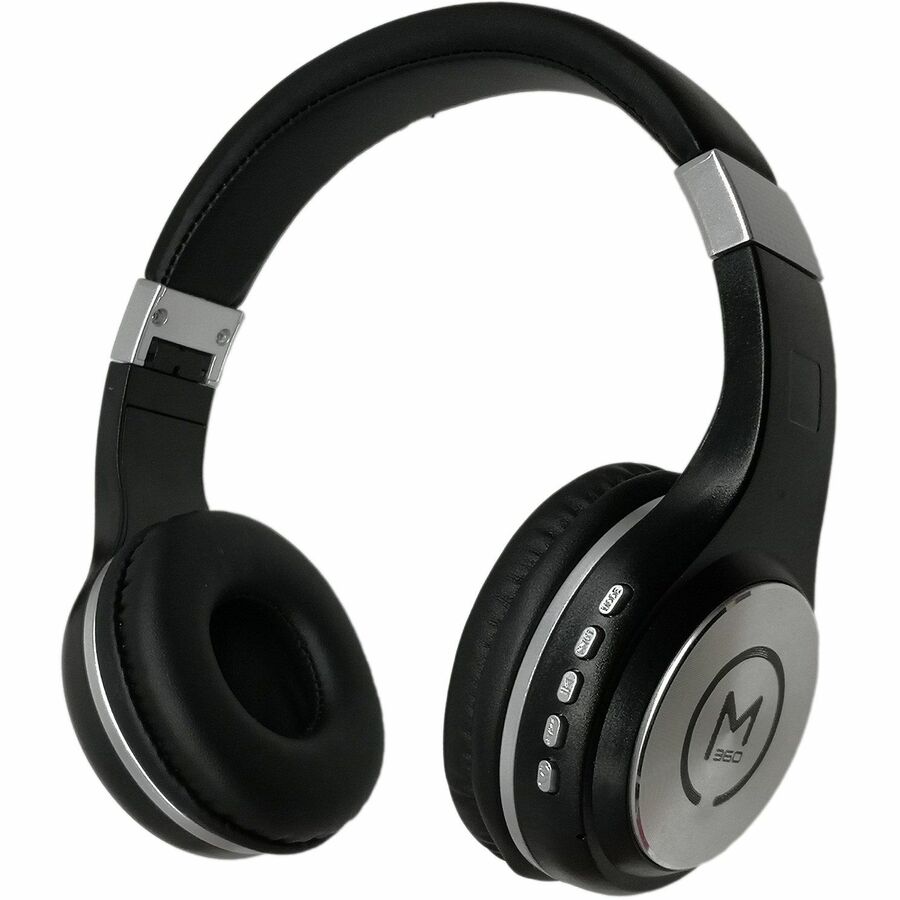
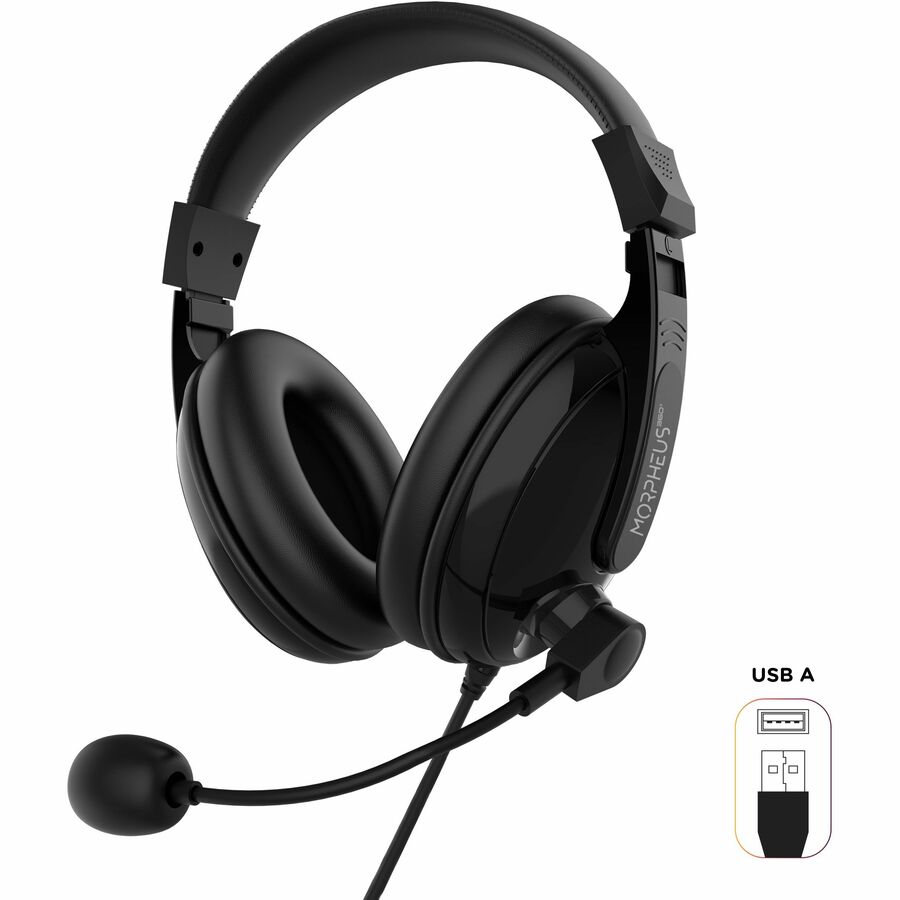
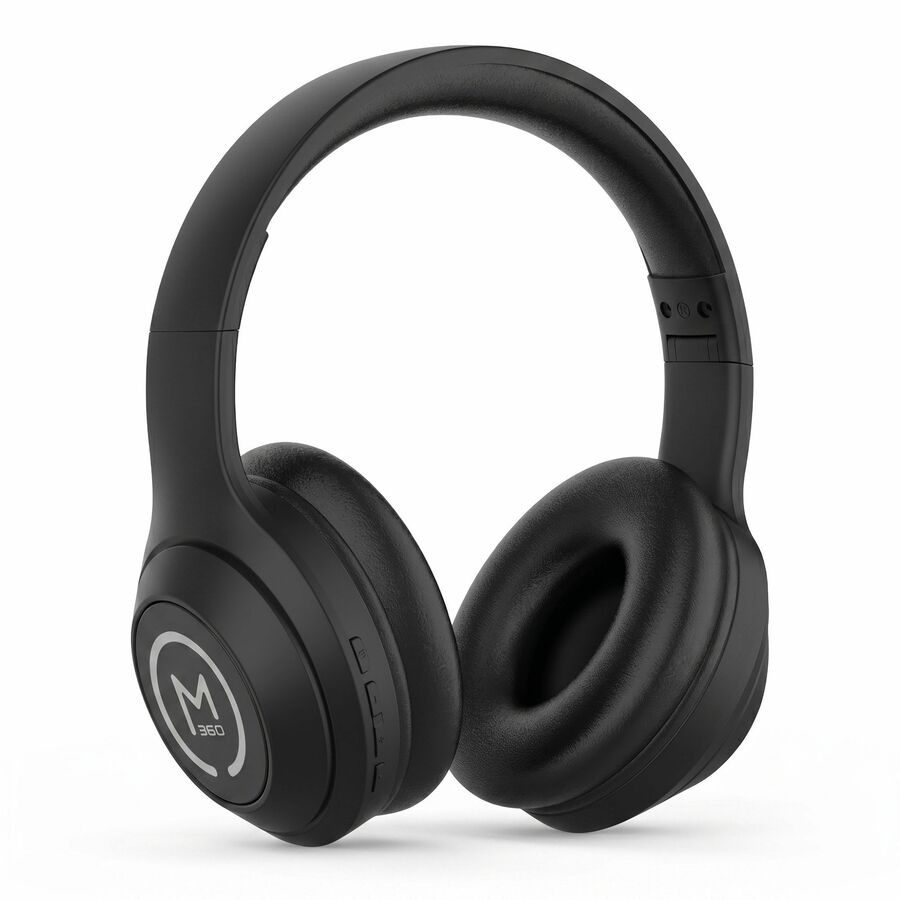
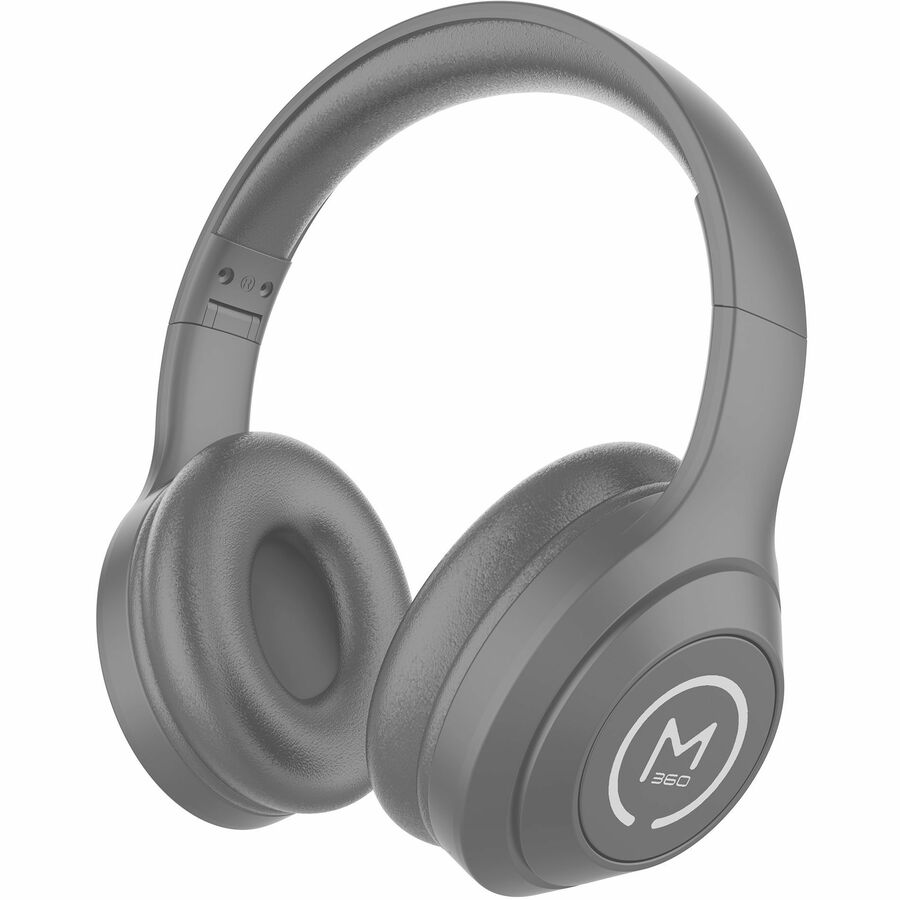
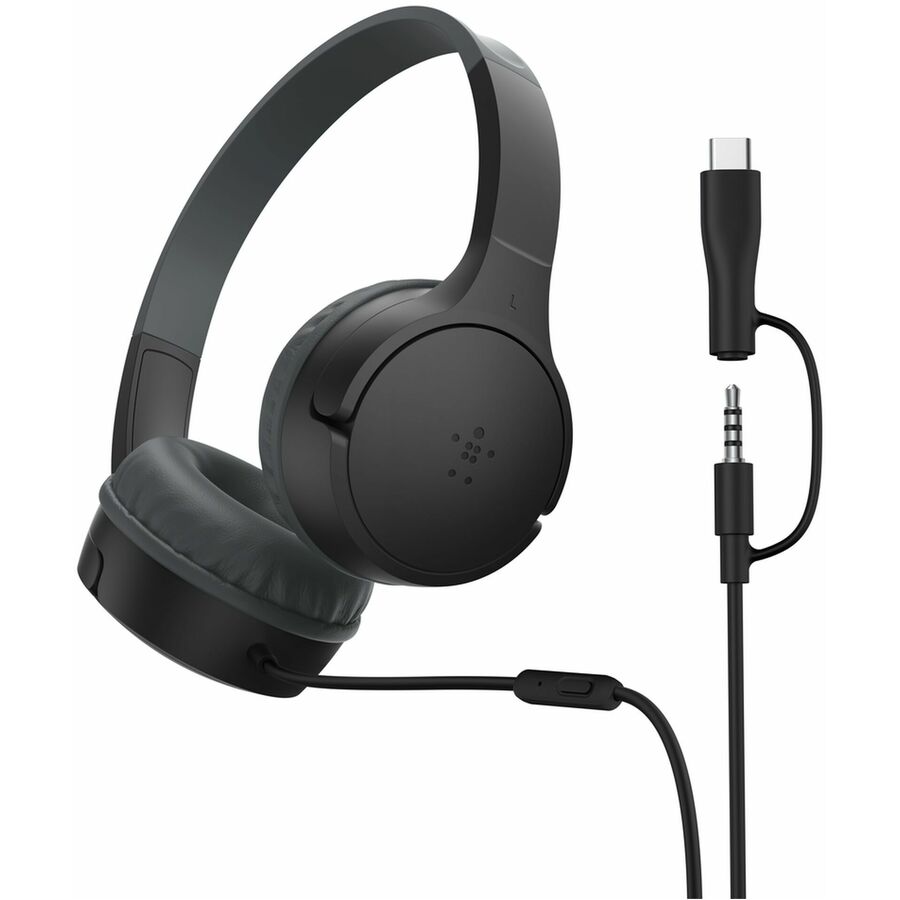
The Morpheus 360 Connect HS5600SU — a USB stereo UC headset with a boom microphone, a USB-A connector and a Type-C adapter, plus inline volume controls.
$29.13In stockLogitech H340
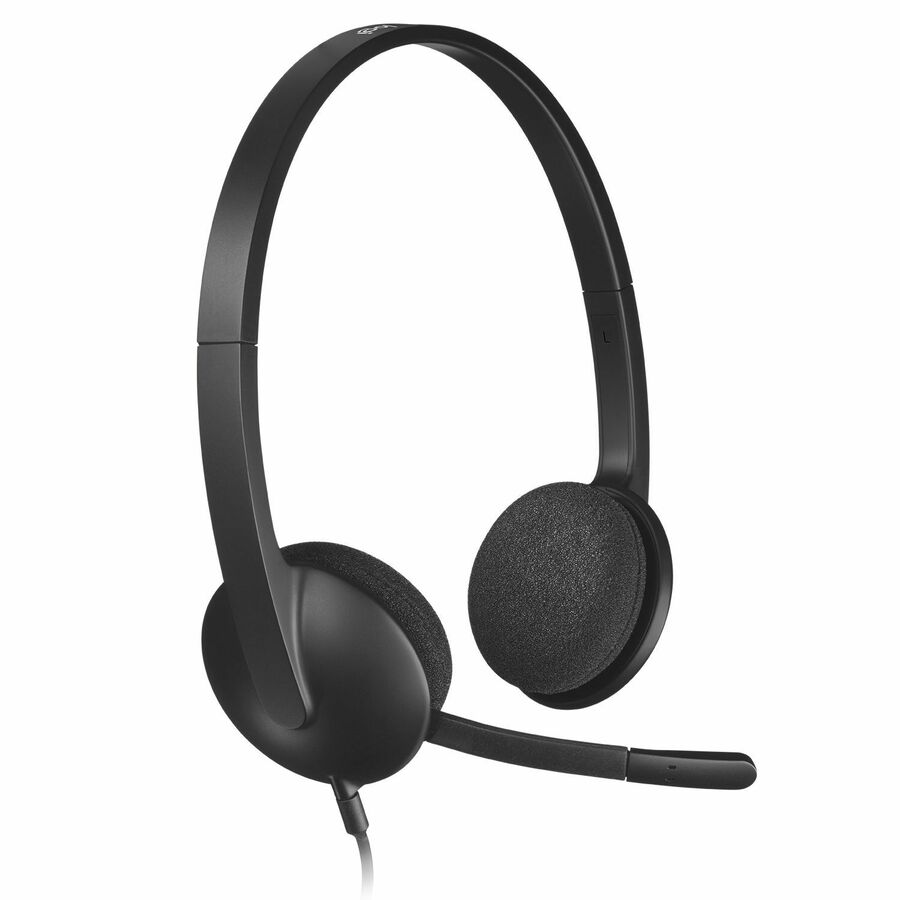
Logitech
Logitech H340 USB Headset with Noise-Cancelling Mic
981-000507
The Logitech H340 — a wired USB stereo headset with a noise-cancelling microphone in a semi-open, over-the-head design for everyday desk calls.
$29.83In stockEPOS PC 8 USB
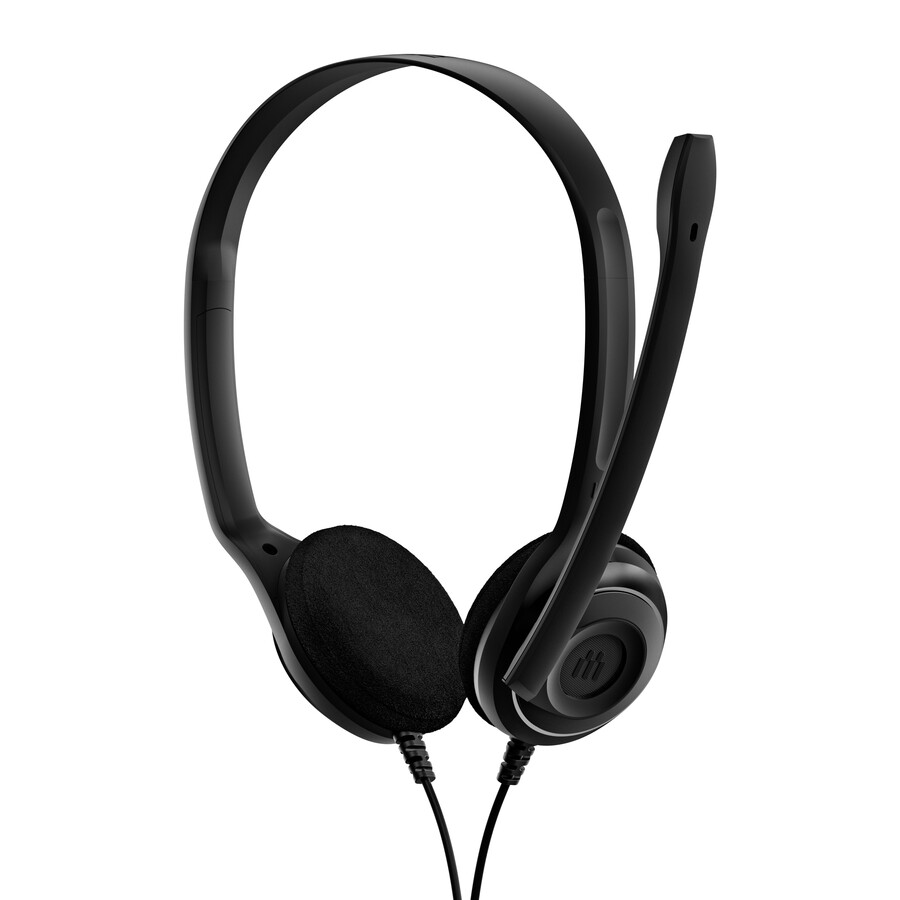
EPOS
EPOS PC 8 USB Headset
1000432
The EPOS PC 8 USB — a wired USB Type-A stereo headset, on-ear and supra-aural, with a uni-directional noise-cancelling microphone.
$30.09In stockTargus wired stereo
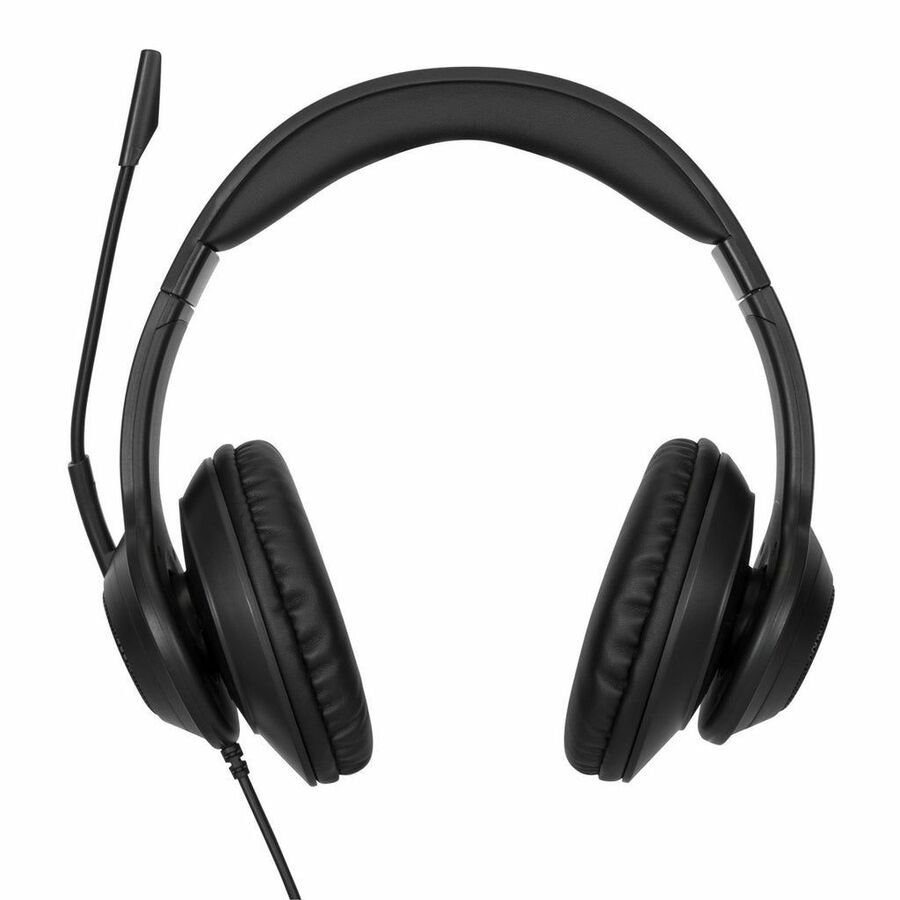
Targus Group International
Targus Wired Stereo Headset
AEH102TT
The Targus AEH102TT — a wired USB Type-A stereo headset with a noise-cancelling microphone and a six-foot cable, over-the-head and supra-aural.
$48.49In stockLogitech H570e stereo
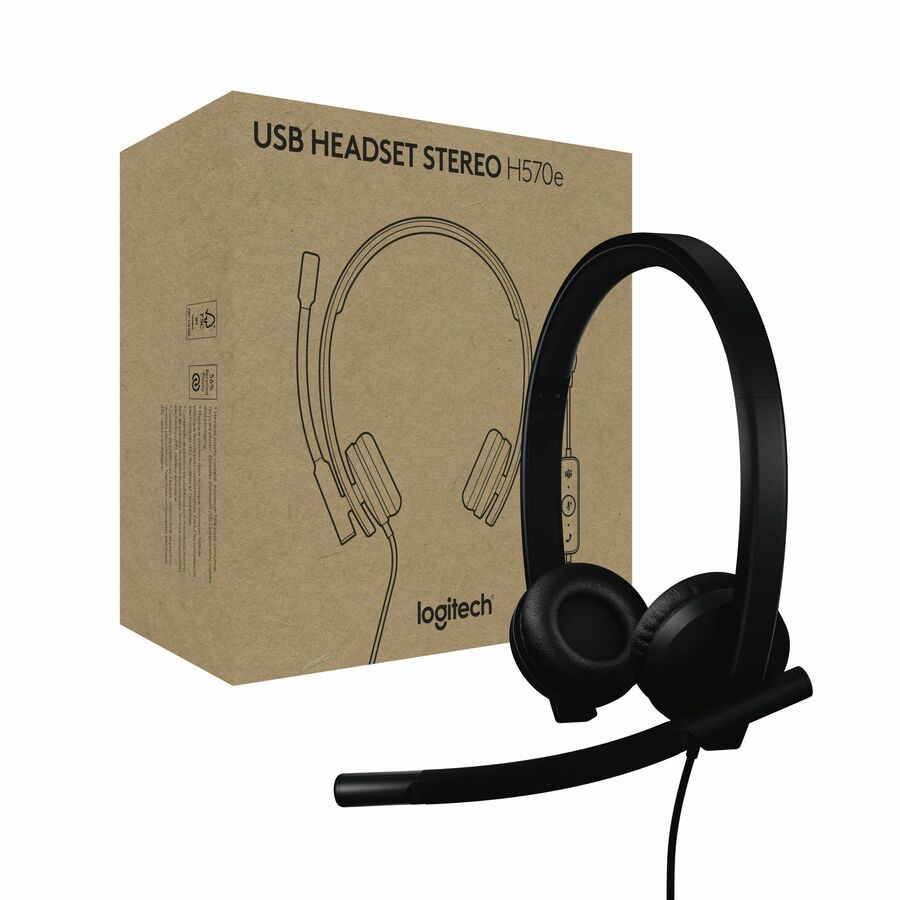
Logitech
Logitech USB Headset Stereo H570e
981-000574
The Logitech H570e stereo — a wired USB headset with a noise-cancelling electret microphone, the binaural half of a business range published in both mono and stereo.
$50.20In stockGrandstream USB
Grandstream Networks
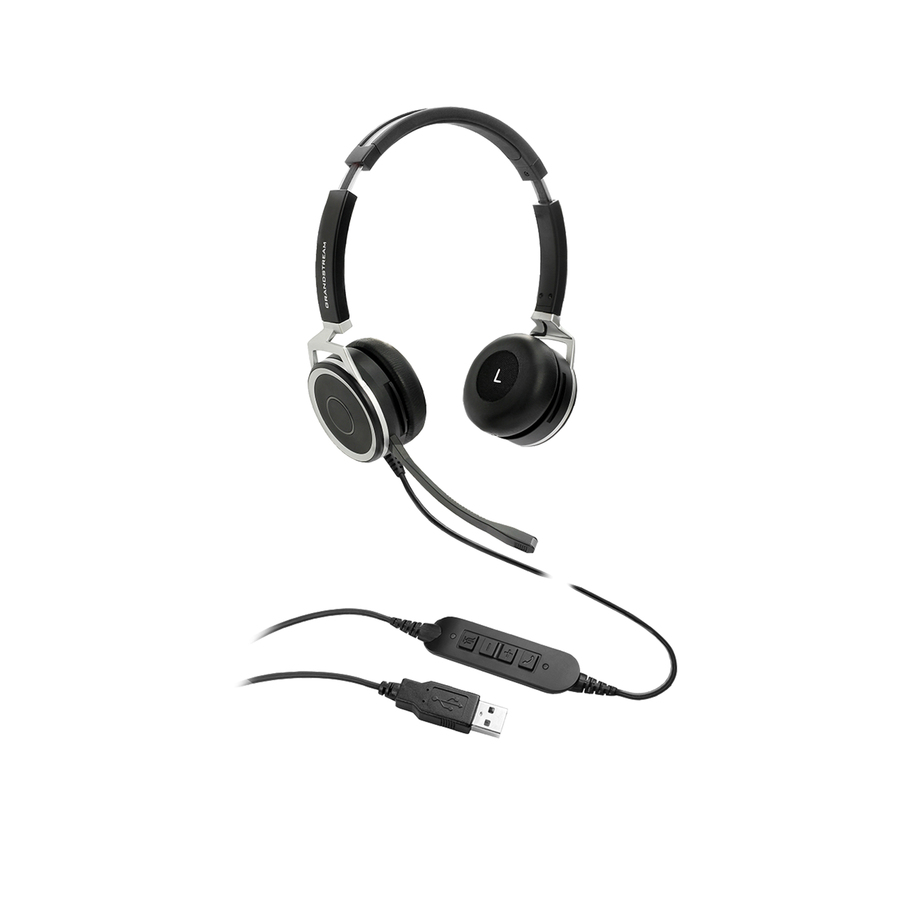
Grandstream GUV3005 Headset
GUV3005
The Grandstream GUV3005 — a wired USB Type-A stereo headset with a noise-cancelling microphone on a 6.56-foot cable, aimed at a desk phone or softphone.
$73.52Back-orderedJabra Evolve 30 II
Jabra
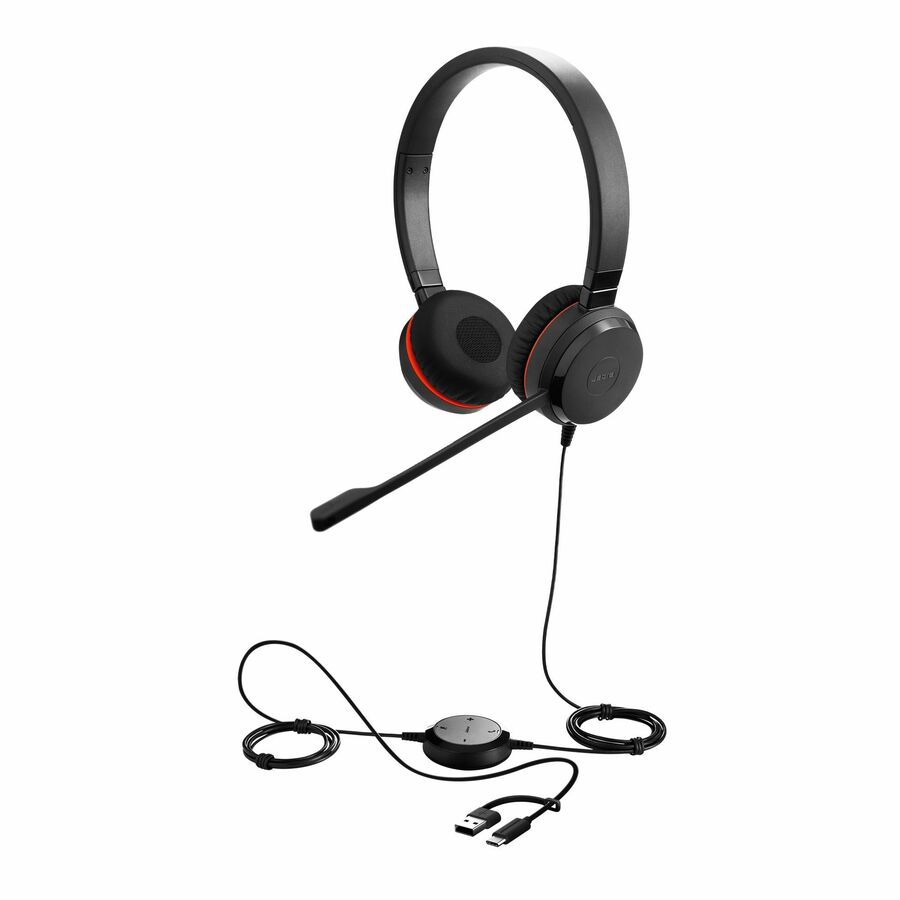
Jabra Evolve 30 II Headset
5399-829-389-01
The Jabra Evolve 30 II stereo — a wired headset carrying USB Type-A, USB Type-C and a 3.5mm connection with a uni-directional electret condenser microphone.
$79.70In stockAI noise cancelation
Cyber Acoustics
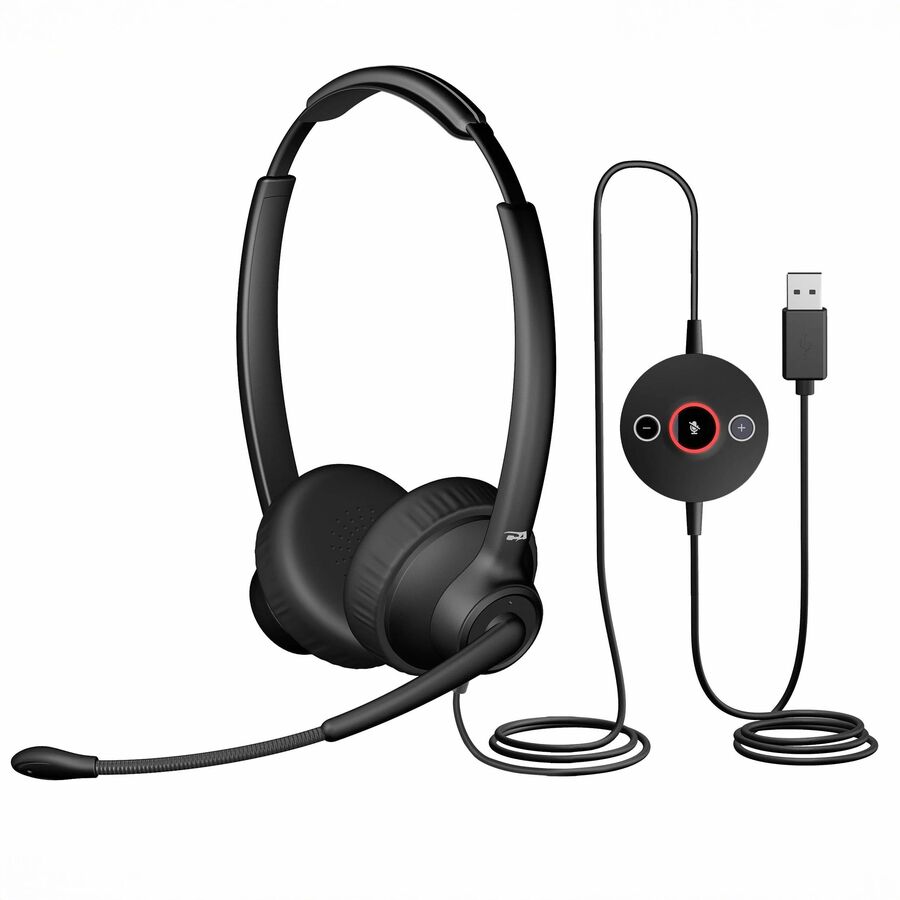
Cyber Acoustics Professional USB Headset with AI Noise Cancelation
AC-304
The Cyber Acoustics AC-304 Professional — a wired USB Type-A stereo headset with AI noise cancelation and a uni-directional microphone, certified for Microsoft Teams.
$86.78In stockEPOS IMPACT 460
EPOS
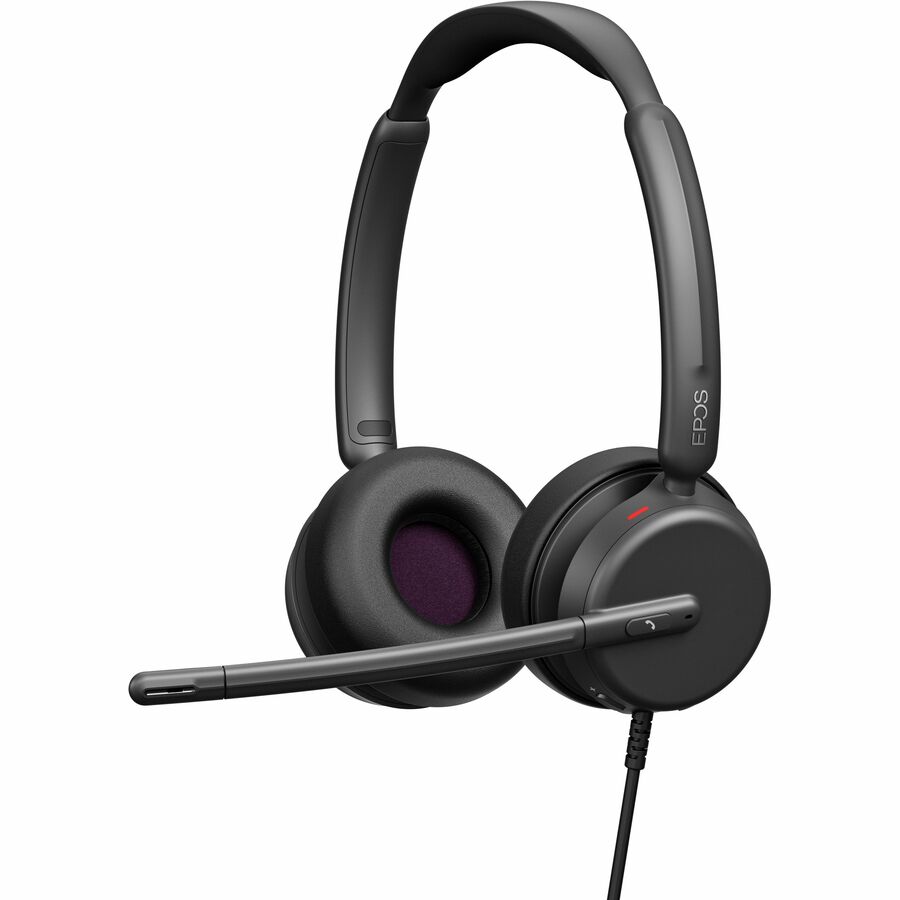
EPOS IMPACT 460 Headset
1001251
The EPOS IMPACT 460 — a wired USB Type-C stereo headset with a noise-cancelling electret condenser boom, listed as designed to work with leading UC platforms.
Request pricingKensington H2000
Kensington Computer Products
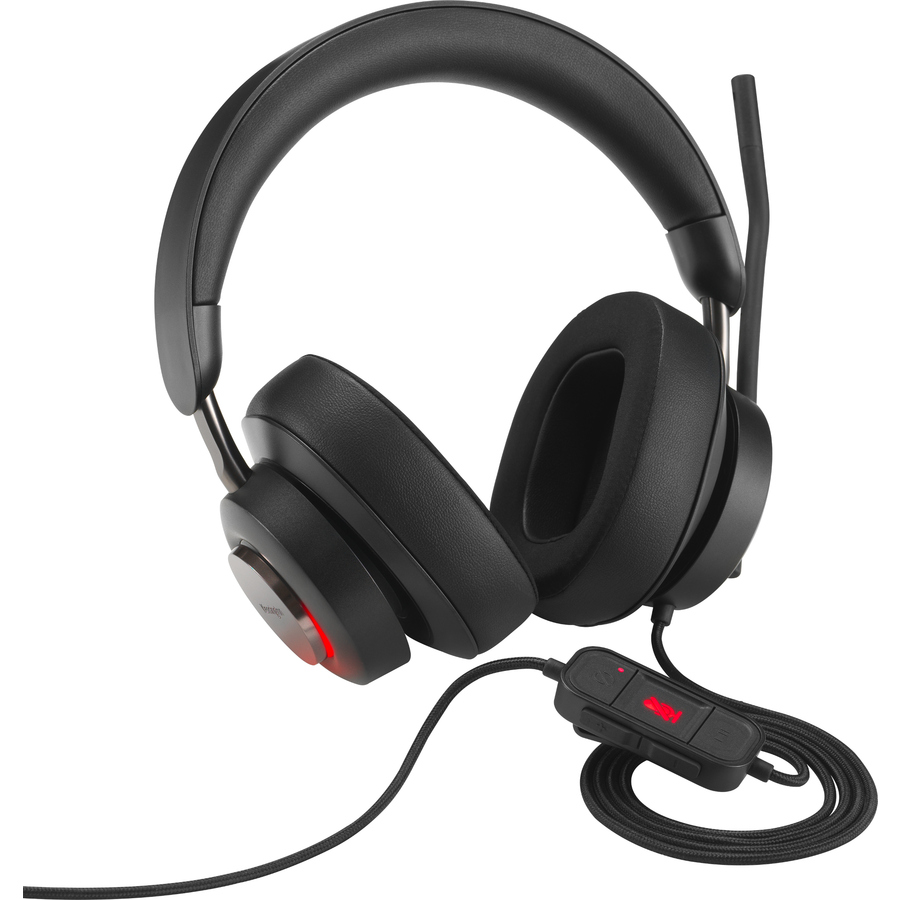
Kensington H2000 USB-C Over-Ear Headset
K83451WW
The Kensington H2000 — a wired USB Type-C over-ear headset with ear-cup cushions and both uni-directional and omni-directional microphone modes.
$113.71In stockZone Wired ANC
Logitech
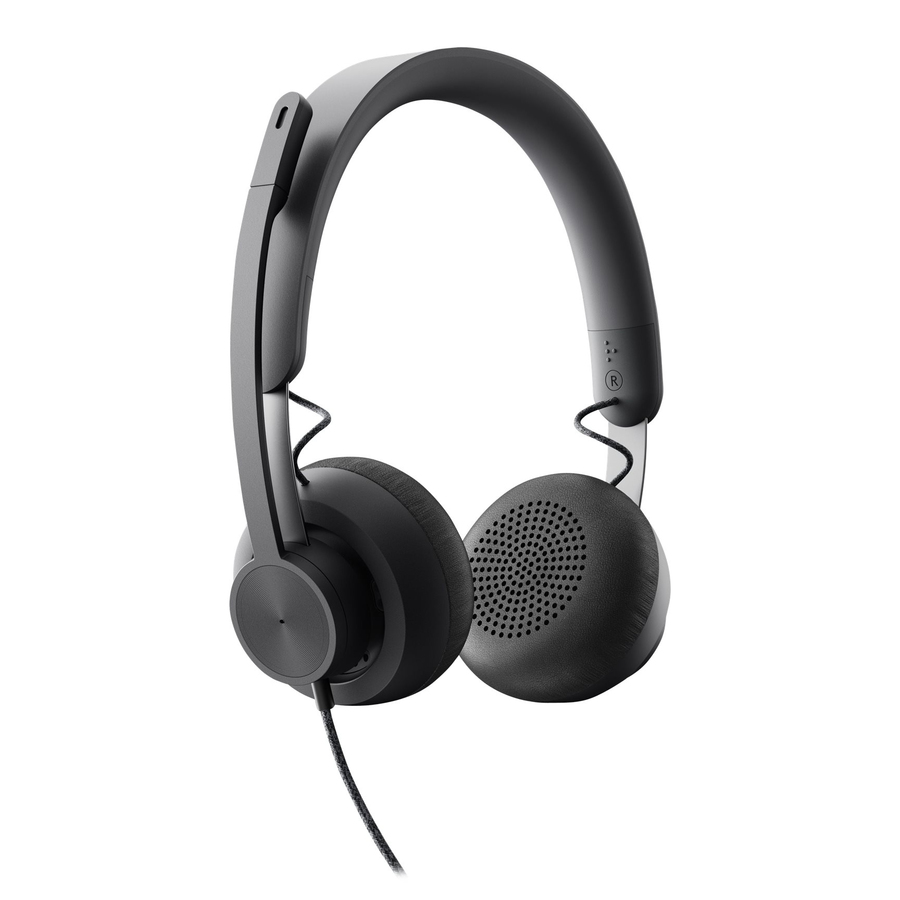
Logitech Zone Wired Noise Cancelling Headset, USB-C with USB-A adapter…
981-000876
The Logitech Zone Wired — a noise-cancelling circumaural headset on USB Type-C with a USB-A adapter, for a mixed fleet that has both connectors on the floor.
$111.58In stockEPOS IMPACT 400
EPOS
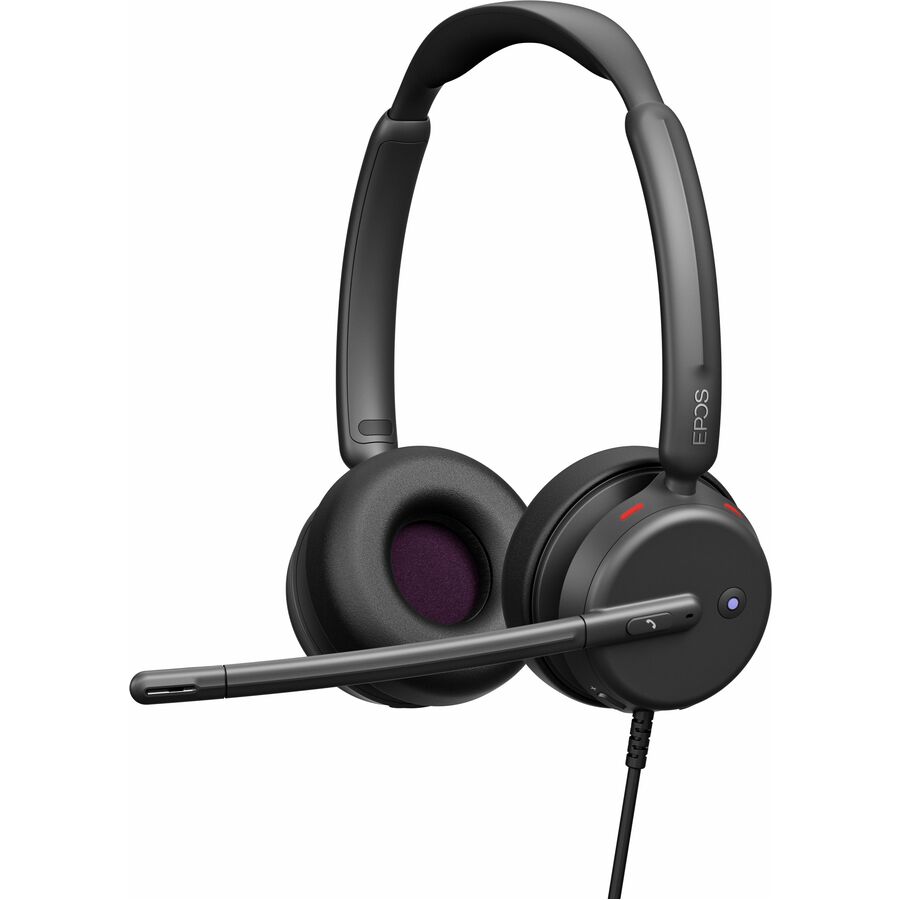
EPOS IMPACT 400 Headset
1001494
The EPOS IMPACT 400 — a wired stereo headset carrying both USB Type-A and USB Type-C with a uni-directional noise-cancelling boom, certified for Microsoft Teams.
Request pricingJabra Evolve2 40 SE
Jabra
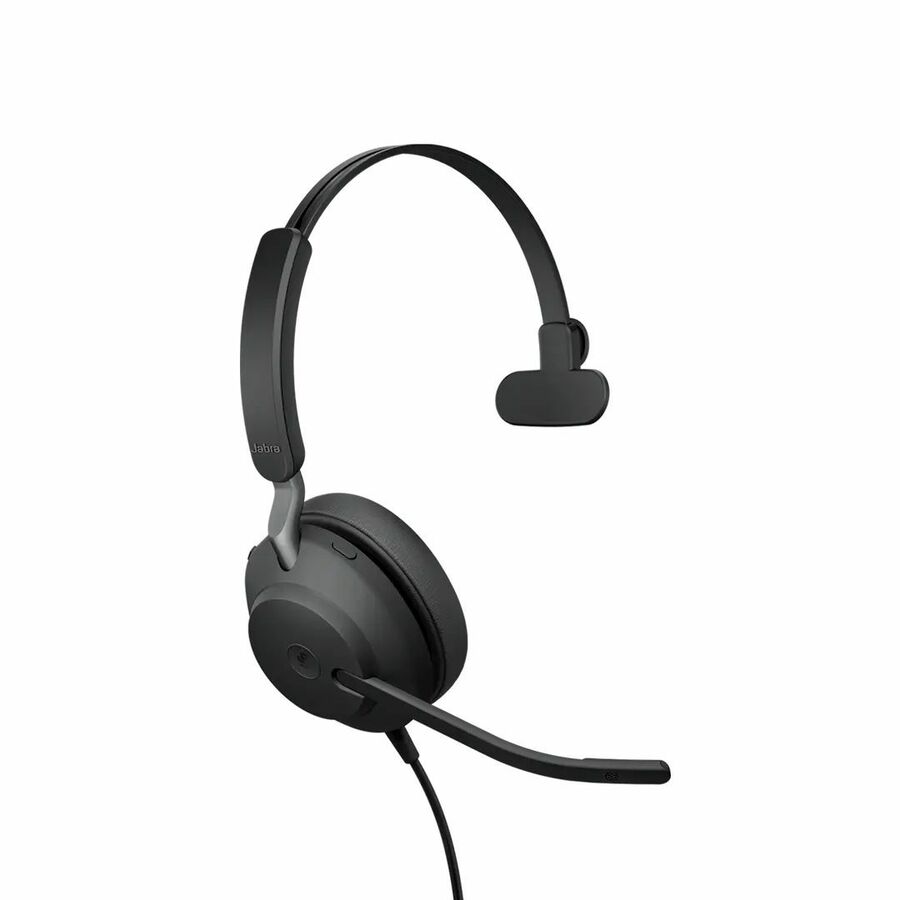
Jabra Evolve2 40 SE Headset
24189-889-799-01
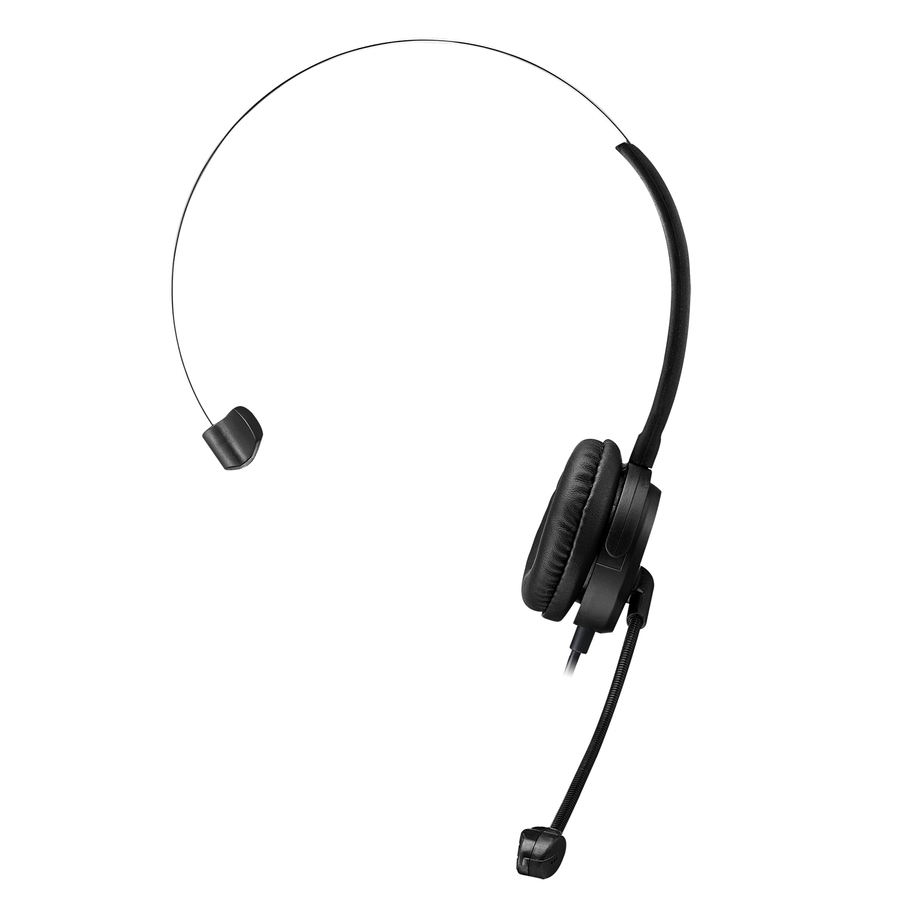
The Jabra Evolve2 40 SE mono — a wired headset on USB Type-A and USB Type-C with a circumaural cup and a MEMS microphone, for one-ear wear on a busy floor.
Every row this page renders states a USB connection in the manufacturer's own title, as this one does.
$167.93In stockMore headsets and earsets in the Uniqcli catalog
See all 1,737 headsets and earsetsMore from across this category. In-stock lines lead, and a back-ordered line carries the same estimated availability its product page does — with live pricing throughout, NDAA §889 screening before checkout and TAA verified on request.
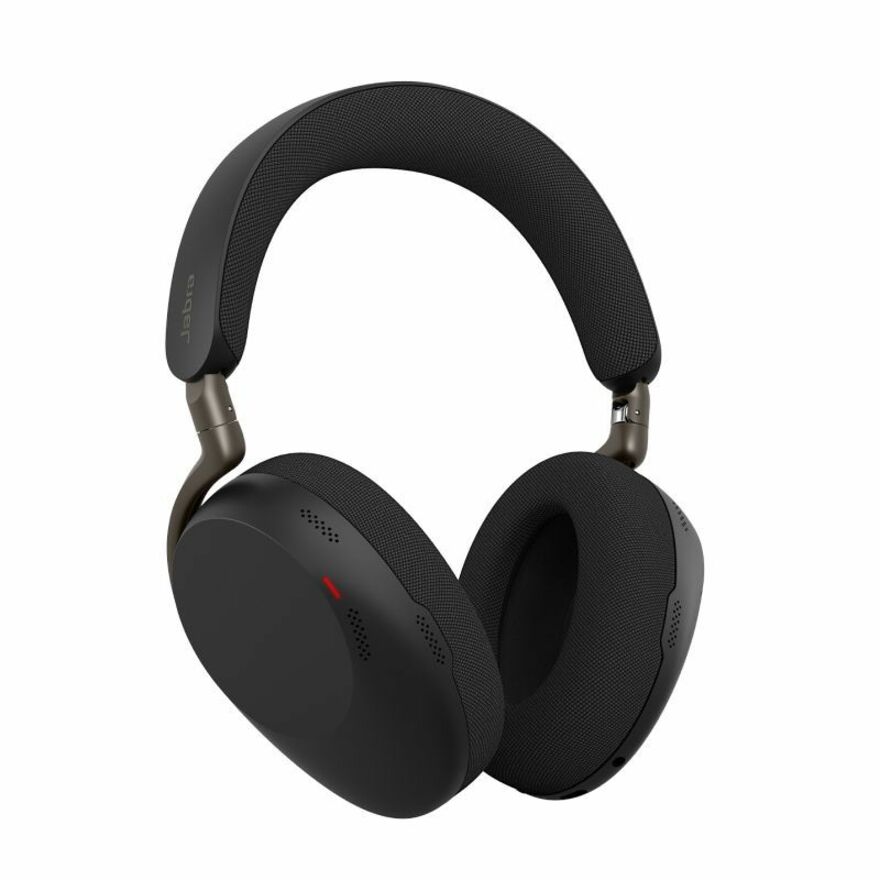
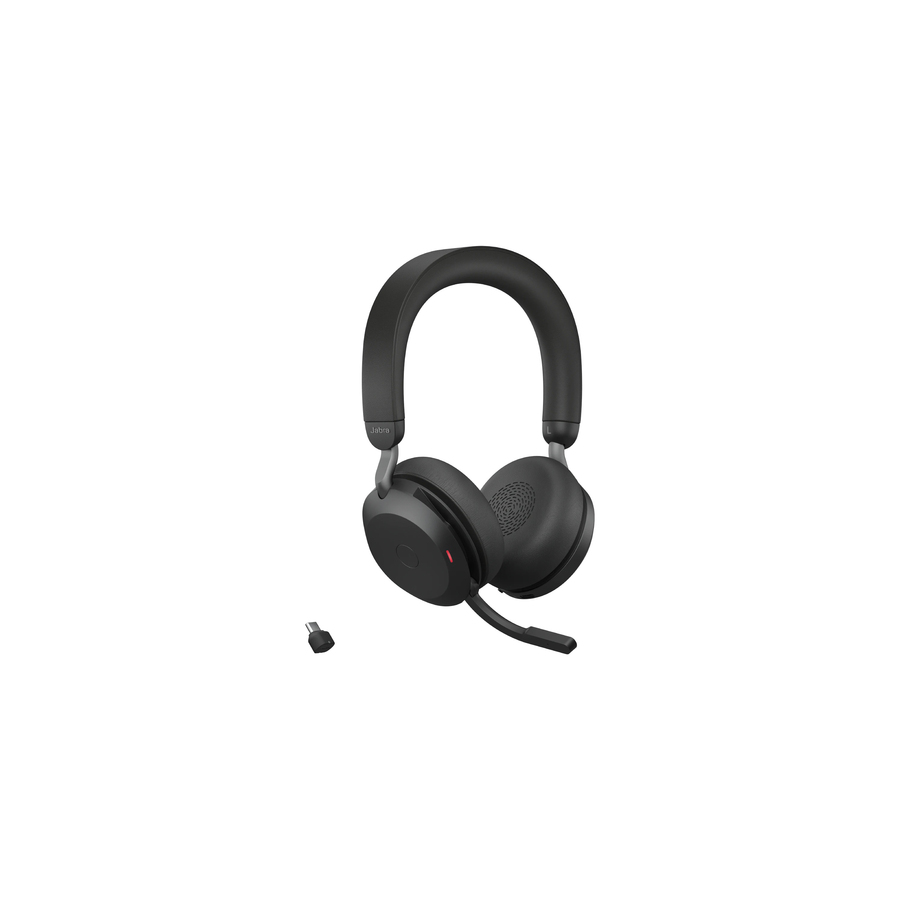
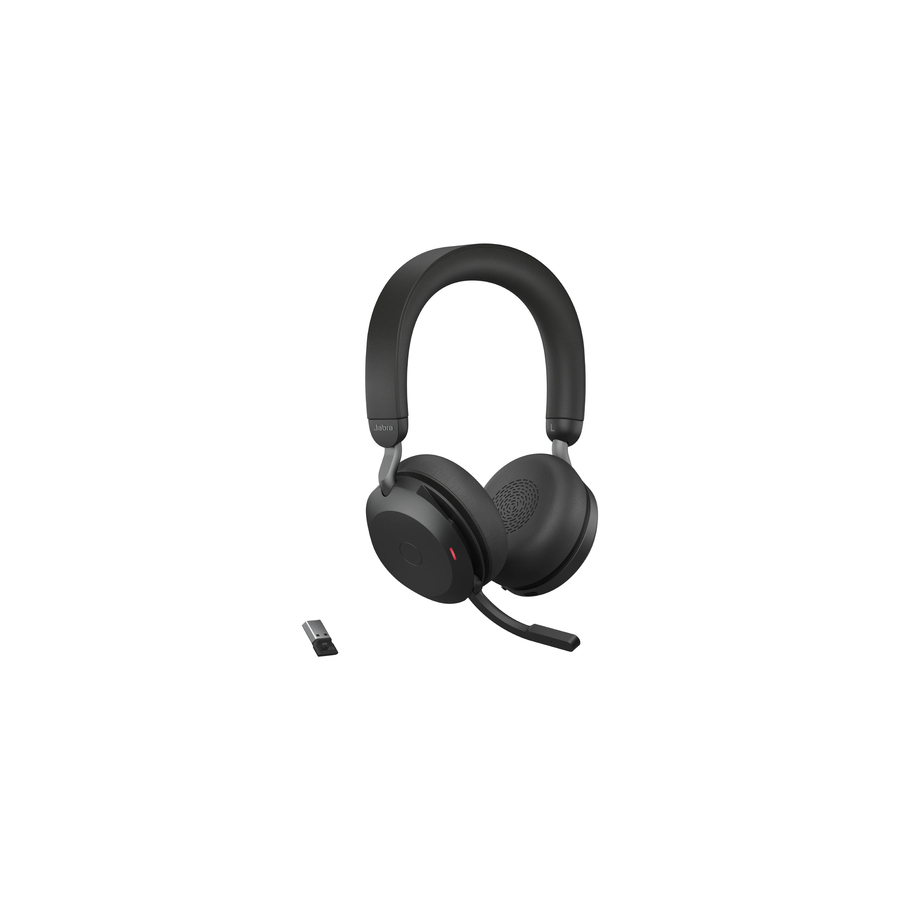
- JabraJabra Evolve3 85 Headset - Microsoft Teams Certification - Stereo - Mini-phone (3.5mm), USB Type C - Wired/Wireless - Bluetooth - 98.4 ft - 35 Ohm - 20 Hz to 20 kHz - Over-the-head, Over-the-ear - Binaural - Supra-aural - 3.94 ft Cable - MEMS Technology Microphone - Noise Canceling38599-999-898
$649.00
$535.01
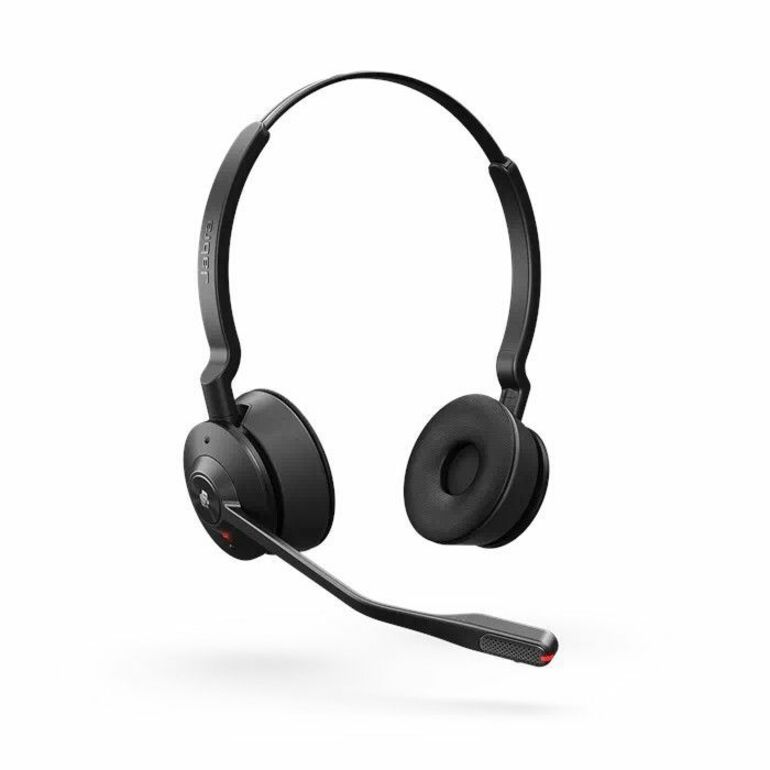
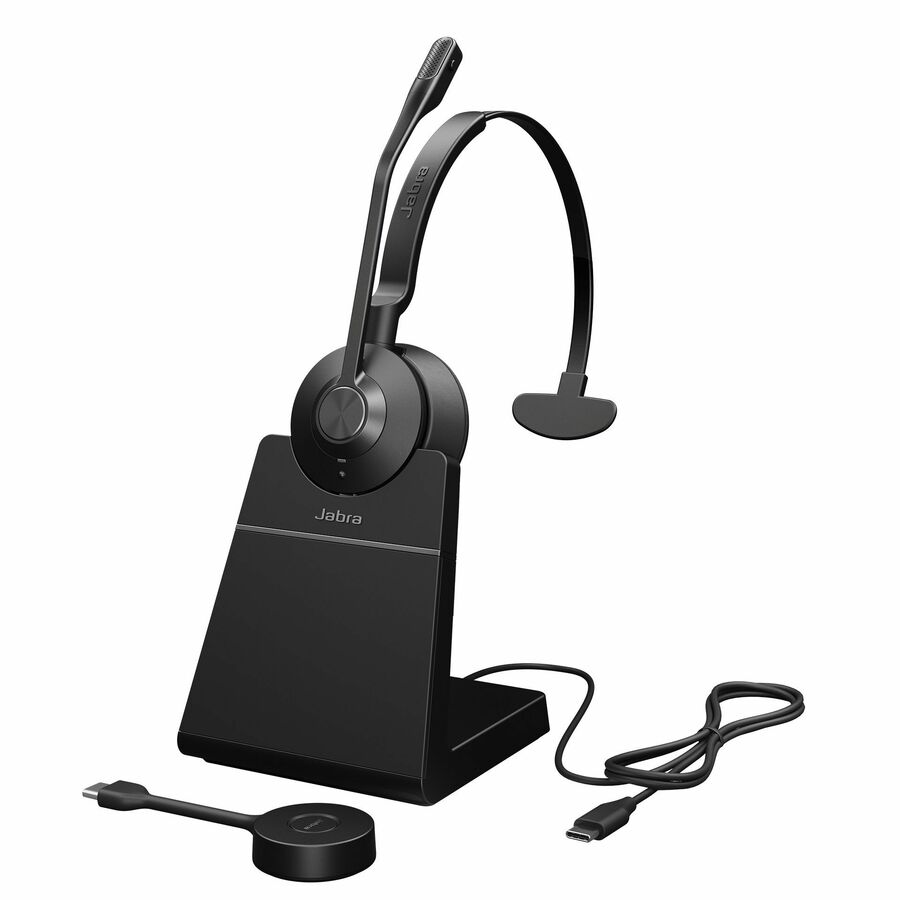
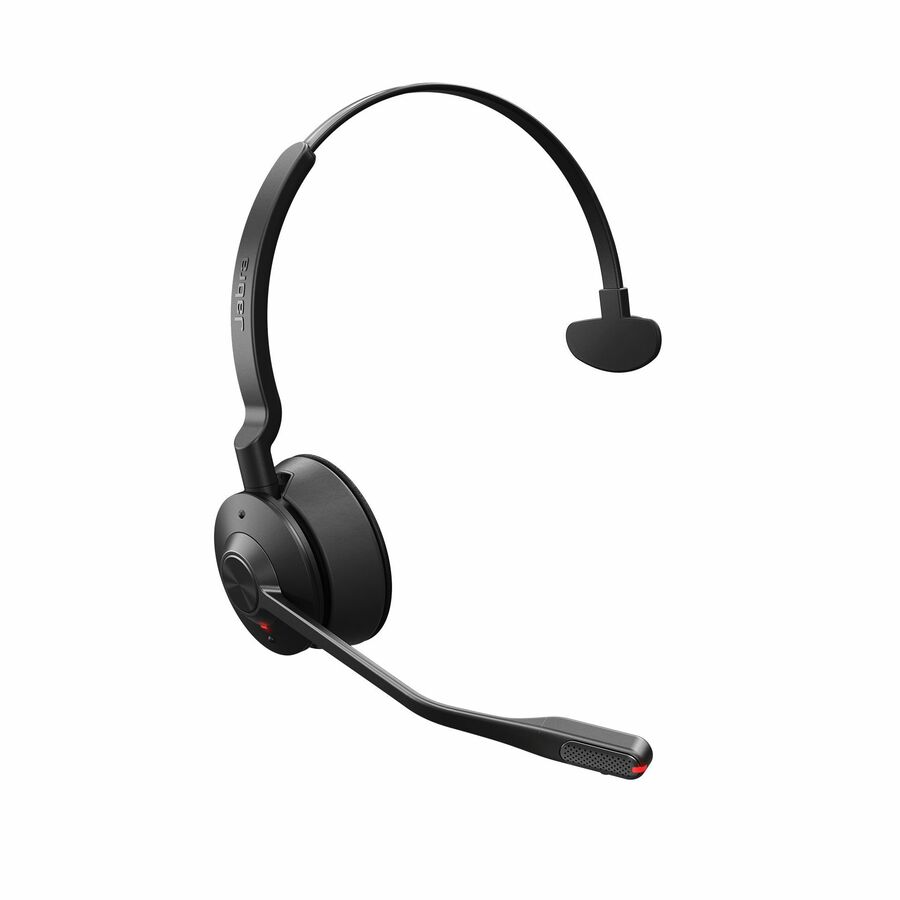
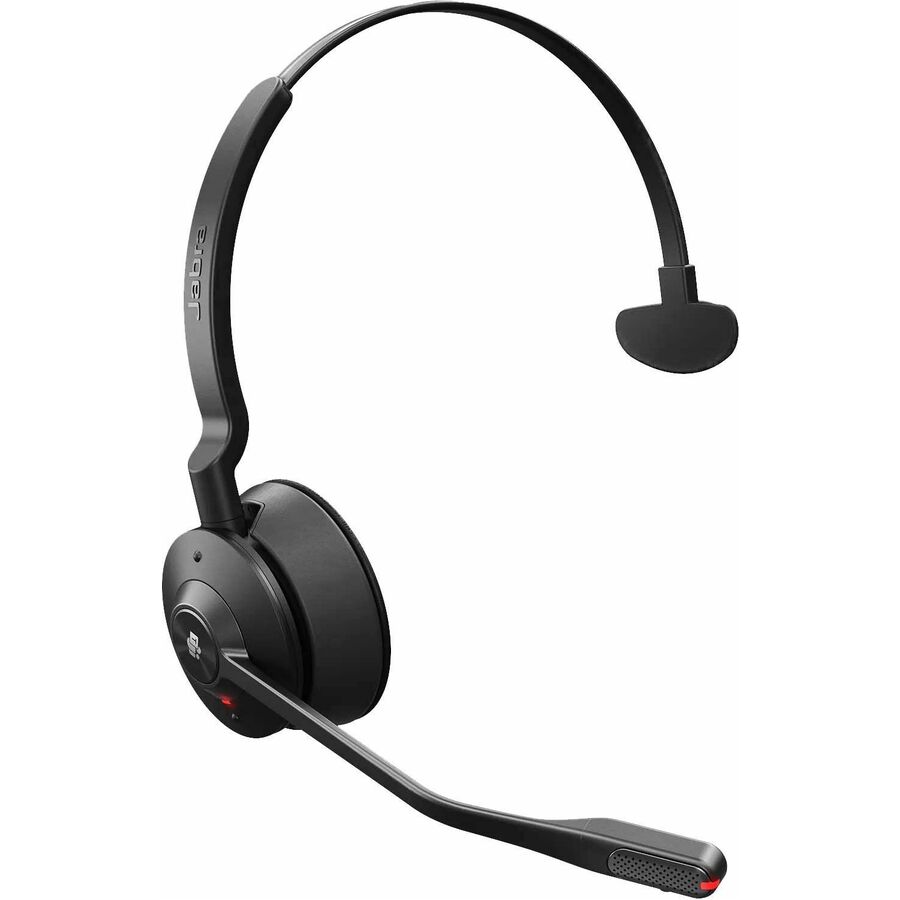
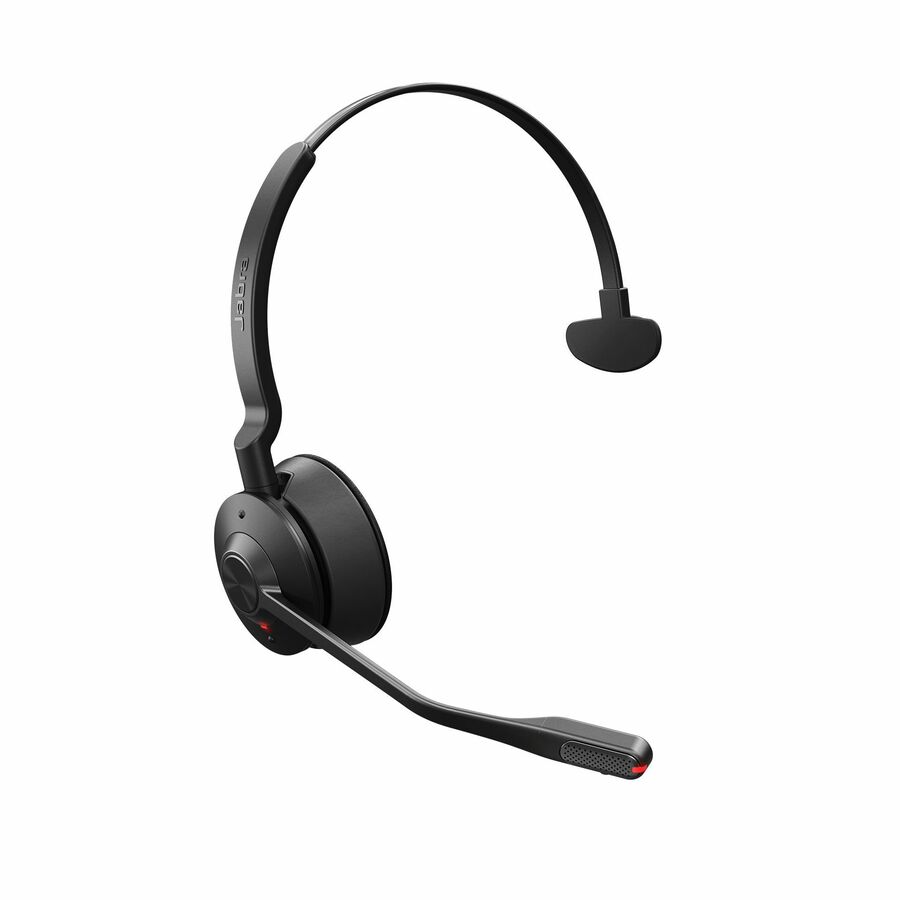
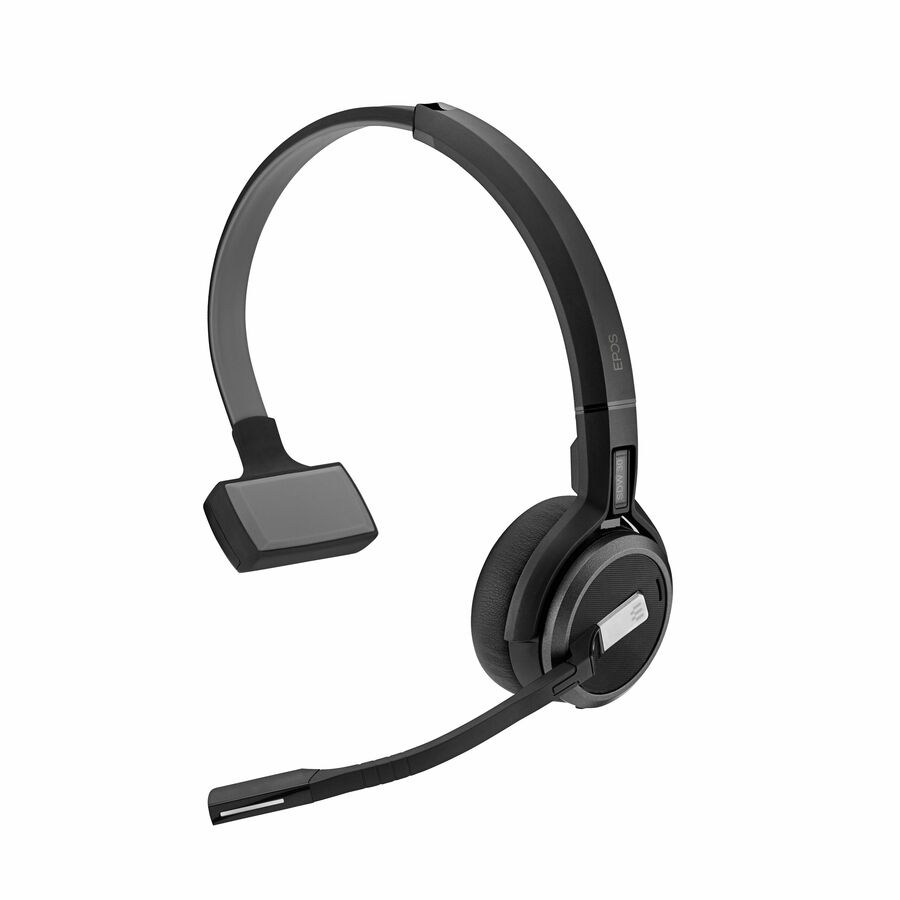
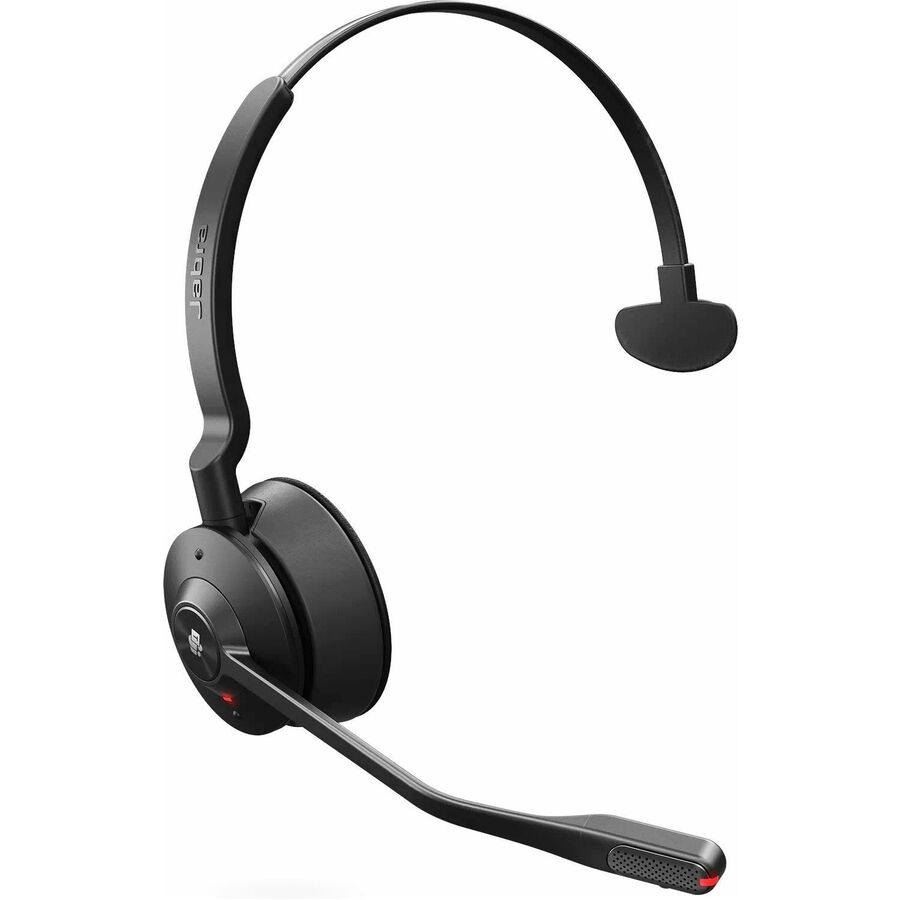
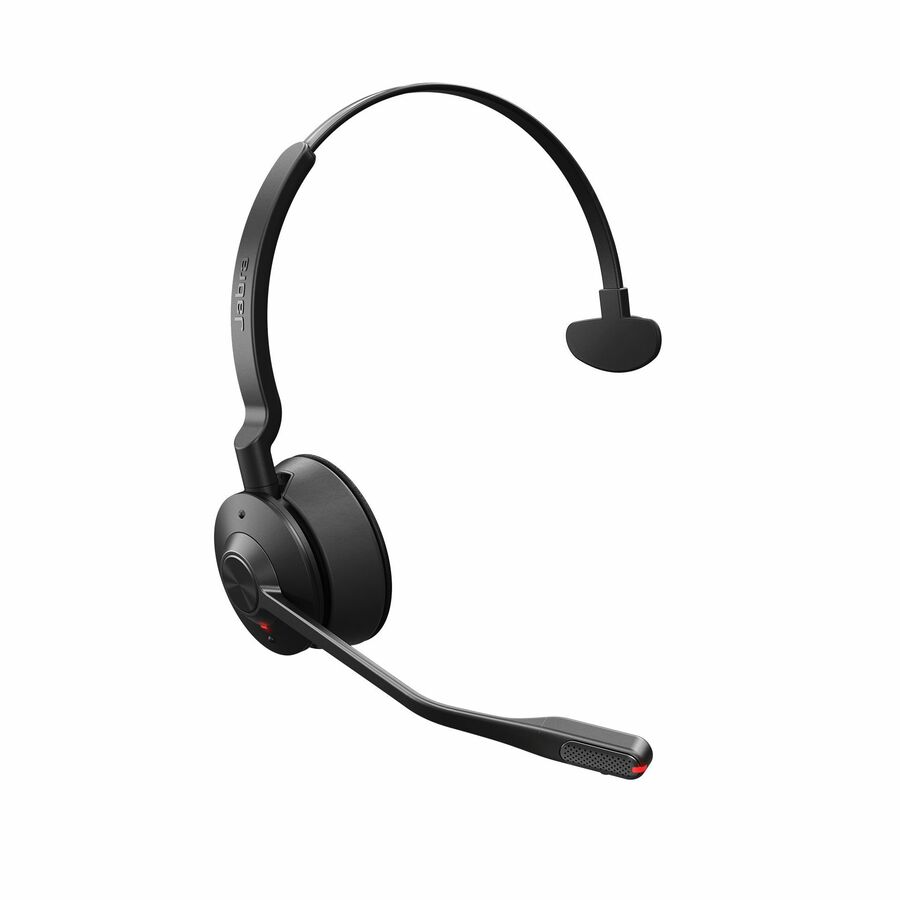
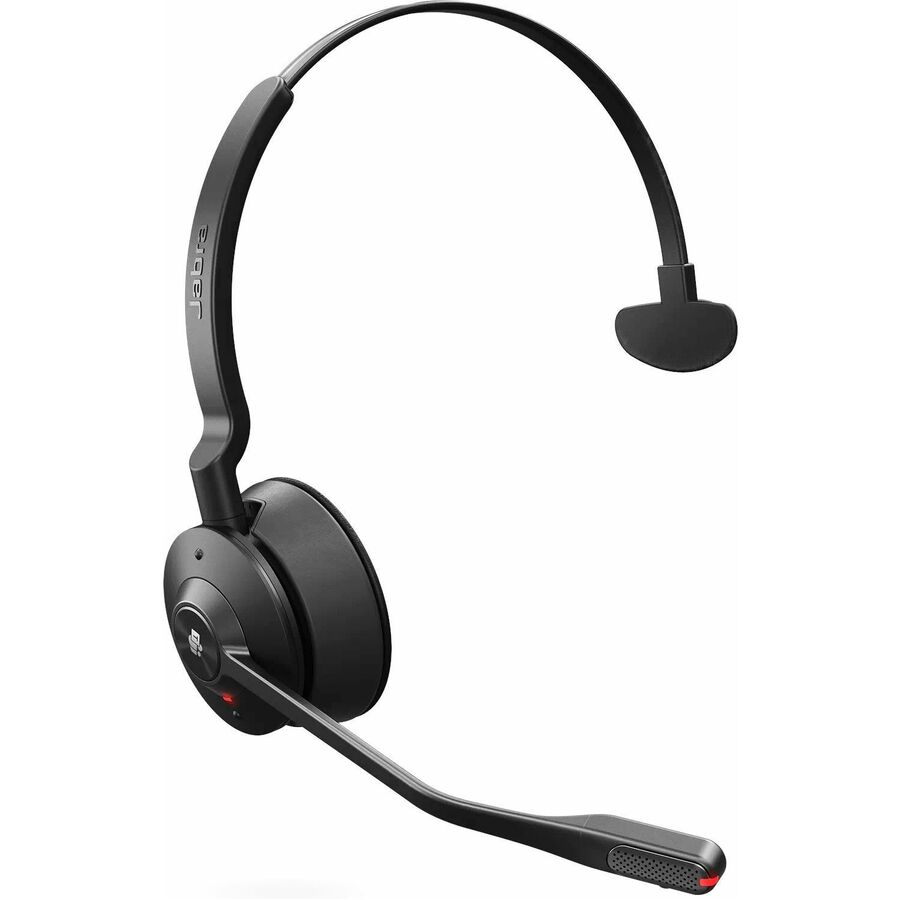
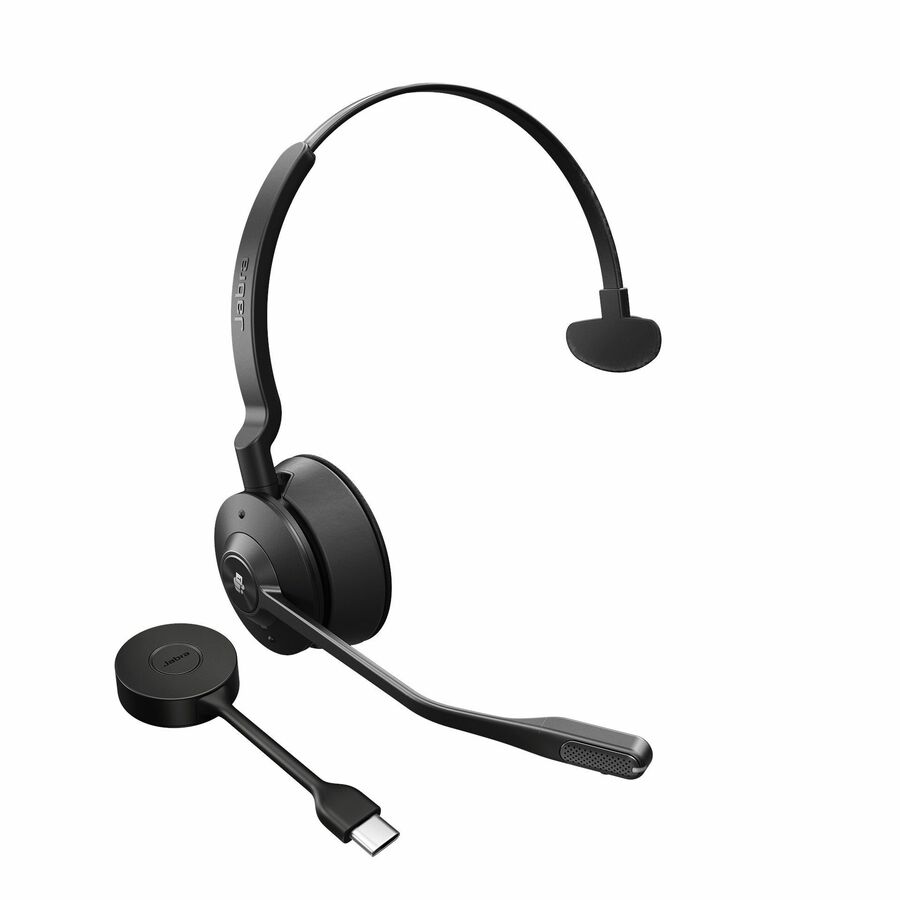
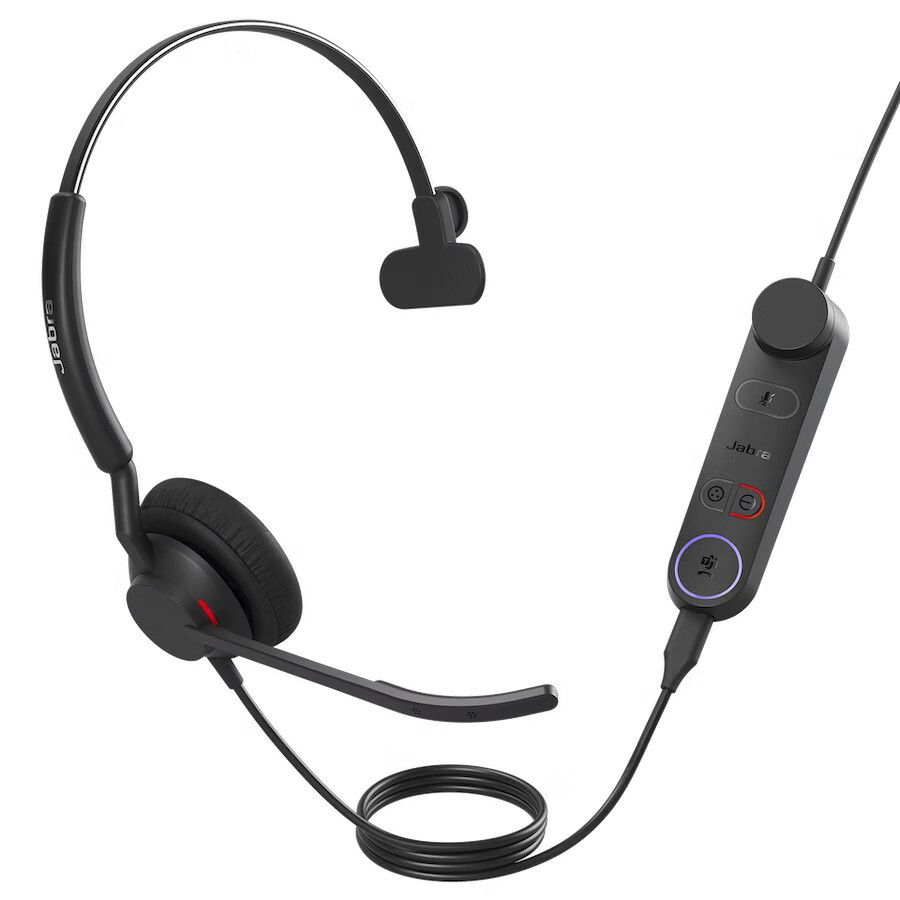
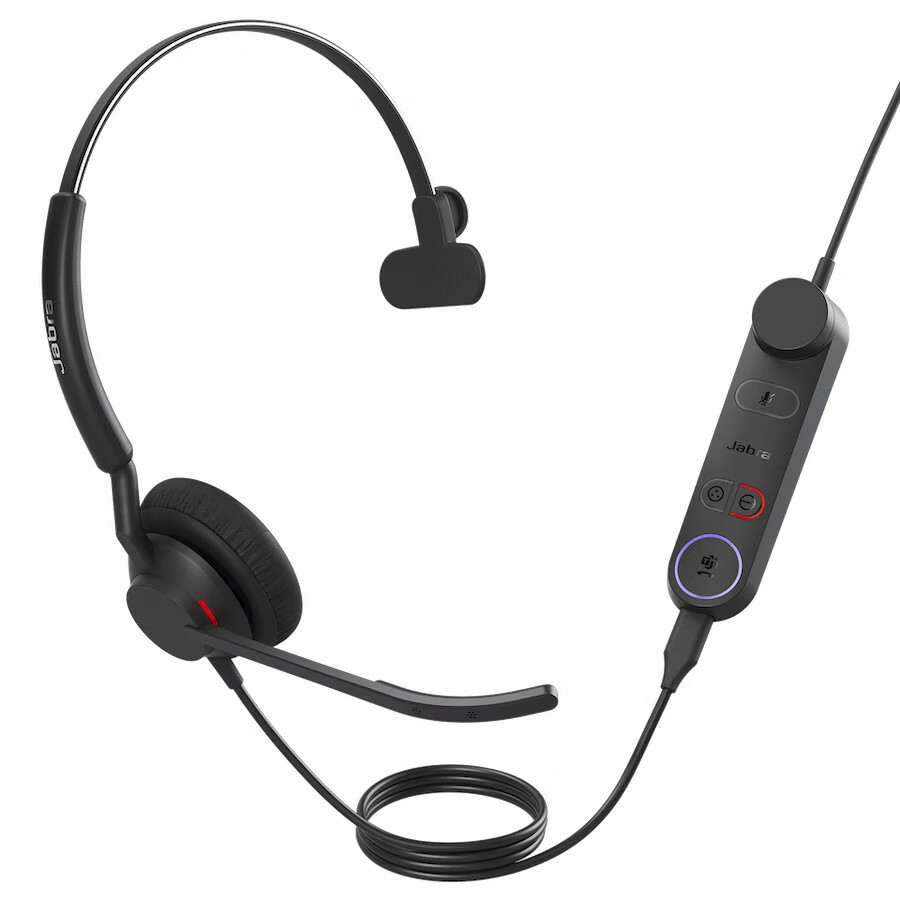
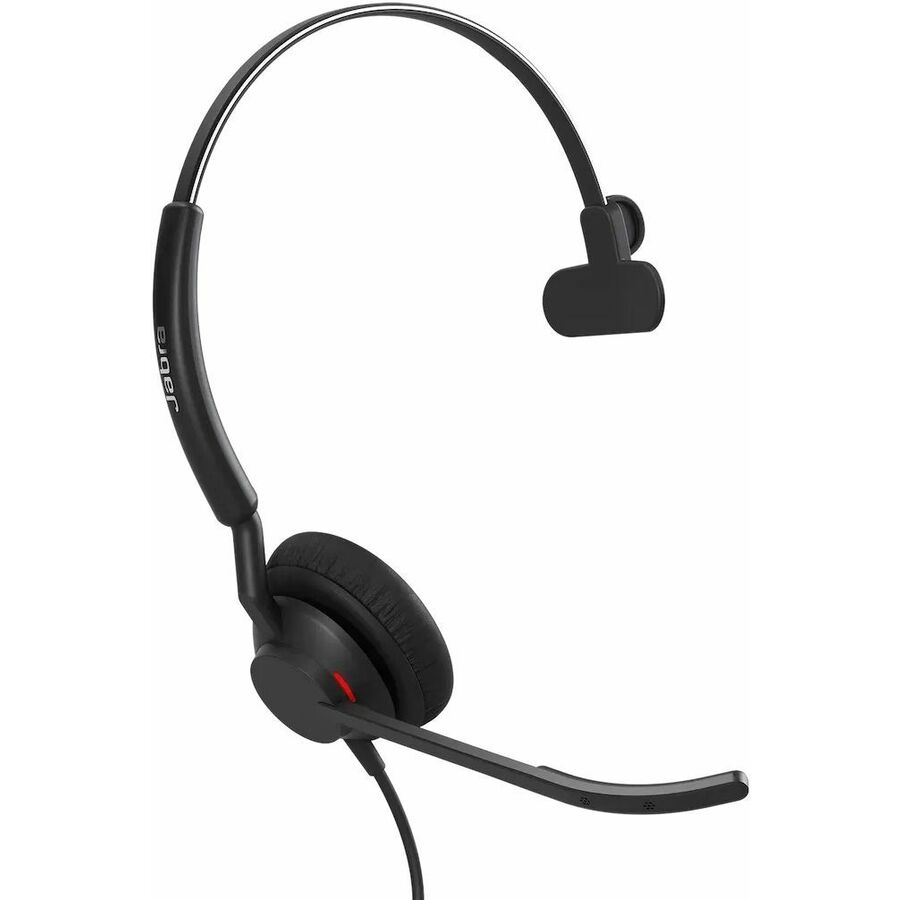
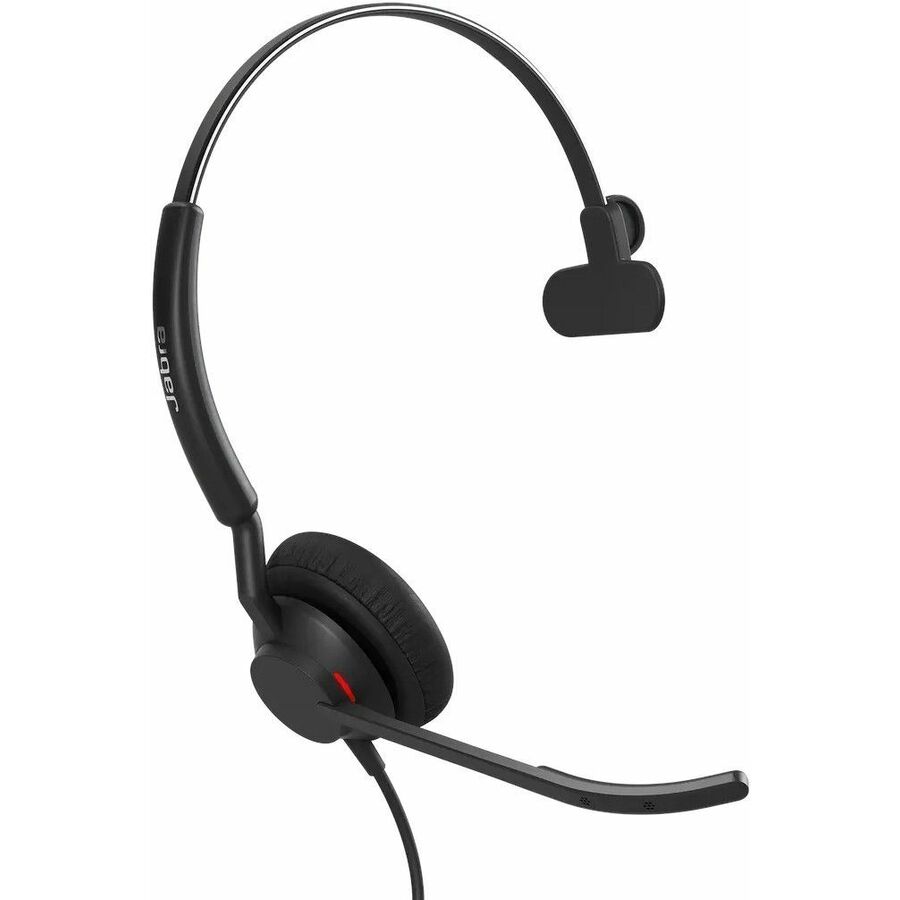
22 in stock - JabraJabra Engage 50 II Headset - Mono - USB Type A - Wired - 50 Hz to 20 kHz - On-ear - Monaural - Ear-cup - MEMS Technology Microphone5093-299-2219
$349.00
$259.86
78 in stock - JabraJabra Engage 50 II Headset - Mono - USB Type A - Wired - 50 Hz to 20 kHz - On-ear - Monaural - Ear-cup - MEMS Technology Microphone5093-299-2119
$349.00
$259.86
6 in stock - JabraJabra Engage 50 II Headset - Mono - USB Type C, USB Type A - Wired - On-ear, Over-the-head - Monaural - Supra-aural - MEMS Technology Microphone5093-299-2269-01
$349.00
$259.91
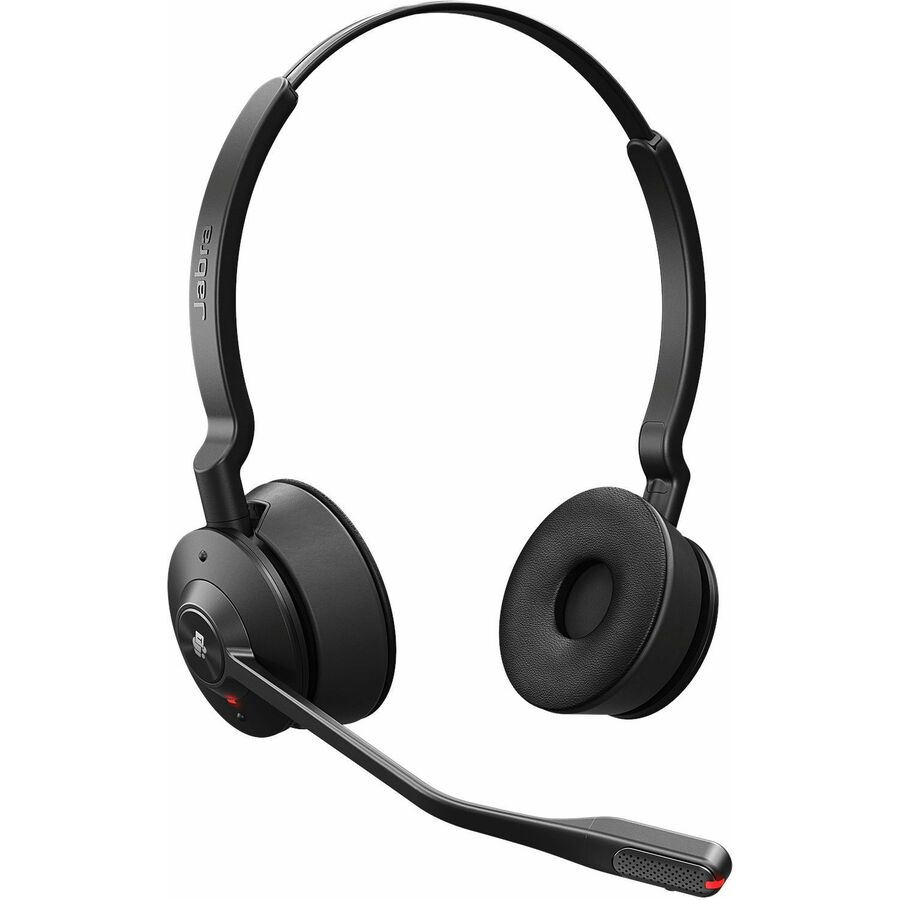
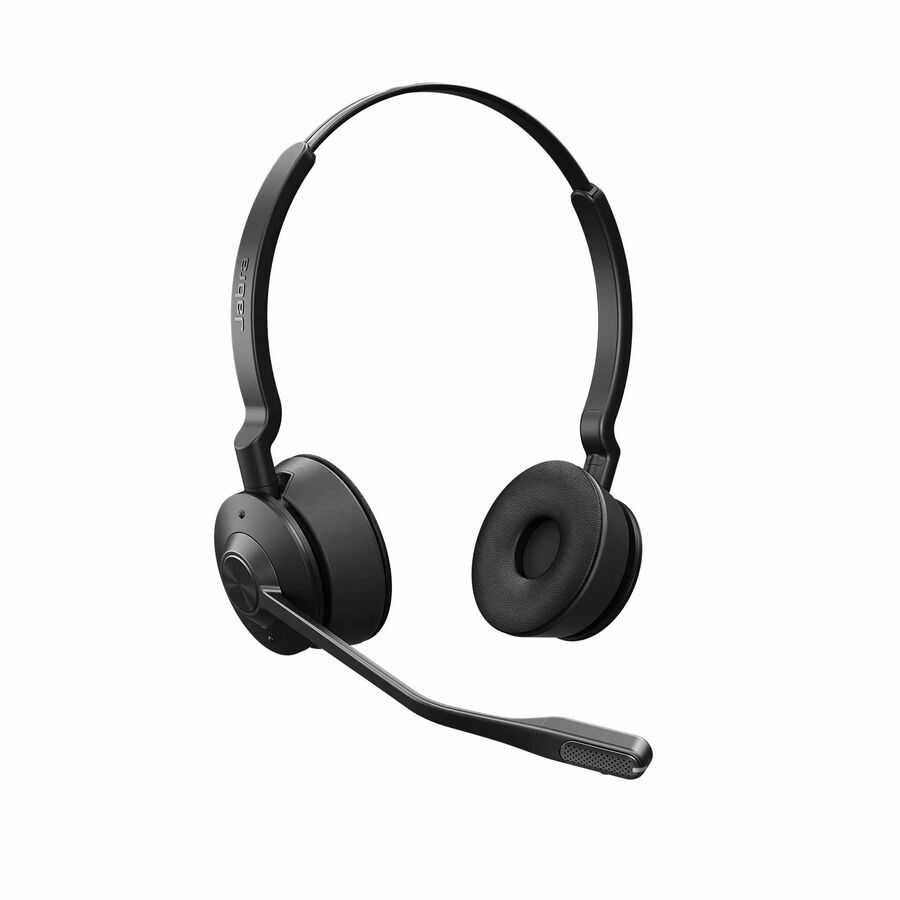
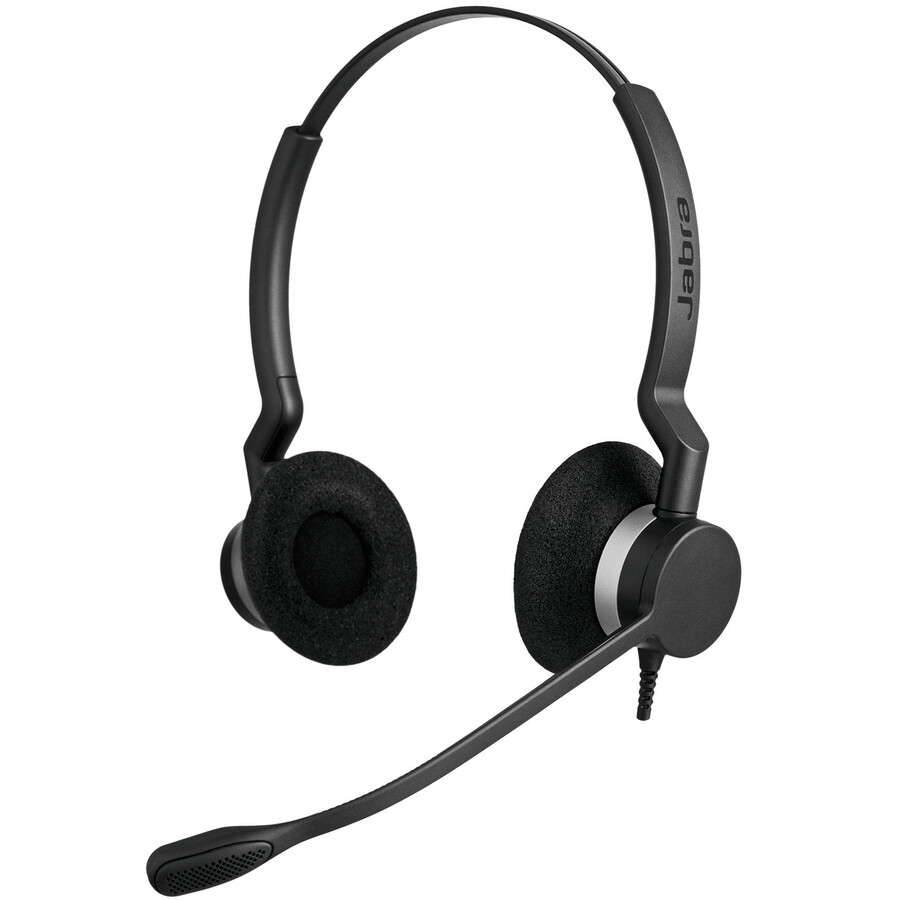
506 in stock - JabraJabra BIZ 2300 Headset - Stereo - USB Type A - Wired - Over-the-head - Binaural - Supra-aural - Noise Cancelling Microphone - Black2399-829-119
$279.00
$197.02
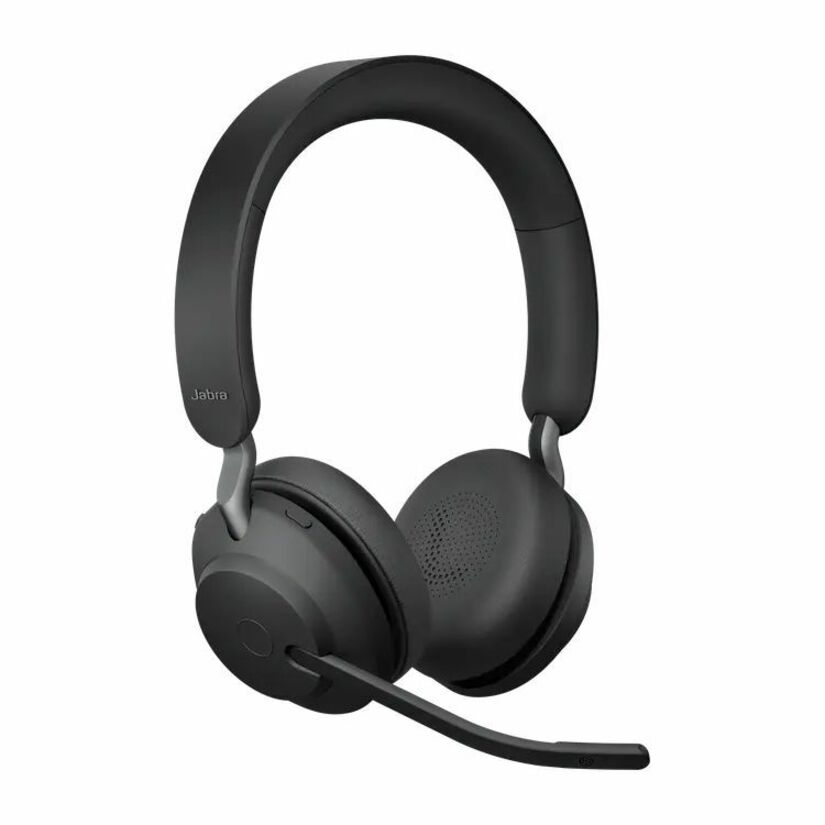
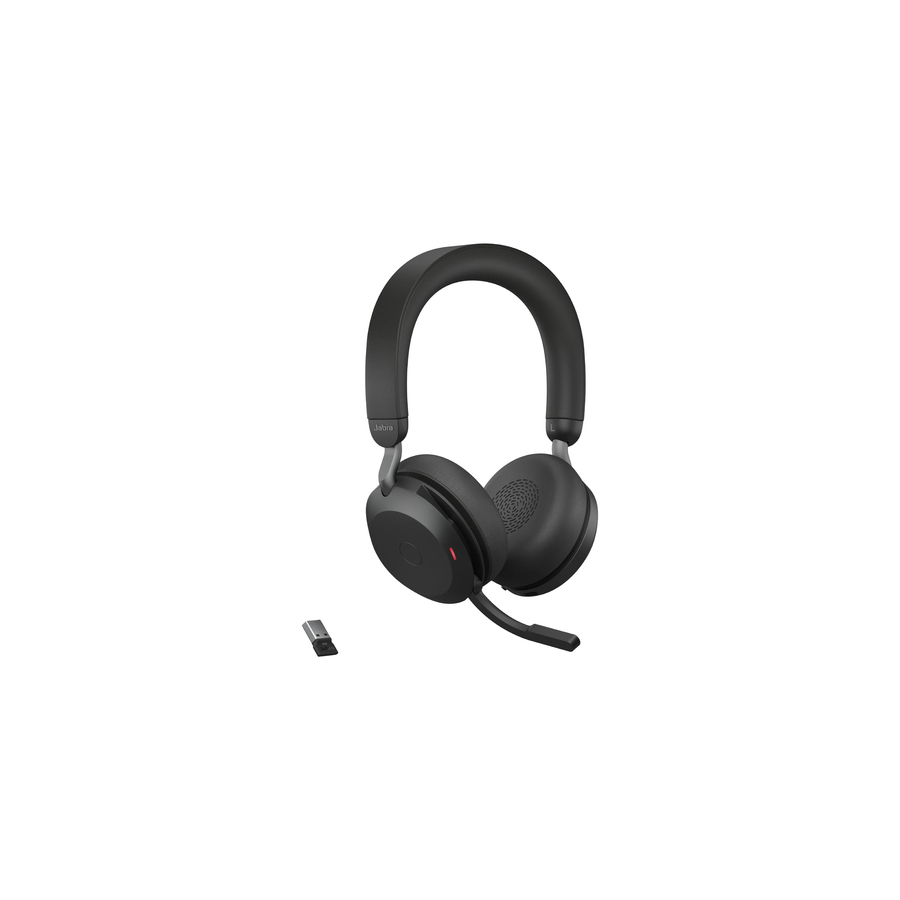
11 in stock - JabraJabra Evolve2 75 Wireless On-ear Stereo Headset - USB-A - Unified Communication - Black - Binaural - Ear-cup - 3000 cm - Bluetooth - 20 Hz to 20 kHz - MEMS Technology Microphone - Noise Cancelling - Stereo - USB Type A - Wireless - Bluetooth - 98.4 ft - 20 Hz to 20 kHz - On-ear - Binaural - Ear-cup - MEMS Technology Microphone - Noise Canceling - Black27599-989-999
$463.00
$381.76
1,269 in stock

Need pricing on USB headsets?
Tell us where to reach you and a Uniqcli specialist will follow up by email with current pricing, availability and lead time for the quantities you need — including parts that aren’t shown on this page.
Buying for an organization or for yourself — both work. No payment up front.
A USB headset is the least dramatic piece of remote-work hardware and one of the few that everybody notices. It is the difference between a caller who is understood the first time and one who repeats themselves, and it is bought once for a whole team rather than one desk at a time. Every row on this page states a USB connection in the manufacturer's own title, which keeps the analog-only 3.5mm stock and the consumer listening headphones out of a page about headsets that plug into a laptop and work without a driver, a dongle hunt or a settings argument.
The first decision is the connector, and it is now a two-part question. USB-A still fits every dock and most desktops; USB-C fits the thin notebooks a hybrid fleet actually carries; and a growing number of models ship both a USB-C plug and a USB-A adapter so one part number covers a mixed fleet. Buying a single connector into a fleet that has both is how a headset ends up in a drawer, so read the connector on the part number rather than on the family name — several ranges here publish an -A and a -C variant under near-identical model names.
After the connector, the choices are mono versus stereo, how the headset sits on the head, and what the microphone does. Mono leaves one ear open for a desk where colleagues still talk to each other; stereo helps in a noisy room and in meetings with several speakers. Supra-aural pads sit on the ear and stay cool over a long shift, circumaural cups enclose it and block more room noise. Noise-cancelling boom microphones are the norm across this shelf, and several models add certification for Microsoft Teams or the other UC platforms — a stated compatibility fact, not a performance claim. Send the platform, the connector and the headcount, and the shortlist can be built against all three.
Buyer's checklist
How to choose a USB headset
- Read the connector on the part number, not the family. USB-A suits docks and desktops, USB-C suits current notebooks, and several models ship a USB-C plug with a USB-A adapter so one SKU covers a mixed fleet — the titles here name which.
- Decide mono or stereo by the room. Mono keeps one ear open for a shared desk or a floor where people still speak to each other; stereo helps in a noisy home office and in meetings with several voices.
- Match the wearing style to the shift length. Supra-aural (on-ear) pads run cooler over a full day; circumaural (over-ear) cups enclose the ear and block more of the room; in-ear and earbud styles pack smallest for travel.
- Treat the microphone as the product. A noise-cancelling, uni-directional boom is what makes a caller intelligible; the titles here name the microphone type and whether the boom is noise cancelling.
- Check platform certification where your organization standardizes on one. Several models here carry Microsoft Teams certification in the maker's own title — that is a stated compatibility fact worth matching to your deployment, and it is not a claim about sound quality.
- Standardize the part number before you scale. A fleet buying one model gets one support script, one set of spares and one training note; buying whatever was available each quarter gets none of that.
- Plan the consumables. Ear cushions and boom arms are the parts that fail first on a headset in daily use, so pick a range whose spares are orderable and confirm them at quote time.
- Confirm inline controls against how people actually work. Volume, mute and answer/end on the cable or the cup save a hunt through a softphone window mid-call, and mute indication matters more than anything else on the list.
USB-A, USB-C and the mixed-fleet problem
The connector question used to be trivial and is now the most common source of a returned headset. A remote and hybrid fleet is almost never one generation of hardware: the docks and desktops on site take USB-A, the notebooks issued in the last few years often expose only USB-C, and the person switching between them wants one headset that works in both places. Three answers exist on this shelf and they are visible in the titles — a USB-A model, a USB-C model, and the increasingly common part that ships a USB-C plug with a USB-A adapter in the box. The third is what makes a single part number safe to standardize on across a mixed fleet, and it is worth reading for explicitly rather than assuming.
The second half of the same problem is the dock. A headset plugged into a monitor or dock hub is running through another device's USB controller and its power budget, and a headset that behaves on a laptop port can behave differently on a heavily loaded hub. That is not a reason to avoid docks; it is a reason to test the exact combination — headset, dock, laptop, softphone — before a fleet order rather than after it. Send the dock model with the headset request and the shortlist can be narrowed to parts that are a known-good match for that platform.
Microphones, noise and what certification actually means
Almost everything that separates one USB headset from another on a call is the microphone. A uni-directional noise-cancelling boom sits close to the mouth and rejects the room behind it, which is why a boom headset beats a laptop's array microphone in every room that is not silent. The distance the boom travels, whether it is adjustable, and whether flipping it up mutes the call are the practical differences on this shelf; the titles name the microphone type — electret condenser, MEMS, uni-directional, noise cancelling — and the wearing style that carries it. Nothing on this page is a measured test result: the selection is fenced to headsets whose makers state a USB connection, and the specifications quoted are the manufacturers' own.
Platform certification is worth reading precisely because it claims less than it sounds like. A model certified for Microsoft Teams has been through that program's own testing and typically carries a dedicated Teams button and predictable mute behaviour in the client; several models here carry that certification in the maker's own title, and others state that they are designed to work with the leading UC platforms without naming one. Either way it is a compatibility fact about the software, not a verdict on how the headset sounds. Uniqcli can quote the headsets, the spare cushions and the docks they will live on as one document for business, government and education buyers.
FAQ
Common questions
- USB-A or USB-C — which should we standardize on?
- Read the fleet before the headset. USB-A still fits the docks and desktops on most sites, USB-C fits the notebooks issued in the last few years, and a growing number of models ship a USB-C plug with a USB-A adapter in the box so one part number covers both. That third form is usually the right answer for a mixed fleet, and the titles here name which connector each part carries.
- Mono or stereo for remote and hybrid staff?
- Mono leaves one ear open, which suits a shared office floor or anyone who needs to hear the room while they are on a call. Stereo covers both ears, which helps in a noisy home office and in meetings with several speakers where separating voices matters. Many ranges here publish both variants of the same model, so the choice is a variant selection rather than a different product.
- Does a USB headset need drivers or software?
- USB headsets on this shelf present as a standard audio device, so they are recognized without a vendor driver on current Windows and macOS builds. Vendor software is optional and usually adds firmware updates, device settings and — on managed fleets — inventory and remote configuration. If your deployment depends on centrally managing headset firmware, confirm the management tool for the specific range at quote time.
- What does Microsoft Teams certification mean on a headset?
- It means the model has been through Microsoft's own certification program for that platform, and in practice it usually brings a dedicated Teams button and mute behaviour that the client and the headset agree on. It is a compatibility fact stated in the manufacturer's title, not a rating of audio quality — a non-certified headset can sound excellent and still lack the button.
- Can business, government and education buyers order these?
- Every line Uniqcli quotes is sourced through US distribution and screened for TAA country-of-origin and NDAA §889 status before checkout — with documentation tied to the specific part number, not a product family.
Need USB headsets pricing?
Send a bill of materials or part numbers — we confirm stock and a below-market total, with TAA verified on request. No payment up front.