Loading the product…
Loading the product…
Attention: Due to high order volume, orders may require an additional business day to process.
PD Passthrough for Laptop Charging, 1x USB 2.0 Port, TAA
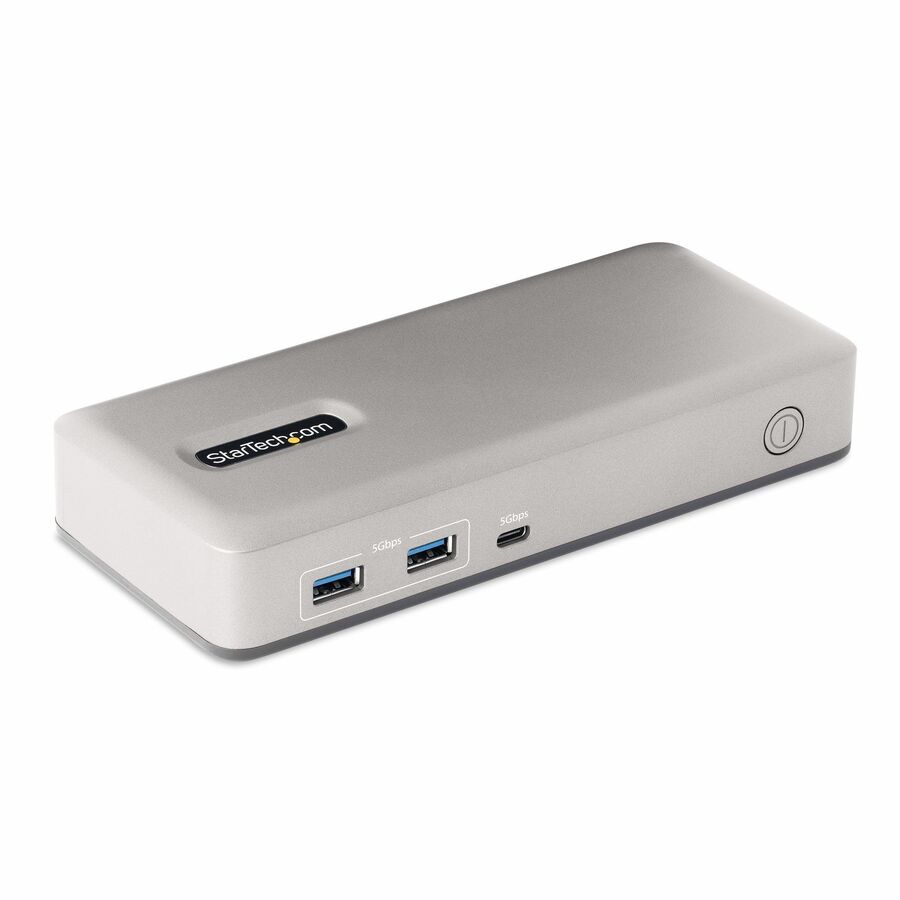
Quad Display USB-C Video Adapter connects a computer to four 4K 60Hz HDMI Monitors; 140W PD passthrough for laptop charging; USB 2.0 port; DisplayLink drivers auto-install on most Windows and ChromeOS; Manual driver install required for macOS
MSRP$134.26
$123.52*
Save 8%In stock: 1,771
*Government pricing. Buying for commercial use? Request a quote. Commercial pricing may differ.
Genuine StarTech.com through authorized distribution — NDAA §889 screened before checkout. TAA verified on request.
This quad-display USB-C mini-dock expands your visual workspace and streamlines connectivity without sacrificing ports or power.
Quad 4K Display Expansion
Turn a single USB-C port into a high-performance workstation by connecting up to four 4K 60Hz HDMI monitors. Ideal for multitasking across large desktops, even on systems with limited GPU or native video output capabilities.
Power and Connectivity Without Compromise
140W power delivery passthrough charges your laptop, while the USB-A 2.0 port supports essential peripherals like a mouse, keyboard, or wireless dongle. This helps you stay productive with no compromise on available ports.
Plug-and-Play
DisplayLink drivers install automatically on most Windows and ChromeOS systems, reducing setup time and simplifying large scale IT deployments. For macOS devices, a manual driver installation is required.
Ideal for Hybrid Workflows
Designed for IT, finance, engineering, and education use, this compact, travel-ready workspace adapter enables easy transitions between home, office, and on-the-go setups. Its durable design and broad compatibility make it the perfect choice for professionals who require consistent performance wherever they work.
More from the Manufacturer
Need more screens to get more done, but don’t want the bulk of a docking station?
This compact USB-C to Quad HDMI Adapter delivers a full desktop experience through a single port. Power up to four independent 4K 60Hz monitors,
keep your laptop charged with up to 140W Power Delivery passthrough, and connect a wireless keyboard and mouse using the USB-A 2.0 port.
It’s ideal for visual-heavy workflows like engineering simulations, coding dashboards, or financial analysis. Whether you’re at your desk, in a classroom, at
a trade show, or field testing on the go, this ultra-portable adapter makes it easy to work seamlessly across locations without compromising
performance.
Why Businesses Choose the QUAD-USB-HDMI-ADAPT
Powers up to four 4K60 monitors for professional workflows
Maintains laptop charging with up to 140W USB-C PD
Supports wireless keyboard and mouse via USB-A
Simplifies setups with only the essential ports
Reduces cost and complexity compared to full docks
Engineered and tested for enterprise-grade reliability
Q&A
Q: Why should I choose this instead of a USB-C hub or Docking station?
Most hubs and docks rely on DisplayPort Alt Mode, which limits the number of external displays and varies by laptop model. This adapter uses DisplayLink technology, allowing you to reliably drive four external displays from a single USB-C port, even on systems that normally support only one or two monitors. This makes it ideal for standardized large scale IT deployments across mixed hardware. It focuses on what professionals actually need - quad 4K display support, high wattage charging, and a useful USB A port - without unnecessary additional ports.
Q: Will this charge my laptop?
A: Yes. It supports up to 140W USB C Power Delivery passthrough, keeping your laptop charged while powering four 4K displays and connected peripherals. Please note that 10W is reserved for the adapter, providing a maximum of 130W to the host.
Q: What USB devices can I use with it?
A: The built in USB A 2.0 port is ideal for a Bluetooth keyboard/mouse adapter, but can also support USB webcams, flash drives, or any other USB A 2.0 device that fits your workflow.
Q: Is this compatible with Windows and Mac?
A: Yes. It uses DisplayLink Pro DL 7400 technology, ensuring broad OS support. Ensure you have the latest DisplayLink drivers installed on your system for optimal performance. DisplayLink also enables multi-monitor setups on Apple Silicon systems (M1 / M2 / M3/ M4/ M5) once the DisplayLink software is installed and running (manual driver installation is required for macOS devices).
Q: Why does macOS request “Screen Recording” permission?
A: macOS requires this permission for DisplayLink to create and manage virtual displays. This is a system-level requirement and does not mean your screen is being recorded or transmitted. Granting this permission is necessary for external monitors to function properly.
Q: Can I use my laptop’s built-in display at the same time?
A: Yes. Your internal laptop display can remain active alongside the four external monitors, allowing for 5-screen workflows depending on your system configuration.
Limited Warranty: 3 Year
The StarTech.com Advantage We simplify the lives of IT Professionals by making it easy to find the connectivity accessories and information they need and getting products to their project sites quickly. StarTech.com products are designed by IT pros, for IT pros, to meet their rigorous technical performance requirements. Who We Are While we may manufacture IT connectivity accessories, StarTech.com is truly in the business of making the lives of IT professionals easy. Founded in 1985 in London, Ontario, Canada by Paul Seed and Ken Kalopsis, StarTech.com has always been dedicated to solving technology problems faced by IT professionals. Originally known as StarTech Computer Accessories, the company had very humble beginnings as a “Visa Card” funded operation, manufacturing products like computer dust covers in the basement of a house. By focusing on the needs of our customers and continual innovation, StarTech.com has evolved into a global organization offering accessories that support over 200 different technologies, from legacy to the latest. StarTech.com Founder and CEO, Paul Seed’s dedication to making IT solutions easy to implement has not wavered, nor has his passion for the community. From individual contributions to organization wide campaigns, StarTech.com is committed to staying connected to the community and supporting non-profit organizations across the globe.
| General Information | |
|---|---|
| Manufacturer | StarTech.com |
| Manufacturer Part Number | QUAD-USB-HDMI-ADAPT |
| Brand Name | StarTech.com |
| Product Name | QUAD-USB-HDMI-ADAPT |
| Packaged Quantity | 1 |
| Product Type | Docking Station |
| Interfaces/Ports | |
| Host Interface | USB Type C |
| Total Number of USB Ports | 2 |
| Number of USB 2.0 Ports | 1 |
| Number of USB Type-C Ports | 1 |
| USB Type-A | Yes |
| USB Type-C | Yes |
| USB Type-C Detail | 1 x USB Type-C (24 pin) USB Power Delivery Only |
| Number of USB Type-A Ports | 1 |
| Number of HDMI Outputs | 4 |
| HDMI | Yes |
| USB Power Delivery | 140W |
| Physical Characteristics | |
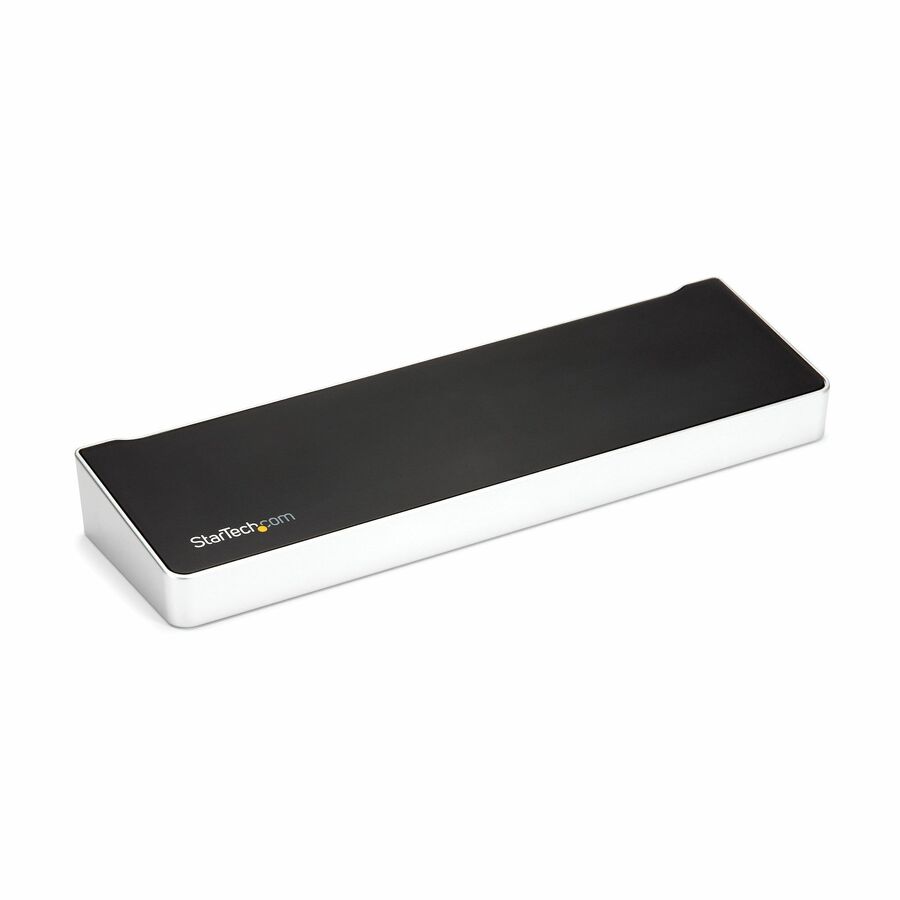
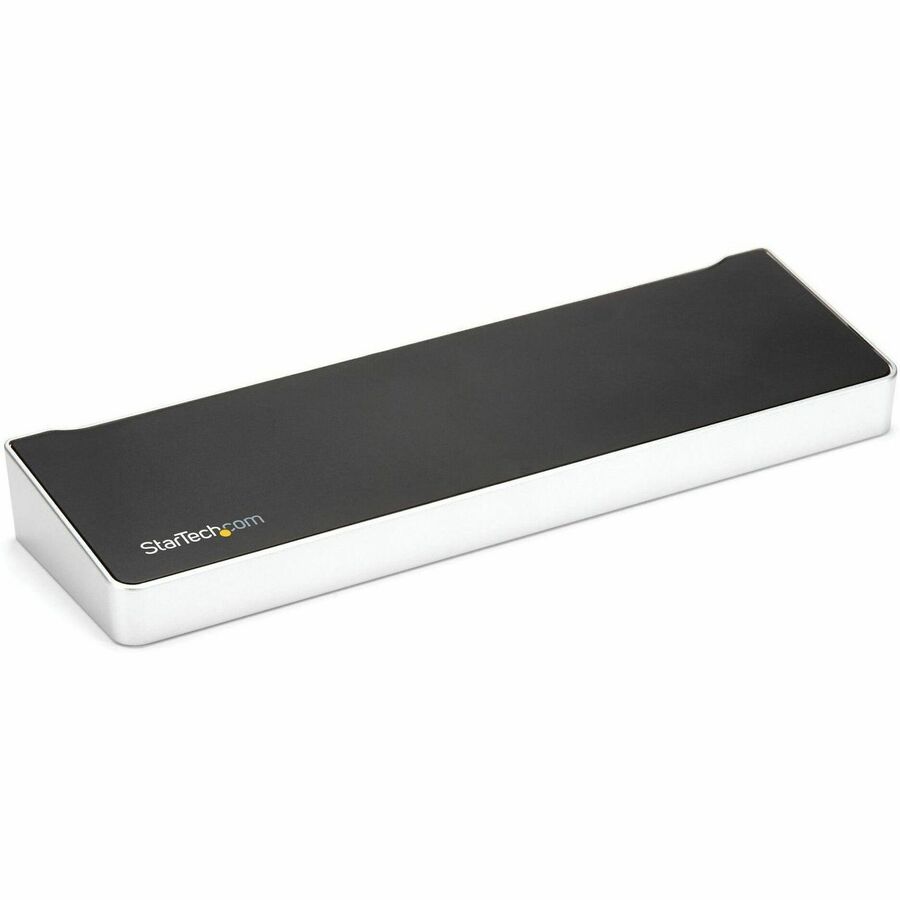
| Product Color | Space Gray |
| Height | 0.60" |
| Width | 3.40" |
| Depth | 4.69" |
| Weight (Approximate) | 5.20 oz |
| Power Description | |
| Maximum Power Supply Wattage | 140 W |
| Software | |
| Operating System Supported | Windows 11, Windows 10, Windows 8, Windows 7, Mac OS X 10.11 El Capitan, Mac OS X 10.12 Sierra, Mac OS X 10.14 Mojave, Mac OS X 10.15 Catalina, Mac OS X 11.0 Big Sur, Mac OS X 12.0 Monterey, Mac OS X 13.0 Ventura, Windows 8.1, ChromeOS 55+, Ubuntu 18.04, Ubuntu 20.04, Ubuntu 22.04, Ubuntu 24.04, macOS 14, macOS Sequoia 15, macOS Tahoe 26.1 |
| Technical Information | |
| Connectivity Technology | Wired |
| Charging Capability | Yes |
| Number of Displays Supported | 4 |
| Device Supported | Workstation, Monitor, Notebook, Keyboard, Mouse, Desktop PC, Wireless Adapter |
| Supported Resolutions | 3840 x 2160 |
| Screen Mode Supported | 4K @ 60Hz |
| Warranty | |
| Limited Warranty | 3 Year |
| Miscellaneous | |
| Package Contents |
|
| Environmental Compliance | Restriction of Hazardous Substances (RoHS), Waste Electrical and Electronic Equipment Directive (WEEE) |
| TAA Compliant | Yes |
Matched on USB-C · Notebook
Send a bill of materials or part numbers — we confirm stock and a below-market total, with TAA verified on request. No payment up front.