Loading the product…
Loading the product…
Attention: Due to high order volume, orders may require an additional business day to process.
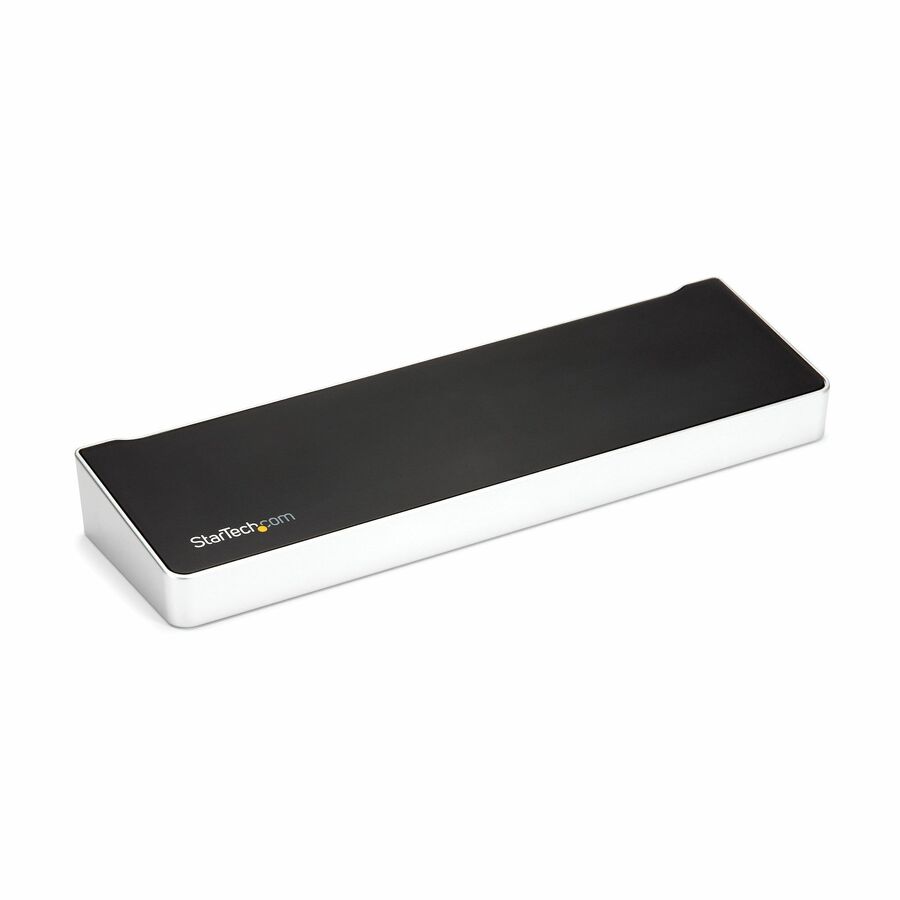
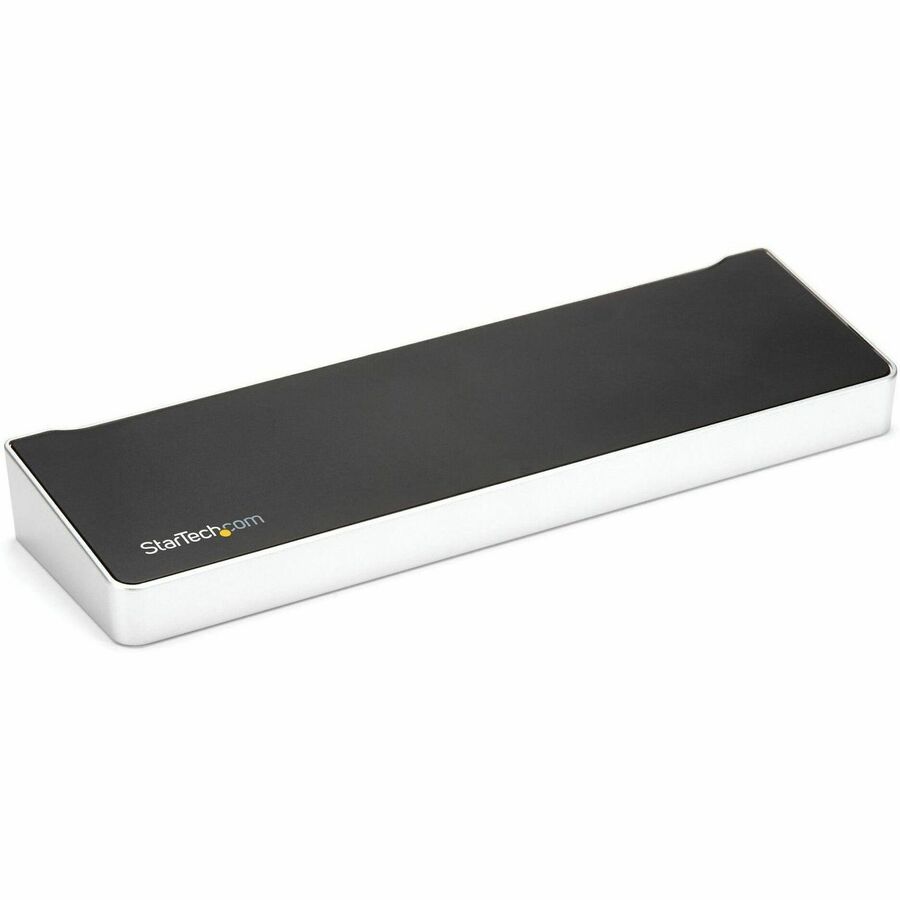
DisplayPort Dock, 5x USB Hub, GbE, 90W/45W PD, Windows/Mac, TAA
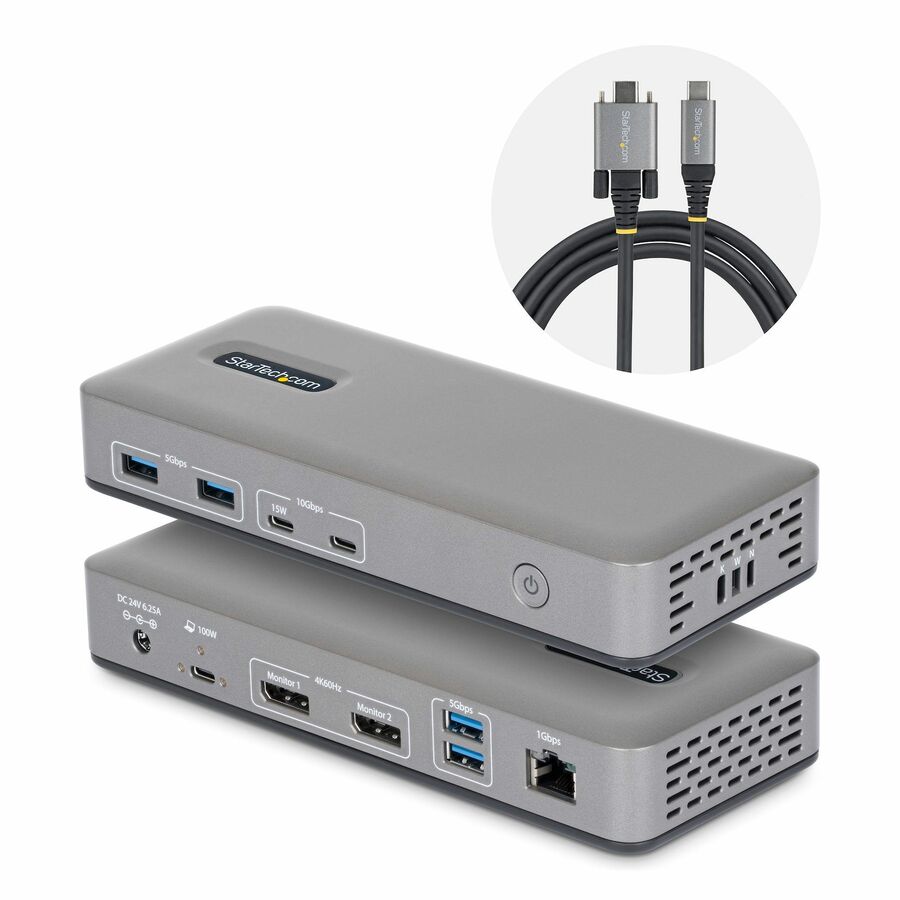
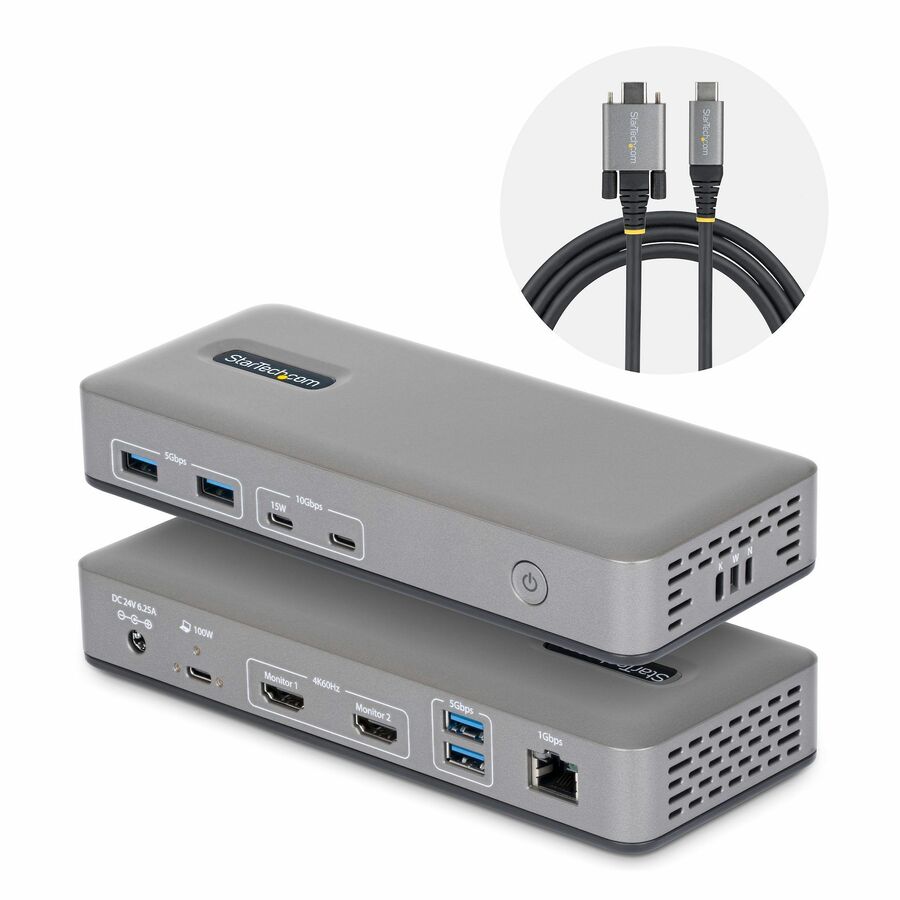
Dual-Laptop KVM Dock switches between 2 USB Type-C hosts w/ toggle button - Charge 2 laptops (90W to active, 45W to standby PC) - Dual Monitor 4K 60Hz including on base M-Series MacBook Pro/Air - 5x USB Hub & GbE - Windows/Mac/Chrome (mixed OS)
MSRP$322.86
$297.03*
Save 8%In stock: 157
*Government pricing. Buying for commercial use? Request a quote. Commercial pricing may differ.
Genuine StarTech.com through authorized distribution — NDAA §889 screened before checkout. TAA verified on request.
Dock and Switch between two laptops to access your workstation peripherals including dual monitors, seamlessly switching between laptop computers with the push of a button. The downloadable Hot-Key software (available for Windows and macOS), enables users to switch between computers using key combinations from a keyboard.
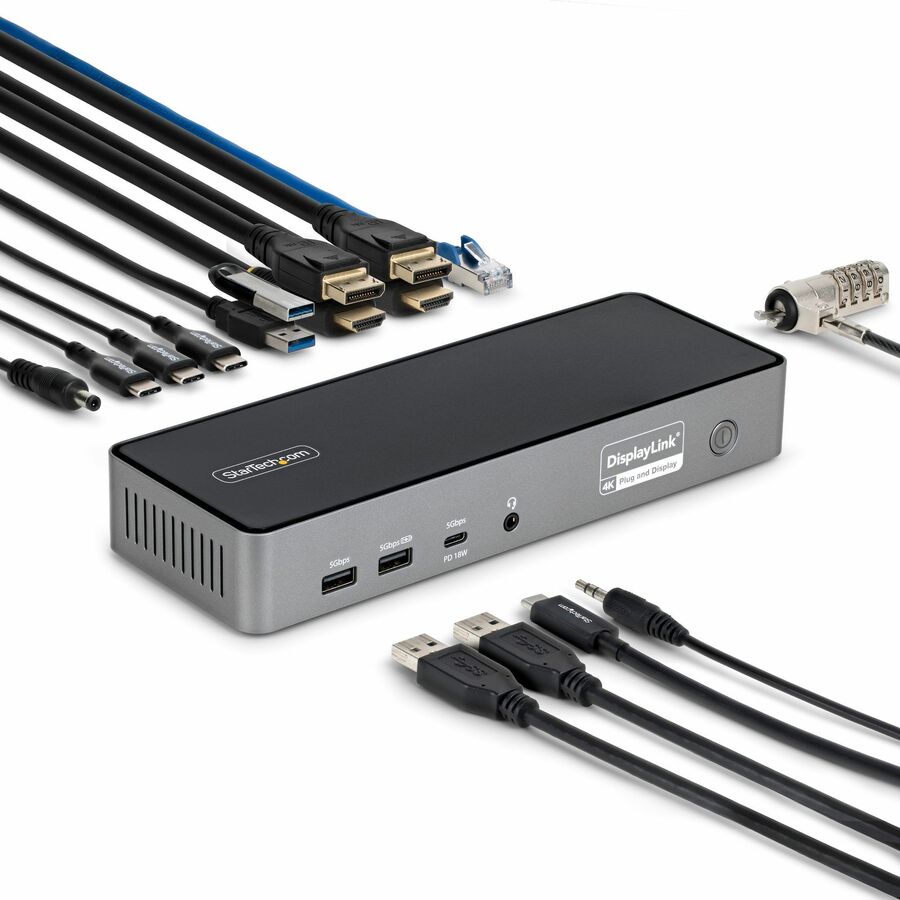
DisplayLink Certified
The Dock is DisplayLink Certified, for Plug and Display compatibility with Windows, ChromeOS, and macOS, enabling operation and switching between multiple computers with different operating systems. DisplayLink technology also supports extended dual displays on base Apple M-Series MacBooks, which are not natively capable of driving more than one external display. The DisplayLink Certification ensures support for resolutions up to 4K 60Hz on both external displays.
Simultaneously Charge Two Laptops
The KVM Dock supports Power Delivery (PD) 3.0 and charges both connected computers over USB-C. The Dock supplies 90W of power to the active host computer and 45W of power to the second PC, ensuring both laptops can charge simultaneously.
Full-Featured Docking Station
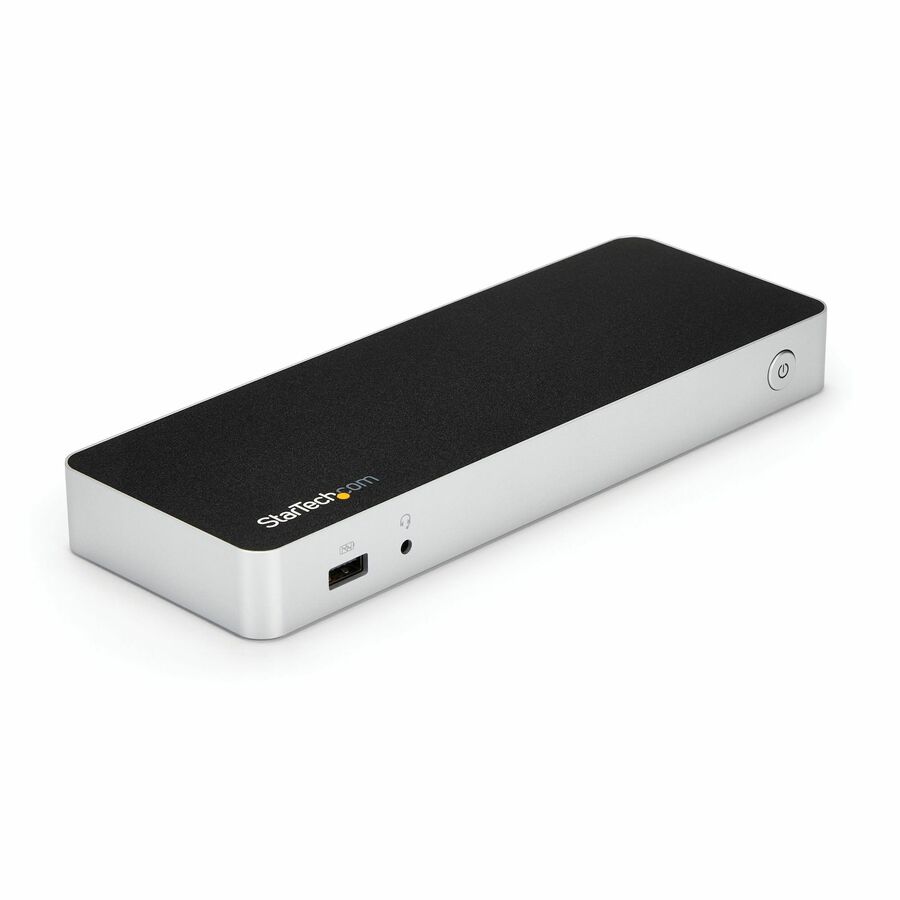
Connect two USB-C computers to this Dock to access a wide range of port connectivity, options and features. The Dock features:
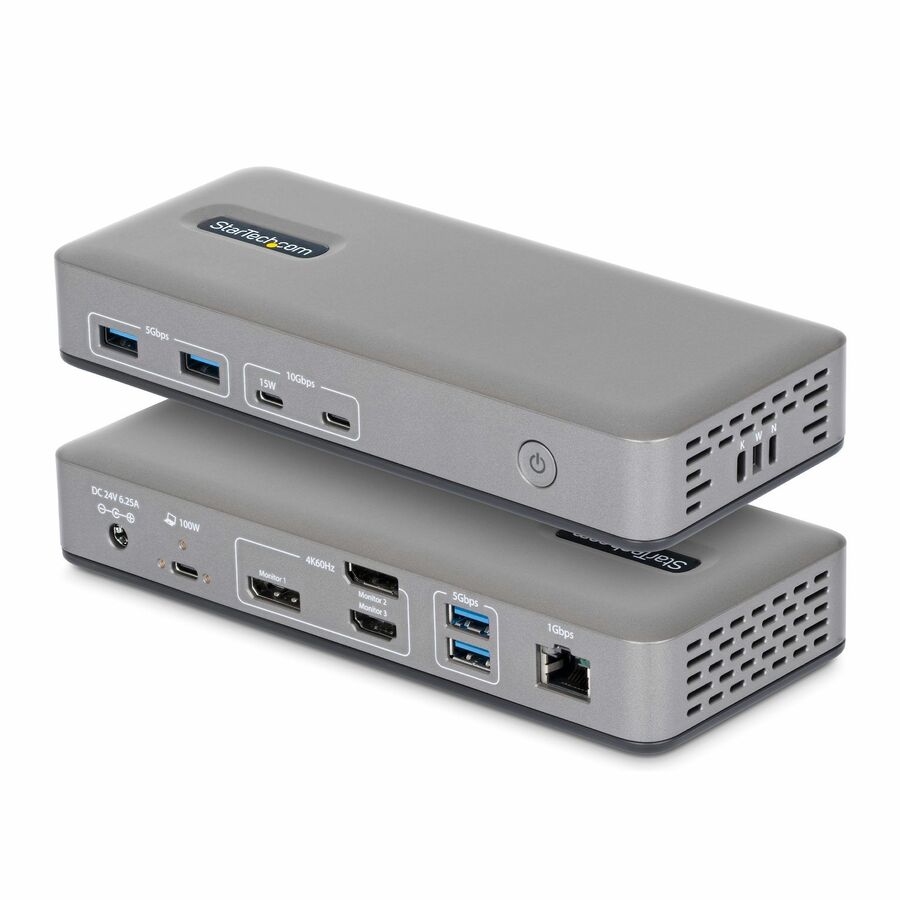
• 2x DisplayPort ports for dual display output with support for resolutions up to dual 4K 60Hz.
• 2x USB-A (USB 2.0 480Mbps) HID ports for USB devices, such as a keyboard and mouse.
• 2x USB-A and 1x USB-C (USB 3.2 Gen 2 10Gbps) ports for connecting high speed USB peripherals, such as SSD storage.
• 1x Gigabit Ethernet port with WoL (Wake-on-LAN) for a wired Local Area Network (LAN) connection.
• 1x 3.5mm 3-position TRRS jack for stereo audio output.
• 1x 3.5mm 2-position microphone jack for mono audio input.
• 2x K-Slots (regular/nano) to tether the Dock with a cable lock (sold separately) for security.
The Dock features a mounting pattern so it can be mounted when paired with StarTech.com mounting accessories (sold separately). Our mounting accessories enable mounting to the VESA pattern on the back of a monitor or to any flat surface. The following mounts are compatible with this product:
• SSPMSUDWM - Dock Surface Mount
• SSPMSVESA - Dock VESA Mount
Enhance Productivity and Device Management with the StarTech.com Connectivity Tools Application
Developed to improve performance and security, StarTech.com Connectivity Tools is the only software suite on the market that works with a wide range of IT connectivity accessories. The software suite includes:
• Advanced Windows Layout Utility : Setup and save custom windows layouts.
• Mac Address Pass-Through Utility : Improve network security.
• USB Event Monitoring Utility : Track and log connected USB devices.
• Wi-Fi Auto Switch Utility : Enable users to quickly access faster network speeds via wired LAN.
For more information and to download the StarTech.com Connectivity Tools application, please visit: www.StarTech.com/Connectivity-Tools Note: The StarTechLink software is not compatible with Linux; however, the base hardware KVM functionality is supported. Linux users will not have access to the following software features:
• Set Laptop Screen Location for Mouse Cursor/Keyboard Edge Scrolling.
• Switch UFP (Upstream Facing Port).
• Ctrl-Alt-Del Functionality.
• Change Hot-Key for Switching.
• KM Master for Mouse Cursor/Keyboard Edge Scrolling.
Limited Warranty: 3 Year
The StarTech.com Advantage We simplify the lives of IT Professionals by making it easy to find the connectivity accessories and information they need and getting products to their project sites quickly. StarTech.com products are designed by IT pros, for IT pros, to meet their rigorous technical performance requirements. Who We Are While we may manufacture IT connectivity accessories, StarTech.com is truly in the business of making the lives of IT professionals easy. Founded in 1985 in London, Ontario, Canada by Paul Seed and Ken Kalopsis, StarTech.com has always been dedicated to solving technology problems faced by IT professionals. Originally known as StarTech Computer Accessories, the company had very humble beginnings as a “Visa Card” funded operation, manufacturing products like computer dust covers in the basement of a house. By focusing on the needs of our customers and continual innovation, StarTech.com has evolved into a global organization offering accessories that support over 200 different technologies, from legacy to the latest. StarTech.com Founder and CEO, Paul Seed’s dedication to making IT solutions easy to implement has not wavered, nor has his passion for the community. From individual contributions to organization wide campaigns, StarTech.com is committed to staying connected to the community and supporting non-profit organizations across the globe.
| General Information | |
|---|---|
| Manufacturer | StarTech.com |
| Manufacturer Part Number | 129N-USBC-KVM-DOCK |
| Brand Name | StarTech.com |
| Product Name | Docking Station |
| Packaged Quantity | 1 |
| Product Type | Docking Station |
| Interfaces/Ports | |
| Host Interface | USB 3.2 (Gen 2) Type C |
| Audio Line In | Yes |
| Audio Line Out | Yes |
| Total Number of USB Ports | 7 |
| Number of USB 2.0 Ports | 2 |
| Number of USB 3.2 Gen 2 Type-A Ports | 2 |
| Number of USB Type-C Ports | 3 |
| USB Type-A | Yes |
| USB Type-C | Yes |
| USB Type-C Detail | 1 x USB 3.2 Type-C (24 pin, Gen 2, 10Gbps) |
| Number of USB Type-A Ports | 4 |
| Number of RJ-45 Ports | 1 |
| Network (RJ-45) | Yes |
| Number of DisplayPorts | 2 |
| DisplayPort | Yes |
| DisplayPort Version | 1.4 |
| USB Power Delivery | Type-C 90W |
| Network & Communication | |
| Ethernet Technology | Gigabit Ethernet |
| Physical Characteristics | |
| Product Color | Black |
| Height | 1.60" |
| Width | 3.50" |
| Weight (Approximate) | 14.20 oz |
| Power Description | |
| Maximum Power Supply Wattage | 180 W |
| Software | |
| Operating System Supported | Windows 10, Windows 11, Mac OS X 10.15 Catalina, Mac OS X 11.0 Big Sur, Mac OS X 12.0 Monterey, Mac OS X 13.0 Ventura, Ubuntu 18.04, Ubuntu 20.04, ChromeOS, Ubuntu 22.04 |
| Technical Information | |
| Connectivity Technology | Wired |
| Number of Displays Supported | 2 |
| Device Supported | Flash Drive, Notebook, Monitor, Workstation, Keyboard, Mouse, Desktop PC |
| Supported Resolutions | 3840 x 2160 |
| Screen Mode Supported | 4K |
| Warranty | |
| Limited Warranty | 3 Year |
| Miscellaneous | |
| Package Contents |
|
| Kensington Security Slot | Yes |
| Compatibility | Compatible Devices: Apple M1 MacBook Apple M2 MacBook USB-C, Thunderbolt 4/3 & USB-A laptops |
| Environmentally Friendly | Yes |
| Environmental Compliance | Waste Electrical and Electronic Equipment Directive (WEEE), Restriction of Hazardous Substances (RoHS) |
| TAA Compliant | Yes |
Matched on USB-C · Notebook
Send a bill of materials or part numbers — we confirm stock and a below-market total, with TAA verified on request. No payment up front.