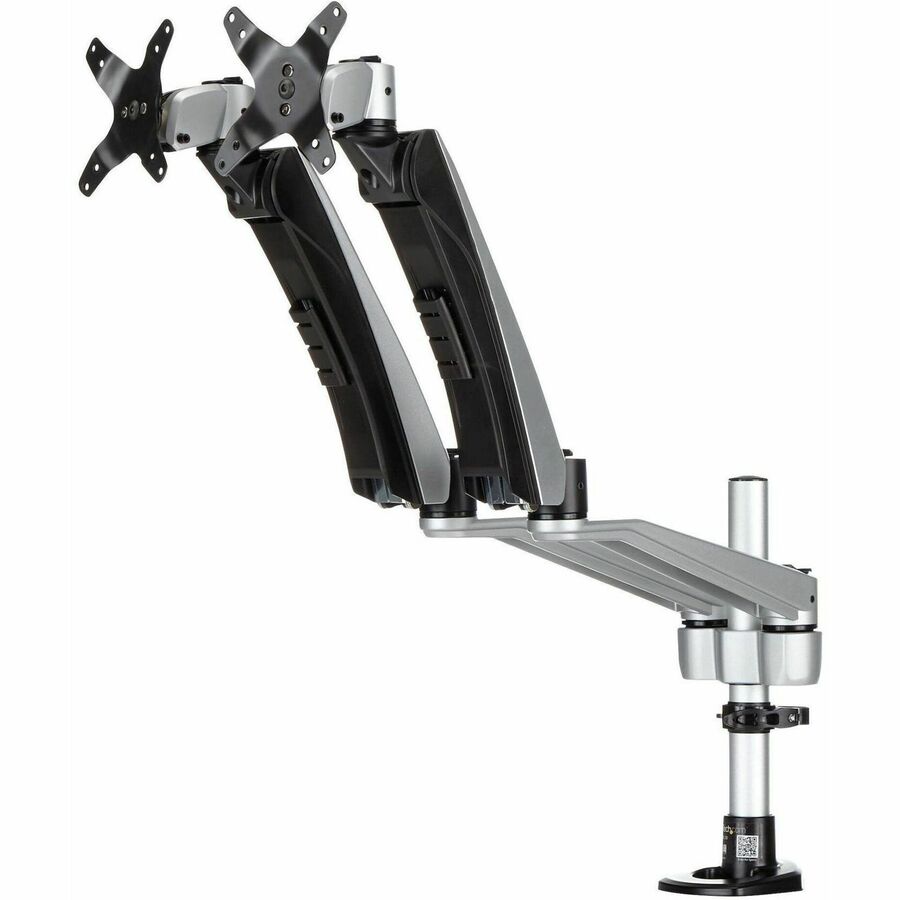
Check entered VESA, bare-display mass and desk-thickness limits independently.
AV & workplace
Monitor arm and desk fit worksheet
Check entered VESA, bare-display mass and desk-thickness limits independently.
Example inputs · Replace these with your measurements to build your plan.
Method, example and sources
Record the bare display mass and exact hole pattern rather than diagonal size alone.
Compare mass with both the arm’s minimum and maximum supported limits.
Check the selected desk mount’s thickness range separately.
Verify load center, screws, adapters and desk strength against exact model documentation.
Worked example. A 6 kg display lies within an entered 3–10 kg arm range, leaving 3 kg above its minimum and 4 kg below its maximum. A 25 mm desk lies within a 10–60 mm clamp range; those figures alone do not approve the installation.
These necessary checks do not establish torque, screw engagement or structural suitability.
Margin above minimum mass
3kg
Margin below maximum mass
4kg
Desk-thickness margin below maximum
35mm
Monitor arm and desk fit worksheet: detailed result
Check
Result
Entered VESA pattern
Within entered limits
Bare display within arm mass range
Within entered limits
Desk within clamp range
Within entered limits
Exact supported combination
Unknown
Use mass without the original stand. Minimum spring load can matter as much as maximum mass.
Curved-display load center, adapters, screw depth, reach, desk material and structural support require the exact OEM/installer review. No ergonomic or medical benefit is inferred.
From the catalog
Mounting Kits
Explore related listings, then confirm the exact model requirements against your plan. These listings are not an automatic compatibility or capacity verdict.
Screen diagonal does not determine mounting compatibility. Use the display’s mass without its stand, the actual hole pattern and the arm’s complete load range. A display below a spring arm’s minimum can be as problematic as one above its maximum. Desk thickness is a separate mechanical check, so a matching VESA pattern cannot hide a clamp conflict.
Before choosing a product
Published weight ranges still depend on the exact design, load center and approved accessories. Curved screens, offset brackets and extended reach can change the demand on the mechanism. Confirm screw length and engagement, cable movement, desk material and structural support with the manufacturer or installer. This worksheet records necessary dimensions but does not certify a load-bearing design or promise an ergonomic outcome.
Worked example
A 6 kg display lies within an entered 3–10 kg arm range, leaving 3 kg above its minimum and 4 kg below its maximum. A 25 mm desk lies within a 10–60 mm clamp range; those figures alone do not approve the installation.