Separate audio transport, remote call control and adapter evidence while counting deployment units.
AV & workplace
Headset and phone connection worksheet
Separate audio transport, remote call control and adapter evidence while counting deployment units.
Example inputs · Replace these with your measurements to build your plan.
Method, example and sources
Record the actual endpoint and headset/base connection modes.
Compare audio and call-control support as independent model-specific capabilities.
Flag a different connector path until its exact adapter is documented.
Round the chosen unit allowance upward and preserve adapter/base requirements in the deployment BOM.
Worked example. Twenty-five stations plus a chosen 10% spare allowance require twenty-eight headset/base units. If every station needs an adapter, the same twenty-eight-unit allowance applies to that accessory; audio and remote answer support still require exact model evidence.
No curated exact-model cohort was applied. Connector labels alone cannot approve this headset/phone pair.
Headset/base units including spares
28
Spare units
3
Adapter/accessory units
0
Headset and phone connection worksheet: detailed result
Capability
Evidence state
Connection path
Same connection label; exact pinout/profile still needs evidence
Voice audio
Unknown
Remote call control
Unknown
For Bluetooth, voice/call-control profiles matter separately from stereo audio. RJ9 shape does not establish wiring or electronic-hook-switch behavior.
Confirm exact phone, headset/base, firmware, OS/softphone, mode and accessory using the OEM compatibility guide.
From the catalog
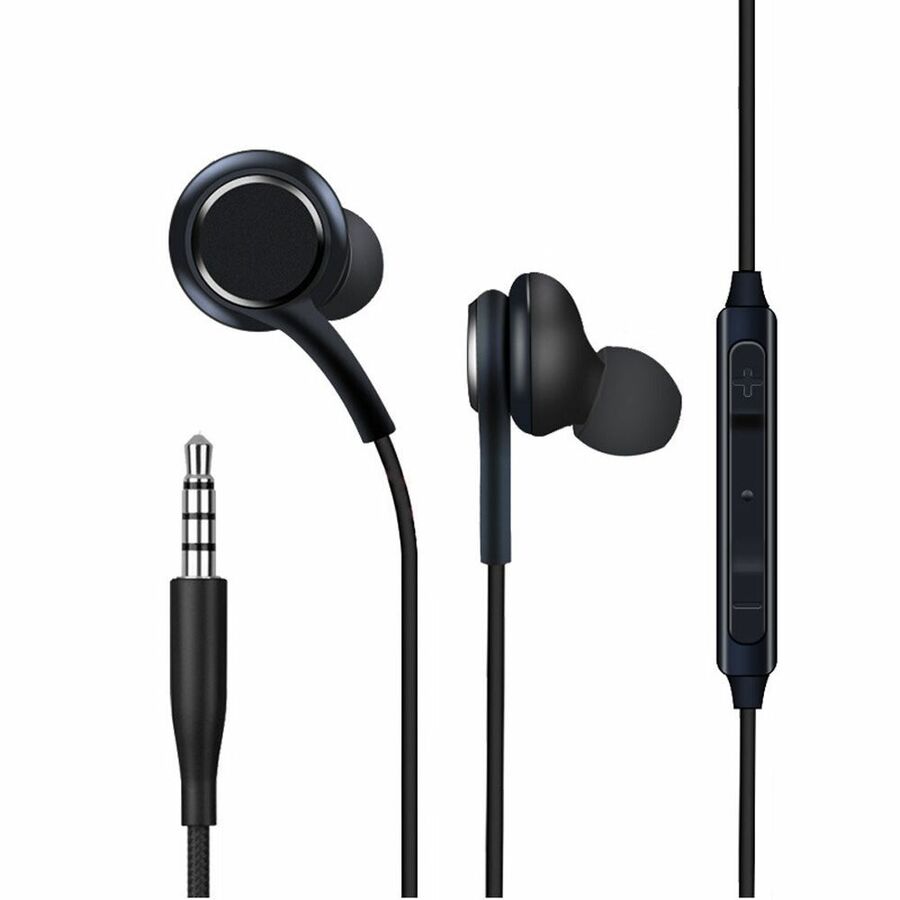
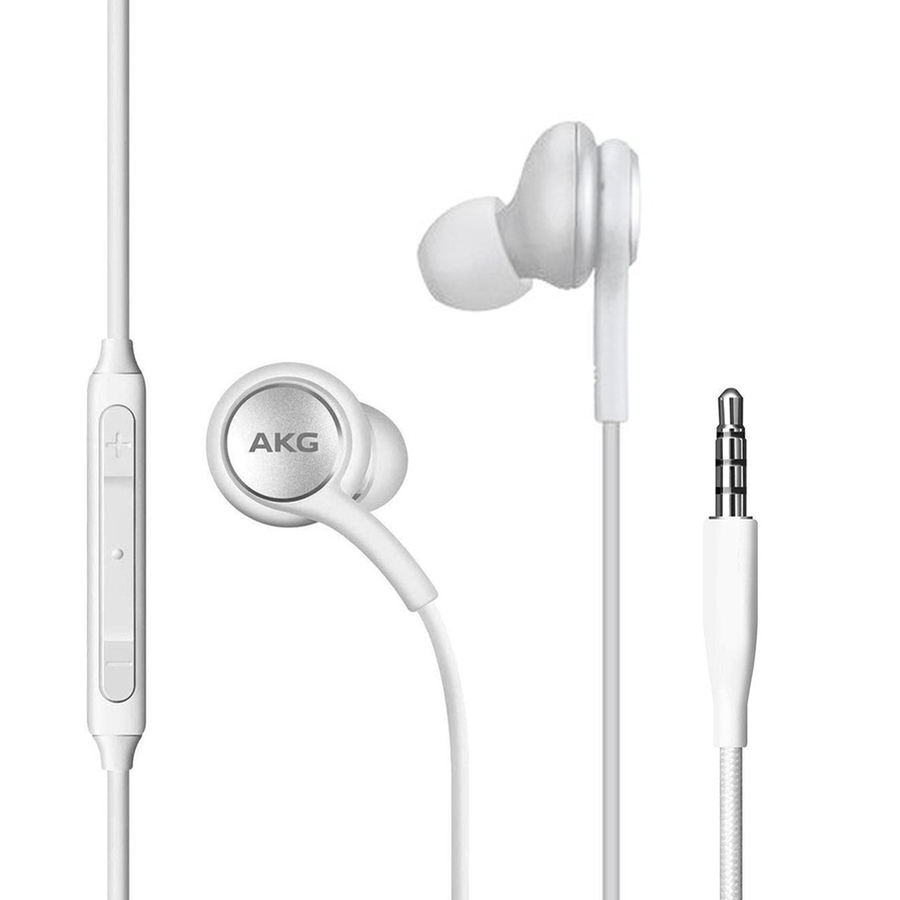
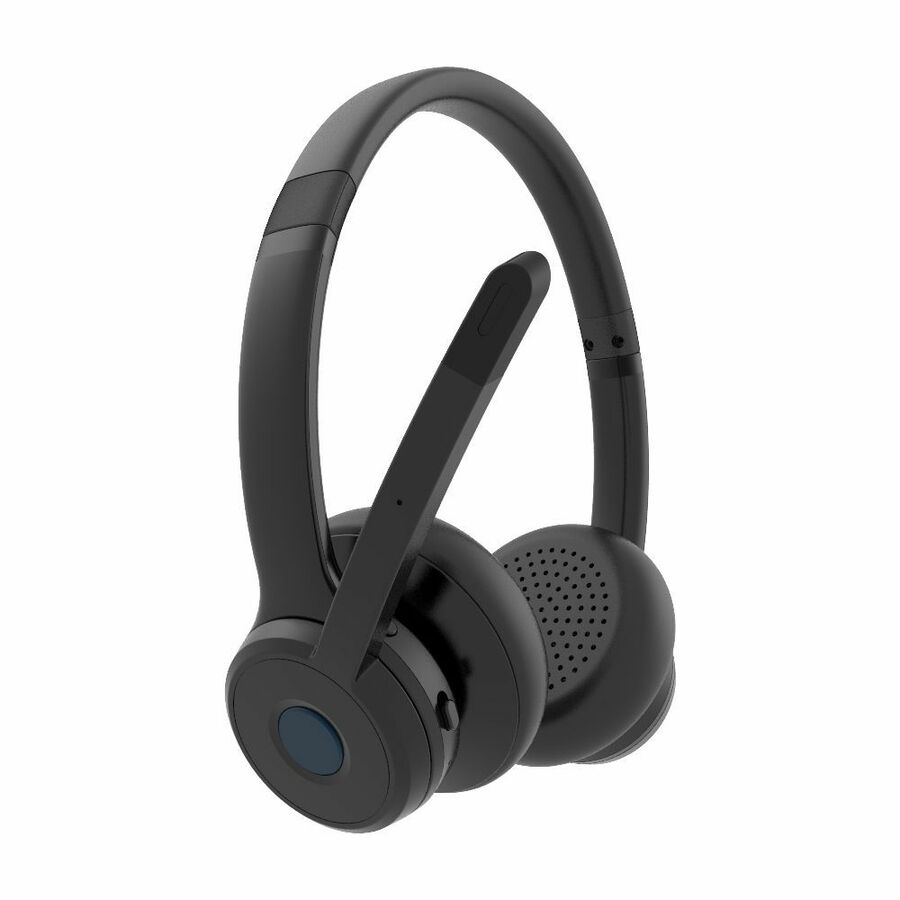
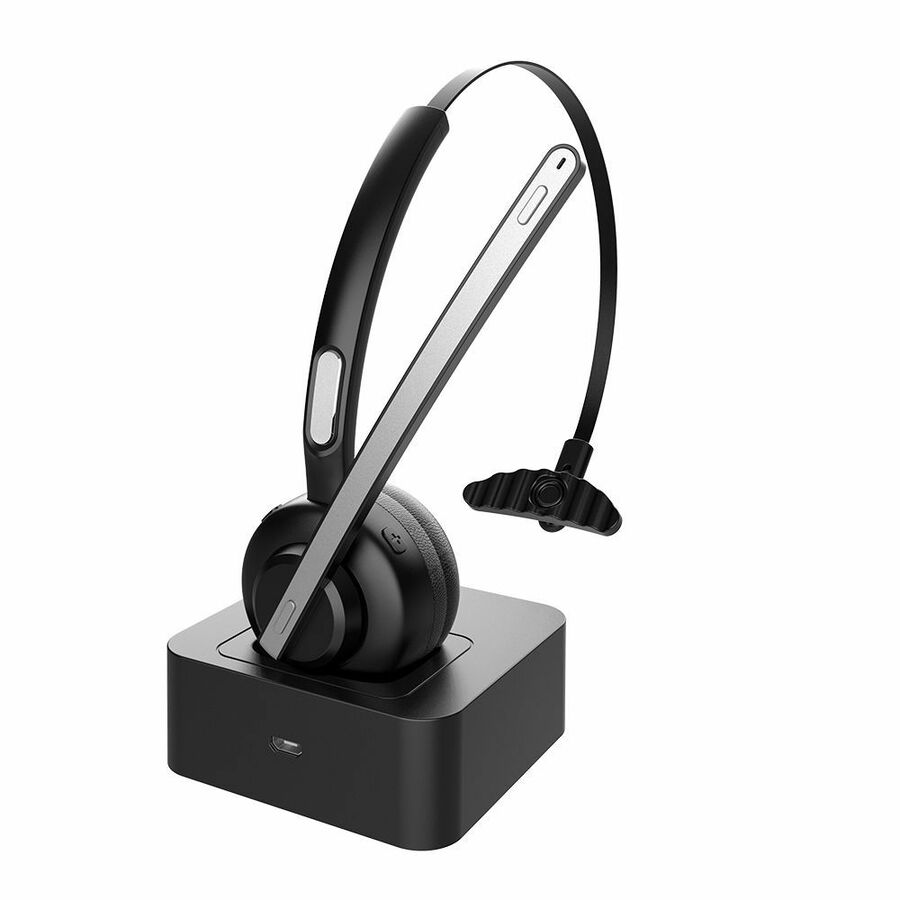
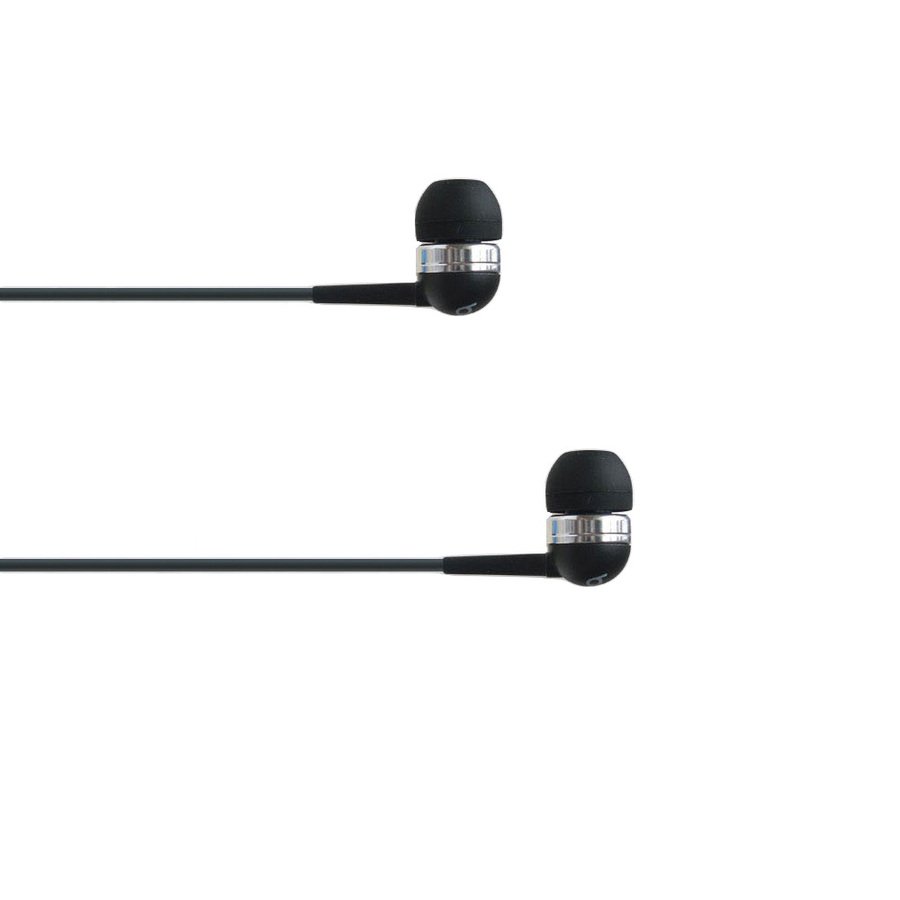
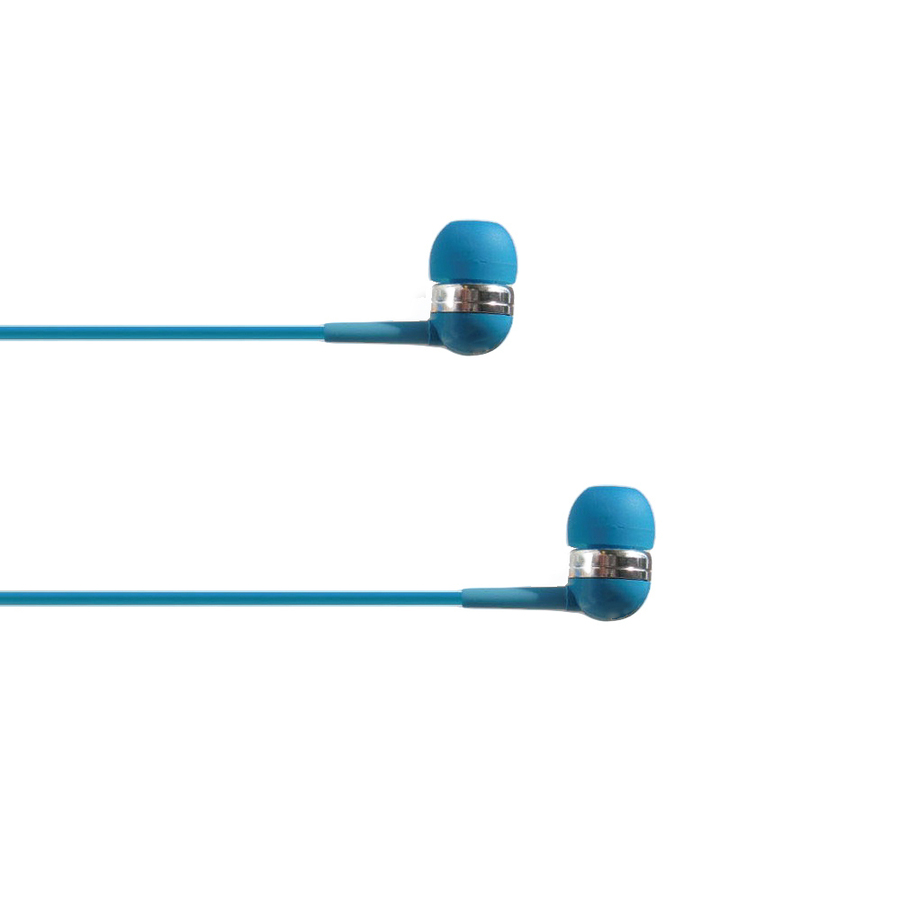
Headsets/Earsets
Explore related listings, then confirm the exact model requirements against your plan. These listings are not an automatic compatibility or capacity verdict.
A working microphone and speaker do not prove that a headset’s answer button can control a desk phone or softphone. USB, Bluetooth, RJ9 and analogue connections each describe a path, while firmware, profiles and accessories decide what that path can do. This worksheet keeps those requirements separate and counts deployment accessories rather than issuing a compatibility verdict from connector shape.
Before choosing a product
Use the exact phone revision, headset or base, application, operating system and connection mode in the manufacturer’s compatibility guide. An electronic-hook-switch cable or dongle can be necessary even when audio is already working. A pair absent from the maintained evidence remains unconfirmed. Trial a representative bundle, record the working firmware and preserve that configuration when ordering spares or substitutes.
Worked example
Twenty-five stations plus a chosen 10% spare allowance require twenty-eight headset/base units. If every station needs an adapter, the same twenty-eight-unit allowance applies to that accessory; audio and remote answer support still require exact model evidence.