
Chromebook or Windows for a school device program?
Compare Chromebook and Windows school device programs through applications, assessment support, management and lifecycle requirements.
By Uniqcli Team · · 4 min read · Updated
On this page
Choosing between Chromebook and Windows for a school program starts with the learning environment. List the applications students must use, the assessment systems the school runs and the devices that connect in class. A low purchase price is not helpful if the selected platform prevents a required lesson or creates a support process the district cannot maintain.
The decision may differ by grade, subject or program. A browser-focused cohort can have different needs from a specialist lab. Define the common requirements first, then identify the groups that need an exception. This keeps the platform discussion tied to actual use instead of turning it into a single winner for every student.
Browser-first cohort
Lenovo
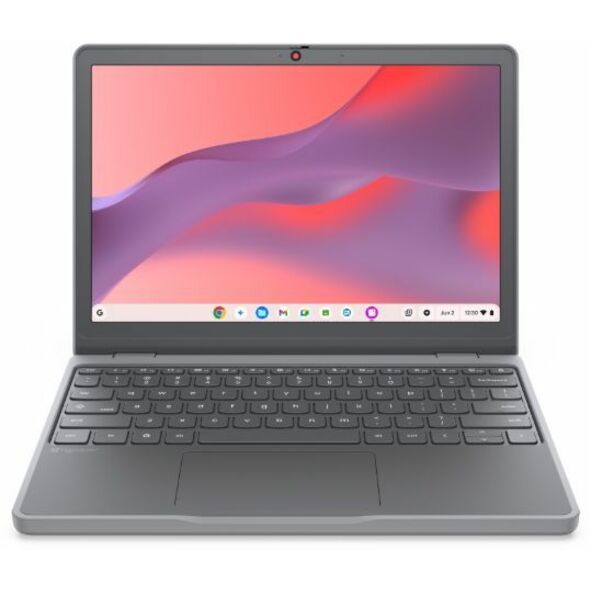
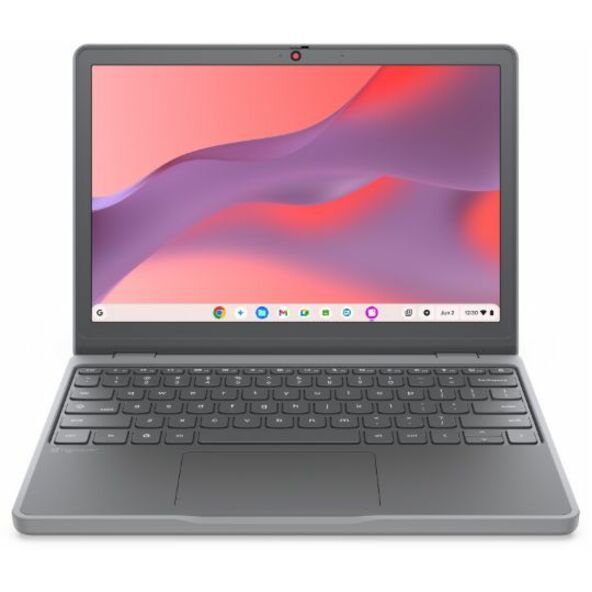
Lenovo Chromebook 100e Gen 5 M89 83T60008US 11.6" Touchscreen Chromebook
83T60008US
The Lenovo Chromebook 100e Gen 5 M89 listing offers an 11.6-inch Chromebook configuration with 8 GB memory and 64 GB flash storage for a school pilot.
Confirm the exact model’s update expiration, enrollment entitlement and required applications before selecting it for a program.
$596.16Back-orderedConvertible Chromebook
Lenovo
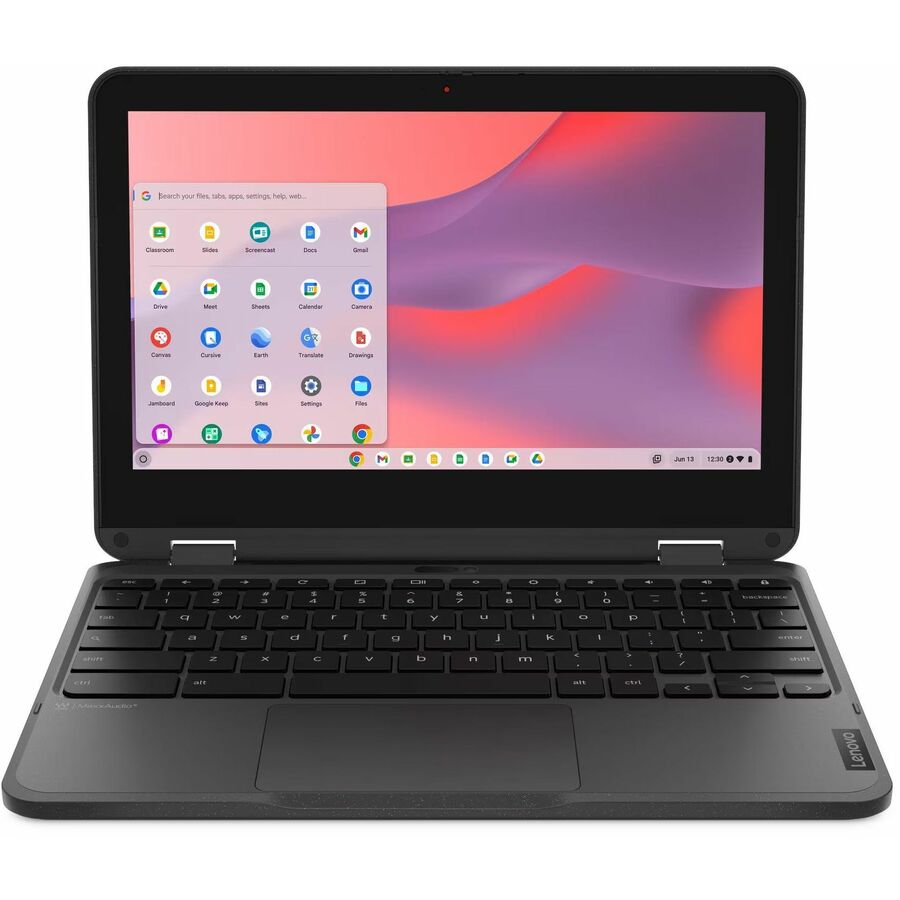
Lenovo 500e Chromebook Gen 4s 83N8000JUS 11.6" Convertible 2 in 1…
83N8000JUS
The Lenovo 500e Chromebook Gen 4s is a convertible ChromeOS candidate with 8 GB memory and 64 GB flash storage.
Validate whether the convertible format adds value to the curriculum and which input accessories are included.
$592.95In stockWindows comparison
Lenovo
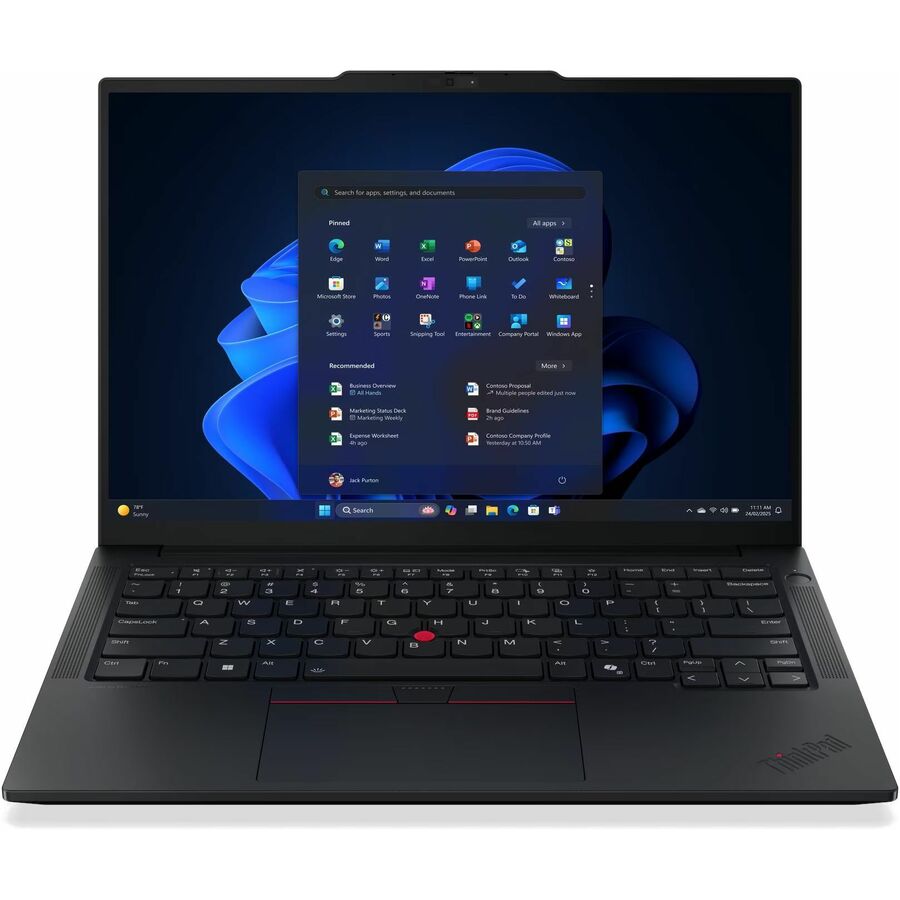
Lenovo ThinkPad E14 Gen 7 21T9002FUS 14" Notebook
21T9002FUS
The ThinkPad E14 Gen 7 configuration provides a 14-inch Windows candidate for cohorts with supported local application requirements.
Its dimensions, storage and service configuration differ from the Chromebook candidates. Compare the complete school program cost rather than the device price alone.
$1,241.50In stockStart with an application and assessment matrix
For each required tool, record the supported operating systems, deployment method, account requirements and any peripheral dependency. Include accessibility tools and the applications used less frequently during assessments or special projects. Those occasional requirements are easy to miss during a demonstration and difficult to repair after a fleet purchase.
Check assessment rules directly with the relevant provider. For example, College Board documents Bluebook support for school-managed Chromebooks alongside other supported platforms. That is a specific requirement, not evidence that every Chromebook in every management state can run every assessment. Validate the exact device, software version and management approach for the exams your school administers.
Compare management and support as operating work
Ask the team how devices will be enrolled, assigned, updated, recovered and reassigned. For ChromeOS, Google’s enrollment guidance explains how device policies are applied through management. For Windows, evaluate the district’s approved deployment and identity process. In both cases, count the time and expertise required to maintain the standard.
Include network access, local file handling, printing and repair in the comparison. A browser-based workflow may reduce some local application dependencies, but it still needs an operational plan. A Windows fleet may preserve familiar applications while requiring different preparation. The useful question is which supported process fits the district’s people and curriculum.
Recommended configuration
- Required applications
- ChromeOS evaluation: Browser and supported platform behavior · Windows evaluation: Installed application and driver support
- Management
- ChromeOS evaluation: Enrollment and device policy process · Windows evaluation: Approved provisioning and identity process
- Assessment
- ChromeOS evaluation: Provider support for managed configuration · Windows evaluation: Provider support for exact OS and configuration
- Lifecycle
- ChromeOS evaluation: Exact model update expiration · Windows evaluation: Supported OS, hardware and service plan
Compare lifecycle at the exact model level
For Chromebooks, verify the model’s Auto Update Expiration date in Google’s policy list. Google describes support relative to the platform release, so a new purchase does not automatically begin a new ten-year support period. Record the specific date with the quote and compare it with the district’s intended ownership term.
For Windows devices, check the operating system support path, hardware requirements and application support over the planned term. For either platform, include repair parts, warranty scope and the ability to source equivalent replacements. A program that expects several years of use should not depend solely on the availability of a promotional configuration at the first purchase.
Acceptance test: run the same school day on both candidates
Build a pilot schedule covering login, learning applications, printing if required, audio input, classroom display use and an approved practice assessment. Use the intended student management policies. Record completion, accessibility and support issues for each candidate rather than comparing only how quickly the devices start.
Run a recovery scenario as well: replace a failed unit, restore the student’s access and confirm the student can resume work. Ask teachers and support staff to document the steps they needed. Approve the platform for a defined cohort and workflow, and keep exceptions visible in the purchase plan so a specialist requirement is not lost in the fleet average.
Questions before you order
Can one platform cover the whole district?
Possibly, when every required workflow is supported. Use the application and assessment matrix to establish that result. A limited, documented exception can be more manageable than forcing a specialist program into an unsuitable standard.
Does a new Chromebook always have ten years of updates remaining?
No. Check Google’s listed expiration for the exact model. Support is tied to the platform timeline, and the remaining period at purchase is what matters to the district’s planned use.
Build the right equipment list
Send your quantities, required configurations and delivery needs for a quote.
Sources
- 1.Google: ChromeOS Auto Update policysupport.google.com
- 2.Google: enroll ChromeOS devicessupport.google.com
- 3.College Board: Bluebook device requirementsbluebook.collegeboard.org
- 4.Lenovo Group Limited 83T60008US — catalog specificationsgetuniqcli.com
- 5.Lenovo Group Limited 83N8000JUS — catalog specificationsgetuniqcli.com
- 6.Lenovo Group Limited 21T9002FUS — catalog specificationsgetuniqcli.com
Manufacturer catalog image · 83T60008US