
Short answer
PLA and ABS are the two common FDM printer filaments. PLA prints at 190–220 °C on an open printer, holds detail and softens near 59 °C; ABS prints at 245–265 °C on a 90–105 °C bed inside an enclosure, takes about 3.6 times the notched impact energy and holds shape to 87–98 °C. Choose PLA for parts that stay near room temperature; choose ABS for functional parts that run warm or get knocked.
Key facts
- Raise3D's sheets recommend 190–220 °C at the nozzle and a 30–60 °C bed with the fan on for PLA; 245–265 °C and a 90–105 °C bed with the fan off for ABS.
- Heat deflection at 0.455 MPa (ISO 75-2/B) is 58.8 °C for UltiMaker PLA and 86.6 °C for UltiMaker ABS; Raise3D's ABS sheet prints 98 °C at 0.45 MPa.
- Notched Charpy impact strength (ISO 179-1/1eB) on UltiMaker's sheets is 3.9 kJ/m² for PLA and 14.2 kJ/m² for ABS, about 3.6 times higher.
- PLA is the stiffer, stronger material in pull: tensile modulus 3,250 MPa and 52.5 MPa at yield, against 1,962 MPa and 38.1 MPa for ABS (UltiMaker, XY).
- ABS needs an enclosure: Raise3D specifies a 20–50 °C environment with the cooling fan off; PLA prints with the fan on at room temperature to 45 °C.
- ABS is lighter: 1.1 g/cm³ against 1.24 g/cm³ for PLA on UltiMaker's sheets, so the same part weighs about 11% less in ABS.
PLA (polylactic acid) and ABS (acrylonitrile butadiene styrene) are the two thermoplastics most FDM printers are sold with, and the choice between them is usually made for a buyer by two facts about the part: how warm it will get in service and how hard it will be hit. Every other difference on the datasheet, the print temperatures, the enclosure, the fumes, the finish, follows from those two. A part that lives at room temperature and is never dropped is a PLA part; a bracket near a power supply or a clip that snaps into place is an ABS part, and it needs an enclosed, heated-bed printer to come out flat.
This page puts the OEM datasheets side by side: Raise3D's Premium PLA and Premium ABS sheets for the recommended print settings, and UltiMaker's PLA and ABS sheets for the mechanical and thermal figures, all measured on printed specimens, so the numbers in the table are the ones a vendor will stand behind. It also names the test method next to each thermal number, because a heat deflection temperature quoted without its load and method is not comparable to one from another sheet.
At a glance
Side by side
| Factor | PLA | ABS |
|---|---|---|
| Nozzle temperature (Raise3D sheets) | 190–220 °C | 245–265 °C |
| Build plate, cooling fan and ambient (Raise3D) | 30–60 °C bed; model cooling fan on; room temperature to 45 °C | 90–105 °C bed; cooling fan off; 20–50 °C ambient, which in practice means a closed chamber |
| Warping and enclosure | Low. Sets as soon as the fan hits it; prints on open-frame machines | High on an open frame: corners lift and tall walls split as layers shrink. Heated bed plus enclosure; the cooling fan stays off and Raise3D's sheet lists a raft separation distance |
| Heat deflection, ISO 75-2/B at 0.455 MPa (UltiMaker) | 58.8 °C; rated unsuitable above 59 °C | 86.6 °C; rated unsuitable above 87 °C. Raise3D's sheet prints 98 °C at 0.45 MPa and 100 °C at 1.8 MPa |
| Glass transition and melting | Tg 59–62 °C; semi-crystalline, melts at about 151–152 °C | Tg 100–101 °C; amorphous, no melting point, softens progressively |
| Impact strength, notched Charpy ISO 179-1/1eB (UltiMaker) | 3.9 kJ/m² | 14.2 kJ/m², about 3.6 times PLA; the sheet records a hinge break, not a full fracture |
| Stiffness and tensile yield, XY (UltiMaker) | Modulus 3,250 MPa; 52.5 MPa at yield. Stiffer and stronger in pull, but brittle | Modulus 1,962 MPa; 38.1 MPa at yield. Bends before it breaks |
| Density (UltiMaker / Raise3D) | 1.24 / 1.2 g/cm³ | 1.1 / 1.12 g/cm³; the same part is 7–11% lighter on the two vendors' figures |
| Finish and post-processing | Sands and primes; does not respond to acetone; sharp detail off the plate | Sands cleanly; soluble in acetone, so parts can be vapor-smoothed to a gloss or solvent-welded |
| Fumes and ventilation | The PLA in NIOSH's 2018 field study produced lower ultrafine-particle emissions than earlier published tests; NIOSH's controls still apply | Higher print temperatures; NIOSH's controls are local exhaust or a snorkel extractor at the printer, an enclosed ventilated rack exhausting outdoors, or a HEPA room air cleaner |
| Biodegradability | Made from organic and renewable sources (UltiMaker sheet); compostable claims are tested to ASTM D6400, which covers municipal or industrial composting facilities, not a landfill | Petroleum-derived; not biodegradable |
| Cost | The spool is rarely the decision; it runs on the least expensive class of printer | Spool often priced close to PLA on the same line; the premium is the enclosed, heated-bed printer and its exhaust |
| Typical use | Display and concept models, classroom and library projects, jigs and gauges that stay near room temperature | Functional prototypes, enclosures, brackets and clips that get flexed or dropped, parts near warm electronics, short-run manufacturing |
| Not suitable for (UltiMaker sheets) | Food contact, in vivo use, long-term outdoor use, service above 59 °C | Food contact, in vivo use, long-term UV exposure, service above 87 °C |
Print temperatures, warping and the enclosure
The two materials ask for different machines before they ask for different settings. Raise3D's Premium PLA sheet recommends 190–220 °C at the nozzle, a 30–60 °C build plate, the model cooling fan on and an environmental temperature from room temperature up to 45 °C. Its Premium ABS sheet recommends 245–265 °C, a 90–105 °C plate, the cooling fan off and a 20–50 °C environment. That last figure is the enclosure: no open room sits at 50 °C, so the sheet is describing the air inside a closed chamber warmed by its own bed. The same ABS sheet lists a raft separation distance among its recommended settings and printed its own test specimens on a 100 °C build plate.
The physics behind the enclosure is the glass transition. ABS stays rubbery until it cools to about 100 °C (UltiMaker measures 100.5 °C, Raise3D 101 °C), so each new layer is laid on a part that is still hot and still shrinking. On an open frame the upper layers cool faster than the lower ones, the part pulls inward, corners lift off the plate and tall walls split along a layer line. PLA's glass transition is 59–62 °C, so it is rigid again a few millimeters below the nozzle and holds its shape with the fan on. UltiMaker describes its ABS as formulated to minimize warping and Raise3D describes its ABS as having great warping resistance, and both still specify the heated plate; the formulation reduces the effect, the chamber removes it.
Heat deflection: reading the number on the sheet
Heat deflection temperature is the figure to read when a part will run warm, and it is worth reading correctly. Both UltiMaker sheets test to ISO 75-2 method B at 0.455 MPa on printed specimens: 58.8 °C for PLA, 86.6 °C for ABS. Raise3D's ABS sheet reports heat distortion under ISO 75 as 98 °C at 0.45 MPa and 100 °C at 1.8 MPa, as printed on the sheet. ASTM D648 covers the same property, and its Note 3 states that D648 and ISO 75-1/75-2 address the same subject matter but differ in technical content, and that results shall not be compared between the two methods. A D648 figure on one sheet and an ISO 75 figure on another are therefore not the same number, and neither is a service temperature.
The practical line each vendor draws is the service temperature: UltiMaker lists its PLA as not suitable above 59 °C and its ABS above 87 °C, and Raise3D gives its ABS a long-term service range of -20 to 90 °C. A PLA bracket in a vehicle cabin in summer, or a PLA duct on a warm power supply, sits inside the range where the sheet says it will deform; the same part in ABS does not. Note that the Vicat softening points, 64.5 °C for UltiMaker PLA and 93.8 °C for its ABS, sit only a few degrees above the deflection figures, so there is no margin to borrow. Neither material is rated for the outdoors on UltiMaker's sheets: long-term outdoor use is on the non-suitable list for its PLA, and long-term UV exposure is on the same list for its ABS.
Strength: stiffer is not the same as tougher
PLA is the stronger material in a pull test and the stiffer one under load. On UltiMaker's sheets, printed flat, PLA yields at 52.5 MPa with a tensile modulus of 3,250 MPa; ABS yields at 38.1 MPa with a modulus of 1,962 MPa. Raise3D's figures point the same way: 40 MPa and 2,681 MPa for PLA against 33 MPa and 2,174 MPa for ABS. A gauge, a fixture or a bracket that must not flex is a PLA part on those numbers alone. The trade is in bending: printed flat, UltiMaker's PLA breaks at 4.8% flexural strain while its ABS does not break at all past 10%; upright, both materials break at 2.0% tensile strain, which is why either fails at the layer line when it fails.
Toughness runs the other way. UltiMaker's notched Charpy figures, both on ISO 179-1/1eB printed specimens, are 3.9 kJ/m² for PLA and 14.2 kJ/m² for ABS, about 3.6 times the energy before fracture. UltiMaker records its ABS result as a hinge break, the specimen still holding together at the notch, and its PLA result without that marker; the sheet's own note files PLA among the brittle materials, and its upright PLA specimens show no yield point at all. Two cautions. Raise3D's sheets show the two nearly level, 13.4 against 12.6 kJ/m², on a different specimen and method, so impact figures from different sheets do not compare either. And every figure on both sheets is for a 100% infill specimen; a 20% infill part is weaker in every direction and weakest across its layers, whichever material it is.
Finish, post-processing and what comes out of the printer
PLA finishes by sanding and priming and does not respond to acetone; its strength is what comes off the plate, with sharp detail and a matte or silk surface. ABS sands cleanly and is soluble in acetone, so a part can be vapor-smoothed to a gloss, solvent-welded to another ABS part or touched up with a brush, which is why a printed enclosure meant to pass for a molded one is usually ABS. Acetone is flammable and the vapor needs the same ventilation as the printer, so the finishing step belongs in the shop, not the classroom.
Emissions are the other operating difference. In NIOSH's 2018 field study, run on MakerBot printers with PLA, ABS and Tough PLA filaments, respirable particulate in a conference room with up to twenty printers running was non-detectable (below 0.03 µg/m³) and VOC concentrations were well below occupational exposure limits; the PLA tested produced lower ultrafine-particle emissions than published results from other emission tests. NIOSH's recommended controls are local exhaust ventilation or a snorkel extractor at the printer, an enclosed ventilated rack that exhausts outdoors, or a room air cleaner with HEPA filtration. ABS prints roughly 50 °C hotter than PLA, so it is the material that makes those controls the default rather than the option.
Biodegradability claims, cost and the middle option
UltiMaker's PLA sheet describes the material as made from organic and renewable sources, and PLA is the filament that carries compostable claims. Read those claims against the standard they are tested to: ASTM D6400 is the Standard Specification for Labeling of Plastics Designed to be Aerobically Composted in Municipal or Industrial Facilities, and it applies to municipal and industrial composting facilities, the places that reach the thermophilic conditions it requires. Nothing in that scope describes a landfill, a home compost bin or the ocean, so a PLA print discarded with ordinary waste is not a compostable product in any sense the standard supports. ABS is petroleum-derived and makes no such claim.
On cost the spool is rarely the decision. PLA runs on the least expensive class of printer; ABS spools on the same product lines are often priced close to PLA, so the real premium is the enclosed, heated-bed printer and the exhaust it needs to run indoors. Where a part needs more heat and impact tolerance than PLA but the shop has no enclosed printer, PETG is the usual middle option: it prints between the two in temperature and, on most open-frame machines, without the chamber ABS needs. It is a different material with its own sheet, and it does not change the PLA-versus-ABS answer for the parts at either end.
Choose PLA when
- The part stays near room temperature and will not see more than about 55 °C in service: a display model, a gauge, a classroom or library project
- The printer is an open-frame machine without a heated chamber, or it sits in a shared room with only general ventilation
- Detail and dimensional accuracy matter more than toughness, and the part will not be dropped, flexed or snapped into place
- The queue runs unattended in a school, library or lab, where low warping on an open frame decides what gets loaded
Choose ABS when
- The part runs warm: near electronics, inside a housing, in a vehicle cabin, or anywhere between 60 and about 85 °C
- The part is a functional prototype, bracket, clip or enclosure that gets flexed, knocked or dropped in use
- You have, or are buying, an enclosed printer with a bed that holds 90–105 °C and a filtered or exhausted cabinet
- A smooth, glossy or solvent-welded finish is wanted and acetone finishing is acceptable in the shop
Bottom line
PLA is the default and ABS is the exception you specify for a reason. PLA prints on the cheapest class of machine, holds detail, and is the stiffer material for anything that lives near room temperature; its limits are heat, at 59 °C, and brittleness. ABS answers both limits, with a heat deflection temperature of 87–98 °C on the OEM sheets and about 3.6 times the notched impact energy, and charges for them in the printer: a 90–105 °C bed, a closed chamber and exhaust. Decide on the part's service temperature and the load it takes, then buy the material and the machine that match; do not buy ABS for a part that never leaves the desk, and do not print a warm-running part in PLA because the printer on hand has no enclosure.
Products for this decision
PLA, general use
RAISE3D
RAISE3D Premium PLA Filament
5.11.00105
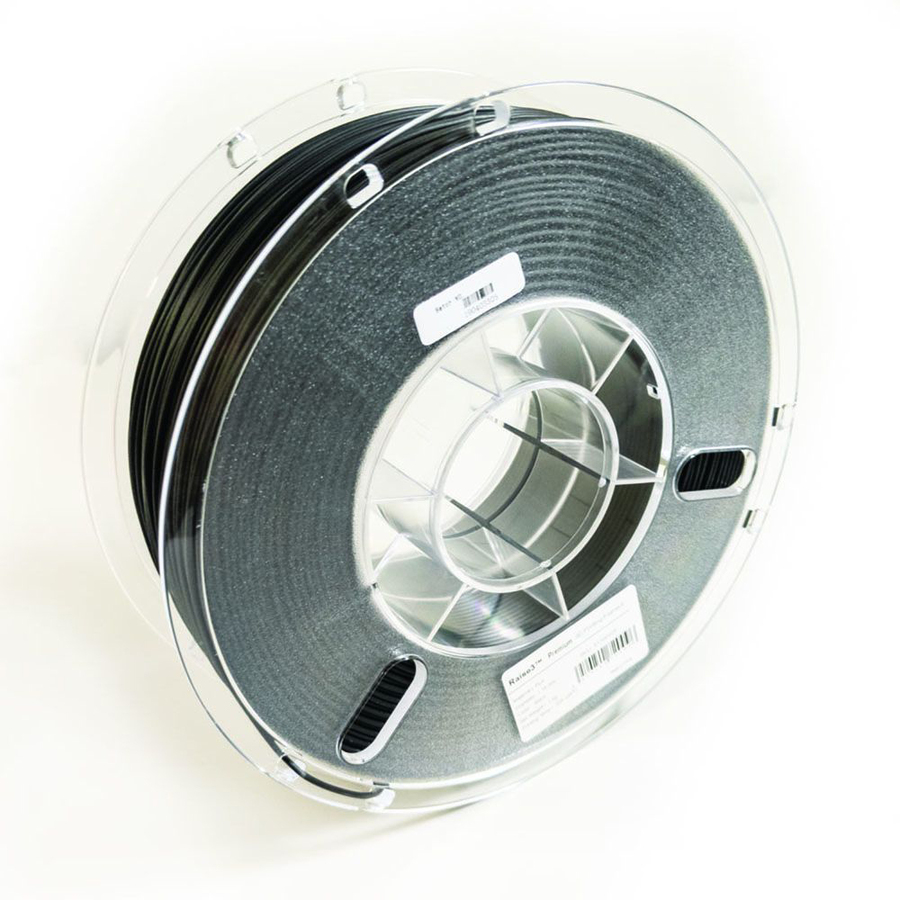
Raise3D Premium PLA in black, 1.75 mm: the spool behind the 190–220 °C nozzle and 30–60 °C bed figures above, for models, jigs, gauges and classroom work on an open printer.
$39.70In stockABS, functional parts
RAISE3D
RAISE3D Premium ABS Filament
5.11.00162
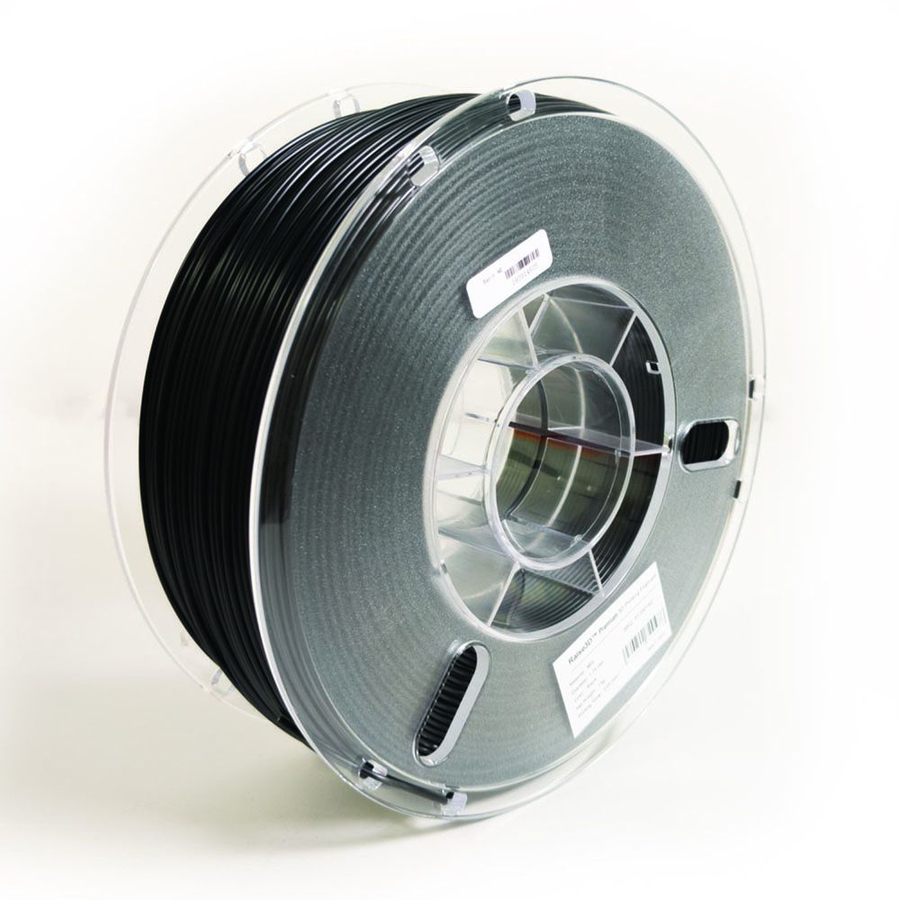
Raise3D Premium ABS in black, 1.75 mm: 245–265 °C at the nozzle, a 90–105 °C bed and the fan off, for an enclosed printer making brackets, housings and parts that run warm.
$39.70Back-orderedABS for UltiMaker S series
Ultimaker
Ultimaker S Series ABS Material (750g)
1621
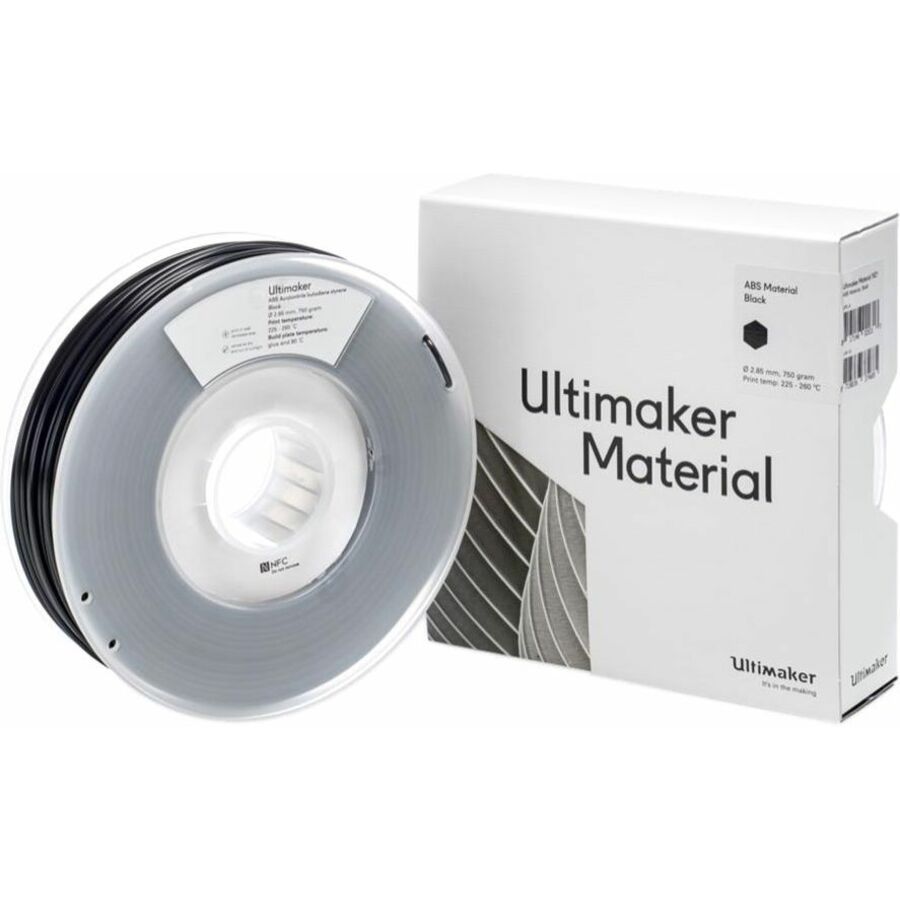
UltiMaker ABS, 750 g in black, the material behind the 86.6 °C heat deflection and 14.2 kJ/m² impact figures on this page, for an enclosed S-series machine.
2.85 mm filament: confirm the printer takes 2.85 mm, not 1.75 mm, before ordering.
Request pricingShop it at Uniqcli
FAQ
Common questions
- Which is better, ABS or PLA?
- Neither is better as a material; they answer different loads. PLA is stiffer, stronger in pull, prints on an open machine at 190–220 °C and holds detail, but it softens near 59 °C and breaks rather than bends. ABS takes about 3.6 times the notched impact energy on UltiMaker's sheets and holds shape to 87–98 °C, at the cost of a 245–265 °C nozzle, a 90–105 °C bed, an enclosure and exhaust. Pick by the part's service temperature and the load it takes.
- Does ABS look better than PLA?
- Off the printer, no: PLA usually looks better, with sharper detail and less shrinkage because it prints cool with the part-cooling fan on. ABS looks better after finishing. It sands cleanly and dissolves in acetone, so a part can be vapor-smoothed to a gloss that PLA cannot reach without paint.
- Why use PLA instead of ABS?
- Because it prints on almost any FDM machine without an enclosure, warps little, and is the stiffer material for a part that stays near room temperature; the PLA NIOSH tested in its 2018 field study also produced lower ultrafine-particle emissions than earlier published tests. If the part never sees more than about 55 °C and is not dropped or flexed in service, ABS buys nothing PLA does not already give, and it costs an enclosed printer to run.
- Can I use PLA and ABS in the same print?
- Not usefully. The two need different bed temperatures, 30–60 °C against 90–105 °C, opposite fan settings, and they bond poorly to each other, so a mixed part tends to separate along the material boundary. On a dual-extrusion printer the practical pairing is PLA with a water-soluble PVA support, which Raise3D's PLA sheet names as its recommended support material; ABS is paired with a support material specified for it, not with PLA.
- Do I need an enclosure to print ABS?
- Yes, for anything beyond a small part. ABS's glass transition is about 100 °C, so each layer stays hot and shrinks as it cools against the layer below; on an open frame that shrinkage lifts corners off the bed and splits tall walls. Raise3D's sheet specifies a 20–50 °C environment with the cooling fan off and a 90–105 °C bed, and printed its own test specimens at 100 °C; those conditions exist inside a closed chamber, not in an open room.
- Is PLA really biodegradable?
- Only under industrial composting conditions, and only as far as the standard goes. UltiMaker's sheet describes PLA as made from organic and renewable sources, and compostable labeling for plastics is tested to ASTM D6400, which applies to municipal and industrial aerobic composting facilities where thermophilic conditions are reached. The standard says nothing about a landfill or a home bin, so a discarded PLA print is ordinary plastic waste unless it reaches such a facility.
- Which is stronger, PLA or ABS?
- It depends on the load. In a pull test PLA is stronger and stiffer: 52.5 MPa at yield and a 3,250 MPa modulus against 38.1 MPa and 1,962 MPa for ABS on UltiMaker's sheets. Under impact ABS wins: 14.2 kJ/m² notched Charpy against 3.9 kJ/m². For a clip, a hinge or a bracket that gets knocked, ABS; for a stiff gauge or a fixture that must not flex and is never dropped, PLA.
Sources
- 1.Raise3D Premium PLA Technical Data Sheet, V6.0 (December 2024)s1.raise3d.com
- 2.Raise3D Premium ABS Technical Data Sheet, V7.1 (March 2025)s1.raise3d.com
- 3.UltiMaker PLA Technical Data Sheet (April 2022)um-support-files.ultimaker.com
- 4.UltiMaker ABS Technical Data Sheet, v5.00 (April 2022)um-support-files.ultimaker.com
- 5.ASTM D648-18 — Standard Test Method for Deflection Temperature of Plastics Under Flexural Load in the Edgewise Positionstore.astm.org
- 6.NIOSH Science Bulletin, August 16, 2018 — 3D printer emissions and controls in an office environment (MakerBot PLA, ABS and Tough PLA)cdc.gov