
Best Thin Clients for VDI and Shared-Workstation Fleets
Zero-footprint, all-in-one and small-form-factor thin clients for VDI, shared workstations and task seats.
Thin clients in stock at Uniqcli
How to choose →A curated selection with live pricing — in-stock lines first, then back-ordered lines with a typical lead time. Every line is sourced through US distribution and screened for NDAA §889 status before checkout, with TAA verified on request.
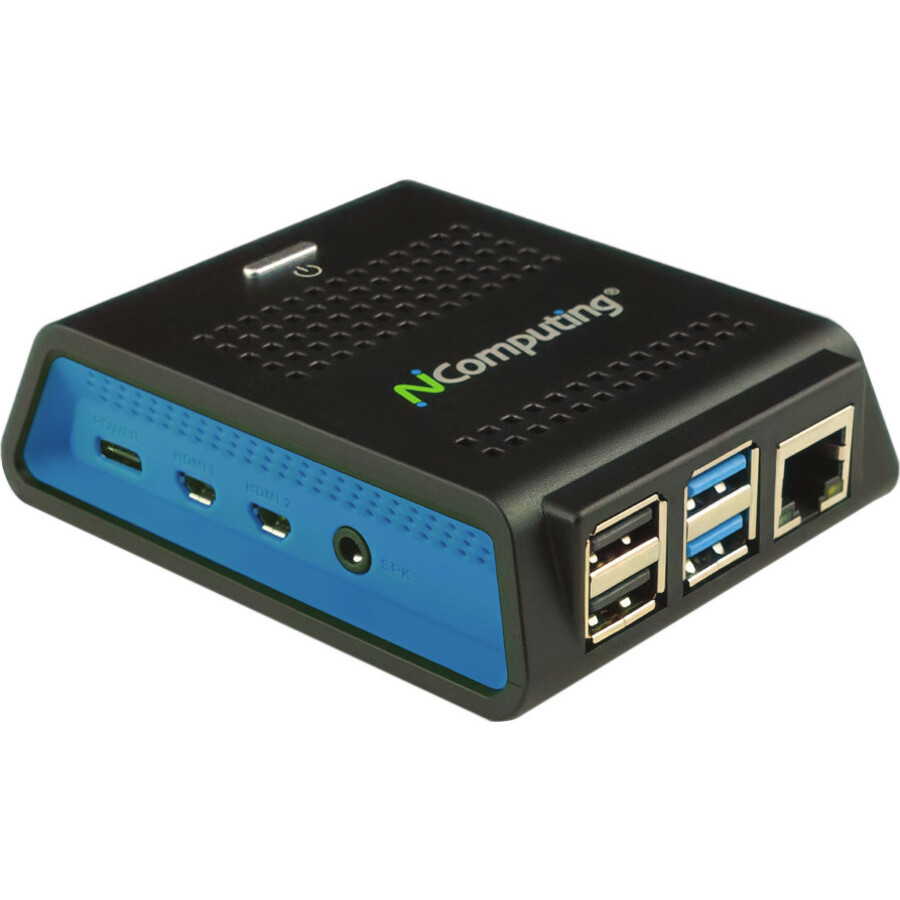
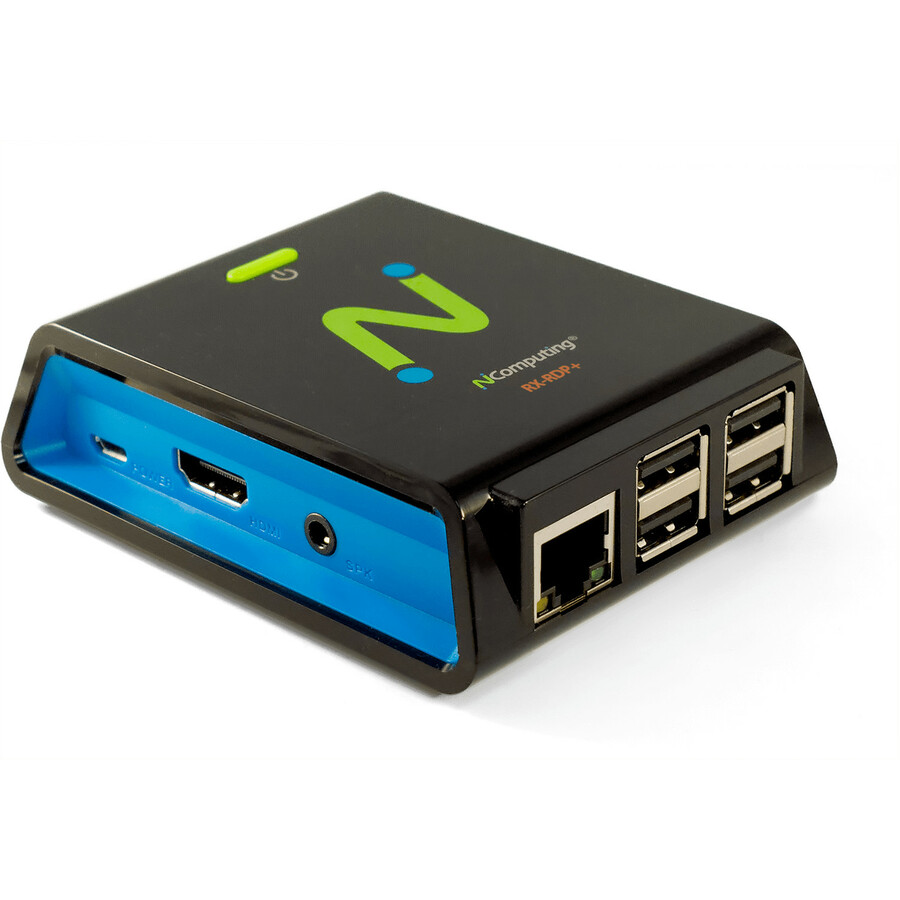
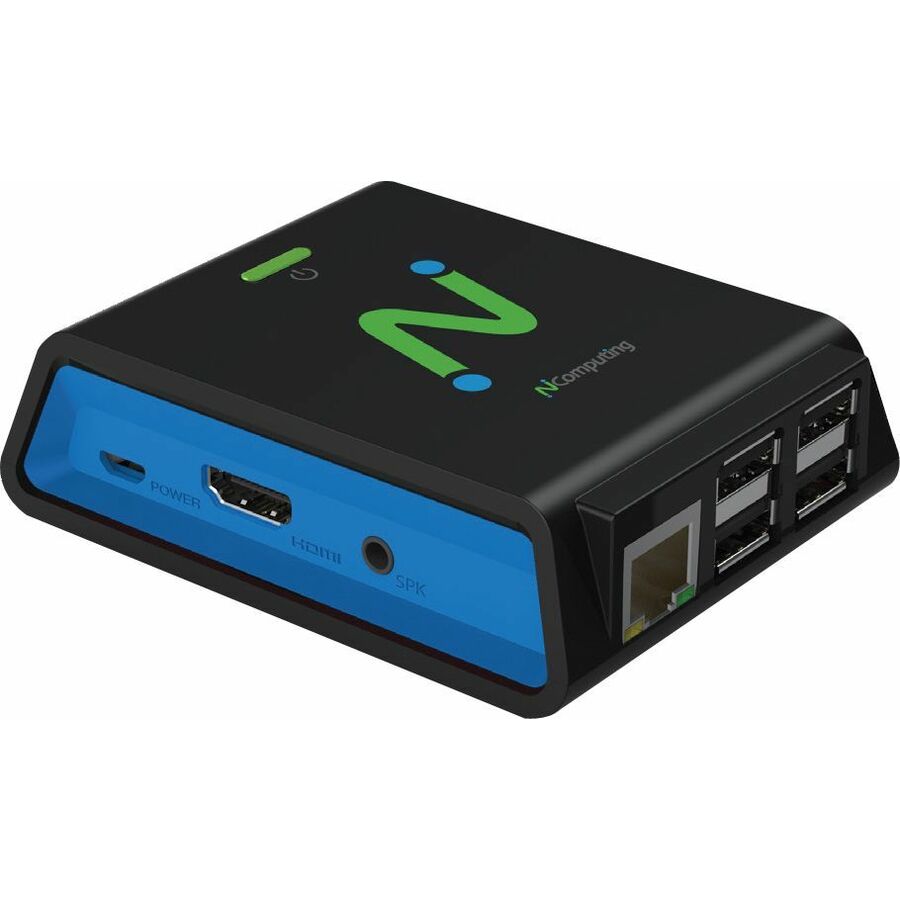
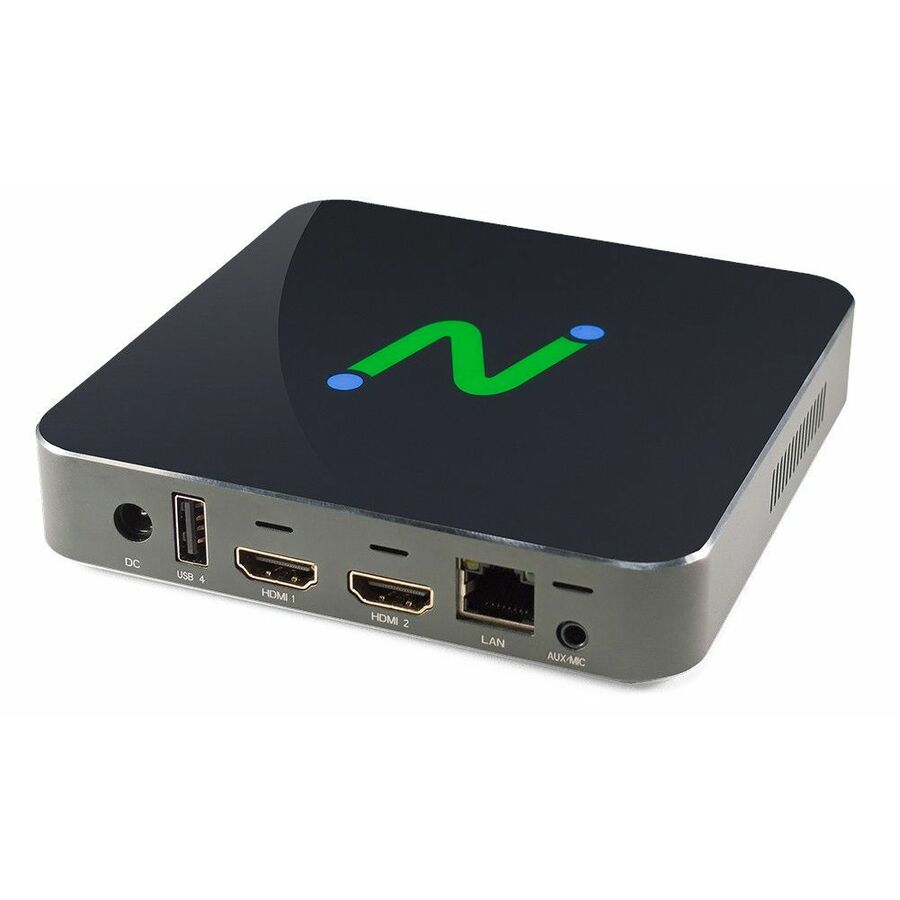
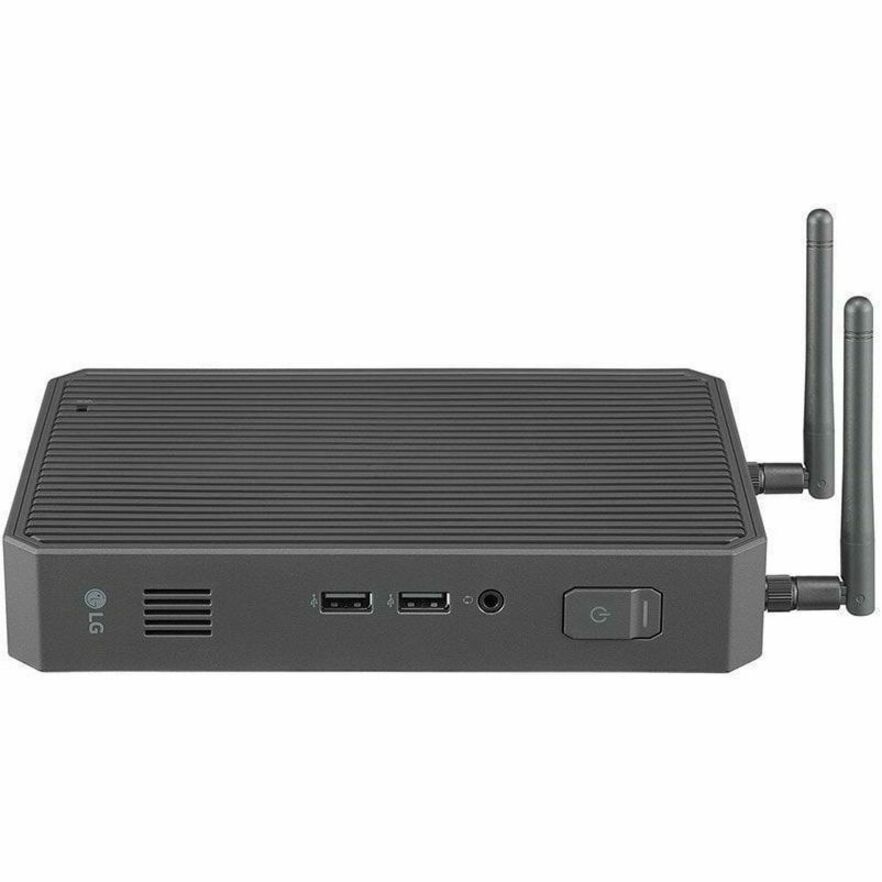
- NComputingNComputing RX RX-RDP+ Thin Client Cortex A53 Quad-core (4 Core) 1.40 GHz - Broadcom BCM2837 Chip - 1 GB RAM - 16 GB Flash - Gigabit Ethernet - IEEE 802.11b/g/n/ac - HDMI - Network (RJ-45) - 4 Total USB Port(s) - 4 USB 2.0 Port(s)500-0203
$230.00
$207.51
Back-orderedBack-ordered — estimated OEM lead time 3–8 weeks (Nov 18 – Dec 23 if ordered today).
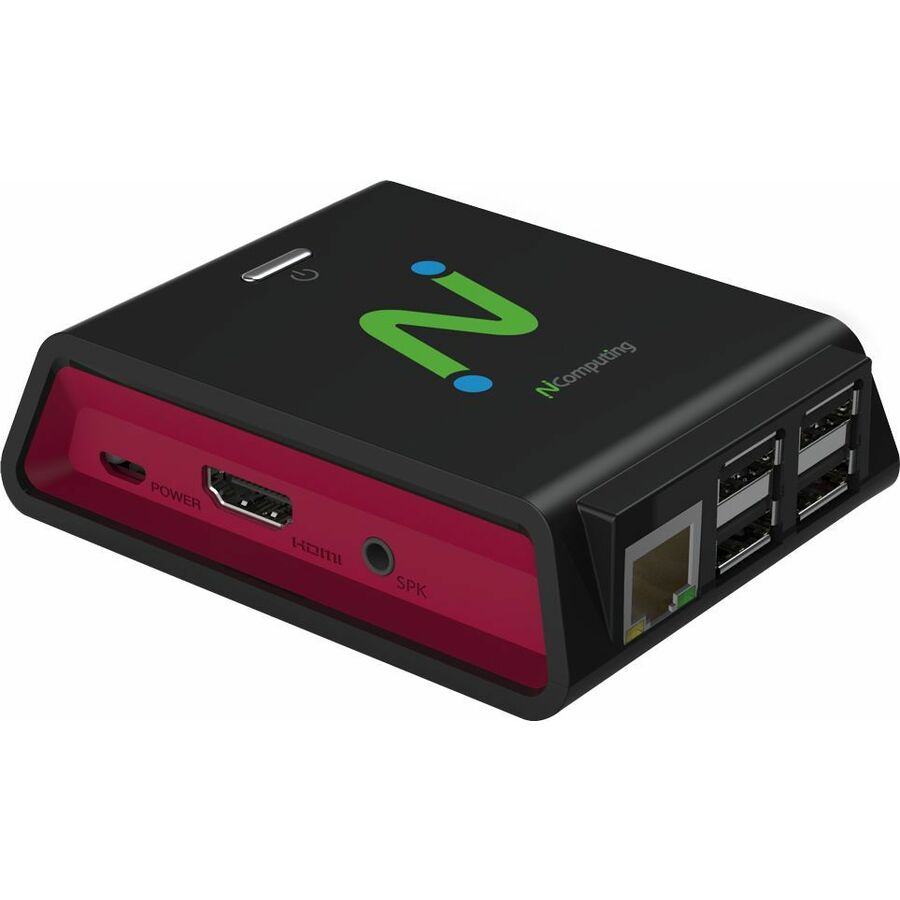
- NComputingNComputing RX RX300 Thin Client - 1 GB RAM - Fast Ethernet - HDMI - Network (RJ-45) - 4 Total USB Port(s) - 4 USB 2.0 Port(s)500-0213
$260.00
$233.37
Back-orderedBack-ordered — estimated OEM lead time 3–8 weeks (Nov 18 – Dec 23 if ordered today).
- NComputingNComputing RX RX-RDP+ Thin Client Cortex A53 Quad-core (4 Core) 1.40 GHz - Broadcom BCM2837 Chip - 1 GB RAM - 16 GB Flash - Gigabit Ethernet - IEEE 802.11b/g/n/ac - HDMI - Network (RJ-45) - 4 Total USB Port(s) - 4 USB 2.0 Port(s)500-0205
$239.47
Back-orderedBack-ordered — estimated OEM lead time 3–8 weeks (Nov 18 – Dec 23 if ordered today).
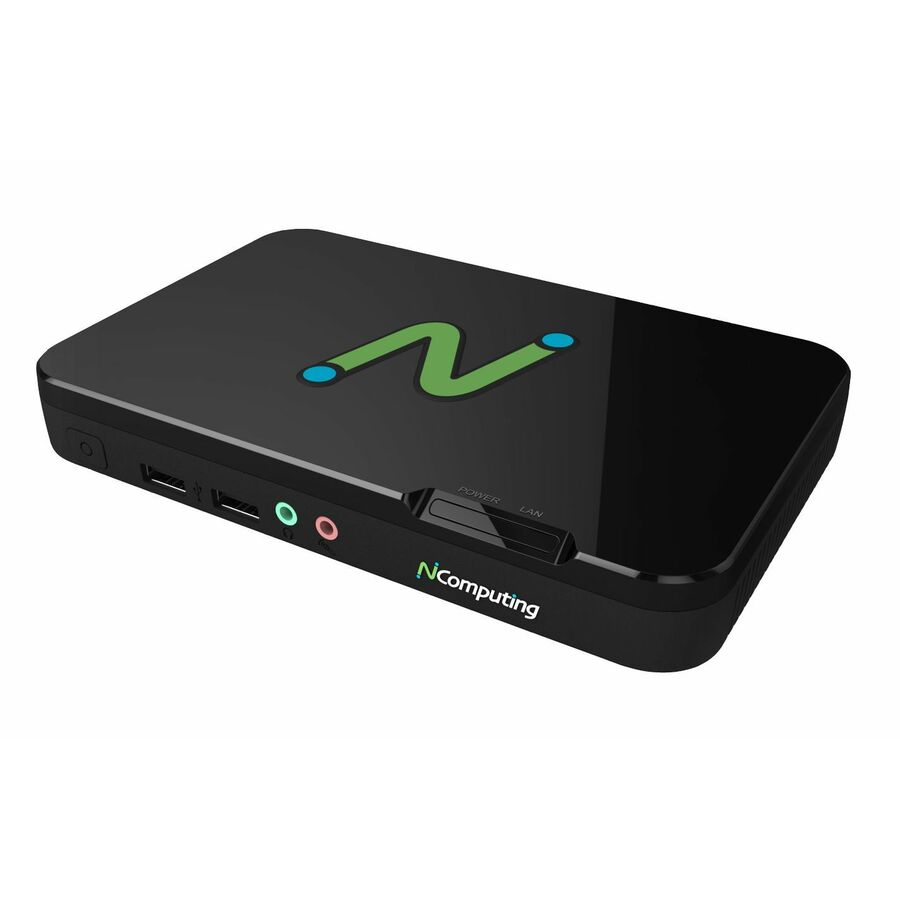
- NComputingNComputing RX RX540 Thin Client - 1 x ARM Cortex A76 Quad-core (4 Core) 2.40 GHz - Broadcom BCM2712 Chip - 4 GB RAM SDRAM - 16 GB Flash - Gigabit Ethernet - LEAF OS - IEEE 802.11a/b/g/n/ac - HDMI - 4 Total USB Port(s) - 2 USB 2.0 Port(s) - 2 USB 3.0 Port(s)500-0256
$400.00
$373.27
Back-orderedBack-ordered — estimated OEM lead time 3–8 weeks (Nov 18 – Dec 23 if ordered today).
Back-ordered — estimated OEM lead time 3–8 weeks (Nov 18 – Dec 23 if ordered today).
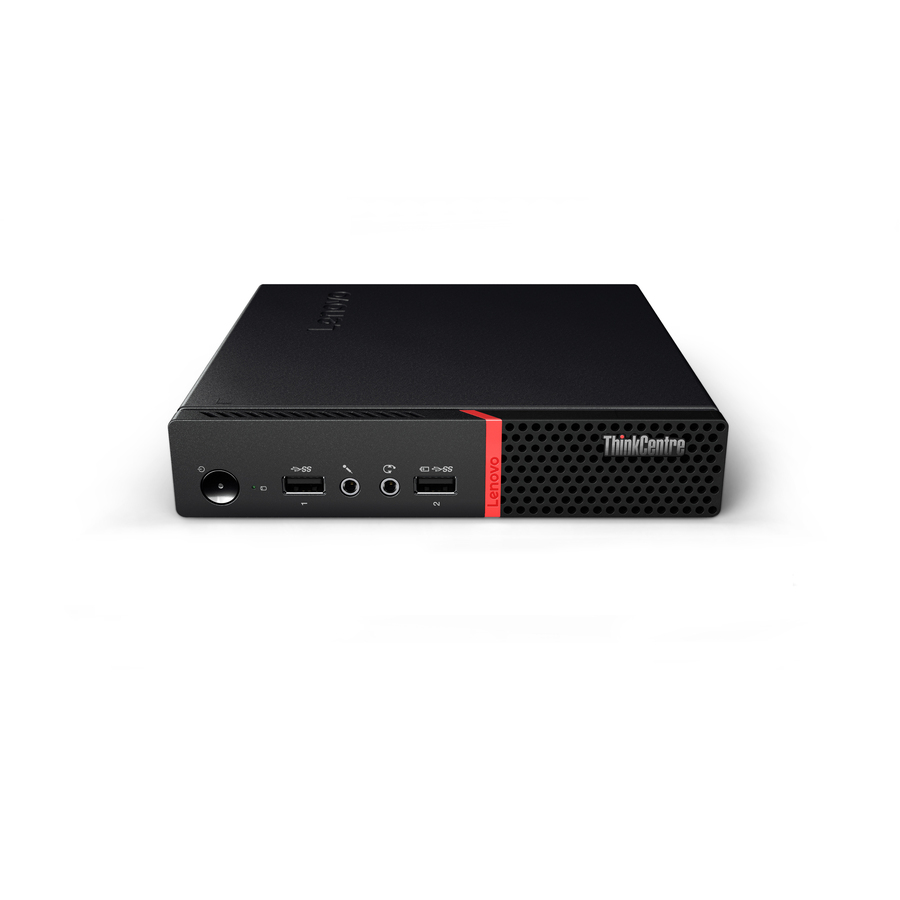
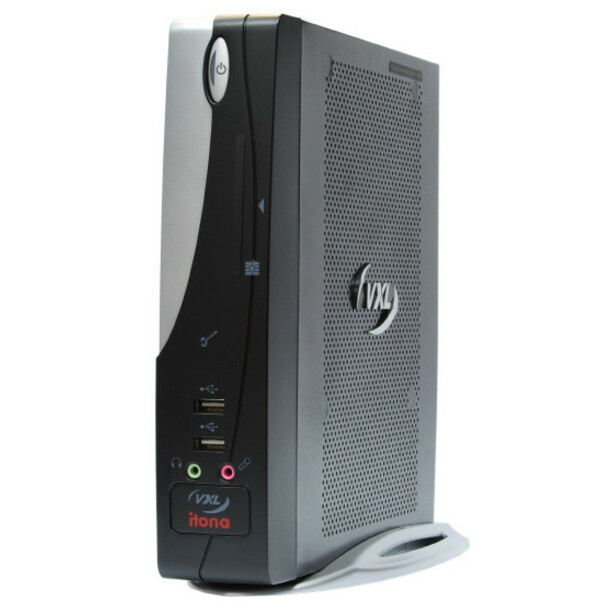
- LenovoLenovo Itona IQ-B00-F9R7-PH1 Desktop Thin Client Celeron J1900 Quad-core (4 Core) 2 GHz - 2 GB RAM DDR3 SDRAM - 8 GB Flash - Gigabit Ethernet - HDMI - VGA - Network (RJ-45) - 9 Total USB Port(s) - 8 USB 2.0 Port(s) - 1 USB 3.0 Port(s) - 65 W4ZR0K38350
$423.24
Back-orderedBack-ordered — estimated OEM lead time 3–8 weeks (Nov 18 – Dec 23 if ordered today).
- NComputingNComputing EX EX500W Thin Client Celeron N5095 2 GHz - Intel Chip - 8 GB RAM - 64 GB Flash - Gigabit Ethernet - HDMI - Network (RJ-45) - 4 Total USB Port(s) - 2 USB 2.0 Port(s) - 2 USB 3.0 Port(s)700-0048
$500.00
$475.76
Back-orderedBack-ordered — estimated OEM lead time 3–8 weeks (Nov 18 – Dec 23 if ordered today).
- LenovoLenovo Itona F24 F24-F9R7-W3-L Thin Client Nano U3300 1.20 GHz - VIA VX900 Chip - 2 GB RAM - 8 GB Flash - Gigabit Ethernet - Windows Embedded Standard 7 - IEEE 802.11b/g/n - VGA - Network (RJ-45) - 6 Total USB Port(s)0B95510
$479.82
Back-orderedBack-ordered — estimated OEM lead time 3–8 weeks (Nov 18 – Dec 23 if ordered today).





More thin clients in the Uniqcli catalog
See all 551 thin clientsMore from across this category. In-stock lines lead, and a back-ordered line carries the same estimated availability its product page does — with live pricing throughout, NDAA §889 screening before checkout and TAA verified on request.
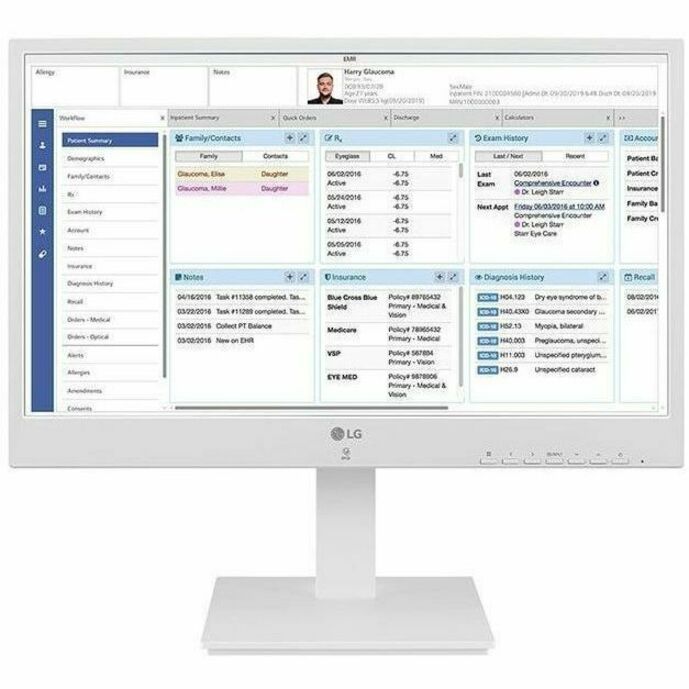
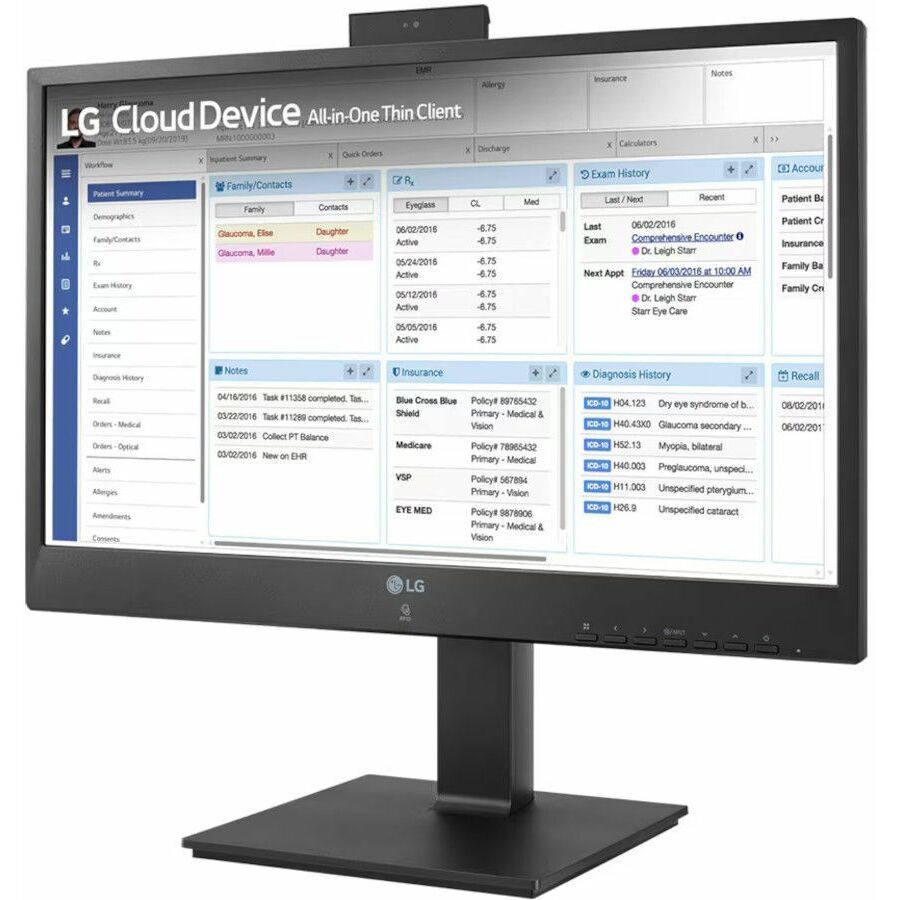
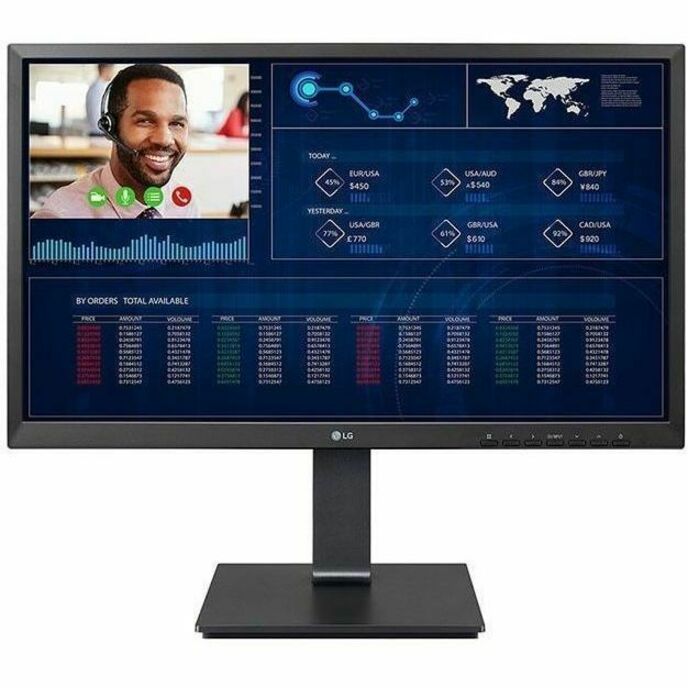
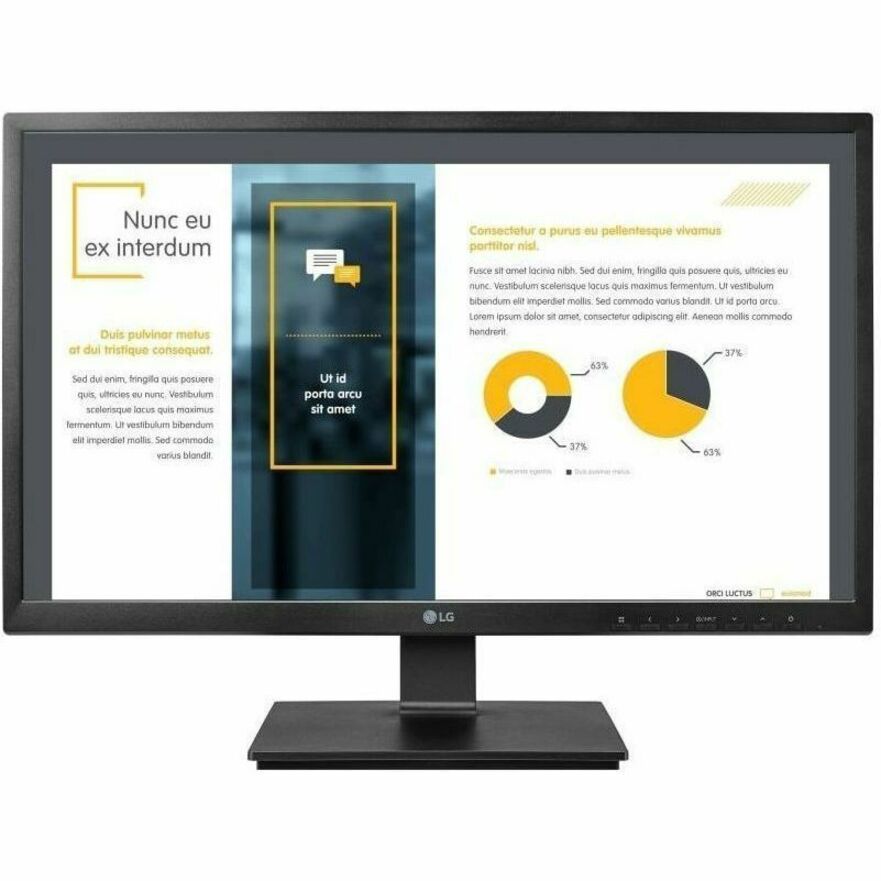
- LG ElectronicsLG 24CR671IK-6P All-in-One Thin Client - Intel Pentium N6005 Quad-core (4 Core) 2 GHz - White - 8 GB RAM DDR4 SDRAM - 16 GB Flash - Gigabit Ethernet - IGEL OS - 23.8" Full HD - 1920 x 1080 - In-plane Switching (IPS) Technology - Bluetooth 5.1 - HDMI - DisplayPort - USB Type-C24CR671IK6P
$2,612.50
$2,220.63
Back-orderedBack-ordered — estimated OEM lead time 3–8 weeks (Nov 18 – Dec 23 if ordered today).
- LG ElectronicsLG 24CR671NK-6P All-in-One Thin Client - Intel Pentium N6005 Quad-core (4 Core) 2 GHz - White - 8 GB RAM DDR4 SDRAM - 16 GB Flash - Gigabit Ethernet - 23.8" Full HD - 1920 x 1080 - In-plane Switching (IPS) Technology - Bluetooth 5.1 - HDMI - DisplayPort - USB Type-C24CR671NK6P
$2,562.50
$2,178.13
Back-orderedBack-ordered — estimated OEM lead time 3–8 weeks (Nov 18 – Dec 23 if ordered today).
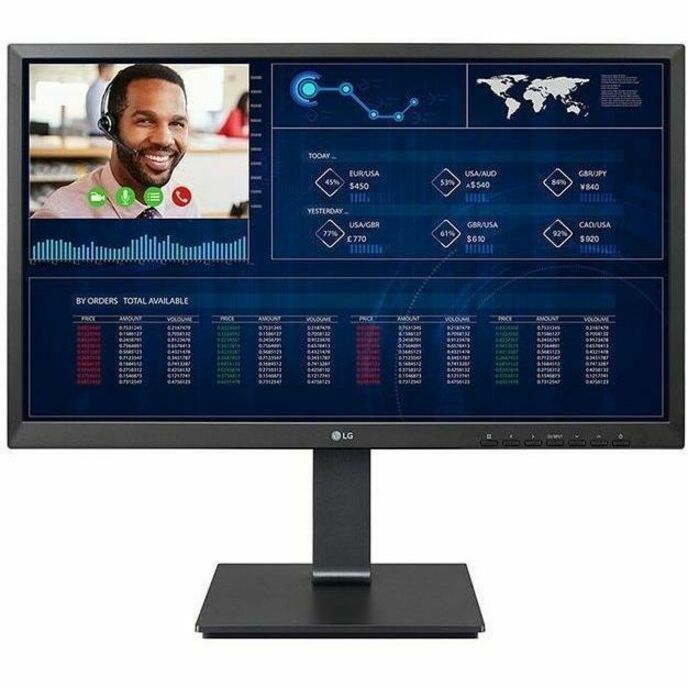
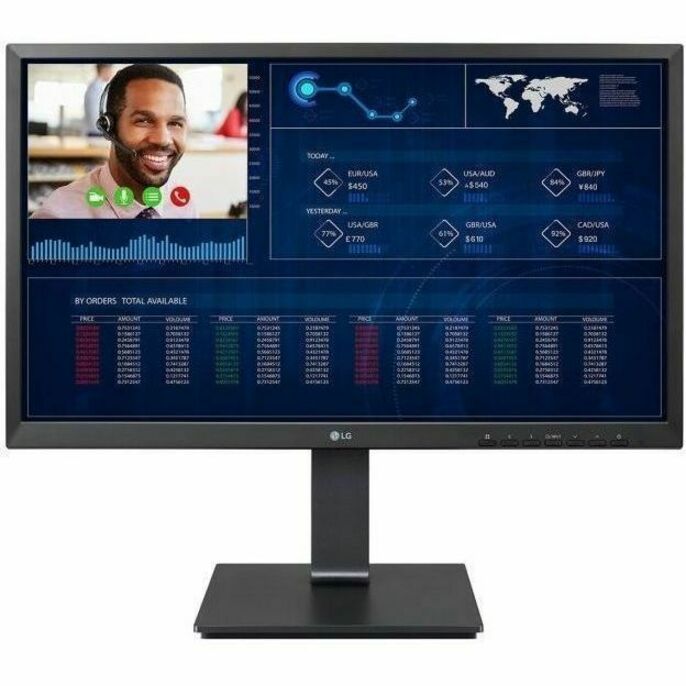
- LG ElectronicsLG 24CR661NK-6P Thin Client - Intel Pentium N6005 Quad-core (4 Core) 2 GHz - Black - 8 GB RAM DDR4 SDRAM - 16 GB Flash - Gigabit Ethernet - 23.8" Full HD - 1920 x 1080 - In-plane Switching (IPS) Technology - IEEE 802.11ax - Bluetooth 5.1 - HDMI - DisplayPort - 7 Total USB Port(s) - 2 USB 2.0 Port(s) - USB Type-C24CR661NK6P
$2,200.00
$1,870.00
Back-orderedBack-ordered — estimated OEM lead time 3–8 weeks (Nov 18 – Dec 23 if ordered today).
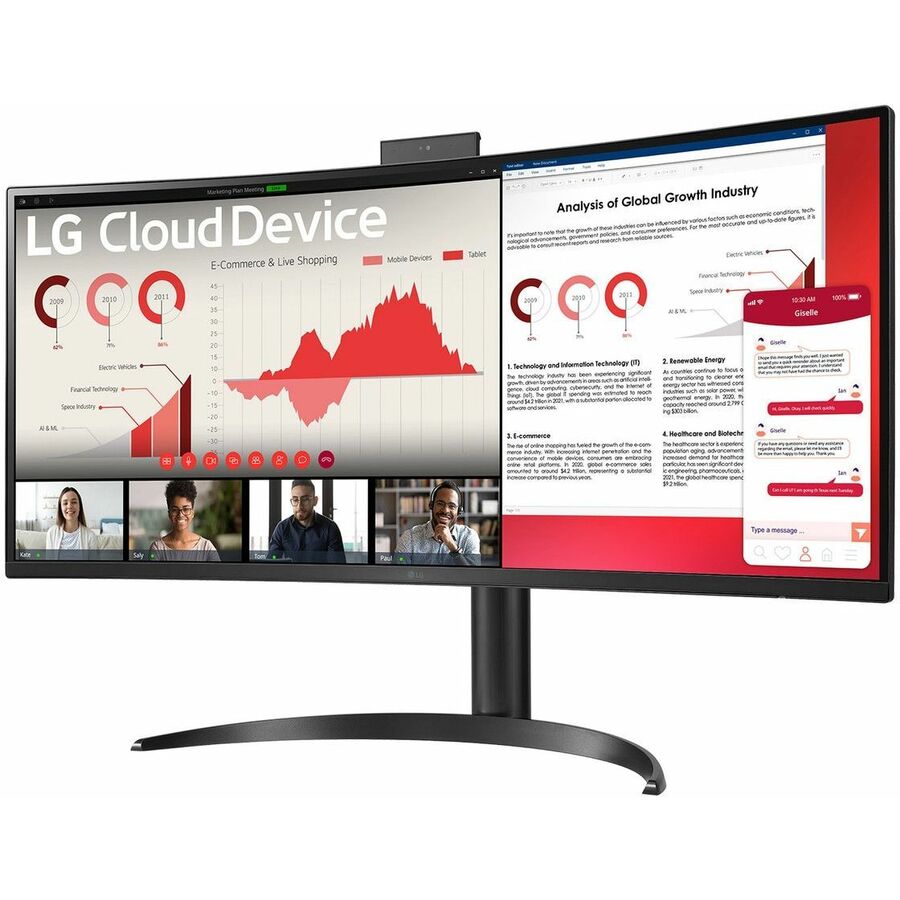
- LG ElectronicsLG UltraWide 34CR65 34CR651N-6P All-in-One Thin Client - 1 Pentium Silver N6005 Quad-core (4 Core) 2 GHz - Intel Chip - 8 GB RAM DDR4 SDRAM - 16 GB Flash - Gigabit Ethernet - 34" WQHD - 3440 x 1440 - LED - IEEE 802.11ax - Bluetooth 5.1 - HDMI - Network (RJ-45) - 7 Total USB Port(s) - 2 USB 2.0 Port(s) - USB Type-C34CR651N-6P
$2,175.00
$1,848.75
Back-orderedBack-ordered — estimated OEM lead time 3–8 weeks (Nov 18 – Dec 23 if ordered today).
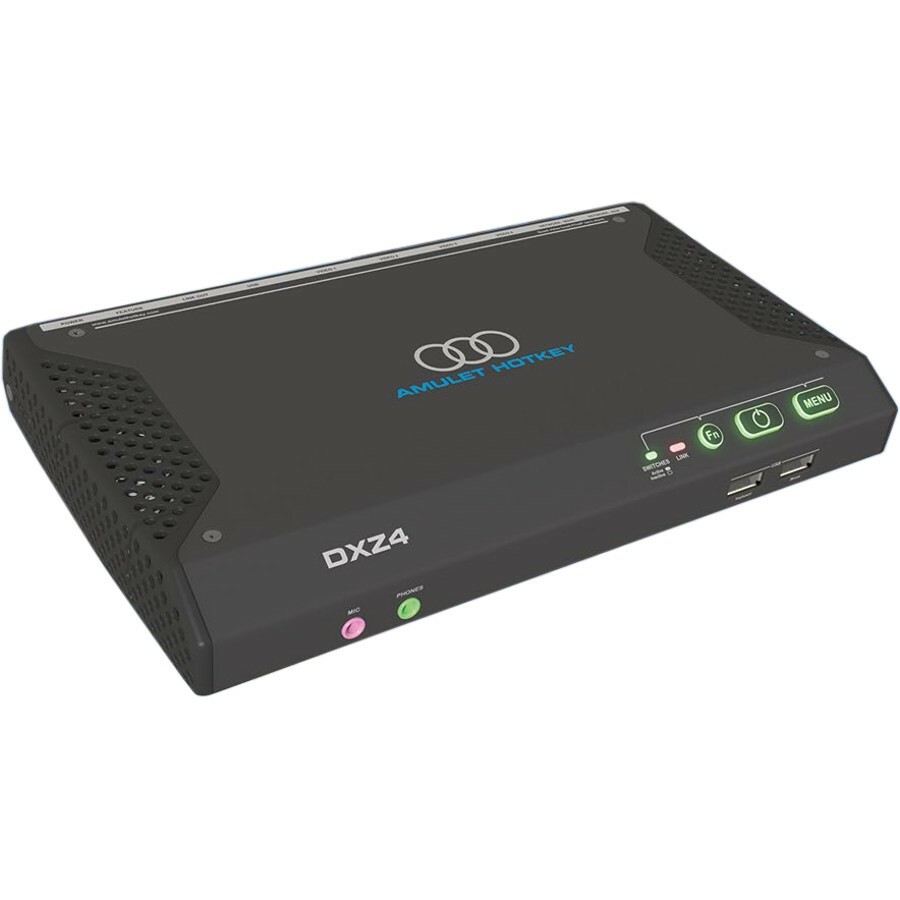
- Amulet HotkeyAmulet Hotkey DXZ4 DXZ4-M Zero Client Tera2140 - TAA Compliant - 512 MB RAM DDR3 SDRAM - Gigabit Ethernet - DisplayPort - Network (RJ-45) - 4 Total USB Port(s) - 4 USB 2.0 Port(s)KT-DXZ4-M001
$1,325.00
$1,002.46*
Back-orderedBack-ordered — estimated OEM lead time 3–8 weeks (Nov 18 – Dec 23 if ordered today).
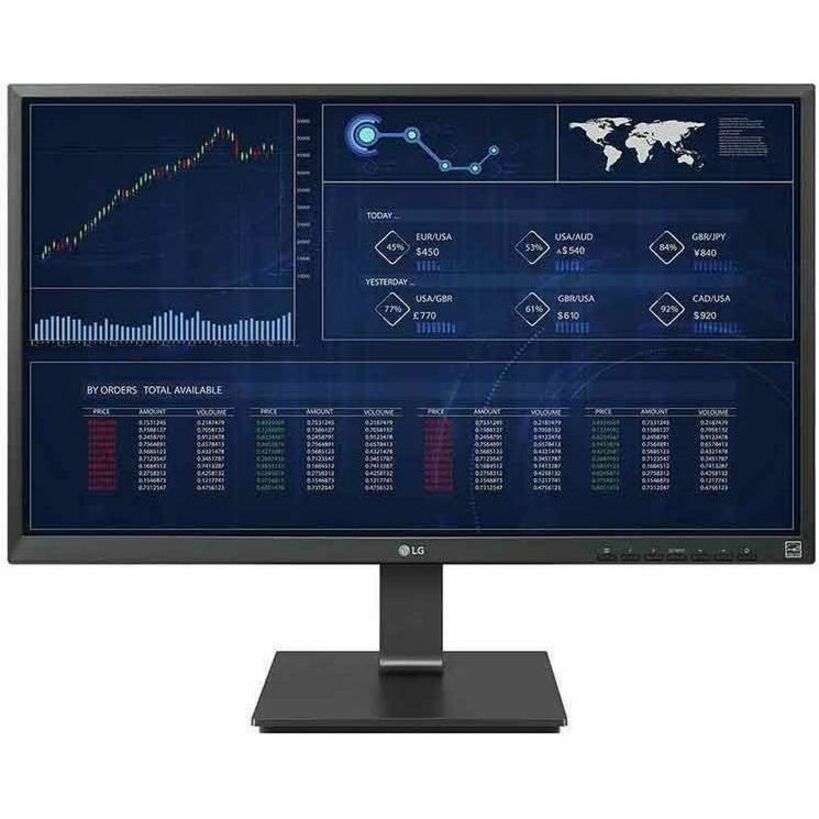
- LG ElectronicsLG 27CQ651N-6P All-in-One Thin Client - Intel Pentium N6005 Quad-core (4 Core) 2 GHz - Black - 8 GB RAM DDR4 SDRAM - 16 GB Flash - Gigabit Ethernet - 27" Full HD - 1920 x 1080 - In-plane Switching (IPS) Technology - IEEE 802.11ax - Bluetooth 5.1 - HDMI - DisplayPort - Network (RJ-45) - USB Type-C27CQ651N-6P
$1,962.50
$1,668.13
Back-orderedBack-ordered — estimated OEM lead time 3–8 weeks (Nov 18 – Dec 23 if ordered today).
Back-ordered — estimated OEM lead time 3–8 weeks (Nov 18 – Dec 23 if ordered today).
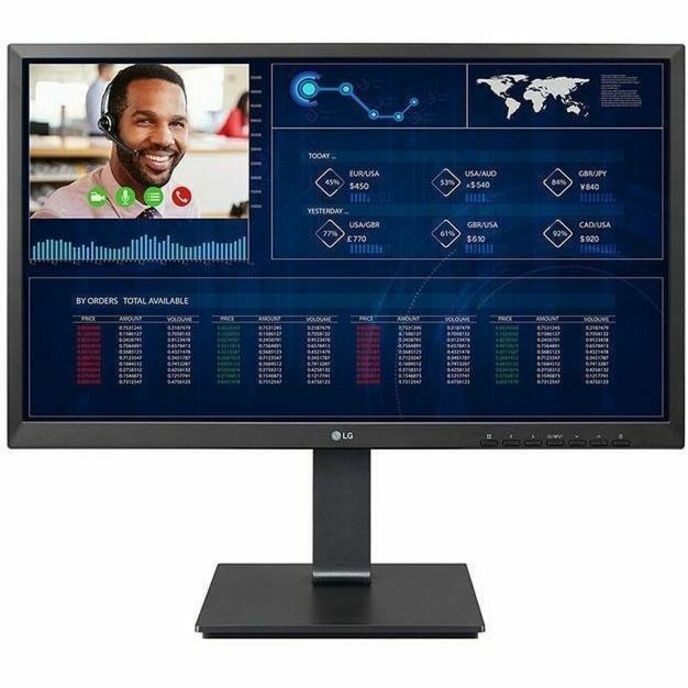
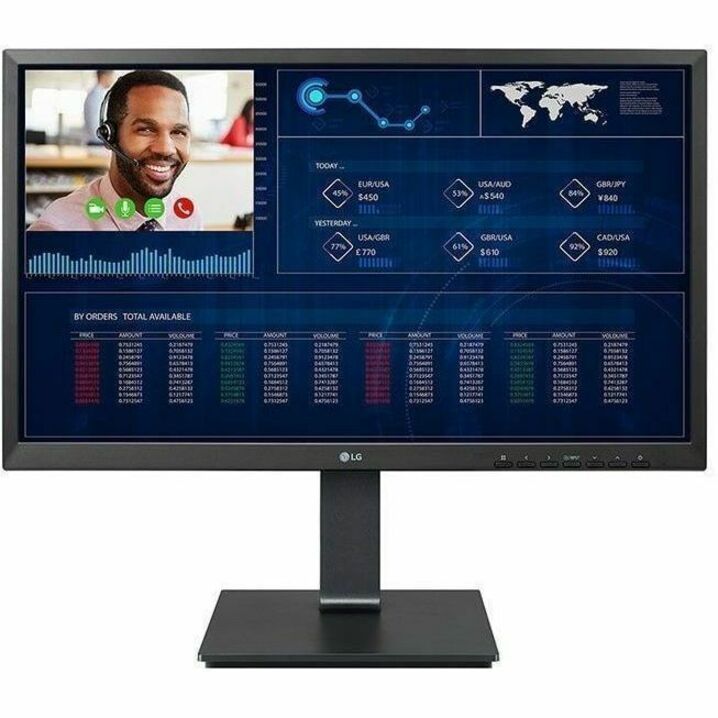
- LG ElectronicsLG 24CQ651I-6P All-in-One Thin Client - Intel Pentium N6005 Quad-core (4 Core) 2 GHz - Black - 8 GB RAM DDR4 SDRAM - 16 GB Flash - Gigabit Ethernet - IGEL OS - 23.8" Full HD - 1920 x 1080 - In-plane Switching (IPS) Technology - IEEE 802.11ax - Bluetooth 5.1 - HDMI - DisplayPort - Network (RJ-45) - USB Type-C24CQ651I-6P
$1,787.50
$1,519.38
Back-orderedBack-ordered — we expect to receive stock the week of Nov 2–8 and will process your delivery right after.
- LG ElectronicsLG 24CQ651N-6P All-in-One Thin Client - Intel Pentium N6005 Quad-core (4 Core) 2 GHz - Black - 8 GB RAM DDR4 SDRAM - 16 GB Flash - Gigabit Ethernet - 23.8" Full HD - 1920 x 1080 - In-plane Switching (IPS) Technology - IEEE 802.11ax - Bluetooth 5.1 - HDMI - DisplayPort - Network (RJ-45) - 7 Total USB Port(s) - 2 USB 2.0 Port(s) - USB Type-C24CQ651N-6P
$1,732.50
$1,472.63
Back-orderedBack-ordered — estimated OEM lead time 3–8 weeks (Nov 18 – Dec 23 if ordered today).
- LG ElectronicsLG 27CQ651I-6P All-in-One Thin Client - Intel Pentium N6005 Quad-core (4 Core) 2 GHz - Black - 8 GB RAM DDR4 SDRAM - 16 GB Flash - Gigabit Ethernet - IGEL OS - 27" Full HD - 1920 x 1080 - In-plane Switching (IPS) Technology - IEEE 802.11ax - Bluetooth 5.1 - HDMI - DisplayPort - Network (RJ-45) - USB Type-C27CQ651I-6P
$1,610.00
$1,368.50
Back-orderedBack-ordered — estimated OEM lead time 3–8 weeks (Nov 18 – Dec 23 if ordered today).
- LG ElectronicsLG 27CQ651W-BP All-in-One Thin Client - Intel Pentium N6005 Quad-core (4 Core) 2 GHz - Black - 4 GB RAM DDR4 SDRAM - 256 GB SSD - Gigabit Ethernet - Windows 10 - 27" Full HD - 1920 x 1080 - In-plane Switching (IPS) Technology - IEEE 802.11ax - Bluetooth 5.1 - HDMI - DisplayPort - Network (RJ-45) - USB Type-C27CQ651W-BP
$1,550.00
$1,317.50
Back-orderedBack-ordered — we expect to receive stock the week of Nov 16–22 and will process your delivery right after.
- LG ElectronicsLG 24CQ651W-BP All-in-One Thin Client - Intel Pentium N6005 Quad-core (4 Core) 2 GHz - Black - 8 GB RAM DDR4 SDRAM - 256 GB SSD - Gigabit Ethernet - Windows 10 - 23.8" Full HD - 1920 x 1080 - In-plane Switching (IPS) Technology - IEEE 802.11ax - Bluetooth 5.1 - HDMI - DisplayPort - Network (RJ-45) - 7 Total USB Port(s) - 2 USB 2.0 Port(s) - USB Type-C24CQ651W-BP
$1,425.00
$1,211.25
Back-orderedBack-ordered — estimated OEM lead time 3–8 weeks (Nov 18 – Dec 23 if ordered today).
- LG ElectronicsLG 24CK550W-3A All-in-One Thin Client - AMD G-Series GX-212JJ 1.20 GHz - Black - 4 GB RAM DDR4 SDRAM - 32 GB SSD - Gigabit Ethernet - Windows 10 - 23.8" Full HD - 1920 x 1080 - In-plane Switching (IPS) Technology - IEEE 802.11ac - Bluetooth 4.0 - HDMI - DisplayPort - Network (RJ-45) - 6 Total USB Port(s) - 4 USB 2.0 Port(s) - 2 USB 3.0 Port(s)24CK550W-3A
$1,312.50
$1,115.63
Back-orderedBack-ordered — estimated OEM lead time 3–8 weeks (Nov 18 – Dec 23 if ordered today).
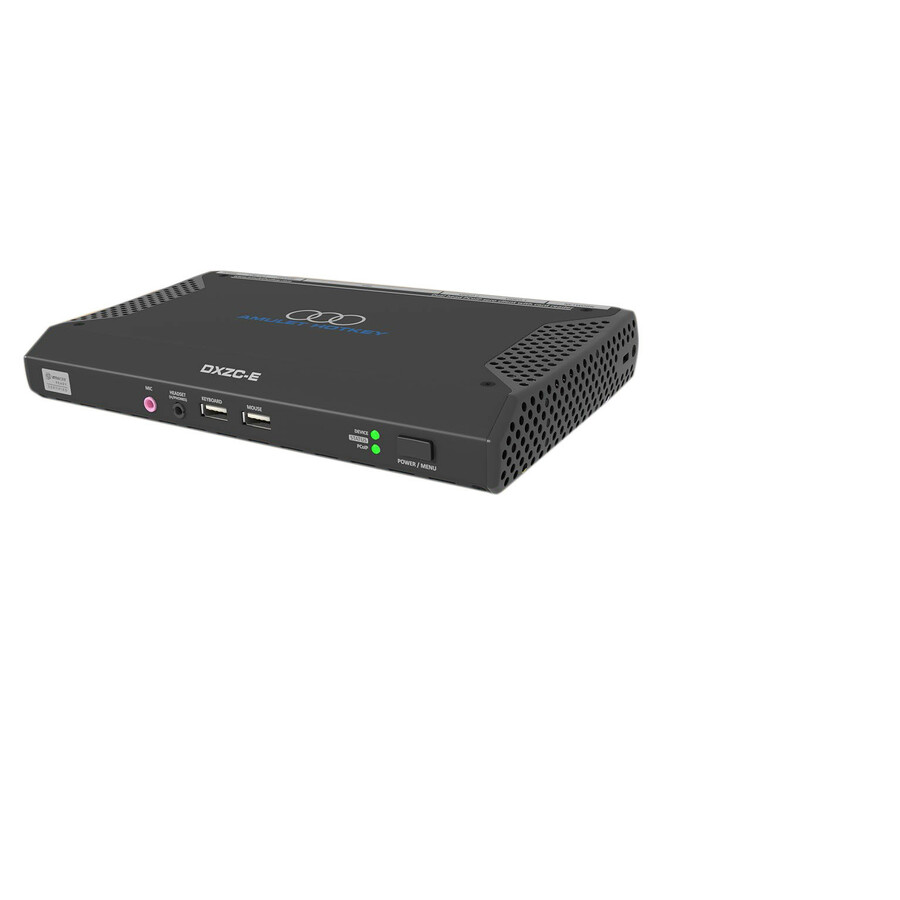
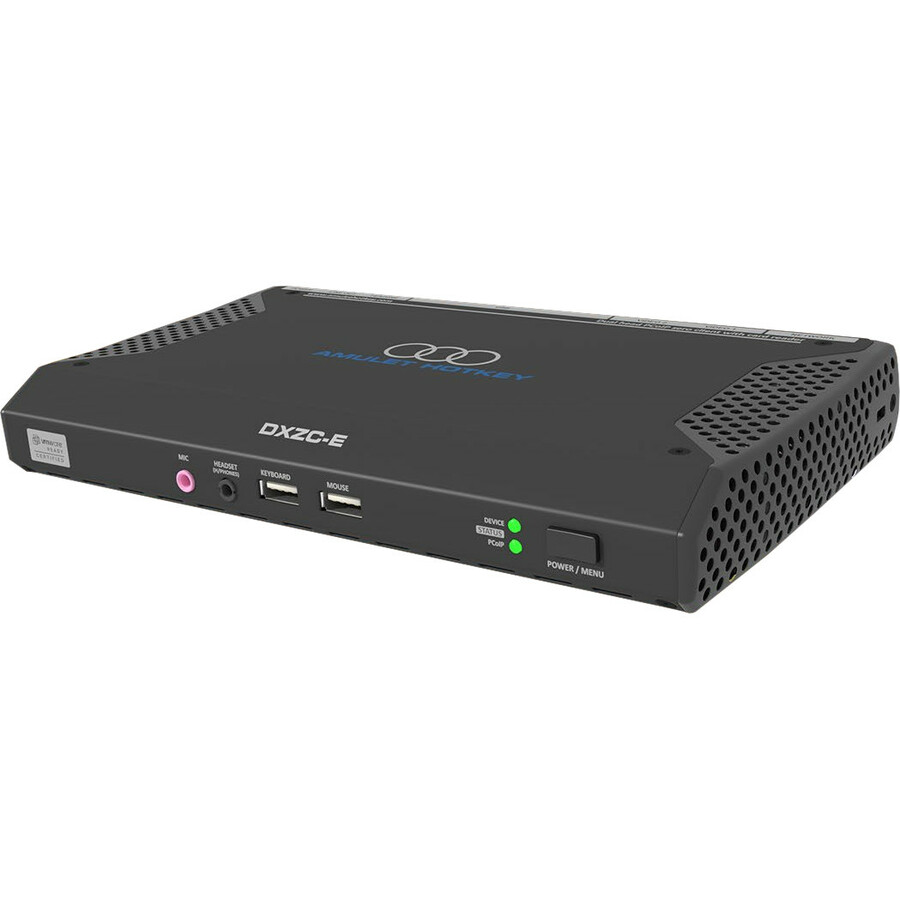
- Amulet HotkeyAmulet Hotkey DXZC-E DXZC-EC Zero Client Tera2321 - TAA Compliant - 512 MB RAM DDR3 SDRAM - Gigabit Ethernet - DisplayPort - Network (RJ-45) - 8 Total USB Port(s) - 6 USB 2.0 Port(s)KT-DXZC-4021
$865.00
$696.17*
Back-orderedBack-ordered — estimated OEM lead time 3–8 weeks (Nov 18 – Dec 23 if ordered today).
- LG ElectronicsLG CQ601W-BP Thin Client - Intel Pentium N6005 Quad-core (4 Core) 2 GHz - Black - 8 GB RAM DDR4 SDRAM - 256 GB SSD - Gigabit Ethernet - Windows 10 - IEEE 802.11ax - Bluetooth 5.1 - DisplayPort - Network (RJ-45) - 7 Total USB Port(s) - 2 USB 2.0 Port(s) - USB Type-CCQ601W-BP
$1,125.00
$956.25
Back-orderedBack-ordered — estimated OEM lead time 3–8 weeks (Nov 18 – Dec 23 if ordered today).
Back-ordered — estimated OEM lead time 3–8 weeks (Nov 18 – Dec 23 if ordered today).
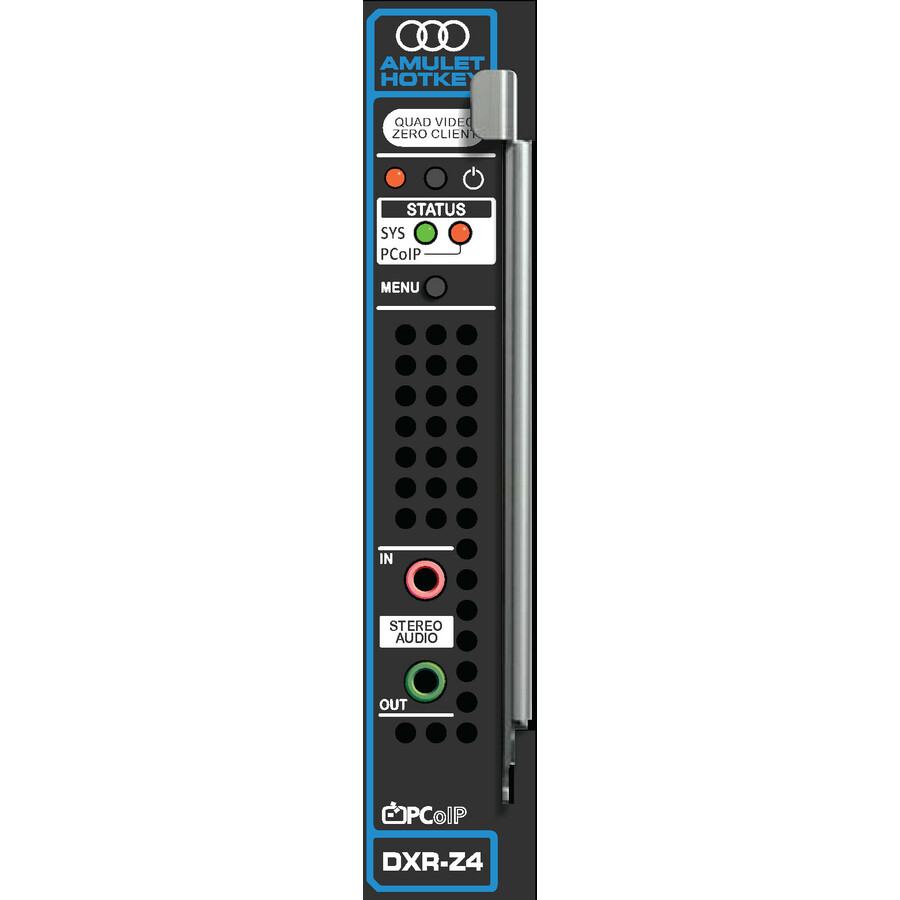
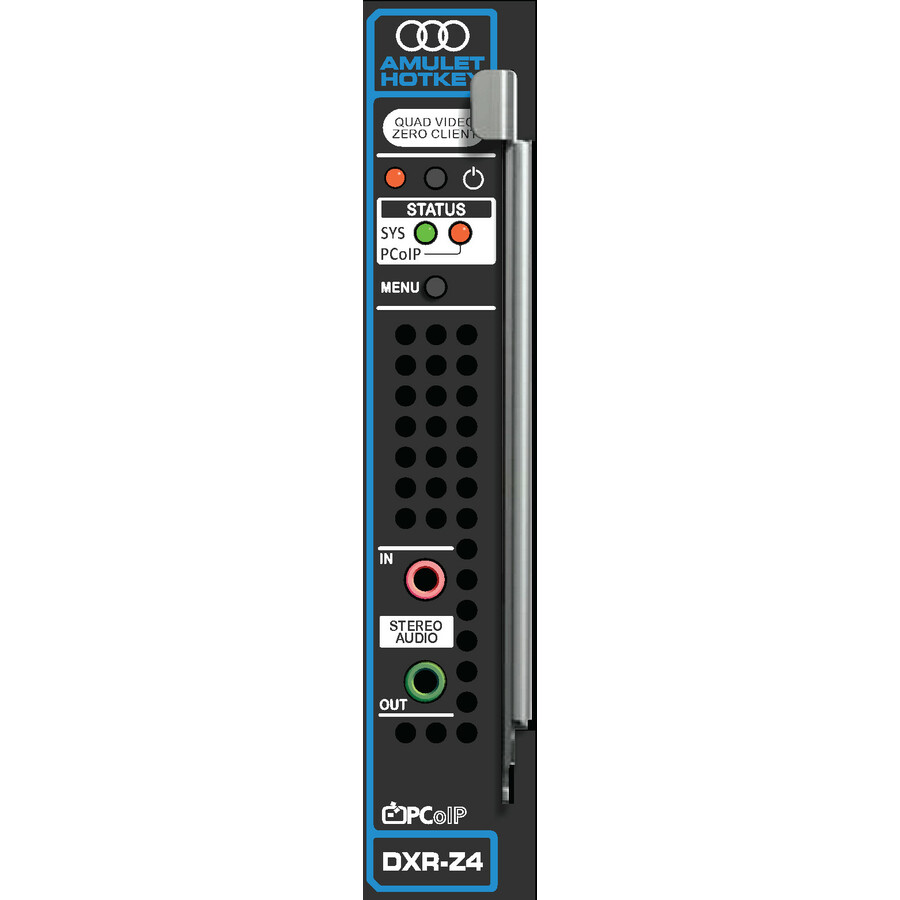
- Amulet HotkeyAmulet Hotkey DXR-Z4 Rack-mountable Zero Client Tera2140 - 512 MB RAM DDR3 SDRAM - Gigabit EthernetKT-RZS4-0001
$1,450.00
$1,286.55
Back-orderedBack-ordered — estimated OEM lead time 3–8 weeks (Nov 18 – Dec 23 if ordered today).
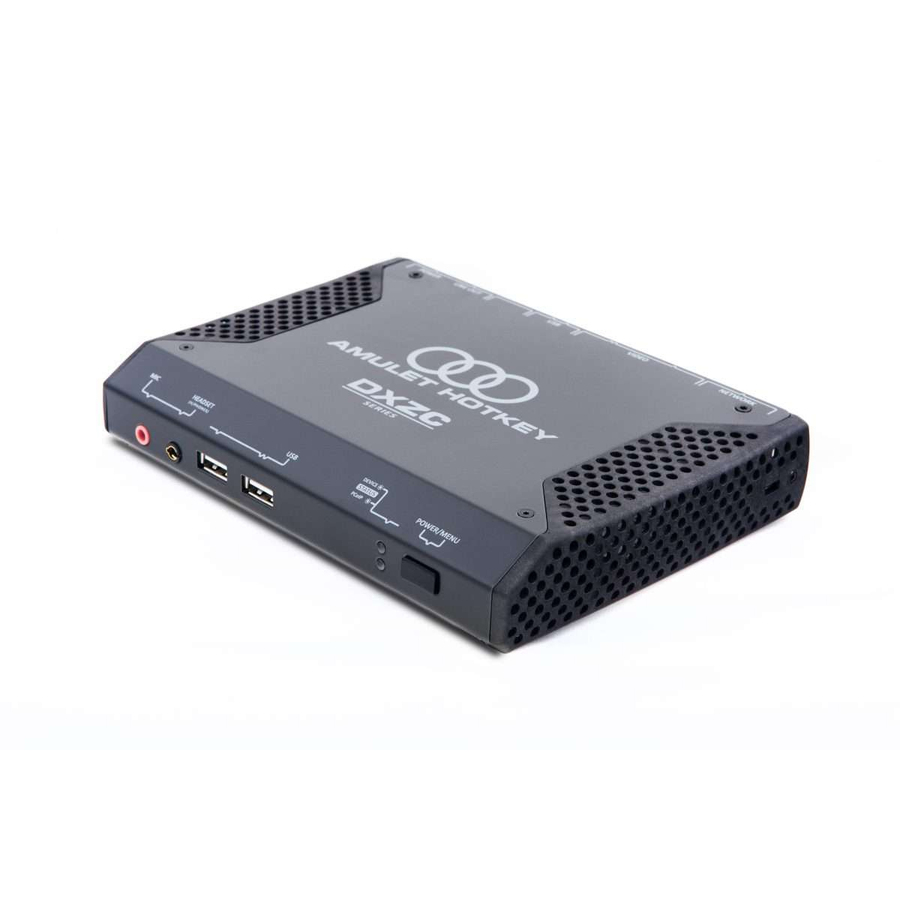
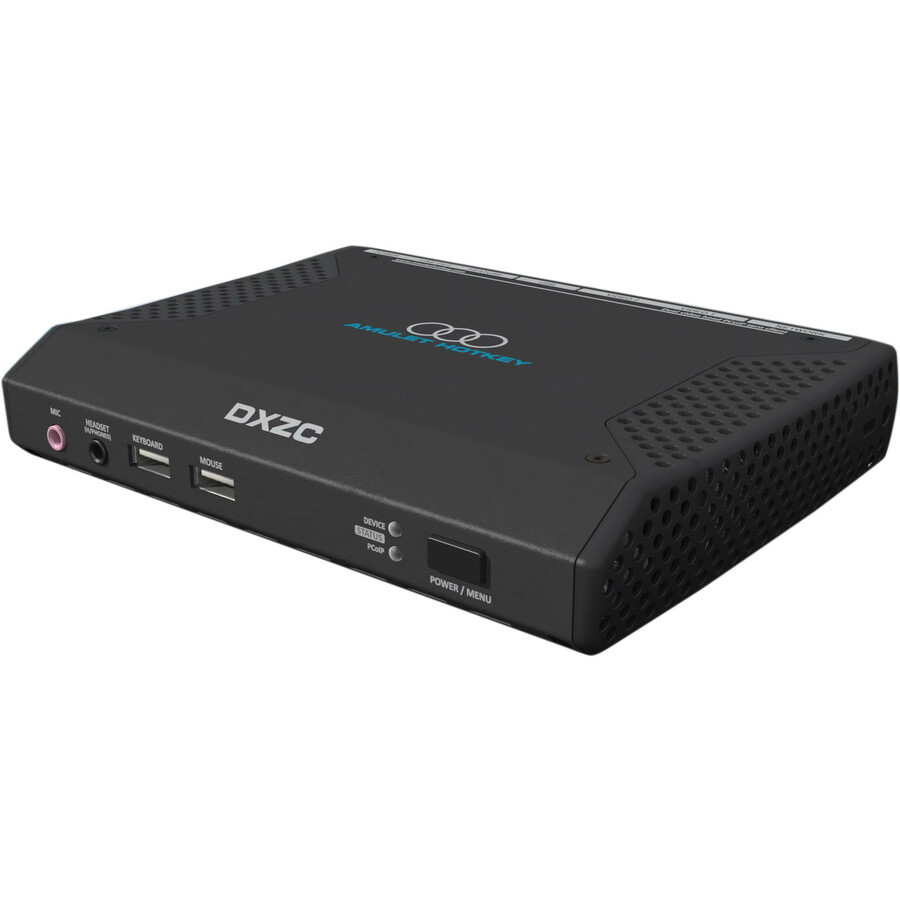
- Amulet HotkeyAmulet Hotkey DXZC DXZC-AM Zero Client Tera2321 - TAA Compliant - Teradici Chip - 512 MB RAM DDR3 SDRAM - Ethernet - DisplayPort - 4 Total USB Port(s) - 4 USB 2.0 Port(s)KT-DXZC-3M03
$835.00
$672.59*
Back-orderedBack-ordered — estimated OEM lead time 3–8 weeks (Nov 18 – Dec 23 if ordered today).
- Amulet HotkeyAmulet Hotkey DXZC-E DXZC-EMC Zero Client Tera2321 - TAA Compliant - 512 MB RAM DDR3 SDRAM - Gigabit Ethernet - DisplayPort - Network (RJ-45) - 8 Total USB Port(s) - 6 USB 2.0 Port(s)KT-DXZC-4M21
$830.00
$668.00*
Back-orderedBack-ordered — estimated OEM lead time 3–8 weeks (Nov 18 – Dec 23 if ordered today).
- Amulet HotkeyAmulet Hotkey DXR-Z4 Rack-mountable Zero Client Tera2140 - 512 MB RAM - Ethernet - Network (RJ-45)KT-RZR4-0001
$1,430.00
$1,268.80
Back-orderedBack-ordered — estimated OEM lead time 3–8 weeks (Nov 18 – Dec 23 if ordered today).
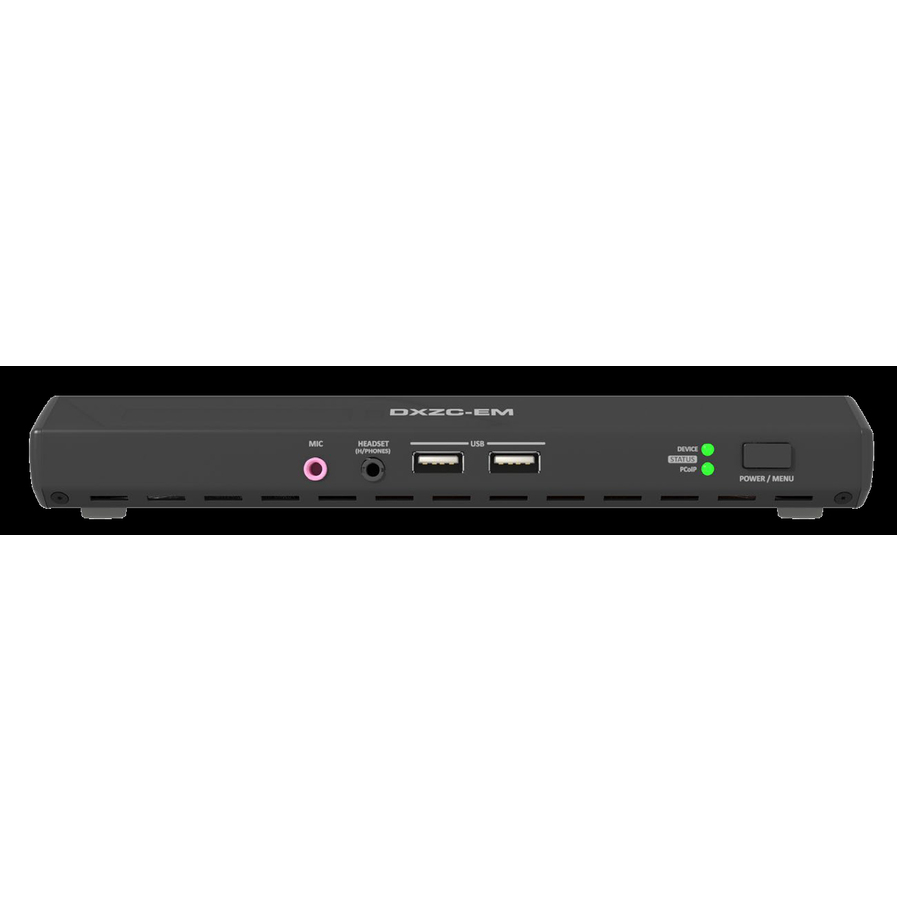
- Amulet HotkeyAmulet Hotkey DXZC-E DXZC-EM Zero Client Tera2321 - TAA Compliant - 512 MB RAM DDR3 SDRAM - Gigabit Ethernet - DisplayPort - Network (RJ-45) - 8 Total USB Port(s) - 6 USB 2.0 Port(s)KT-DXZC-4M11
$775.00
$623.74*
Back-orderedBack-ordered — estimated OEM lead time 3–8 weeks (Nov 18 – Dec 23 if ordered today).
- LG ElectronicsLG CQ600I-6N Thin Client - Intel Celeron N5105 Quad-core (4 Core) 2 GHz - Black - 4 GB RAM DDR4 SDRAM - 16 GB Flash - Gigabit Ethernet - IGEL OS - IEEE 802.11ax - Bluetooth 5.1 - DisplayPort - Network (RJ-45) - 7 Total USB Port(s) - 2 USB 2.0 Port(s) - USB Type-CCQ600I-6N
$1,000.00
$850.00
Back-orderedBack-ordered — estimated OEM lead time 3–8 weeks (Nov 18 – Dec 23 if ordered today).
- Amulet HotkeyAmulet Hotkey DXZC DXZC-MC Zero Client Tera2321 - TAA Compliant - DDR3 SDRAM - Gigabit Ethernet - DisplayPort - Network (RJ-45) - 3 Total USB Port(s) - 3 USB 2.0 Port(s)KT-DXZC-3MC0
$745.00
$599.59*
Back-orderedBack-ordered — estimated OEM lead time 3–8 weeks (Nov 18 – Dec 23 if ordered today).
- LG ElectronicsLG CQ600N-6N Thin Client - Intel Celeron N5105 Quad-core (4 Core) 2 GHz - Black - 4 GB RAM DDR4 SDRAM - 16 GB Flash - Gigabit Ethernet - IEEE 802.11ax - Bluetooth 5.1 - DisplayPort - Network (RJ-45) - 7 Total USB Port(s) - 2 USB 2.0 Port(s) - 4 USB 3.0 Port(s) - USB Type-CCQ600N-6N
$962.50
$818.13
Back-orderedBack-ordered — estimated OEM lead time 3–8 weeks (Nov 18 – Dec 23 if ordered today).

Need pricing on thin clients?
Tell us where to reach you and a Uniqcli specialist will follow up by email with current pricing, availability and lead time for the quantities you need — including parts that aren’t shown on this page.
Buying for an organization or for yourself — both work. No payment up front.
A thin client authenticates, renders a session hosted somewhere else and holds no local data, so what decides the purchase is the broker and protocol the estate already runs — the endpoint has to be a supported client for it, which eliminates most of the field before any hardware specification matters. Displays and resolution per seat come next.
A thin client is bought for the estate, not the desk. The endpoint does very little on purpose: it authenticates, it renders a session hosted somewhere else, and it holds no local data worth stealing. That is the whole argument — a shift, ward, dispatch floor or lab where the same seat is used by different people every few hours is far cheaper to run when the state lives in the data center and the thing on the desk can be swapped in five minutes without a rebuild.
The buying decision is therefore rarely about the endpoint's own specification. It is about which broker and protocol the estate already runs, how many displays and what resolution each seat needs, whether the unit has to disappear behind a display or sit on a wall bracket, and how the fleet will be enrolled and updated. Uniqcli carries thin clients from LG, Lenovo, Amulet Hotkey, Advantech and NComputing; the selection below is what is currently listed with live pricing, and because deployments of this kind are almost always priced by the batch, the fastest route is to send the seat count and let us quote it.
Buyer's checklist
How to choose a thin client for a fleet
- Start from the broker and protocol your estate already runs — the endpoint has to be a supported client for it, and that constraint eliminates most of the field before any hardware specification matters.
- Count displays and resolution per seat: a two-screen 1080p task seat and a two-screen 4K clinical seat are different units, and the output specification is the one place a thin client is genuinely under-bought.
- Decide the form: an all-in-one puts the client behind the panel and removes a box and a cable from the desk; a small-form-factor unit mounts behind an existing display or under the desk and lets you keep the monitors you already own.
- Check the ports you actually need at the seat — smart-card and CAC readers, serial and USB peripherals, and wired networking where wireless is not permitted.
- Plan enrollment and updates before the order: how a unit is imaged, joined and patched at scale is what determines the real cost of the rollout, not the unit price.
- Buy a small spares pool. The operational benefit of a thin client is that a failed seat is a swap rather than a rebuild, and that only holds if a spare is on the shelf.
Where thin clients earn their place
The clearest fit is the shared seat — a workstation used by successive people on successive shifts, where local state is a liability and re-imaging is a recurring cost. Clinical carts and nursing stations, dispatch and control rooms, teaching labs, call floors and public-access terminals all have the same shape: many identical seats, high turnover of users, and a strong preference for a device that can be replaced without a technician's day.
The second fit is the secured estate, where the argument is data residency rather than economics. If nothing is stored at the endpoint, a lost or stolen unit is a hardware loss and not an incident, and the controls that matter — patching, access, logging — collapse back to the hosts you already manage.
Sizing the endpoint honestly
Under-buying shows up at the display, not the processor. A unit that drives two 1080p panels comfortably can stutter on two 4K panels, and a seat that plays video or runs a mapping client will expose that immediately. Read the stated display outputs and maximum resolutions on the specific part number rather than assuming a family behaves uniformly — these lines change between generations.
The rest is mostly peripheral and network reality. Confirm the ports the seat needs, confirm wired networking where policy requires it, and confirm any reader or scanner the workflow depends on is supported by the client software you are standardizing on. Specifications shown on the cards here are read from the manufacturer's own product data for that part number; where a value is not stated, it is left blank rather than estimated.
Buying a thin-client fleet through Uniqcli
Thin-client purchases are batch purchases, so the practical route is a quote rather than a cart. Send the seat count, the broker and protocol, the display requirement per seat and any peripheral constraints, and we will come back with current pricing across the quantity, availability on each line, and a dated lead time on anything back-ordered. Back-ordered rows on this page are still buyable — the lead time is quoted with the line, and we will say plainly if a substitute in stock is the better answer for your timeline.
Every line Uniqcli quotes is sourced through US distribution and screened for TAA country-of-origin and NDAA §889 status before checkout, with documentation tied to the specific part number rather than a product family.
Related reading
FAQ
Common questions
- What is the difference between a thin client and a small desktop?
- A thin client is built to run a session hosted elsewhere: it boots into a client for your broker, stores nothing of consequence locally, and is managed centrally as one of many identical endpoints. A small desktop is a general-purpose computer that happens to be small — it holds local state, needs a full operating-system lifecycle, and is managed as an individual machine. If your seats are shared and your applications already live in the data center, the thin client is the cheaper estate to run.
- Do these thin clients work with my VDI environment?
- That depends on the broker and protocol you run, and the answer belongs to the specific part number rather than the category. Tell us which broker and protocol your estate uses and we will confirm supported client software on the exact models before you order, rather than assuming a family behaves uniformly.
- Most of these show as back-ordered — can I still buy them?
- Yes. A back-ordered line is priced and orderable; it is simply not sitting on a shelf today. Typical replenishment on this category runs about four to six weeks, and we quote a dated lead time with the line so the delivery date is part of the decision rather than a surprise. If your timeline is shorter, ask — we will tell you which comparable units are in stock now.
- Can Uniqcli quote thin clients for a government or education buy?
- Every line Uniqcli quotes is sourced through US distribution and screened for TAA country-of-origin and NDAA §889 status before checkout — with documentation tied to the specific part number, not a product family.
Need thin clients pricing?
Send a bill of materials or part numbers — we confirm stock and a below-market total, with TAA verified on request. No payment up front.