
Short answer
A thin client runs its desktop on a central server or cloud host and stores nothing locally; a thick client — an ordinary desktop PC — runs the operating system and applications on its own CPU and disk. The thin client needs the network and the session back end to do anything at all; the desktop PC keeps working without either, and keeps the data on the desk.
Key facts
- On a thin client the operating system executes on a session host; the endpoint renders the remote desktop and holds no user data.
- On a thick client the operating system, the applications and the user's data all run and sit on the device's own disk.
- A thin client is unusable without the network and the back end, so the link and the session hosts become the availability risk.
- Virtual desktop platforms such as Azure Virtual Desktop supply the session hosts, images and licensing a thin-client estate depends on.
- Because no user data is at rest on the endpoint, a lost thin client is a hardware replacement rather than an endpoint investigation.
- Thin clients typically refresh on a longer cycle, because the endpoint's compute does not have to track application demand.
The whole comparison turns on one question: where does the operating system the user is looking at actually run? On a thick client — an ordinary desktop PC — it runs on the CPU and disk in front of them. On a thin client, it runs on a server in a data centre or a cloud region, and the device on the desk is a display, a keyboard path and a network connection that renders a remote session.
That single difference decides most of the rest. A thin client stores no user data, so a stolen or failed unit is a hardware replacement rather than an incident. It refreshes on a longer cycle because the compute it needs does not change when the application does. It is also useless without the network and the back end behind it, so the money you save on the endpoint reappears as servers, licences, capacity planning and a link that has to stay up.
In practice the decision is rarely made per desk. It is made per role: call centres, shift-based clinical workstations, training rooms and secure areas suit thin clients; engineers, designers, field staff and anyone who works offline do not. Both device types can exist in the same building, and in most estates they do.
At a glance
Side by side
| Factor | Thin client | Thick client (desktop PC) |
|---|---|---|
| Where the OS runs | On a server or cloud host; the endpoint renders a remote session | Locally, on the device's own CPU and disk |
| Local storage | Minimal flash for firmware and the client; no user data at rest | A full local disk holding the OS, applications and user data |
| Offline behaviour | Nothing works without the network and the session host | Works with no network for anything that does not need one |
| What a lost unit costs | A hardware replacement; the session and its data stay in the data centre | An endpoint investigation, because the data was on the device |
| Refresh cycle | Longer — endpoint compute does not track application demand | Shorter — the applications run here, so the hardware ages against them |
| Peripheral support | Redirection depends on the protocol and the back end; test before promising | Native, and everything the OS supports works |
| What has to exist behind it | Session hosts, storage, licensing, capacity planning and a reliable link | Nothing beyond ordinary endpoint management |
| Management model | Central image, one place to patch, endpoint configuration is minimal | Per-device imaging, patching and configuration across the estate |
| Failure blast radius | A back-end outage stops every user on it at once | A device failure stops one user |
Choose a thin client when
- The role is shift-based or shared — call centres, clinical workstations, training rooms, front counters
- Data must not sit on the endpoint, and a lost or stolen device should not be an investigation
- The application set is standard across many users and changes centrally rather than per desk
- You already run the virtual desktop or session back end and are adding seats to it
Choose a desktop PC when
- The work is local and heavy — CAD, media, development builds, large local data sets
- Users have to keep working when the network or the back end is unavailable
- Specialised peripherals, capture hardware or licence dongles have to attach directly
- There is no virtual desktop platform today, and standing one up costs more than the endpoints save
Bottom line
Thin clients move cost and risk off the desk and into the data centre; they do not remove either. Where the estate already runs a virtual desktop or session platform, a thin client is cheaper to secure, longer to refresh and simpler to replace, and the endpoint stops being where the data lives. Where that platform does not exist, the honest comparison is not endpoint against endpoint but endpoint against endpoint-plus-servers-plus-licences-plus-network, and an ordinary desktop PC usually wins. Decide per role rather than per site: the same building can run thin clients on the shift floor and full desktops in engineering without either choice being wrong.
Products for this decision
Tiny thin client
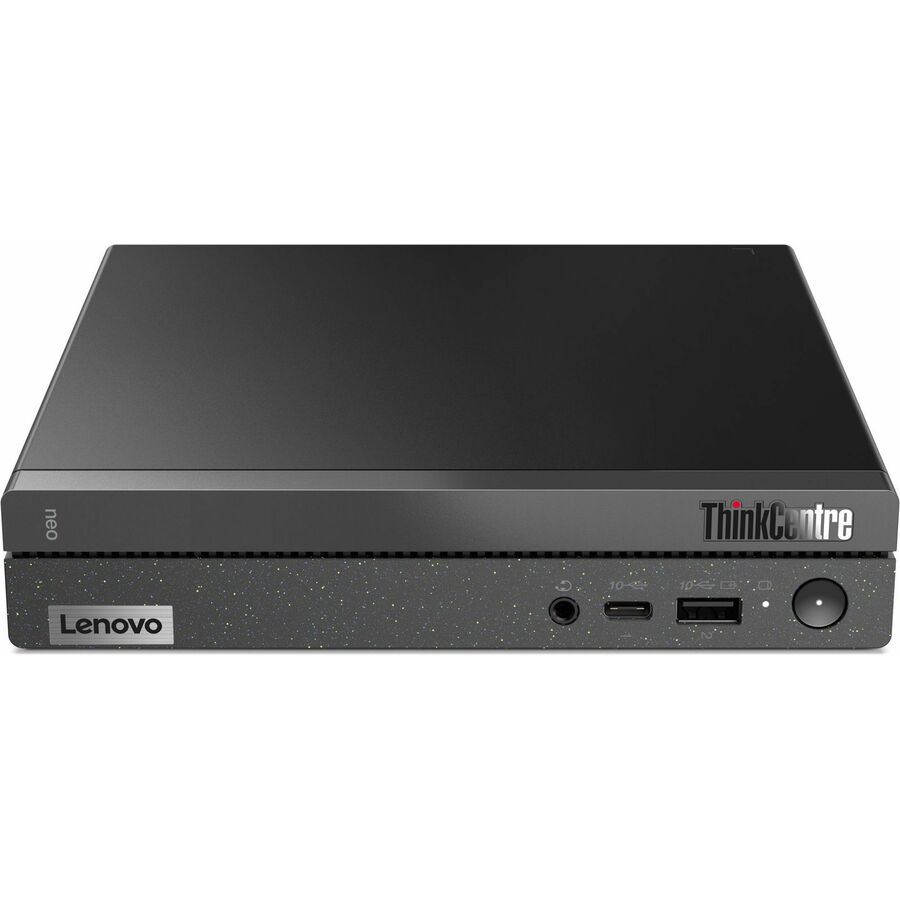
Lenovo
Lenovo ThinkCentre neo 50q Gen 4 12M2000PUV Tiny Thin Client Celeron…
12M2000PUV
A Lenovo ThinkCentre neo 50q Gen 4 thin client with 8 GB of memory in a tiny chassis — the shift-floor endpoint that renders a session and stores nothing.
Request pricingARM, RDP
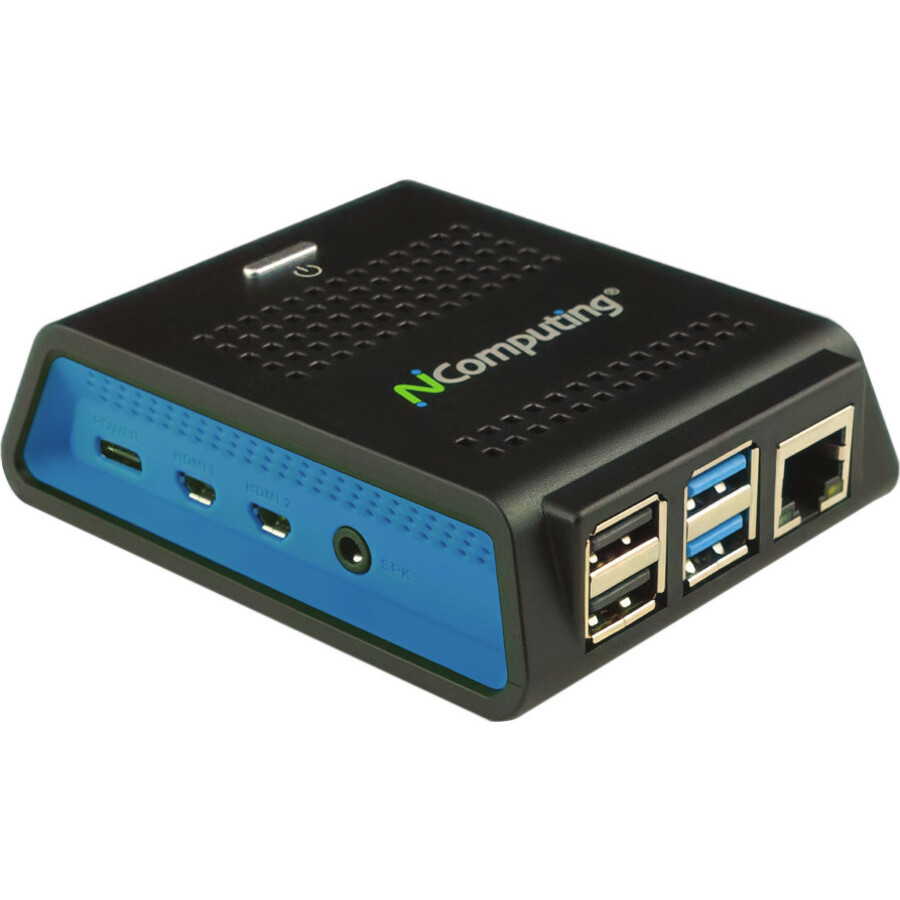
NComputing
NComputing RX420 (RDP) Thin Client Cortex A72 BCM2711 Quad-core…
RX420-RDP
An NComputing RX420 running an RDP client on a quad-core ARM platform with gigabit Ethernet and Wi-Fi, for a fixed-function seat on a Windows session host.
$239.84In stockThe thick client
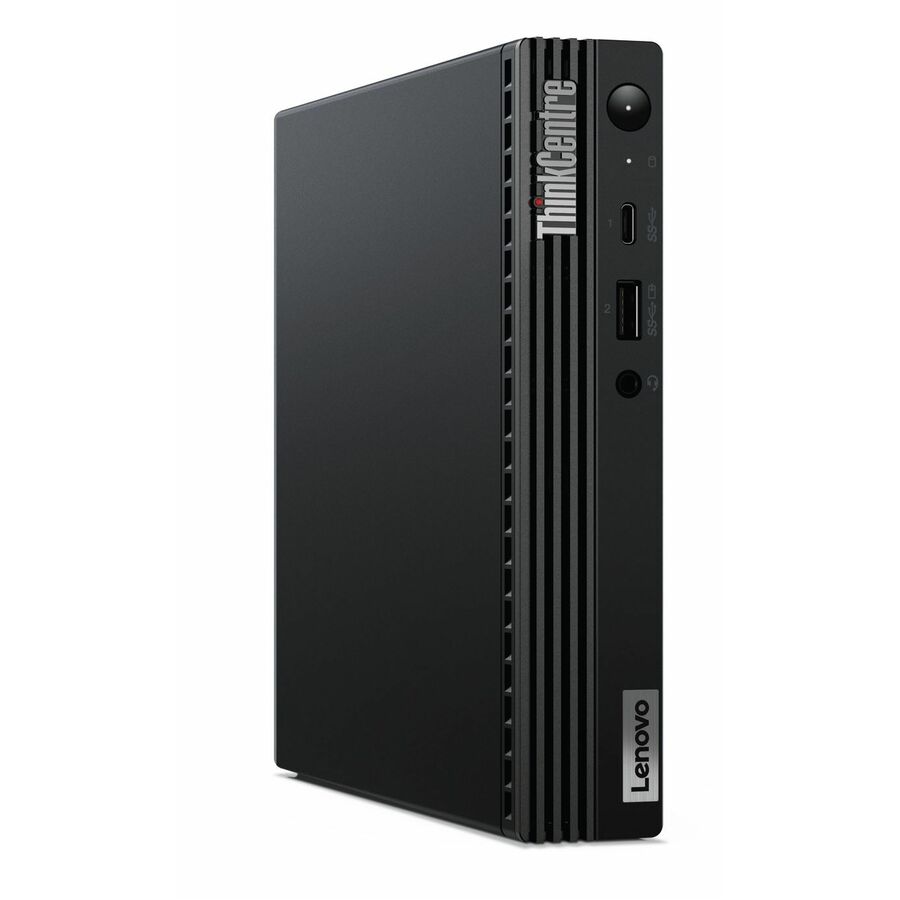
Lenovo
Lenovo ThinkCentre M75q Gen 2 11JN008FUX Desktop Computer
11JN008FUX
A Lenovo ThinkCentre M75q Gen 2 tiny desktop with a Ryzen 3 PRO processor and NVMe storage — the same footprint, running the OS locally.
Specify memory and storage against the applications that will run on the device itself.
$582.99Back-orderedFAQ
Common questions
- Can a thin client be used as a PC?
- Not in the usual sense. A thin client has enough local compute to run its own client software and render a remote session, and that is the design intent; it is not sized to run desktop applications locally. Some models can run a local browser or a small application set, but treat that as a bonus rather than the reason to buy one.
- What are the downsides of thin clients?
- They concentrate risk. Nothing works without the network and the session back end, so a link failure or a host outage stops every user at once instead of one. Peripheral redirection is protocol-dependent and has to be tested rather than assumed, and the servers, storage and licences behind the estate are a real cost that the endpoint price does not show.
- Are thin clients still a thing?
- Yes, and the reason is the back end rather than the hardware. Virtual desktop and session platforms are widely deployed, and wherever one is in place a thin client is the cheapest endpoint to secure and the simplest to replace. Where no such platform exists, an ordinary desktop PC remains the better answer.
- Is a Raspberry Pi a thin client?
- A small ARM board can be turned into one by installing a session client on it, and several vendors ship purpose-built ARM thin clients on that basis. What separates a product from a project is the firmware lifecycle, the management agent, the warranty and the vendor's support for the session protocol — none of which a bare board comes with.
- What is the difference between a thin client and a zero client?
- A thin client runs a small local operating system that hosts a session client, so it can be updated and can usually speak more than one protocol. A zero client has effectively no local OS and is built around a single protocol in firmware, which makes it simpler and more locked down but ties the endpoint to that back end.
Sources
- 1.Microsoft Learn — Azure Virtual Desktop overviewlearn.microsoft.com
- 2.NIST SP 800-125 — Guide to Security for Full Virtualization Technologiescsrc.nist.gov