
Short answer
A thin client is an endpoint with minimal local storage that runs its desktop from a central VDI or DaaS server: the processor, memory and files stay in the data center and only the display-protocol session runs on the device. Choose one when desktops are centrally managed and data must not sit on the endpoint; choose a PC when the work is graphics-heavy or has to run offline.
Key facts
- A thin client boots a minimal local operating system, reaches a connection broker, and renders a session whose CPU, memory and files live on a server.
- The four display protocols to match at procurement are Microsoft RDP, Citrix HDX over ICA, Teradici PCoIP and Omnissa Blast Extreme.
- Common thin-client operating systems are IGEL OS, HP ThinPro, Dell Wyse ThinOS, ChromeOS and Windows IoT Enterprise, each with its own management console.
- A zero client is firmware-based and tied to one protocol; a thin client runs a configurable local OS that can be updated and policy-managed.
- With the broker or backend unreachable, a thin client has no local desktop to fall back on, so network and backend redundancy are part of the deployment.
By Uniqcli Team
A thin client is a lightweight, low-power endpoint device that relies on a remote server to run applications and store data, rather than doing that work locally. Instead of a full desktop's processor, disk, and installed software, a thin client runs just enough software to connect to a centralized virtual desktop or published application, display it on screen, and send keyboard, mouse, and peripheral input back to the server.
This model — usually delivered through Virtual Desktop Infrastructure (VDI) or Desktop as a Service (DaaS) — shifts computing off the endpoint and into a datacenter or cloud. Because the device itself holds little or no data and runs a minimal operating system, thin clients are common in environments that prioritize security, central management, and standardized workspaces, such as government agencies, healthcare providers, and call centers.
How does a thin client work?
A thin client boots a small local operating system or firmware whose main job is to establish a connection to a remote session. On startup it reaches a connection broker, which authenticates the user and assigns a virtual desktop or a published application running on a server in a datacenter or cloud. All the real work — the CPU, memory, applications, and stored files — lives on that server, not on the device in front of the user.
A remote display protocol carries the session between the two. The server streams the screen (as encoded pixels or drawing instructions) down to the endpoint, and the endpoint sends keyboard, mouse, and peripheral input back up. Common protocols include Microsoft RDP, Citrix HDX (which runs over the ICA protocol), Teradici PCoIP, and Blast Extreme (the protocol used by Omnissa Horizon, formerly VMware Horizon). Because the endpoint is essentially a display-and-input terminal, its hardware can be modest — a low-power CPU, a few gigabytes of RAM, a small flash module instead of a hard drive, and often a fanless, compact chassis.
Thin client vs. thick client (PC): what's the difference?
A thick client — also called a fat client or, more plainly, a standard PC — does its own processing and stores its own applications and data locally. It can run software and work with files whether or not it is connected to a network. A thin client inverts that: processing and storage are centralized on a server, and the endpoint mostly renders the result. The practical differences are data location, management model, and dependency on the network.
The trade-offs follow from that split. A PC gives you full local performance and offline capability, but each unit is an independent system to patch, secure, and back up, with data sitting on the device itself. A thin client keeps data and applications in the datacenter — reducing what is exposed if a device is lost or stolen and letting IT manage the fleet centrally — but it depends on a working network and backend to be useful, and it is a poor fit for heavy local graphics or genuinely offline work.
What are the types of thin clients?
The term covers a few distinct designs. A traditional thin client runs a lightweight, configurable local operating system — usually a hardened Linux build, a Windows IoT/embedded edition, or a vendor's proprietary OS — that you can update and manage. A zero client goes further by stripping the endpoint down to firmware tied to a specific display protocol; there is almost no local OS to configure or patch, which shrinks the attack surface and simplifies management, at the cost of flexibility.
Two other variants are worth knowing. A cloud or browser-based client uses a web browser as the endpoint to reach a virtual desktop delivered over HTML5, which lets a wide range of devices connect without dedicated software. A software thin client is a repurposed PC or laptop converted with a thin-client operating system, so existing hardware can behave like a managed endpoint and extend its useful life. Which type fits depends on your security posture, how much local flexibility you need, and whether you are buying new hardware or reusing what you own.
When should you use a thin client?
Thin clients suit task-based, standardized work: a defined set of applications, used by many people, where consistency and central control matter more than local horsepower. They are a strong fit where compliance drives data control — keeping information off the endpoint and inside the datacenter — and where shared, shift-based, or roaming workstations are the norm. Government agencies use them for data control and smart card (CAC/PIV) sign-in; healthcare providers use them for shared clinical workstations and roaming sessions that follow a clinician between rooms; call centers use them because devices are uniform, locked down, and quick to swap if one fails.
They are a weaker fit for workloads that need heavy local processing or GPU power, for staff who work offline or in the field, and for anything highly latency-sensitive where a network round trip degrades the experience. The honest way to decide is to profile the actual workloads: if most users run standard business applications over a reliable network, thin clients tend to reduce endpoint risk and management effort; if a meaningful share need local performance or mobility, a mixed fleet is usually more realistic than an all-thin one.
What should you consider when buying thin clients?
Start with protocol compatibility: the device must support the display protocol your VDI or DaaS broker uses, or sessions will not connect well. Then match the endpoint hardware to the work — number and resolution of monitors (including 4K decode), the ports users need, wired versus Wi-Fi, and support for peripherals such as smart card/CAC readers, scanners, signature pads, or offloaded/optimized unified-communications clients for Teams or Zoom. Check the local OS type and, importantly, its support and update lifecycle, along with security features like secure boot, a TPM, and a read-only or locked-down OS image.
Two factors are easy to underweight. First, fleet management: a good central console for imaging, configuration, and remote updates is often what makes a large deployment sustainable, so weigh the software as heavily as the hardware. Second, total cost of ownership — a thin client's purchase price is only part of the picture, because the model also requires backend VDI/DaaS licensing and server infrastructure. Evaluate the endpoint, the backend, and the network together rather than comparing device prices in isolation, and plan network and datacenter redundancy, since availability of the central session is what the whole experience depends on.
Key takeaways
- Thin clients move compute and data to a central server (via VDI or DaaS); the endpoint mostly renders a remote session and passes input back.
- Security benefit: little or no data at rest on the device, a smaller local attack surface, and centralized patching and control.
- Management benefit: fleets are configured, updated, and reimaged centrally, which lowers per-seat administration effort at scale.
- They depend on network and datacenter availability — plan redundancy; poor connectivity, offline use, and heavy local graphics are weak spots.
- Match the device's supported display protocol to your broker, and confirm it handles required peripherals (CAC/smart card readers, UC offload, 4K displays).
- Evaluate total cost — endpoint plus backend licensing and servers — not the endpoint price alone.
Shop it at Uniqcli
Parts for this job
RDP endpoint
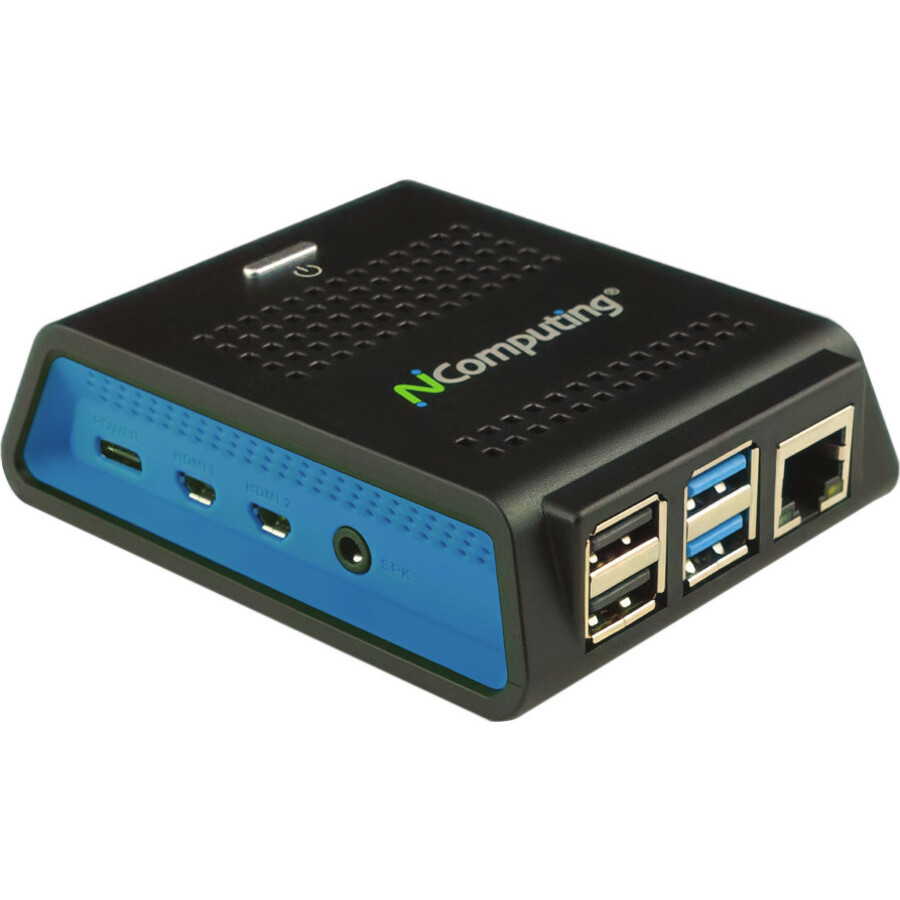
NComputing
NComputing RX420 (RDP) Thin Client Cortex A72 BCM2711 Quad-core…
RX420-RDP
A compact quad-core ARM thin client with gigabit Ethernet, Wi-Fi and four USB ports, built around an RDP session — the low end of a centrally brokered deployment.
$239.84In stockWindows IoT Enterprise
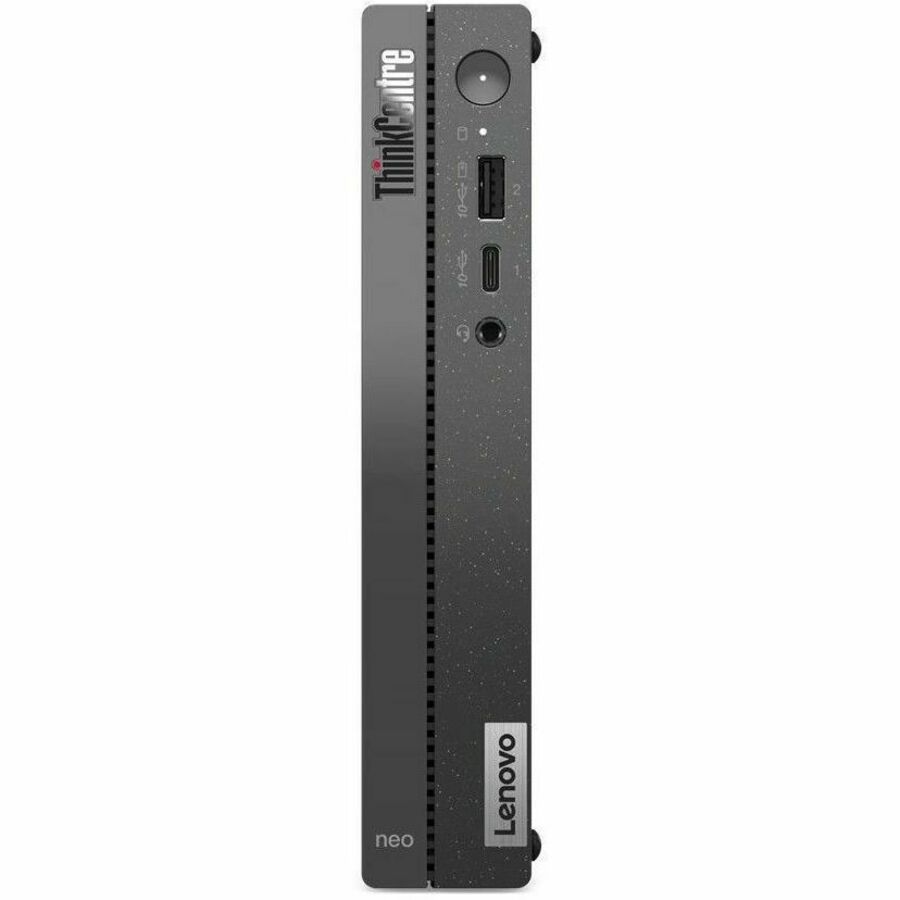
Lenovo
Lenovo ThinkCentre neo 50q Gen 4 12M50003US Tiny Thin Client
12M50003US
A tiny-form x86 thin client with 8 GB of memory running Windows IoT Enterprise, for sites whose peripheral redirection or client software expects a Windows endpoint.
Request pricingAll-in-one
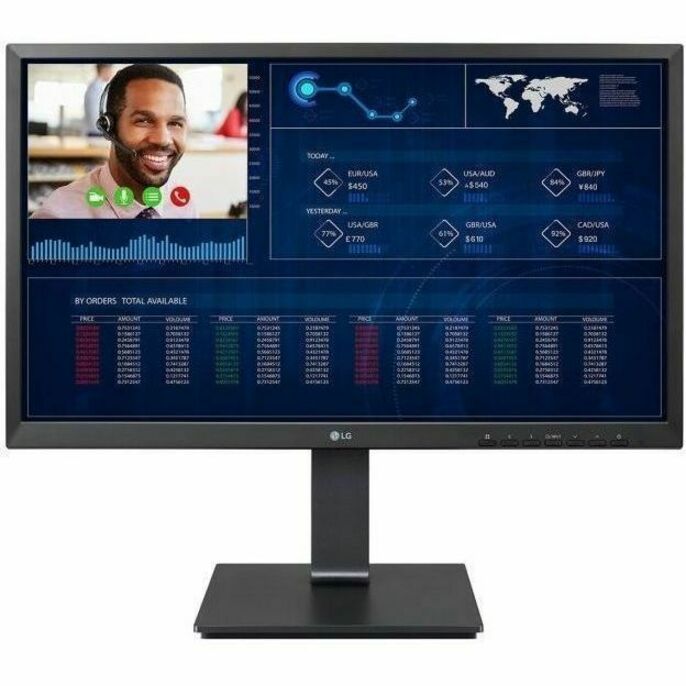
LG Electronics
LG 24CN650N-6A All-in-One Thin Client
24CN650N-6A
A 23.8-inch full-HD all-in-one thin client with seven USB ports, for a desk where one power feed and one network drop is the whole install.
$935.00Back-orderedFrequently asked
- What operating system does a thin client run?
- It runs a small local operating system whose job is to establish and render a remote session, and the common ones are IGEL OS, HP ThinPro, Dell Wyse ThinOS, ChromeOS and Windows IoT Enterprise. Each comes with its own management console, and that console — not the hardware — is usually the decision: a fleet already managed from one of these platforms should stay on it. The exception is a zero client, which runs firmware tied to a single protocol rather than an operating system, and which is configured from the broker side instead.
- What do I need in a thin client for VDI?
- Match the display protocol first: the endpoint has to decode whichever of RDP, Citrix HDX over ICA, Teradici PCoIP or Omnissa Blast Extreme your deployment uses, and hardware decode for that protocol is what determines whether video and scrolling feel right. After that, count the peripheral redirection you actually need — smart-card readers, signature pads, scanners, USB headsets, dual displays and their resolutions — because that is the second thing that stops a rollout. The desktop's own CPU and memory live on the server, so endpoint specifications beyond those two rarely change the user's experience.
- Is a thin client the same as a Chromebook?
- Not exactly. A Chromebook is a full endpoint that runs a local browser-based OS and can work offline. A browser can act as a 'cloud client' to reach a virtual desktop, but a traditional thin client is a purpose-built device whose primary job is to connect to and display a remote session hosted on a server.
- Do thin clients work without a network connection?
- Generally no. Because applications and data live on the remote server, a thin client needs a reliable connection to the datacenter or cloud to be useful. This is why network and backend redundancy are important parts of any thin-client deployment.
- What is the difference between a thin client and a zero client?
- A thin client runs a small local operating system that you can configure and update. A zero client is firmware-based and typically tied to a single display protocol, with almost nothing to manage or patch locally — which reduces its attack surface and admin overhead but offers less flexibility.
- Are thin clients more secure than PCs?
- They can reduce specific risks — little or no local data at rest, a smaller local attack surface, and centralized control and patching. But overall security depends on the whole stack, including the VDI/DaaS backend, the network, and identity and access controls, not the endpoint alone.
Sources
Keep reading