
Best Lenovo Desktop Computers for Business and Engineering Teams
ThinkCentre Tiny, small-form-factor, tower and all-in-one business desktops, plus Legion towers for compute-heavy and creator workloads.
Lenovo desktops in stock at Uniqcli
How to choose →A curated selection with live pricing — in-stock lines first, then back-ordered lines with a typical lead time. Every line is sourced through US distribution and screened for NDAA §889 status before checkout, with TAA verified on request.
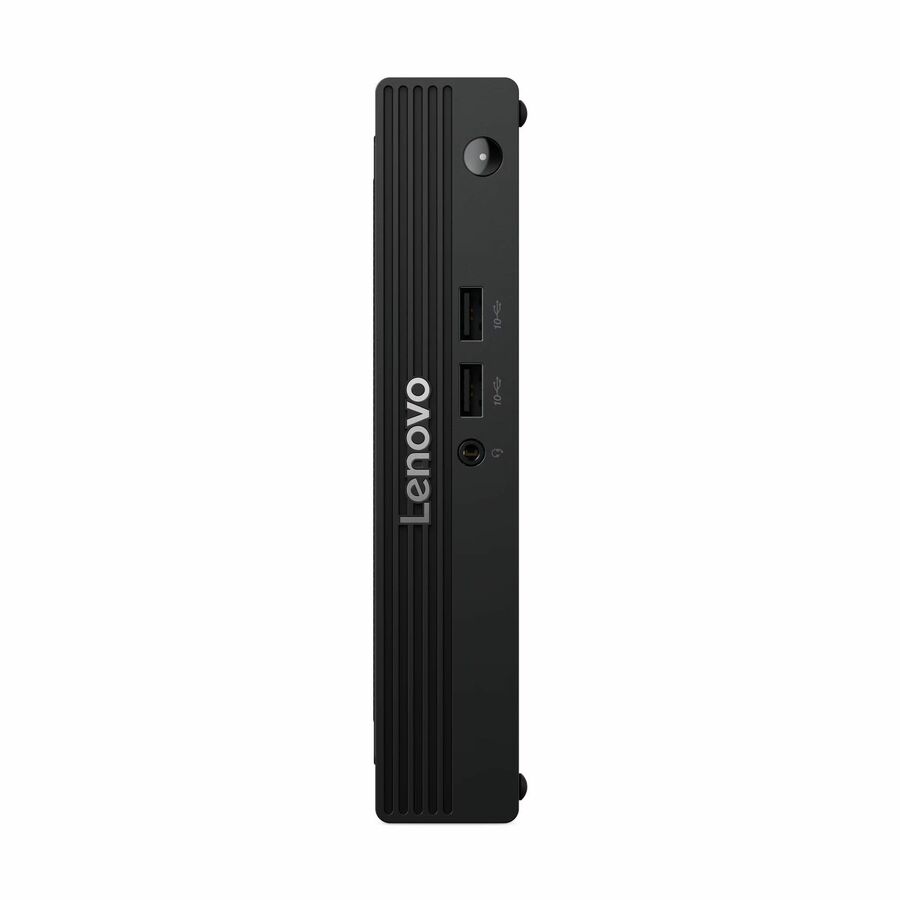
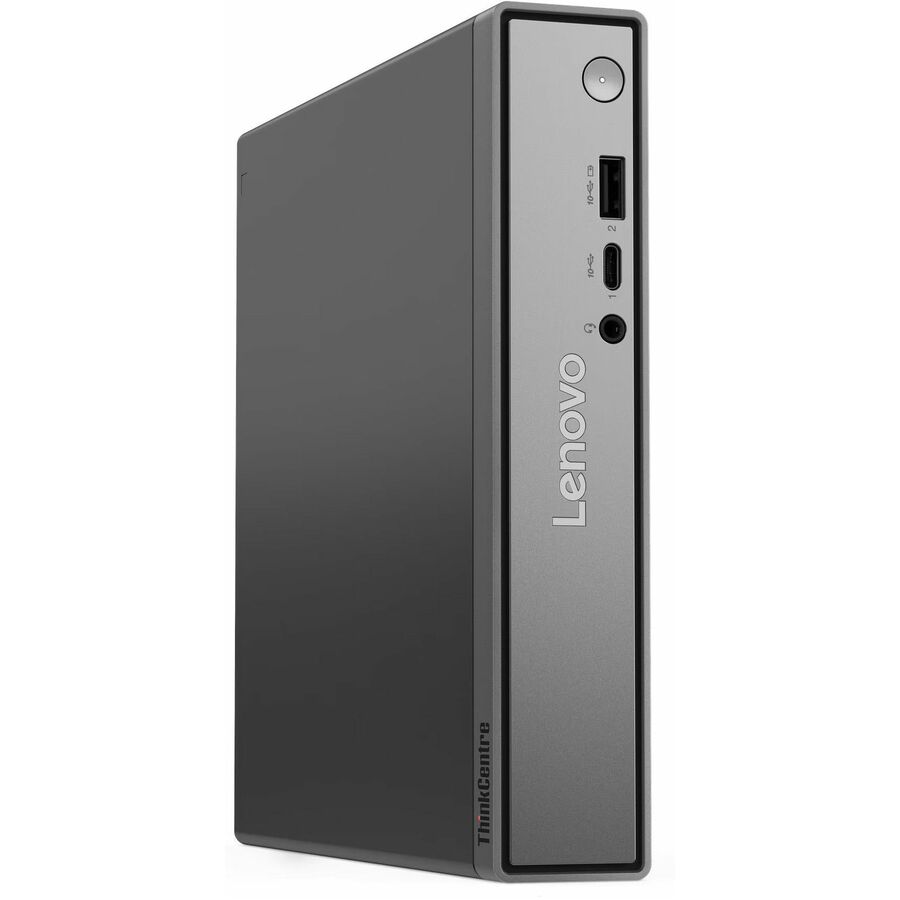
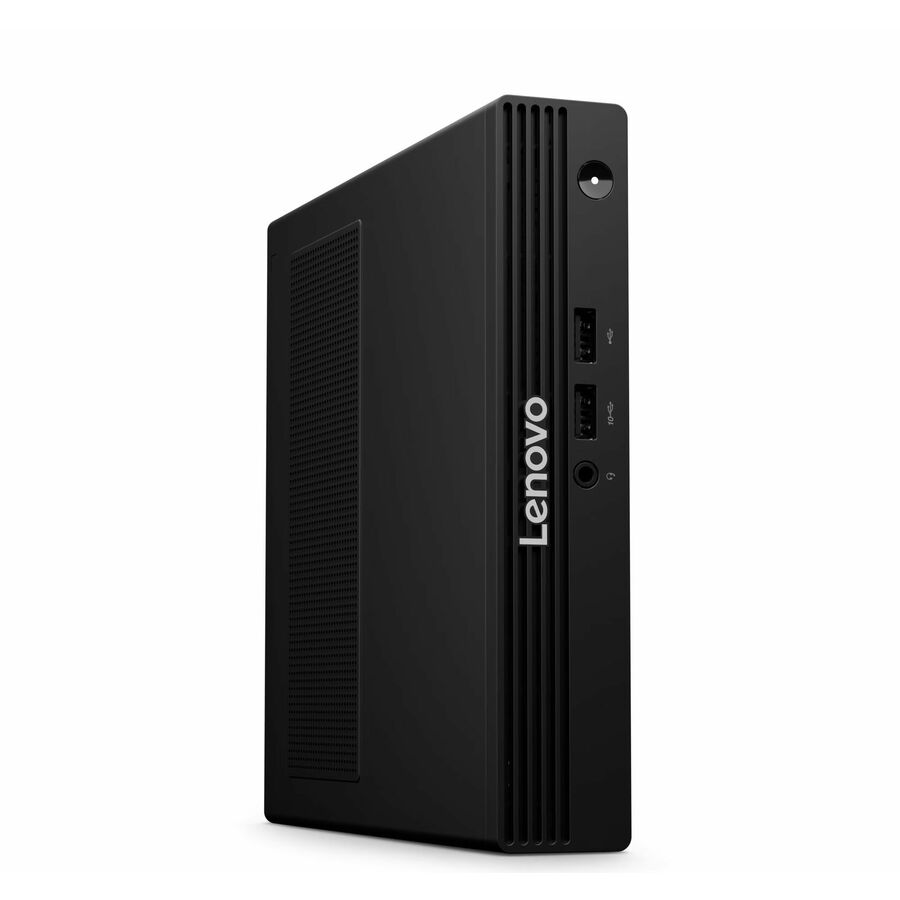
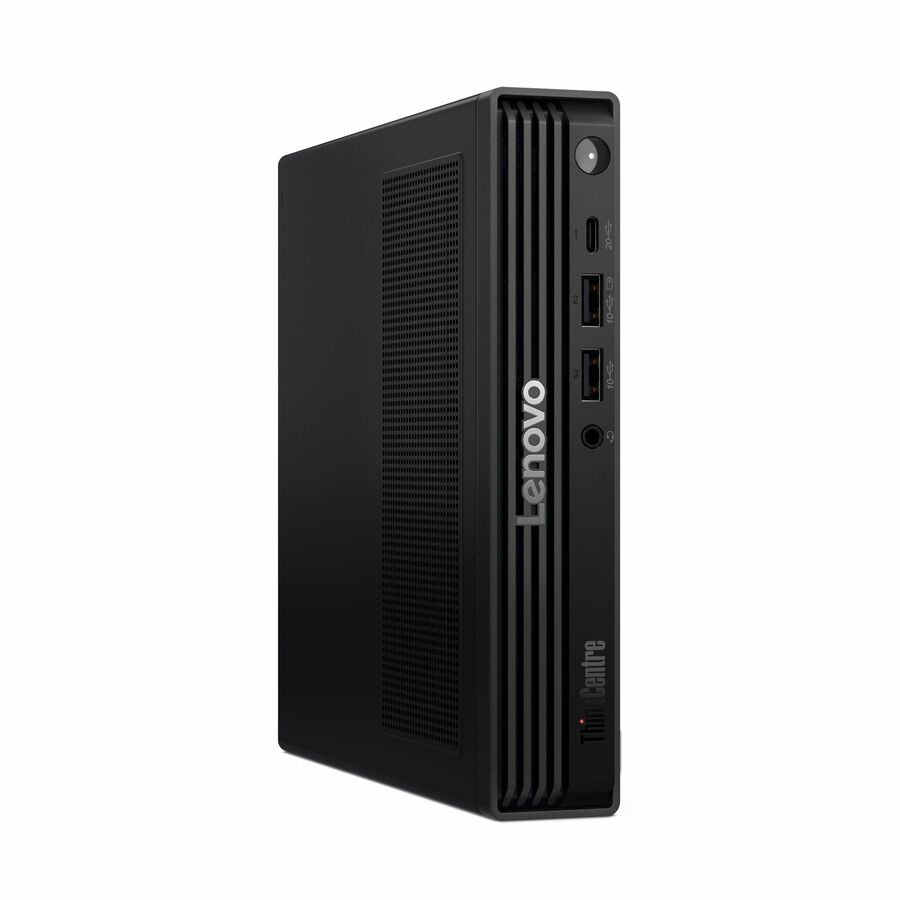
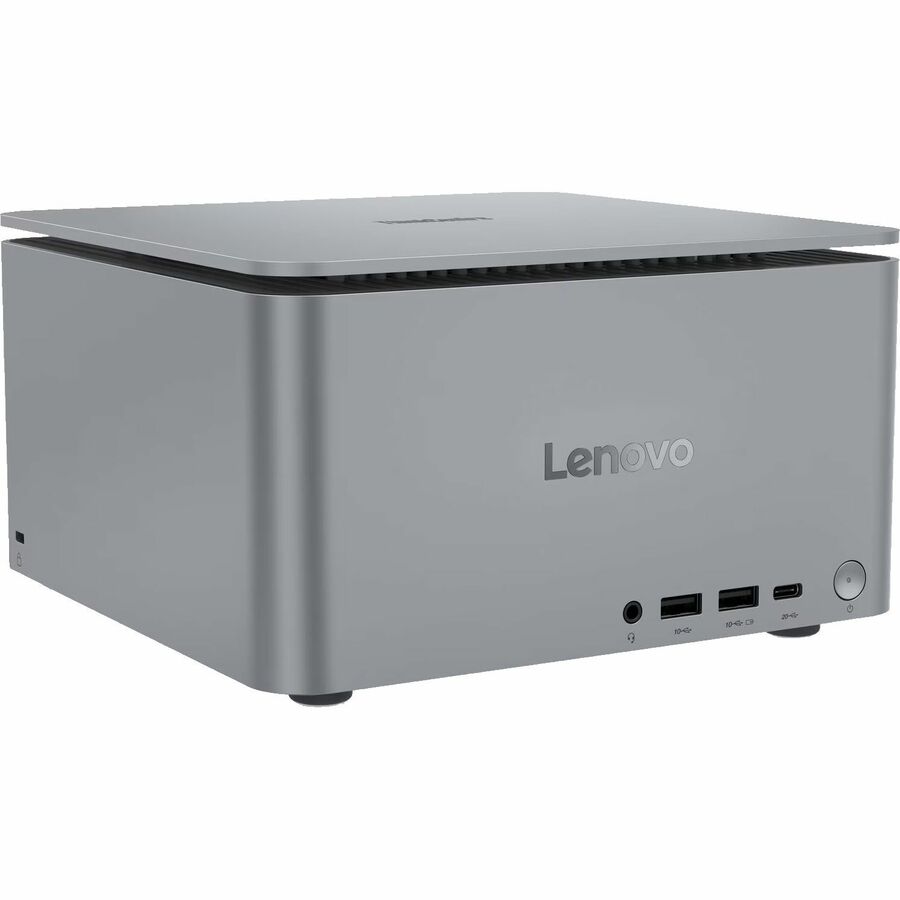
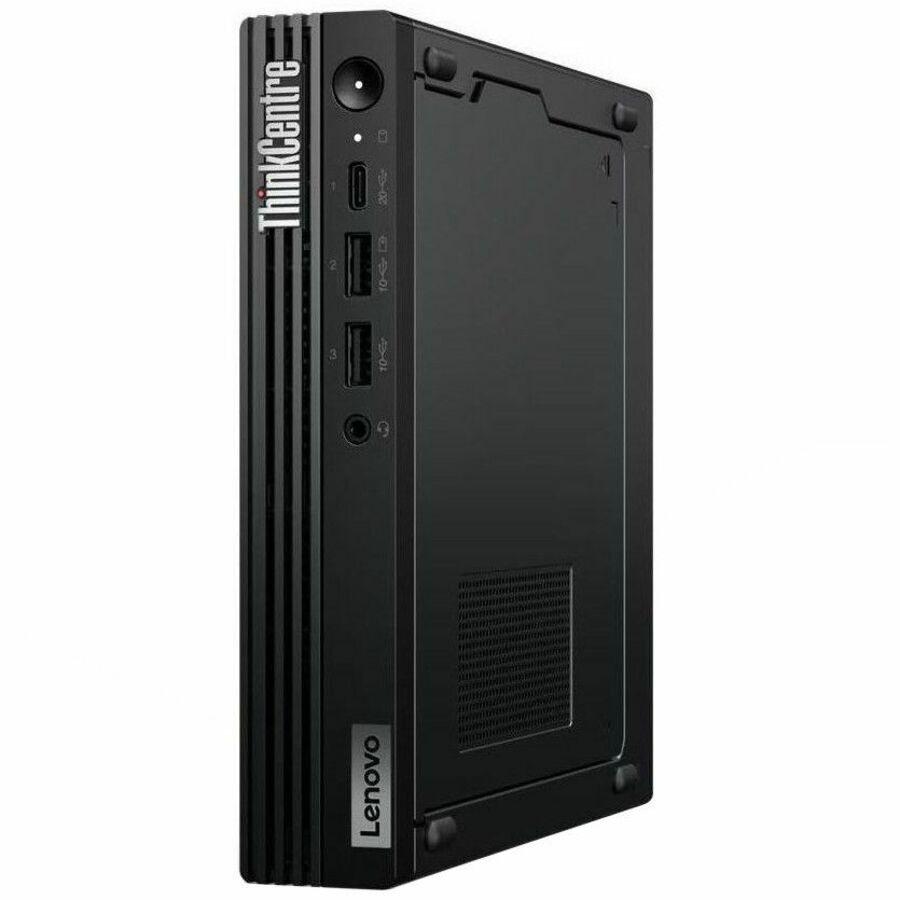
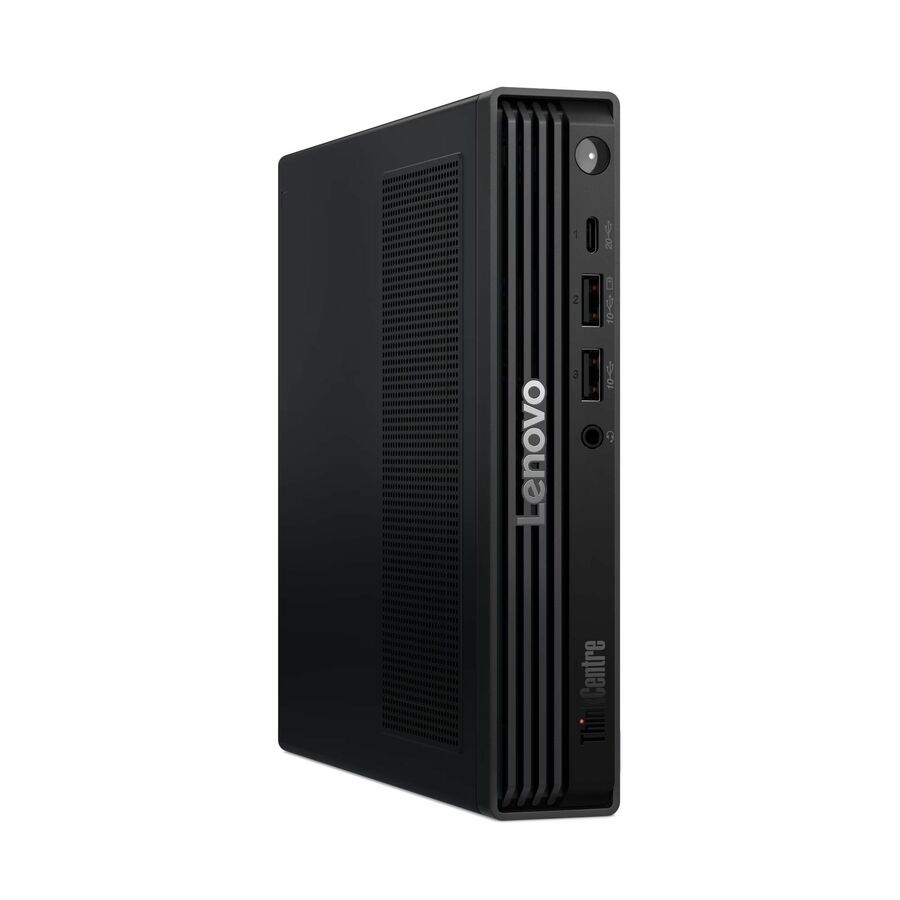
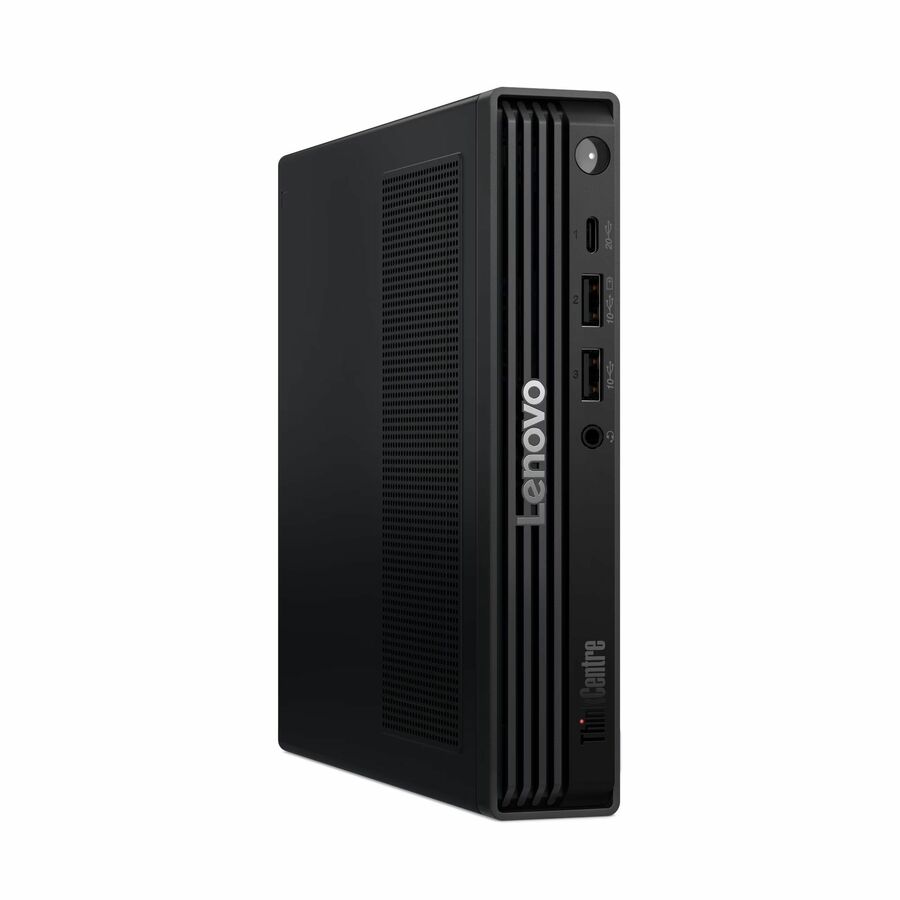
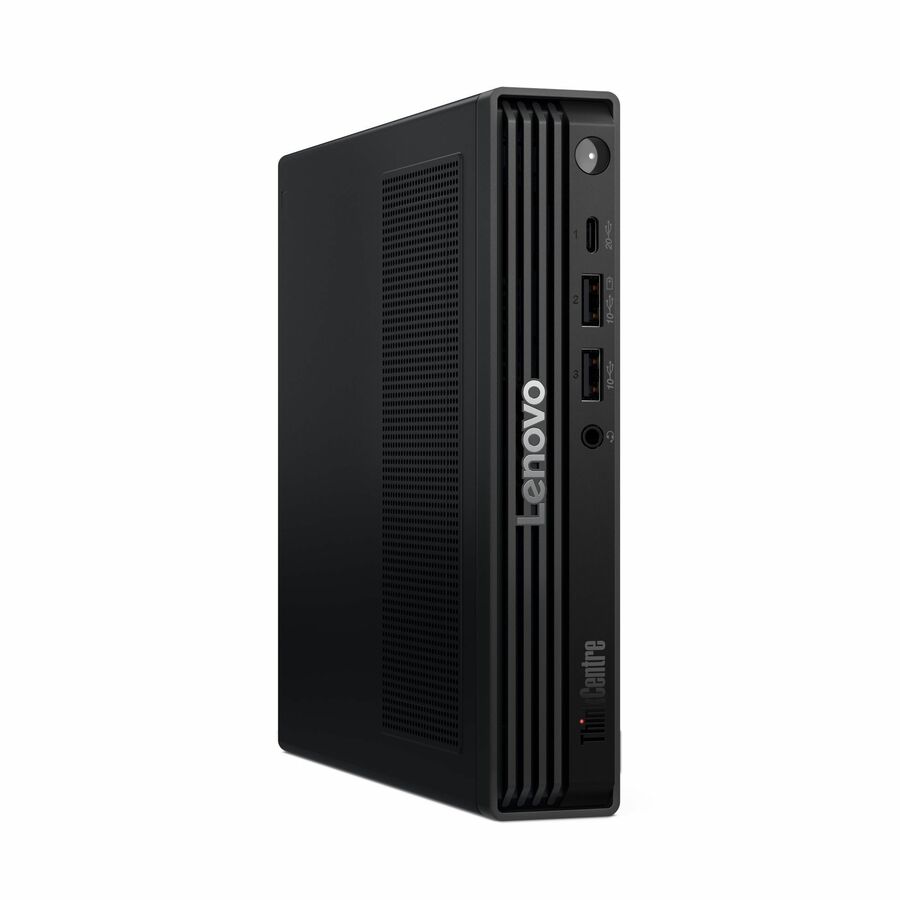
- LenovoLenovo ThinkCentre neo 55q Gen 6 13GN0017US Desktop Computer - AMD Ryzen 5 220 - 16 GB - 512 GB PCI Express NVMe 4.0 x4 SSD - Tiny - Black - AMD Chip - Windows 11 Pro - AMD Radeon 740M Graphics DDR5 SDRAM - English (US) Keyboard - Wi-Fi 7 (IEEE 802.11be) - 90 W13GN0017US
$1,339.00
$1,194.61
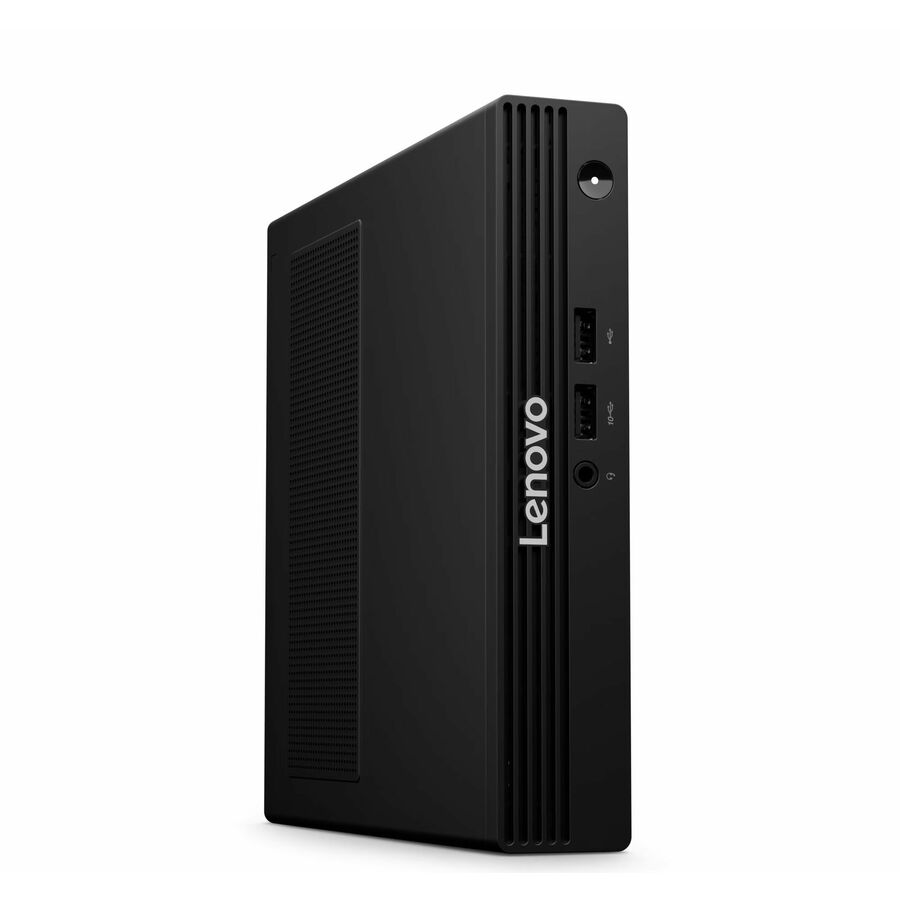
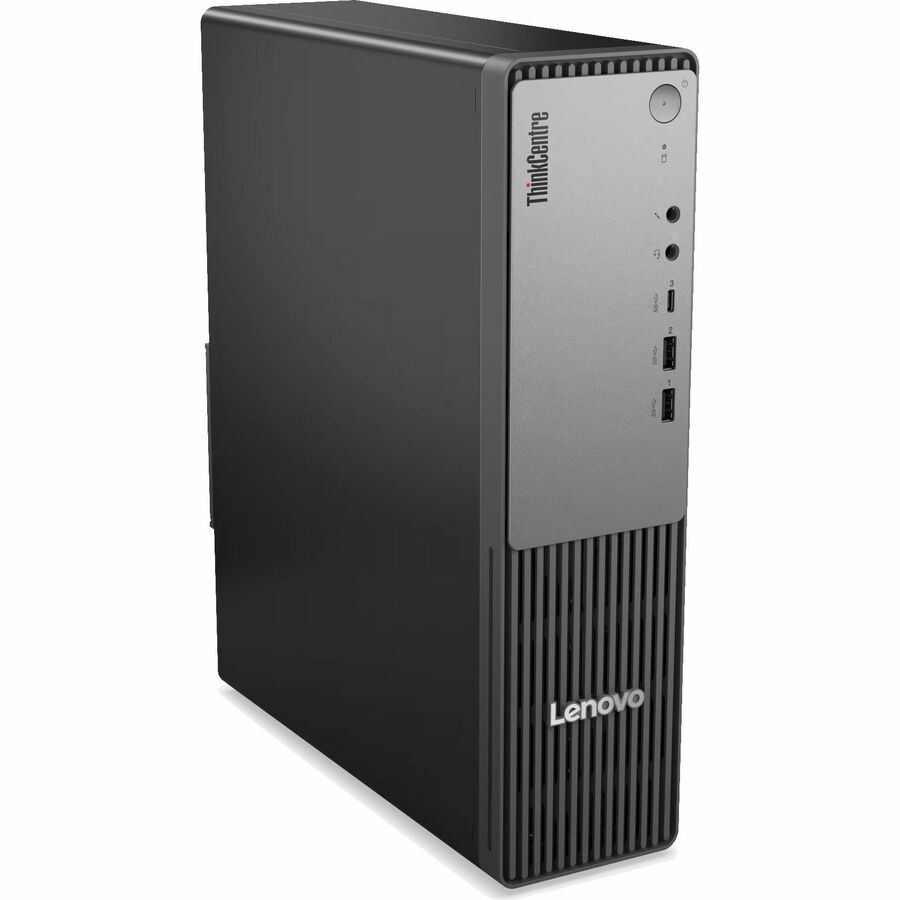
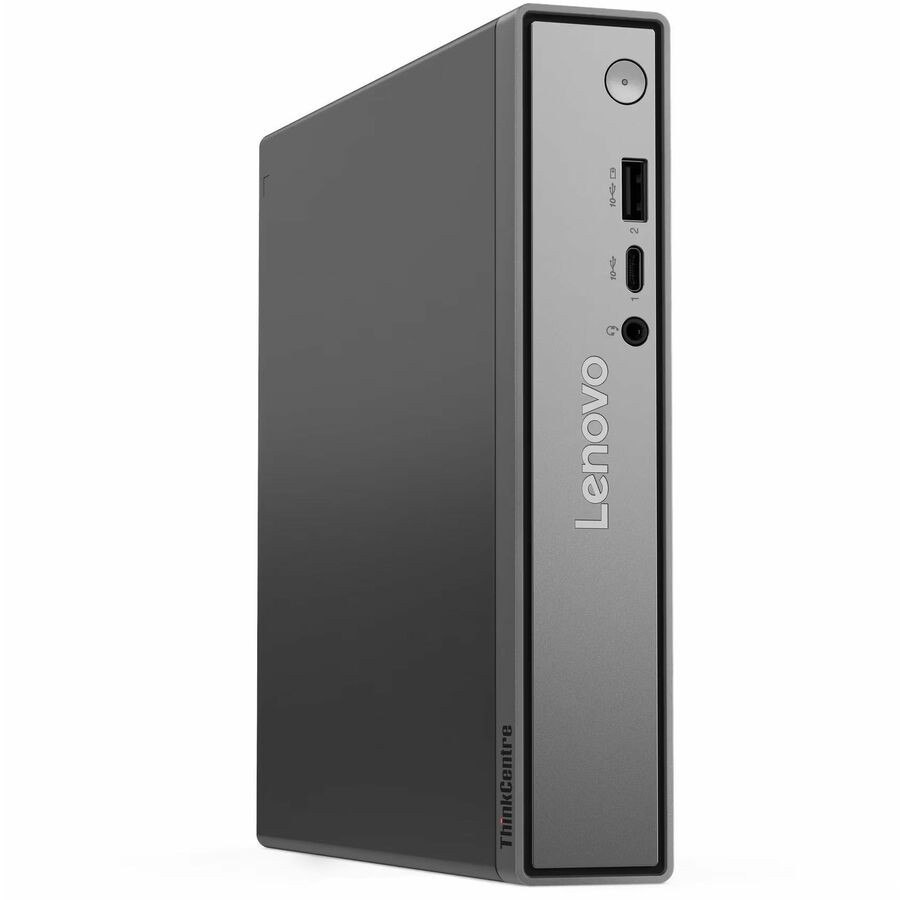
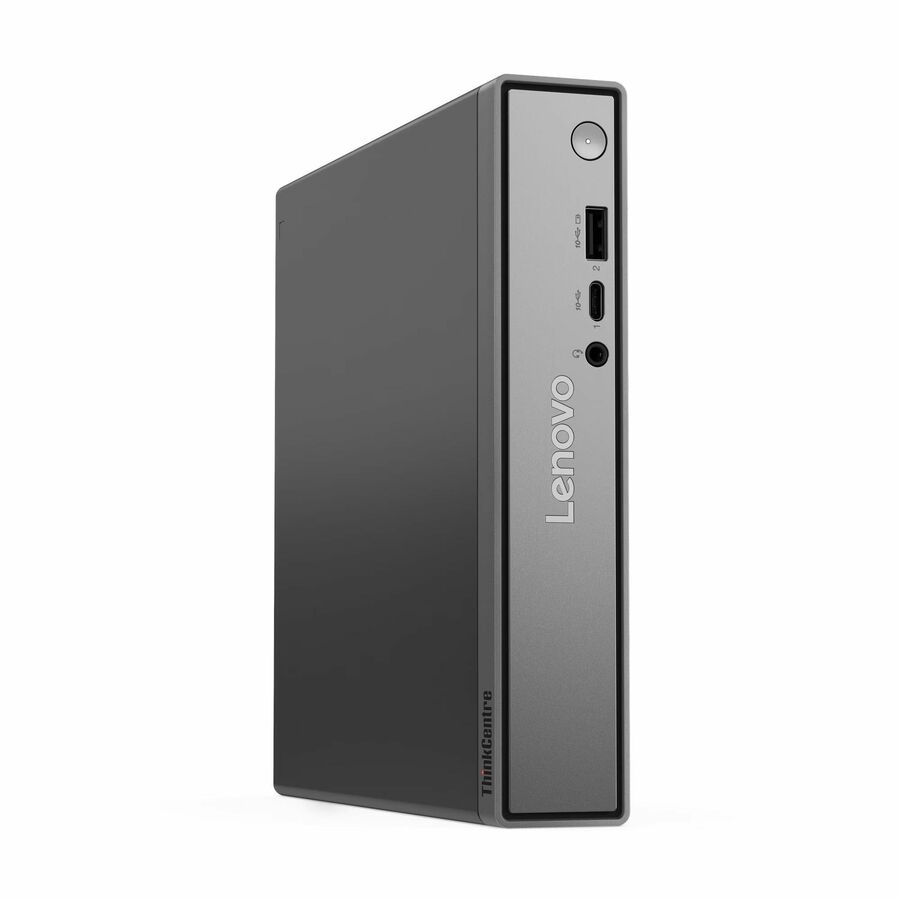
3 in stock - LenovoLenovo ThinkCentre neo 55q Gen 6 13GN004AUS Desktop Computer - AMD Ryzen 7 Ryzen 200 Series 250 - 16 GB - 512 GB PCI Express NVMe 4.0 x4 SSD - Tiny - Black - AMD Chip - Windows 11 Pro - AMD Radeon 780M Graphics DDR5 SDRAM - English (US) Keyboard - Wi-Fi 6 (IEEE 802.11ax) - 90 W13GN004AUS
$1,399.00
$1,317.58
76 in stock

More desktops in the Uniqcli catalog
See all 4,766 desktopsMore Lenovo first — closest to what you were just looking at; “See all desktops” above opens every other brand in the category. In-stock lines lead, and a back-ordered line carries the same estimated availability its product page does — with live pricing throughout, NDAA §889 screening before checkout and TAA verified on request.
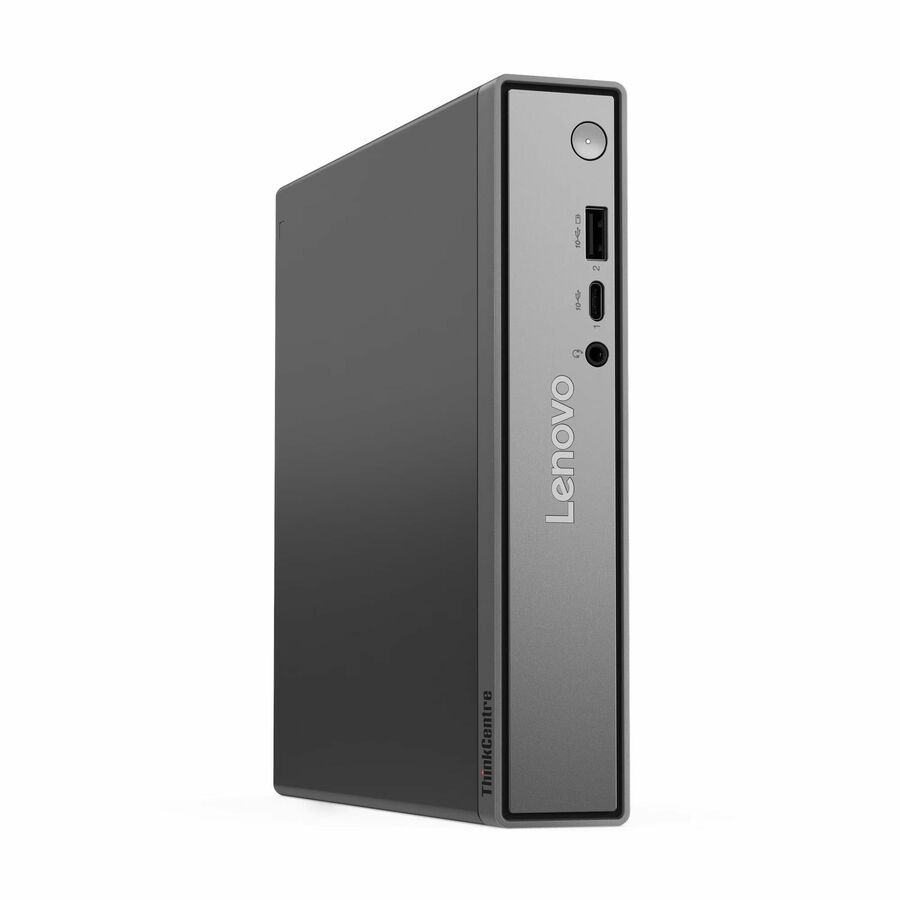
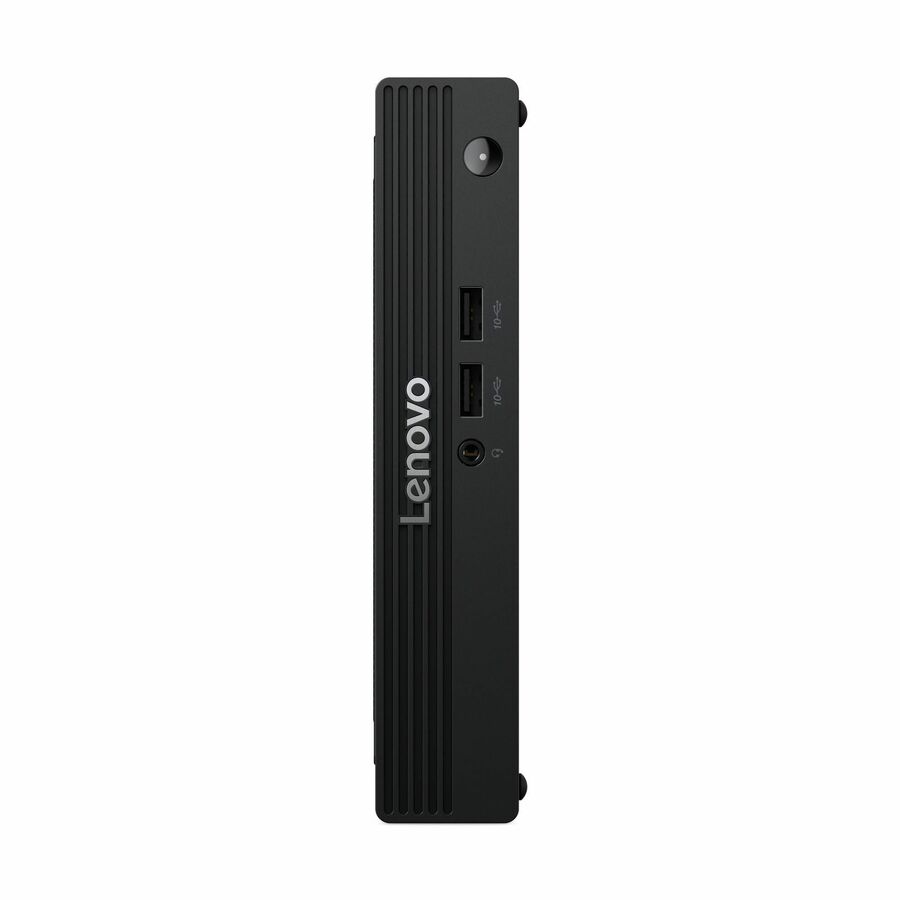
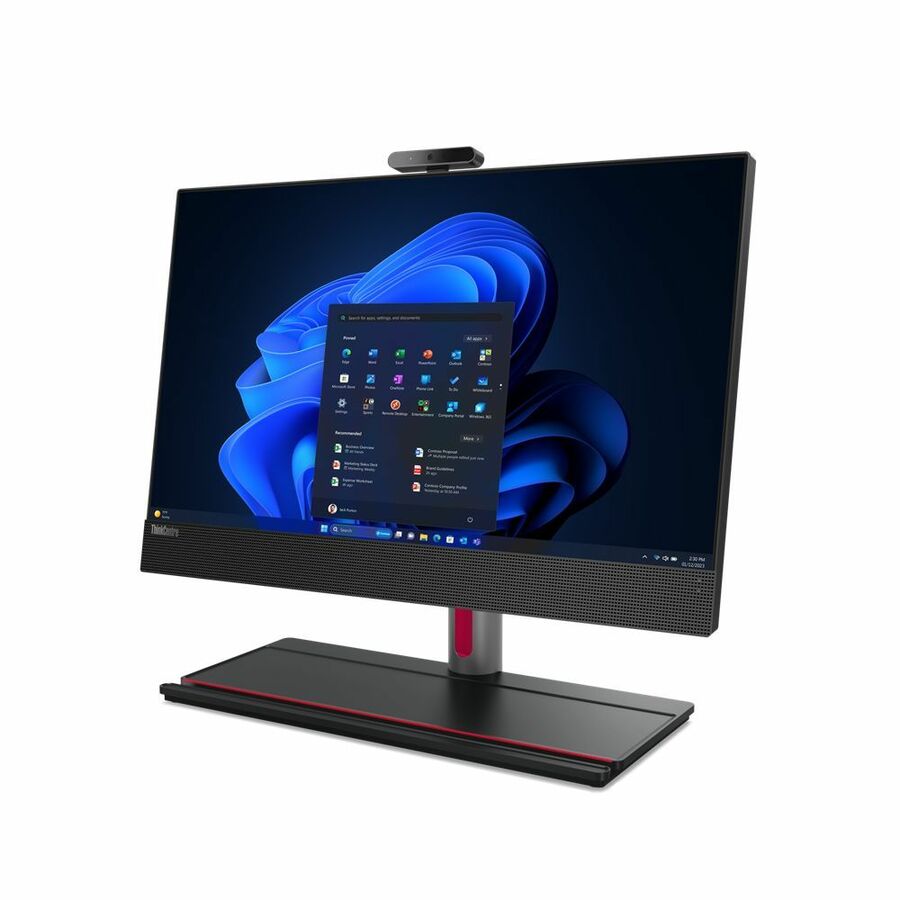
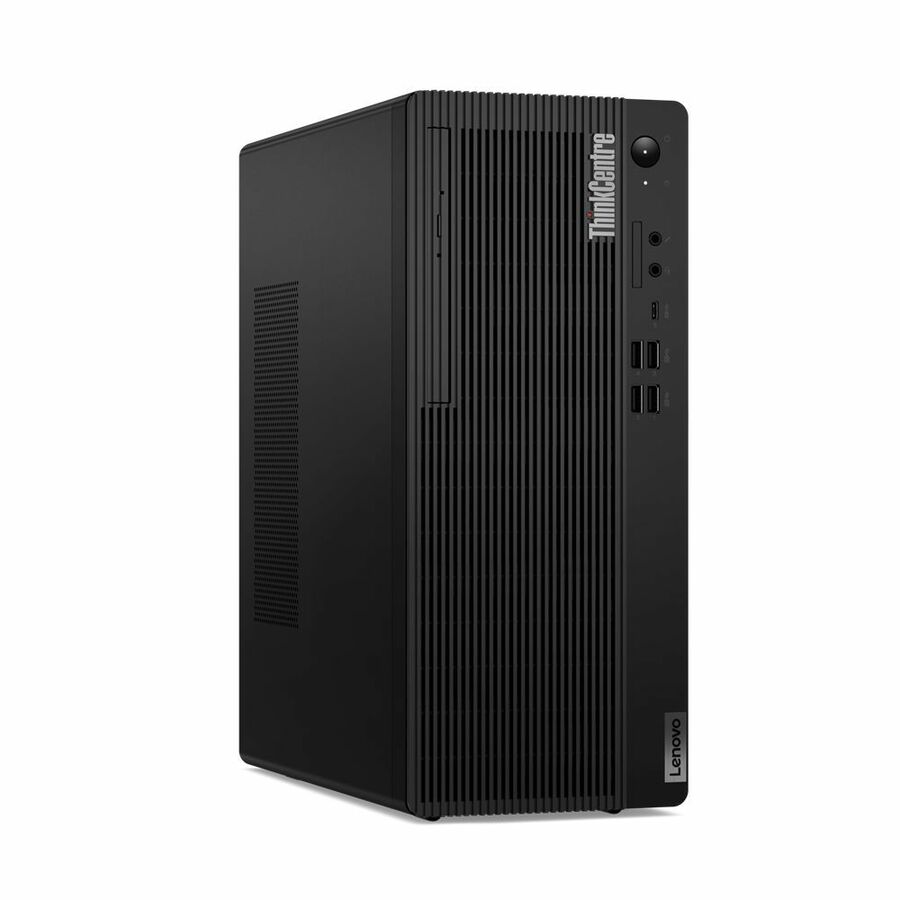
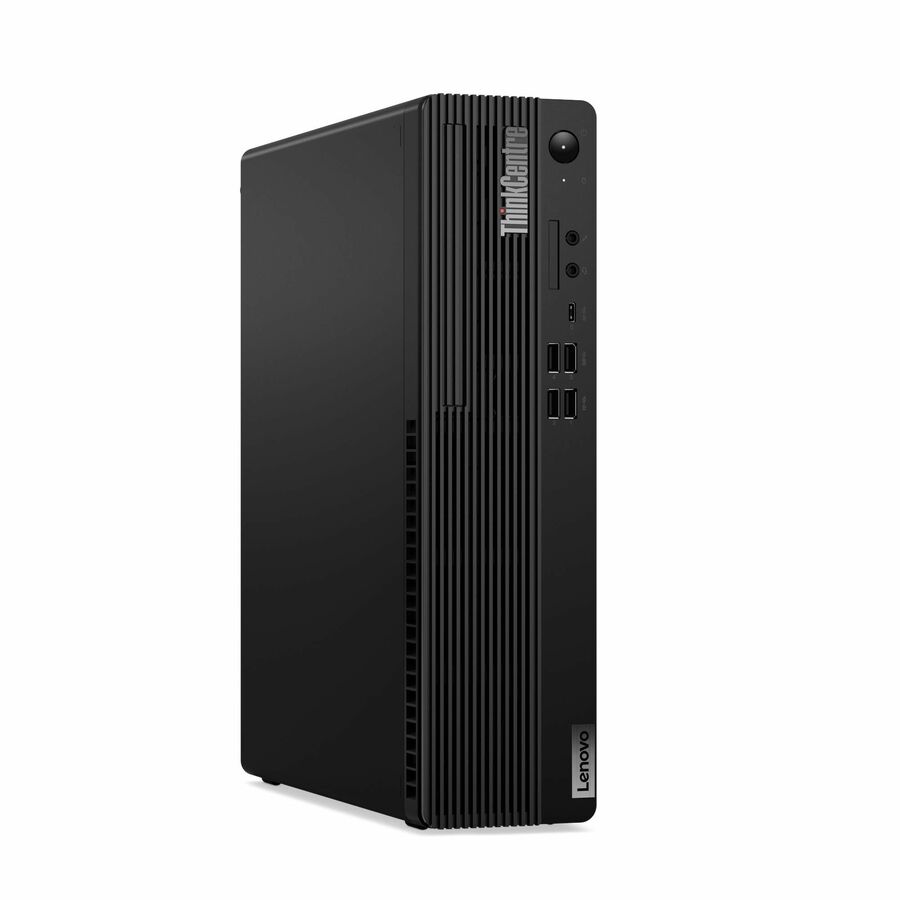
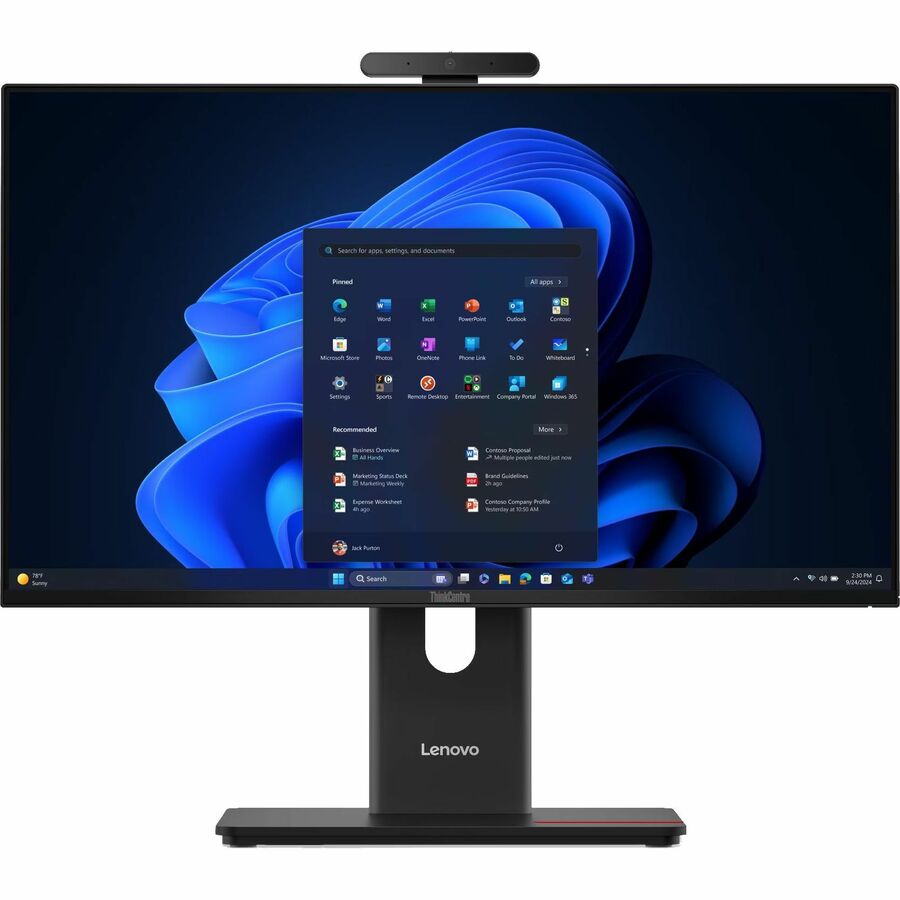
- LenovoLenovo ThinkCentre M90a Gen 5 12SH001PUS All-in-One Computer - Intel Core i7 14th Gen i7-14700 - vPro Technology - 32 GB - 1 TB SSD - 23.8" Full HD - Desktop - Black - Intel Q670 Chip - 1920 x 1080 - Windows 11 Pro - Intel UHD Graphics 770 DDR5 SDRAM - DVD-Writer - English Keyboard - IEEE 802.11ax Wireless LAN - 180 W12SH001PUS
$3,189.00
$2,828.81
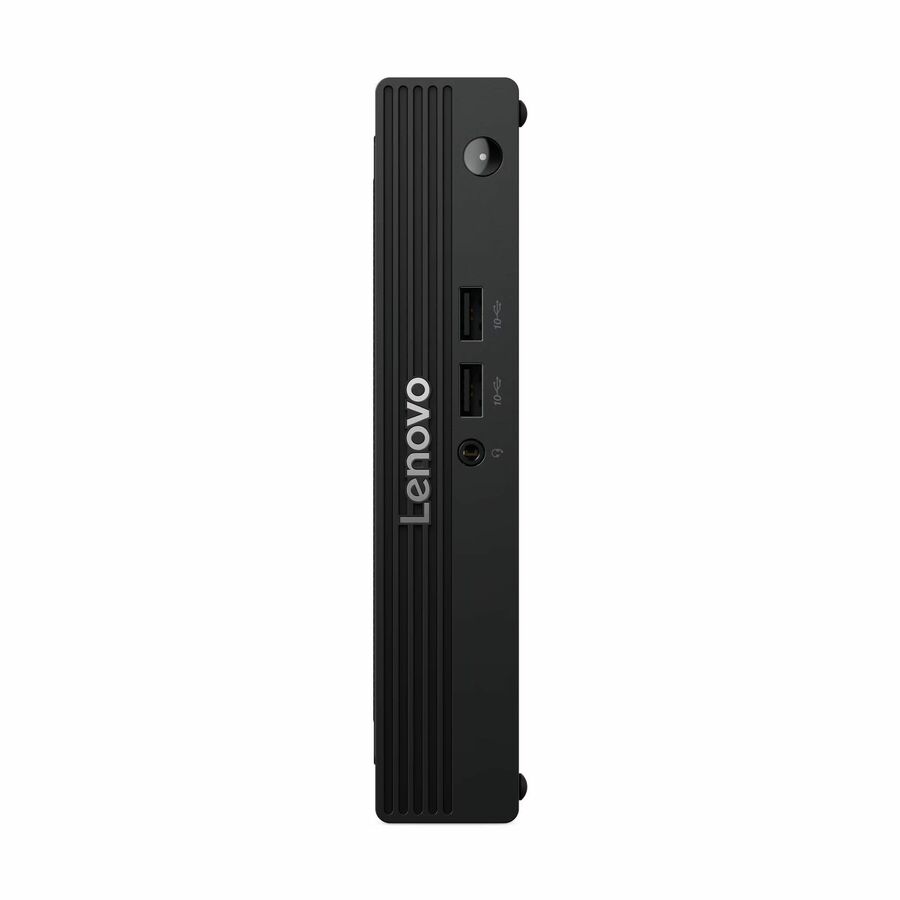
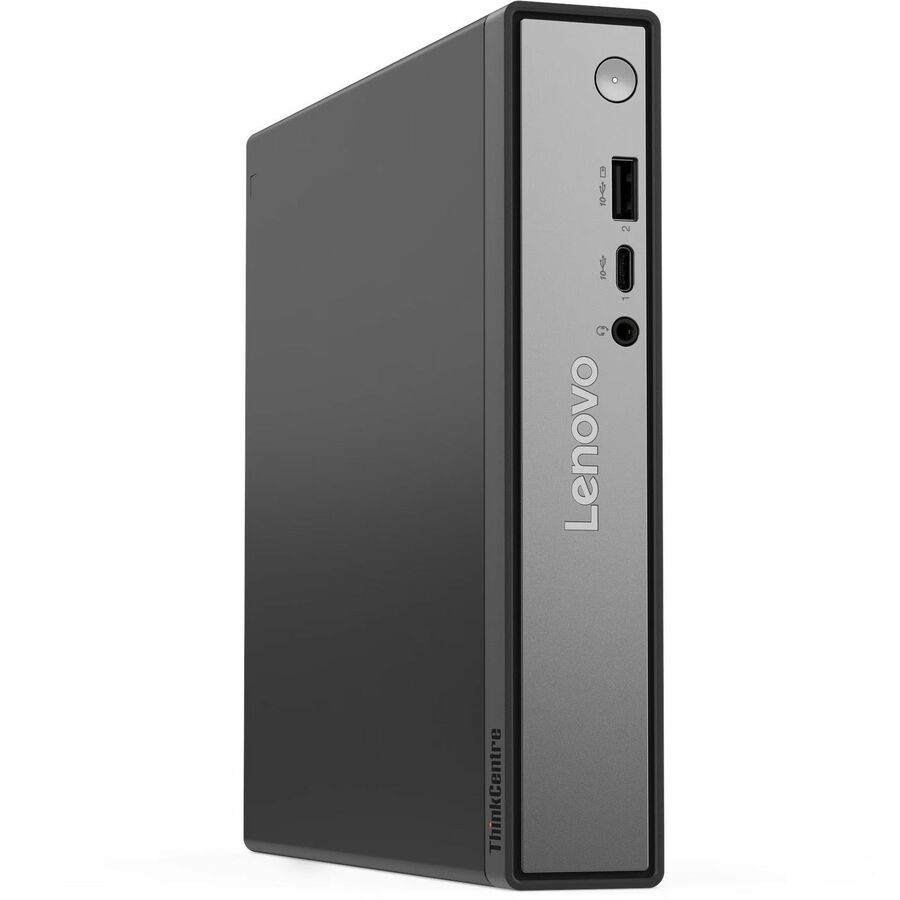
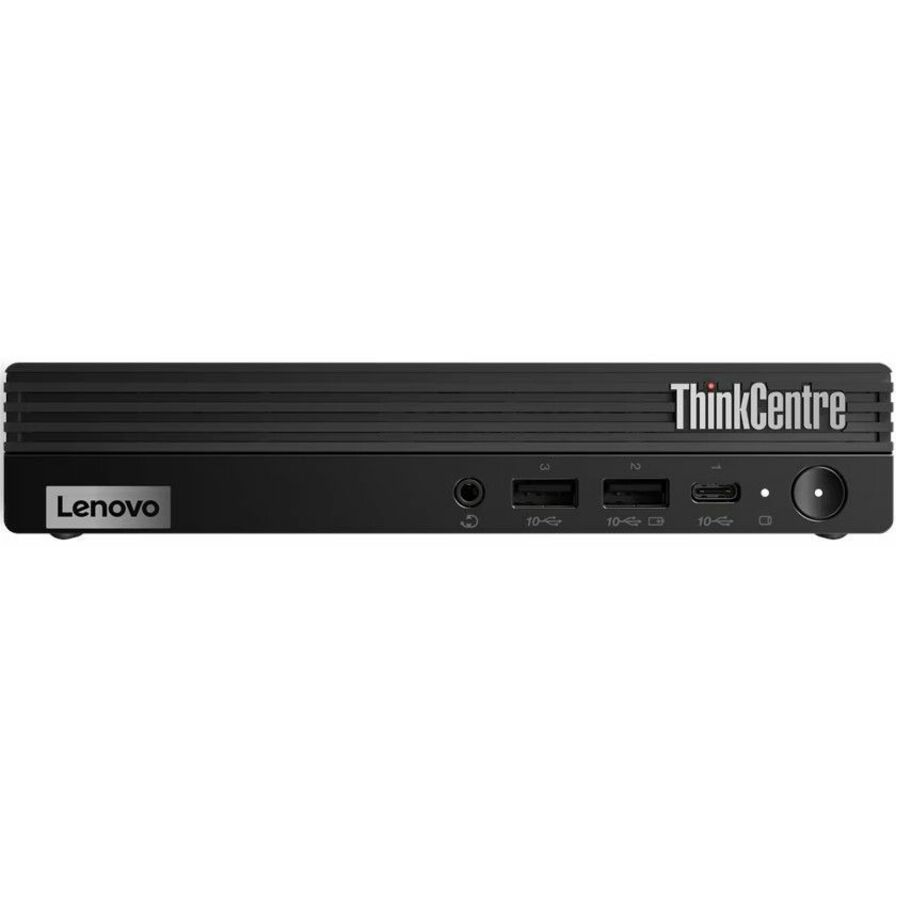
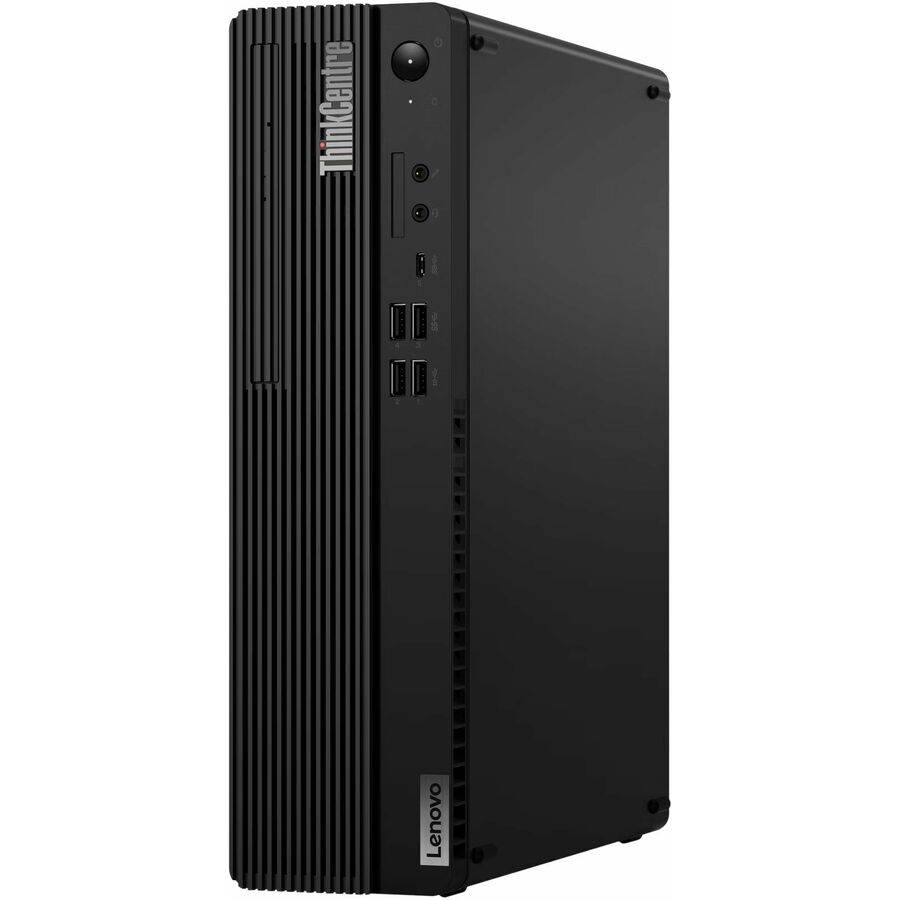
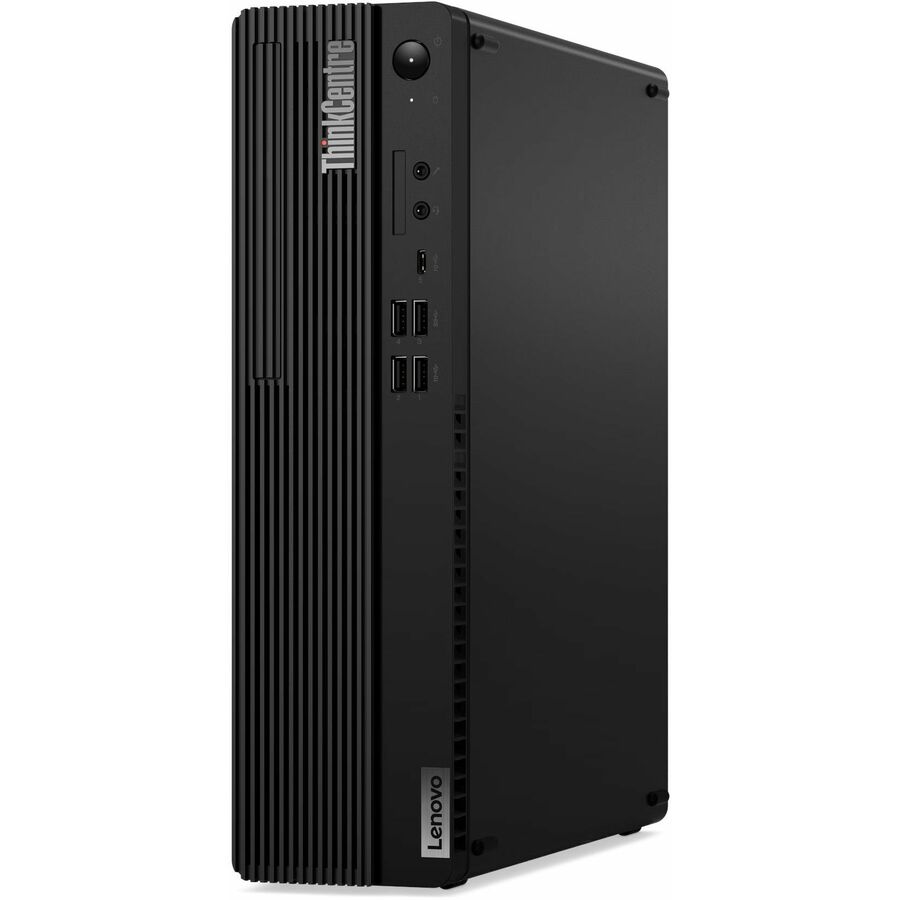
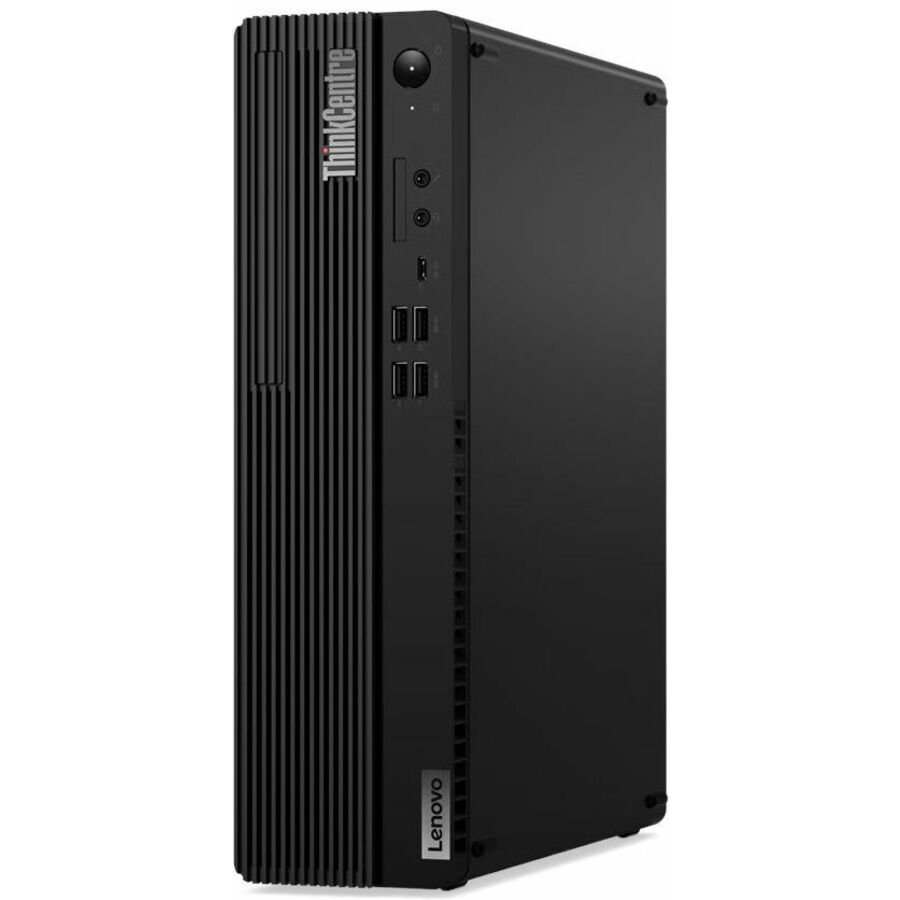
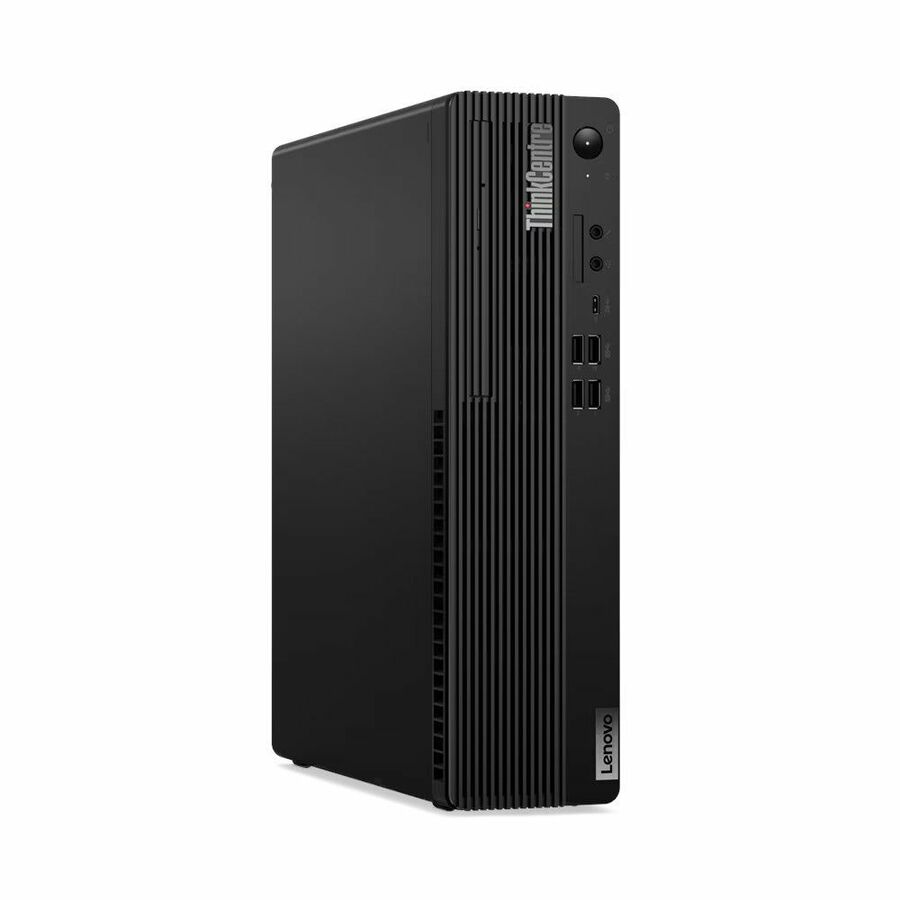
88 in stock - LenovoLenovo ThinkCentre M75s Gen 5 12TA000PUS Desktop Computer - AMD Ryzen 5 PRO 8500G - 16 GB - 512 GB SSD - Small Form Factor - Black - AMD PRO 665 Chip - Windows 11 Pro - AMD Radeon 740M Graphics - DVD-Writer - English Keyboard - IEEE 802.11ax Wireless LAN - 260 W12TA000PUS
$1,509.00
$1,421.49
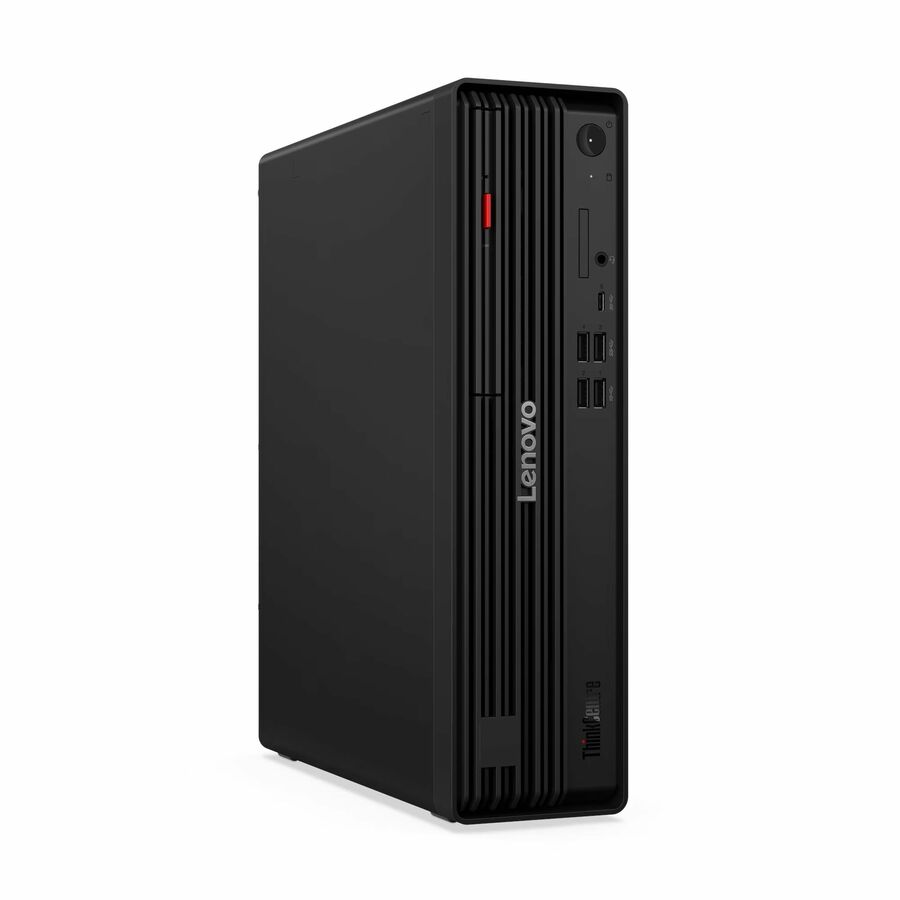
3,771 in stock - LenovoLenovo ThinkCentre M70s Gen 6 12YK001AUS Desktop AI Computer - Intel Core Ultra 5 225 - 16 GB - 512 GB SSD - Small Form Factor - Black - Intel Q870 Chip - Windows 11 Pro - Intel DDR5 SDRAM - DVD-Writer - English Keyboard - IEEE 802.11ax Wireless LAN - 260 W12YK001AUS
$1,819.00
$1,744.97
1,365 in stock
Need pricing on Lenovo desktops?
Tell us where to reach you and a Uniqcli specialist will follow up by email with current pricing, availability and lead time for the quantities you need — including parts that aren’t shown on this page.
Buying for an organization or for yourself — both work. No payment up front.
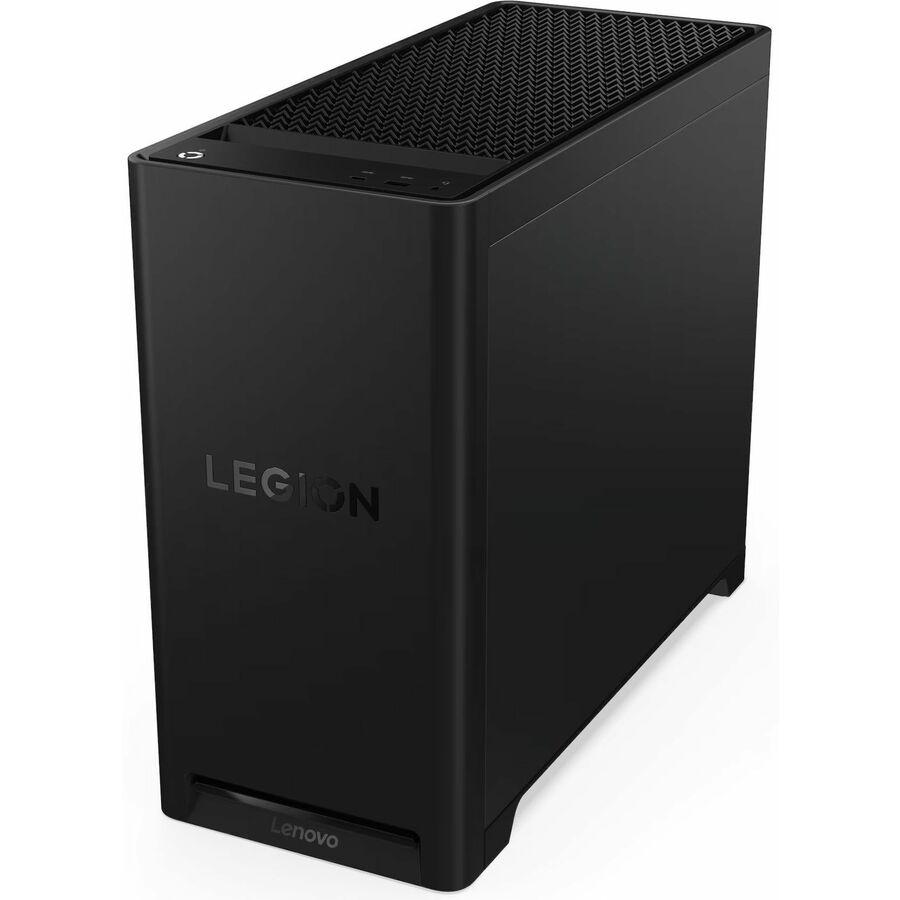
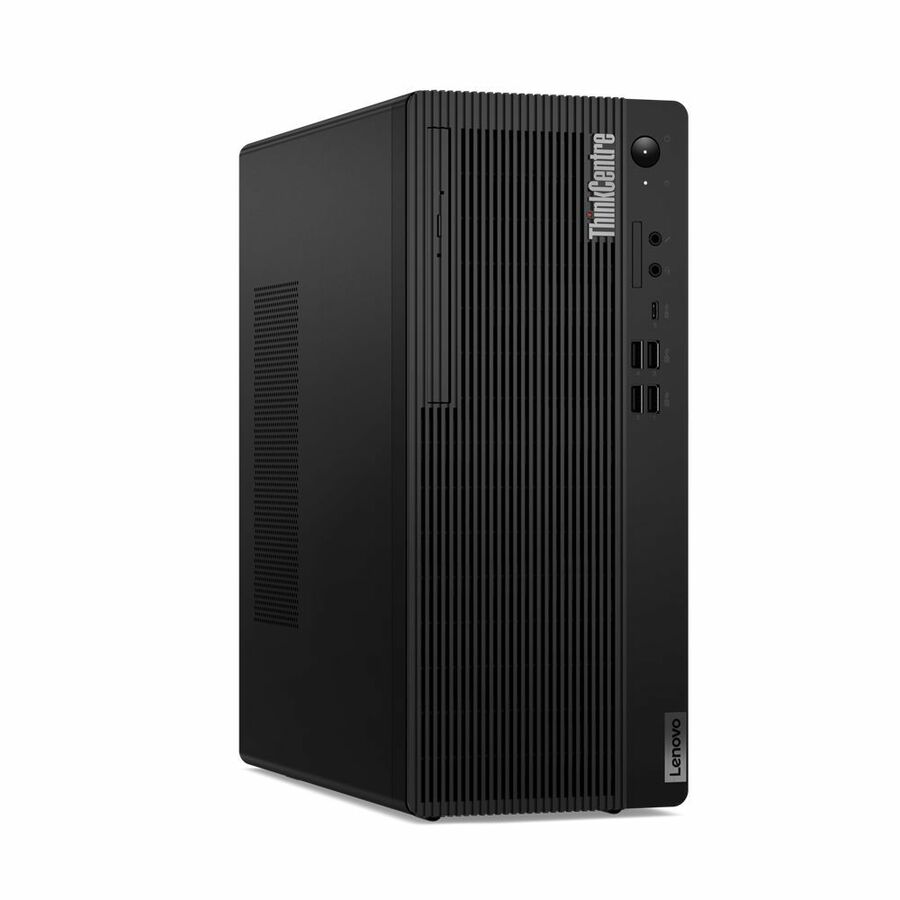
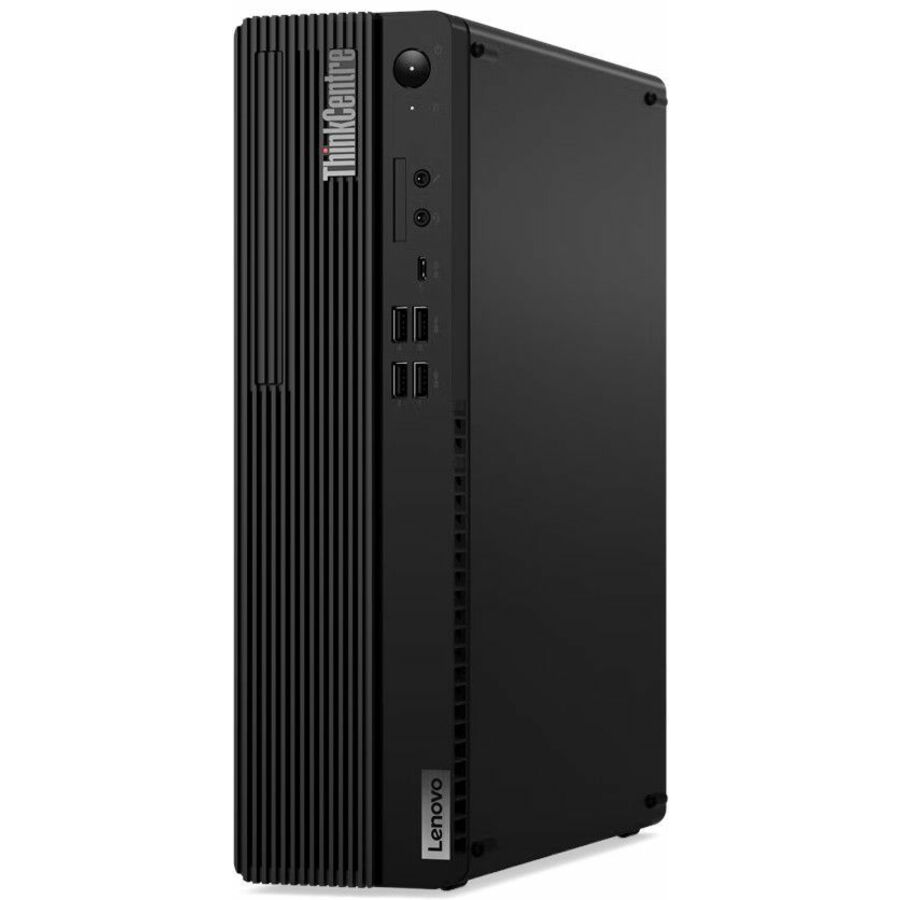
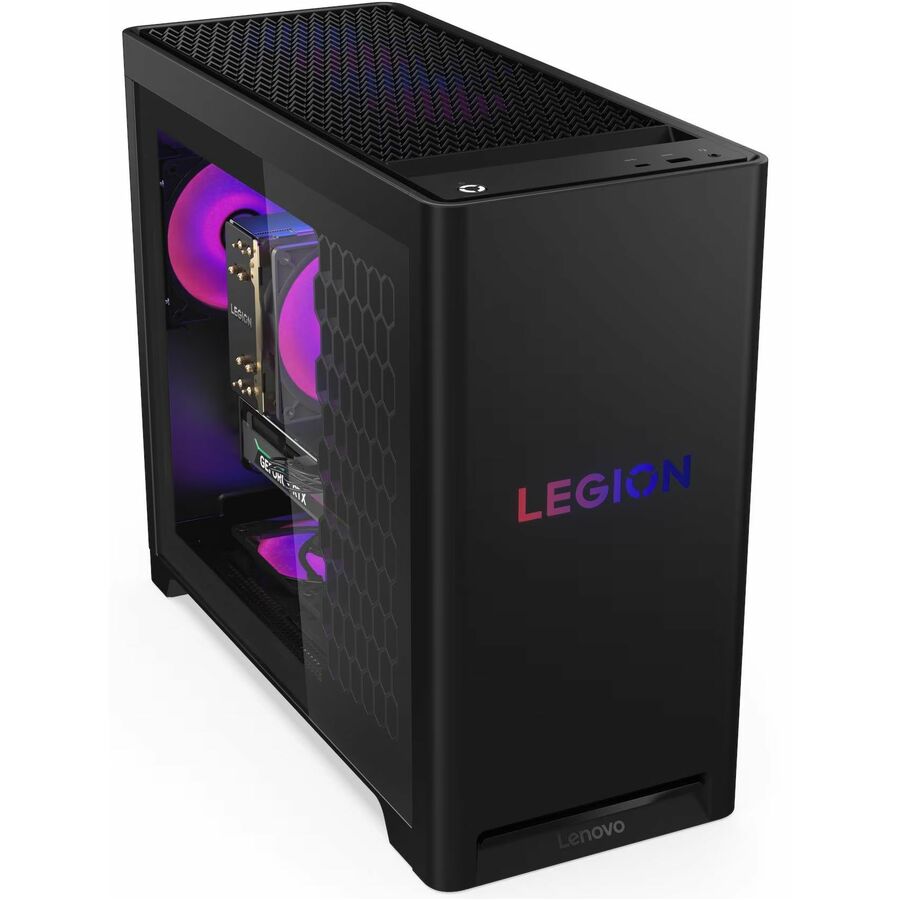
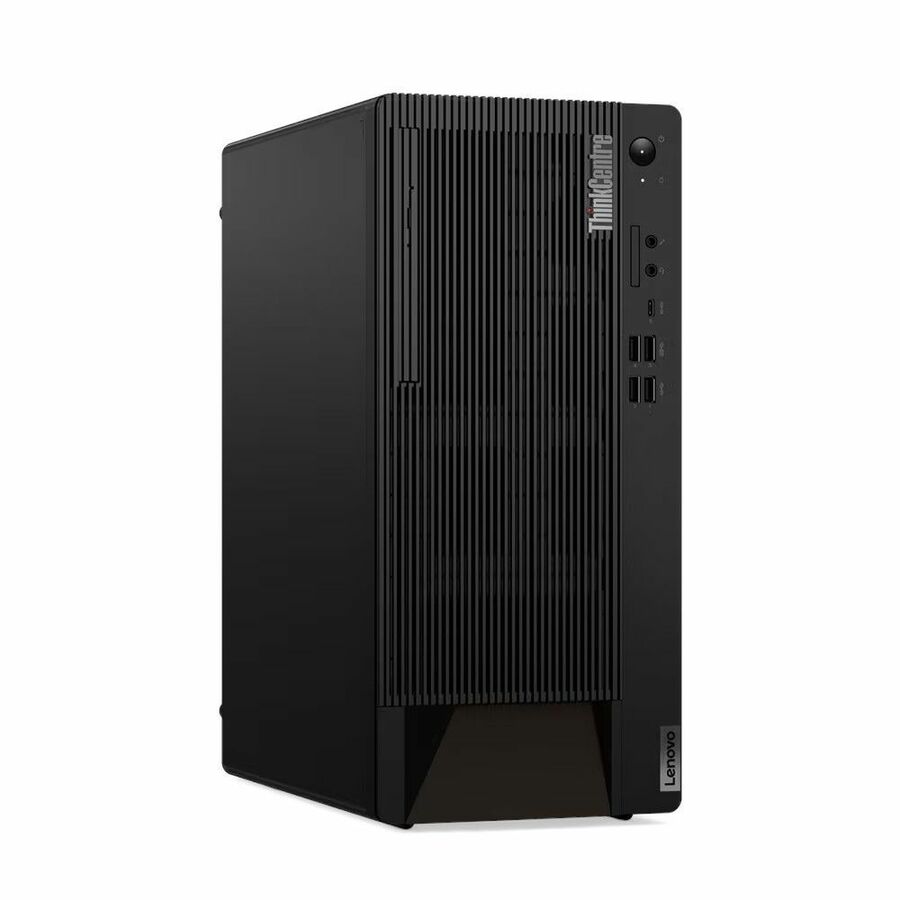
Lenovo's desktop range splits cleanly by job. The ThinkCentre M-series is the managed business line — Tiny (1-liter), small-form-factor, tower and all-in-one chassis built around Intel Core i7/i9 vPro and newer Core Ultra silicon, with the manageability, firmware controls and multi-year lifecycle that fleet buyers plan around. The ThinkCentre neo line covers mainstream office builds, and Legion T5/T7 towers carry discrete NVIDIA graphics and higher-wattage power supplies for simulation, rendering and other GPU-bound work. Matching the line to the workload is the first and most important decision.
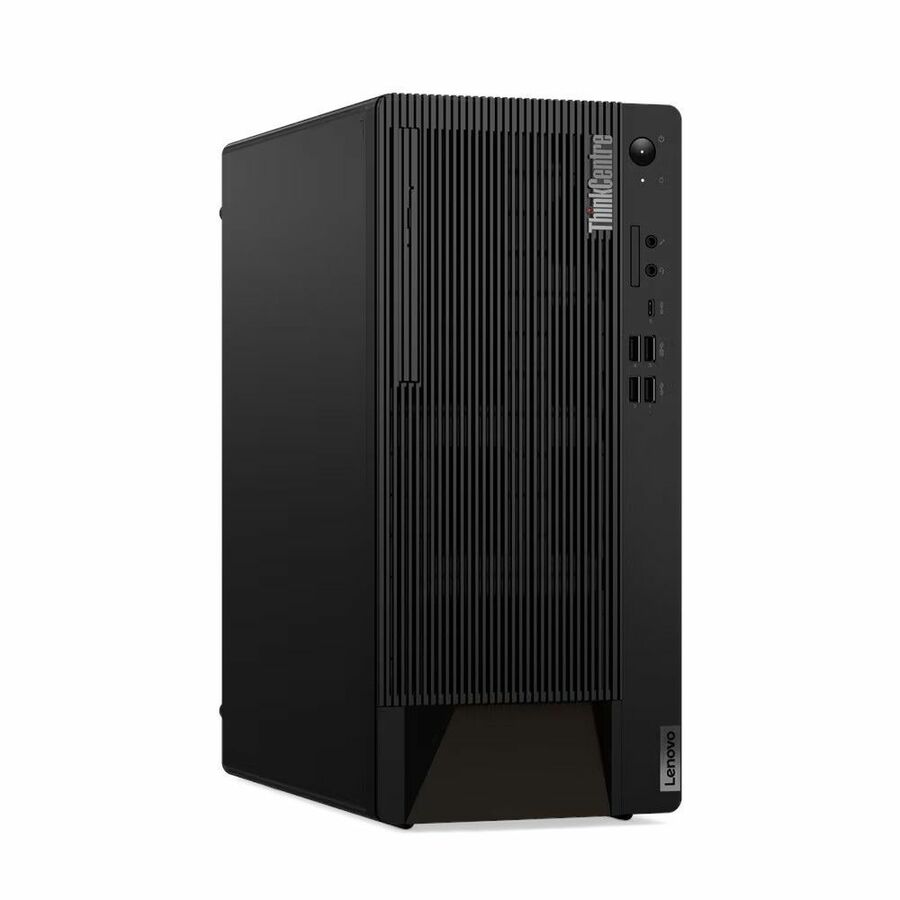
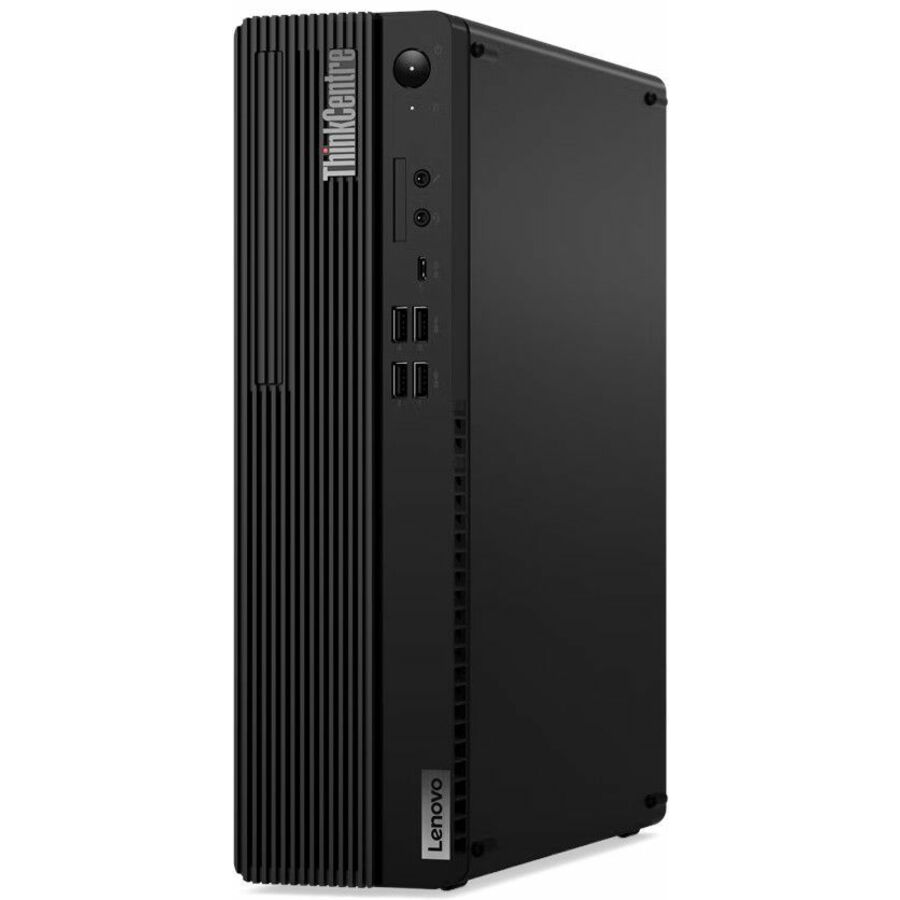
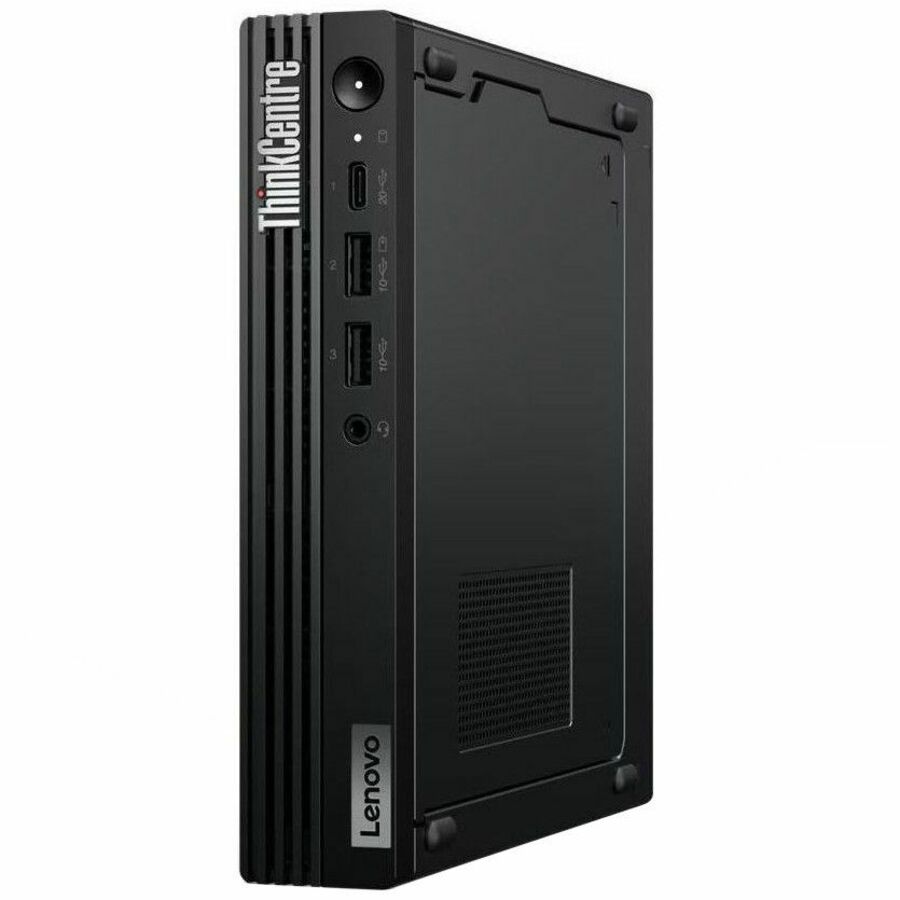
Start with form factor and mounting, then processor class, then memory and storage headroom. A ThinkCentre Tiny disappears behind a monitor or into a VESA mount and suits standardized office and kiosk fleets; small-form-factor and tower chassis add expansion slots, bays and higher-wattage PSUs when a discrete GPU or extra drives are required; an all-in-one consolidates the display for front-of-house and space-constrained desks. For engineering, CAD and data workloads, weigh core count, whether vPro remote management matters to your IT team, and RAM ceilings before price. The most common mistake is buying a Tiny for a workload that will later need a graphics card or internal expansion the chassis cannot take.
The selection below is what Uniqcli currently stocks, with live in-stock status shown on each product so you can see what ships now versus what is backordered. Configurations, generations and quantities move, so confirm the exact processor, memory, storage and form factor against the specific part number before you commit a standardized image across a fleet.
Buyer's checklist
How to choose the right Lenovo desktop
- Match the line to the workload: ThinkCentre M-series for managed office fleets, neo for mainstream builds, Legion towers for GPU-bound compute and creator work.
- Pick the form factor for the desk and the future: Tiny for VESA-mount and standardized fleets, small-form-factor or tower when you need expansion slots, drive bays and a discrete GPU, all-in-one to consolidate the display.
- Confirm whether Intel vPro manageability matters to your IT team — many ThinkCentre configurations offer it for remote provisioning and firmware control; verify it on the specific part number rather than the model name.
- Size memory and storage to the workload with headroom: 32 GB and a 1 TB NVMe SSD is a common business baseline, with 64 GB configurations available for engineering and multi-VM use.
- Check the power supply and graphics before assuming upgrade room — a Tiny or SFF chassis limits what GPU and wattage you can add later, whereas a tower is built for it.
- Standardize on Windows 11 Pro and a single validated configuration across the fleet, then verify stock and lead time on each part number before committing a rollout.
Where these desktops fit
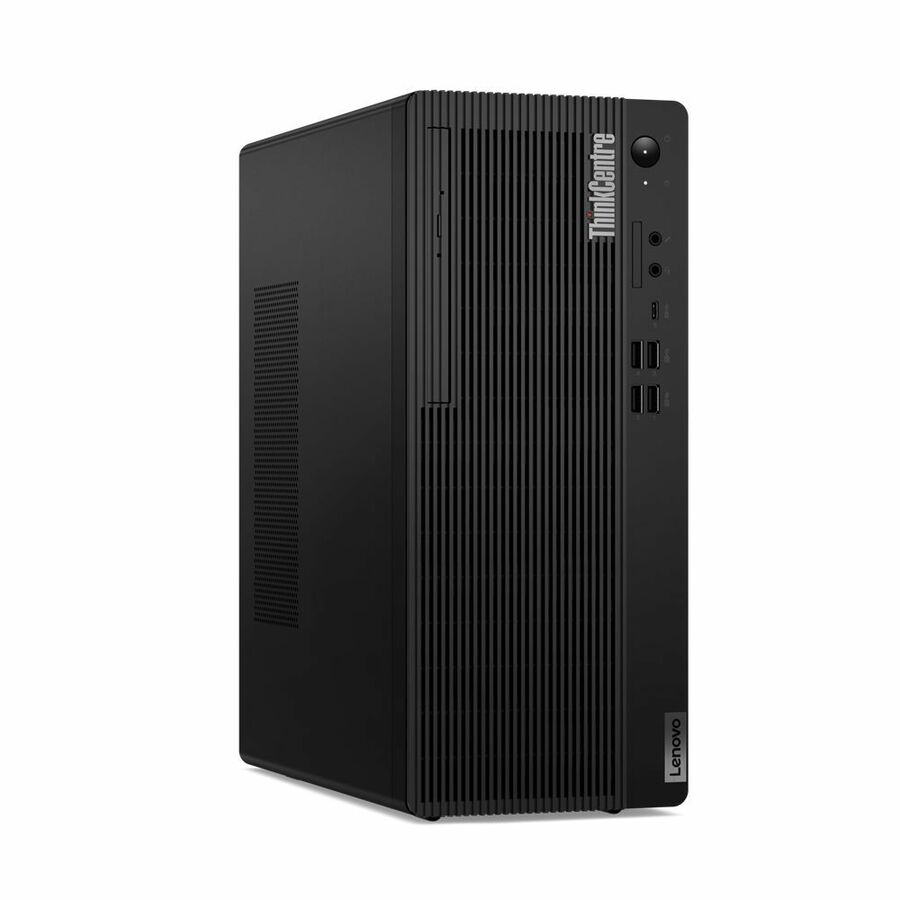
A ThinkCentre Tiny disappears behind a monitor or into a VESA mount, which suits standardized office desks, reception counters, call centers, and kiosk or signage roles where the chassis stays sealed and identical across the fleet. All-in-one units consolidate the display for front-of-house and space-constrained desks. Small-form-factor and tower chassis go where a desk needs expansion — extra drives, a discrete card, or higher wattage — and full-tower ThinkCentre configurations with a discrete card land on creator and compute-heavy desks running rendering or light simulation.
Labs, classrooms, and training rooms often standardize on one managed ThinkCentre configuration so every seat images identically and a swap is invisible to the user. The line's value for these environments is repeatability: a single validated build, mounted and managed the same way at every position, keeps a large room predictable to support.
Deploying a standardized desktop fleet
Desktops reward a disciplined rollout. Validate one image per configuration, confirm TPM and Windows 11 Pro readiness on the exact part number, and settle mounting — VESA behind a display, under-desk, or on-surface — before units arrive so installation is repeatable. Verify Intel vPro on the specific SKU if your team relies on remote provisioning and firmware control, since it varies by processor rather than by model name, and stage delivery so imaging and deskside setup stay manageable.
Decide expansion needs at purchase, not later. A Tiny or small-form-factor chassis limits the graphics card and power you can add, so a desk that may grow into GPU or storage work belongs on a tower from the start. Keeping a small spares buffer of the standardized build lets a failed unit be swapped without pulling a user off task.
Total cost of ownership: power and manageability
Across a large, always-on fleet, small per-unit differences compound. A 1-liter Tiny idles at a fraction of a tower's draw, and multiplied by hundreds of seats running all day, that gap shows up on the facility bill. Manageability is the other quiet saver: vPro-capable remote provisioning and firmware control cut deskside visits, which are the real expense once a fleet is deployed. Matching form factor and management capability to the workload up front keeps both energy and support cost predictable over a multi-year lifecycle.
FAQ
Common questions
- What is the difference between Lenovo ThinkCentre, neo and Legion desktops?
- ThinkCentre is Lenovo's managed business line — Tiny, small-form-factor, tower and all-in-one chassis with Intel vPro options and long lifecycles for fleet deployment. ThinkCentre neo targets mainstream office builds. Legion T5/T7 are performance towers with discrete NVIDIA graphics and higher-wattage power supplies for compute-heavy, rendering and creator workloads.
- Should I choose a Tiny, small-form-factor, tower or all-in-one?
- Choose a Tiny for standardized fleets and VESA-mount desks where the chassis stays sealed. Choose small-form-factor or tower when you need expansion slots, extra drive bays, a discrete GPU or higher wattage. Choose an all-in-one to consolidate the display for front-of-house and space-constrained desks. Decide by the workload's future needs, not just today's footprint.
- Do these Lenovo desktops support remote fleet management?
- Many ThinkCentre business configurations offer Intel vPro, which enables remote provisioning, firmware control and out-of-band management your IT team can use across a fleet. Support depends on the exact processor and configuration, so verify vPro against the specific part number before standardizing on it.
- Can these be purchased on a government or education contract?
- Yes — Uniqcli sells to business, government and education buyers. These desktops are sourced through US distribution and screened for TAA country-of-origin and NDAA Section 889 status before checkout, with documentation tied to the specific part number. Screening is a sourcing service, not an independent Uniqcli certification; where a configuration is marketed by Lenovo as TAA-compliant, that manufacturer status is reflected on the part. Reach out and we will confirm current sourcing, lead time and documentation for the exact configurations and quantities you need.
Need Lenovo desktops pricing?
Send a bill of materials or part numbers — we confirm stock and a below-market total, with TAA verified on request. No payment up front.