Loading the product…
Loading the product…
Attention: Due to high order volume, orders may require an additional business day to process.
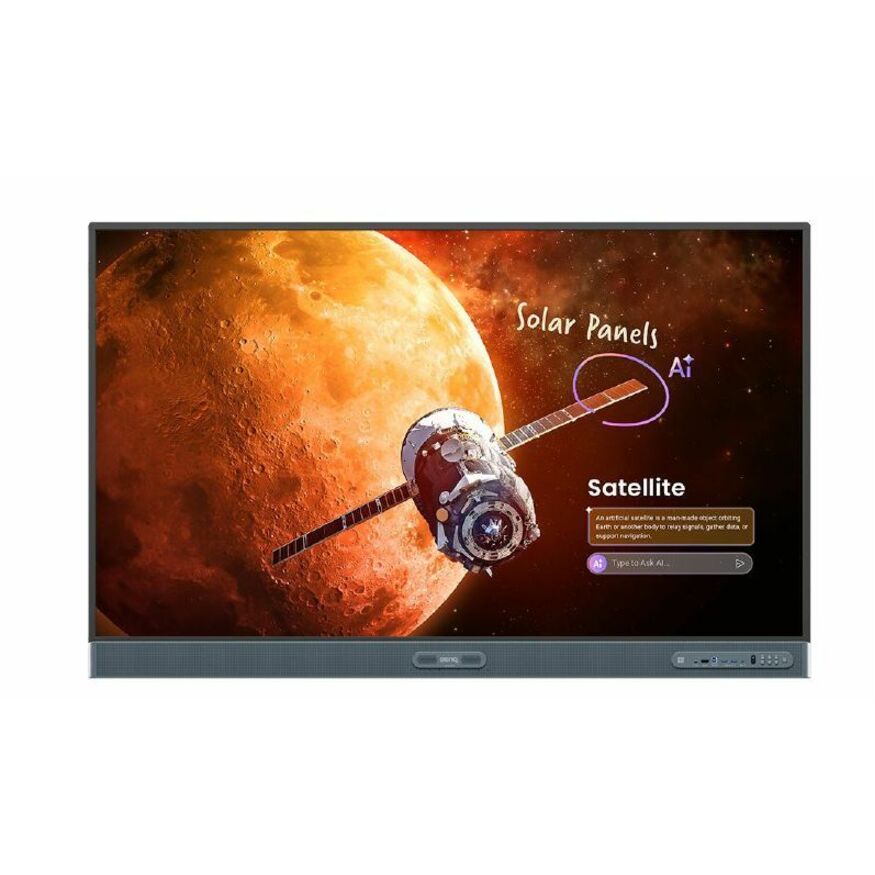
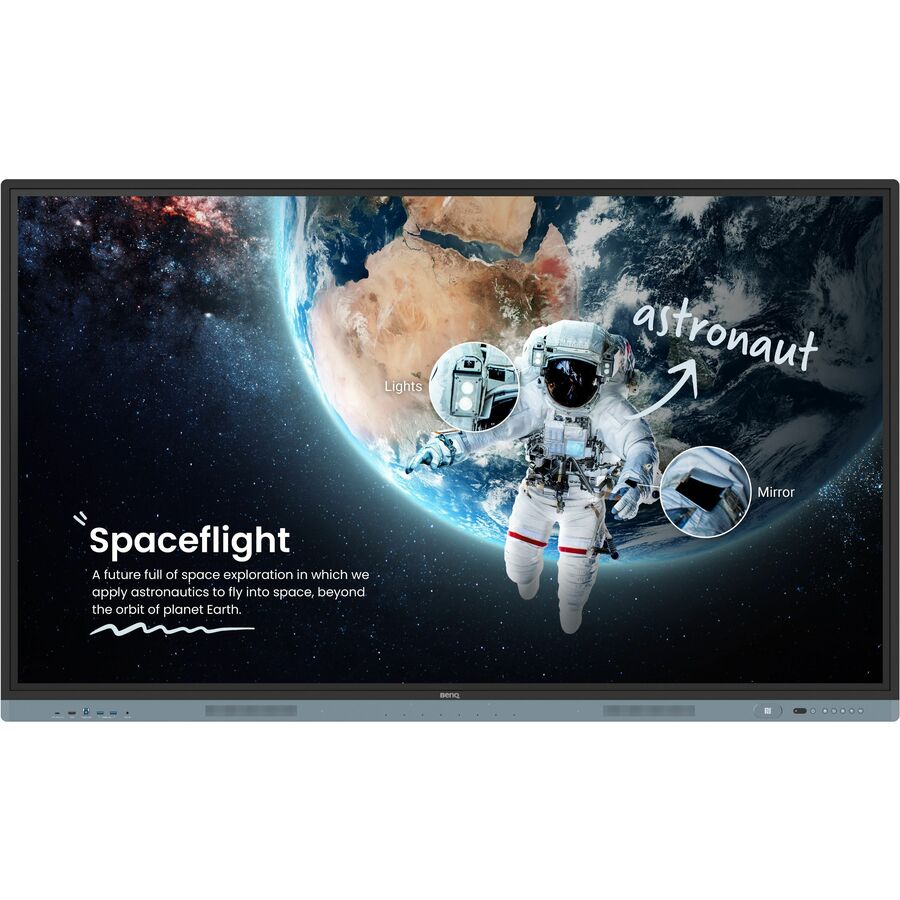
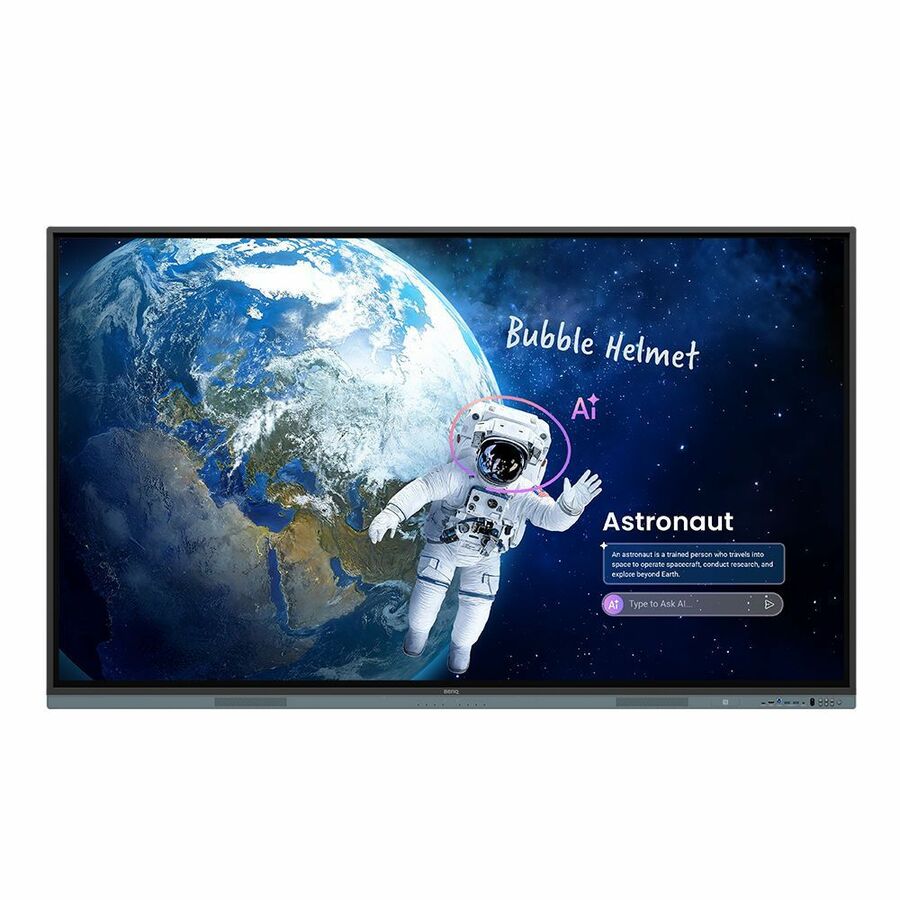
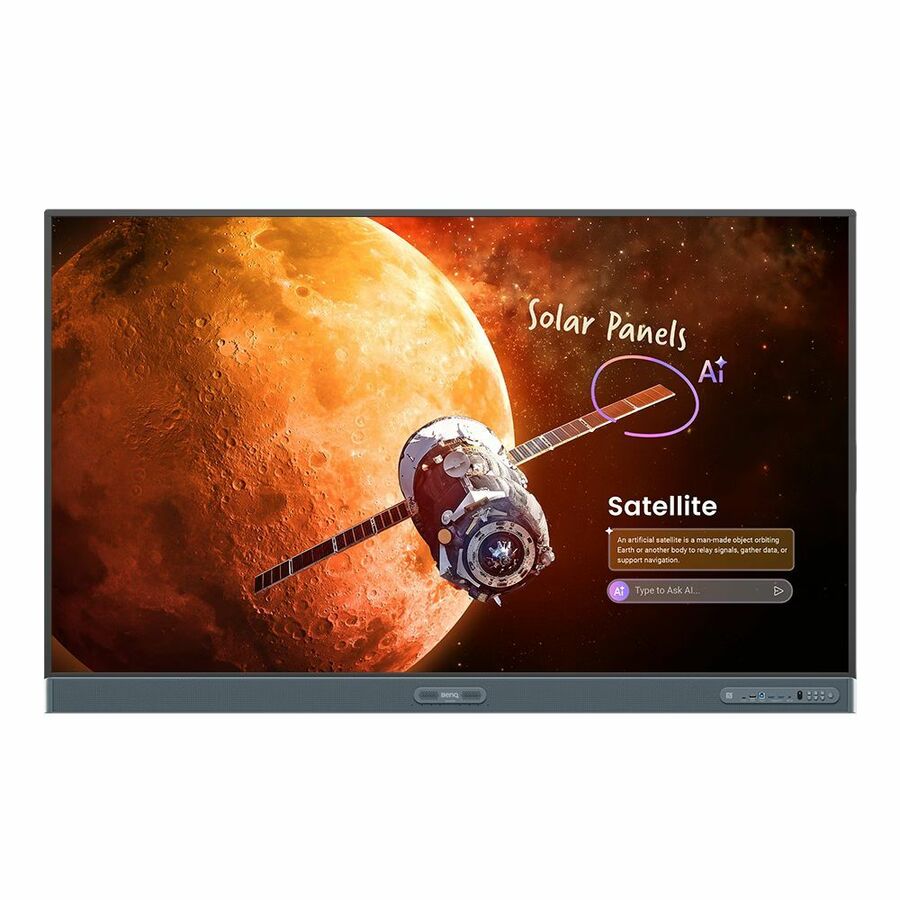
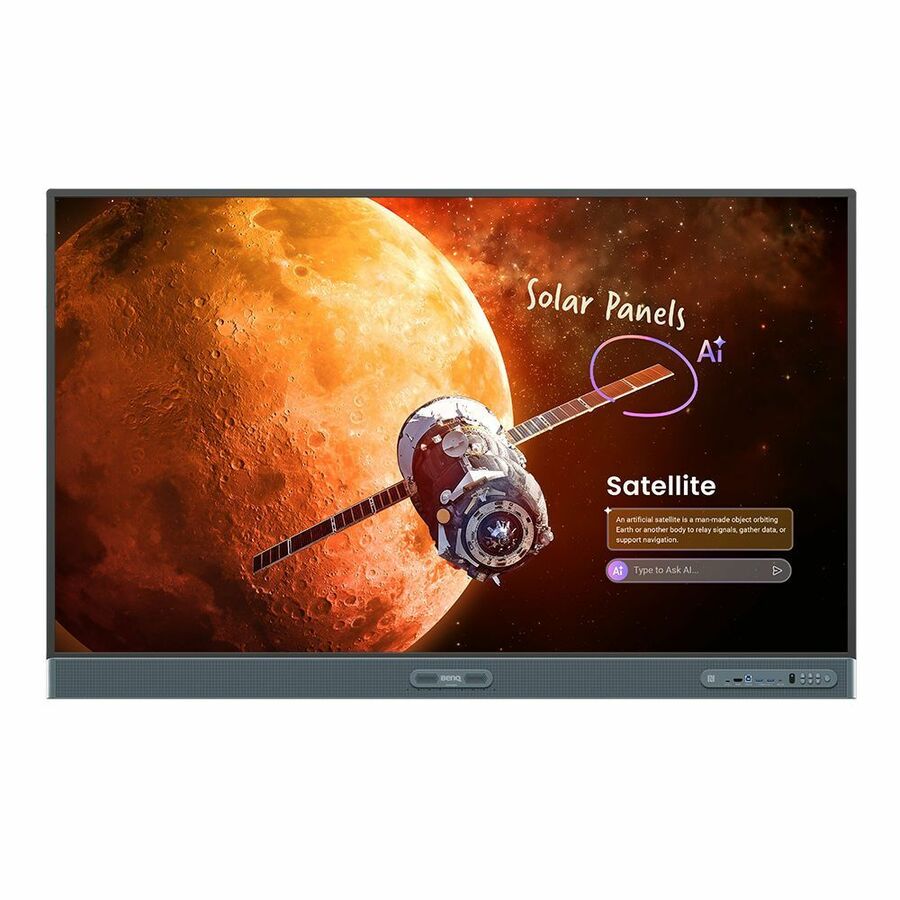
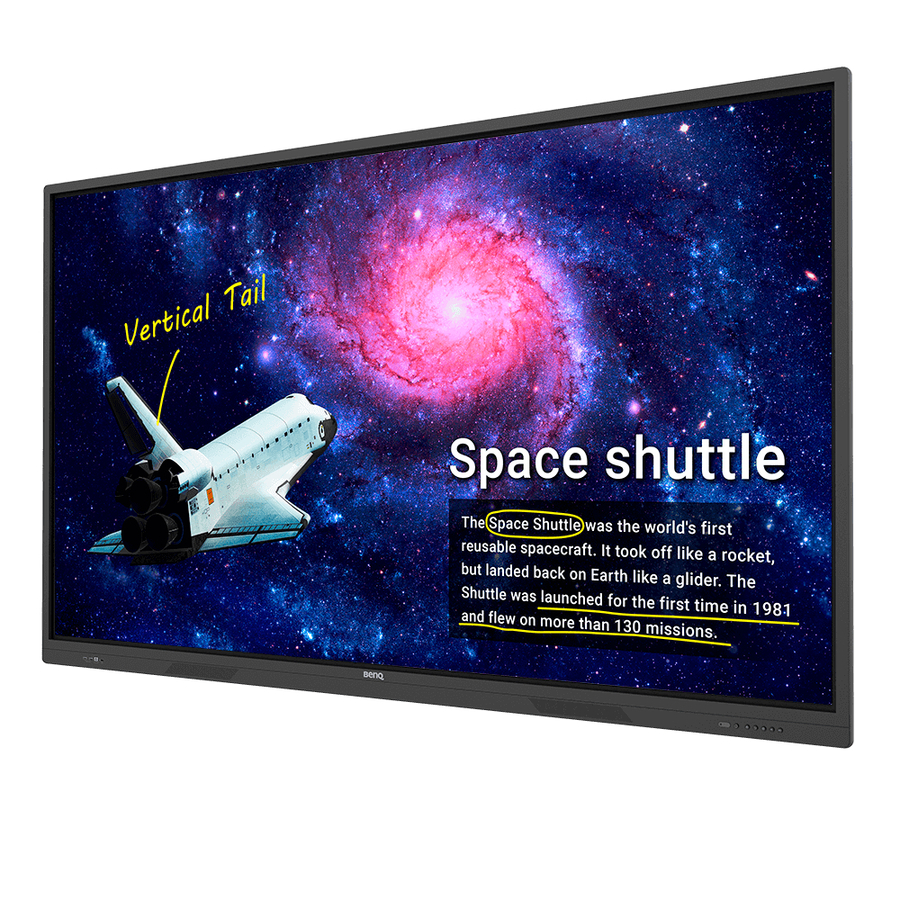
LCD - ARM Cortex A73 + A53 - 8 GB - Infrared (IrDA) - Touchscreen - 16:9 Aspect Ratio - 3840 x 2160 - LED - 450 Nit - 1,200:1, 50,000:1 Contrast Ratio - 2160p - USB - HDMI - VGA - Bluetooth - Android 13
MSRP$2,274.00
$2,201.03
Save 3%Special order — estimated OEM lead time 3–8 weeks. Order today and we expect to receive stock between Nov 18 and Dec 23, then process your delivery right after.
Genuine BenQ through authorized distribution — NDAA §889 screened before checkout.
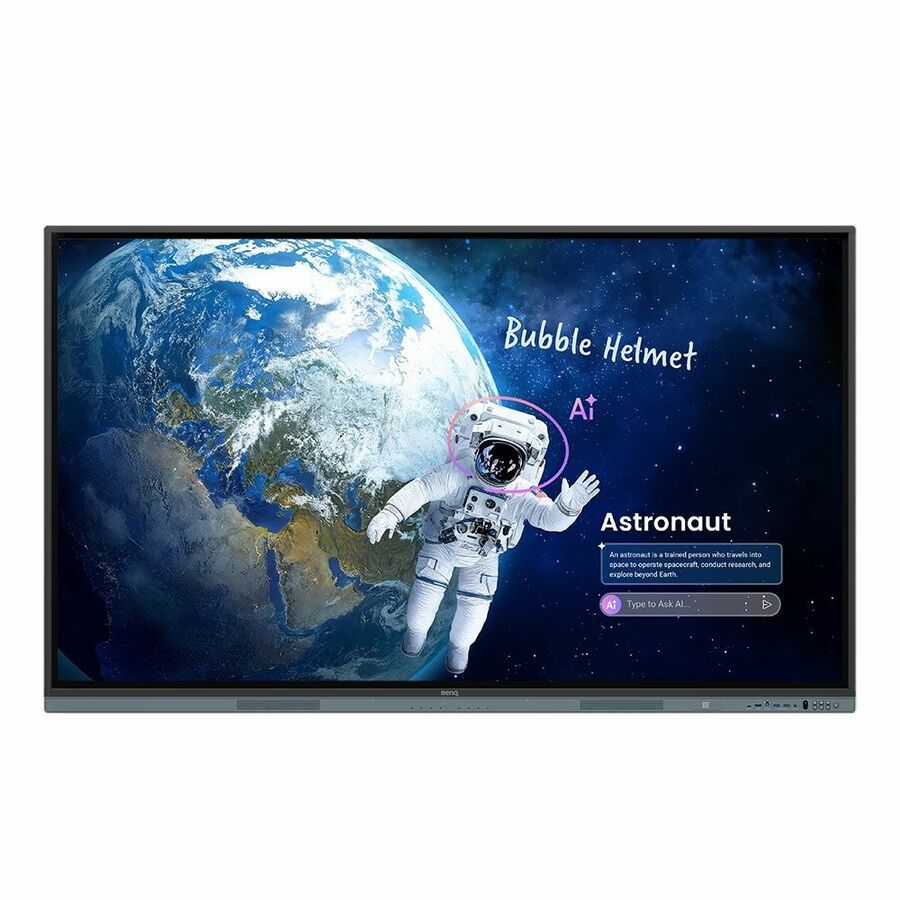
BenQ Board Master | Explore new possibilities
Unleash your teaching potential with the best tools for today's classrooms.
Google-powered lessons
Harness the power of BenQ hardware and Google services for education with the EDLA-certified BenQ Board Master RM04.
Easy app access
Enhance your lessons with interactive educational apps from Google Play.
Google essentials
The RM04 comes with Google Core Services such as Google Drive and Meet.
Collaboration tools
Fully utilize Google Docs, Sheets, and Slides on a large touchscreen display.
Convenient file access
Open files from your Google Drive to teach with material you've prepared beforehand, and save them right back onto the cloud so you can always have access to the latest files.
Enhanced security
Google's security features on your RM04 prevent data leaks, phishing, malware, and data loss.
Personalized screen
You can change the layout of your Home screen by moving apps, putting them in folders, or dragging them to a new page.
Widgets
Add widgets to display the information that matters most to you and your students, like sticky notes, the calendar, or weather reports.
AI tools for more inclusive lessons | Text-to-speech
Hear text as it is displayed or written on screen.
Multilingual translation
Translate text in numerous languages for more context-rich lessons.
OCR
Easily edit text from photos and scanned pages.
Whiteboard without limits
Enhance your lessons using EZWrite, a powerful whiteboard that's packed with classroom tools you can use for more engaging face-to-face or hybrid classes.
More than just a whiteboard
EZWrite 6 lets you do a lot more than just write, draw, and add text. Use the expandable canvas, split the screen for competitions, insert templates, use math tools, or show a live camera feed.
Import and export files
Open PowerPoint, Word, Excel, and PDF files to teach with and make notes on during class. When you're done, save the lesson as an editable whiteboard file to pick up where you left off or as a PDF for students to review at home.
Extend your classroom
Cloud whiteboarding lets students join the session from their seats or even from home. Remote students can use the whiteboard as if they were right on the display.
A smarter teaching environment
Everything you need to enhance the way you teach is already on the RM04.
More from the Manufacturer
BenQ Board Master
Explore new possibilities
Unleash your teaching potential with the best tools for today’s classrooms.
Google-powered lessons
Harness the power of BenQ hardware and Google services for education with the EDLA-certified BenQ Board Master RM04.
Convenient file access
Open files from your Google Drive to teach with material you’ve prepared beforehand, and save them right back onto the cloud so you can always have access to the latest files.
Enhanced security
Google’s security features on the RM04 prevent data leaks, phishing, malware, and data loss.
Voice assistant
Let your voice guide your lessons using Google Assistant via the RM04 remote control.
Whiteboard without limits
Enhance your lessons using EZWrite, a powerful whiteboard that’s packed with classroom tools you can use for more engaging face-to-face or hybrid classes.
More than just a whiteboard
EZWrite 6 lets you do a lot more than just write, draw, and add text. Use the expandable canvas, split the screen for competitions, insert templates, use math tools, or show a live camera feed.
Import and export files
Open PowerPoint, Word, Excel, and PDF files to teach with and make notes on during class. When you’re done, save the lesson as an editable whiteboard file to pick up where you left off or as a PDF for students to review at home.
Extend your classroom
Cloud whiteboarding lets students join the session from their seats or even from home. Remote students can use the whiteboard as if they were right on the display.
AI tools for more inclusive lessons
A smarter teaching environment
Everything you need to enhance the way you teach is already on the RM04.
Your secure space
Get your own secure teaching space on the board, which grants you exclusive access to your cloud accounts and lesson data.
Customize your board
Add widgets, apps, and shortcuts to your home screen so you’ll have all your tools where you need them before starting each class
Log in. Load.
The RM04 offers efficient and secure ways to log in, load your personal settings, and access
your cloud storage. You can either tap your NFC card or just scan the board’s QR code with your phone.
Tools within reach
Pull up the Floating Tool to annotate, take screenshots, or even record videos while you’re using apps, browsing files, or scrolling through sites on the board.
Quick access every time
Tap the sidebar to quickly switch input sources, go back to the home screen, or get a menu of your most-used apps.
A broader search
The all-new BenQ Search allows you to not only search the internet, but also locate your lesson files stored locally or on your cloud accounts.
Maximize teaching efficiency
Whiteboard while using other apps on the same screen. Use multi-window mode and have up to 6 apps open for more dynamic lessons.
Available in Q2.
Front-facing ports
The multiple front ports include a full-functioned USB-C port that provides 65W of charging and allows you to extend your laptop screen and gain touchback controls.
All-around sound
The two 20-watt front-facing speakers provide room-filling sound for any class. Together with the 8-microphone array, they ensure that everyone can hear and be heard during calls or audiovisual lessons.
Smooth and intuitive writing
The BenQ Board Master allows multiple students to interact intuitively with the display at the same time for group work and other classroom activities.
Seamless idea sharing
Wirelessly share content onto the RM04 from anywhere in the room. Cast lesson materials from your laptop or let multiple students share their screens with InstaShare 2
Control your device from the board
Share multiple screens simultaneously
Cast the board to connected devices
Present diverse content
InstaShare 2 does more than screen sharing. You can also cast photos, videos, or your live camera feed for more dynamic presentations and discussions.
Tap and share
Share pictures, videos, and other educational content directly from your Android phone by simply tapping it on the BenQ Board’s NFC reader. *Available by the end of March.
Keep things in order
Even with multiple students sharing, it’s easy to take control of the session on InstaShare 2. You can select which screens to show or hide, decline sharing requests, and even block inappropriate content with AI.
Effortless management
BenQ’s device and user management platforms allow IT staff to maintain their BenQ Boards without added complexity. We help significantly reduce their workload so they can focus on other tasks.
Identity management syncing
Expedite user list management by syncing your BenQ Board user account list with your existing lists on Google Workspace, Microsoft Entra ID (formerly Azure Active Directory), ClassLink, LDAP, or other SAML-based identity provider.
Device and app management
Remotely monitor and manage all your BenQ devices. Install, update, and delete apps from a single dashboard that also lets you push firmware updates and set startup and shutdown times.
More secure boards
The RM04 protects your school’s data through secure login options, strict access controls, regular system updates, and app scanning via Google Play Protect.
Comprehensive analytics
Learn how your BenQ Boards are used and which apps are the most popular. Select specific devices and data points to generate more informative reports.
School-wide communication
Deliver clear messages to multiple BenQ displays with X-Sign Broadcast. Keep everyone informed and up to date on events, safety protocols, and emergencies.
ClassroomCare®
Protect student health in classrooms
The BenQ Board Master is fitted with ClassroomCare® features that help schools make every classroom a healthier place for learning.
Only the best for your eyes
The RM04 is Eyesafe® Certified 2.0, offering the highest level of protection available for the eyes. It reduces eye strain by effectively reducing high-energy blue light without altering the vivid colors displayed on screen.
Defend against germs
The RM04 helps reduce the transmission of germs in the classroom with its TÜV-certified antimicrobial screen and buttons that are 99.9% effective against common germs.
Extended protection
Sharing tools in classrooms may lead to the spread of germs. That’s why the RM04’s remote control and pens are also germ-resistant.
IP5X dust protection
Even in dust-prone classrooms, the RM04 ensures consistent operation. Its panel is compliant with IEC standard 60529.
Because it matters The world-leading human technology and solutions provider, BenQ aims to elevate and enrich every aspect of consumers’ lives by designing products with a purpose. BenQ sells and markets innovative technology products, consumer electronics, computing, and communications devices. Founded on the corporate vision of “ Bringing Enjoyment 'N’ Quality to Life ”. BenQ focuses on the aspects that matter to most people today – lifestyle, business, healthcare, and education – with the hope of providing people with the means to live better, increase efficiency, and enhance learning by providing people-driven products and embedded technologies spanning digital projectors, monitors, interactive large-format displays, audio products, cloud consumer products, mobile communications, and lifestyle lighting. Because it matters .
| Audio | |
|---|---|
| Speakers | Yes |
| Number of Speakers | 2 |
| Microphone | Yes |
| Number of Microphone Array Elements | 8 |
| RMS Output Power | 20 W |
| Display & Graphics | |
| Display Screen Type | LCD |
| Display Screen Technology | In-plane Switching (IPS) Technology |
| Backlight Technology | LED |
| Screen Mode | 4K UHD |
| Screen Resolution | 3840 x 2160 |
| Scan Format | 2160p |
| Aspect Ratio | 16:9 |
| Response Time | 8 ms |
| Contrast Ratio | 1,200:1, 50,000:1 |
| Brightness | 450 Nit |
| Graphics Controller Manufacturer | ARM |
| Graphics Controller Model | G52 MP8 |
| General Information | |
| Manufacturer | BenQ Corporation |
| Manufacturer Part Number | RM6504 |
| Brand Name | BenQ |
| Product Line | Board Master |
| Product Series | RM04 |
| Product Model | RM6504 |
| Product Name | Board Master RM6504 Collaboration Display |
| Product Type | Collaboration Display |
| Interfaces/Ports | |
| HDMI | Yes |
| Total Number of USB Ports | 13 |
| USB | Yes |
| Network (RJ-45) | Yes |
| Audio Line In | Yes |
| Audio Line Out | Yes |
| VGA | Yes |
| DisplayPort | Yes |
| Serial | Yes |
| S/PDIF Out | Yes |
| Memory | |
| Standard Memory | 8 GB |
| Network & Communication | |
| Ethernet | Yes |
| Wireless LAN | Yes |
| Bluetooth | Yes |
| Near Field Communication | Yes |
| Physical Characteristics | |
| Color Family | Black |
| Product Color | Black |
| VESA Mount Compatible | Yes |
| VESA Mount Standard | 600 x 400 |
| Height | 35.7" |
| Width | 58.6" |
| Depth | 3.4" |
| Weight (Approximate) | 83.33 lb |
| Processor & Chipset | |
| Processor Manufacturer | ARM |
| Processor Type | Cortex A73 + A53 |
| Software | |
| Operating System | Android 13 |
| Software Included | Whiteboarding : EZWrite 6.0 Wireless screen sharing: InstaShare 2 Account management : AMS Device management : DMS Quick access tool: Floating Tool Broadcast system : X-Sign Broadcast |
| Touchscreen Information | |
| Touchscreen | Yes |
| Multi-touch Screen | Yes |
| Number of Touch Points | 40 |
| Touchscreen Technology | Infrared (IrDA) |
| Power Description | |
| Input Voltage | 120 V AC, 230 V AC |
| Storage | |
| Flash Memory Capacity | 32 GB |
| Miscellaneous | |
| Energy Star | Yes |
Matched on 10+ · 4
Send a bill of materials or part numbers — we confirm stock and a below-market total, with TAA verified on request. No payment up front.