Genuine Logitech through authorized distribution — NDAA §889 screened before checkout.
SKU
Category
Wireless NICs & Adapters
Overview
FOR BACKUP OR MULTI-COMPUTER USE
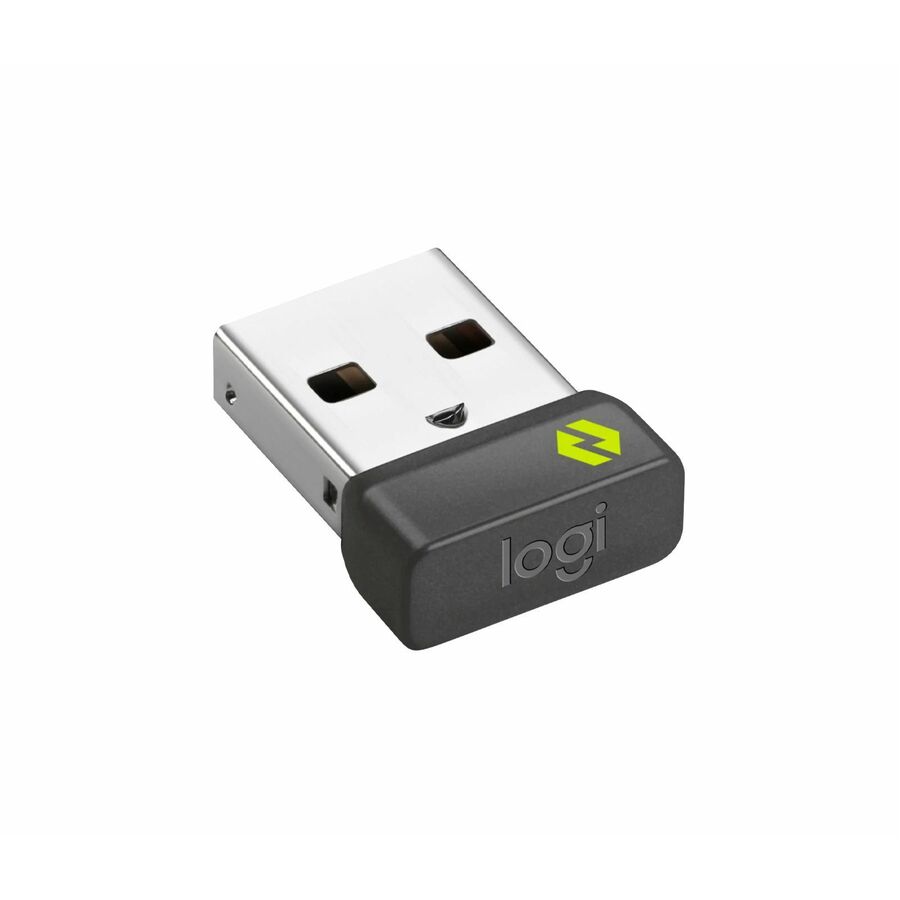
Have it handy in case you need to replace the receiver that came with your Logi Bolt wireless device. Connect to two different computers with a strong, secure Logi Bolt wireless connection on both devices. You can use your Bolt Receiver with your Flow-enabled Logi Bolt mouse for your multi-computer workflows using the Logi Options+ App. These are just a few reasons to buy a Logi Bolt receiver.
RELIABLE, SECURE WIRELESS
Designed for security and high performance, Logi Bolt delivers a strong and secure, no drop-off connection for up to 10 meters (33 feet), even in congested wireless environments. Compatible with: Windows®, macOS, Linux®, ChromeOS?
DISCRETE AND CONVENIENT
One port is all it takes. Once the receiver is plugged in, you can keep it installed. Take your laptop and connected Logi Bolt devices with you to different workspaces and keep working.
EASY PAIRING
Pair it with Logi Bolt wireless mice and keyboards Simply visit logitech.com/options to download Logitech Options then follow step by step on-screen instructions.
ONE RECEIVER - 6 DEVICES
Connect up to 6 Logi Bolt wireless keyboards and mice to one computer5Requires Logitech Options software, available for download for Windows 10 or later, macOS 10.14 or later. with a single Logi Bolt receiver - and forget the hassle of multiple USB receivers. Plus, keep one wireless keyboard/mouse set in each workspace, then simply move your laptop into range. No need to carry or commute with mice or keyboards.
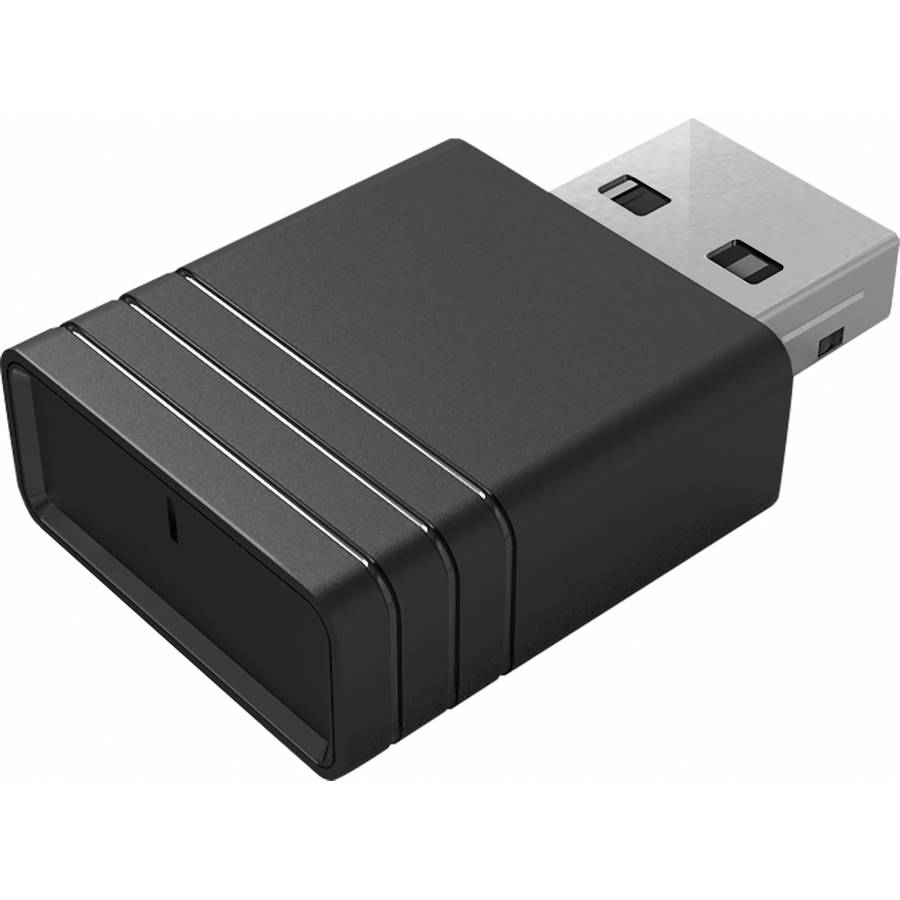
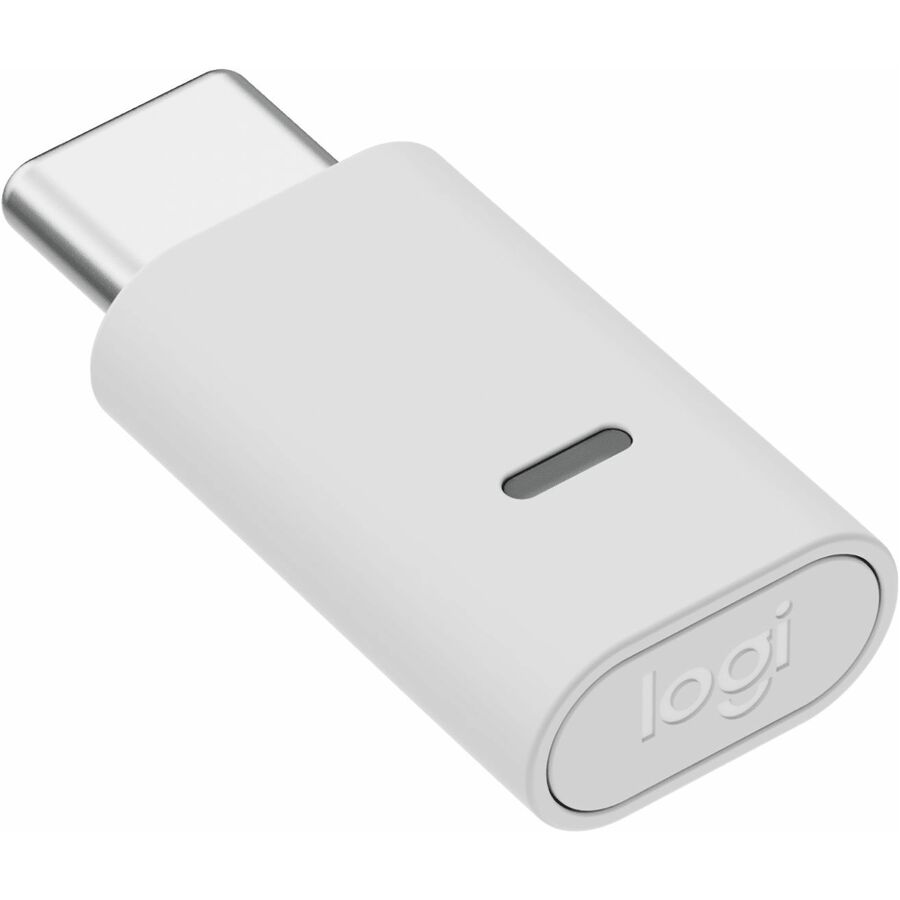
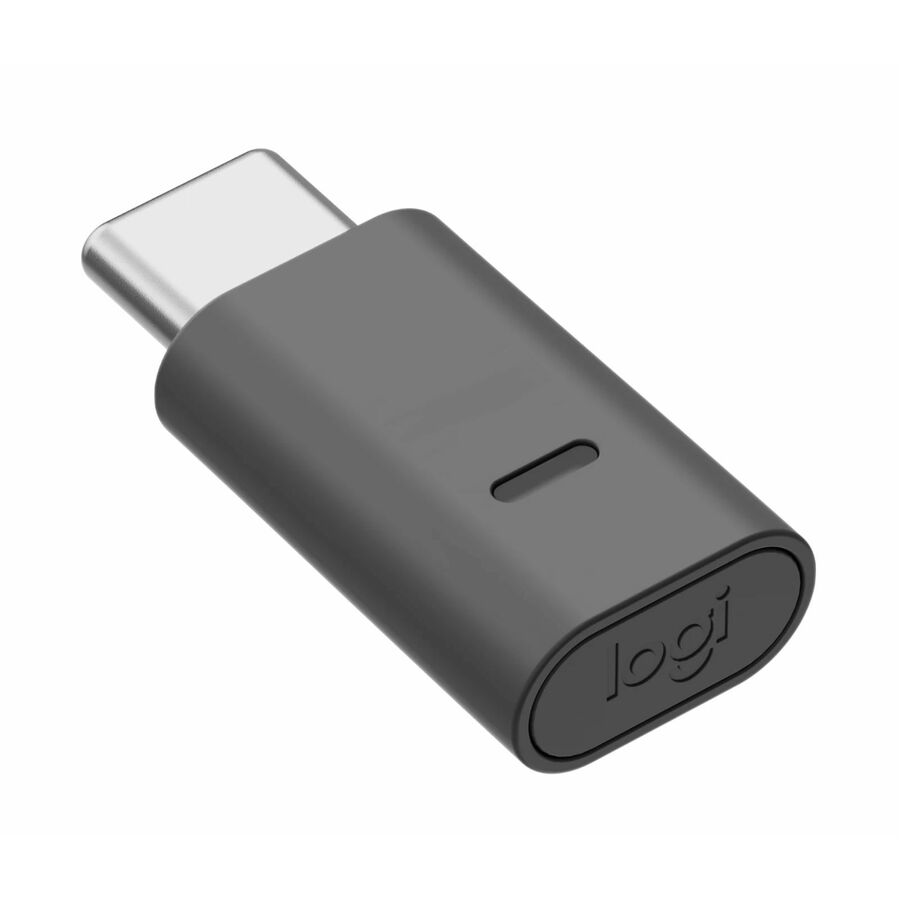
LOGI BOLT USB RECEIVER
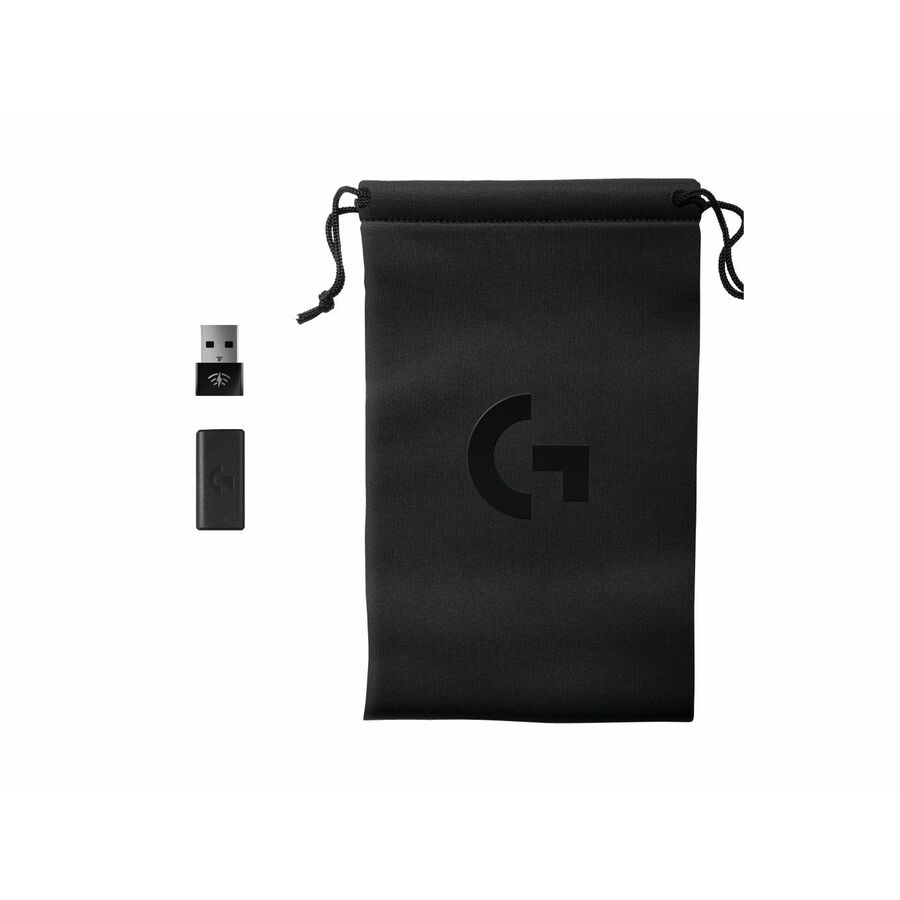
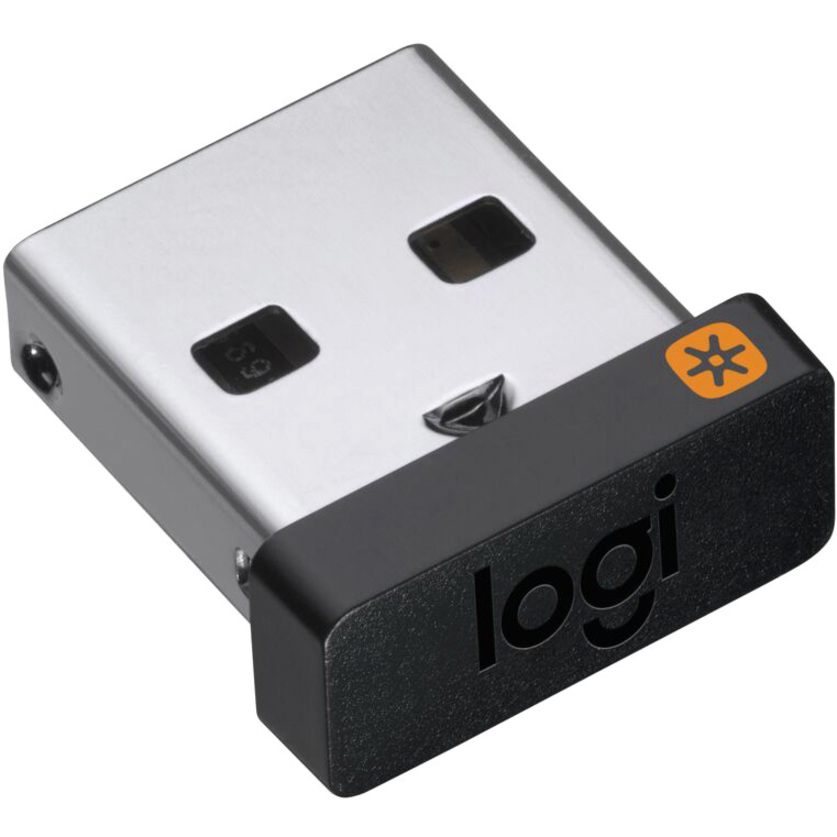
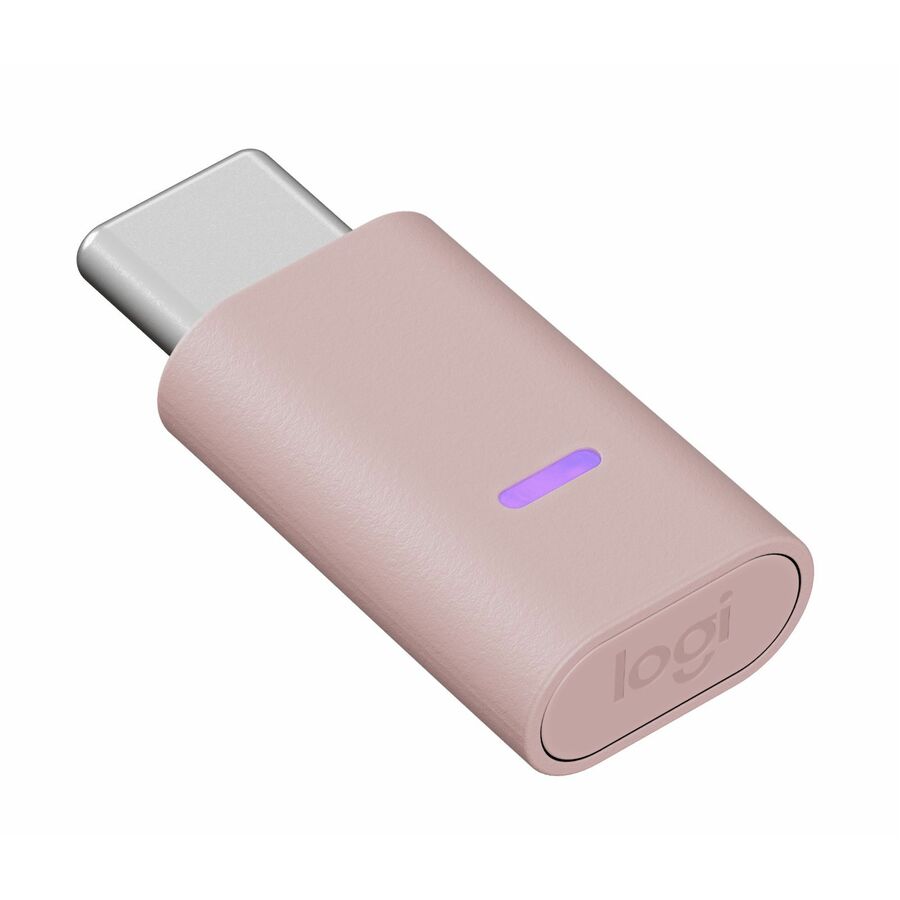
Use this Logi Bolt USB receiver to make a secure, high performance wireless connection between your Logi Bolt wireless mouse, keyboard or combo and your computer. Choose between Logi Bolt USB-A and USB-C connectivity.
High Performance. Engineered Responsibly.
We engineer our products for speed, precision, and high performance, all while considering sustainability as a key criteria throughout every stage of the product development process
Warranty
Limited Warranty: 1 Year
About Logitech
Focused on innovation and quality, Logitech designs personal peripherals to help people enjoy a better experience with the digital world. We started in 1981 with mice, which (new at the time) provided a more intuitive way of interacting with a personal computer. We became the worldwide leader in computer mice, and have reinvented the mouse in dozens of ways to match the evolving needs of PC and laptop users. Since those early days, we have expanded our expertise in product design beyond the computer mouse, with a broad portfolio of interface devices that are the last inch between you and your computer or your console game, digital music or home-entertainment system. With products sold in almost every country in the world, Logitech's leadership in innovation now encompasses a wide variety of personal peripherals (both cordless and corded), with special emphasis on products for PC navigation, gaming, Internet communications, digital music and home-entertainment control.
Highlights
FOR BACKUP OR MULTI-COMPUTER USE: Have it handy in case you need to replace the receiver that came with your Logi Bolt wireless device. Connect to two different computers with a strong, secure Logi Bolt wireless connection on both devices. You can use your Bolt Receiver with your Flow-enabled Logi Bolt mouse for your multi-computer workflows using the Logi Options+ App. These are just a few reasons to buy a Logi Bolt receiver.
RELIABLE, SECURE WIRELESS: Designed for security and high performance, Logi Bolt delivers a strong and secure, no drop-off connection for up to 10 meters (33 feet), even in congested wireless environments.
Compatible with: Windows, macOS, Linux, ChromeOS
DISCRETE AND CONVENIENT: One port is all it takes. Once the receiver is plugged in, you can keep it installed. Take your laptop and connected Logi Bolt devices with you to different workspaces and keep working.
EASY PAIRING: Pair it with Logi Bolt wireless mice and keyboards. Simply visit logi.com/optionsplus to download Logi Options+ App, then follow step-by-step on-screen instructions.
ONE RECEIVER - 6 DEVICES: Connect up to 6 Logi Bolt wireless keyboards and mice to one computer with a single Logi Bolt receiver - and forget the hassle of multiple USB receivers. Plus, keep one wireless keyboard/mouse set in each workspace, then simply move your laptop into range. No need to carry or commute with mice or keyboards.