
Best Docking Stations for Volume Rollouts
USB-C and USB-A universal docks that a fleet can standardize on — read by display outputs and resolution, power-delivery wattage, wired Ethernet and how many of the same unit a rollout can afford.
Docking stations in stock at Uniqcli
How to choose →A curated selection with live pricing — in-stock lines first, then back-ordered lines with a typical lead time. Every line is sourced through US distribution and screened for NDAA §889 status before checkout, with TAA verified on request.
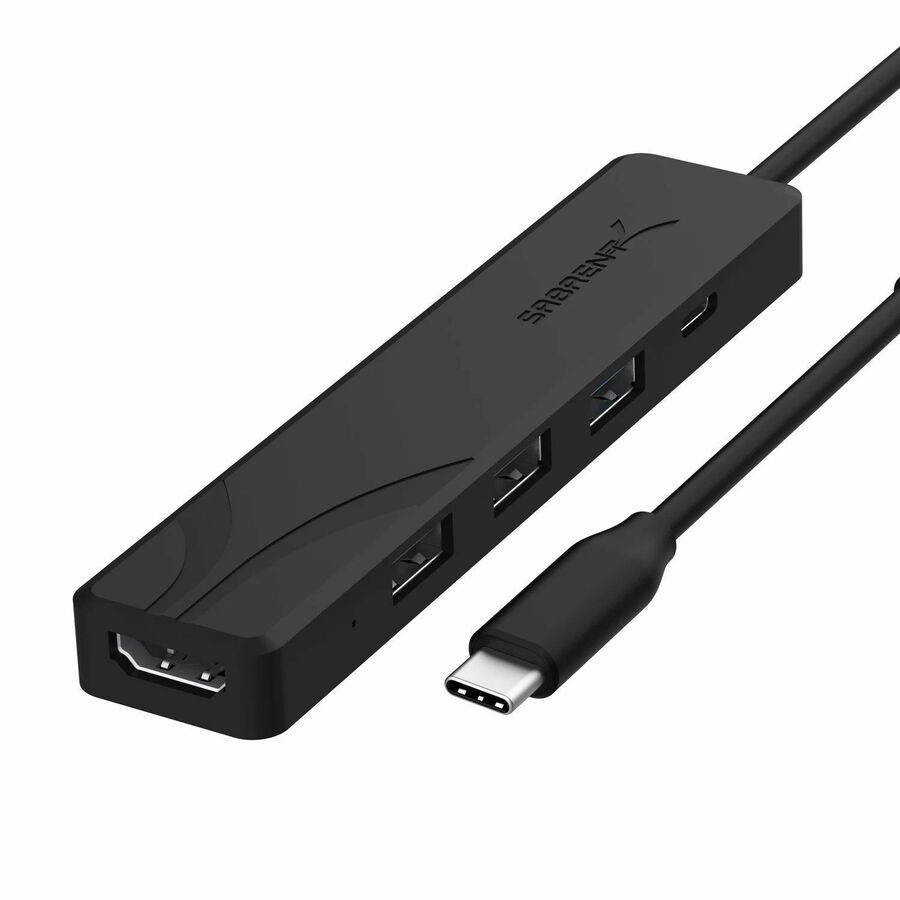
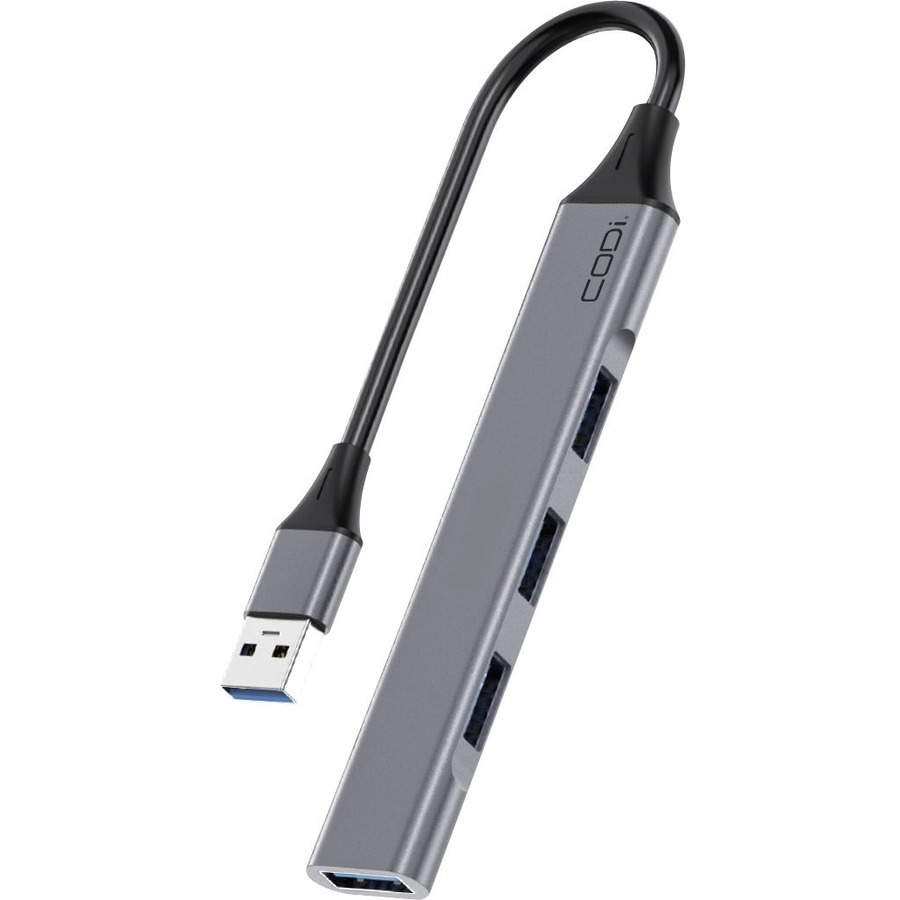
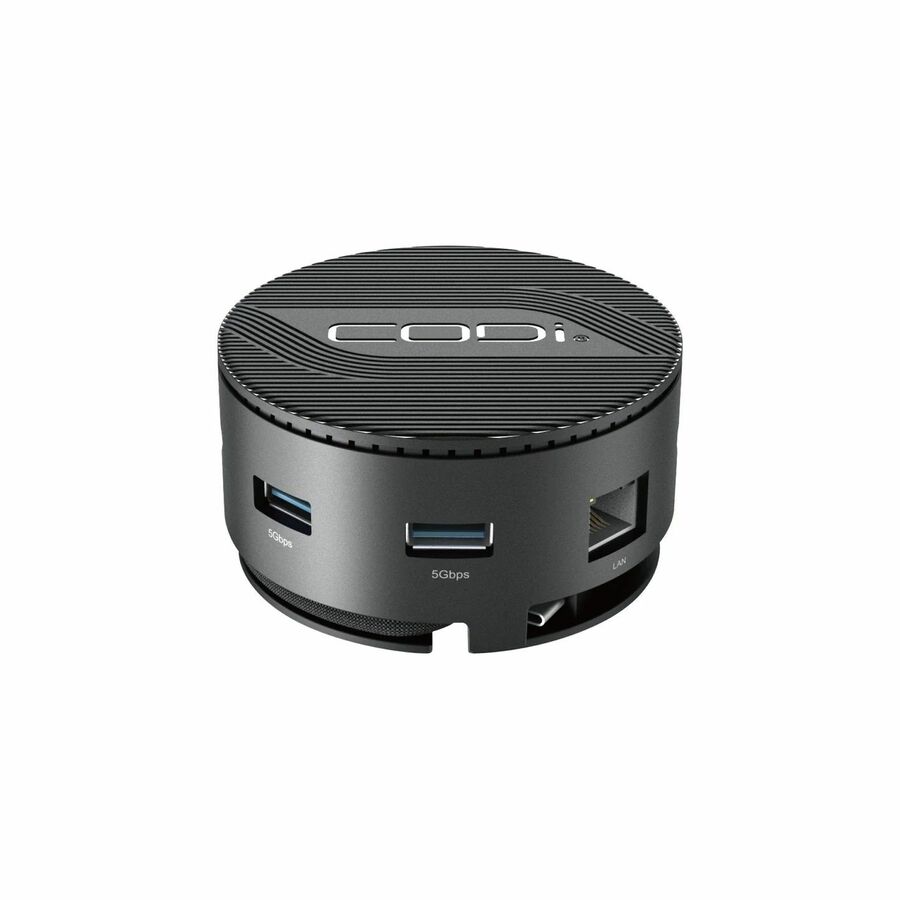
- CODi WorldwideCODi 4-Port USB-A Hub - (USB 3.0 & USB 2.0 Connectivity Expansion)A01113
$22.99
$17.15
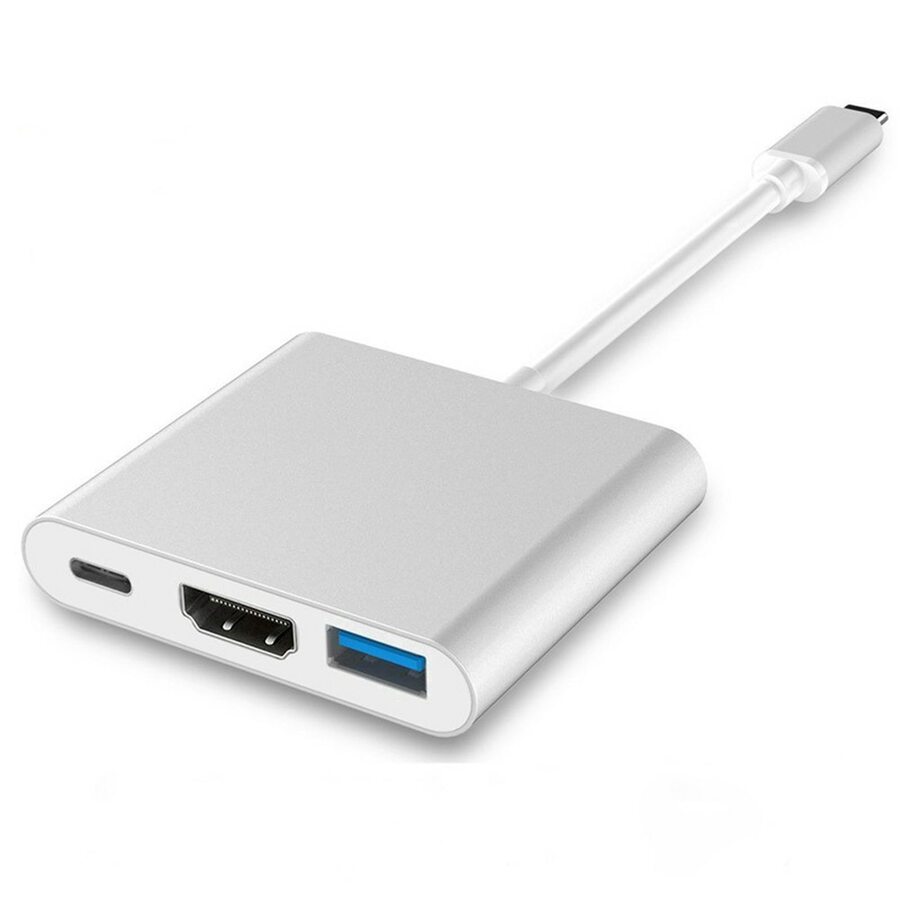
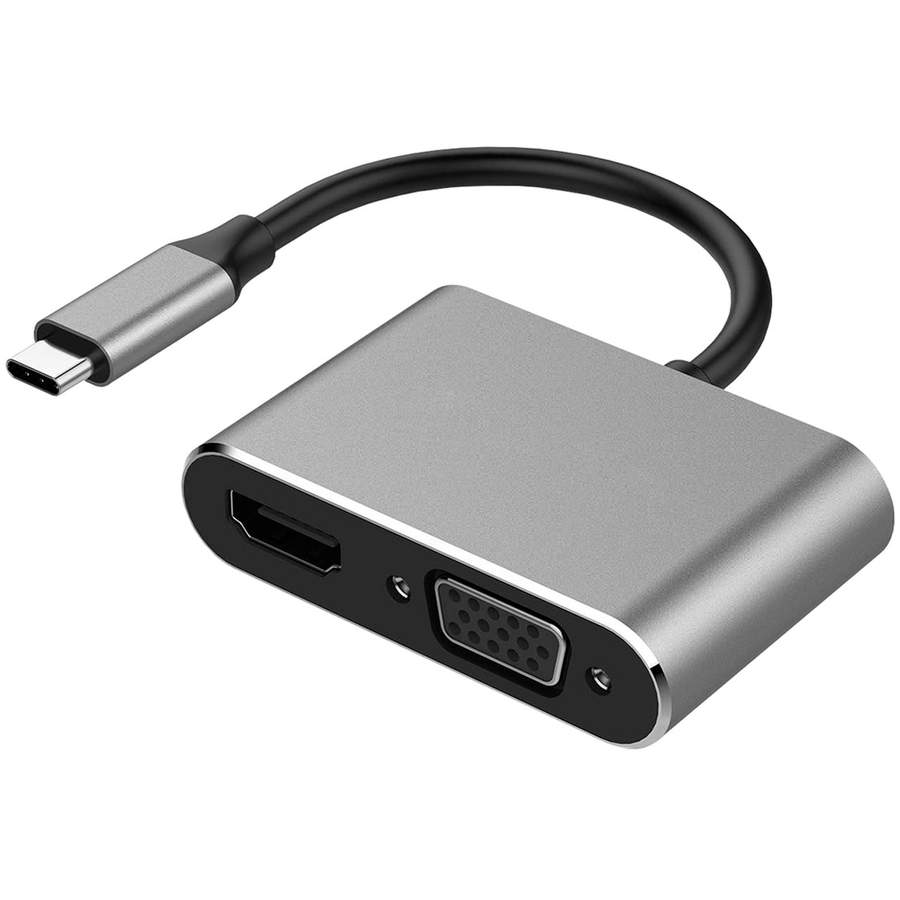
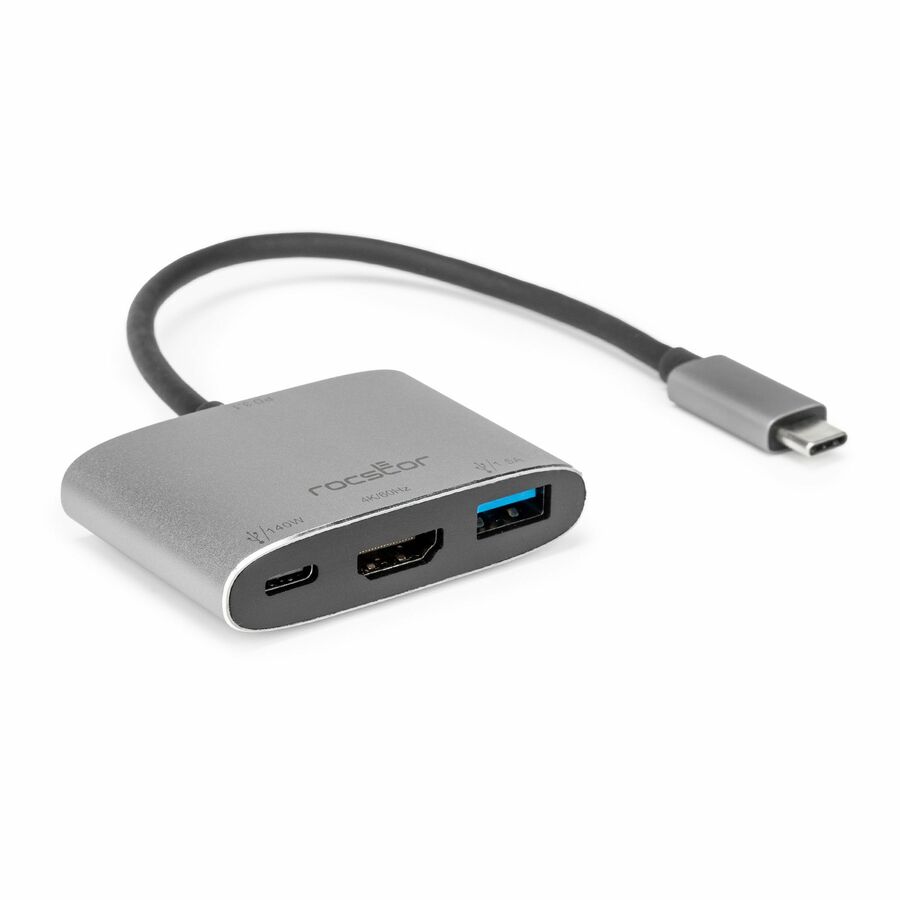
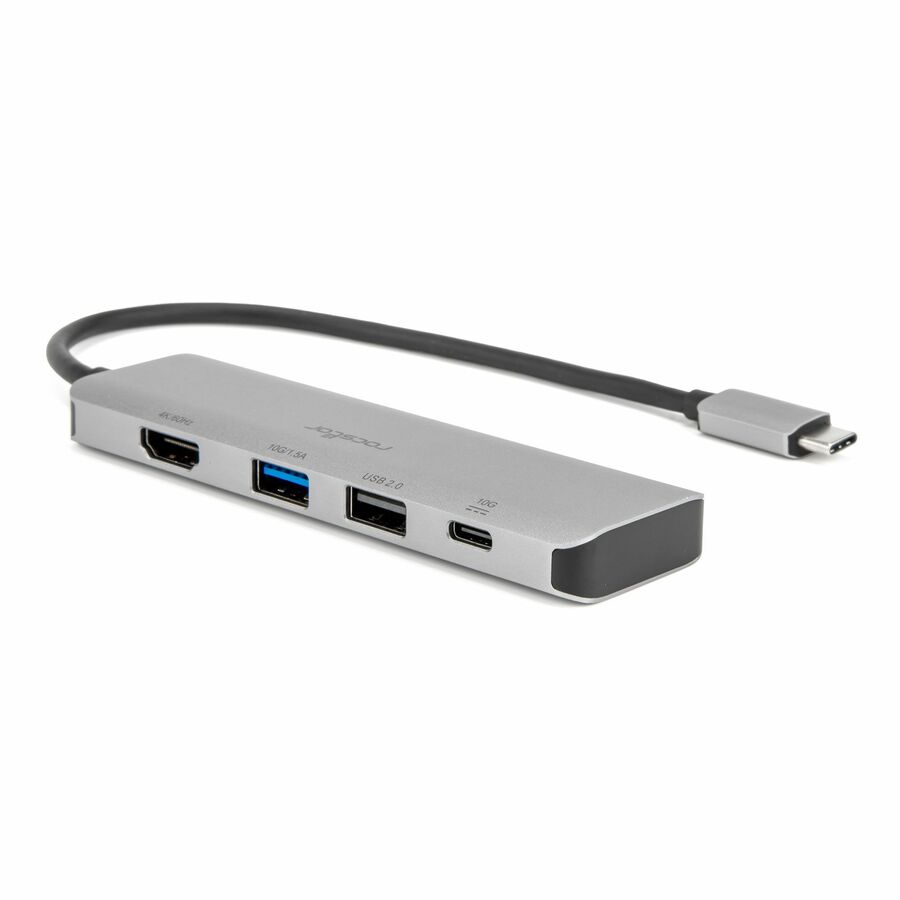
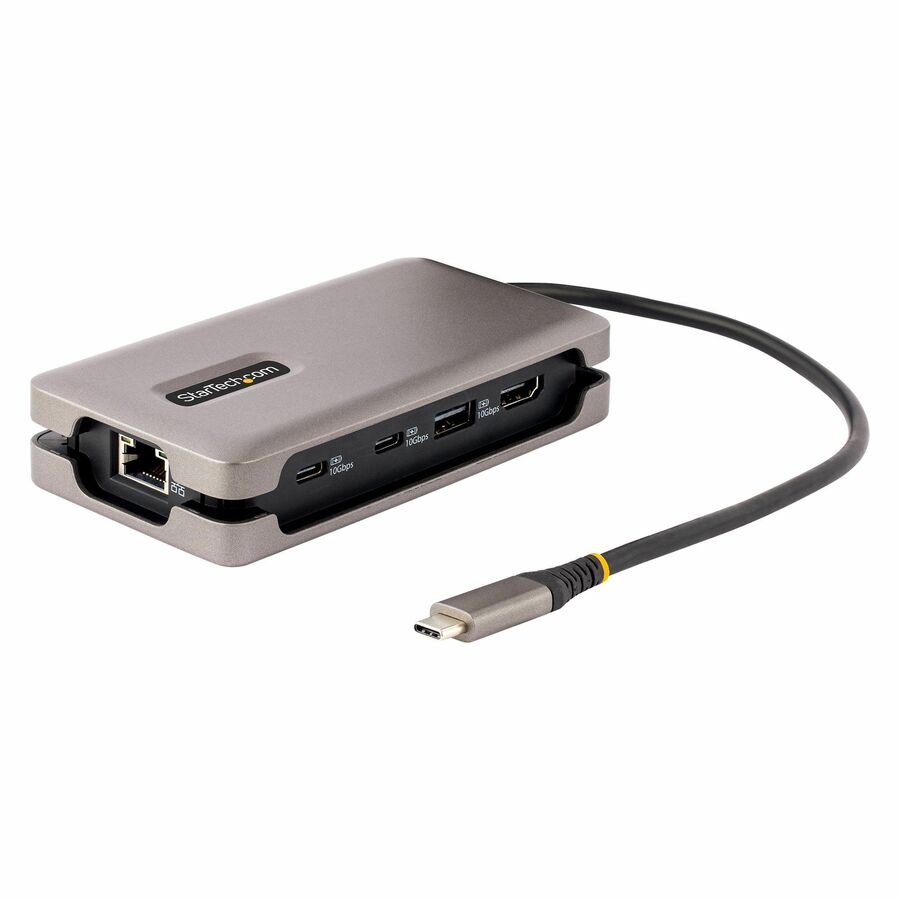
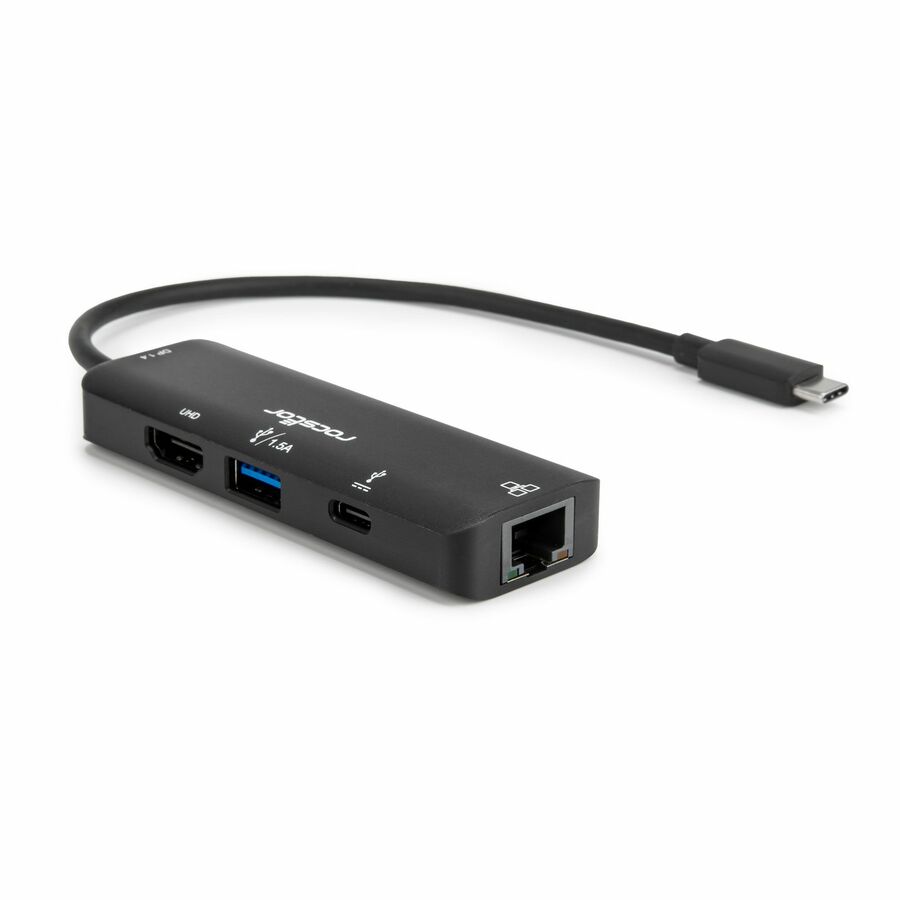
1,476 in stock - RocstorRocstor Type-C to HDMI/USB-A/Type-C Data or PD3.1 Charging - for Monitor, Projector, Notebook - Charging Capability - USB Type C - 4K @ 60Hz - 3840 x 2160 - 2 x USB Ports - 1 x USB Type-A Ports - USB Type-A - 1 x USB Type-C Ports - USB Type-C - HDMI - Silver - Wired - Windows, macOS - 140WY10A321-S1
$26.95
$25.65
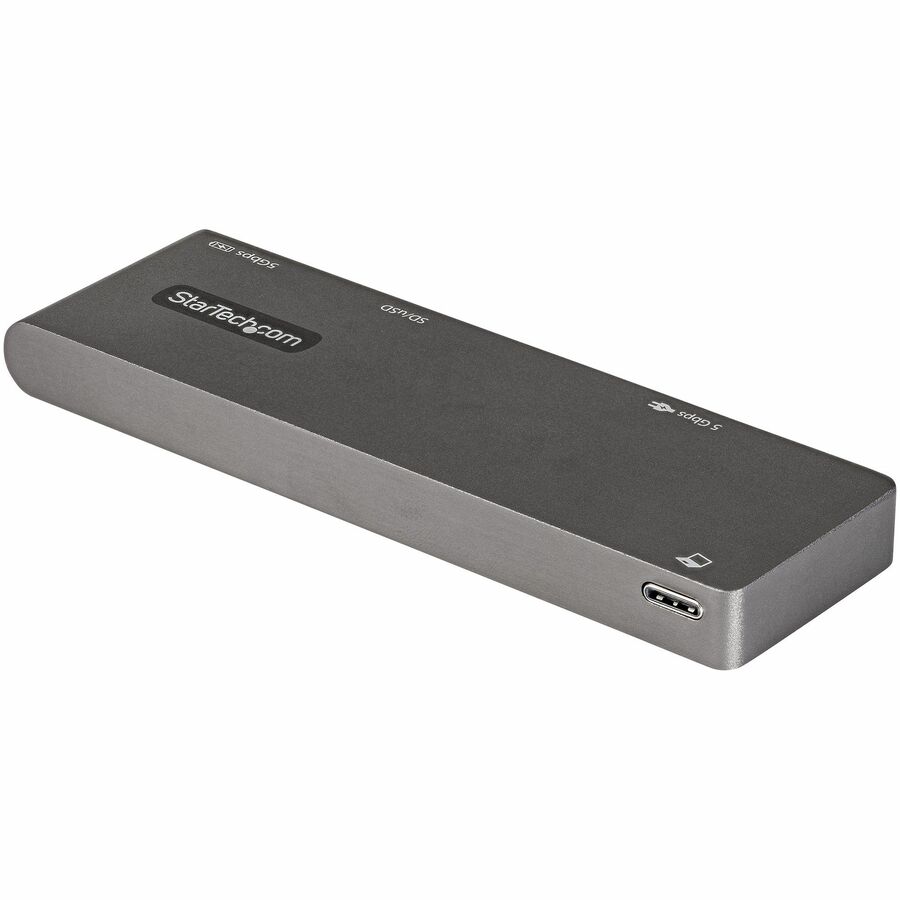
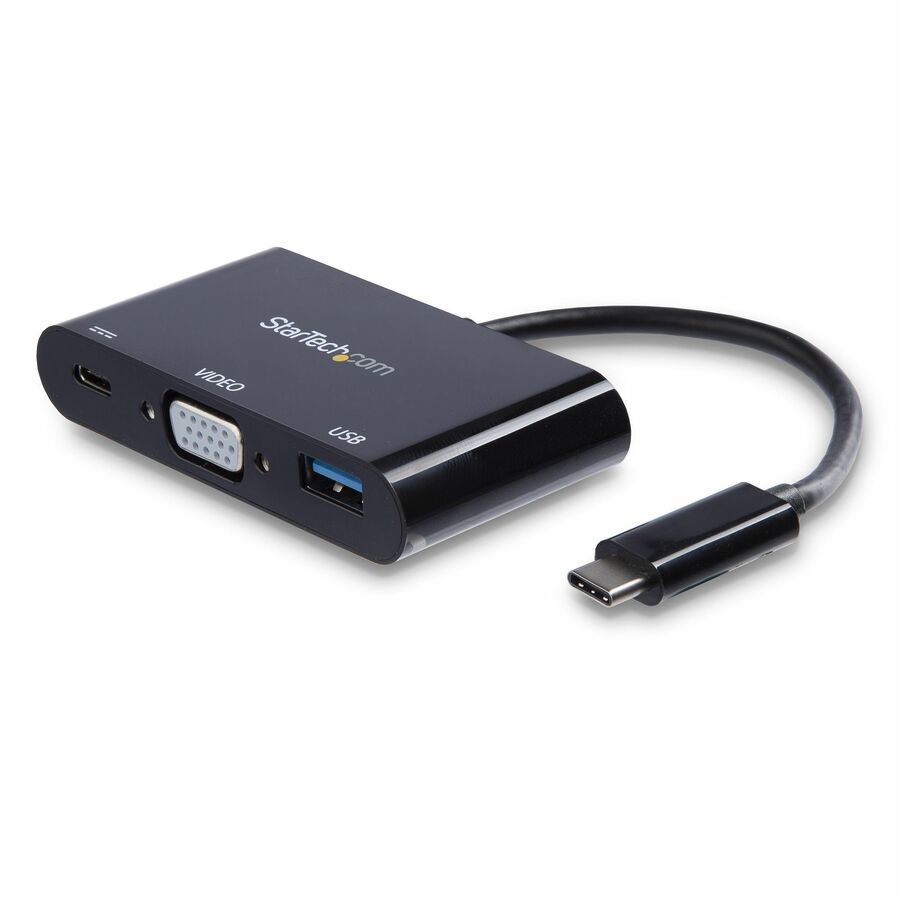
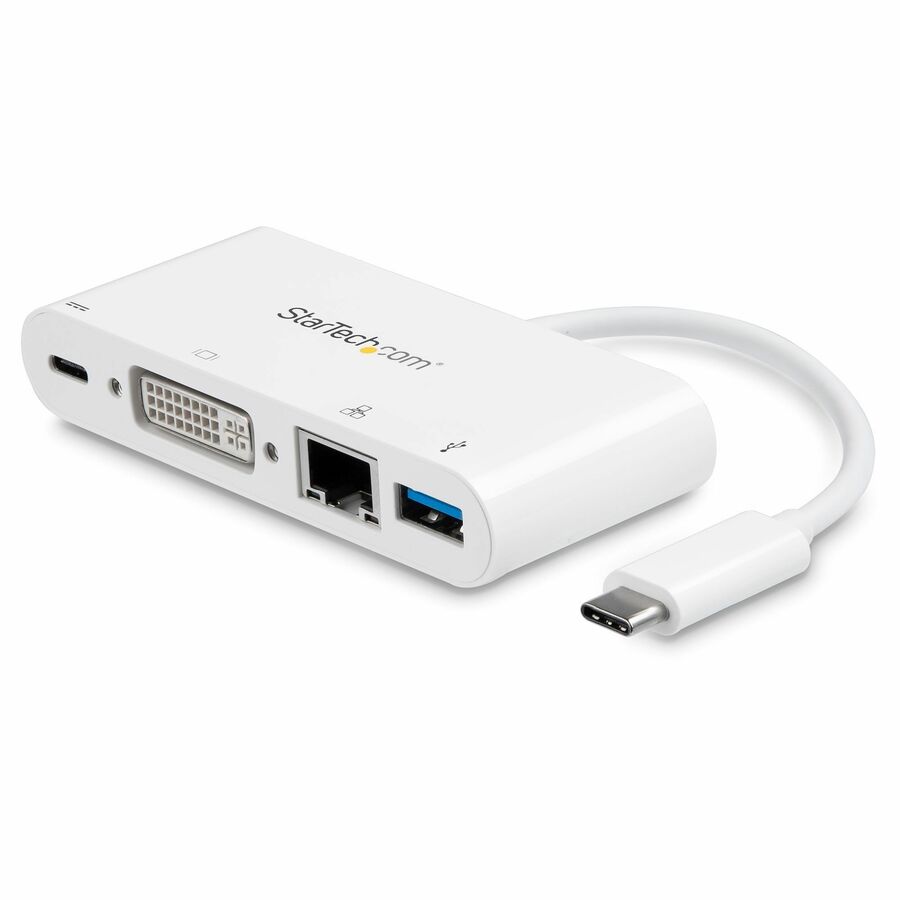
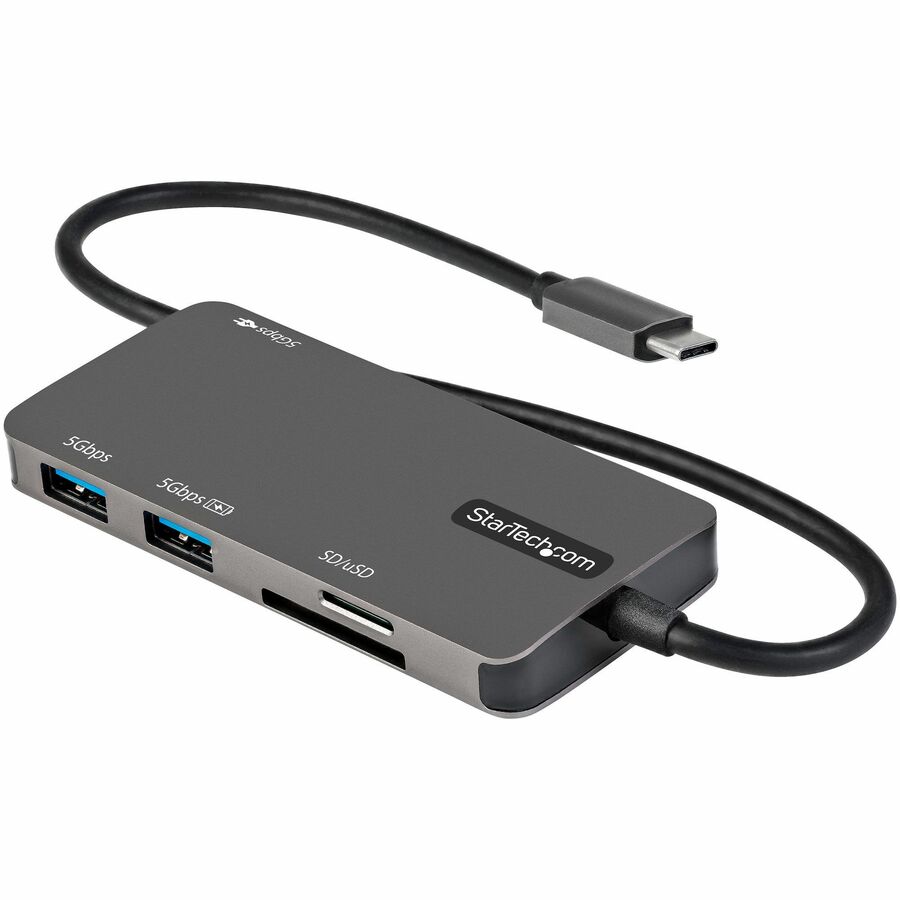
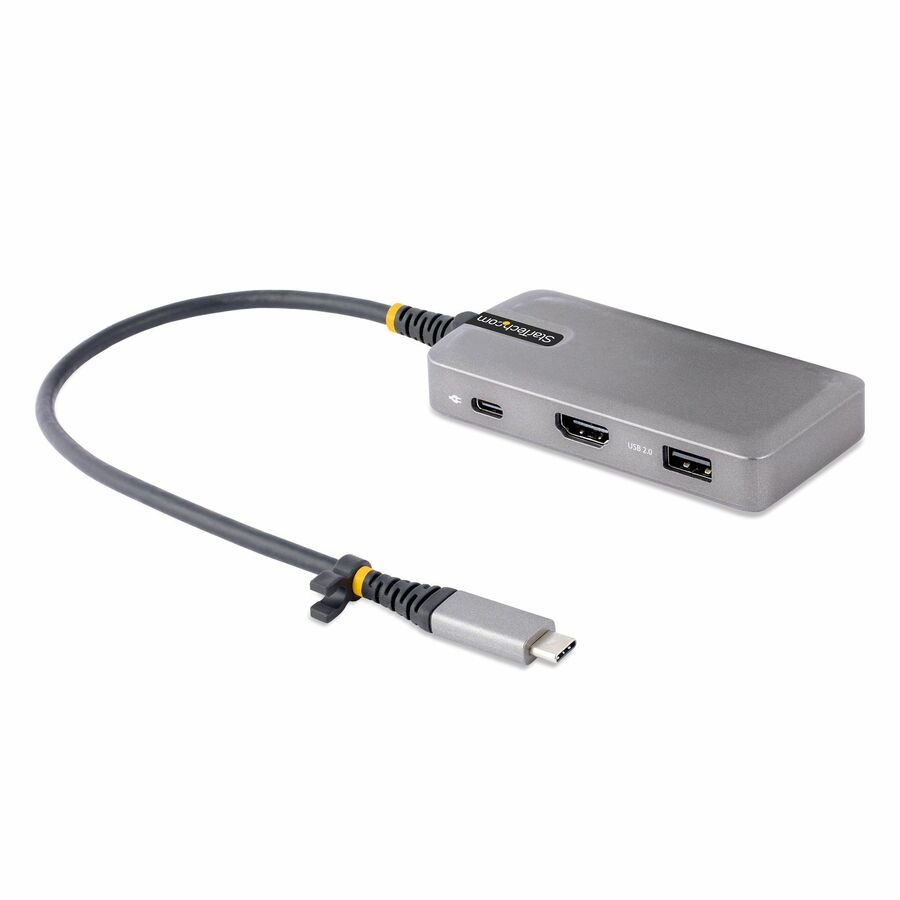
171 in stock - StarTech.comStarTech USB-C Multiport Adapter, 4K 60Hz HDMI, 3-Port USB Hub, 100W Power Delivery Pass-Through, Mini Dock, Windows/macOS/ChromeOS - USB C multiport adapter w/4K60Hz HDMI 2.0b HDR10 via DP 1.4 Alt Mode, 3x USB Hub (1x USB 3.2 5Gbps, 2x USB 2.0), 100W PD pass-through, 12in extended cable, Portable Type-C Mini laptop docking station, Works with Chromebook (WWCB) certified, Win/macOS104B-USBC-MULTIPORT
$31.99
$29.43
8,424 in stock








USB-A dual-monitor
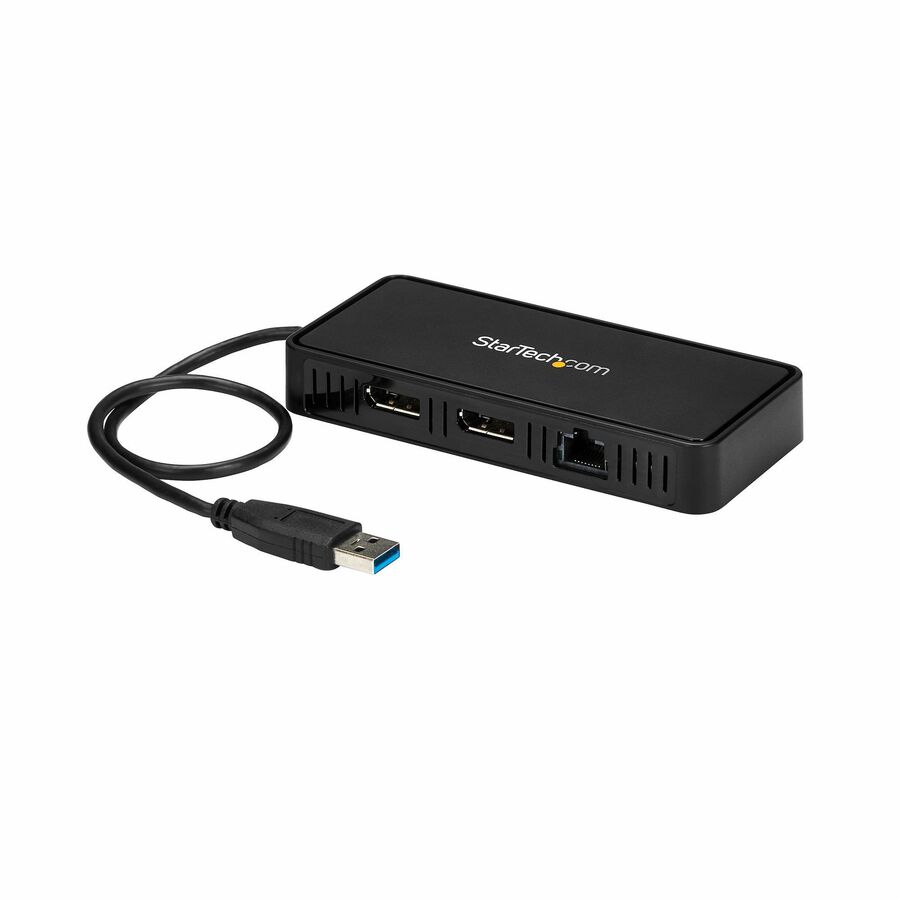
StarTech.com
StarTech USB 3.0 Mini Dock, Dual Monitor USB Type-A Laptop… - 1ft
USBA2DPGB
A StarTech USB 3.0 mini dock that drives dual monitors over a USB Type-A connection — the DisplayLink answer for a mixed fleet where not every laptop has a usable USB-C port, in a compact body.
$31.27*In stockKensington universal
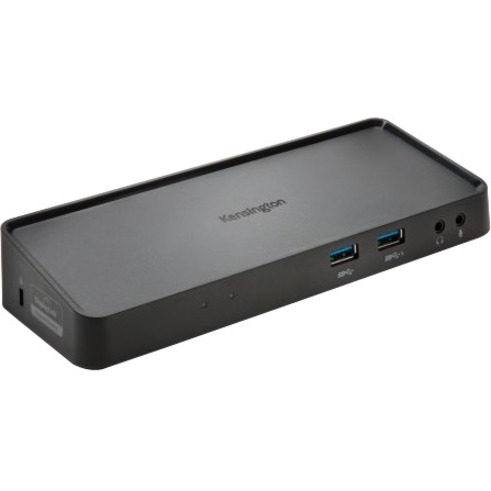
Kensington Computer Products
Kensington SD3650 Universal USB 3.0 Docking Station
K33997WW
A Kensington SD3650 universal USB 3.0 docking station with six USB ports and video out — a DisplayLink dock that standardizes a rollout of older and newer machines onto one part number.
$100.25Back-orderedKensington dual-2K
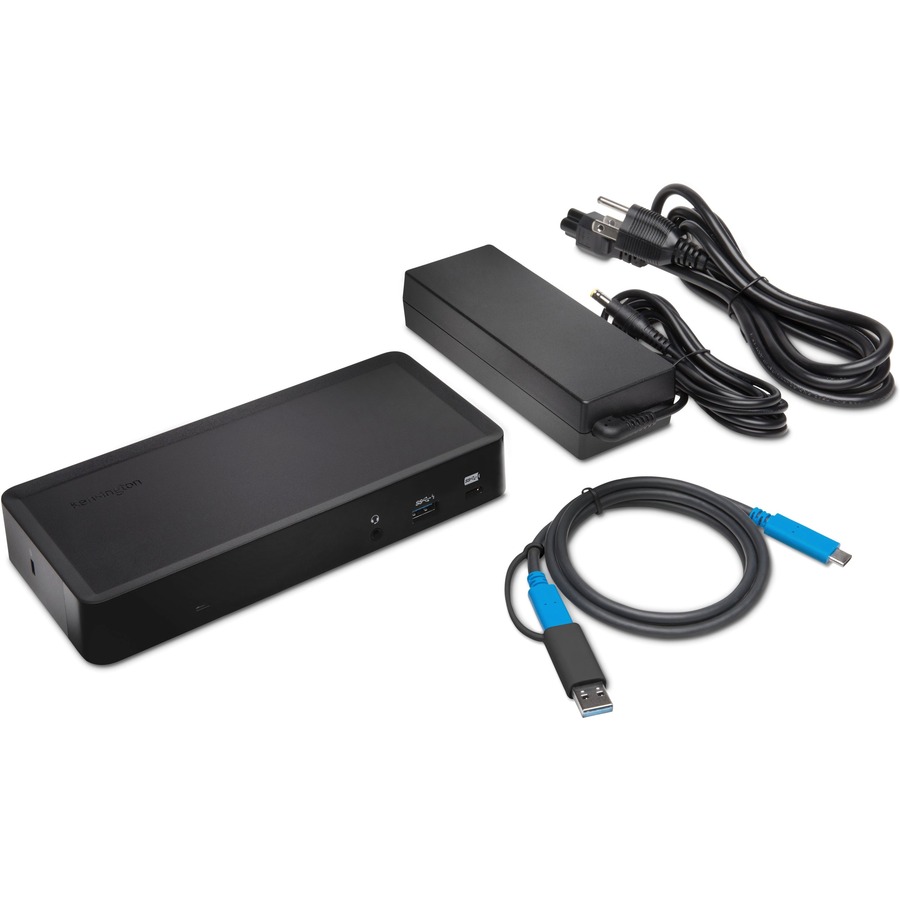
Kensington Computer Products
Kensington SD4700P USB-C & USB 3.0 Dual-2K Dock
K38240NA
A Kensington SD4700P USB-C and USB 3.0 dual-2K dock with DisplayPort and HDMI for Windows and Mac — a dual-connection dock that covers both the USB-C and the USB-A machines on a mixed floor.
Request pricingTargus USB-C, 100W
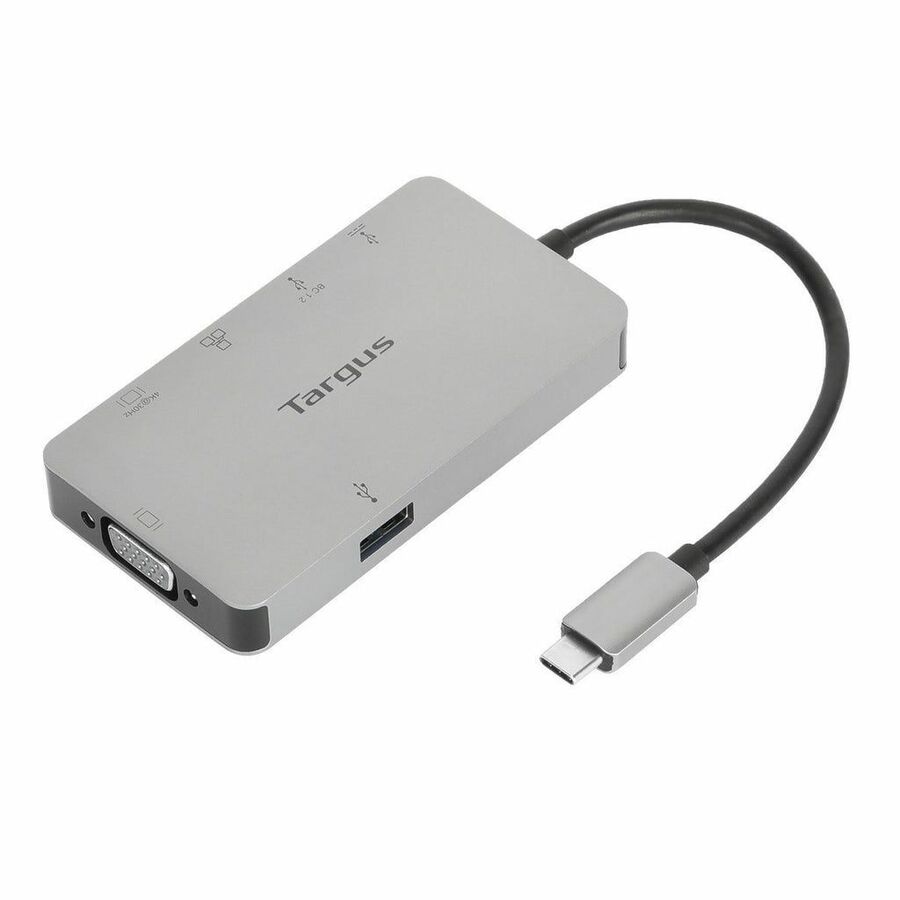
Targus Group International
Targus DOCK419USZ Docking Station
DOCK419USZ
A Targus USB-C docking station with 100 W power delivery on USB 3.2 — a single-cable dock that also charges the laptop, sized for a standard hot-desk or a fixed workstation.
$96.99In stockTargus 12-in-1
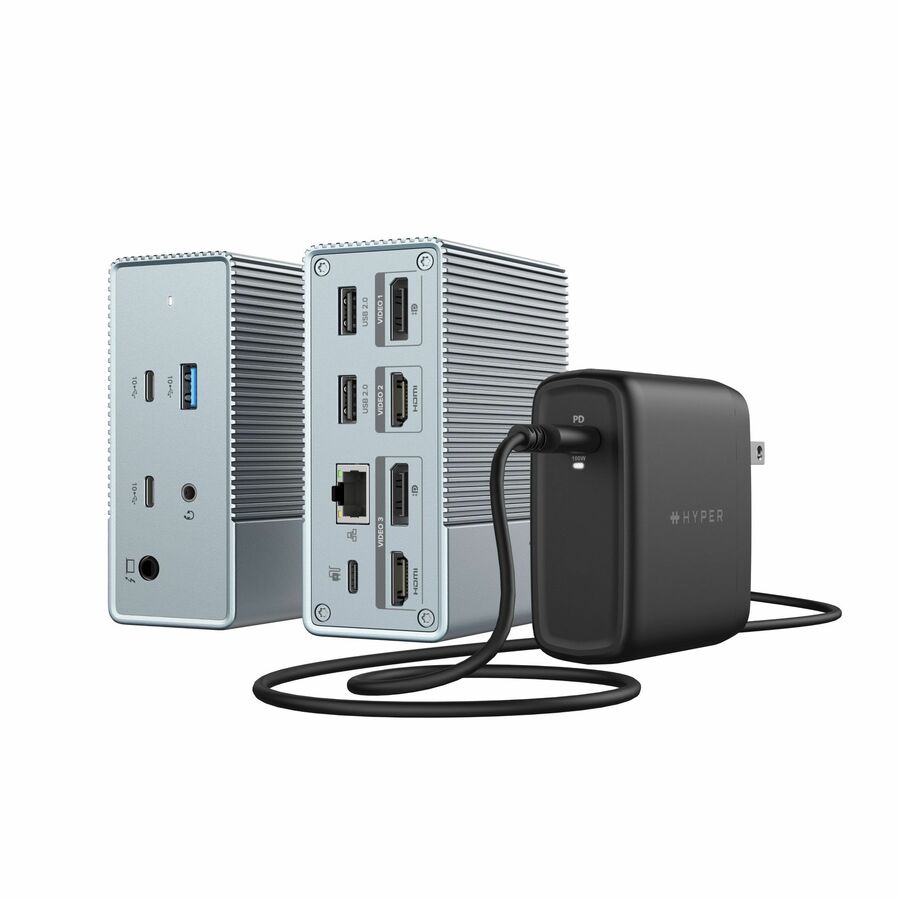
Targus Group International
HyperDrive GEN2 12-in-1 USB-C Docking Station With Power Adapter
HDG212BP-US
A Targus HyperDrive GEN2 12-in-1 USB-C docking station with power delivery and a full port set — the higher-port-count option for a desk that carries a lot of peripherals on one cable.
$97.00Back-orderedPlugable universal
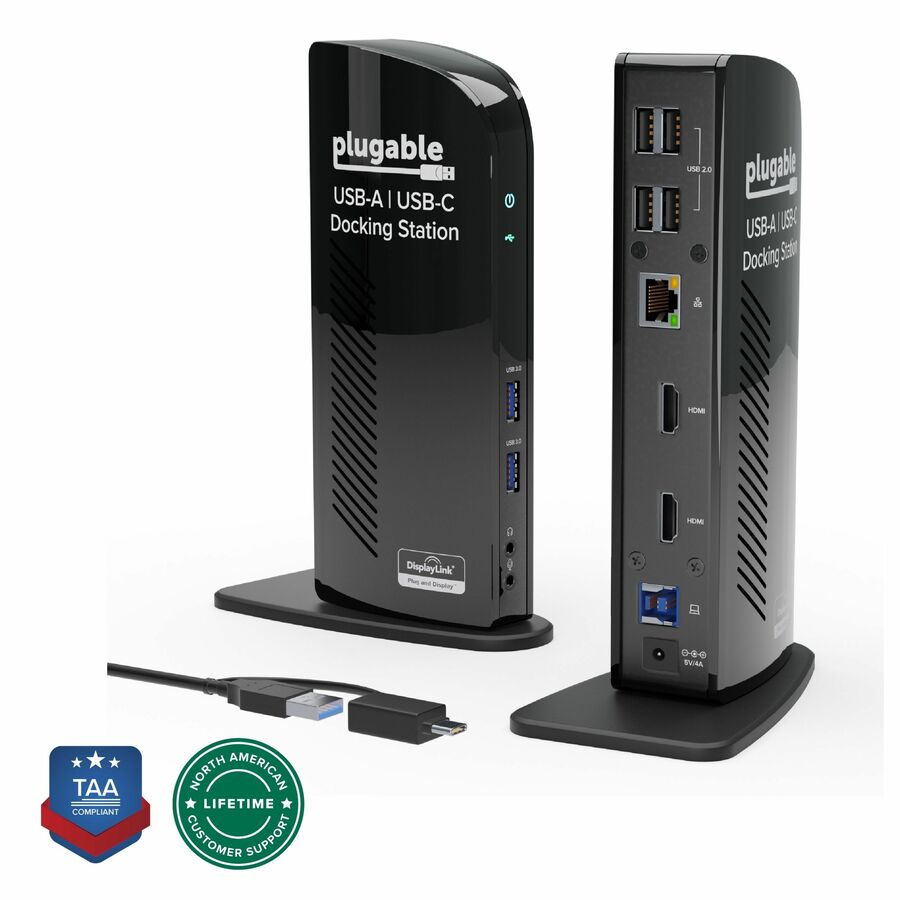
Plugable Technologies
Plugable USB 3.0 Universal Laptop Docking Station Dual Monitor…
UD-3900
A Plugable USB 3.0 universal laptop dock with dual-monitor output for Windows and Mac — a DisplayLink workhorse that has been a fleet standard for years, for the mixed-machine desk.
$143.73In stockPlugable 11-in-1
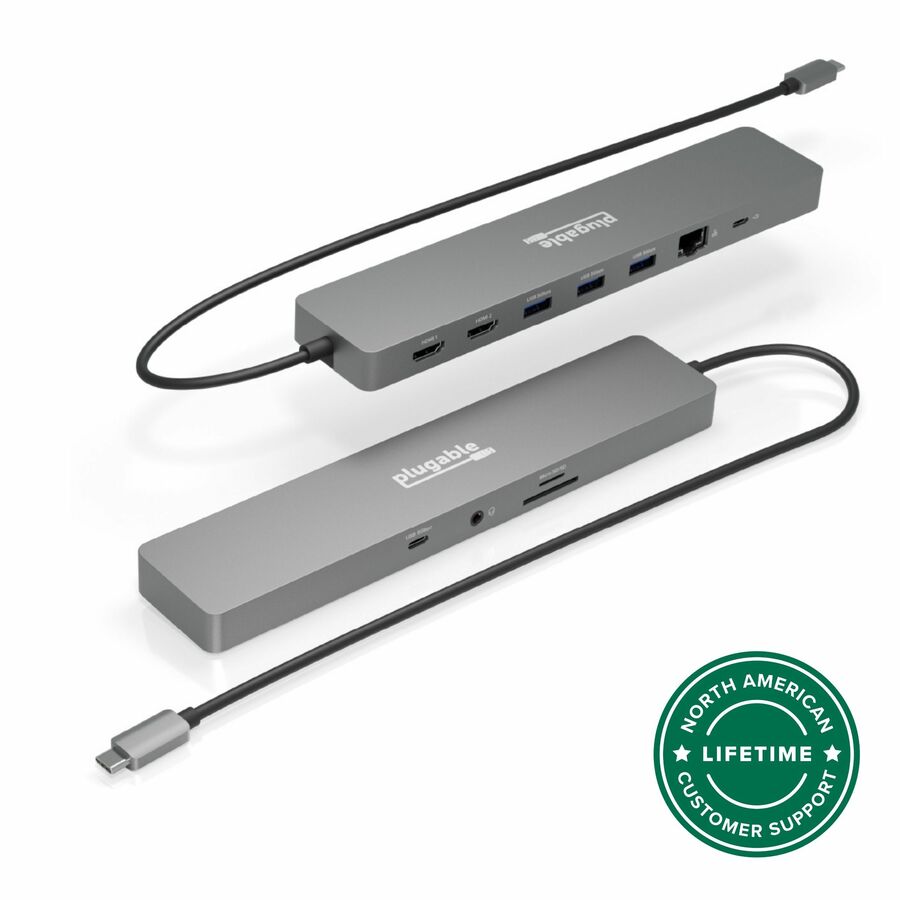
Plugable Technologies
Plugable 11-in-1 USB-C Hub 100W USB-C Pass-through, Laptop Docking…
USBC-11IN1E
A Plugable 11-in-1 USB-C dock with 100 W pass-through and dual display — a single-cable dock with a wide port set for a modern laptop, sized to charge and drive two screens at once.
$126.45In stockBelkin 11-in-1
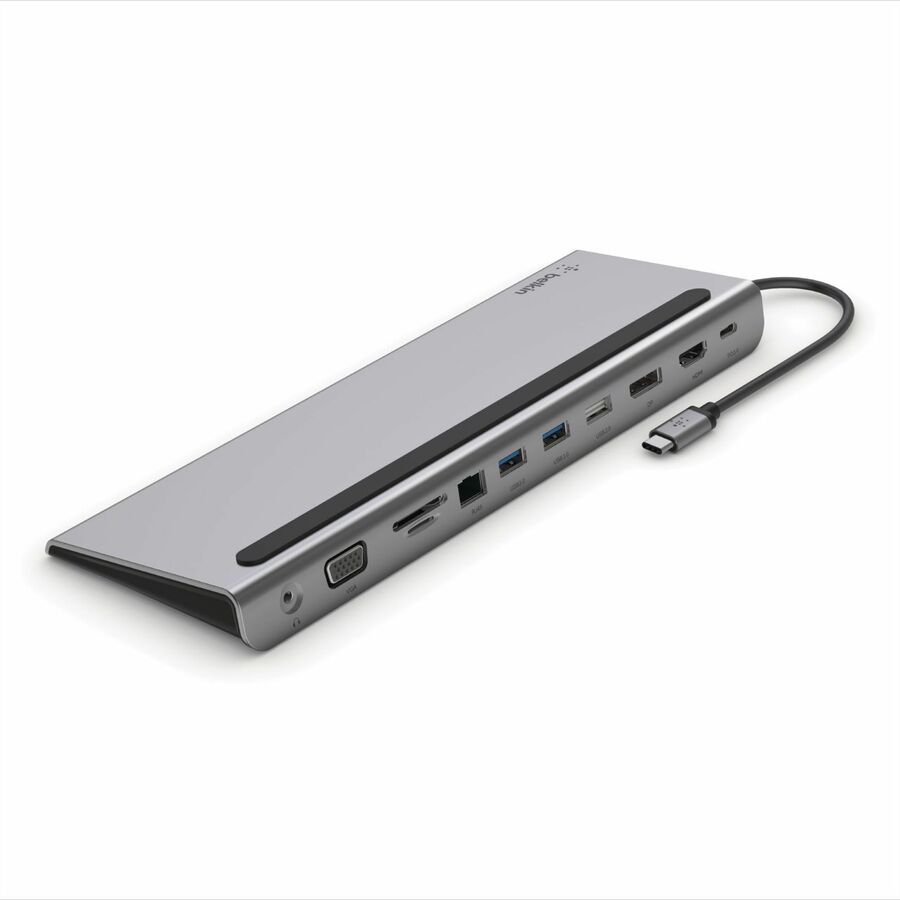
Belkin International
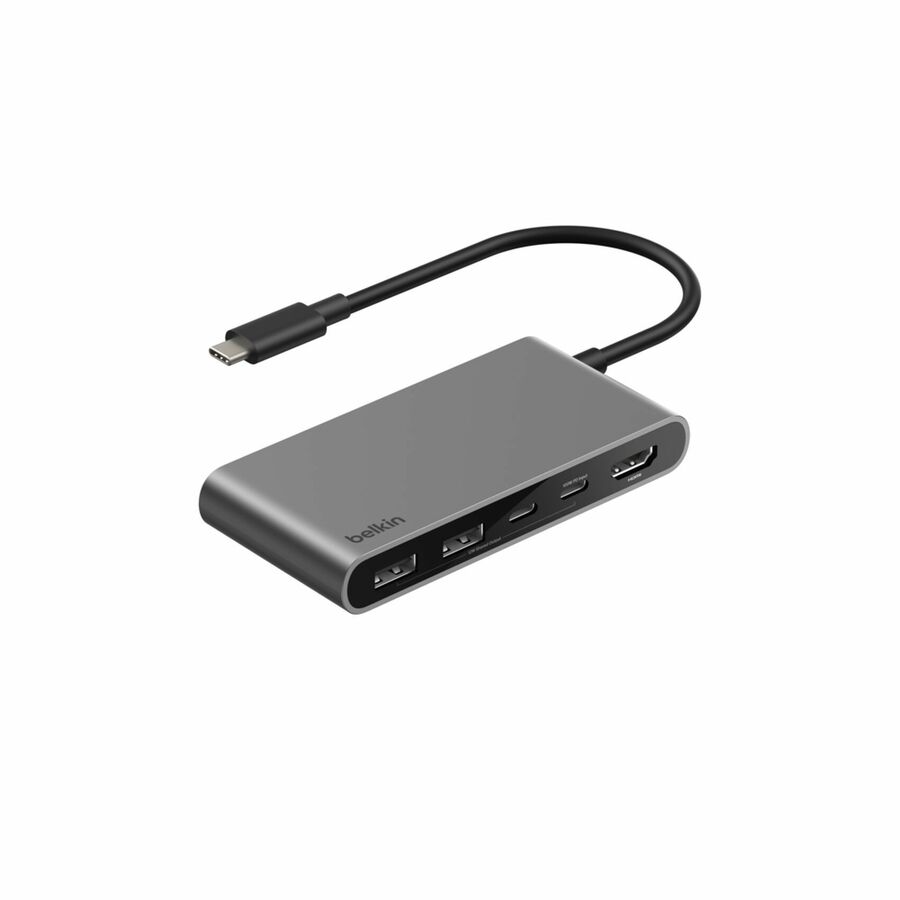
Belkin Univsersal USB-C 11-in-1 Multiport Dock
INC004BTSGY
A Belkin universal USB-C 11-in-1 multiport dock — a compact single-cable dock with the display, Ethernet and USB ports a standard desk needs, from a brand IT estates commonly standardize on.
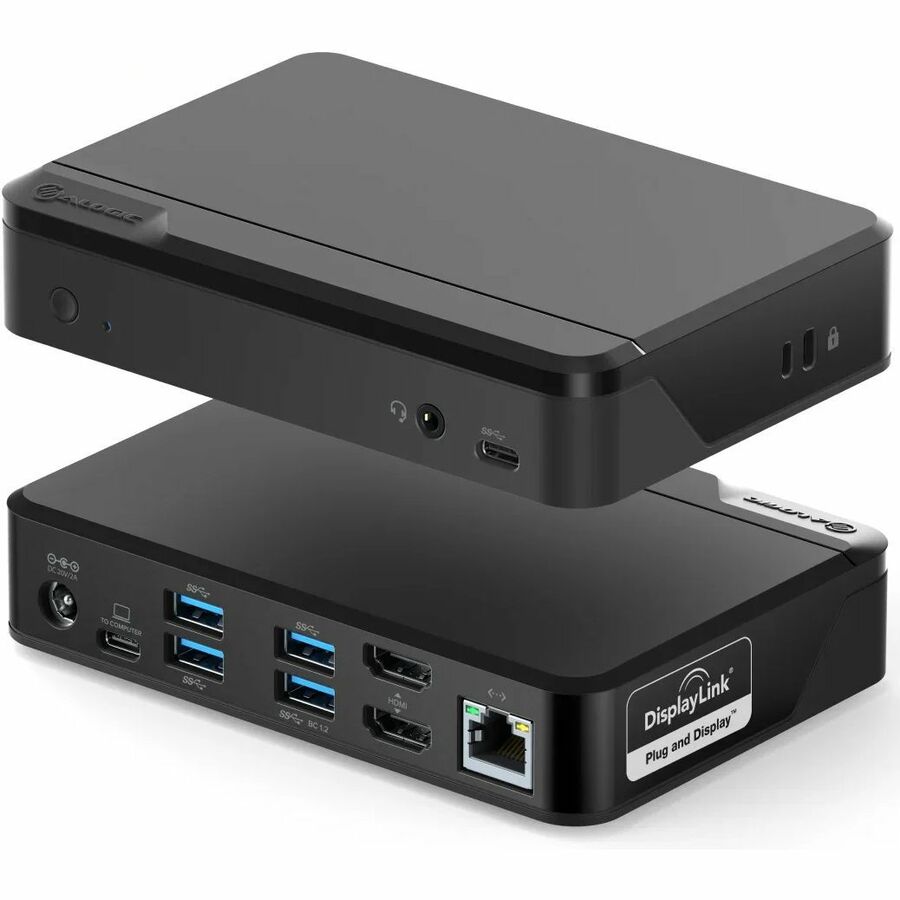
$91.99In stockAlogic dual-4K
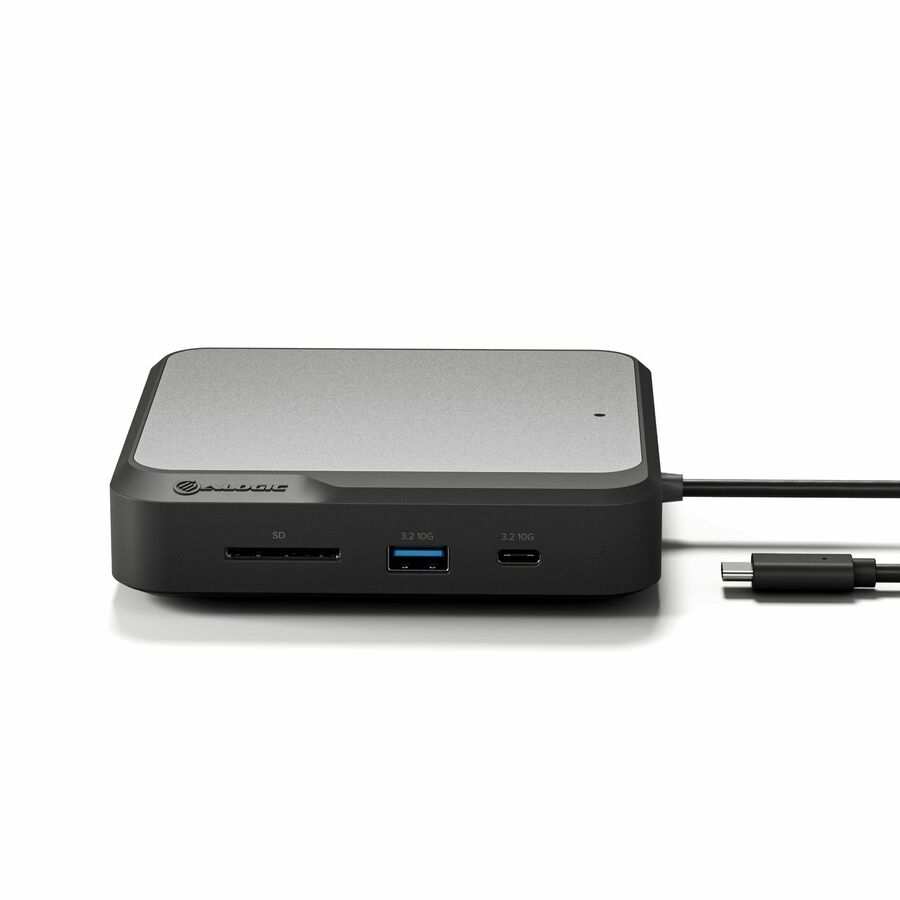
Alogic
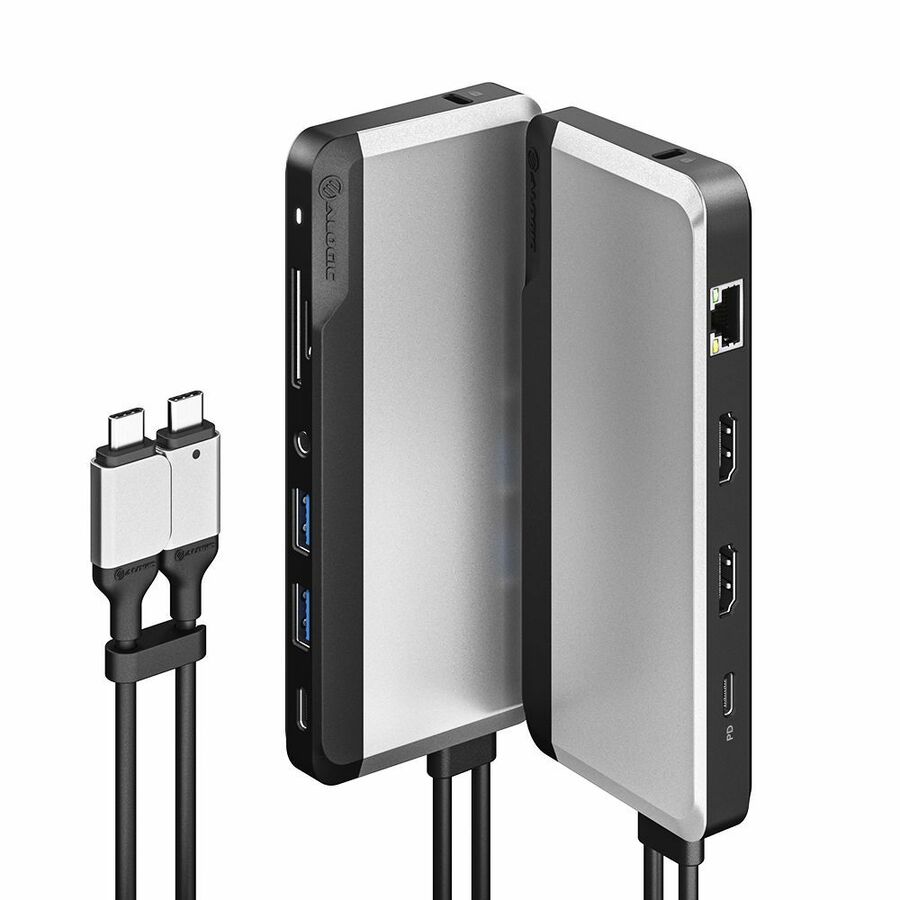
Alogic Dual 4K Universal Docking Station
DUCD2
An Alogic Dual 4K universal docking station in the DisplayPort edition — a dual-4K dock for a two-monitor desk, sized to run both screens at full resolution on a single connection.
$208.88*In stockAlogic Thunderbolt 4
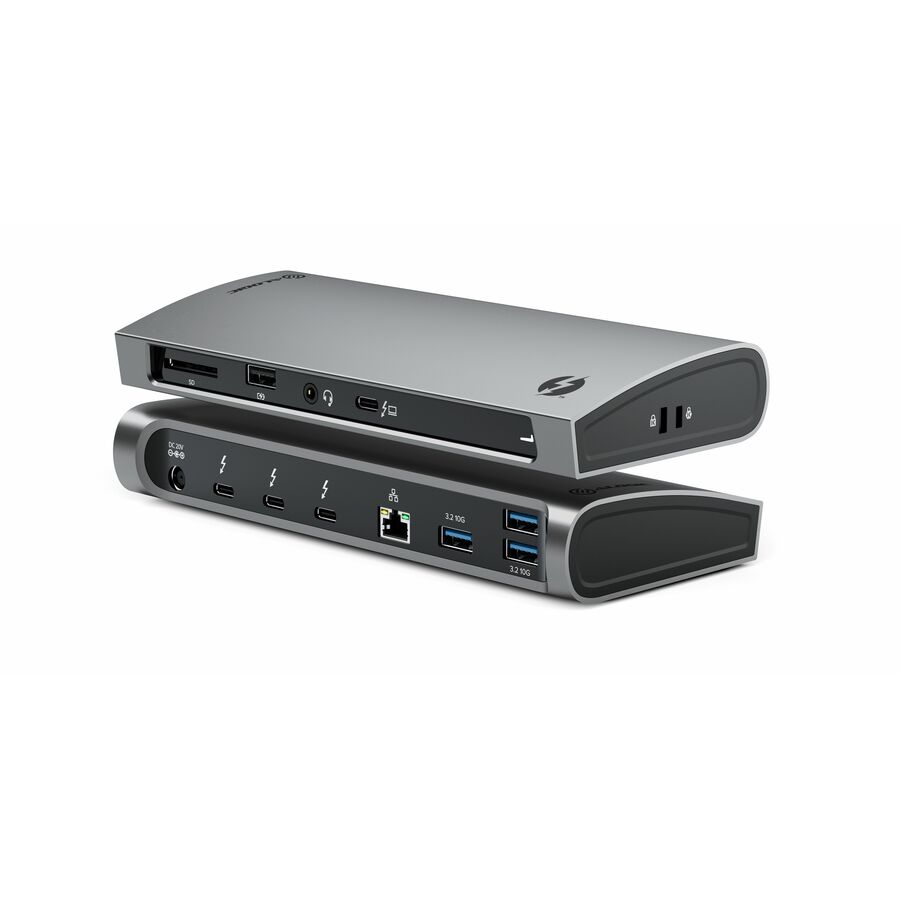
Alogic
Alogic Thunderbolt 4 docking station with ultra-fast data transfer…
TB4D3TB
An Alogic Thunderbolt 4 docking station with 100 W power delivery and ultra-fast data — a Thunderbolt dock at a rollout-friendly price for the high-bandwidth desks in a modern fleet.
$209.25*In stockAdesso 12-in-1, TAA
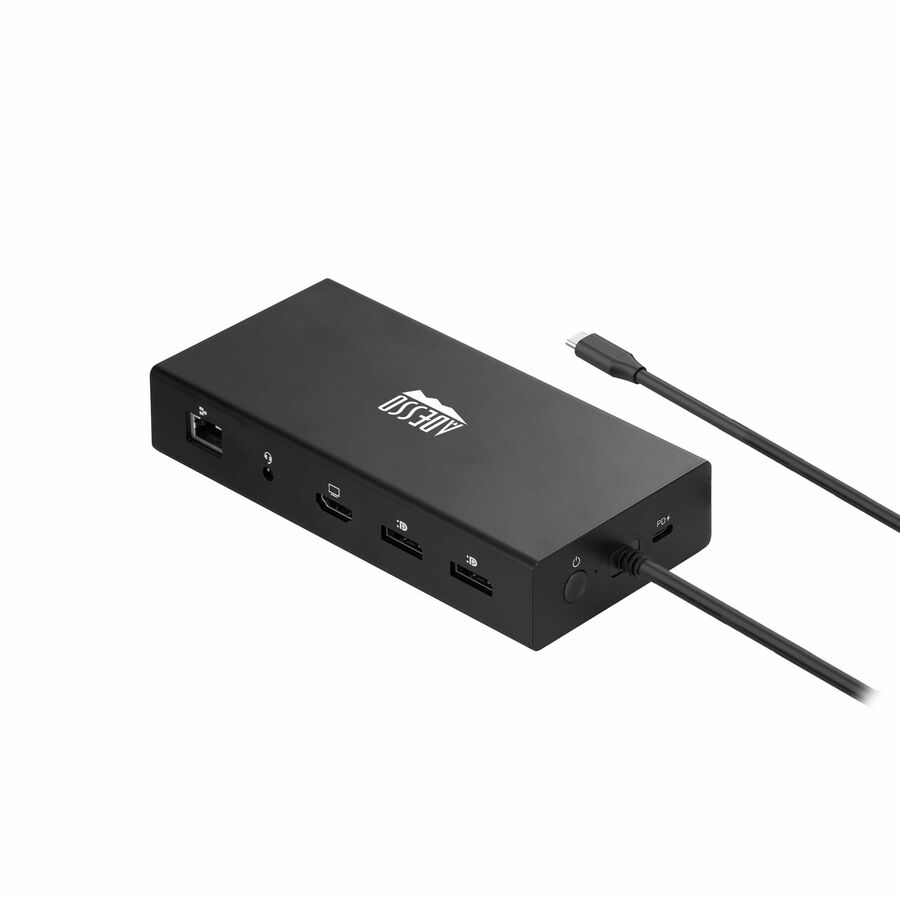
Adesso
Adesso 12-in-1 USB-C Multi-Port Docking Station (TAA Compliant)
AUH-4060
An Adesso 12-in-1 USB-C multi-port docking station for TV, monitor and peripherals — a high-port-count single-cable dock ordered as a TAA-marked part number.
Its title reads TAA Compliant. TAA and standard variants are different SKUs, so we screen and document the exact part number on the quote rather than the model family.
$187.66*In stock4XEM 4K universal
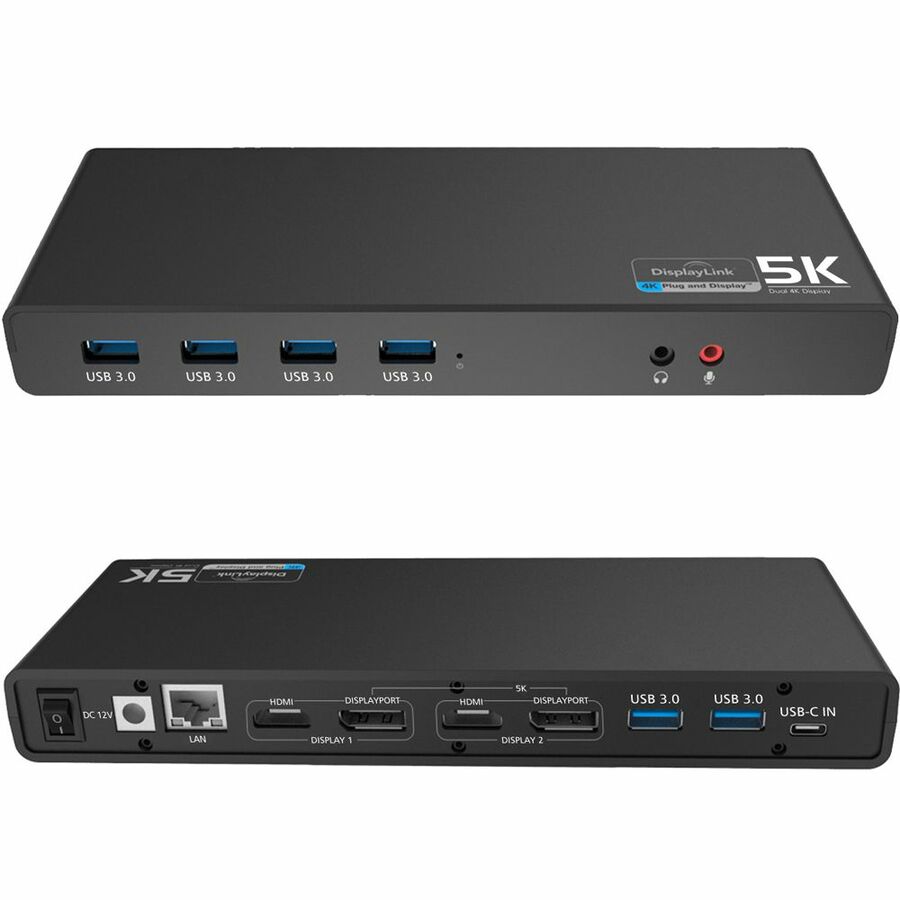
4XEM
4XEM USB-C 4K Ultra HD Multi-Display Universal Docking Station
4XUG69DK1
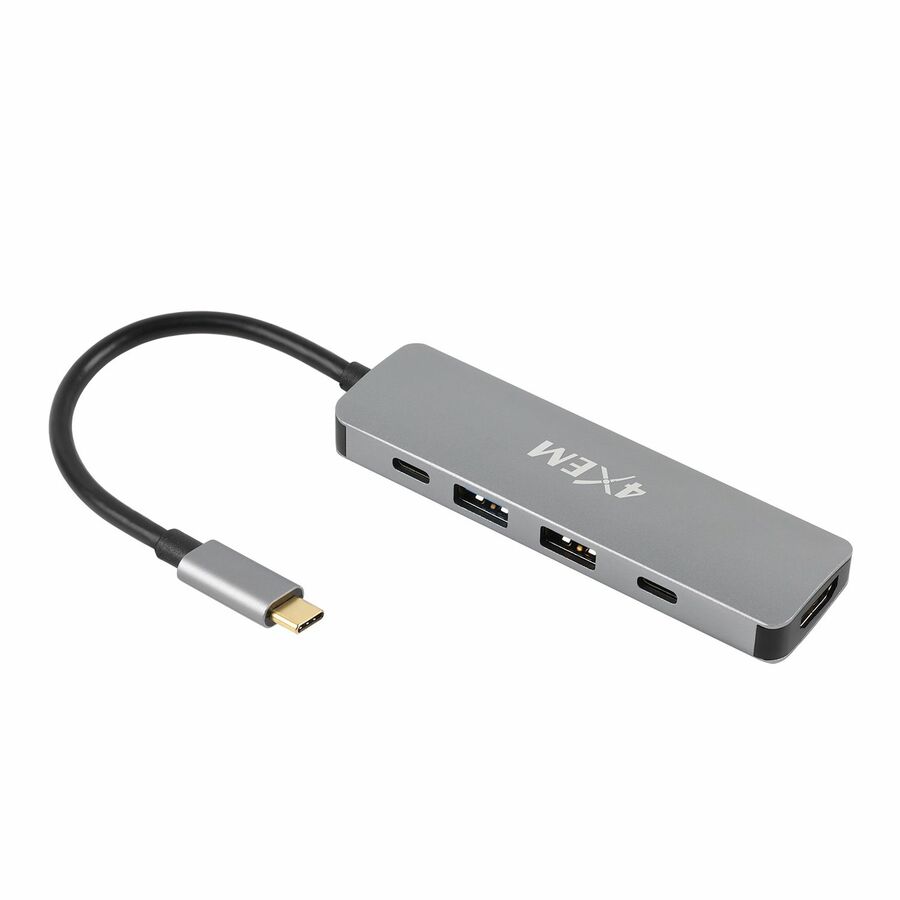
A 4XEM USB-C 4K Ultra HD multi-display universal docking station — a value single-cable dock for a standard desk, in the pack economics a large rollout is built on.
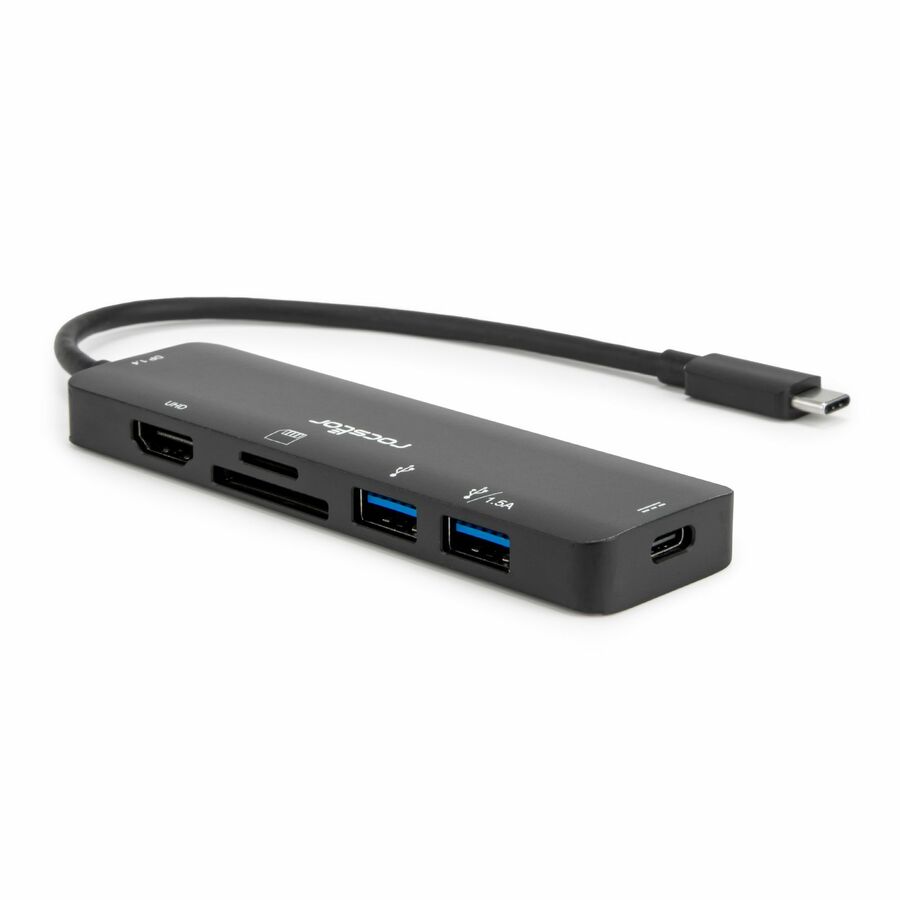
$163.09In stockRocstor entry dock
Rocstor
Rocstor Premium Docking Station
Y10A313-S1
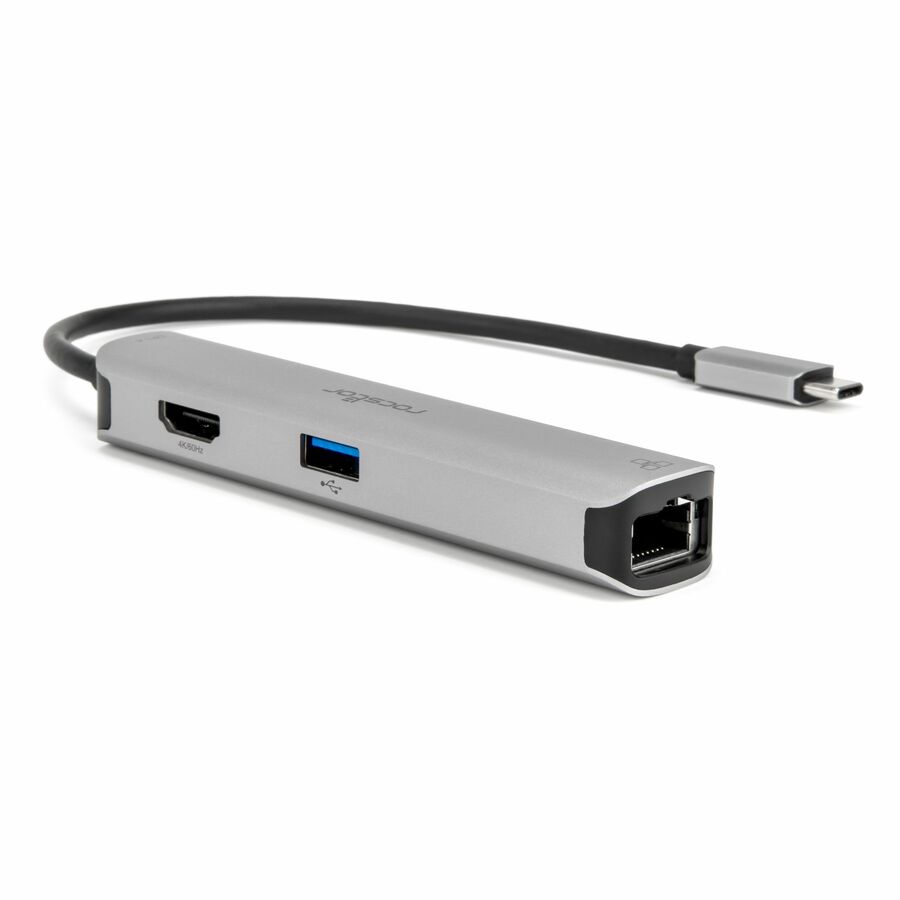
A Rocstor premium docking station for monitor, tablet and notebook — the entry-price universal dock for a basic desk, sized to standardize a fleet's simplest workstations affordably.
$26.84In stockSIIG USB-C MST
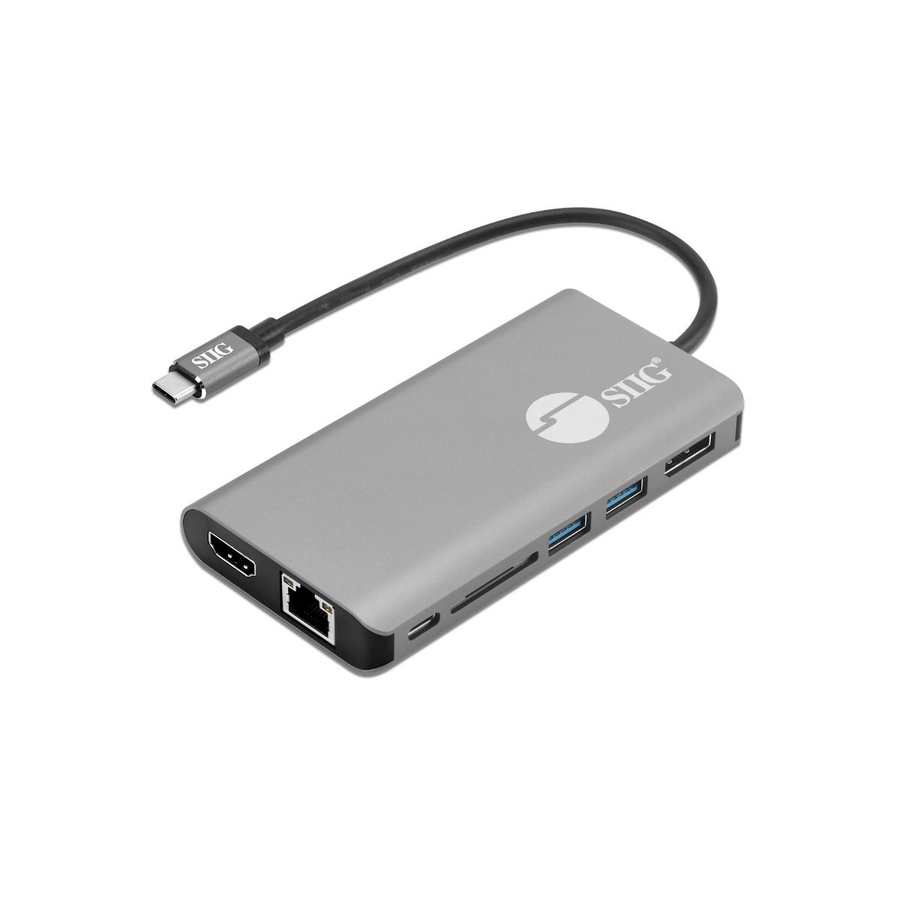
SIIG
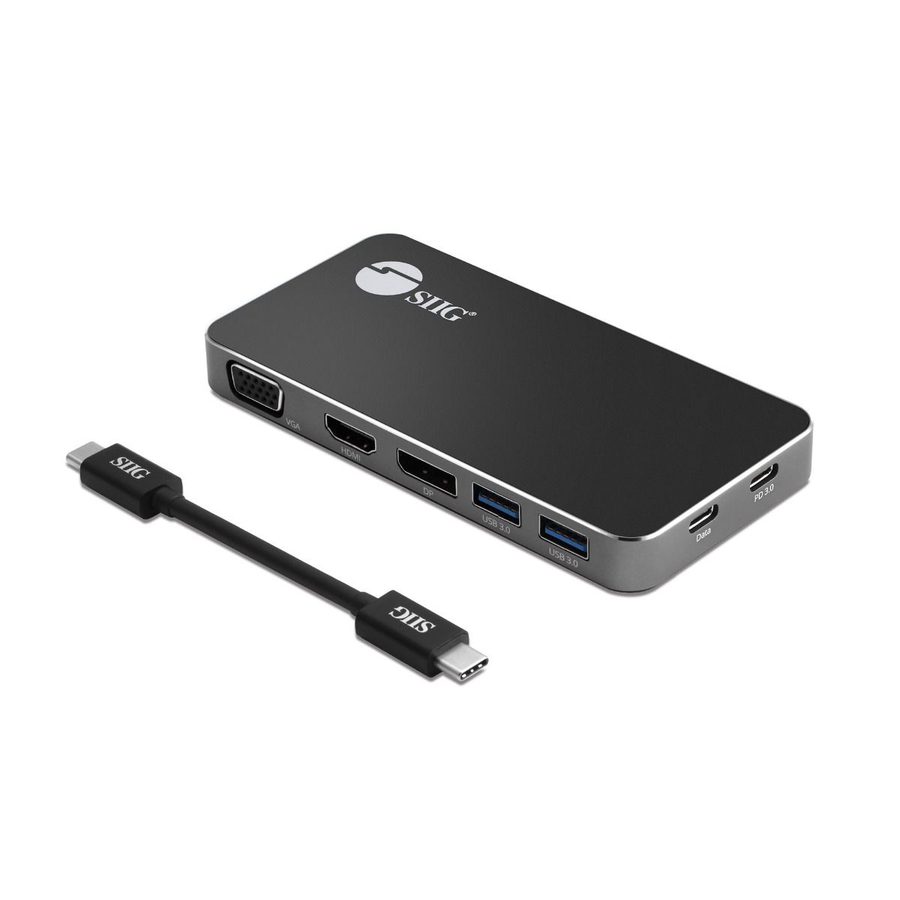
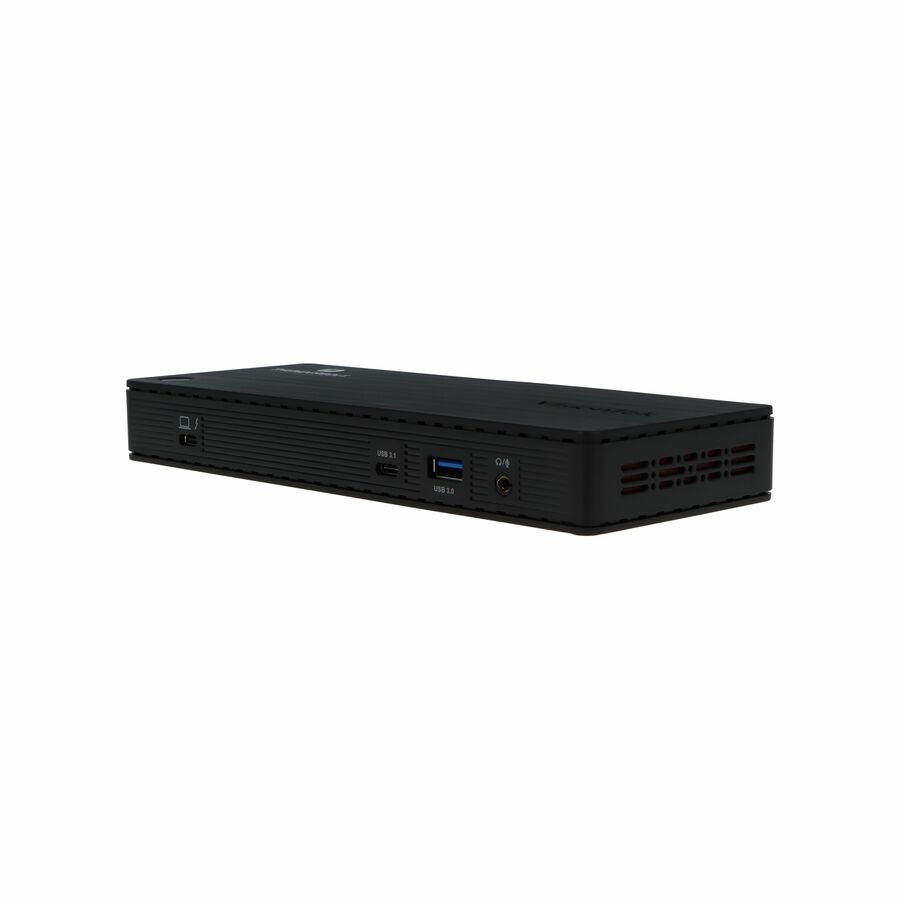
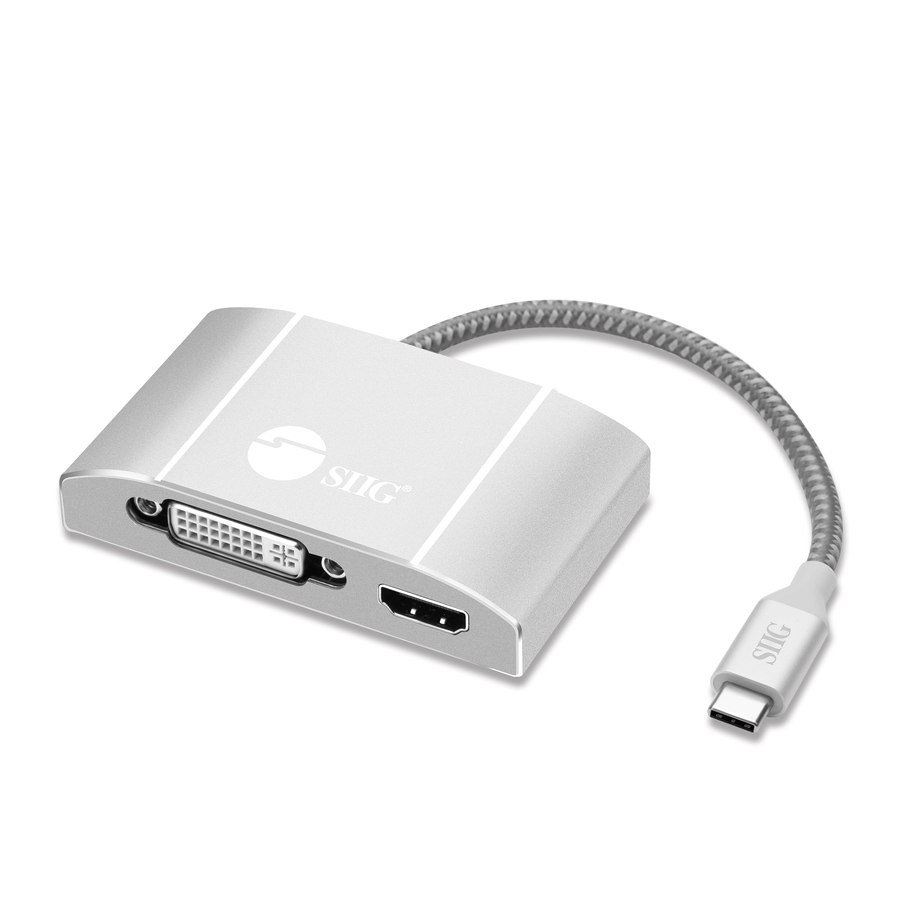
SIIG USB-C MST Video with Hub, LAN and PD 3.0 Docking
JU-DK0F11-S1
A SIIG USB-C MST 7-in-1 docking station with LAN and PD 3.0 — a single-cable dock with multi-stream transport video and wired Ethernet for a standard USB-C desk.
$207.26In stockATEN USB-C, PD
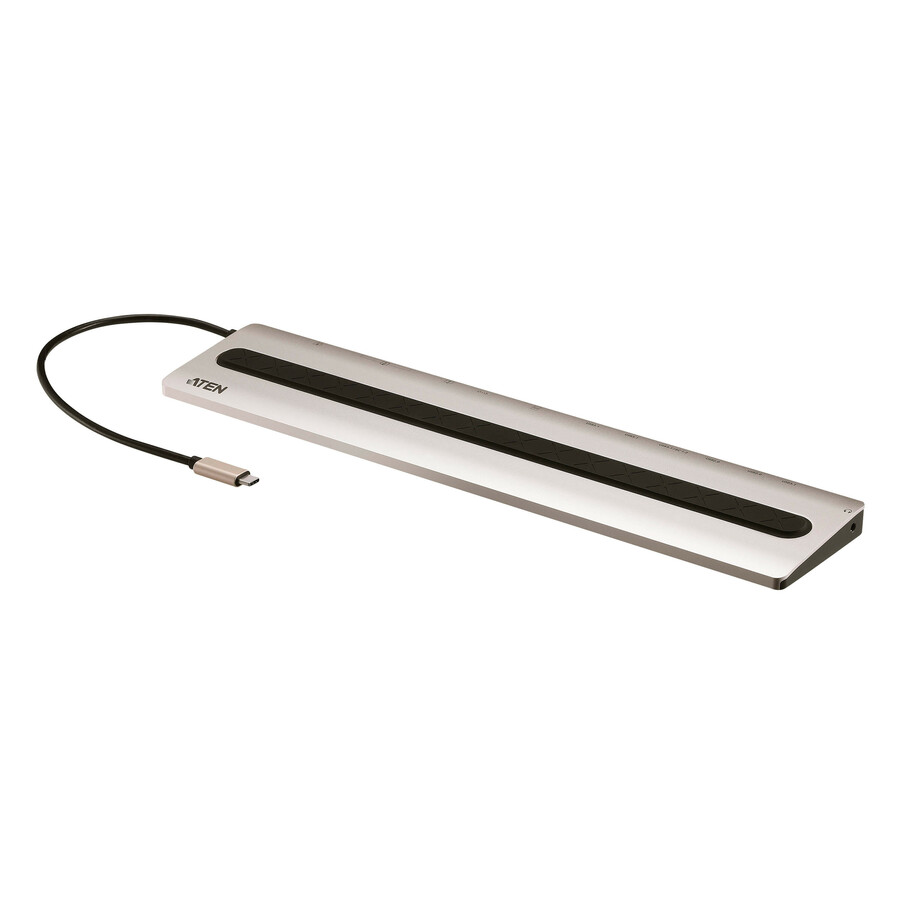
ATEN Technology
ATEN UH3237 USB-C Multiport Dock with Power Pass-Through
UH3237
An ATEN USB-C multiport dock with power pass-through for notebook and monitor — a compact single-cable dock for a modern laptop desk, with the display and USB ports a standard rollout desk needs.
$101.41In stockAcer universal USB 3.0
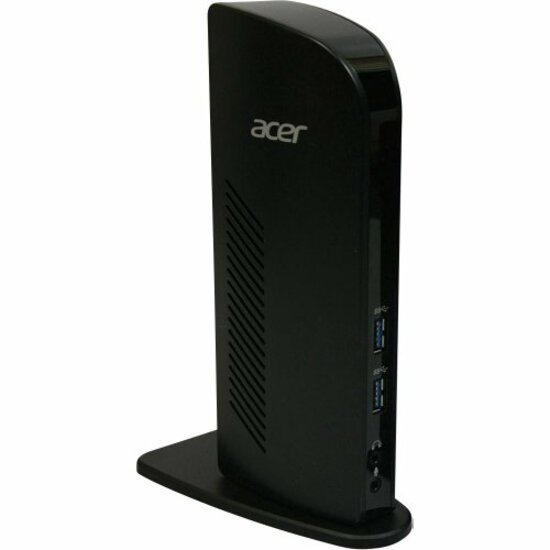
Acer
Acer Universal USB 3.0 Dock
NP.DCK11.003
An Acer universal USB 3.0 dock with six USB ports for notebooks — a DisplayLink dock that runs on almost any machine, for a mixed fleet standardizing on one connection type.
$142.94Back-orderedMore docking stations in the Uniqcli catalog
See all 1,162 docking stationsMore from across this category. In-stock lines lead, and a back-ordered line carries the same estimated availability its product page does — with live pricing throughout, NDAA §889 screening before checkout and TAA verified on request.
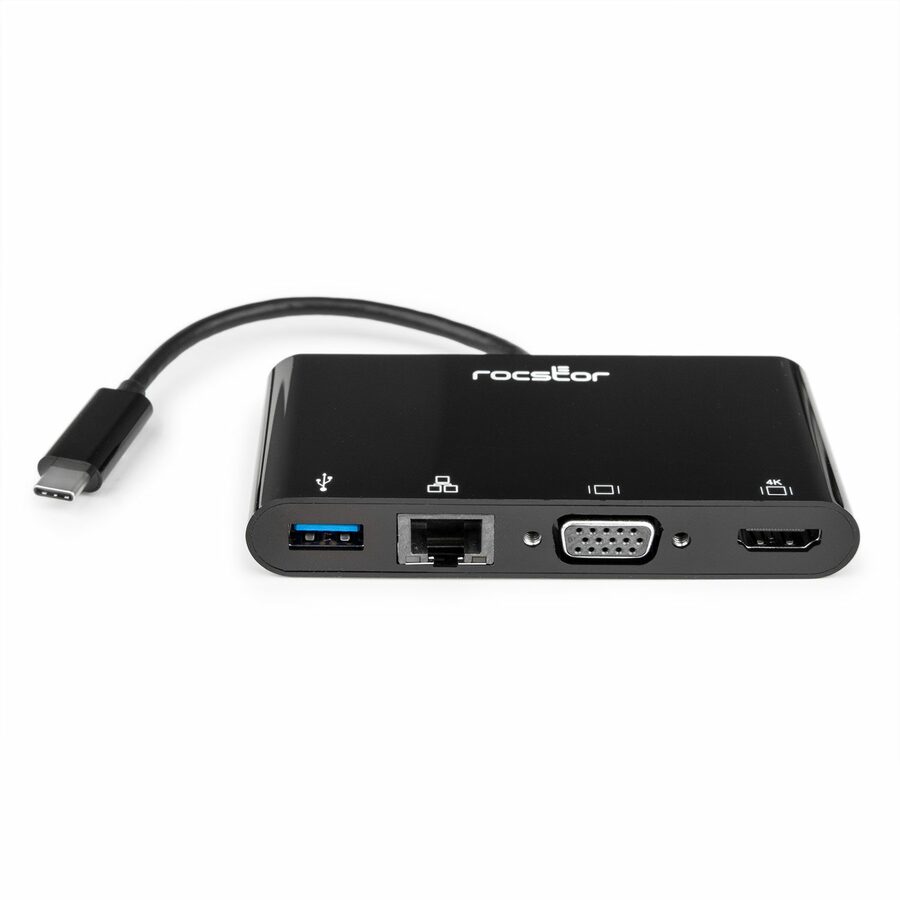
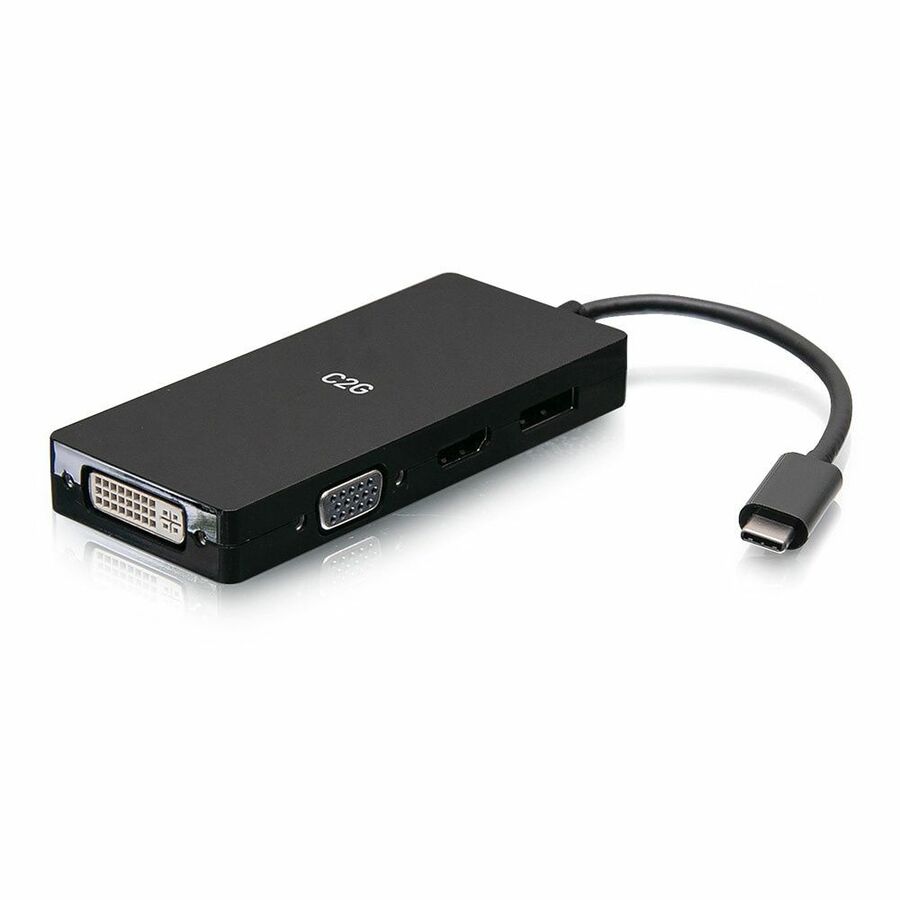
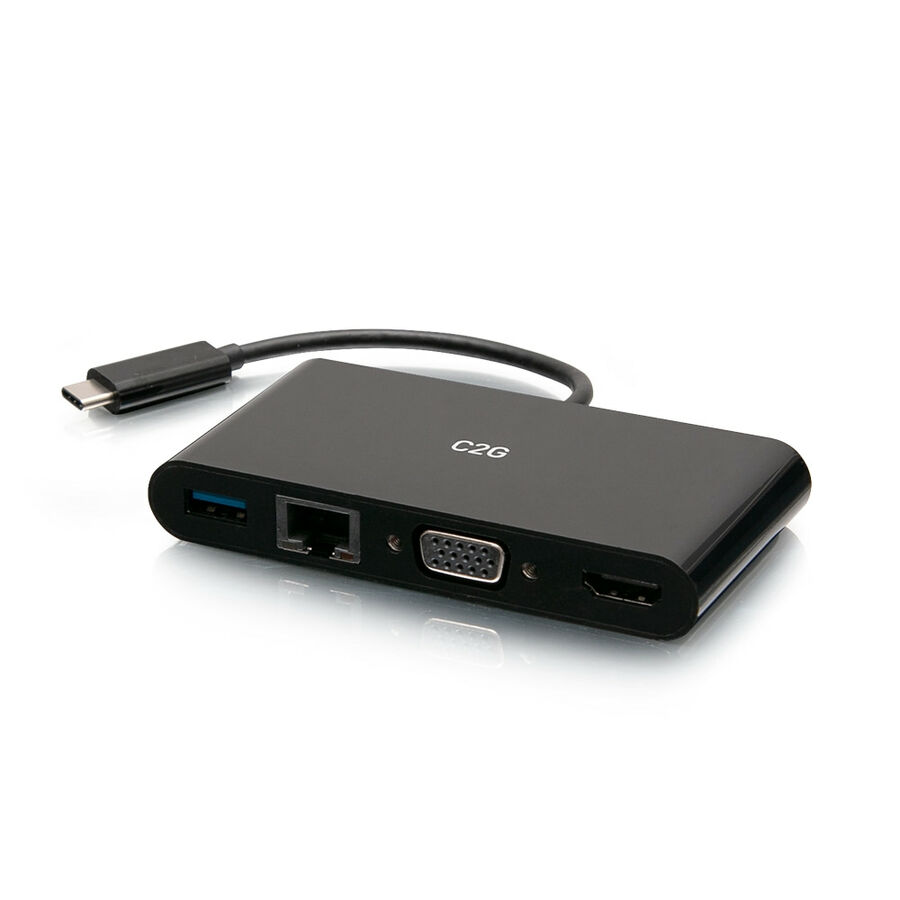
- LegrandC2G USB C to HDMI, VGA, USB A, Ethernet Adapter - 4K 30Hz - Black - for Notebook/Tablet PC - USB 3.1 Type C - 4K, Full HD - 3840 x 2160, 1920 x 1200 - 1 x USB 3.0 - USB Type-A - USB Type-C - 1 x RJ-45 Ports - Network (RJ-45) - HDMI - VGA - Black - Wired - Gigabit EthernetC2G29828
$81.99
$59.42
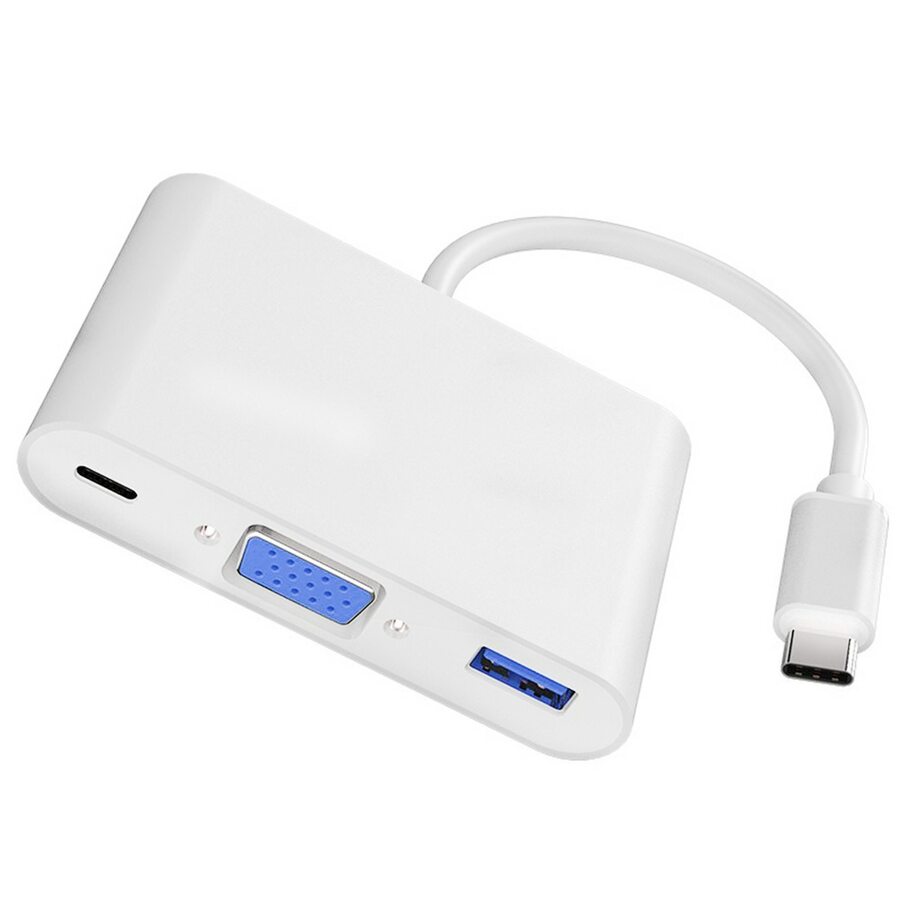
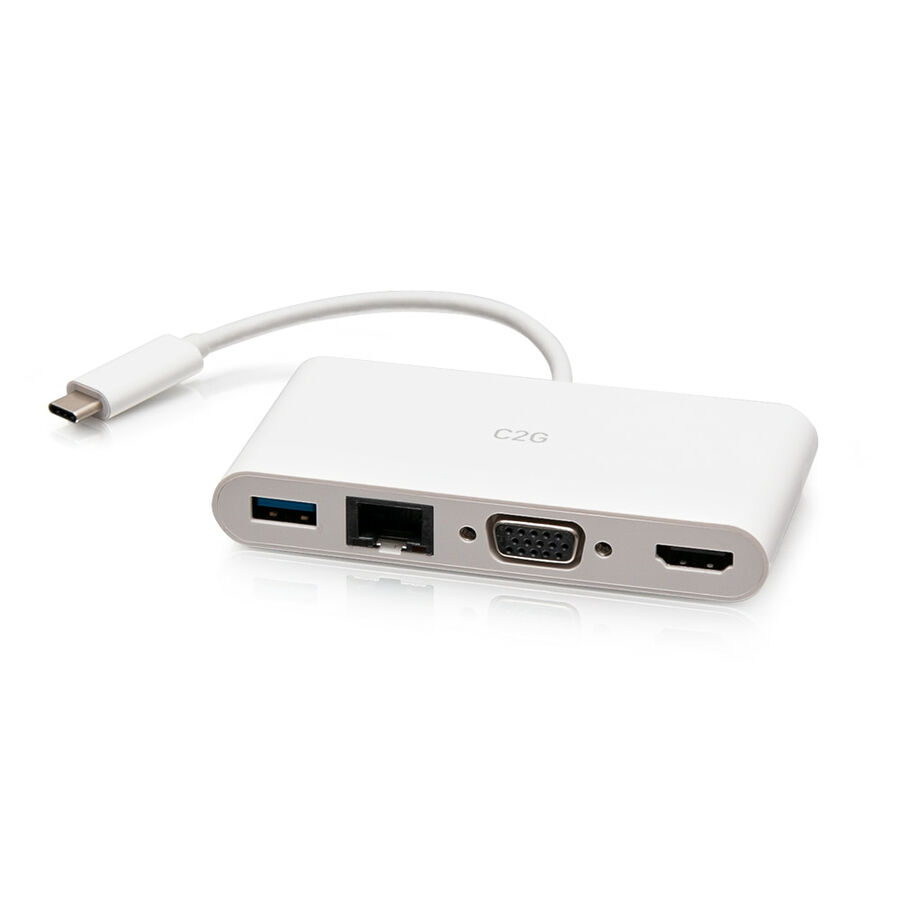
1,638 in stock - LegrandC2G USB C to HDMI, VGA, USB A & RJ45 Adapter - 4K 30Hz - White - for Tablet PC, Notebook - USB 3.1 Type C - 4K, Full HD - 3840 x 2160, 1920 x 1200 - 1 x USB 3.0 - USB Type-A - USB Type-C - 1 x RJ-45 Ports - Network (RJ-45) - HDMI - VGA - White - Wired - Gigabit EthernetC2G29829
$81.99
$59.43
48 in stock







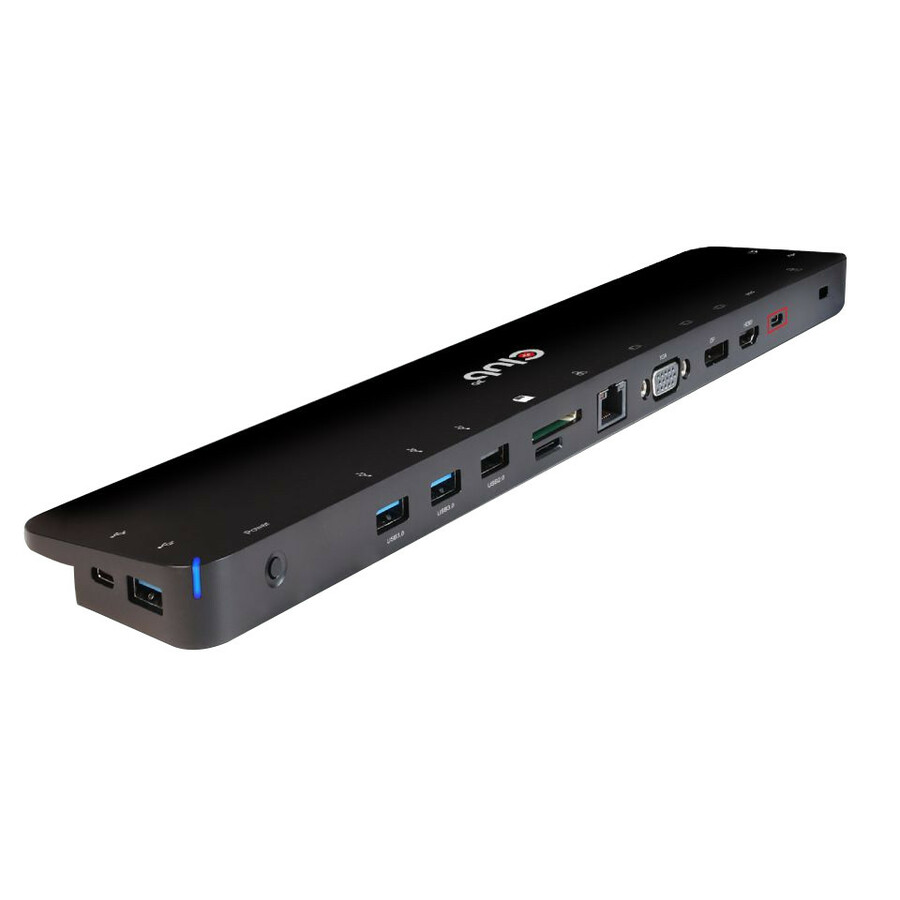

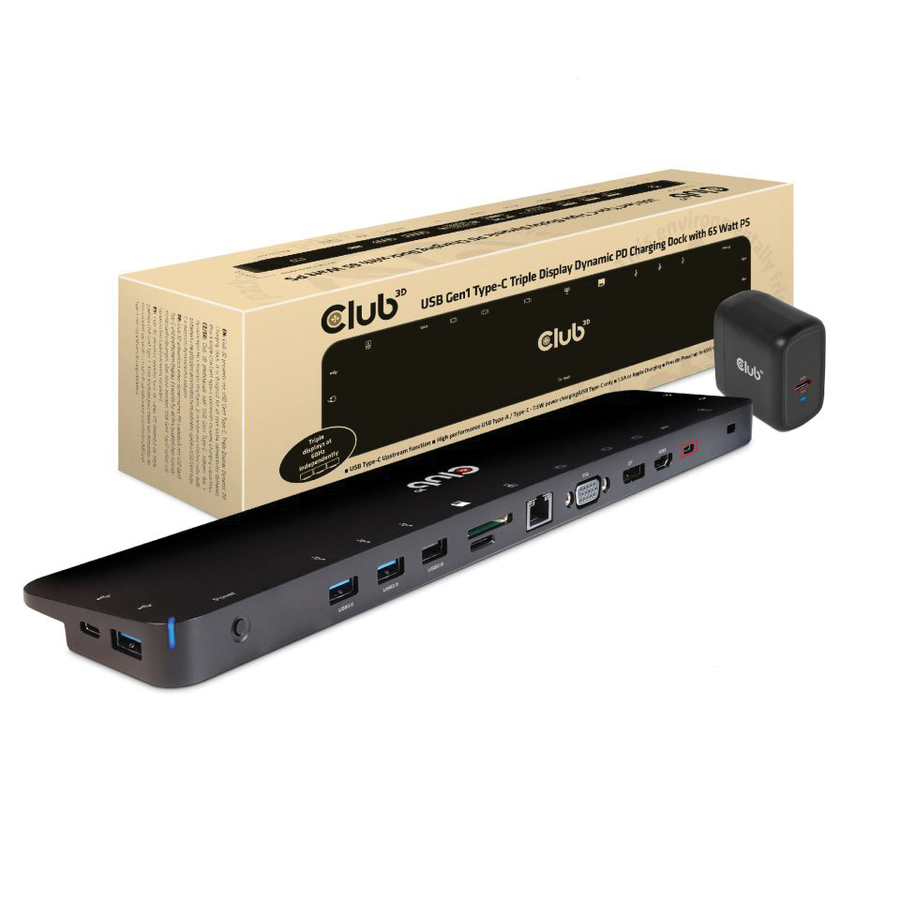
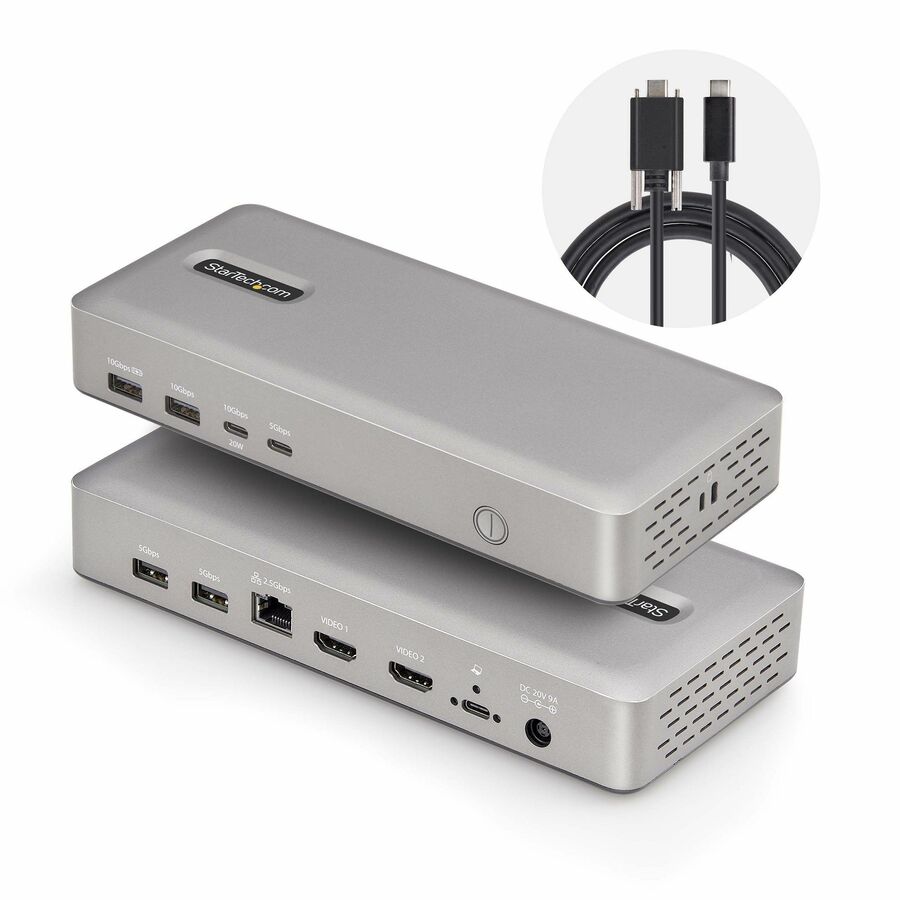
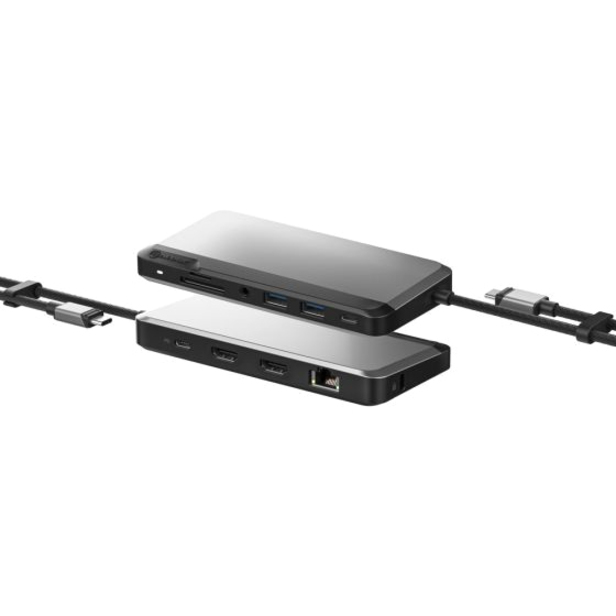
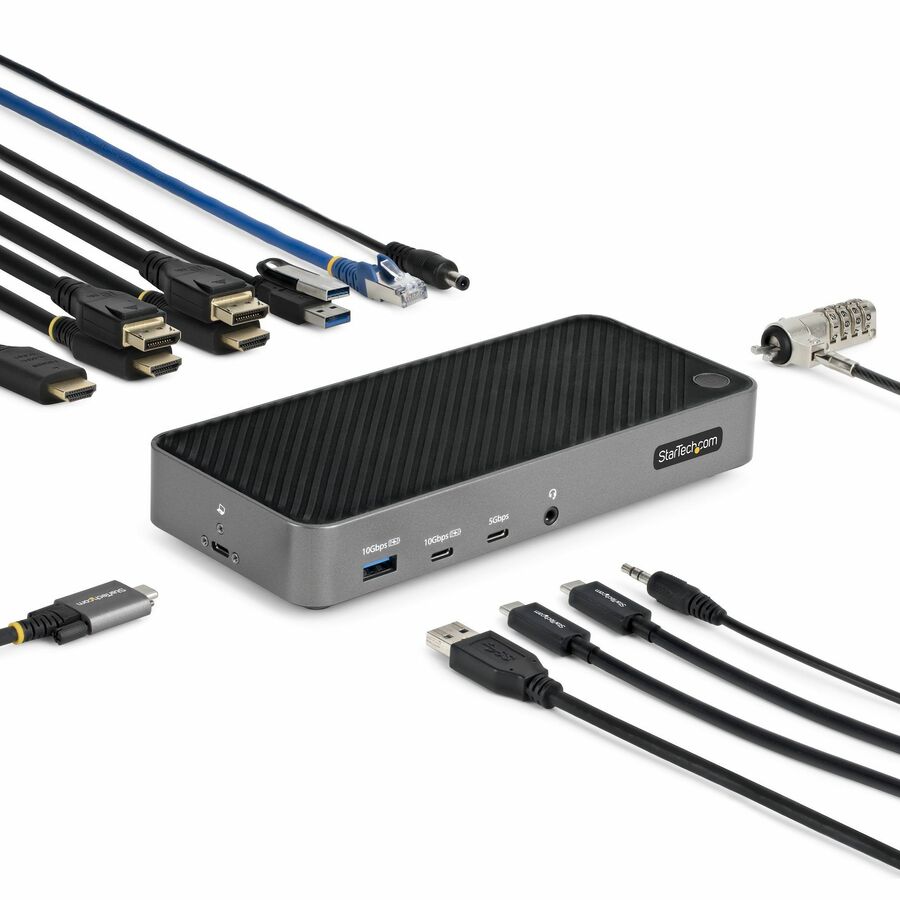
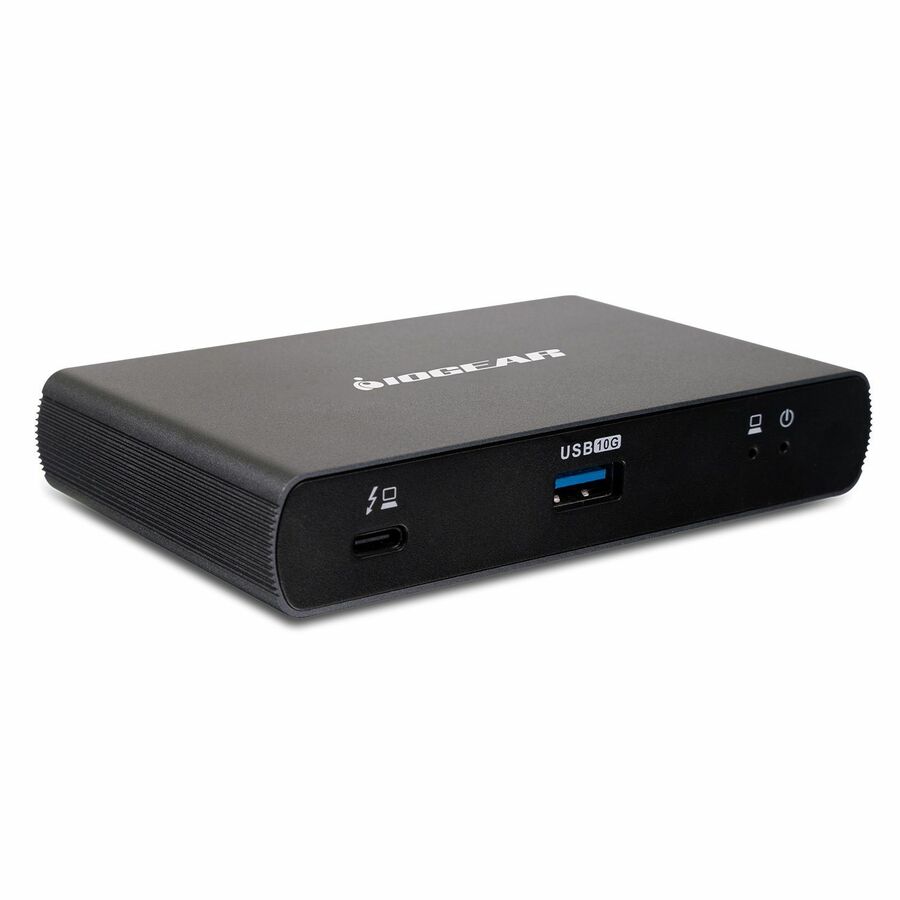

Need pricing on docking stations?
Tell us where to reach you and a Uniqcli specialist will follow up by email with current pricing, availability and lead time for the quantities you need — including parts that aren’t shown on this page.
Buying for an organization or for yourself — both work. No payment up front.
A docking station is bought differently when the order is fifty desks instead of one. For a single power user the question is the maximum spec; for a rollout it is the sensible spec at a price that multiplies well, because the difference between a dock that costs a little and one that costs a lot, times a whole department, is a line item somebody notices. Every unit selected here is priced under $200 — the band this page is built around — and every one is a real docking station rather than a bare adapter: a unit that turns a single cable into displays, wired Ethernet, USB ports and, on the USB-C models, power back to the laptop. The job is to pick the one that meets the actual desk requirement without paying for headroom nobody at that desk will use.
Two decisions do most of the work. The first is the connection the fleet's laptops present: a USB-C dock uses one cable for video, data and power delivery and is the modern default, while a USB-A universal dock drives displays over DisplayLink and is the answer for a mixed fleet where not every machine has a usable USB-C port. The second is displays — how many external screens each desk needs and at what resolution and refresh — because that, more than anything, separates the models. After those, match the power-delivery wattage to the laptops so the dock actually charges them, confirm wired Gigabit Ethernet if the desks are on cable, and count the USB ports against the peripherals a real desk carries. Standardize on one or two models across the rollout and the spares, the documentation, the imaging and the help-desk script all collapse into one decision; Uniqcli quotes the docks with the monitors, cables and mounts they land on so a desk arrives complete.
Buyer's checklist
How to choose a docking station for a rollout
- Match the dock to the connection the fleet presents: USB-C for one-cable video, data and power delivery on modern laptops; USB-A universal (DisplayLink) for a mixed fleet where not every machine has a usable USB-C port.
- Count the displays each desk actually needs and at what resolution and refresh — single, dual or triple 4K — because that separates the models more than any other spec.
- Match the power-delivery wattage to the laptops so the dock charges them over the same cable; a dock that carries video but under-powers the machine leaves a second charger on every desk.
- Confirm wired Gigabit Ethernet if the desks are on cable, and count the USB ports against the keyboard, mouse, headset, webcam and storage a real desk plugs in.
- Standardize on one or two models across the rollout: identical docks turn spares, imaging, documentation and the help-desk script into one decision instead of twenty.
- Where the order names TAA, read it on the part number — TAA-marked docks exist under separate SKUs, and it is a per-part fact to verify on the exact unit you order.
USB-C or USB-A, across a mixed fleet
The connection decision is the one that determines whether a dock works on every desk or only some. A USB-C dock carries video, data and power delivery over a single cable and is the right default for a modern fleet, but it depends on the laptop's USB-C port supporting DisplayPort Alt Mode and enough power delivery — not every port does, and a thin machine may cap the wattage. A USB-A universal dock sidesteps that entirely by driving displays over DisplayLink, which works on almost anything with a USB port regardless of what its USB-C can do, at the cost of a driver and a little more CPU. For a homogeneous fleet of recent laptops, USB-C is cleaner; for a mixed estate of older and newer machines, a USB-A universal dock is often the one model that fits every desk, which is worth more in a rollout than the last few percent of performance. Where a rollout spans both, standardising on a USB-A universal dock for the mixed desks and a USB-C dock for the new ones is a defensible two-model split rather than a dock per machine.
Speccing the desk, and buying it complete
Past the connection, the dock is bought on the desk's real requirement rather than the datasheet's ceiling. Displays come first — a single 4K screen, a dual-monitor desk, or a triple-display setup each point at a different class of dock, and a unit that cannot drive the desk's monitors at the resolution and refresh they run is the wrong unit however cheap. Power delivery is next: match the wattage to the laptops so the dock is also the charger, or a fleet ends up with a second power brick on every desk defeating the point of the single cable. Then it is plumbing — wired Ethernet for the desks on cable, enough USB ports for the peripherals, and an audio jack where the desk needs one. A dock lands in the middle of a desk build, so Uniqcli quotes it with the monitors, the cables, the mounts and the peripherals it connects, on one order, so a rollout arrives as complete desks rather than a pile of parts to be matched later.
FAQ
Common questions
- What is the difference between a USB-C and a USB-A universal dock?
- A USB-C dock carries video, data and power delivery over one cable and is the modern default, but it depends on the laptop's USB-C port supporting DisplayPort Alt Mode and enough power delivery — not every port does. A USB-A universal dock drives the displays over DisplayLink, which works on almost any machine with a USB port regardless of what its USB-C can do, at the cost of a driver and a little more CPU. For a homogeneous fleet of recent laptops, USB-C is cleaner; for a mixed estate, a USB-A universal dock is often the single model that fits every desk, which matters more in a rollout than the last few percent of performance.
- How many monitors can a docking station drive?
- It depends on the dock and, for USB-C models, on the laptop behind it. The units here range from single-4K docks through dual-monitor docks to triple-display models, and the number a given dock can drive is set by its video engine and the resolution and refresh you ask for — a dock that runs three screens at 1080p may only manage two at 4K 60Hz. For a rollout, size the dock to the desk's real screen count and resolution rather than the maximum on the box, and confirm that the laptop's own graphics and, on USB-C, its DisplayPort Alt Mode support the display configuration before standardising on the model.
- Can business, government and education buyers order these?
- Every line Uniqcli quotes is sourced through US distribution and screened for TAA country-of-origin and NDAA §889 status before checkout — with documentation tied to the specific part number, not a product family.
Need docking stations pricing?
Send a bill of materials or part numbers — we confirm stock and a below-market total, with TAA verified on request. No payment up front.