
Best Trackball Mice for Precision and Control-Room Work
Wired and wireless trackballs read by ball position and size, thumb versus finger operation, button and scroll layout, and the fixed-base stability that a console or a control desk actually needs.
Trackball mice in stock at Uniqcli
How to choose →A curated selection with live pricing — in-stock lines first, then back-ordered lines with a typical lead time. Every line is sourced through US distribution and screened for NDAA §889 status before checkout, with TAA verified on request.
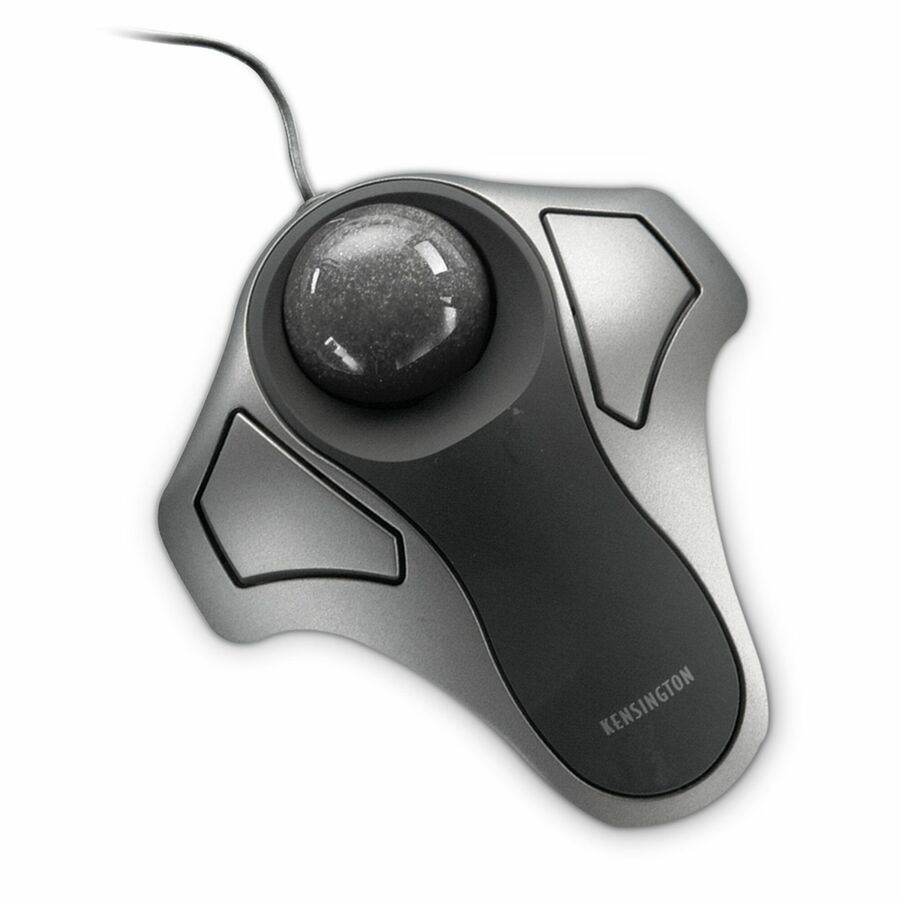
- Kensington Computer ProductsKensington Orbit Mouse - Optical - Cable - TrackballK64327WW
$40.80
2 in stock - Kensington Computer ProductsKensington Expert Mouse Wired Trackball - Optical USBK64325
$105.84
8 in stock Back-ordered — estimated OEM lead time 3–8 weeks (Nov 13 – Dec 18 if ordered today).
Back-ordered — estimated OEM lead time 3–8 weeks (Nov 13 – Dec 18 if ordered today).
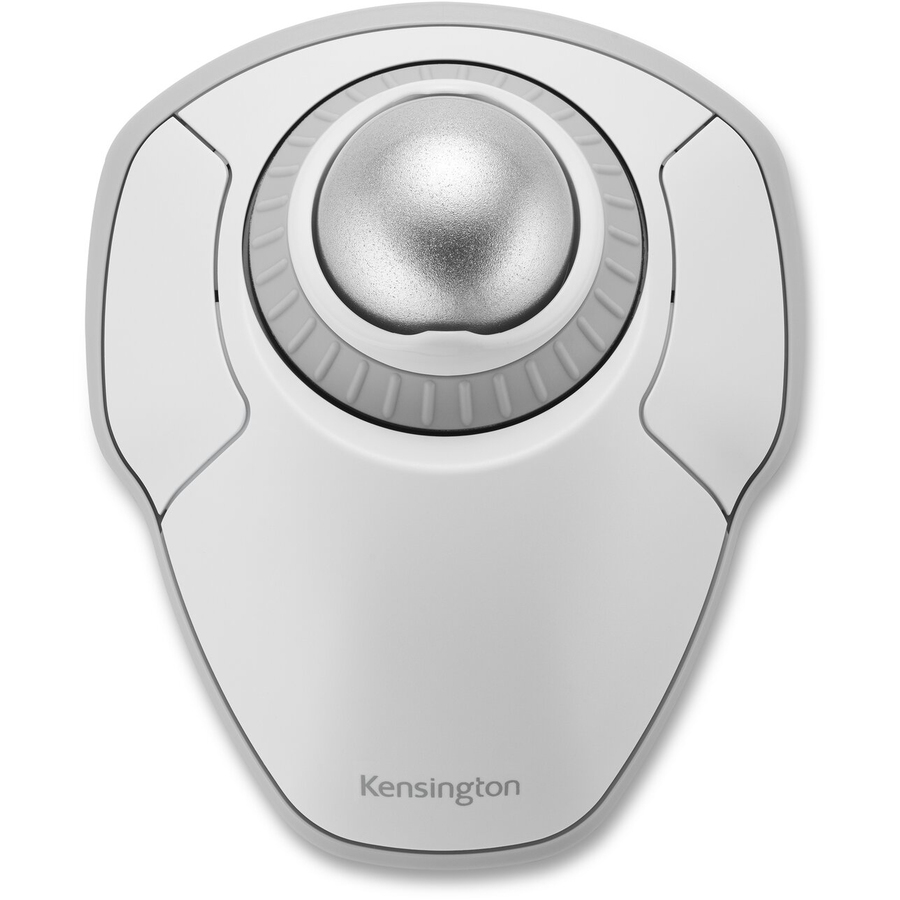
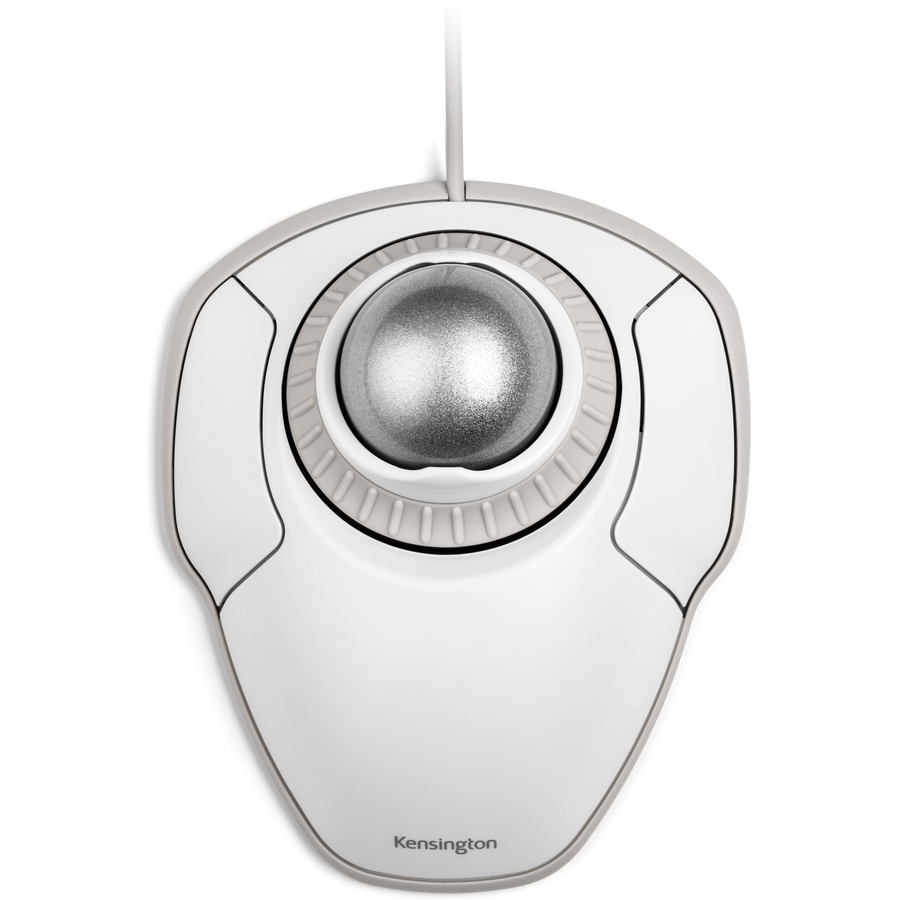
- Kensington Computer ProductsKensington Orbit Trackball with Scroll Ring - White - Optical - Cable - White - USB - Scroll Ring - 2 Button(s) - SymmetricalK72500WW
$57.59
Back-orderedBack-ordered — we expect to receive stock the week of Oct 26 – Nov 1 and will process your delivery right after.
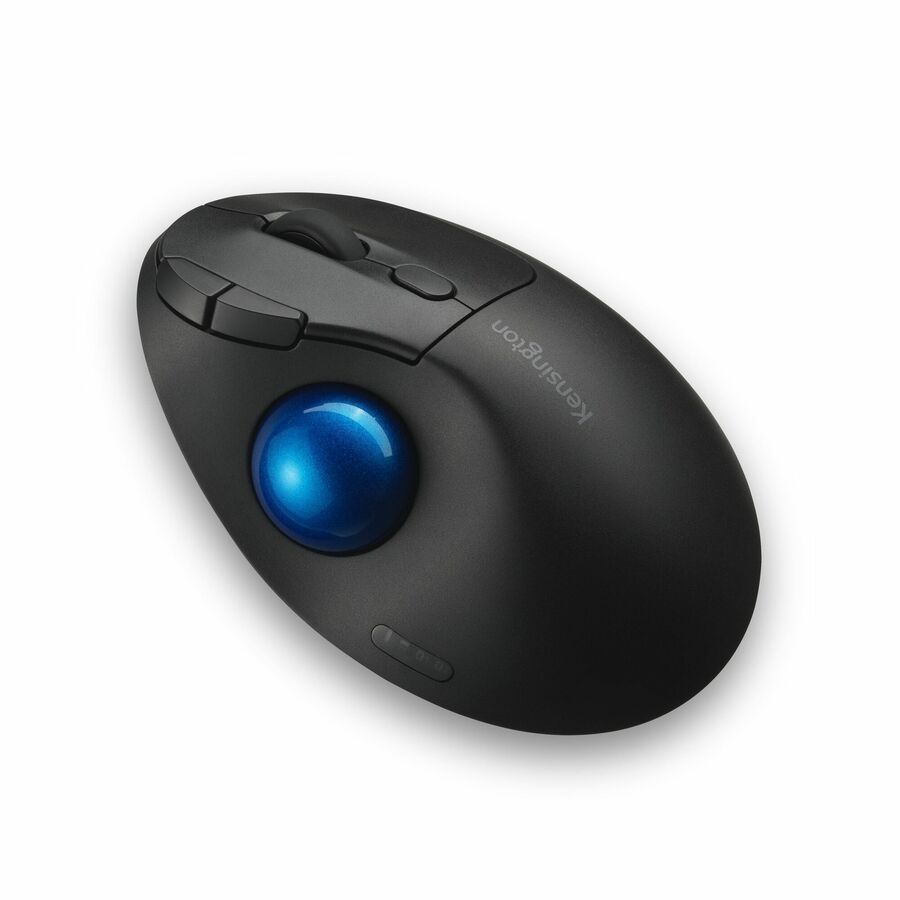
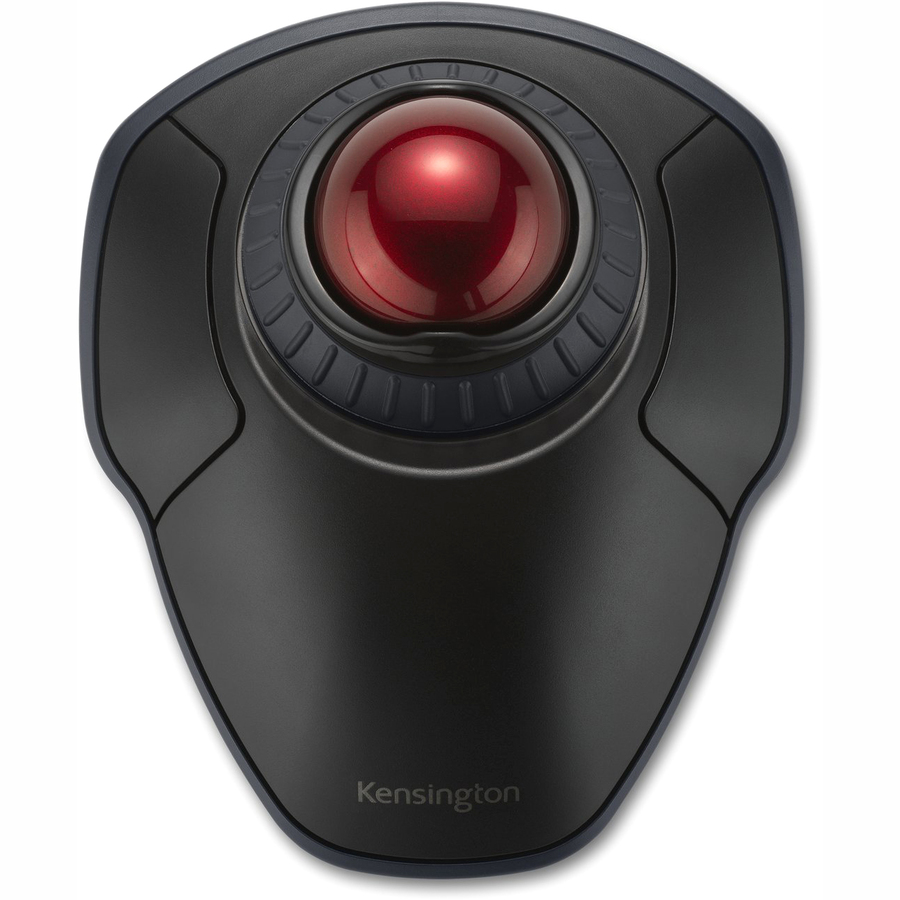
- Kensington Computer ProductsKensington Orbit Wireless Trackball with Scroll Ring - Black - Optical - Wireless - Bluetooth/Radio Frequency - 2.40 GHz - Black, Red - 1600 dpi - Scroll Ring, Scroll Ball - Symmetrical - 1K70990WW
$60.57
Back-orderedBack-ordered — estimated OEM lead time 3–8 weeks (Nov 13 – Dec 18 if ordered today).
Back-ordered — estimated OEM lead time 3–8 weeks (Nov 13 – Dec 18 if ordered today).
- Kensington Computer ProductsKensington Orbit Trackball - Wireless - Radio Frequency - 2.40 GHz - Graphite, Ruby Red - USB - Scroll Ball - SymmetricalK72352WW
$64.13
Back-orderedBack-ordered — estimated OEM lead time 3–8 weeks (Nov 13 – Dec 18 if ordered today).
Back-ordered — estimated OEM lead time 3–8 weeks (Nov 13 – Dec 18 if ordered today).
- ErgoguysABLENET BIGTRACK TRACKBALL MOUSE - Cable - Blue, White, Yellow - USB - Trackball - 112000006
$115.47
Back-orderedBack-ordered — estimated OEM lead time 3–8 weeks (Nov 13 – Dec 18 if ordered today).





Kensington Orbit
Kensington Computer Products
Kensington Orbit Mouse
K64327WW
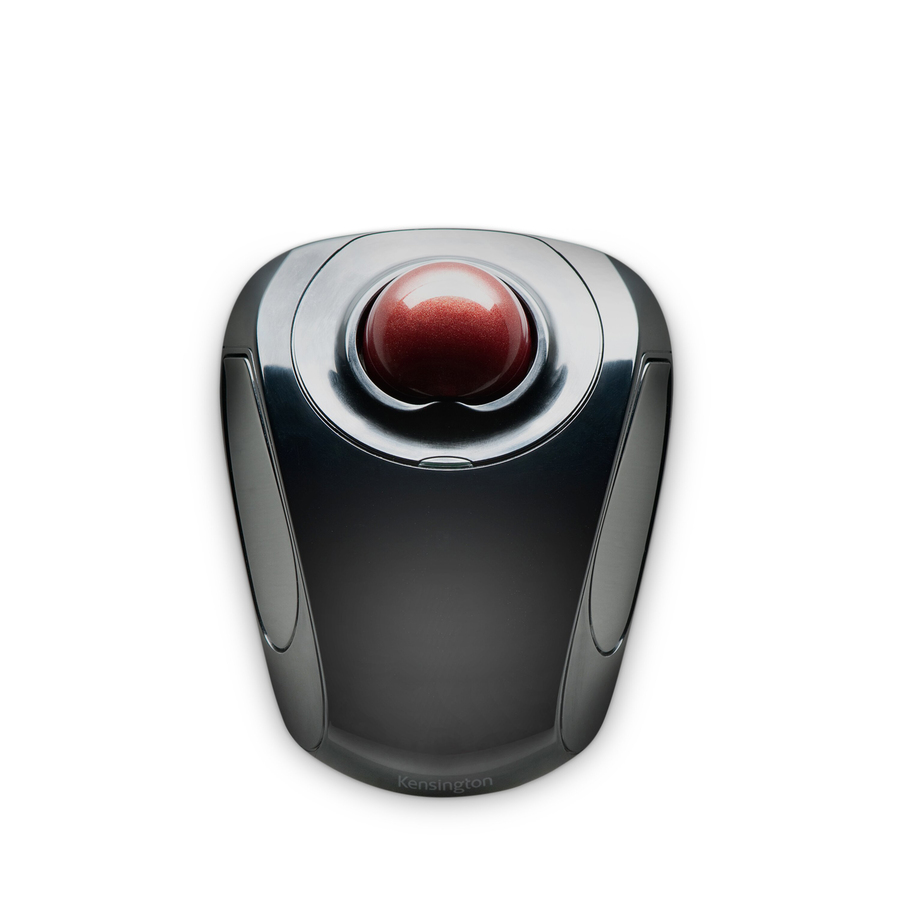
The Kensington Orbit — a compact optical cabled trackball and the plainest way to put a fixed-base pointer on a crowded desk, for a seat that has no room to push a mouse around.
$40.80In stockOrbit + scroll ring
Kensington Computer Products
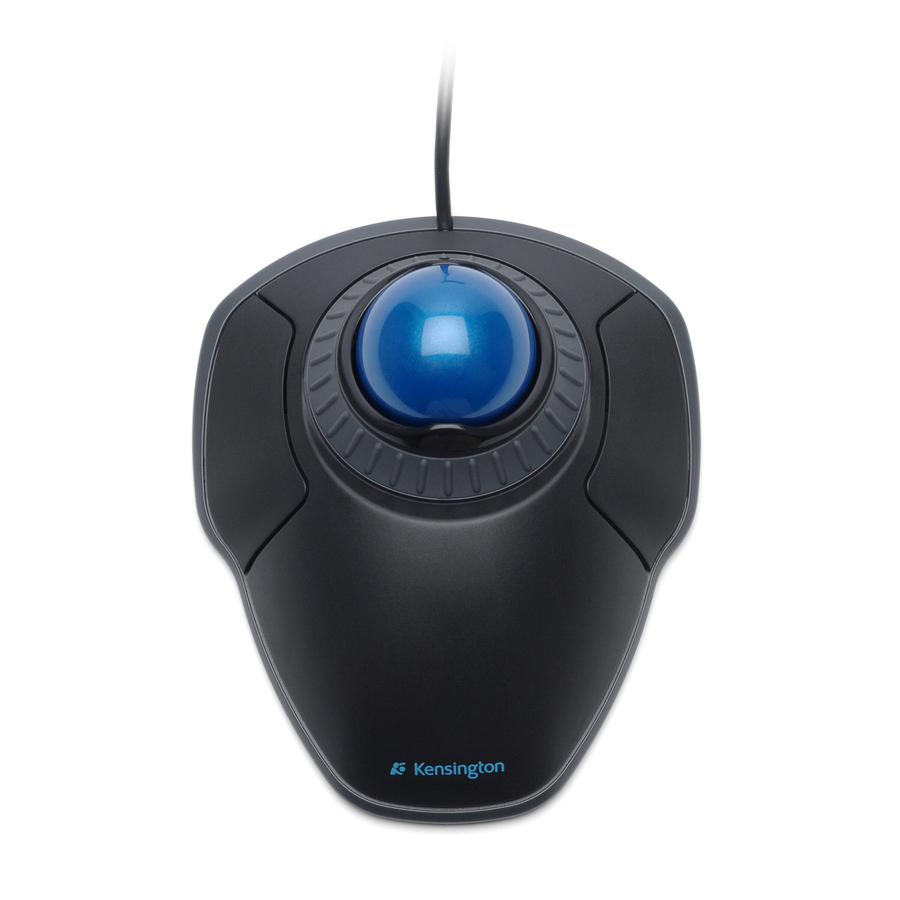
Kensington Orbit Trackball
K72337WW
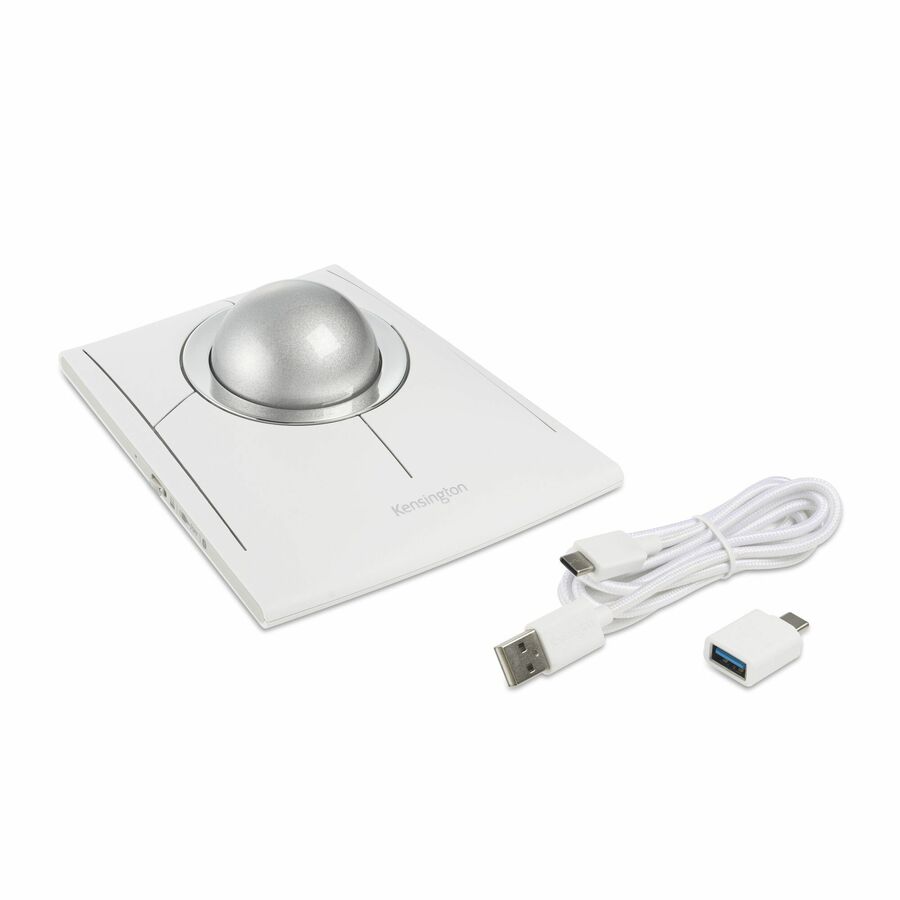
A Kensington Orbit trackball with a scroll ring around the ball — the scroll motion built into the device so a monitoring or document seat scrolls without leaving the trackball.
$51.36In stockPro Fit Ergo vertical
Kensington Computer Products
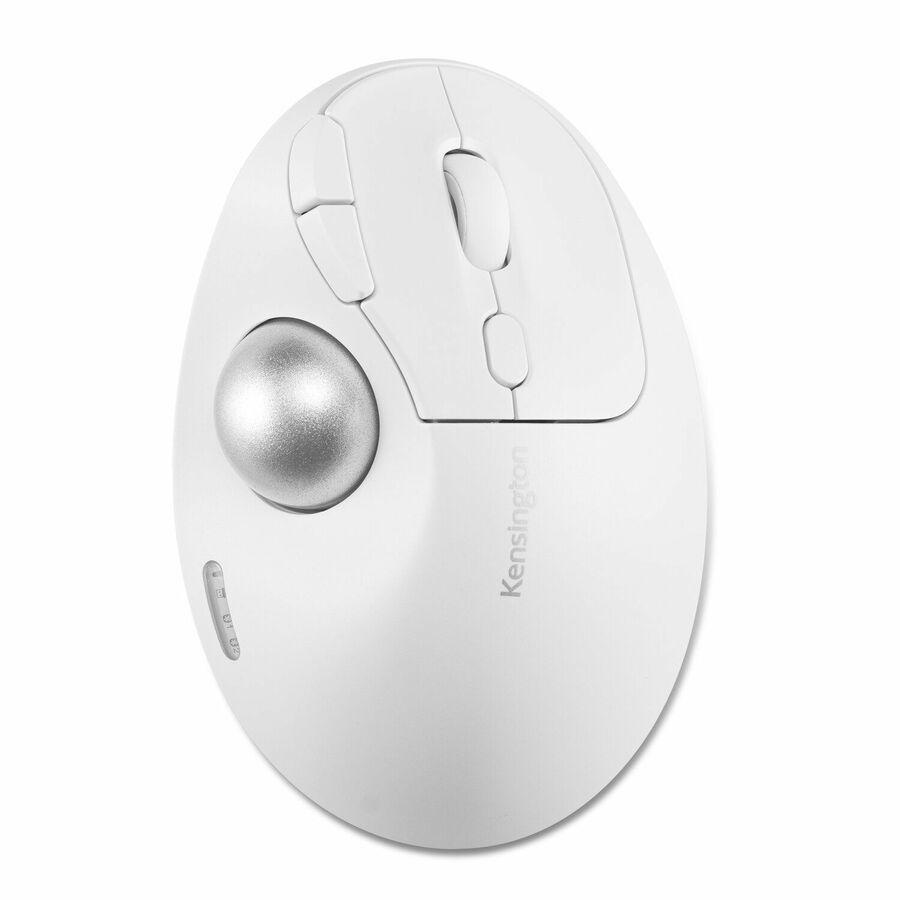
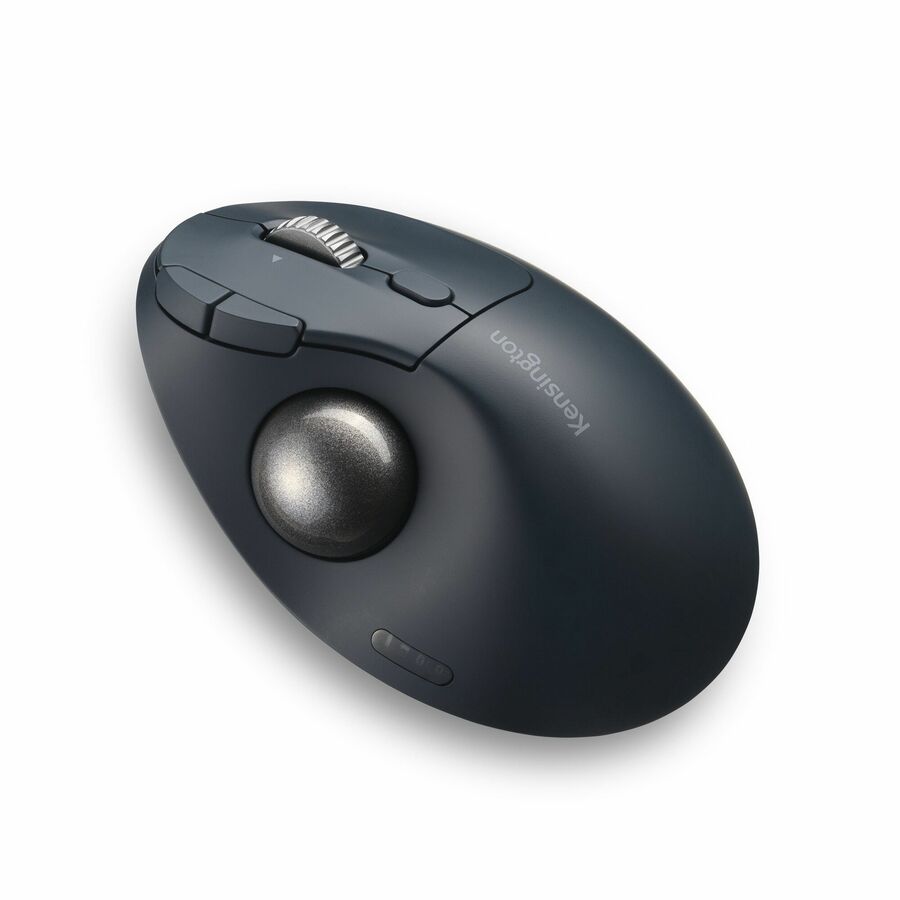
Kensington Pro Fit Ergo TB675 Vertical Wired Trackball
K72170WWMY
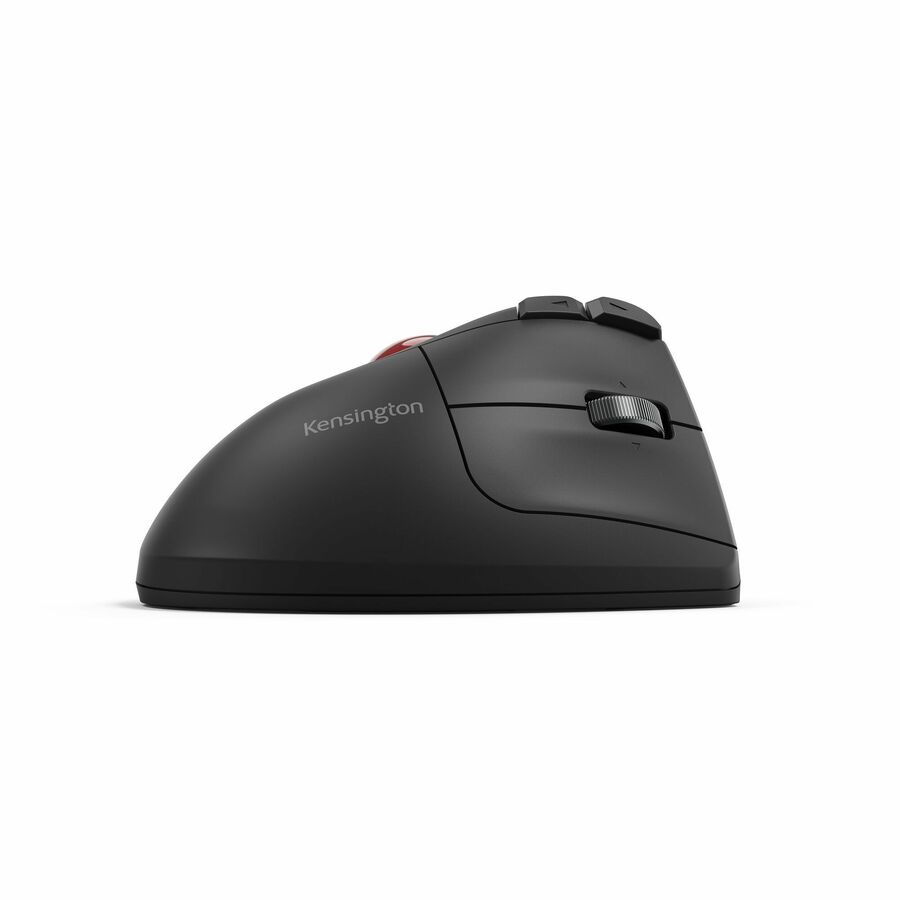
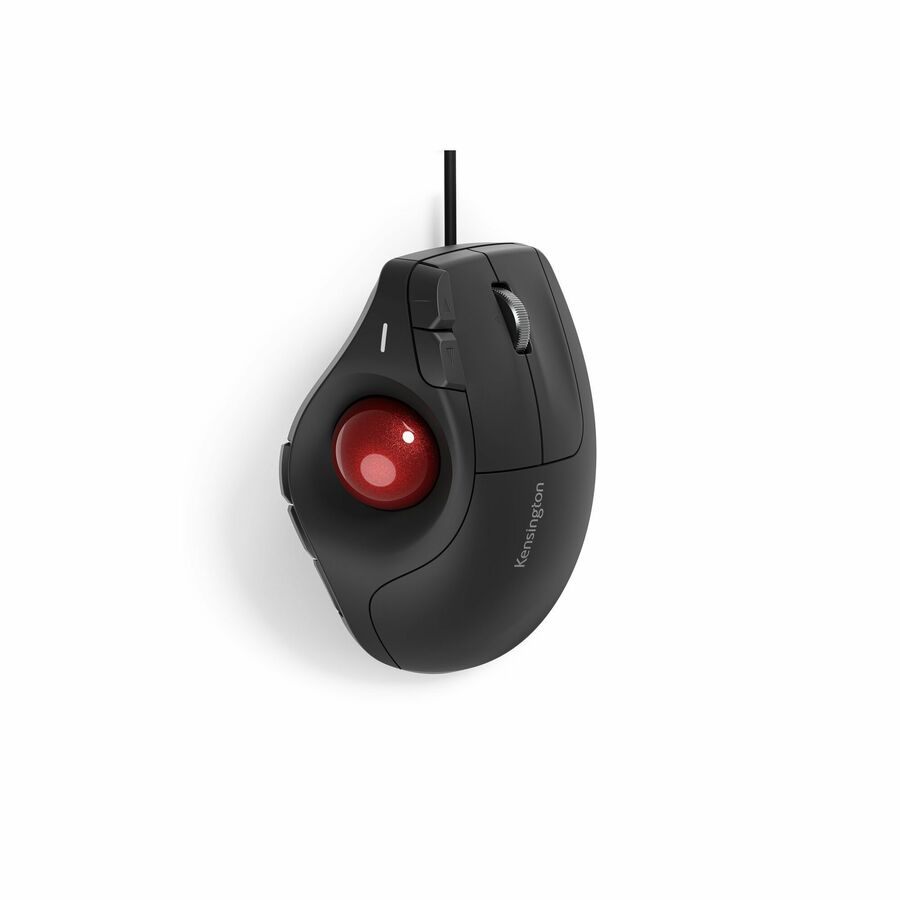
A Kensington Pro Fit Ergo TB675 vertical wired trackball, thumb-operated with a four-way scroll and nine programmable buttons — a vertical ergonomic body for a seat that runs all day.
$60.57Back-orderedExpert Mouse wired
Kensington Computer Products
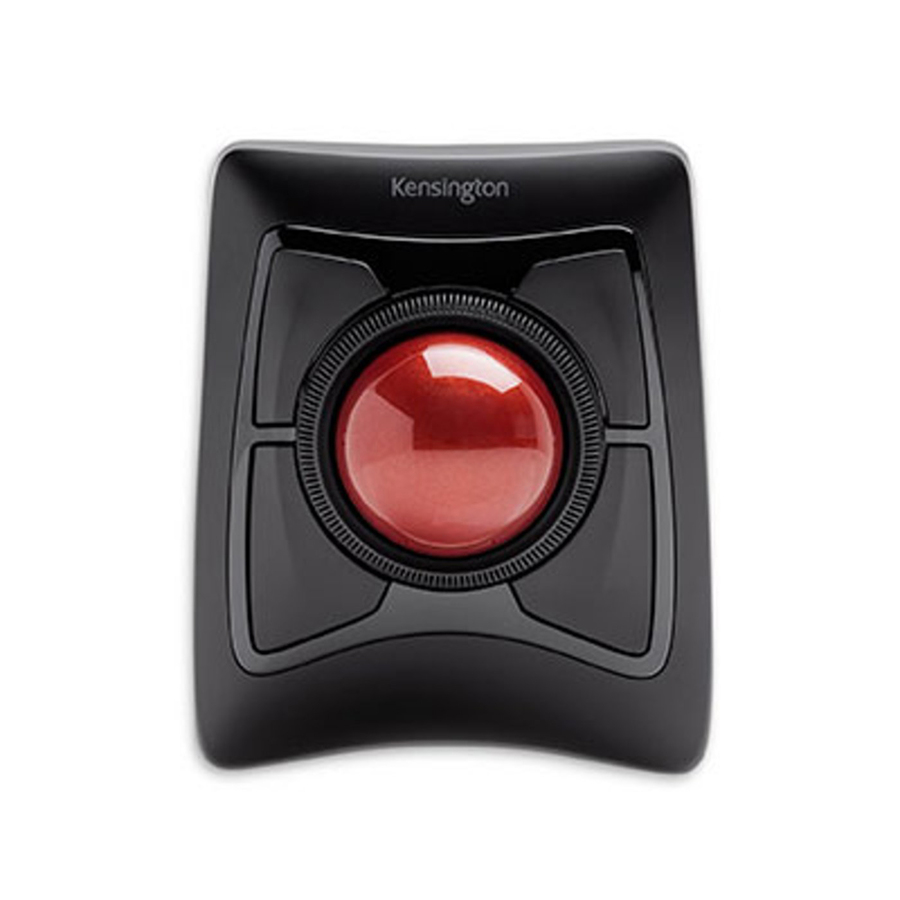
Kensington Expert Mouse Wired Trackball
K64325
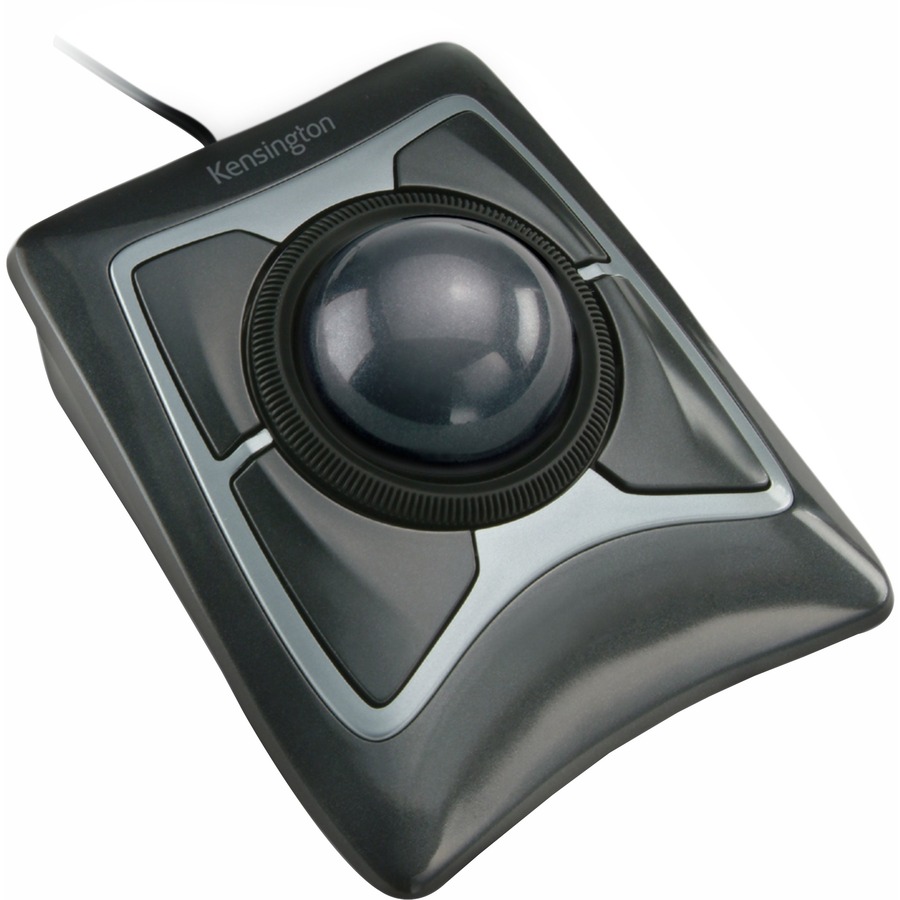
The Kensington Expert Mouse wired trackball — the large finger-operated ball on a fixed base that has been a control-desk and CAD standard for years, sized for fine, sustained pointer work.
$105.84In stockExpert Mouse TB800
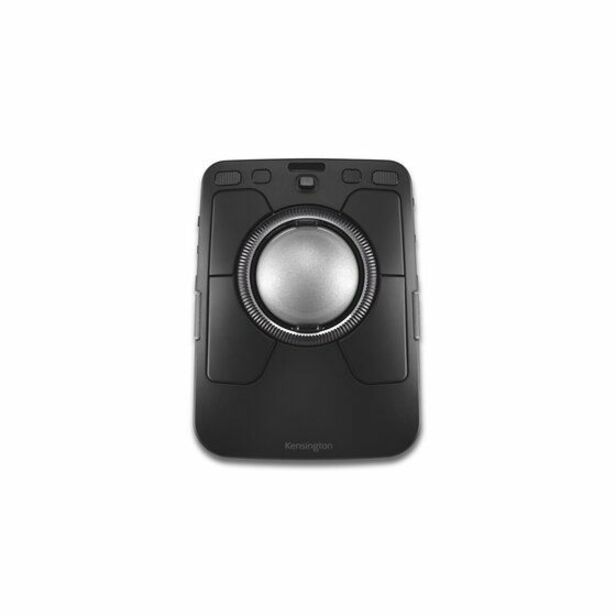
Kensington Computer Products
Kensington Expert Mouse TB800 EQ Multi-Connection Trackball
K72457WWMY
A Kensington Expert Mouse TB800 EQ trackball with a scroll ring and sixteen programmable buttons across a multi-connection design — a large-ball console unit that maps a workflow onto the device.
Request pricingSlimBlade laser
Kensington Computer Products
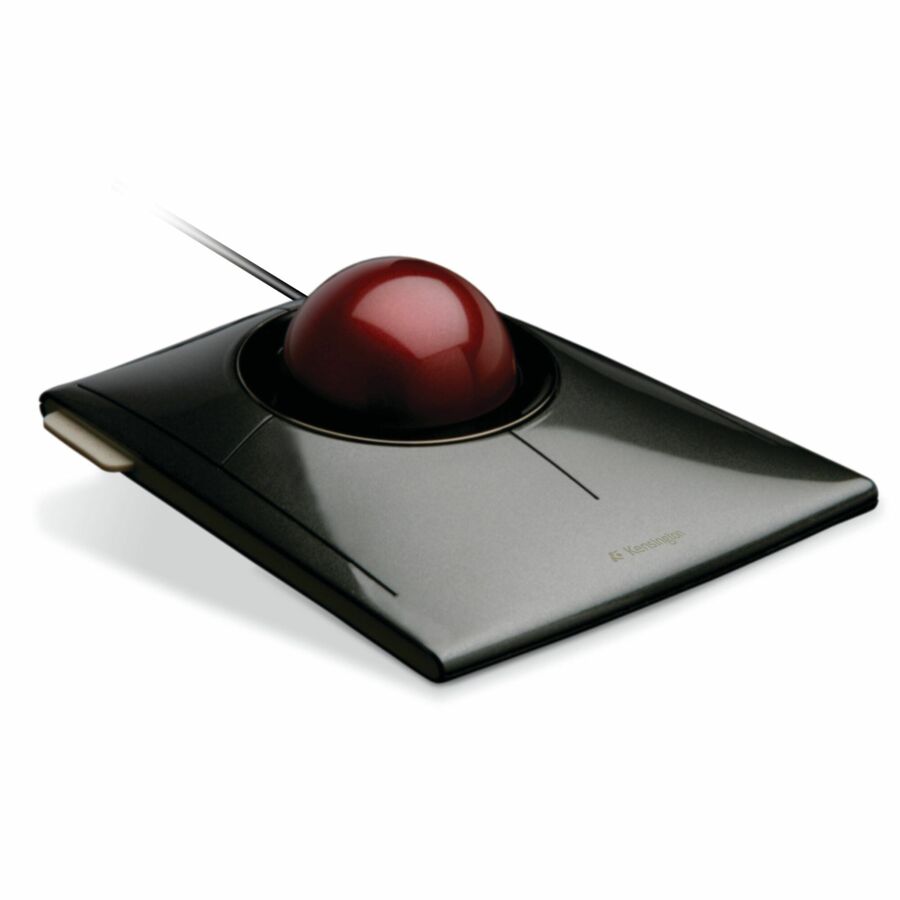
Kensington SlimBlade Trackball
K72327WW
A Kensington SlimBlade trackball with laser tracking and a four-button symmetrical layout — a large finger-operated ball for an ambidextrous seat that wants precise, low-profile control.
$155.61In stockSlimBlade Pro
Kensington Computer Products
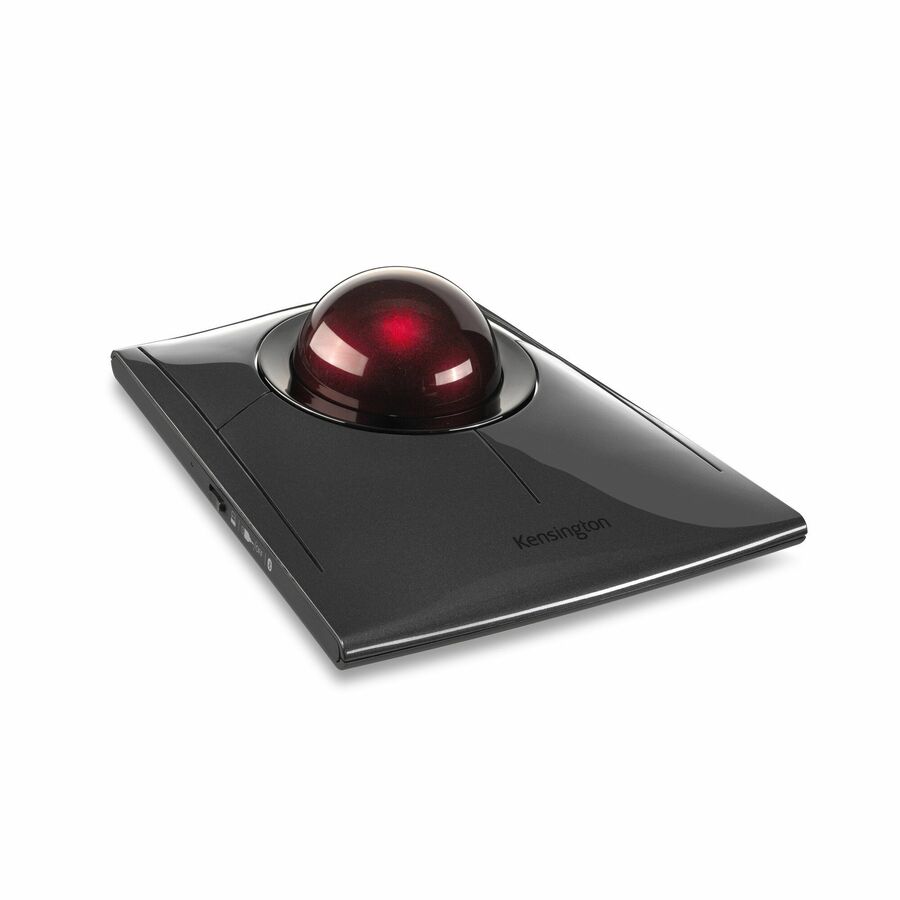
Kensington SlimBlade Pro Trackball
K72080WW
A Kensington SlimBlade Pro trackball with wired and wireless connection and eight programmable buttons on a symmetrical body — a flagship finger-operated unit for a demanding precision seat.
$142.06In stockLogitech ERGO M575
Logitech
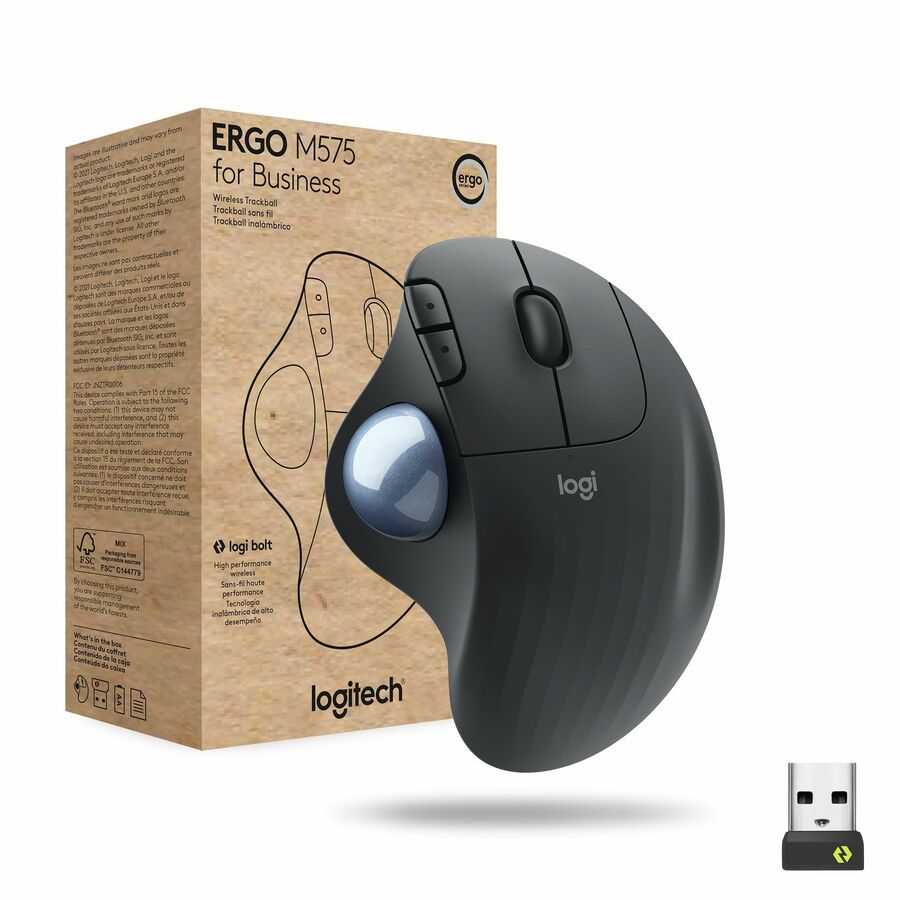
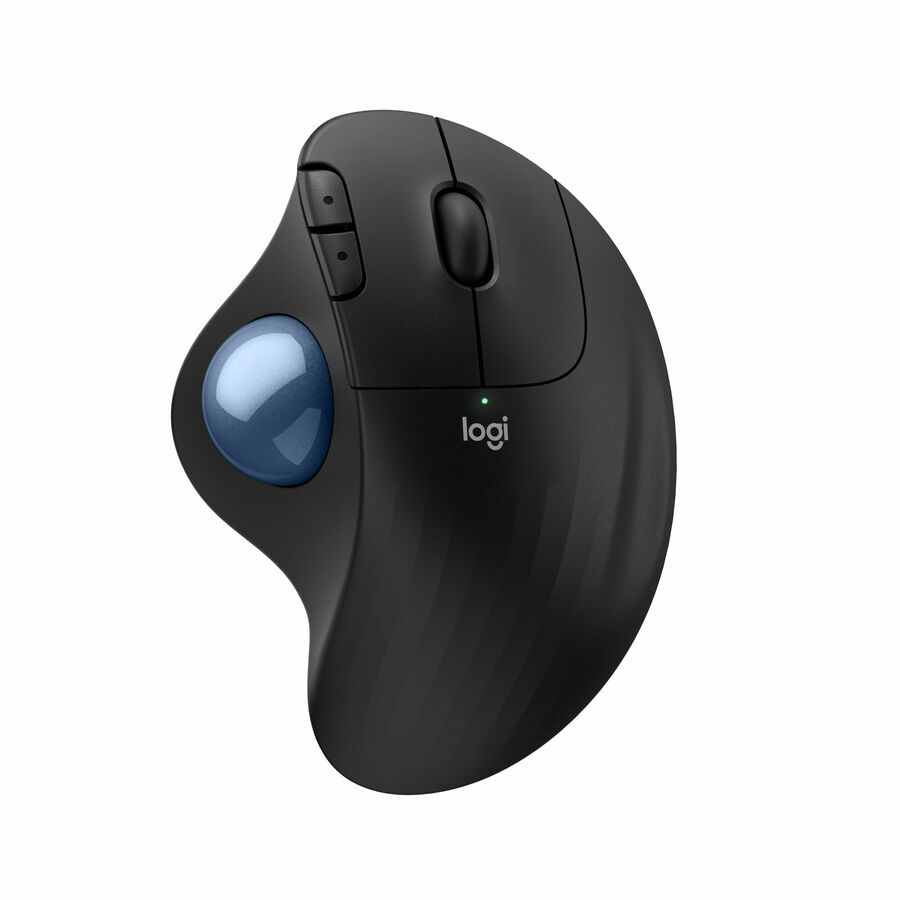
Logitech ERGO M575 Wireless Trackball Mouse for Business
910-006197
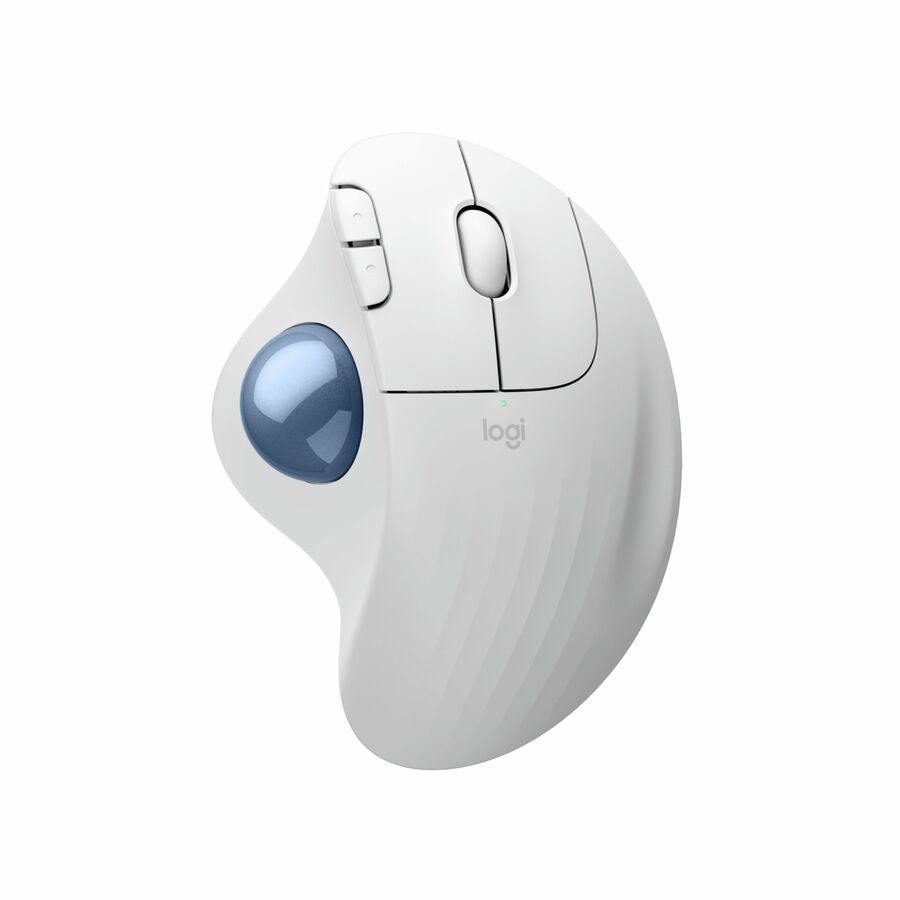
The Logitech ERGO M575 wireless trackball for business — a thumb-operated ergonomic unit with Logi Bolt and Bluetooth, the mainstream office trackball for a desk that wants a fixed base without the arm sweep.
$59.60In stockLogitech MX Ergo S
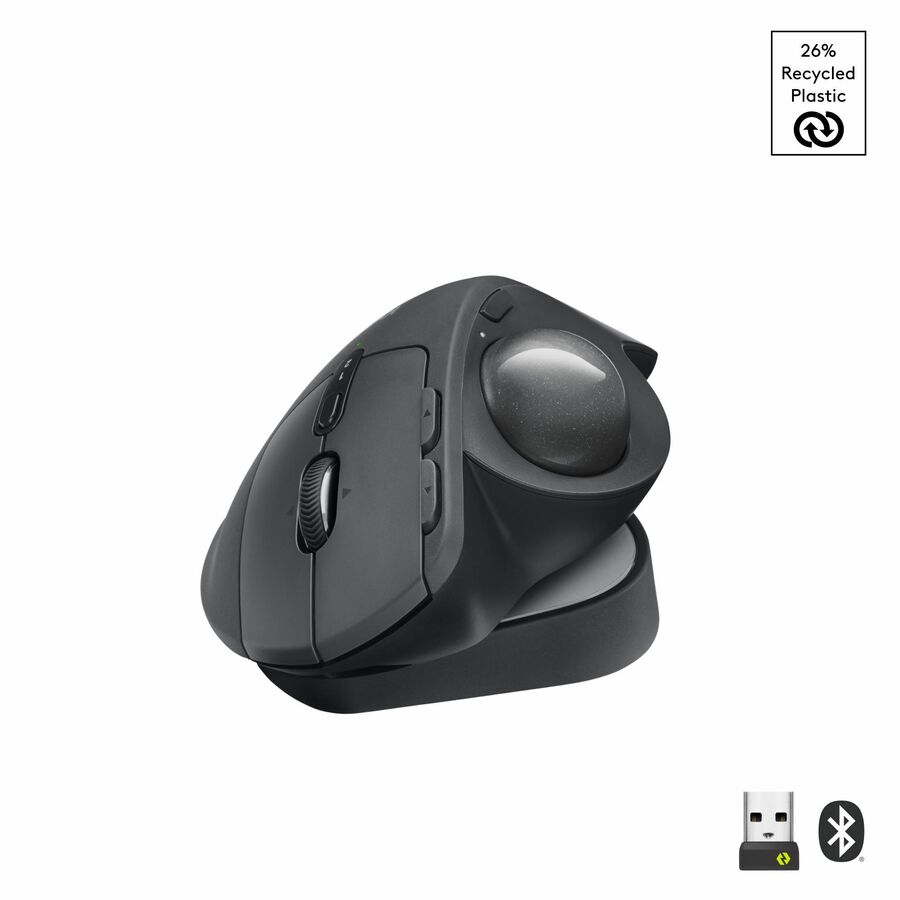
Logitech
Logitech MX Ergo S Plus Advanced Wireless Trackball Mouse, USB-C…
910-007247
A Logitech MX Ergo S Plus advanced wireless trackball with six programmable buttons and an adjustable hinge — the higher-end thumb-operated unit for a power seat that maps actions to the device.
$143.01Back-orderedLogitech M570
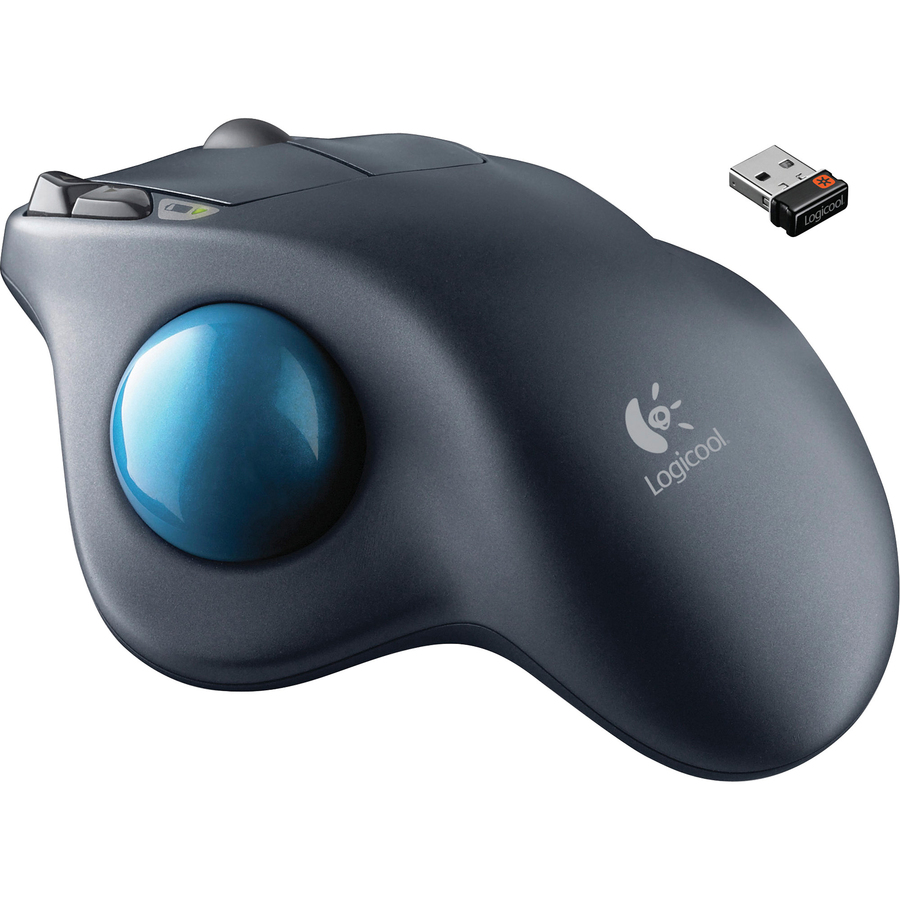
Logitech
Logitech M570 Wireless Trackball Mouse
910-001799
The Logitech M570 wireless trackball — a long-serving thumb-operated unit with a wide radio range, for a fixed seat that wants a proven, uncomplicated fixed-base pointer.
Request pricingAdesso iMouse T40
Adesso
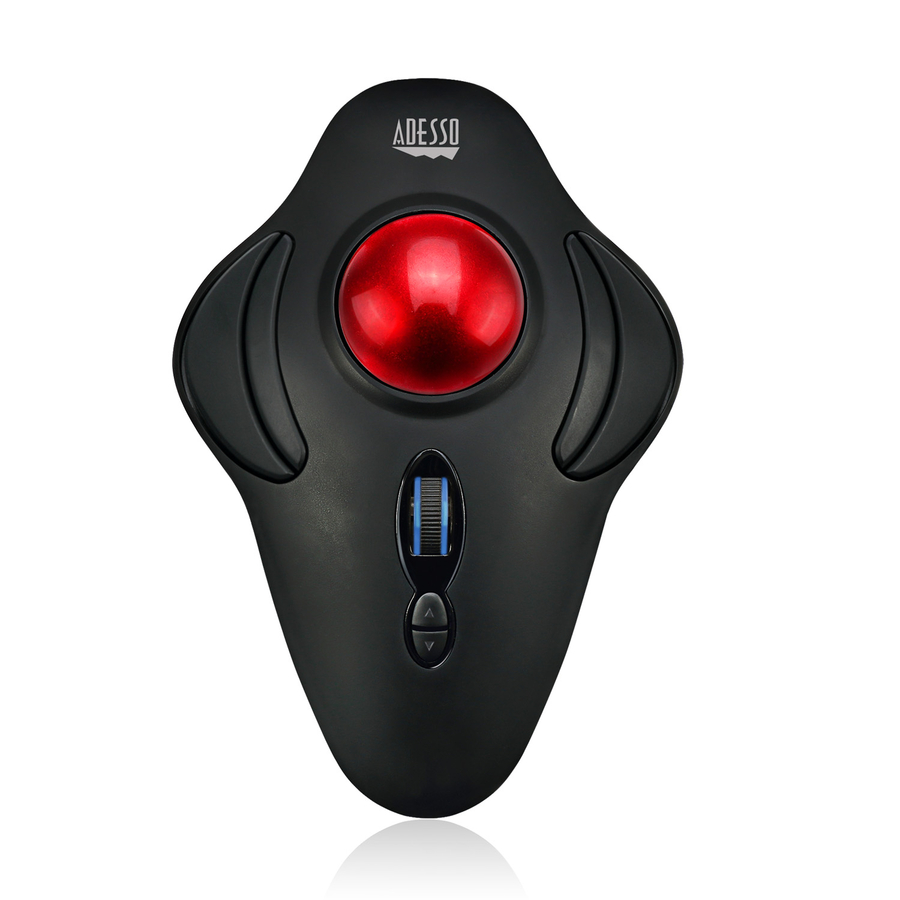
Adesso iMouse T40 Wireless Programmable Ergonomic Trackball Mouse
IMOUSE T40
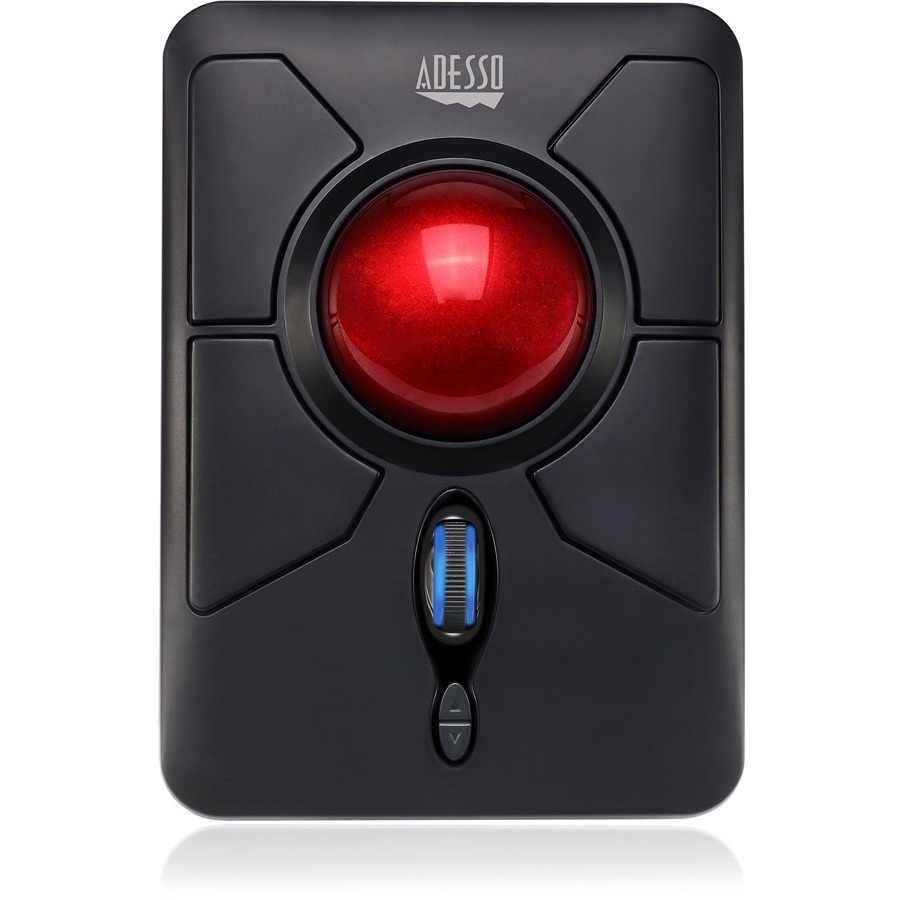
An Adesso iMouse T40 wireless programmable ergonomic trackball with a scroll wheel and seven buttons — a value thumb-operated unit for standardizing a fleet of desks on a fixed-base pointer.
$49.79In stockAdesso iMouse T50
Adesso
Adesso iMouse T50 Wireless Programmable Ergonomic Trackball Mouse
IMOUSE T50
An Adesso iMouse T50 wireless programmable ergonomic trackball at higher tracking resolution — the finer-control option in Adesso's line, for a seat that wants more precision at a fleet price.
$57.75In stockAbleNet BIGtrack
Ergoguys
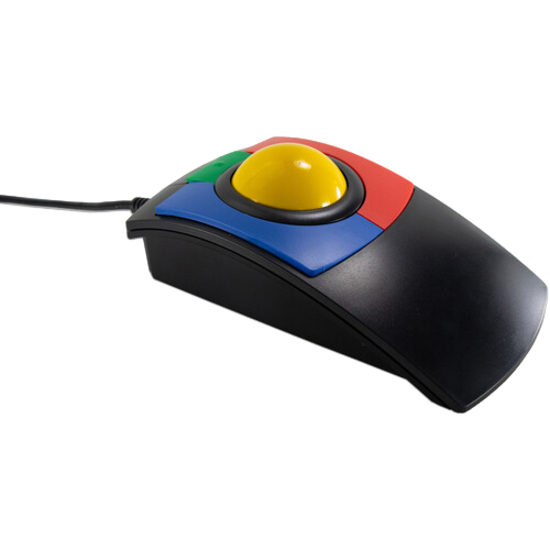
ABLENET BIGTRACK TRACKBALL MOUSE
12000006
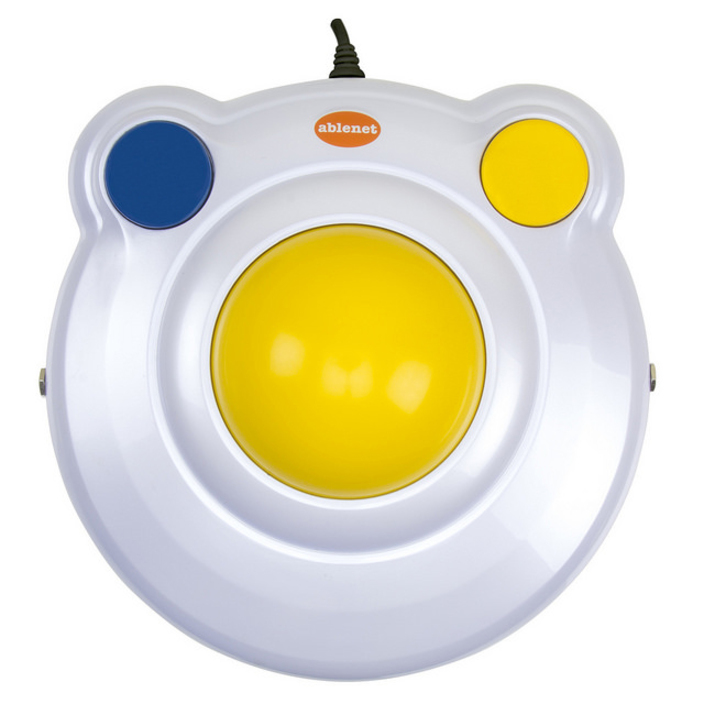
An AbleNet BIGtrack trackball with an oversized ball and large separated buttons on a cabled USB body — the extra-large fixed-base unit for an accessibility seat or a station operated with limited fine motor control.
$115.47Back-orderedCalifone L-Trac laser
Ergoguys
Califone X-keys L-Trac USB Laser Trackball Red
TKB-6035-LBKGR-R
A Califone X-keys L-Trac laser trackball with a scroll wheel and three-button symmetrical layout on a cabled USB body — a heavy fixed-base laser unit built for a shared or industrial console.
$233.39Back-orderedItac Professional
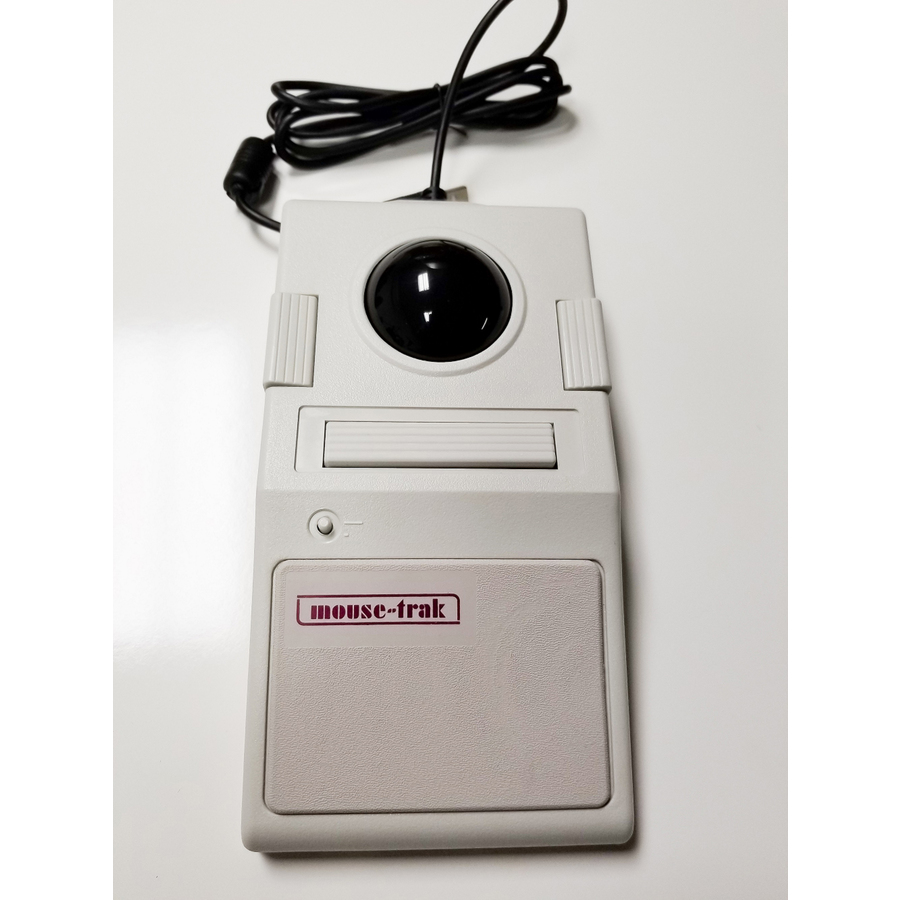
Ergoguys
Itac Systems Professional Desktop Trackball Mouse with Scrolling USB
B-SCRPR-XROHS
An Itac Systems professional desktop trackball with USB scrolling on a heavy cabled base — a large finger-operated unit made for a control desk or workstation that needs a stable, all-day pointer.
$257.86Back-orderedItac Industrial
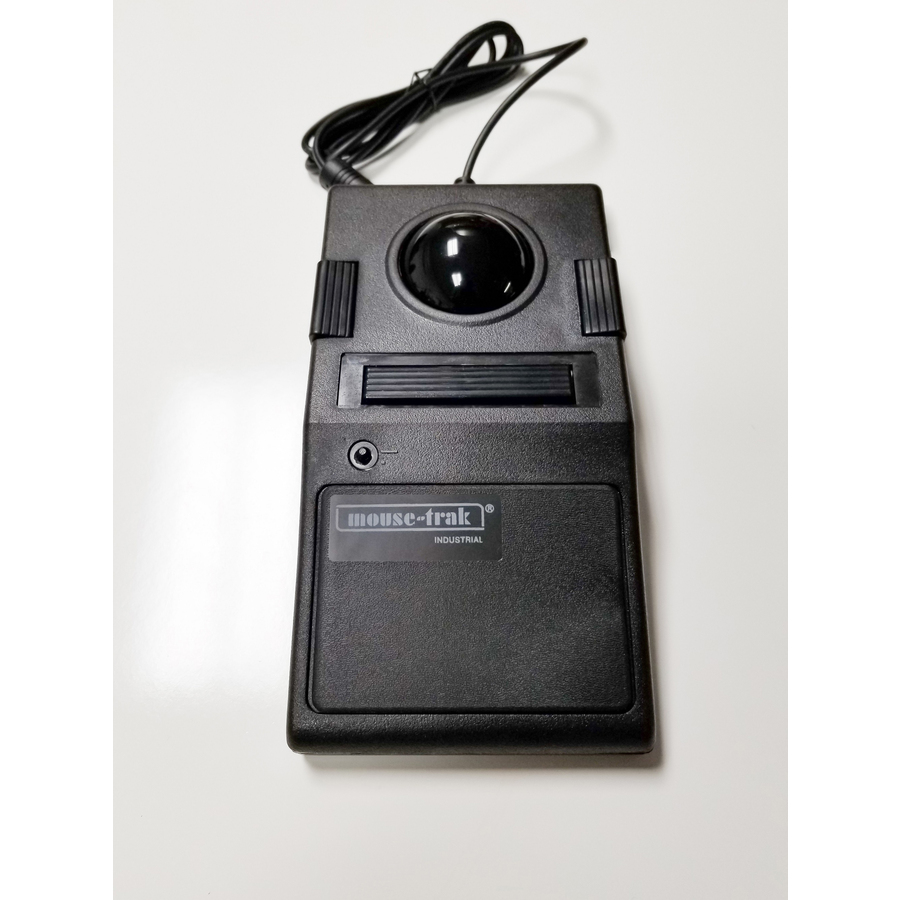
Ergoguys
Itac Systems Industrial Desktop Trackball Mouse with USB Scrolling
B-SCRIN-XROHS
An Itac Systems industrial desktop trackball with USB scrolling — the ruggedized large-ball unit for a control room, industrial console or command seat where the pointer runs constantly and has to survive it.
$474.19Back-orderedMore pointing devices in the Uniqcli catalog
See all 742 pointing devicesMore from across this category. In-stock lines lead, and a back-ordered line carries the same estimated availability its product page does — with live pricing throughout, NDAA §889 screening before checkout and TAA verified on request.
- ErgoguysItac Systems Professional Desktop Trackball Mouse with Scrolling USB - Cable - White - USB - 1B-SCRPR-XROHS
$349.60
$257.86
Back-orderedBack-ordered — estimated OEM lead time 3–8 weeks (Nov 13 – Dec 18 if ordered today).
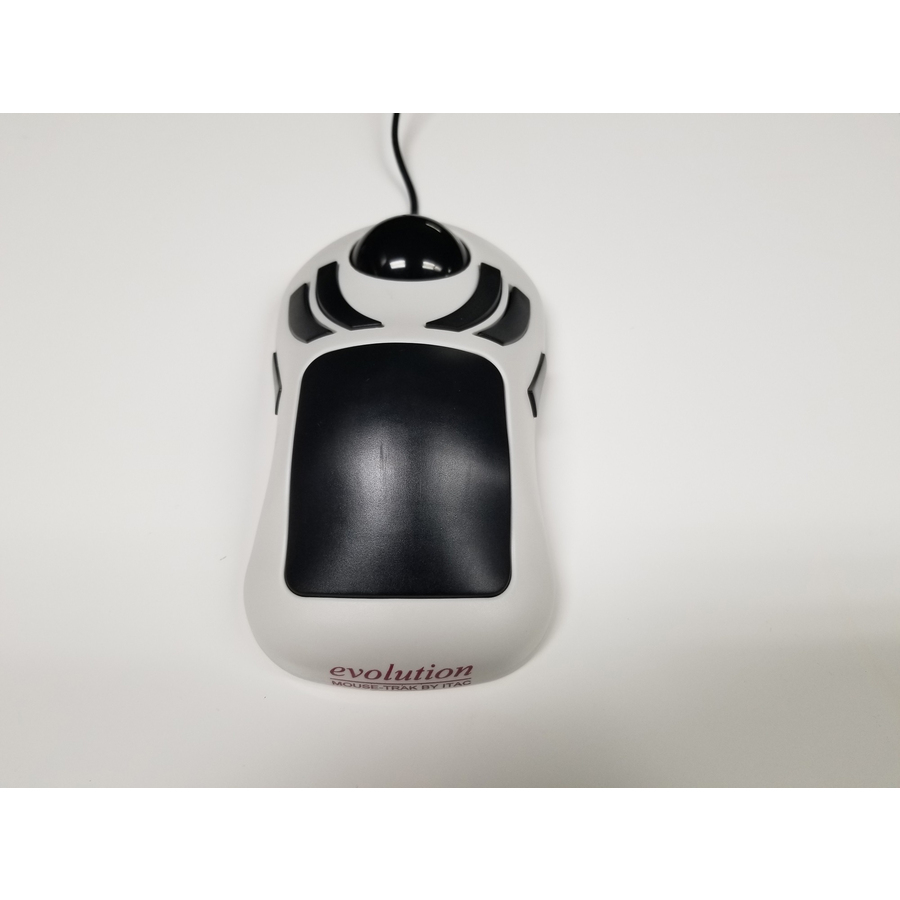
- ErgoguysItac Systems Evolution Desktop Trackball Mouse with USB Scrolling - Cable - Black, White - USB - 6 Button(s) - Symmetrical - 1X-SCROL-XROHS
$299.00
$239.32
Back-orderedBack-ordered — estimated OEM lead time 3–8 weeks (Nov 13 – Dec 18 if ordered today).
- ErgoguysItac Systems Industrial Desktop Trackball Mouse with USB Scrolling - Cable - Black - USB - 1B-SCRIN-XROHS
$474.19
Back-orderedBack-ordered — estimated OEM lead time 3–8 weeks (Nov 13 – Dec 18 if ordered today).
- ErgoguysItac Systems Professional Desktop Trackball Mouse with USB Interface - Cable - White - USB - 1B-5XUSB-XROHS
$300.29
Back-orderedBack-ordered — estimated OEM lead time 3–8 weeks (Nov 13 – Dec 18 if ordered today).
- ErgoguysCalifone X-keys L-Trac USB Laser Trackball Blue - Laser - Cable - Blue - USB Type A - 1600 dpi - Scroll Wheel - 3 Button(s) - Symmetrical - 1TKB-6025-LBKGB-R
$233.47
Back-orderedBack-ordered — estimated OEM lead time 3–8 weeks (Nov 13 – Dec 18 if ordered today).
- ErgoguysCalifone X-keys L-Trac USB Laser Trackball Black - Laser - Cable - Black - USB Type A - 1600 dpi - Scroll Wheel - 3 Button(s) - Symmetrical - 1TKB-6015-LBKBK-R
$233.46
Back-orderedBack-ordered — estimated OEM lead time 3–8 weeks (Nov 13 – Dec 18 if ordered today).
- ErgoguysCalifone X-keys L-Trac USB Laser Trackball Red - Laser - Cable - Red - USB Type A - 1600 dpi - Scroll Wheel - 3 Button(s) - Symmetrical - 1TKB-6035-LBKGR-R
$233.39
Back-orderedBack-ordered — estimated OEM lead time 3–8 weeks (Nov 13 – Dec 18 if ordered today).
Back-ordered — we expect to receive stock the week of Nov 2–8 and will process your delivery right after.
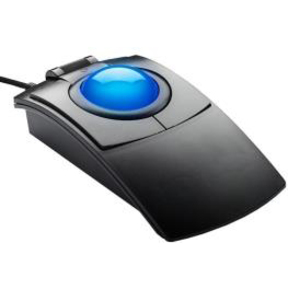
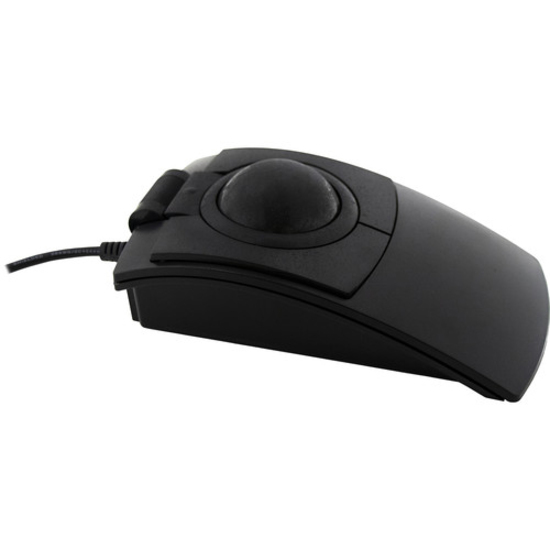
Need pricing on trackball mice?
Tell us where to reach you and a Uniqcli specialist will follow up by email with current pricing, availability and lead time for the quantities you need — including parts that aren’t shown on this page.
Buying for an organization or for yourself — both work. No payment up front.
A trackball moves the pointer by spinning a ball while the device itself never moves, and that single difference is why it earns its place at a control desk. A conventional mouse needs clear desk space and a repeated arm sweep; a trackball sits in one spot, so it works on a crowded console, a wheeled cart or a lectern where there is nowhere to push a mouse, and it takes the repetitive arm motion out of a long shift. For precision work the fixed base is the point — the hand rests and the fingers or thumb do the fine motion, which suits the long, controlled pointer moves of a monitoring wall, a dispatch console, a CAD or GIS seat, or an accessibility setup where a mouse is impractical. The trade is a short adjustment period and a ball that occasionally wants cleaning; the return is control that does not depend on desk real estate.
The choices are ball position, size and connection. Thumb-operated trackballs move the ball with the thumb while the fingers stay on the buttons, which most people find fastest to learn and comfortable for general work; finger-operated and symmetrical trackballs put a larger ball under the fingertips for finer control and ambidextrous use, and the large fixed-base desktop and industrial units take that furthest for a console that runs all day. Wired connection is the default where a control-room seat is fixed and a battery is one more thing to fail; wireless suits a desk that has to stay uncluttered, and the better units offer both. After that it is buttons and scrolling — a scroll ring or wheel, and the number of programmable buttons a workflow can map — and, for a shared console, whether the unit cleans easily and survives constant use. Uniqcli quotes the trackballs alongside the keyboards, the monitor arms and the console hardware a control-room build needs, so a seat arrives configured.
Buyer's checklist
How to choose a trackball for precision work
- Decide thumb versus finger operation: thumb-operated units keep the fingers on the buttons and are fastest to learn; finger-operated and symmetrical units put a larger ball under the fingertips for finer control and ambidextrous use.
- Size the ball to the work: a small ball suits general use, while the large fixed-base desktop and industrial units give the finest control for a monitoring wall, a dispatch console or a CAD seat that runs all day.
- Pick the connection for the seat: wired where a control-room position is fixed and a dead battery is a risk; wireless where the desk has to stay uncluttered — the better units offer both.
- Count the buttons and the scroll layout against the workflow: a scroll ring or wheel and enough programmable buttons let a monitoring or editing task live on the device instead of the keyboard.
- For a shared or 24-hour console, weigh durability and cleaning — a trackball that survives constant use and cleans easily is worth more than the last feature on a desk that never sleeps.
- Standardize the model across a console or a fleet so spares, training and the muscle memory of a shift-based team stay consistent.
Why a fixed base wins at a console
The reason trackballs cluster in control rooms, dispatch centers and monitoring walls is that those seats break every assumption a mouse depends on. There is rarely clear desk space beside a bank of screens and a console of switches; the operator may be seated for a full shift and cannot afford the repeated arm sweep a mouse demands; and the pointer moves are often long and controlled rather than quick and casual. A trackball answers all three: it stays in one spot so it needs no swing room, it moves the pointer from the wrist and fingers so the arm rests, and a large ball on a fixed base gives the fine, steady control those long moves want. The same properties make it a common accessibility choice, because the device does not have to be pushed around a surface at all. The adjustment period is real but short, and for a seat that runs all day the ergonomics pay back quickly.
Configuring the seat, and buying it complete
Past the basic form, a trackball is configured to the task. The button count and the scroll layout decide how much of a workflow lives on the device — a monitoring or editing seat benefits from a scroll ring and a handful of programmable buttons mapped to the actions it repeats, so the hand leaves the trackball less often. The connection follows the seat: a fixed console position is usually happier wired, where there is no battery to die mid-shift, while a hot-desk or a cart stays tidier wireless. For a shared console the unmarked practicalities matter most — a unit that cleans easily, survives constant use and can be standardized so a shift-based team shares one muscle memory and one spares bin. Because a control-room seat is more than its pointer, Uniqcli quotes the trackballs with the keyboards, the monitor arms and mounts, and the console and cart hardware the build needs, so a position arrives ready to work rather than as a box of peripherals.
FAQ
Common questions
- Why use a trackball instead of a mouse for precision work?
- Because the device stays still while the ball moves the pointer, which changes what the seat needs and how the hand works. A trackball needs no clear desk space and no repeated arm sweep, so it fits a crowded console, a cart or a lectern where a mouse has nowhere to go, and it takes the repetitive arm motion out of a long shift. For precision the fixed base is the point: the hand rests and the fingers or thumb do the fine motion, which suits the long, controlled pointer moves of a monitoring wall, a dispatch console or a CAD seat. There is a short adjustment period and the ball occasionally wants cleaning, but the control does not depend on desk real estate.
- Should I pick a thumb-operated or a finger-operated trackball?
- Thumb-operated trackballs move the ball with the thumb while the fingers stay on the buttons, which most people find fastest to learn and comfortable for general and office work. Finger-operated and symmetrical trackballs put a larger ball under the fingertips for finer control and ambidextrous use, and the large fixed-base desktop and industrial units take that furthest for a console that runs all day. If the seat is doing fine, sustained pointer work — a monitoring wall, a CAD or GIS position — the larger finger-operated ball generally gives more control; for general productivity, a thumb-operated unit is the quicker adjustment.
- Can business, government and education buyers order these?
- Every line Uniqcli quotes is sourced through US distribution and screened for TAA country-of-origin and NDAA §889 status before checkout — with documentation tied to the specific part number, not a product family.
Need trackball mice pricing?
Send a bill of materials or part numbers — we confirm stock and a below-market total, with TAA verified on request. No payment up front.