
Best UPS Systems for Small Business
Standby, line-interactive AVR and pure-sine UPS units for desks, network closets and small racks — selected by real watts, topology, form factor and management.
UPS systems in stock at Uniqcli
How to choose →A curated selection with live pricing — in-stock lines first, then back-ordered lines with a typical lead time. Every line is sourced through US distribution and screened for NDAA §889 status before checkout, with TAA verified on request.
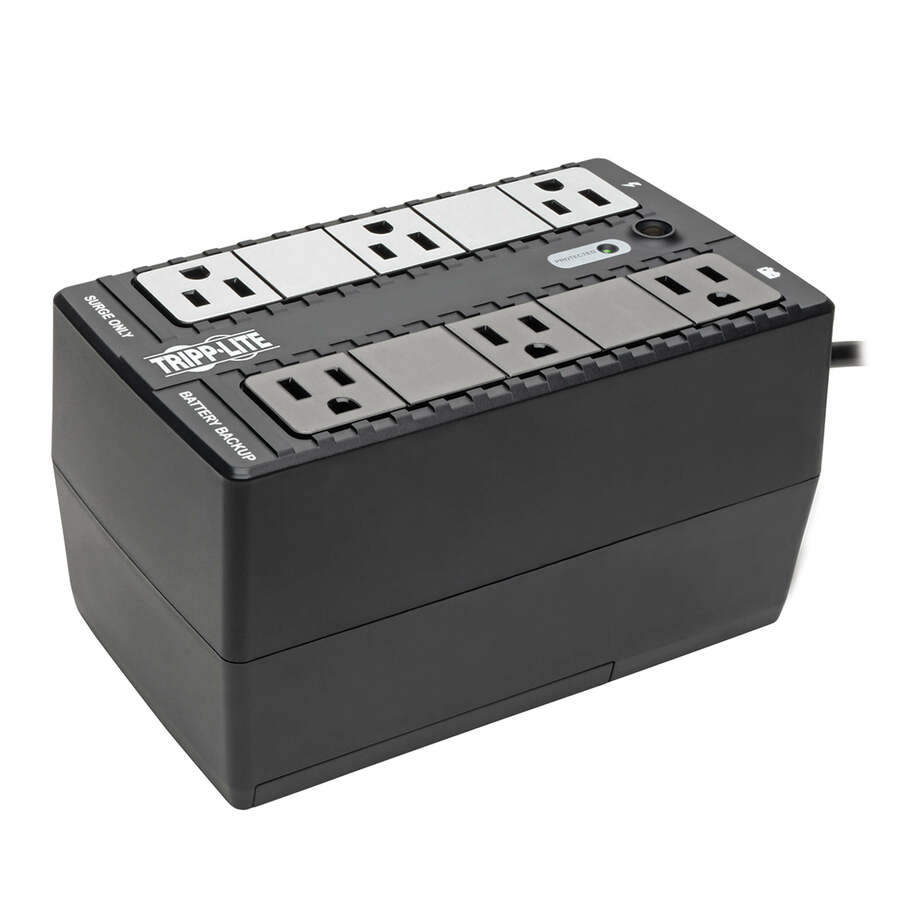
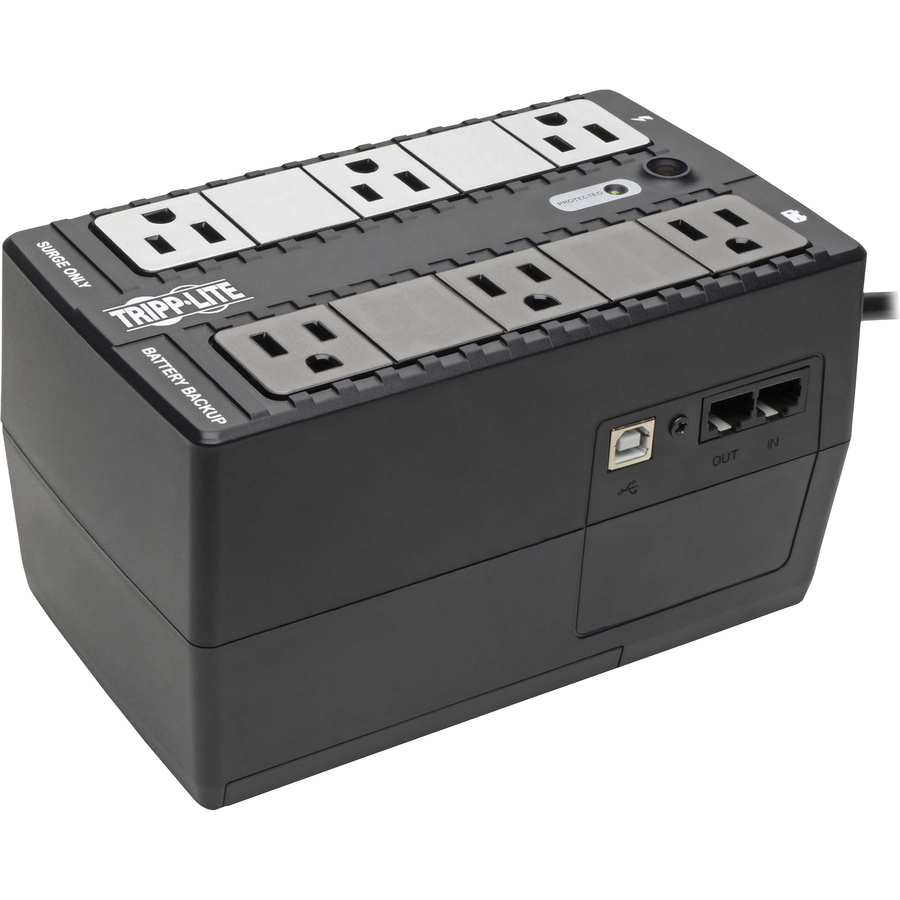
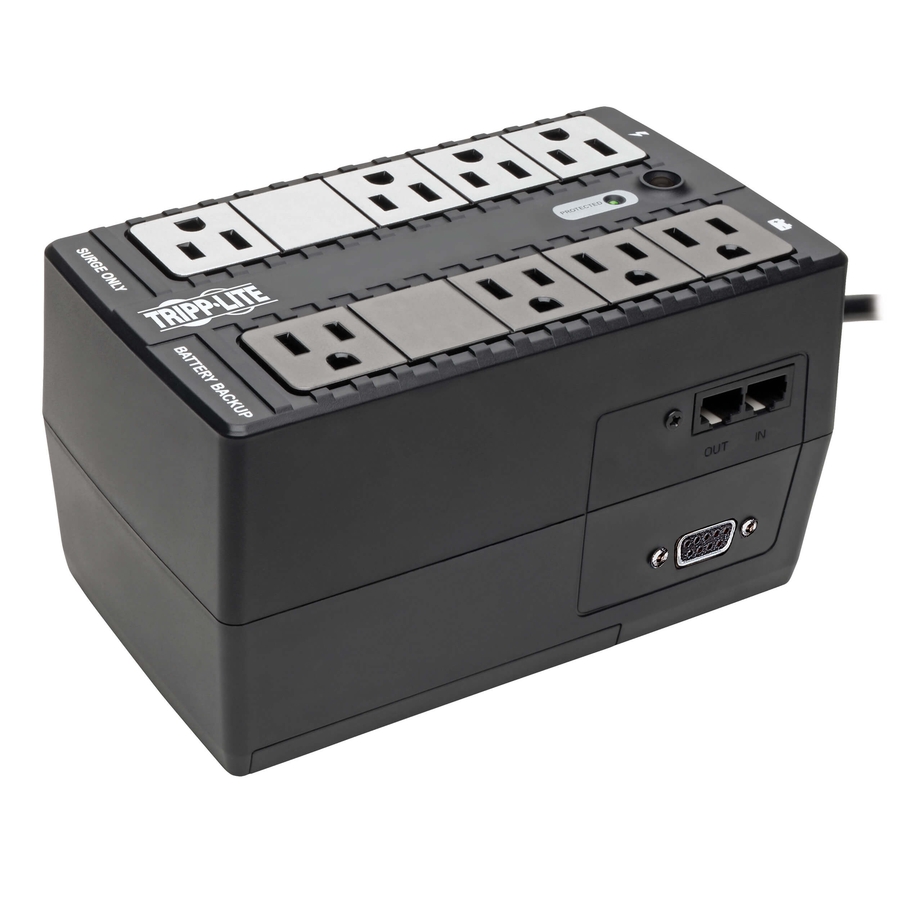
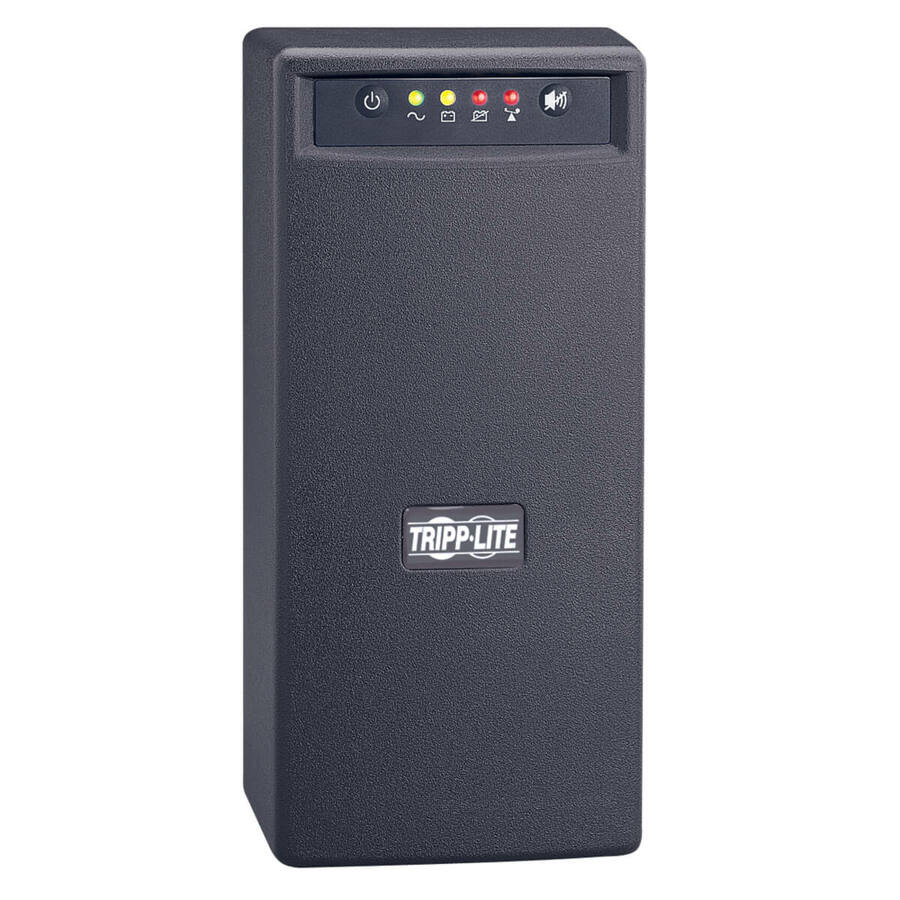
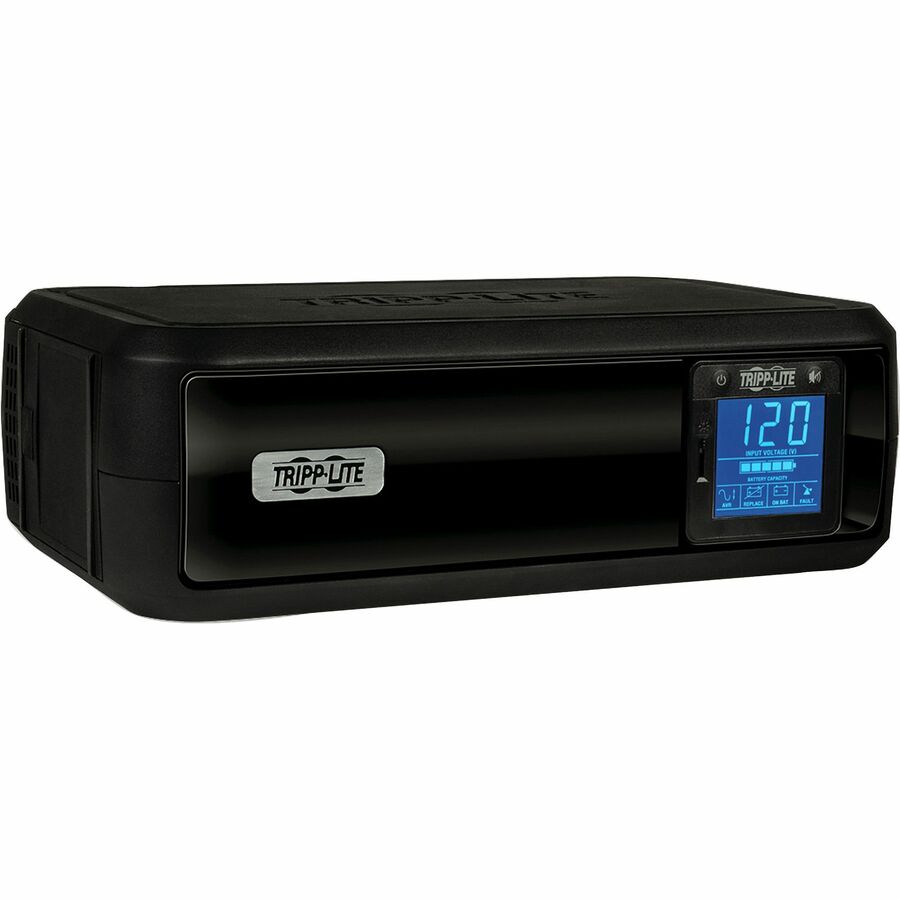
- EatonTripp Lite series Internet Office INTERNET600U 600VA Ultra-compact desktop/tower/wall mount UPS - Ultra-compact Desktop/Tower/Wall Mount - 6.50 Hour Recharge - 1 Minute Stand-by - 120 V AC Input - 120 V AC, 110 V AC, 115 V AC Output - Single Phase - Pulse-width Modulated Sine Wave - USB - LCD Display - 10 x NEMA 5-15R Receptacle(s)INTERNET600U
$138.00
$126.96
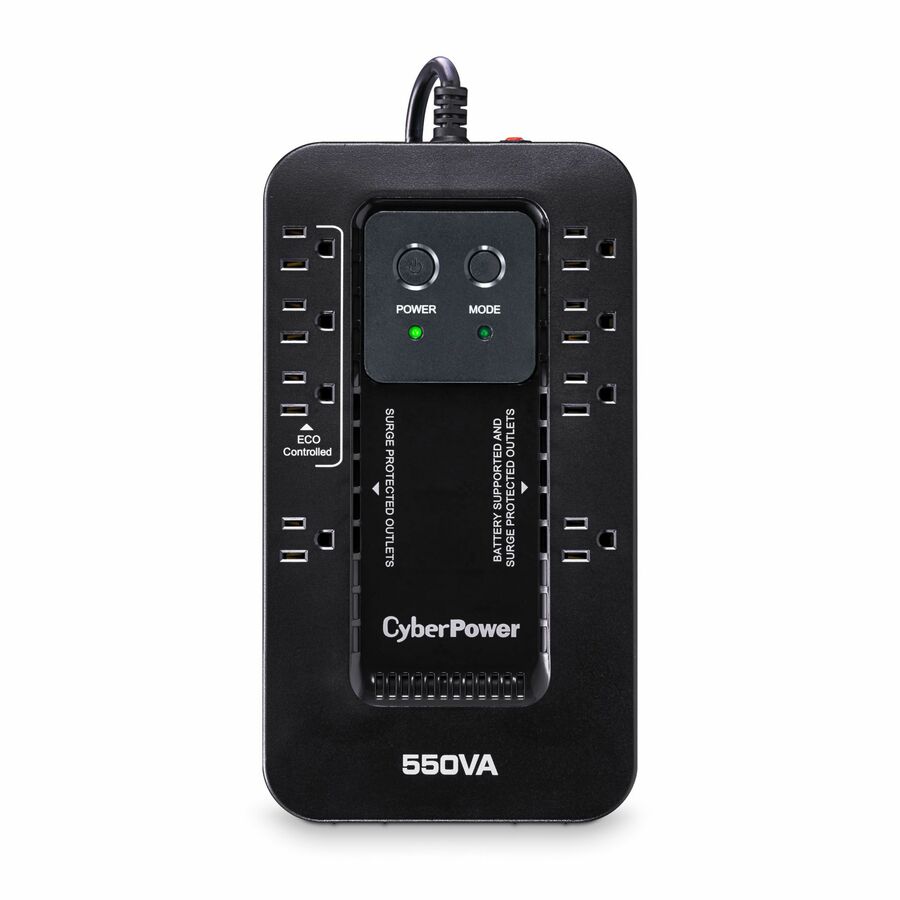
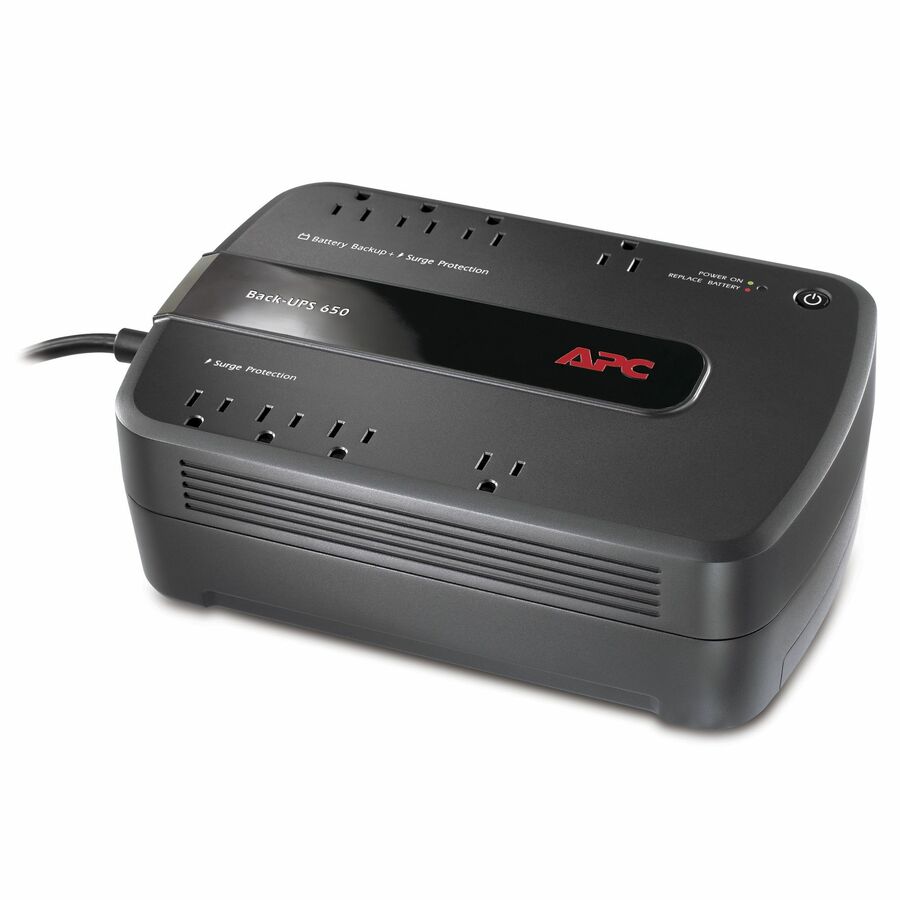
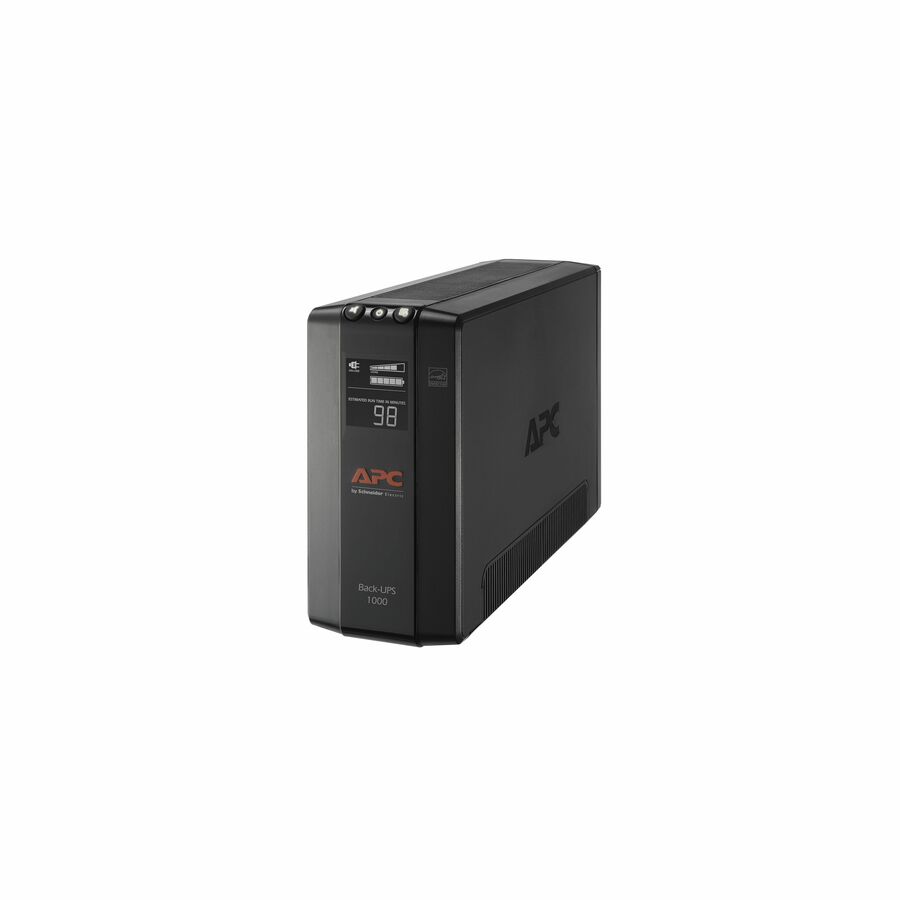
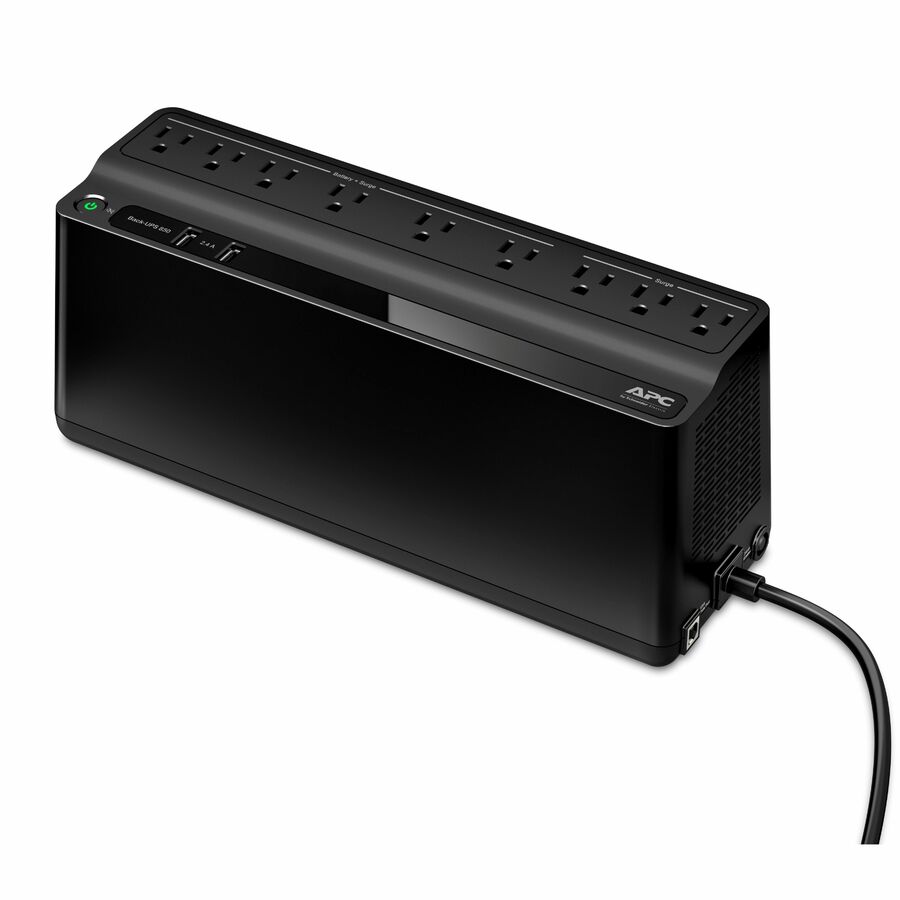
967 in stock - Schneider ElectricAPC Back-UPS 650VA, 120V, 8 NEMA outlets (4 surge) - Tower - 1 Day Recharge - 3 Minute Stand-by - 120 V Input - 120 V AC Output - Single Phase - Stepped Approximated Sine Wave - USB - 4 x NEMA 5-15R, 4 x NEMA 5-15R Surge Receptacle(s) - 8 x Battery/Surge OutletBE650G1
$163.00
$145.07
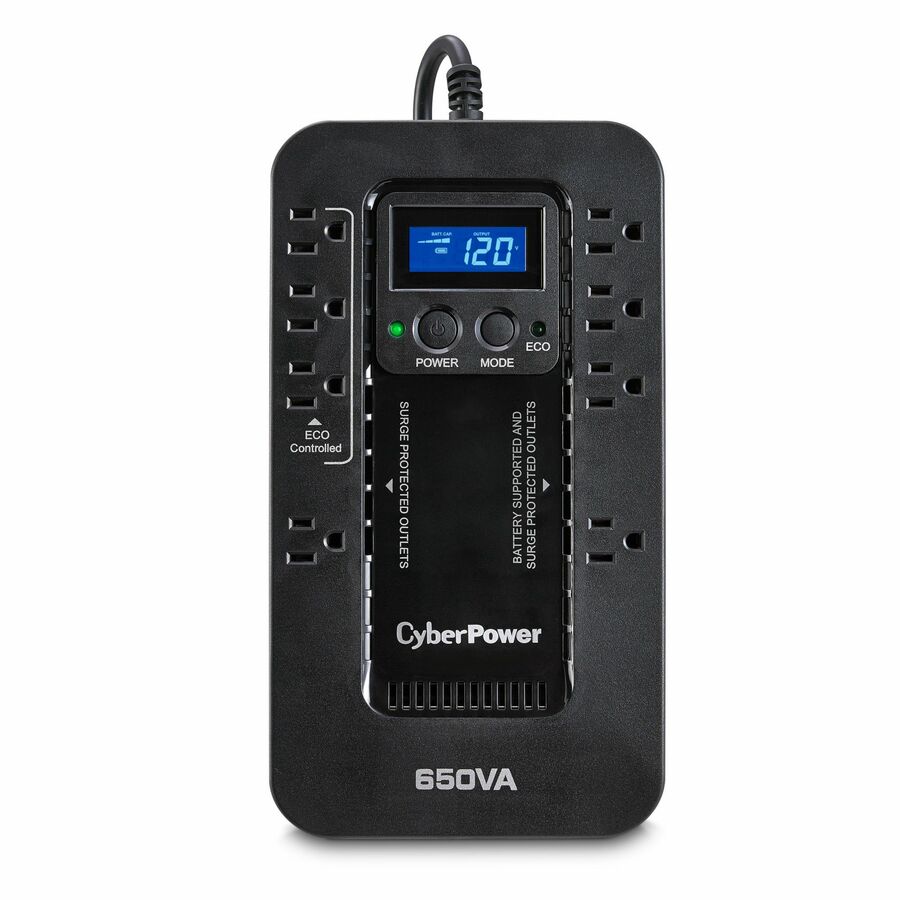
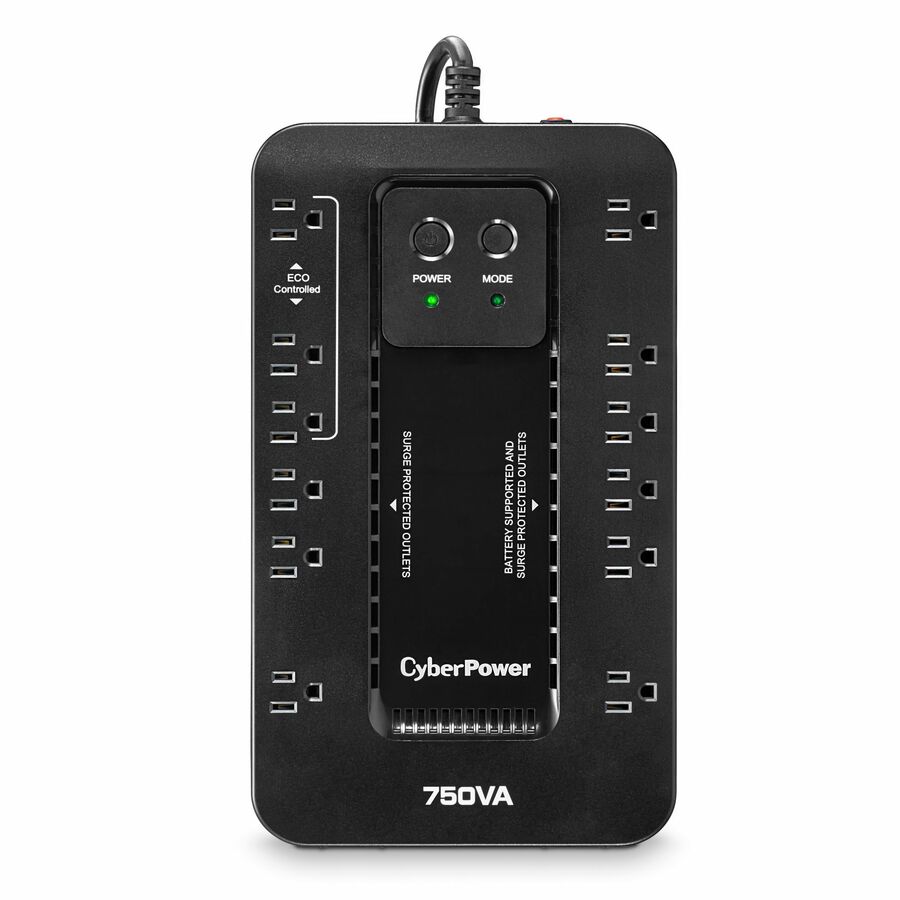
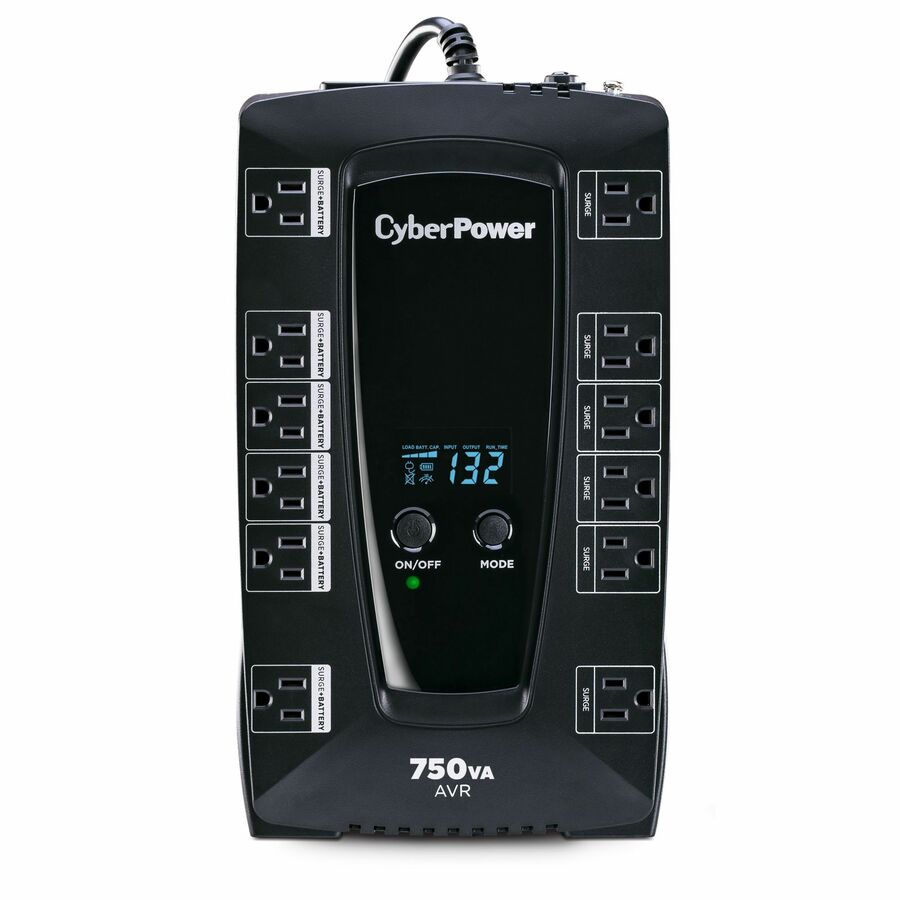
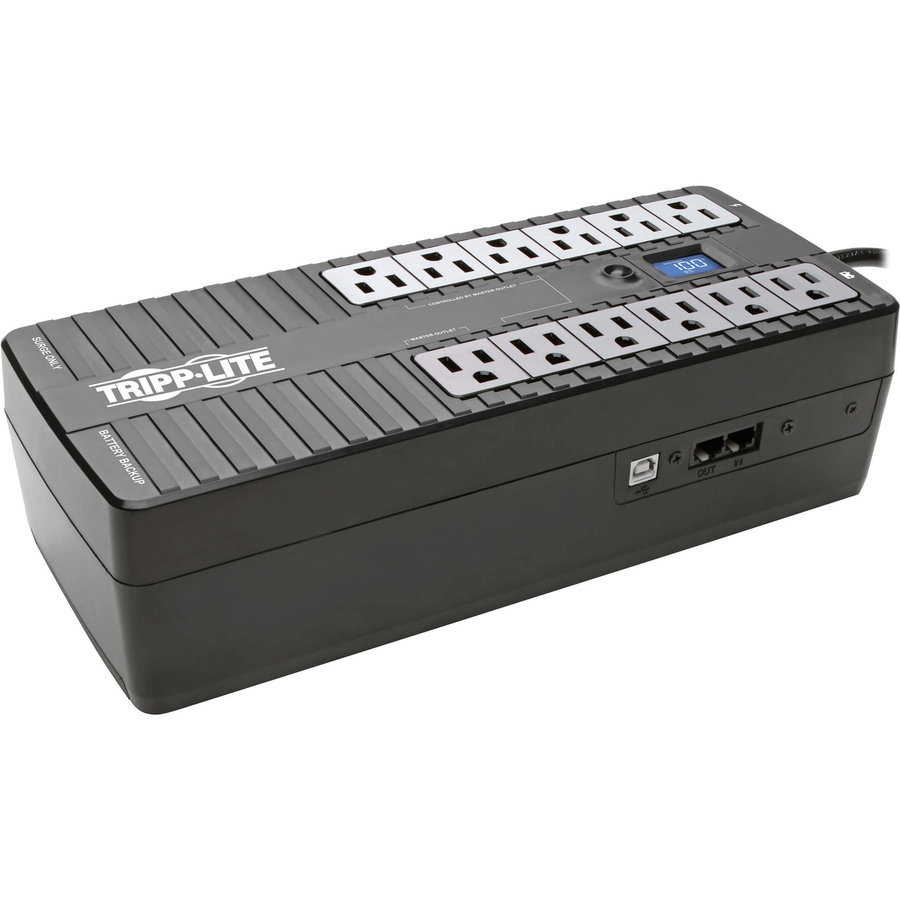
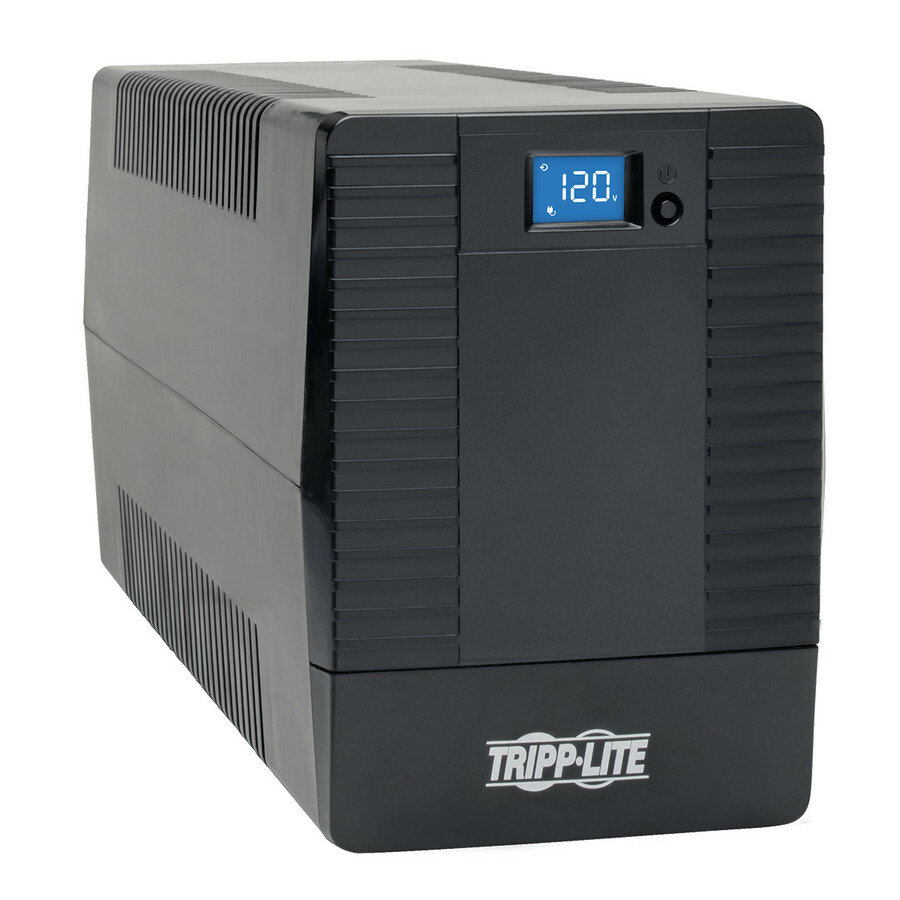
1 in stock - EatonTripp Lite by Eaton UPS 750VA 450W Standby UPS - 12 NEMA 5-15R Outlets 120V 50/60 Hz USB 5-15P Plug Desktop / Wall Mount - Ultra-compact Desk-mount - 4 Hour Recharge - 2.50 Minute Stand-by - 110 V AC Input - 120 V AC Output - 6 x NEMA 5-15R, 6 x NEMA 5-15R, 6 x NEMA 5-15R, 6 x NEMA 5-15R, 6 x NEMA 5-15R, 6 x NEMA 5-15RINTERNET750U
$207.00
$190.44
1,235 in stock


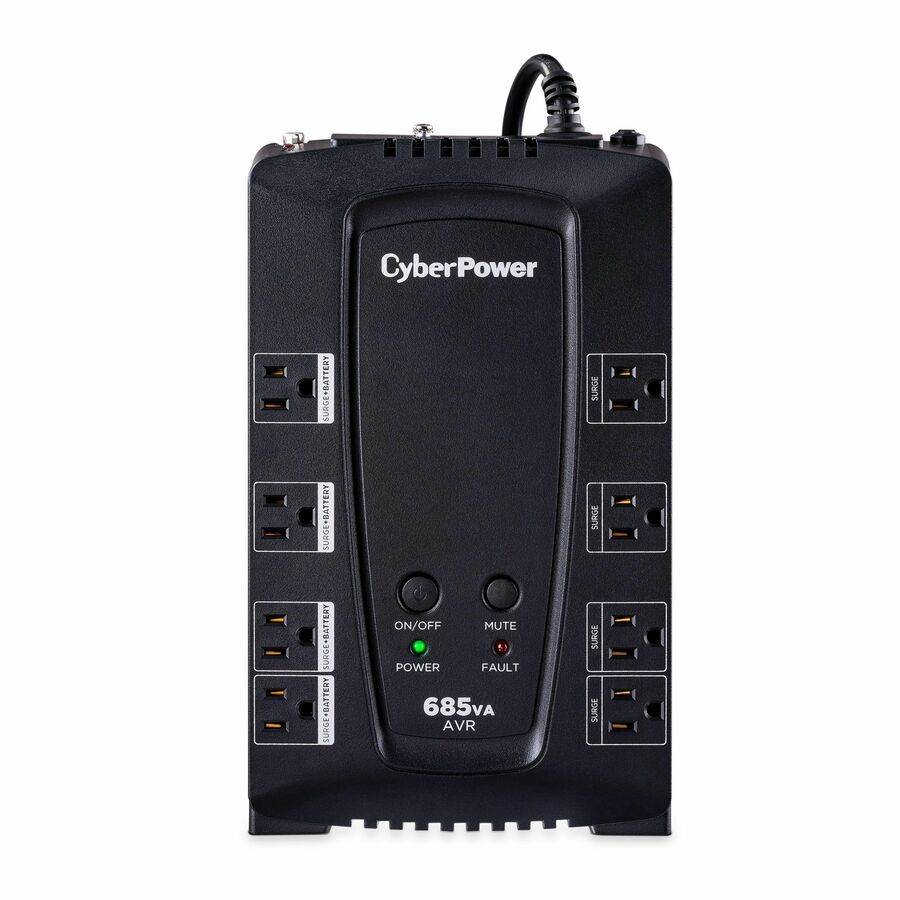
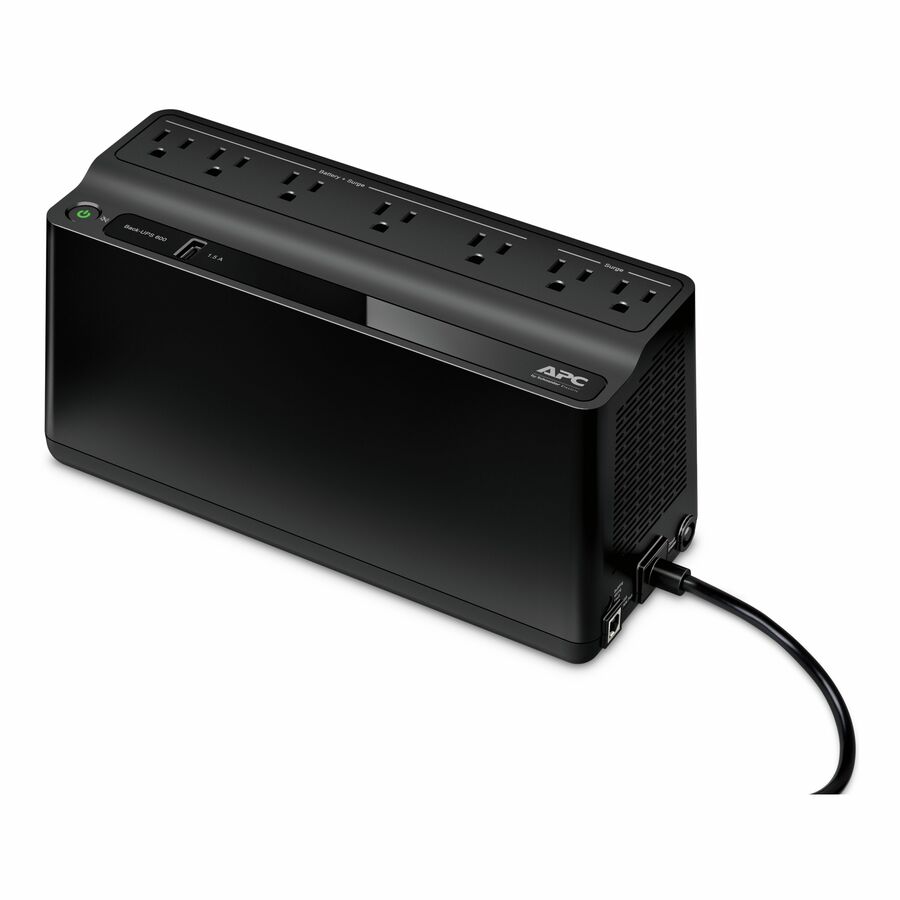

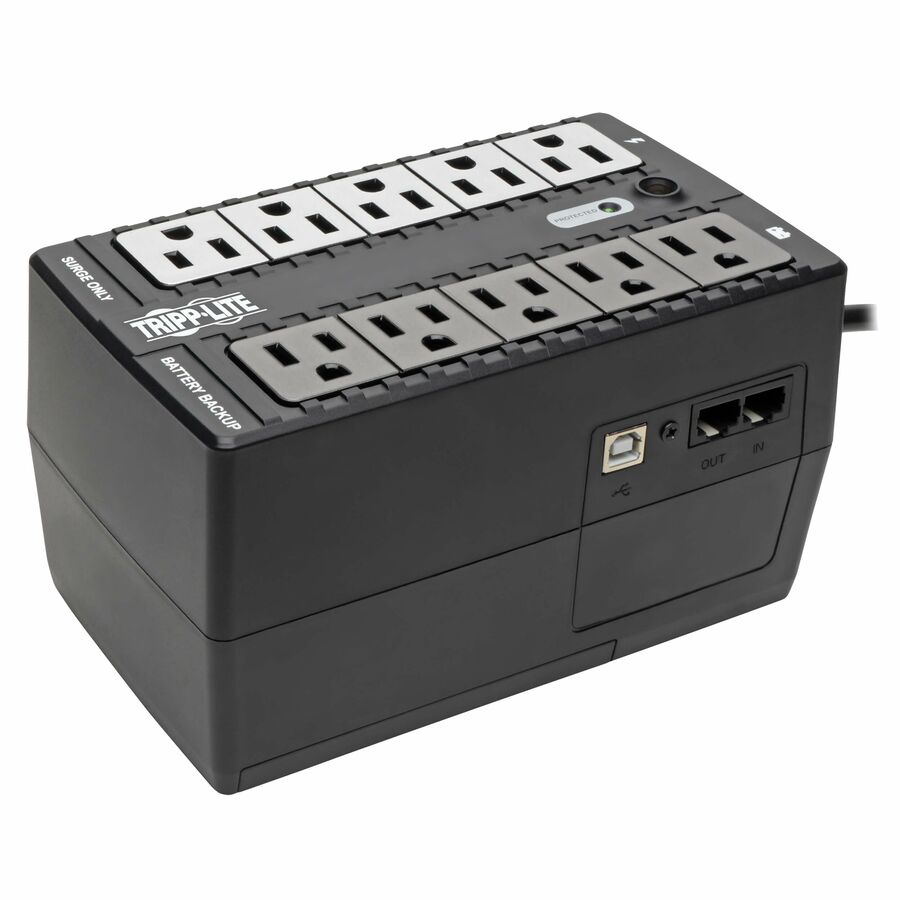
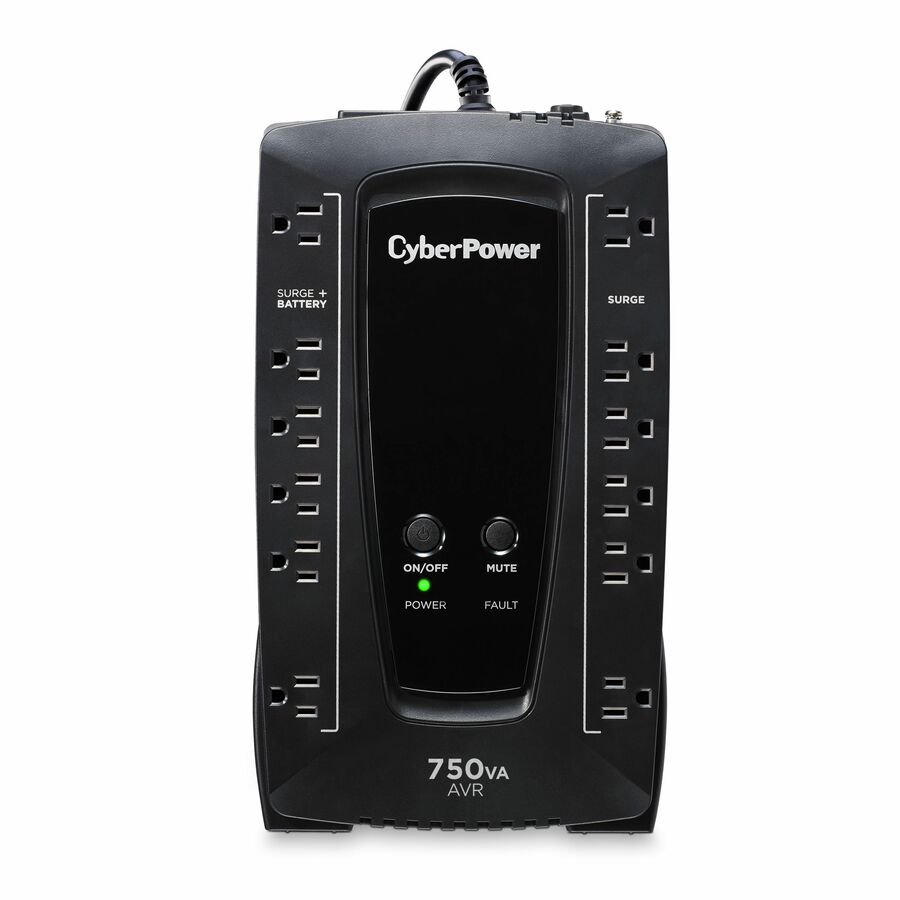
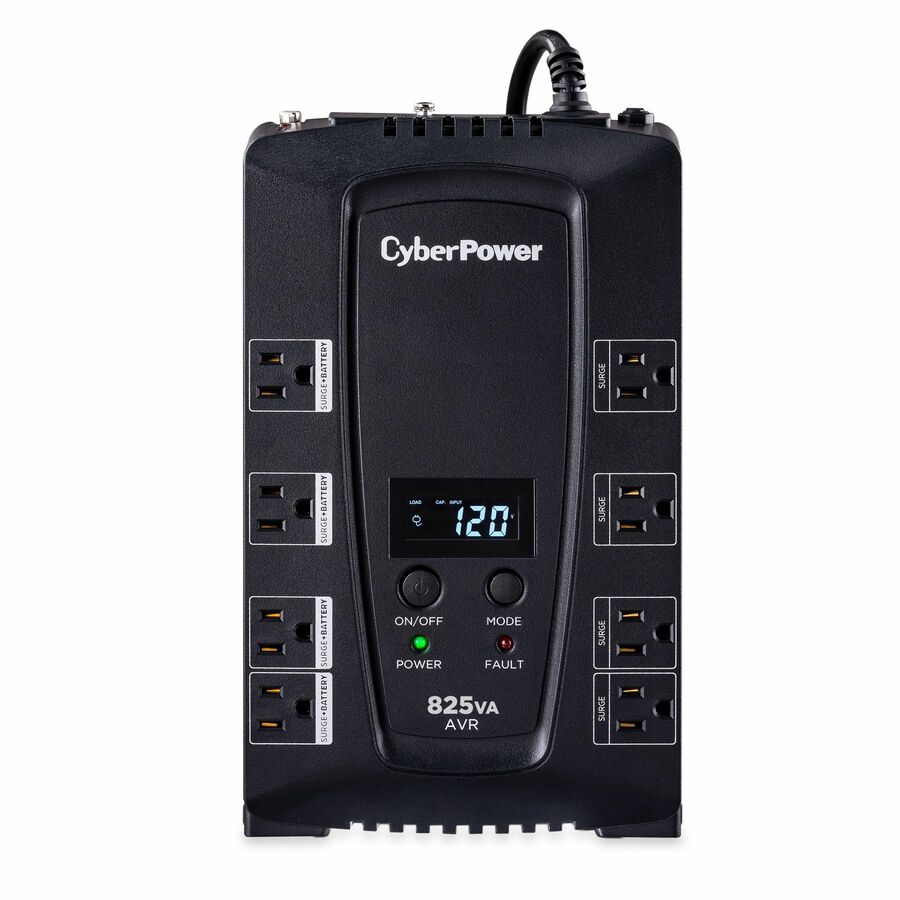
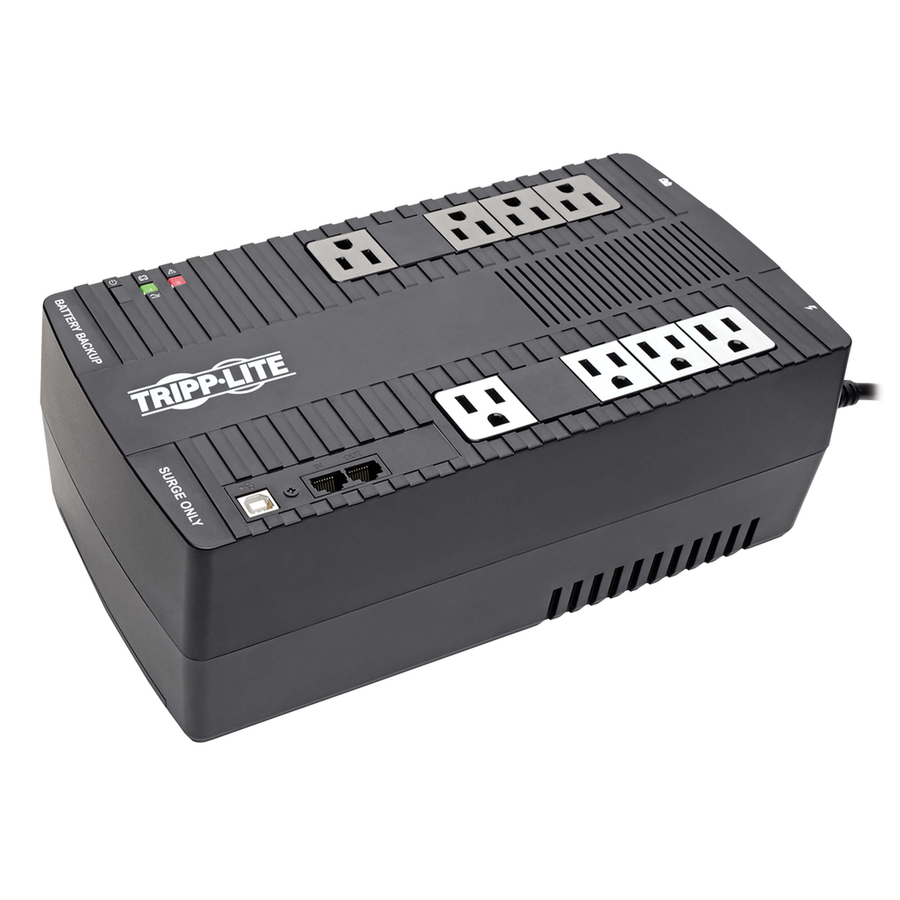
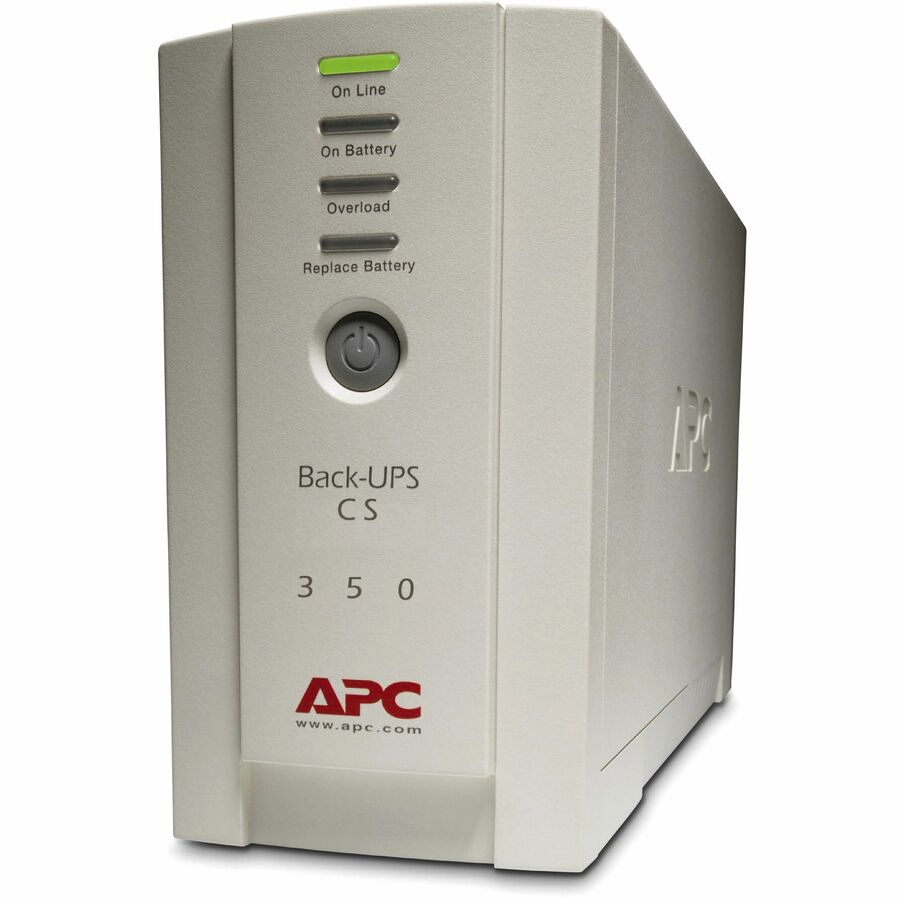
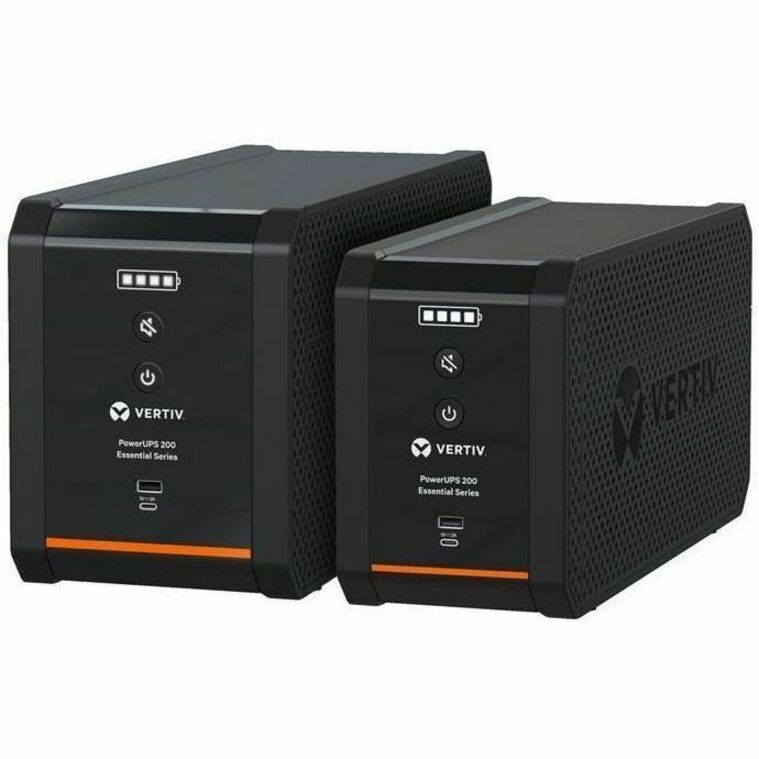

Compact AVR, desk
Eaton
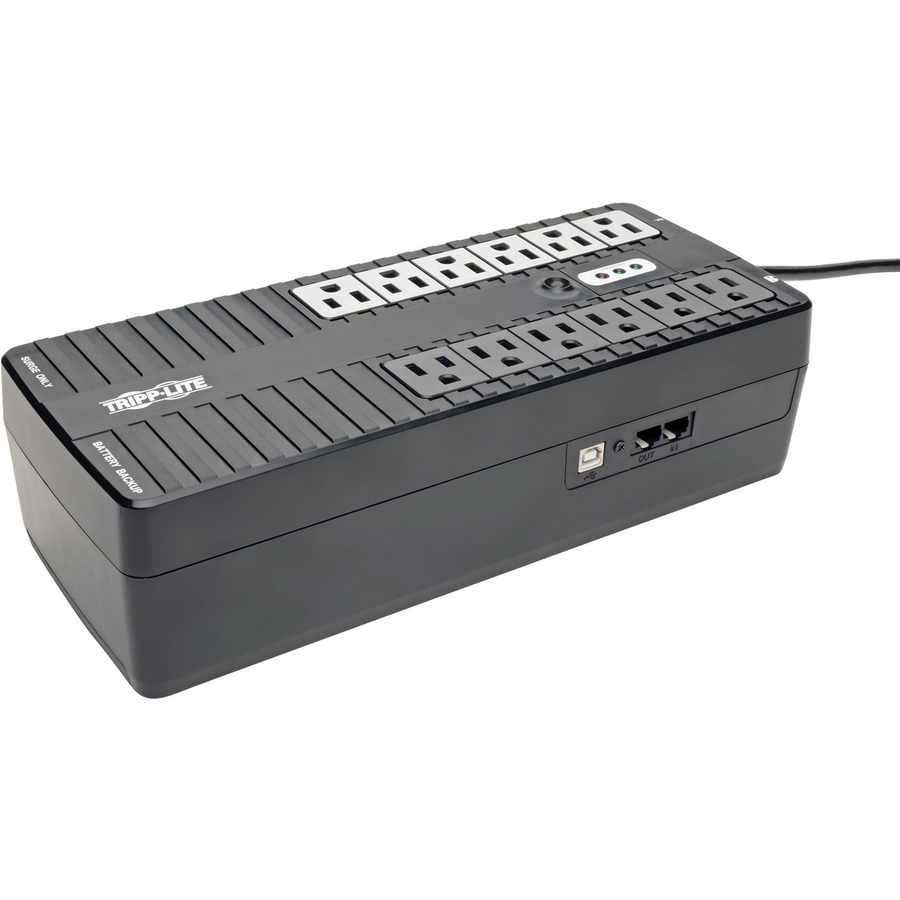
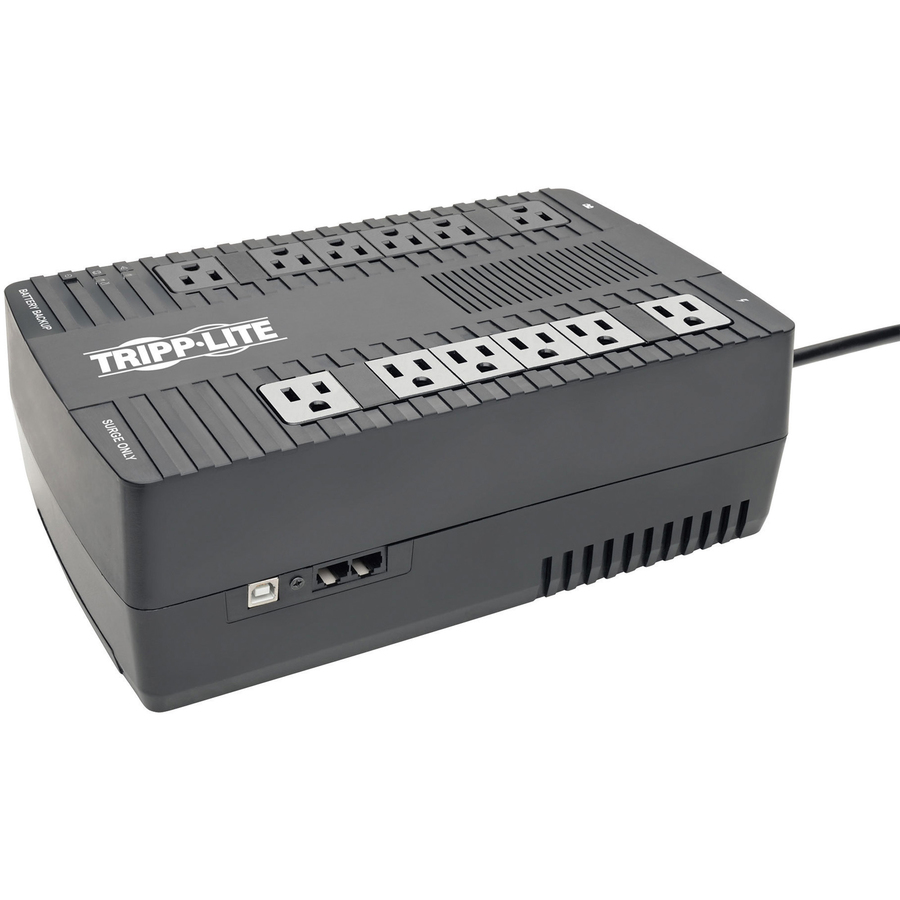
Tripp Lite by Eaton UPS 750VA 450W Line-Interactive UPS
AVR750U
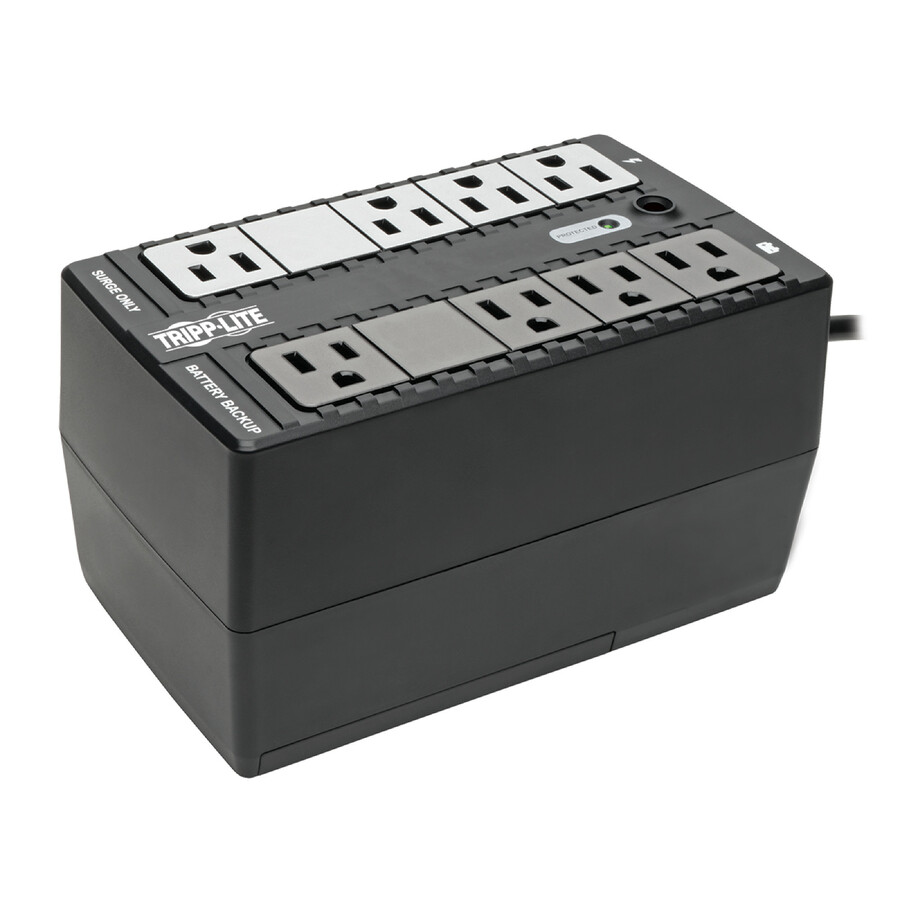
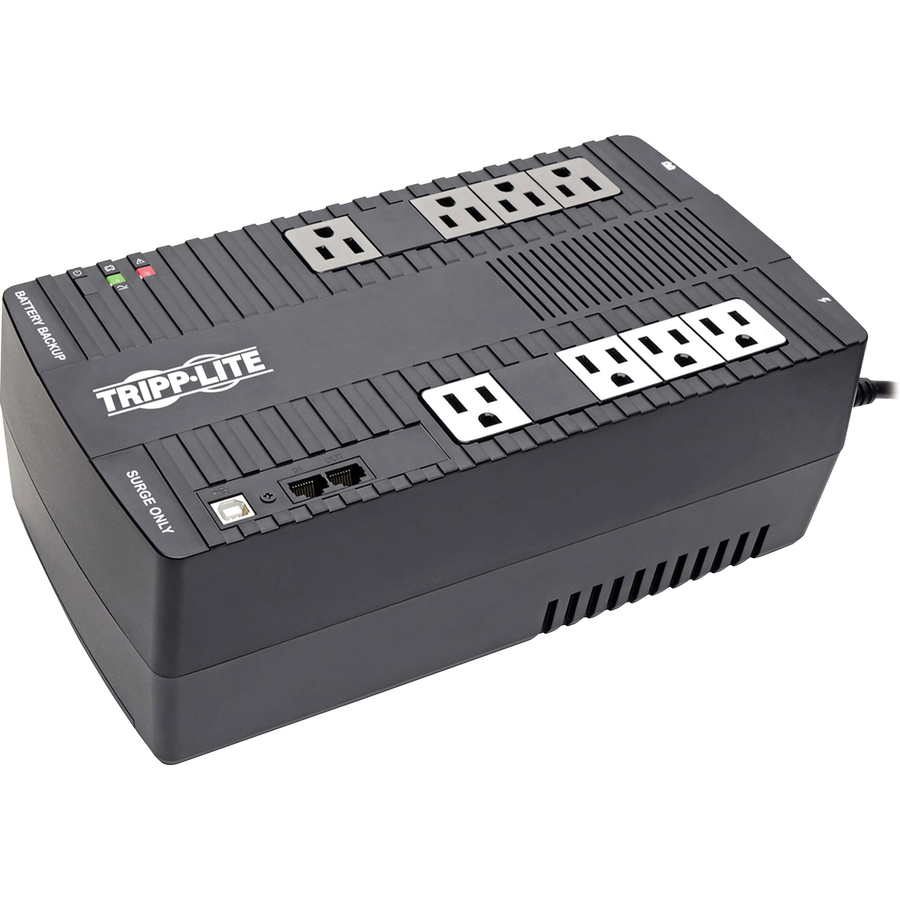
Tripp Lite by Eaton's 750VA/450W line-interactive UPS with AVR and twelve NEMA 5-15R outlets, desktop or wall-mounted with a USB link — the standard desk unit for a workstation and its peripherals.
$207.52In stockTower AVR with LCD
Eaton
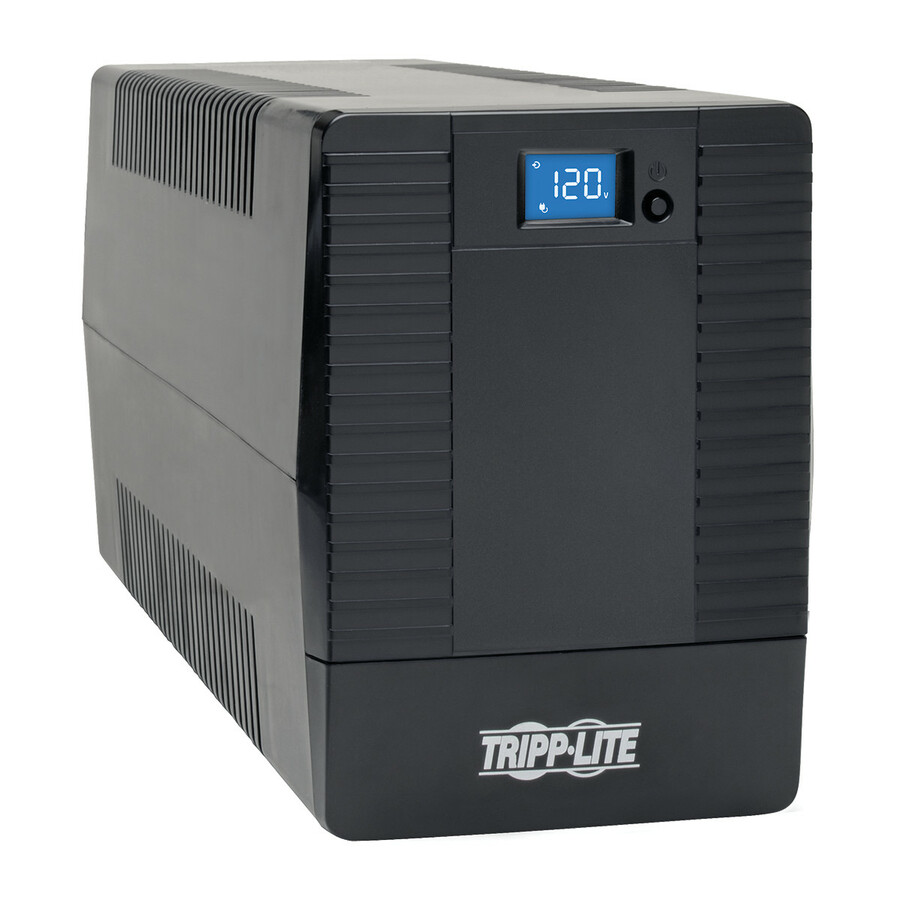
Tripp Lite by Eaton UPS 1000VA 560W Line-Interactive UPS
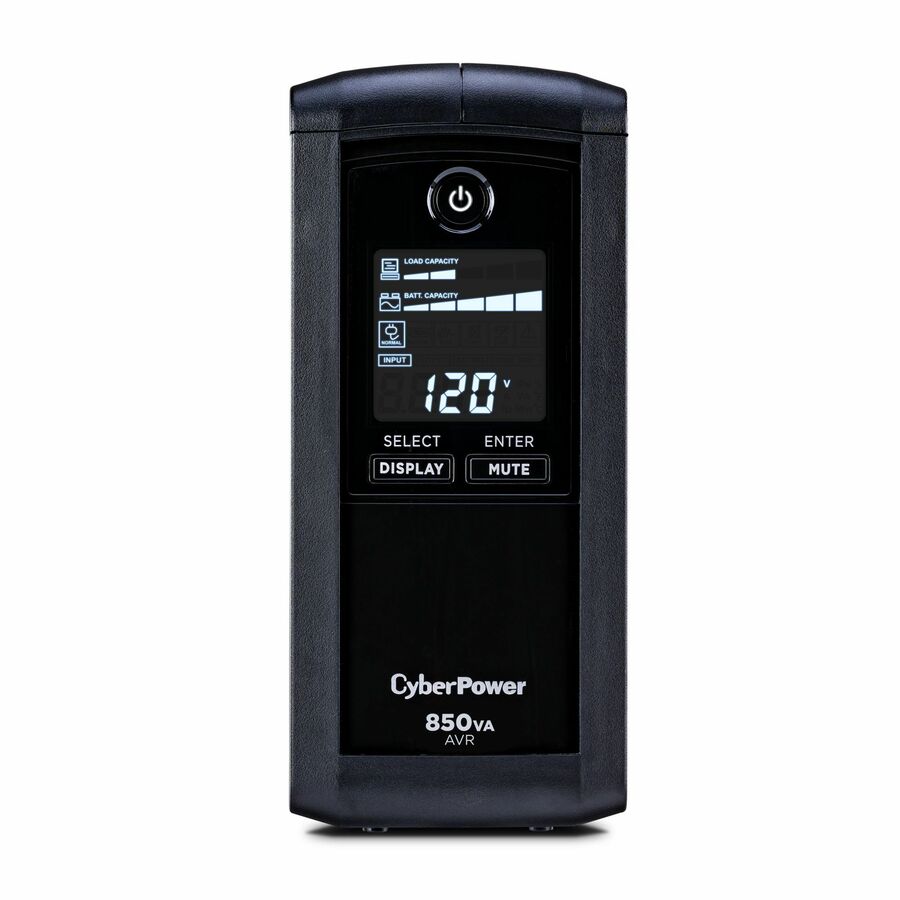
OMNIVS1000LCD
The Eaton Tripp Lite OmniVS 1000VA/560W line-interactive tower, eight NEMA 5-15R outlets with AVR, an LCD status panel and USB — a step up in capacity for a small server or a loaded desk.
$228.62In stockUltra-compact AVR
Eaton
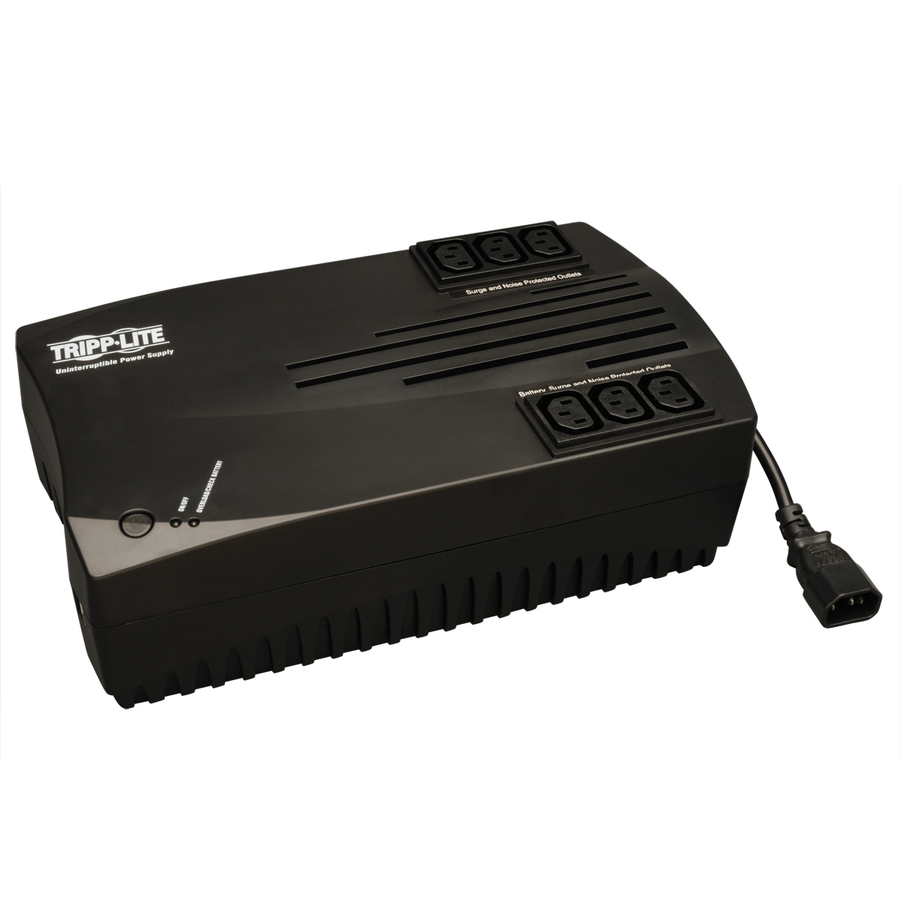
Tripp Lite by Eaton 750VA 450W TAA Compliant Internet AVR UPS
AVRX750UTAA
Tripp Lite by Eaton's 750VA/450W ultra-compact line-interactive Internet AVR unit — the smallest footprint here that still corrects voltage rather than only backing it up.
Titled TAA Compliant — a per-part fact to confirm on the exact row ordered.
Request pricingBack-UPS, entry
Schneider Electric
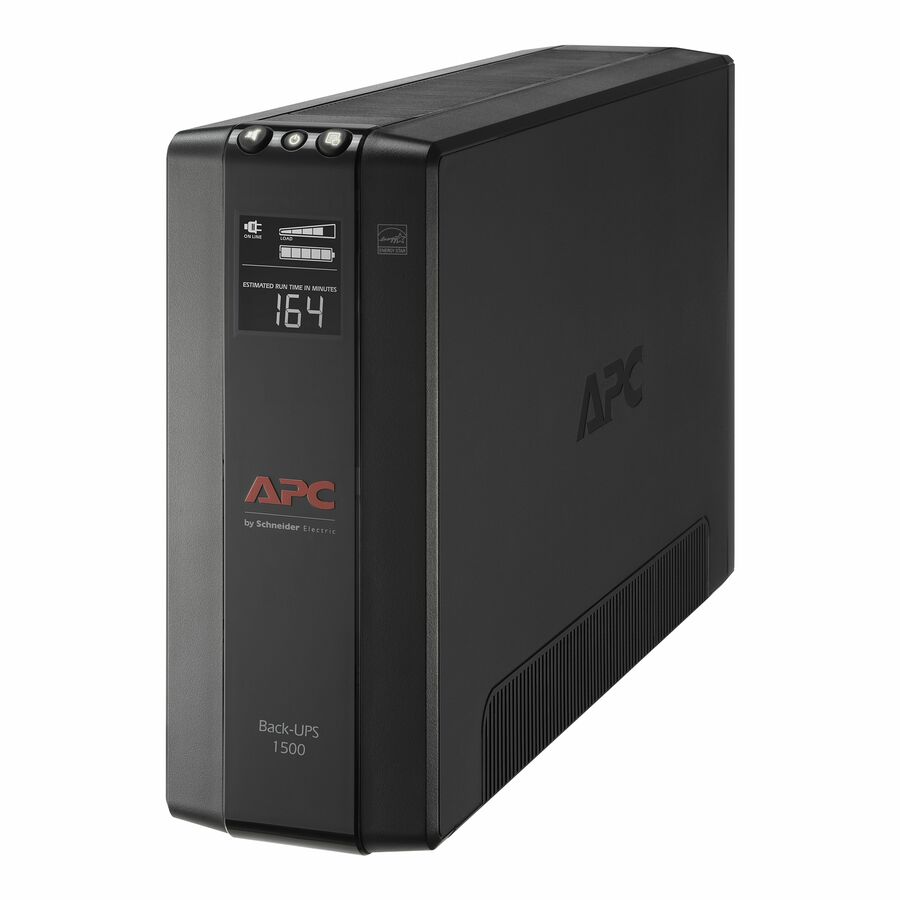
APC Back-UPS 600VA, 120V, 1 USB charging port, 7 NEMA outlets (2 surge)
BE600M1
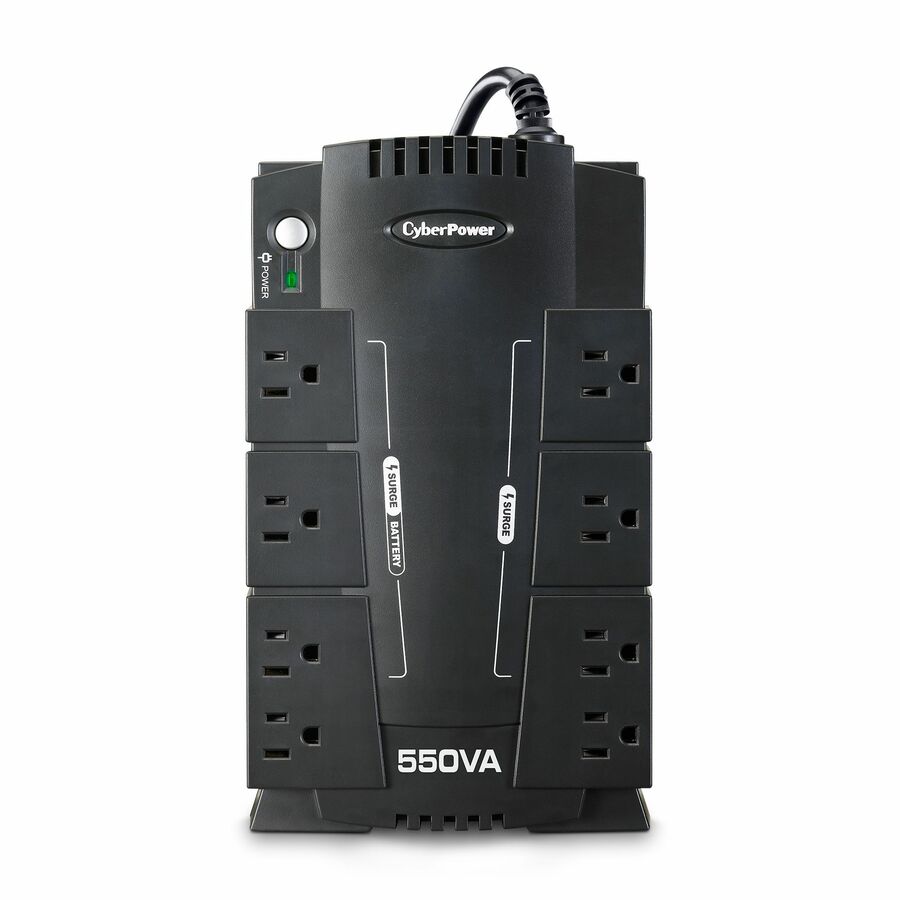
APC's Back-UPS 600VA at 120V with seven NEMA outlets, two of them surge-only, plus a USB charging port — the economical standby unit for a single desktop or a router and modem.
$124.60In stockCompact tower, AVR
Schneider Electric
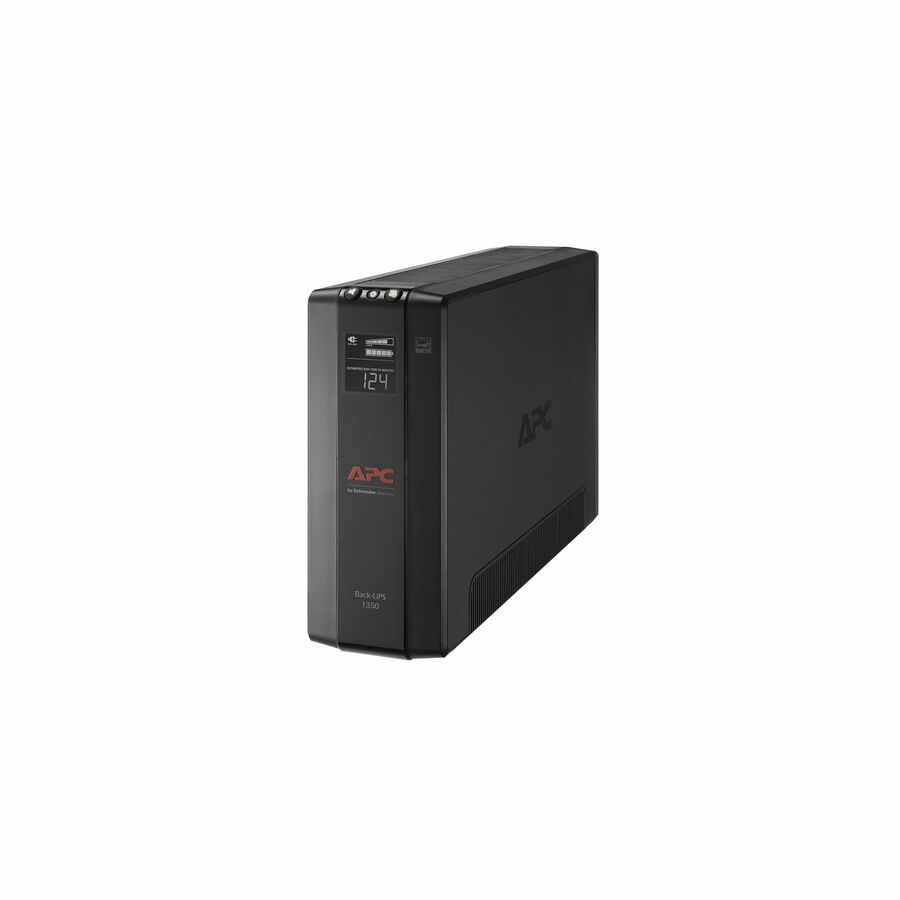
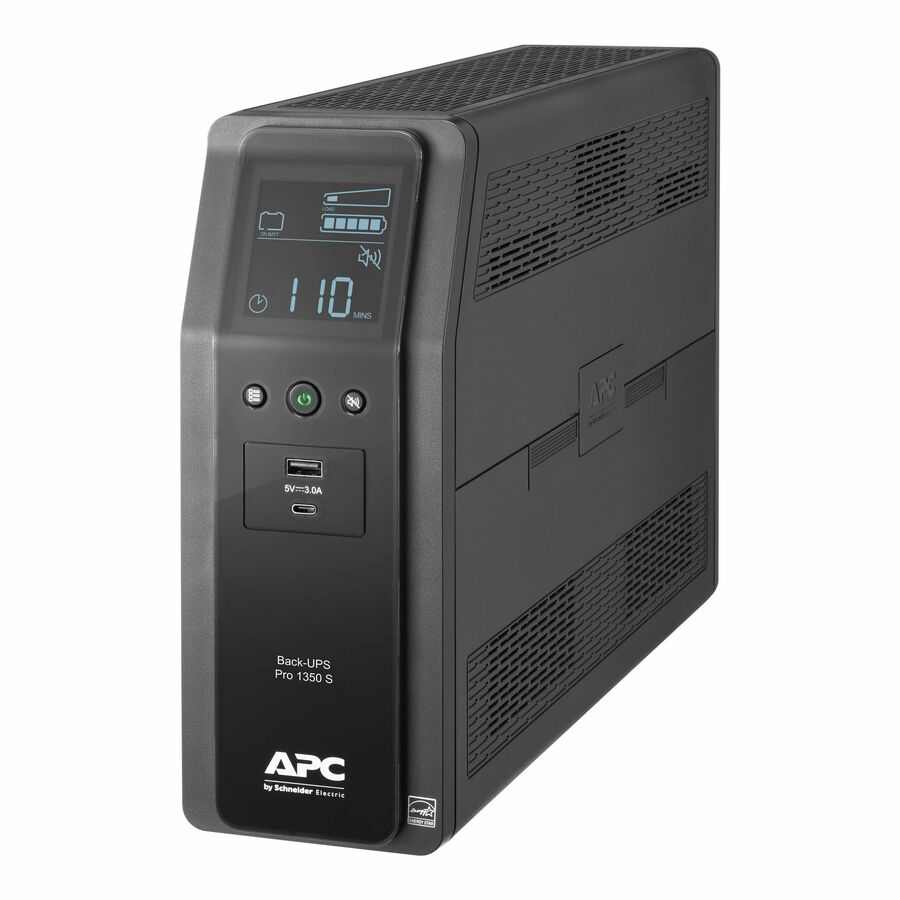
APC Back-UPS 1350, Compact Tower, 1350VA, 120V, AVR, LCD, 10 NEMA…
BX1350M
The APC Back-UPS 1350VA compact tower with AVR, an LCD and ten NEMA outlets of which five are surge-only — a mid-capacity desk unit with local status on the front.
$328.41Back-orderedSmart-UPS C, 1000VA
Schneider Electric
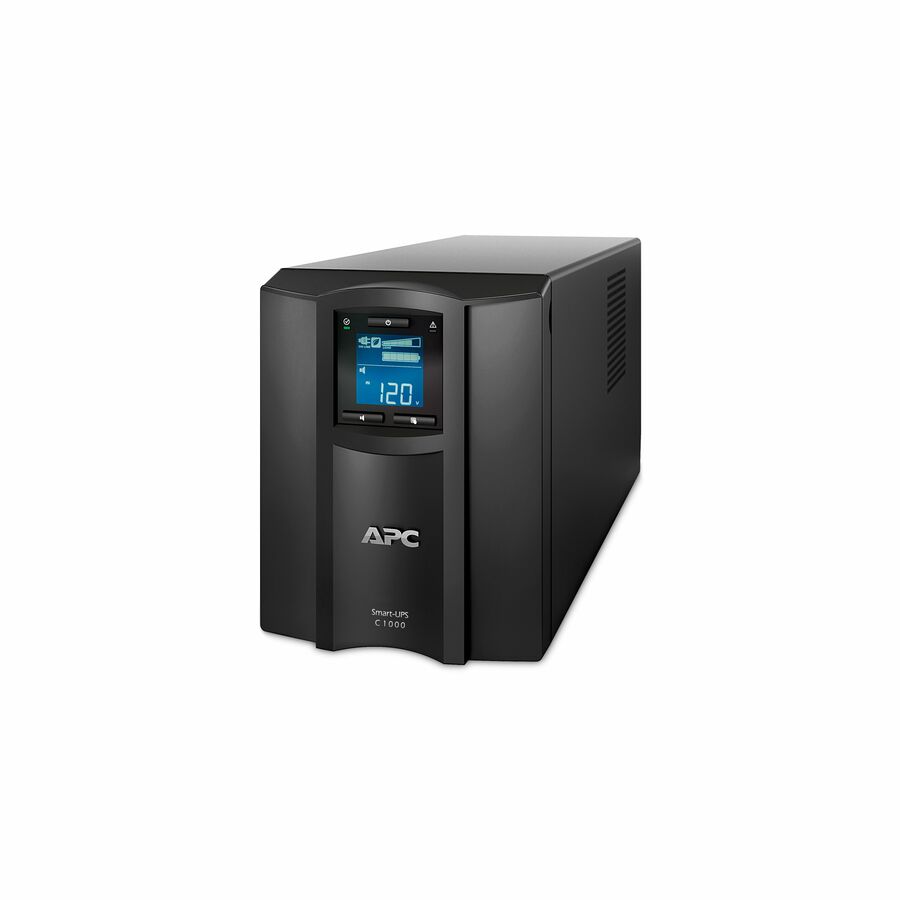
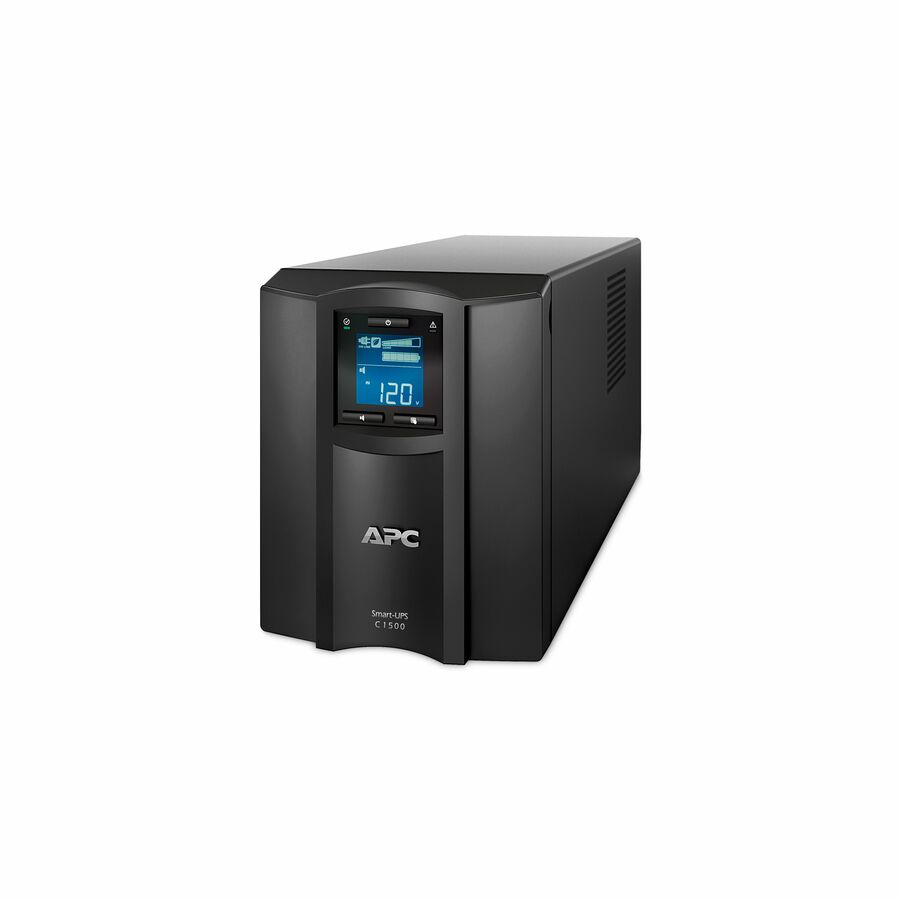
APC Smart-UPS C, Line Interactive, 1000VA, Tower, 120V, 8x NEMA 5-15R…
SMC1000C
APC's Smart-UPS C 1000VA line-interactive tower with eight NEMA 5-15R outlets, AVR, a graphic LCD, USB and serial, plus a SmartConnect port for remote monitoring.
$648.81In stockPFC Sinewave tower
CyberPower Systems
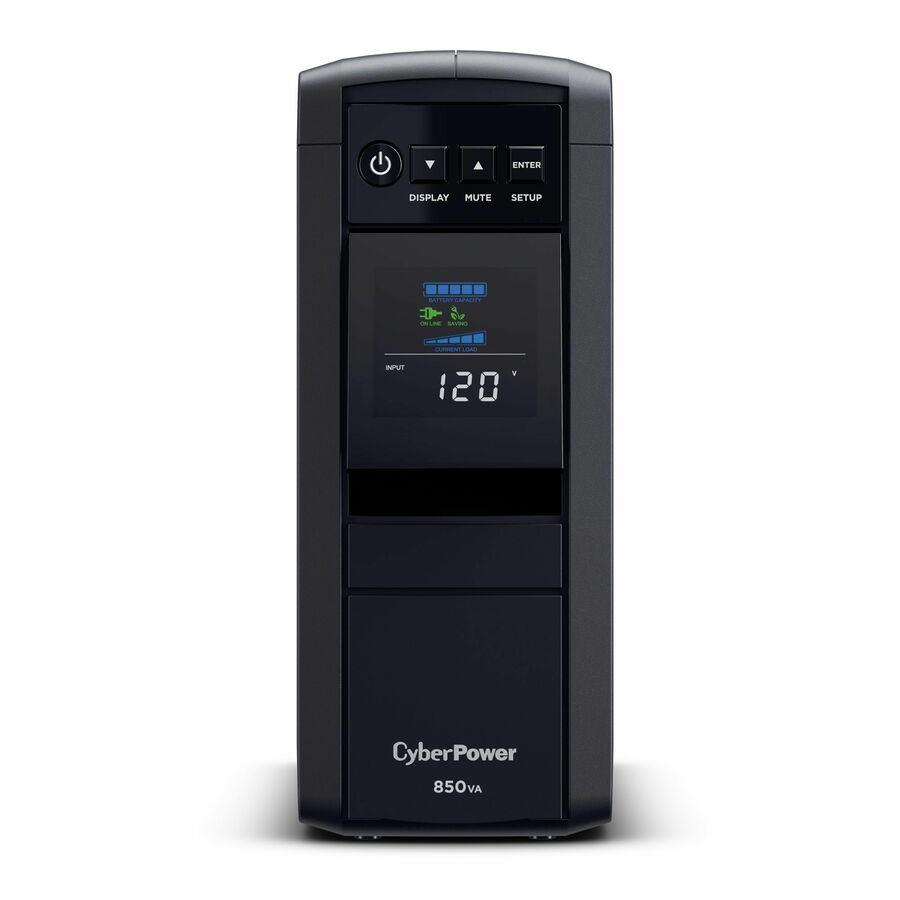
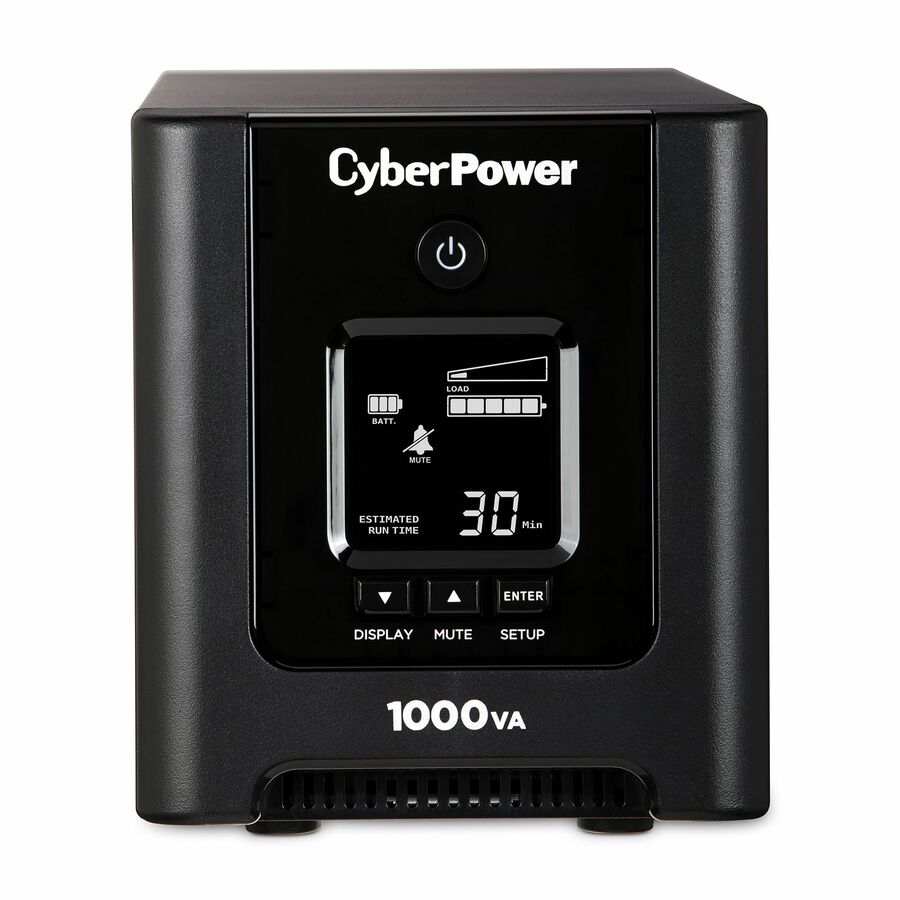
CyberPower OR1000PFCLCD PFC Sinewave UPS Systems
OR1000PFCLCD
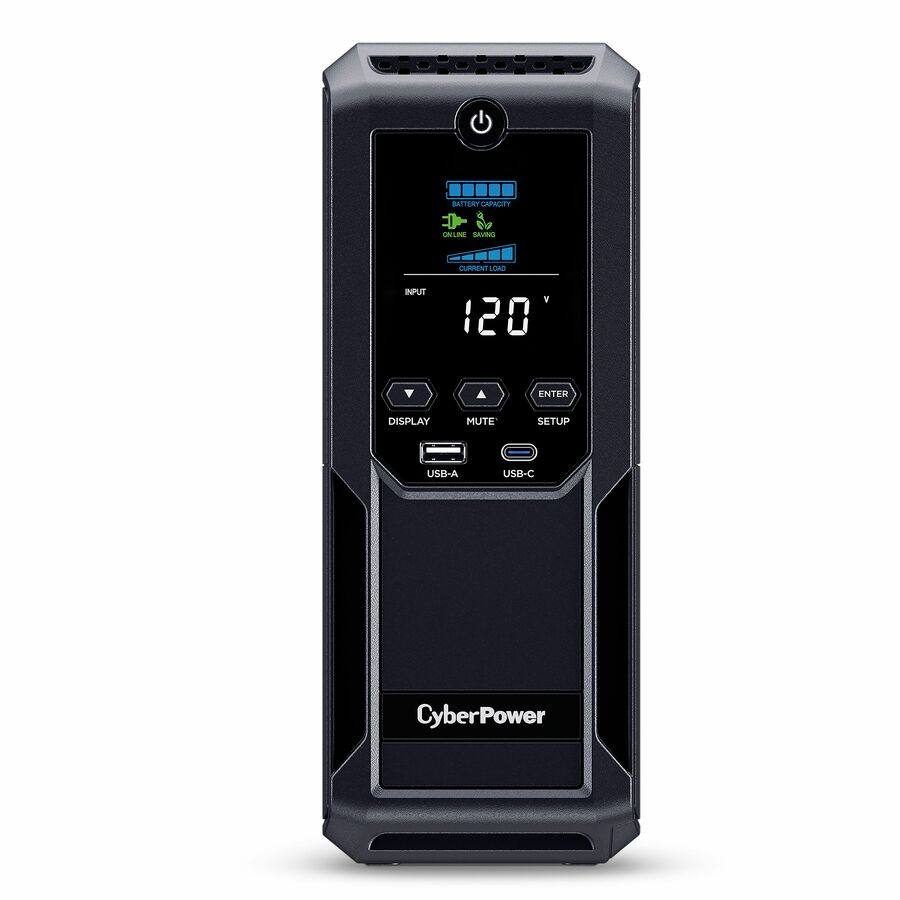
CyberPower's OR1000PFCLCD at 1000VA/700W in a mini-tower — a PFC Sinewave output for active-PFC power supplies, with eight outlets, an LCD and management software.
$448.61In stock1U rack sine wave
CyberPower Systems
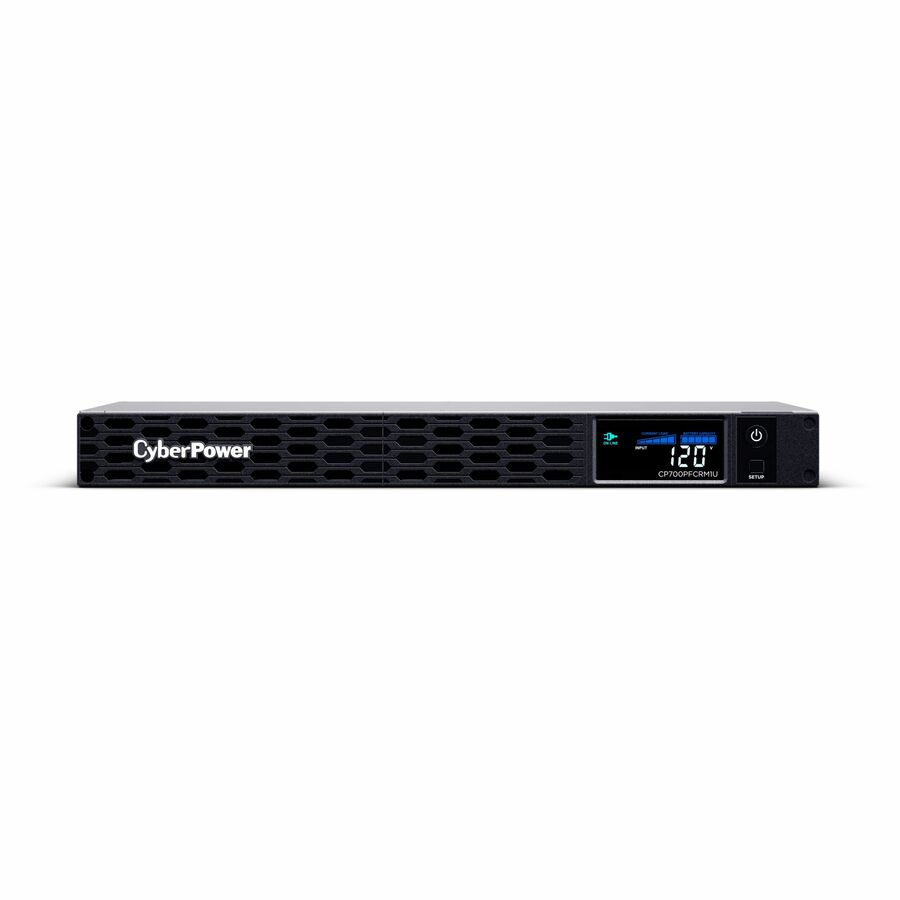
CyberPower CP700PFCRM1U PFC Sinewave UPS Systems
CP700PFCRM1U
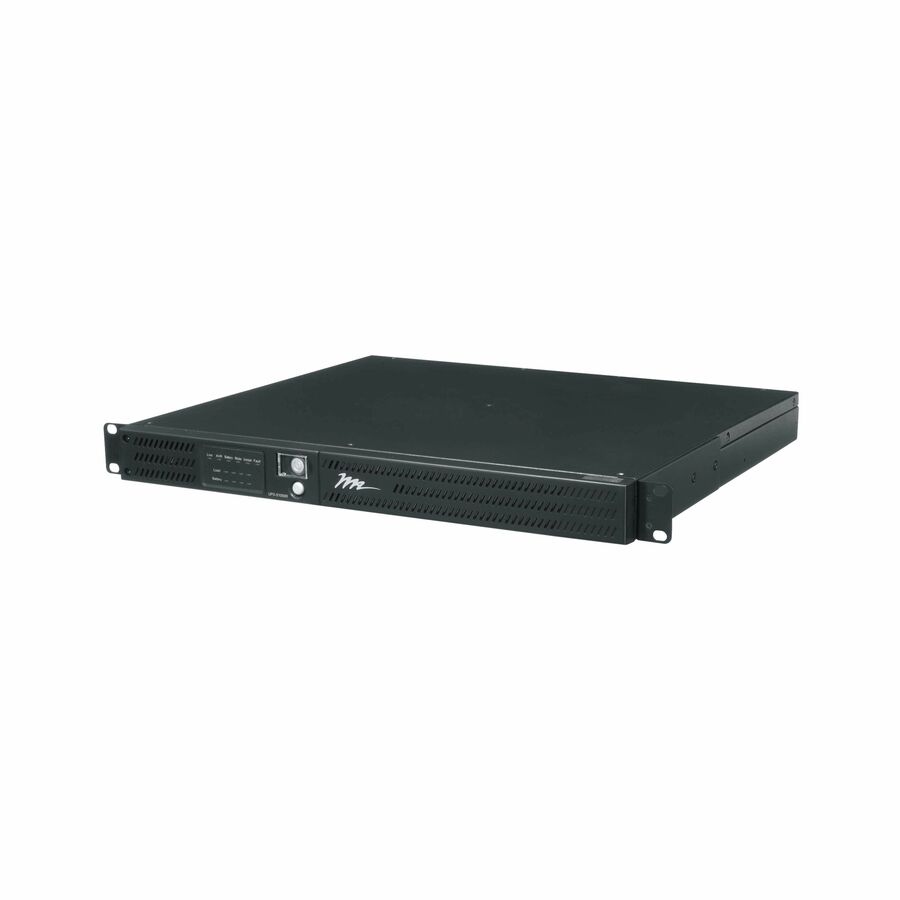
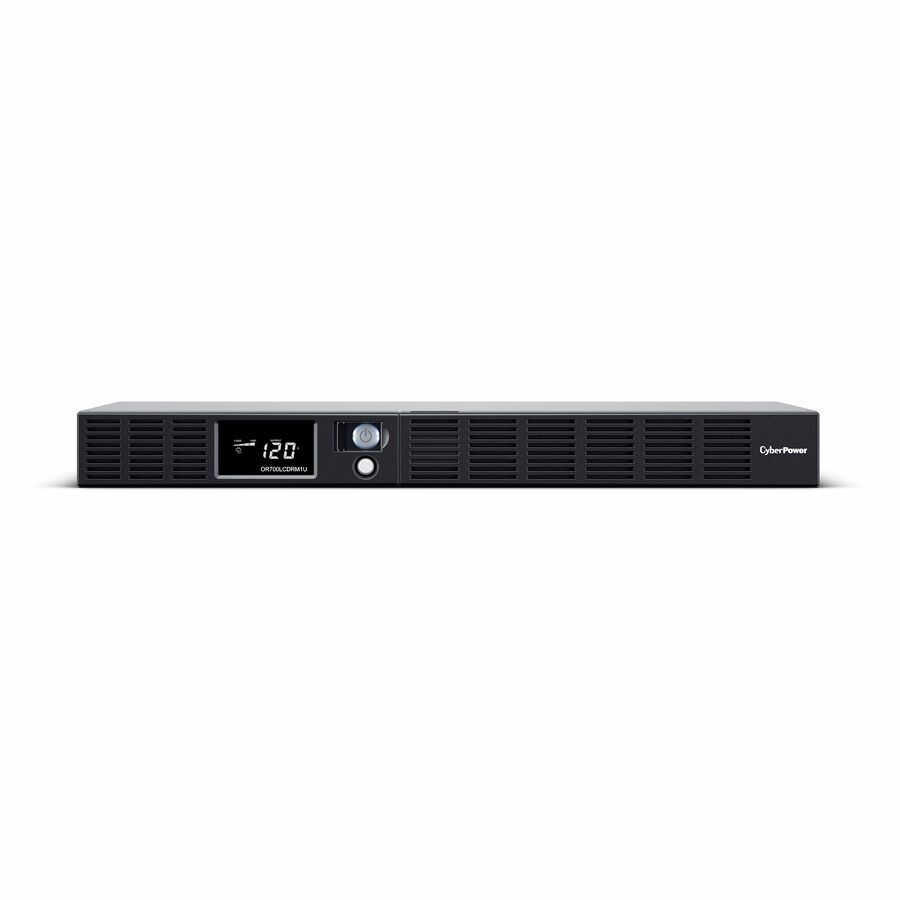
The CyberPower CP700PFCRM1U, 700VA/400W of PFC Sinewave in a 1U rackmount chassis with six outlets and an LCD — clean output where the space is a rack unit, not a desk.
$442.21Back-orderedMedical-grade UPS
CyberPower Systems
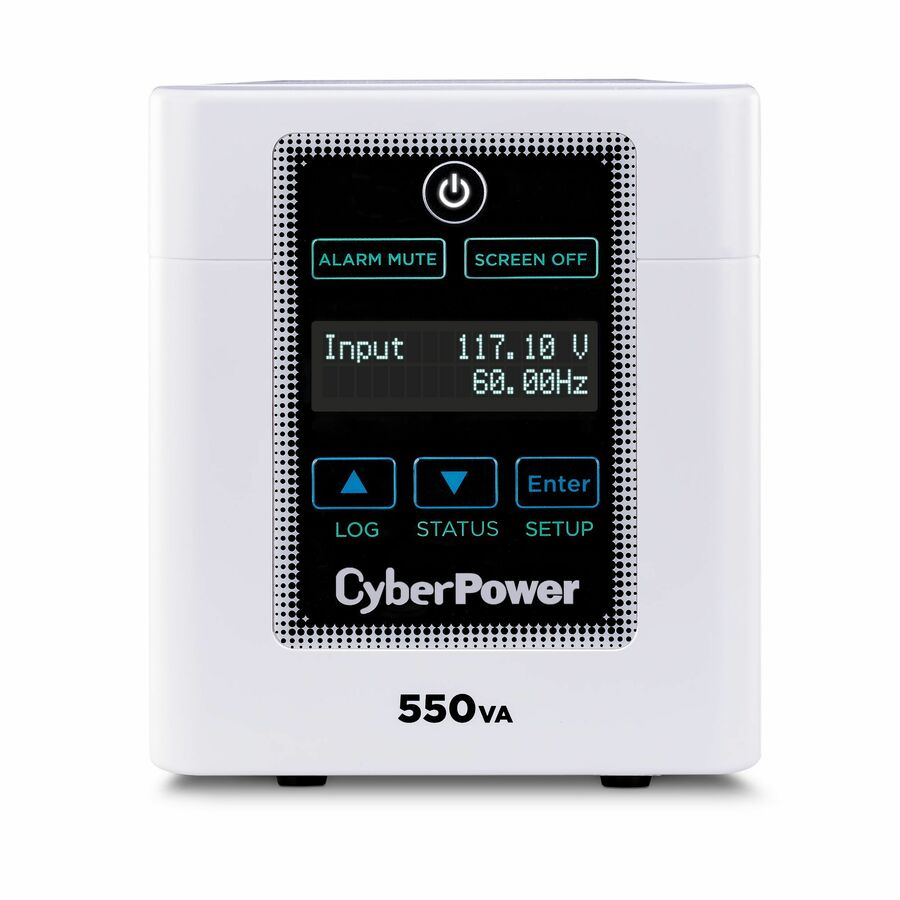
CyberPower M550L Medical UPS Systems
M550L
CyberPower's M550L medical UPS at 550VA/440W with hospital-grade NEMA 5-15P input and four outlets — the isolation and leakage specification a clinical setting asks for.
$550.67In stockAVR essential, 1000VA
Vertiv
Vertiv PowerUPS 200 Essential PSA6E-1000LVT, 1000VA/550W, AVR…
PSA6E-1000LVT
Vertiv's PowerUPS 200 Essential at 1000VA/550W with AVR, six NEMA outlets and user-replaceable batteries — a serviceable battery is what keeps a closet unit out of the landfill.
$176.02In stockPure sine mini-tower
Vertiv
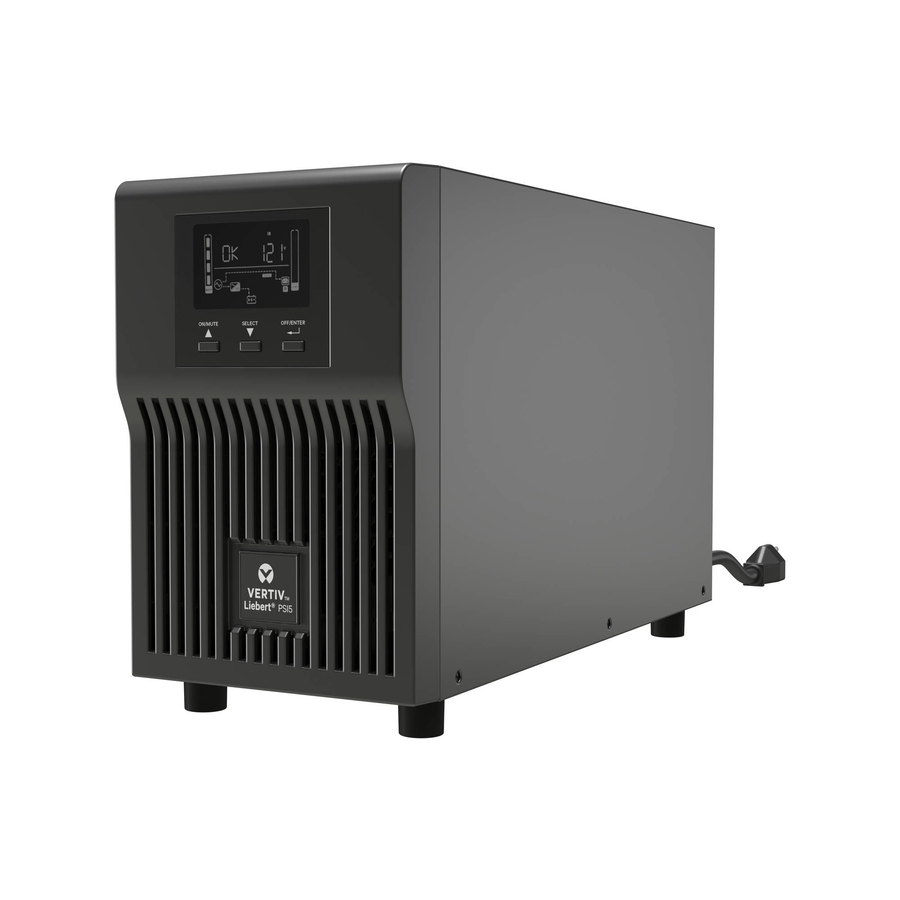
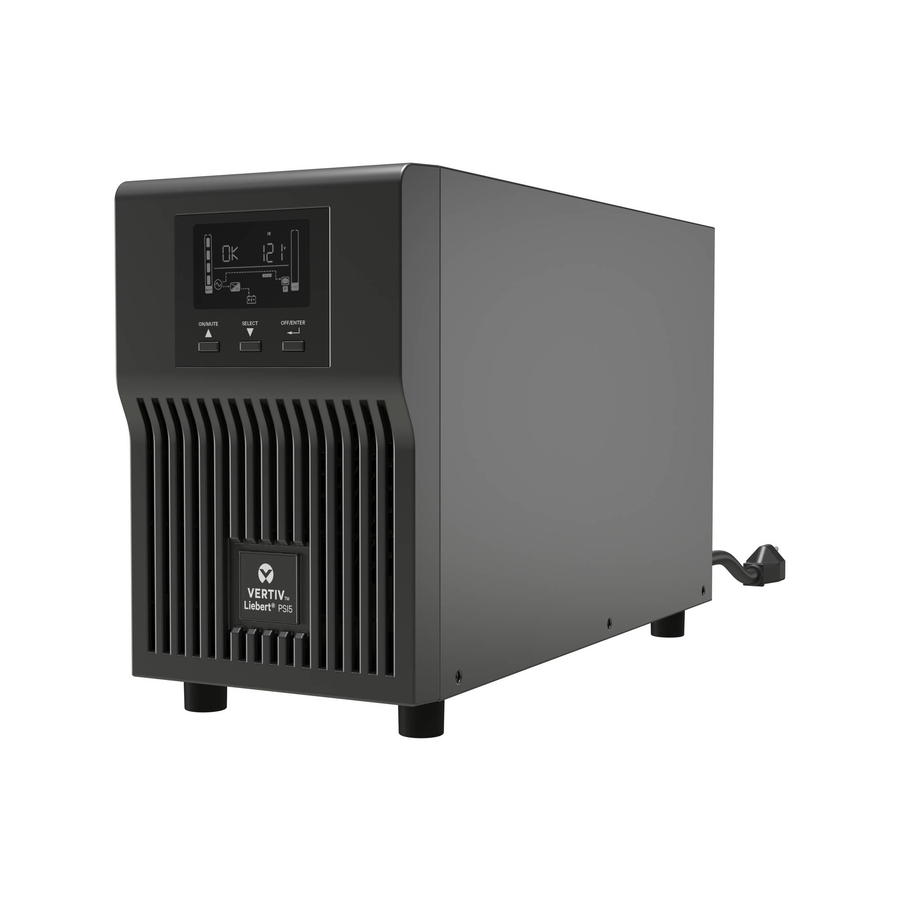
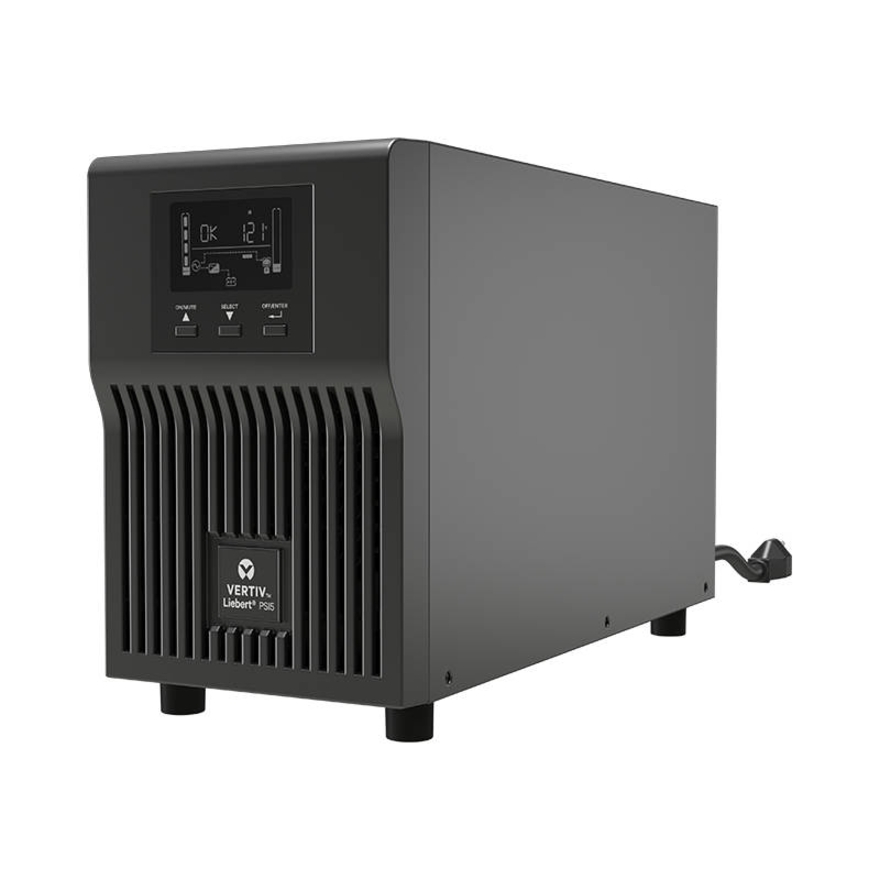
Vertiv Liebert PSI5 UPS
PSI5-1100MT120
The Vertiv Liebert PSI5 at 1100VA/990W, a line-interactive AVR mini-tower with pure sine wave output on battery and a 0.9 power factor — high usable watts for its VA rating.
$617.98In stockCompact wall-mount
Para Systems
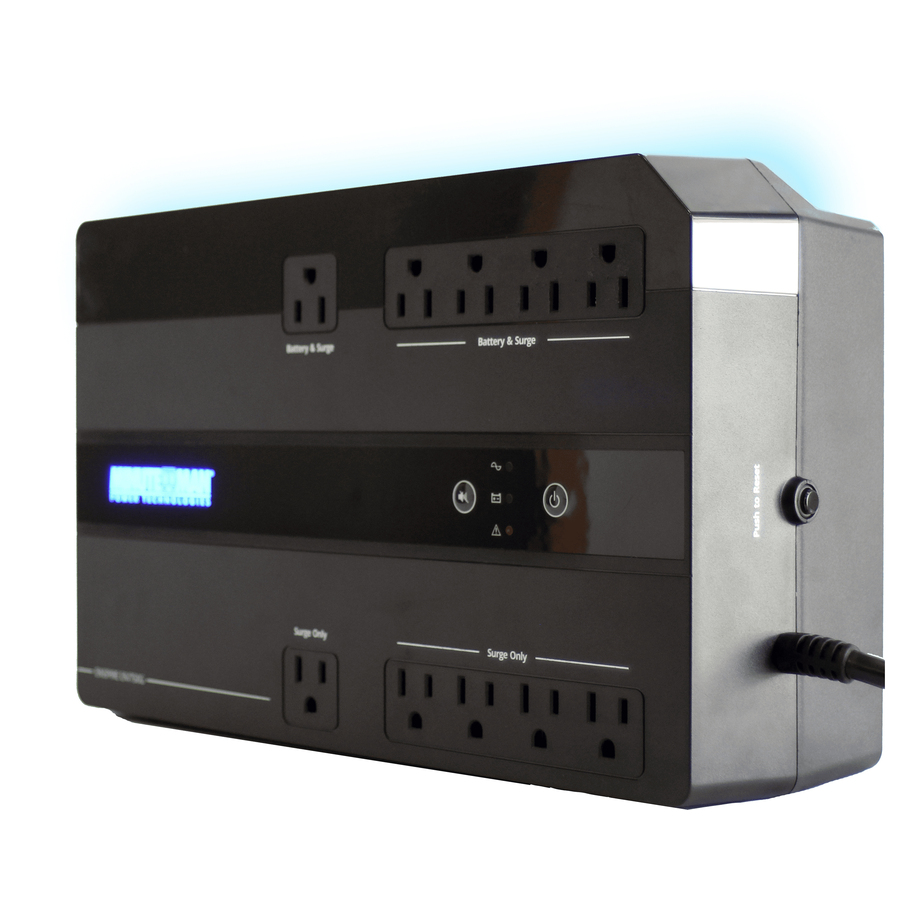
Minuteman Enspire-G EN750G 750VA Compact/Desktop/Floor/Wall Mountable…
EN750G
Minuteman's Enspire-G EN750G at 750VA, mountable on a desk, a floor or a wall — the wall-mount option for a switch and firewall on a bracket rather than in a rack.
$199.25Back-ordered2U rack/tower
Para Systems
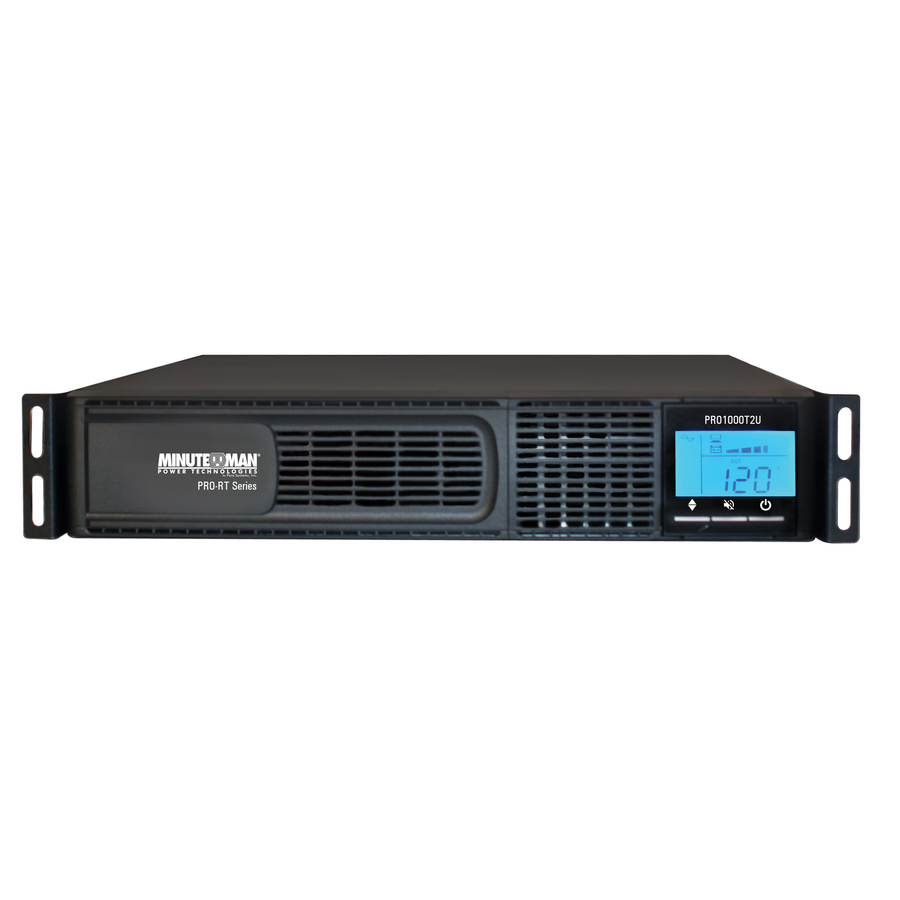
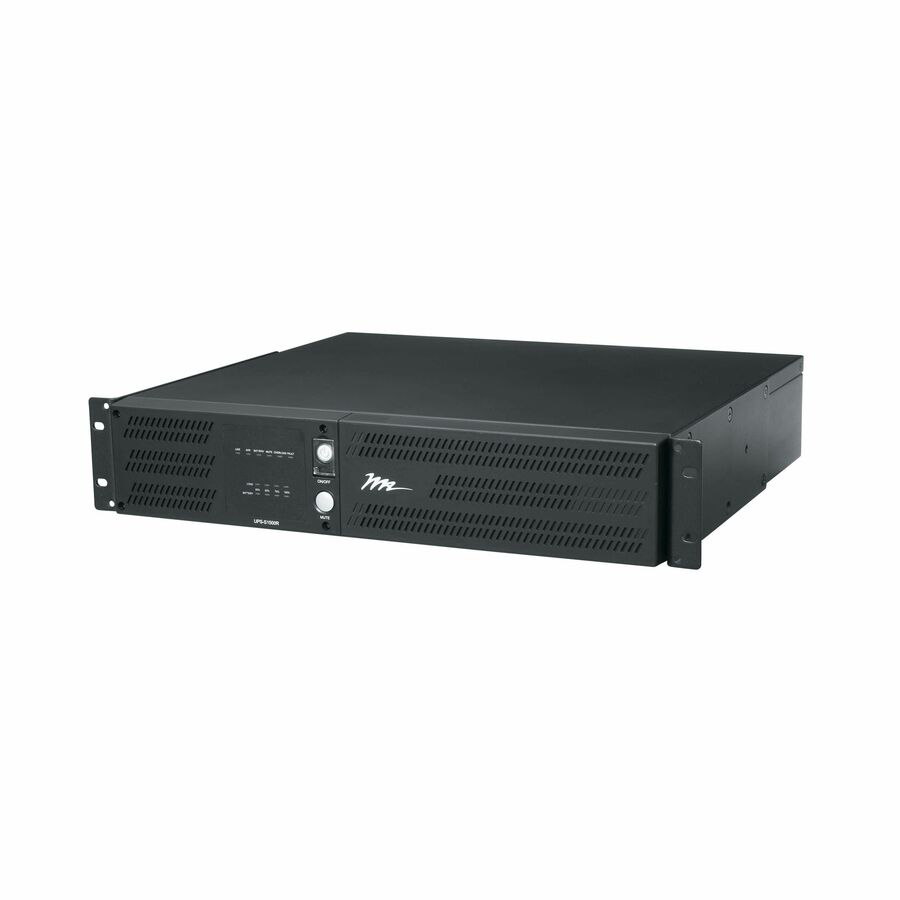
Minuteman PRO-RT PRO1000RT2U 1000VA Tower/Rack/Wall Mountable UPS
PRO1000RT2U
The Minuteman PRO-RT PRO1000RT2U at 1000VA in a 2U tower, rack or wall-mountable chassis — one part number that fits whichever way the closet is actually built.
$526.06Back-orderedTower with serial
Lenovo
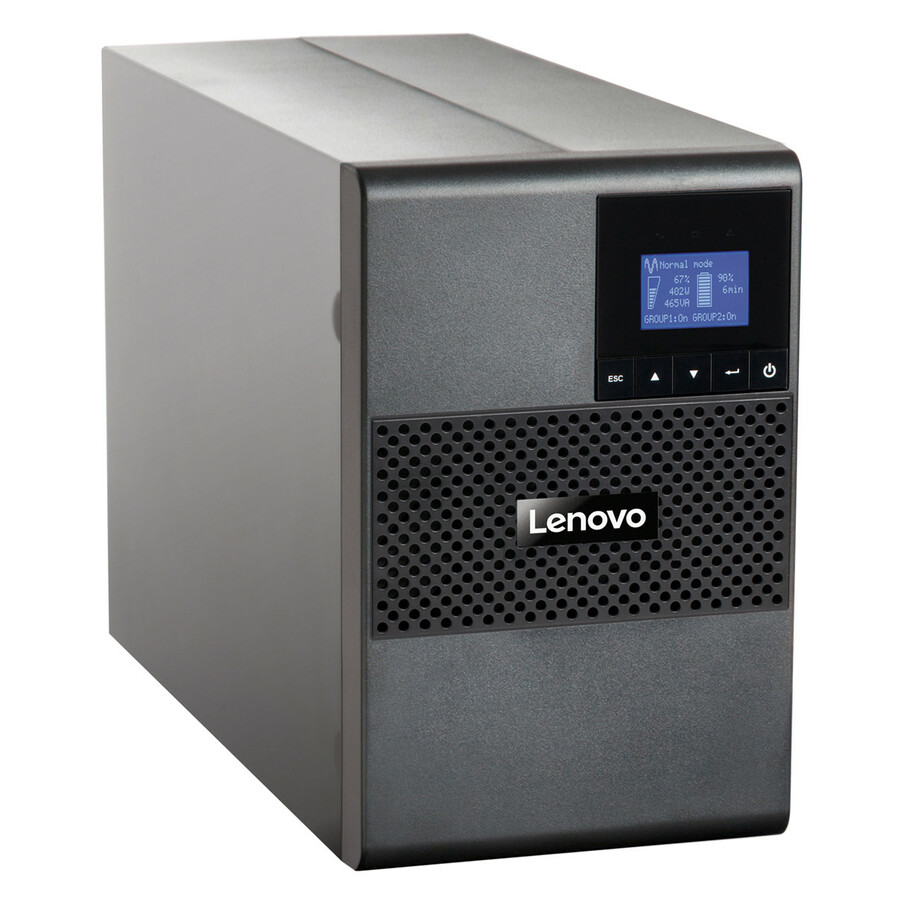
Lenovo T1kVA Tower UPS
55951AX
Lenovo's T1kVA tower UPS with a serial port for managed shutdown — the straightforward tower unit where the fleet and the support contract are already Lenovo.
$503.54Back-orderedRack/tower, 2U
PANDUIT
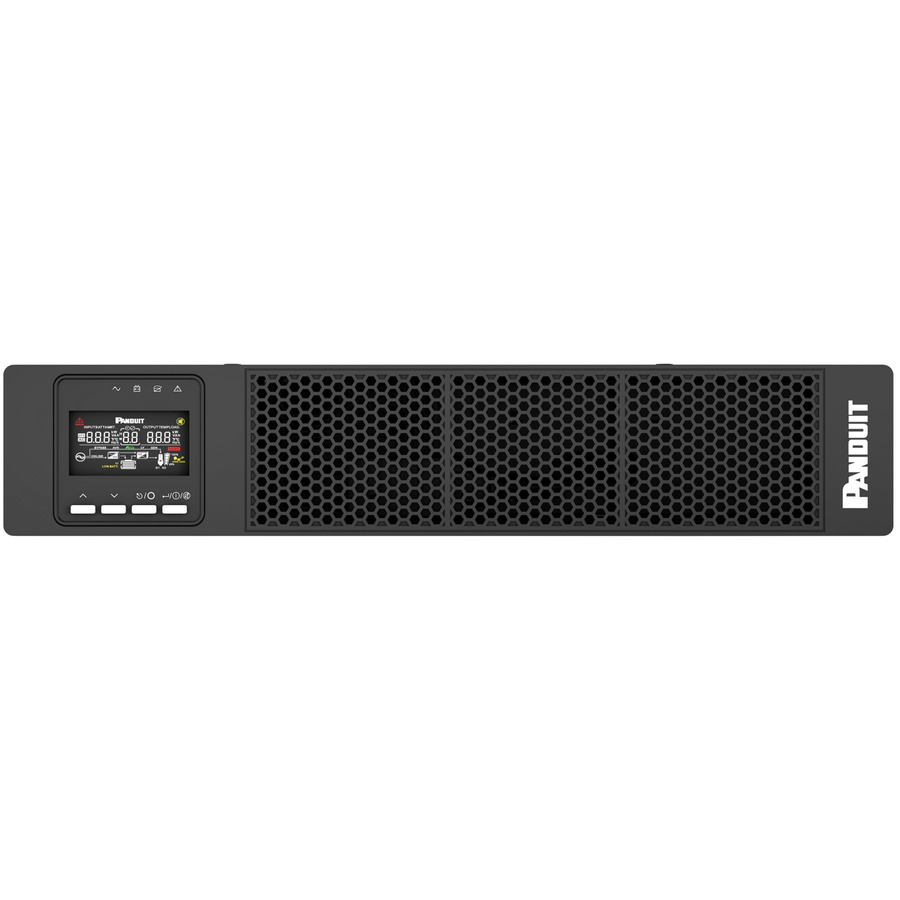
Panduit SmartZone U01S13V 1000VA Rack/Tower UPS
U01S13V
Panduit's SmartZone 1000VA rack and tower UPS in 2U with AVR and rail mounting — the structured-cabling manufacturer's own unit for a cabinet it also supplied.
$877.42Back-orderedDesktop/tower, 1000VA
Ubiquiti
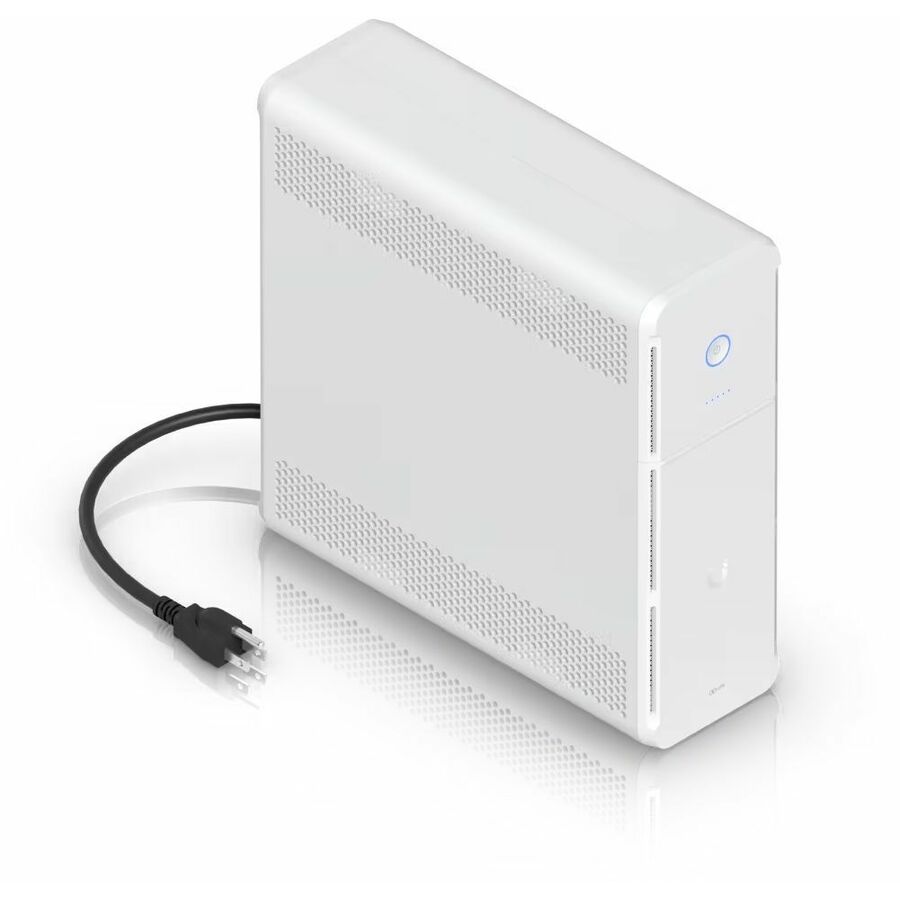
Ubiquiti 1000VA Desktop/Tower UPS
UPS-TOWER-US
Ubiquiti's 1000VA desktop and tower UPS at 120V — the unit to standardise on where the switching, gateway and access points are already UniFi.
$214.35Back-orderedBrowse all 1,114 UPS systems
Not the right one above? Filter the whole range by the specs that matter — live pricing and honest availability on every row, the same NDAA §889 screening before checkout, and TAA verified on request.
Showing 24 of 1,114 UPS systems
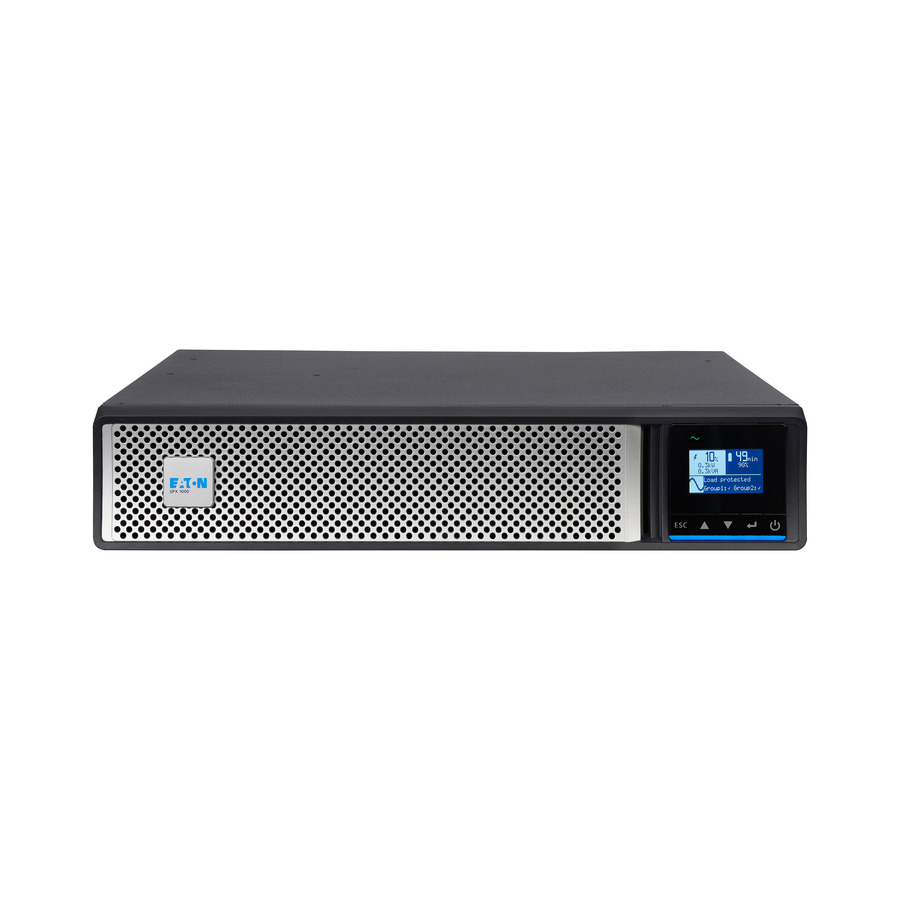
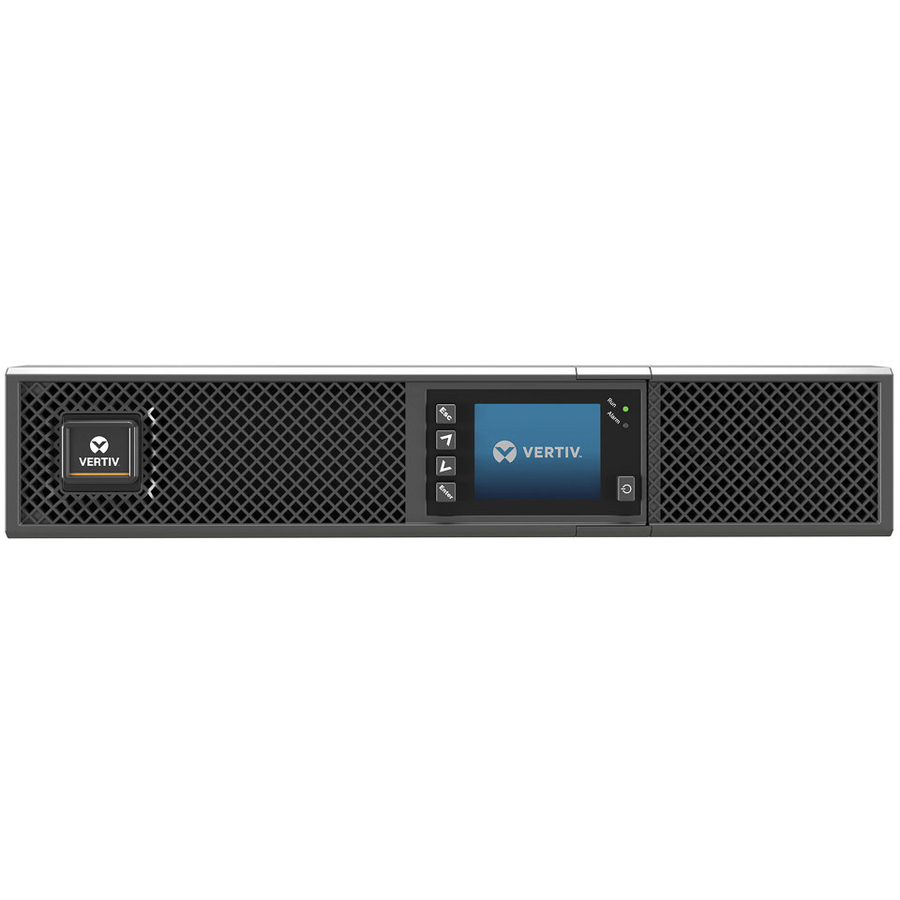
- VertivVertiv Liebert GXT5 UPS - 500VA/500W 120V | Online Rack Tower Energy Star - Double Conversion| 2U| Optional RDU120 Card| Color/Graphic LCD| 3-Year WarrantyGXT5-500LVRT2UXL
$1,554.00
$1,184.15
149 in stock
Specifications are read from the manufacturer product title as supplied to us; where a value is not stated it is left blank rather than estimated. Every line is screened for NDAA §889 status before checkout, with TAA verified on request.
Need pricing on UPS systems?
Tell us where to reach you and a Uniqcli specialist will follow up by email with current pricing, availability and lead time for the quantities you need — including parts that aren’t shown on this page.
Buying for an organization or for yourself — both work. No payment up front.
A small business buys a UPS for three jobs, and only one of them is the blackout. The first and most frequent is power quality: sags, brownouts and swells that a line-interactive unit's automatic voltage regulation corrects continuously without touching the battery. The second is the short outage — the ten seconds to two minutes that would otherwise reboot a point-of-sale terminal, drop a phone system or corrupt whatever a workstation had open. The third is the graceful shutdown, where the UPS tells a server it has minutes left and the server closes down cleanly instead of being cut off mid-write. The units on this page are the part of the general-purpose UPS shelf that a small office, a network closet or a half rack is actually specified from, rather than the data-centre tier above it.
Size by watts, not by VA, and size the watts you actually draw. A UPS is quoted in both, and the VA number always looks more generous; watts is the one that limits what you can run. Total the real draw of everything you will plug in, leave headroom for the machine you add next year, then check the runtime the model gives at that draw — runtime falls steeply as a unit approaches its rating, so a UPS run at 90 percent of its watt rating delivers a small fraction of the minutes it advertises at half load. If you need more minutes, step up in capacity rather than running at the edge.
Then pick the topology and the waveform. Standby units switch to battery when power fails and are the economical answer for a single PC, a router or a card terminal. Line-interactive units add AVR and are the workhorse for servers, switches and network-closet gear because they ride out everyday voltage problems without cycling the battery. Above that sit the pure-sine and online models for equipment that will not tolerate a stepped waveform — modern active-PFC power supplies are the usual reason — and the medical-grade units built for clinical settings. Cards carry live pricing and current availability from the catalog.
Buyer's checklist
How to choose a UPS for a small business
- Total the real watts before you look at a model. Add up the draw of everything that will be plugged in, add headroom for growth, and then confirm the runtime the model delivers at that load — a unit run near its watt rating gives a small fraction of the minutes it quotes at half load, and pushing past the rating trips it.
- Match topology to how critical the load is. Standby for a single PC, a router or a card terminal; line-interactive with AVR for servers, switches and closet gear, because AVR corrects everyday under- and over-voltage without draining the battery; pure-sine or online where the equipment demands a clean waveform.
- Buy a pure-sine model for modern PCs and servers. Active-PFC power supplies can behave badly on the stepped, simulated sine wave a basic unit outputs on battery — the symptom is the load dropping out or the transfer being noisy. Where the equipment datasheet asks for sine-wave input, buy the sine-wave unit.
- Decide desk, tower, wall or rack early. Compact and wall-mountable units suit a desk or a switch on a bracket; towers suit a workstation; 1U and 2U rack chassis fit a cabinet and need depth checked against the rack. The form factor is not a late detail — it decides where the unit can physically live.
- Count and read the outlets. Battery-backed and surge-only receptacles are not the same thing, and only the battery-backed ones keep equipment running. Check the receptacle type (NEMA 5-15R on the US models here, C13 on several international ones) and the count against what you actually need to protect.
- Plan the shutdown, not just the ride-through. A USB or serial link plus the vendor's management software is what turns a UPS into a device that shuts servers down cleanly; the cloud-connected and network-card-capable models here report battery health and load remotely, which is how a weakening battery is found before an outage rather than during one.
- Budget for the battery, not just the unit. Batteries age with time and heat whether or not you draw on them, and a replacement pack plus the labour to fit it is the real running cost of a UPS. Right-sizing to actual watts avoids buying and re-buying battery mass you never use.
Standby, line-interactive and sine wave: matching the unit to the load
The three tiers on this shelf answer three different questions. A standby unit sits out of the way and switches to battery when the input fails; it is the economical, correct answer for a single desktop, a router, a card terminal or a small NVR, and buying more than that for such a load is wasted money. A line-interactive unit adds automatic voltage regulation, which quietly corrects the sags and swells that make up most real-world power problems without cycling the battery at all — that is why it is the default for a server, a switch stack or anything in a network closet, and why its battery tends to last longer in the same building.
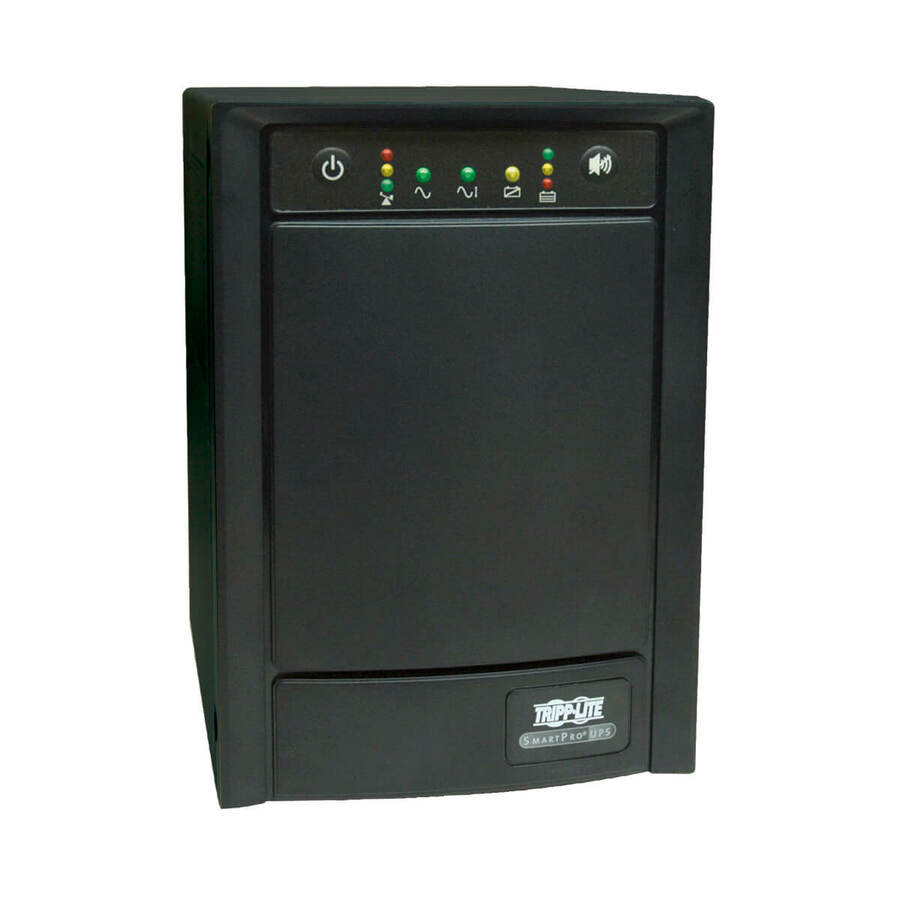
The third tier is about waveform rather than intervention. Modern PCs and servers use active power-factor-correction supplies, and some of them do not tolerate the stepped, simulated sine wave a basic unit produces on battery: the load drops out, or the transfer is audibly rough. A pure-sine model outputs the waveform those supplies expect. Medical-grade units go further again with the isolation and leakage specifications a clinical setting requires. Read the topology in the model's own title — Back-UPS, Internet Office, AVR, OmniVS, SmartPro, PFC Sinewave, PSI5, Enspire — and let the load pick the tier rather than the budget.
Desk, closet and half rack: where these units actually go
Most small-business UPS purchases land in one of three places. On or under a desk, protecting a workstation and a monitor, where a compact or wall-mountable standby or AVR unit is the whole answer. In a network closet, protecting a switch, a firewall, an access point injector and perhaps a small server, where line-interactive with AVR and a management link is the right specification because nobody is standing there when the power dips. Or in a half rack, where a 1U or 2U chassis with a network card option and a pure-sine output does the job — and where cabinet depth and the weight of a battery pack become real constraints.
Buy the whole picture at once. Send us the equipment list with real wattages, the runtime you need, where the unit will live, and whether it has to be managed remotely, and we will come back with part numbers, availability, lead times and volume pricing — with the rack PDU, the replacement batteries and the network management card on the same document, so the closet is one order rather than four. Where the order carries an origin clause, request a TAA-verified quote and screening is performed before it is issued, tied to the specific part number.
FAQ
Common questions
- What size UPS does a small office need?
- Size it by watts and by runtime, in that order. Add up the real wattage of everything that will be plugged into the battery-backed outlets — not the VA figure, and not the nameplate maximum of every device — then choose a unit whose watt rating covers that with headroom for what you add next year, and check the runtime that model delivers at your load rather than at half load. Runtime collapses as a unit approaches its rating, so a model that quotes generous minutes at 50 percent may give you barely a minute at 90 percent. If the minutes are not enough, step up in capacity rather than running at the edge of the rating.
- Do I need a pure sine wave UPS?
- If you are protecting a modern PC or server with an active-PFC power supply, usually yes. Those supplies can misbehave on the stepped, simulated sine wave a basic unit outputs when it switches to battery — the load drops out, or the transfer is rough and audible — while a pure-sine model outputs the waveform they expect. Simpler loads such as a router, a phone system, a card terminal or older equipment are generally fine on a standard model. Where the equipment's own datasheet asks for sine-wave input, buy the sine-wave unit; it is cheaper than diagnosing an intermittent reboot.
- What is the difference between standby and line-interactive?
- How much the unit intervenes when nothing has failed. A standby UPS passes the input through and only acts when power is lost, which makes it the economical choice for a single PC or a small device. A line-interactive UPS adds automatic voltage regulation, so it continuously corrects the under- and over-voltage that makes up most real power problems without switching to battery at all. That matters twice over in a network closet: the equipment sees cleaner power, and the battery is not cycled by every brownout, so it lasts longer.
- How often do UPS batteries need replacing?
- They age with time and heat regardless of how often you draw on them, which is why the battery — not the unit — is the real running cost of a UPS. Heat is the main accelerant, so a unit in a warm closet ages faster than one under a desk. The practical approach is to buy a model that reports battery health over USB, serial or a network card, watch the self-test result rather than waiting for an outage to reveal the answer, and budget a replacement pack plus the labour to fit it as a planned expense. Right-sizing to real watts also helps: an over-specified unit is battery mass you paid for and never use.
- Are these UPS systems TAA compliant?
- It is a per-part-number fact rather than a brand or family rule, and this page is mixed: some models carry a TAA designation in the manufacturer's own catalog title while otherwise similar models in the same range do not. Where our catalog data records a part number as TAA compliant, that is what we are reporting. Where an order carries a country-of-origin clause, request a TAA-verified quote and read the designation on the exact part number ordered — screening is performed before the quote and screening results are available with it, tied to that part number and never restated as a Uniqcli certification.
- Can business, government and education buyers order these?
- Every line Uniqcli quotes is sourced through US distribution and screened for TAA country-of-origin and NDAA §889 status before checkout — with documentation tied to the specific part number, not a product family.
Need UPS systems pricing?
Send a bill of materials or part numbers — we confirm stock and a below-market total, with TAA verified on request. No payment up front.