


All-in-One PCs for Business: A Buying Guide for IT Teams
An all-in-one clears desk space, but the best fleet choice depends on the display, ports, service plan and daily work. Use this guide to write a specification that will survive the rollout.

Cloud Physical Security: What Should Move and What Should Stay Local?
The useful question is not whether cameras can connect to the cloud. It is where video is recorded, what still works during an outage, and who carries the cost and risk of each choice.
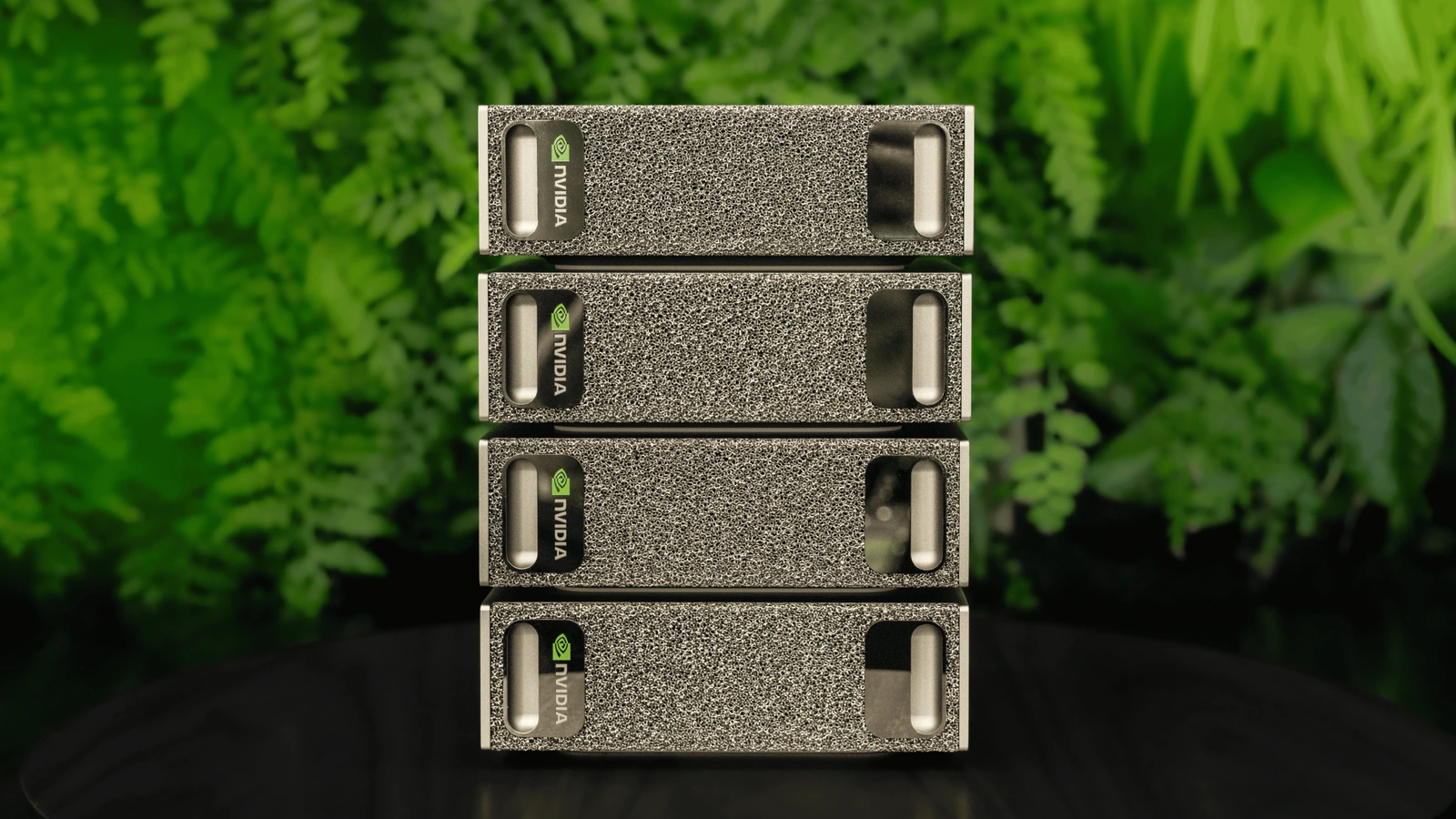
How to Connect Two or Four DGX Sparks
Connect two Sparks with one supported cable, or wire four through a 200 GbE switch for NVIDIA Sync. The four-node manual ring is a separate path.
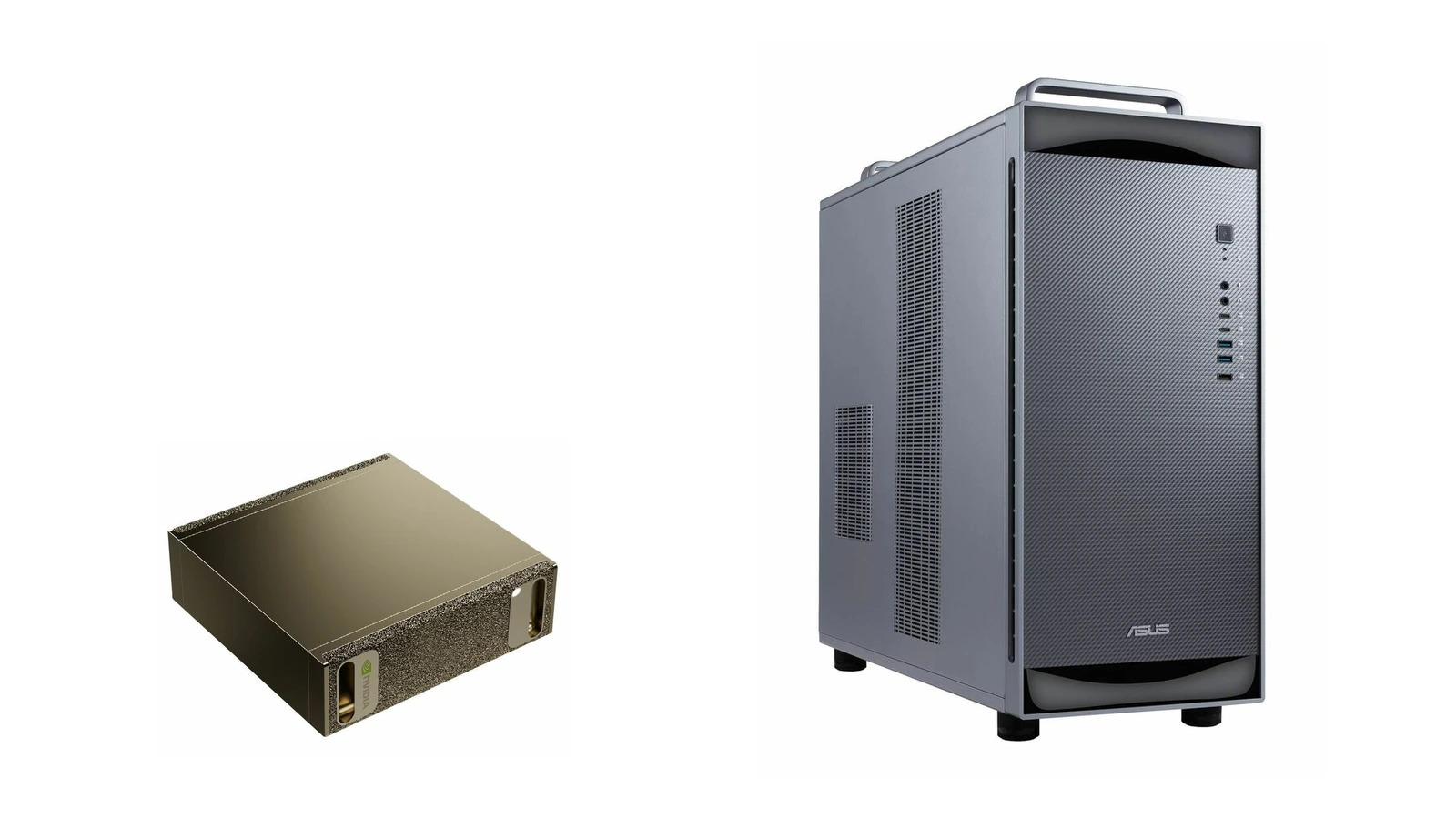
DGX Spark vs. DGX Station: Which One Fits Your Work?
A real research example shows when one Spark is enough, when a Spark cluster helps, and when a team needs the memory and shared capacity of DGX Station.
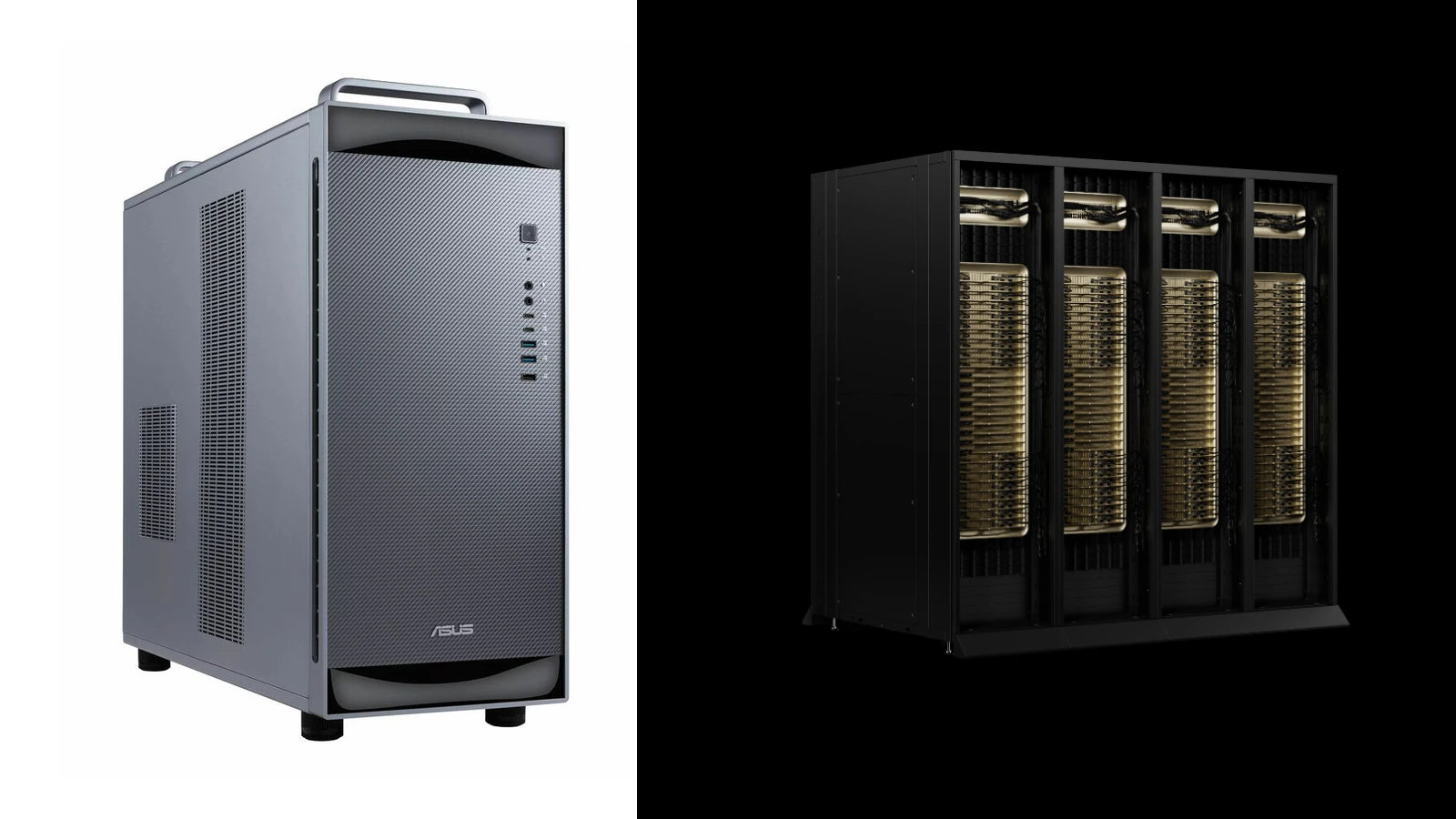
DGX Station GB300 or GB300 NVL72? Deskside vs. Rack Scale
Both carry the GB300 name. One can sit beside a research team; the other needs a data-center project. Use the actual workload and site plan to decide where to start.
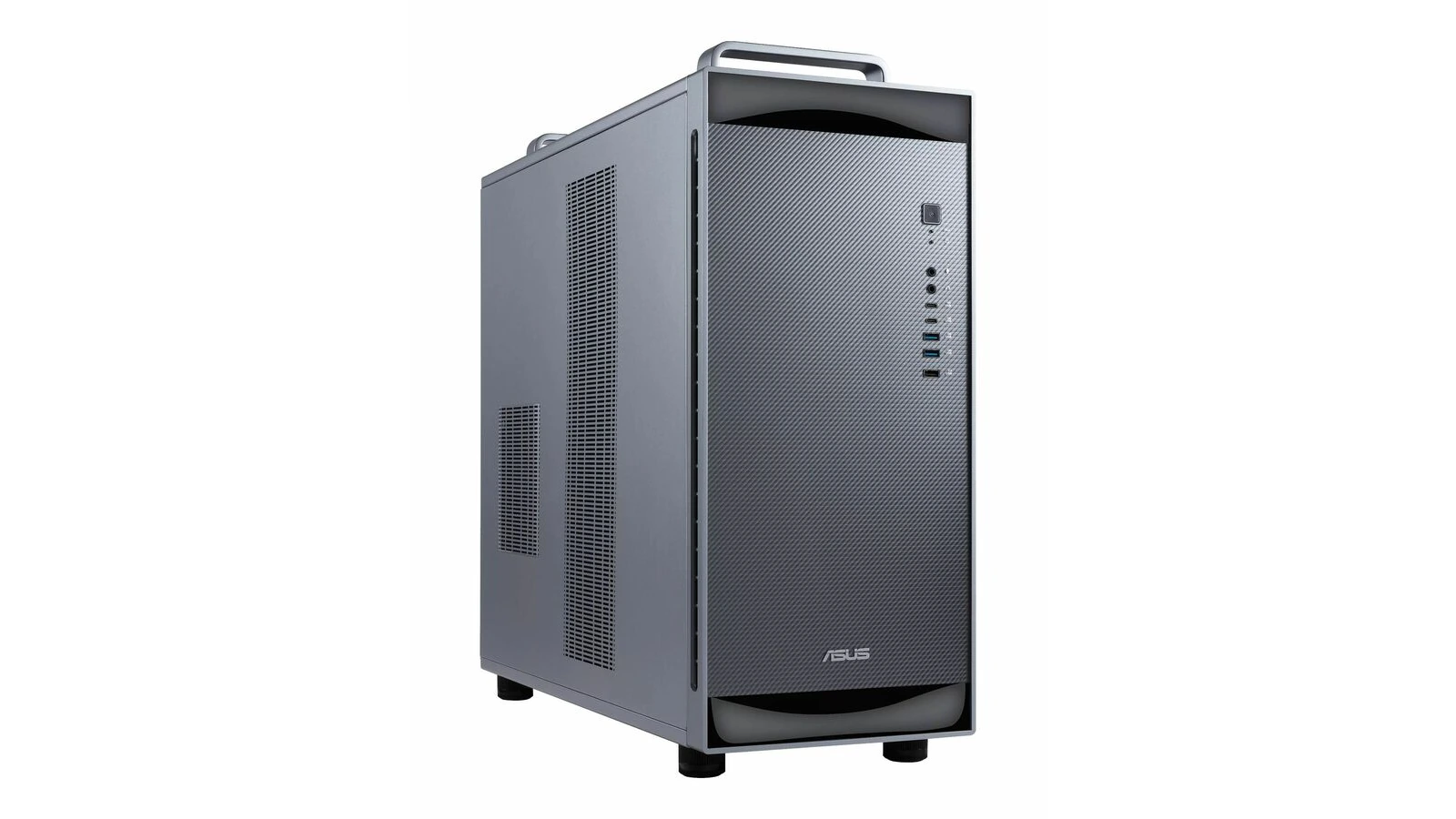
NVIDIA DGX Station: What Research Teams Can Run Locally
See how research teams use DGX Station for protein search, weather forecasts and model development, then check memory, power and the exact system before buying.
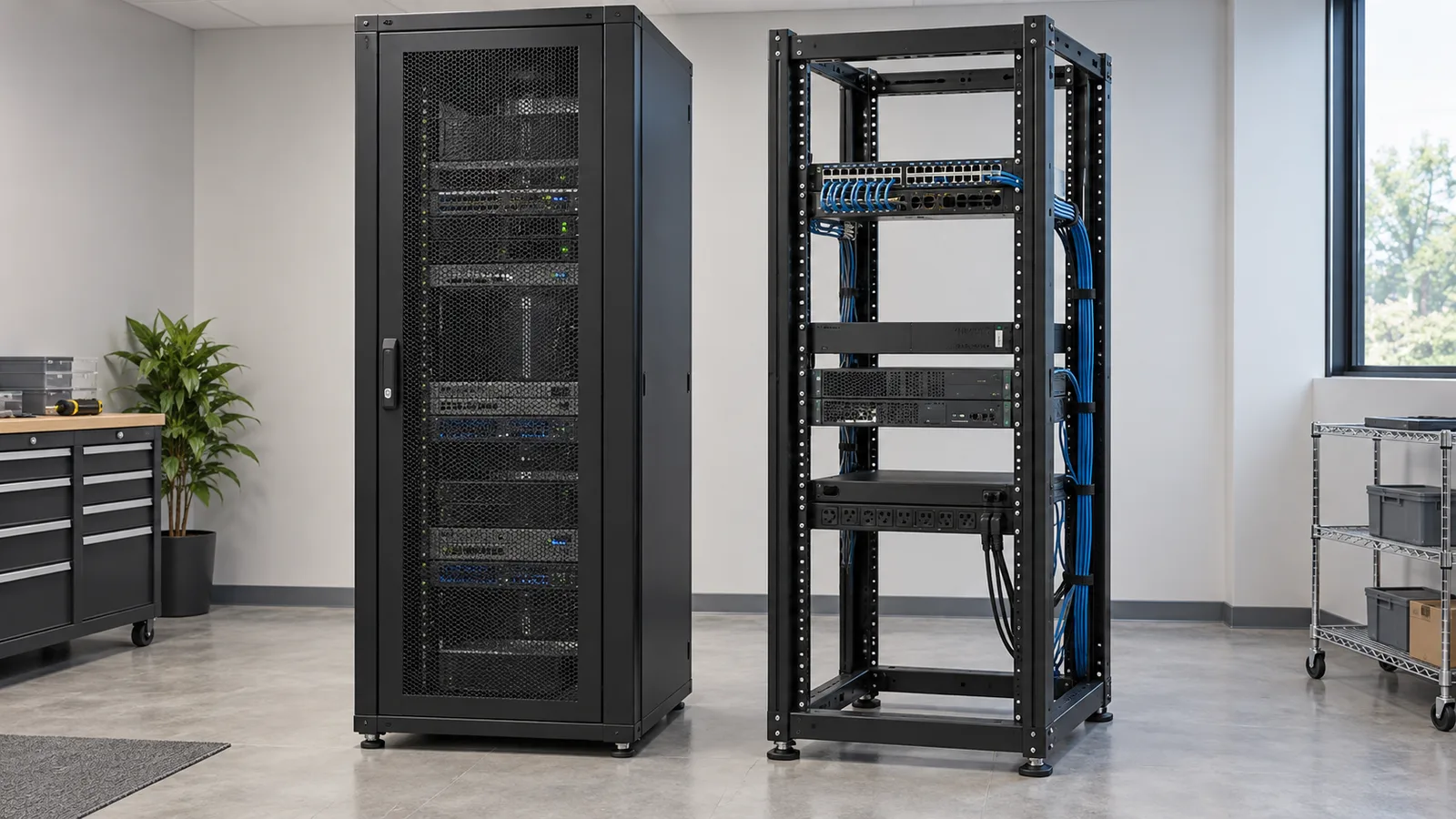
42U Server Rack Cabinets vs. 4-Post Racks: How to Buy for an IT Room
Choose a server rack around the equipment, room, and delivery plan. Compare 42U cabinets with open 4-post racks and prepare a complete quote request.
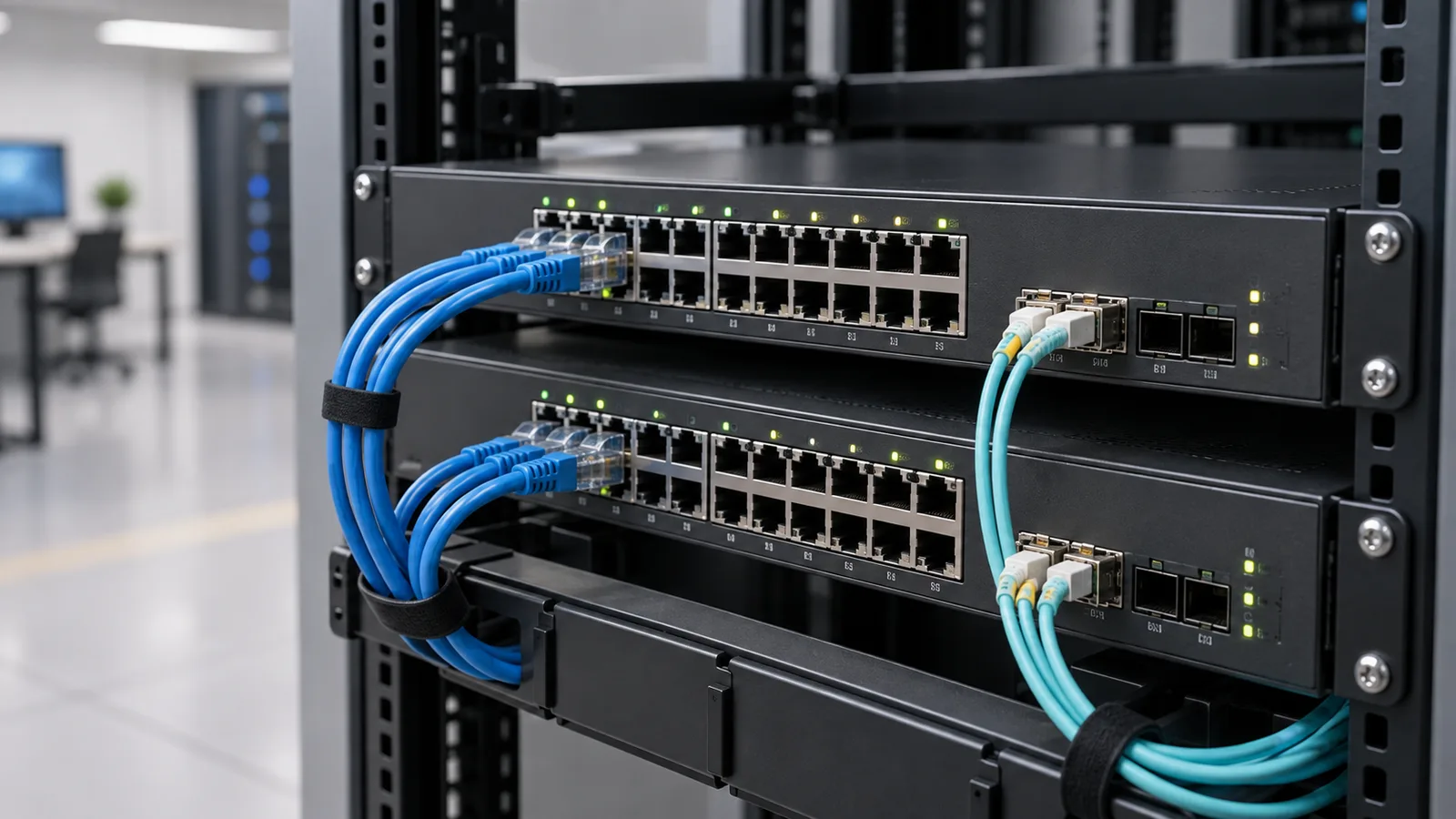
Cisco and Aruba Switches: Choosing PoE, Fiber, and 24 or 48 Ports
Choose Cisco or HPE Aruba Networking switches around the devices, uplinks, operating model, and complete purchase cost your deployment requires.
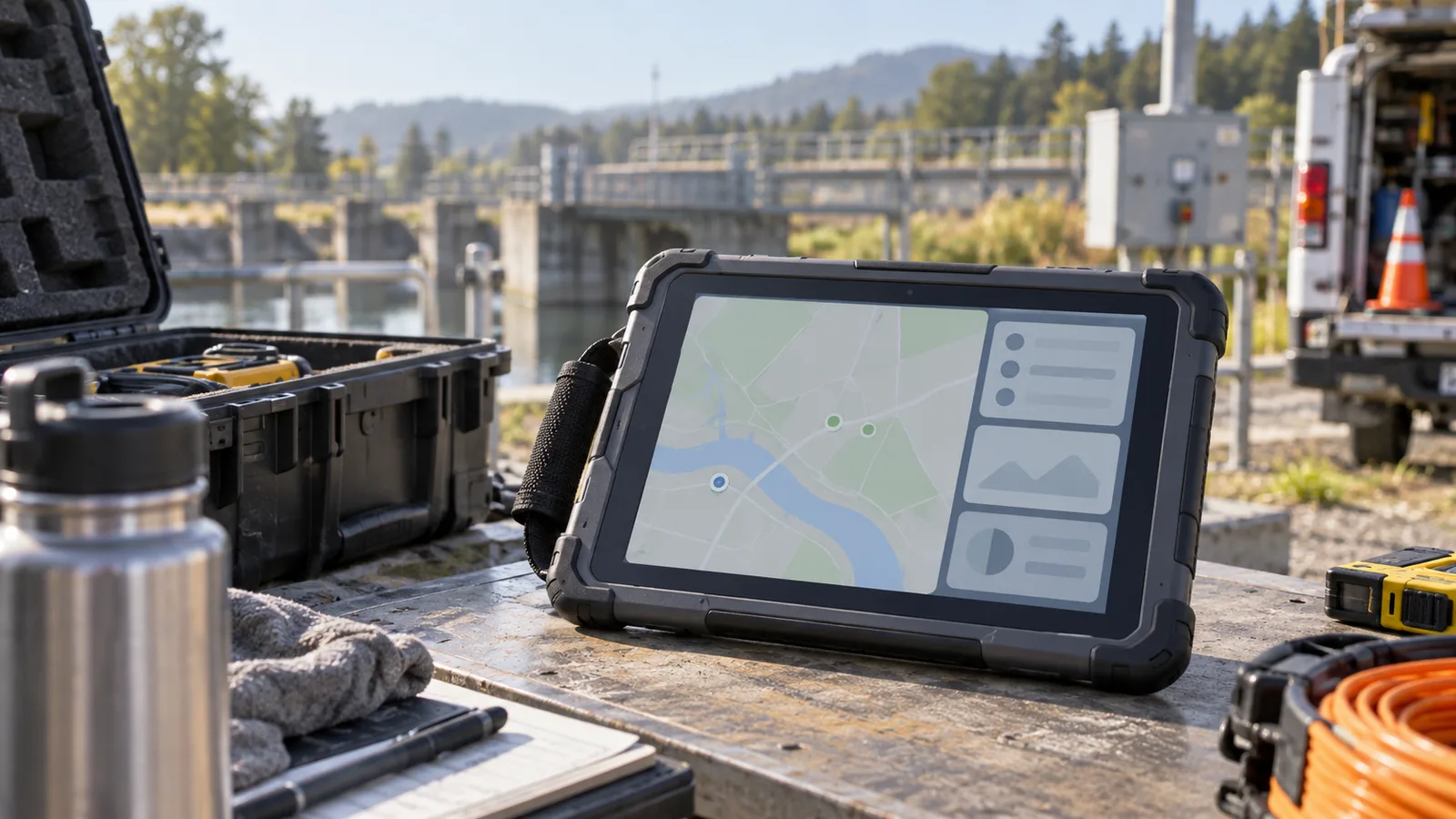
Rugged Tablets for Field Teams: How to Choose the Right Model and Request a Quote
Choose rugged tablets around the work your team actually does. Compare operating systems, screen sizes, connectivity and accessories, then build a quote-ready model list.
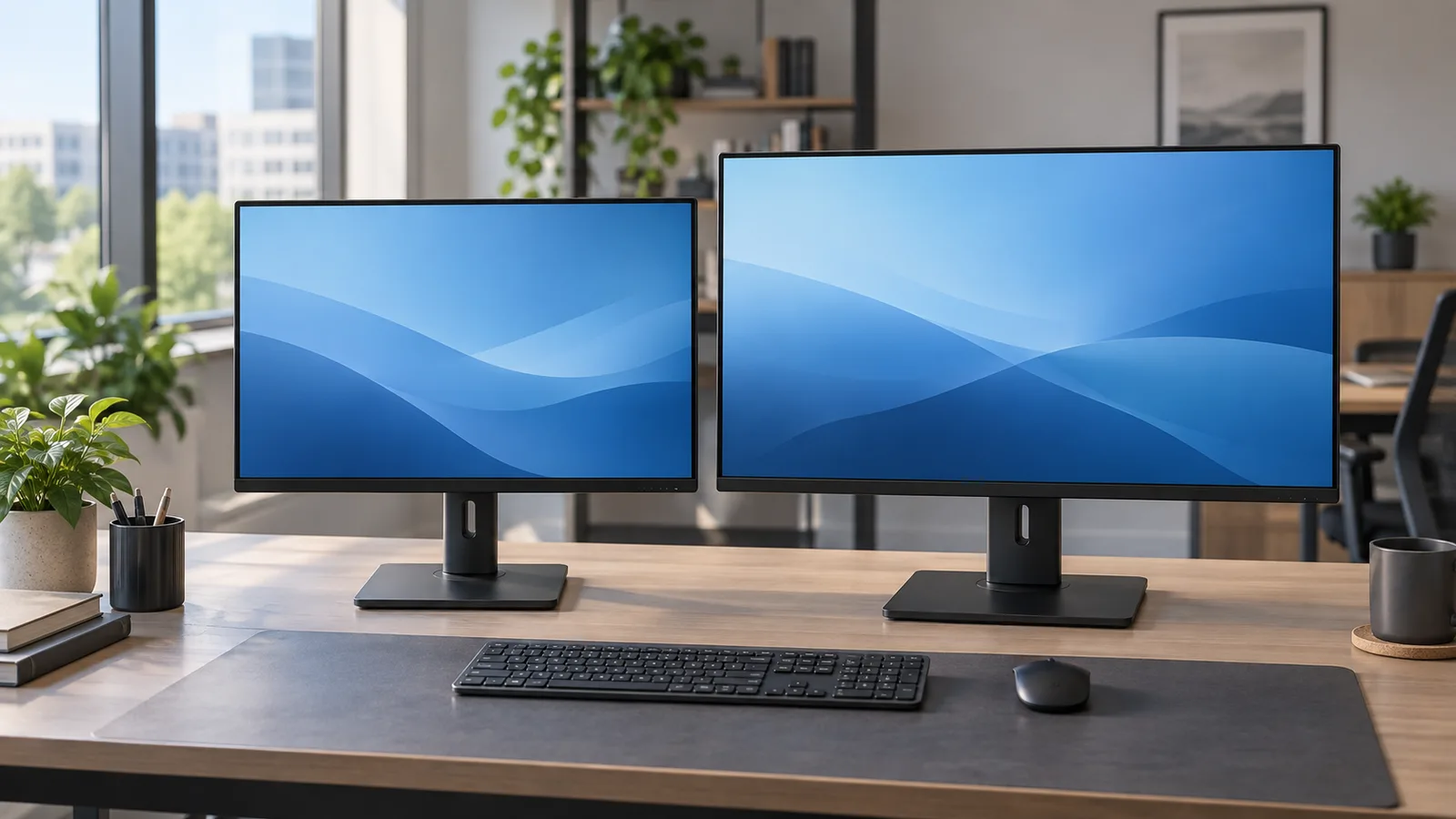
TAA Monitors for Agencies: Compare Dell Pro Options and Build a Better Bulk Quote
Build a clearer agency monitor purchase: verify origin for the exact SKU, compare 22- to 32-inch options, match your BOM and request a complete bulk quote.
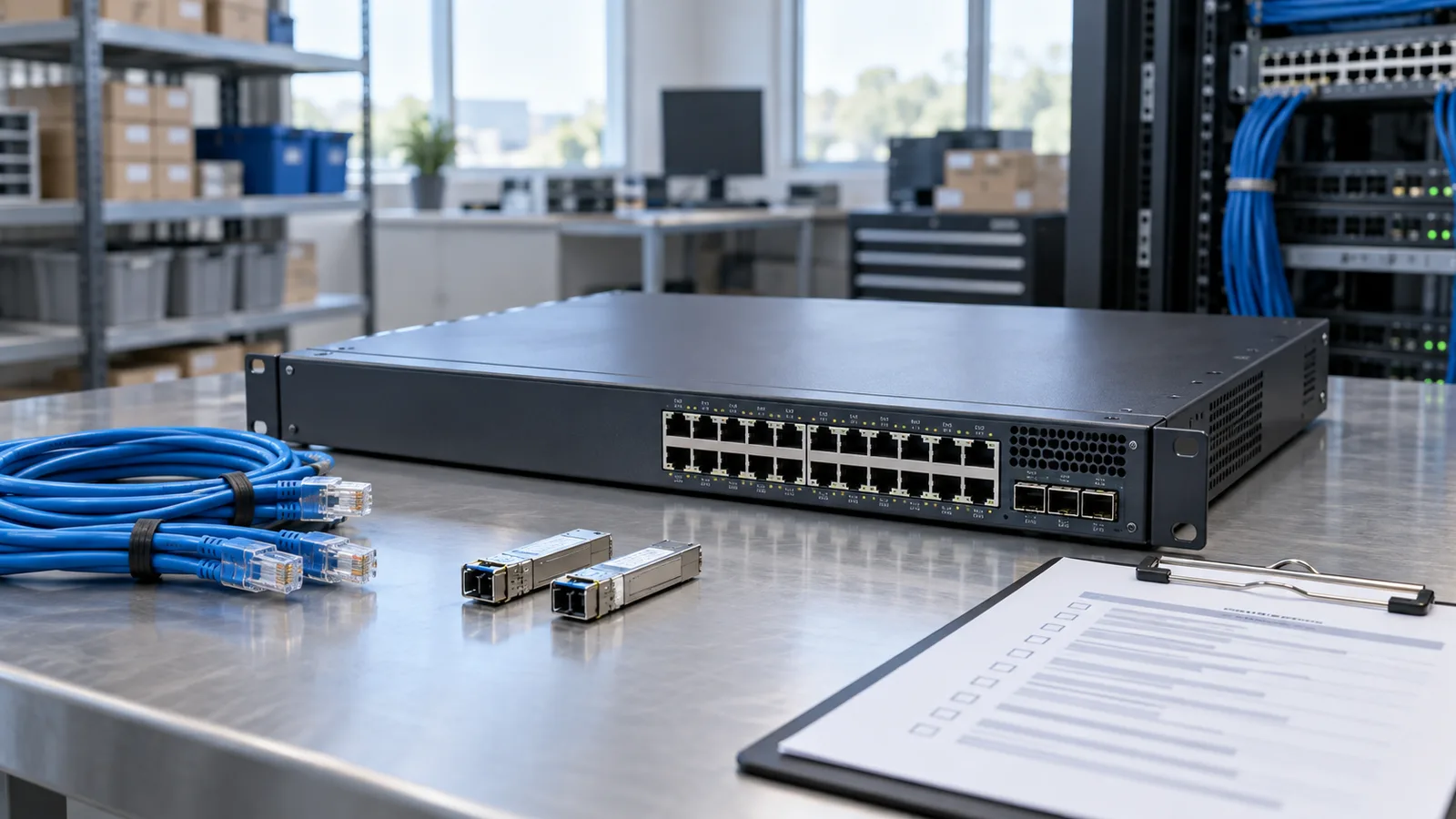
TAA Network Switches: A Practical Government Procurement Guide
A practical guide to requesting TAA network switch quotes, documenting country of origin, matching a bill of materials, and preparing an agency purchase.
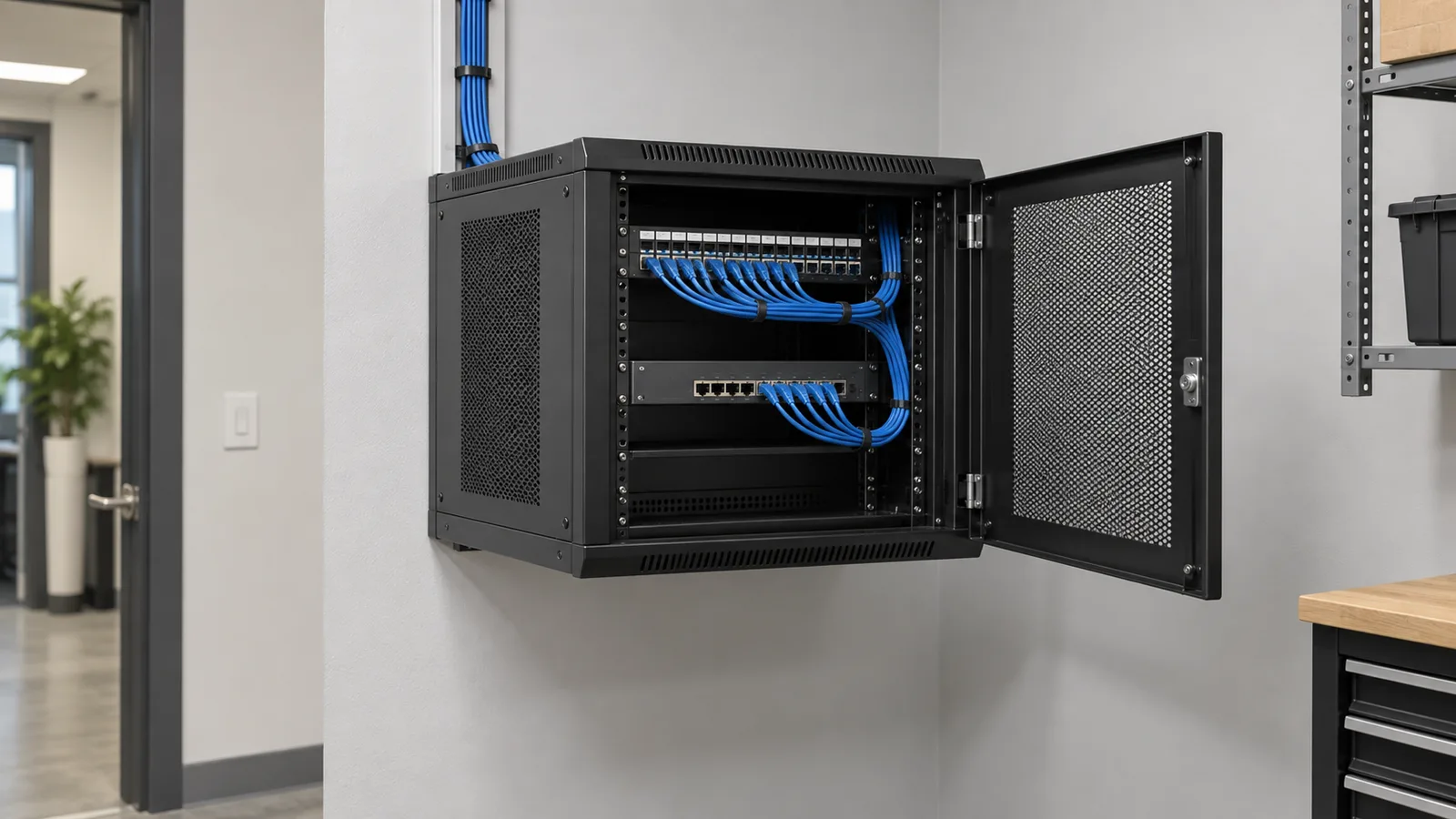
Wall Mount Network Racks: Comparing Middle Atlantic and StarTech Options
Plan a wall rack around maintenance access, equipment depth, and the installation site. Compare Middle Atlantic and StarTech options by exact model.
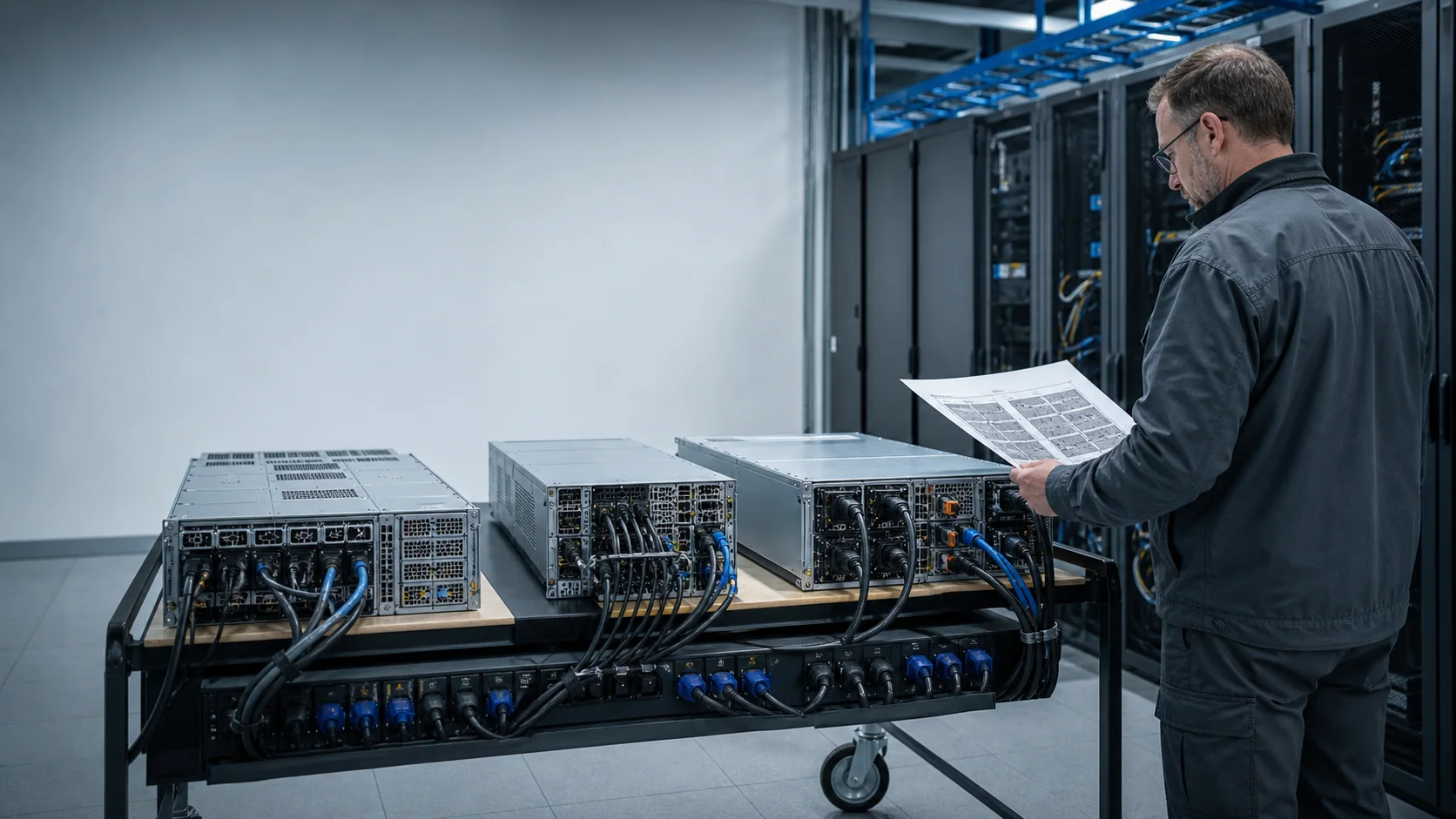
NVIDIA H200 vs B200 vs B300 for Government AI Infrastructure
Choosing between NVIDIA H200, B200 and B300 is not a contest to buy the newest accelerator. It is a decision about the mission workload, the supported server platform, the network and storage data path, the facility envelope, the deployment date and the evidence an agency will need to accept the system. H200 remains a capable Hopper-generation option with mature server designs. B200 moves into the Blackwell generation and a different power-and-cooling class. B300, also called Blackwell Ultra at the GPU generation level, increases memory and arrives in several system forms—including HGX B300 servers and the much denser GB300 NVL72 rack.
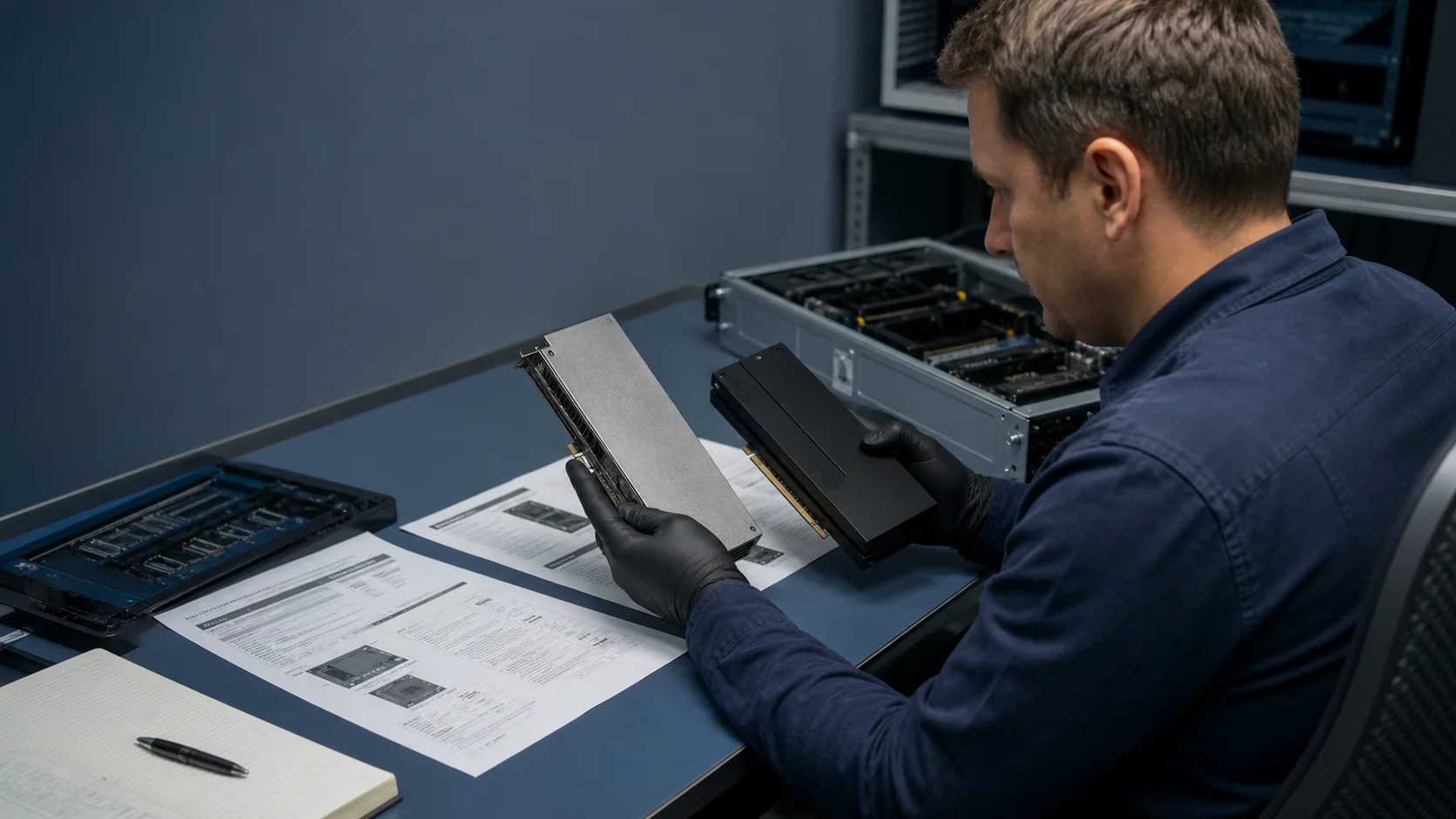
Is NVIDIA H300 Real? H200, B300 and GB300 Explained
As of August 25, 2026, NVIDIA does not list a current product named “NVIDIA H300” in its official AI Enterprise support matrix or current data-center platform documentation. The search term usually reflects a mix-up between H200, the Hopper-generation GPU, and B300, the Blackwell Ultra GPU. It can also be a mistaken shorthand for GB300, the Grace Blackwell Ultra superchip and rack-scale systems built around it.
NVIDIA H200 Price: What a Government Buyer Actually Needs to Budget
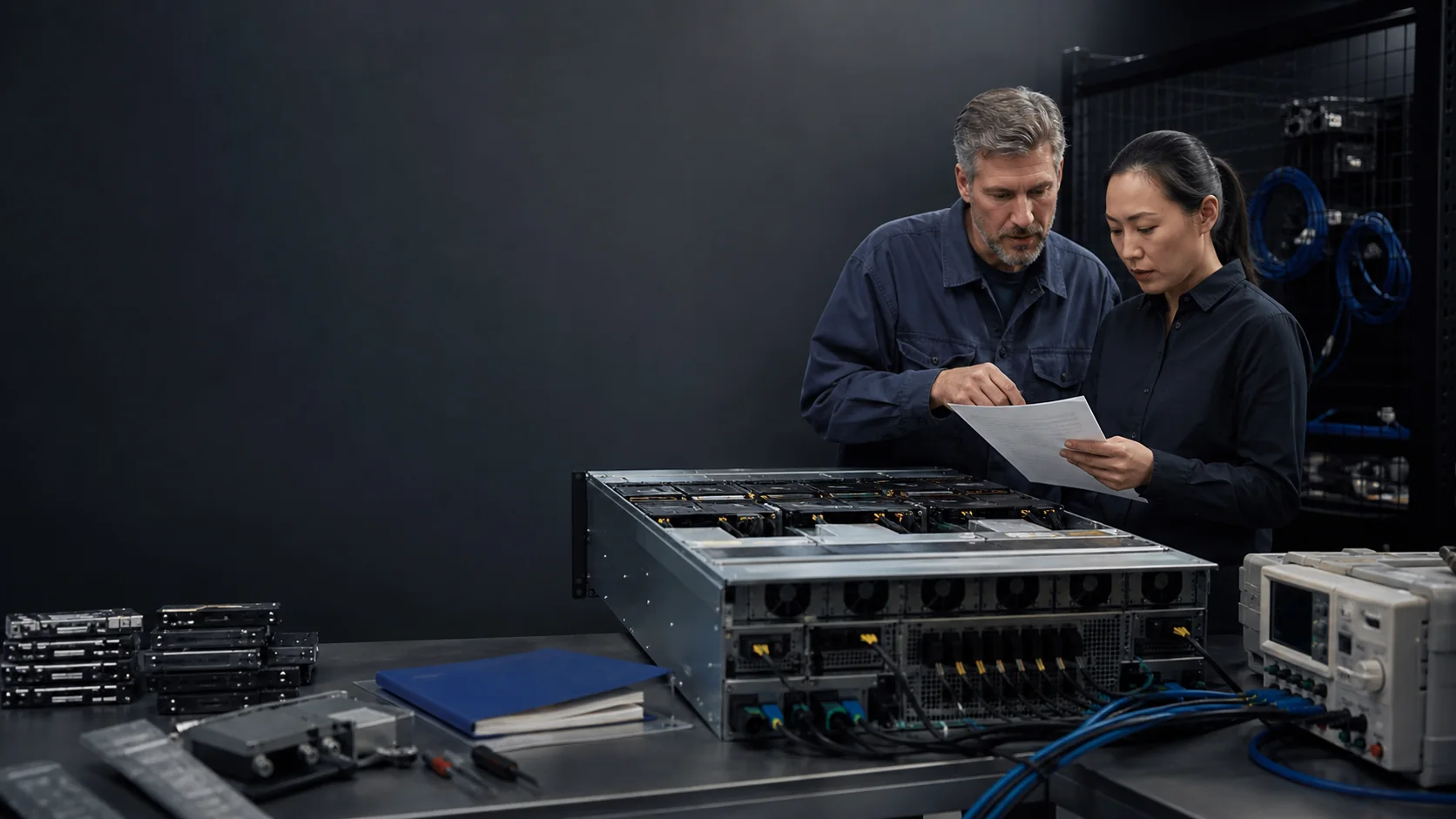
There is no durable, universally valid “NVIDIA H200 price.” An agency does not deploy a bare headline price; it deploys a configured server or appliance with CPUs, memory, local storage, NICs, fabric, rack power, cooling, software, integration, support and a data path. Availability, warranty, OEM configuration, delivery location and acquisition path can change the quote materially.
NVIDIA B200 Server Specifications: What Belongs in the Requirement
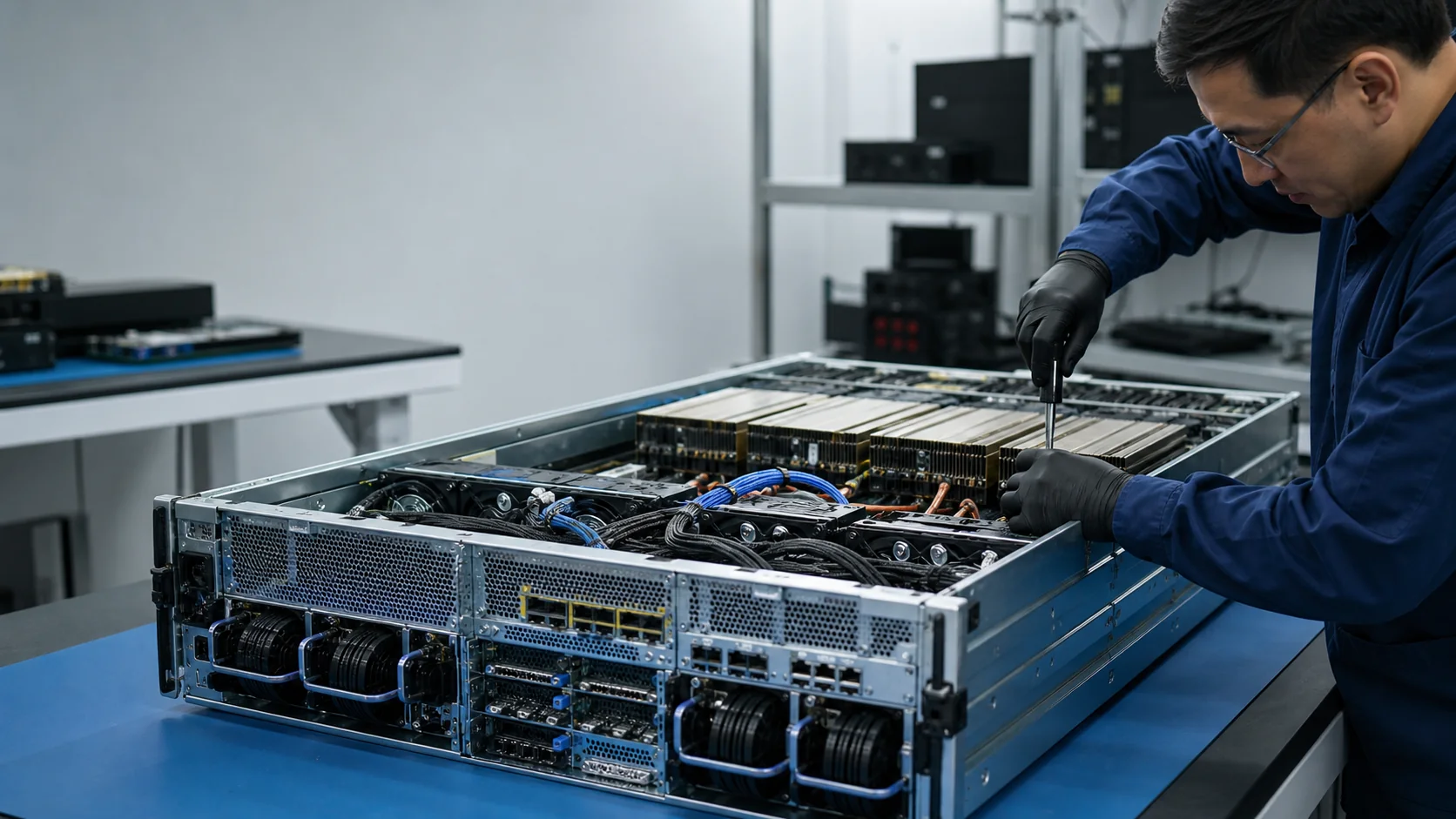
A B200 GPU specification is not a B200 server specification. Government buyers need the full supported system: GPU platform, CPU and memory, storage, network interfaces, chassis, power, cooling, firmware, software, warranty and acceptance criteria. The same Blackwell B200 generation can appear in a DGX appliance and in multiple OEM HGX server designs whose facility and integration details differ.
NVIDIA B200 vs B300: Which Platform Fits the Mission and Facility?
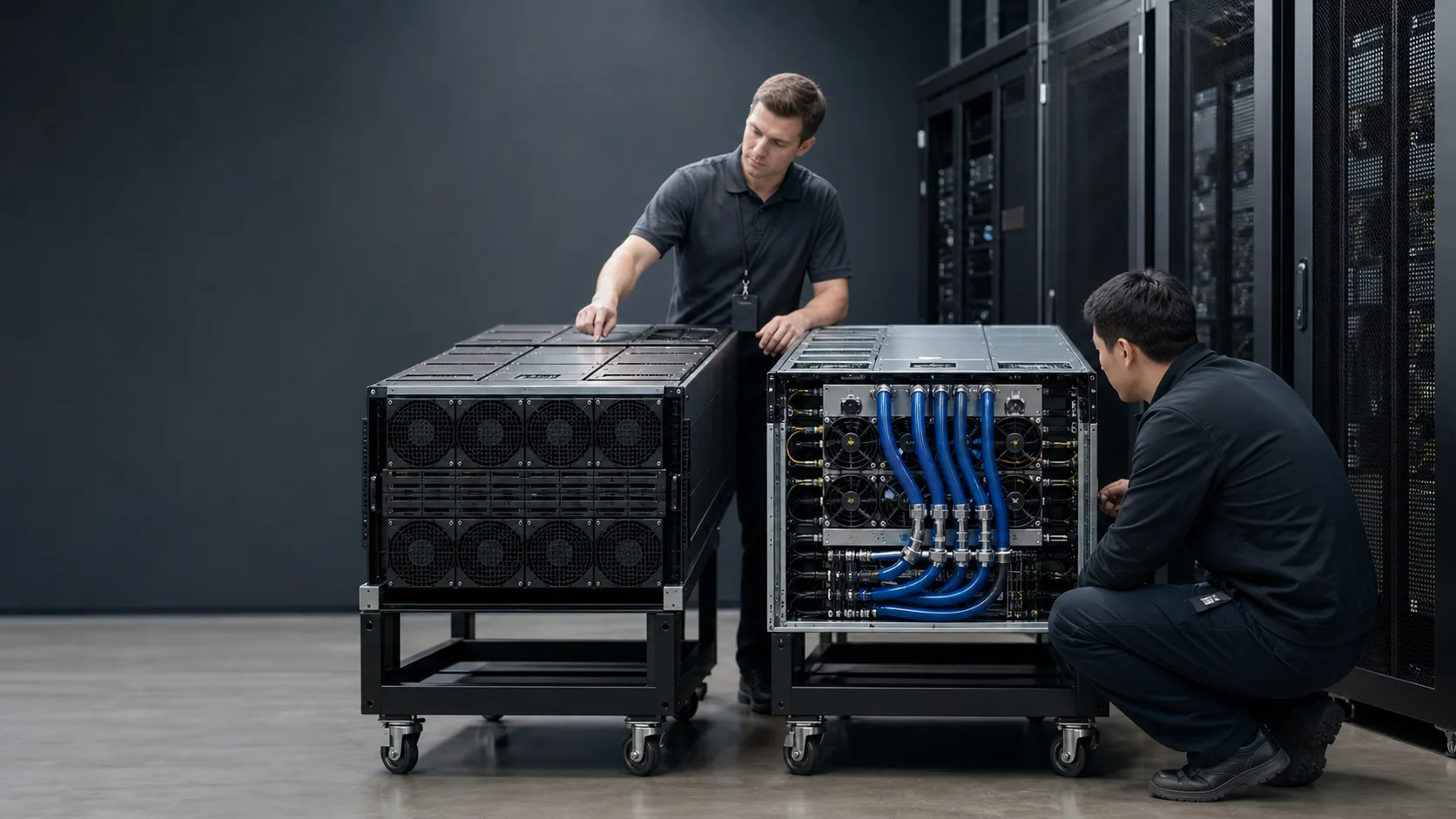
NVIDIA B300 is newer than B200, but “newer” does not answer a government deployment decision. B200 may offer a better-aligned OEM design, delivery window, software baseline and air- or liquid-cooling path. B300 offers Blackwell Ultra capabilities and more memory at the GPU generation, but its value depends on the exact server or rack form, model workload and facility readiness.
What Sovereign AI Means for Government Infrastructure
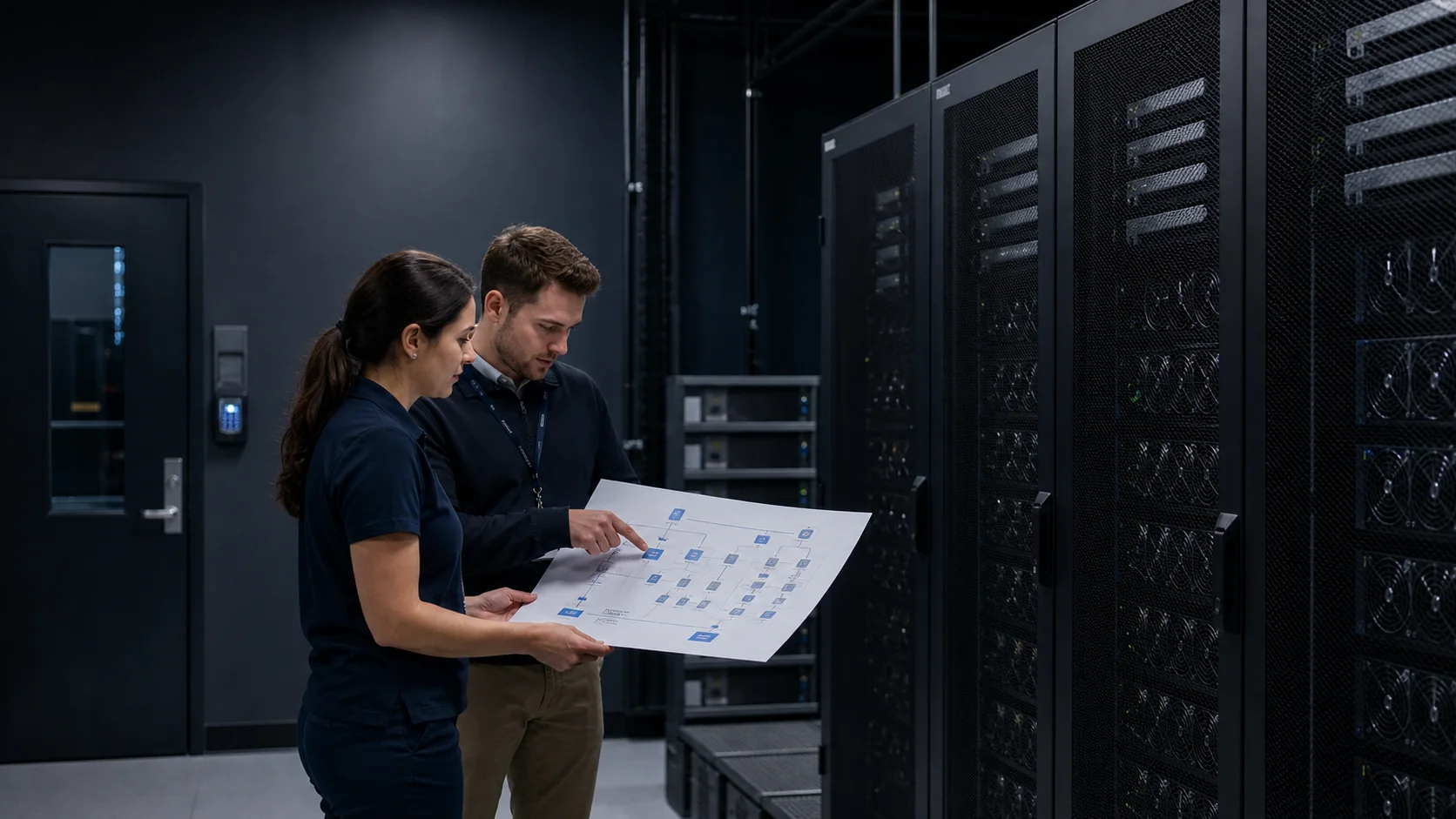
Sovereign AI is the ability of an organization or jurisdiction to govern the data, models, computing infrastructure, identities, operations and supply chain on which an AI capability depends. It does not automatically mean “everything on premises,” “only domestic hardware” or “no commercial software.” It means that the mission owner has defined which decisions and dependencies must remain under its control—and can produce evidence that the architecture enforces those boundaries.
Air-Gapped AI Infrastructure for Government Missions
Air-gapped AI is an AI environment whose security boundary prevents routine network connectivity to external systems. That can support classified, disconnected, tactical, laboratory or critical-infrastructure missions, but unplugging an internet cable is not the design. Models, packages, security updates, datasets, licenses, logs and replacement parts still cross the boundary through controlled processes.
AI Server Rack Bill of Materials: From GPU Nodes to Acceptance Test
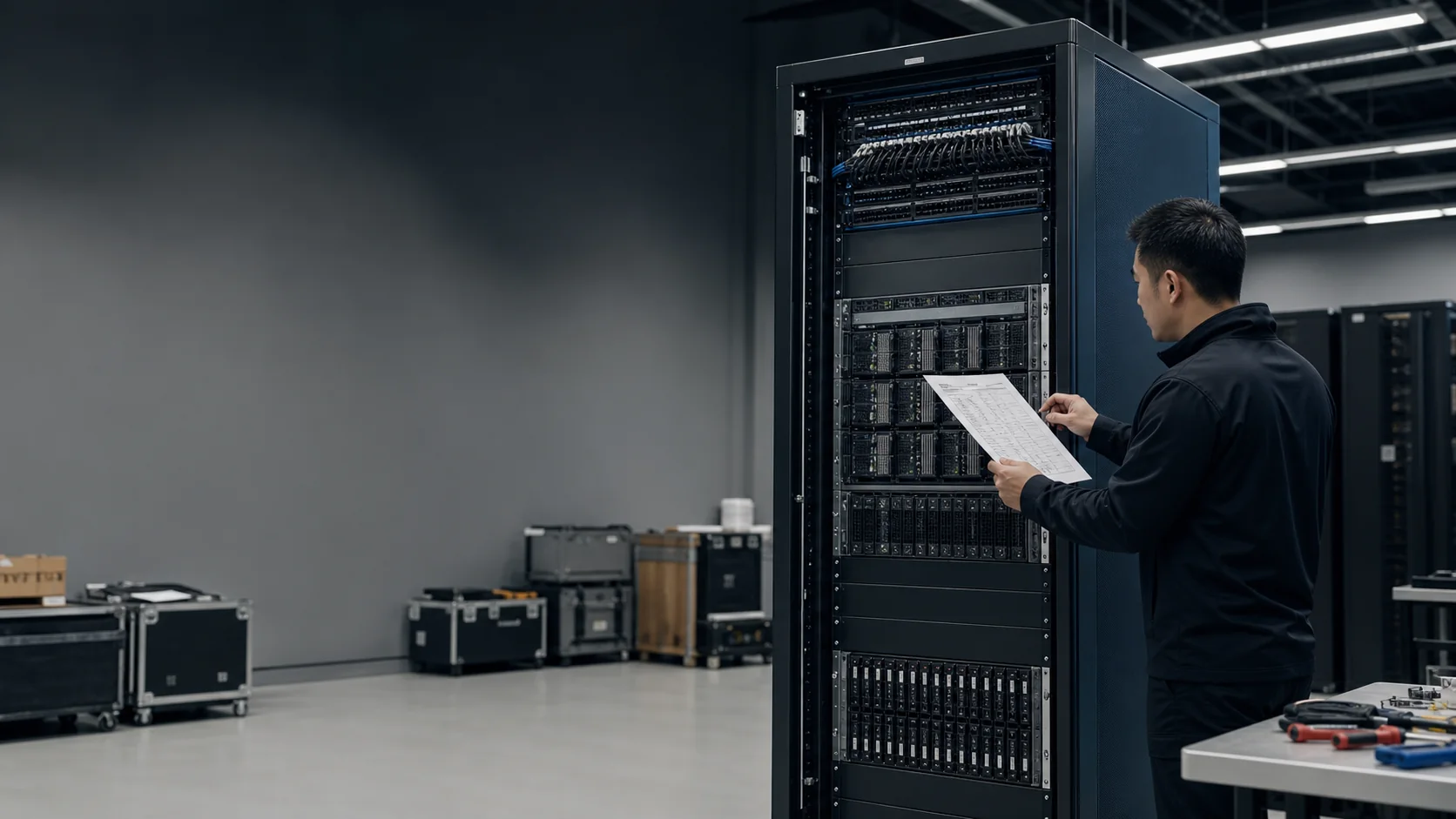
An AI server rack is not a stack of GPU servers. It is an integrated system whose compute, fabric, storage, management, power, cooling, cabling, firmware and support must work together at the destination site. A complete bill of materials makes those dependencies visible before award. A rack elevation, port map, power schedule and acceptance plan turn the BOM into something engineers can install and a receiving team can verify.
InfiniBand vs Spectrum-X Ethernet for Government AI Infrastructure
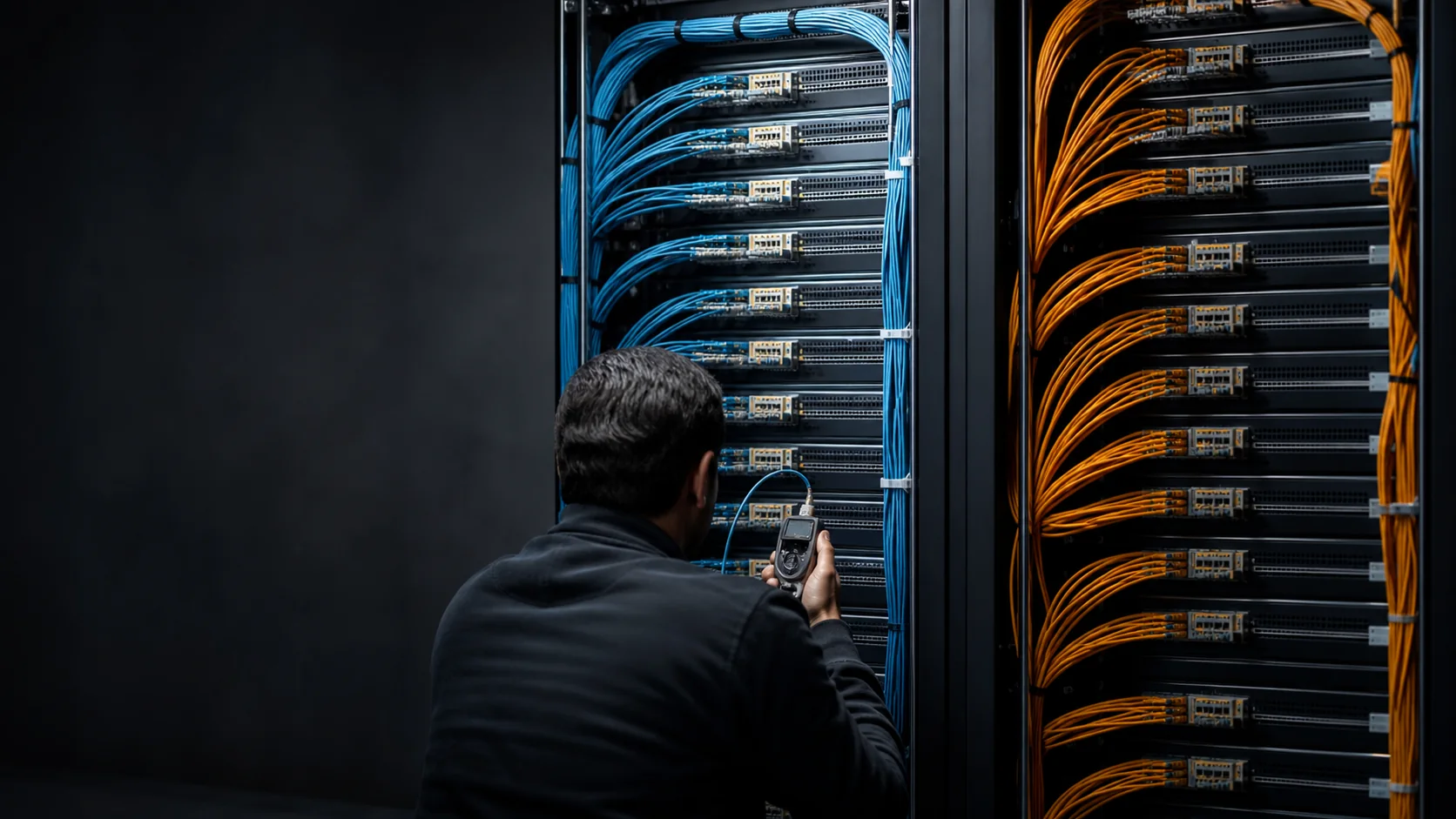
InfiniBand and NVIDIA Spectrum-X Ethernet can both support high-performance GPU clusters. The right choice depends on workload communication, scale, topology, existing skills, operational tooling, security boundaries and the validated end-to-end design. Port speed is not enough. An AI fabric must deliver predictable collective communication while storage, management and tenant traffic operate around it.
Storage Architecture for Government AI: Feed the GPUs Without Losing Control
AI storage cannot be sized by capacity alone. Training reads large datasets repeatedly and writes checkpoints. Fine-tuning mixes base models, curated datasets and derived artifacts. Retrieval-augmented generation creates metadata-heavy indexes. Inference needs model-load speed, predictable retrieval and durable logs. Government environments add data classification, records, retention, provenance, backup and disconnected-operation requirements.

AI PC Procurement Checklist: What an NPU Changes
An AI PC adds a neural processing unit, or NPU, to the familiar CPU-and-GPU platform, but the NPU alone is not a business case. Buy around named applications and measured workflows. Confirm that the software can use the accelerator, that the complete system has enough memory and storage, and that security, privacy, deployment, warranty, and dock behavior meet the fleet standard.
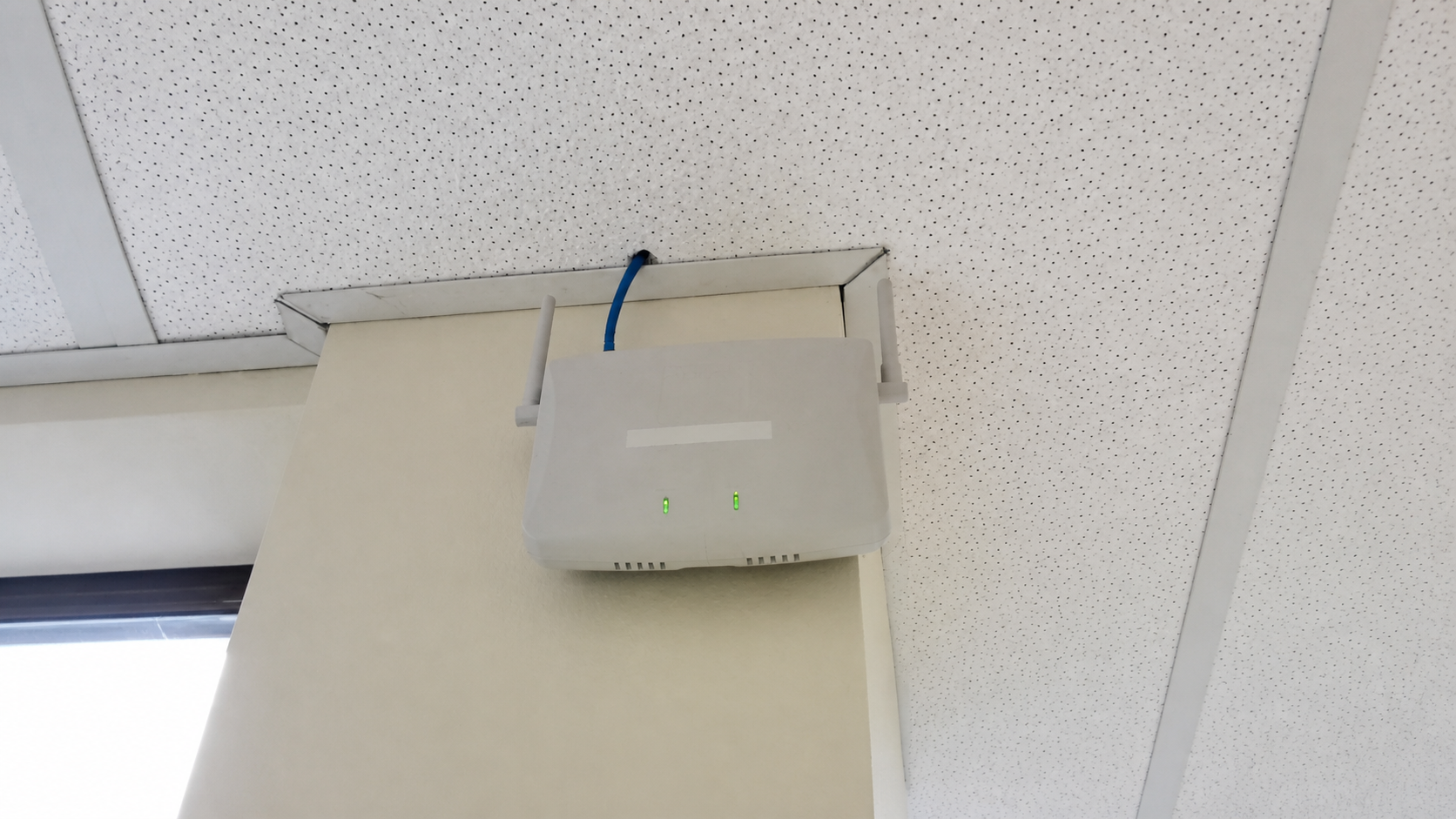
Wi-Fi 7 Access Point Checklist: The BOM Beyond the AP
A Wi-Fi 7 access point is only one line in a working wireless design. Before ordering, validate the regulatory mode, client mix, channel plan, mounting, multigig switch ports, power per AP, total PoE budget, cabling, controller or cloud support, licenses, subscriptions, optics, spares, and installation labor. The exact AP model and enabled radio configuration—not the Wi-Fi 7 label—determine the supporting bill of materials.
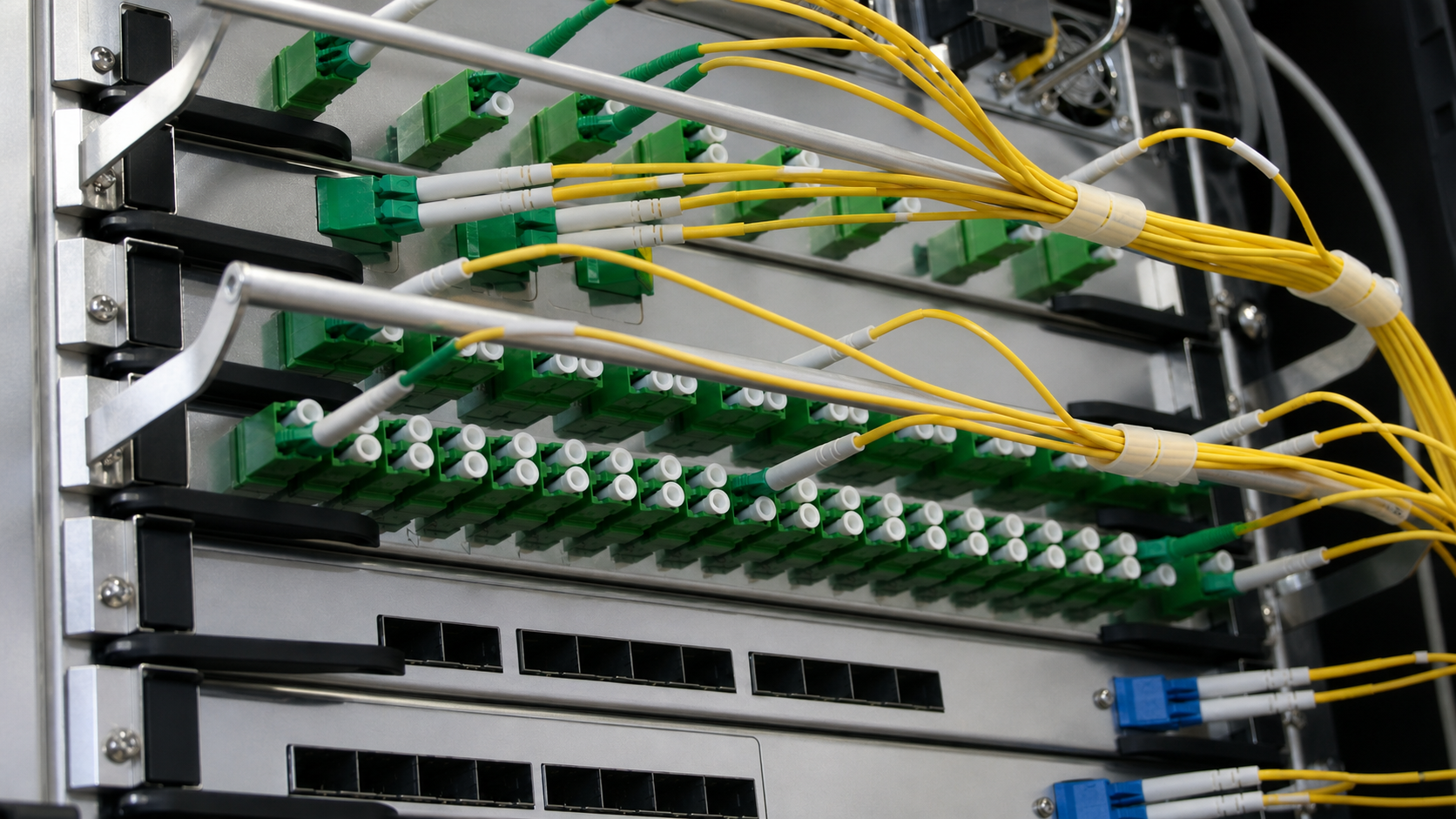
10GbE Switch Upgrade Guide: When the Workload Justifies It
A 10GbE switch upgrade is justified where measured traffic, transfer windows, convergence, or growth exceeds the practical capacity of the existing path. That does not mean replacing every 1GbE port. A sound design places 10GbE at the bottleneck—server, storage, workstation, wireless access, or uplink—then verifies media, NICs, optics, switch fabric, buffers, software, power, cooling, and the rest of the service path.
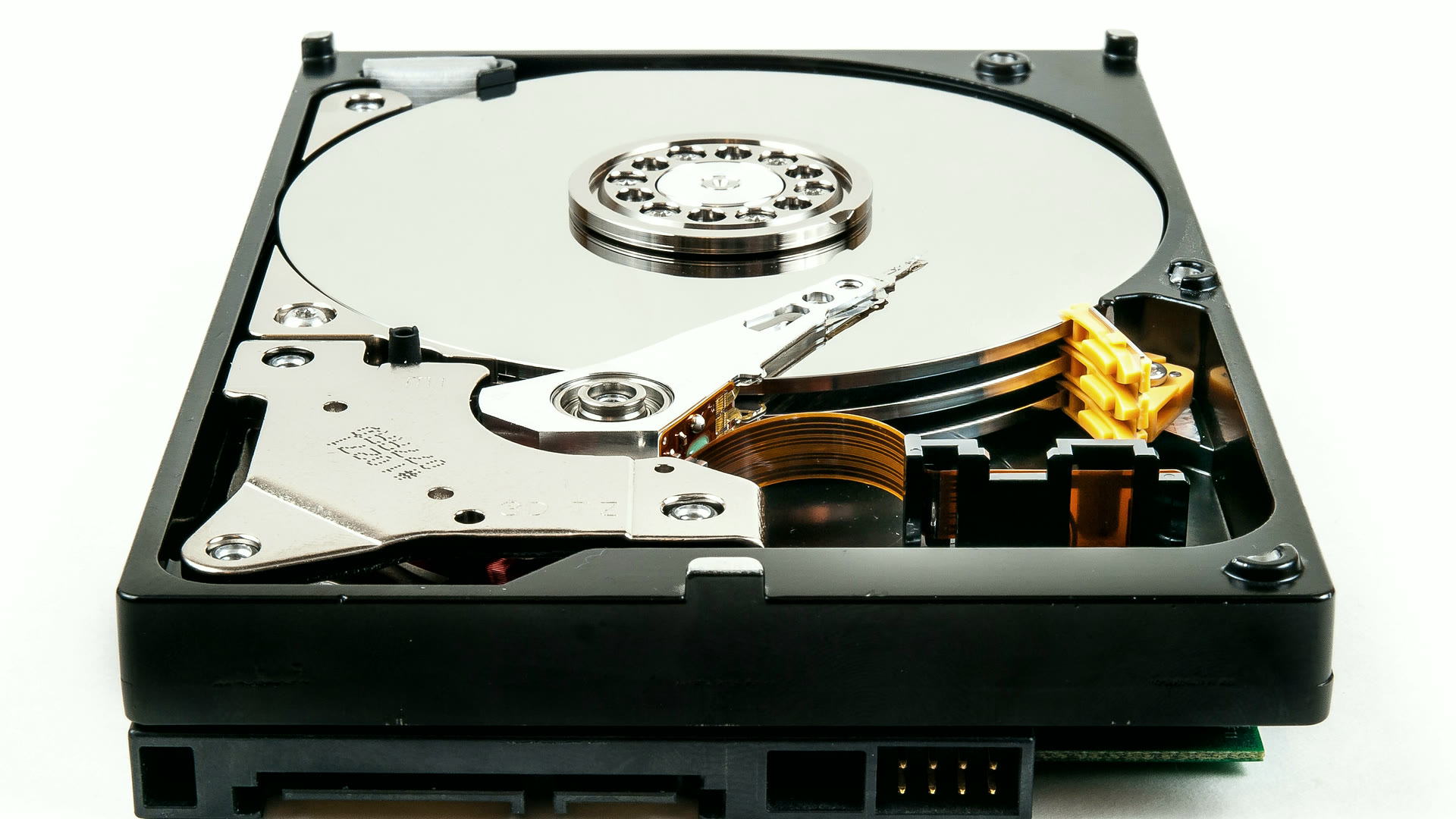
SAS vs SATA Server Drives: What the Interface Actually Buys You
Every SAS-versus-SATA explainer stops at 12Gb/s versus 6Gb/s. That number decides almost nothing. Paths, queue depth, error-recovery timing, workload ratings and the controller you already own decide the rest.
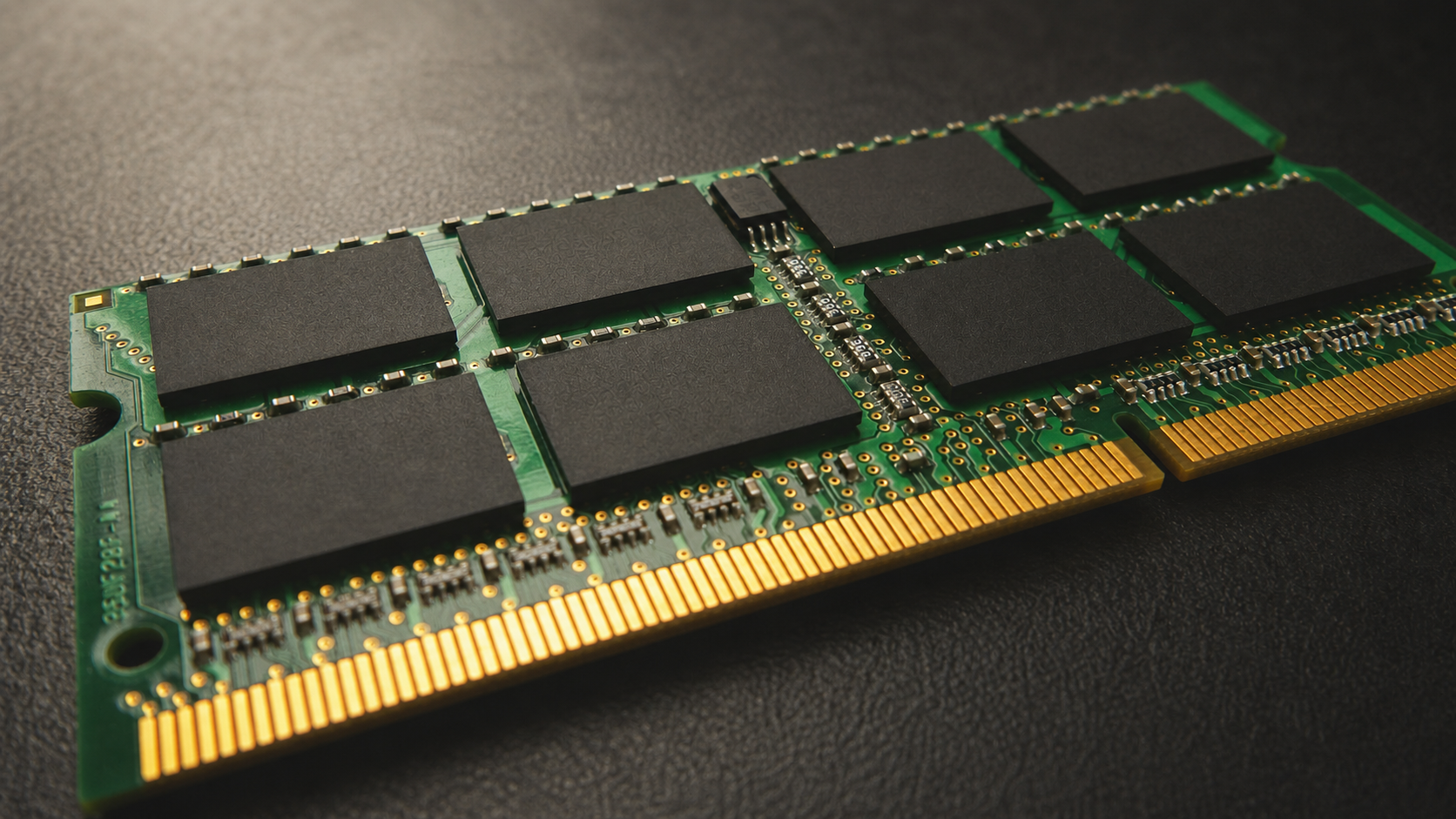
Server Memory Compatibility: DDR4 Wind-Down and Population Rules
Server memory is compatible only when the complete platform supports the module and the finished population. Matching "DDR4," capacity, and pin count is not enough. The CPU generation, system board, firmware, DIMM type, speed, rank, data width, capacity, voltage, error-correction design, slot order, and the modules already installed all affect whether a server boots—and whether it runs with full bandwidth after it does.
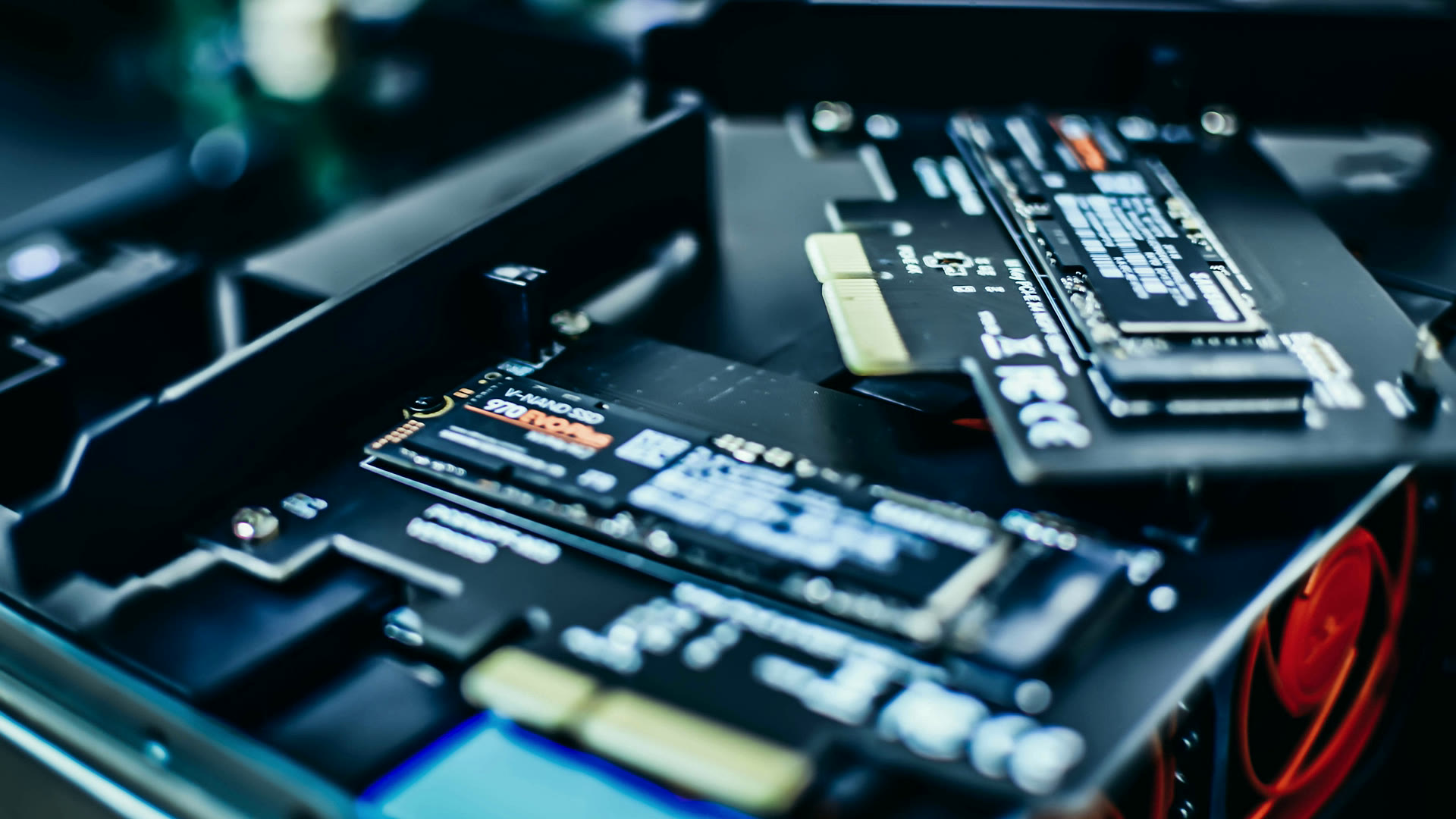
NVMe Form Factors and the PCIe Lane Budget Behind the Bays
U.2, U.3, M.2, E1.S and E3.S are not interchangeable shapes for the same drive — they are different service models with different thermal and lane consequences. And a chassis full of NVMe bays asks for more PCIe lanes than most people count.
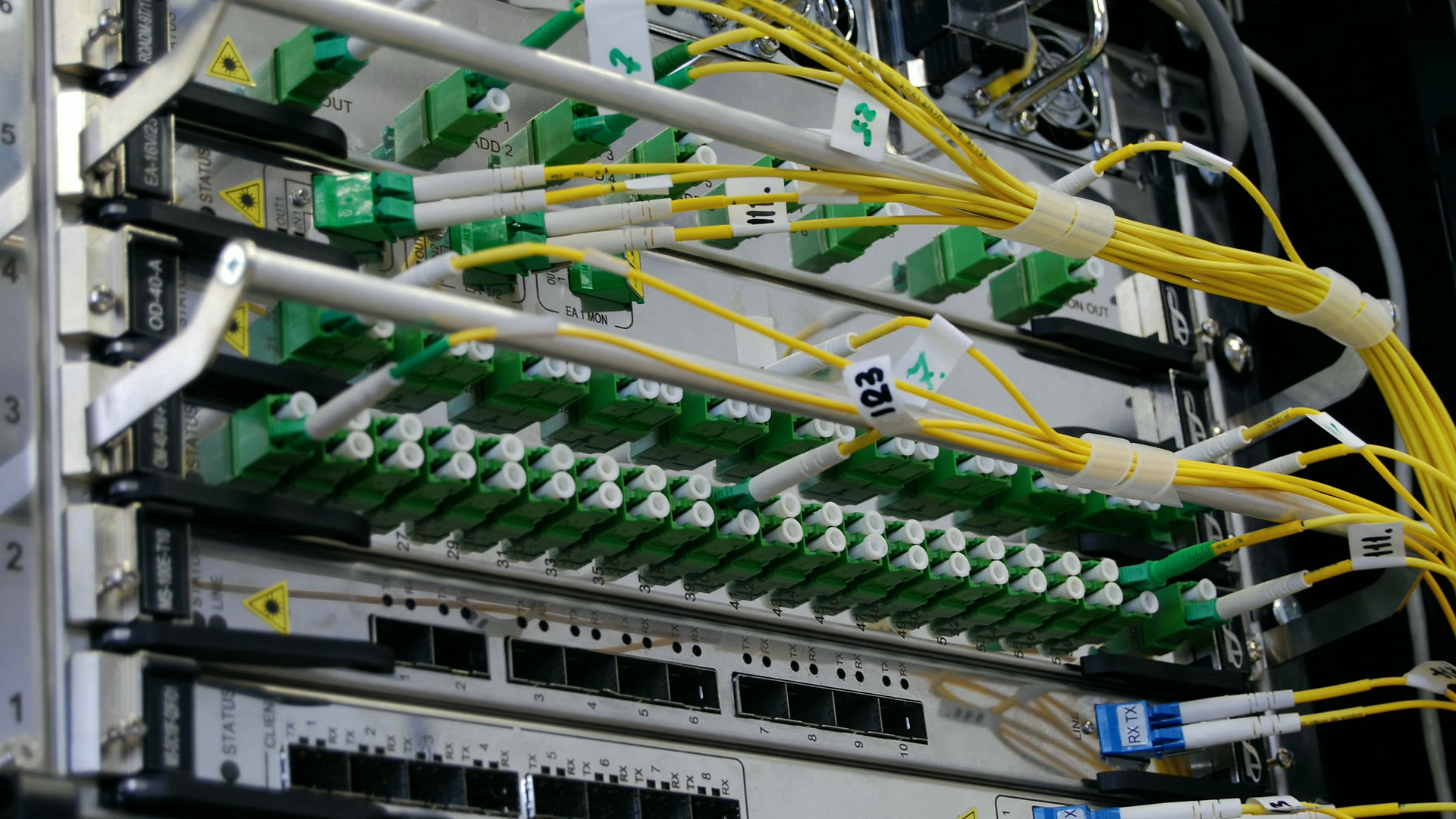
Server NIC, Transceiver and DAC Compatibility: What Actually Fits
Speed is the easy part of a network card order. Whether the link comes up depends on what the switch reads out of the module's EEPROM, how many PCIe lanes the slot is really wired for, and whether the bracket in the box fits the riser.
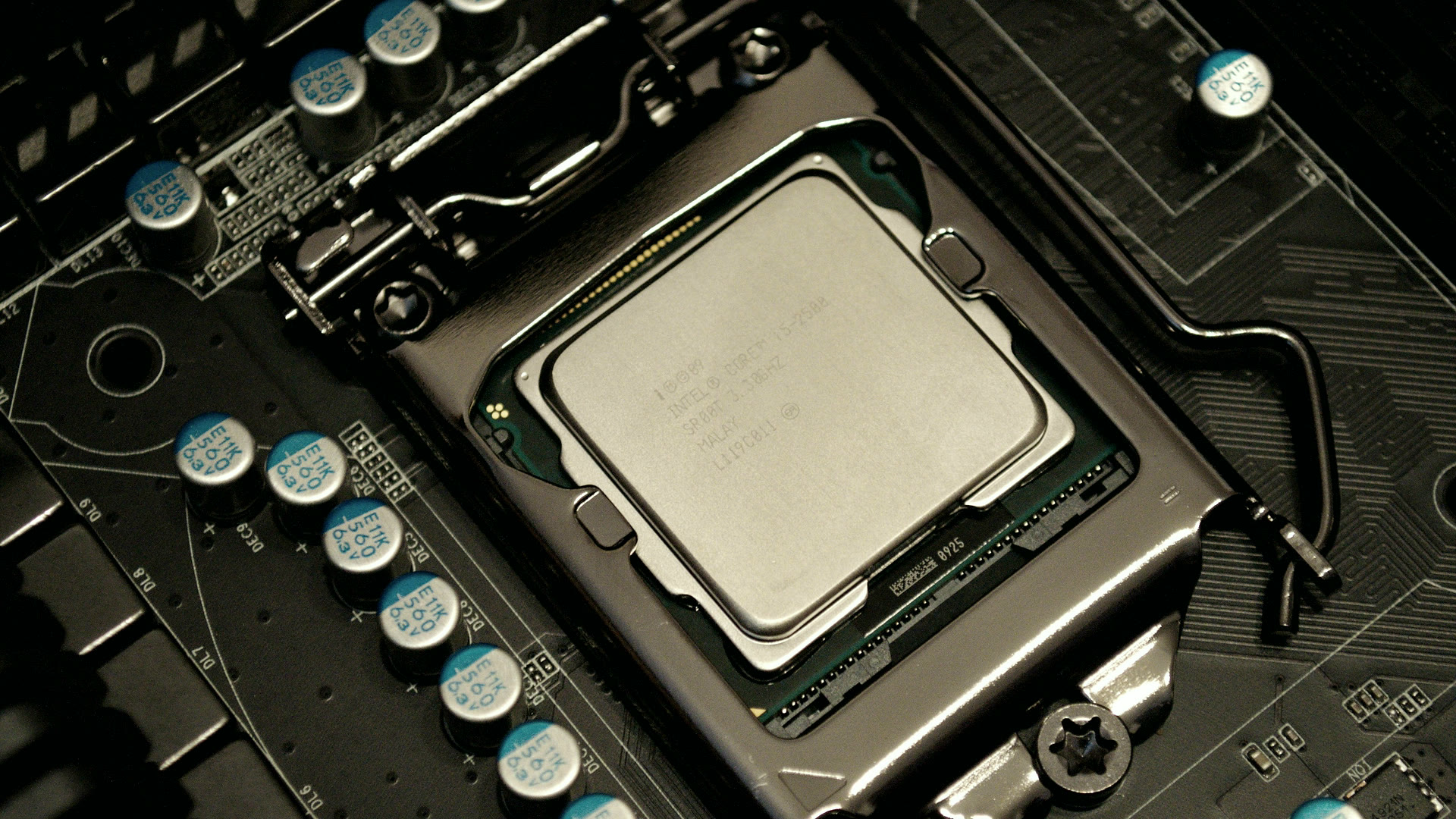
Server CPU Sizing: Cores, Clock Speed and the Licensing Bill
Core count and clock speed are the easy half of the decision. The half that sets the five-year cost is how many cores your hypervisor, operating system and database charge you for — including the cores a licensing floor bills you for whether you bought them or not.
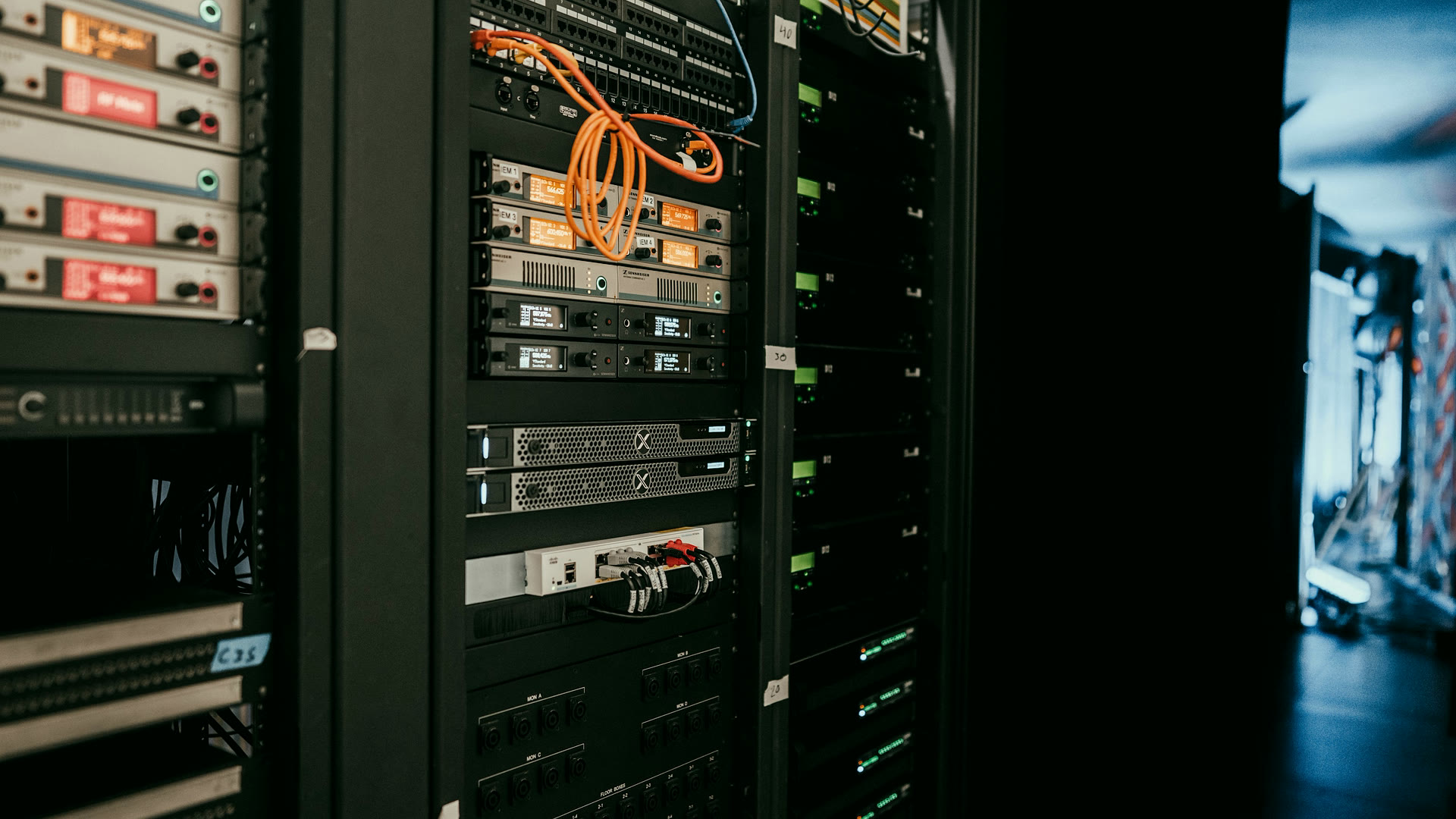
iDRAC, iLO and XCC Licensing: What Each Tier Actually Unlocks
Every enterprise server ships with an out-of-band controller. The one capability that makes it worth having — remote console with virtual media — is licensed per server, bound to that chassis, and re-bought at every refresh.

Personalized Learning Technology: The Infrastructure Underneath It
Adaptive and personalized learning platforms make specific assumptions about devices, bandwidth, identity and offline behavior. Those assumptions are procurement decisions, and they are usually discovered after the software contract is signed.

Smart Classroom Design: The District IT Checklist
A room-level build checklist for the person who has to make the room work — wall structure and mount rating, power and data before the panel ships, closet PoE budget, audio coverage, and the cable inventory that always gets forgotten.

Classroom AV Planning: Specifying a Single Room End to End
For districts refreshing rooms one at a time: the point-to-point signal chain from source to display, the geometry that decides display size and projector throw, and the commissioning checklist that proves the room actually works.
Network Readiness for 1:1: Sizing a District Network Before the Devices Land
A district buys four thousand devices and discovers the access layer, PoE budget, uplinks and circuit cannot carry them. The sizing exercise that prevents it, done before the purchase order rather than after.

Choosing a Student Device Platform: The Decisions That Actually Drive It
A criteria-first framework for district IT: what the assessment platform supports, what CTE and assistive software require, what your management stack already runs, how repair is staffed, and how long each platform stays supported.
Classroom Display Sizing: Getting Viewing Distance Right Before You Buy
The most expensive specification mistake in classroom AV is a 65-inch panel in a room whose back row is thirty feet away. Here is the geometry, the arithmetic and the point at which a projector is the honest answer.

Hybrid Instruction Hardware: Equipping a Room for Both Audiences
What a room actually needs to serve in-person and remote students at once — camera placement, the microphone problem that is the real failure point, the teacher-station versus room-system line, and the prerequisites that are not hardware.
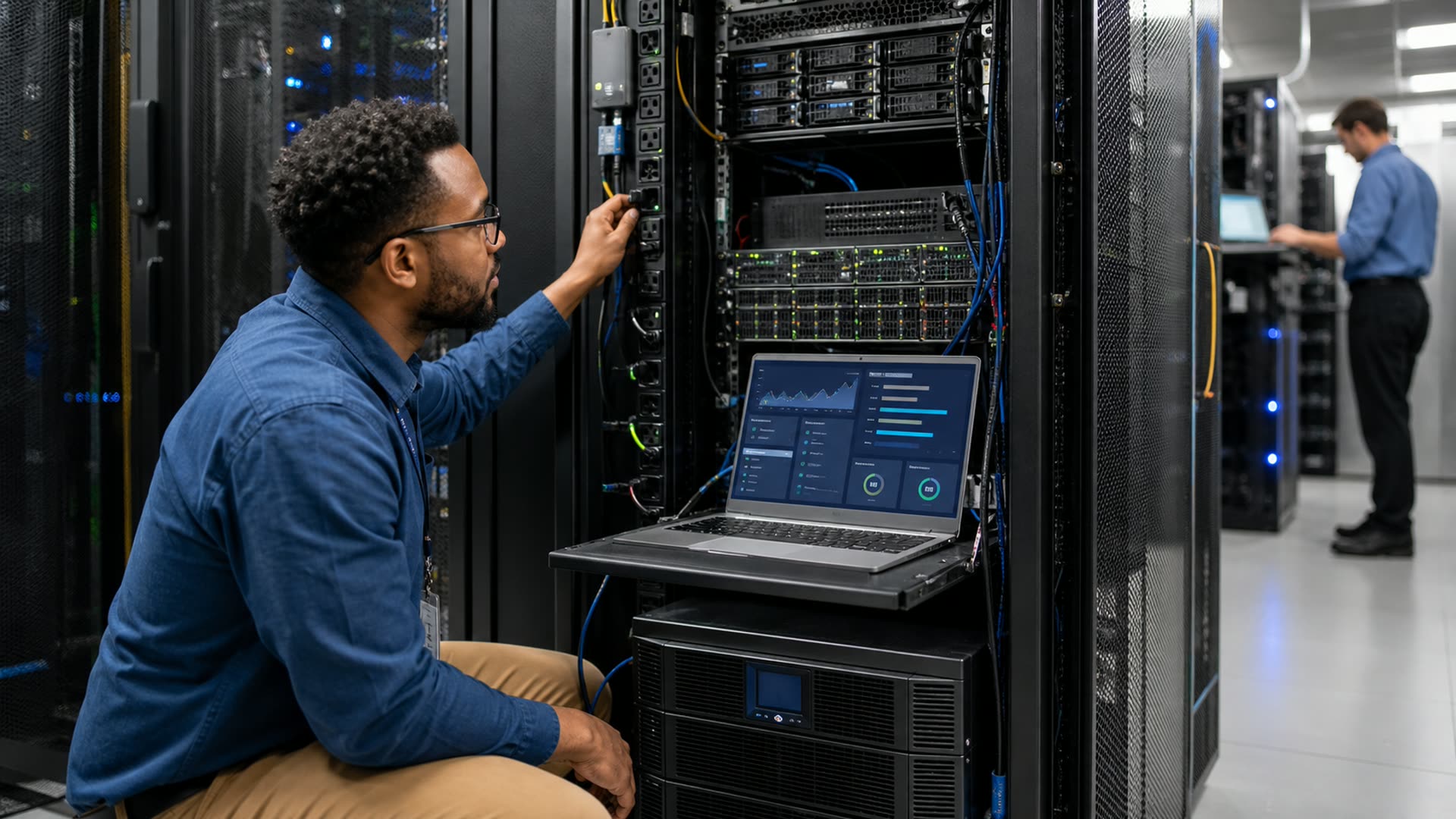
Turning a Rack Power Fleet From Blind to Observable
Most rack and closet outages start as a blind spot, not a failure — a circuit nobody was watching, a battery nobody polled, an outlet nobody could reach remotely. Here is the upgrade path from a basic power strip to a fleet you can meter, alert on, and reboot from anywhere.

The Hardware Behind a Backup Ransomware Can't Encrypt
Attackers delete or encrypt backups before they ever trigger the ransom note. Here is the storage hardware — immutable, air-gapped, and separate from what you restore into — built to survive that step.
Specifying an IP Camera System That Won't Choke Your Network
Camera count is the easy number on an RFP. Getting resolution, PoE power budget, switch uplinks, and NVR throughput right is what decides whether the system still works after installation.
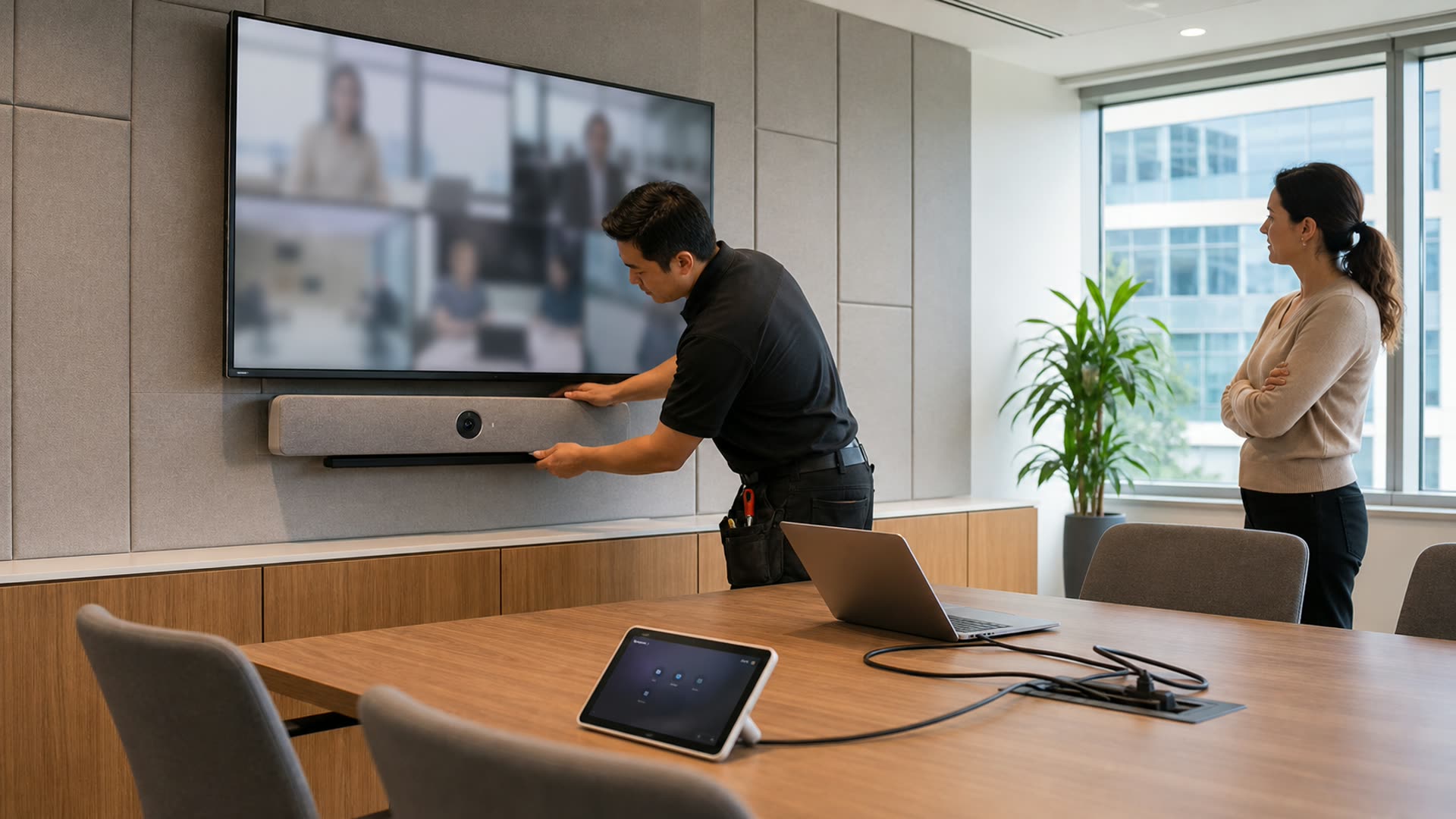
Building a Meeting Room BOM for Hybrid Work
A meeting room retrofit is a parts list before it's a project: video bar or modular camera, display size, and microphone coverage all follow from room depth and seating, not the platform you pick. This guide works through the hardware, in the order it actually gets specified.

The Windows 10 End of Life Refresh Playbook
End of support means no more security updates. Here is how to sequence a fleet refresh — audit first, cost the ESU bridge honestly, and time the buy against 2026 hardware pricing.
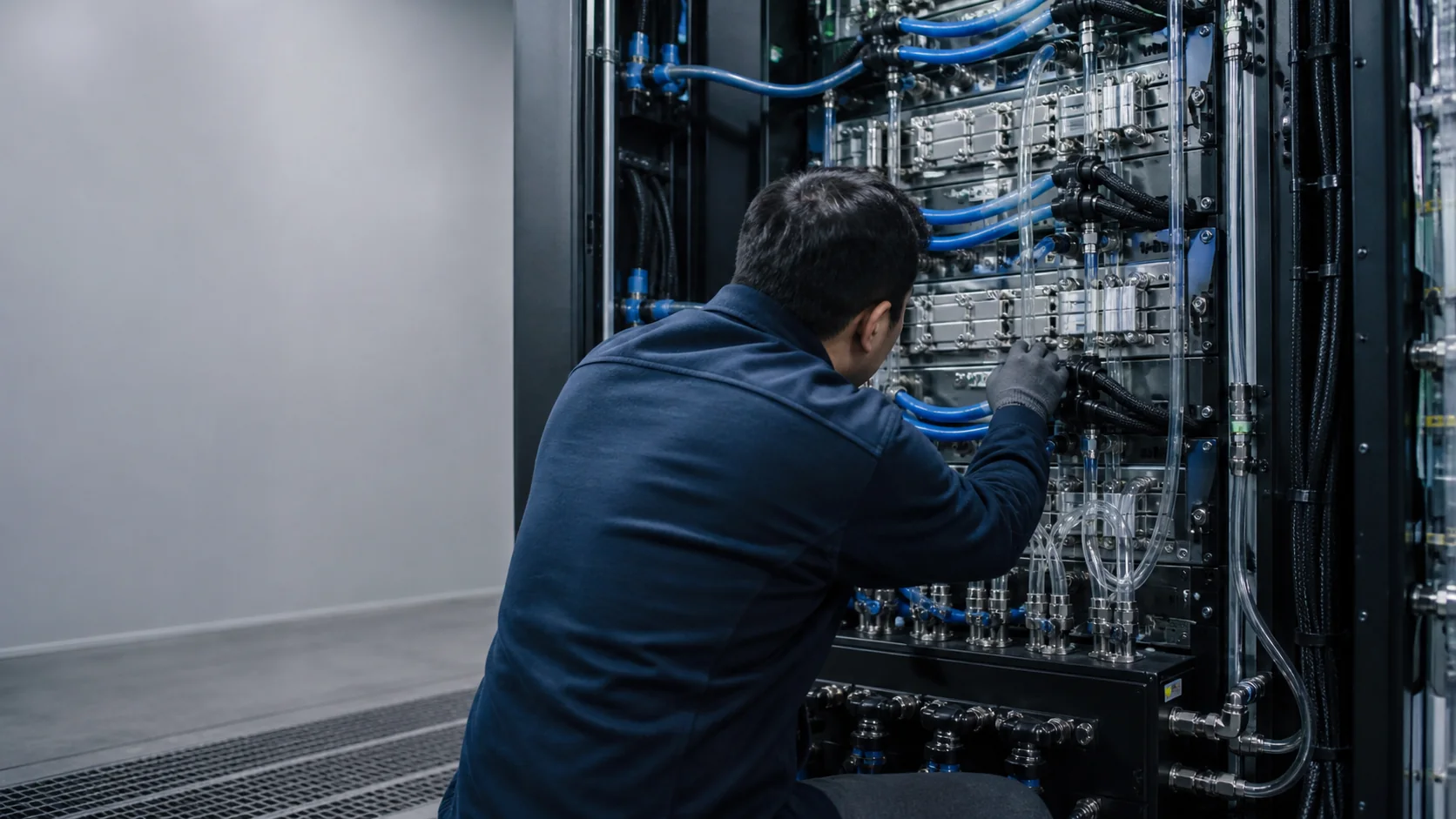
High-Density GPU Rack Power and Liquid Cooling: A Facility Readiness Guide
Modern AI systems span very different facility classes. NVIDIA's DGX B200 documentation lists a maximum input power of 14.3 kW for one 10U appliance. A rack of multiple servers plus switches and storage can move far higher. NVIDIA's GB300 NVL72 reference architecture states that a complete liquid-cooled rack can reach 142 kW. “GPU rack” therefore is not a sufficient planning unit.
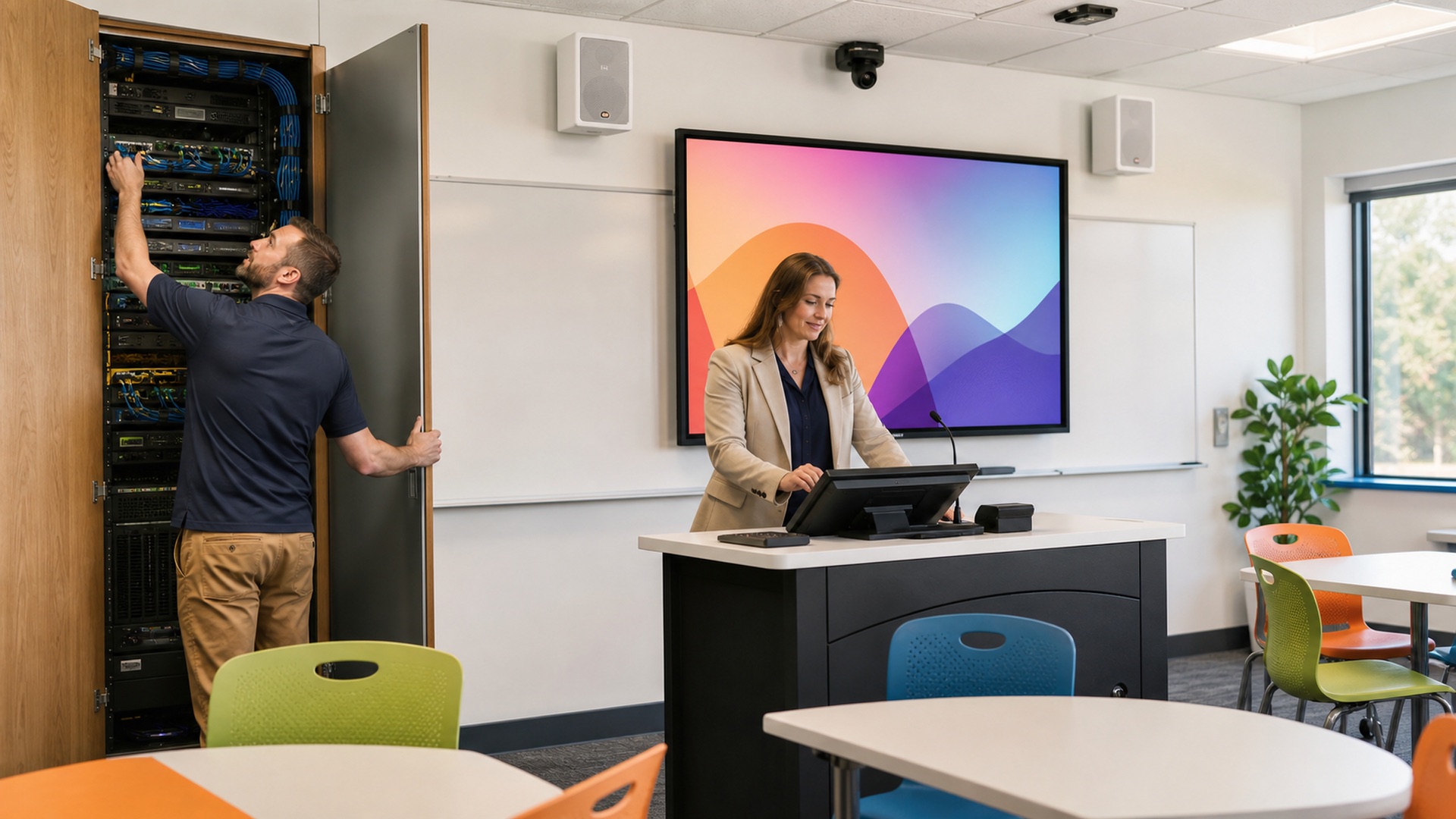
AV-over-IP Classroom Design Requirements: What to Specify Before the RFQ
AV-over-IP turns cabling into a network design problem. The specification questions answered before the RFQ are the ones that keep a rollout from getting redesigned mid-install.

GPU Server Total Cost of Ownership: What a First Cluster Really Costs
The accelerator invoice is the smallest line item in a GPU buildout. Power, cooling, rack density, and network fabric decide what your first cluster actually costs to stand up and run.
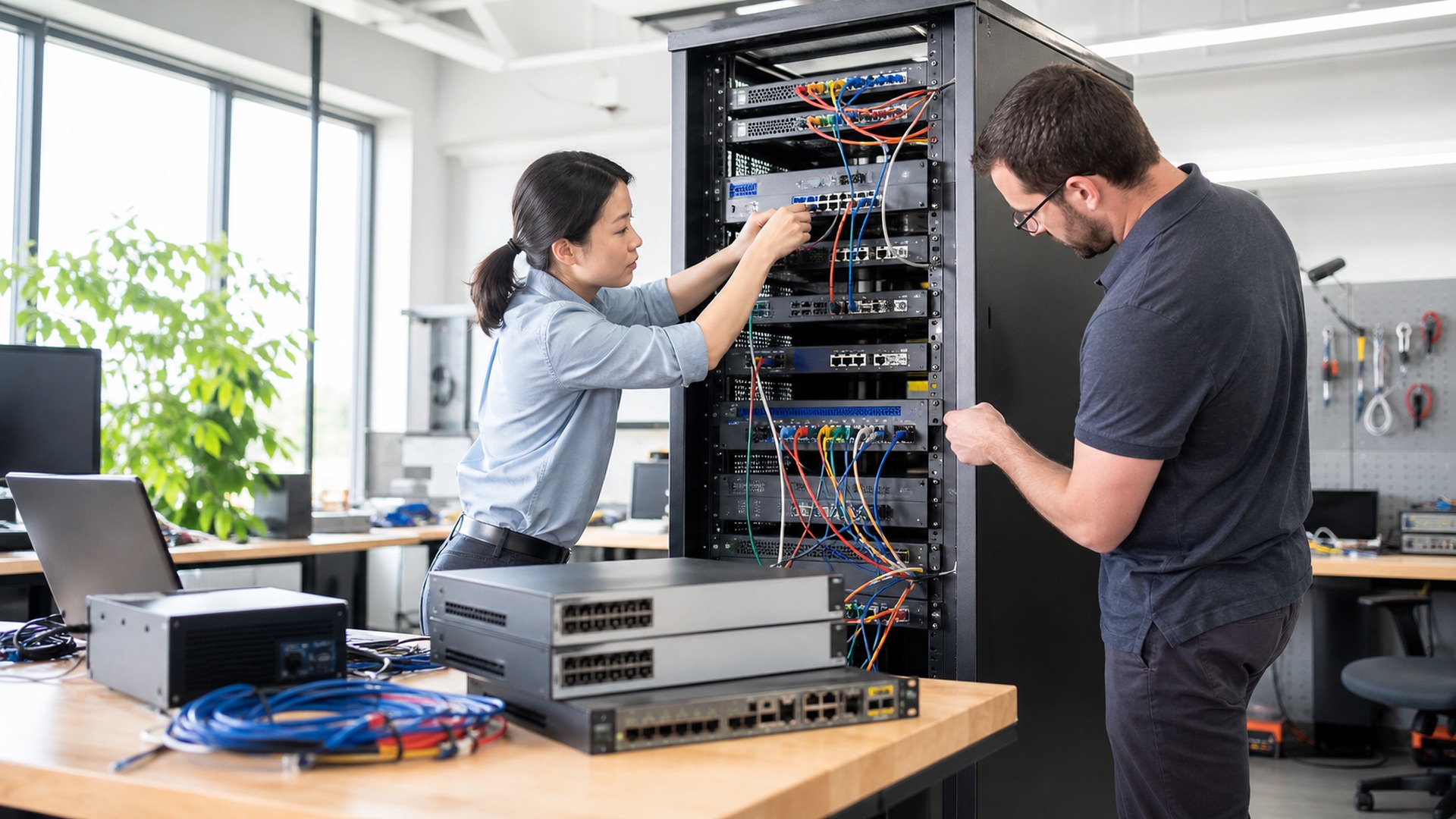
The Firewall Vendor Consolidation Checklist: What to Verify Before You Collapse Three Platforms Into One
Merging branch, data-center, and cloud firewalls under one vendor sounds simple on a slide. The rule-base, licensing, and support questions that decide whether it actually works are not.
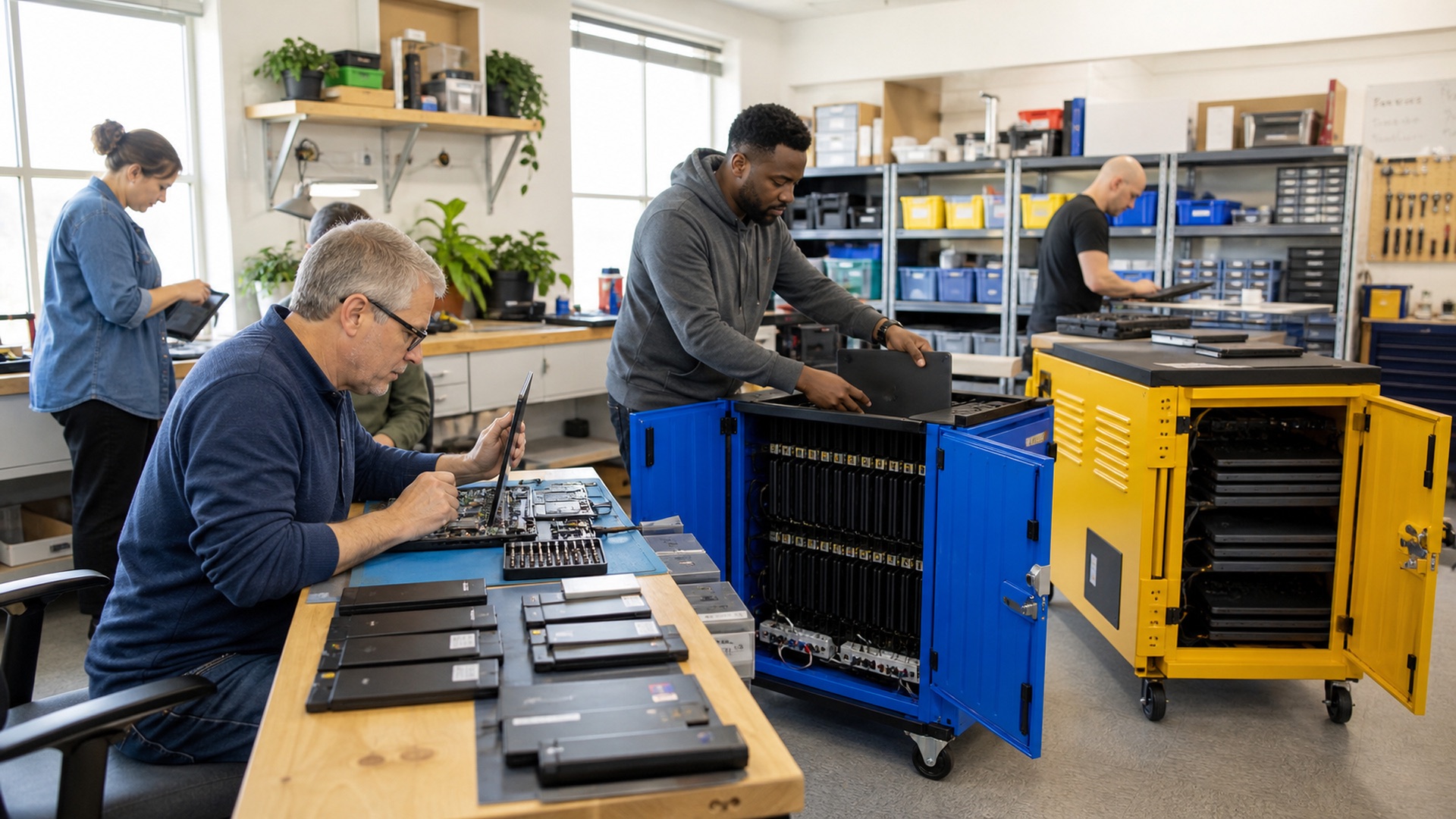
1:1 Device Program Total Cost of Ownership: The K-12 Lifecycle Math Districts Skip
The purchase order is the smallest line item in a 1:1 program's real cost. The bigger numbers show up eighteen months later, in the repair queue and the redeployment cart.

Video Surveillance Storage Sizing for Government Agencies
Camera counts make for an easy budget line. Retention requirements are what actually determine whether that number holds up under review.
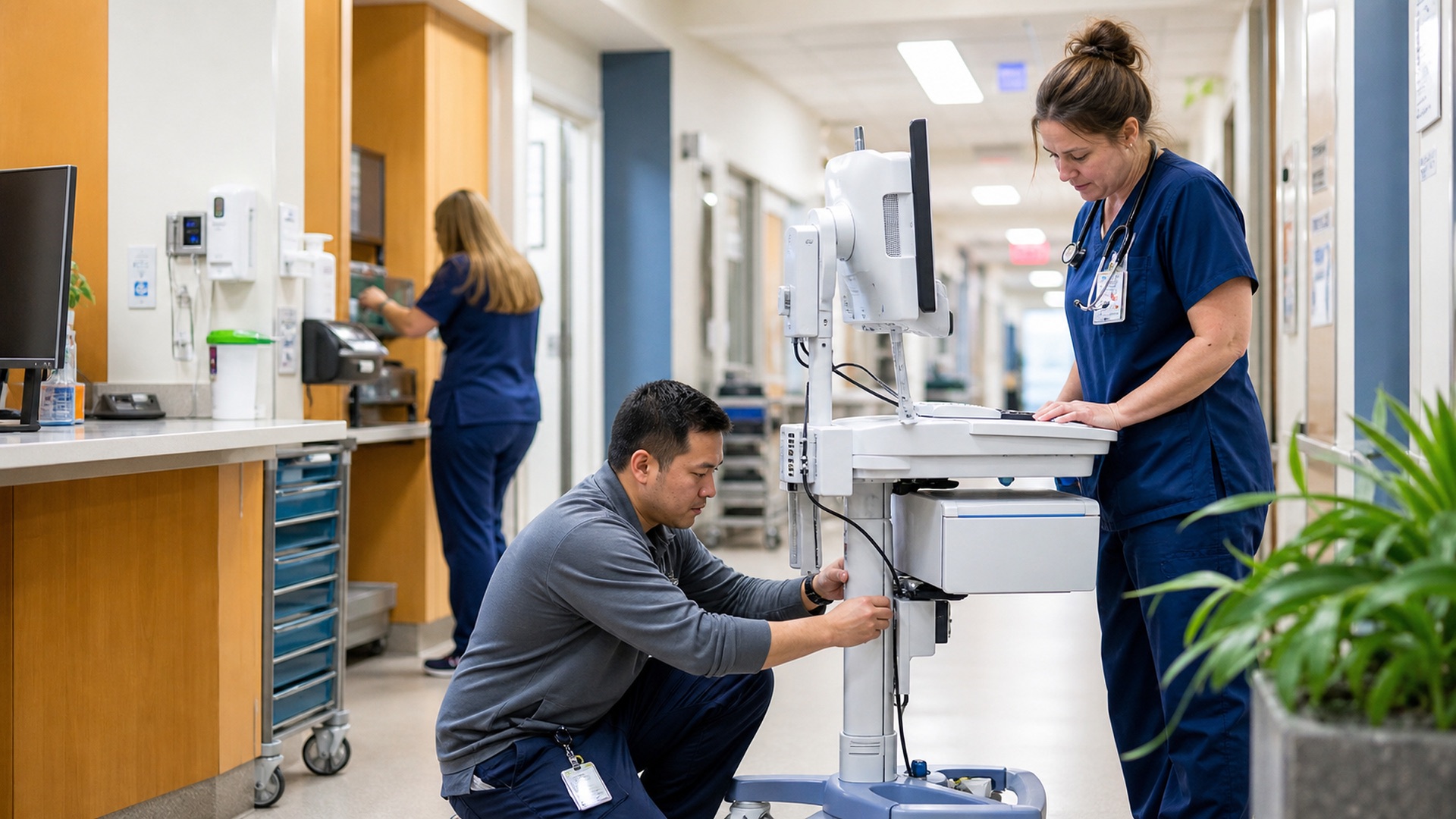
Workstation on Wheels Lifecycle Management: The Refresh Model Nobody Budgets For
A WOW cart takes hallway collisions, constant docking, and twelve-hour shifts that a desktop never sees, yet most fleets still budget it on a desktop refresh clock. That mismatch is where the money leaks.

Cat6 vs Cat6A: The Real Cost of a Cabling Refresh, Line by Line
The spec sheet says 10 Gb to 100 meters. The invoice says conduit fill, bend radius and PoE thermal margin. How the Cat6 vs Cat6A choice actually prices out.
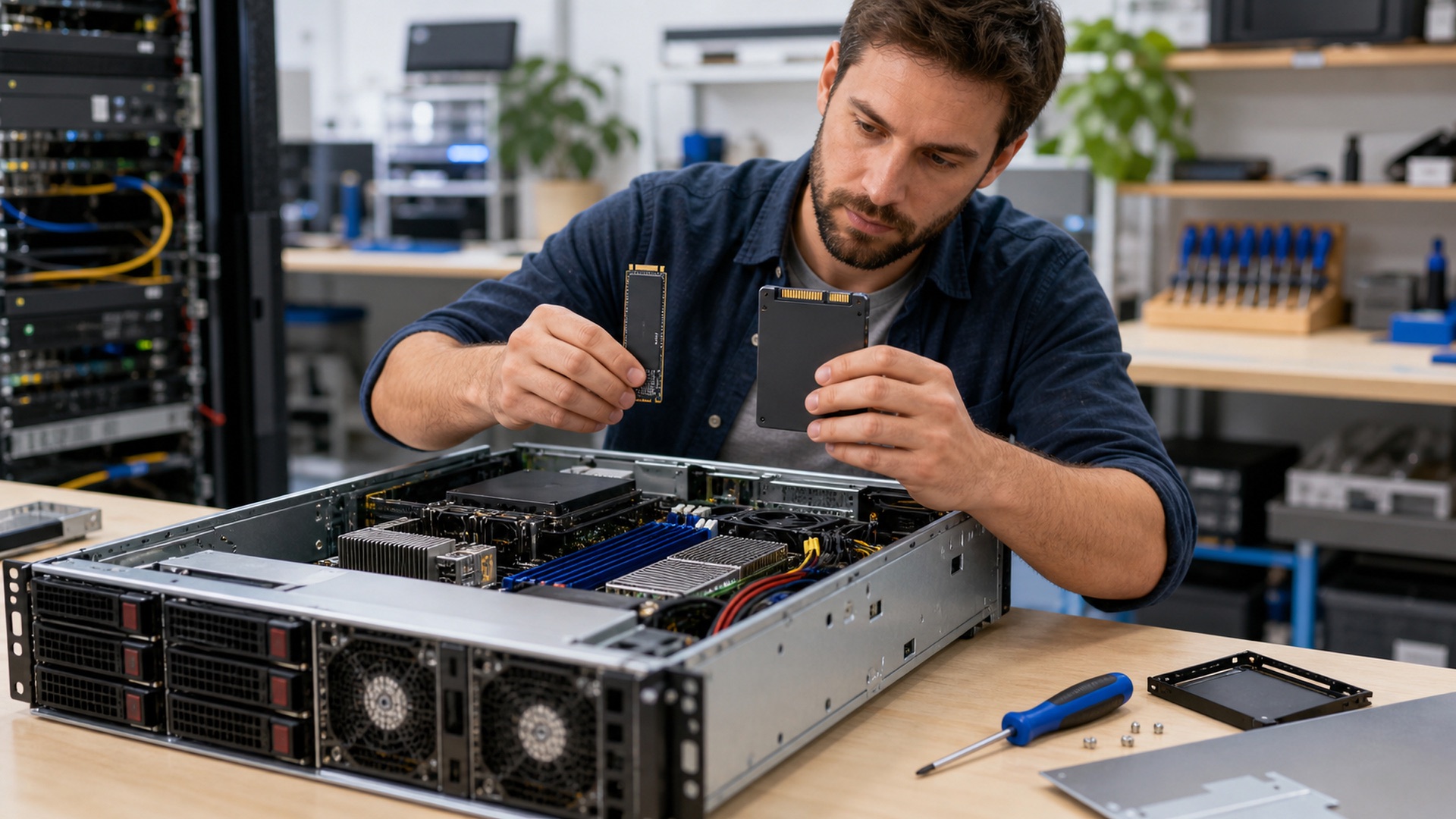
NVMe vs SATA SSD in a Server Refresh: When the Premium Pays
The spec gap is textbook. The refresh decision is not: queue depths, U.2/U.3 backplanes, endurance classes and mixed-tier designs decide when the NVMe premium pays.

Tower Server vs Rack Server: Which Fits a Branch or Small Site?
No server closet, a workspace within earshot, and a growth plan: making the tower vs rack call for branch sites — and when a short-depth rack beats both.
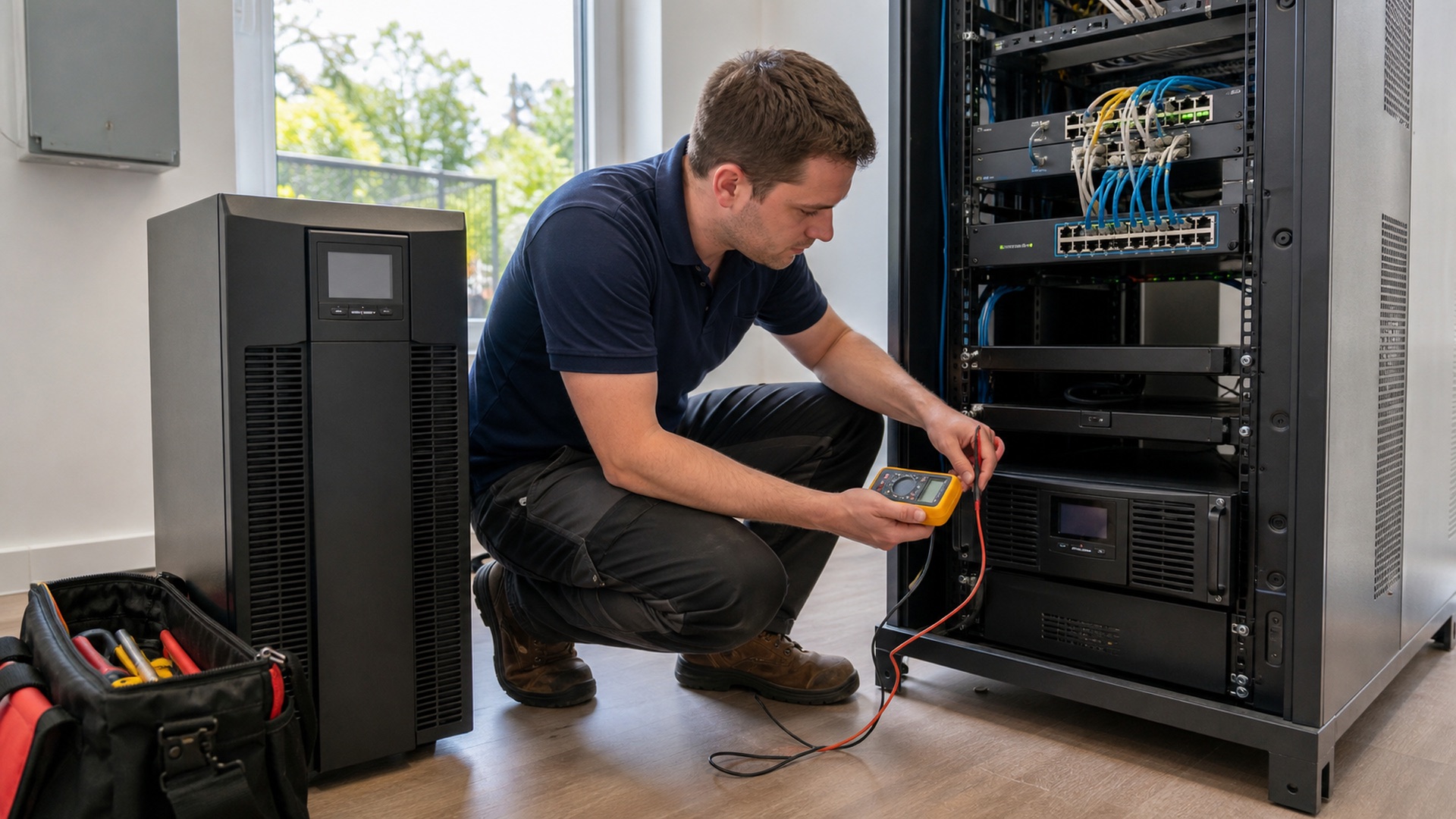
Line-Interactive vs Online UPS for Network Closets and Edge Racks
Transfer time, generator compatibility, runtime sizing, and battery lifecycle cost — the four inputs that decide UPS topology for network closets and edge racks.

Wi-Fi 6E vs Wi-Fi 7: The Upgrade-Timing Math for Network Buyers
Both standards use the same 6 GHz spectrum. The real decision is client readiness, MLO maturity, PoE budgets and switch ports — here is the upgrade-timing math.
Free Guide · Compliance
TAA Compliance Checklist for Federal IT Buyers
A practical, line-by-line checklist for confirming Trade Agreements Act compliance before hardware ever reaches a contracting officer's desk.