
TAA Monitors for Agencies: Compare Dell Pro Options and Build a Better Bulk Quote
Build a clearer agency monitor purchase: verify origin for the exact SKU, compare 22- to 32-inch options, match your BOM and request a complete bulk quote.
By Uniqcli Team · · 10 min read
Key takeaways
- Treat TAA status as a requirement to verify for the exact offered SKU and acquisition.
- Keep the model name, orderable part number and origin documentation together.
- Distinguish screen-size classes from actual viewable diagonal measurements.
- Check connections, stand or arm compatibility and included cables before approving a substitute.
- Build bulk pricing around complete workstations, delivery locations and receiving constraints.
- Specify card or PO purchasing requirements early and confirm the quoted terms.
On this page
A monitor refresh can look straightforward until the quote reaches procurement. The requested model may have several orderable variants. A replacement may fit the desk but omit the required connection. A product listing may describe a professional display without providing the origin documentation needed for the purchase.
For buyers researching TAA monitors for agencies, the useful starting point is an exact, documented configuration. Screen size matters, but so do the manufacturer part number, country-of-origin evidence, accessories, quantity and delivery schedule.
This guide explains how to compare monitor options from 22 to 32 inches, evaluate Dell Pro 22- and 24-inch examples, match displays to a bill of materials and request a bulk quote that supports the agency's purchasing process.
What to verify when buying TAA monitors
Where the Trade Agreements clause applies, FAR 52.225-5 addresses delivery of U.S.-made or designated-country end products, with provisions for identified exceptions. The clause contains definitions that matter to the determination; a brand's headquarters location is not the test. Start with the solicitation and applicable acquisition requirements. FAR 52.225-5, Trade Agreements.
For the buying team, the practical action is to request written support for the exact product being offered. “Dell Pro monitor” is a family description. Even a familiar model name may not contain every identifier needed to reconcile a quote with an approved order.
Ask the supplier to identify the full manufacturer part number, its ordering identifier and the origin documentation associated with that item. Have the responsible procurement official review whether the evidence satisfies the applicable requirement. If a substitute is proposed later, repeat the review for that substitute.
Country of origin, often shortened to COO, is a piece of the purchasing record. Do not turn a country name on a loosely related listing into a blanket conclusion about a complete monitor family. No model example in this guide is represented as verified TAA compliant for your order.
Start with a workstation standard
Before comparing prices, define what a monitor needs to do at the desk. A reception counter, an analyst's workstation and a shared training room can require different displays even within the same agency.
Describe the main applications, available desk space, seating arrangement and computer connections. Decide whether workers need one screen or two and whether the monitor will use its supplied stand or an existing arm.
A simple standard might specify a screen-size range, minimum resolution, required video input, adjustable stand and a defined cable set. Another might require compatibility with an existing dock and a mounting arm already installed across the office.
Keep mandatory requirements distinct from optional improvements. That lets procurement evaluate alternatives without reopening every decision. It also prevents a quote from appearing cheaper because the offer omitted an essential stand, cable or adapter.
Compare 22- to 32-inch monitors by the task
Screen size is a useful filter, but a larger diagonal does not automatically mean more useful workspace. Resolution, scaling and viewing distance also influence how much information a person can comfortably use.
22-inch class
A useful starting use case: Compact desks, counters and constrained dual-screen layouts. Check before selecting: Actual panel width, text size and viewing distance.
24-inch class
A useful starting use case: General office work and common dual-monitor arrangements. Check before selecting: Desk depth, stand footprint and matching connections.
27-inch class
A useful starting use case: Larger documents, spreadsheets and flexible multitasking. Check before selecting: Resolution, scaling and comfortable placement.
32-inch class
A useful starting use case: Large single-screen layouts and detailed information review. Check before selecting: Available width, viewing distance and mounting capacity.
Use this table to organize a shortlist, not to assign a screen size to every job title. Put a representative workstation in front of users and open the applications they use all day. A display that looks appealing in an empty office can feel awkward once a keyboard, reference materials and a second screen share the desk.
For dual-monitor purchases, check the total width of the setup and how the stands fit together. If one screen will rotate vertically, test that arrangement with the intended mount and cable lengths.
TAA monitors to shortlist
LG Electronics
LG 24BA450-B 24" Class Full HD LCD Monitor
$265.63*In stockLG Electronics
LG 24BP450Y-I 24" Class LCD Monitor
$265.63*In stockLG Electronics
LG 27BA450-B 27" Class Full HD LCD Monitor
$318.75*Back-orderedASUS Computer International
Asus BE27AQG 27" Class WQHD LED Monitor
$325.85In stock
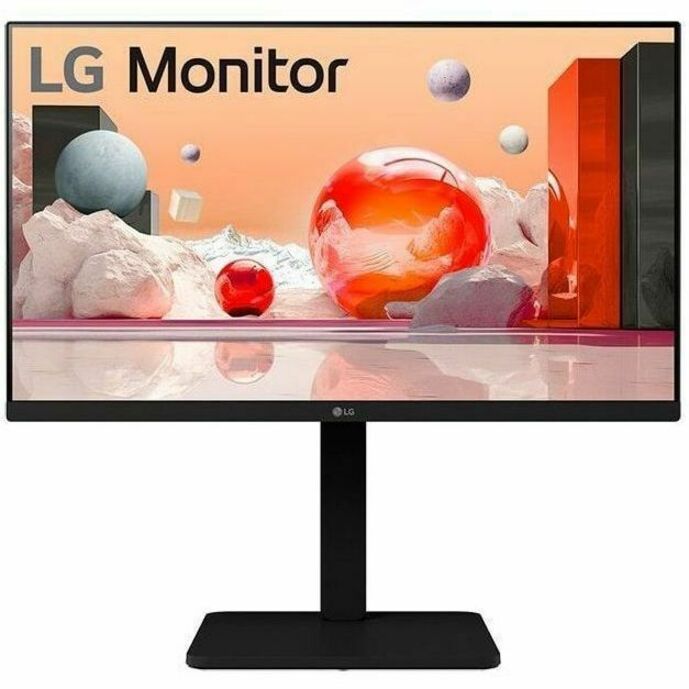
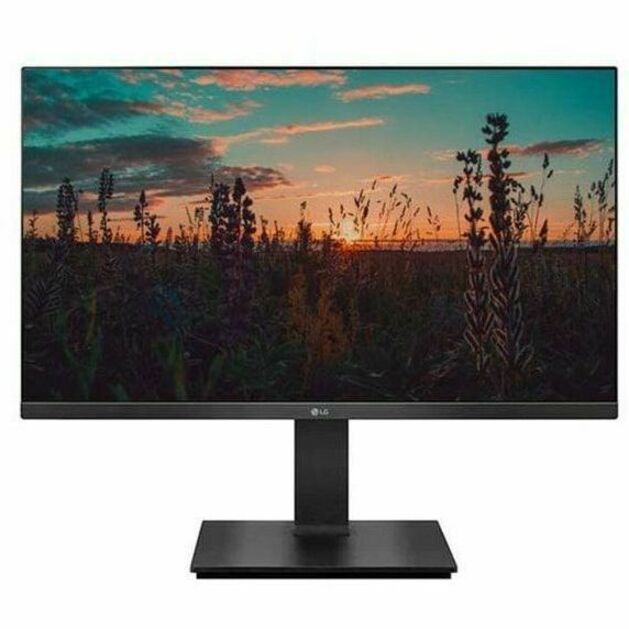
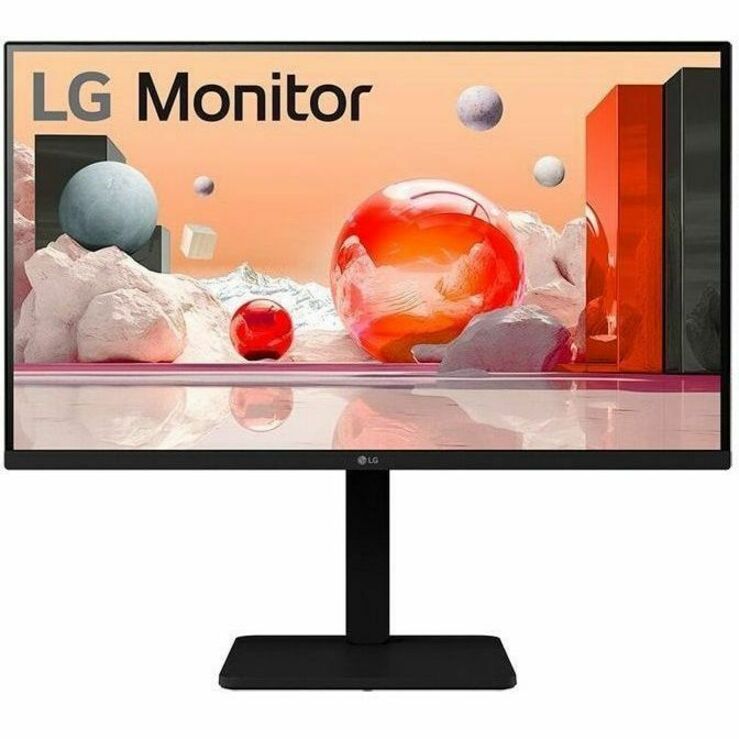
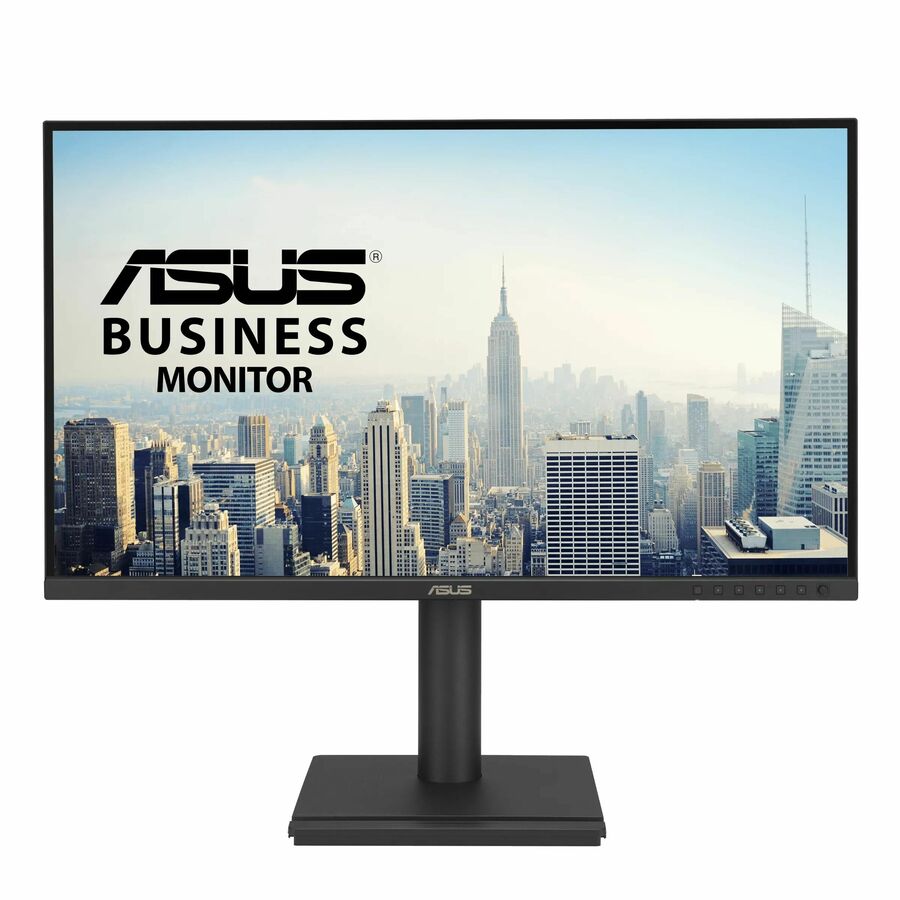
LG 24- and 27-inch business monitors and an Asus WQHD model, each with the TAA designation in the vendor's own title. Price and availability resolve from the live catalog.
Dell Pro 22 and 24: read the exact specifications
Dell's P2225H is presented as a Dell Pro 22 Plus monitor, with a 21.5-inch viewable diagonal. Dell's P2425H is presented as a Dell Pro 24 Plus monitor, with a 23.8-inch viewable diagonal. Both cited specifications list a 1920 × 1080 resolution. These examples show why a “22-inch” or “24-inch” purchasing description should distinguish the marketed size class from the actual panel measurement. Dell P2225H specifications and Dell P2425H specifications.
That distinction can matter when the requirement names a minimum viewable diagonal. If the specification literally requires 24 inches of viewable area, a 23.8-inch panel needs an explicit review rather than an assumption that the size class is sufficient.
Use these models as reference points for the comparison, then request current orderable options that meet the full requirement. The manufacturer specifications establish technical characteristics; they do not establish Uniqcli stock, quoted price, delivery timing or TAA status for a purchase.
When asking about Dell Pro monitor options, include both the model and any part number already present on the agency's approved list. That helps identify whether an offer is an exact match or a proposed alternative.
Monitor pages to work from
Check the entire connection path
An input on the monitor must work with the computer or dock, the cable and the intended display arrangement. Inventory those items before choosing a replacement.
USB-C deserves particular attention because the connector shape does not establish every supported function. For example, Dell describes the P2425H's USB-C connection as a downstream data port with up to 15W power delivery; that specification should not be mistaken for a complete single-cable laptop docking connection. Dell P2425H connectivity details.
For each workstation standard, write down the connection path in plain language: computer to dock, dock to monitor, and monitor to any peripherals. List the cable type and required length for each link. Have IT validate the arrangement with the actual equipment before ordering a large quantity.
Also ask what is in the box. Included cables may differ from the cables your rollout requires. A separately priced cable line makes the deployment cost visible and gives receiving staff a way to check that each kit is complete.
Match monitors to your BOM without losing details
A bill of materials, or BOM, should identify everything the installation team expects to receive. Keep monitor model, orderable SKU, quantity, accessories and any required documentation on the same approved record.
If the BOM says “24-inch Dell monitor,” add enough detail to eliminate ambiguity. Specify whether the stand is required, which input must be present and whether an existing mount will be reused. Record any approved alternate as its own line with an explanation of the differences.
Consider a hypothetical refresh of 60 desks with two displays per desk. The monitor quantity is 120, but the purchasing brief still needs to address mounts, cables, spares and delivery locations. A quote for 120 panels alone may not represent 60 ready-to-use workstations.
Require written approval before substitutions. Similar size and appearance do not establish matching ports, accessories, documented origin or support. Preserve the final approved BOM so receiving staff have a stable list to check against the shipment.
Make bulk monitor procurement easier to receive
Bulk orders create a physical project as well as a purchasing project. Plan where the boxes will go, who will receive them and how quickly installation can begin.
Tell the supplier whether the delivery goes to a loading dock, a small office or several sites. Ask how the shipment will be packaged and whether the delivery estimate applies to the full quantity. Confirm any appointment requirements or access restrictions before the order is released.
For a staged refresh, identify the quantity needed in each wave. Separate the requested installation date from the shipment date so the schedule has room for receiving and inspection. If a split shipment is acceptable, state which quantities are useful on their own.
At receiving, compare delivered identifiers and quantities with the approved quote. Check for damage promptly and follow the seller's documented reporting process. Keep enough packing information to connect any issue with the relevant order and shipment.
Request monitors for card or PO purchase
The intended payment method belongs in the first quote request. Card purchases may require a specific authorized purchaser and transaction process. PO purchases need the correct purchasing entity, billing details and an agreed order-submission process.
Ask for unit pricing, extended totals, shipping charges, quote validity and payment terms in writing. Confirm how any required tax documentation is handled. Do not assume that a purchase order automatically creates credit terms or that a budget estimate reserves stock.
Keep the technical approval and purchasing approval connected. When the final order references a quote, ensure that quote is the version containing the approved SKUs, required documentation and delivery details. A late revision should be easy for both teams to identify.
Bulk monitor quote checklist
Include the following in a monitor quote request:
1. Exact model and manufacturer part number, or a clear minimum specification.
2. Quantity by location, including any planned spare units.
3. Screen-size class, minimum viewable size and resolution requirements.
4. Required video inputs, computer or dock models and cable needs.
5. Stand, arm or other mounting requirements.
6. Applicable origin, trade agreement and other documentation requirements.
7. Need-by date, delivery restrictions and partial-shipment preferences.
8. Purchasing method, quote recipient and substitution approval rules.
If the model is still open, ask for a small number of documented alternatives. Request a clear explanation of differences so the comparison does not collapse into unit price alone.
Frequently asked questions
Are all Dell Pro monitors TAA compliant?
Do not assume family-wide compliance. Request evidence for the exact offered SKU and have procurement assess it against the acquisition requirements. A technical specification page and a familiar model name do not replace that review.
Is a 24-inch monitor always 24 inches viewable?
No. Size classes and actual viewable diagonals can differ. The cited Dell P2425H specification lists a 23.8-inch diagonal. Write the requirement clearly and verify the actual measurement before accepting a model as a match.
What information is needed to confirm COO by model?
Provide the full manufacturer part number and any ordering identifier on the quote. Ask for origin documentation tied to that offered item. If the supplier proposes another SKU, request documentation for the replacement rather than carrying over the original conclusion.
Can a similar monitor replace a model on our BOM?
It can be evaluated as an alternative if the purchasing requirements allow it. Compare resolution, viewable size, connections, mounting, accessories and required documentation. Obtain approval before changing the orderable part number.
What makes bulk monitor quotes easier to compare?
Use the same quantities, required specifications, accessory list, delivery locations and documentation requirements for every request. Compare the total delivered workstation cost and timing alongside unit price, and make all exceptions visible before approving an order.
How much do TAA compliant monitors cost?
It depends on size class, resolution, panel type and stand, so budget against the exact part number rather than the size. The TAA monitors page lists current prices by model, and a bulk quote prices the monitors, cables, mounts and spares per workstation and per delivery location.
Which monitor brands offer TAA compliant models?
LG and Asus carry TAA-designated models in the vendor's own title, more brands are listed on the TAA monitors page, and Dell Pro monitors with TAA in the vendor's title are listed on this site and on the Dell storefront. The designation belongs to the specific part number, so ask for it by model when you request the quote.
Does Uniqcli verify country of origin for monitors?
Country of origin is verified on request for the exact part number and the units allocated to your order; the vendor-reported origin shown on a product page is a starting point, not the determination. Ask for it in the quote request and name the requirement it has to satisfy.
Is there a discount for buying monitors in bulk?
Volume pricing is quoted per order, so send the quantity by location and the delivery schedule with the request. Splitting a refresh into waves is fine; say which quantities are useful on their own so each wave can be priced and scheduled.
Can agencies buy monitors with a purchase order or a purchase card?
Yes to both. Purchase orders are accepted, net terms are available on approval, and cards are accepted online for smaller orders. Name the route and the billing entity in the first request.
Do the monitors include cables and a stand?
It depends on the part number: most business monitors ship with a stand and one video cable, but the connector type and length vary by model. The quote lists what is in the box per model, and any extra cables or mounts as their own lines.
Move from a monitor shortlist to a documented order
Explore Uniqcli's monitor category or Dell options through Uniqcli, then request a monitor quote with your BOM and purchasing requirements.
A clear model list gives IT a configuration it can support and gives procurement an offer it can evaluate. Add the required origin evidence, complete accessories and a realistic delivery plan, and the monitor refresh becomes much easier to execute.
Request a bulk monitor quote
Send the models or the workstation standard, quantities by location, cable and mount needs, and the purchasing method. Origin verification on request, by SKU.
Sources
- 1.Acquisition.gov: FAR 52.225-5, Trade Agreementsacquisition.gov
- 2.Dell Pro 22 Plus P2225H specificationsdell.com
- 3.Dell Pro 24 Plus P2425H specificationsdell.com