
How to Connect Two or Four DGX Sparks
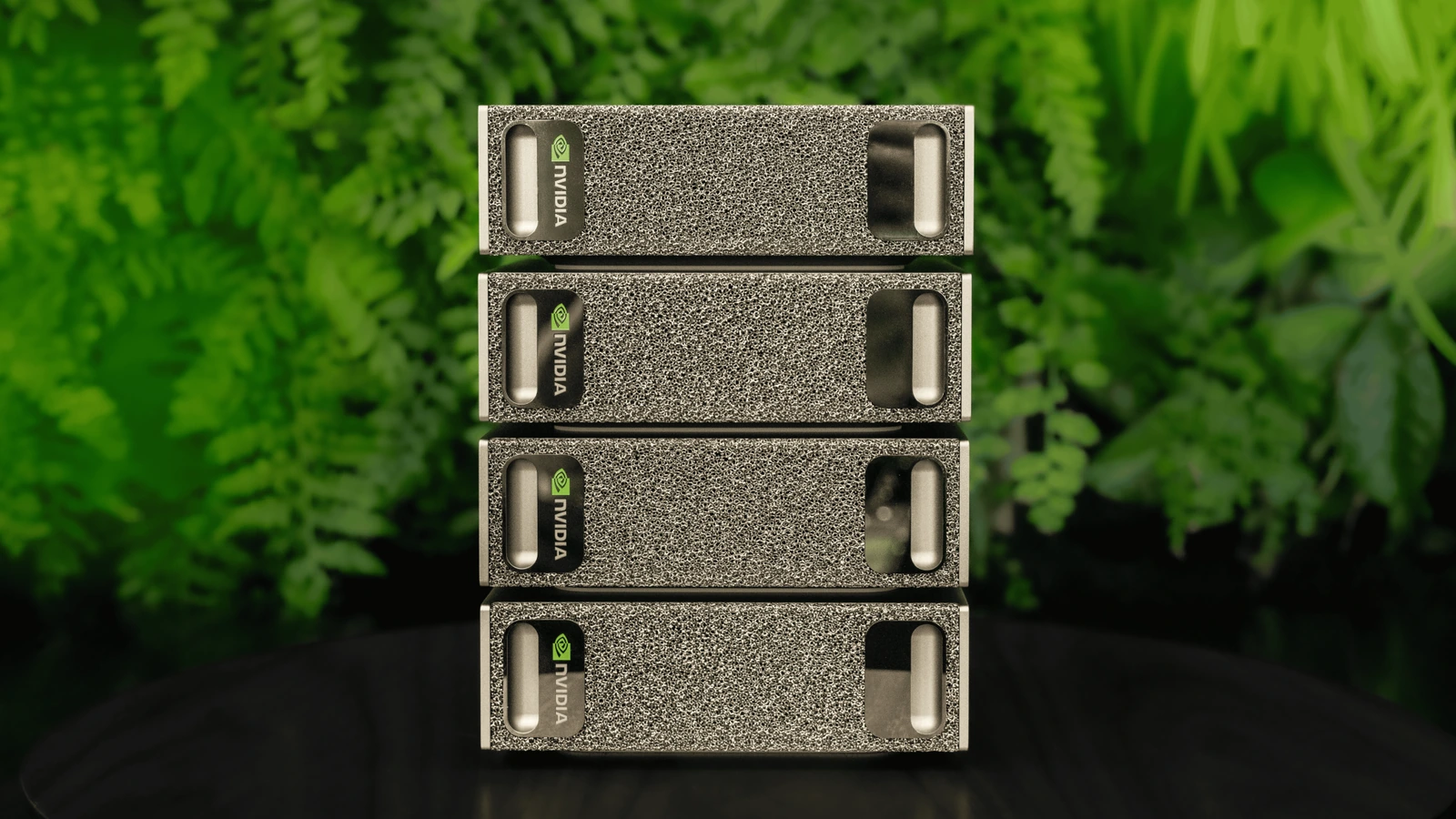
Connect two Sparks with one supported cable, or wire four through a 200 GbE switch for NVIDIA Sync. The four-node manual ring is a separate path.
By Uniqcli Team · · 9 min read · Updated
Key takeaways
- For two nodes, connect one supported QSFP cable directly between the Sparks, then use NVIDIA Sync Cluster Assistant to configure and test the link.
- For a guided four-node setup, connect one cable from the same QSFP port on each Spark to its own 200 Gb/s switch link. Put all four switch links on the same Layer 2 network.
- NVIDIA also documents a four-cable direct ring for four Sparks, but that ring requires its manual setup path; Sync Cluster Assistant does not configure it.
- In Sync, select the nodes, confirm four 200 Gb/s links, run the link tests and save the SSH and network details. Then run a separate distributed workload playbook.
- The nodes keep separate memory. Cabling and Sync configure communication; they do not turn four 128 GB machines into one 512 GB computer.
On this page
If you have one DGX Spark and your model is close to its memory limit, buying a second box sounds simple. The hard part is what happens after you connect them. The model runner has to split the work, the high-speed link has to negotiate correctly, and someone has to prove that the result is actually faster or more capable than one machine.
NVIDIA's published examples use 128 GB systems; a 64 GB OEM option also exists. Name the memory tier of every unit in a quote. The two-machine connection comes first below, followed by what changes at four.
DGX Spark Connection Requirements: 2 vs. 4 Systems
Two DGX Spark systems can connect directly through a supported QSFP cable without a network switch. For a guided four-system cluster, each DGX Spark connects to a compatible 200GbE switch using its high-speed ConnectX-7 interface.
NVIDIA Sync Cluster Assistant supports direct connections for two or three systems and switched configurations for up to four. A four-system direct ring is a separate manual configuration and is not supported by the guided Cluster Assistant.
What changes when you connect DGX Spark systems?
Each DGX Spark has its own GB10 processor, memory, storage and operating system. NVIDIA's 128 GB configuration gives its CPU and GPU coherent unified memory within that single system. The ConnectX-7 network moves data between systems; it does not make their memory one flat pool that an ordinary application can address without modification.
For a larger model, distributed inference software divides model work across nodes and exchanges intermediate results over the network. NVIDIA's multi-node vLLM recipe, for example, runs a tensor-parallel rank on each system, with each rank holding part of the model. A framework that runs only on one node still sees that node's capacity. Operating system use, model overhead and the chosen context length also reduce the memory available for weights and active requests.
There is another way to use extra systems: run separate jobs or model replicas when each fits on one node. That can improve throughput or give researchers independent environments without paying the communication cost of splitting one model. NVIDIA says NYU's Global AI Frontier Lab runs its radiology-report evaluation workflow locally on a single Spark. That example is a useful reminder that node count follows the work, not the ambition of the project.
Connect two Sparks directly
NVIDIA lists 256 GB of aggregate memory for two 128 GB DGX Spark systems and describes this configuration for larger-model inference and faster fine-tuning. Its product table cites inference on models up to 400 billion parameters. That is a platform example, not a guarantee for every checkpoint, precision, context window or serving framework.
- Step 1 — Set up and update both Sparks. Put them on the same ordinary management LAN, make sure you can reach each by SSH with a sudo-capable account, and add both to NVIDIA Sync.
- Step 2 — Connect one NVIDIA-listed QSFP cable directly between the units. NVIDIA's manual playbook uses the matching QSFP ports on both ends: port 0 to port 0, or port 1 to port 1. Viewed from the back, port 0 is closer to the Ethernet jack. One cable is enough; a second parallel cable does not increase performance.
- Step 3 — In NVIDIA Sync, open Settings, Cluster Assistant, then Add New Cluster. Select both Sparks. Let Sync check OS, SSH, cabling and negotiated speed; confirm its network configuration, run its link test, then save the network and SSH details it reports.
Each Spark has two QSFP ports capped at 200 Gb/s. NVIDIA's current guide lists specific short Amphenol and Luxshare cables. A generic cable with the right connector or a 400G label is not automatically approved. Power and the management LAN remain separate from this high-speed link.
For a direct connection between two DGX Spark systems, NVIDIA lists three supported cable options: **Amphenol NJAAKK-N911 (0.4 m)**, **Amphenol NJAAKK0006 (0.5 m)**, and **Luxshare LMTQF022-SD-R (0.4 m)**. These part numbers are specific to the direct Spark-to-Spark connection. Before purchasing, check NVIDIA's latest compatibility guidance rather than relying on connector type or advertised cable speed alone.
Need to source the cable for your DGX Spark setup? Uniqcli's DGX Spark Cables and QSFP Finder lets you explore available cables by length, rated speed and connector type. For a direct two-system connection, confirm the NVIDIA-listed part number before ordering. For switched configurations, verify the complete cable and switch connection path.
A pair is a sensible first quote when one 128 GB system cannot hold the intended model, when a tested two-rank serving recipe exists, or when a team wants two development nodes that can also be linked. Ask for a pilot with the intended model and prompt length before assuming a two-node design meets a latency target.
Connect four Sparks through a switch with NVIDIA Sync
NVIDIA lists 512 GB of aggregate memory for four 128 GB Sparks and illustrates inference on models up to 700 billion parameters. Here is the guided connection path, not a promise that every 700B checkpoint will fit or run well.
- Step 1 — Prepare four updated Sparks on the same management LAN with SSH and sudo access. Add all four to NVIDIA Sync. Choose four compatible QSFP cables and a switch that can present four separate 200 Gb/s Ethernet links.
- Step 2 — Configure the four Spark-facing switch links on the same Layer 2 bridge or VLAN. A 400 Gb/s switch port may need a 2 × 200 Gb/s breakout. Keep the default MTU for this topology, save the switch configuration and check that each link negotiates at 200 Gb/s.
- Step 3 — Choose port 1 on every Spark, viewed from the back, and run one cable from each Spark to a different switch connection. Port 0 on every Spark is also valid; use the same port number on all four. Do not mix direct Spark-to-Spark cables with switch cables.
- Step 4 — Open NVIDIA Sync Settings, Cluster Assistant, Add New Cluster and select all four devices. Sync checks OS and user access, detects the four links, configures the network and tests each link against its 184 Gb/s lower bound. Resolve a failed or slow link, then let Sync configure inter-node SSH. Copy its network details when the cluster succeeds.
- Step 5 — Run a distributed inference or training playbook with your own checkpoint and measure whether all four nodes participate. Sync prepares the network and SSH; it does not start or divide the model for you.
200G QSFP Cable Options for Network Planning
Axiom Memory Solutions
Axiom 200GBASE-CR4 QSFP56 Passive DAC Cable Mellanox Compatible 1m
$305.32In stockAxiom Memory Solutions
Axiom 200GBASE-CR4 QSFP56 Passive DAC Cable Mellanox Compatible 2m
$314.60In stock
Selecting the right interconnect depends on the DGX Spark configuration, switch architecture, and supported cable specifications. Uniqcli can help validate cable requirements and source the appropriate components for your deployment.
The Spark-facing switch links need the right port mode, cabling and Layer 2 setup. NVIDIA's listed direct-attach cables are only 0.4–0.5 m; if those do not reach your planned switch placement, have the OEM and switch team validate the full cable or transceiver path before ordering. The ordinary LAN remains necessary for device discovery and management.
Four nodes make sense when the model or workload has a validated distributed path, the team needs more aggregate capacity than a pair provides, or independent jobs can keep four systems busy. More nodes can also increase communication and operational work. Compare performance with the same model, precision, input length, output length, concurrency and serving stack at each size. Check both throughput and the latency a user actually experiences.
NVIDIA's vLLM playbook supports a guided two-to-four-Spark path, though its worked command-line example currently covers a pair. Require a demonstrated four-node launch of your actual model rather than assuming the network test proves the application works.
A four-Spark ring without a switch is a manual build
NVIDIA's newer cabling playbook also documents a four-cable direct ring. Cable Spark 1 port 0 to Spark 2 port 1; Spark 2 port 0 to Spark 3 port 1; Spark 3 port 0 to Spark 4 port 1; and Spark 4 port 0 back to Spark 1 port 1. Each Spark then has both QSFP ports occupied. Opposite nodes have no direct cable.
This ring is not a four-node NVIDIA Sync Cluster Assistant topology. NVIDIA's manual playbook has you list the four management IPs in cable order, dry-run its network helper, apply the plan, then run its doctor check. Use that playbook and an integrator comfortable with network and SSH changes; do not select four directly connected devices in Sync and expect the guided wizard to configure them.
NVIDIA setup instructions
Build a quote that covers the whole deployment
Give the supplier enough information to quote a working configuration and an acceptance test. The following checklist keeps a small cluster purchase from becoming four boxes with unresolved networking and software work.
- Workload: Model family and checkpoint, precision, maximum context, expected concurrent users, and whether the job is inference, fine-tuning or independent experiments.
- Systems: Two or four units; exact memory and storage tier for each; intended placement and access method.
- Fabric: One direct cable for a pair; four Spark-to-switch links for a guided four-node build; or four ring links plus manual configuration. Include management connectivity and validated cable reach.
- Software: DGX OS version, Arm-compatible containers and frameworks, model-serving or training stack, licensing and support scope.
- Data: Dataset location, checkpoint storage, backup and recovery expectations, and how each node reaches required data.
- Installation: Power and cooling at the chosen location, network configuration, updates, security requirements and who performs integration.
- Acceptance: A test using the buyer's model and settings, with agreed memory fit, throughput, latency, link health and recovery checks.
If the application depends on x86-only software or a specific distributed framework version, say so before ordering. A compatible model checkpoint is only one part of a working deployment. The cable lengths most buyers find in broad network catalogs are not the short lengths NVIDIA currently lists for direct Spark approval. If the machines must sit farther apart, have the fabric and OEM teams validate the proposed topology and cable.
These catalog listings are individual 128 GB DGX Spark systems, not a prevalidated pair. Order the supported interconnect and any switch as part of a reviewed cluster configuration.
DGX Spark systems in our catalog
NVIDIA
NVIDIA DGX Spark 128GB 4TB GB10 Grace Blackwell AI Desktop
$7,768.98In stockPNY Technologies
PNY DGX Spark Desktop AI Computer
$7,849.98In stock
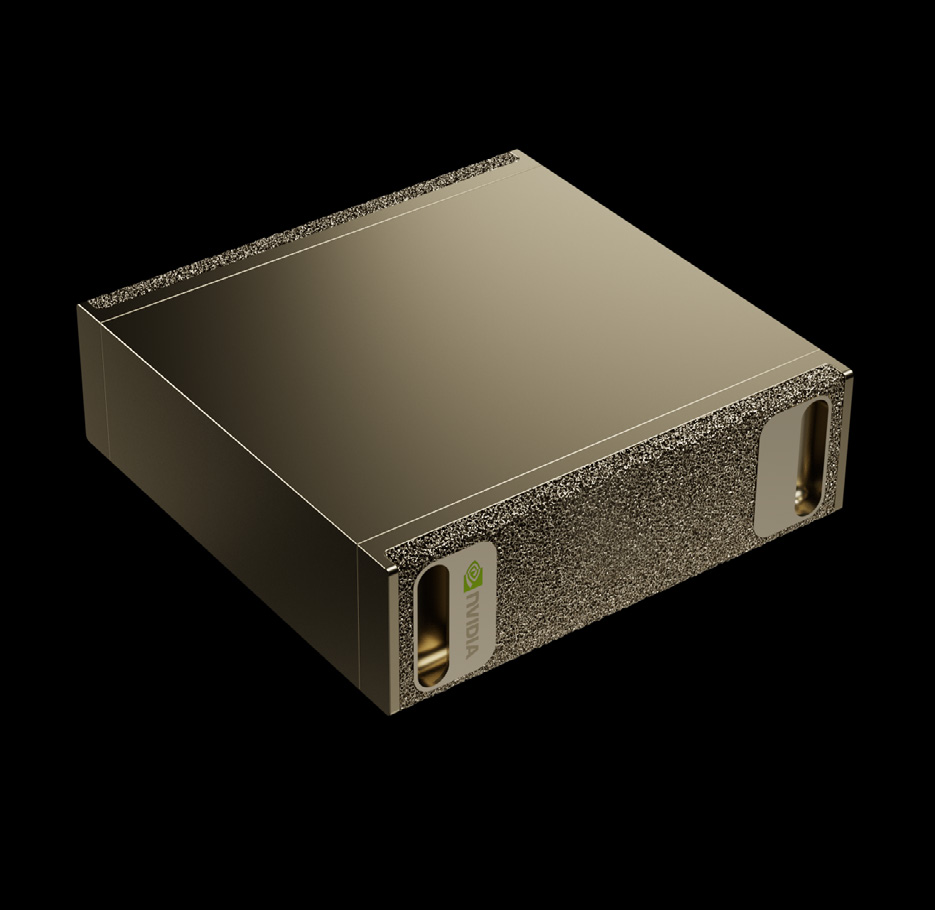
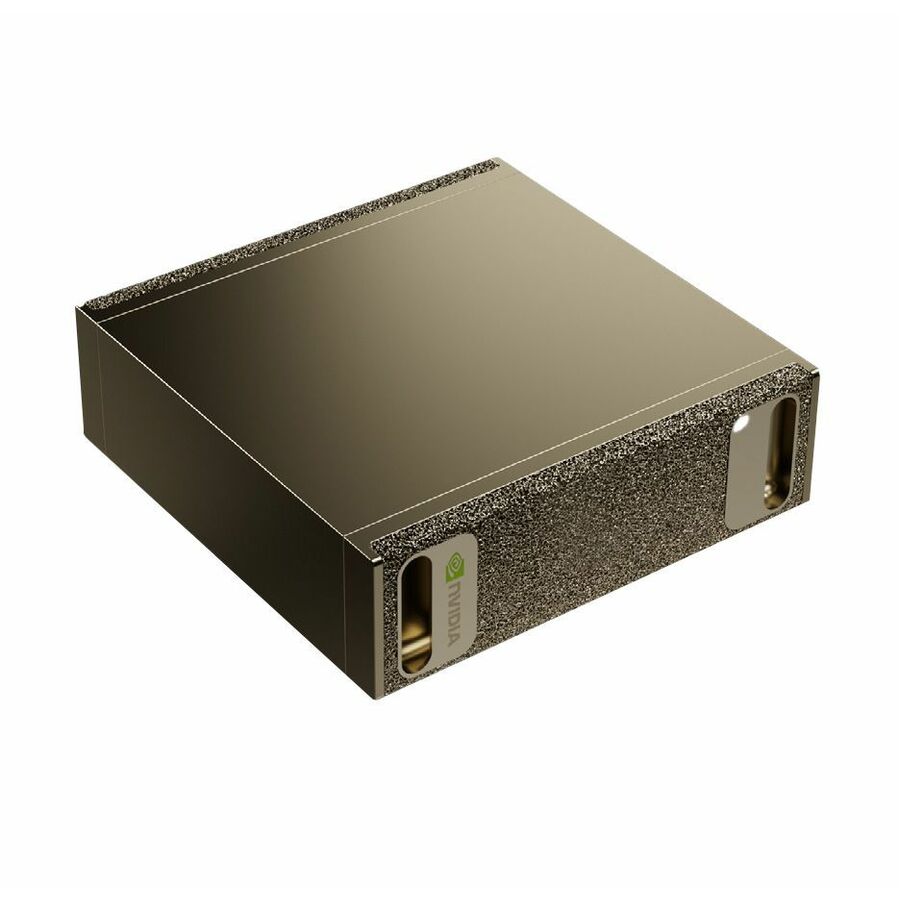
Systems are sold individually. Confirm node memory, the supported cable and the complete cluster design before ordering.
FAQ
Which QSFP cable does NVIDIA approve for a direct pair?
NVIDIA's current DGX Spark networking guide lists Amphenol NJAAKK-N911 at 0.4 m, Amphenol NJAAKK0006 at 0.5 m, and Luxshare LMTQF022-SD-R at 0.4 m. Check the latest guide and your OEM configuration when ordering. A 1 m or longer cable offered for general Ethernet use should not be called NVIDIA-approved for this direct link without separate validation.
Can I connect four Sparks without a switch?
Yes, with NVIDIA's manual four-cable ring and its manual network setup. The guided NVIDIA Sync Cluster Assistant supports four nodes only through a switch. For a direct pair, one supported cable is enough. Ordinary management Ethernet or Wi-Fi does not replace the high-speed links.
Does NVIDIA Sync run the model across the cluster for me?
Sync Cluster Assistant discovers and configures the ConnectX network and checks link health. Model-launching features vary by installed Sync release, and a distributed framework still has to divide the workload. Ask your integrator to demonstrate the exact model launch and restart flow you will use.
Will a 400G cable make a Spark pair run at 400 Gb/s?
No. NVIDIA specifies a 200 Gb/s maximum for each Spark QSFP port. The cable still needs to be one the system and topology support; its higher printed rating is not a throughput upgrade.
How do we confirm all four are actually connected?
For the guided path, Sync must detect four links negotiating at 200 Gb/s and run its per-link test; it flags links below the 184 Gb/s lower bound. Save the network summary and verify its SSH aliases reach every node. Then launch a distributed workload and confirm all four ranks participate. A green network test alone does not show that your model uses four systems.
What if we expect to grow beyond four systems?
NVIDIA announced an eight-node deployment path in October 2026. Current Sync guidance still describes guided setup for up to four systems, with eight-node Sync support forthcoming. Plan the larger fabric early, but treat eight nodes as a separately validated deployment rather than an automatic extension of the four-node recipe.
Scope a DGX Spark cluster
Bring the model and workload, node count, software stack, required date and deployment location. Uniqcli can put the systems, fabric, software and integration requirements on one scoped quote, then identify the tests needed to accept the build.
Planning a DGX Spark Cluster?
Get a tailored quote for DGX Spark systems, compatible interconnects, switching and integration. Share your node count, workload and deployment requirements, and Uniqcli can help scope the right configuration.
Sources
- 1.NVIDIA DGX Spark product specifications and clustering tablenvidia.com— Memory tiers, two- and four-system examples, and network requirements.
- 2.NVIDIA DGX Spark ConnectX-7 Networking user guidedocs.nvidia.com— QSFP connection and Cluster Assistant guidance.
- 3.NVIDIA Sync Cluster Assistant user guidedocs.nvidia.com— Supported guided topologies and what the assistant configures.
- 4.NVIDIA multi-Spark cabling playbookbuild.nvidia.com— Exact direct and switch wiring, port selection and switch setup.
- 5.NVIDIA manual multi-Spark setupbuild.nvidia.com— Four-node direct-ring configuration and checks.
- 6.NVIDIA vLLM multi-node recipebuild.nvidia.com— Example of a model partitioned across separate nodes.
- 7.NVIDIA eight-node DGX Spark announcementdeveloper.nvidia.com— October 2026 scale-out announcement and Sync status.
- 8.NVIDIA DGX Spark research in higher educationblogs.nvidia.com— NYU's local radiology-report evaluation workflow.
NVIDIA product and setup documentation reviewed October 25, 2026. Validate software support and configuration details again when requesting a quote.