
Best TAA-Designated Docking Stations for Federal Buyers
The dock that turns a laptop into a desk — USB-C, Thunderbolt and USB-A docks for single, dual and triple displays — read by video outputs, charging watts, port set and whether the dock's own title carries the TAA designation.
TAA-compliant docks in stock at Uniqcli
How to choose →A curated selection with live pricing — in-stock lines first, then back-ordered lines with a typical lead time. Every line is sourced through US distribution and screened for NDAA §889 status before checkout, with TAA verified on request.
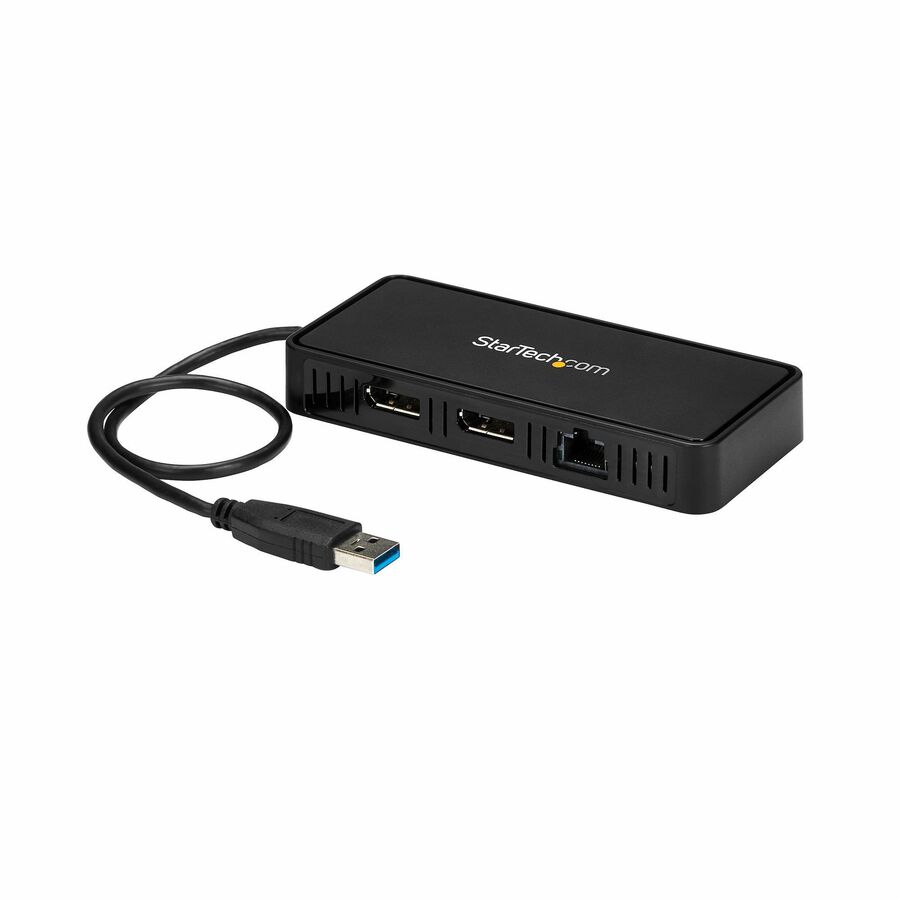
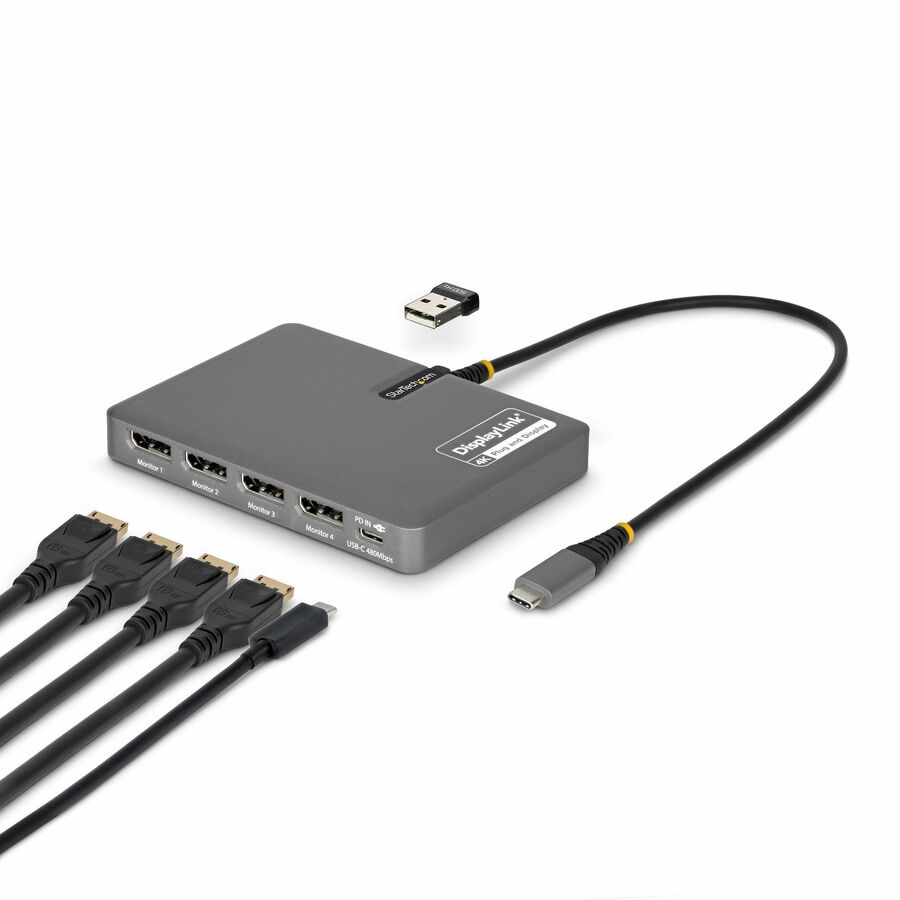
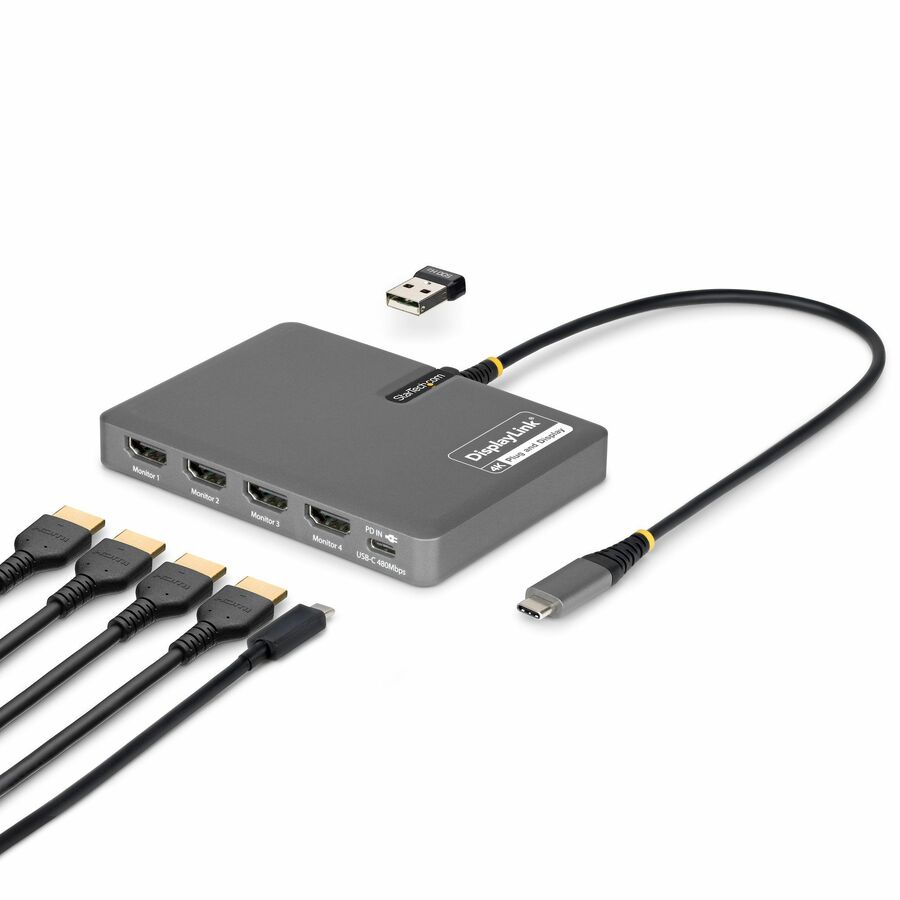
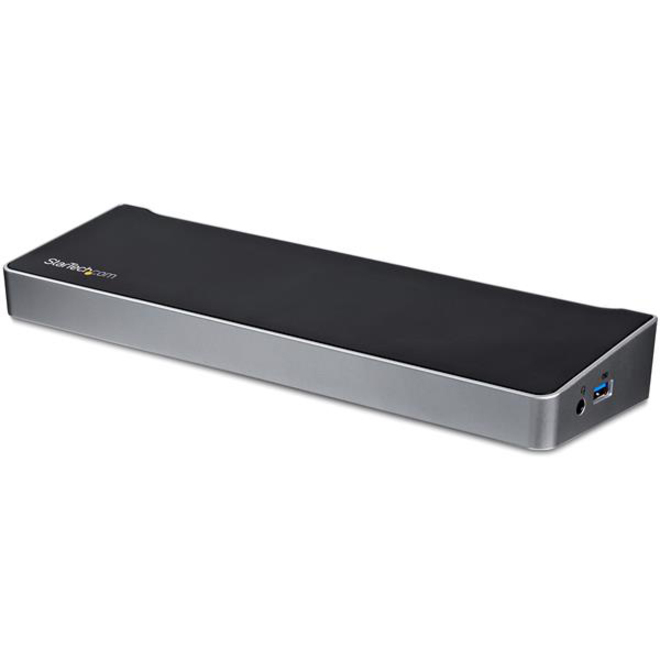
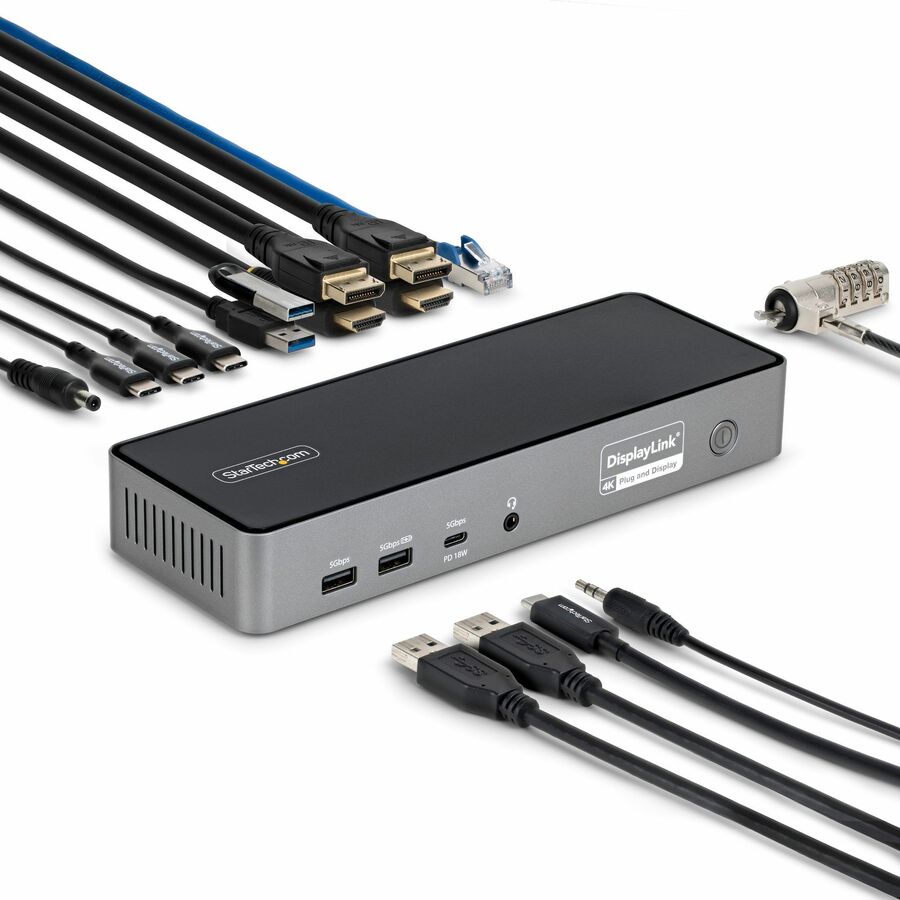
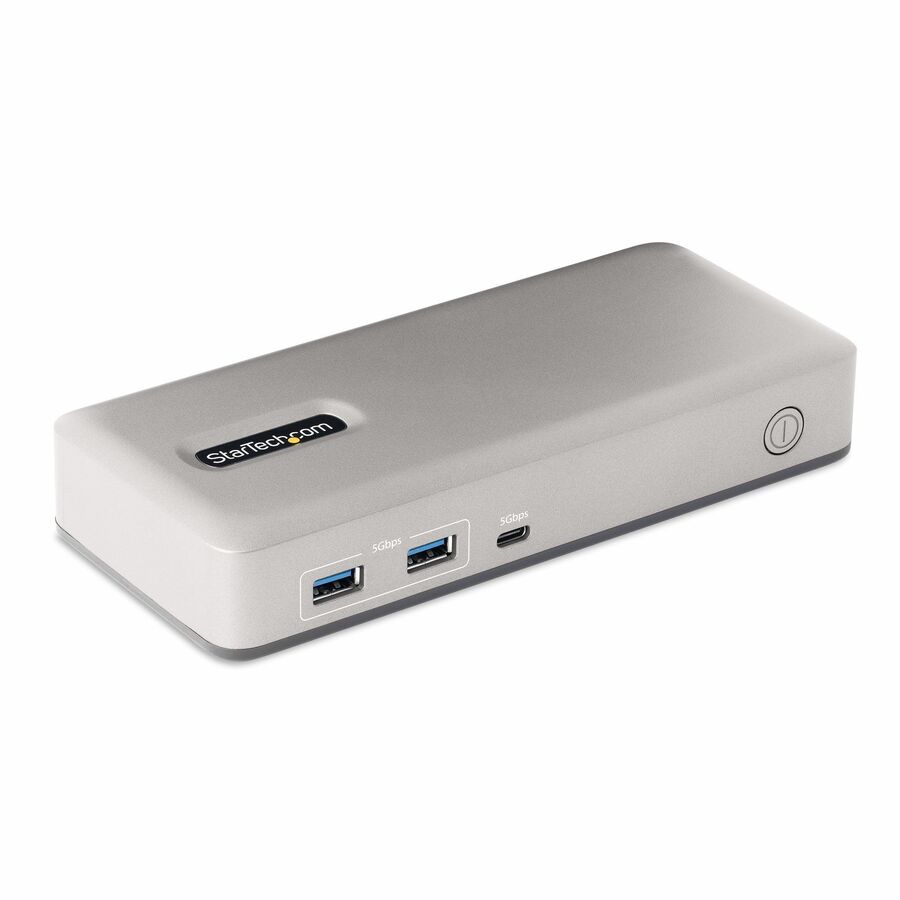
- StarTech.comStarTech USB-C to Quad-Monitor Workstation Adapter, 4K 60Hz HDMI, 140W PD Passthrough for Laptop Charging, 1x USB 2.0 Port, TAA - Quad Display USB-C Video Adapter connects a computer to four 4K 60Hz HDMI Monitors; 140W PD passthrough for laptop charging; USB 2.0 port; DisplayLink drivers auto-install on most Windows and ChromeOS; Manual driver install required for macOSQUAD-USB-HDMI-ADAPT
$134.26
$123.52*
1,747 in stock







USB-C 4K, 100W PD
StarTech.com
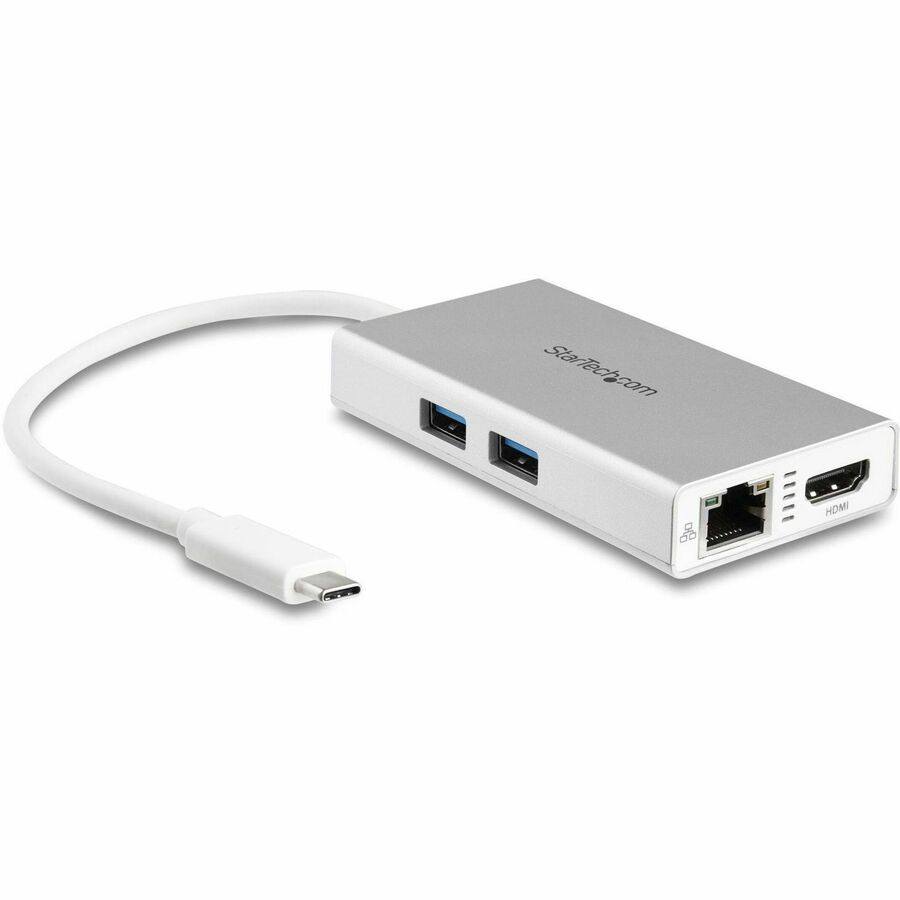
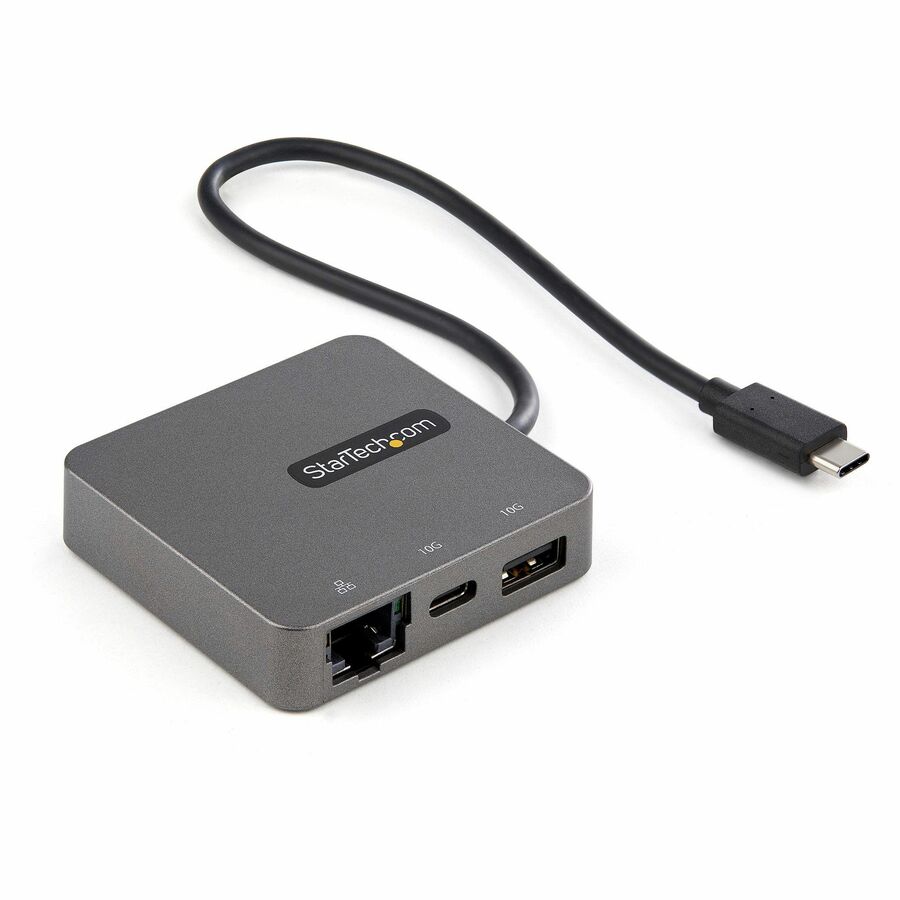
StarTech USB C Multiport Adapter, 4K 60Hz HDMI, 100W PD Passthrough…
DKT31CHPD3
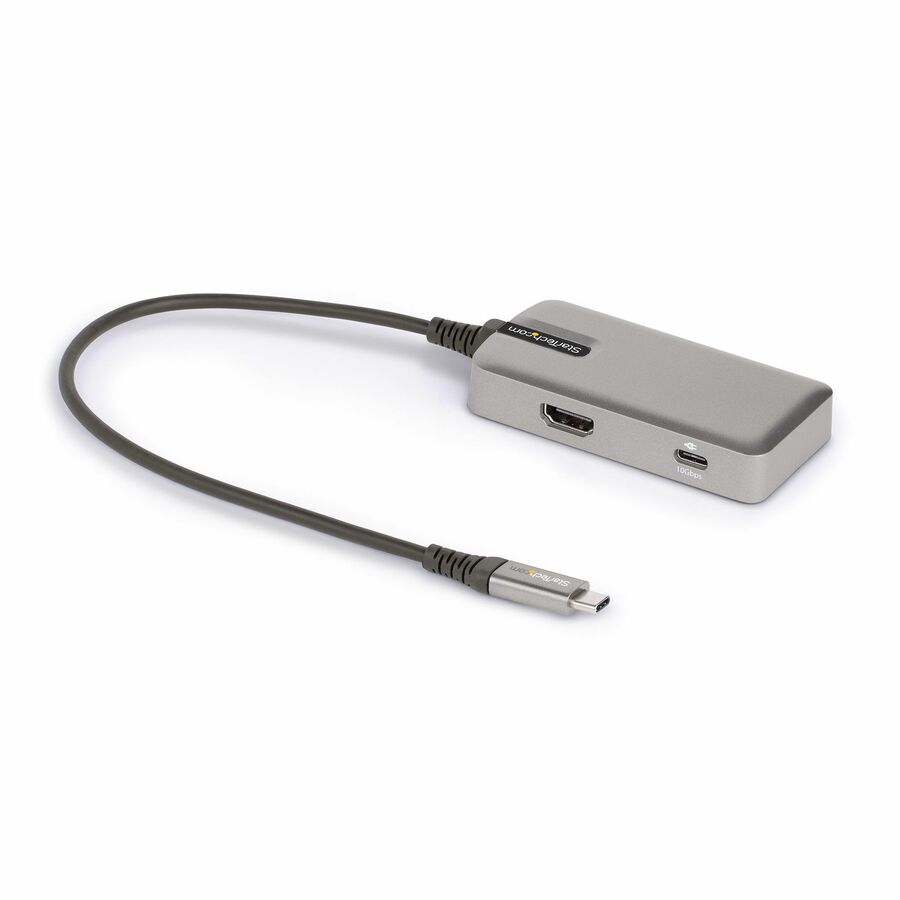
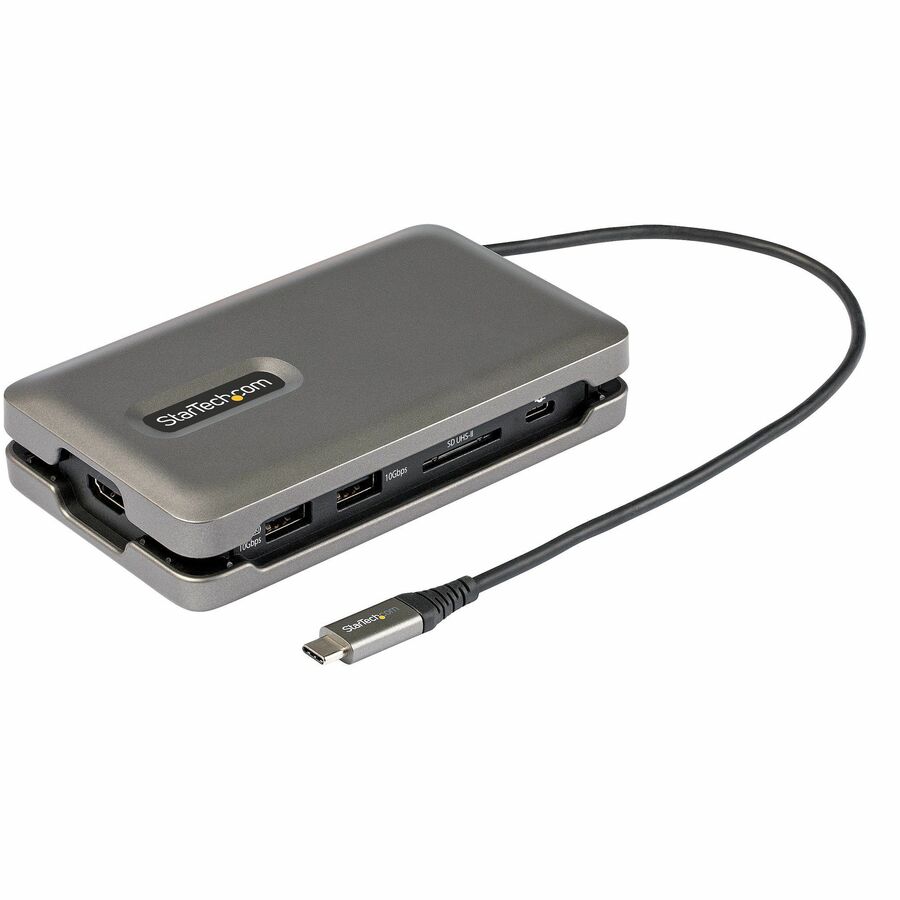
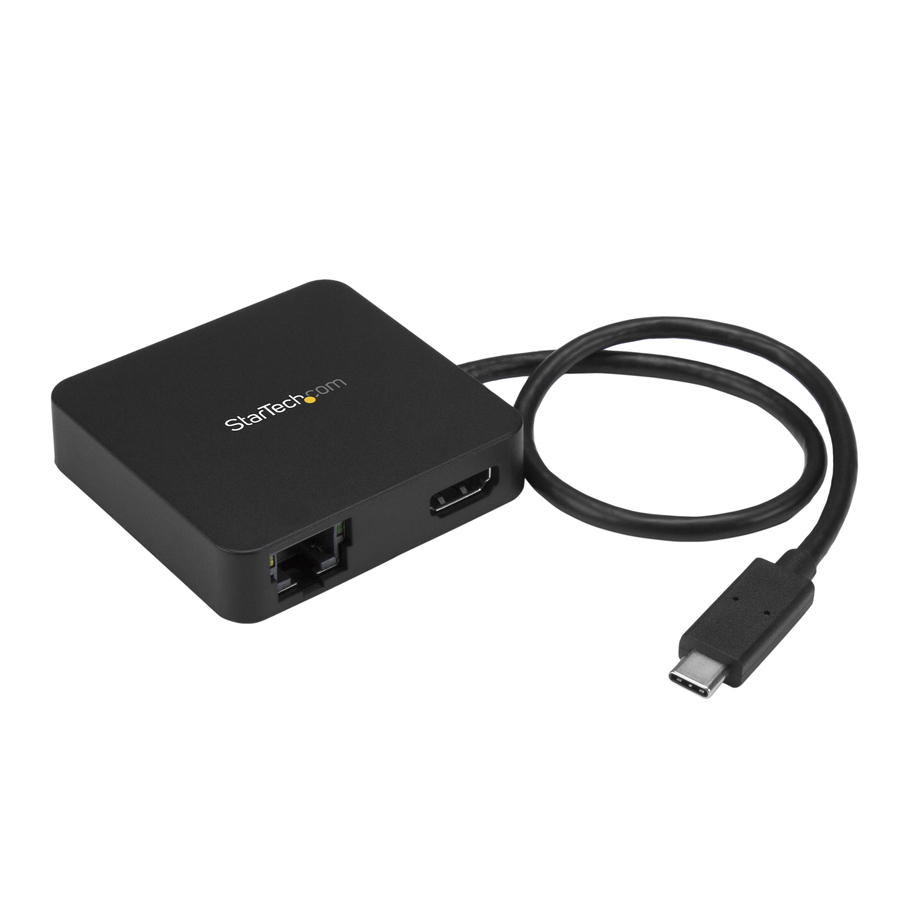
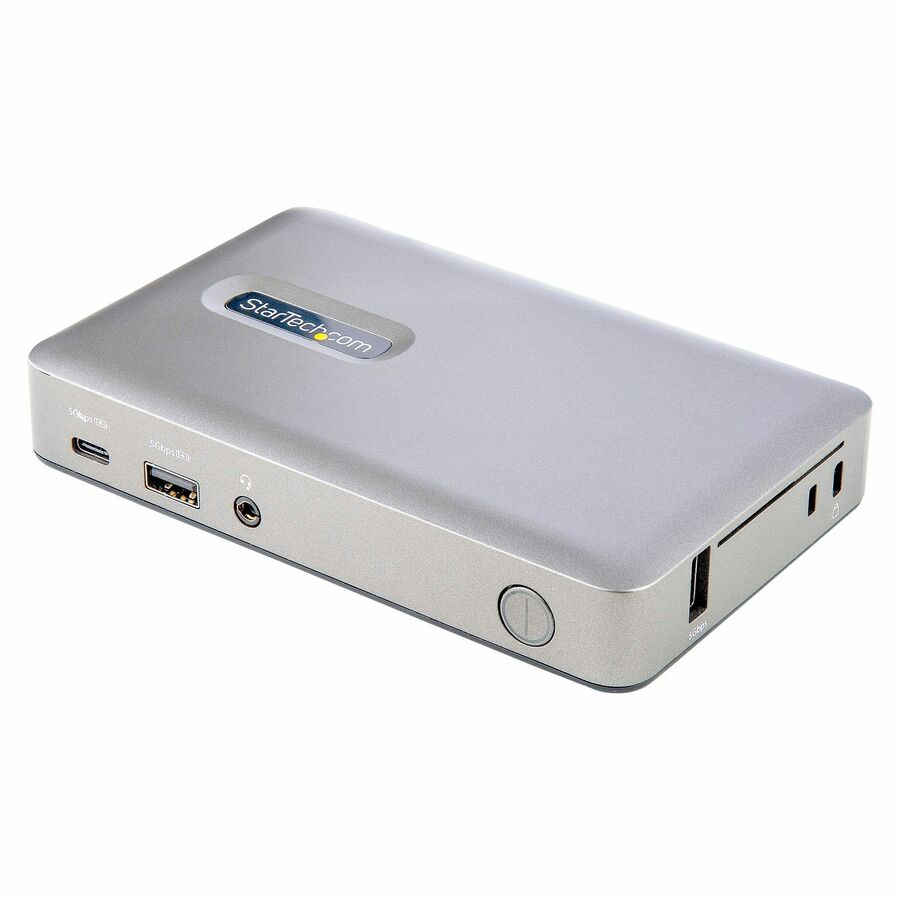
A StarTech USB-C multiport mini dock with 4K 60Hz HDMI, a USB hub and 100W power passthrough — a compact single-monitor dock for a travelling or hot-desk laptop.
Titled TAA, which is a per-part fact to confirm on the row you order.
$31.27In stockThunderbolt 3 dual 4K
StarTech.com
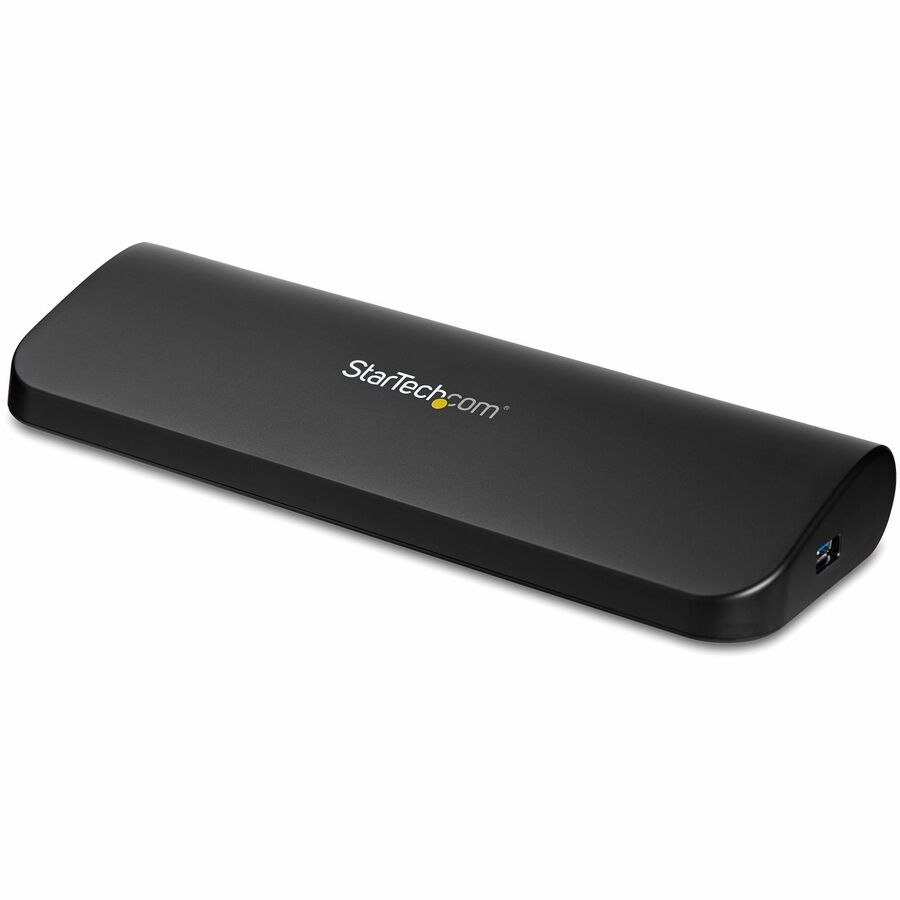
StarTech Thunderbolt 3 Dock, Dual 4K 60Hz Monitor TB3 Docking Station…
TB3DK2DHV
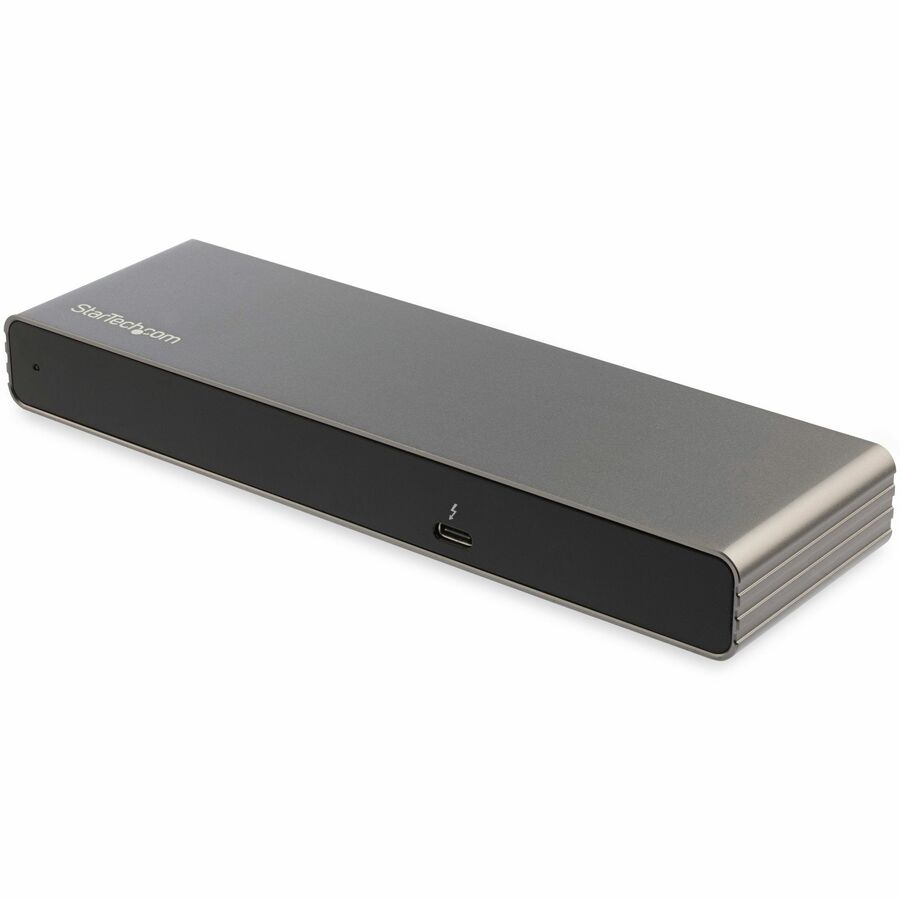
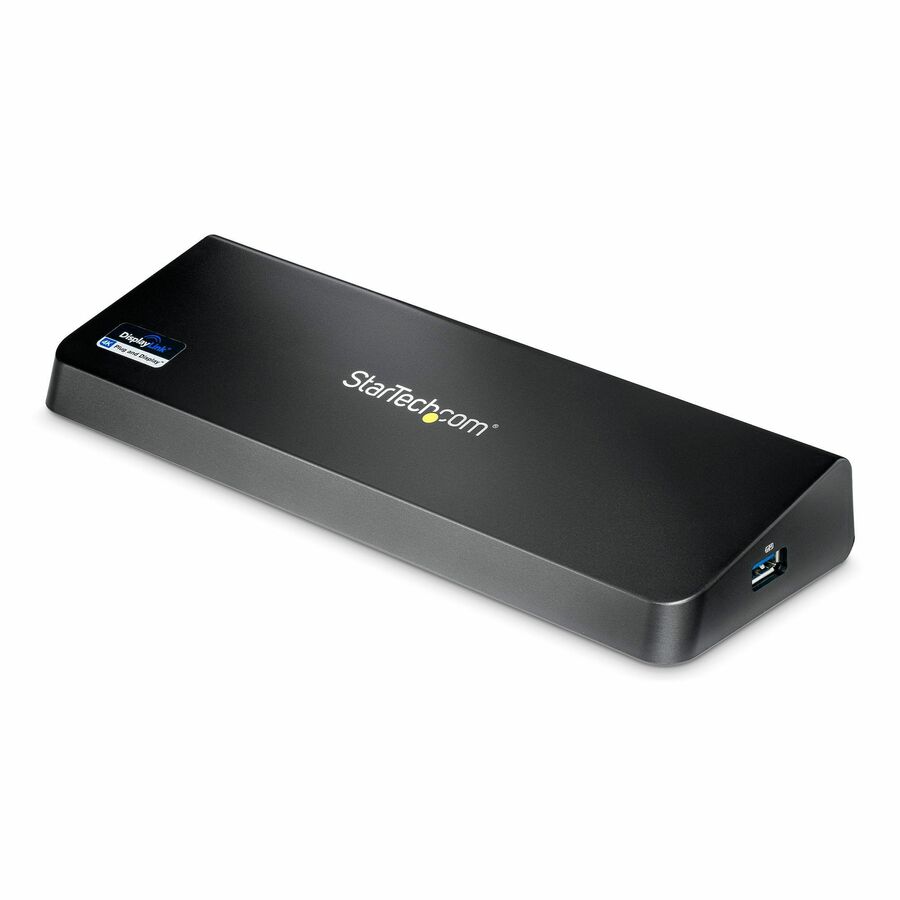
A StarTech Thunderbolt 3 dock driving dual 4K 60Hz monitors over DisplayPort and HDMI, with 85W power delivery and Gigabit Ethernet — a full desk for a Thunderbolt laptop.
Titled TAA.
$106.71In stockUSB-C triple 4K
StarTech.com
StarTech 4K USB-C Dock, Triple UHD 4K Monitor Docking Station, Mac…
DK30CH2DPPD
A StarTech USB-C dock driving triple UHD 4K monitors over HDMI and DisplayPort for Mac and Windows — a three-display desk over a single USB-C connection.
Titled TAA. Confirm the laptop's GPU supports the display count before rollout.
$105.79*In stockUSB-C 6-in-1
Adesso
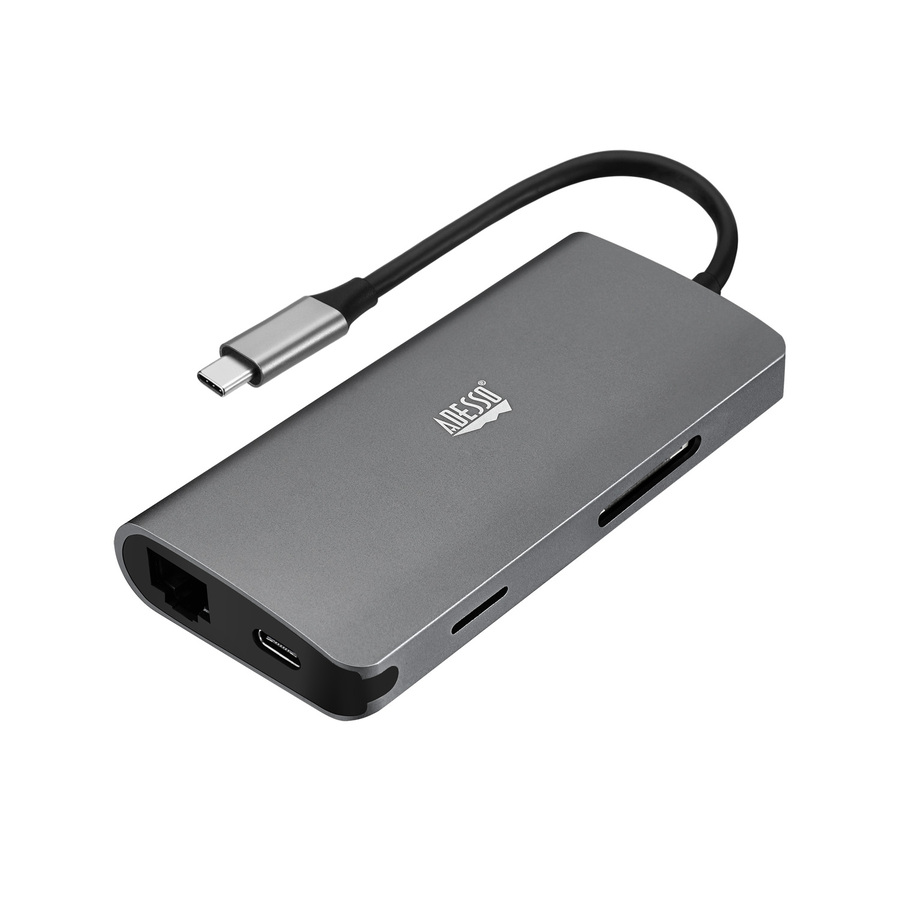
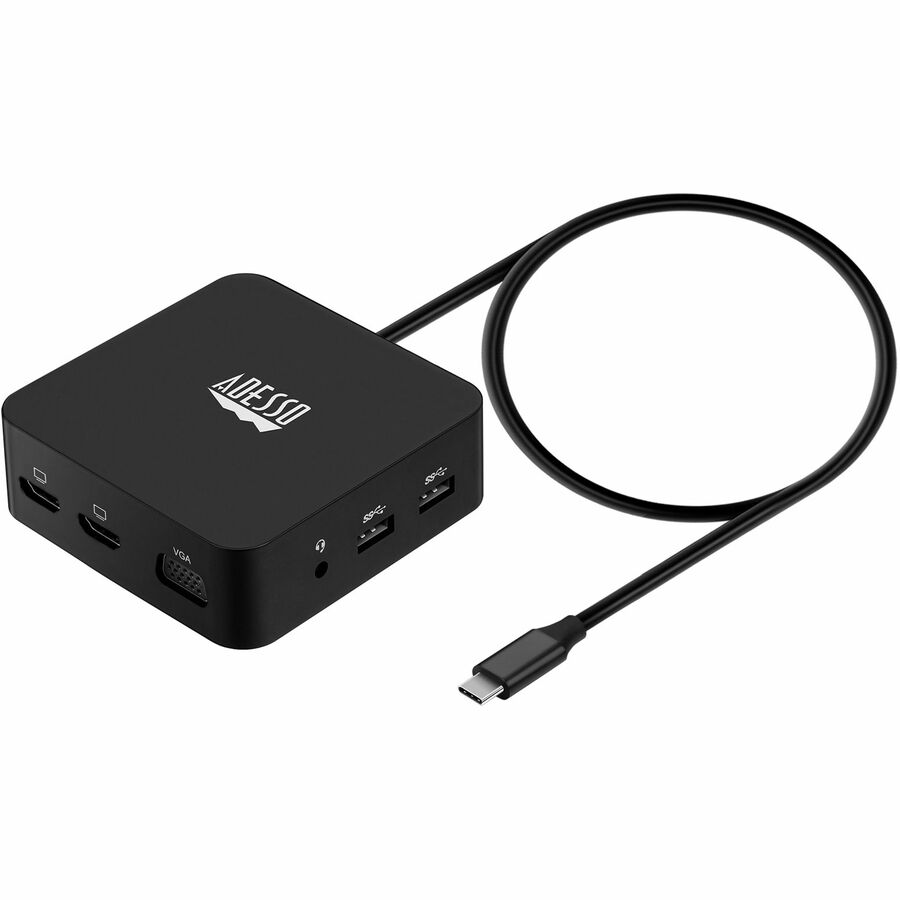
Adesso 6-in-1 USB-C Multi-Port Docking Station (TAA Compliant)
AUH-4020
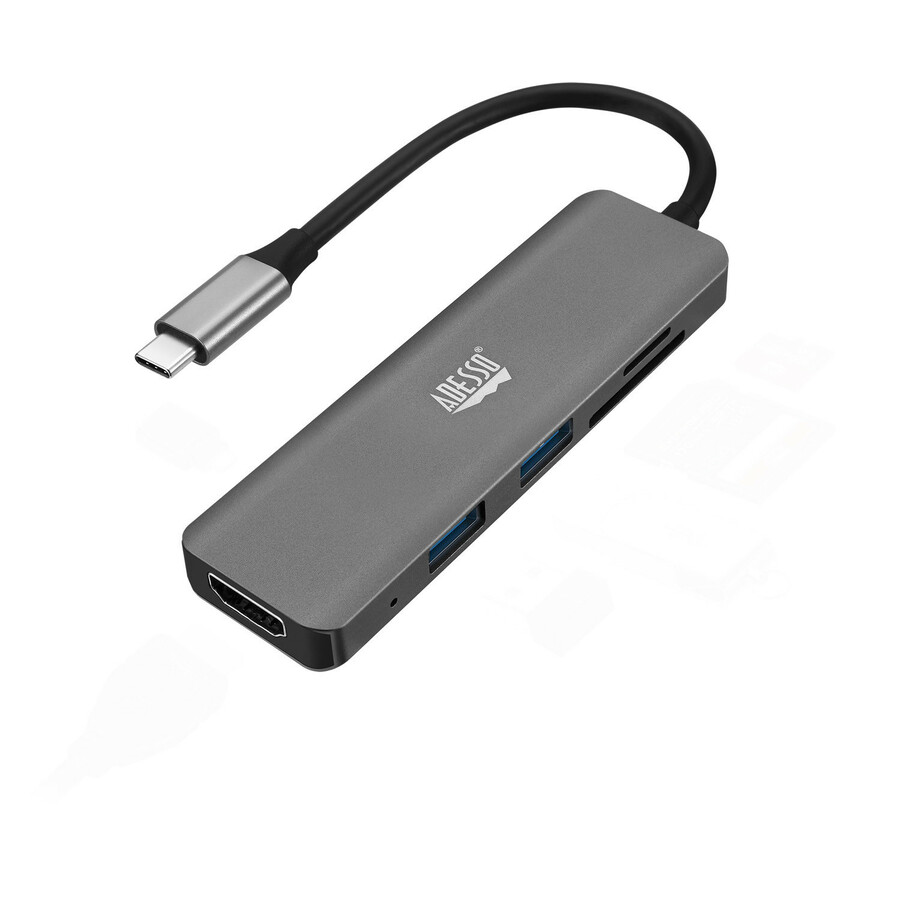
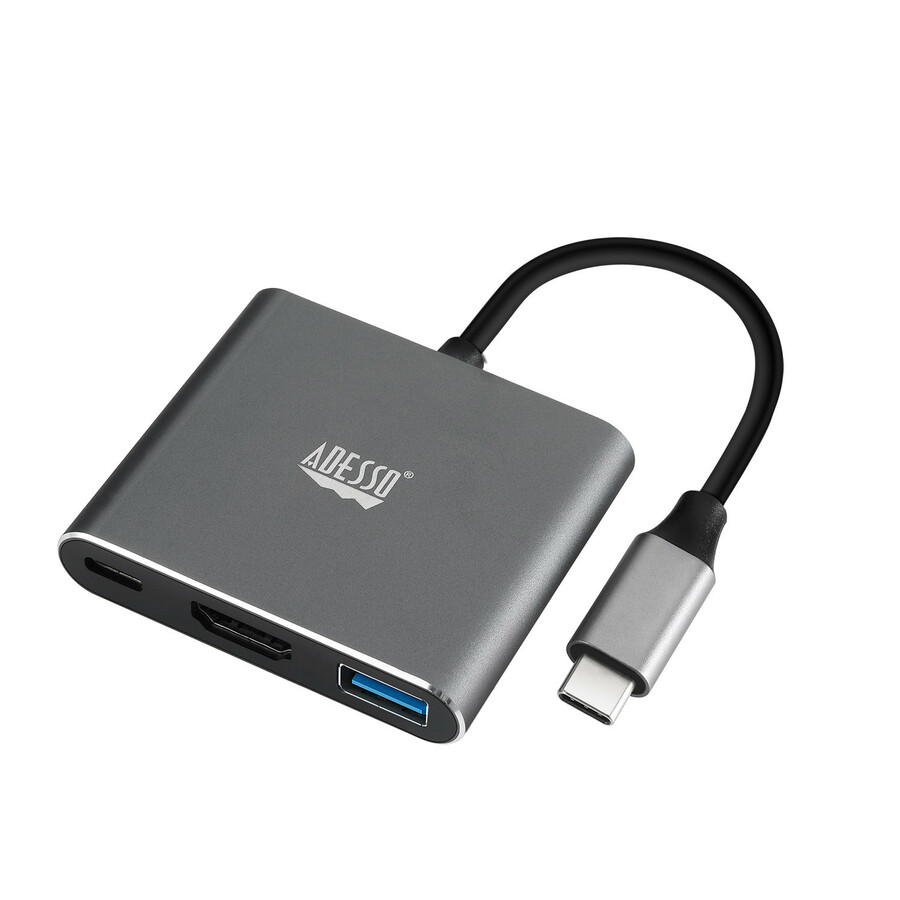
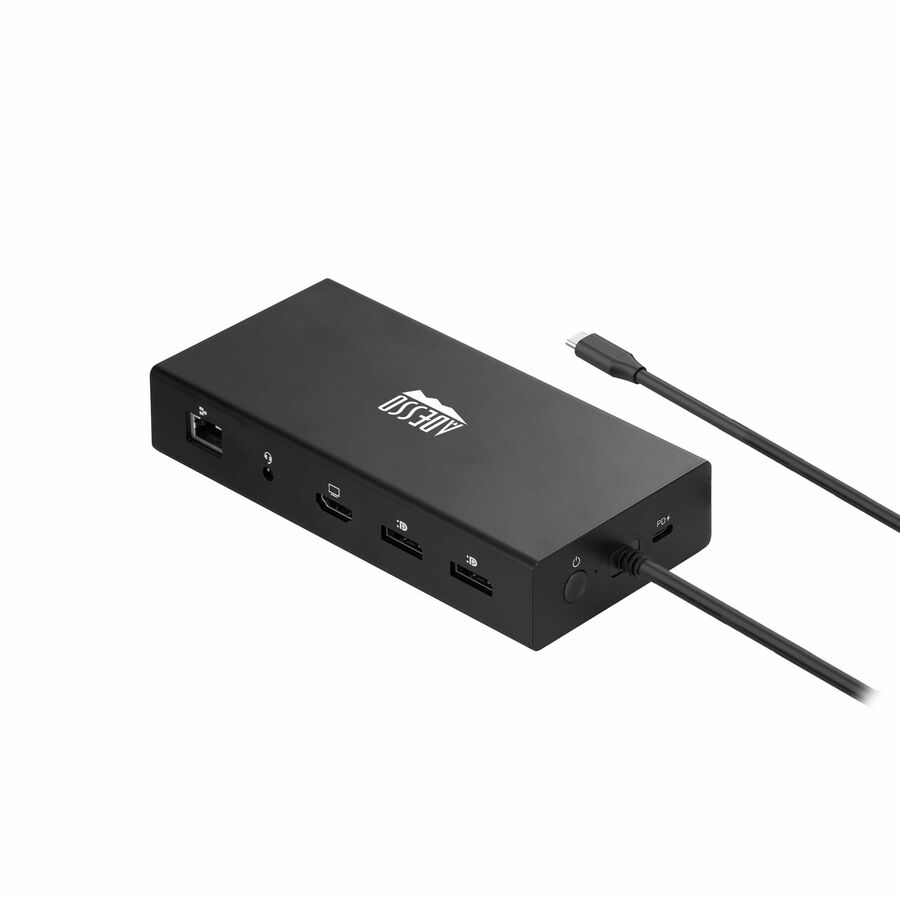
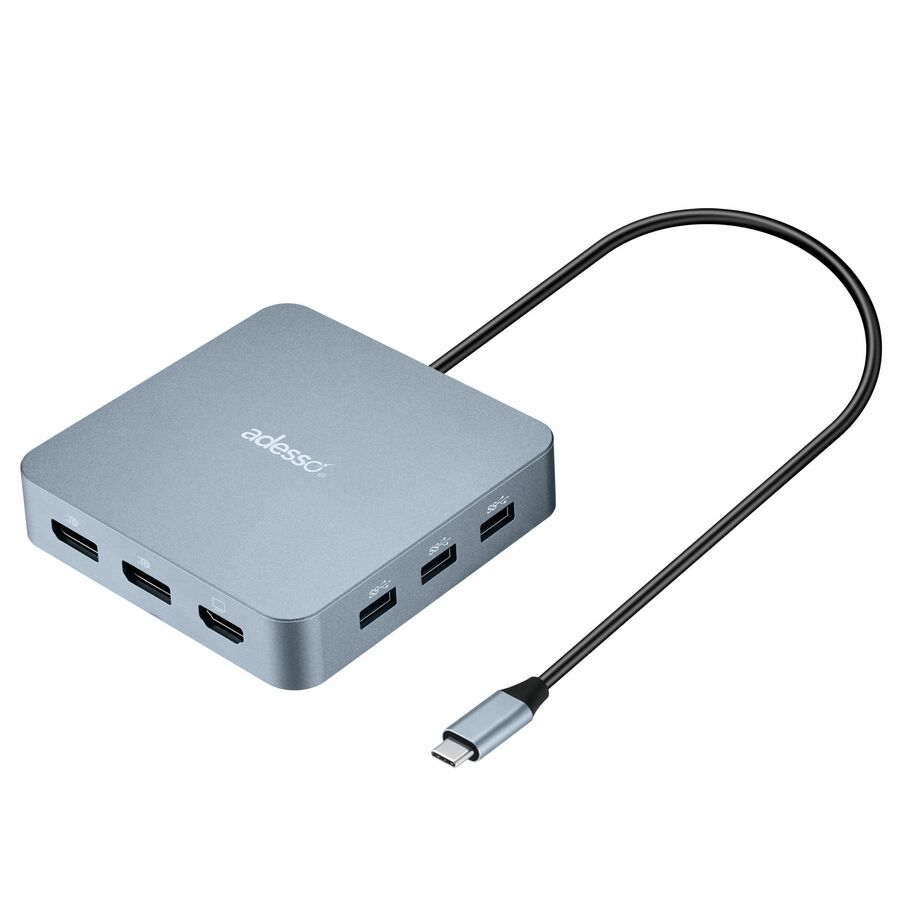
An Adesso 6-in-1 USB-C multi-port docking station for a monitor, notebook, tablet and smartphone — a compact single-display dock for a light office desk.
Titled TAA Compliant.
$48.87*In stockUSB-C 9-in-1
Adesso
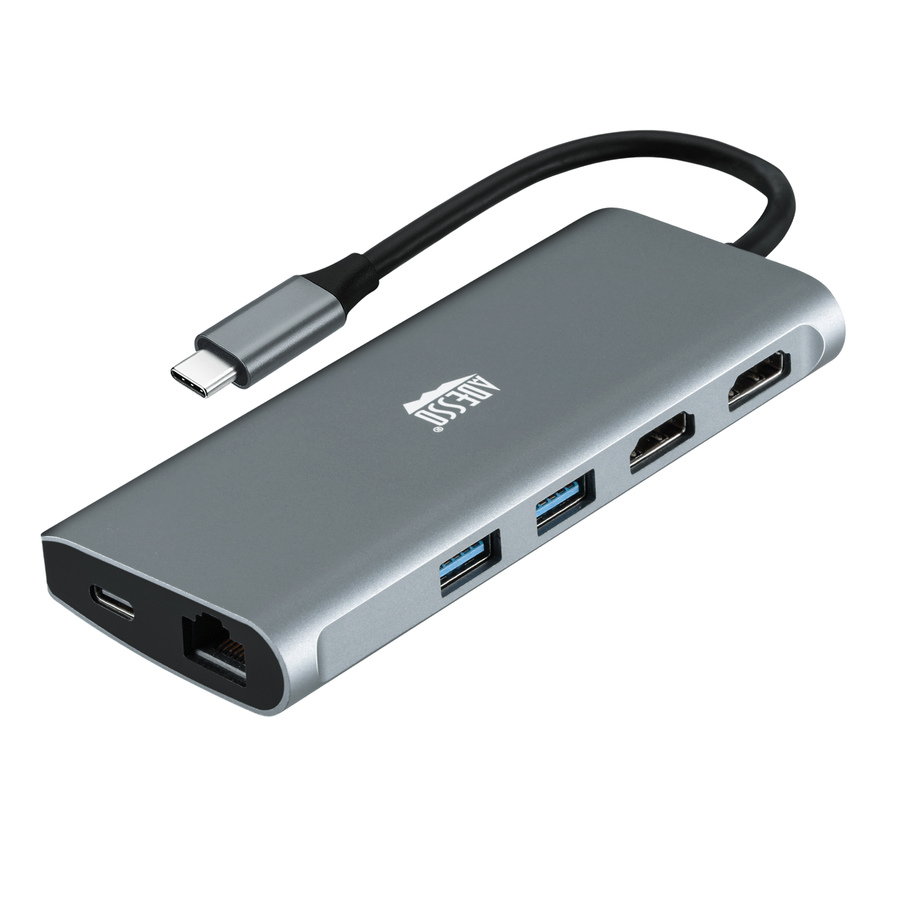
Adesso 9-in-1 USB-C Multi-Port Docking Station (TAA Compliant)
AUH-4040
An Adesso 9-in-1 USB-C multi-port docking station expanding a laptop's connection ports — a fuller port set for a desk that runs several peripherals.
Titled TAA Compliant.
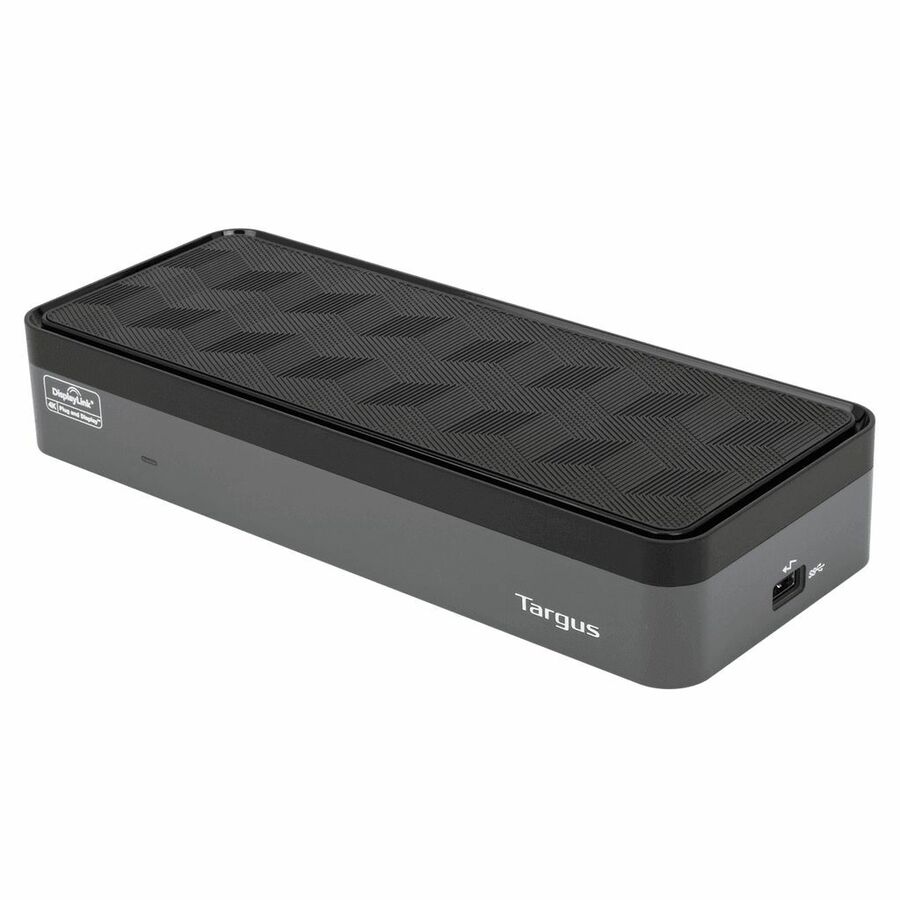
$93.44In stockUSB-C dual HD, 80W
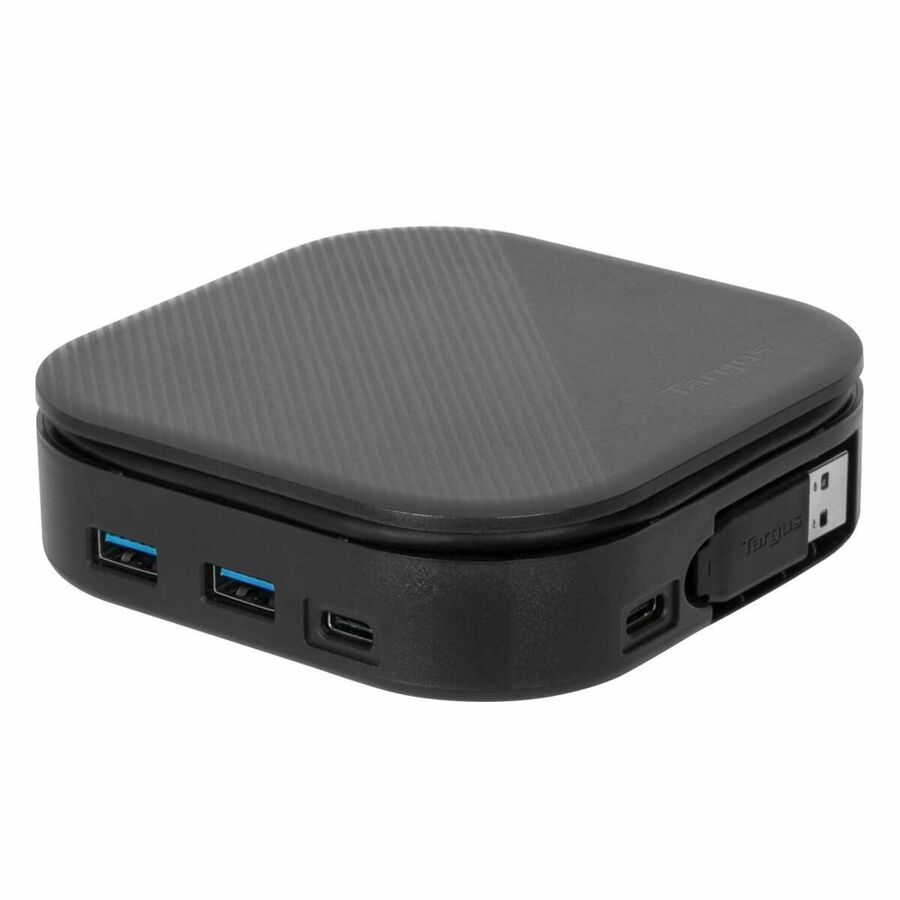
Targus Group International
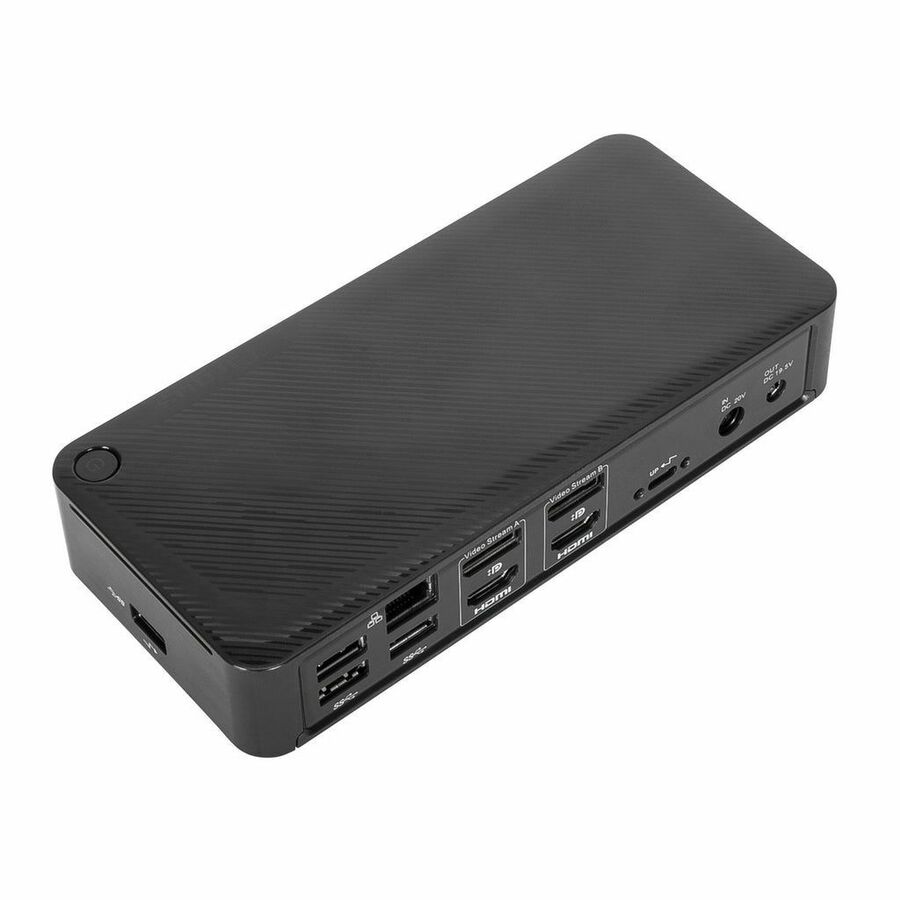
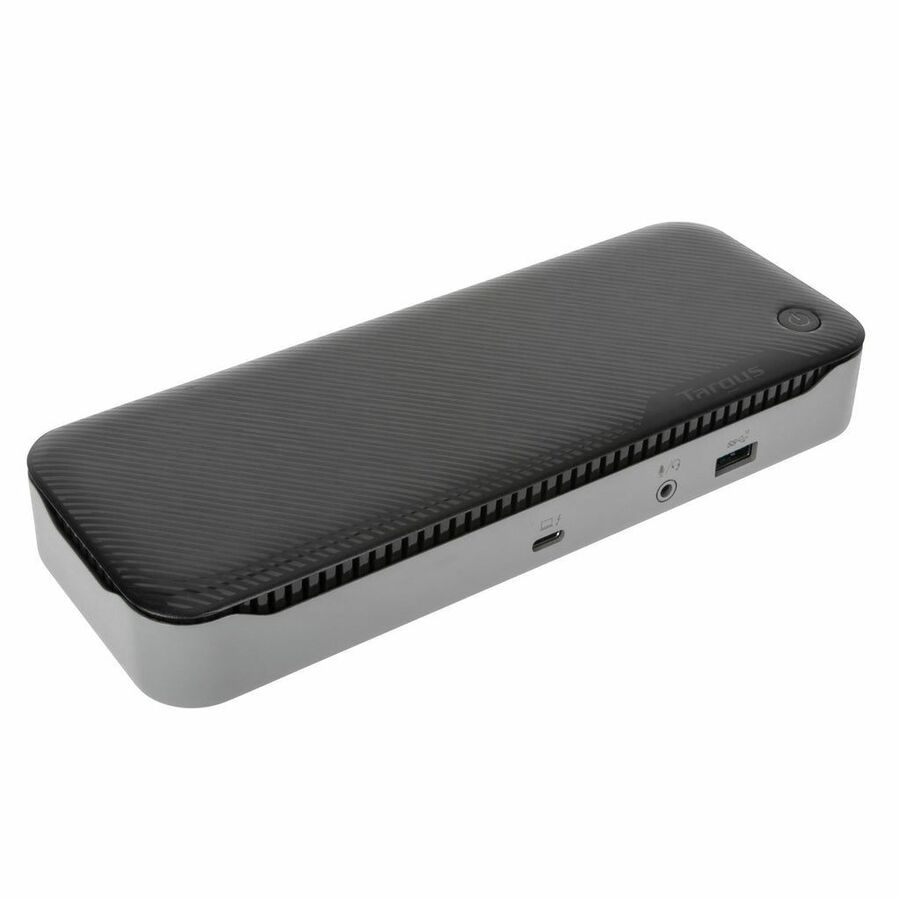
Targus USB-C Universal Dual HD Docking Station with 80W PD Pass-Thru
DOCK116GLZ
A Targus USB-C universal dual-HD docking station with 80W power passthrough for keyboard, mouse, storage and dual displays — a general-fleet office dock.
Titled TAA.
$145.49*Back-orderedUSB-A dual monitor
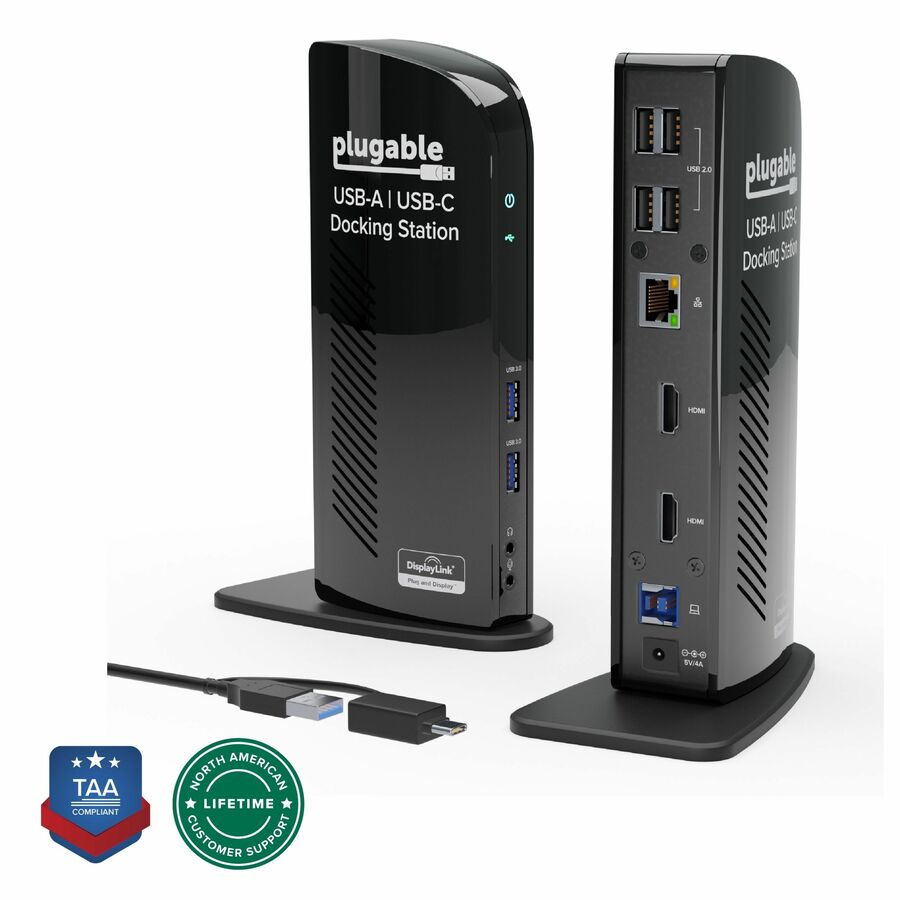
Plugable Technologies
Plugable USB 3.0 Universal Laptop Docking Station Dual Monitor…
UD-3900
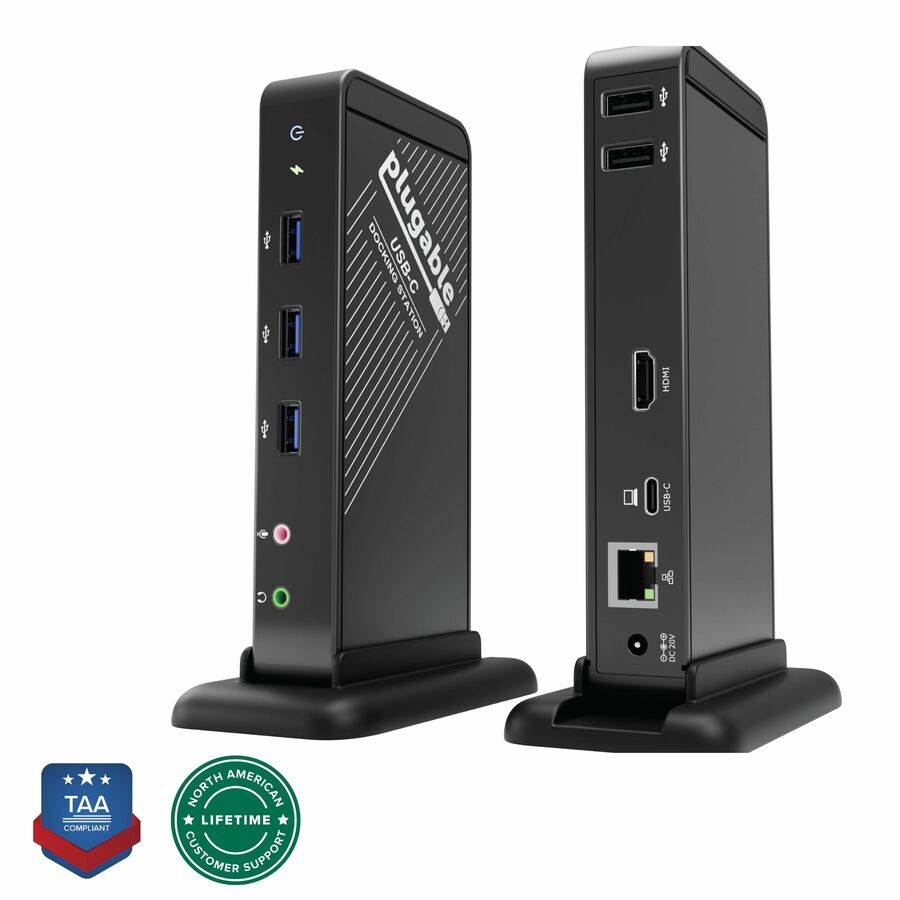
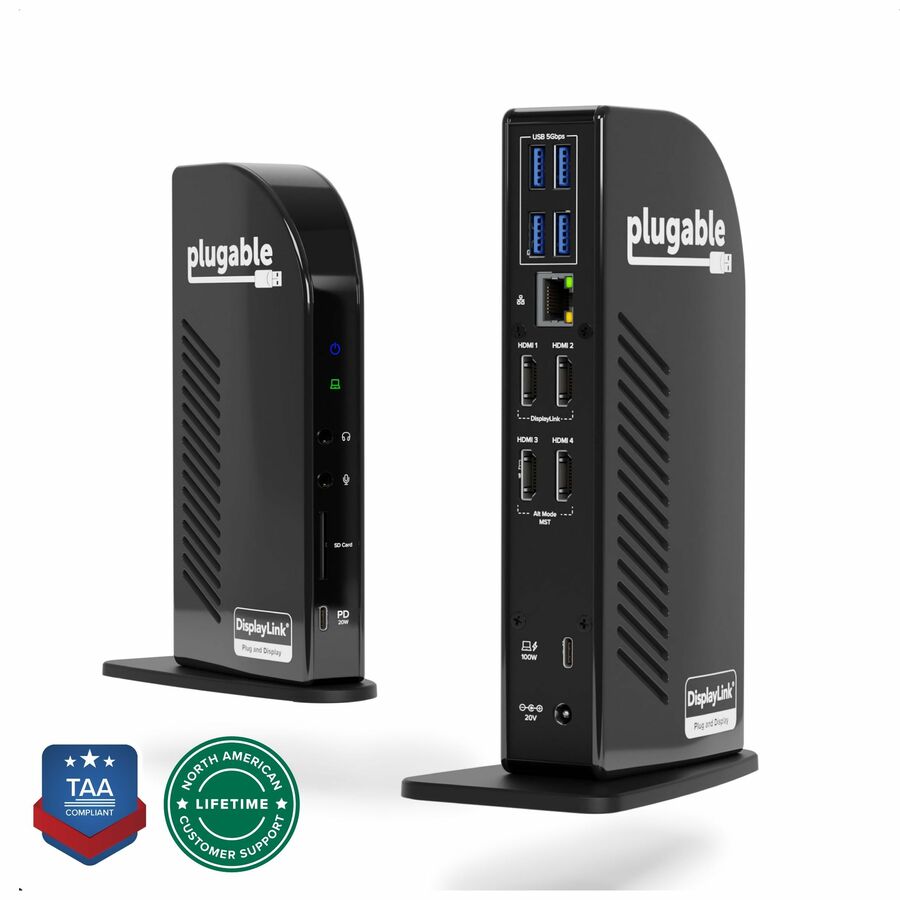
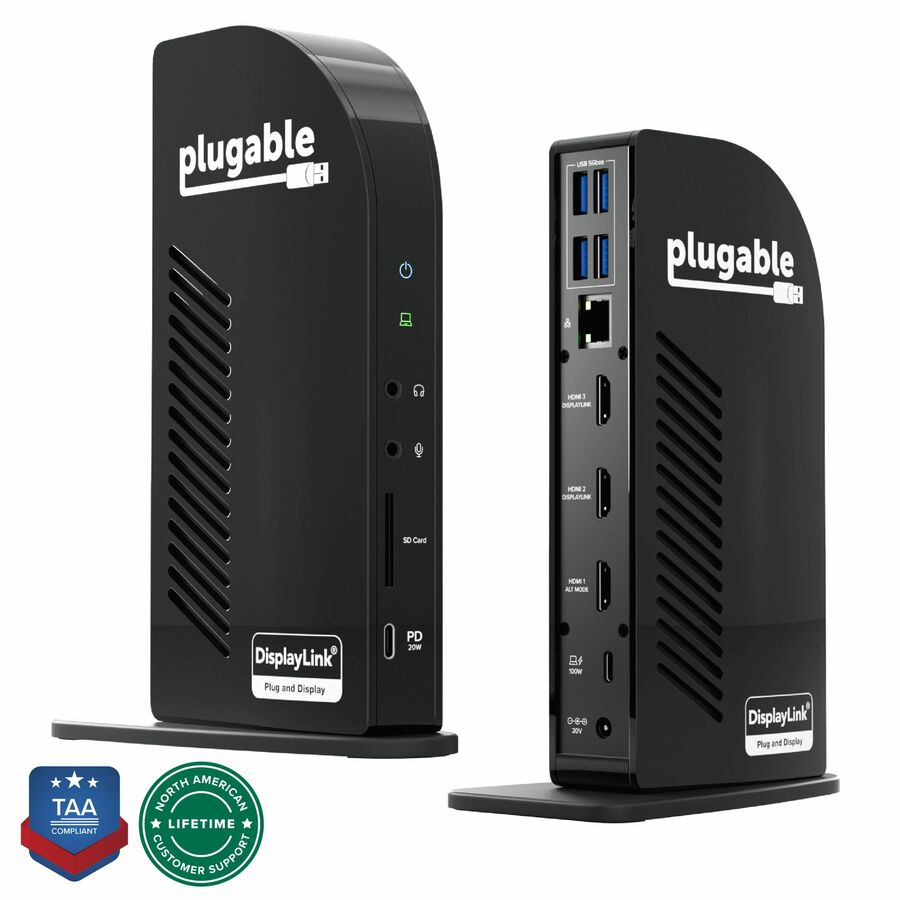
A Plugable USB 3.0 universal laptop docking station with dual video for Windows and Mac — a DisplayLink dock that adds two displays to almost any laptop over USB-A.
Titled TAA. DisplayLink adds displays to any host but needs a driver; plan it into the image.
$143.73In stockUSB-C 4K, 60W
Plugable Technologies
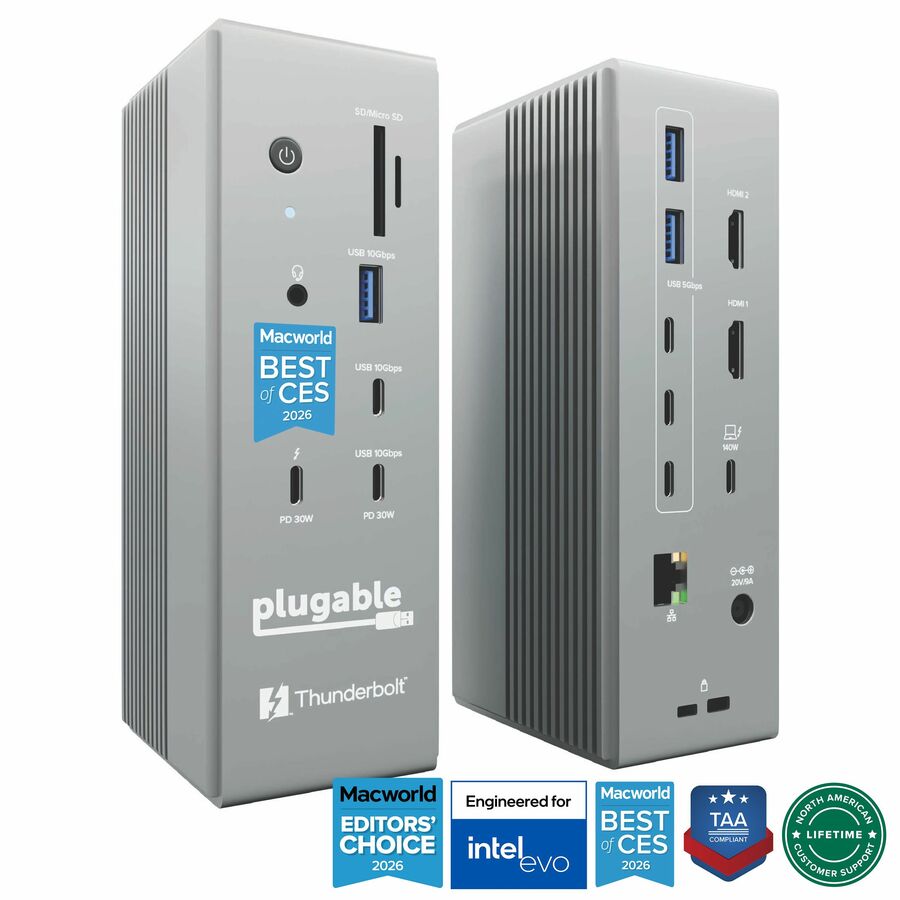
Plugable USB-C Dock
UD-CA1A
A Plugable USB-C dock with 4K HDMI, 60W charging, Ethernet and USB 3.0/2.0 ports — a single-4K dock for a thin-and-light office laptop.
Titled TAA. 60W suits an ultrabook, not a mobile workstation under load.
$107.80*In stockUSB-C triple video
Kensington Computer Products
Kensington SD3220U3 EQ USB-C® 10Gbps Triple Video Driverless Dock
K32803NA
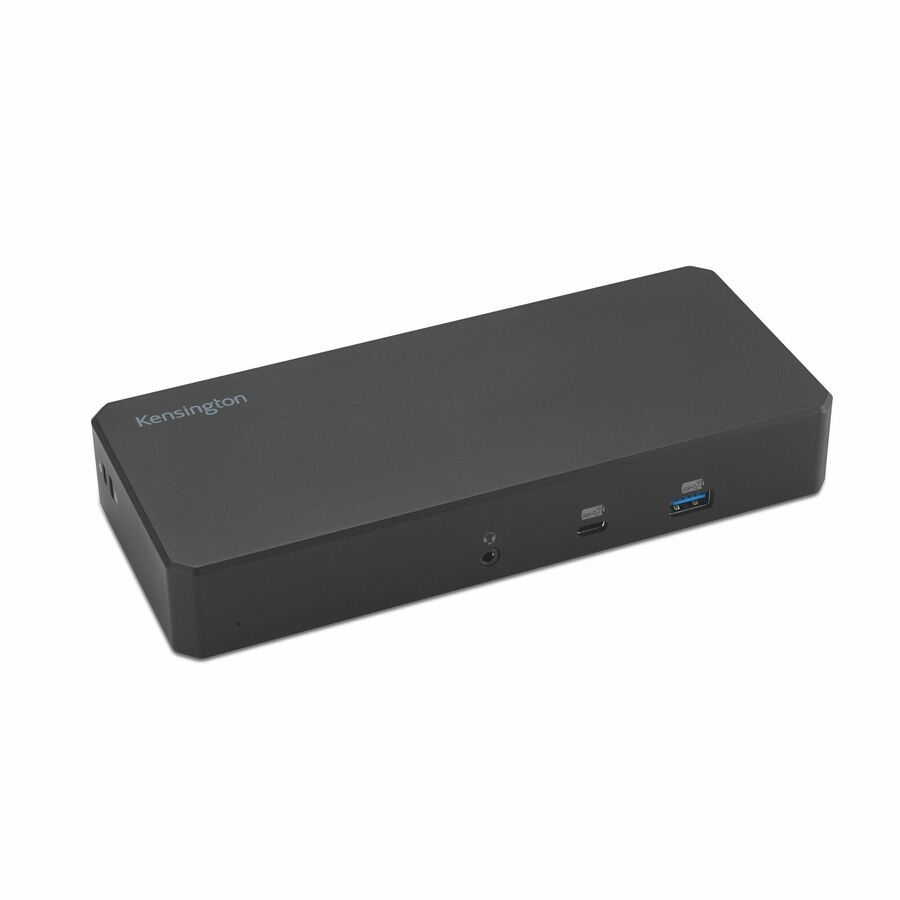
A Kensington SD3220U3 USB-C 10Gbps triple-video driverless dock with 100W power delivery and DP/HDMI outputs — a three-display Windows dock without a DisplayLink driver.
Titled TAA.
$188.08*In stockUSB-C triple, 4840P
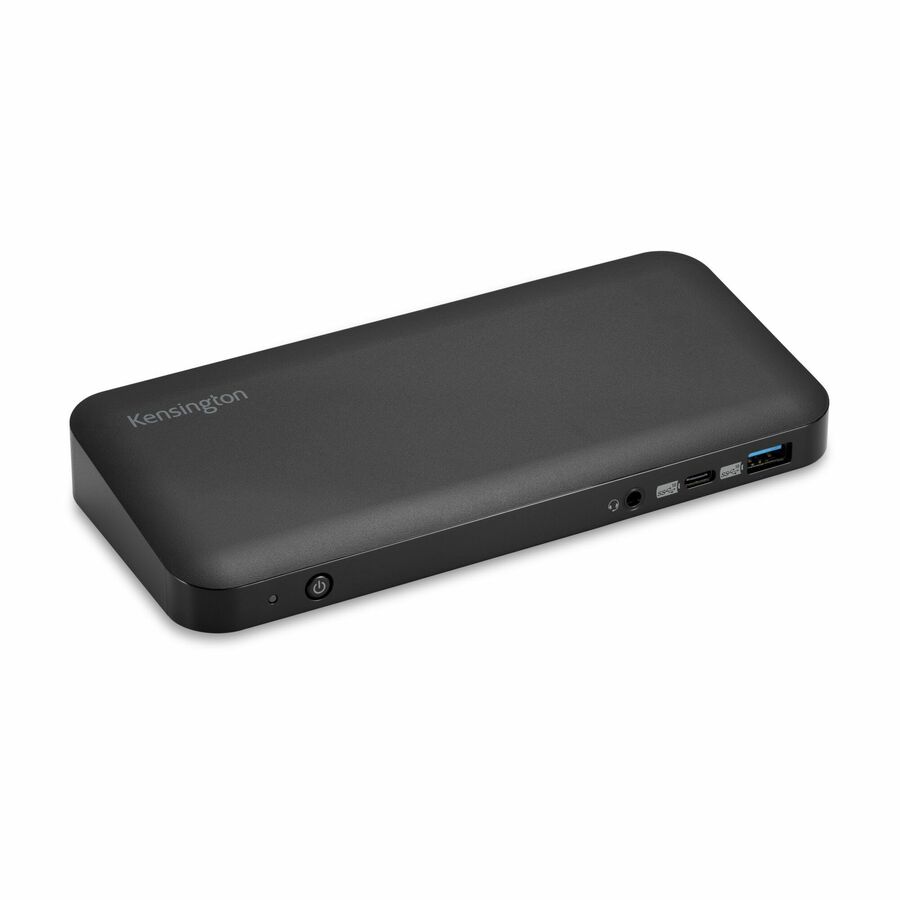
Kensington Computer Products
Kensington SD4840P USB-C TRIPLE VIDEO DOCK
K33806NA
A Kensington SD4840P USB-C triple-video dock for a notebook and monitors, with charging — a three-display dock for a general Windows fleet desk.
Titled TAA.
Request pricingUSB-C 9-in-1 dual
Legrand
C2G USB-C® 9-in-1 Dual Display Docking Station with 60W Power Supply…
C2G54487
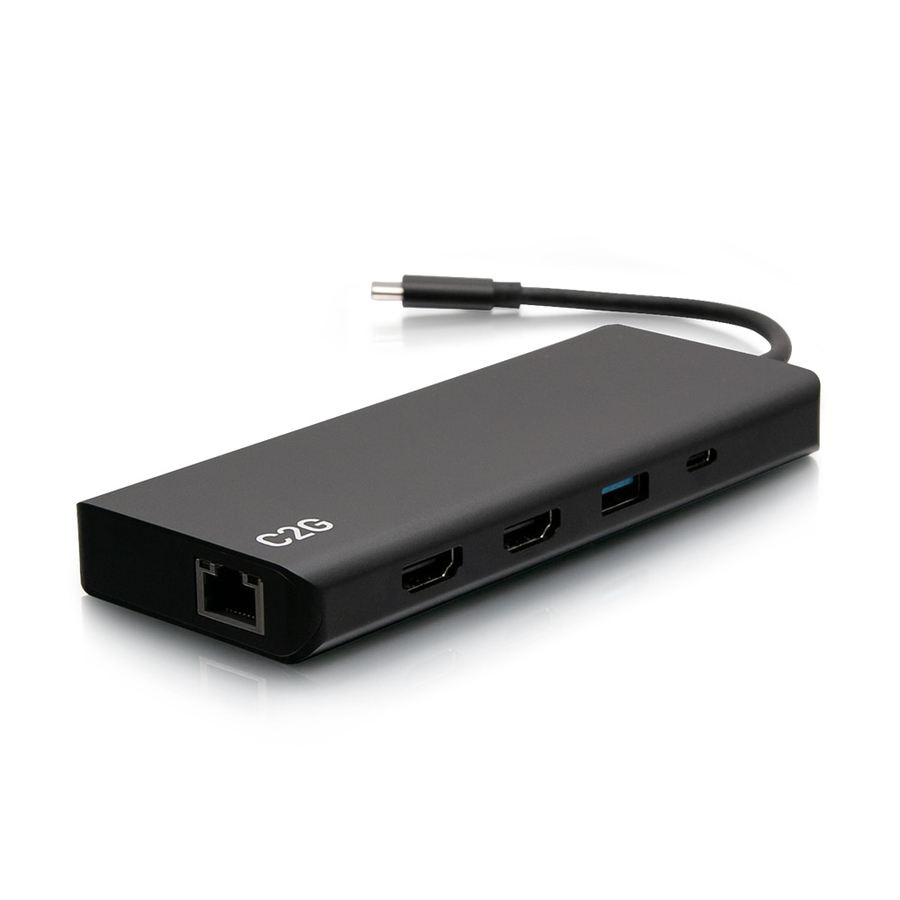
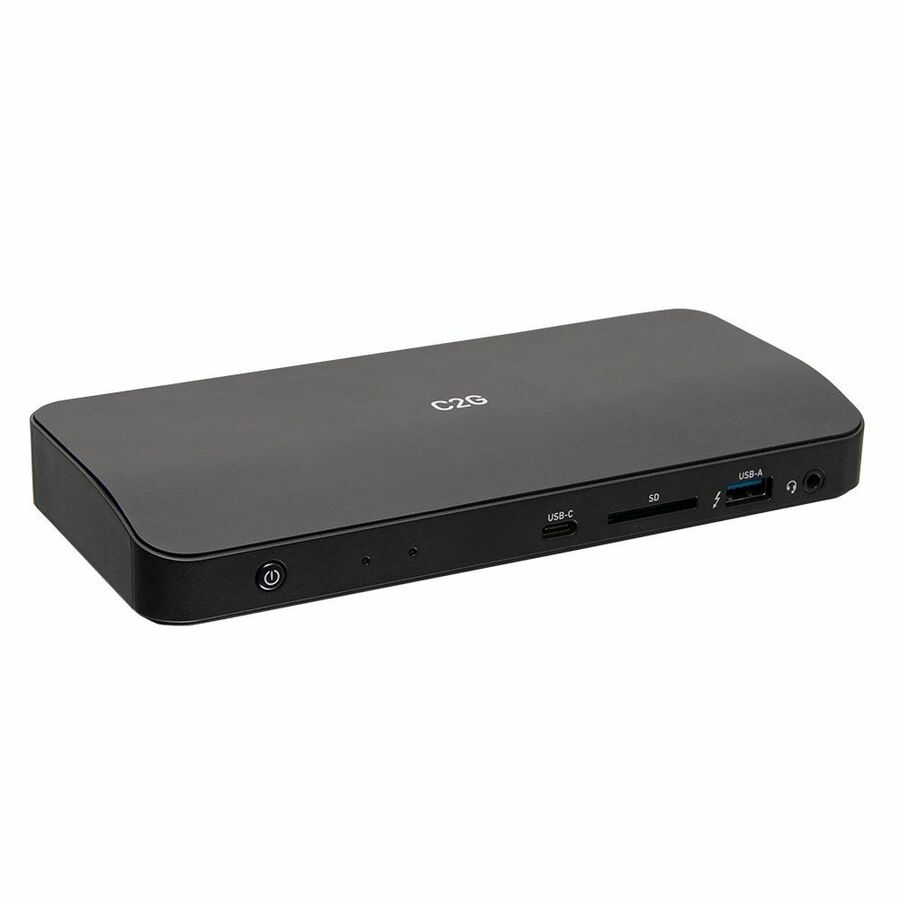
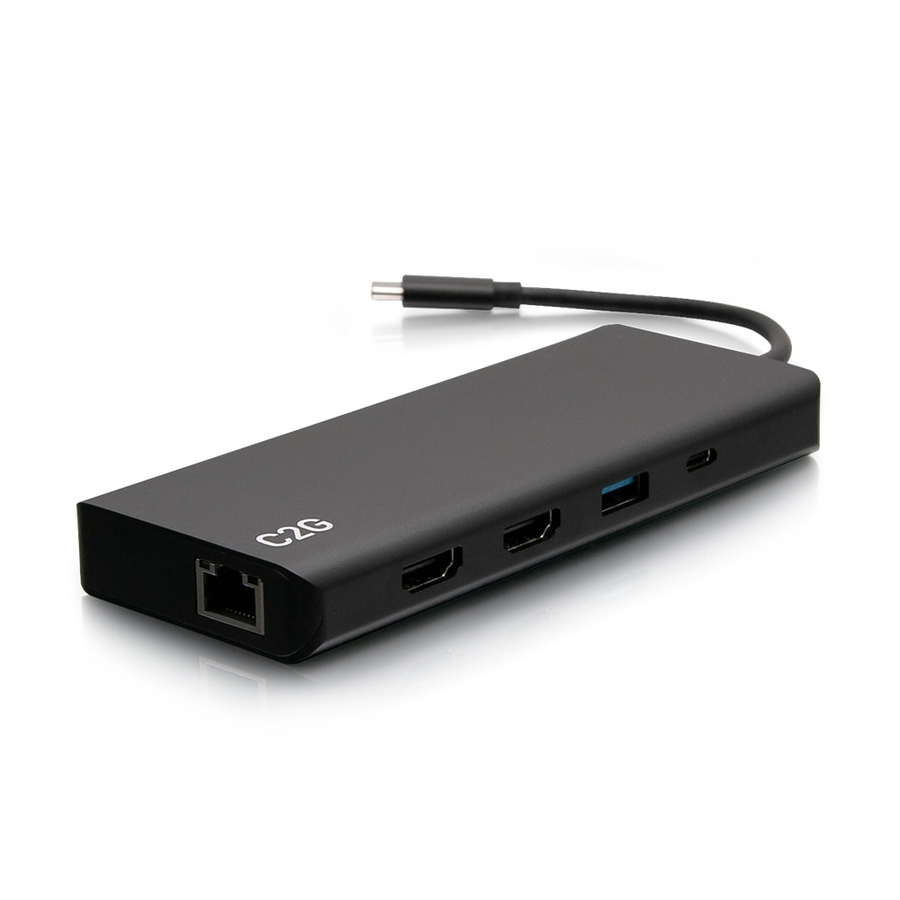
A C2G USB-C 9-in-1 dual-display docking station with 60W power supply, HDMI, Ethernet, USB and audio — a compact dual-monitor dock for an office desk.
Titled TAA.
$204.72*In stockThunderbolt 4 mini
IOGEAR
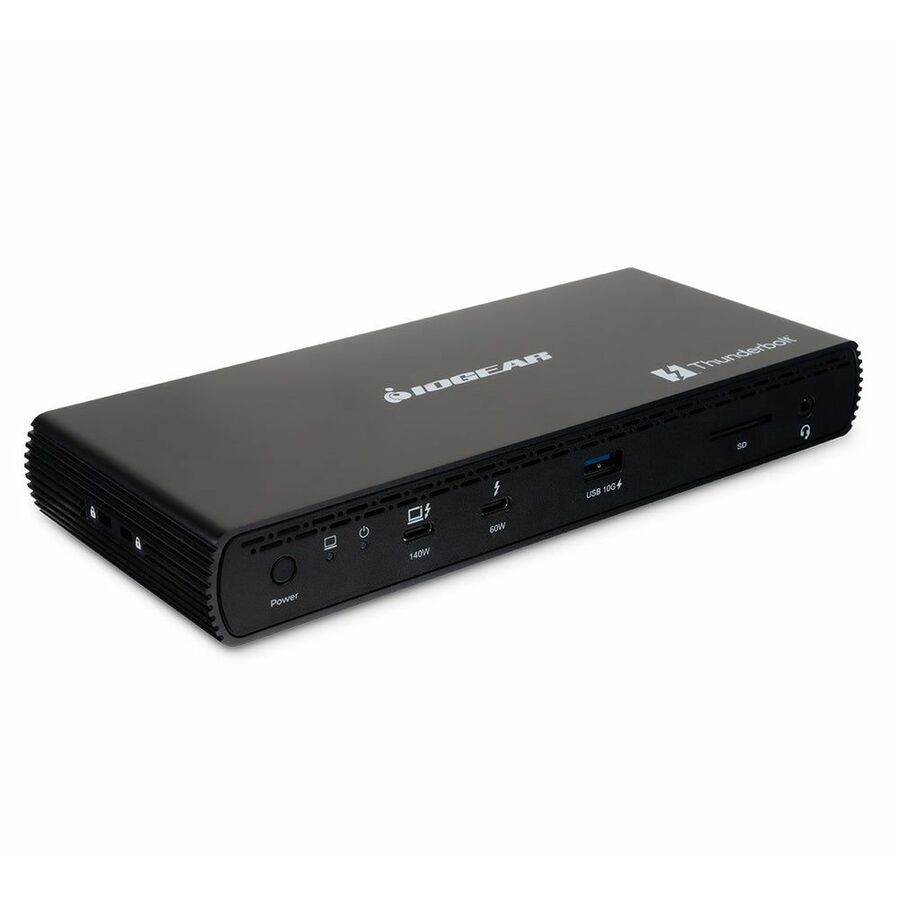
IOGEAR Quantum Thunderbolt 4 Mini Dock
GTD4MHTAA
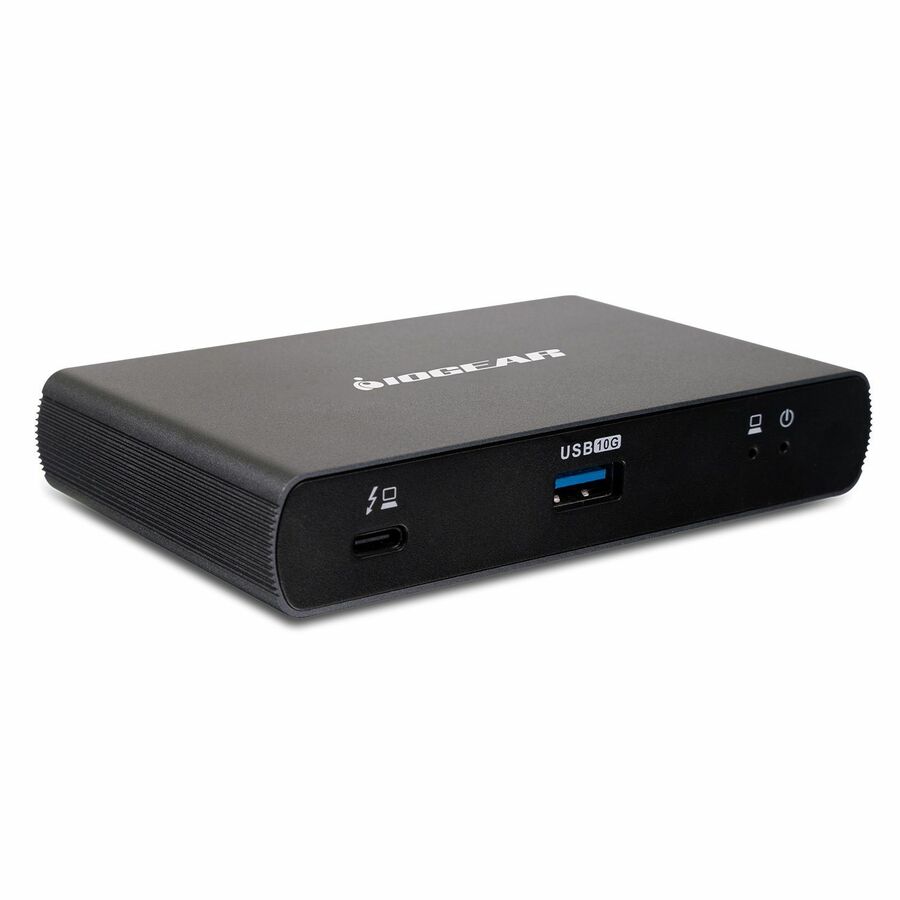
An IOGEAR Quantum Thunderbolt 4 mini dock with 135W for a notebook or desktop, driving two displays — the highest-bandwidth compact dock here for a Thunderbolt 4 fleet.
Titled TAA.
$163.24*In stockUSB-C dual display, 65W
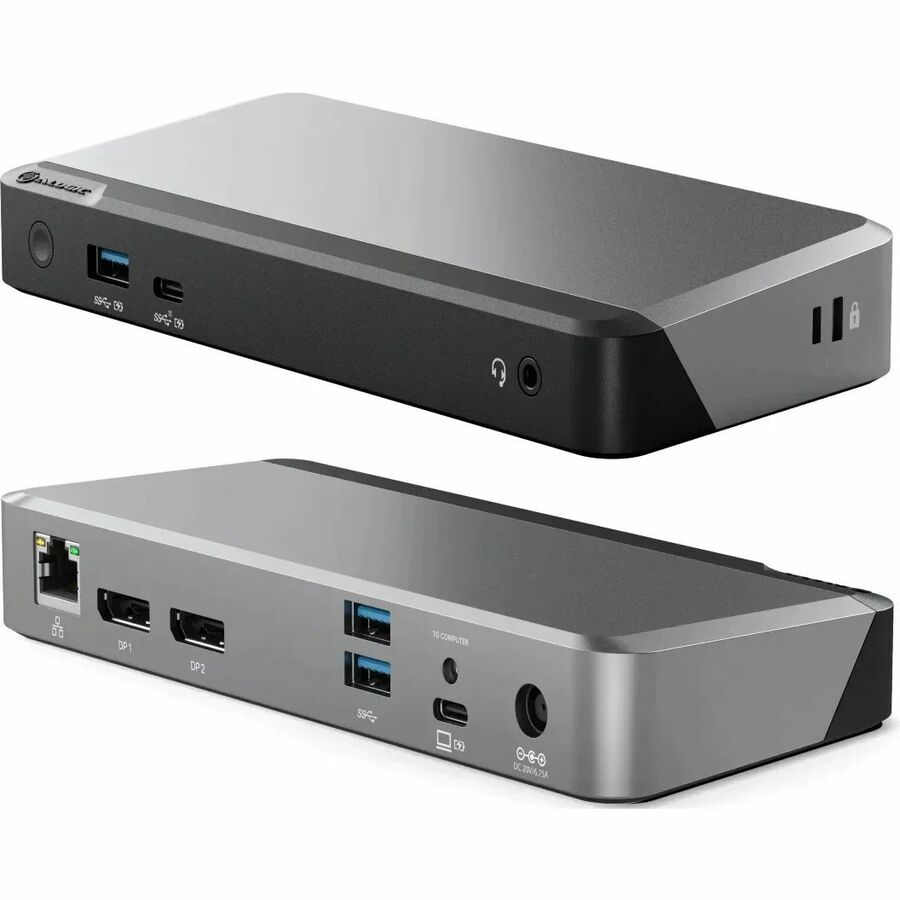
Alogic
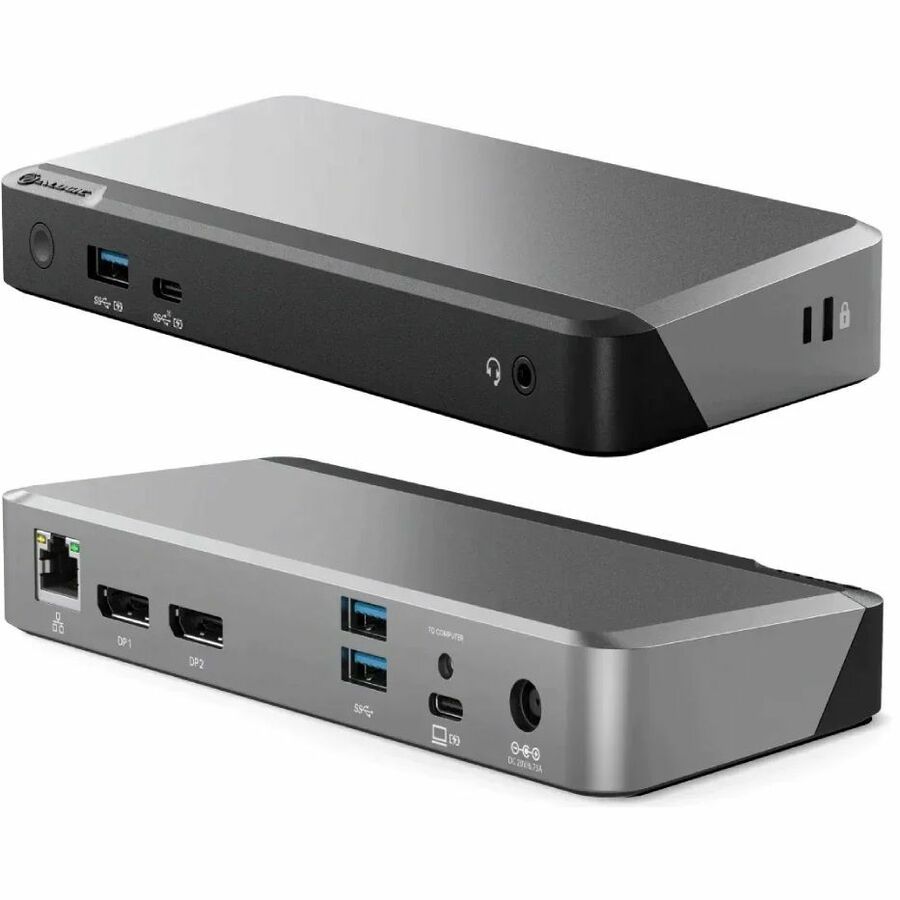
Alogic MX2 USB-C Dual Display DP Alt. Mode Docking Station
DUPRMX2-WW
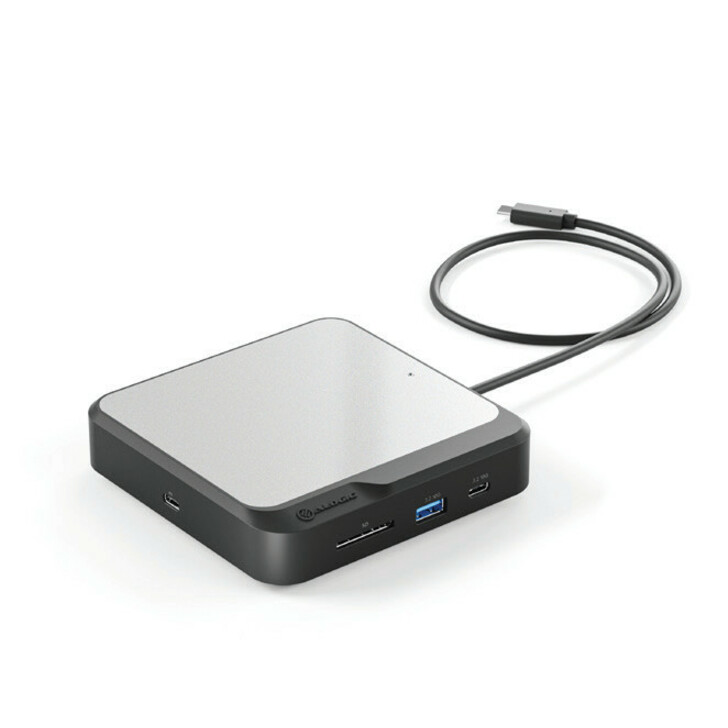
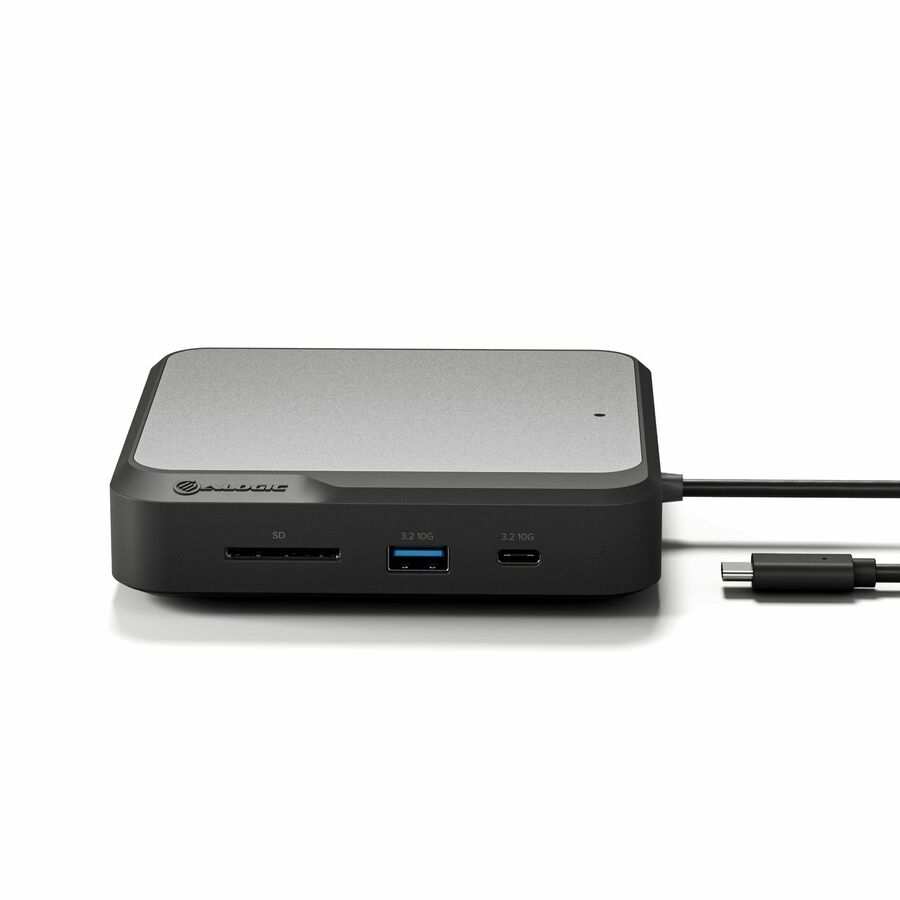
An Alogic MX2 USB-C dual-display DP Alt Mode docking station with 65W power delivery — a mid-tier dual-monitor dock for a general office laptop.
Titled TAA.
$168.00*In stockMini DisplayPort 4K
SIIG
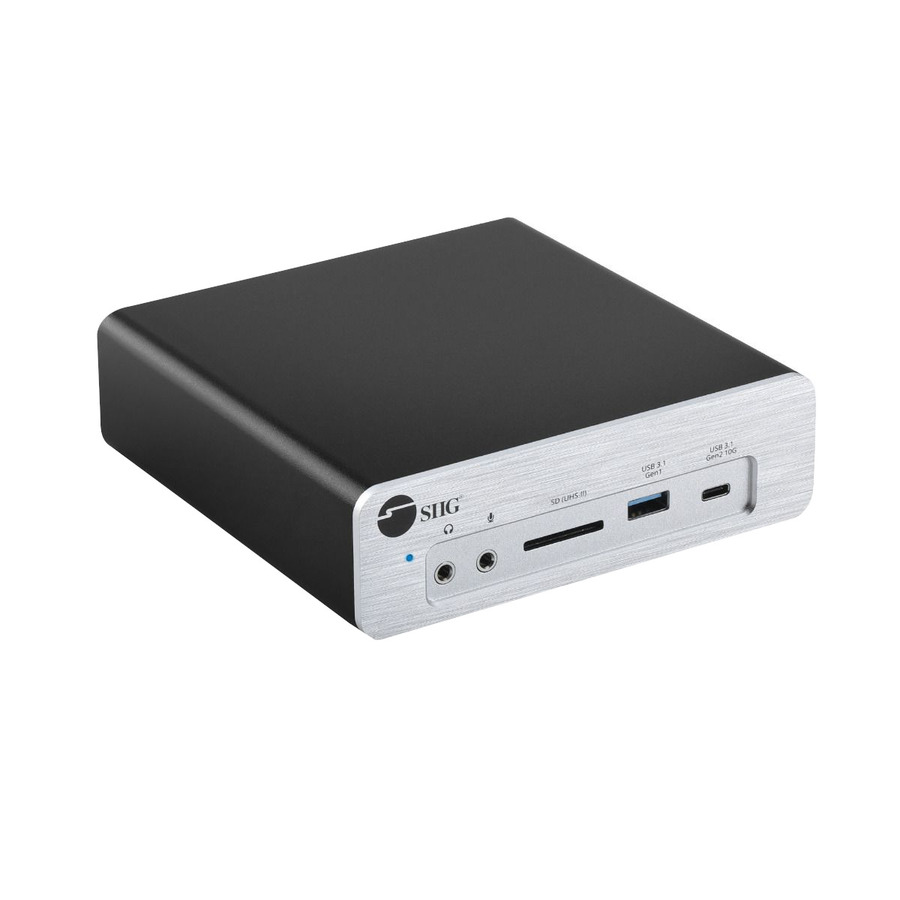
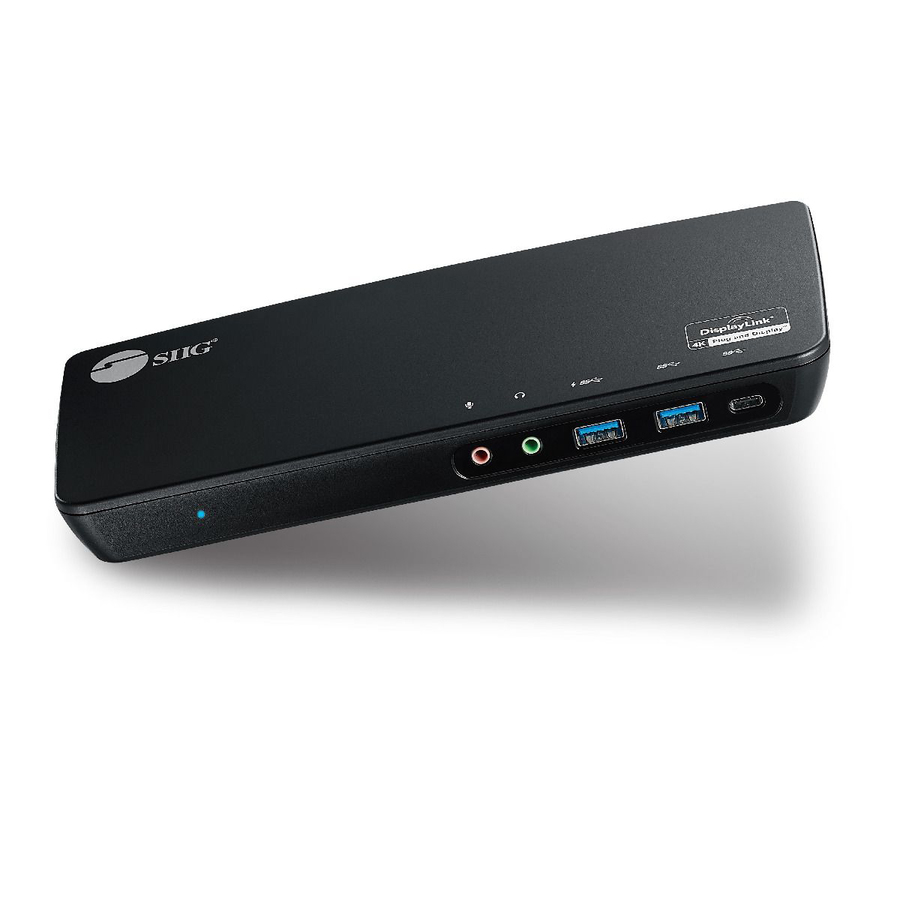
SIIG Mini DisplayPort 4K Video Dock with USB 3.0 LAN Hub
JU-H30F11-S1
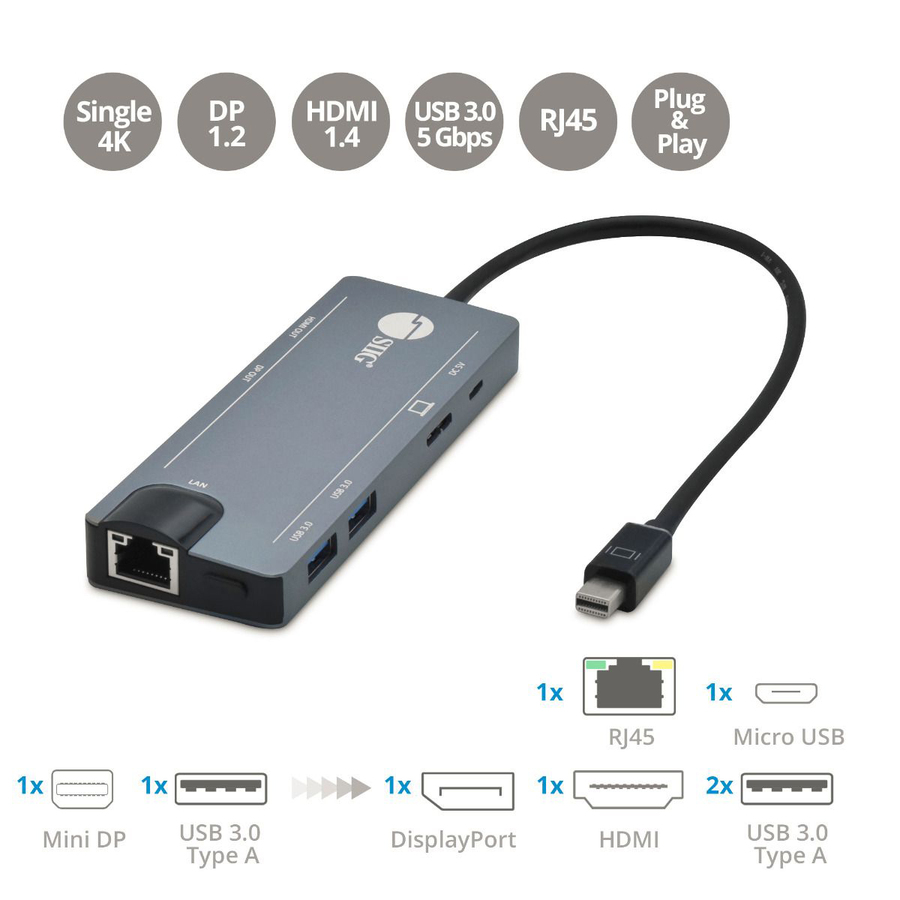
A SIIG Mini DisplayPort 4K video dock with a USB 3.0 LAN hub — a fixed-desk dock for an older Mini DisplayPort laptop that still needs wired network and a 4K display.
Titled TAA.
$120.24*In stockMore docking stations in the Uniqcli catalog
See all 1,162 docking stationsMore from across this category. In-stock lines lead, and a back-ordered line carries the same estimated availability its product page does — with live pricing throughout, NDAA §889 screening before checkout and TAA verified on request.
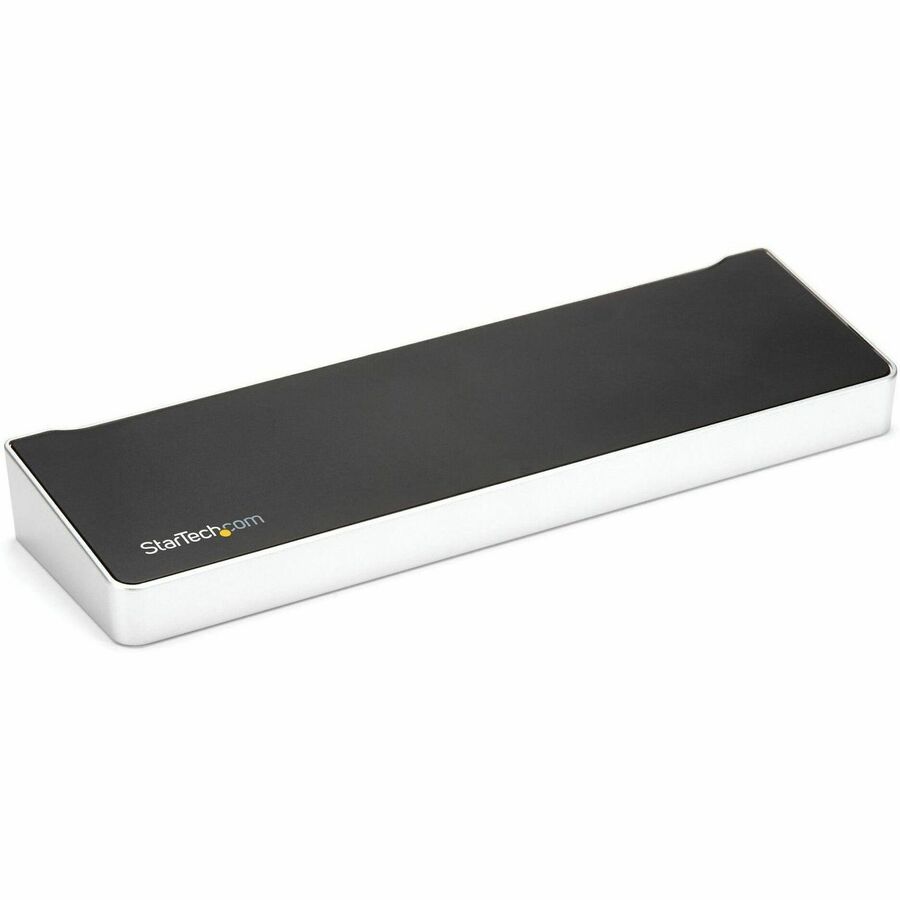
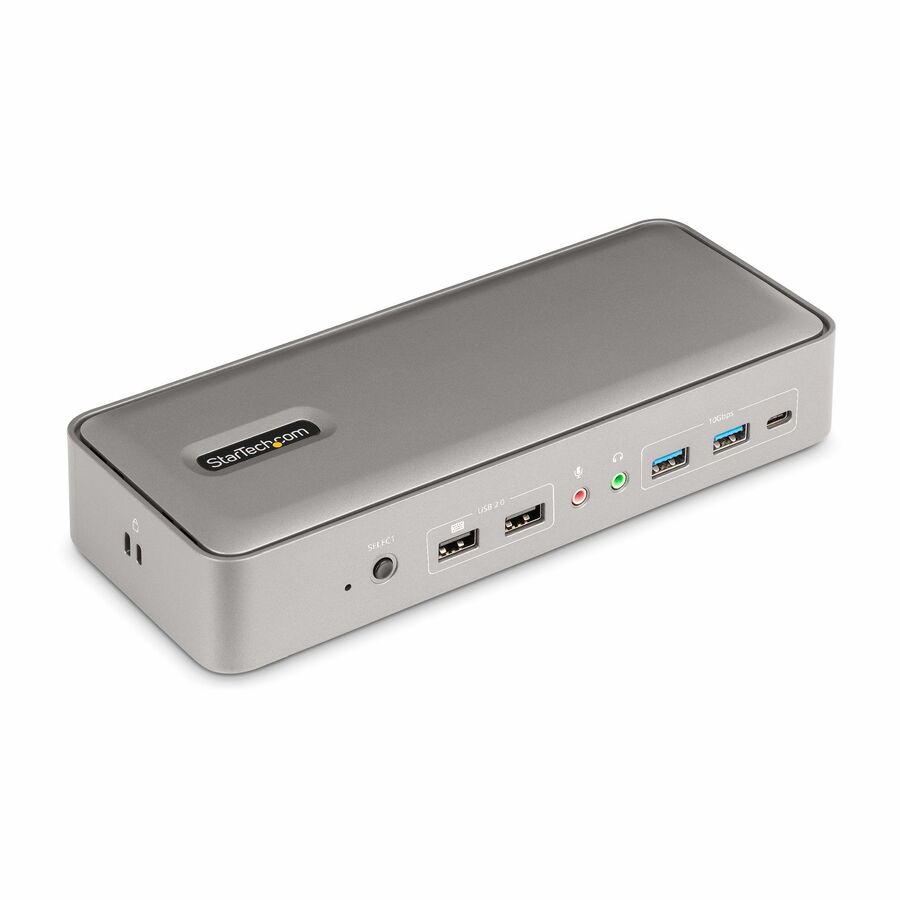
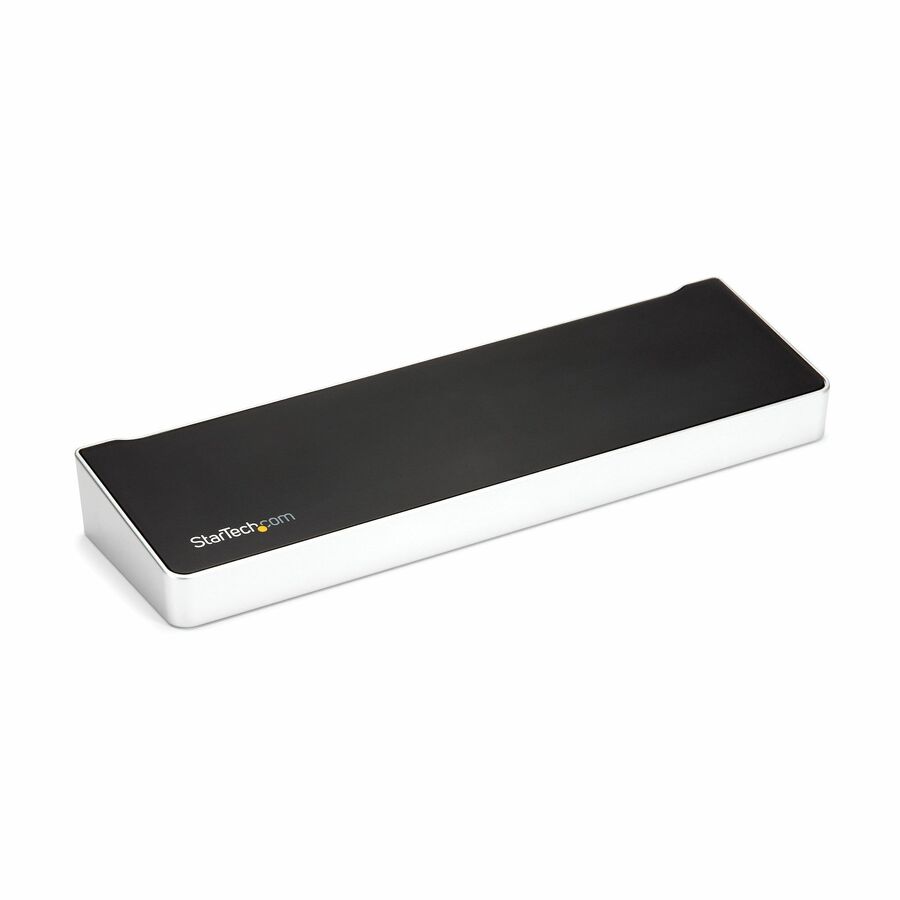
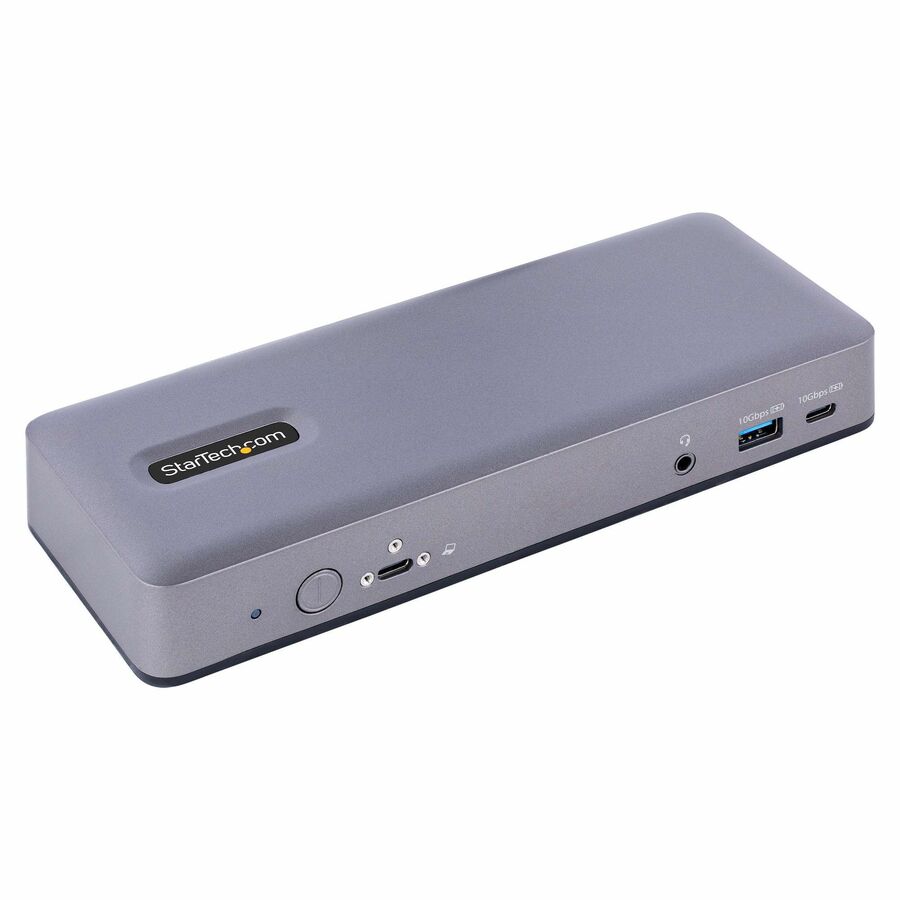
- StarTech.comStarTech Dual-Laptop USB-C KVM Docking Station, Dual Monitor 4K 60Hz DisplayPort Dock, 5x USB Hub, GbE, 90W/45W PD, Windows/Mac, TAA - Dual-Laptop KVM Dock switches between 2 USB Type-C hosts w/ toggle button - Charge 2 laptops (90W to active, 45W to standby PC) - Dual Monitor 4K 60Hz including on base M-Series MacBook Pro/Air - 5x USB Hub & GbE - Windows/Mac/Chrome (mixed OS)129N-USBC-KVM-DOCK
$322.86
$297.03*
159 in stock



Need pricing on TAA-compliant docks?
Tell us where to reach you and a Uniqcli specialist will follow up by email with current pricing, availability and lead time for the quantities you need — including parts that aren’t shown on this page.
Buying for an organization or for yourself — both work. No payment up front.
Three facts decide a fleet dock. The host connection sets the ceiling: Thunderbolt 3 or 4 drives more displays at higher refresh, USB-C with DisplayPort Alt Mode covers the single- and dual-monitor desk, and USB-A with DisplayLink adds displays to almost any laptop at the cost of a driver. Then read resolution with refresh rate together, and size charging watts to the hardest-working laptop.
A docking station is the one accessory that decides whether a laptop is a desk or a pile of adapters, and for a fleet it is bought by the seat, so getting it right is a rollout decision, not a personal one. The dock has to drive the number of monitors the role needs, charge the laptop over the same cable, and present the wired network, keyboard, mouse and peripherals a desk actually uses — all through a single connection the user makes and breaks daily. On a federal or federally-funded order the dock is also an item a contracting officer reads a country-of-origin designation on, and that designation is read per part number, not assumed from the brand.
Three facts decide the dock. The host connection is first — USB-C with DisplayPort Alt Mode, Thunderbolt 3/4, or legacy USB-A — and it sets the ceiling: a Thunderbolt dock drives more displays at higher refresh and moves data faster, a USB-C dock covers the common single- and dual-monitor desk, and a USB-A dock uses DisplayLink to add displays to almost any laptop at the cost of a driver. Display support is second and it is where fleets get burned: a dock that lists dual 4K may only do it at 30Hz, or may need the laptop's own GPU to support Multi-Stream Transport, so read the resolution and refresh together and against the laptops you actually have. Power delivery is third: a dock that charges a thin ultrabook at 60W will not keep a mobile workstation charged under load, so match the passthrough watts to the fleet.
Nothing on this page is a test result. The grid is fenced to docking-station rows whose own manufacturer title carries the TAA designation, so every card is both a dock and TAA-designated; the editorial picks below span USB-C, Thunderbolt 3/4 and USB-A/DisplayLink, single, dual, triple and quad monitors, and charging from 60W to 140W, from several manufacturers — each one checked by hand for the designation in the vendor's own catalog title. Cards carry live pricing and current availability from the catalog; the origin designation is confirmed per part number on the quote.
Buyer's checklist
How to choose a TAA-compliant docking station
- Match the host connection to the fleet. USB-C with DP Alt Mode covers the common single- and dual-monitor desk; Thunderbolt 3/4 drives more displays at higher refresh and moves data faster; USB-A with DisplayLink adds displays to almost any laptop at the cost of a driver.
- Read resolution and refresh together. A dock that lists 'dual 4K' may do it only at 30Hz, or may need the laptop's GPU to support Multi-Stream Transport — check the resolution, the refresh rate and the laptops you actually have, not just the monitor count.
- Size power delivery to the laptop under load. A 60W dock keeps a thin ultrabook charged but will not hold a mobile workstation running hard; match the passthrough watts to the most demanding laptop in the fleet, not the lightest.
- Count the ports the desk really uses. Wired Ethernet, the right number of USB-A and USB-C ports, and audio are what make a dock replace a drawer of adapters; confirm the port set against the peripherals the role uses daily.
- Standardise on one dock per fleet where you can. A single dock model per laptop generation keeps the spare shelf small, the driver story simple and the help-desk script short — the mistake is three docks doing one job across one floor.
- Where the purchase order names TAA, read the designation on the part number. Every dock on this page carries a TAA designation in the manufacturer's own title, but confirm it on the exact row you order — it is a per-part fact, not a property of the brand.
- Check the video standard against the monitors, not the future. A dock built around HDMI 2.0 and DP 1.4 covers today's 4K desk; buying beyond the monitors on the desk spends money the rollout does not need to.
USB-C, Thunderbolt, USB-A: match the dock to the laptop fleet
The host connection sets the ceiling. A Thunderbolt 3 or 4 dock has the most bandwidth — it drives the most displays at the highest refresh, moves storage and network data fastest, and daisy-chains — and it is the right choice for a mobile-workstation or engineering fleet. A USB-C dock with DisplayPort Alt Mode covers the common office desk of one or two monitors and a handful of peripherals, and it is the volume choice for a general fleet. A USB-A dock uses DisplayLink to add displays over ordinary USB, which lets it attach to almost any laptop regardless of its video capability — the trade is a driver to deploy and manage. Reading the laptops the fleet actually carries, rather than the newest dock, is what keeps a rollout from buying Thunderbolt for machines that have none.
Display and power are where the detail lives. A dock advertised for 'dual 4K' may deliver it only at 30Hz, or may rely on the laptop's own GPU to support Multi-Stream Transport, so the resolution and the refresh rate are read together and against the fleet's graphics. Power delivery is the other silent mismatch: a 60W dock keeps a thin ultrabook topped up but will not hold a mobile workstation charging under load, and a user whose laptop slowly drains on the dock blames the dock. Those are per-part facts the manufacturer's title and spec state, which is why the picks below name their host connection, display support and charging watts rather than a single headline.
TAA on the part number, confirmed on the quote
The Trade Agreements Act turns on where a good is manufactured or substantially transformed, and for a docking station that is a fact about the specific part number rather than about the manufacturer. Every dock on this page carries a TAA designation in the vendor's own catalog title, and the designation is still read per part and confirmed on the exact row you order, because a manufacturer often ships a TAA-designated variant beside a standard one under a closely related part number. A manufacturer's designation is its own statement about that part number, not an independent certification.
Uniqcli sources every line through US distribution and screens TAA country-of-origin and NDAA §889 status before checkout, with the documentation tied to the specific part number rather than a product family. That is what lets a full desk rollout — the docks, the monitors, the cables and the peripherals — be quoted, screened and shipped on one document tied to the exact models across the fleet.
FAQ
Common questions
- USB-C, Thunderbolt or USB-A — which docking station do I need?
- It depends on the laptops the fleet carries. A USB-C dock with DisplayPort Alt Mode covers the common office desk of one or two monitors and a set of peripherals, and it is the volume choice. A Thunderbolt 3 or 4 dock has the most bandwidth — more displays at higher refresh, faster storage and network, daisy-chaining — for a mobile-workstation or engineering fleet. A USB-A dock uses DisplayLink to add displays over ordinary USB, so it attaches to almost any laptop regardless of its video support, at the cost of a driver to deploy. Read the machines you have before the dock.
- Will a dock that says 'dual 4K' really drive two 4K monitors?
- Sometimes only at a lower refresh rate, so read the specification carefully. A dock advertised for dual 4K may deliver it at 30Hz rather than 60Hz, or may depend on the laptop's own GPU supporting Multi-Stream Transport to split the signal — which not every machine does. The honest check is to read the resolution and the refresh rate together, confirm the video standards (HDMI 2.0, DisplayPort 1.4) against the monitors on the desk, and verify the laptops in the fleet can drive that display count. A monitor count alone on the box is not a guarantee of resolution and refresh.
- How much charging power does a docking station need?
- Enough to hold the most demanding laptop in the fleet under load, not the lightest. A dock delivering 60W of power passthrough keeps a thin ultrabook topped up, but a mobile workstation running hard can draw more than that and will slowly drain on the dock — and the user blames the dock, not the mismatch. Match the passthrough watts to the heaviest laptop the dock has to serve; the picks below range from 60W for light fleets to 140W for workstation-class machines, so the charging is sized to the role.
- Are these docking stations TAA compliant?
- Every dock on this page carries a TAA designation in the manufacturer's own catalog title — that is the fence the page is built on. It remains a per-part fact worth confirming on the exact row you order, because manufacturers often ship a TAA-designated variant beside a standard one under a closely related part number, and a designation is the manufacturer's own statement about that part number rather than an independent certification. Where an order carries an origin clause, the designation is confirmed on the quote against the exact part.
- Can business, government and education buyers order these?
- Every line Uniqcli quotes is sourced through US distribution and screened for TAA country-of-origin and NDAA §889 status before checkout — with documentation tied to the specific part number, not a product family.
Need TAA-compliant docks pricing?
Send a bill of materials or part numbers — we confirm stock and a below-market total, with TAA verified on request. No payment up front.