
Best Ergonomic Keyboards for Office Workers
Split, curved and sculpted keyboards from Logitech, Adesso, Targus, Matias and Macally — read by layout, connection, key switch, palm rest and how they deploy across a fleet.
Ergonomic keyboards in stock at Uniqcli
How to choose →A curated selection with live pricing — in-stock lines first, then back-ordered lines with a typical lead time. Every line is sourced through US distribution and screened for NDAA §889 status before checkout, with TAA verified on request.
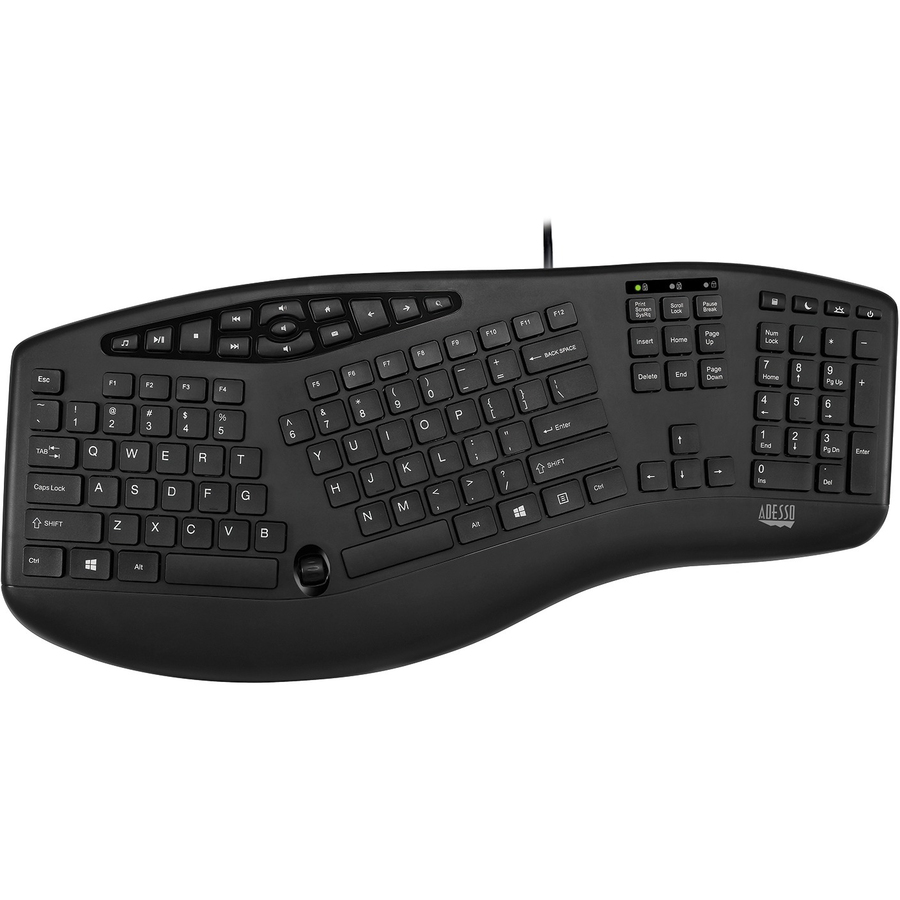
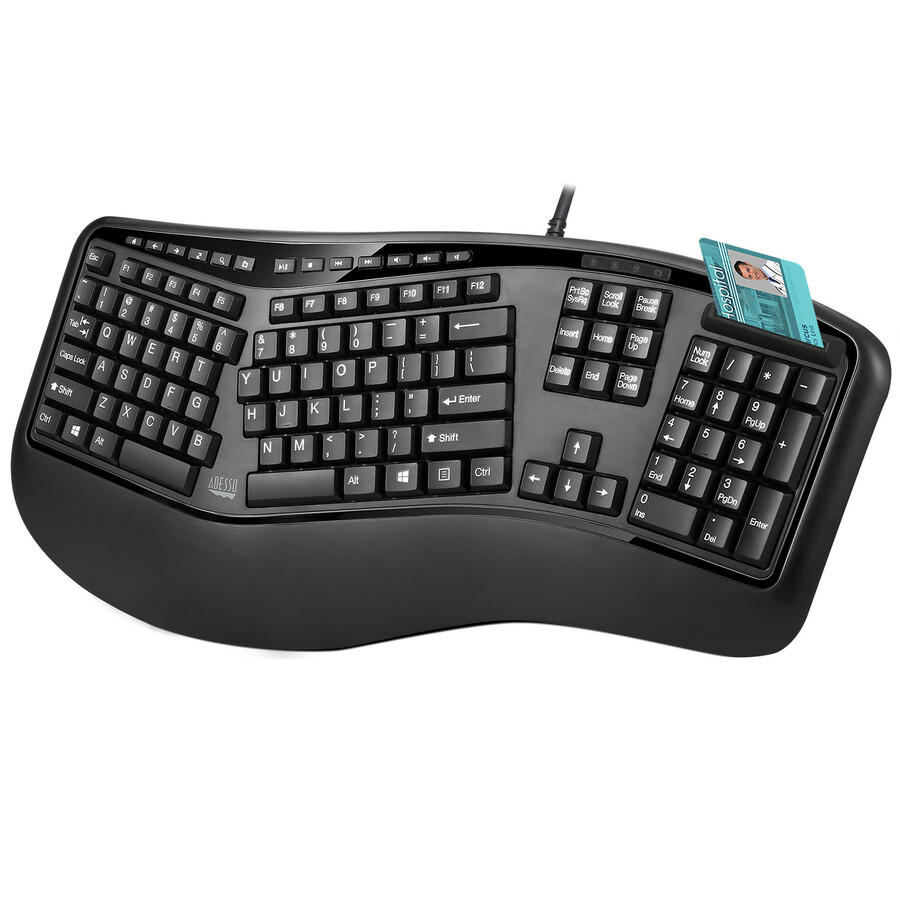
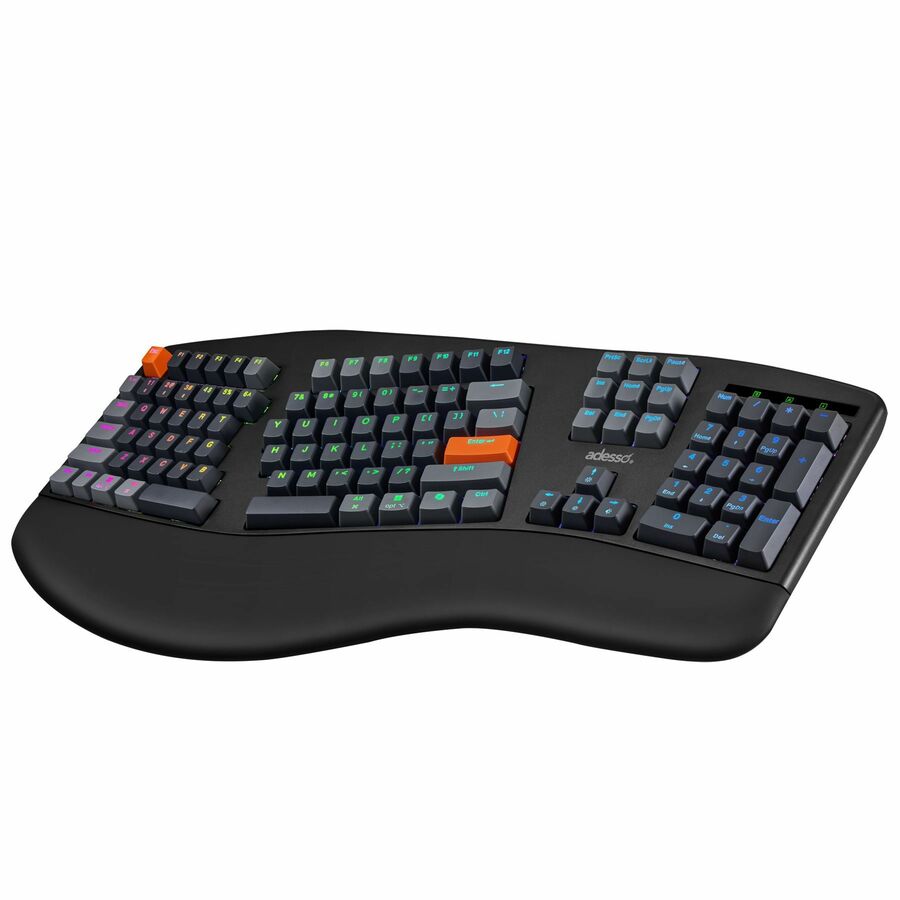
- AdessoAdesso Ergonomic Wired Keyboard - Cable Connectivity - Full-size - USB Interface - 105 Key(s) - 13 Hot Key(s) - Multimedia, Internet, Volume Down, Volume Up, Mute, Play/Pause, Previous Track, Next Track, Media Player, Home Hot Key(s) - English (US) - PC - Membrane KeyswitchAKB-150UB
$59.99
$55.89
1,425 in stock - ErgoguysLEFT HANDED Ergonomic KEYBOARD WIRED USB BLACK - Cable Connectivity - USB Interface - Membrane Keyswitch - BlackKBS-29BLK
$39.99
$35.83
Back-orderedBack-ordered — estimated OEM lead time 3–8 weeks (Nov 27, 2026 – Jan 1, 2027 if ordered today).
- ErgoguysMatias Sculpted Ergonomic Wired Keyboard for PC - Cable Connectivity - USB Type C Interface - Windows - PC - Scissors Keyswitch - BlackFK313PC
$78.67
Back-orderedBack-ordered — estimated OEM lead time 3–8 weeks (Nov 27, 2026 – Jan 1, 2027 if ordered today).
- MaceMacally Wired Ergonomic Keyboard for Mac - Split Design with Wrist Rest - Cable Connectivity - USB Type A Interface - LED - 100 Key(s) - Mac OS - Computer, Notebook - MacBLERGO2SG
$94.94
Back-orderedBack-ordered — estimated OEM lead time 3–8 weeks (Nov 27, 2026 – Jan 1, 2027 if ordered today).
- Targus Group InternationalTargus® Sustainable Ergonomic Wireless EcoSmart® Keyboard - Wireless Connectivity - Bluetooth - Full-size - 5 - 104 Key(s) - ChromeOS, Windows, Mac OS, iPadOS, iOS, Android - Notebook, Tablet - PC, Mac - AAA Battery Size Supported - BlackAKB871US
$112.99
$109.60
Back-orderedBack-ordered — we expect to receive stock the week of Nov 9–15 and will process your delivery right after.
- ErgoguysMatias Sculpted Ergonomic Rechargeable Keyboard for PC - Wireless Connectivity - RF - 2.40 GHz - USB Type C Interface - Computer - PC - Scissors Keyswitch - BlackFK413PCD
$116.69
Back-orderedBack-ordered — estimated OEM lead time 3–8 weeks (Nov 27, 2026 – Jan 1, 2027 if ordered today).





Wave layout, business
Logitech
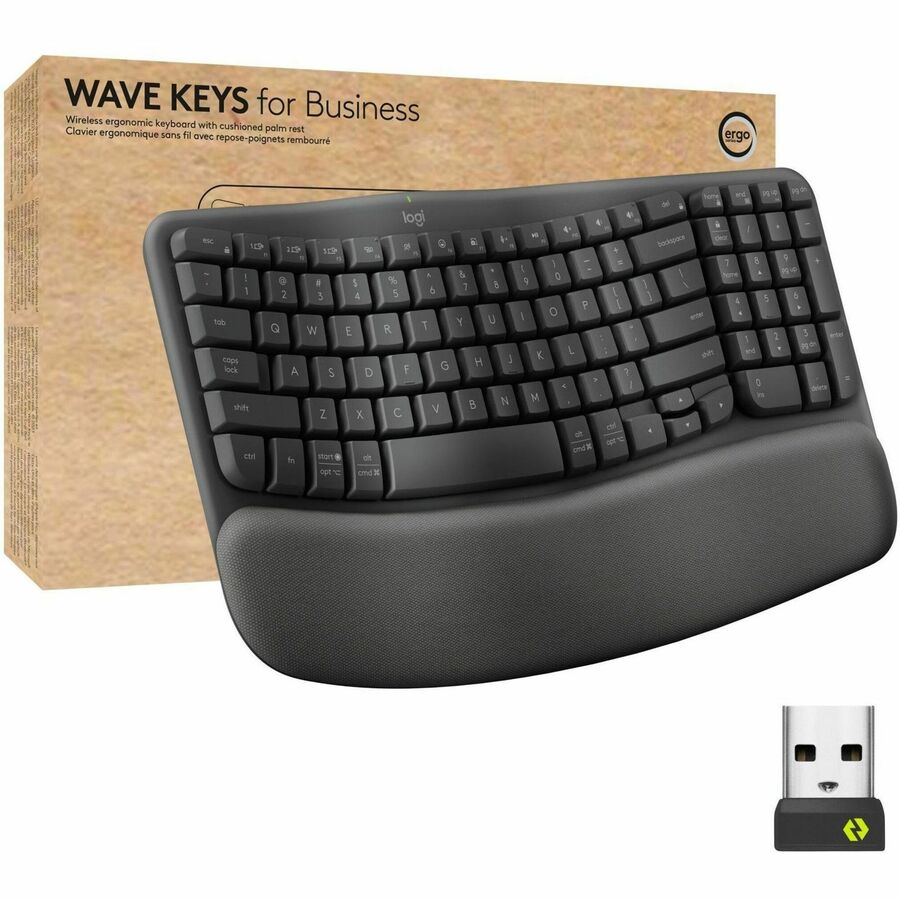
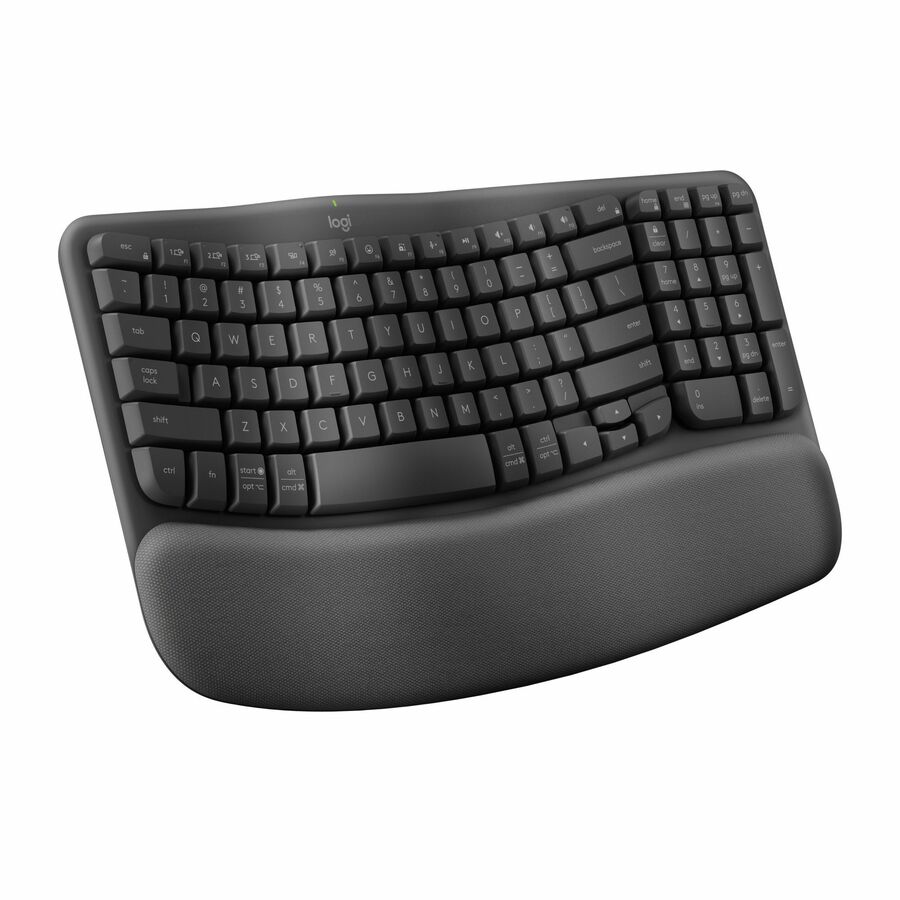
Logitech Wave Keys for Business Ergonomic Keyboard
920-012058
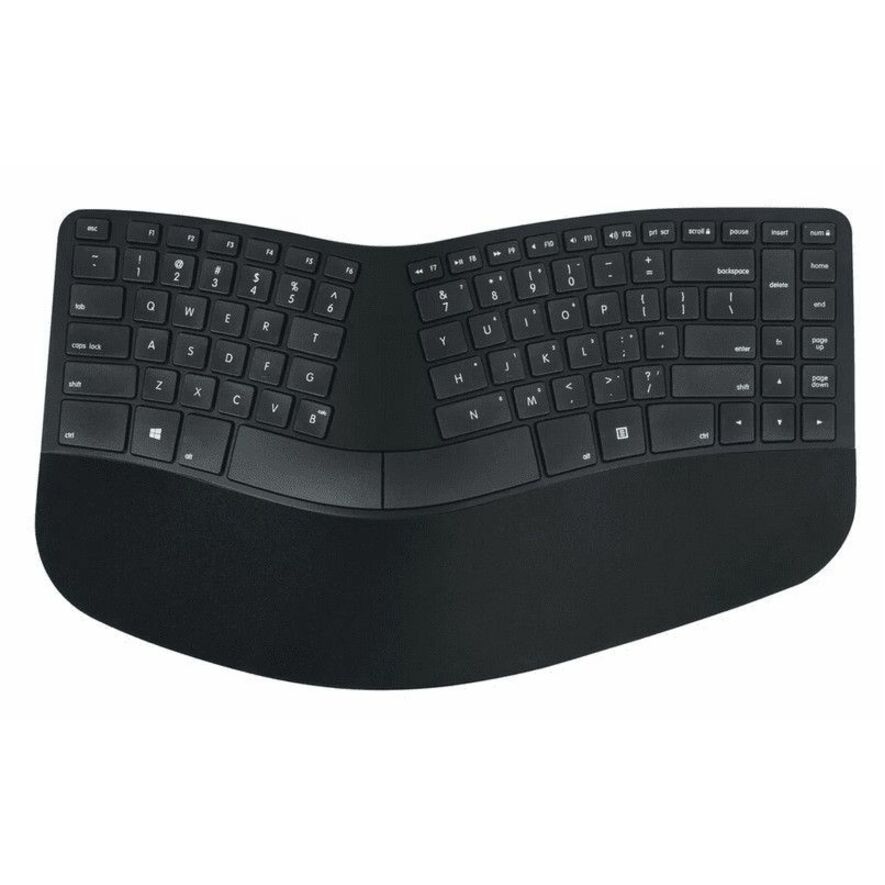
A Logitech Wave Keys for Business ergonomic keyboard, Bluetooth in a compact layout with USB Type-A support and listed for Windows, macOS and ChromeOS — the easy fleet standard.
$86.41In stockWave with palm rest
Logitech
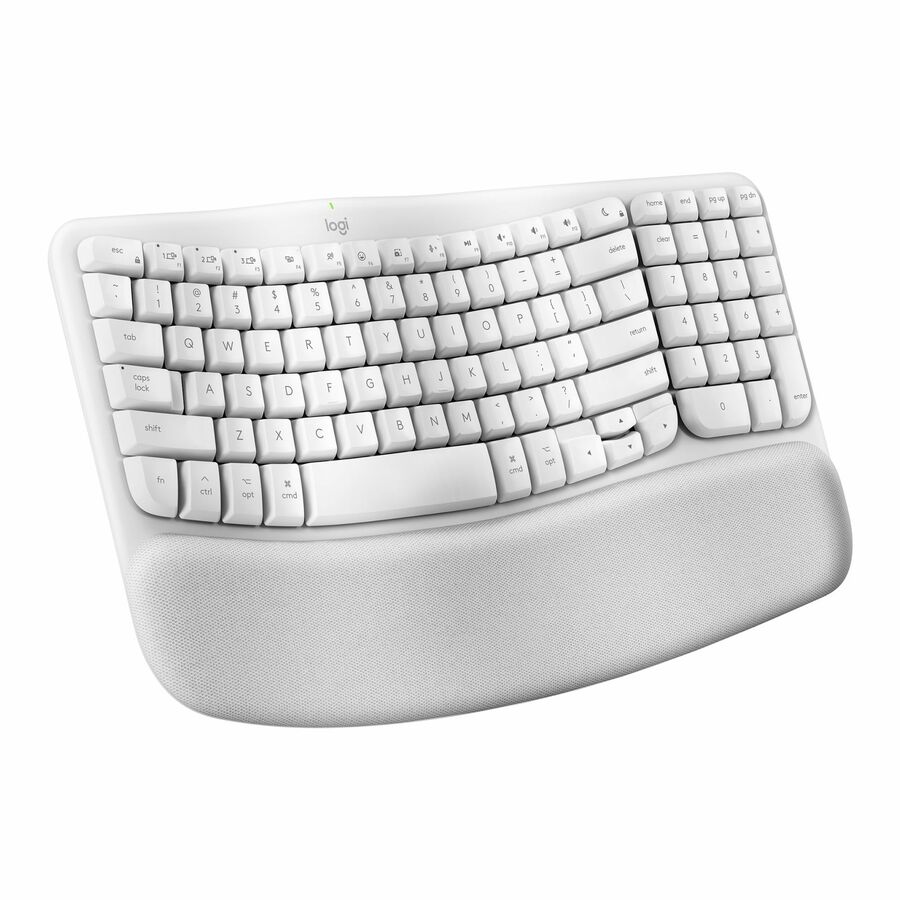
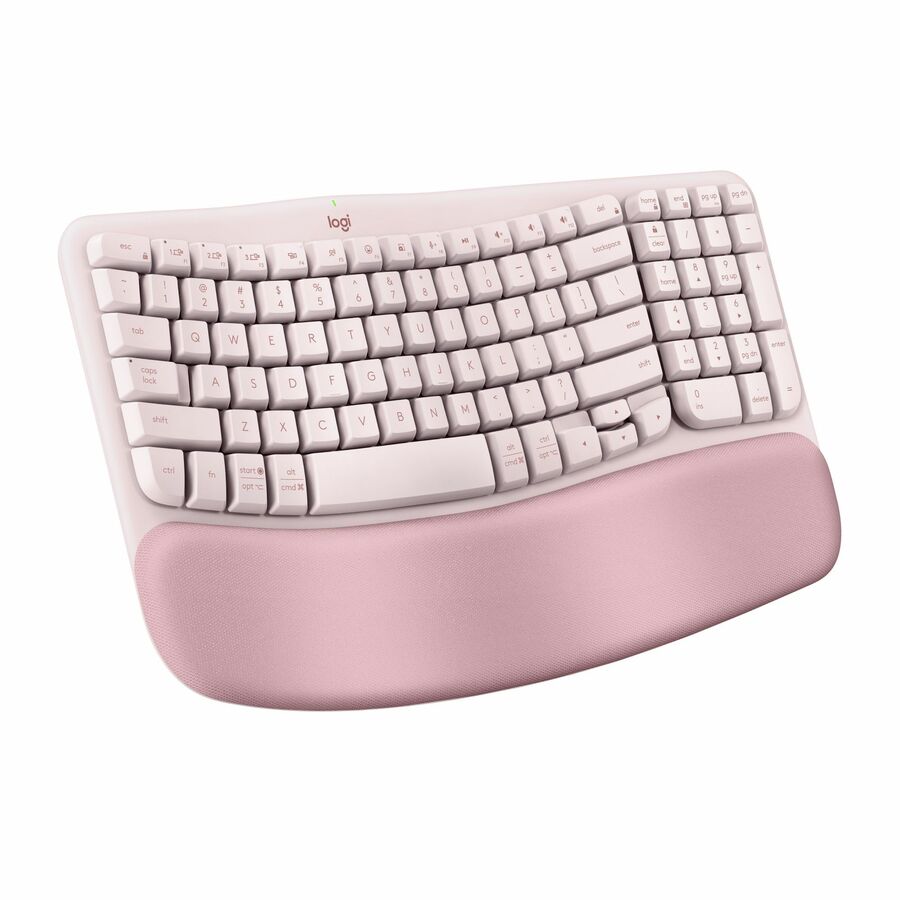
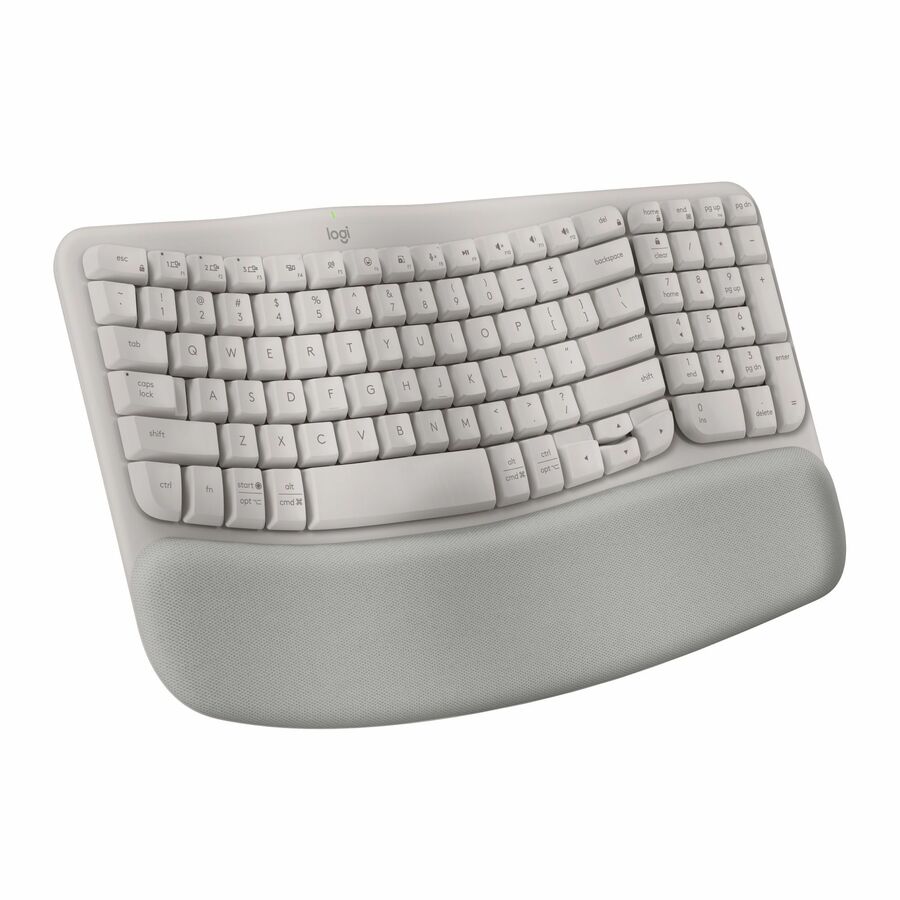
Logitech Wave Keys Wireless Ergonomic Keyboard with Cushioned Palm…
920-011898
A Logitech Wave Keys wireless ergonomic keyboard with a cushioned palm rest, Bluetooth at up to 32 ft and listed for Windows, macOS and ChromeOS — the curved layout most people can type on immediately.
$89.04In stockSplit wireless
Logitech
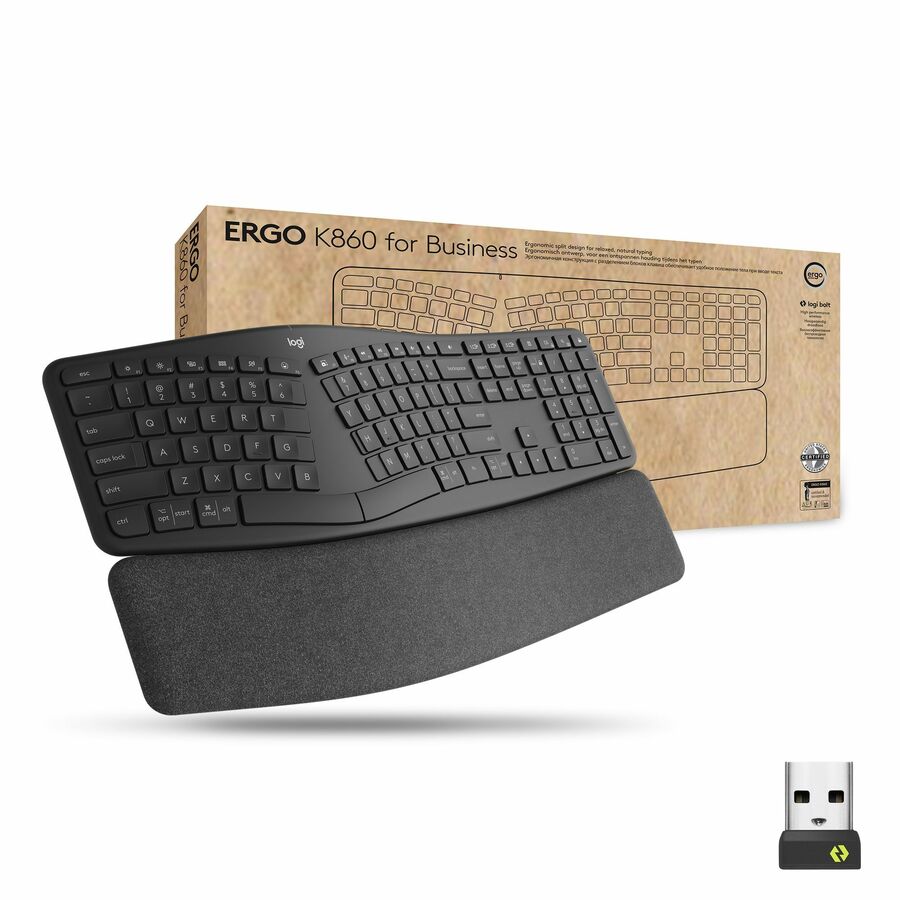
Logitech Ergo K860 Split Wireless Keyboard for Business
920-010175
A Logitech Ergo K860 split wireless keyboard for business with Logi Bolt wireless, listed for PC, Mac and ChromeOS — the full split layout for a dedicated desk.
$197.33In stockTruForm wired
Adesso
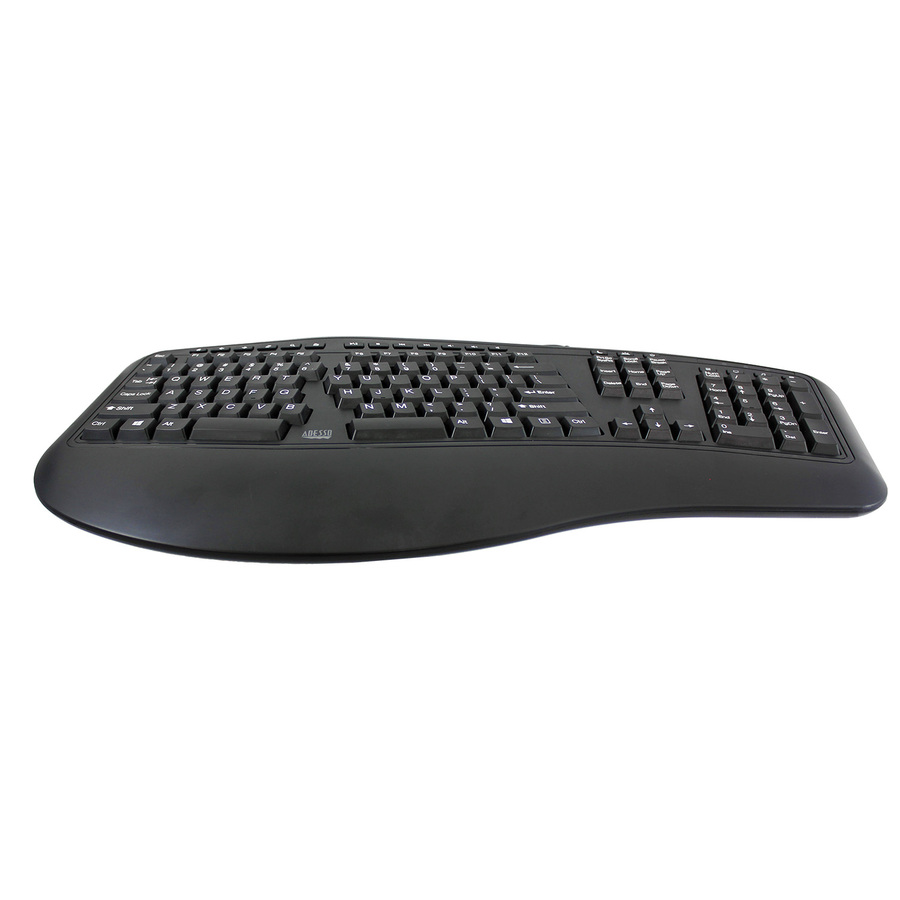
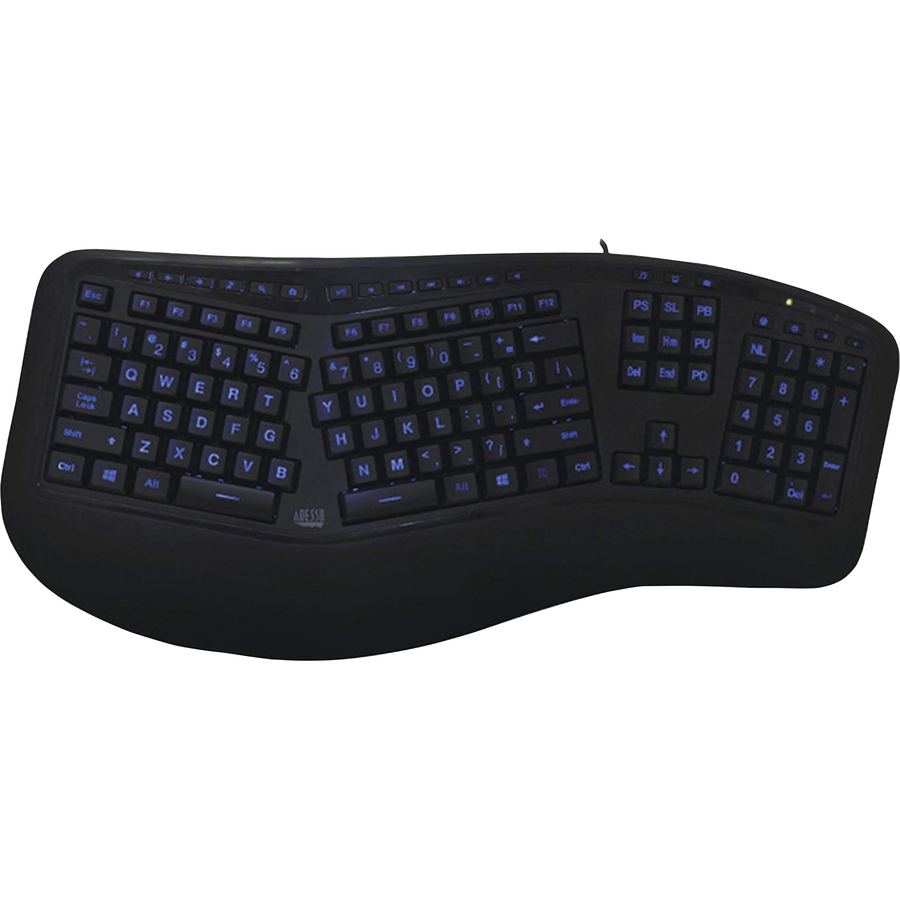
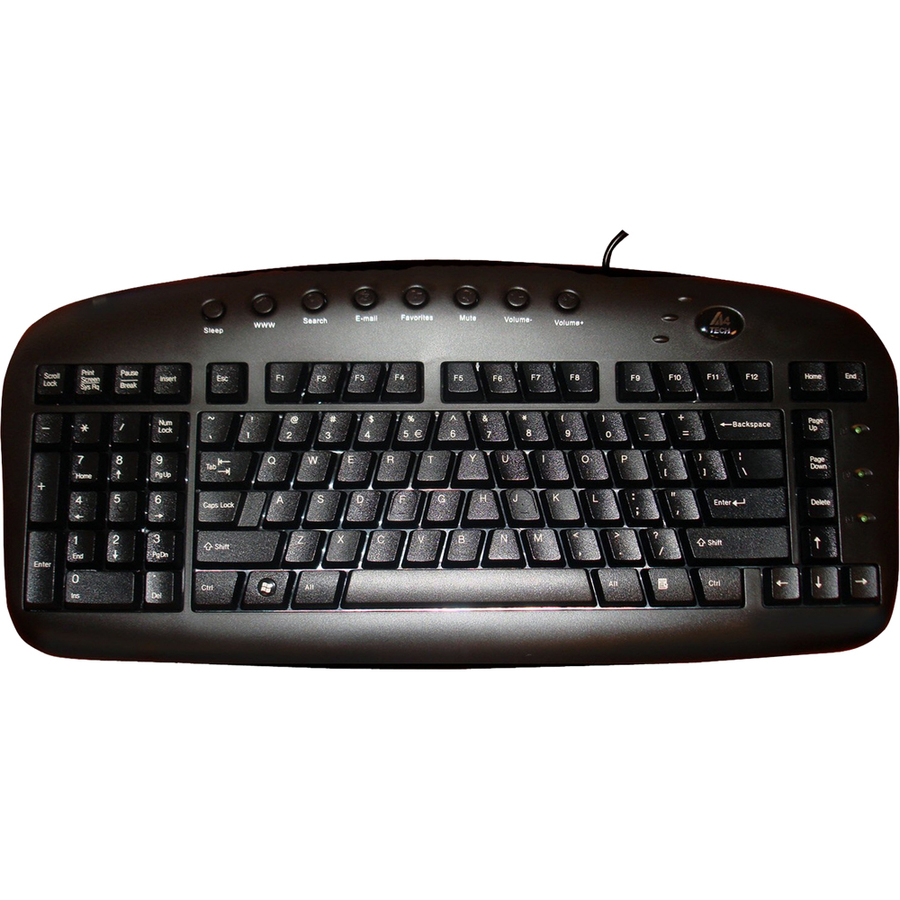
Adesso TruForm Ergonomic Desktop Keyboard
AKB-160UB
An Adesso TruForm ergonomic desktop keyboard, wired over USB in a full-size 104-key layout with hot keys — a plain wired curved board with nothing to pair or charge.
$48.38In stockSmart card reader, TAA
Adesso
Adesso Desktop Ergonomic Smart Card Reader Keyboard (TAA Compliant)
AKB-150SB-TAA
An Adesso desktop ergonomic keyboard with a built-in smart card reader, wired USB and a full-size 105-key layout, listed by the maker as TAA Compliant — one device for typing and badge authentication.
Titled TAA Compliant by the manufacturer; the designation is a property of this part number.
$85.98*In stockWireless with touchpad
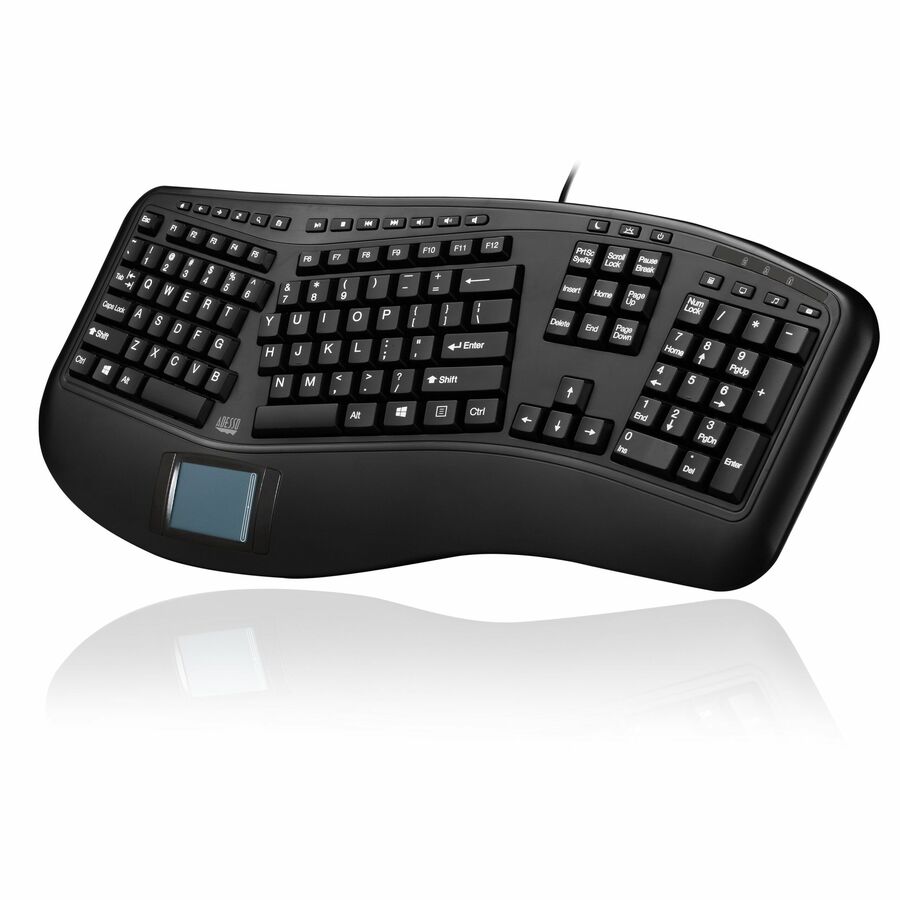
Adesso
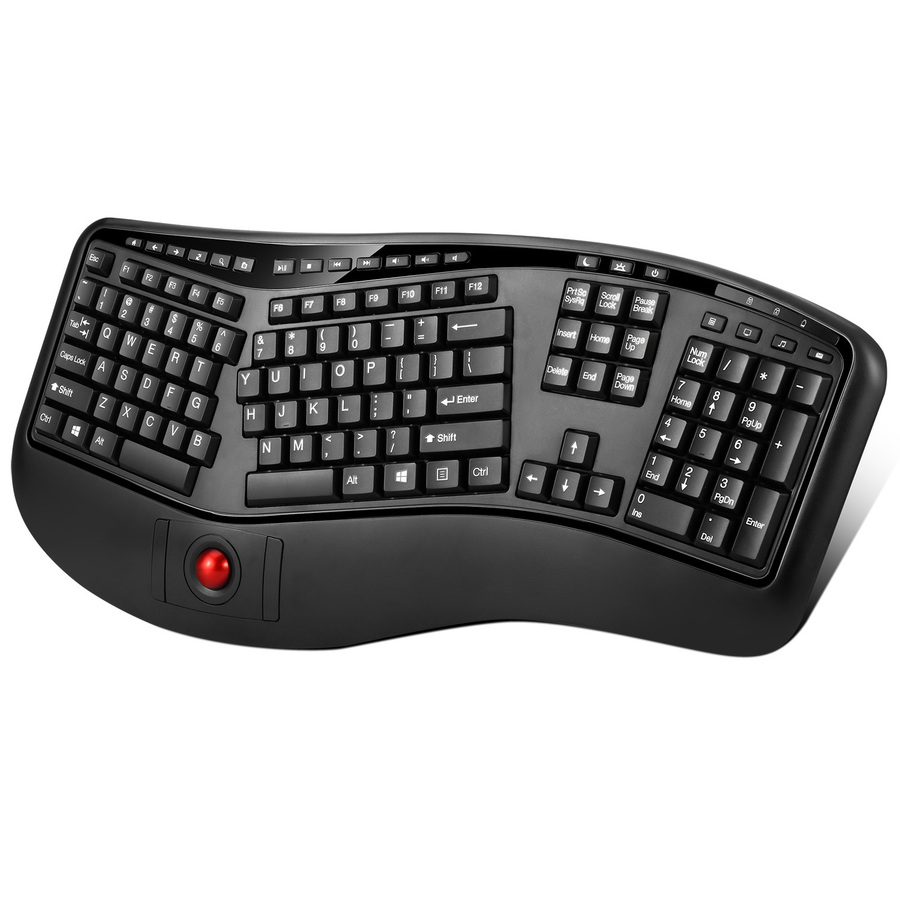
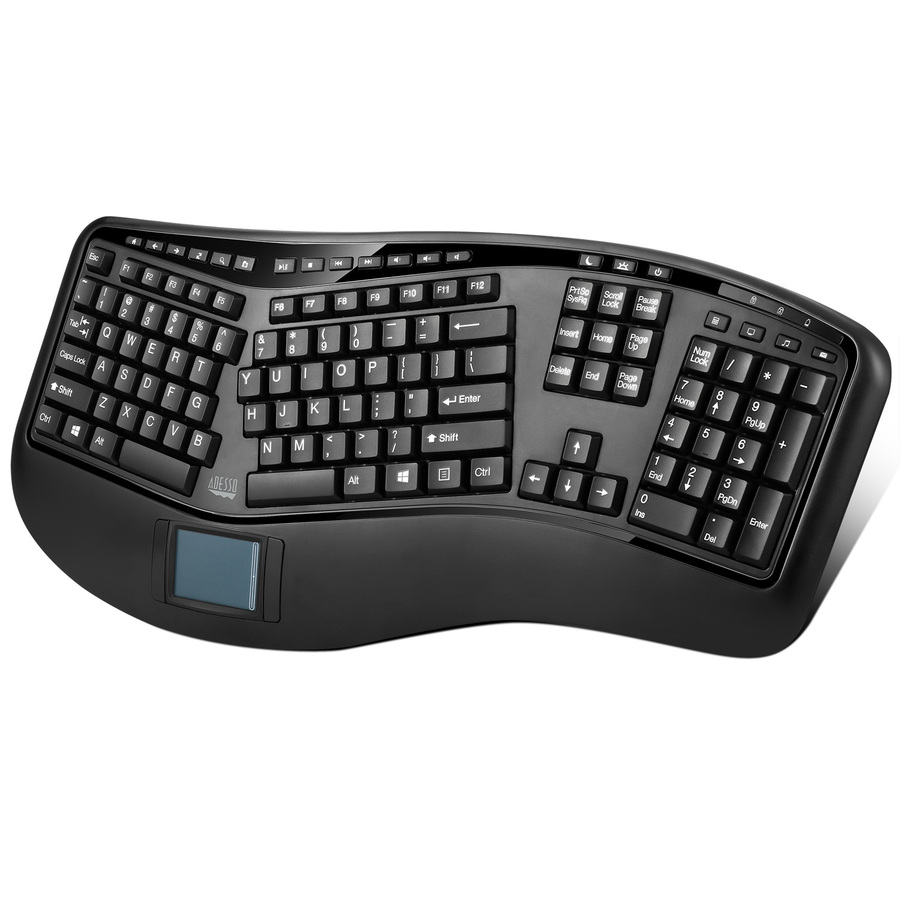
Adesso 2.4GHz Wireless Ergonomic Touchpad Keyboard
WKB-4500UB
An Adesso 2.4 GHz wireless ergonomic keyboard with an integrated touchpad, full-size 105 keys and 20 hot keys — for a desk or a lectern with no room for a separate mouse.
$97.75In stockSculpted wired
Ergoguys
Matias Sculpted Ergonomic Wired Keyboard for PC
FK313PC
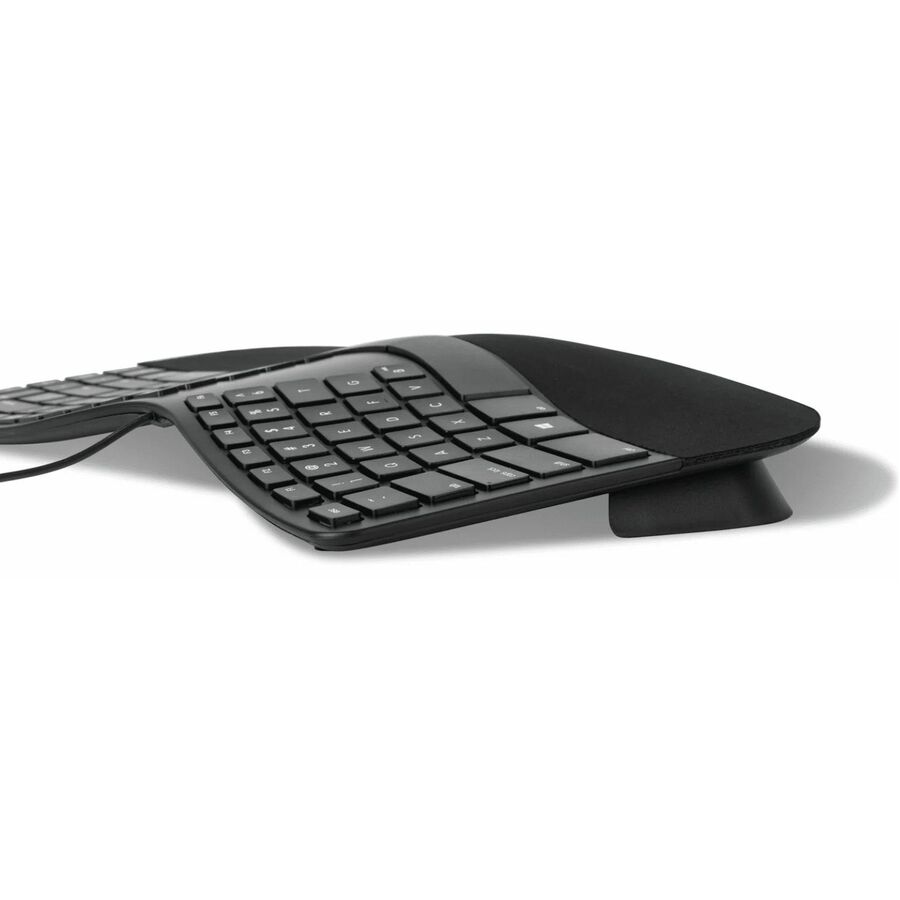
A Matias sculpted ergonomic wired keyboard for PC on USB Type-C with scissor key switches — a quiet, shallow-travel board with a shaped key field.
$78.67Back-orderedSculpted rechargeable
Ergoguys
Matias Sculpted Ergonomic Rechargeable Keyboard for PC
FK413PCD
A Matias sculpted ergonomic rechargeable keyboard for PC on 2.4 GHz wireless with a USB Type-C interface and scissor switches — the cordless version of the same shape.
$116.69Back-orderedLeft-handed layout
Ergoguys
LEFT HANDED Ergonomic KEYBOARD WIRED USB BLACK
KBS-29BLK
A left-handed ergonomic wired USB keyboard with membrane switches — the number pad moves to the left so a left-handed user's mouse can sit where their hand already is.
$35.83Back-orderedFoldable for travel
Targus Group International
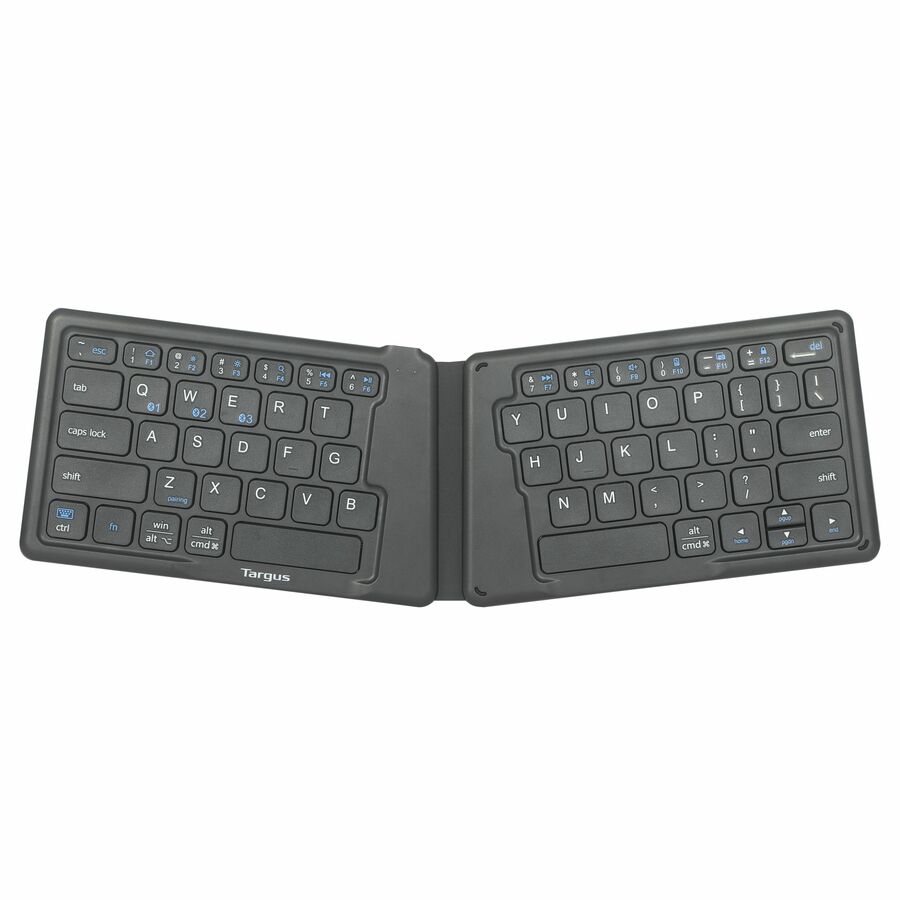
Targus Ergonomic Foldable Bluetooth EcoSmart Keyboard
AKF003US
A Targus ergonomic foldable Bluetooth EcoSmart keyboard, 64 keys in a compact folding shell listed for Windows, macOS, ChromeOS, iPadOS, iOS and Android — the board that lives in the bag.
$38.79In stockSustainable full-size
Targus Group International
Targus® Sustainable Ergonomic Wireless EcoSmart® Keyboard
AKB871US
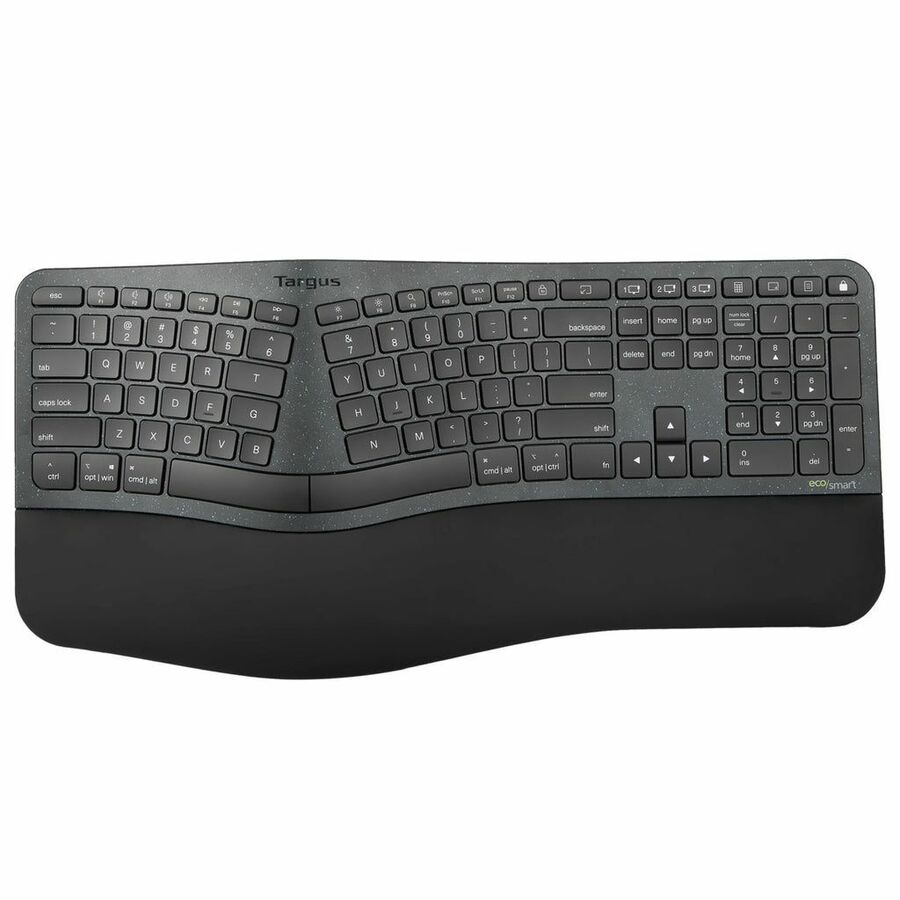
A Targus sustainable ergonomic wireless EcoSmart keyboard, Bluetooth in a full-size 104-key layout listed for Windows, macOS, ChromeOS, iPadOS, iOS and Android.
$109.60Back-orderedSplit for Mac
Mace
Macally Wired Ergonomic Keyboard for Mac
BLERGO2SG
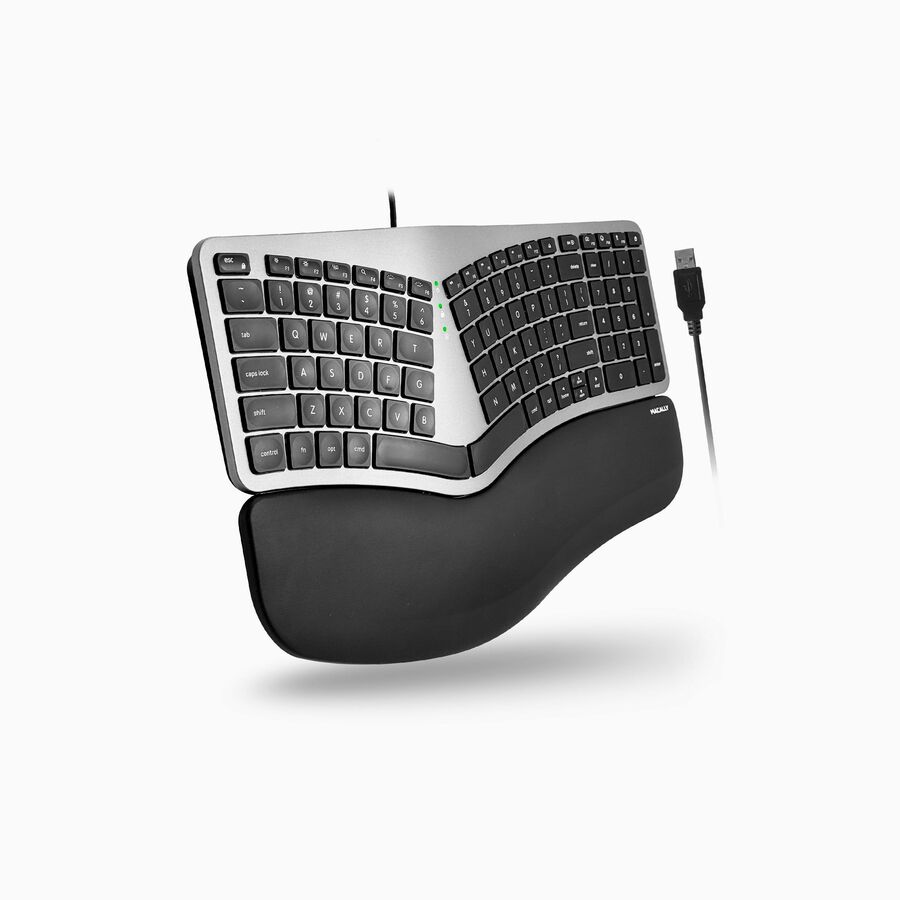
A Macally wired ergonomic keyboard for Mac with a split design and a wrist rest, USB Type-A and a 100-key Mac layout — the modifier keys where a Mac user expects them.
Every pick on this page carries "Ergonomic" in the manufacturer's own catalog title, as this one does.
$94.94Back-orderedNeed pricing on ergonomic keyboards?
Tell us where to reach you and a Uniqcli specialist will follow up by email with current pricing, availability and lead time for the quantities you need — including parts that aren’t shown on this page.
Buying for an organization or for yourself — both work. No payment up front.
An ergonomic keyboard is a shape argument. A standard board asks the hands to turn inward and the forearms to roll palms-down; split, curved and sculpted layouts are designed to let the hands sit closer to the angle they hold at rest, and a padded palm rest is designed to stop the wrists resting on a hard desk edge. Every row on this page carries the word "ergonomic" in the manufacturer's own catalog title — that is the maker's description of the shape, and it is what this page reports. Nothing here is a medical device and nothing on this page claims to prevent, treat or relieve an injury; if someone is in pain, that is a conversation with a clinician and an ergonomic assessment, not a purchase order.
The layouts divide into three broad shapes. A fully split keyboard separates the halves so each hand can sit at its own angle, and it is the biggest change to type on — it wants a week of adjustment and it is the strongest option for someone who has decided to change their setup properly. A curved or wave layout keeps one piece but bows the key rows, which is a far smaller adjustment and the easier fleet-wide standard. A sculpted compact board is a small, low-profile answer for a hot desk or a travelling laptop bag. Beside those sit the specific cases: a left-handed layout, a board with an integrated touchpad, and a keyboard with a smart card reader built in.
Then it is the ordinary deployment questions, and they matter more across a fleet than the shape does. Wired or wireless, and if wireless, Bluetooth or a USB receiver — Bluetooth pairs to a laptop without a dongle, and a receiver survives a machine that has Bluetooth locked down. Batteries or rechargeable. Full-size with a number pad, or compact so the mouse can sit closer. Key switch type, because a scissor switch is quiet and shallow and a mechanical one is not. And the operating systems the maker lists, which is where a Mac-layout board or a ChromeOS-supported model earns or loses its place. Send the machines, the OS mix and how many desks are involved, and the keyboard, the mouse and the desk hardware can be quoted together.
Buyer's checklist
How to choose an ergonomic keyboard for a desk
- Decide how far the shape should change. A fully split board is the biggest adjustment and the most thorough answer for a dedicated desk; a curved or wave layout is a much smaller change and the easier standard to roll out across a floor; a compact sculpted board suits hot desks and travel.
- Match the connection to the estate. Bluetooth pairs to laptops with no dongle and no USB port used; a USB receiver keeps working where Bluetooth is restricted or where the machine is a desktop under a desk; wired removes batteries and pairing from the support queue entirely.
- Check the operating systems the maker lists. Several of these boards state Windows, macOS, ChromeOS, iPadOS and Android support in their own titles, and a Mac-specific layout puts the modifier keys where a Mac user expects them — worth matching to the fleet rather than assuming.
- Choose full-size or compact on the mouse, not on the keys. A number pad pushes the mouse further from the body, which is its own posture cost for anyone who mouses all day; a compact board brings the mouse in. If the work is data entry, the number pad wins that argument.
- Read the key switch. Scissor switches are shallow, quiet and the norm on office boards; membrane is the value option; a mechanical switch has a longer travel and a distinct feel and sound, which is a shared-office consideration as much as a personal one.
- Look at the palm rest as part of the product. A cushioned integrated rest is designed to keep the wrists off a hard desk edge; a detachable one can be removed for people who prefer to float their hands. Neither is a health claim — it is a comfort feature, and people genuinely differ on it.
- Handle the specific cases deliberately. A left-handed layout, an integrated touchpad for a space with no room for a mouse, or a built-in smart card reader for a badge-authenticated environment each solve one problem no general-purpose board solves.
- Standardize but allow exceptions. One curved model as the office default keeps spares, support and training simple, while leaving room to issue a split board or a left-handed layout to the individuals who need one — that is cheaper than either extreme.
Split, curved and sculpted: how much change is right
The three shapes are really three sizes of commitment. A fully split keyboard separates the two halves, often with tenting so the hands are not rolled flat, and it is the layout that changes the typing position most. It also takes the longest to adapt to — most people report a week or two before their speed returns — which is why it works best as an individual issue for a fixed desk rather than a floor-wide standard imposed overnight. Where someone has a dedicated desk and has decided to change their setup deliberately, it is the most thorough option here.
A curved or wave layout is one piece, with the key rows bowed and often a cushioned palm rest along the front. It changes the angle of the hands a little and the wrist support a lot, and almost everybody can type on one immediately. That makes it the sensible fleet standard: no retraining, no support tickets, no productivity dip in week one. A compact sculpted board sits at the other end — small, low-profile, easy to carry, right for hot desks and for the person who works from a laptop in three places a week and wants a better keyboard in the bag.
What actually gets deployed, and the honest limits
Across a fleet the deciding factors are rarely the ergonomics. They are: does it pair without a dongle or does it need a receiver in a USB port; does it take AAA batteries someone has to replace or does it recharge; is it full-size or compact; does the maker list the operating systems your estate runs; and is the key switch quiet enough for the room. A wired board is the lowest-support option and still the right answer for fixed desks; a Bluetooth board is the right answer for people who move between a laptop and a docking station. Buying one of each for the two patterns is usually cheaper in support than standardizing on one and fighting the exceptions.
It is also worth being clear about what a keyboard cannot do. Posture is mostly chair height, desk height, screen height and how often someone gets up — a keyboard is one element of that and not the largest one. Where someone is uncomfortable, an ergonomic assessment that looks at the whole desk will do more than any single product, and that is the honest framing for this category: these are shape and comfort choices the maker describes, bought to make a working day better, not treatments for anything. Send the desks, the machines and the OS mix, and we will quote the keyboards alongside the mice, the monitor arms and the desk hardware as one order.
FAQ
Common questions
- What makes a keyboard ergonomic?
- The shape, as described by the manufacturer. Split layouts separate the halves so each hand can sit at its own angle; curved or wave layouts bow the key rows within a single board; sculpted compact designs lower the profile; and cushioned palm rests support the wrists off the desk edge. Every keyboard on this page carries the word in the maker's own catalog title, which is what the page reports. It is a design description, not a clinical one — none of these is a medical device and none of them is sold here as a treatment for anything.
- Is a split keyboard worth the adjustment period?
- For someone at a fixed desk who types all day and has decided to change their setup properly, usually yes — it is the layout that changes the hand position most. Expect a week or two before typing speed returns to normal, which is why it works better as an individual issue than as a floor-wide standard rolled out overnight. If you want a change everyone can absorb immediately, a curved or wave layout is the pragmatic answer: almost anyone can type on one straight away and it still moves the wrists off the desk edge.
- Wired, Bluetooth or a USB receiver?
- Wired is the lowest-support option — no batteries, no pairing, nothing to lose — and it is still right for fixed desks. Bluetooth suits people who move between a laptop and a docking station, and it uses no USB port. A 2.4 GHz USB receiver is the answer where Bluetooth is restricted by policy or unreliable in a dense office, and for desktops whose Bluetooth is inconvenient. Check whether the model takes replaceable batteries or recharges, because across a few hundred desks that decides whether someone is buying AAAs every quarter.
- Should the keyboard be full-size or compact?
- It depends who is mousing. A full-size board with a number pad is right for data-entry roles, but it pushes the mouse further out to the side, which is its own posture cost for anyone using a mouse all day. A compact board brings the mouse closer to the body, which is why many ergonomic setups pair one with a separate number pad for the occasional heavy entry session. If the fleet is mixed, standardize on compact for general desks and issue full-size where the work genuinely needs the keypad.
- Can business, government and education buyers order these?
- Every line Uniqcli quotes is sourced through US distribution and screened for TAA country-of-origin and NDAA §889 status before checkout — with documentation tied to the specific part number, not a product family.
Need ergonomic keyboards pricing?
Send a bill of materials or part numbers — we confirm stock and a below-market total, with TAA verified on request. No payment up front.