
Short answer
An access point is wired back to the switch, so its full radio is available to its clients; a range extender, or a mesh node with no dedicated backhaul radio, repeats over the air, and that hop shares airtime with the clients it serves. Wire the access point wherever a cable can be pulled, and keep the extender for the room a cable cannot reach.
Key facts
- An access point bridges Wi-Fi clients onto a wired LAN; because its uplink is Ethernet, no radio time is spent carrying that uplink.
- A repeater or wireless-backhauled mesh node uses the same radio to reach its upstream and its clients, so both share the airtime.
- A mesh node given a wired backhaul behaves like an access point — it is the wireless hop, not the word mesh, that costs capacity.
- Wi-Fi EasyMesh is the Wi-Fi Alliance programme for multi-AP networks that guide devices to the best AP and mix APs from several vendors.
- Business access points are commonly powered over the Ethernet cable under IEEE 802.3af, 802.3at or 802.3bt, so no outlet is needed at the ceiling.
- Adding a wired access point adds capacity as well as coverage; adding a wireless hop adds coverage and subtracts capacity behind it.
The three words get used as if they were three grades of the same product, and they are not. What separates them is the uplink. An access point takes its uplink from an Ethernet cable, so the whole radio is available to the devices associated with it. A range extender takes its uplink from another radio, so the same airtime carries both the uplink and the client traffic. A mesh node can do either, depending on whether it has been given a cable and whether it carries a dedicated backhaul radio.
That is why coverage maps mislead. A repeater will show signal in the far room, and the devices there will associate happily, and the throughput will still be a fraction of what the same hardware delivers when it is wired. Signal strength is not capacity, and the hop is invisible on every consumer coverage tool.
For a building with structured cabling the answer is almost always a wired access point, powered over the same cable. The extender exists for the case cabling cannot solve — a leased room, a listed building, a temporary space, a single stubborn corner — and it is a good answer to that question and a poor answer to any other.
At a glance
Side by side
| Factor | Access point | Extender or wireless mesh node |
|---|---|---|
| Uplink | Ethernet back to a switch | A radio link to an upstream access point or router |
| Airtime cost | None — the uplink is on the cable | The repeated hop shares airtime with the clients it serves |
| Power | Usually Power over Ethernet from the switch (802.3af, 802.3at or 802.3bt) | A mains outlet at the point of installation |
| Placement constraint | Anywhere a cable can be pulled | Anywhere with an outlet and usable signal from upstream |
| Adding capacity | Each wired AP adds capacity as well as coverage | Each extra wireless hop subtracts from the capacity behind it |
| Roaming | Controller or cloud-managed APs share an SSID and steer clients | Vendor mesh handles it within its own family; Wi-Fi EasyMesh does it across vendors |
| Management | Central controller, cloud dashboard or standalone web interface | A per-device app on consumer extenders; mesh systems manage as a set |
| Where it fits | Offices, schools, warehouses — any building with cabling | One stubborn room, a temporary space, or a building where no cable can be pulled |
Deploy an access point when
- The building has structured cabling, or a cable can be pulled to the ceiling without argument
- Client density matters — meeting rooms, classrooms, warehouse aisles, anywhere devices cluster
- You want one SSID across the site with controller or cloud management behind it
- Power over Ethernet is available, so the device needs no outlet where it is mounted
An extender or wireless mesh node fits when
- Cabling is genuinely impossible — a leased suite, a protected structure, a short-term space
- One room or one corner is the whole problem and the rest of the coverage is fine
- The devices in that space are light users: handhelds, sensors, a printer, a laptop for email
- You accept the capacity cost of the hop and have somewhere to plug the unit in
Bottom line
Wire the access point wherever a cable can reach, and keep the wireless hop for the place the cable cannot. An access point with an Ethernet uplink spends no radio time on its own backhaul, so every additional unit adds capacity as well as coverage; a repeater or a wireless-backhauled mesh node spends part of the same radio carrying its uplink, so it extends the footprint while dividing what is behind it. The word on the box does not decide this — a mesh node handed a cable behaves like an access point, and an access point configured as a repeater behaves like an extender. Look at where the uplink goes, then buy.
Products for this decision
Wired access point
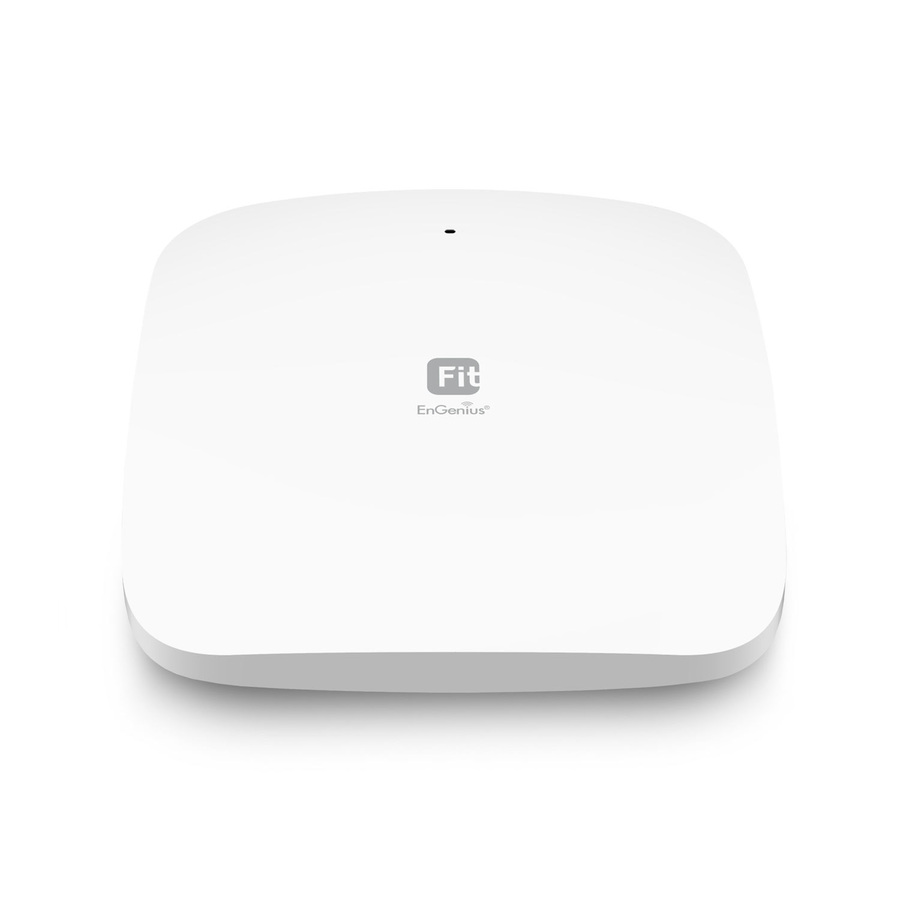
EnGenius Technologies
EnGenius Fit EWS356-FIT Dual Band IEEE 802.11ax 1.73 Gbit/s Wireless…
EWS356-FIT
A dual-band Wi-Fi 6 indoor access point with an Ethernet uplink and PoE, for a ceiling position in a building that already has cabling.
Request pricingAlso wired
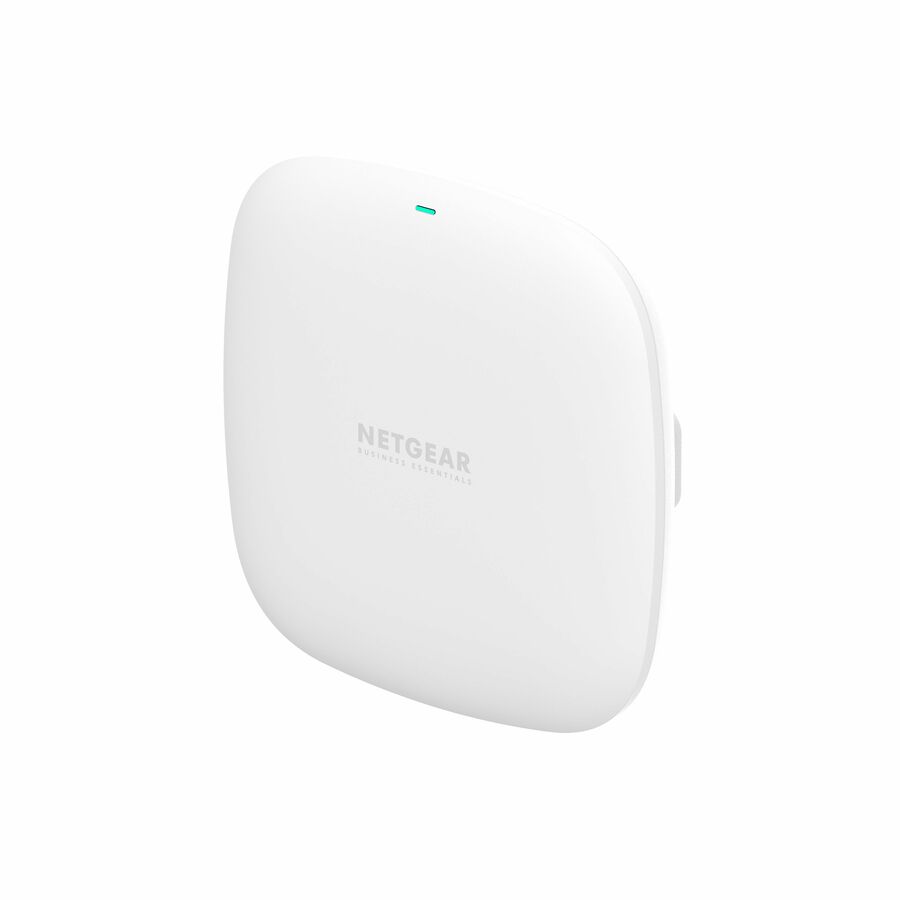
Netgear
Netgear WAX210 Dual Band Wi-Fi 6 IEEE 802.11 a/b/g/n/ac/ax/e 1.80…
WAX210-100NAS
A dual-band Wi-Fi 6 indoor access point with a single Ethernet uplink, sized for an office, a classroom or a small meeting room.
$94.98In stockWired or wireless uplink
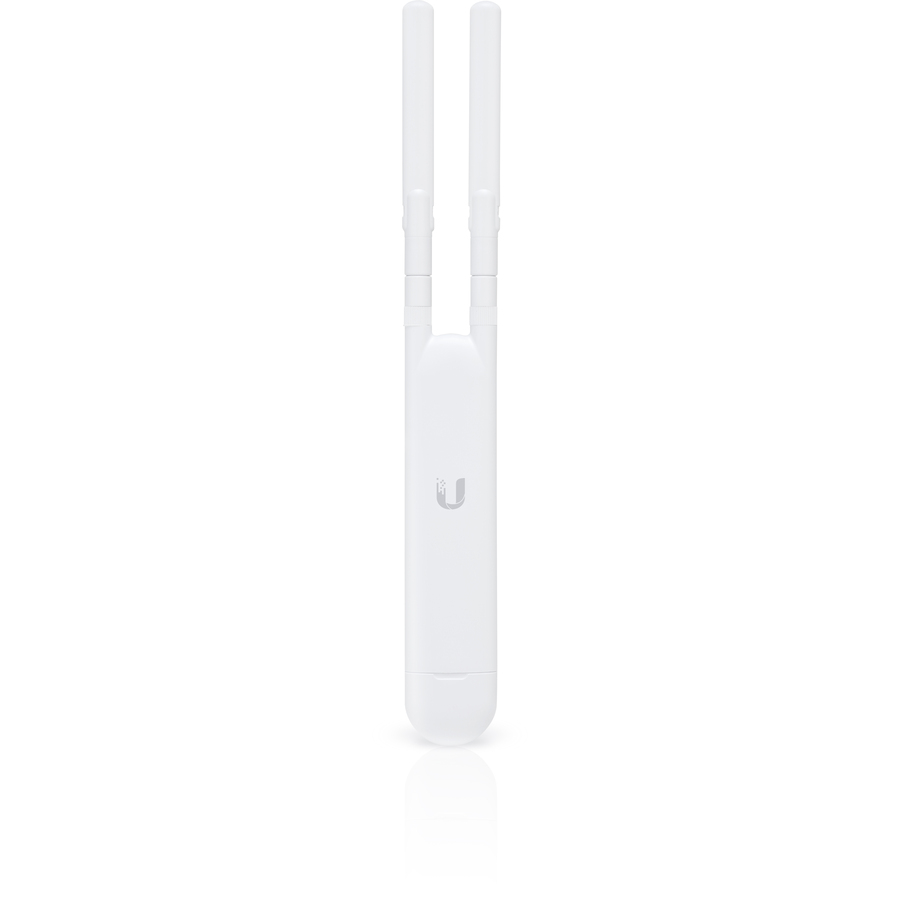
Ubiquiti
Ubiquiti UniFi AC Mesh UAP-AC-M IEEE 802.11ac 1.27 Gbit/s Wireless…
UAP-AC-M-US
A UniFi mesh access point that can take an Ethernet uplink or associate wirelessly to another AP, which is the honest middle case this page is about.
Give it a cable wherever one exists; the wireless uplink is the fallback, not the plan.
$118.51Back-orderedRange extender
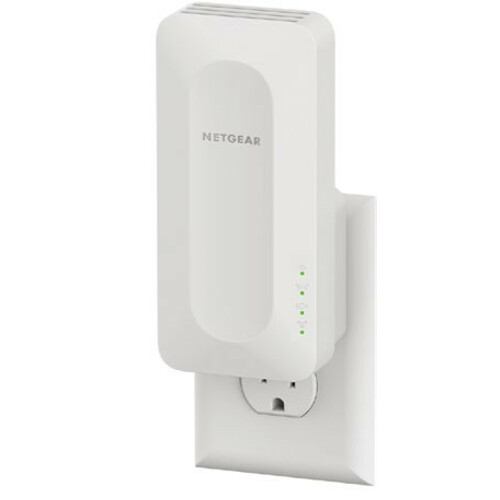
Netgear
Netgear EAX12 Dual Band 802.11ax 1.60 Gbit/s Wireless Range Extender
EAX12-100NAS
A dual-band Wi-Fi 6 range extender that plugs into a mains outlet and repeats an existing network, for the one room a cable cannot reach.
$98.67In stockFAQ
Common questions
- What is the difference between a mesh network and access points?
- Access points are wired back to a switch and each one adds capacity as well as coverage. A mesh system links its nodes over the air unless you cable them, so each wireless hop carries both backhaul and client traffic on the same radio. A mesh node with a wired backhaul is, functionally, an access point.
- Is an access point better than a Wi-Fi extender?
- Where a cable can reach, yes, and by a wide margin — the extender spends part of its radio on its own uplink and the access point does not. Where a cable genuinely cannot reach, an extender is the right tool, and the capacity cost of the hop is the price of covering that space at all.
- Can a mesh node be wired to the switch?
- On most business and many consumer systems, yes, and it is the single best change you can make to a mesh deployment. A wired backhaul removes the shared-airtime penalty and leaves the node's radios entirely to its clients, while roaming and central management keep working exactly as before.
- How many access points do I need?
- Count clients and rooms rather than square footage. Capacity, not signal, is what runs out first in dense spaces, so plan an access point per meeting room, per classroom or per warehouse aisle group and confirm with a site survey rather than a coverage map. A single unit covering a wide floor will show good signal and still run out of airtime.
- Do extenders halve the speed?
- A repeater sharing one radio between its uplink and its clients loses a substantial share of the throughput behind it, and how much depends on the hardware, the band plan and the signal from upstream. Measure it in place rather than trusting a figure, and treat any node with a dedicated backhaul radio or a cable as a different case entirely.
Sources
- 1.Wi-Fi Alliance — Wi-Fi EasyMeshwi-fi.org
- 2.IEEE 802.11 — Wireless LAN Medium Access Control and Physical Layer Specificationsstandards.ieee.org
- 3.IEEE 802.3bt — DTE Power via MDI over 4-Pair (PoE)standards.ieee.org