
UniFi network designer
Describe the building — size, floors, cameras, doors — and get a sized UniFi bill of materials with live catalog pricing and honest availability, ready to add to a cart or send to us for a quote.
Step 3 — cameras & doors
0–16. Leave at 0 for no surveillance. A recorder is added automatically from the first camera.
0–8. Openings that need a credential to pass. Locks and exit devices are quoted per opening.
Counts are yours to state — nothing here measures your building. A floor plan, a walk-through or an existing device schedule beats every number on this page, which is what the follow-up is for.
3 lines · today's catalog prices
Your design
Home
1 access point · 5 powered and wired ports planned · about 21 W of PoE load
3 lines planned · 1 access point · 5 ports · about 21 watts of PoE load · estimated hardware subtotal $557.51
Network core
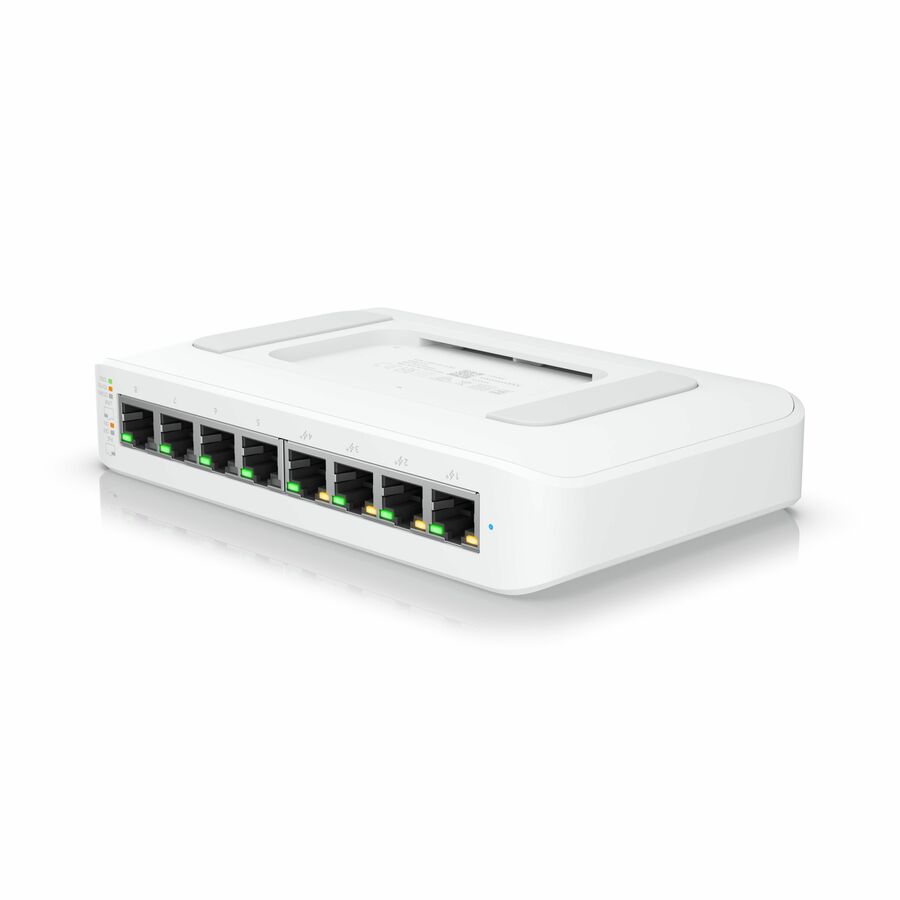
PoE switching — 5 powered and wired ports planned
Ubiquiti USW-Lite-8-PoE Ethernet Switch
USW-LITE-8-POE
Qty 1$144.16eachBack-ordered
Wi-Fi
Indoor access points
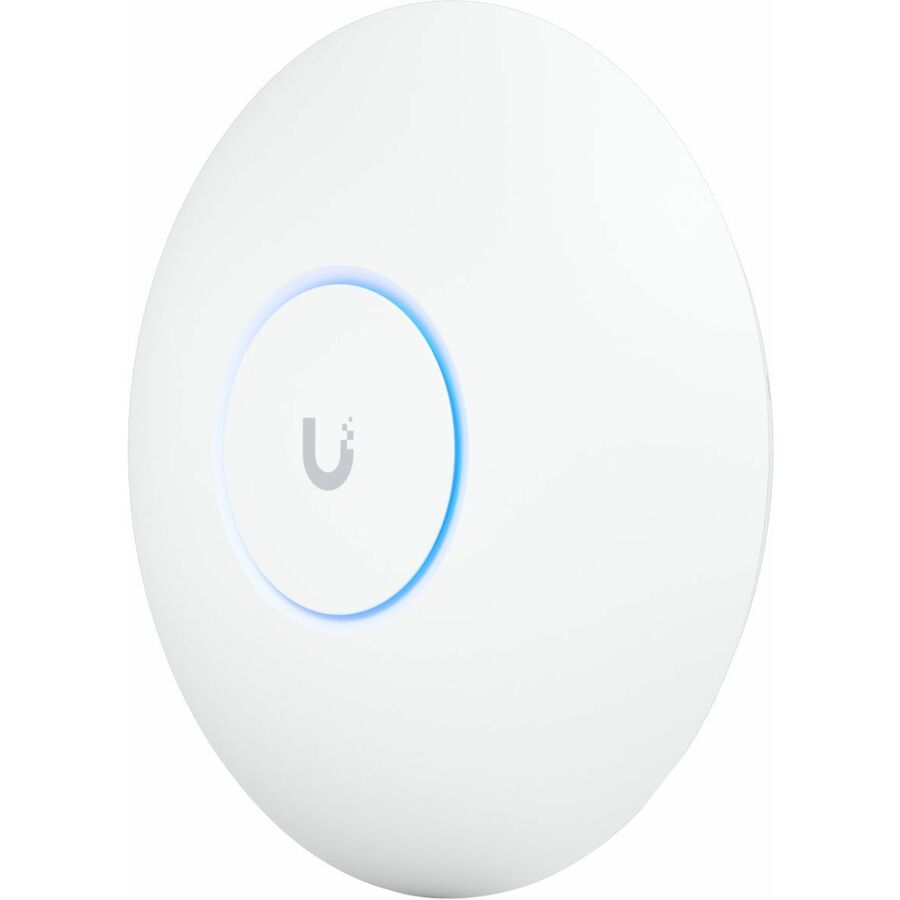
Ubiquiti U7 Pro Tri Band Wi-Fi 7 IEEE 802.11a/b/g/n/ac/ax/be/k/r/v 5.80…
U7-PRO-US
Qty 1$245.76eachIn stock
A planning design, not a quote. Quantities are sized from the counts you entered, and prices are today's catalog sell prices for the parts shown — final scope, availability and pricing are confirmed on a quote.
- · Back-ordered lines are orderable — we confirm the lead time, and where the schedule cannot take it we quote the alternative in the same family.
- · Cabling, pathway, mounting and rack or enclosure space are scoped from a floor plan, not from a device count.
Have this design reviewed and quoted — Home
Tell us where to reach you and a Uniqcli specialist follows up by email with the questions a device count cannot answer — bandwidth and internet service, wall construction and access-point placement, camera retention, software licensing and installation — then quotes the hardware and services together.
How the designer sizes a network
It starts where every real design starts: coverage. The square-footage band you pick carries a planning figure, and the designer divides it by a conservative per-access-point coverage area to get an indoor access-point count — then raises that count if you have more floors than access points, because radio does not travel through a concrete slab and a per-floor minimum is the cheapest way to stop a design being wrong on the top floor.
Everything that draws power over Ethernet is then added up: the access points, the cameras, the door hardware, plus a spare allowance for the wired drops a building always turns out to need — printers, desk ports, a display, a point-of-sale lane, the next thing. That total picks the switch class, and it picks it with headroom rather than exactly full. A switch with no free ports is a switch you replace the first time anything is added.
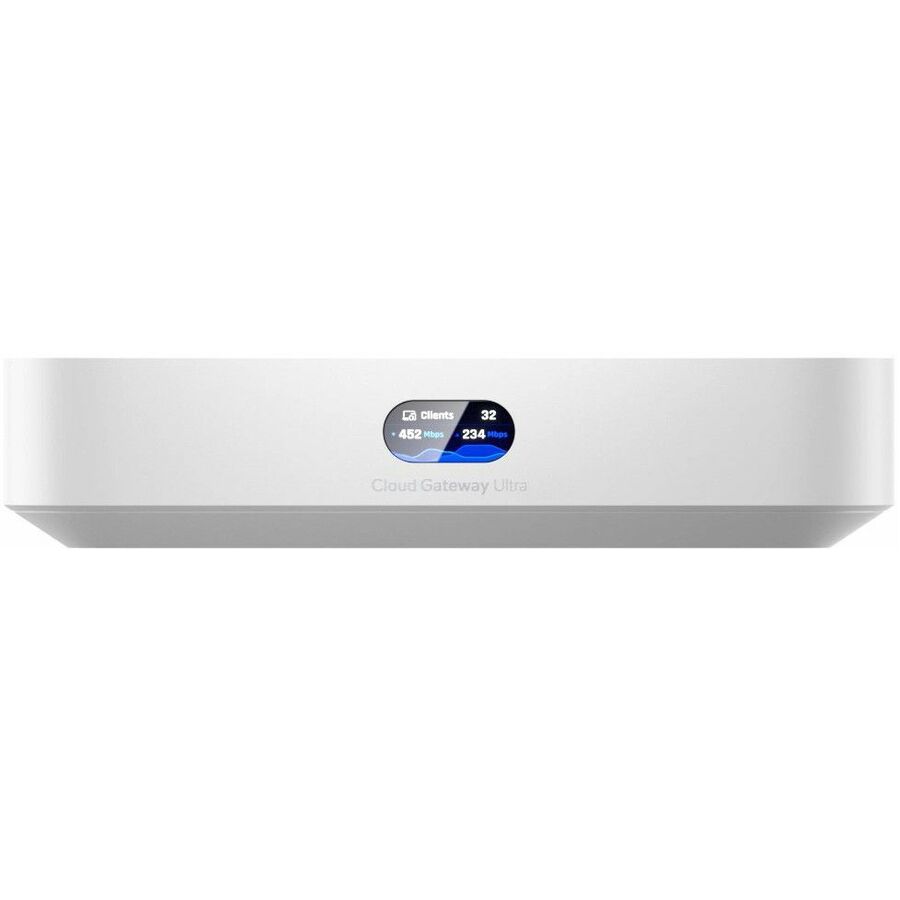
The gateway follows the scale of the site rather than a feature checkbox: a compact gateway where the floor area and the camera count are both small, a larger one once either of them grows, because a camera fleet and a bigger client population are the two things that actually move the requirement. Cameras add a recorder from the very first camera, and the recorder steps up once the camera count reaches nine. Controlled doors add a reader and a hub for each opening.
Ports are only half of what a switch has to supply. The designer also adds up the power the design's own devices will draw — each part's stated figure where the catalog prints one, a conservative allowance for the role where it does not — and prints that total beside the port count. A switch whose stated power budget is below it is skipped, however early it sits on the preference list, because a switch that cannot power the access points on the same page is not a cheaper option; it is the wrong one.
Then availability decides the model. For every role the designer walks a short preference list and takes the first part that is priced and in stock; if none is, it takes the first that is priced and orderable on a lead time, and shows you honestly that it is back-ordered; if the catalog holds the part but no price, the line is marked for pricing instead of being given a number. If a role cannot be filled at all today, it still appears — as a line that says it is quoted with your design. Nothing a design needs is silently left out.
What a device count cannot tell you
Square footage is a proxy for coverage, not a measurement of it. Wall construction, ceiling height, racking, glass, lift shafts and the number of people using the network at once all move access-point placement in ways no calculator reaches. Treat the count as a starting point and let a floor plan or a walk-through settle the positions — that is the single biggest accuracy gain available on any wireless design.
Cabling and pathway are usually the largest variable in the whole project and none of it can be derived from a device list: existing conduit versus a new run, the distance from the comms cupboard to the far corner, whether the ceiling is accessible, and where the rack or wall enclosure is going to live. Camera retention is the second: how many days of footage you must keep sets the recorder's storage, which is why the designer names drives as a separate quoted item rather than guessing a capacity.
The internet service itself is a separate conversation from the equipment behind it. A gateway terminates a circuit; it does not provide one. Where a site needs the circuit as well as the equipment, that is scoped alongside it rather than assumed.
Where being offline costs more than the hardware does, the same conversation covers a second path: a backup circuit from a different carrier, or a cellular connection that carries the site while the primary is down. The high-availability option in the designer sizes the equipment side of that — the appliance that terminates the cellular path, and the powered port and gateway class it implies. The path itself stays a service: a circuit is a carrier contract and a cellular backup needs its own data plan and SIM, so both are quoted alongside the equipment rather than assumed to come with it.
Uniqcli quotes the whole package rather than the box: hardware, software licensing and subscriptions, and the deployment and lifecycle services around them, sourced through our distribution network. Where a build needs configuring, imaging, integrating or making to spec, that is quoted on the same document rather than left as someone else's problem.
How the quote is put together
Sourcing through US distribution rather than a manufacturer relationship is the reason this tool is useful rather than promotional: the requirement picks the line, not the other way round. Where an installed base, an existing controller or a standard your organization already follows constrains the choice, that constraint leads. Where it does not, we shortlist on coverage, capacity and total cost over the life of the system, and we will say plainly when a different manufacturer is the better answer.
TAA (FAR 52.225-5) and NDAA §889 screening is performed on every order — country of origin recorded per line, covered-entity checks performed before the quote goes out. That is a screening service we run, on the specific parts you are buying, at the time you buy them; it is never a blanket certification asserted about a product in advance.
What comes back is a quote document with the hardware, the licensing and the services as readable lines rather than one bundled figure. Send the design from this page, a floor plan, or a bill of materials, and we price against that — including the lines this tool marks for pricing and the roles it hands over to be quoted.
FAQ
Network design questions
- How many access points do I need for my square footage?
- Start from coverage area, then correct for the building. A common planning approach — and the one this designer uses — divides the floor area by a conservative coverage figure per access point and then never plans fewer access points than the building has floors, because a concrete slab between levels is a wall no radio budget crosses. That gets you an order of magnitude, which is enough to scope a project and a budget cycle. It is not enough to place anything: wall construction, ceiling height, racking, glass and the number of simultaneous users all move the answer, and a floor plan or a walk-through is what settles the positions.
- How many PoE switch ports should I plan for?
- Count every device the switch will power, then add the wired drops the building will actually use. Access points, cameras and door hardware are the powered devices; printers, desk ports, displays and point-of-sale lanes are the wired ones, and every site turns out to need a few more than anyone predicted. Choose the switch class with headroom rather than exactly full — a switch with no free ports gets replaced the first time anything is added, which costs more than the larger switch would have. The designer applies exactly that rule, and it tells you the port total it planned so you can sanity-check it against your own drawing.
- Do I need a network video recorder for my cameras?
- If you are recording, yes — something has to hold the footage, and this design adds a recorder from the first camera. The recorder is sized by camera count, but the storage inside it is sized by retention: how many days of footage you have to keep, at what resolution and frame rate, is what sets the drive capacity. That is why the drives are quoted separately here rather than guessed at — a capacity picked from a camera count alone is as likely to be twice what you need as half. Tell us the retention requirement and we size the storage against it.
- What does the high-availability option add to the design?
- Two things on the equipment side, and it is careful not to claim a third. It adds a cellular backup appliance as a real line — the device that holds a mobile connection ready and hands the site over to it when the primary circuit fails — along with the powered switch port and the PoE budget that device needs. It also steps the gateway off the entry model, because a site paying for a second path to the internet is not a site whose gateway should be the smallest one on the list. What it does not do is tell you which gateway has a second WAN port: that is confirmed per model with your design rather than asserted here. And the backup path itself is a service, not hardware — a second circuit is a carrier contract and a cellular backup needs its own data plan and SIM, both quoted alongside the equipment.
- How many access points does an arena or a large venue need?
- More than the same floor area in an office, and for a different reason. An office is coverage-limited — the question is whether the signal reaches the far corner. A venue is capacity-limited: stands and concourses are open rooms with almost nothing to attenuate a signal, but they fill with hundreds of devices contending for the same airtime, so the number of access points follows how many clients each radio can serve rather than how far it reaches. This designer plans a venue at a tighter area per access point than any other property type to reflect that, and leads its shortlist with the higher-capacity models. Treat the result as a budget-scoping figure only: a real venue design comes from a drawing plus an expected attendance and a view of what those people will be doing on the network, which is exactly what the follow-up asks for.
- Is Uniqcli an authorized Ubiquiti dealer or partner?
- No, and we will not imply otherwise. Uniqcli is a reseller sourcing through US distribution. Naming a manufacturer on this page describes the lines we quote — it is not a partnership, an authorization, a certification or an endorsement, and no such relationship is claimed for any manufacturer anywhere on this site. What you get from us is sourcing through clean distribution channels, NDAA §889 screening performed on your order, TAA verification on request, and a quote covering hardware, licensing and services together.
- What does "back-ordered" mean on a line in this design?
- It means the part is priced and orderable, but it is not sitting on a shelf right now — the distributor fills it when their stock lands. The large majority of a catalog this size sells that way, so it is normal business rather than an error state, and it is shown honestly on the line instead of being hidden. What it changes is timing: we confirm the lead time before you commit, and where the schedule cannot take it we quote the alternative in the same family. A line marked for pricing is a different case — the catalog holds the part but no current price, so it is excluded from the subtotal until we price it for you.
- Can I just add this design to my cart and order it?
- You can add every line to the cart, and that is the intended path for a straightforward build — the cart carries the design through to checkout or into a quote request, and lines marked for pricing arrive with our team to be priced. For anything with cabling, mounting, licensing or installation attached, send the design instead: we scope the parts a device count cannot reach, confirm availability, and return one quote with the hardware, the software licensing and the services as separate readable lines.
Turn the design into a quote
Send the design from this page, a floor plan or a bill of materials. We scope what a device count cannot reach — cabling, placement, retention, licensing and installation — confirm availability and country of origin, and return one complete quote.