
Best Industrial Mini PCs and Barebone Edge Systems
Small-form-factor and NUC-class barebone systems for edge sites, kiosks, control cabinets and branch racks — with live pricing, and a quote by return for multi-unit builds.
Industrial mini PCs in stock at Uniqcli
How to choose →A curated selection with live pricing — in-stock lines first, then back-ordered lines with a typical lead time. Every line is sourced through US distribution and screened for NDAA §889 status before checkout, with TAA verified on request.
- Zotac USAZotac ZBOX pico PI430AJ Barebone System - Mini PC - Core i3 i3-N300 800 MHz Octa-core (8 Core) - Intel Chip - 8 GB On-board Memory - NVMe - IEEE 802.11ax - Bluetooth 5.2 - HDMI - DisplayPort - Network (RJ-45) - 1 M.2 Interface(s) - Gigabit Ethernet - Windows 11 Supported Operating SystemZBOX-PI430AJ-GLB
$715.00
1 in stock



Long-life edge image
ASUS Computer International
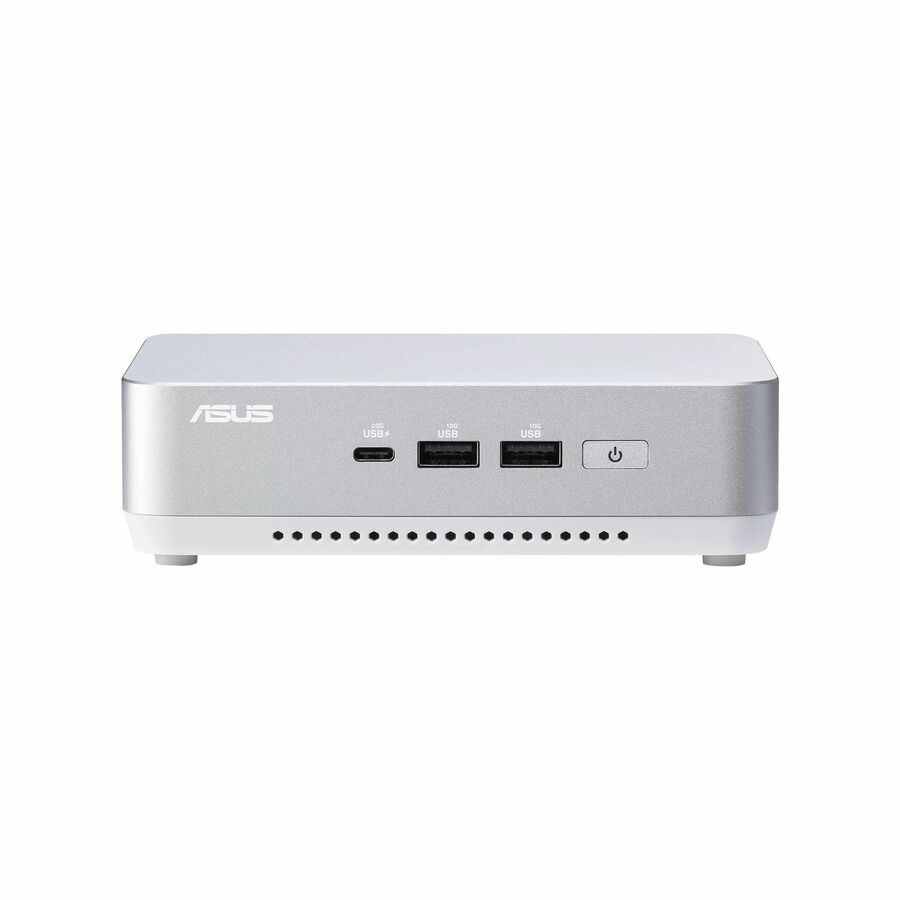
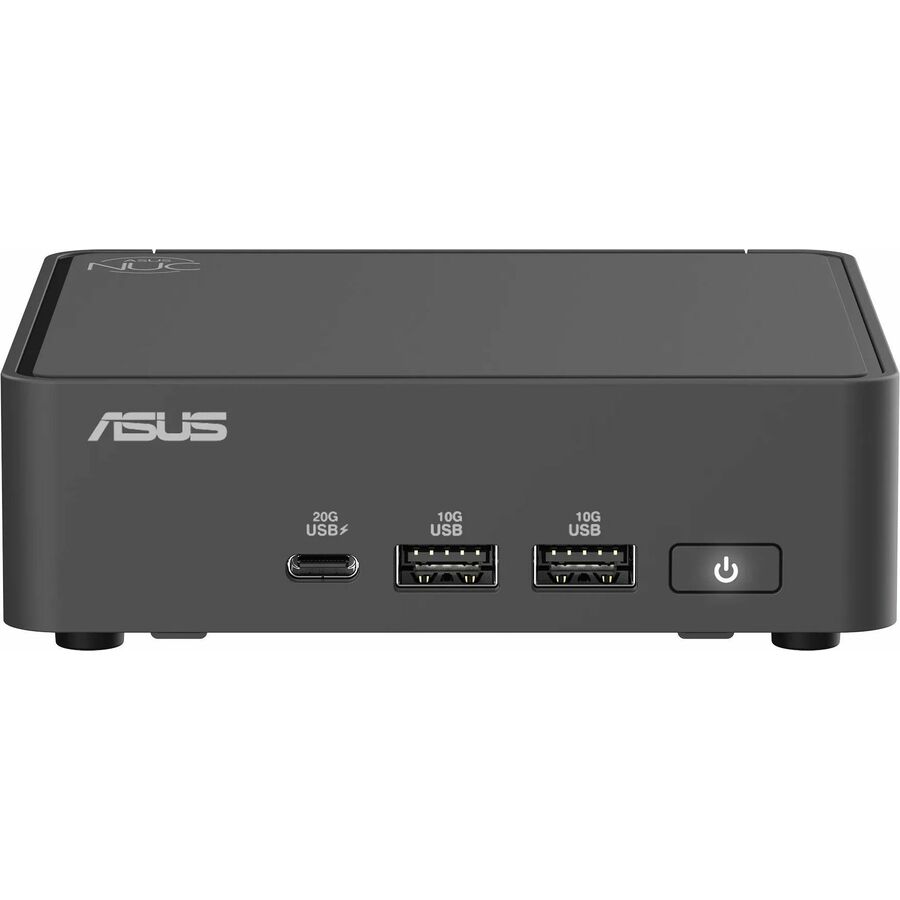
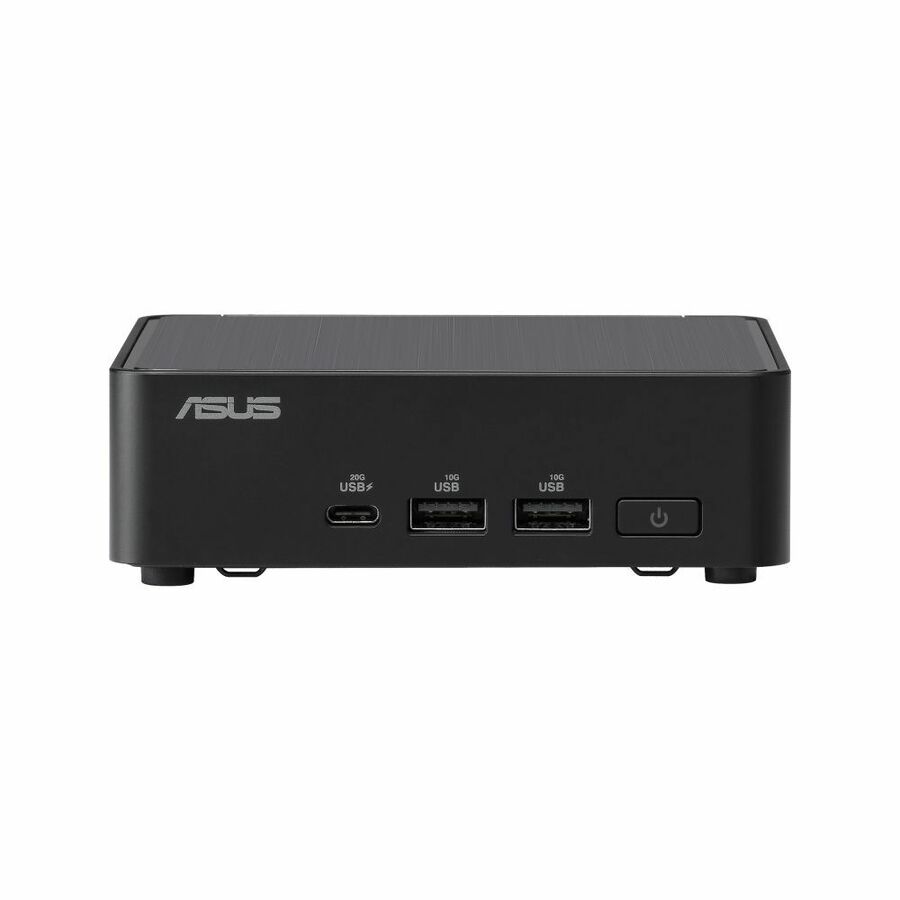
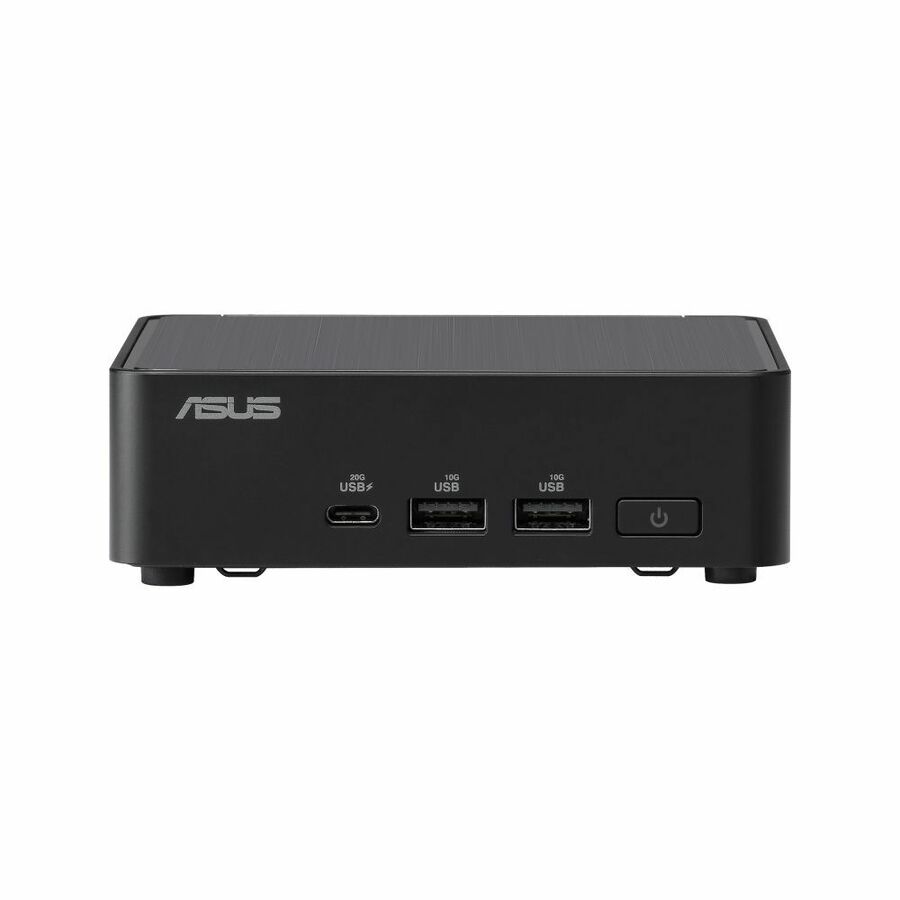
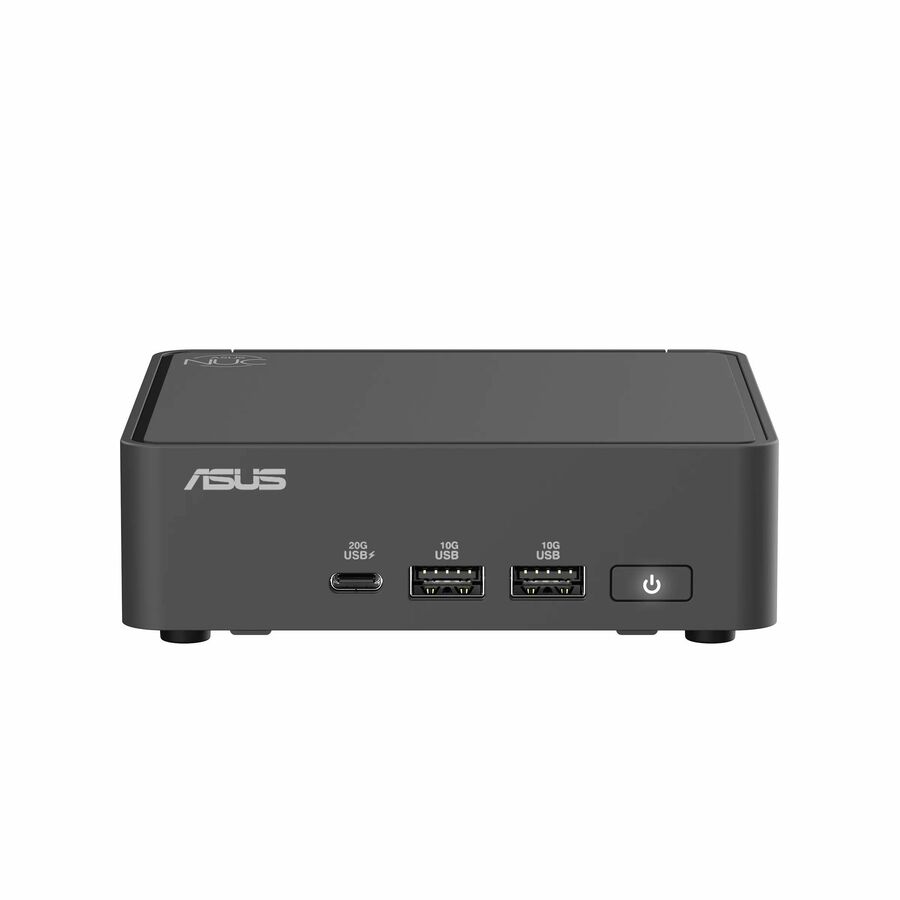
Asus NUC 15 Pro NUC15CRKI3 Barebone System
RNUC15CRKI30000U
The listing names Windows 11 Pro, Ubuntu 24.04 LTS and Red Hat Enterprise Linux together, which is the short list you want when one image has to stay supported at a site for years rather than months. Two DDR5 slots to 96 GB, two M.2 sockets and 2.5 Gigabit Ethernet on a 90 W unit.
$453.45Back-orderedRugged line
ASUS Computer International
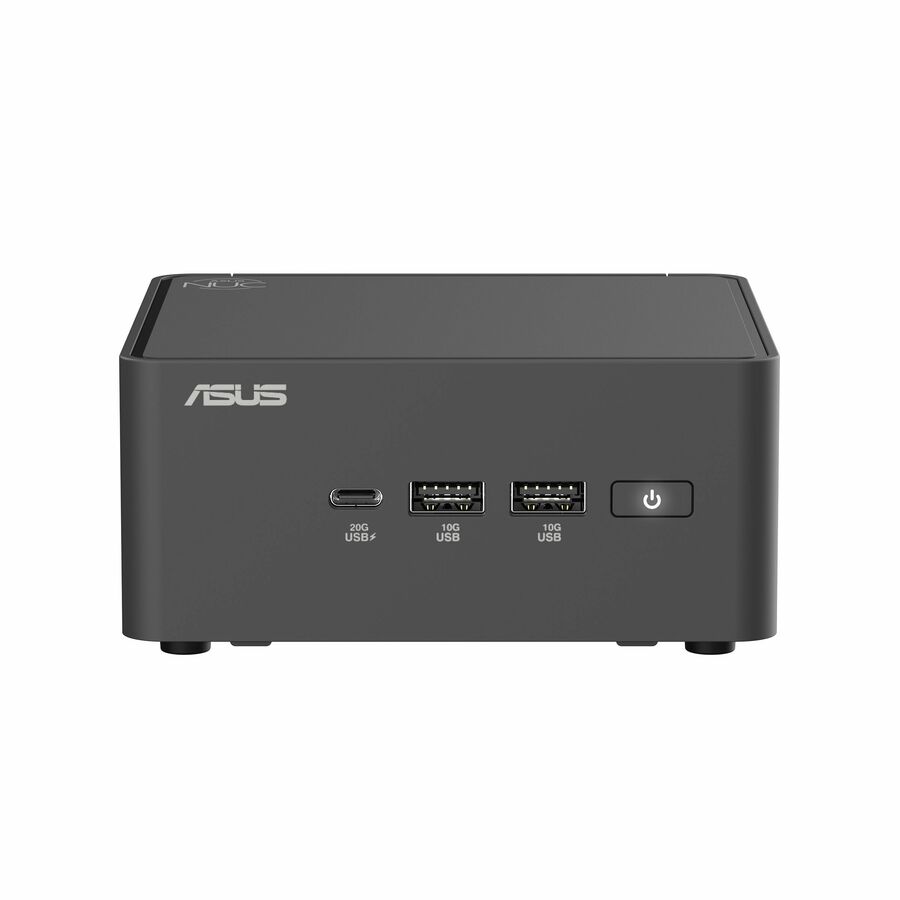
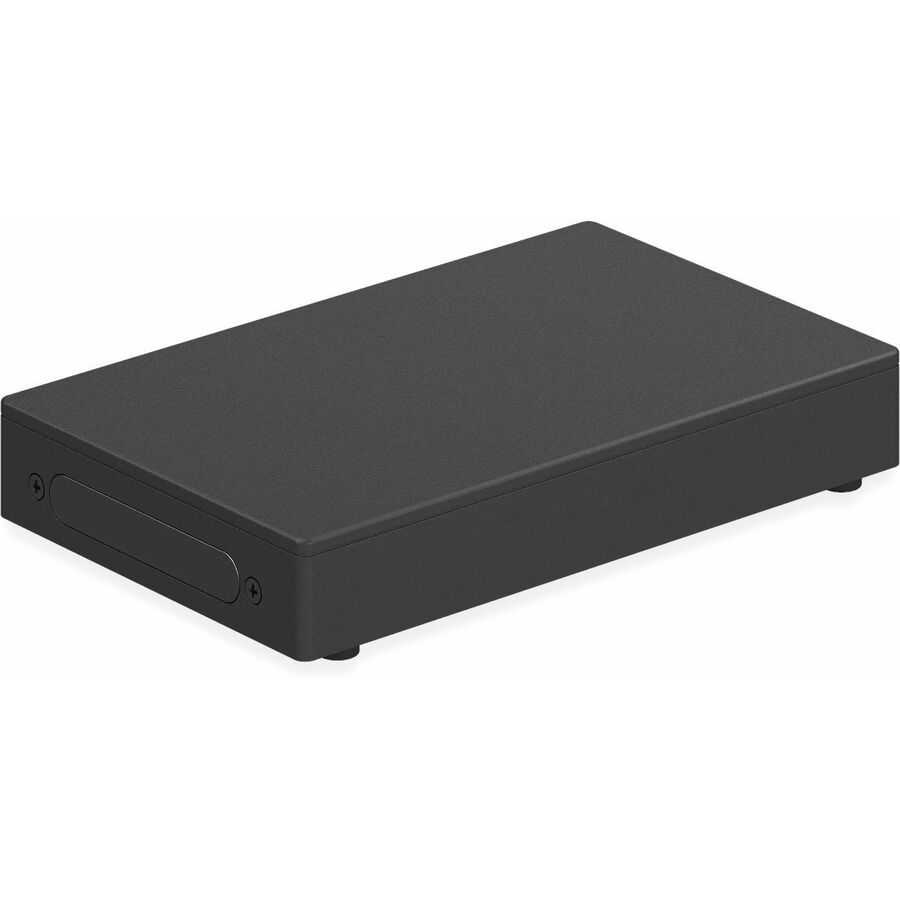
Asus NUC 13 Rugged Barebone System - 3 Year
BNUC13BRKP200B00I
The Rugged branch of the NUC family on an N-series N50: one DDR5 slot to 16 GB, NVMe and Serial ATA control, two USB 3.2 Gen 1 ports and 2.5 Gigabit Ethernet, on a 90 W supply.
Environmental limits are stated per part number, not per line. Send us the site conditions and we will confirm the operating range on the exact model before you commit to it.
$336.38Back-orderedFanless pick
MSI
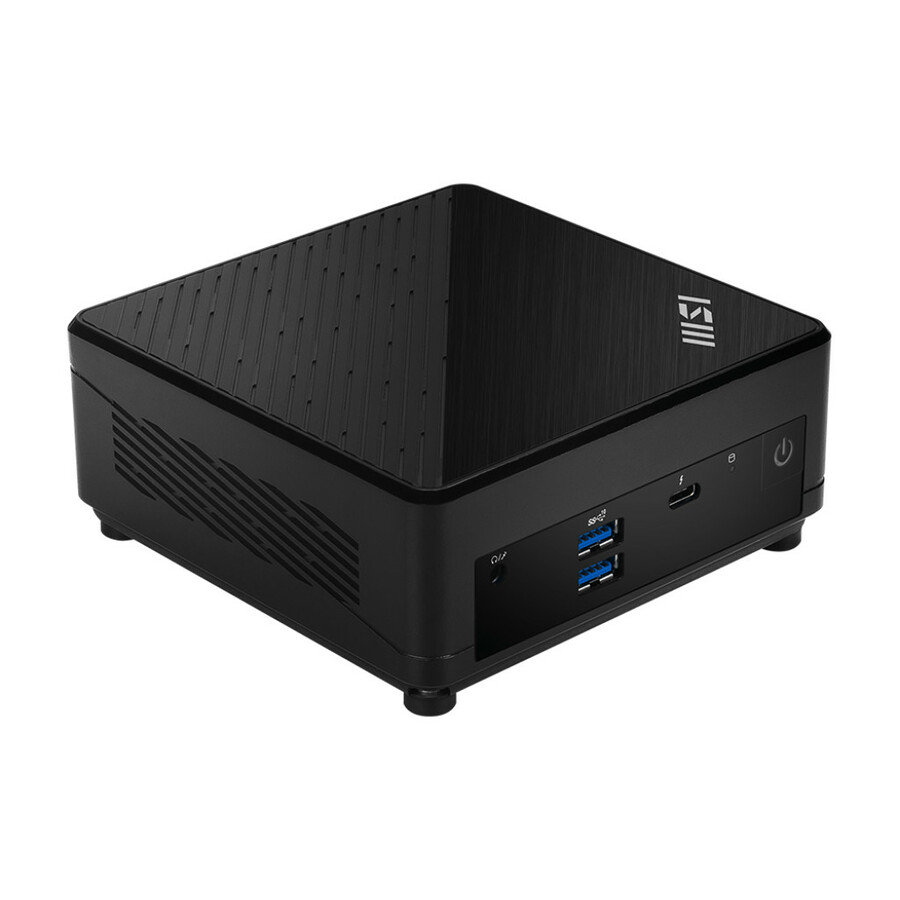
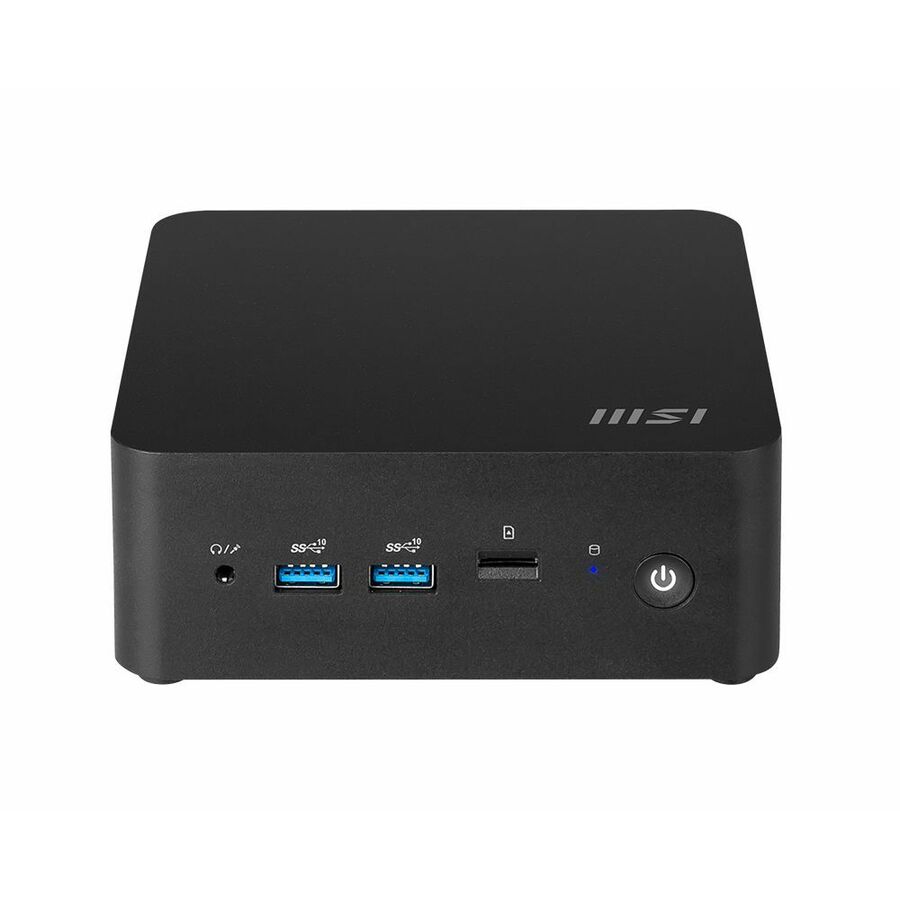
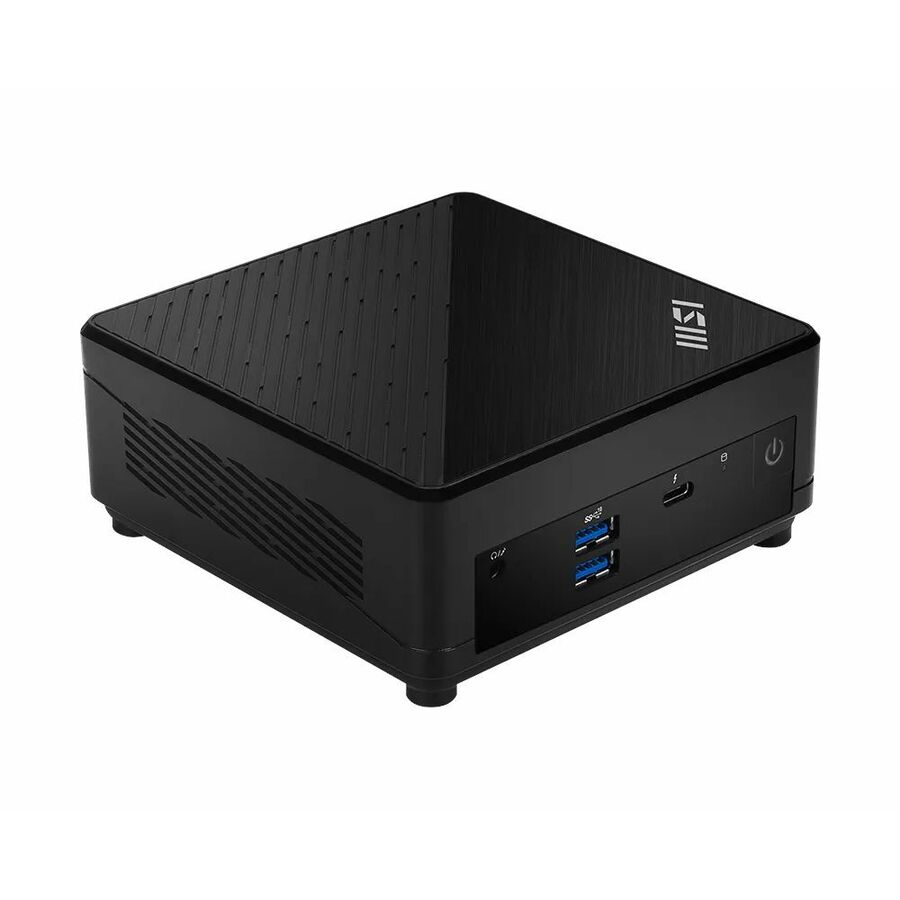
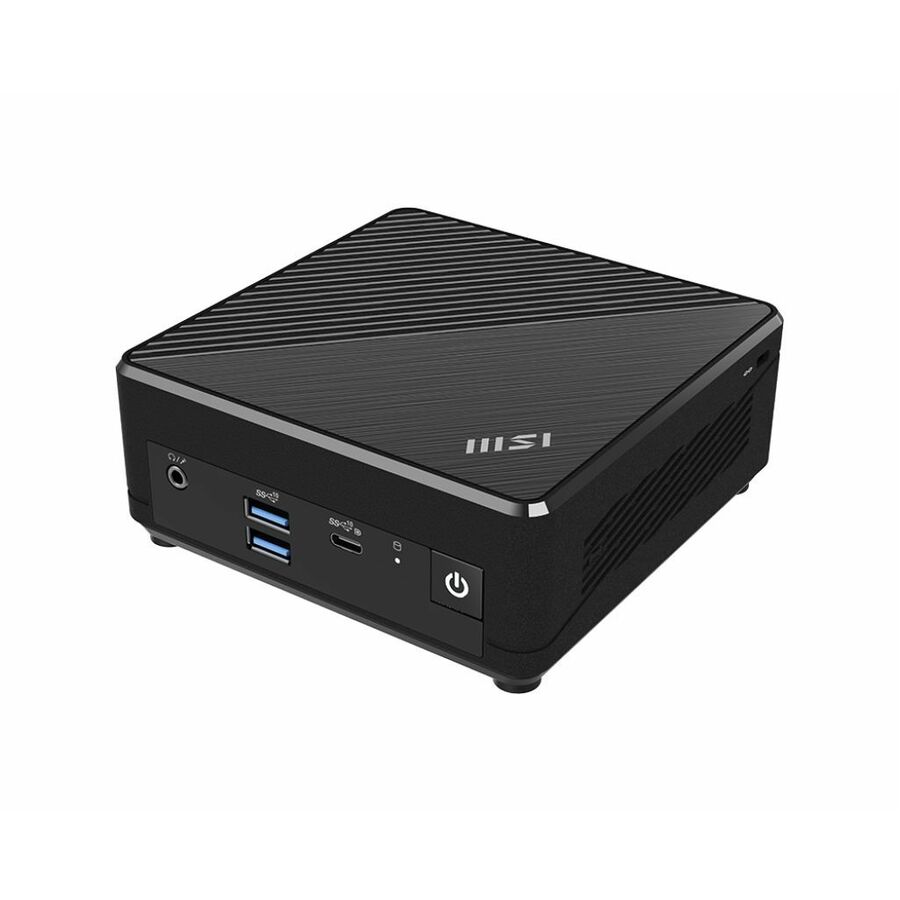
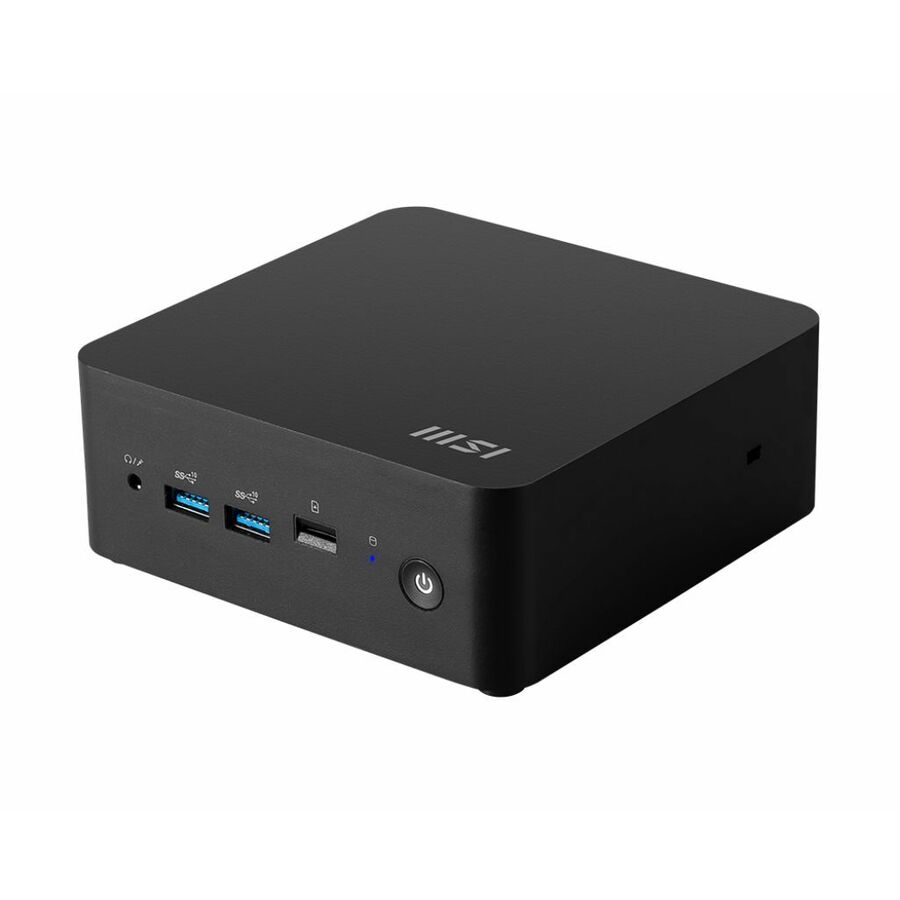
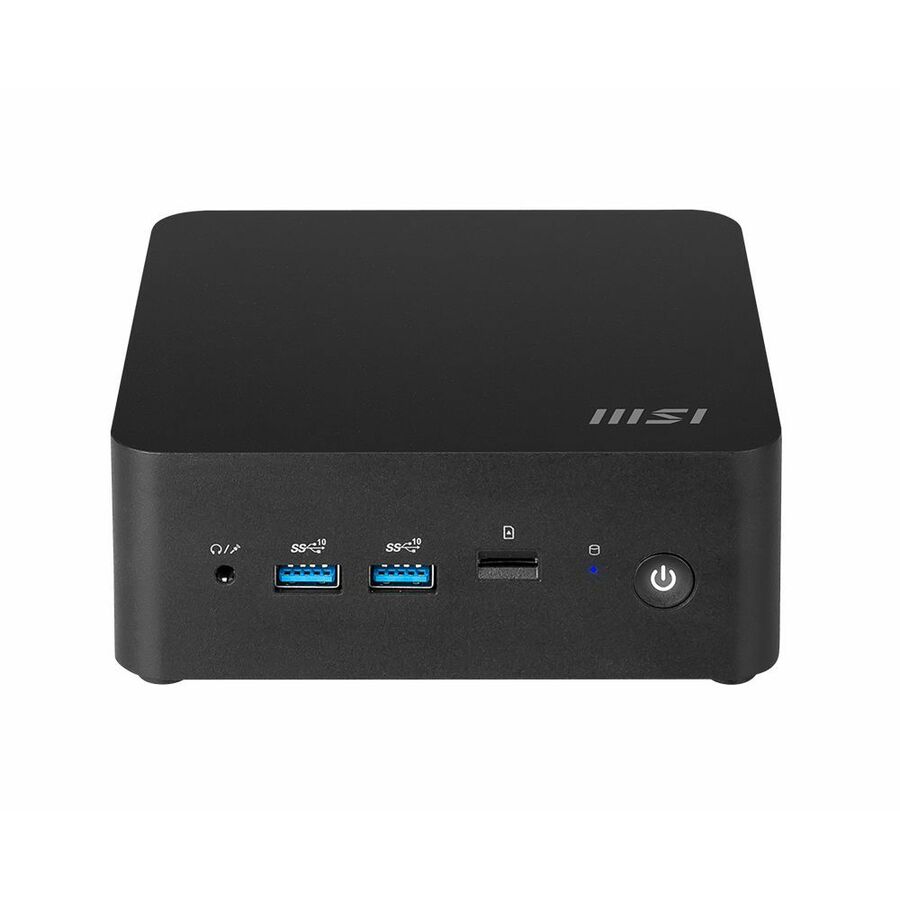
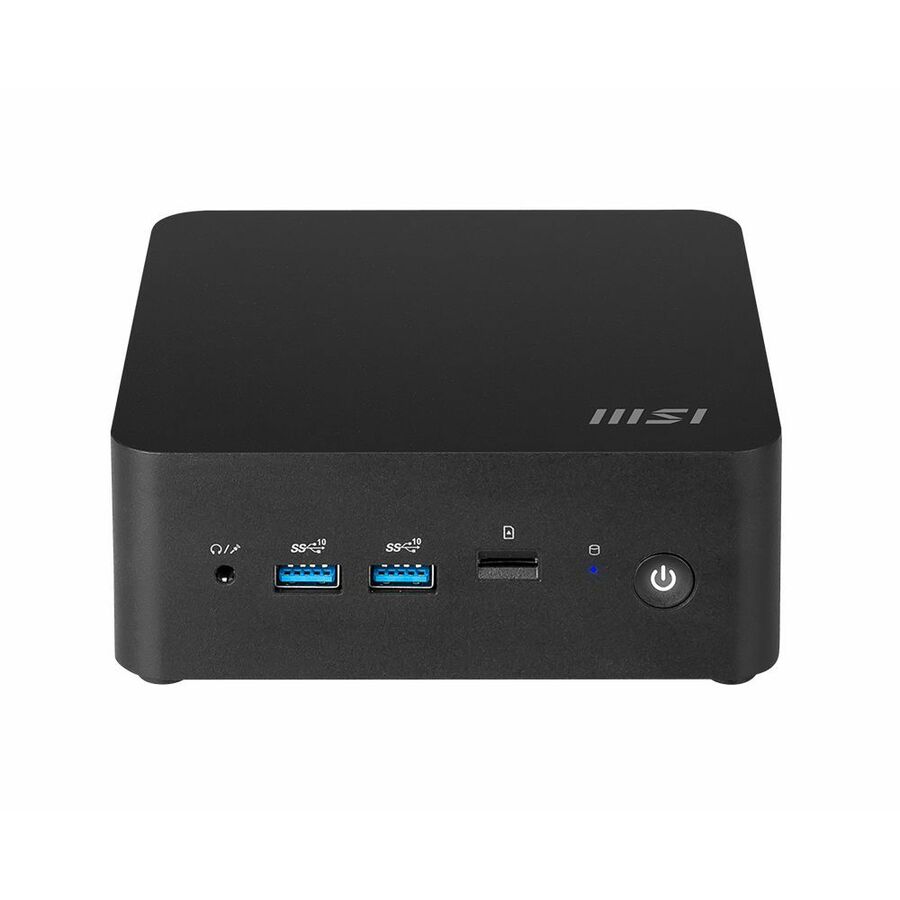
MSI Cubi N ADL S-055BUS NUC Form Factor mini PC Barebone System
CUBINADLS055B
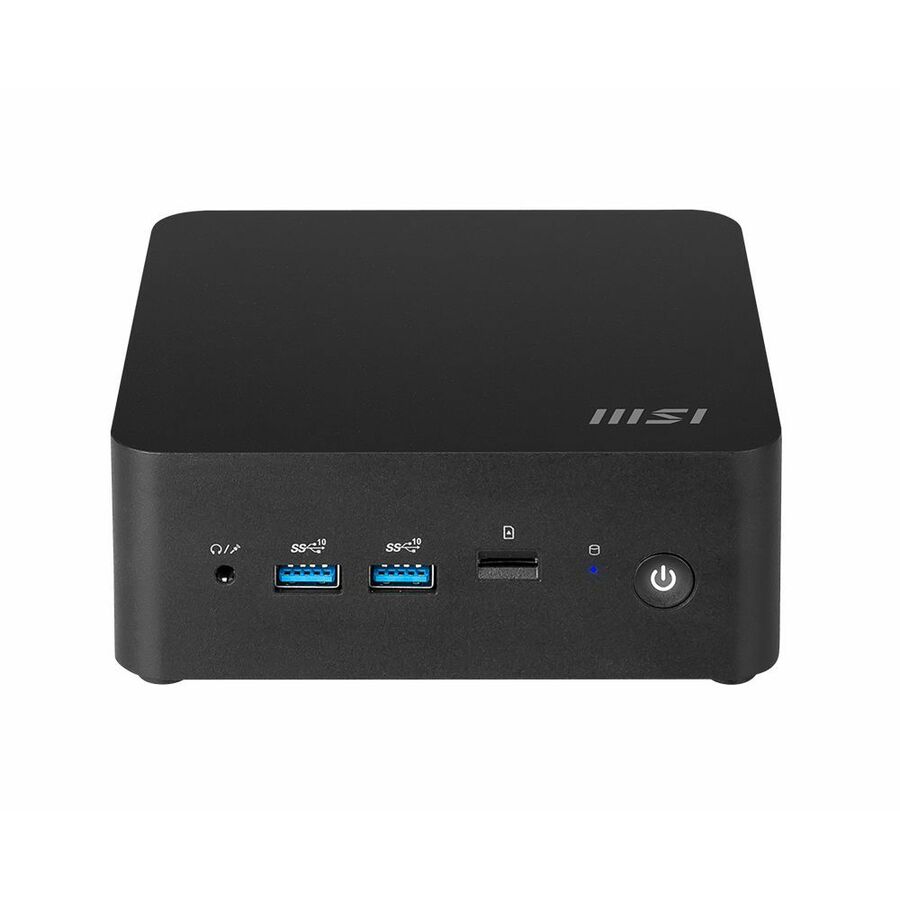
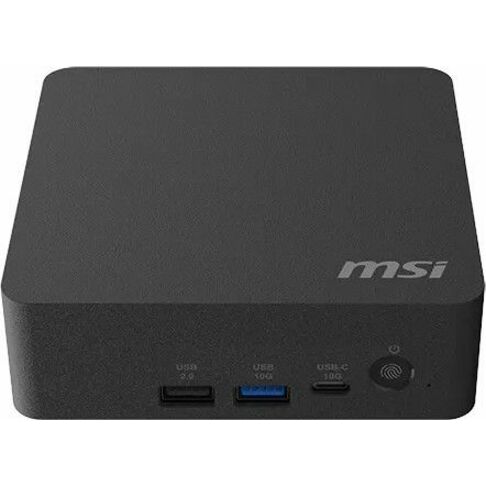
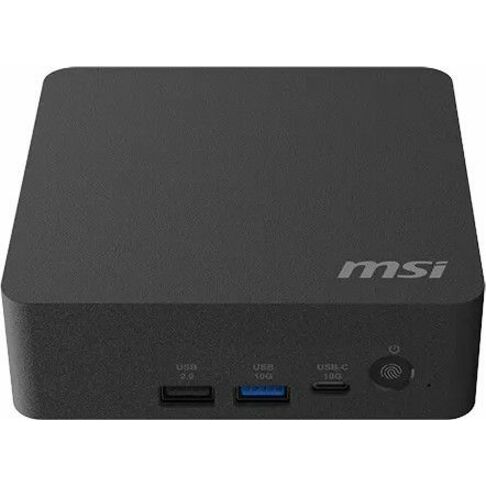
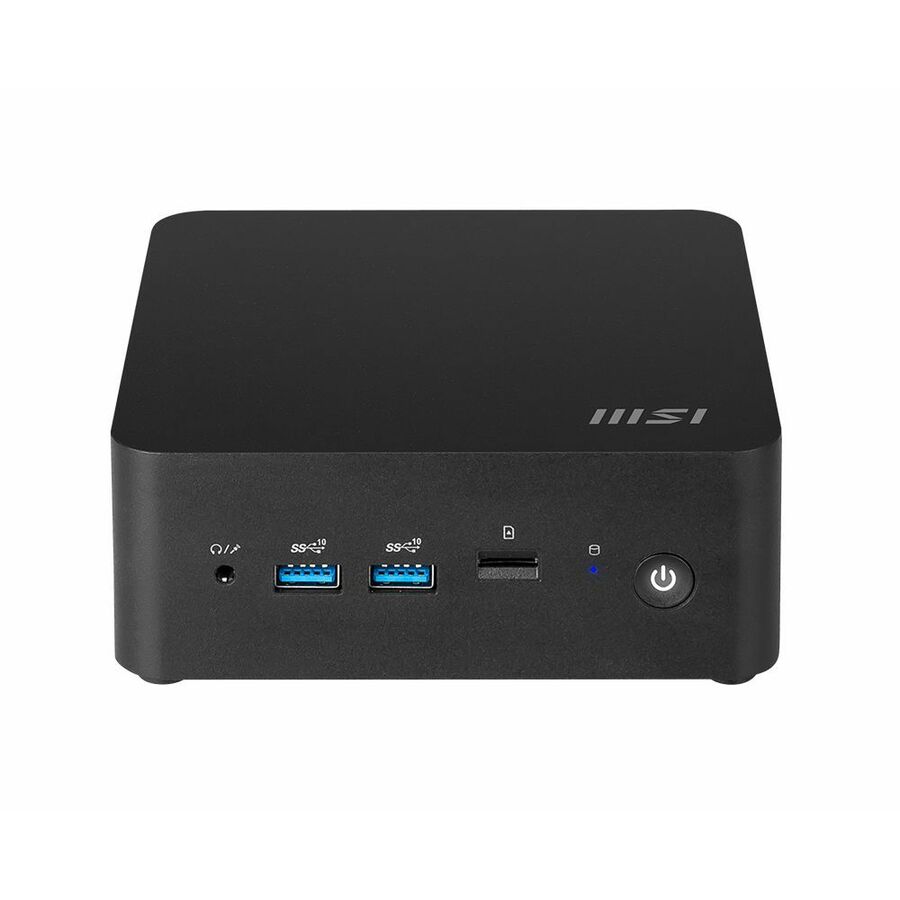
MSI states this Cubi N as fanless on an Intel N100, with dual LAN, USB-A and USB-C, HDMI and DisplayPort. No fan means one less moving part to service at a site nobody visits, and the second network port lets the box sit between a site network and a device segment.
$291.84Back-orderedDual LAN, 2.5GbE
MSI
MSI Cubi 5 12M
CUBI512M015B
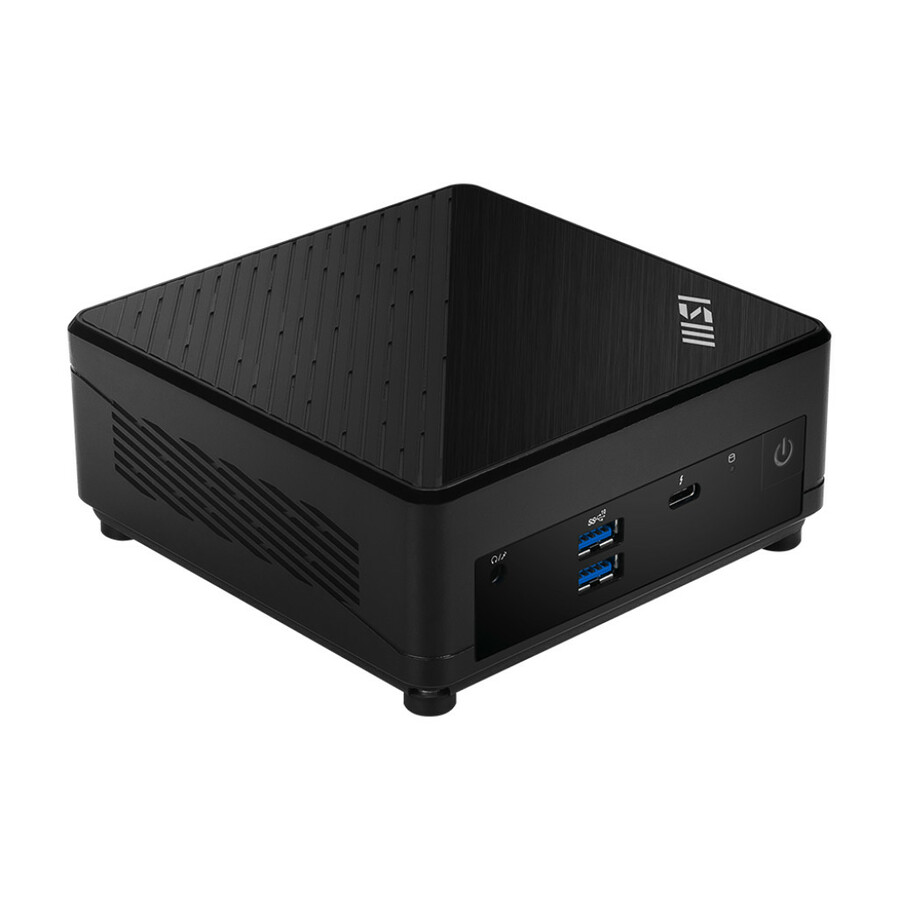
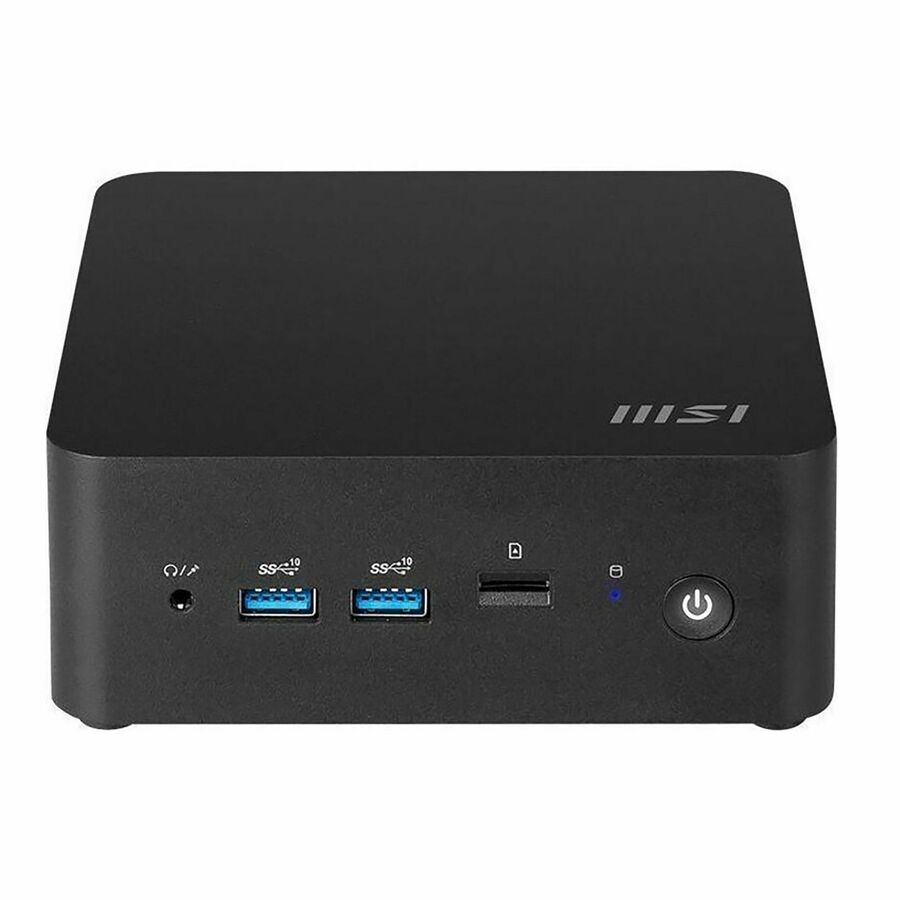
A Core i5-1235U Cubi carrying both 2.5 Gigabit and Gigabit Ethernet, Thunderbolt 4, two memory slots to 64 GB and a 2.5-inch bay — the configuration to reach for when the unit has to talk to two networks and keep a local disk.
$582.51In stockSocketed barebone
Shuttle
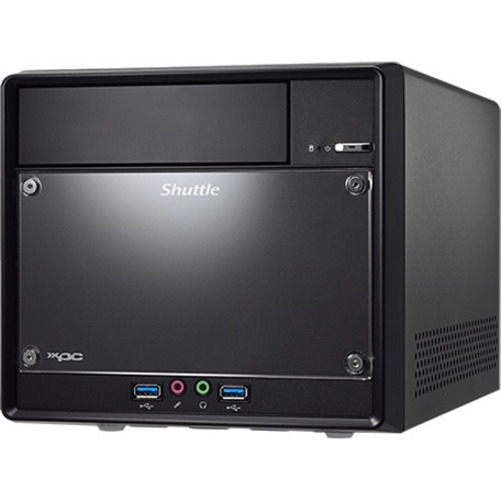
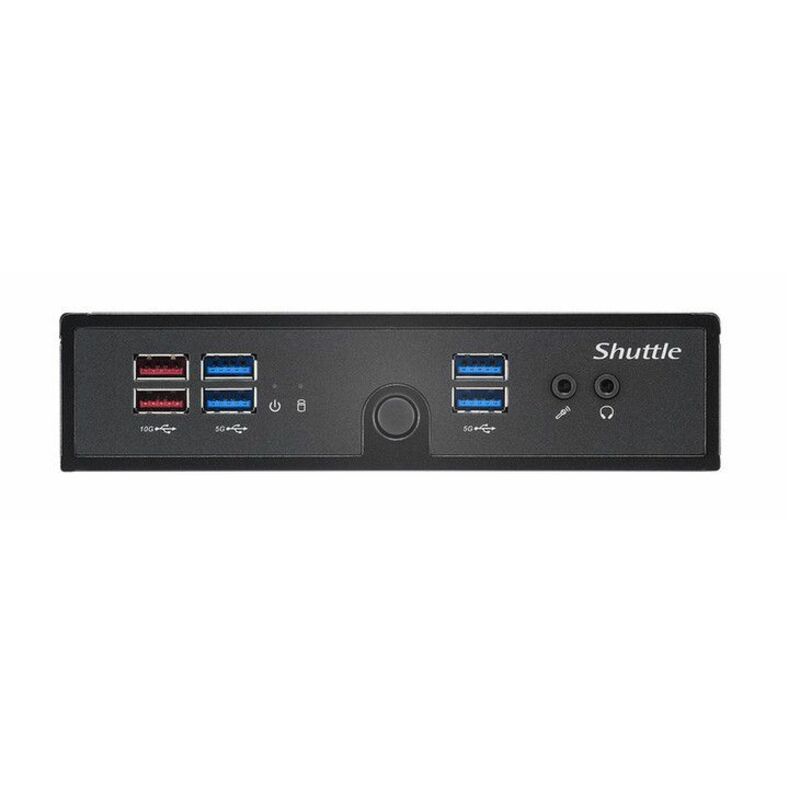
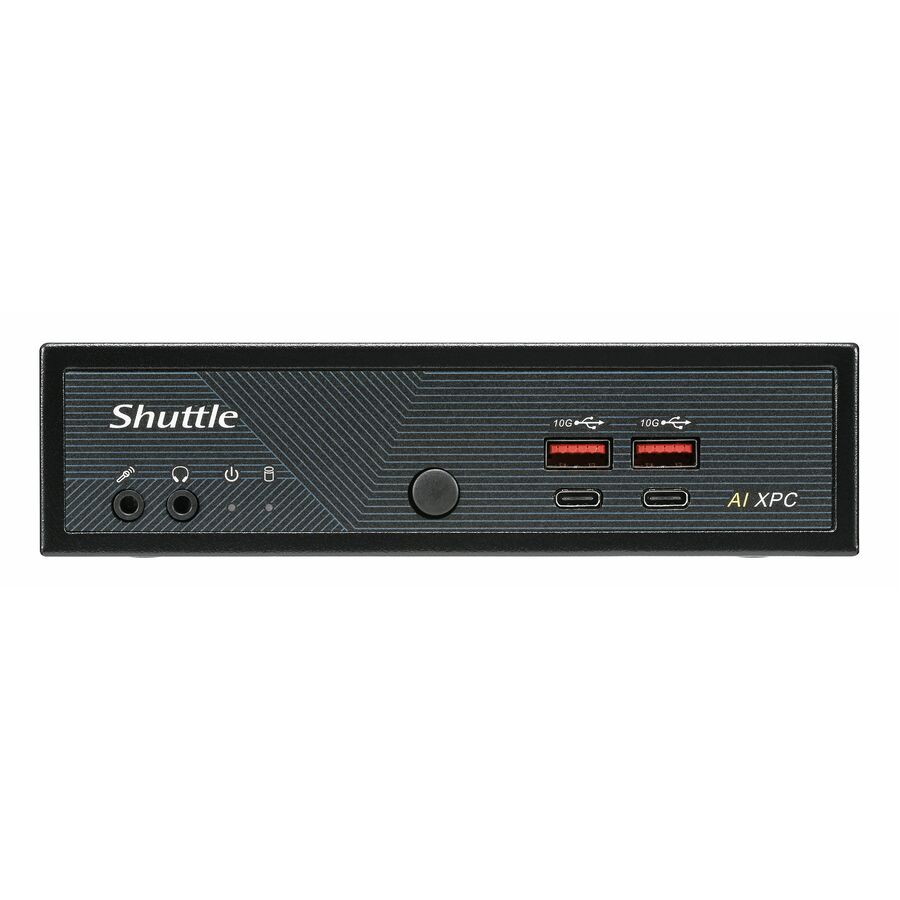
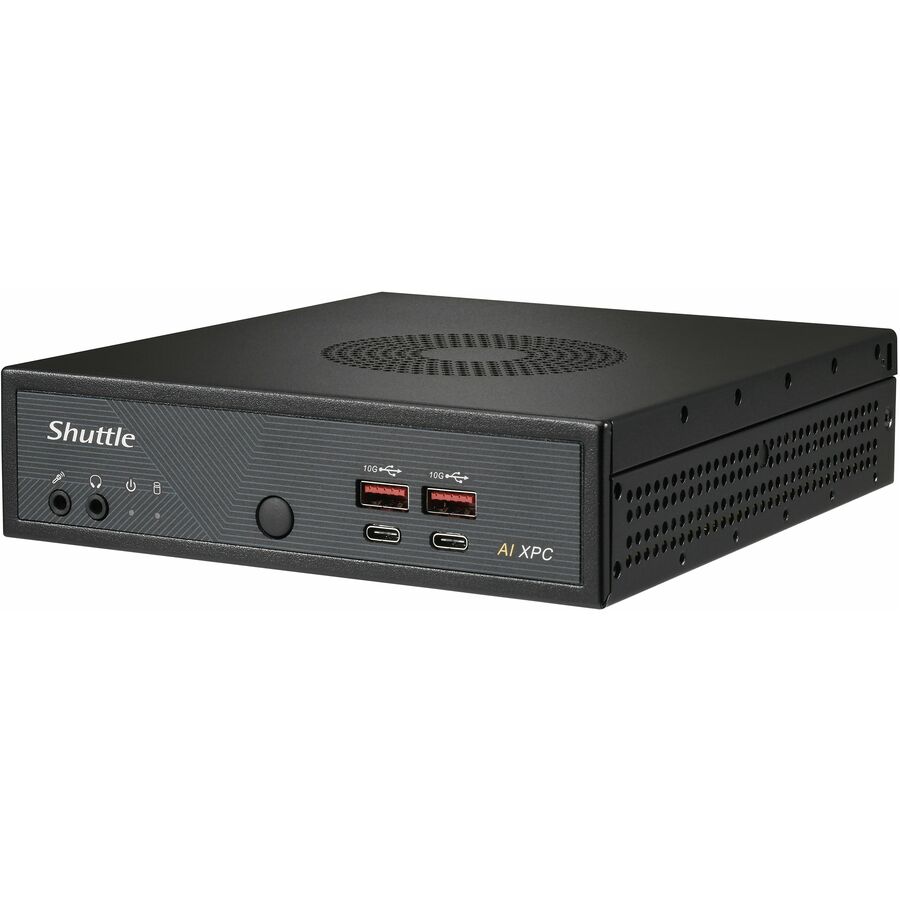
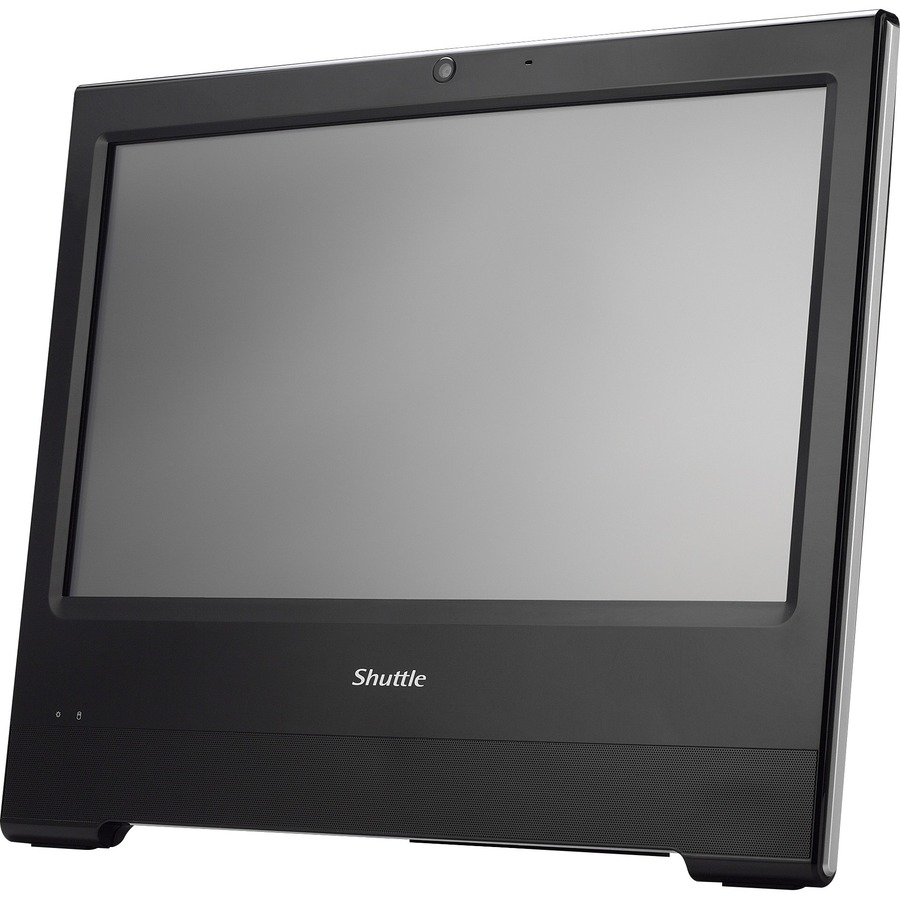
Shuttle XPC slim DH610 Barebone System
DH610
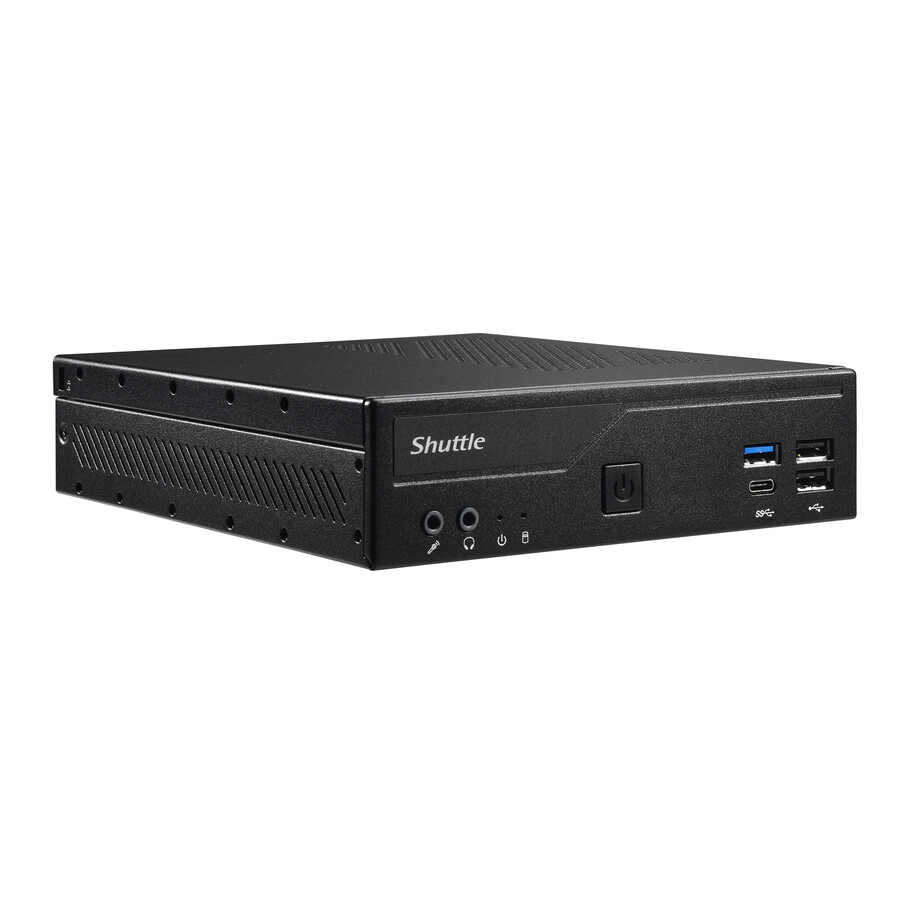
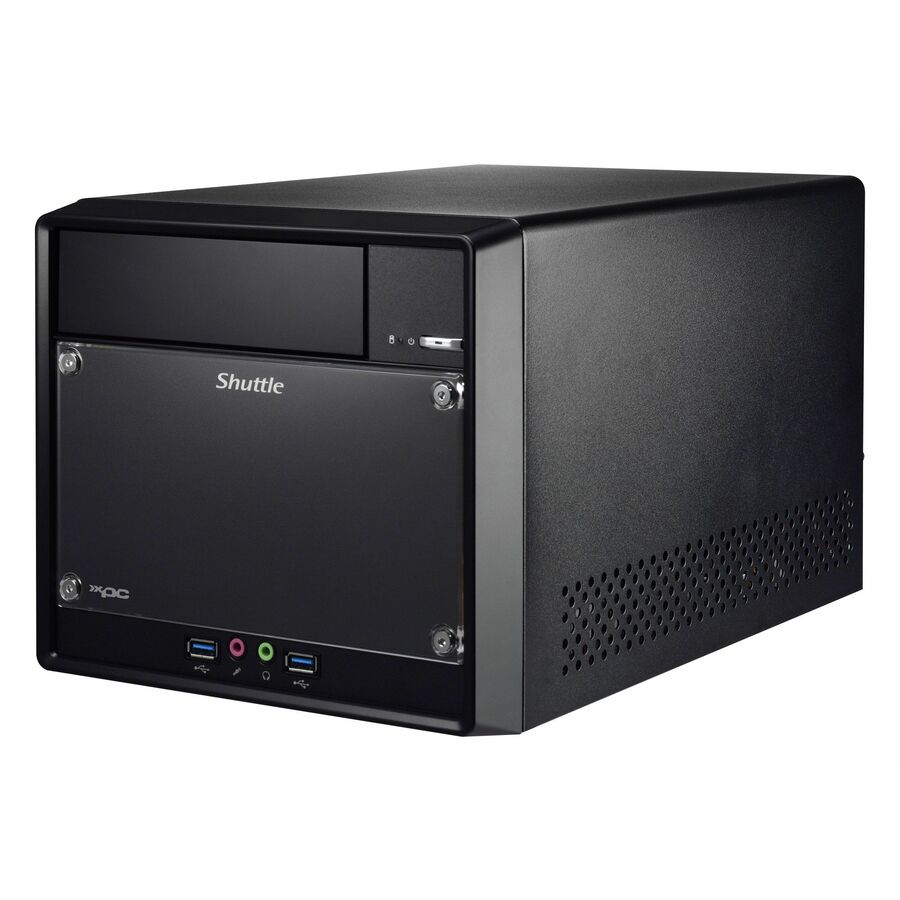
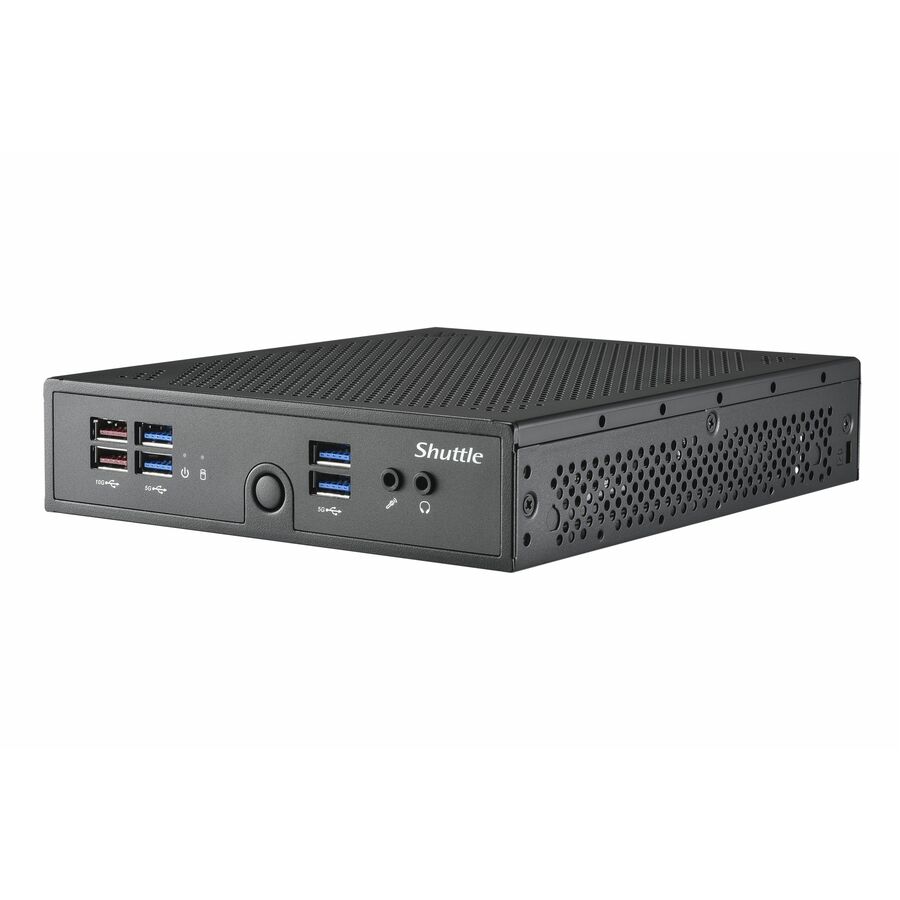
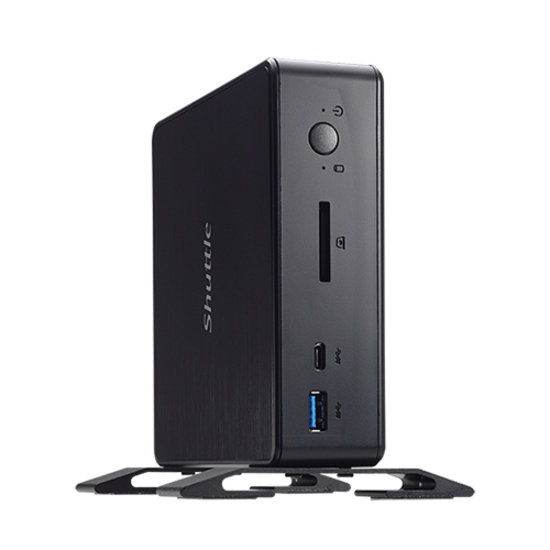
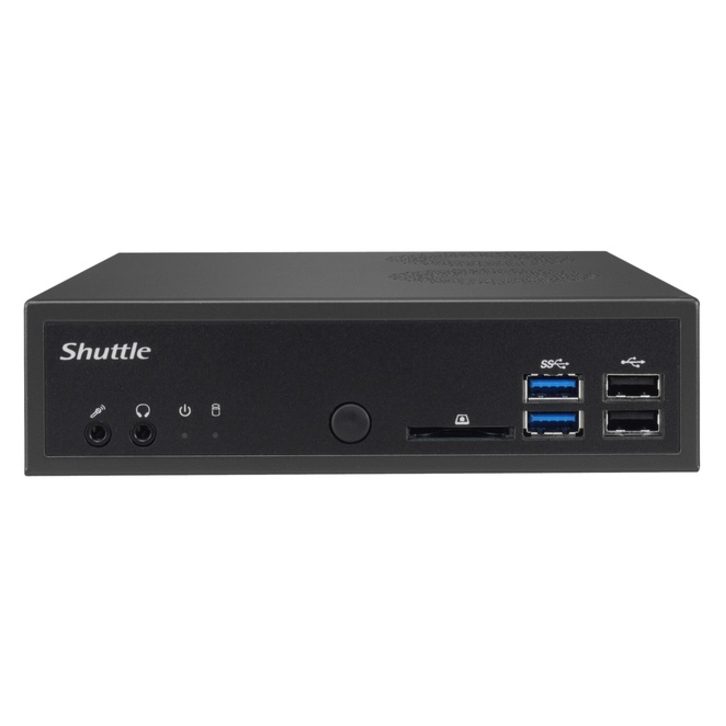
A slim Shuttle on an LGA-1700 socket: choose the processor anywhere from Celeron to Core i9, add two DDR4 modules to 64 GB, and get 2.5 Gigabit plus Gigabit Ethernet with Windows 10, Windows 11 and Linux listed as supported. One chassis covering several performance tiers in the same fleet.
$563.32In stockIndustrial box PC
Advantech
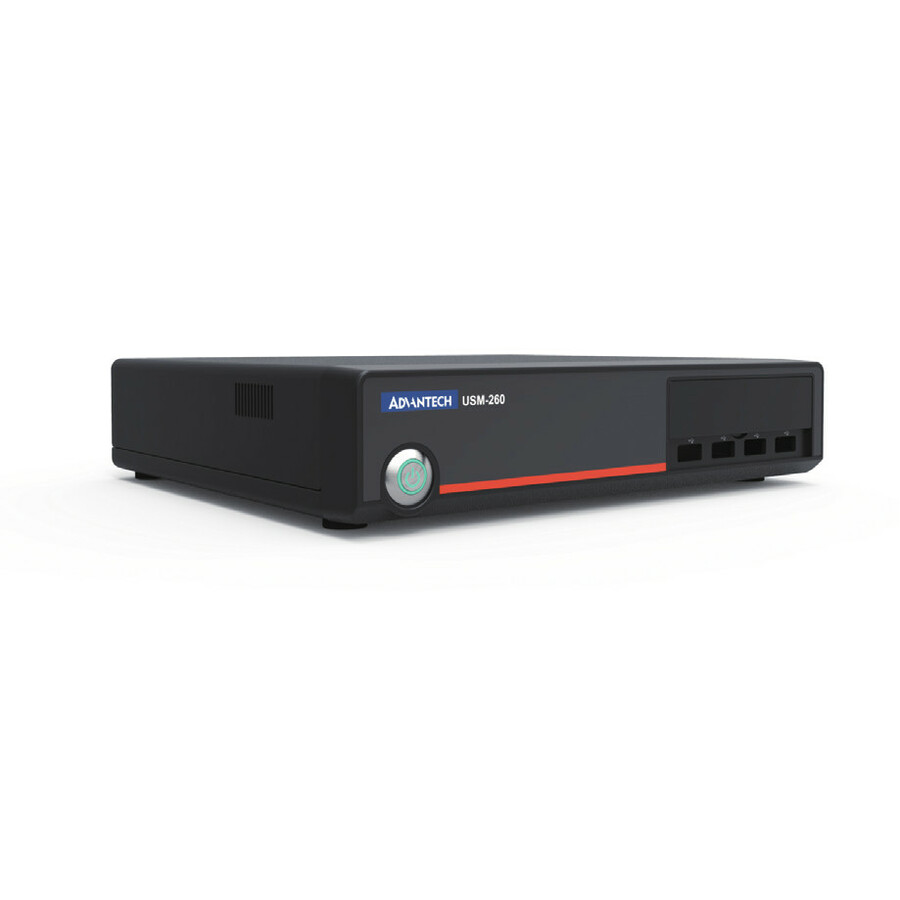
Advantech USM-260 Barebone System
USM-260F-BST00
Advantech's USM-260 is a box PC on an LGA-1151 socket with two DDR4 slots to 32 GB, HDMI and four USB 3.0 ports — the industrial-vendor road when the deployment is a machine cabinet rather than an office. Processor support runs from Celeron up to Core i7.
$498.04Back-orderedPico form factor
Zotac USA
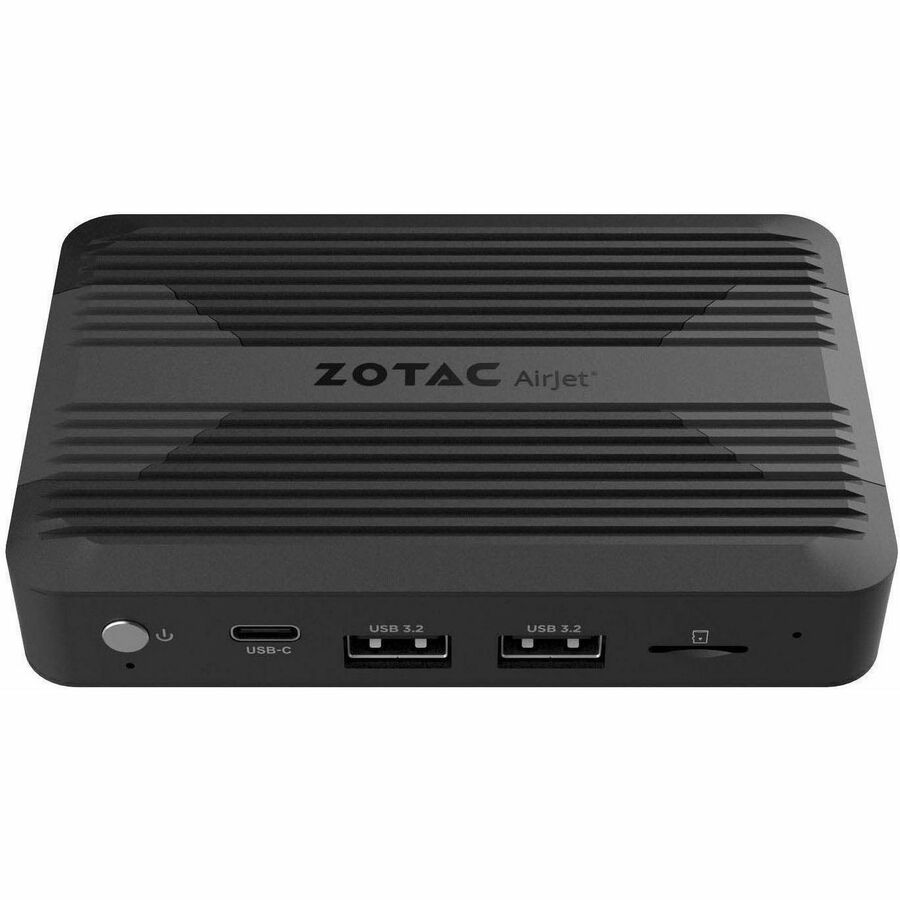
Zotac ZBOX pico PI430AJ Barebone System
ZBOX-PI430AJ-GLB
The pocket-sized end of this category: a Core i3 N300 with 8 GB of memory on board rather than in a slot, one M.2 socket, HDMI and DisplayPort. Read that line carefully — soldered memory is the one specification here that cannot be changed after delivery.
$715.00In stockMore barebone systems in the Uniqcli catalog
See all 388 barebone systemsMore from across this category. In-stock lines lead, and a back-ordered line carries the same estimated availability its product page does — with live pricing throughout, NDAA §889 screening before checkout and TAA verified on request.
Back-ordered — estimated OEM lead time 3–8 weeks (Nov 14 – Dec 19 if ordered today).
- MSIMSI CubiNUC022BTAA Mini PC Barebone, Intel Core 7-150U - TAA Compliant - Wifi 6E AX211 - Bluetooth 5.3 - USB A - USB C - HDMI - Thunderbolt - Dual LAN - 3 Yr Advanced ReplacementCUBINUC022BTAA
$709.00
$619.31*
Back-orderedBack-ordered — estimated OEM lead time 3–8 weeks (Nov 14 – Dec 19 if ordered today).
- MSIMSI Cubi NUC 009BUS Mini PC Barebone, Intel Core 7-150U, Non-OS, 3Y Advanced Replacement - Wifi 6E - Bluetooth 5.3 - Dual LAN - USB A - USB C - HDMI - ThunderboltCUBINUC1M009B
$709.00
$619.31
Back-orderedBack-ordered — estimated OEM lead time 3–8 weeks (Nov 14 – Dec 19 if ordered today).
Back-ordered — estimated OEM lead time 3–8 weeks (Nov 14 – Dec 19 if ordered today).
- MSIMSI CubiNUC023BTAA Mini PC Barebone, Intel Core 3-100U - TAA Compliant - Wifi 6E AX211 - Bluetooth 5.3 - USB A - USB C - HDMI - DisplayPort - Thunderbolt - 3 Yr Advanced ReplacementCUBINUC023BTAA
$429.00
$376.43*
Back-orderedBack-ordered — estimated OEM lead time 3–8 weeks (Nov 14 – Dec 19 if ordered today).
Back-ordered — estimated OEM lead time 3–8 weeks (Nov 14 – Dec 19 if ordered today).
- MSIMSI CubiNUC021BTAA Mini PC Barebone, Intel Core 5-120U - TAA Compliant - Wifi 6E AX211 - Dual LAN - USB A - USB C - HDMI - DisplayPort - Thunderbolt - Bluetooth 5.3 - 3 Yr Advanced ReplacementCUBINUC021BTAA
$559.00
$535.10*
Back-orderedBack-ordered — estimated OEM lead time 3–8 weeks (Nov 14 – Dec 19 if ordered today).
Back-ordered — estimated OEM lead time 3–8 weeks (Nov 14 – Dec 19 if ordered today).
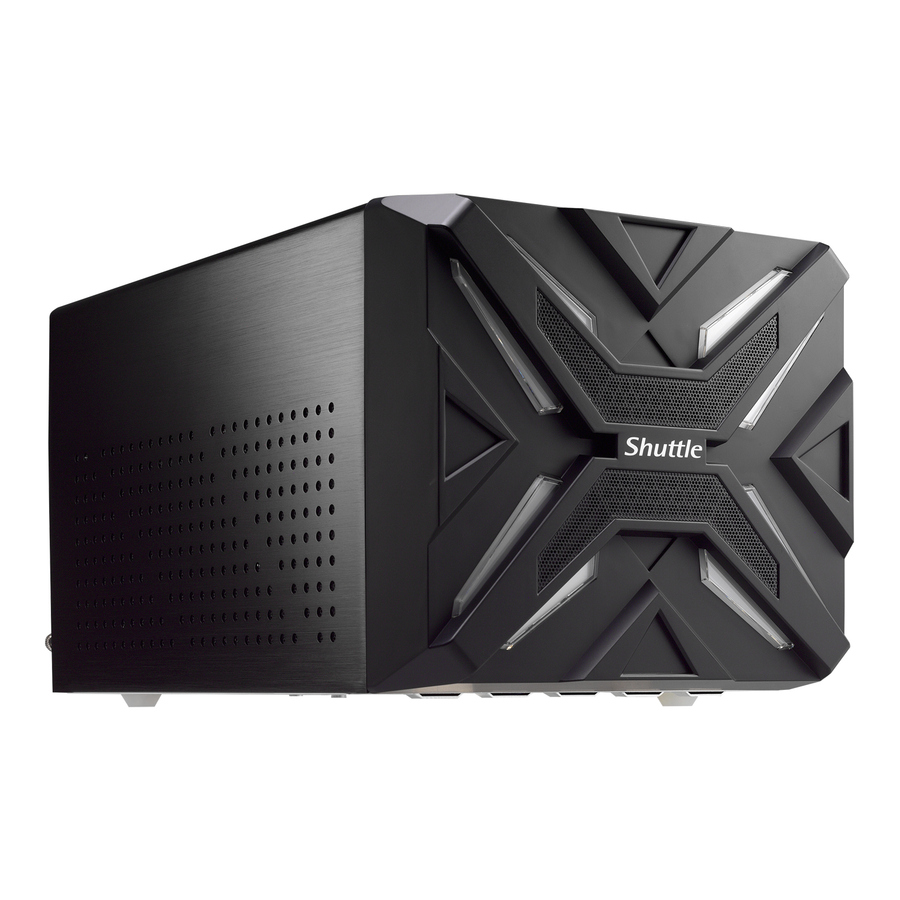
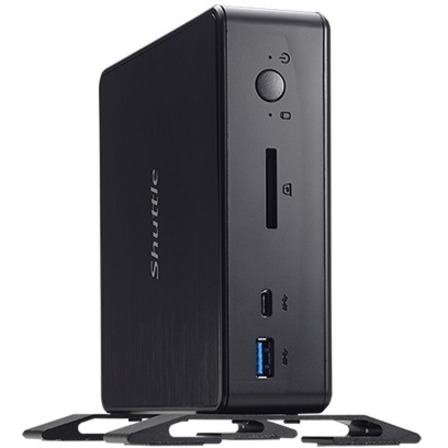
- ShuttleShuttle XPC NC10U Barebone System - Celeron 4205U 1.80 GHz Dual-core (2 Core) - 64 GB DDR4 SDRAM DDR4-2400/PC4-19200 Maximum RAM Support - 2 Total Memory Slots - Serial ATA/600 Controller - UHD Graphics 610 - Gigabit Ethernet - 2 USB 3.2 Gen 1 Port(s) - 65 WNC10U
$359.99
$344.76
Back-orderedBack-ordered — estimated OEM lead time 3–8 weeks (Nov 14 – Dec 19 if ordered today).
- ASUS Computer InternationalAsus NUC 13 Rugged Barebone System - Atom x7211E - Intel Chip - 16 GB DDR5 SDRAM Maximum RAM Support - 1 Total Memory Slots - NVMe, Serial ATA Controller - IEEE 802.11ax - Network (RJ-45) - 2 M.2 Interface(s) - 2.5 Gigabit Ethernet - Windows 11 Supported Operating System - 2 USB 3.2 Gen 1 Port(s)BNUC13BRFA200B00I
$429.00
$414.17
Back-orderedBack-ordered — estimated OEM lead time 3–8 weeks (Nov 14 – Dec 19 if ordered today).
Back-ordered — estimated OEM lead time 3–8 weeks (Nov 14 – Dec 19 if ordered today).
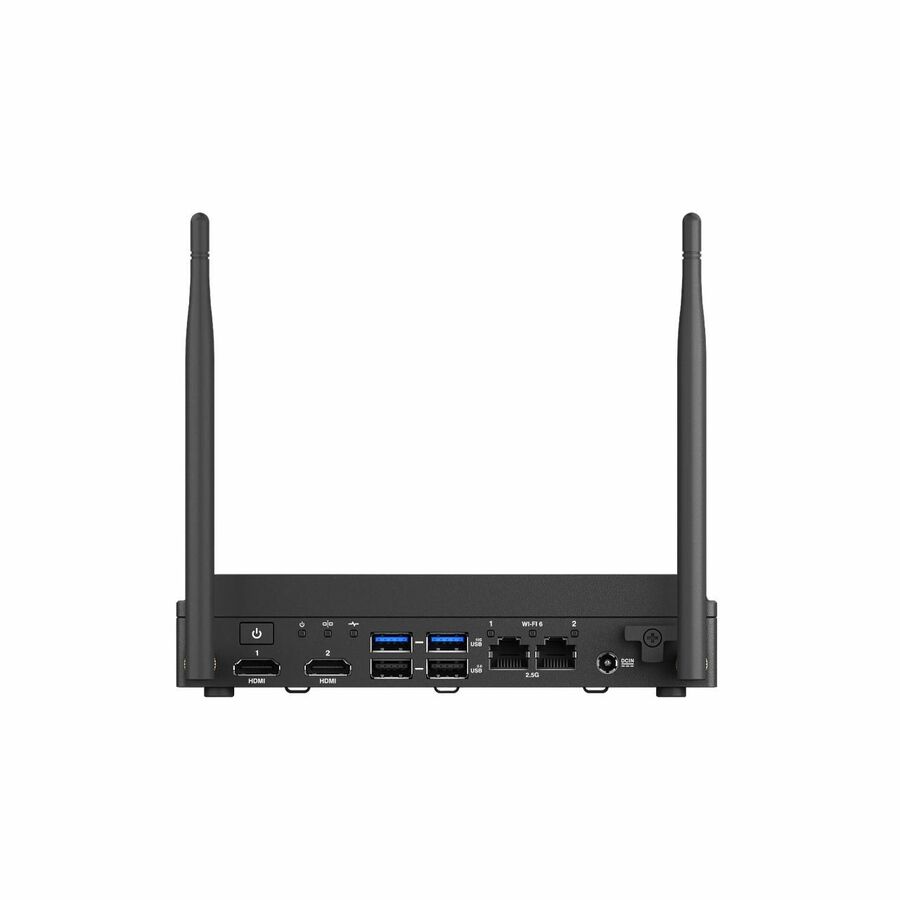
- ASUS Computer InternationalAsus NUC 13 Rugged Barebone System - N-series N50 - Intel Chip - 16 GB DDR5 SDRAM Maximum RAM Support - 1 Total Memory Slots - NVMe, Serial ATA Controller - IEEE 802.11ax - Network (RJ-45) - 2.5 Gigabit Ethernet - Windows 11 Supported Operating System - 2 USB 3.2 Gen 1 Port(s)90 W - 3 YearBNUC13BRKP200B00I
$348.00
$336.38
Back-orderedBack-ordered — estimated OEM lead time 3–8 weeks (Nov 14 – Dec 19 if ordered today).
Back-ordered — estimated OEM lead time 3–8 weeks (Nov 14 – Dec 19 if ordered today).
Back-ordered — estimated OEM lead time 3–8 weeks (Nov 14 – Dec 19 if ordered today).
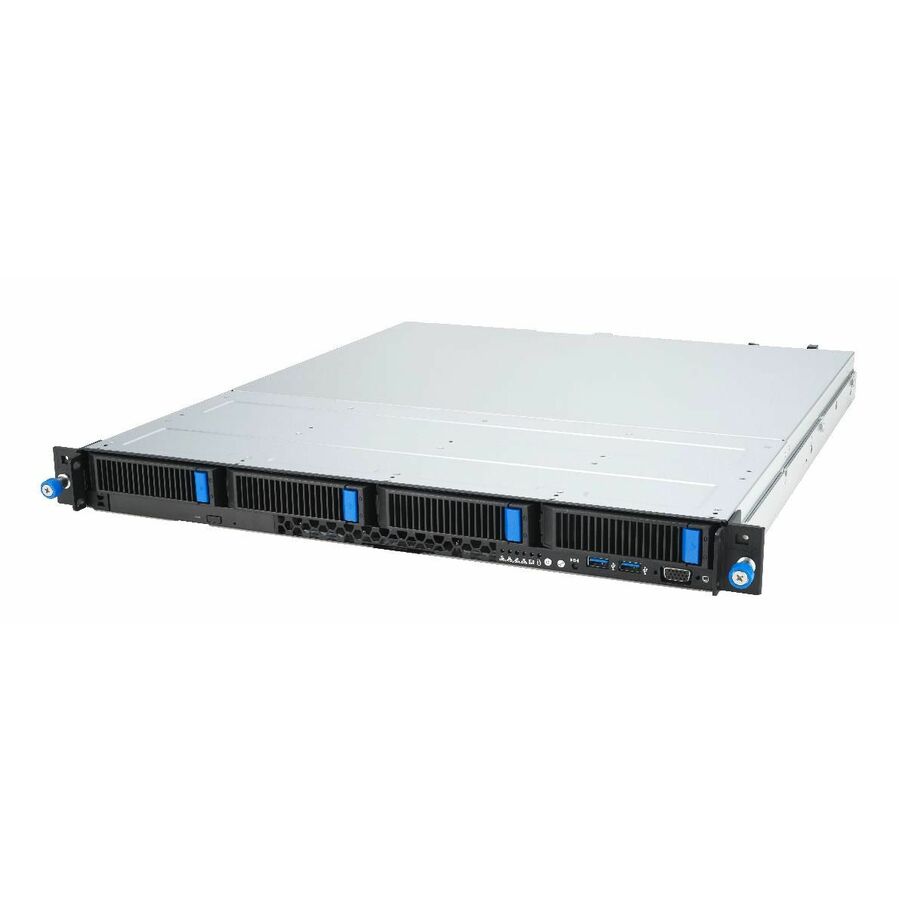
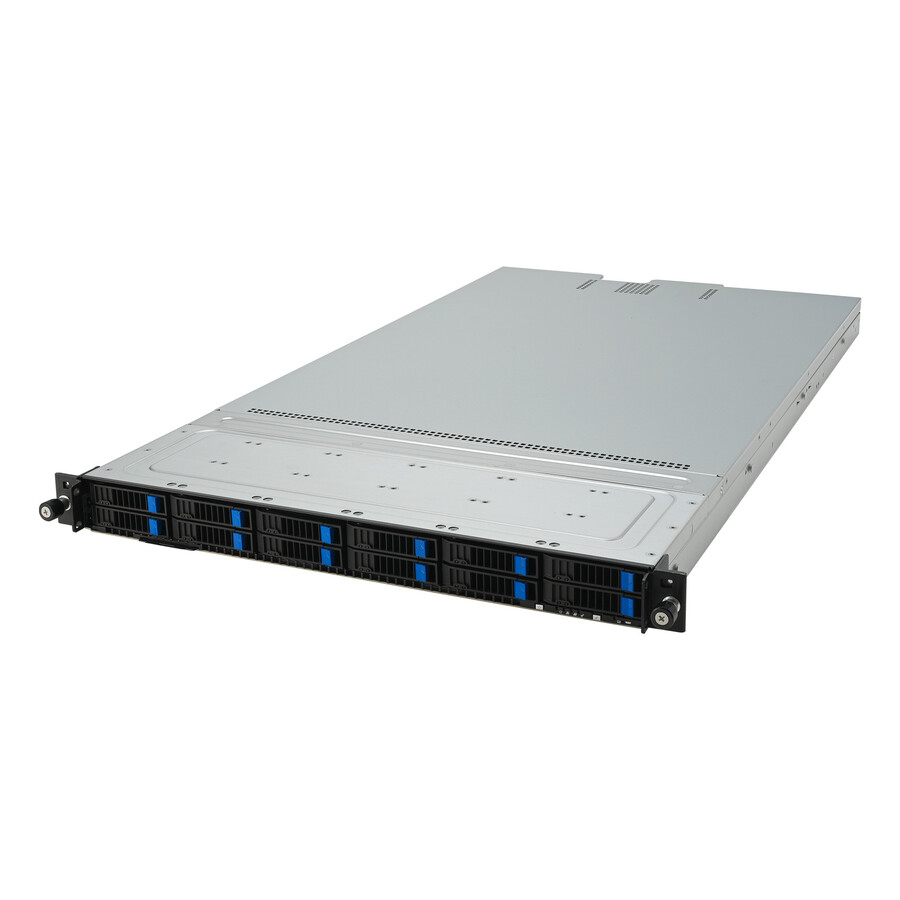
- ASUS Computer InternationalAsus RS500A-E12-RS12U-12W16B Barebone System - 1U Rack-mountable - Socket SP5 LGA-6096 - 1 x Processor Support - AMD Chip - 6 TB DDR5 SDRAM DDR5-4800/PC5-38400 Maximum RAM Support - 24 Total Memory Slots - Serial ATA Controller - Processor Support (EPYC) - Gigabit Ethernet - 2 USB 3.2 Gen 1 Port(s) - 2 x 1200 WRS500A-E12-RS12U-12W16B
$2,774.94
Back-orderedBack-ordered — estimated OEM lead time 3–8 weeks (Nov 14 – Dec 19 if ordered today).
Need pricing on industrial mini PCs?
Tell us where to reach you and a Uniqcli specialist will follow up by email with current pricing, availability and lead time for the quantities you need — including parts that aren’t shown on this page.
Buying for an organization or for yourself — both work. No payment up front.
What decides an industrial mini PC is the site rather than the processor: operating temperature, dust, vibration, whether anyone can physically reach the box, and how it mounts — VESA behind a display, DIN rail, wall plate or shelf. These are barebone systems, so on most models the memory, the drive and the operating system are separate lines on the same order.
An edge box is bought by the site, not by the seat. One part number gets one image, and that image then has to run unattended in a closet, a cabinet, a kiosk pedestal or a shallow branch rack for years, in as many copies as there are sites. That is why the specification conversation here is short and the quantity conversation is long: the decision that costs money is not which mini PC, it is how many, on what schedule, and whether every one of them can be identical.
Be clear about what "industrial" means on this page, because the word is used loosely in this market. A handful of these units are built and branded for the role — fanless models, ASUS's Rugged NUC line, Advantech's box PCs — and the rest are commercial small-form-factor and NUC-class machines that get deployed into the same places every day. Both are legitimate answers; they are different risk profiles. Environmental limits (operating temperature range, shock and vibration, dust ingress) are stated per part number, never per family, so if the site is hot, dirty, vibrating or unattended, that is the question to ask before the price question. Specifications shown on the cards here are read from the manufacturer's own product data for that part number; where a value is not stated, it is left blank rather than estimated.
The second thing to settle is that these are barebone systems: a chassis, a board, a power supply and, on most of them, no memory, no drive and no operating system. Some are socketed as well, so the processor is your choice too. That is a feature for a fleet — you build to one specification and you keep spares of the parts, not of the whole machine — but it means memory and storage belong on the same purchase order, not on a second one two weeks later. The selection below is brand-neutral and drawn live from what Uniqcli lists; for a multi-unit build, send the count and the site conditions and let us quote the whole thing.
Buyer's checklist
How to choose an industrial mini PC or edge box
- Start from the site, not the spec sheet — temperature, dust, vibration, whether anyone can physically reach the box, and how it mounts (VESA behind a display, DIN rail, wall plate, shelf) decide more than the processor does.
- Ask whether the unit is fanless where the site is dusty or unattended: a fan is the moving part that fails first, and the trade is a lower thermal ceiling and usually a lower-wattage processor.
- Read the operating systems the manufacturer lists for that part number — Windows 11 Pro, Windows 10 IoT Enterprise, Ubuntu LTS and Red Hat Enterprise Linux appear on different models, and a long-lived edge image should be pinned to a build the vendor actually names.
- Count network ports and speed at the edge: 2.5 Gigabit Ethernet is common on current models, and a second port is what lets one box sit between a site network and a device segment instead of needing a switch beside it.
- Confirm what is soldered and what is socketed — memory slots and their maximum, M.2 sockets, any 2.5-inch bay — because a unit with on-board memory is a purchase-time decision you cannot revisit.
- Decide socketed versus fixed processor: a socketed barebone lets one chassis cover several performance tiers in the same fleet; a fixed-processor unit is simpler to order and simpler to replace.
- Check display outputs and count against the actual workload — signage and kiosk duty is usually two heads, a control seat may be more — and confirm the resolution the unit states at the refresh rate you need.
- Standardize on as few part numbers as the estate allows and buy a spares pool with the rollout: the whole operational argument for a small fixed-function box is that a failure is a swap, and that only holds if a spare is on the shelf.
- Ask for the TAA country-of-origin position on the exact part number where the order is going to a government or education buyer — it is recorded per part number, not per brand.
Where a mini PC is the right box
The clearest fit is the fixed-function site: digital signage and wayfinding, kiosks and self-service counters, point-of-sale lanes, badge and access stations, machine-side data collection, a small branch or clinic that needs one always-on machine behind a display. All of them share a shape — one workload, many identical locations, nobody technical on site — and that shape is what makes a small sealed box cheaper to run than a desktop that happens to fit.
The second fit is the network edge itself: a box doing local processing, buffering or protocol translation between equipment on a site and a system somewhere else. That role is where the port count and the network speed matter more than the processor, and where a second Ethernet interface earns its place by keeping the site network and the device segment apart without another piece of hardware in the cabinet.
The case that does not need one of these is worth naming too. A seat where a person sits all day running a normal desktop workload is a desktop, and a seat whose applications already live in the data center is a thin client — both are cheaper answers to their own problem. Buy an edge box when the machine is part of the installation rather than part of someone's desk.
Barebone means you finish the build
Most units in this category ship as a chassis, a board and a power supply. Memory and storage are yours to add, the operating system is yours to install, and on the socketed models the processor is yours to choose. For a one-off that is friction; for a fleet it is the point, because every unit lands on the same specification and your spares are modules and drives rather than whole machines.
Two checks stop that from going wrong. The first is what the chassis physically takes: how many memory slots and their maximum, how many M.2 sockets, whether there is a 2.5-inch bay, and — critically — whether memory is socketed at all, because several of the smallest units carry it on board and cannot be upgraded later. The second is the operating system the manufacturer actually lists for that part number. Long-lived edge images tend to be pinned to a specific Windows or Linux build, and a unit whose listing names Windows 10 IoT Enterprise, an Ubuntu LTS release or Red Hat Enterprise Linux is a safer basis for a five-year deployment than one that only names the current consumer Windows.
Practically, this means memory and storage belong on the same order as the chassis. Check which memory form factor the specific unit takes before you quote the modules — small-outline (SO-DIMM) and full-size modules are not interchangeable, and this category runs from pico-sized units up to rack chassis. Getting that right on the order keeps one delivery, one receiving event and one configuration standard instead of a rollout that stalls waiting for parts.
Buying a fleet of them through Uniqcli
Multi-unit edge orders are quoted, not carted. Send the quantity, the sites they are going to, the operating system you intend to run and whether you want memory and storage on the same order, and we come back with current pricing across the whole quantity, availability line by line, and a dated lead time on anything not immediately available. Larger builds are sourced as a deal through US distribution rather than picked off a shelf, which is what makes a quantity price different from twelve times the single-unit price.
Two practical notes for a rollout. Orders over $2,500 ship free on US ground, so a multi-unit build usually clears that threshold on the first purchase order. And back-ordered lines on this page are still buyable — they are priced and orderable, and the lead time is quoted with the line rather than discovered after you commit. If a date will not work, ask: we will say plainly which comparable units are available sooner.
Every line Uniqcli quotes is sourced through US distribution and screened for TAA country-of-origin and NDAA §889 status before checkout, with documentation tied to the specific part number rather than a product family.
FAQ
Common questions
- What makes a mini PC "industrial" rather than just small?
- The claim belongs to the part number, not to the size. A genuinely industrial unit publishes an operating temperature range, shock and vibration figures and often an ingress rating, and it is frequently fanless and mounted to a DIN rail or a plate rather than sitting on a surface. Plenty of commercial small-form-factor machines are deployed successfully into the same roles and are the right economic answer where the environment is ordinary — a lockable closet, a retail counter, a branch rack. The honest way to decide is to describe the site first: temperature, dust, vibration, and whether anyone can physically get to the box. Then check those figures on the exact model, because they are stated per part number rather than per product family.
- Do these come with memory, storage and an operating system?
- Usually not — that is what "barebone" means. Most units in this category are a chassis, a board and a power supply, with the memory, the drive and the operating system left to you, and several are socketed so the processor is your choice as well. Check the specific listing for how many memory slots it has and what maximum it supports, how many M.2 sockets and drive bays it carries, and whether the memory is socketed at all, because some of the smallest units carry it on board where it cannot be changed later. Confirm the memory form factor on the listing as well — small-outline (SO-DIMM) and full-size modules are not interchangeable, and this category runs from pico-sized units up to rack chassis. Quoting the modules on the same order as the units keeps the rollout to one delivery and one configuration standard.
- Which Windows or Linux build should an edge box run?
- Whichever one the manufacturer lists for that part number and your application is validated against — an edge image typically outlives two desktop refresh cycles, so it should be pinned rather than assumed. Listings across this category name different things: Windows 11 Pro on most current models, Windows 10 IoT Enterprise on a number of them, Ubuntu LTS releases and Red Hat Enterprise Linux on several. If an application is certified against a long-servicing Windows build or a specific LTS release, filter to units whose own listing names it rather than relying on a family reputation, and tell us the target build when you ask for a quote so we can confirm it on the exact models before you order.
- Most of these show as back-ordered — can I still buy them?
- Yes. A back-ordered line is priced and orderable; it is simply not sitting on a shelf today. We quote a dated lead time with the line, so the delivery date is part of the decision rather than a surprise after you commit. If your timeline is shorter than the date we quote, say so — we will tell you which comparable units can be delivered sooner, and for a multi-unit build we will often split the order so the first sites are not waiting on the last ones.
- Can Uniqcli quote industrial mini PCs for a government or education order?
- Every line Uniqcli quotes is sourced through US distribution and screened for TAA country-of-origin and NDAA §889 status before checkout — with documentation tied to the specific part number, not a product family.
Need industrial mini PCs pricing?
Send a bill of materials or part numbers — we confirm stock and a below-market total, with TAA verified on request. No payment up front.