
Best Cellular Router Antennas for Fleet and Fixed IoT Deployments
Multi-element cellular, GNSS and Wi-Fi antennas for vehicle and fixed router installs — sharkfin, dome, flat-panel and pole mounts.
Cellular router antennas in stock at Uniqcli
How to choose →A curated selection with live pricing — in-stock lines first, then back-ordered lines with a typical lead time. Every line is sourced through US distribution and screened for NDAA §889 status before checkout, with TAA verified on request.


Top pick
Sierra Wireless
Semtech Antenna
6001518
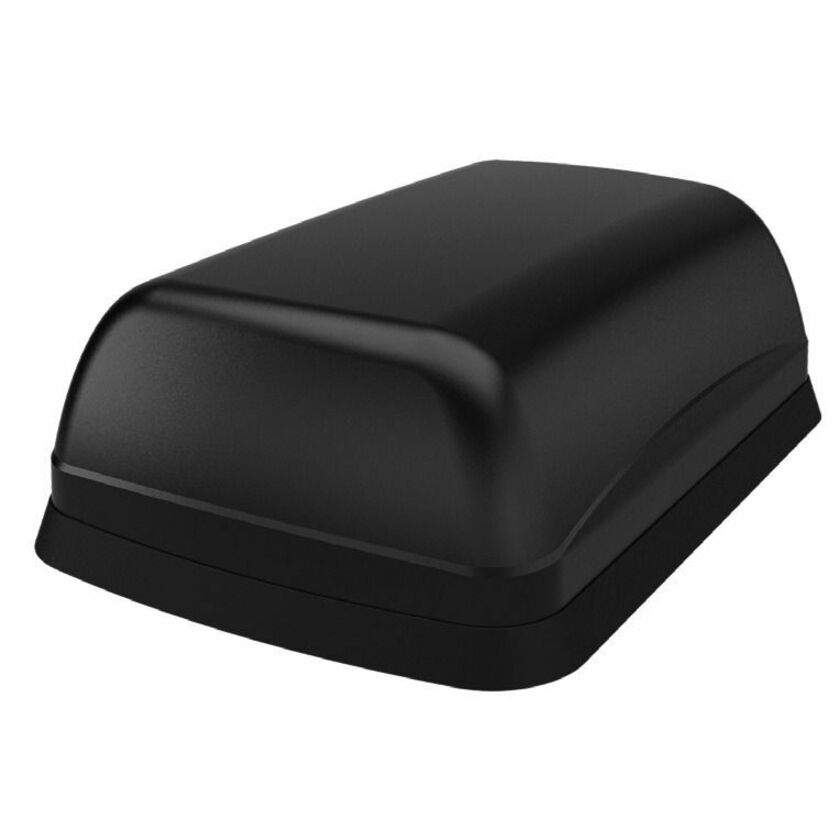
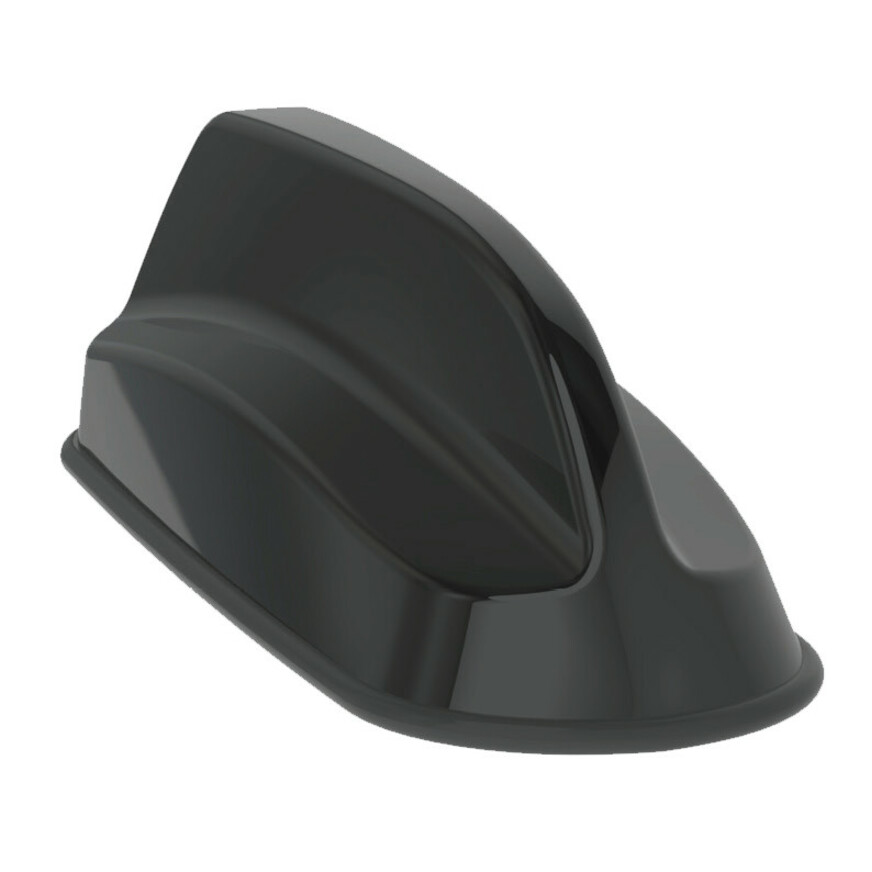
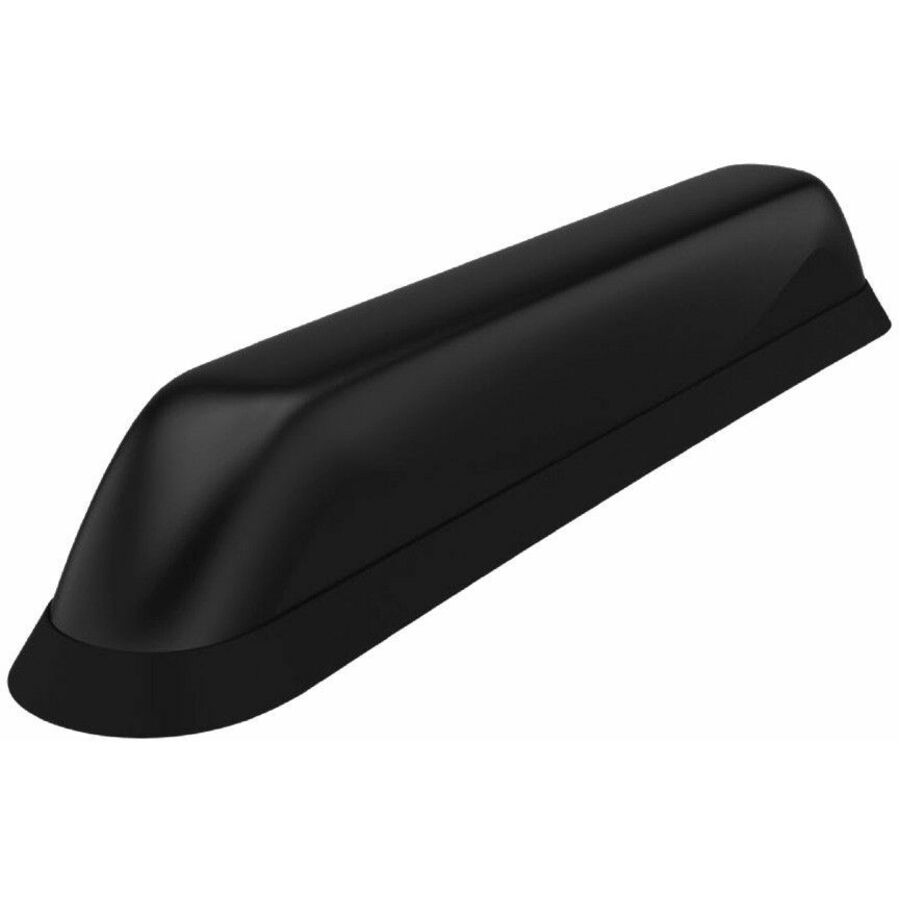
Five elements in one industrial housing covering 617–960 MHz and 1427–4200 MHz, listed for router, GPS and cellular network service at 6.3 dBi, on a bolt mount with SMA connectors. Specified as the matched roof antenna for the XR60, which is what makes it the straightforward answer when that gateway is the fleet standard.
$167.63In stockSingle-part wideband
Sierra Wireless
Sierra Wireless AirLink Antenna
6001399
An AirLink antenna that covers 617 MHz to 6000 MHz in one continuous range rather than in separate segments, rated 26 dB and listed for cellular network, wireless router and wireless data network service. Bolt mount, black housing. The part to read first when a site runs mixed bands or when a router refresh is expected inside the asset's life.
$437.63In stockEntry adhesive mount
Sierra Wireless
Sierra Wireless AirLink Antenna: 3-in-1 BAT
6001200
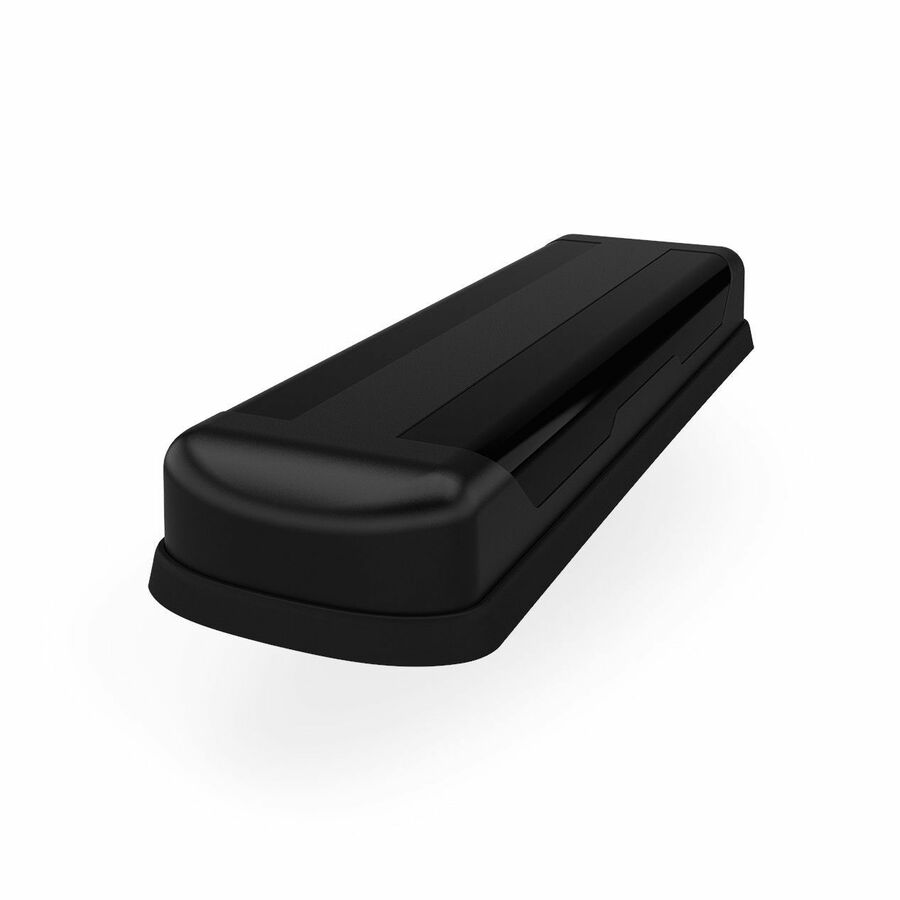
A three-in-one adhesive-mount antenna carrying cellular on 698–960 MHz and 1710–3800 MHz plus a 1562–1612 MHz GNSS element at 5 dBi, terminated in SMA. The no-drill option for glass, leased vehicles and panels that must not be penetrated.
$82.13In stockLow-profile sharkfin
Sierra Wireless
Sierra Wireless AirLink Antenna: 3-in-1 SharkFin
6001119
The three-in-one in a screw-mount sharkfin housing — cellular across 698–960, 1710–2170 and 2500–3800 MHz plus a GPS element at 5 dBi, on SMA. The conventional vehicle-roof shape where the gateway needs cellular and position but no Wi-Fi path.
$213.76In stockCellular plus Wi-Fi
Sierra Wireless
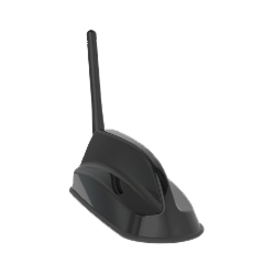
Sierra Wireless AirLink Antenna: 6-in-1 SharkFin
6001197
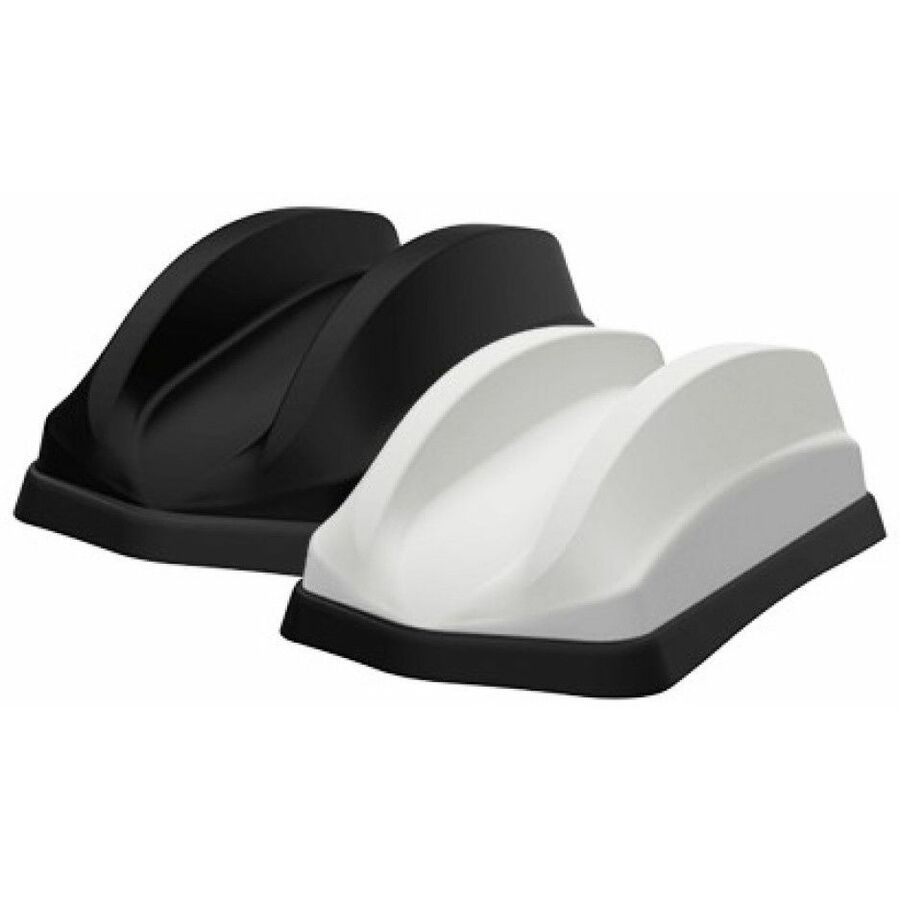
Six elements in one sharkfin: the cellular set, a GPS element, and 2.4 GHz, 5 GHz and 4.9–6 GHz Wi-Fi coverage, rated 26 dB with SMA, RP-SMA and FME connectors. Listed for IoT gateway service as well as cellular, so one roof penetration serves a router that also runs a local wireless network.
$246.38In stockLow-profile dome
Sierra Wireless
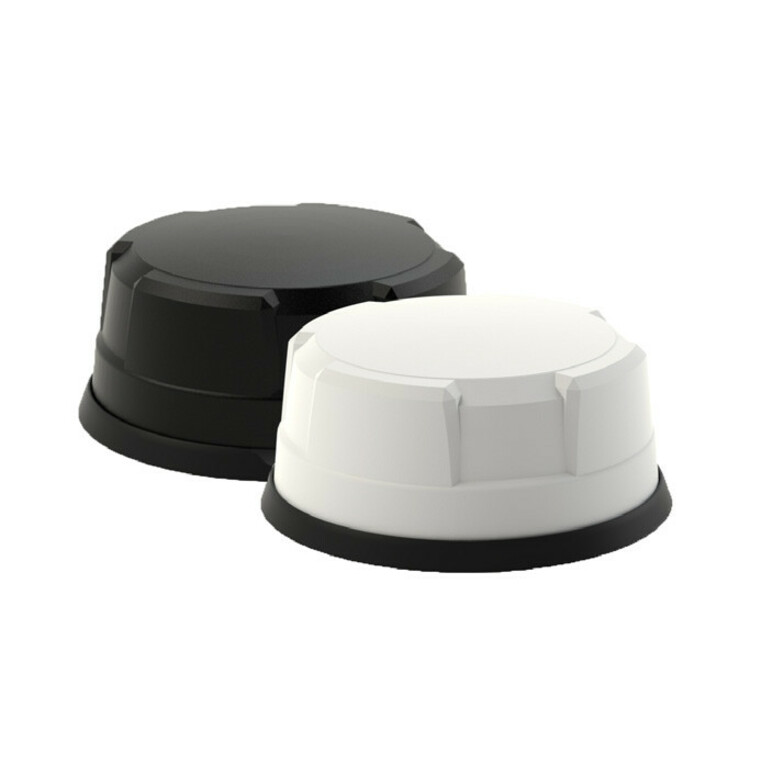
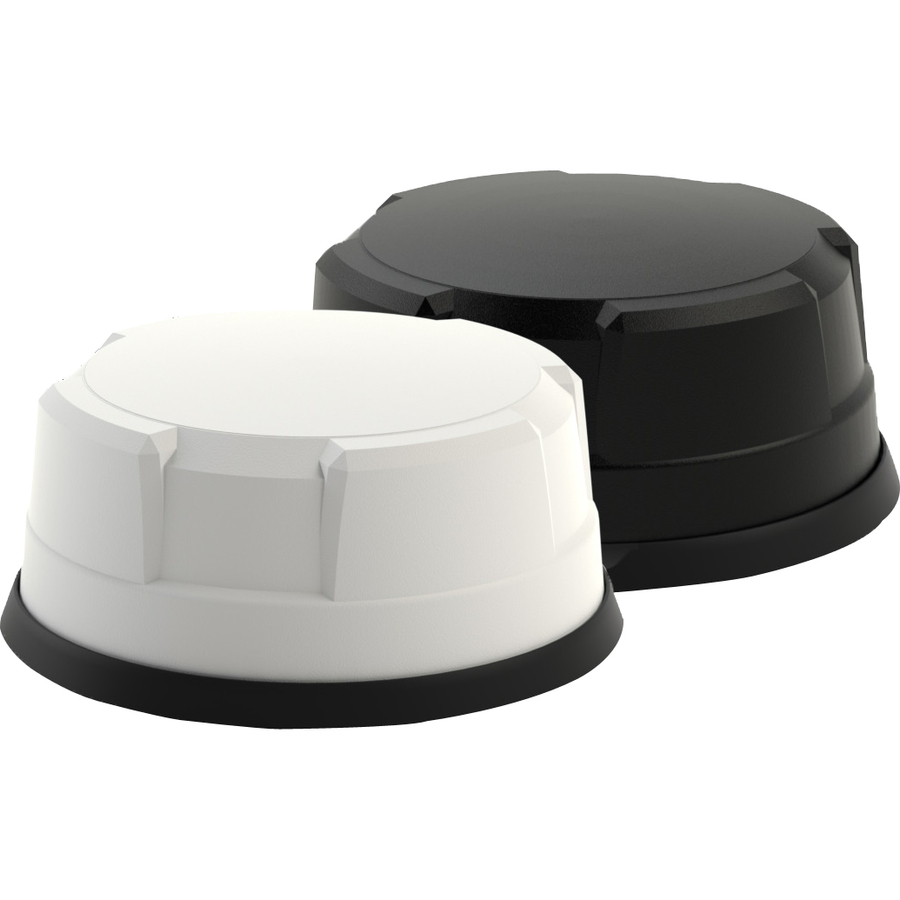
Sierra Wireless AirLink Antenna: 6-in-1 Dome
6001363
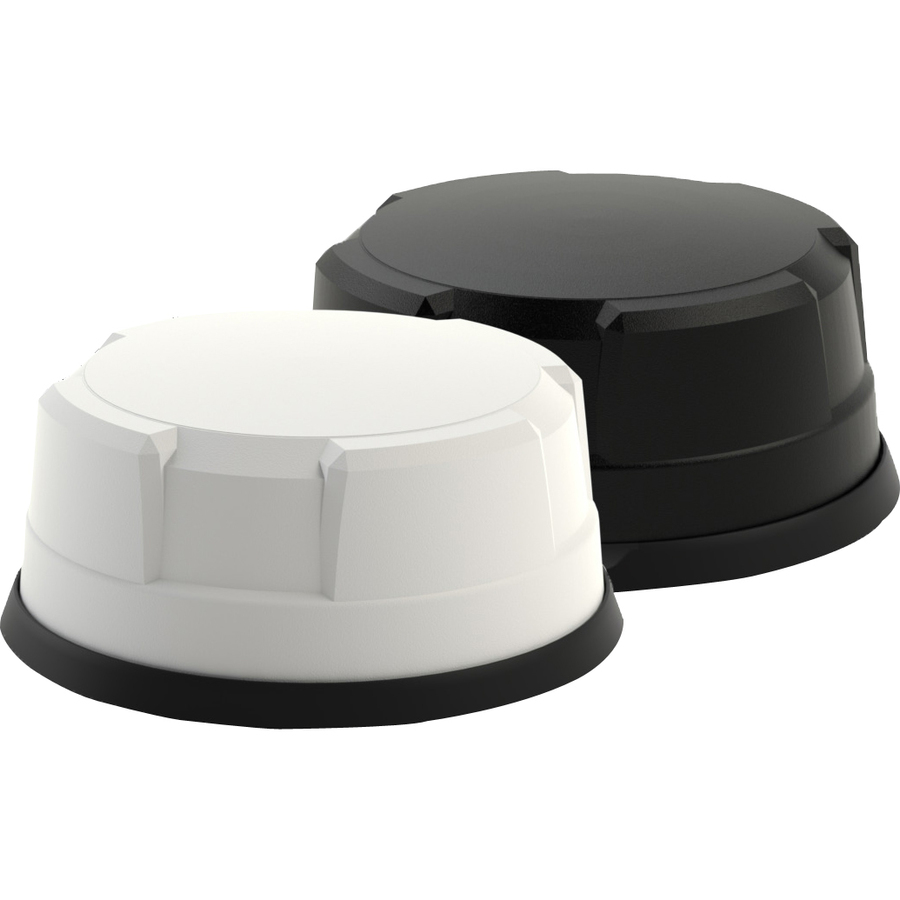
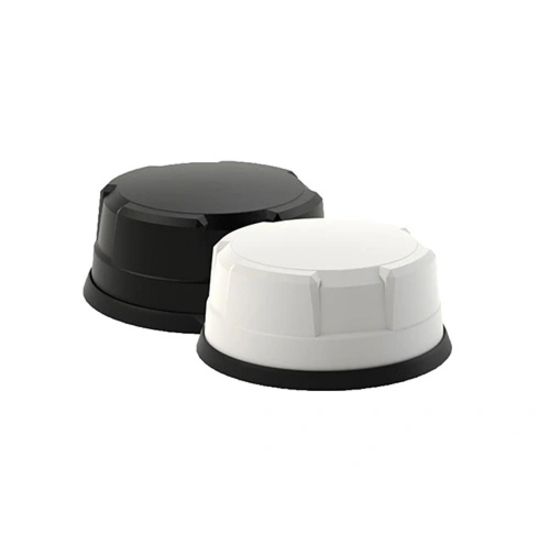
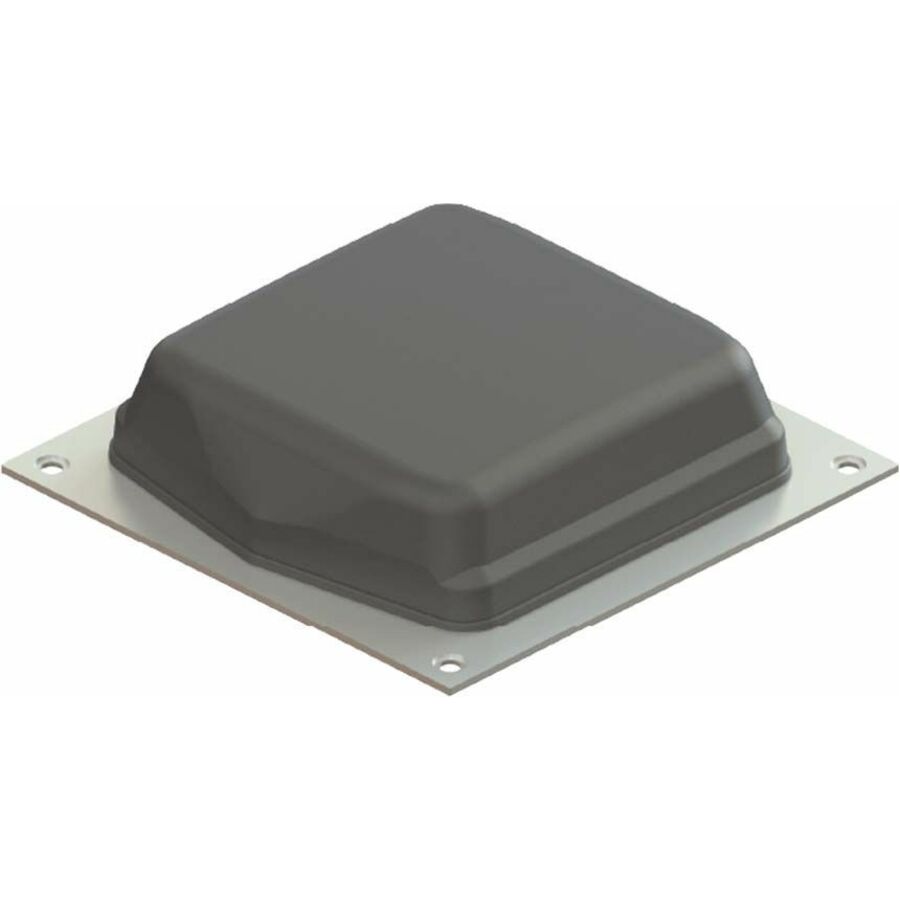
The six-in-one set in a white bolt-mount dome instead of a fin — cellular on 698–960 and 1710–2700 MHz, 2.4 GHz, 5 GHz and 4.9–6 GHz, plus a 1562–1612 MHz GNSS element at 26 dB on SMA and RP-SMA. Listed for gateway and wireless router service; the white housing suits ceilings and light-coloured roofs.
$268.88In stockCompact dome
Sierra Wireless
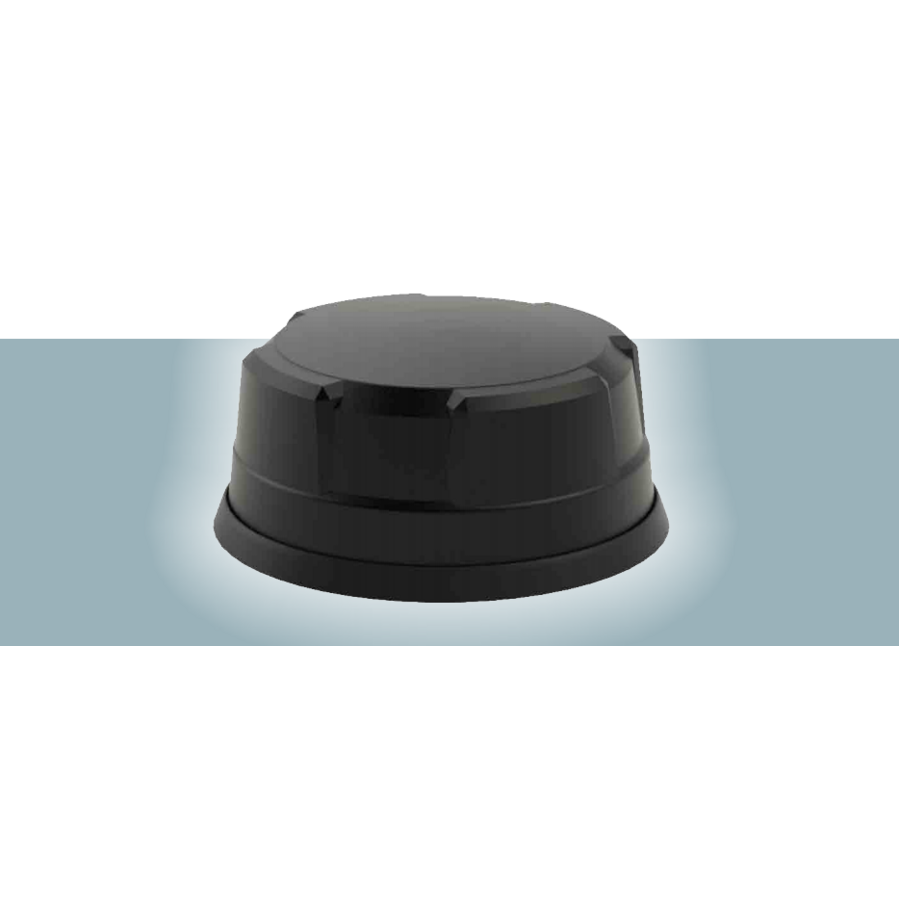
Sierra Wireless AirLink Antenna: 5-in-1 Dome
6001275
A five-in-one screw-mount dome covering 617–960 MHz, 1710–3800 MHz, 2.4 GHz and 4.9–6 GHz at 26 dB, omni-directional in a black housing. The smaller dome for installs that need cellular, position and Wi-Fi without the six-element part's footprint.
$313.88Back-orderedFlat panel
Sierra Wireless
Semtech Antenna 5-in-1 Flat Panel For XR60 5-in-1 Flat Panel for XR60
6001547
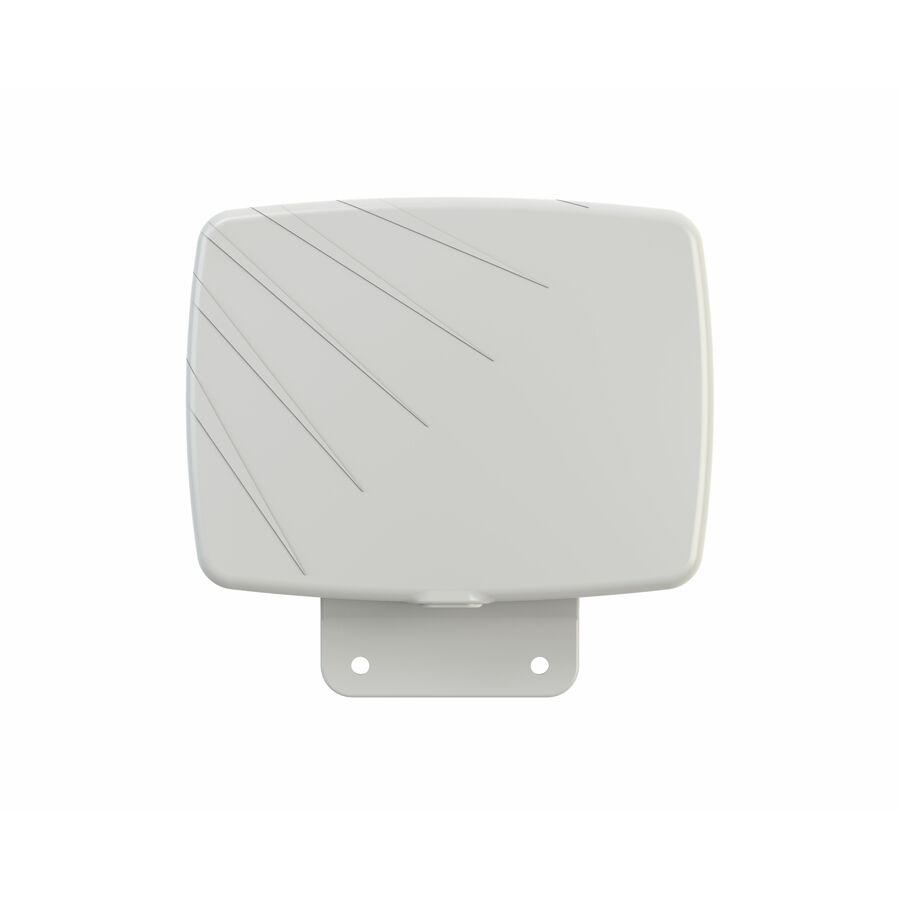
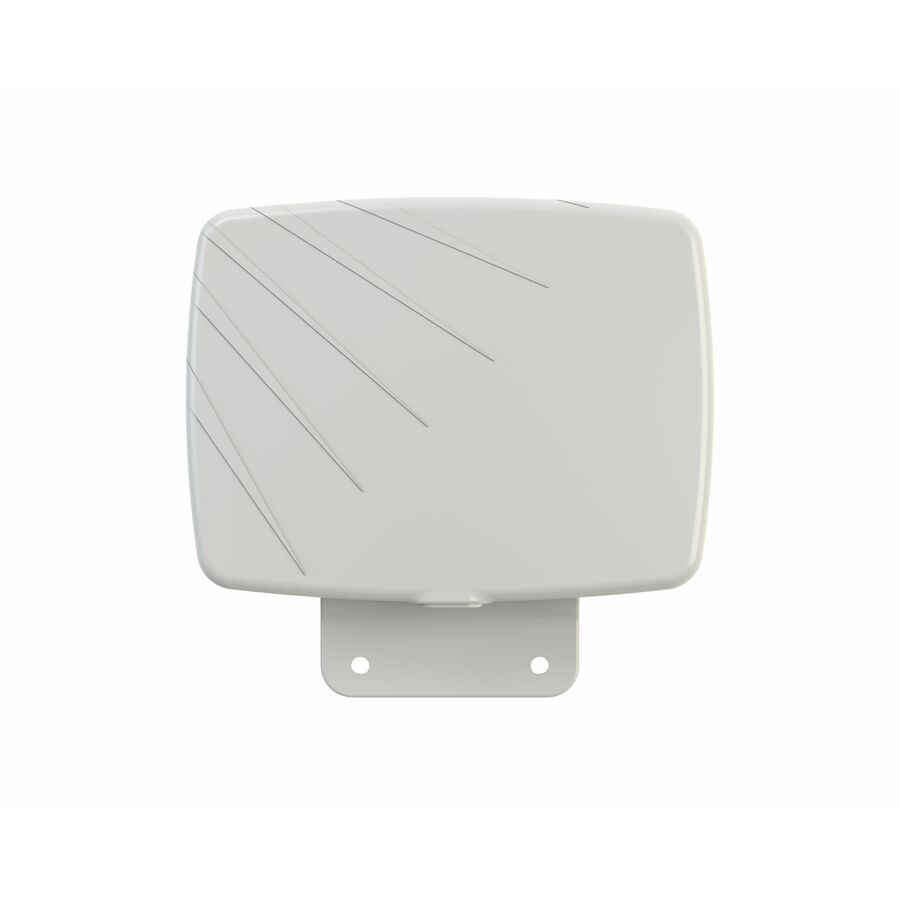
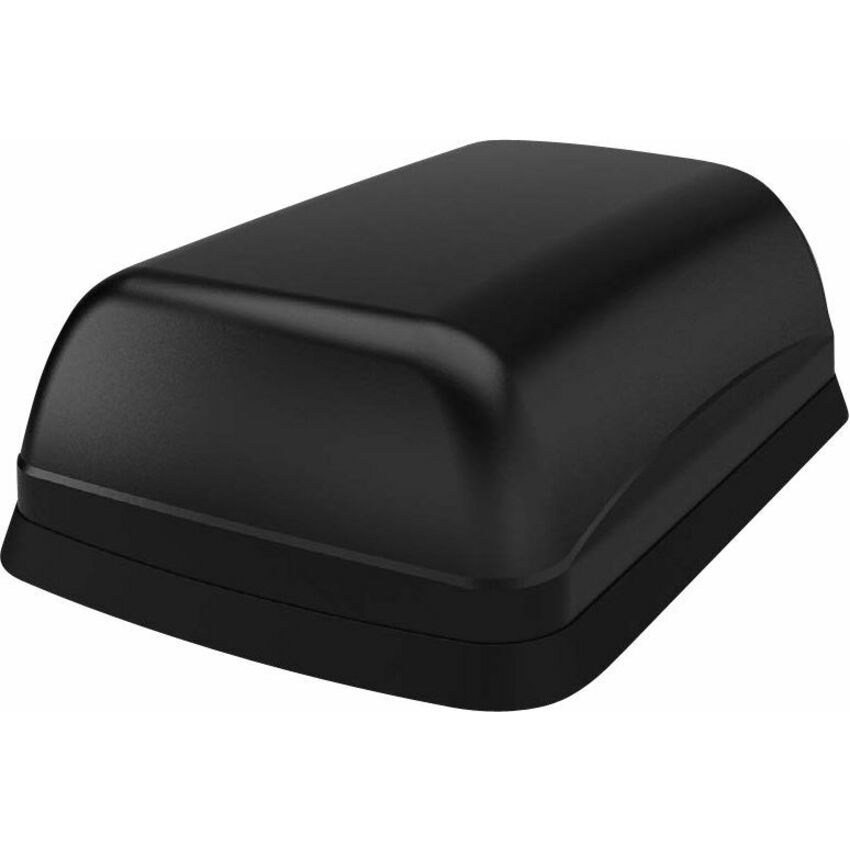
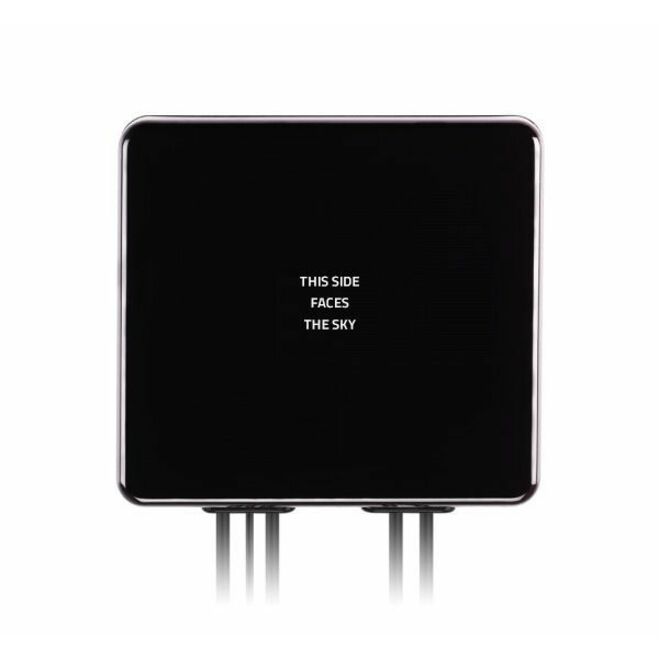
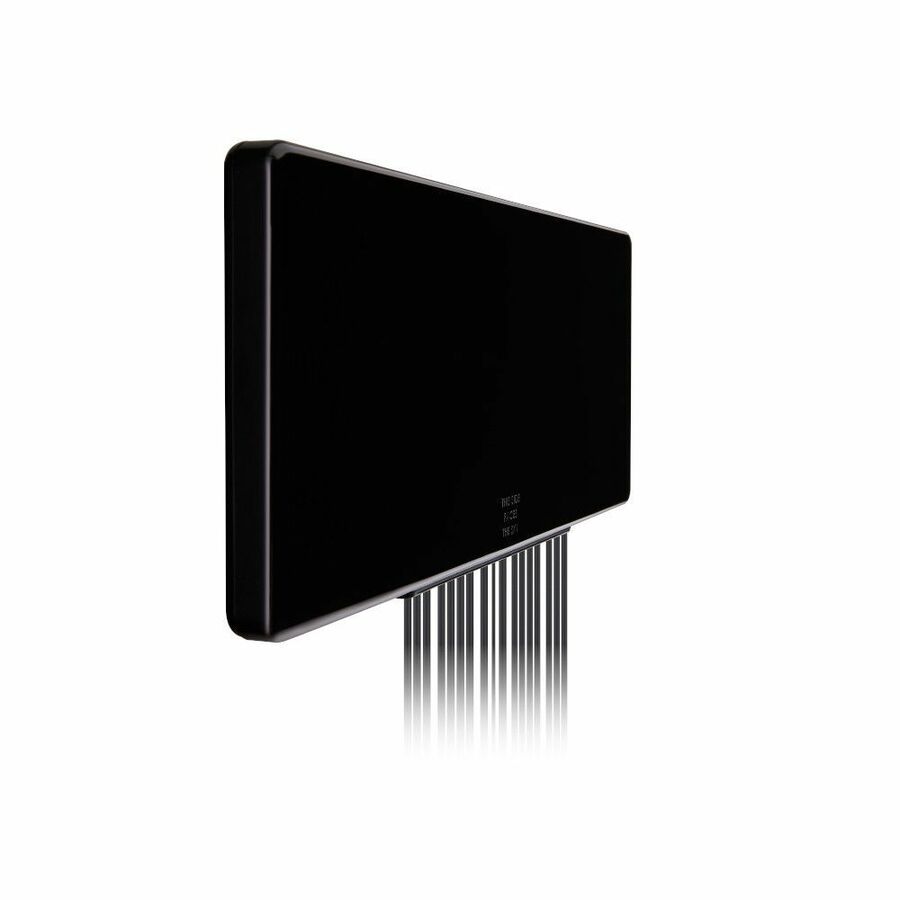
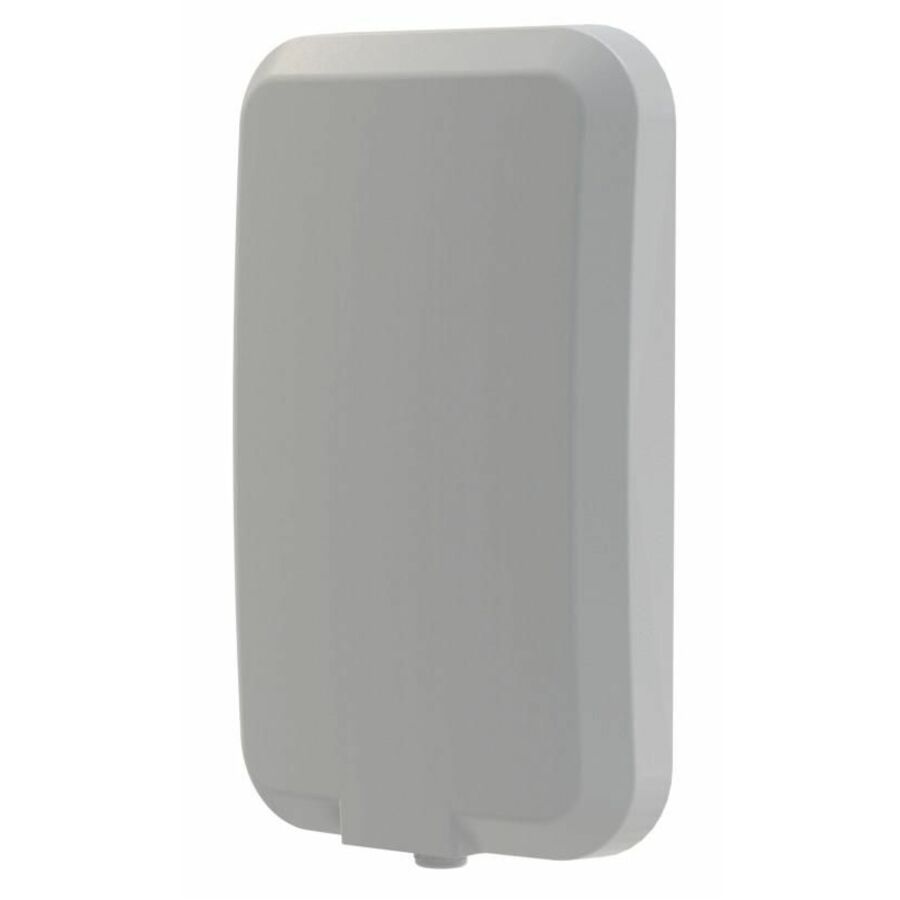
A five-in-one flat-panel part for the XR60, covering 617–6000 MHz and 1427–6000 MHz alongside two GNSS ranges at 1559–1612 and 1164–1189 MHz, rated 28 dB on an adhesive mount with SMA. The flat form factor is the answer where a fin or dome cannot be fitted and a hole is not an option.
$222.20In stockDual-radio sharkfin
Sierra Wireless
Semtech Antenna
6001511
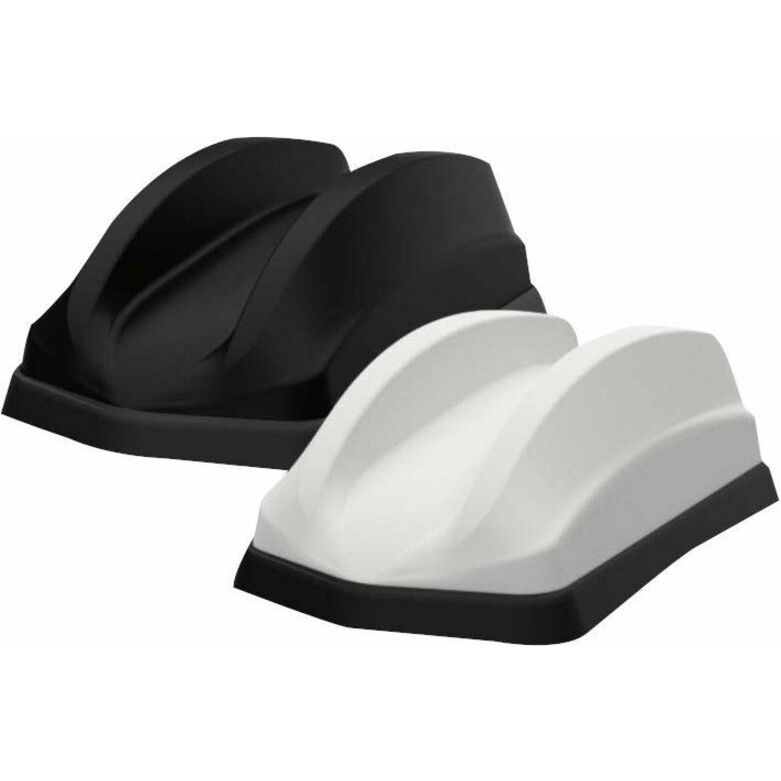
Seven elements across a dual-sharkfin pair covering 617–960 MHz and 1427–6000 MHz, rated 30 dB at 8.2 dBi on bolt mounts with SMA. Specified for the XR60; the dual housing is what lets one antenna part number serve a gateway carrying two modems.
$403.88In stockTen-element dual
Sierra Wireless
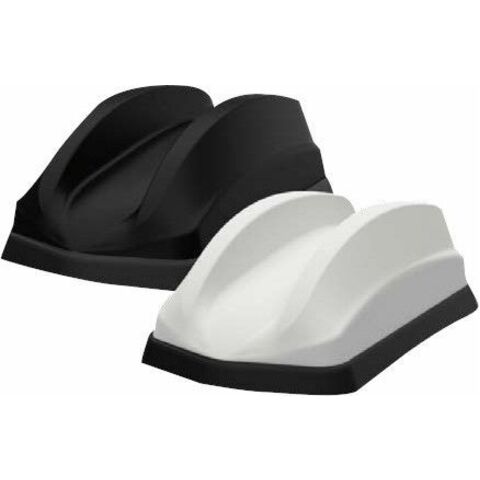
Sierra Wireless Wireless Antenna
6001500
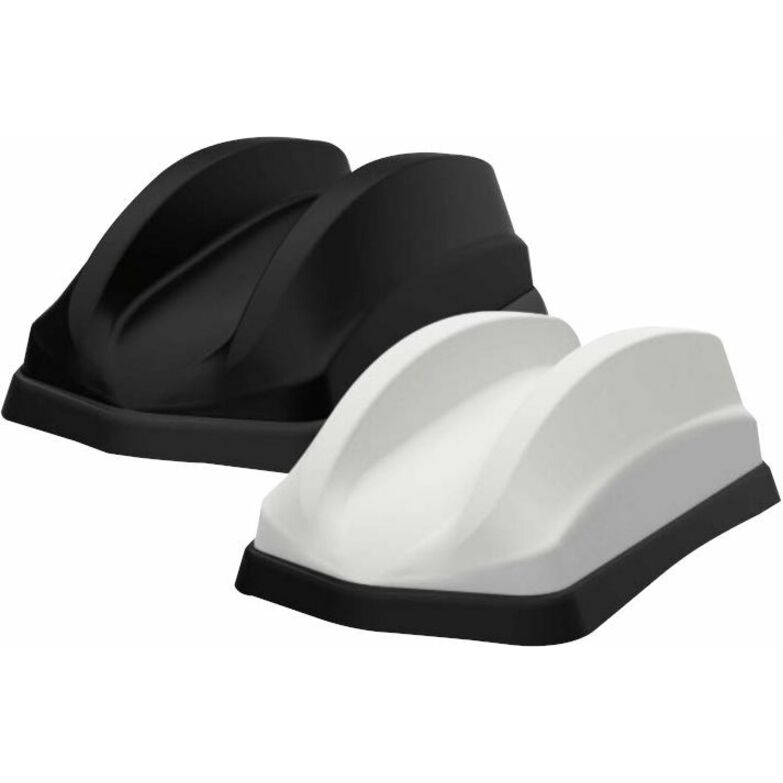
Ten elements across a dual-sharkfin pair covering 617–960 MHz, 1427–4200 MHz and 4200–6000 MHz at 26 dB and 7.2 dBi, listed for GPS and router service in a white bolt-mount housing. Built for the dual-modem gateway that would otherwise take two separate antennas and two sets of roof penetrations.
$471.38Back-orderedKiosk and vehicle
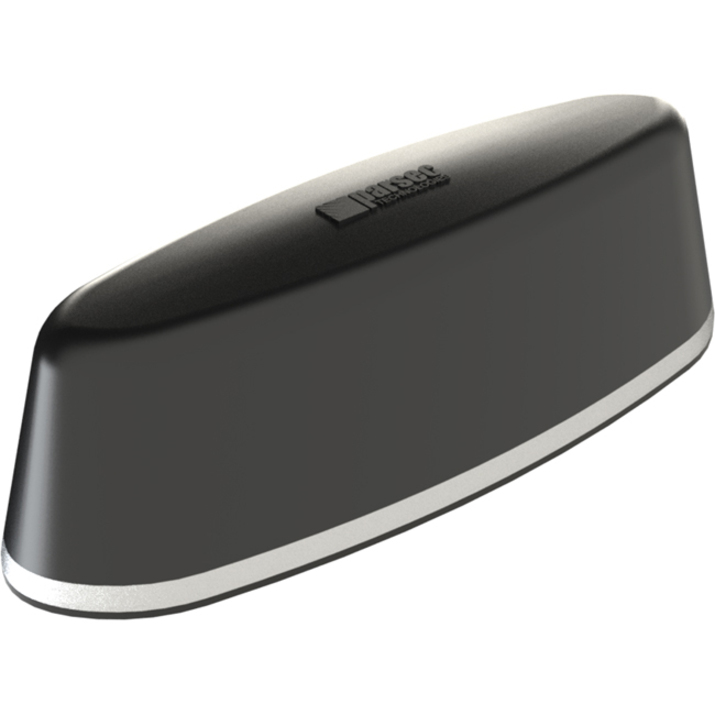
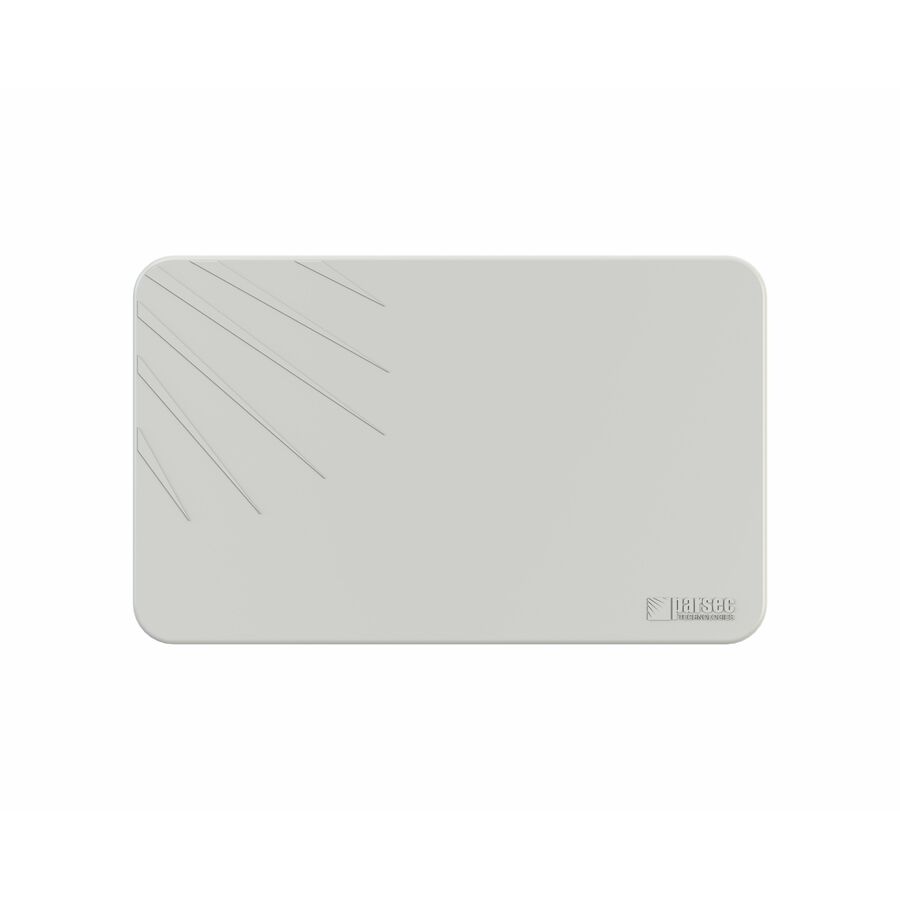
Parsec Technologies
Parsec Border Collie Antenna
PTA5BC2L2WG15B
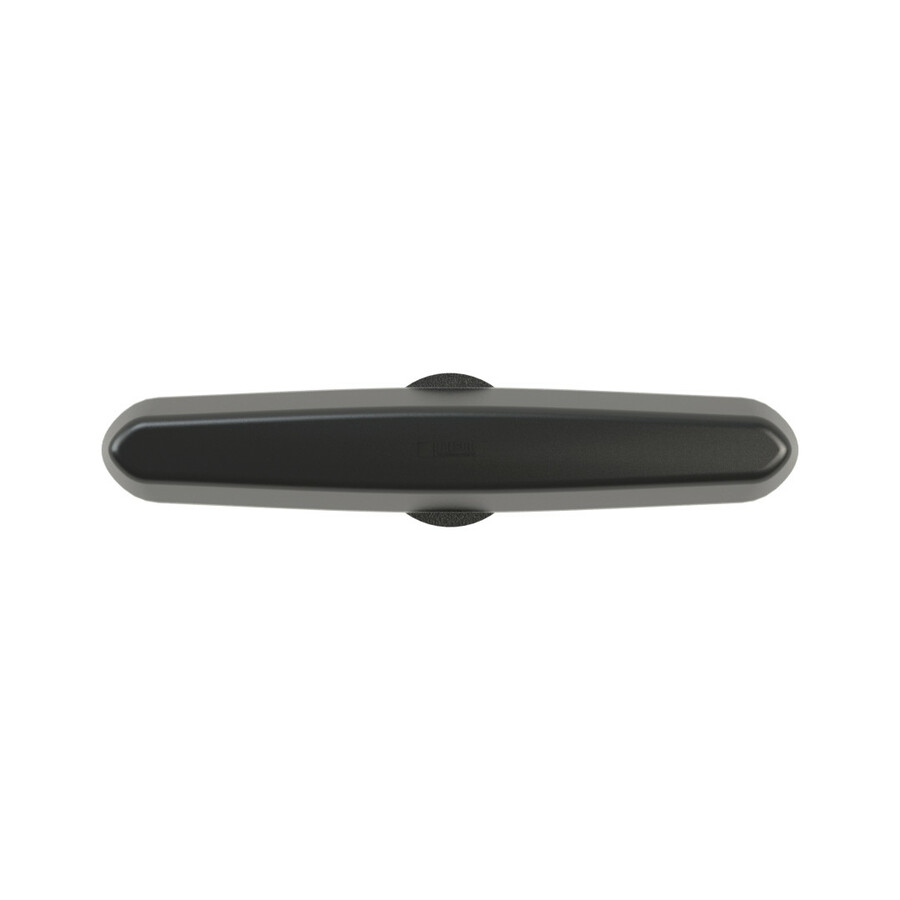
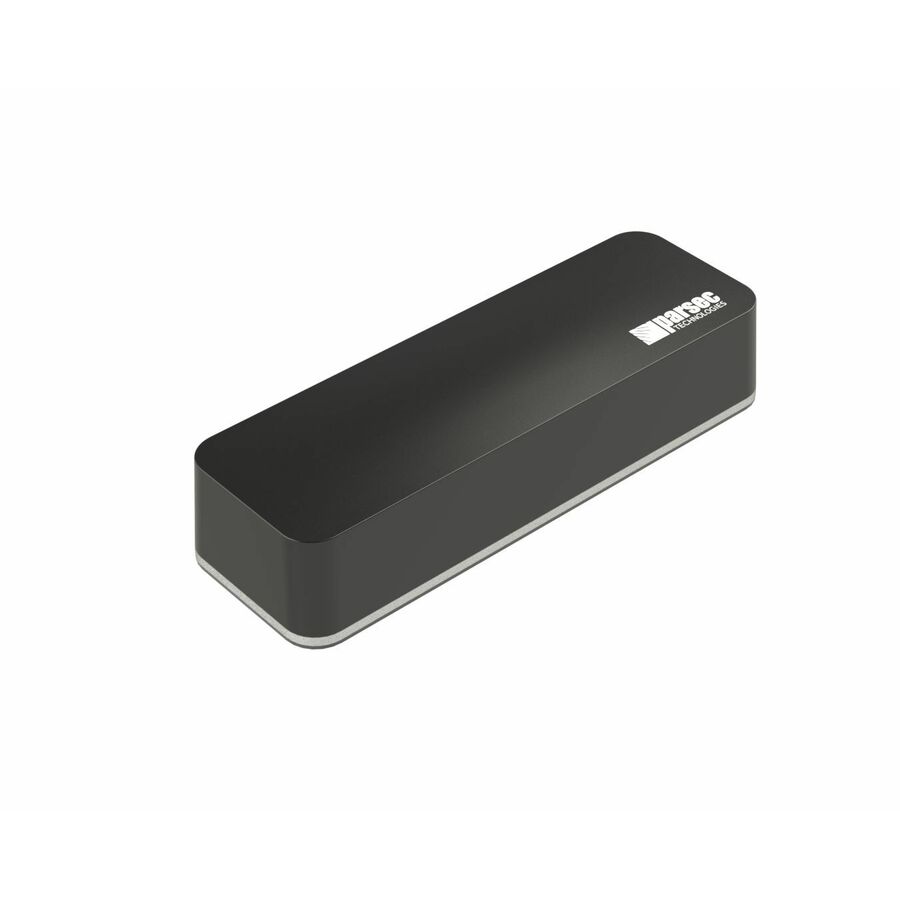
Parsec's Border Collie carries 8 dBi across six listed ranges — 617–894, 1710–2700, 3400–3800 and 5150–5925 MHz plus 2400–2483.5 and 4900–5900 MHz — on SMA and RP-SMA connectors, and is listed for kiosk service as well as cellular, GPS and wireless data. Worth reading where the deployment is a fixed enclosure rather than a vehicle.
$224.56In stockPole mount
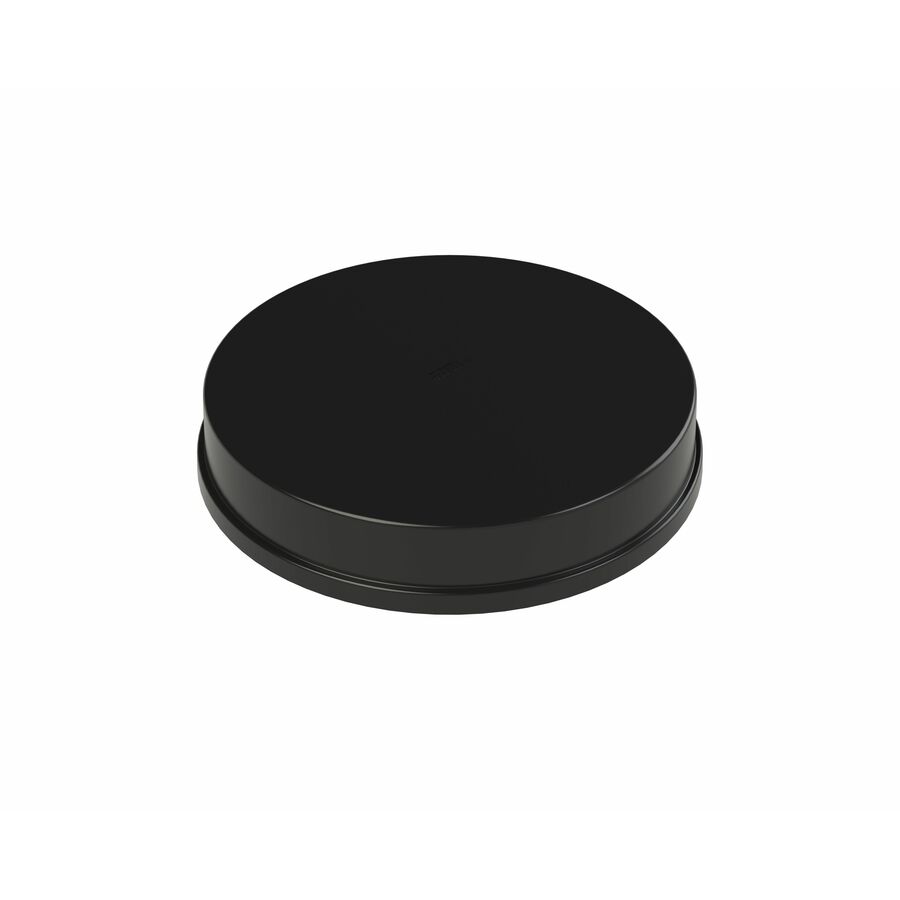
Parsec Technologies
Parsec Husky PRO Antenna
PRO4H4L15B
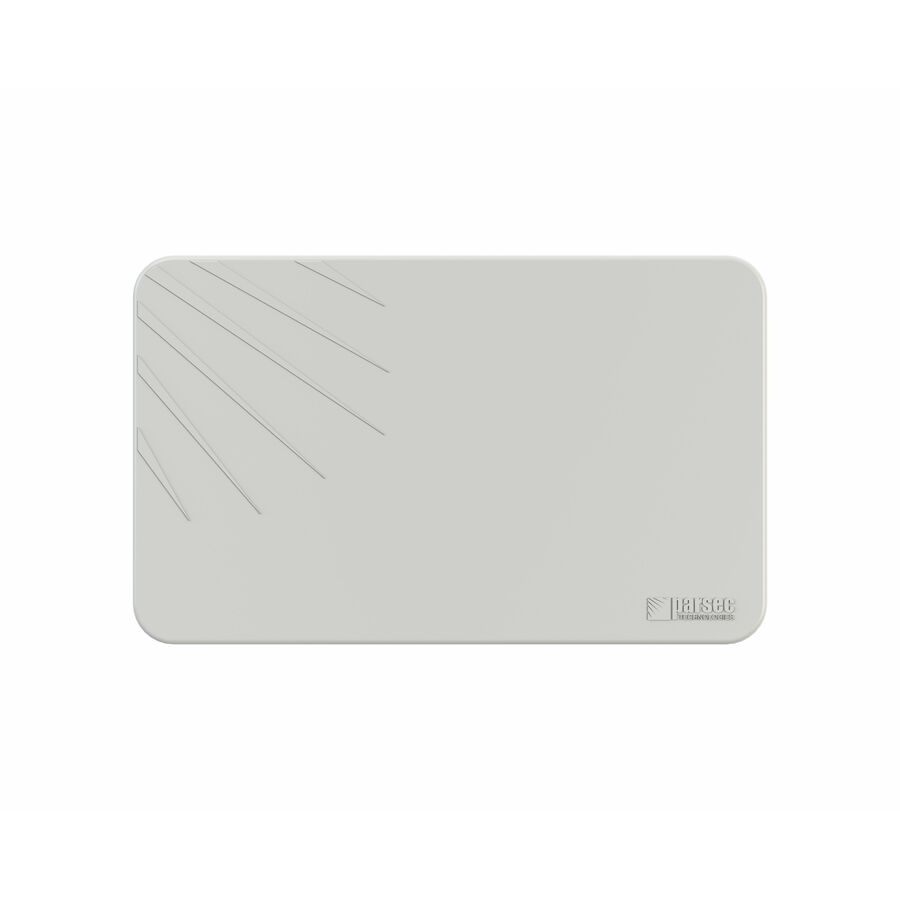
Parsec's Husky PRO is the pole-mounted fixed-site part in this selection: 8 dBi across 617–894, 1710–2700, 3400–3800 and 5150–5925 MHz, cellular only, terminated in N-Type connectors. The mounting method and the connector type are both what separate a mast or cabinet install from a vehicle roof.
$496.65In stockMore antennas in the Uniqcli catalog
See all 1,098 antennasMore from across this category. In-stock lines lead, and a back-ordered line carries the same estimated availability its product page does — with live pricing throughout, NDAA §889 screening before checkout and TAA verified on request.
- Parsec TechnologiesParsec Belgian Shepherd PRO Antenna - 617 MHz to 849 MHz, 1695 MHz to 2700 MHz, 5150 MHz to 5925 MHz, 4900 MHz to 5900 MHz, 3300 MHz to 3800 MHz - 8 dBi - Cellular Network, Wireless Data Network, GPS, Modem - Black - Magnetic/Pole, Adhesive Mount - SMA, RP-SMA ConnectorPRO7BS4L2WG15B
$653.76
$598.16
2 in stock - Parsec TechnologiesParsec Australian Shepherd Antenna - 617 MHz to 894 MHz, 1710 MHz to 2700 MHz, 3400 MHz to 4000 MHz, 5150 MHz to 5952 MHz, 4900 MHz to 5900 MHz - 10 dBi - Cellular Network, Wireless Data Network, GPS - Black - Magnetic/Pole, Adhesive Mount - SMA, RP-SMA ConnectorPTA8AS4L2WBG15B
$591.98
$541.45
11 in stock - Parsec TechnologiesParsec Australian Shepherd Antenna - 617 MHz to 894 MHz, 1710 MHz to 2700 MHz, 3400 MHz to 4000 MHz, 5150 MHz to 5925 MHz, 4900 MHz to 5900 MHz, 1575.42 MHz - 10 dB - Cellular Network, GPS, Wireless Data Network - Black - Magnetic/Pole - SMA, RP-SMA ConnectorPTA7AS4L2WG15B
$567.26
$518.68
5 in stock - Parsec TechnologiesParsec Irish Setter Pro Antenna - 617 MHz to 894 MHZ, 1710 MHz to 2700 MHZ, 3400 MHz to 3800 MHZ, 5150 MHz to 5925 MHZ, 4900 MHz to 5900 MHZ - 9 dBi - Cellular Network, Wireless Data Network, GPS - Black - Magnetic/Pole - Omni-directional - SMA, RP-SMA Connector - TAA CompliantPRO7IS4L2WG15BS
$438.90
$402.43*
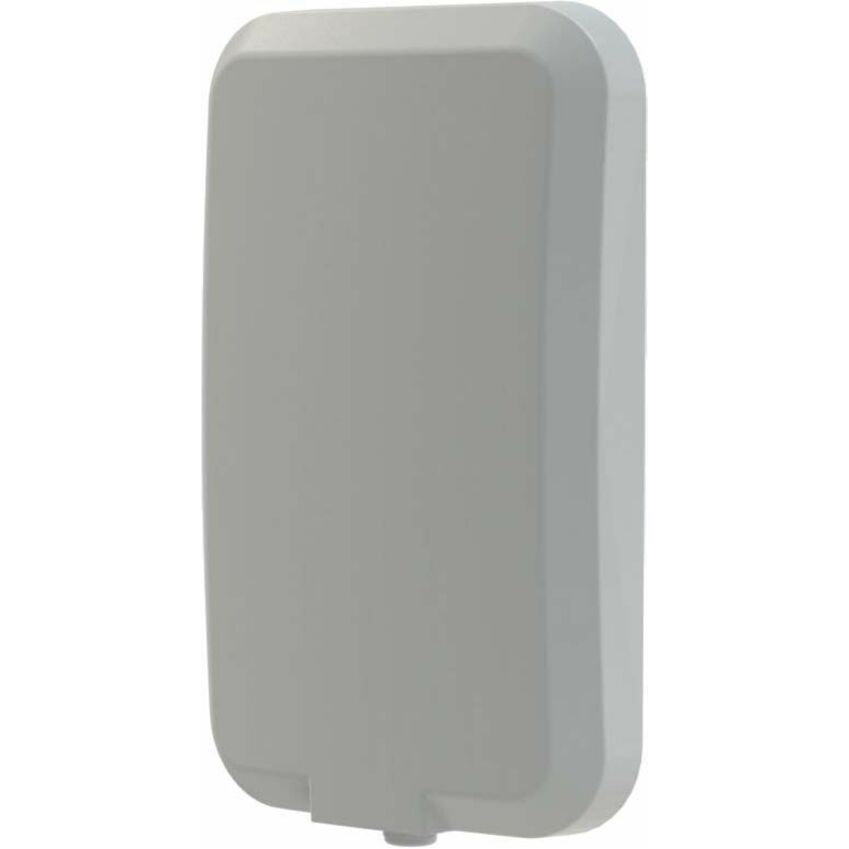
5 in stock - Parsec TechnologiesParsec Akita Series - Wall Mount Antenna - 617 MHz to 894 MHz, 894 MHz to 1695 MHz, 1695 MHz to 1960 MHz, 1960 MHz to 6000 MHz - 6 dBi - Indoor, Cellular Network, Outdoor - White - Wall/Pole/Bracket - Omni-directional - SMA Connector - TAA CompliantPRO4A4L15W
$415.09
$381.50*
36 in stock - Parsec TechnologiesParsec Border Collie Antenna - 617 MHz to 894 MHz, 1710 MHz to 2700 MHz, 3400 MHz to 3800 MHz, 5150 MHz to 5925 MHz, 2400 MHz to 2483.5 MHz, 4900 MHz to 5900 MHz - 8 dBi - Cellular Network, Kiosk, GPS, Wireless Data Network - Black - SMA, RP-SMA ConnectorPTA5BC2L2WG15B
$245.00
$224.56
10 in stock - Panorama AntennasPanorama Antennas TRNM[X]4-6-60-[X]- 4×4 MiMo Rail Antenna - 617 MHz to 960 MHz, 1427 MHz to 6000 MHz - 26 dB - Cellular Network, GPS, Train - Black - Rail Mount, Panel - Omni-directional - N-connector, TNC ConnectorTRNMG4-6-60
$1,417.25
$1,200.32
Back-orderedBack-ordered — estimated OEM lead time 3–8 weeks (Nov 11 – Dec 16 if ordered today).
- TaoglasTaoglas MA9917 Guardian X Antenna - 600MHz to 6000MHz - GPS, Cellular Network, GLONASSWall Mount, Panel - SMA ConnectorMA9917.A.001.WM
$745.94
$600.63
Back-orderedBack-ordered — estimated OEM lead time 3–8 weeks (Nov 11 – Dec 16 if ordered today).
- Panorama AntennasPanorama Antennas Directional 4x4 MiMo 4G/5G Antenna - 617 MHz to 960 MHz, 1710 MHz to 6000 MHz - 9 dBi - Cellular NetworkWall/Mast - Directional - SMA ConnectorWM-IN2582-15
$899.20
$770.84
Back-orderedBack-ordered — estimated OEM lead time 3–8 weeks (Nov 11 – Dec 16 if ordered today).
- Panorama AntennasPanorama Antennas L[X]M[X]M8[X]-6-60 | Megalodon 8x 4G/5G Low Profile Antenna - 617 MHz to 960 MHz, 1427 MHz to 6000 MHz - 30 dB - Cellular Network, GPS, Kiosk, Wireless Data Network, Modem - Black - Panel Mount - Omni-directional - SMA, RP-SMA ConnectorLG-IN2902
$790.38
$672.59
Back-orderedBack-ordered — estimated OEM lead time 3–8 weeks (Nov 11 – Dec 16 if ordered today).
- Panorama AntennasPanorama Antennas Directional 4x4 MiMo 4G/5G Antenna - 617 MHz to 960 MHz, 1710 MHz to 6000 MHz - 9 dBi - Cellular NetworkWall/Mast - Directional - SMA ConnectorWM-IN2582-10
$819.82
$703.59
Back-orderedBack-ordered — estimated OEM lead time 3–8 weeks (Nov 11 – Dec 16 if ordered today).
- TaoglasTaoglas Synergy MA1508 Antenna - 600 MHz to 6000 MHz - Cellular Network, GPS, GLONASS, Outdoor, Vehicle, Navigation System, Router, Telematics, Fleet ManagementExternal, Screw Mount - SMA, RP-SMA ConnectorMA1508.AK.001
$585.32
$471.31
Back-orderedBack-ordered — estimated OEM lead time 3–8 weeks (Nov 11 – Dec 16 if ordered today).


Need pricing on cellular router antennas?
Tell us where to reach you and a Uniqcli specialist will follow up by email with current pricing, availability and lead time for the quantities you need — including parts that aren’t shown on this page.
Buying for an organization or for yourself — both work. No payment up front.
A router antenna is specified for an installation, not for a router. The same cellular gateway behaves very differently on a vehicle roof, on a pole at a lift station and on a ceiling inside a building, and the antenna is where that difference is absorbed. The first decision is therefore where the part is going and what it has to survive there, because that is what settles the housing and the mounting method before any radio question is asked.
The second decision is how many services the one part has to carry. These antennas are sold by element count — three-in-one, five-in-one, six-in-one, seven-in-one and higher — and each element is a separate radio path terminated in its own connector lead. A router with two cellular paths, a GNSS receiver and a Wi-Fi radio needs those paths present in the antenna, so counting the radios in the gateway first is what prevents a second order later. The bands each element covers, its gain figure, and whether the leads terminate in SMA, RP-SMA, FME or N-Type are printed on the specific part number rather than being properties of a product family, so read them against the exact gateway model being deployed.
The selection below is brand-neutral across the manufacturers Uniqcli stocks for this class of part, with live pricing and in-stock status on each card. Where a deployment needs a quantity, a matched cable run or a part that is not shown here, the quote path takes the gateway model and the site details and comes back with the parts and lead times together — and the wider antenna strip under the picks, with the "see all" link beside it, opens the rest of the category.
Buyer's checklist
How to choose a cellular router antenna
- Start with the installation, not the radio: a vehicle roof, a pole or mast, an outdoor wall and an indoor ceiling each rule some housings and mounting methods out before any band question matters.
- Count the radios in the gateway — cellular paths, GNSS and Wi-Fi — and buy an antenna with at least that many elements; each element is a separate lead, and an unused one is cheaper than a missing one.
- Match the mounting method to the surface: bolt and screw mounts need a drilled and sealed penetration, adhesive mounts suit glass and panels that must not be drilled, and pole mounts suit masts and cabinets with no flat surface at all.
- Read the connector types on the part number against the gateway's ports — SMA, RP-SMA, FME and N-Type all appear in this category, and a mismatch is an adapter and an extra loss point on every path.
- Check the frequency ranges the specific part lists against the bands the deployment actually uses, including the GNSS band if the gateway reports position.
- Treat the gain figure as a trade, not a score: higher gain narrows the pattern, which suits a fixed link to a known tower and works against a vehicle that changes heading constantly.
- Plan the cable run at the same time as the antenna — length, routing and the sealing of the entry point decide as much of the delivered result as the antenna choice does.
- Standardize on a short list of part numbers across the fleet or the site estate so spares, install instructions and technician training stay uniform.
Vehicle installs and fixed sites are different problems
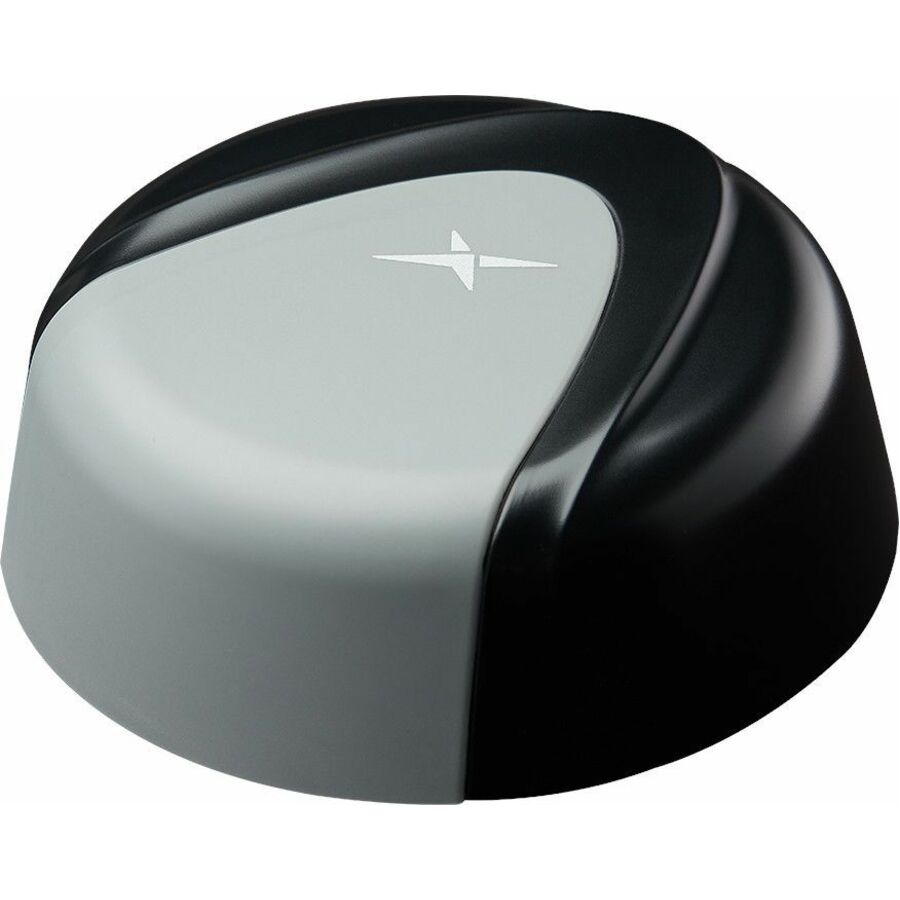
On a vehicle the antenna is a low-profile part bolted or screwed through the roof, and it is chosen for what it has to tolerate: a fleet asset changes heading constantly, so an omni-directional pattern that does not care which way the vehicle is pointing is worth more than the extra gain of a narrow one. The sharkfin and dome housings in this category exist for exactly that duty, and their multi-element versions let one penetration in the roof carry cellular, GNSS and Wi-Fi together — which matters because every additional hole in a vehicle roof is another seal to inspect for the life of the asset.
A fixed site inverts most of that. A pole or mast mount at a lift station, a substation or a remote cabinet has a known direction to a known tower, so a narrower pattern and a higher gain figure can be spent deliberately rather than avoided. The housing is chosen for weather and mounting hardware rather than for aerodynamics or vehicle-wash survival, and the cable run is usually longer, which makes routing and the sealing of the entry point a larger share of the delivered result than the antenna model is.
The third case is the install that must not be drilled at all — a glass surface, a leased vehicle, a panel that would void a warranty or a cab that has no serviceable roof space. Adhesive-mount and flat-panel parts are the answer there, and they are worth identifying early, because discovering the no-drill constraint after a bolt-mount antenna has shipped is a return and a second lead time rather than a change of plan.
Counting elements before you order
The element count is the number that most often gets a deployment wrong, and it is settled by the gateway rather than by the antenna. A modern cellular router may carry two or four cellular paths for its primary radio, a second set for a redundant modem, a GNSS receiver and one or two Wi-Fi radios — and every one of those is a separate connector on the device that expects a lead from the antenna. An antenna with fewer elements than the router has ports does not fail loudly; it simply leaves paths unconnected, and the result reads as a coverage problem at the site rather than as a purchasing one.
Buying above the count is the cheaper error. The dual-housing parts in this category carry high element counts precisely so that one part can serve a gateway with two modems, and an element that is not used costs a capped lead rather than a second install visit. Where a fleet runs more than one gateway model, specifying against the highest-count device on the list keeps a single antenna part number across the whole fleet, which is usually worth more in spares and technician time than the difference between two antenna models.
What the install costs after the part arrives
An antenna has no consumables and no power draw, so its lifetime cost is the purchase plus the labour to fit it and the consequences of fitting it badly. On vehicles the recurring item is the roof penetration: a seal that was rushed at install becomes a water ingress ticket months later, and the vehicle is off the road for it. On fixed sites it is the cable run and the entry point, where a length chosen to reach rather than to be routed leaves a loop that ages against a sharp edge.
The parts themselves routinely outlive the gateways they were bought for, which is the argument for reading the band coverage generously at purchase. An antenna whose elements already cover the bands above the ones a fleet uses today survives the router refresh that adds them; one specified exactly to today's deployment is a second truck roll when the refresh happens. That is a purchasing decision, not a technical one, and it is the single place on this page where spending slightly more is usually the cheaper answer.
Keep exploring
Keep exploring
FAQ
Common questions
- What does "5-in-1" or "7-in-1" mean on a router antenna?
- It is the number of independent antenna elements inside one housing, each terminated in its own connector lead. A five-in-one part typically carries several cellular paths plus a GNSS element and one or more Wi-Fi elements; a seven- or ten-in-one carries more of them, often across two housings, so that a single part can serve a gateway with two modems. The count you need is set by the router, not by the antenna: add up the cellular, GNSS and Wi-Fi ports on the specific gateway model and buy an antenna with at least that many elements. Which bands each element covers is stated on the individual part number rather than implied by the count.
- How do I know an antenna will work with my cellular router?
- Three things have to line up, and all three are printed on the specific part number. The element count has to meet or exceed the number of antenna ports on the gateway. The connector type on the leads — SMA, RP-SMA, FME and N-Type all appear in this category — has to match the ports on the device, because a mismatch means an adapter and an extra loss point on every path. And the frequency ranges the elements list have to include the bands the deployment actually uses, including the GNSS band if the gateway reports position. Read those against the exact router model rather than the product family, and send both model numbers with a quote request if you would like them checked before you order.
- Bolt mount, screw mount, adhesive or pole — which do I need?
- The surface decides. Bolt and screw mounts are the standard for vehicle roofs and metal enclosures and require a drilled, sealed penetration, which is also the item that most often causes trouble later if it is rushed. Adhesive mounts exist for the installs that must not be drilled at all — glass, leased vehicles, panels where a hole would void a warranty — and flat-panel parts serve the same constraint on walls and cab interiors. Pole mounts suit masts, cabinets and remote sites with no flat surface to work with. Confirm the constraint before ordering rather than after: a no-drill requirement discovered late turns into a return and a second lead time.
- Is a higher gain figure always better?
- No — gain is a trade rather than a score. A higher-gain antenna concentrates its pattern, which helps a fixed installation aimed at a known tower and works against a vehicle that changes heading constantly, where an omni-directional pattern that performs the same in every direction is the more useful property. That is why the low-profile vehicle parts in this category sit at modest gain figures and the pole-mounted fixed-site parts sit higher. Match the pattern to how the asset moves first, and read the gain figure on the specific part number in that context.
- Can Uniqcli quote antennas in quantity for a fleet or a multi-site rollout?
- Every line Uniqcli quotes is sourced through US distribution and screened for TAA country-of-origin and NDAA §889 status before checkout — with documentation tied to the specific part number, not a product family.
Need cellular router antennas pricing?
Send a bill of materials or part numbers — we confirm stock and a below-market total, with TAA verified on request. No payment up front.