
Best External Drive Enclosures and Docks for IT Teams
Single-bay cases, M.2 and NVMe enclosures and multi-bay docks for imaging, migration, recovery and archive benches — every unit titled external by its own manufacturer.
External drive enclosures and docks in stock at Uniqcli
How to choose →A curated selection with live pricing — in-stock lines first, then back-ordered lines with a typical lead time. Every line is sourced through US distribution and screened for NDAA §889 status before checkout, with TAA verified on request.
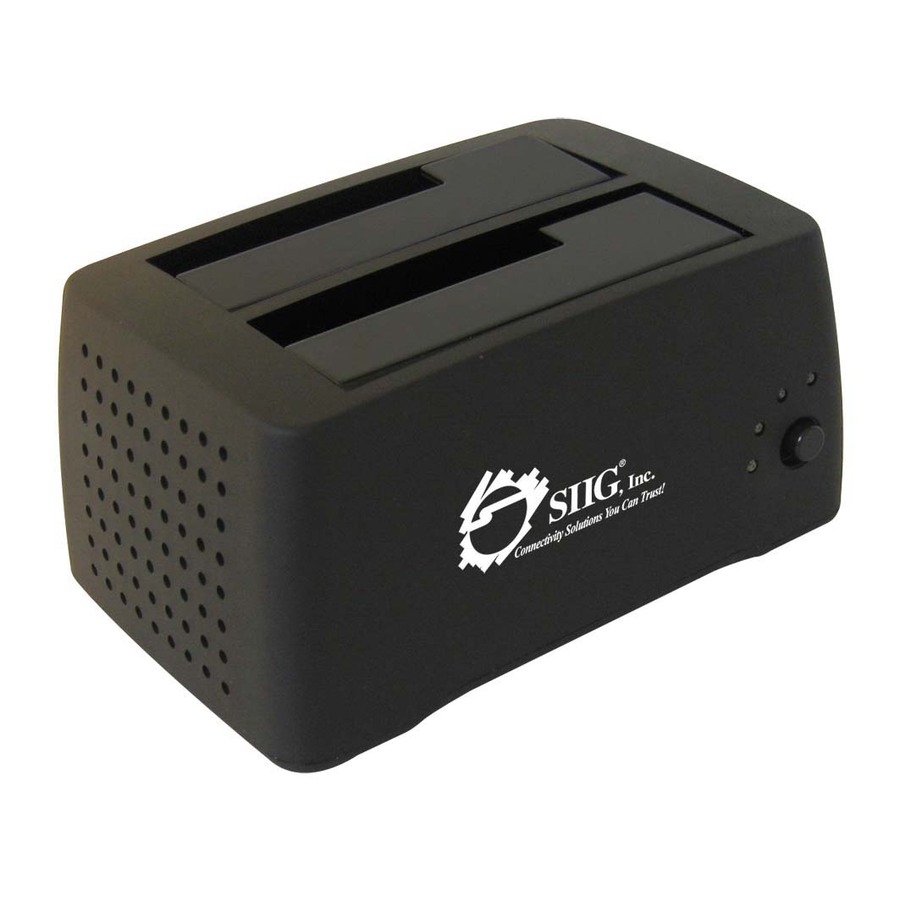
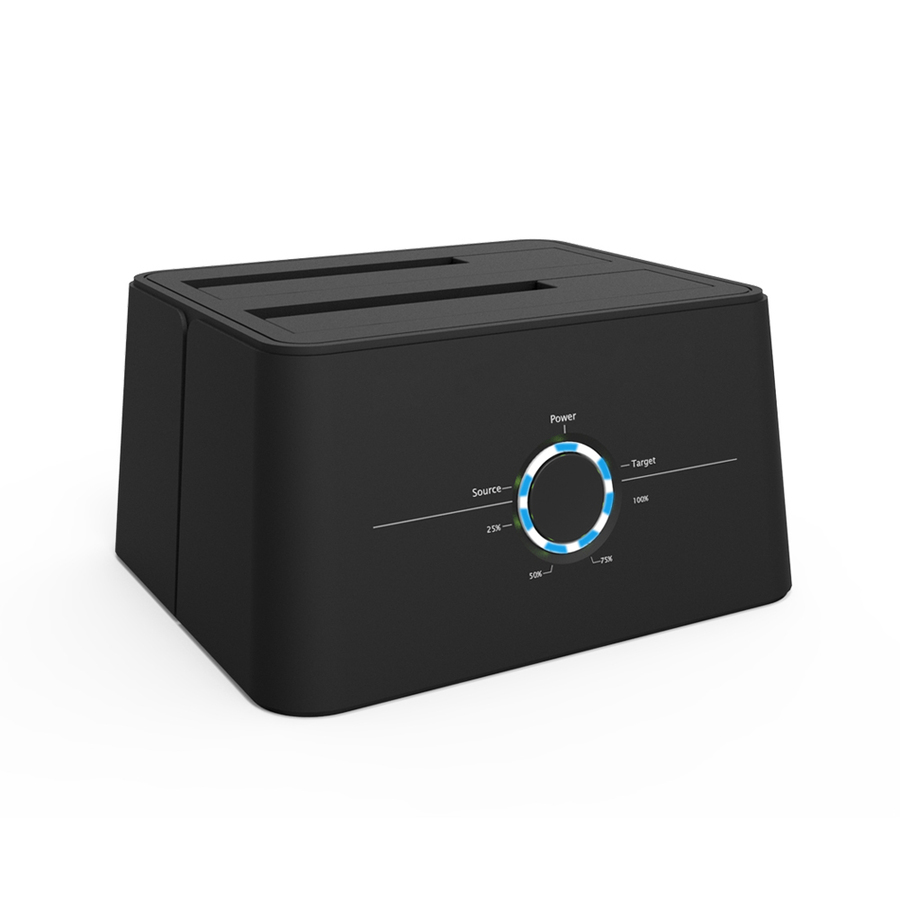
- SIIGSIIG Cool Dual SATA to USB 2.0 Docking Station - 3.5" - 1/3H Hot-swappable - ExternalSC-SA0412-S1
$60.99
$26.18
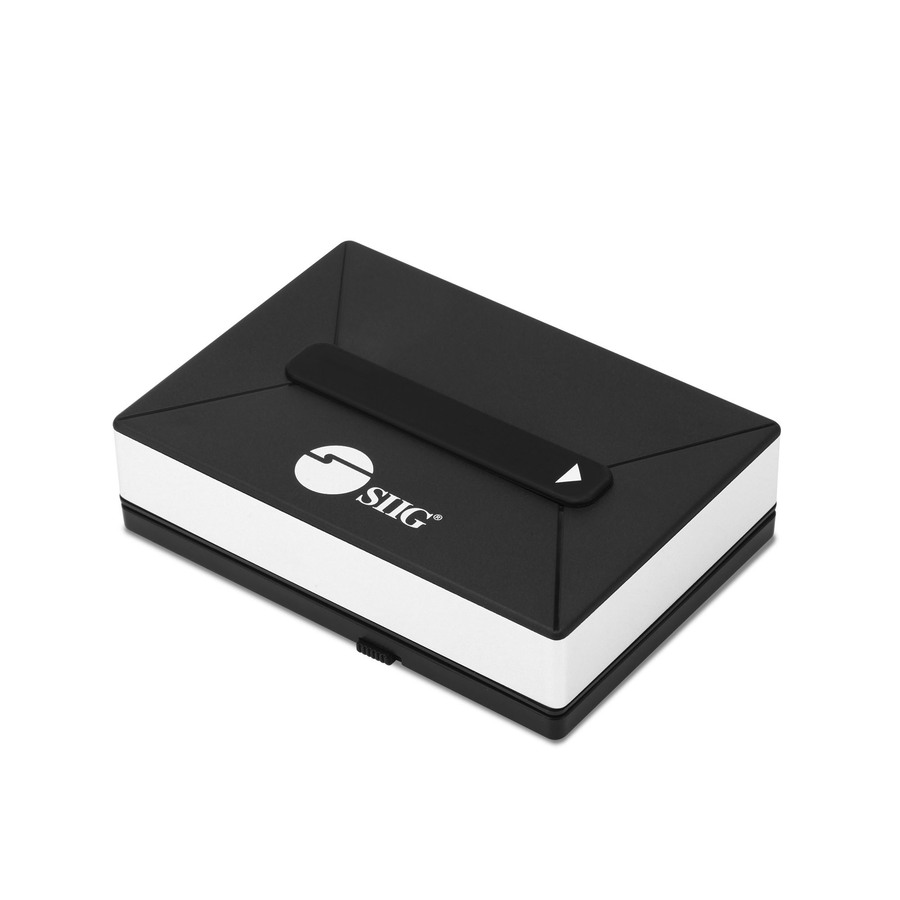
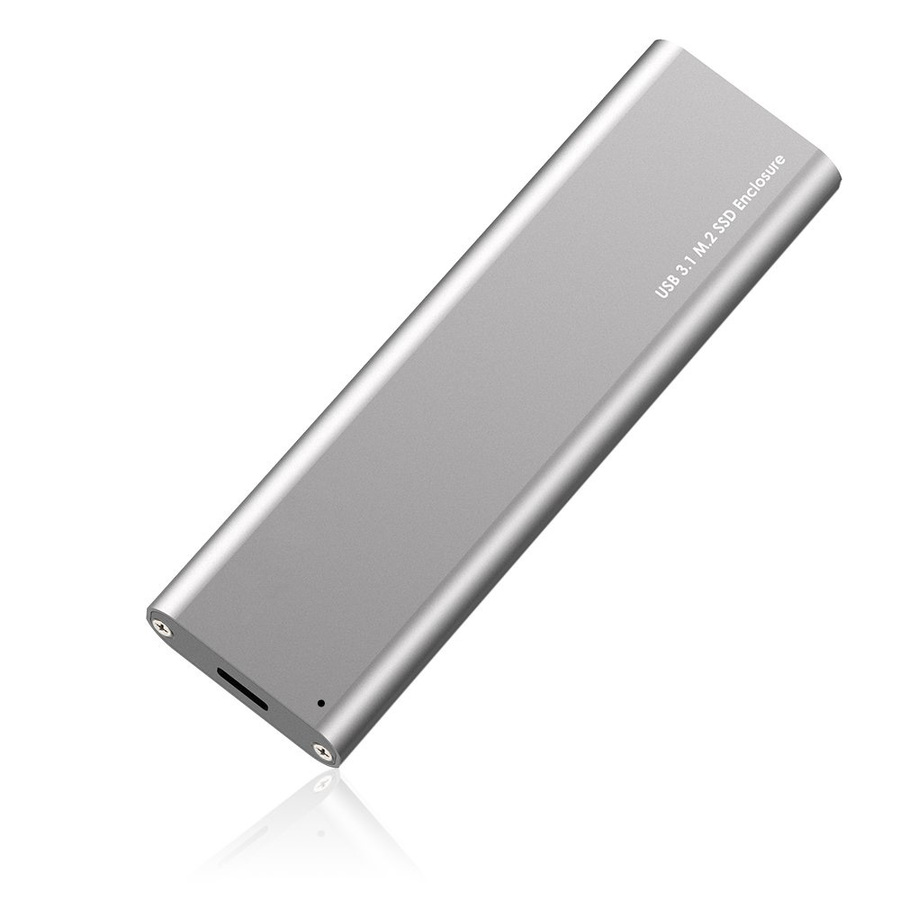
41 in stock - SIIGSIIG Drive Enclosure - USB 3.1 Type C Host Interface - UASP Support External - Silver - AluminumJU-SA0W11-S1
$79.99
$63.15
536 in stock



Entry 2.5-inch case
Sabrent
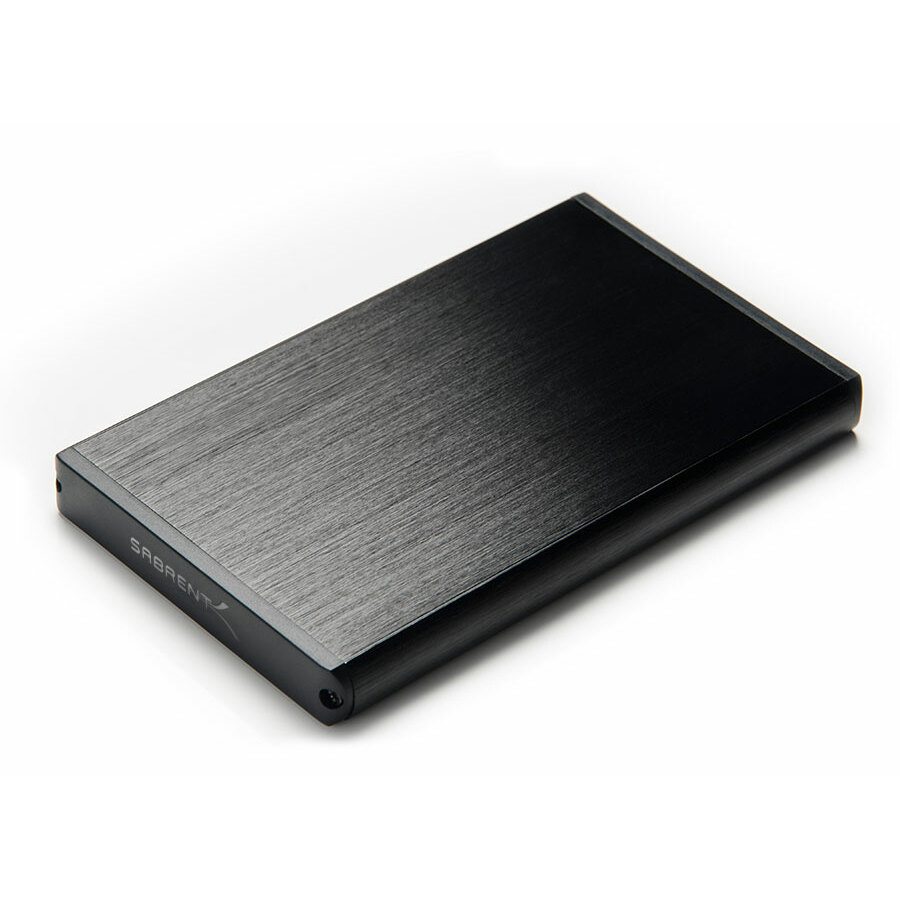
Sabrent EC-UK30 Drive Enclosure
EC-UK30
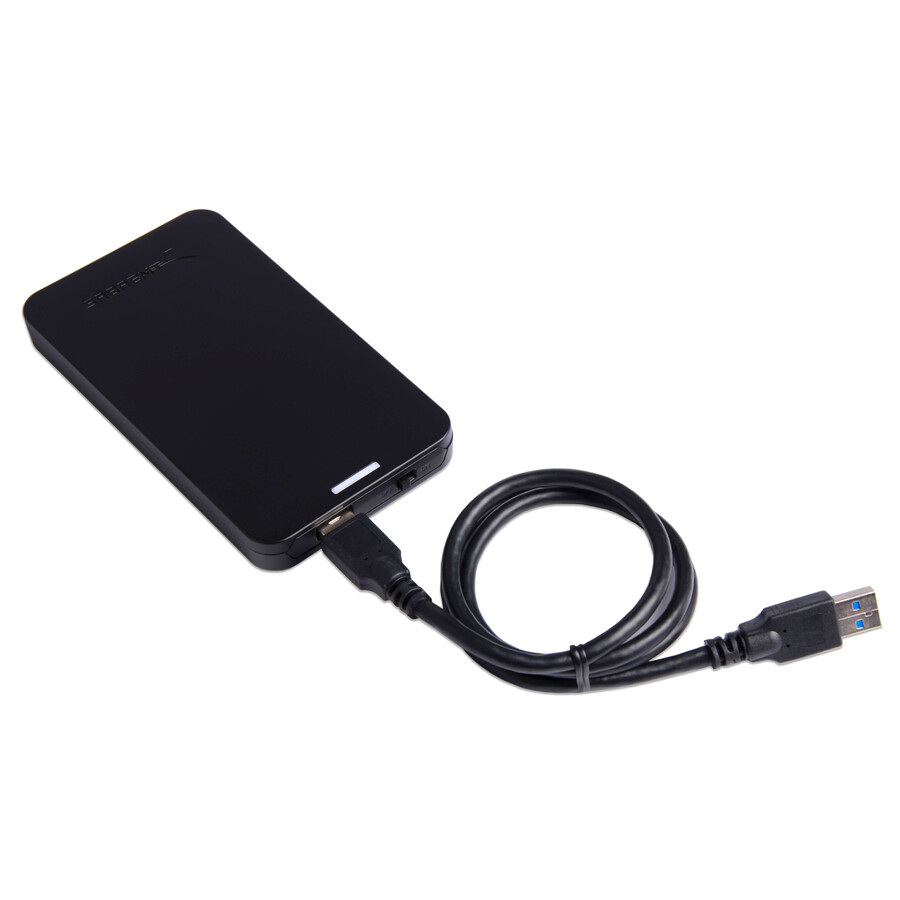
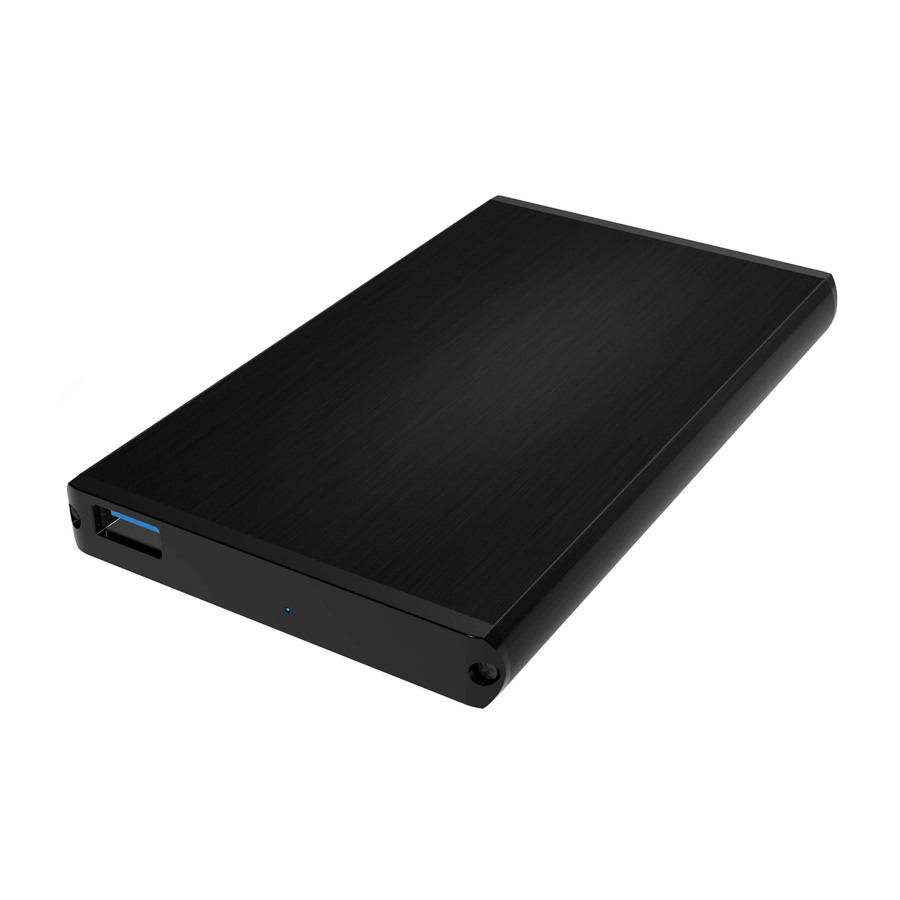
The store-cupboard staple: a single-bay 2.5-inch enclosure on USB 3.0 in an aluminium body, supporting one drive. The thing you reach for when a laptop will not boot and the disk inside it is probably fine.
$15.52Back-orderedNVMe, USB-C
Sabrent
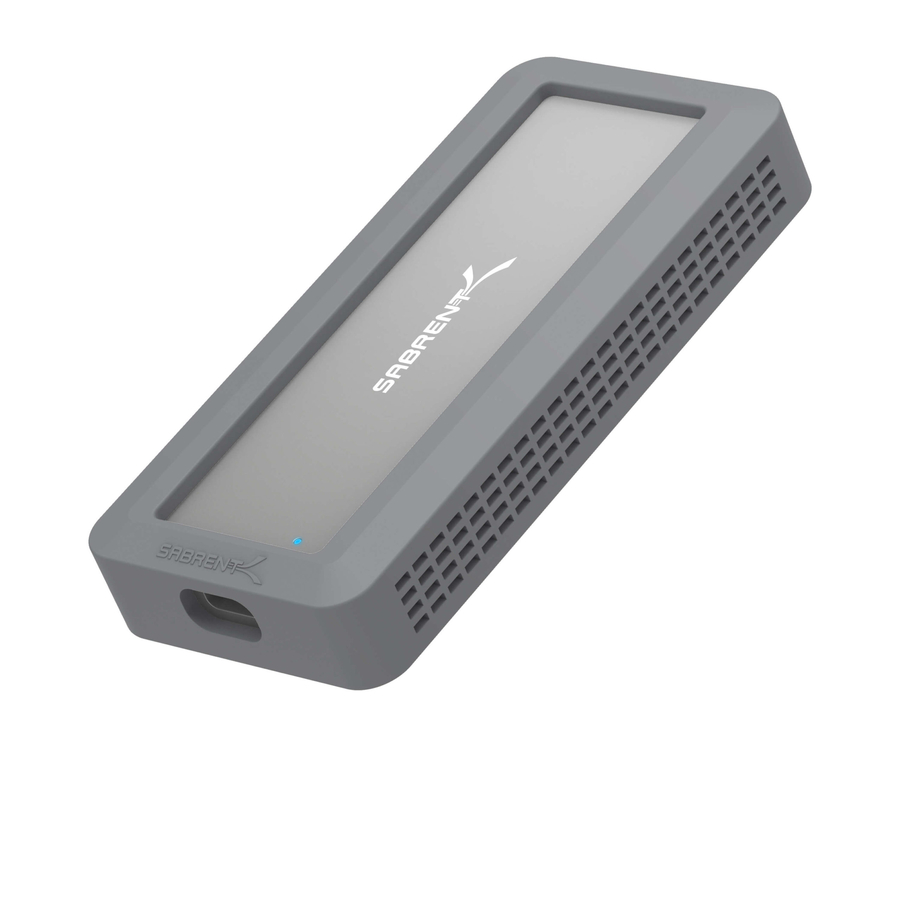
Sabrent EC-WPNE Drive Enclosure PCI Express NVMe, M.2
EC-WPNE
An M.2 NVMe enclosure on USB 3.2 Gen 2 Type-C, supporting one SSD. The right housing for a stick of PCIe flash rather than a 2.5-inch drive, and the generation that lets an NVMe drive show more than a fraction of its speed.
$59.48Back-orderedFour-bay, both sizes
Sabrent
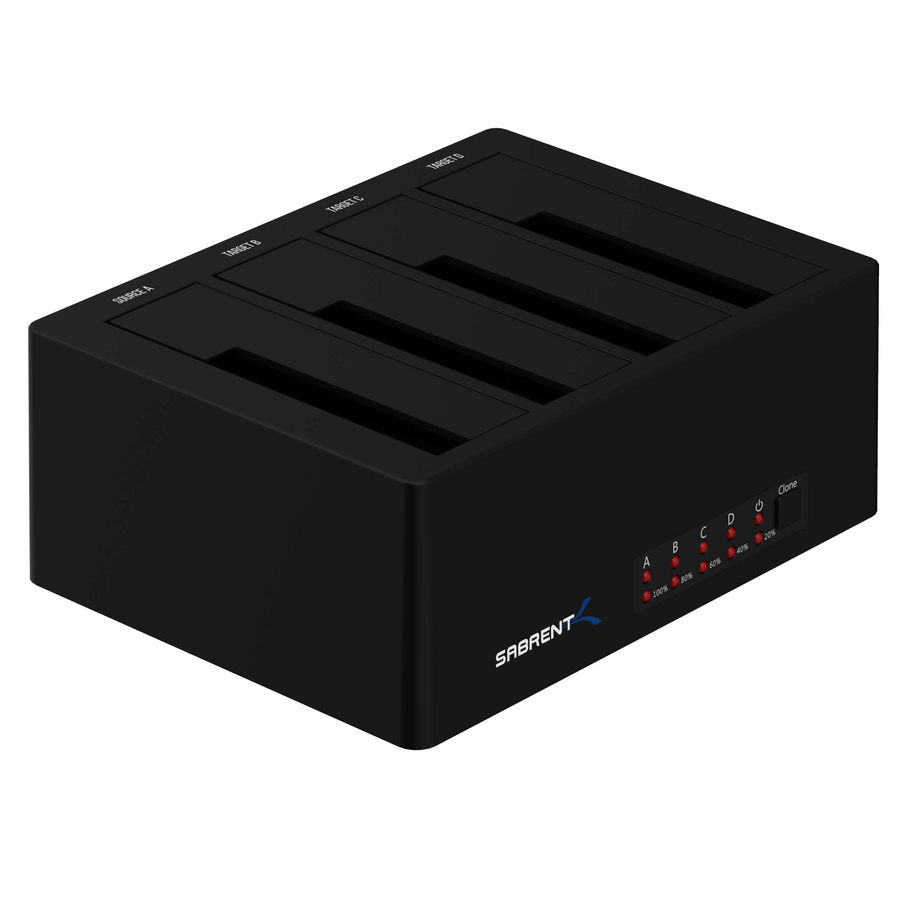
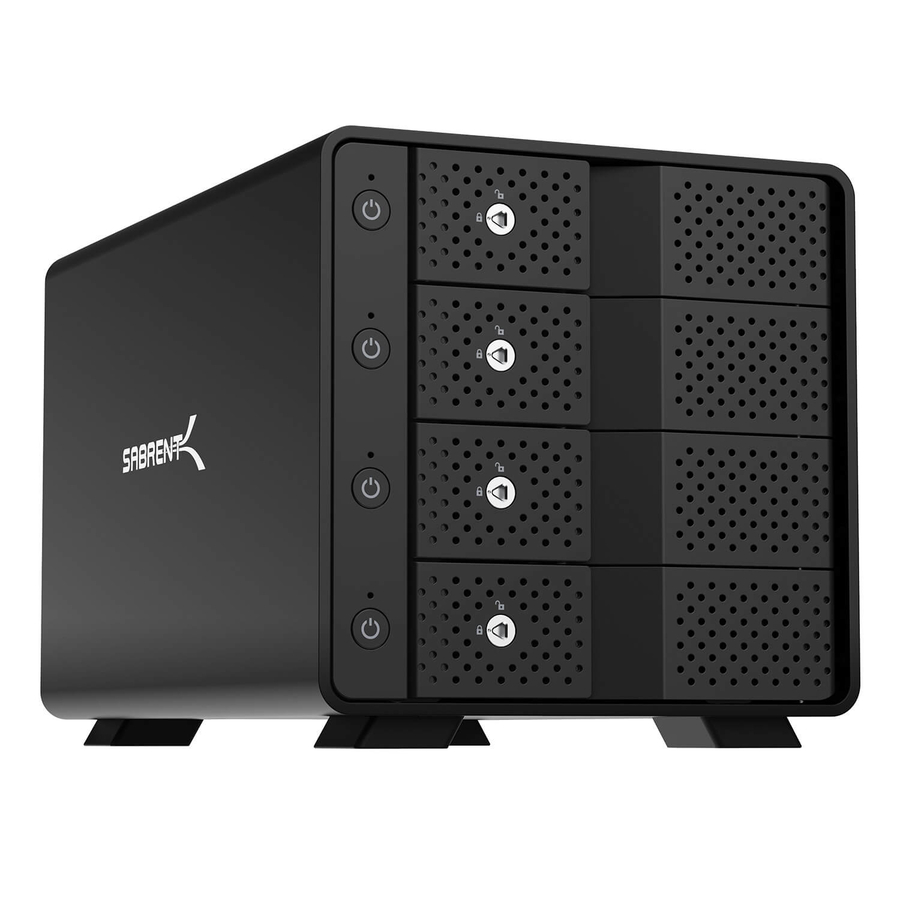
Sabrent DS-U3B4 Drive Dock SATA
DS-U3B4
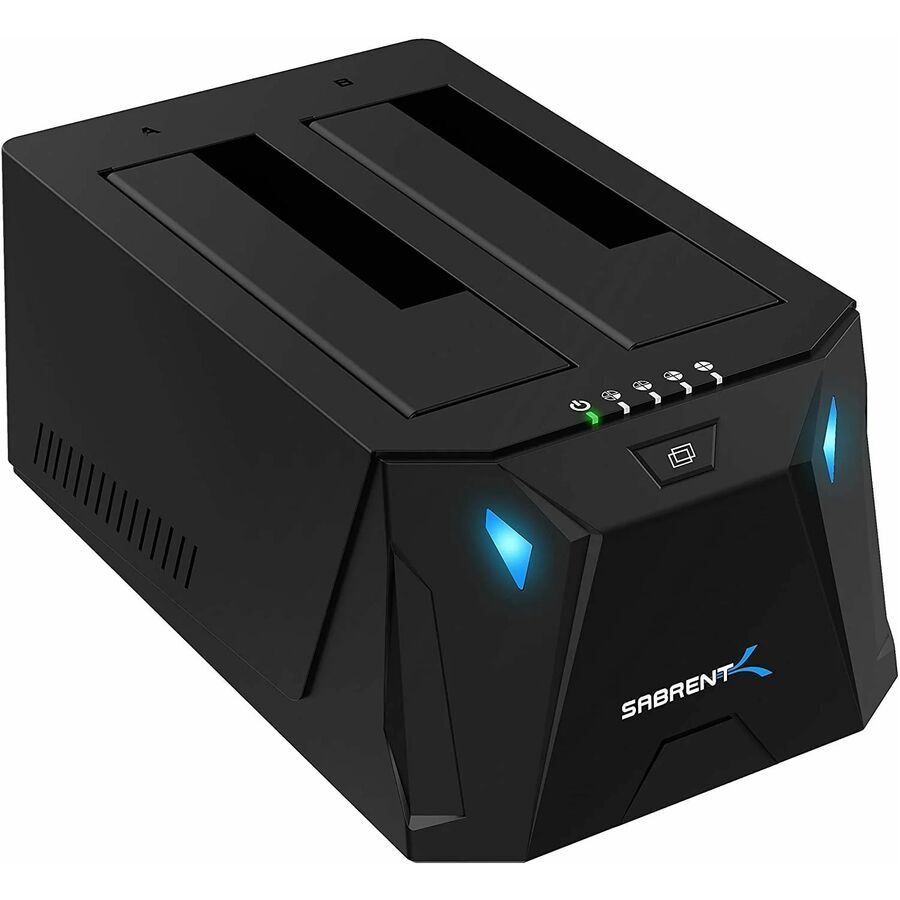
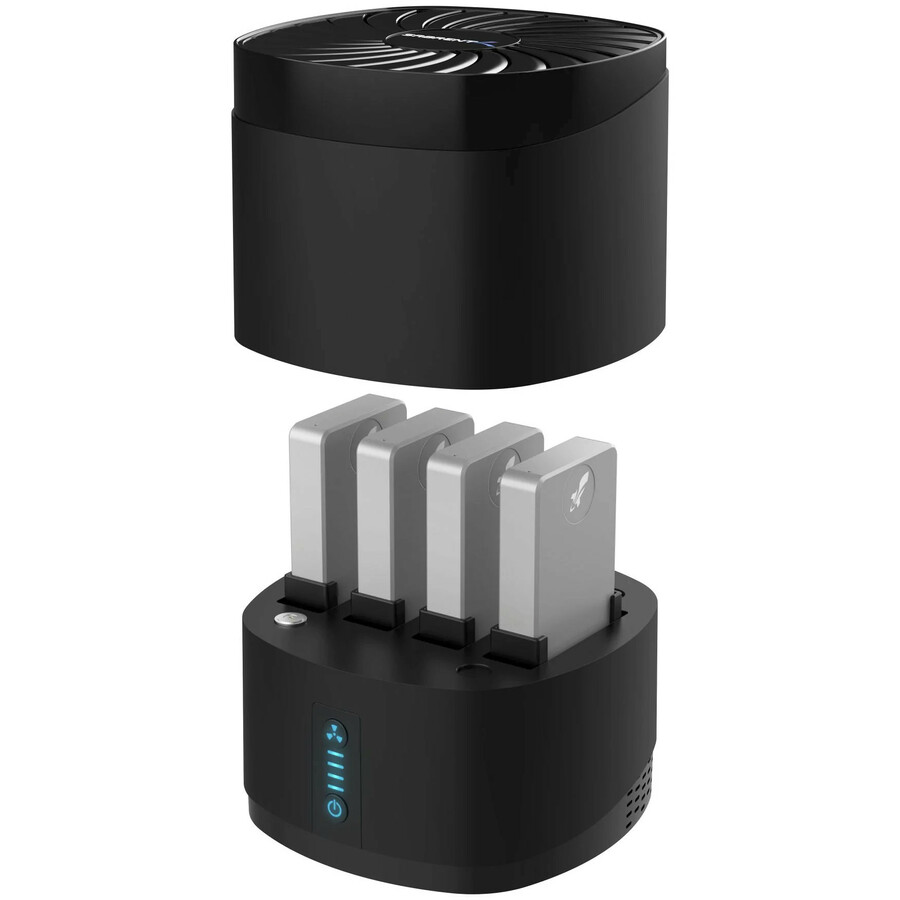
A four-bay dock on USB 3.0 with hot-swappable bays taking 2.5-inch and 3.5-inch drives in any combination, four at a time — the batch shape at the lower end of the interface range, for a bench whose bottleneck is drive handling rather than throughput.
$127.66Back-ordered2.5-inch, UASP
StarTech.com
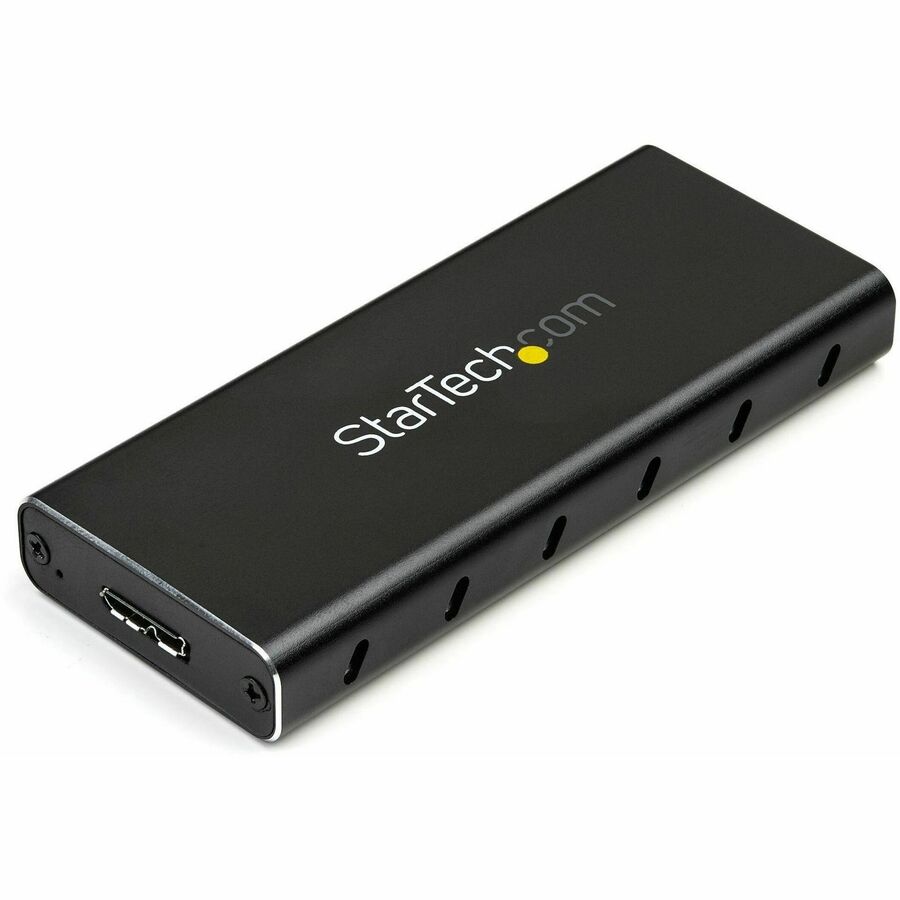
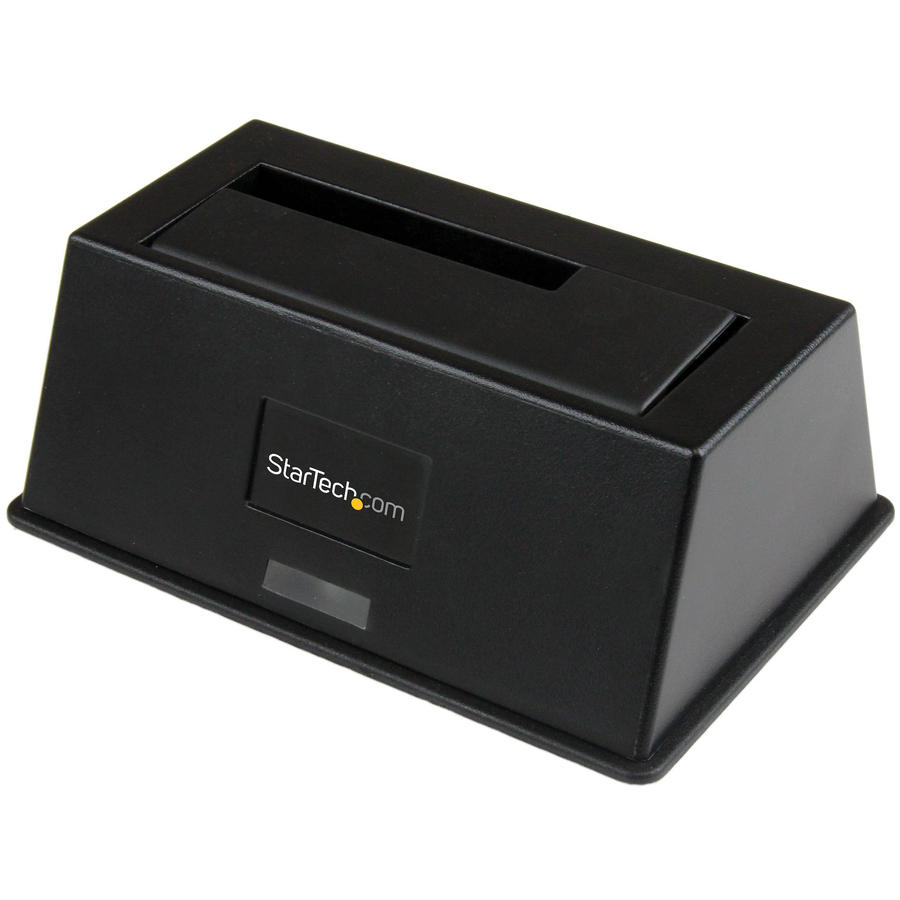
StarTech 2.5" External Hard Drive Enclosure
S251BMU313
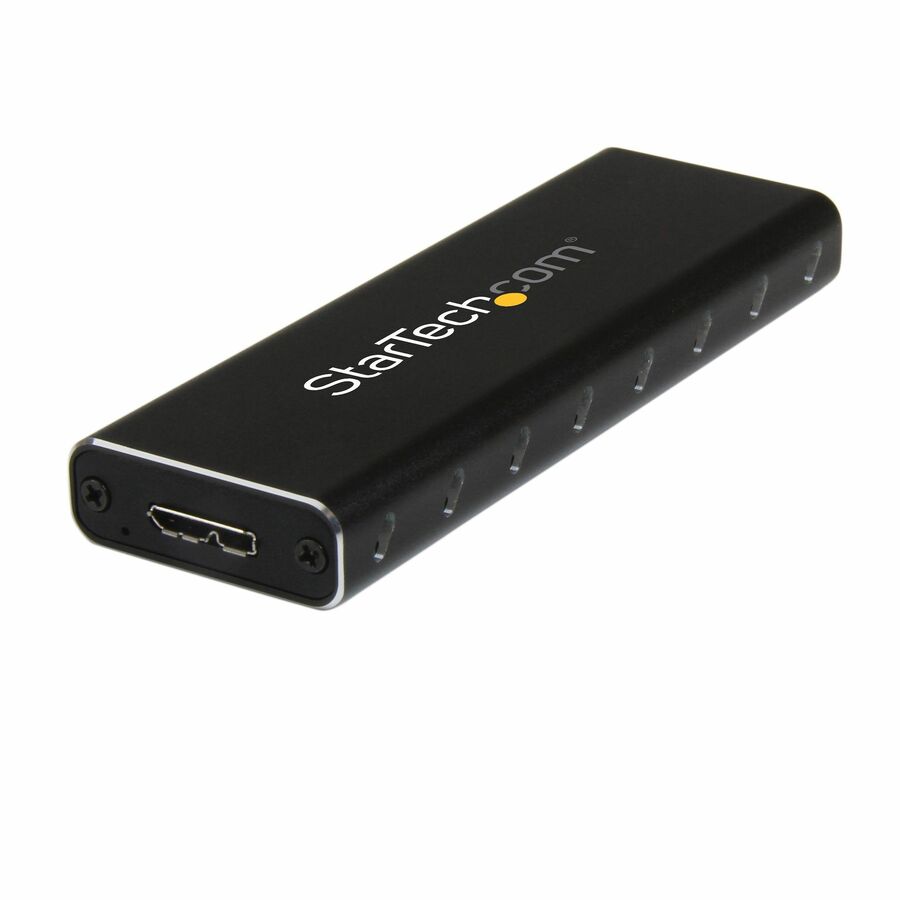
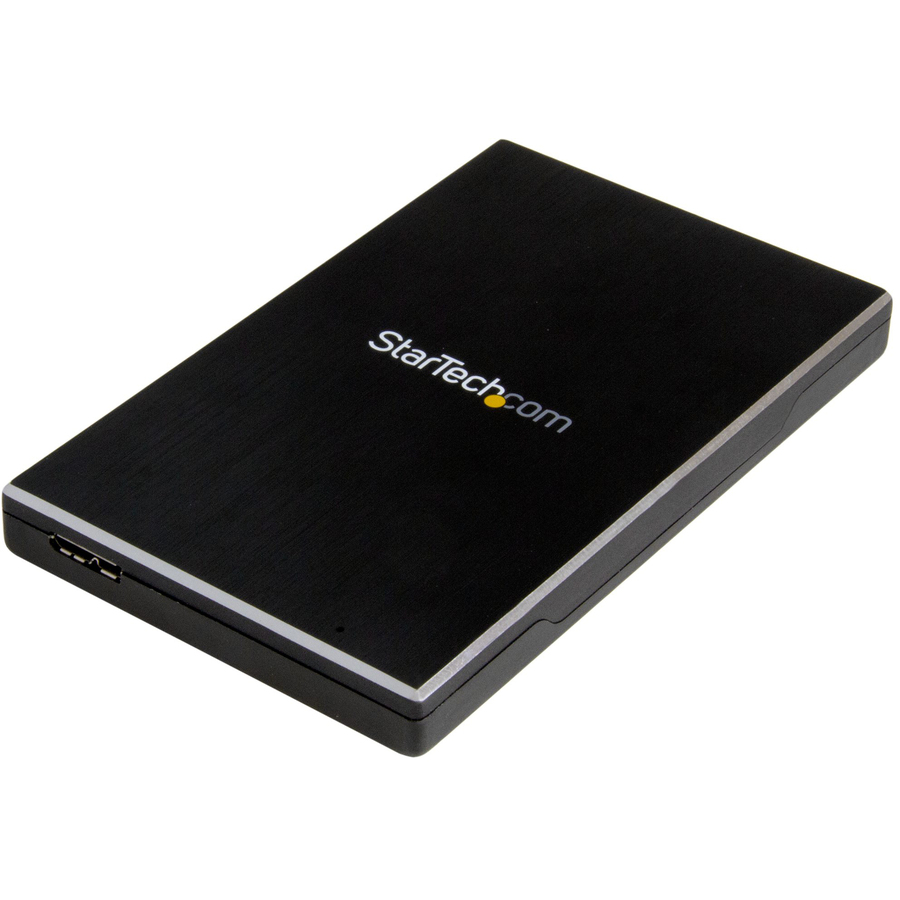
A 2.5-inch external hard drive enclosure on USB 3.1 in an aluminium body with UASP support stated on the part — command queuing is what separates a bench tool from a slow one when the job is cloning rather than copying a file.
Titled TAA Compliant by the manufacturer — verify the designation on the exact part number on your order.
$42.42*In stockUSB4, 40 Gbps NVMe
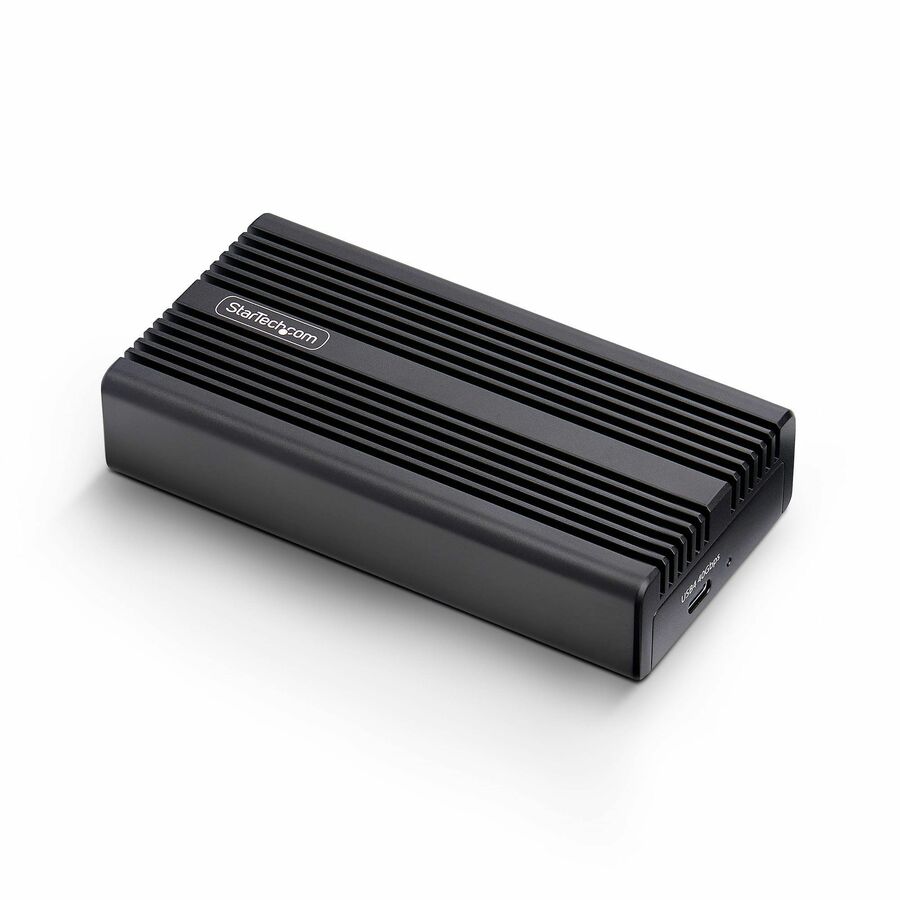
StarTech.com
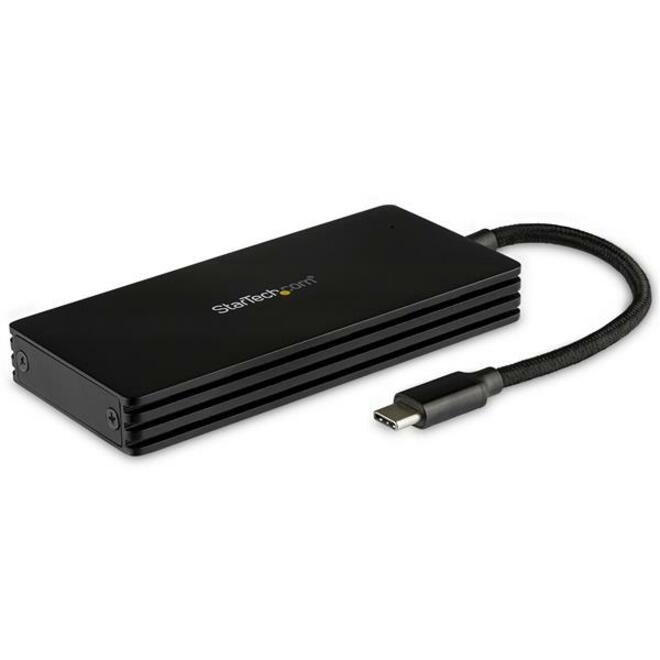
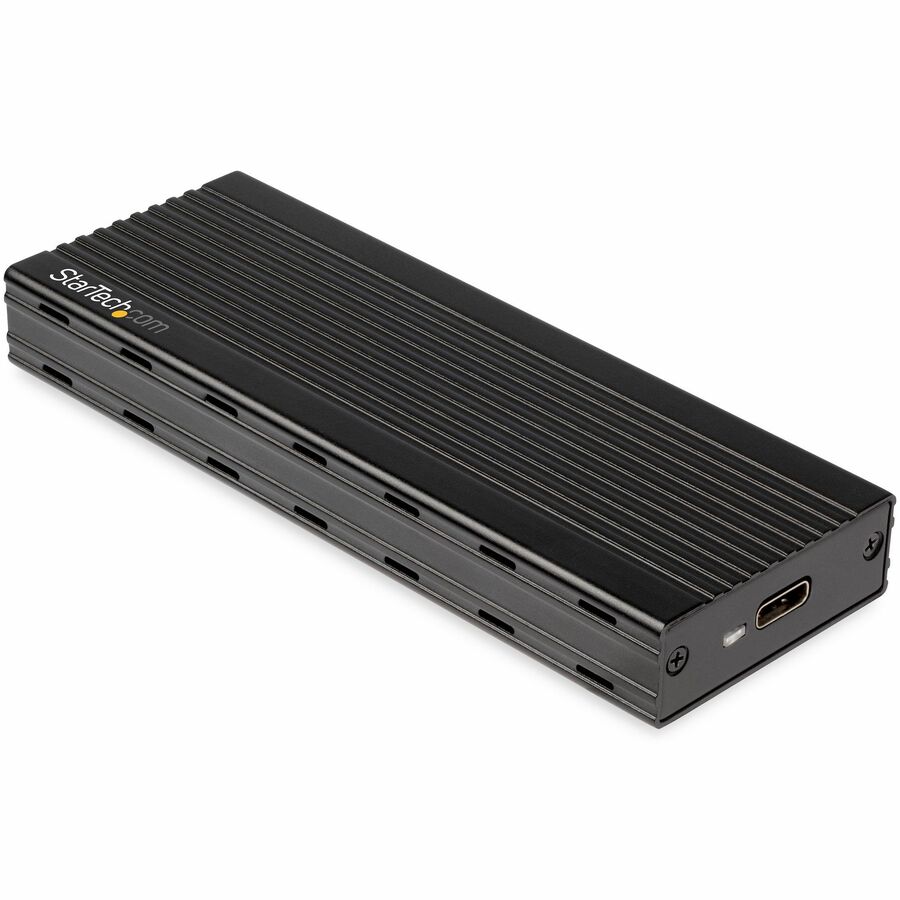
StarTech USB4 M.2 NVMe Enclosure, 40Gbps, External USB-C/Thunderbolt…
1USB4-NVME-ENCLOSURE
The fastest housing on this page: a USB4 M.2 NVMe enclosure at 40 Gbps over USB-C, accepting B+M and M-key drives. Where an imaging or migration bench is the bottleneck, this is the part that moves the bottleneck somewhere else.
$90.15*In stockFour-bay dock
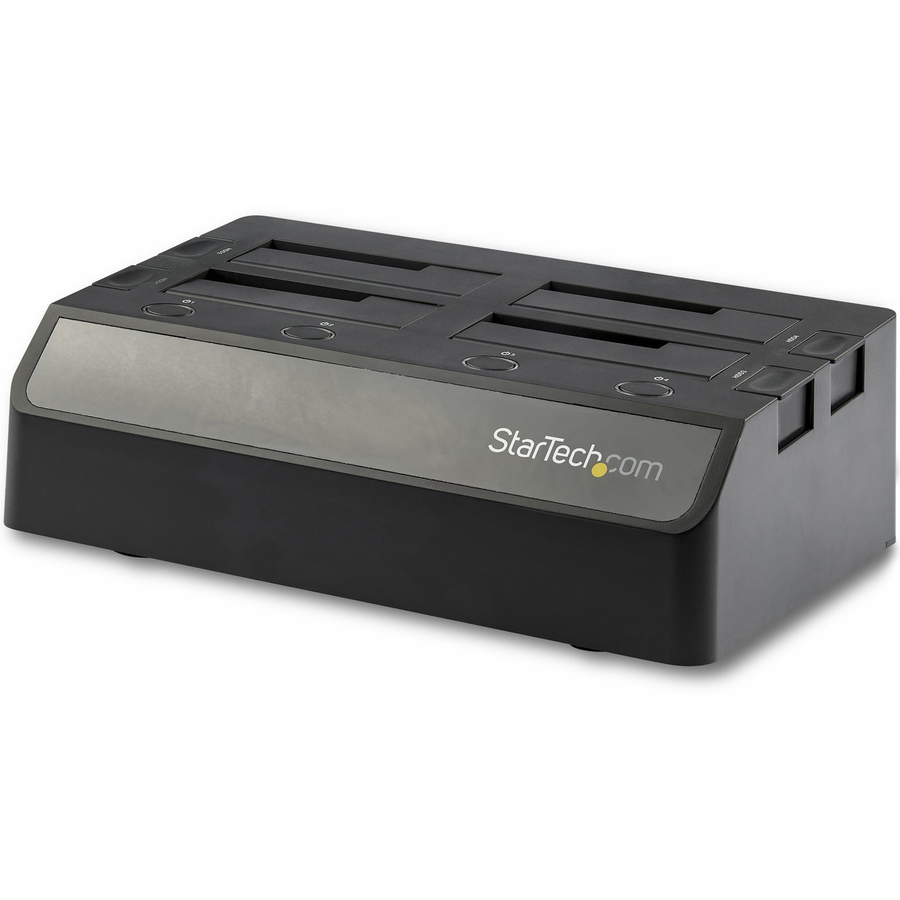
StarTech.com
StarTech 4-Bay USB to SATA Hard Drive Docking Station, USB 10Gbps…
SDOCK4U313
A four-bay top-loading dock at USB 10 Gbps taking 2.5-inch and 3.5-inch SATA III drives with hot-swap — the batch tool for a disposal or migration line, where four drives are read, cloned or wiped in one pass rather than four.
$221.59In stockUSB-C single dock
4XEM
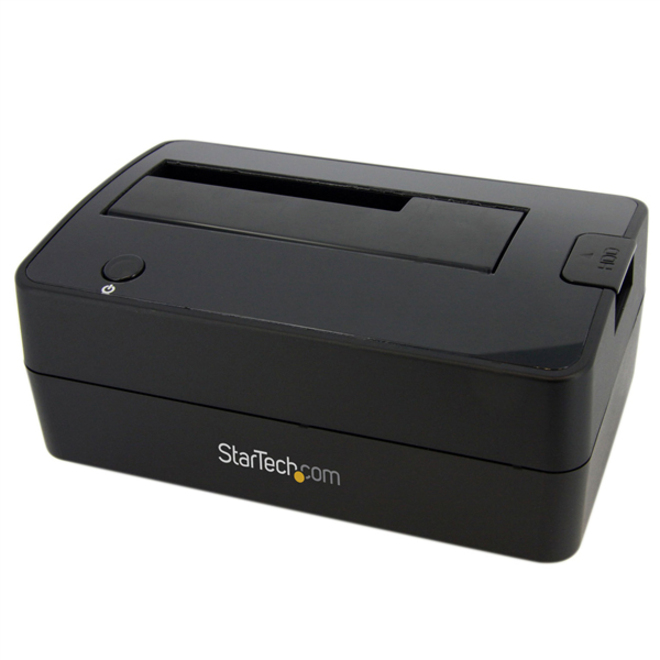
4XEM USB-C to SATA Single Bay External Hard Drive Docking Station
4XST333U
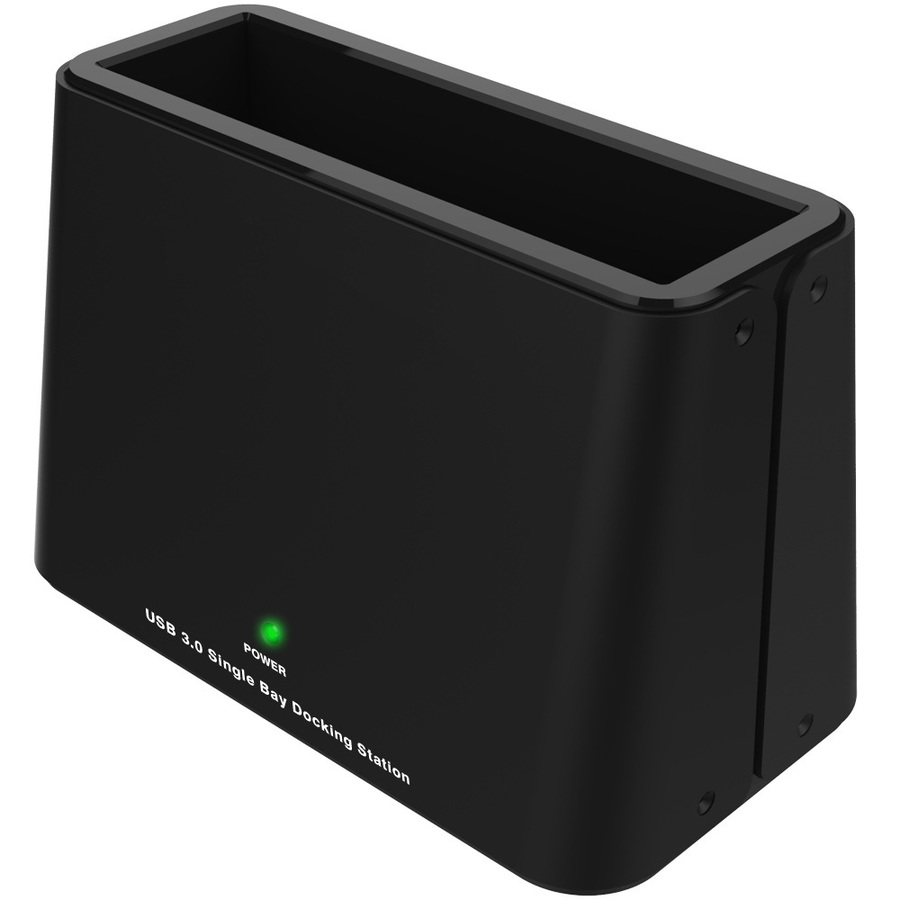
A single-bay USB Type-C 3.0 to SATA docking station: drop the drive in from the top, read it, take it out. The simplest possible answer to the wipe-and-dispose queue, on the connector current machines actually have.
$30.02In stockM.2 NGFF, USB-C
4XEM
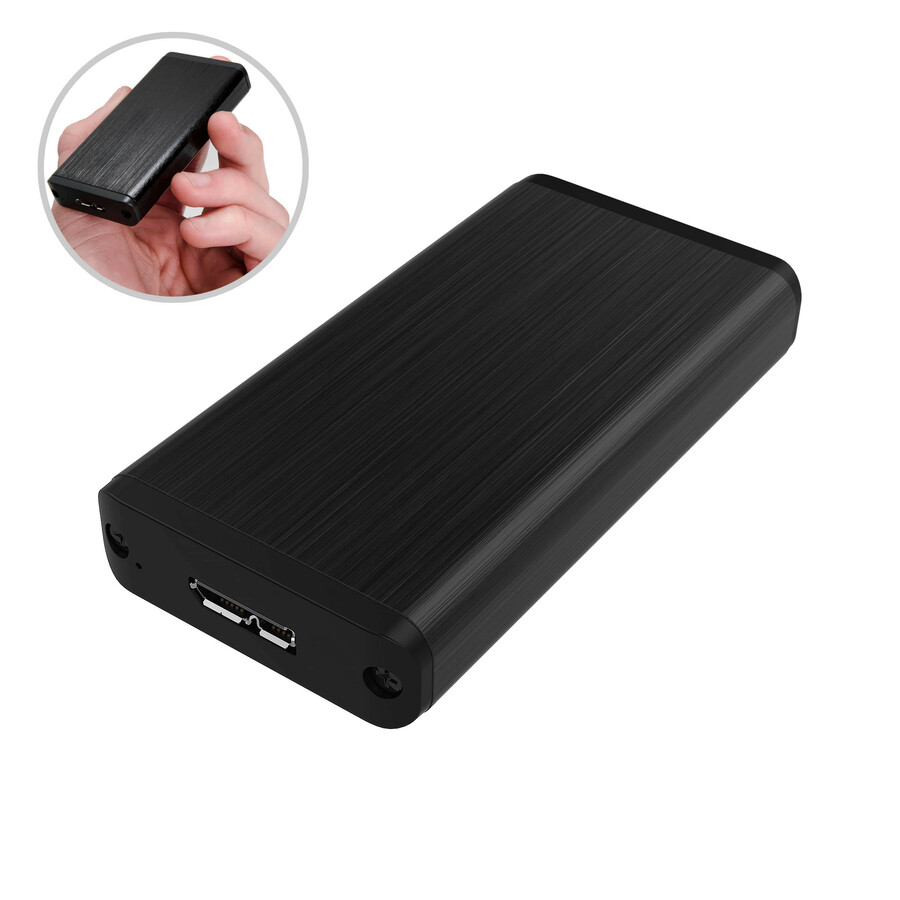
4XEM's USB Type C 3.1 Gen.2 NGFF External SSD Enclosure
4XST237C
An external NGFF SSD enclosure on USB Type-C 3.1 Gen 2, for the M.2 sticks that come out of thin notebooks. Small, cheap enough to keep several in the drawer, and the difference between reading a decommissioned laptop's drive and not.
$30.61In stockICYNano NVMe
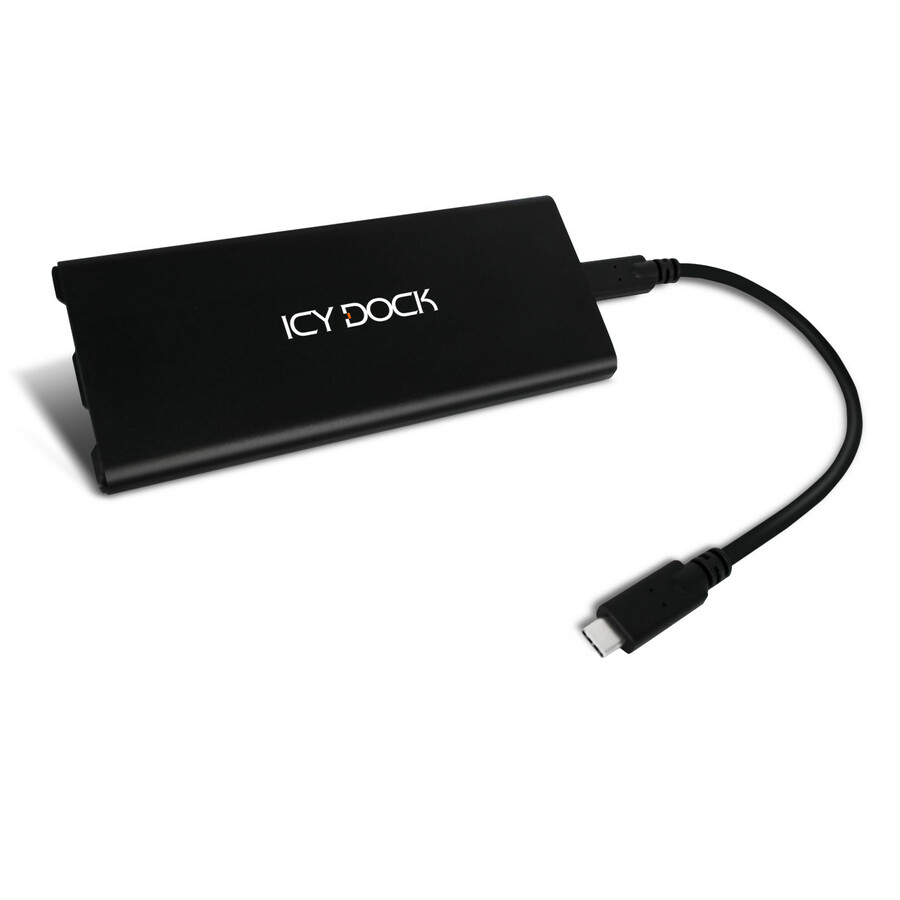
Icy Dock
Icy Dock ICYNano MB861U31-1M2B Drive Enclosure PCI Express NVMe, M.2
MB861U31-1M2B
An M.2 NVMe enclosure on USB 3.2 Gen 2 Type-C in a black body, taking one SSD — the compact end of a manufacturer better known for internal mobile racks, and a sensible standard part for a bench that handles a lot of PCIe flash.
$66.93Back-orderedToughArmor 2.5-inch
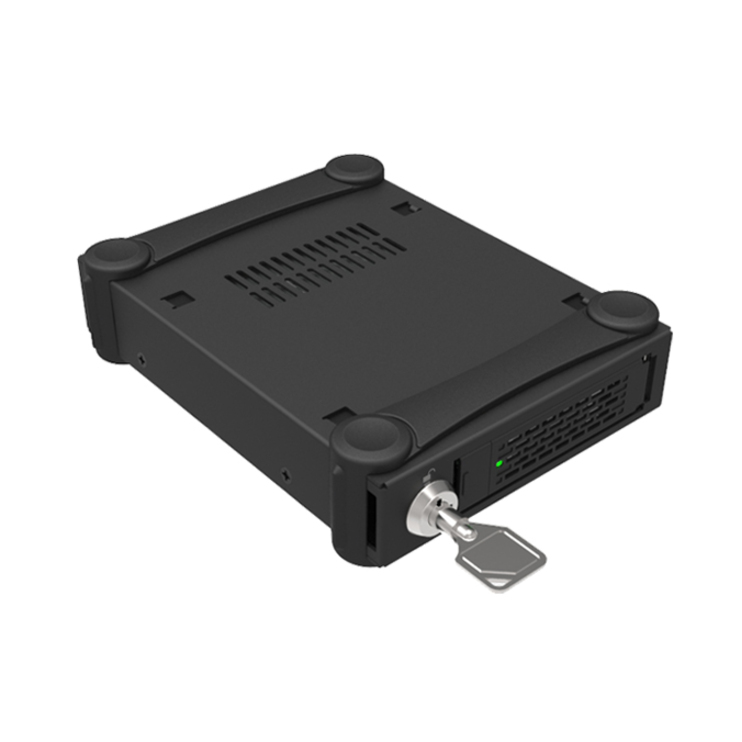
Icy Dock
Icy Dock ToughArmor MB991U3-1SB Drive Enclosure
MB991U3-1SB
A single-bay 2.5-inch external enclosure on USB 3.0 in a matte black ToughArmor body, supporting one drive — the same job as the entry cases on this page, from the line the manufacturer builds for handling rather than for a shelf.
$104.01Back-orderedEight-bay, external
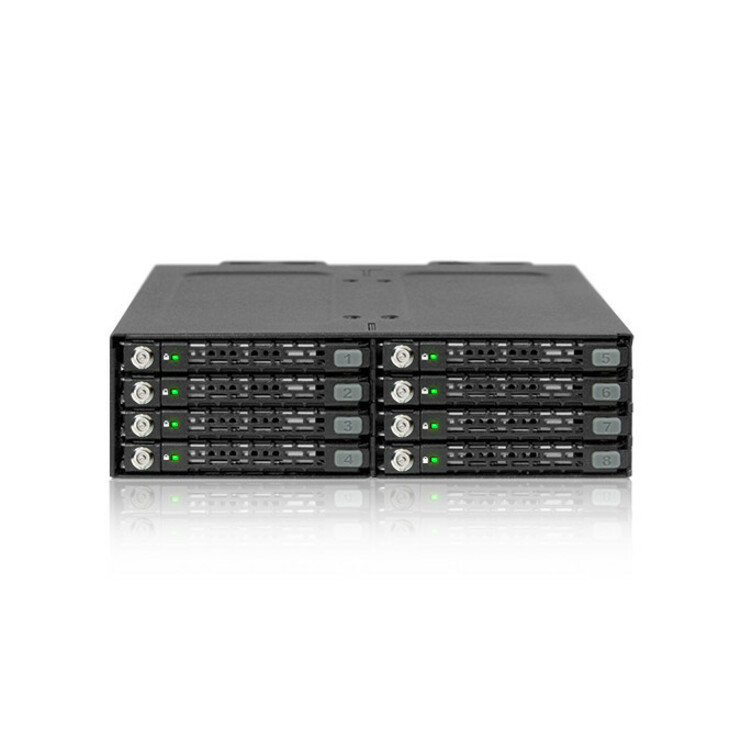
Icy Dock
Icy Dock ToughArmor MB998SK-B Drive Enclosure for 5.25"
MB998SK-B
The density end of this page: an eight-bay 5.25-inch SATA/600 enclosure titled External, supporting eight drives. Where a bench or a lab needs many drives online at once and a four-bay dock has stopped being enough.
$333.73Back-orderedStoreJet 2.5-inch
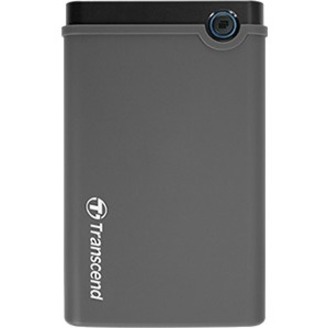
Transcend Information
Transcend StoreJet 25CK3 Drive Enclosure
TS0GSJ25CK3
A single-bay 2.5-inch enclosure on USB 3.0 in a black rubber-finished body — the version to buy where the enclosure travels in a bag rather than living at a bench, and where the drive inside it is chosen rather than shipped.
$34.39Back-orderedUSB-C with UASP
SIIG
SIIG Drive Enclosure
JU-SA0W11-S1
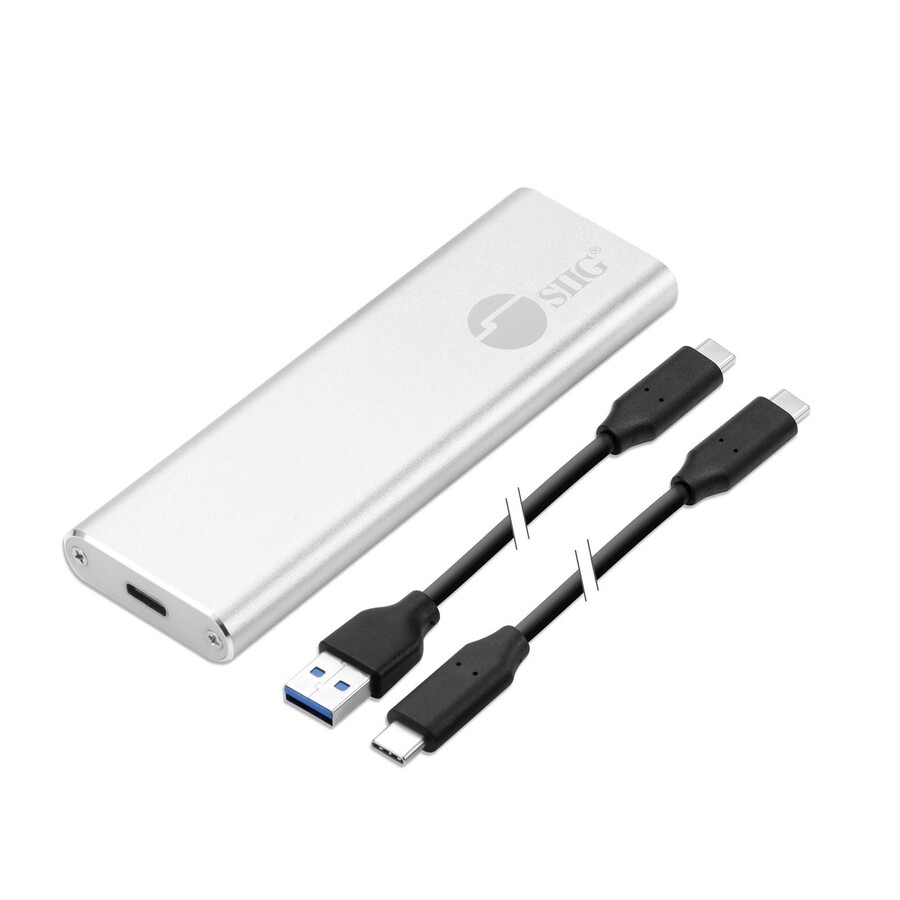
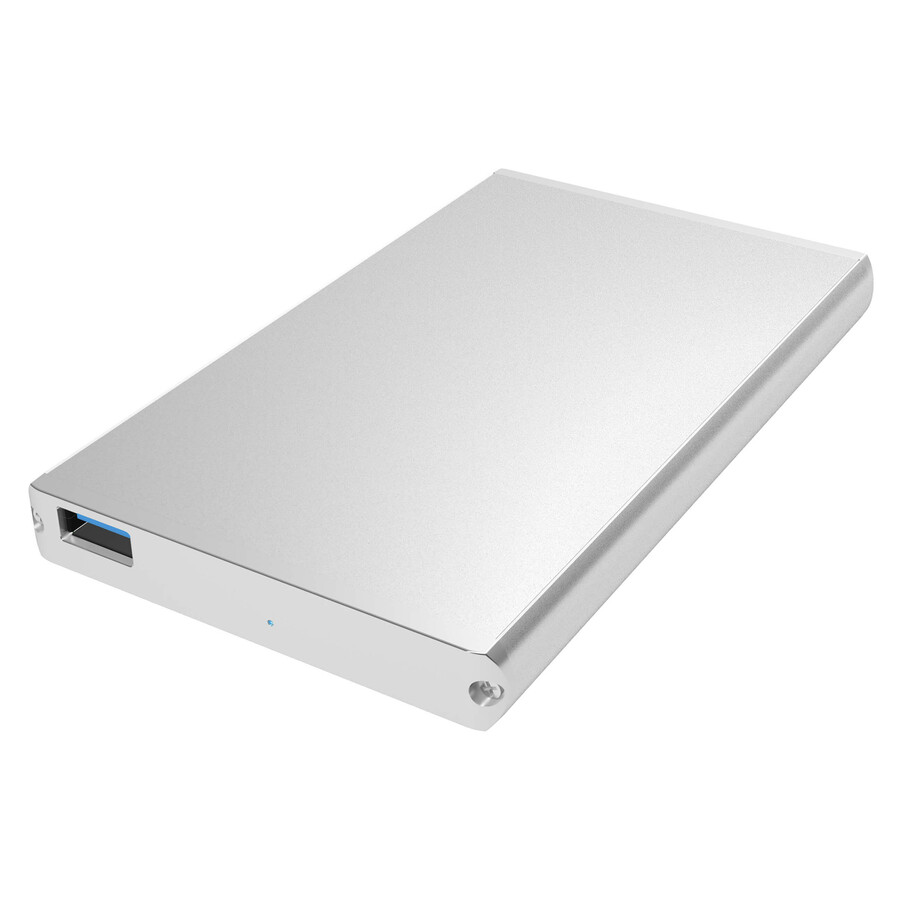
A drive enclosure on USB 3.1 Type-C with UASP support in a silver aluminium body — the straightforward modern single-bay case: current connector, command queuing stated on the part, and metal rather than plastic.
$63.15In stockHot-swap, TAA-titled
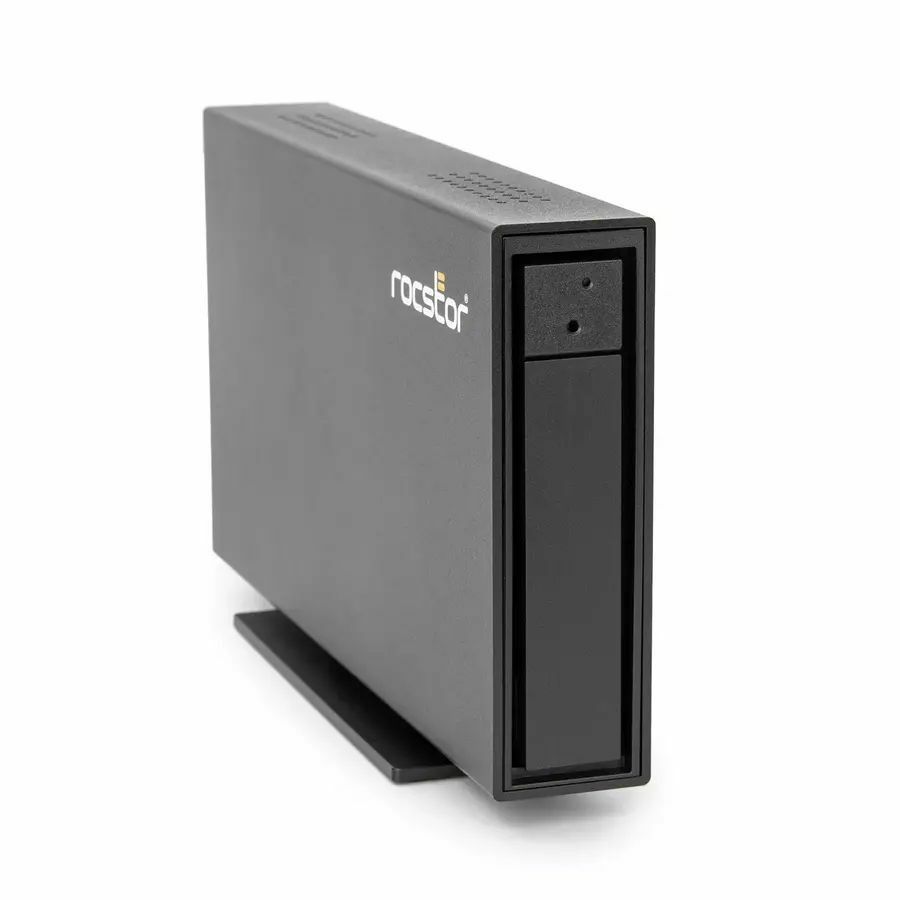
Rocstor
Rocstor D91 Drive Enclosure
G371XX-01
A single-drive enclosure on USB 3.1 Gen 2 Type-C in a black body with hot-swappable bays stated on the part, from a manufacturer that builds for regulated environments rather than for the consumer shelf.
Titled TAA Compliant by the manufacturer — a per-part designation, never a family rule.
$112.29*Back-orderedToughTech 2.5-inch
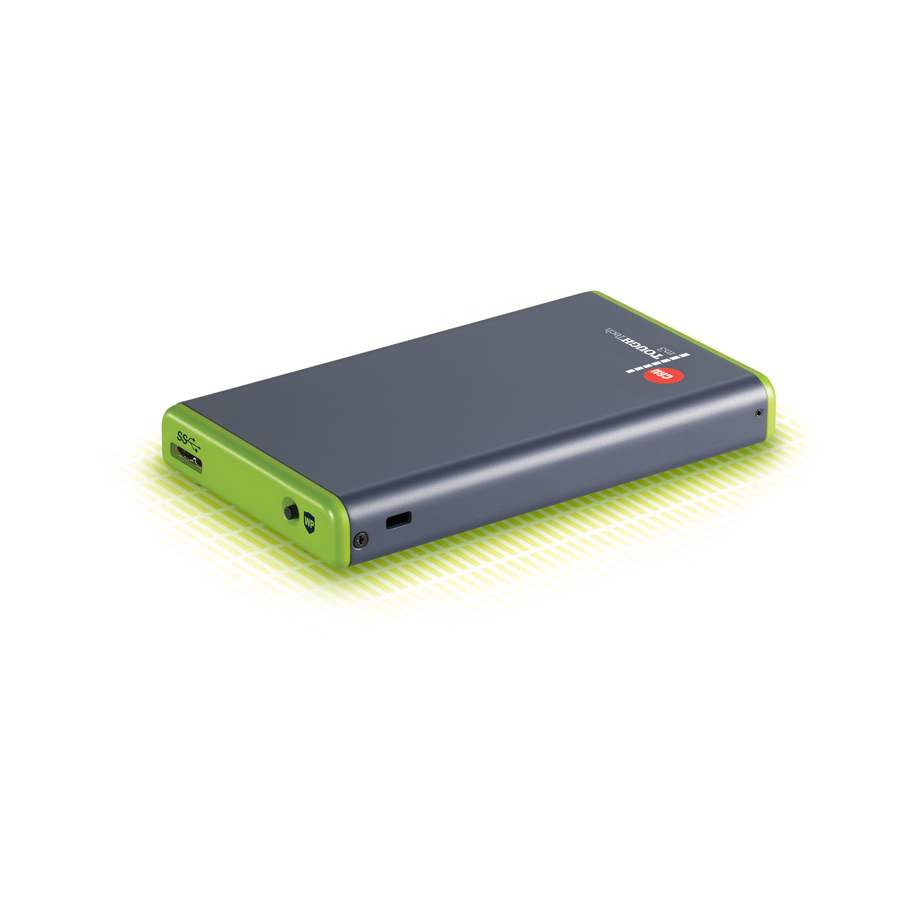
CRU Acquisitions
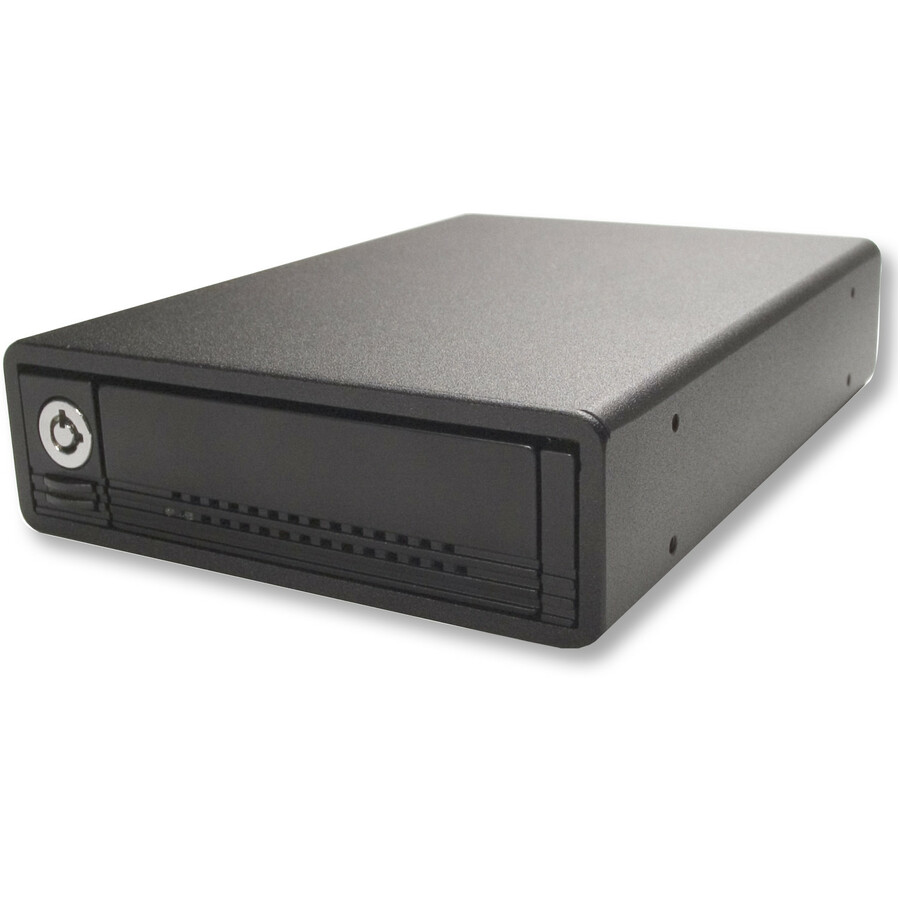
CRU ToughTech M3 Drive Enclosure
36270-1210-0000
A single-bay 2.5-inch external enclosure on USB 3.0 supporting one drive, from the ToughTech M3 line — a straightforward alternative standard part where a site prefers to keep its bench tooling on one manufacturer.
Request pricingDataPort 3.5-inch
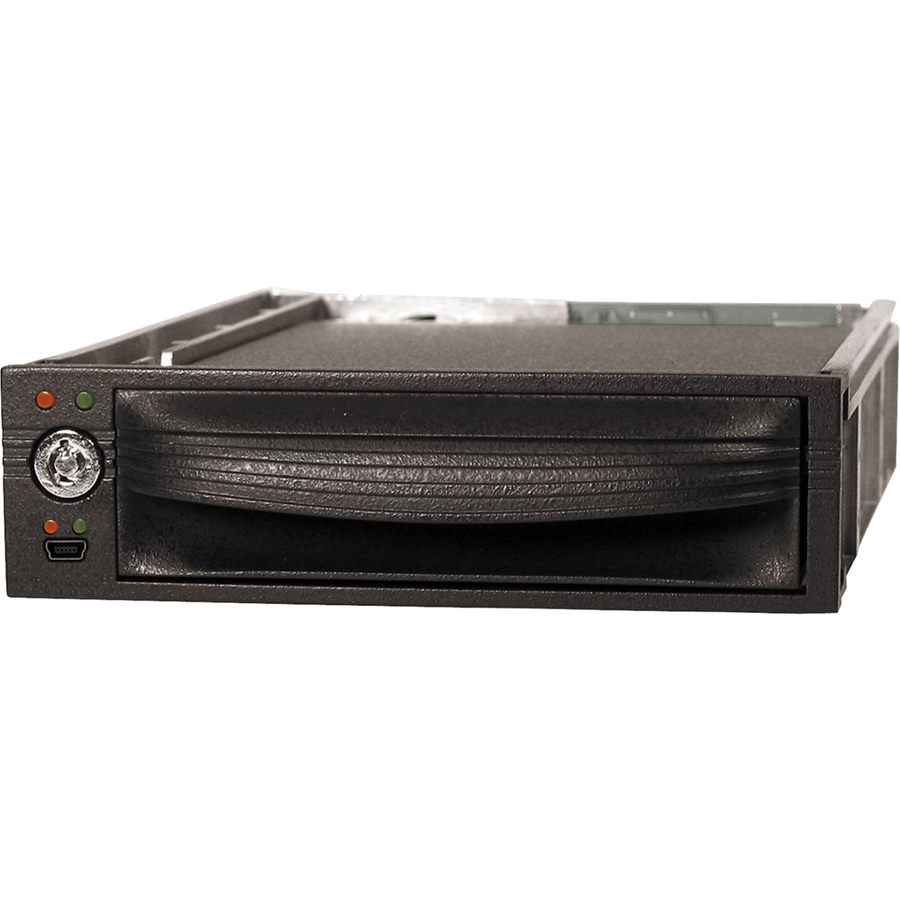
CRU Acquisitions
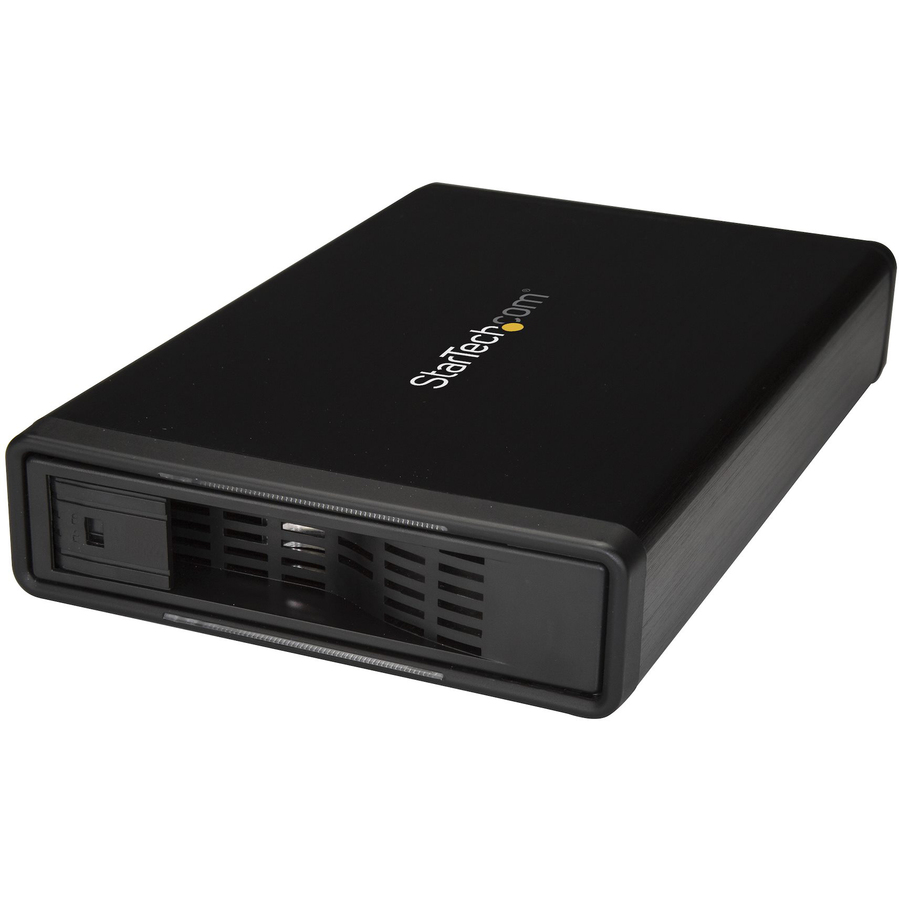
CRU DataPort 10 8452-5942-0500 Drive Enclosure External
8452-5942-0500
A single-bay 3.5-inch external enclosure supporting one drive, for the desktop-class disks that still arrive from decommissioned towers and still have to be read before they are wiped.
A 3.5-inch drive generally needs its own power supply — plan the brick alongside the unit rather than after it.
Request pricingMore drive enclosures, mobile racks and cabinets in the Uniqcli catalog
See all 1,139 drive enclosures, mobile racks and cabinetsMore from across this category. In-stock lines lead, and a back-ordered line carries the same estimated availability its product page does — with live pricing throughout, NDAA §889 screening before checkout and TAA verified on request.
- StarTech.comStarTech USB4 M.2 NVMe Enclosure, 40Gbps, External USB-C/Thunderbolt NVMe SSD Enclosure, B+M/M-Key - Ultra-fast USB4 NVMe enclosure supports up to 40Gbps; Thunderbolt 5/4/3/USB-C Compatible; Heat-dissipating aluminum heatsink case w/thermal pad; Supports B+M/M-Key 2230/2242/2260/2280 M.2 NVMe (PCIe 4.0 x4); NOTE: M.2 SATA is not supported1USB4-NVME-ENCLOSURE
$97.99
$90.15*
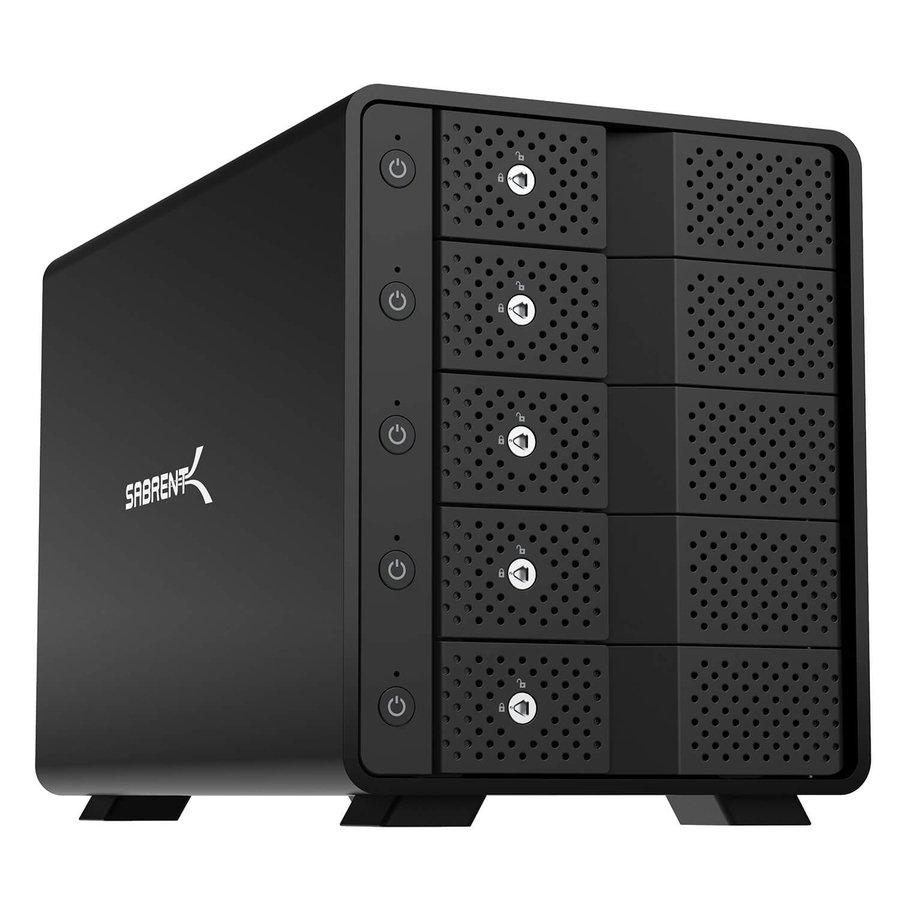
725 in stock - SabrentSabrent DS-SC5B Drive Dock SATA/600 - USB 3.2 (Gen 2) Type C Host Interface External - Black - Hot Swappable Bays - 5 x HDD Supported - 5 x Total Bay - 5 x 3.5" Bay - AluminumDS-SC5B
$699.99
$370.07
Back-orderedBack-ordered — estimated OEM lead time 3–8 weeks (Nov 15 – Dec 20 if ordered today).
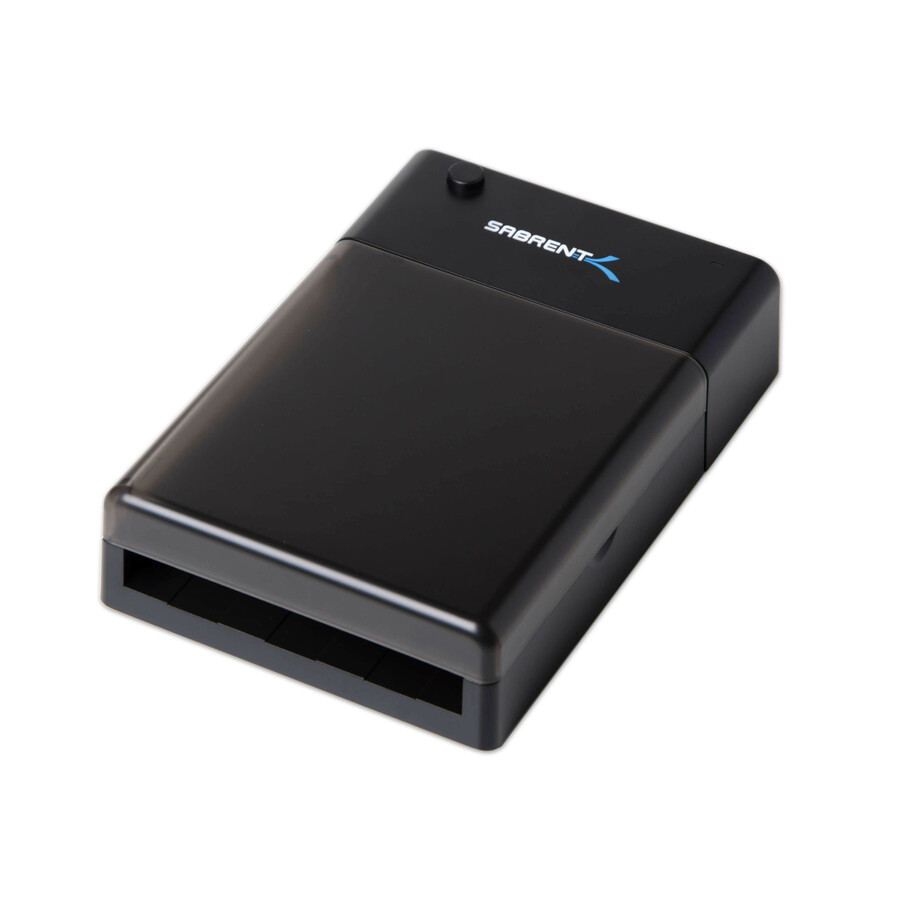
- SabrentSabrent EC-DFLT Drive Dock - USB 3.0 Host Interface External - Black - 1 x Total Bay - 1 x 2.5"/3.5" Bay - PlasticEC-DFLT-PK20
$899.99
$631.12
Back-orderedBack-ordered — estimated OEM lead time 3–8 weeks (Nov 15 – Dec 20 if ordered today).
- SabrentSabrent EC-UASP Drive Enclosure - USB 3.0 Host Interface - UASP Support External - Black - 1 x Total Bay - 1 x 2.5" Bay - AluminumEC-UASP-PK50
$899.99
$635.63
Back-orderedBack-ordered — estimated OEM lead time 3–8 weeks (Nov 15 – Dec 20 if ordered today).
- SabrentSabrent EC-UM30 Drive Enclosure - USB 3.0 Host Interface External - Silver - 1 x Total Bay - 1 x 2.5" Bay - AluminumEC-UM30-PK50
$899.99
$655.04
Back-orderedBack-ordered — estimated OEM lead time 3–8 weeks (Nov 15 – Dec 20 if ordered today).
- SabrentSabrent EC-UK30 Drive Enclosure - USB 3.0 Host Interface External - Black - 1 x Total Bay - 1 x 2.5" Bay - AluminumEC-UK30-PK50
$899.99
$655.04
Back-orderedBack-ordered — estimated OEM lead time 3–8 weeks (Nov 15 – Dec 20 if ordered today).
- SabrentSabrent EC-DFFN Drive Dock - USB 3.0 Host Interface External - Black - 1 x Total Bay - 1 x 2.5"/3.5" Bay - PlasticEC-DFFN-PK20
$899.99
$807.53
Back-orderedBack-ordered — estimated OEM lead time 3–8 weeks (Nov 15 – Dec 20 if ordered today).
- Icy DockIcy Dock ToughArmor MB924IP-B Drive Enclosure for 5.25" SATA, Serial Attached SCSI (SAS) - Mini-SAS Host Interface External - Black - Hot Swappable Bays - 24 x HDD Supported - 24 x SSD Supported - 27 x Total Bay - 3 x 5.25" Bay - 24 x 2.5" Bay - MetalMB924IP-B
$825.00
$742.86
Back-orderedBack-ordered — estimated OEM lead time 3–8 weeks (Nov 15 – Dec 20 if ordered today).
- Icy DockIcy Dock ToughArmor MB998SK-B Drive Enclosure for 5.25" - Serial ATA/600 Host Interface External - Black - 8 x HDD Supported - 8 x SSD Supported - 8 x Total Bay - 8 x 2.5" Bay - MetalMB998SK-B
$369.00
$333.73
Back-orderedBack-ordered — estimated OEM lead time 3–8 weeks (Nov 15 – Dec 20 if ordered today).
- SabrentSabrent Drive Enclosure for 3.5" SATA - USB 3.0 Type C Host Interface External - Hot Swappable Bays - 2 x HDD Supported - 20 TB Total HDD Capacity Supported - 2 x Total Bay - 2 x 3.5" Bay - 2 x 2.5" Bay - 5 Gbit/s Data Transfer RateEC-CH2B
$69.99
$58.83
Back-orderedBack-ordered — estimated OEM lead time 3–8 weeks (Nov 15 – Dec 20 if ordered today).
- Icy DockIcy Dock ToughArmor MB991U3-1SB Drive Enclosure - USB 3.0 Host Interface External - Matte Black - 1 x Total Bay - 1 x 2.5" Bay - MetalMB991U3-1SB
$111.60
$104.01
Back-orderedBack-ordered — estimated OEM lead time 3–8 weeks (Nov 15 – Dec 20 if ordered today).
- SabrentSabrent EC-DFLT Drive Dock - USB 3.0 Host Interface External - 1 x Total Bay - 1 x 2.5"/3.5" BayEC-DFLT
$39.99
$33.11
Back-orderedBack-ordered — estimated OEM lead time 3–8 weeks (Nov 15 – Dec 20 if ordered today).
- Icy DockIcy Dock ICYNano MB861U31-1M2B Drive Enclosure PCI Express NVMe, M.2 - USB 3.2 (Gen 2) Type C Host Interface External - Black - 1 x SSD Supported - 1 x Total Bay - Aluminum, PlasticMB861U31-1M2B
$69.75
$66.93
Back-orderedBack-ordered — estimated OEM lead time 3–8 weeks (Nov 15 – Dec 20 if ordered today).
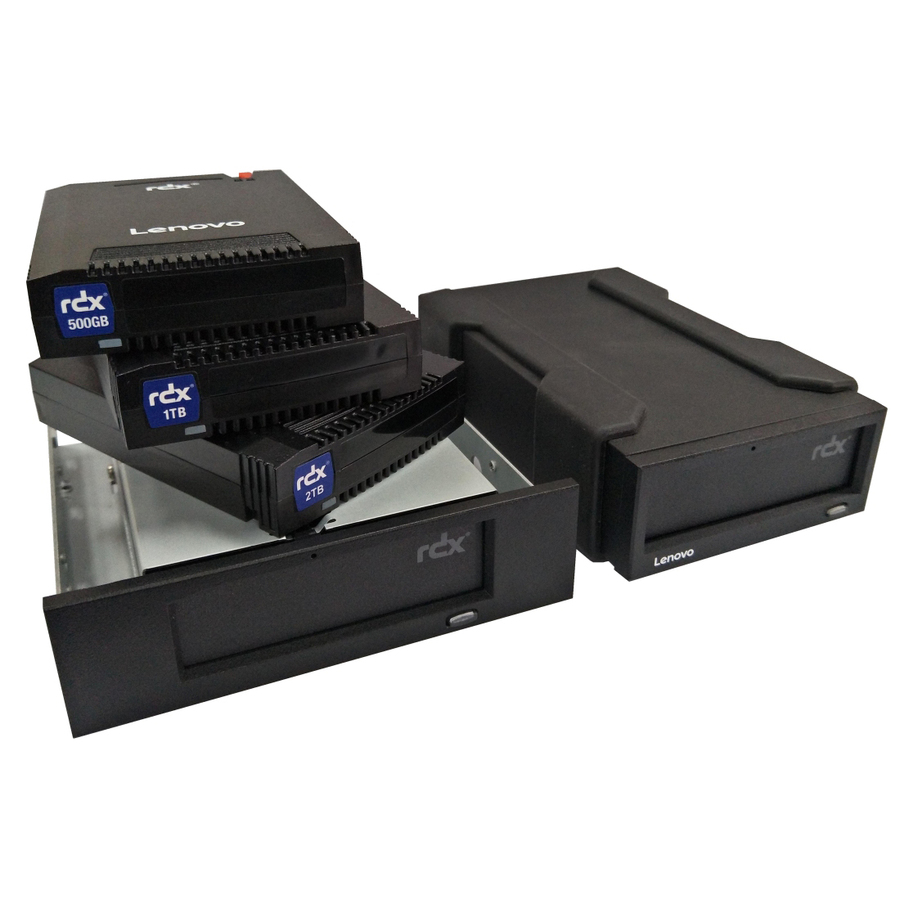
- LenovoLenovo Drive Enclosure - USB 3.0 Host Interface External - 1 x Total Bay4T27A10725
$1,135.01
Back-orderedBack-ordered — estimated OEM lead time 3–8 weeks (Nov 15 – Dec 20 if ordered today).
- SabrentSabrent EC-UKMS Drive Enclosure - USB 3.0 Host Interface External - Black - 1 x Total Bay - AluminumEC-UKMS-PK50
$977.04
Back-orderedBack-ordered — estimated OEM lead time 3–8 weeks (Nov 15 – Dec 20 if ordered today).
- SabrentSabrent DS-SC4B Drive Dock SATA/600 - USB 3.2 (Gen 2) Type C Host Interface External - Black - Hot Swappable Bays - 4 x HDD Supported - 4 x Total Bay - 4 x 3.5" Bay - AluminumDS-SC4B
$269.87
Back-orderedBack-ordered — estimated OEM lead time 3–8 weeks (Nov 15 – Dec 20 if ordered today).
- CRU AcquisitionsCRU Hard Drive Carrier Frame - USB 3.0 Host Interface External - Metal8572-6374-9500
$251.80
Back-orderedBack-ordered — estimated OEM lead time 3–8 weeks (Nov 15 – Dec 20 if ordered today).
- SabrentSabrent Drive Dock M.2, PCI Express NVMe - USB 3.2 (Gen 2) Type C Host Interface External - 4 x SSD Supported - PlasticDS-4BNE
$161.17
Back-orderedBack-ordered — estimated OEM lead time 3–8 weeks (Nov 15 – Dec 20 if ordered today).
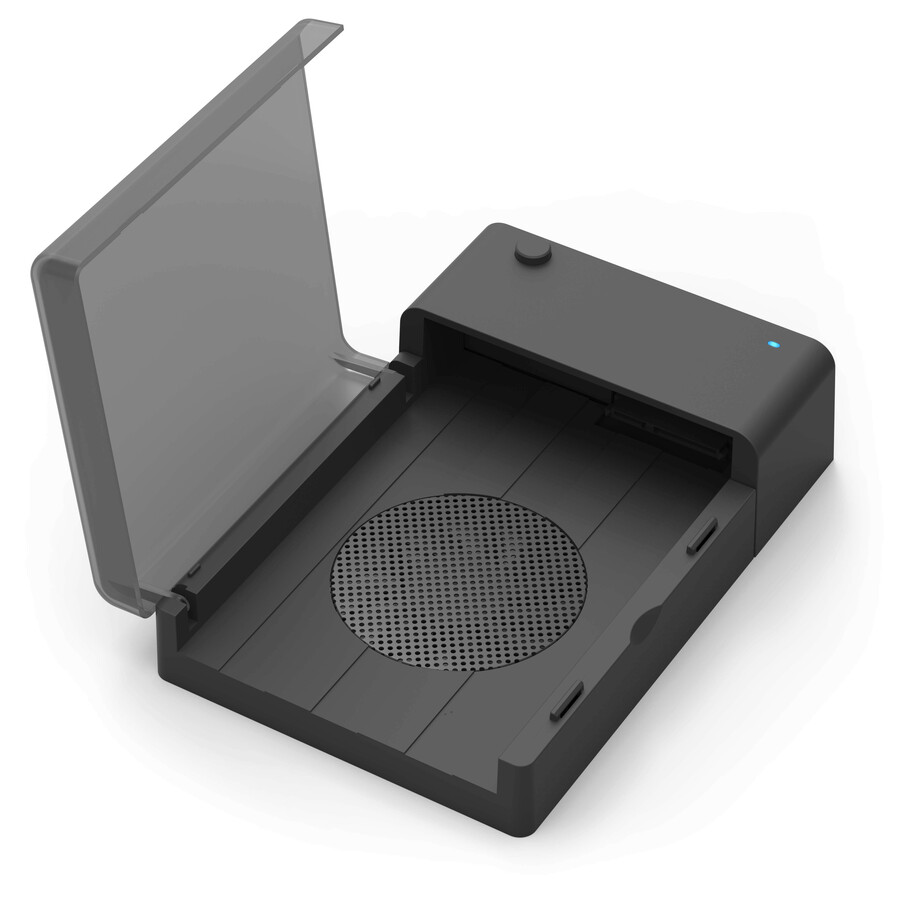
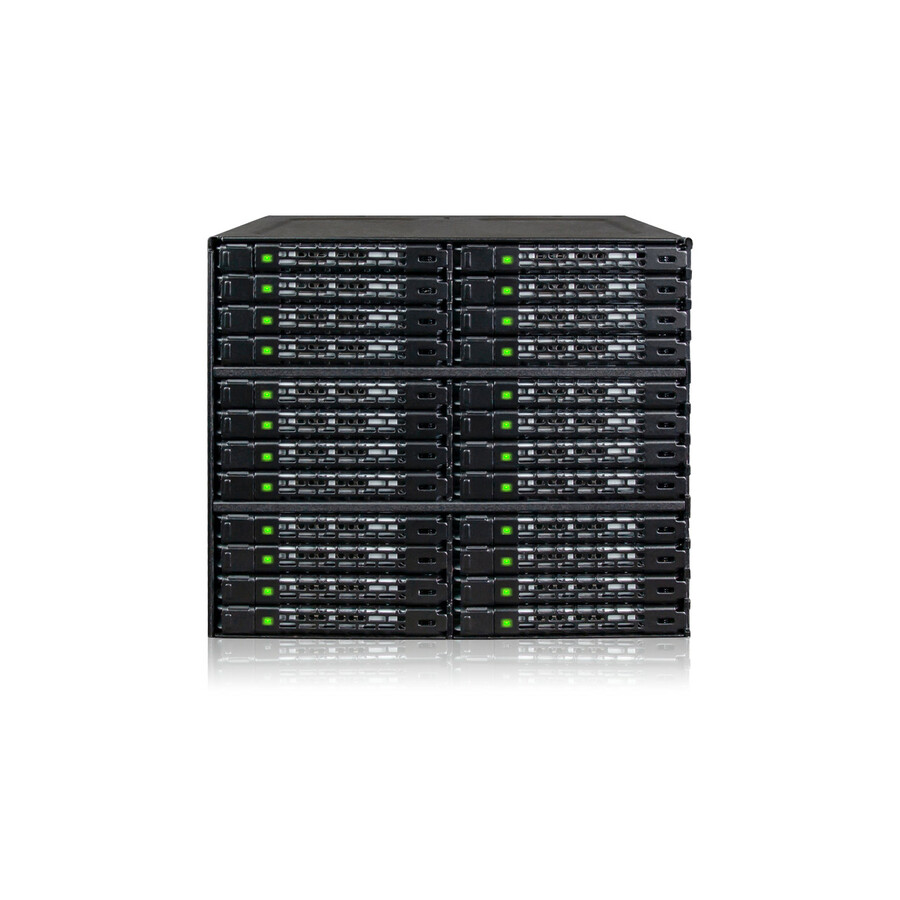
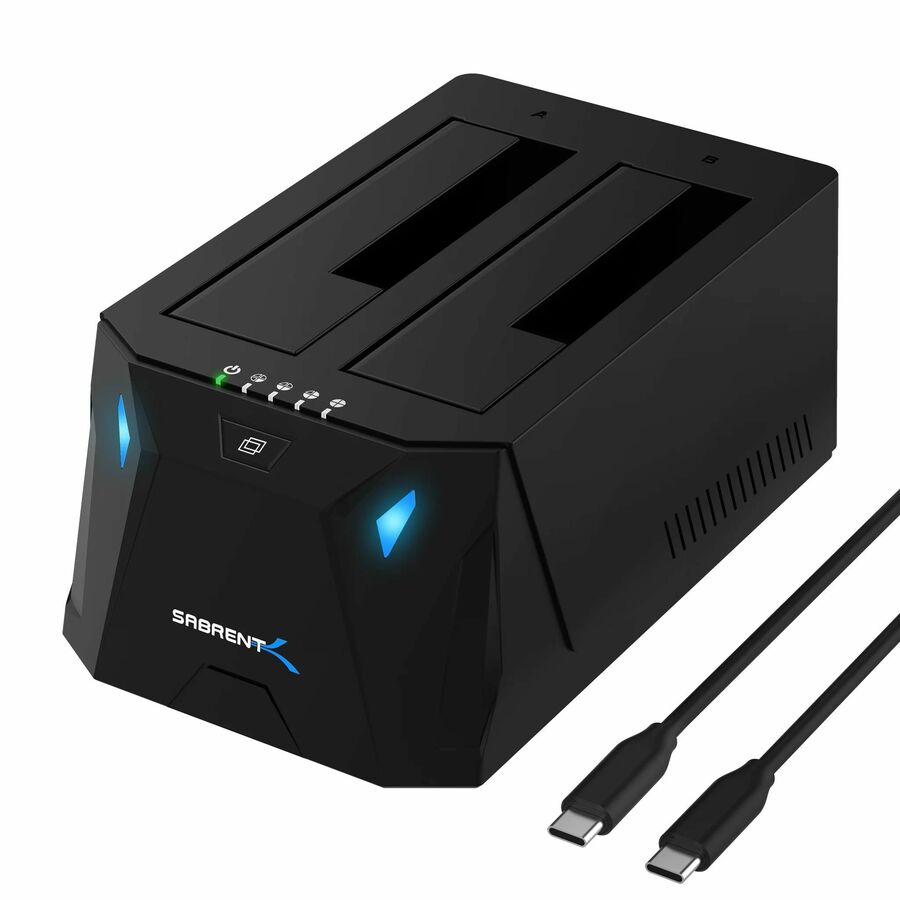
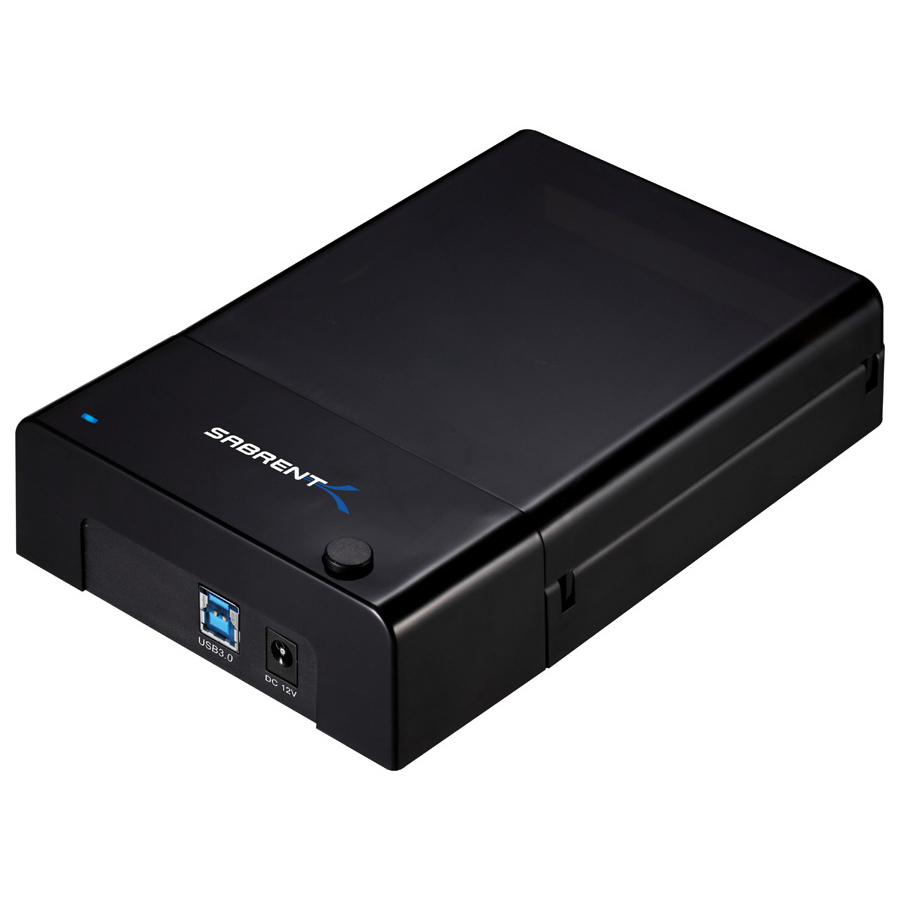


Need pricing on external drive enclosures and docks?
Tell us where to reach you and a Uniqcli specialist will follow up by email with current pricing, availability and lead time for the quantities you need — including parts that aren’t shown on this page.
Buying for an organization or for yourself — both work. No payment up front.
An external enclosure is the tool that turns a bare drive back into something you can read. It is the least glamorous line on an IT requisition and one of the most used: a drive pulled from a machine that will not boot, a disk out of a decommissioned laptop that has to be wiped before it leaves the building, a spare SSD that becomes the fastest way to move a user's profile, a migration in the field where the new machine is on the desk and the old one is in pieces beside it. A store cupboard without one of these is a store cupboard where somebody has to build a whole PC to read a disk.
Three shapes cover almost every use, and the shape is what to choose on. A sealed single-bay enclosure holds one drive permanently and travels — it is a portable drive you assembled yourself, which matters when the capacity or the drive model is dictated rather than chosen. A dock is the bench tool: the drive drops into a slot from the top, is read, and comes back out, which is what you want when the drive changes several times a day. And an M.2 or NVMe enclosure exists because modern drives are not 2.5-inch bricks any more — a stick of flash needs its own kind of housing, and the interface generation on that housing decides whether an NVMe drive runs at NVMe speeds or at the speed of the bridge in front of it.
The selection below is a spec-verification exercise and nothing more — nothing here was tested, timed or ranked by opinion. The grid is fenced to the parts whose own catalog titles say external, which is what keeps this heading true of the cards under it and keeps the far larger population of internal mobile racks and rack-mount JBOD chassis on the other side of the line where they belong. Live pricing renders on each card from the catalog index rather than from this copy.
Buyer's checklist
How to choose an external drive enclosure or dock
- Pick the shape by how often the drive changes. A sealed enclosure is right when one drive lives in it; a top-loading dock is right when the drive changes several times a day, which is the bench and the wipe-and-dispose workflow. Buying the wrong one is not a failure, just a screwdriver you did not need to reach for.
- Match the drive form factor exactly: 2.5-inch, 3.5-inch, M.2 SATA or M.2 NVMe are four different housings and the titles here state which. An M.2 SATA enclosure will not run an NVMe stick and vice versa — they use the same physical slot and different signalling, which is why this is the most common mis-order in the category.
- Read the interface generation, not just the connector shape. These titles distinguish USB 3.0 at 5 Gbps, USB 3.1 and 3.2 Gen 2 at 10 Gbps, and USB4 at 40 Gbps. A fast NVMe drive behind a 5 Gbps bridge delivers 5 Gbps, and on a bench that images machines all day that difference is measured in staff hours.
- Check whether UASP is stated on the part. The USB Attached SCSI Protocol is what lets a drive queue commands rather than handling them one at a time, and on the same hardware it is a large real-world difference for anything doing many small reads and writes — several parts here state it in their own titles.
- For 3.5-inch drives, plan the power. A 2.5-inch drive runs off the port; a 3.5-inch drive generally needs an external supply, and a dock supporting both is carrying a power brick that has to travel with it or live at the bench.
- Count the bays against the workflow rather than the drive count. Multi-bay docks earn their price where several drives are read, cloned or wiped in one pass, and they turn a queue of one-at-a-time jobs into a single batch — but a four-bay dock at a seat that reads one drive a week is a bigger box than the job needs.
- Standardize on one part number per shape and keep spares in the drawer. An enclosure is a shared tool that walks off, and a bench with three different single-bay cases is three sets of cables; a depot, a refurbishment line or a district-wide disposal programme is better served by one part number ordered in quantity.
Enclosure, dock, mobile rack — three products in one catalog category
The catalog category behind this page holds three quite different device classes, and knowing which one you are looking at prevents most bad orders. An external enclosure is a case a drive lives inside, connected to a host over USB, USB-C, eSATA or Thunderbolt; it is a portable drive you assemble. A dock is the same idea with the lid off — the drive is inserted from the top, used, and removed, so the tool stays at the bench and the drives come to it. Both of those are on this page. The third class is the internal mobile rack: a caged tray that occupies a 5.25-inch or 3.5-inch bay inside a chassis and gives hot-swap access to drives from the front of a machine. Those are titled Internal by their manufacturers, they are the numerical majority of the wider category, and they are deliberately outside this page's fence — they are a workstation and server build item, not something you carry to a desk.
Choosing between an enclosure and a dock comes down to the mount count. If a drive goes in and stays, buy an enclosure: it is sealed, it travels better and it does not present a bare drive's connector to whatever is on the desk. If drives come and go, buy a dock, and buy one whose slot takes both 2.5-inch and 3.5-inch drives, because the mixed pile at an IT bench always contains both. The wipe-and-dispose workflow in particular is a dock workflow — a technician processing a pallet of decommissioned machines is inserting and removing drives all day, and the difference between a top-loading slot and four screws per drive is the difference between an afternoon and a week.
Bridge speed, UASP and where the time actually goes
Every external enclosure contains a bridge chip that translates between the drive's native interface and the cable, and that bridge — not the drive — usually sets the ceiling. A SATA SSD saturates a USB 3.0 link, so a 5 Gbps enclosure is a perfectly sensible home for one. An NVMe drive does not: put a modern NVMe stick behind a 5 Gbps bridge and most of what you paid for it is unreachable. The titles on this page state the generation explicitly, from USB 3.0 at 5 Gbps through USB 3.1 and 3.2 Gen 2 at 10 Gbps to a USB4 enclosure at 40 Gbps, and matching that number to the drive is the single decision that determines whether an imaging bench finishes at four o'clock or at six.
UASP is the second half of the same question and it is cheaper. The USB Attached SCSI Protocol replaces the older mass-storage command set with one that supports command queuing, and on identical hardware it makes a substantial difference to workloads with many small operations — which is what cloning a system drive, running a wipe utility or scanning a disk actually is. Several parts here name it in their own titles, and where a title names it the feature is stated by the manufacturer rather than assumed by us. The host has to support it too, which every current operating system does.
Two smaller facts worth reading off the title before ordering. Aluminium bodies appear on many of these parts and are named on the title where present; on an SSD it is cosmetic, on a hard drive under sustained load it is the heatsink. And where a title states a maximum supported capacity — some of the 3.5-inch docks here do — that is the manufacturer's own figure and it is worth checking against the largest drive the estate actually contains, because a dock bought three refresh cycles ago may not address the disks arriving today.
The workflows these get bought for
Four jobs account for most of the volume. Recovery is the first and the most visible: a machine will not boot, the drive is probably fine, and an enclosure turns a crisis into a file copy. Migration is the second, and it is the one where speed pays — pulling a user's data off an old disk and onto a new machine is a queue at every refresh, and a bench that does it over a 10 Gbps or USB4 link rather than a 5 Gbps one clears that queue measurably faster. Asset disposal is the third, and the one with a compliance edge: every decommissioned machine's drive has to be sanitised or destroyed before the chassis leaves the building, and a multi-bay dock is what makes that a batch operation rather than a bottleneck. The fourth is simple capacity — a spare drive plus an enclosure is often the cheapest terabyte in the building, and it is a perfectly respectable way to hold a working set or an offline copy.
That last one deserves a caveat this page will not pretend around. A single external drive is a copy, not a backup, and it is the copy most likely to be sitting next to the machine it protects. Where the requirement is genuinely backup or archive rather than convenience, the conversation is about a second location, a retention rule and a restore you have actually tested — which is a storage-array or tape conversation rather than an enclosure one, and it is one we would rather have before the order than after the incident.
Uniqcli quotes the enclosures and docks, the drives that go in them, the cables and power supplies they need, and the wider storage the workflow eventually needs, on one document. Send the bench: what the technicians actually do in a day, which drive form factors turn up in the pile, and how many seats need one. It comes back as part numbers, availability, lead times and volume pricing, with screening tied to the specific part numbers rather than to a product family.
FAQ
Common questions
- What is the difference between an external enclosure, a dock and an internal mobile rack?
- An enclosure is a case the drive lives inside, connected to a computer over USB, USB-C, eSATA or Thunderbolt — effectively a portable drive you assembled. A dock takes the drive from the top, uses it and lets it out again, which is the right tool when the drive changes several times a day at a bench. An internal mobile rack is a different product entirely: a caged tray fitted inside a computer's own drive bay for hot-swap access from the front of the chassis. All three sit in the same catalog category, and this page is fenced to the parts whose own titles say external, so the internal racks are not in the grid.
- Will an M.2 enclosure take any M.2 drive?
- No, and this is the most common mis-order in the category. M.2 SATA and M.2 NVMe drives use the same physical slot and completely different signalling, so an enclosure built for one will not run the other — the drive simply does not appear. The titles on this page state which they are, and several say "M.2 SATA" or "PCI Express NVMe" outright. Check the drive you actually have before ordering: the key notch on the drive is a clue but not a reliable one, and the drive's own specification is the answer.
- Does the USB generation matter if I am only reading old drives?
- Less than you would think for a single old SATA disk, and a great deal for anything else. A SATA hard drive cannot saturate a USB 3.0 link, so a 5 Gbps enclosure is a perfectly good home for one. A SATA SSD gets close to that ceiling, and an NVMe drive is far past it — put a modern NVMe stick behind a 5 Gbps bridge and most of its speed is unreachable. If the bench images and migrates machines all day, the 10 Gbps and 40 Gbps parts on this page pay for themselves in staff time; if it reads the occasional legacy disk, they do not.
- Can I use an external enclosure as a backup?
- It is a copy, and a copy is worth having — but it is not by itself a backup, and the difference matters at the moment you need it. A single external drive typically sits next to the machine it protects, which means it shares that machine's fire, theft, flood and ransomware exposure, and it holds whatever was on it the last time somebody remembered. A backup has a second location, a retention rule that survives a mistake being noticed late, and a restore that has actually been performed. Where that is the requirement, the right conversation is about storage arrays, offsite copies or tape rather than about enclosures.
- Can business, government and education buyers order these?
- Every line Uniqcli quotes is sourced through US distribution and screened for TAA country-of-origin and NDAA §889 status before checkout — with documentation tied to the specific part number, not a product family.
Need external drive enclosures and docks pricing?
Send a bill of materials or part numbers — we confirm stock and a below-market total, with TAA verified on request. No payment up front.