
Best Portable SSDs for Field and Mobile Work
Bus-powered external SSDs for survey crews, inspectors, media teams and travelling staff — capacity, interface and hardware encryption read from each manufacturer's own title.
Portable SSDs in stock at Uniqcli
How to choose →A curated selection with live pricing — in-stock lines first, then back-ordered lines with a typical lead time. Every line is sourced through US distribution and screened for NDAA §889 status before checkout, with TAA verified on request.
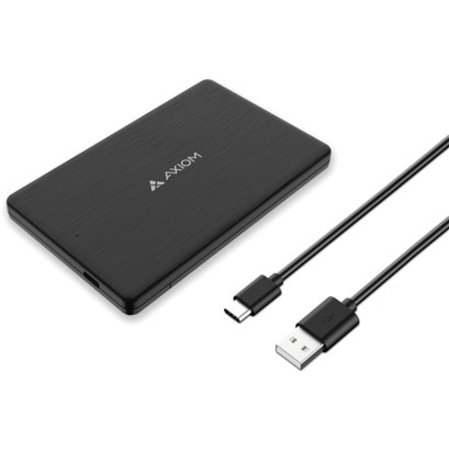
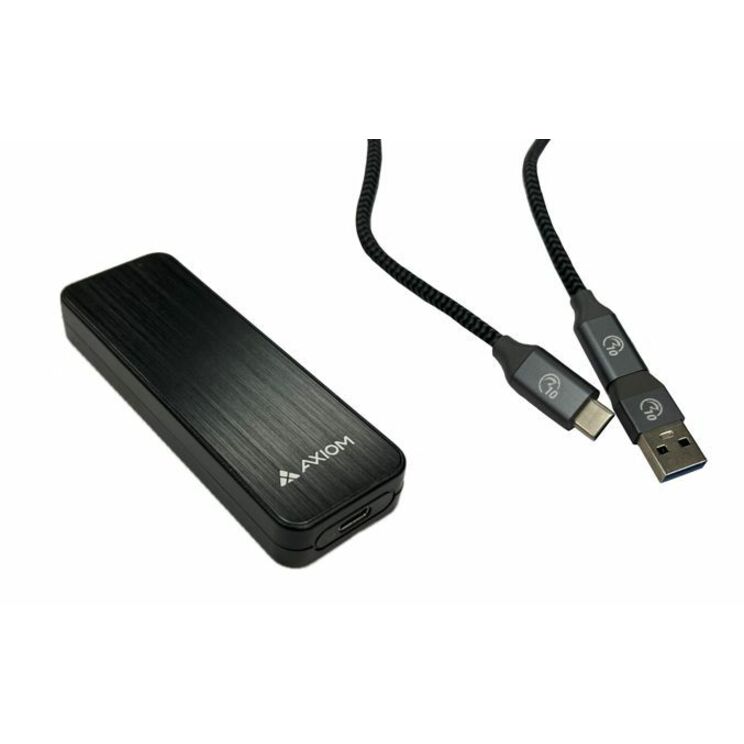
- Axiom Memory SolutionsAxiom 500 GB Portable Solid State Drive - M.2 External - USB 3.1 (Gen 2) Type CUSBC31M2500-AX
$165.00
$142.22
1 in stock - Axiom Memory SolutionsAxiom 250 GB Portable Solid State Drive - M.2 External - USB 3.1 (Gen 2) Type CUSBC31M2250-AX
$210.00
$180.69
27 in stock - Kingston TechnologyKingston XS1000 1 TB Portable Solid State Drive - External - USB 3.2 (Gen 2) - 1050 MB/s Maximum Read Transfer RateSXS1000/1000G
$341.00
$272.80
482 in stock - Axiom Memory SolutionsAxiom 500 GB Portable Solid State Drive - ExternalAXG100506
$734.00
$292.11
38 in stock

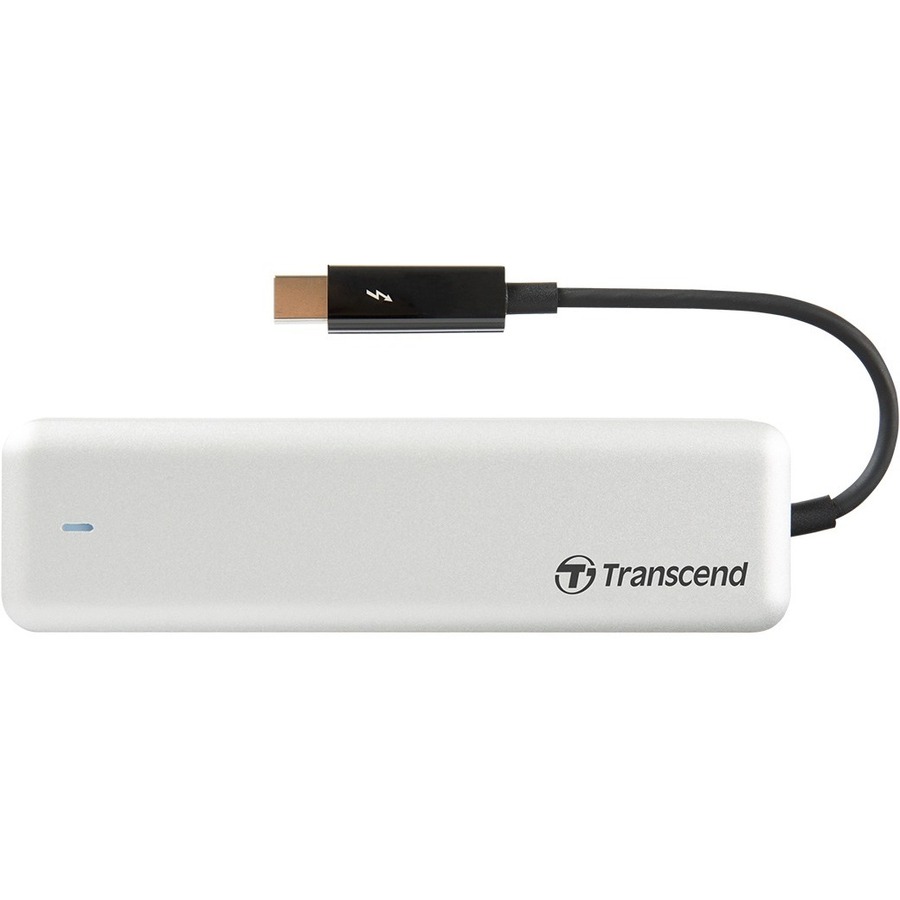
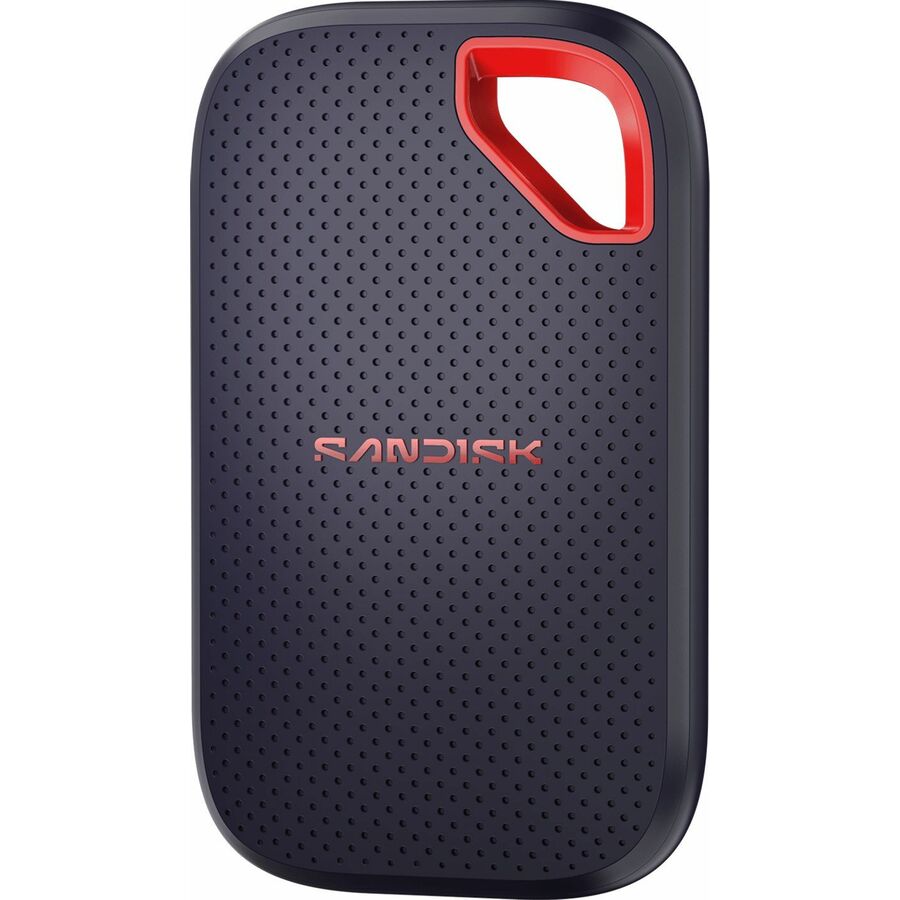

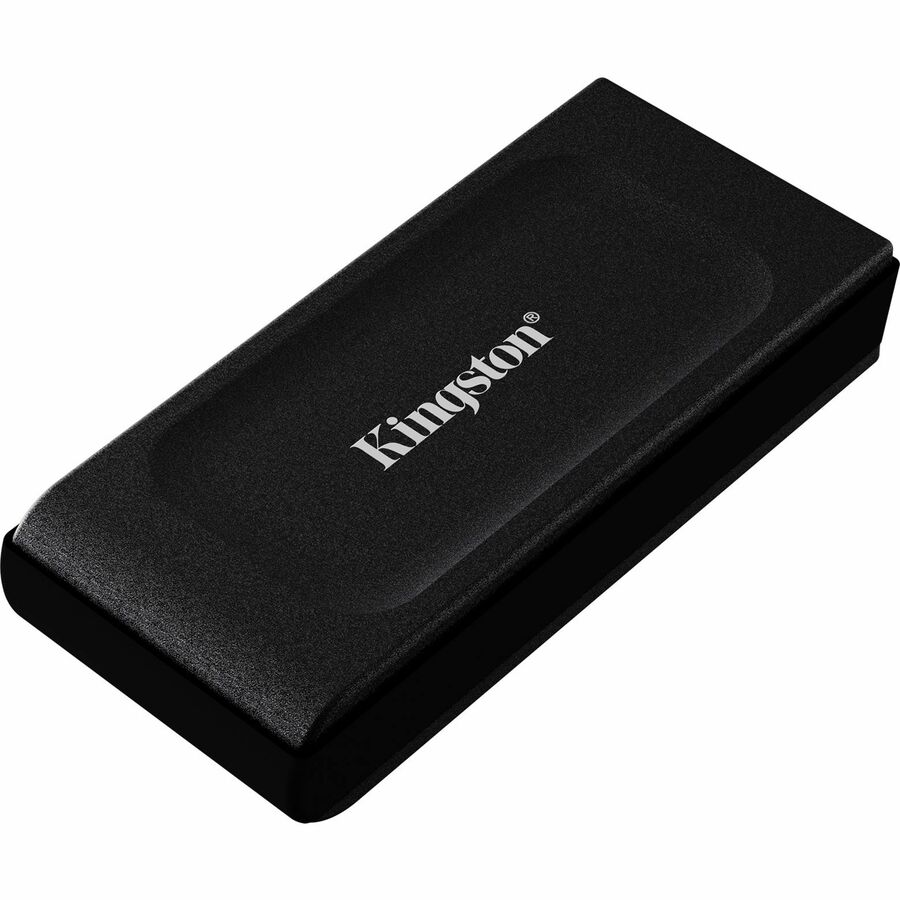
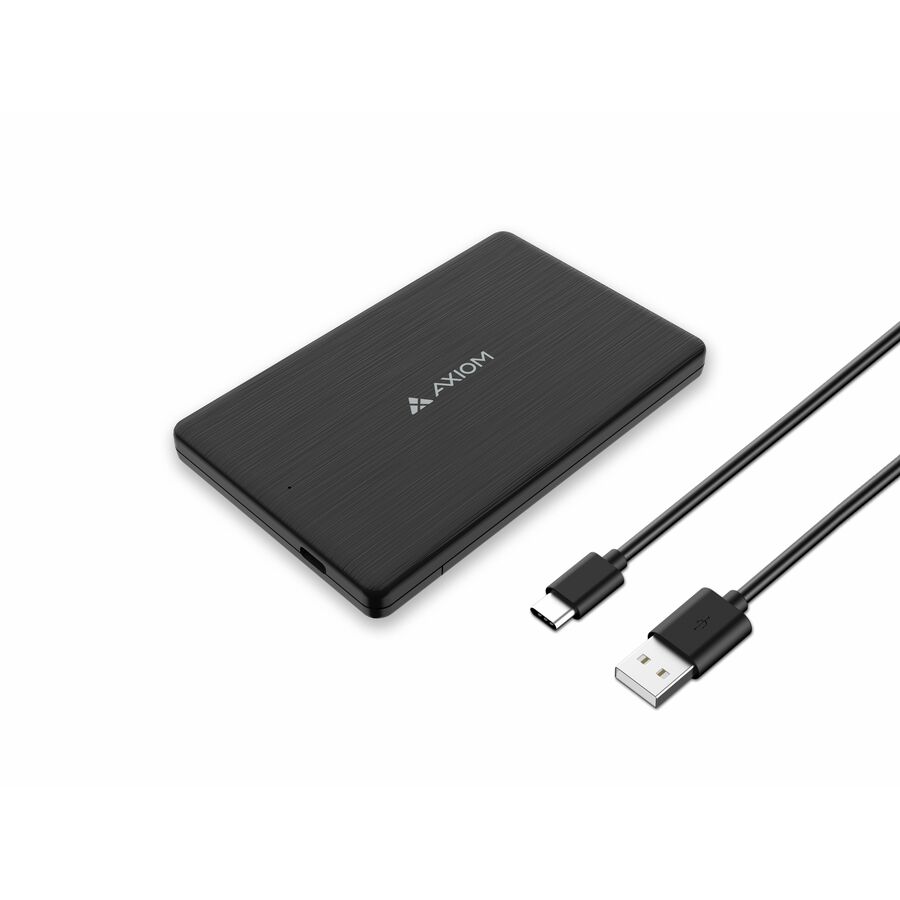
Pocket capacity, USB-C
Transcend Information
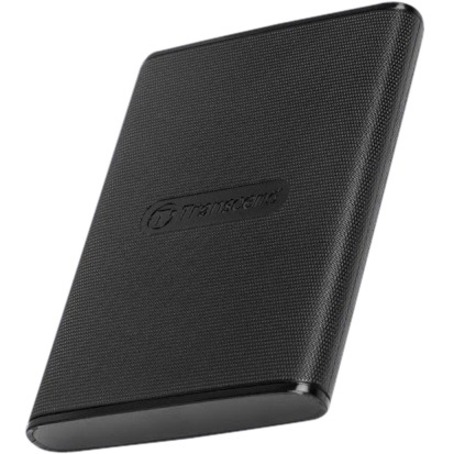
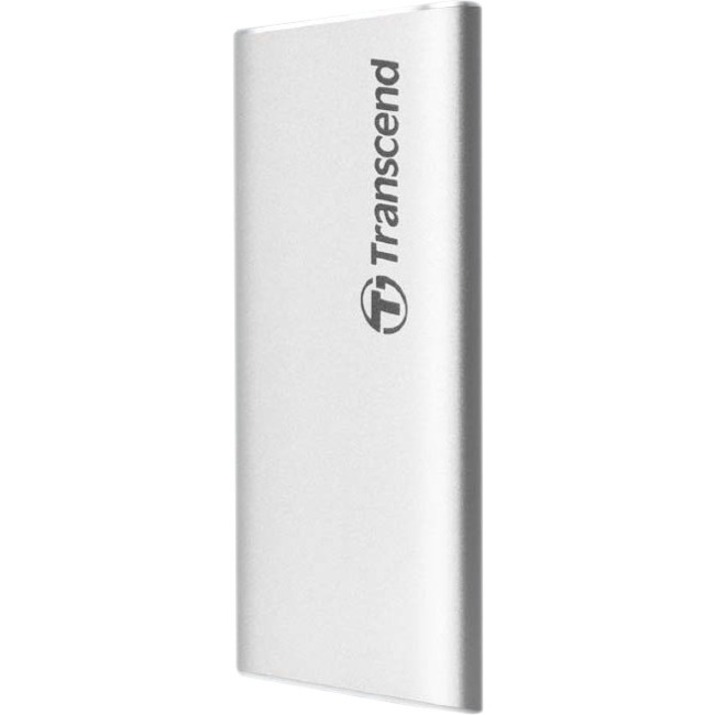
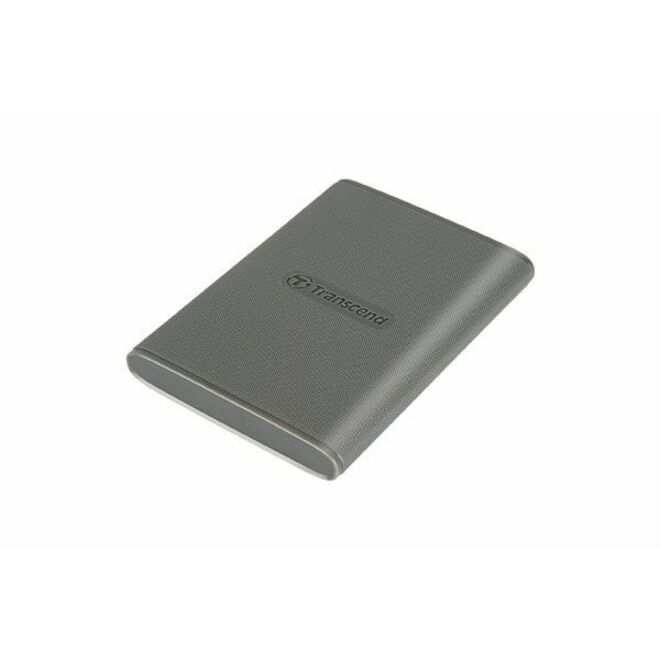
Transcend ESD260C 250 GB Portable Solid State Drive
TS250GESD260C
The entry shape: 250 GB in an external body on USB 3.1 Gen 2 with a stated maximum read of 520 MB/s. A modest capacity to hand out widely, which is also the reason to buy spares with it.
$106.13Back-ordered4 TB, USB 3.2 Gen 2
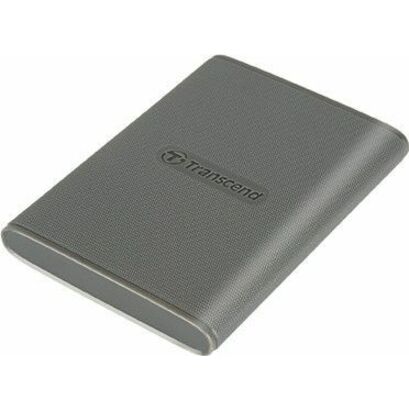
Transcend Information
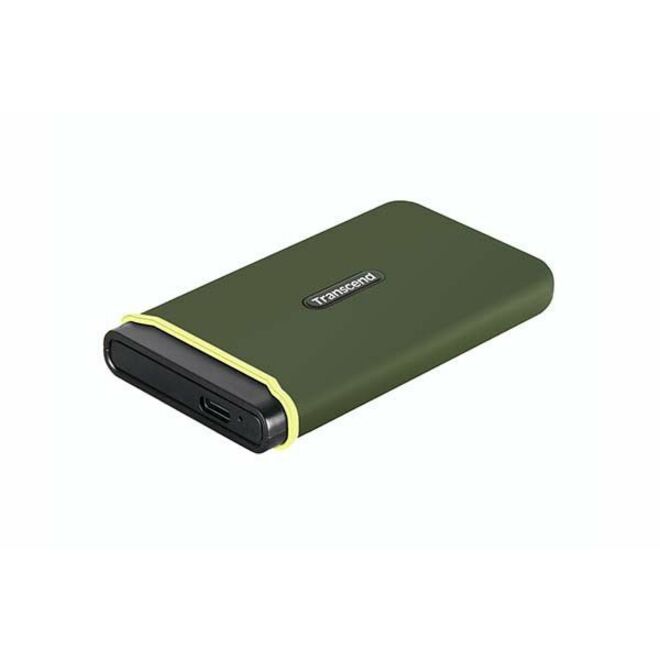
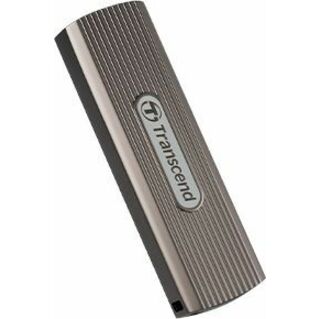
Transcend ESD360C 4 TB Portable Solid State Drive
TS4TESD360C
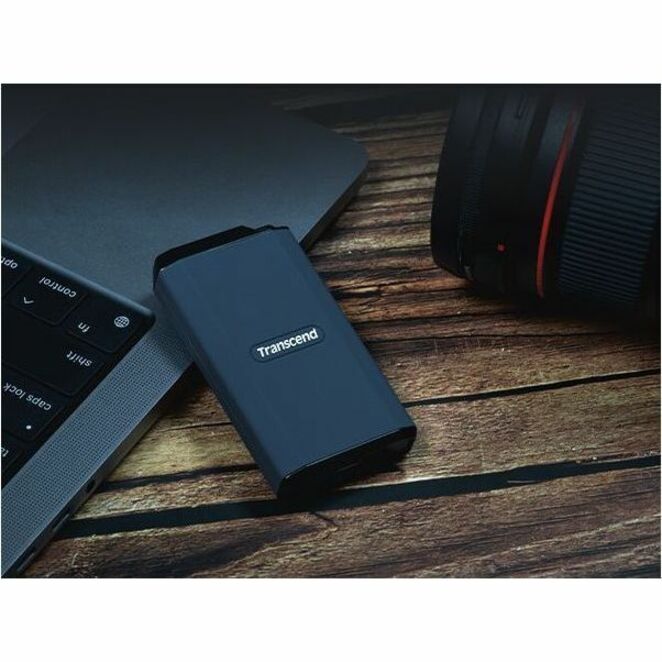
Four terabytes in an external drive on USB 3.2 Gen 2, with notebooks, tablets, smartphones and gaming consoles named as supported devices on the part itself — the capacity a video or imaging crew stops worrying about.
$1,905.90In stock512 GB, encrypted
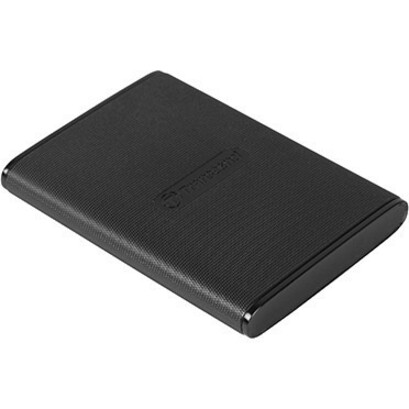
Transcend Information
Transcend ESD270C 500 GB Portable Solid State Drive
TS500GESD270C
A 512 GB external drive on USB 3.1 Gen 2 Type-C whose own title states a 256-bit encryption standard — the middle ground between an ordinary pocket drive and a keypad unit, for data that should not simply be readable if the drive is lost.
$182.11Back-ordered1 TB M.2, USB-C
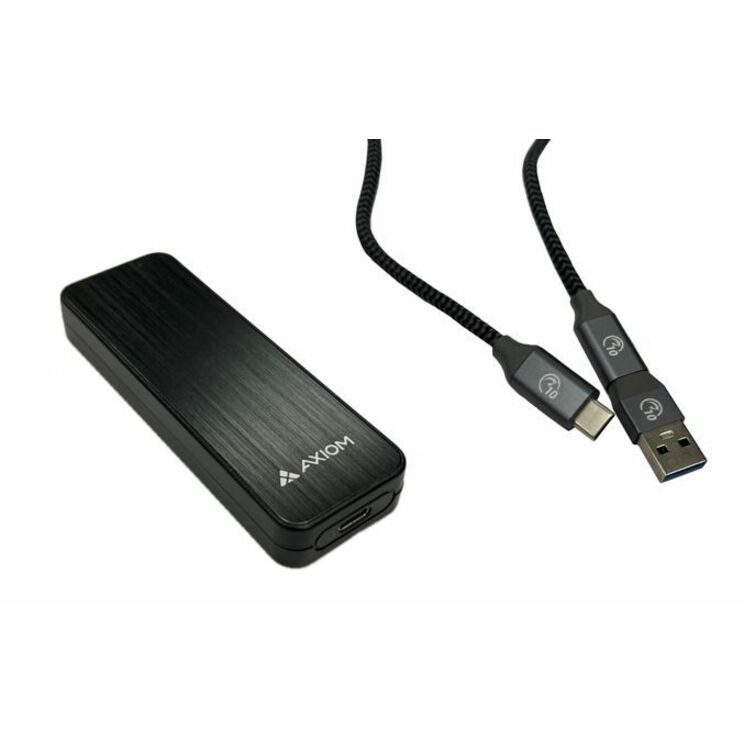
Axiom Memory Solutions
Axiom 1 TB Portable Solid State Drive
USBC31M21TB-AX
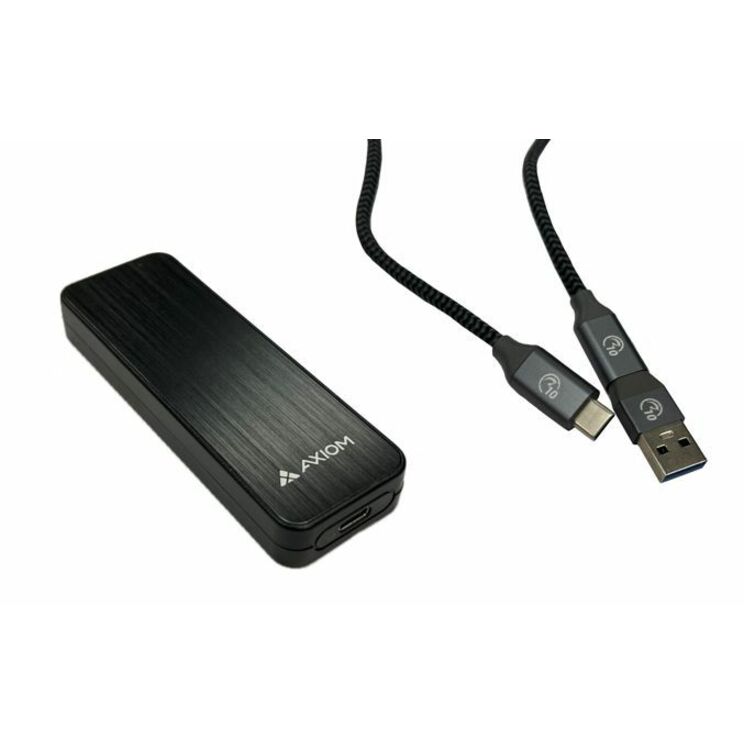
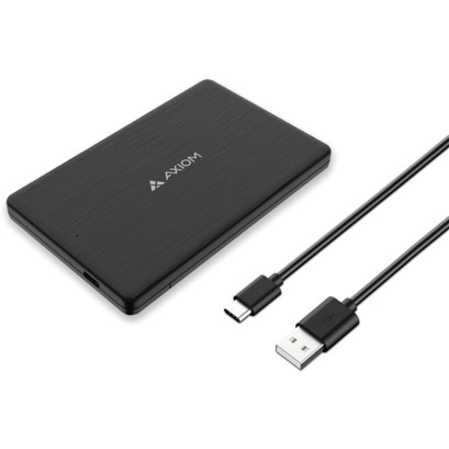
A 1 TB external drive built on M.2 flash and connected over USB 3.1 Gen 2 Type-C — the straightforward one-terabyte working drive, with the construction stated on the part rather than left to the housing to imply.
$554.32In stock250 GB, TAA-titled
Axiom Memory Solutions
Axiom 250 GB Portable Solid State Drive
AXG100505
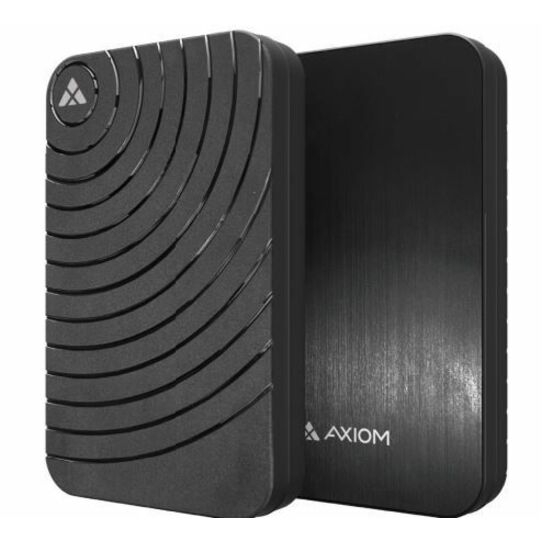
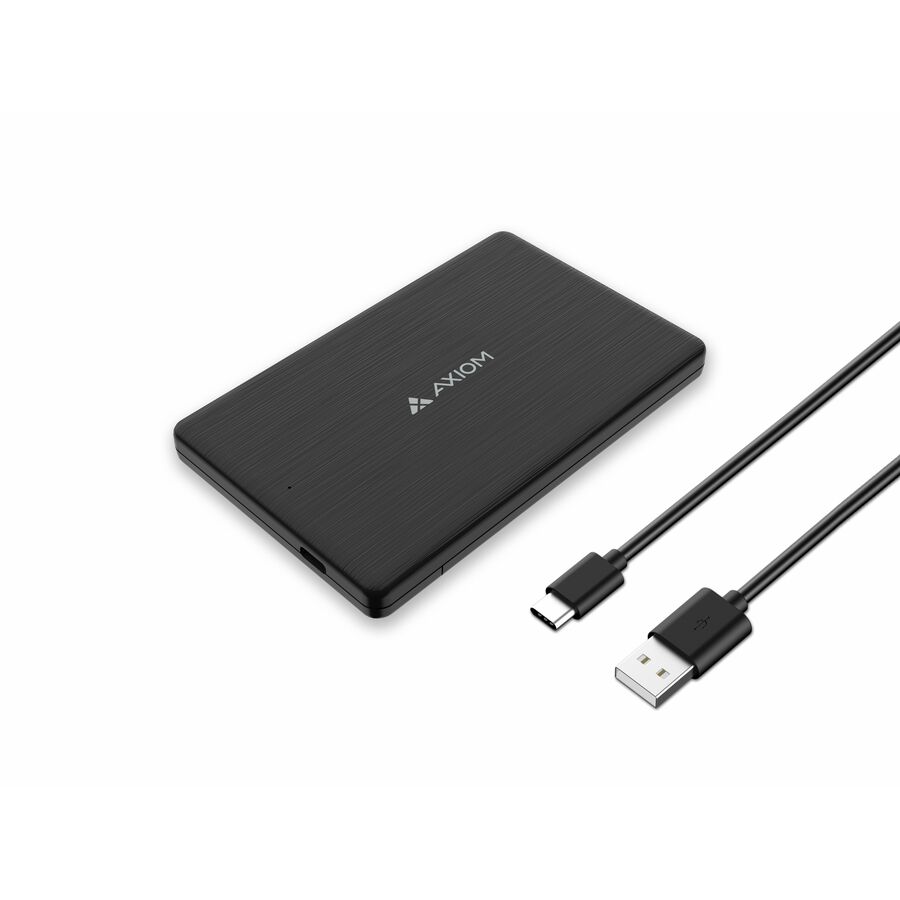
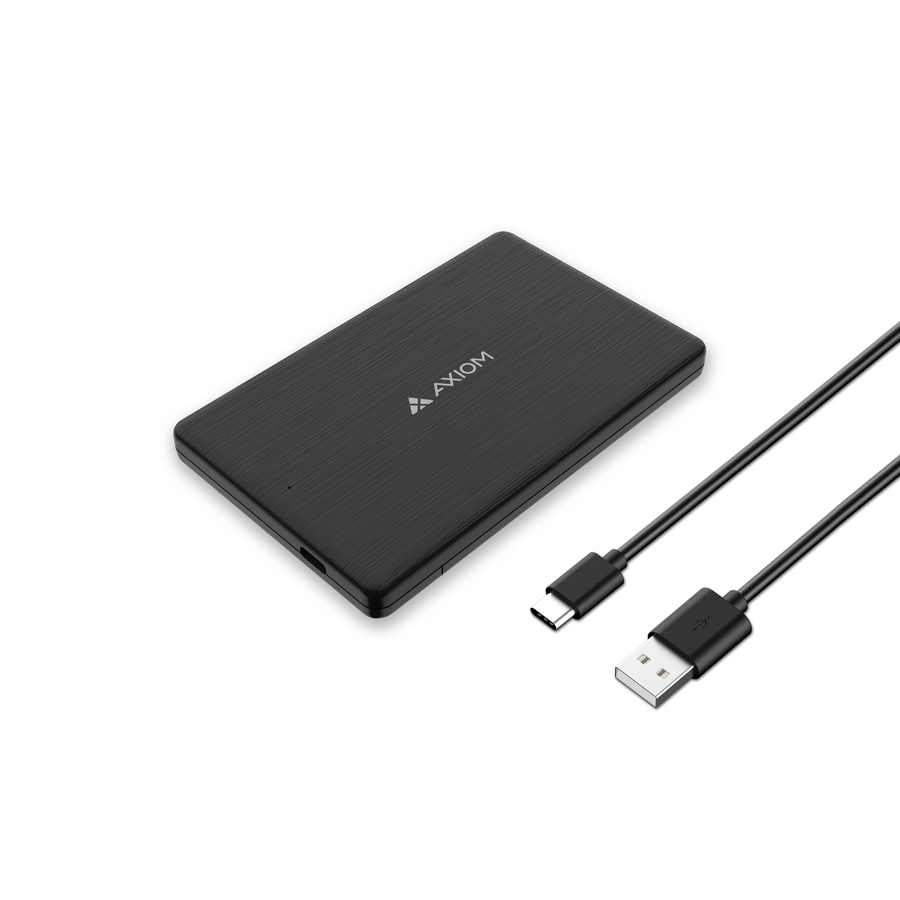
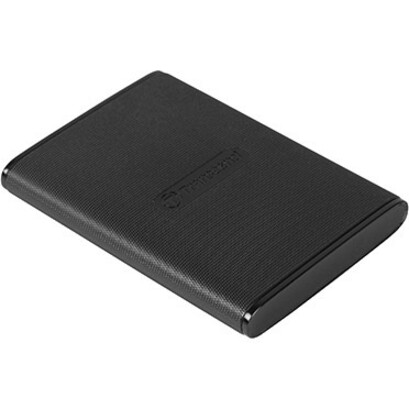
A 250 GB 2.5-inch external drive on SATA/600 over USB 3.1 Gen 2 Type-C in a black body, with a three-year warranty stated on the part — a modest capacity whose value here is the designation carried in its own title.
Titled TAA Compliant by the manufacturer — verify the designation on the exact part number on your order.
$176.72*In stock1 TB, both connectors
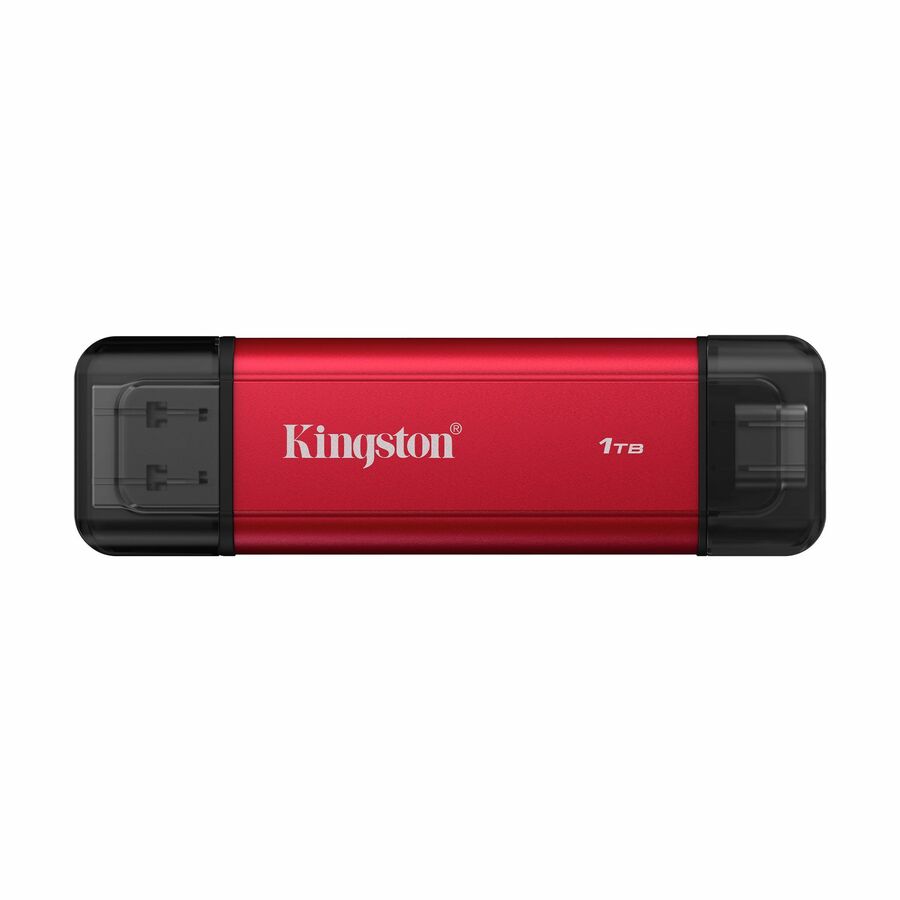
Kingston Technology
Kingston 1 TB Portable Solid State Drive
SPSD/1TB
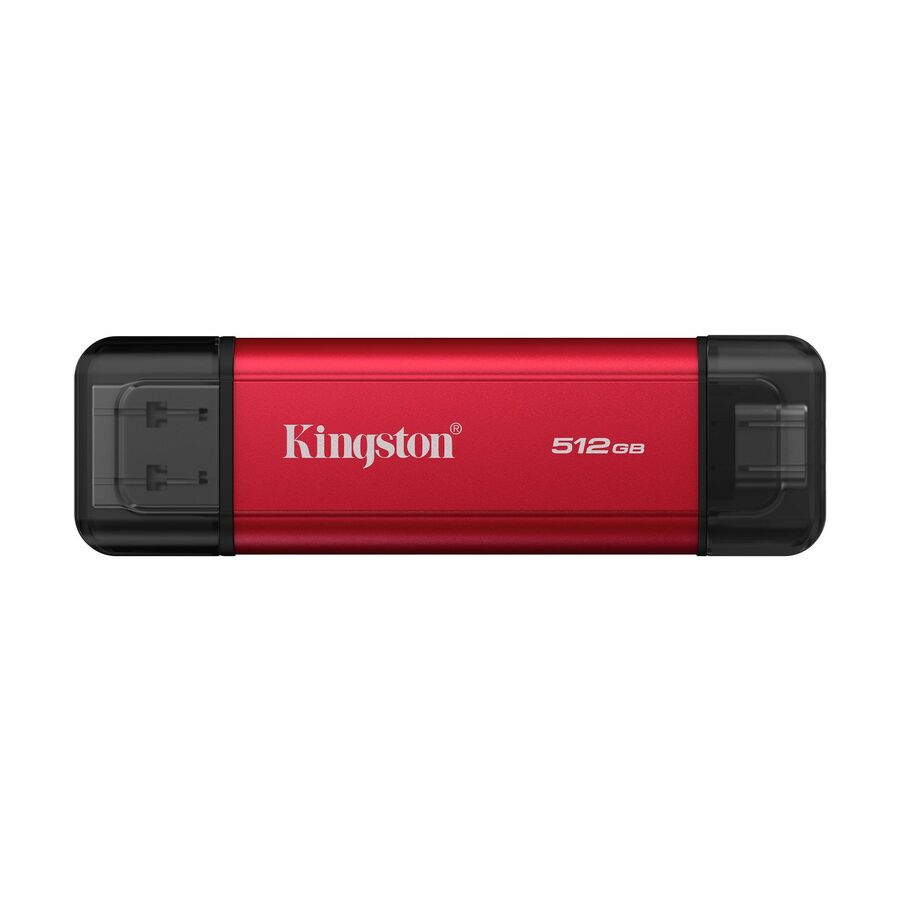
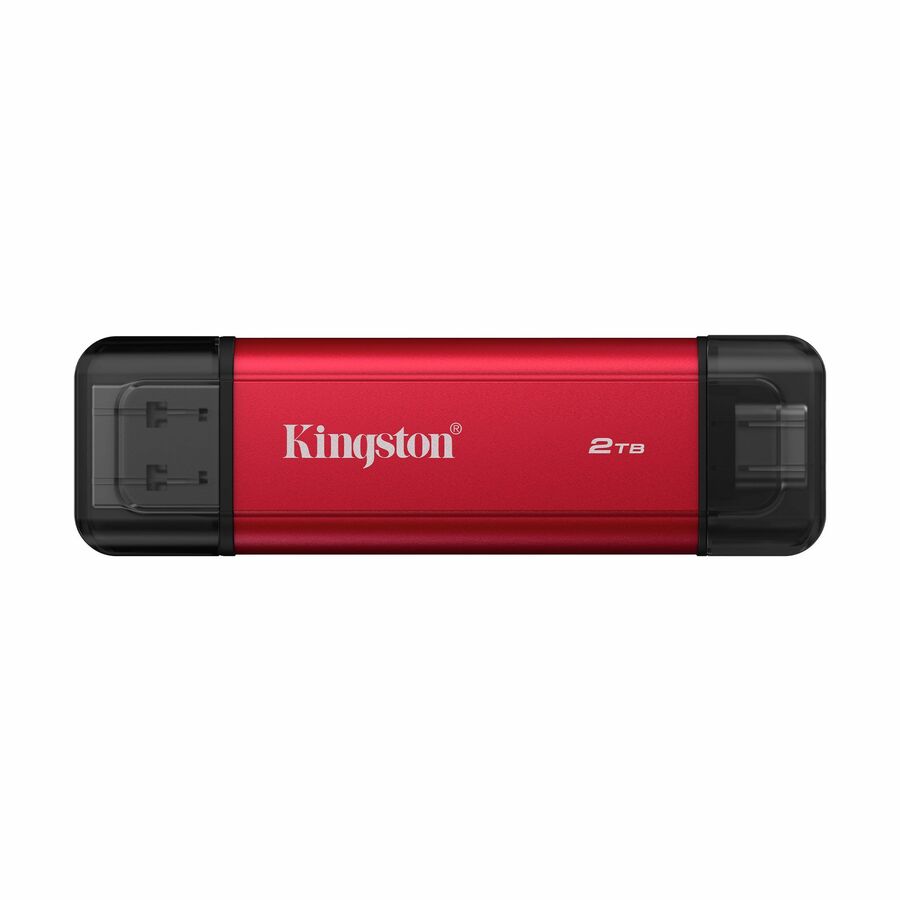
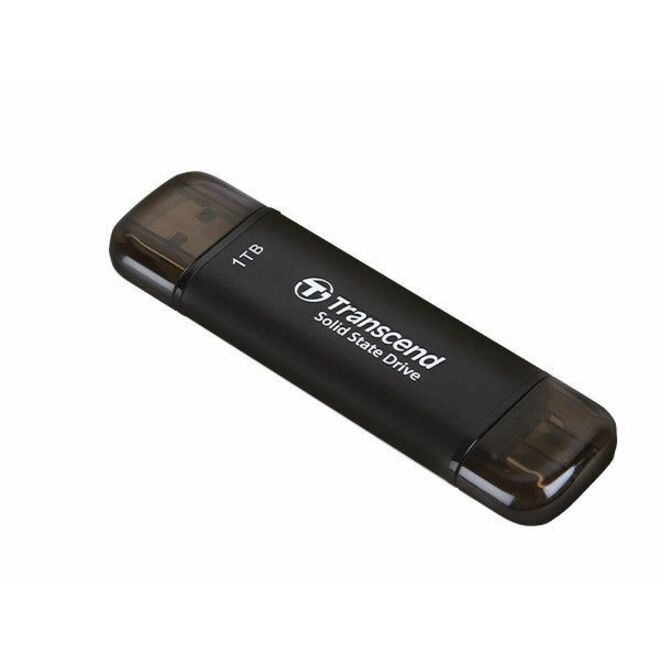
One terabyte with both USB 3.2 Gen 2 Type-A and Type-C stated on the same part and a maximum read of 1050 MB/s, with notebooks, desktops and smartphones named as supported. The mid-refresh answer: one part number that lands on old and new machines.
$272.80Back-ordered2 TB, 1050 MB/s
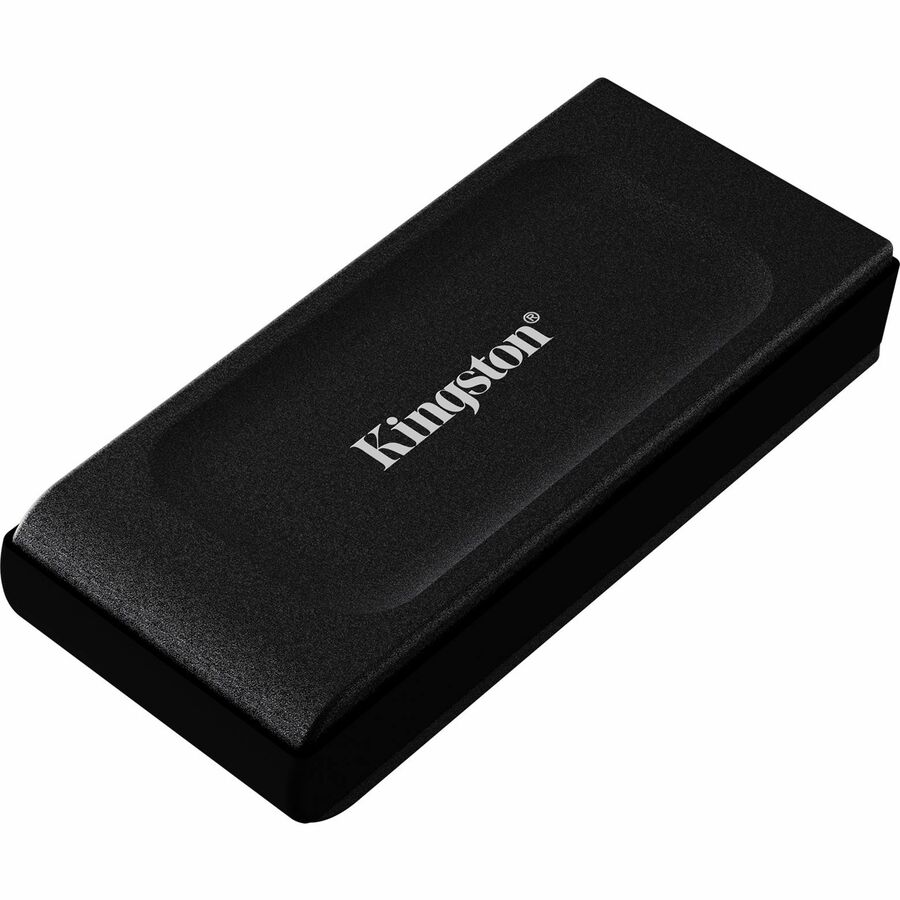
Kingston Technology
Kingston XS1000 SXS1000/2000G 2 TB Portable Solid State Drive
SXS1000/2000G
Two terabytes on USB 3.2 Gen 2 with a stated maximum read of 1050 MB/s in a black body, with storage systems named as a supported device on the part — capacity and interface speed together, for a travelling analyst or a photographer.
$453.60Back-ordered960 GB, PIN keypad
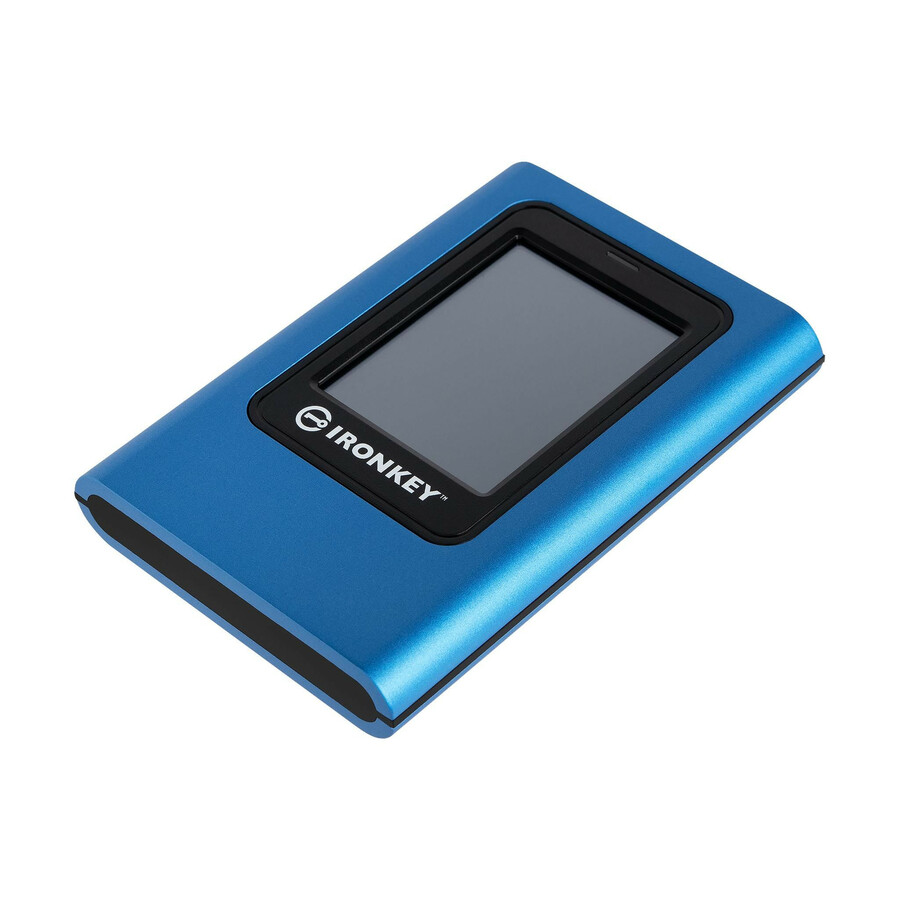
Kingston Technology
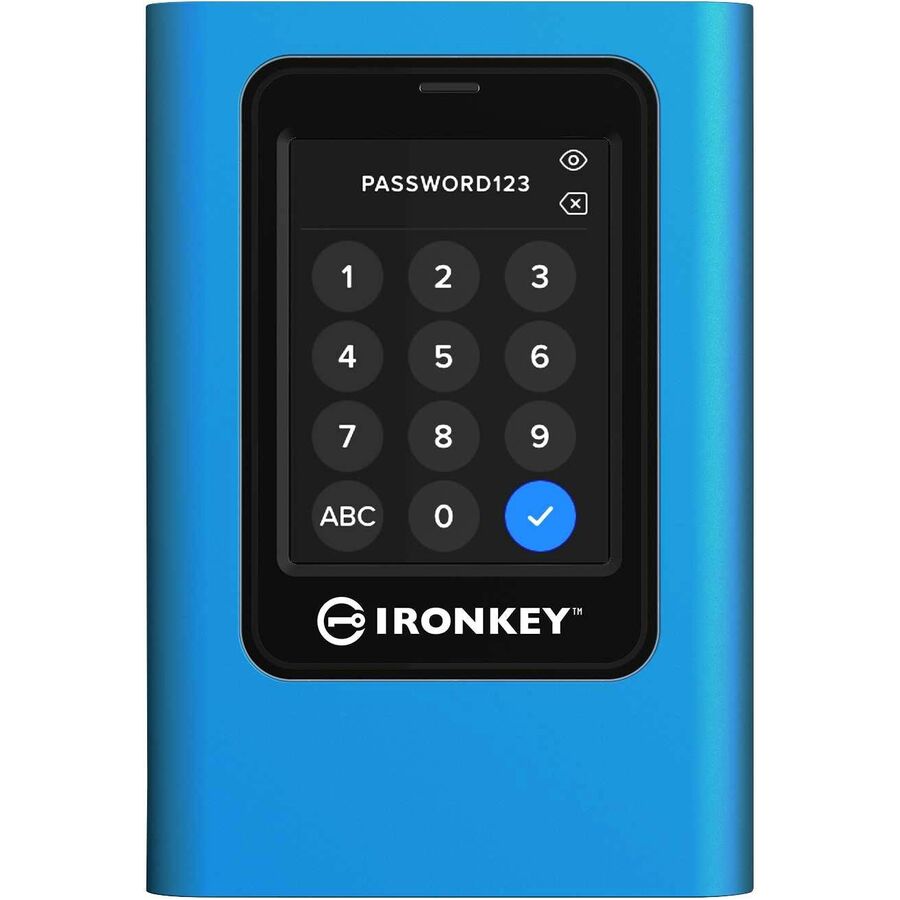
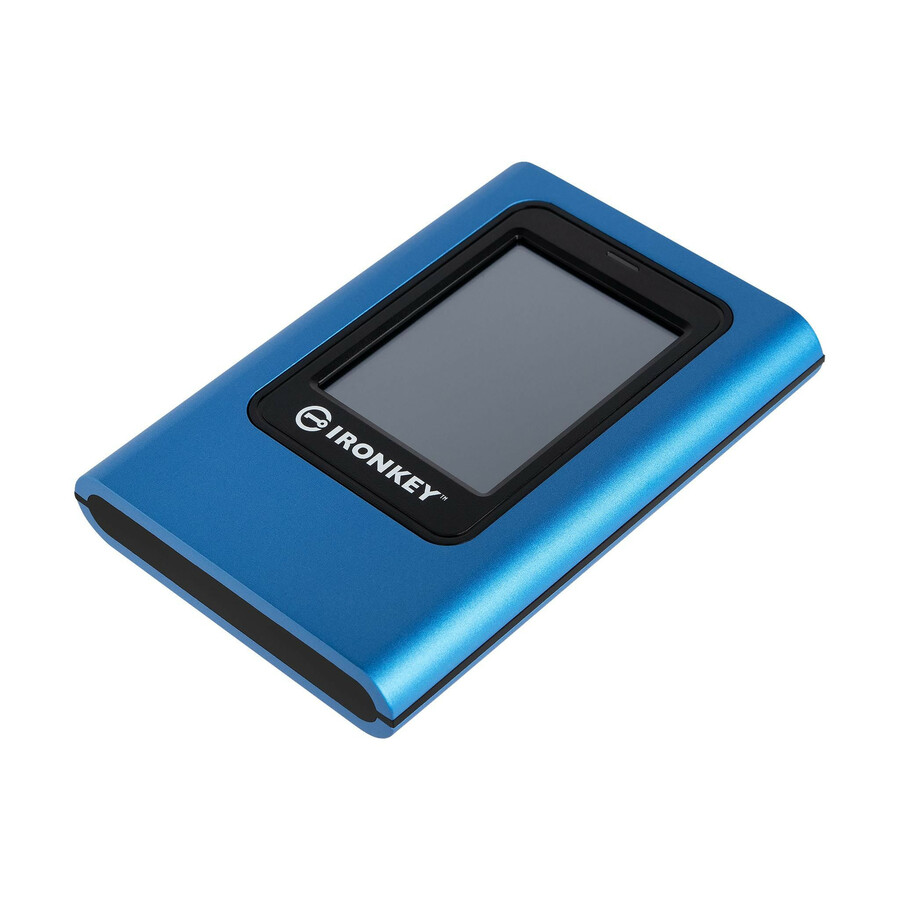
IronKey Vault Privacy 80 IKVP80ES/960G 960 GB Portable Solid State Drive
IKVP80ES/960G
960 GB on USB 3.2 Gen 1 with a 256-bit AES encryption standard and a three-year warranty stated on the part, and a stated maximum read of 250 MB/s — a drive bought for what it protects rather than for how fast it moves.
$488.80In stock1 TB, USB 3.2 Gen 2x2
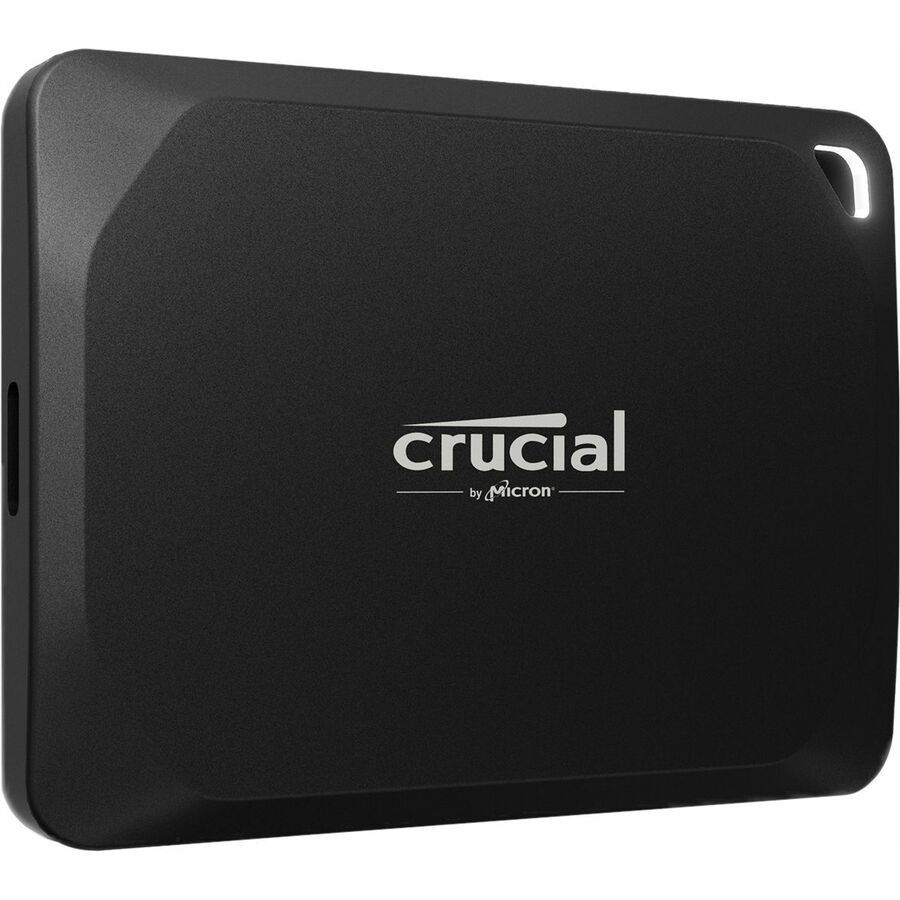
Micron Technology
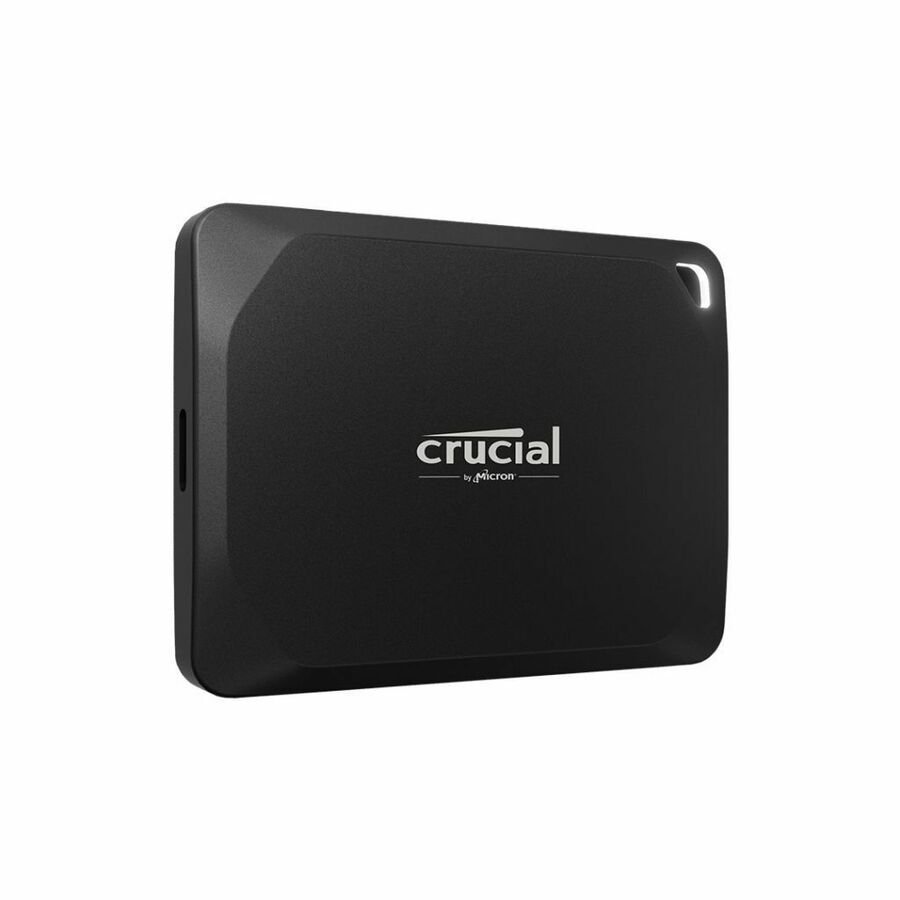
Crucial X10 Pro CT1000X10PROSSD9 1 TB Portable Solid State Drive
CT1000X10PROSSD9
A 1 TB external drive on USB 3.2 Gen 2x2 over USB Type-C with 256-bit AES encryption stated on the part — Gen 2x2 is the faster of the two current USB ceilings, and it is worth checking the host ports before paying for it.
$1,953.34Back-ordered2 TB pro, 1050 MB/s
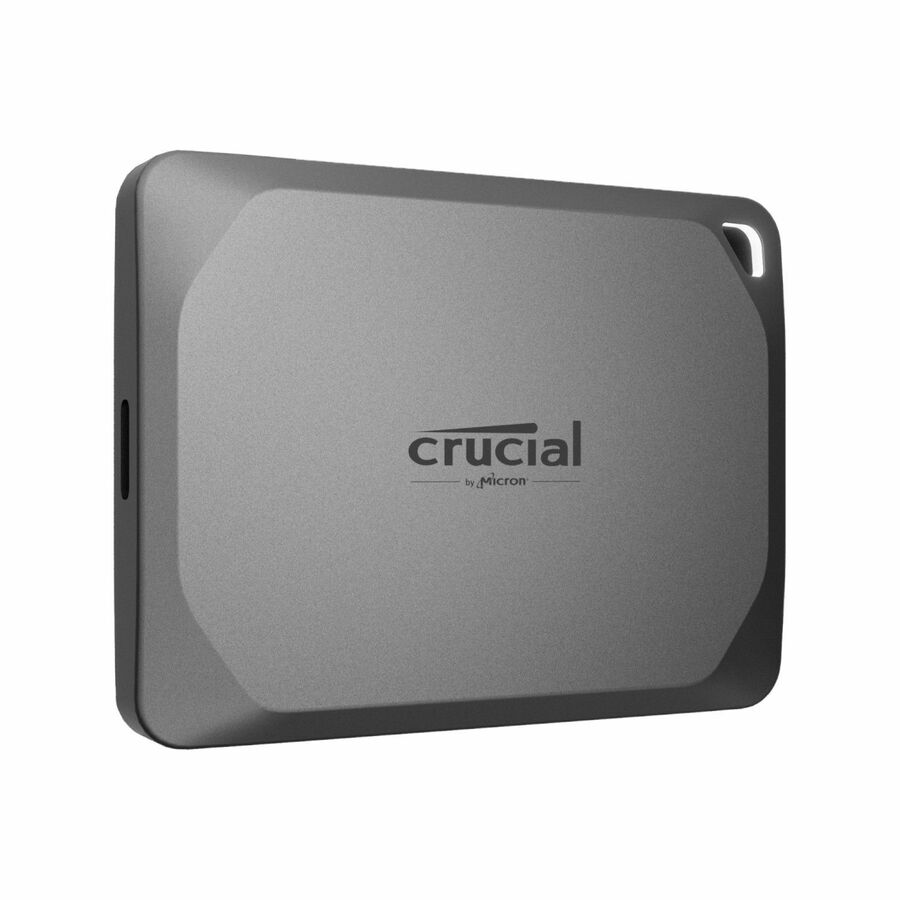
Micron Technology
Crucial X9 Pro 2 TB Portable Solid State Drive
CT2000X9PROSSD9
Two terabytes on USB 3.2 Gen 2 with a stated maximum read of 1050 MB/s in a grey body, with Mac and desktop support named on the part — a straightforward high-capacity working drive for media and analysis.
$980.84Back-ordered2 TB, NVMe inside
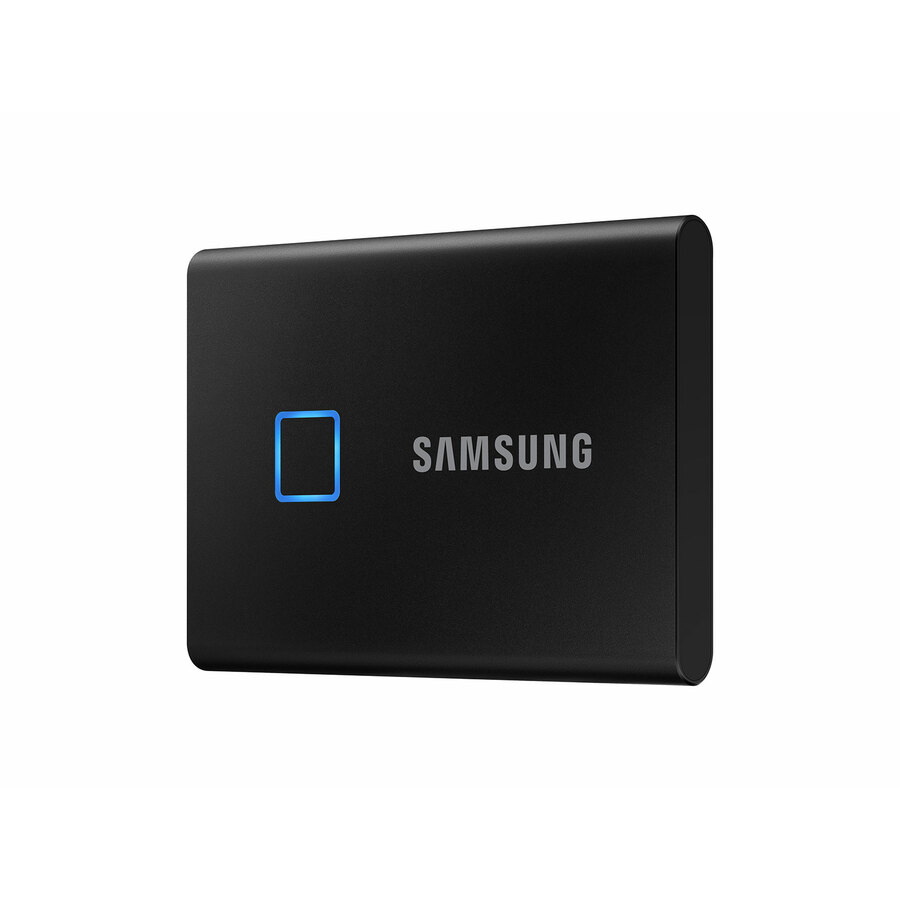
Samsung
Samsung T7 MU-PC2T0K/WW 2 TB Portable Solid State Drive
MU-PC2T0K/WW
Two terabytes of PCI Express NVMe in an external body on USB 3.2 Gen 2 Type-C, with a 256-bit encryption standard and a three-year warranty stated on the part. The long-standing default for a travelling working set.
$1,140.93In stock1 TB, PIN protected
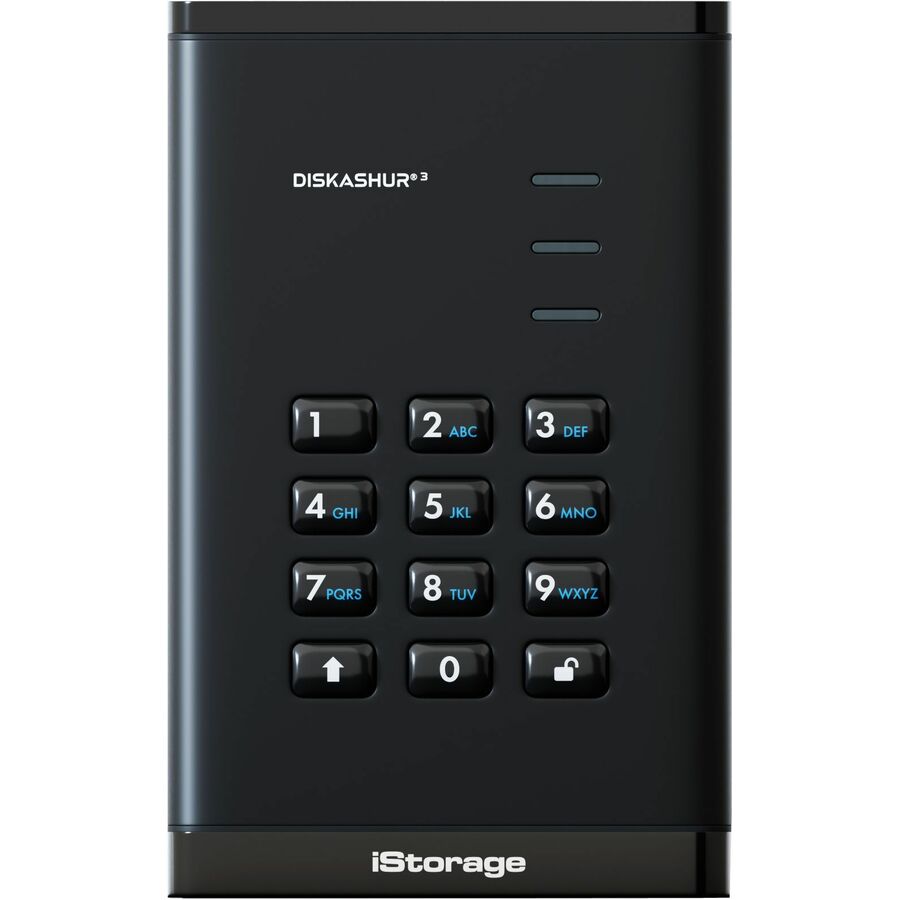
iStorage/Kanguru
iStorage diskAshur3 1 TB Portable Solid State Drive | Black |…
IS-DA3-256-SSD-1000-B
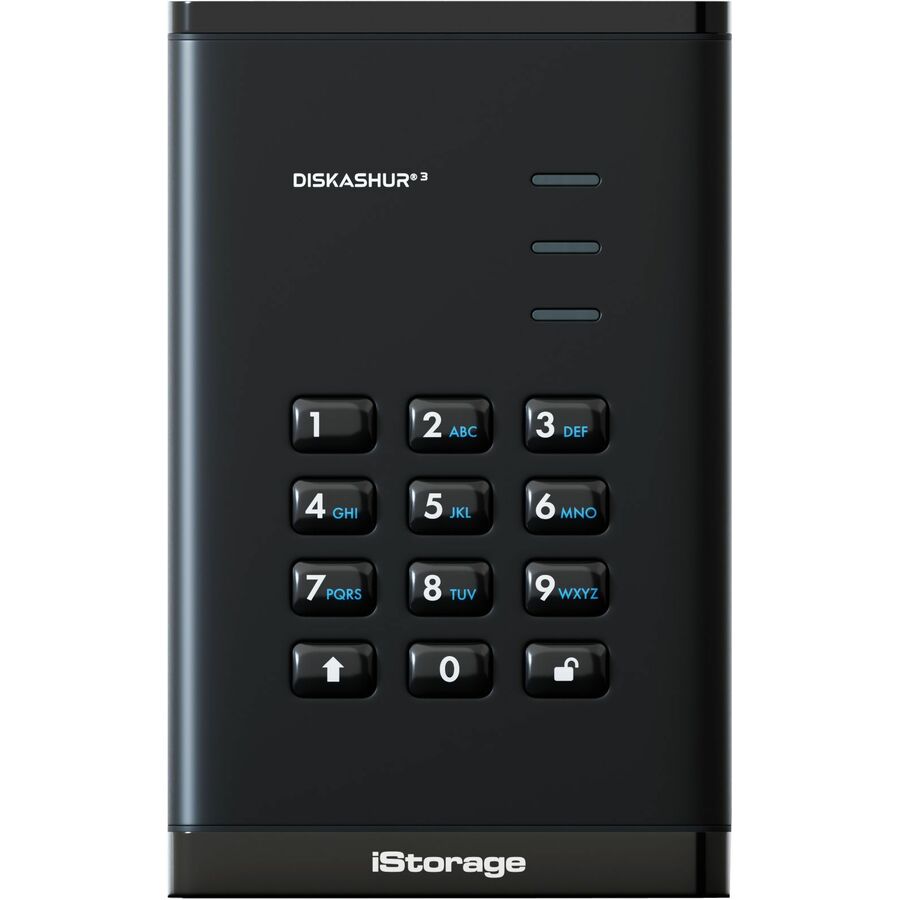
A 1 TB drive whose title states PIN protection, AES 256-bit full-disk hardware encryption, Common Criteria EAL 5+ incorporation and dust and water resistance — the specification to reach for when the drive itself must be the safeguard.
$454.05*In stock1 TB, TAA-titled PIN
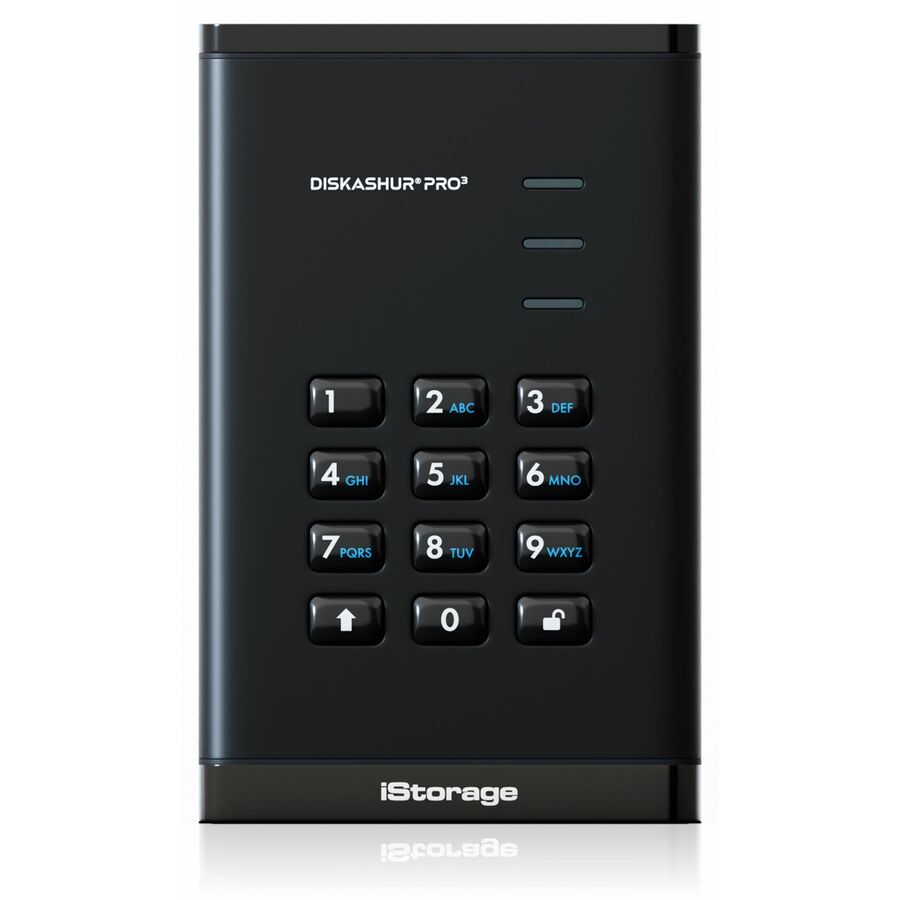
iStorage/Kanguru
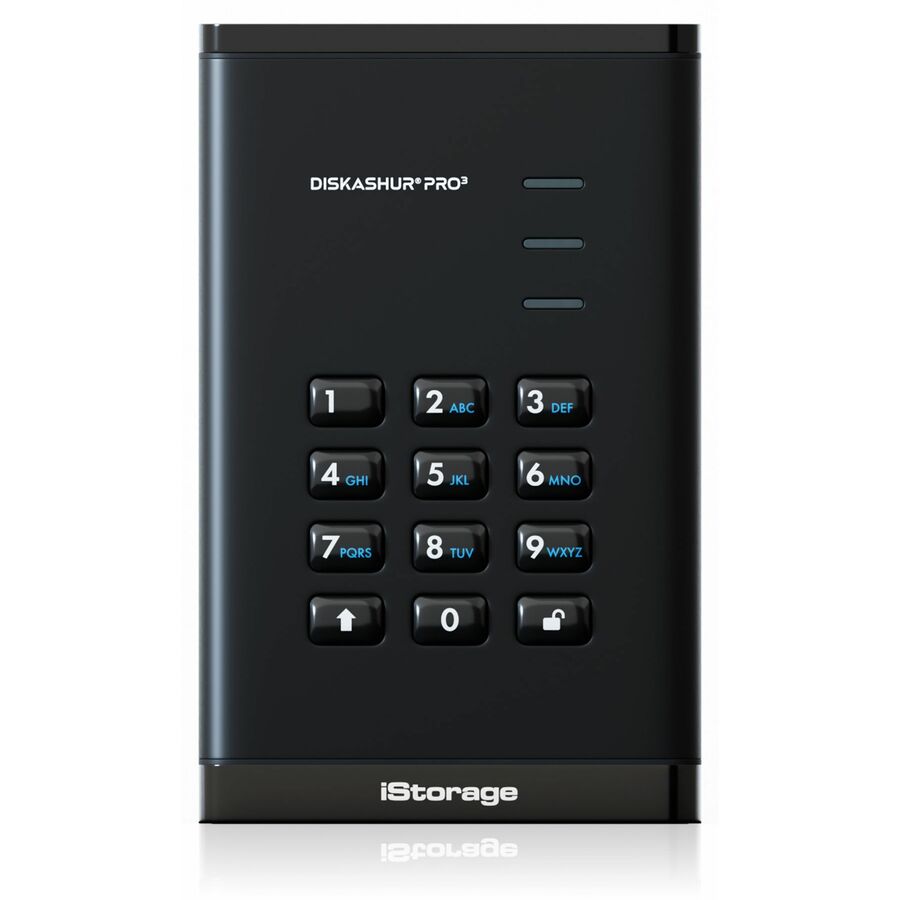
iStorage diskAshur PRO3 1 TB Portable Solid State Drive | FIPS 140-3…
IS-DAP3-256-SSD-1000-F
The professional variant of the same 1 TB keypad drive, again PIN protected and dust and water resistant, with the TAA designation stated in the manufacturer's own title alongside it.
Where a cryptographic validation is a programme requirement, confirm it for the exact module against the NIST CMVP listing rather than from a title.
$607.16*In stock1 TB rugged, TAA
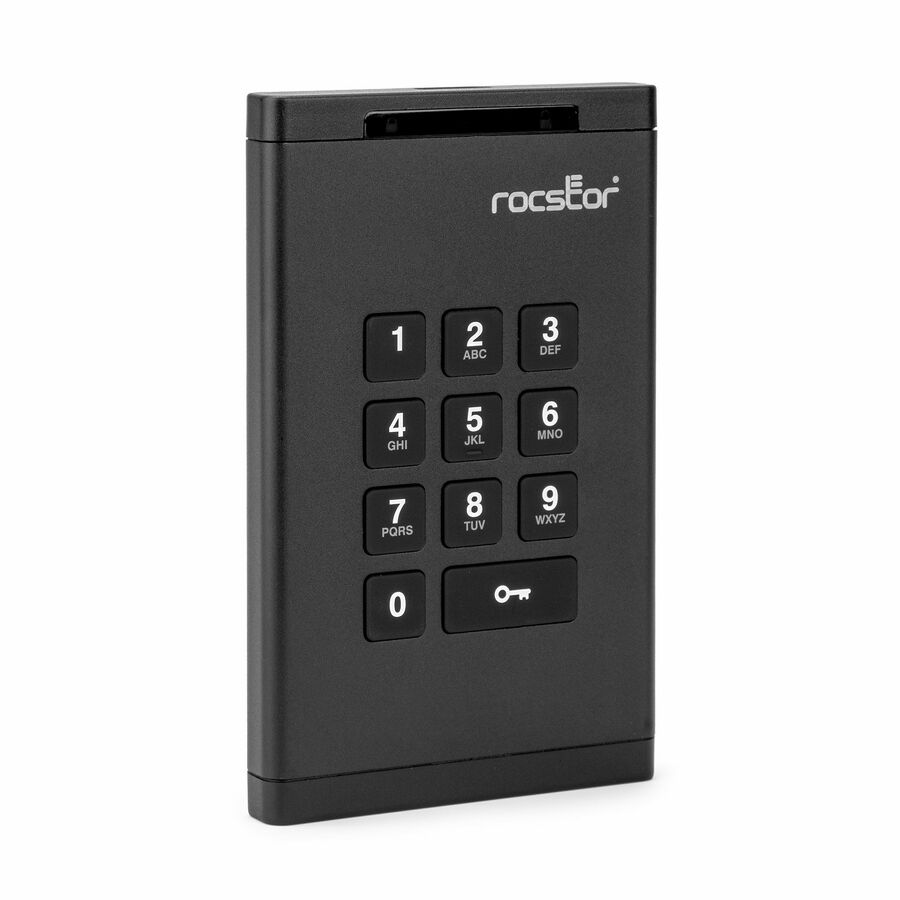
Rocstor
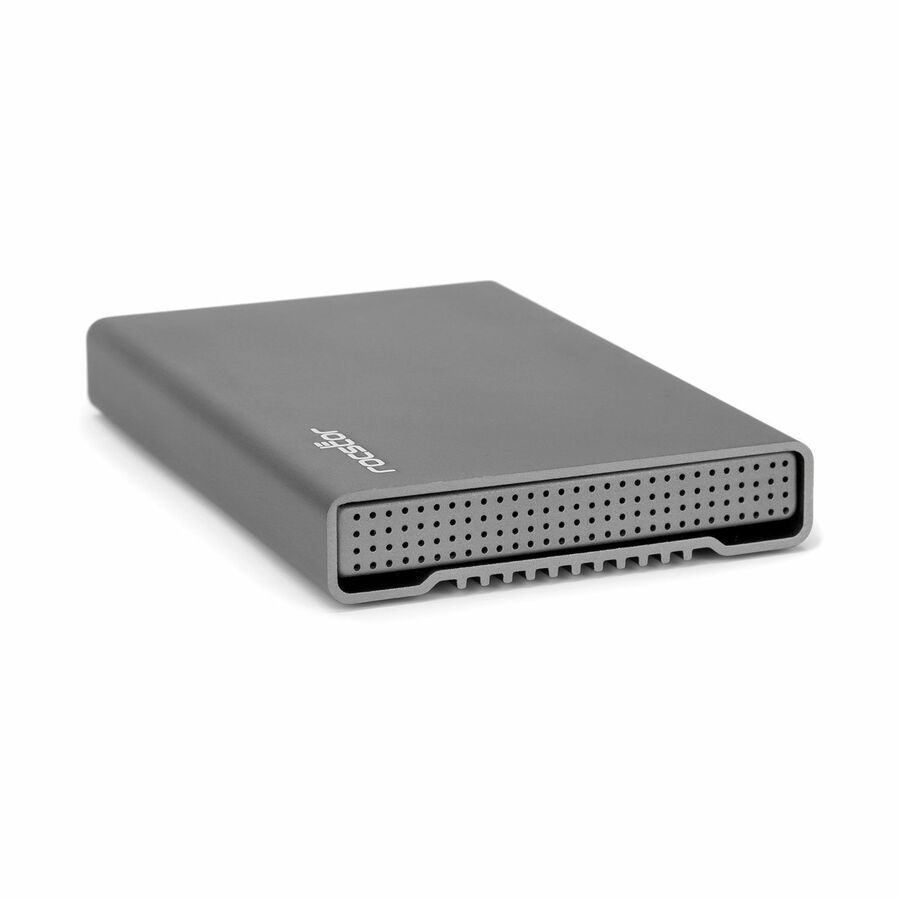
Rocstor DataSecure EX20 1 TB Portable Rugged Solid State Drive
E76018-B1
Titled a portable rugged solid state drive by the manufacturer: 1 TB on USB 3.2 Gen 1 Type-C in a black body with a stated 355 MB/s maximum read — the ruggedness here is the vendor's own word on the part, not an inference from the housing.
Titled TAA Compliant by the manufacturer, per part number. Sits outside this page's grid fence, which requires the phrase "Portable Solid State Drive".
$528.99*In stock1 TB rugged, NVMe
Seagate Technology
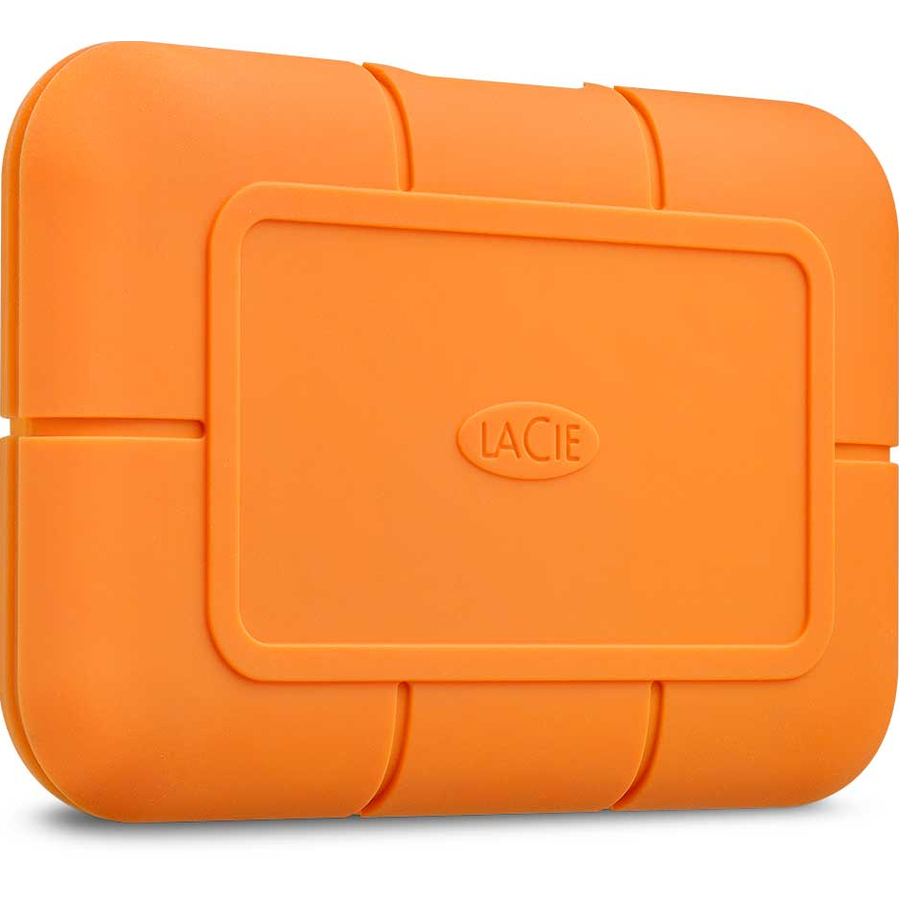
LaCie Rugged STHR1000800 1 TB Portable Solid State Drive
STHR1000800
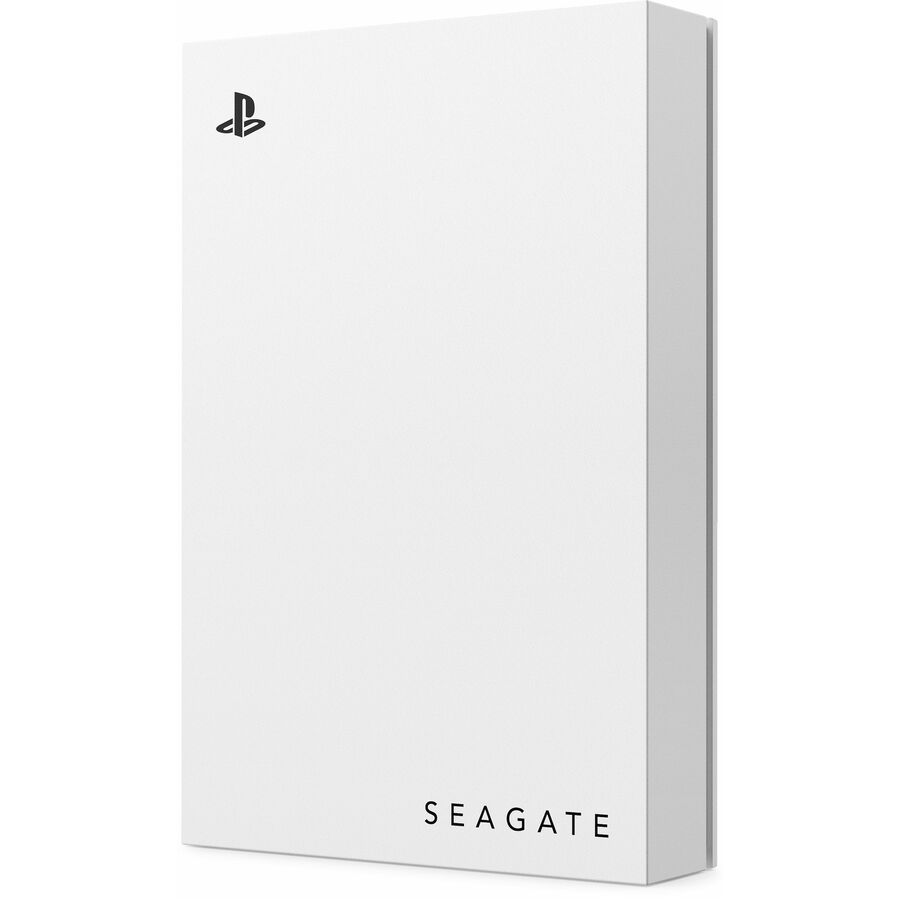
A 1 TB drive built on PCI Express NVMe and connected over USB 3.1 Gen 2 Type-C, with a five-year warranty stated on the part — the manufacturer's own name for it carries the word Rugged, and the NVMe interior is what separates it from the SATA-based drives above.
$1,527.97Back-ordered8 TB, TAA-titled
Apricorn
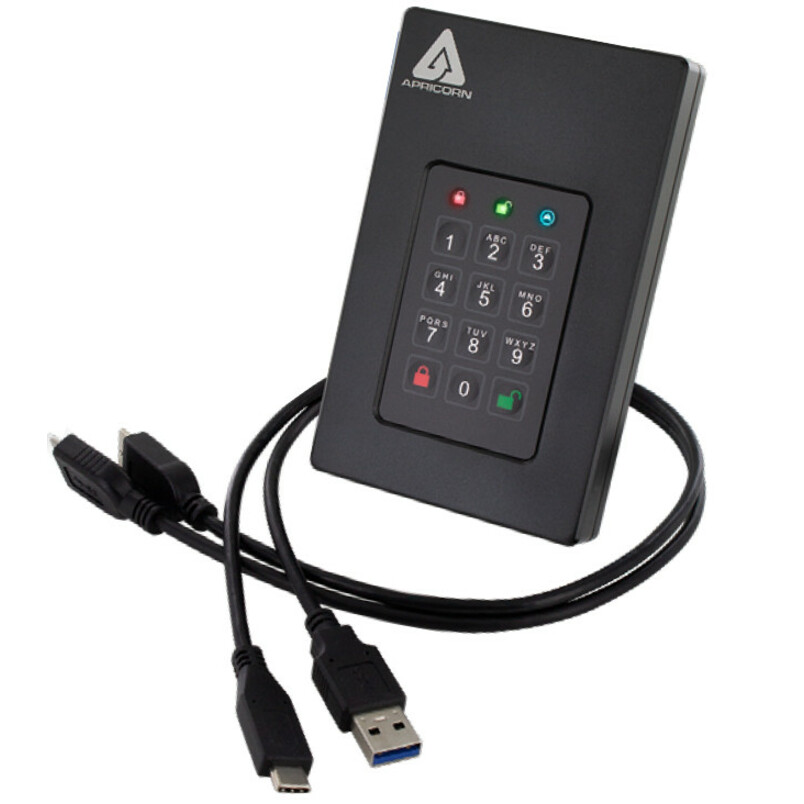
Apricorn Aegis Fortress L3 8 TB Portable Solid State Drive
AFL3-S8TB
Eight terabytes in a 2.5-inch external body on USB 3.2 with a 256-bit encryption standard and a three-year warranty stated on the part — the top of this page for capacity in a hardware-protected drive.
Titled TAA Compliant by the manufacturer — a per-part designation, never a family rule.
$9,629.42*In stockMore hard drives and solid state drives in the Uniqcli catalog
See all 9,677 hard drives and solid state drivesMore from across this category. In-stock lines lead, and a back-ordered line carries the same estimated availability its product page does — with live pricing throughout, NDAA §889 screening before checkout and TAA verified on request.
- Axiom Memory SolutionsAxiom 2 TB Portable Solid State Drive - ExternalAXG100507
$2,790.00
$1,107.02
11 in stock - Axiom Memory SolutionsAxiom 1 TB Portable Solid State Drive - ExternalAXG100503
$1,387.00
$550.36
14 in stock - Transcend InformationTranscend ESD360C 4 TB Portable Solid State Drive - External - Gray - Desktop PC, Notebook, Tablet, Smartphone, Gaming Console Device Supported - USB 3.2 Gen 2x2, USB Type C - 2000 MB/s Maximum Read Transfer Rate - 256-bit AES Encryption StandardTS4TESD360C
$2,081.00
$1,905.90
3 in stock - Transcend InformationTranscend ESD410C 4 TB Portable Solid State Drive - External - Dark Blue - Desktop PC, Tablet PC, Notebook, Gaming Console, Smartphone Device Supported - USB 3.2 (Gen 2) Type C - 2000 MB/s Maximum Read Transfer Rate - 256-bit AES Encryption StandardTS4TESD410C
$1,612.00
$1,476.46
1 in stock - Axiom Memory SolutionsAxiom 1 TB Portable Solid State Drive - M.2 External - USB 3.1 (Gen 2) Type CUSBC31M21TB-AX
$645.00
$554.32
1 in stock - Axiom Memory SolutionsAxiom 1 TB Portable Solid State Drive - ExternalUSBC31SSD6E1TB-AX
$608.00
$522.59
20 in stock - Micron TechnologyCrucial X10 Pro 4 TB Portable Solid State Drive - External - USB 3.2 Gen 2x2 - 5 Year WarrantyCT4000X10PROSSD902
$1,264.44
$1,201.08
1 in stock - iStorage/KanguruiStorage diskAshur3 8 TB Portable Solid State Drive | Black | Incorporated Common Criteria EAL 5+ | PIN protected | AES 256-bit Full Disk Hardware Encryption | Dust/Water Resistant | TAA Compliant - Printer, Scanner, Camera Device Supported - USB 3.2 (Gen 1) Type C - 256-bit Encryption StandardIS-DA3-256-SSD-8000-B
$5,216.20*
1 in stock - iStorage/KanguruiStorage diskAshur PRO3 4 TB Portable Solid State Drive | FIPS 140-3 Level 3 Pending | Incorporated Common Criteria EAL 5+ | PIN protected | Dust/Water Resistant | TAA Compliant - Printer, Scanner, Camera Device Supported - USB 3.2 (Gen 1) Type C - 256-bit Encryption StandardIS-DAP3-256-SSD-4000-F
$2,716.79*
1 in stock


Need pricing on portable SSDs?
Tell us where to reach you and a Uniqcli specialist will follow up by email with current pricing, availability and lead time for the quantities you need — including parts that aren’t shown on this page.
Buying for an organization or for yourself — both work. No payment up front.
A portable SSD is bought for the same reason a laptop is: it goes where the work is. Field survey, inspection, evidence capture, site photography and video, forensic acquisition, mobile editing and the ordinary business of carrying a working set between offices all end at a device that has to survive a bag, run off the port it is plugged into, and hand back what was written to it. Flash replaced the spinning portable drive in this role not because it is faster — although it is — but because it has no head to park and nothing inside that objects to being picked up mid-write.
Four facts decide the drive, and every one of them is in the manufacturer's own title on this page. Capacity is the obvious one and the one most often under-bought: a day of high-resolution photography or a few hours of video fills a pocket drive, and running out in the field costs a return trip. The interface is the fact that decides real-world speed, and the titles here are explicit about it — USB 3.1 and 3.2 in their various generations, Gen 2x2 on the faster parts, Thunderbolt on a few, along with the maximum read figure the manufacturer states. The connector type matters as much on a mixed fleet: several drives state both USB Type-A and Type-C, others only one. And on the drives built for regulated data, the title states the protection itself — PIN entry on the device, AES 256-bit hardware encryption, dust and water resistance.
The selection below is a spec-verification exercise and nothing more — nothing here was tested, benchmarked or ranked by opinion. The grid is fenced to the drives whose own catalog titles read "Portable Solid State Drive", which is what keeps every card under this heading the product class the heading names. Encryption, ruggedness and TAA designations are restated only where the specific part number's title carries them.
Buyer's checklist
How to choose a portable SSD for field and mobile work
- Size the capacity against a bad day rather than an average one. The cost of a larger drive is small next to a return visit, and field capture — imaging, video, survey, forensic — fills space faster than office work does. Capacity is stated per part in these titles, from pocket sizes up into the multi-terabyte range.
- Read the interface generation, not just "USB-C". These titles distinguish USB 3.1 Gen 2, USB 3.2 Gen 2, Gen 2x2 and Thunderbolt, and several state a maximum read figure outright. A fast drive on a slow host port runs at the port's speed, so match the drive to the machines the fleet actually carries.
- Check the connector against the fleet. Some drives here state both USB Type-A and Type-C on the same part, which is the useful answer mid-refresh; others state only one, and a Type-C-only drive on an older notebook is an adapter in a bag waiting to be lost.
- Decide whether the data needs the drive to protect it, not just the operating system. Several parts here state PIN entry on the device and AES 256-bit hardware encryption in their own titles — protection that travels with the drive rather than depending on the machine it is plugged into, which is the distinction that matters when the drive is what goes missing.
- Treat ruggedness as a stated specification, never an inference from a rubber housing. Where a title says dust and water resistant, that is what the manufacturer states about that part; where it does not, the drive is an ordinary drive in a nice case, and the field kit needs a case of its own.
- Where the order names TAA, read the designation on the part number. Several drives on this page carry "TAA Compliant" in the manufacturer's own title and others in the same range do not; it is a per-part fact, and screening is performed before the quote.
- Standardize the fleet on one or two part numbers and buy spares. Field drives get lost, dropped and kept by people who left; a consistent part number keeps the imaging, the labelling and the encryption policy one decision, and a swap unit in the office is the difference between a delayed report and a cancelled visit.
Interface, and why the fast drive on the old laptop is not fast
The number that decides how long a card offload takes is rarely the flash inside the drive; it is the narrowest link between the drive and the machine. USB 3.2 Gen 2 and Gen 2x2 are different specifications with different ceilings, and a drive built for the faster one delivers that speed only where the host port supports it — plug it into a notebook whose port is an earlier generation and it runs, correctly and unremarkably, at the older speed. Several titles on this page state a maximum read figure, which is the manufacturer's own number for the drive under favourable conditions, and it is the right number to compare drives with and the wrong number to promise a field team. Thunderbolt appears on a few parts here and brings the highest ceilings along with the tightest host requirement.
This has a practical consequence for a mixed fleet, and it argues in both directions. Buying the fastest drive for machines that cannot use the speed is money spent on a future refresh, which is sometimes exactly the right call if the refresh is funded and near. Buying to the current fleet's ports is cheaper and leaves the drives looking slow the day the new laptops land. The honest way to decide is to check what the ports on the machines in the field actually are — not what the current model of that machine ships with — and then to check the cable, because a drive supplied with a Type-C cable and used on a Type-A port through an adapter frequently loses a generation of speed nobody accounts for.
Encryption that travels with the drive
There are two quite different ways a portable drive can be protected, and the difference matters most in exactly the situation the protection exists for. Software or operating-system encryption is applied by the host: the drive itself is an ordinary drive, and the protection depends on the machine, the account and the policy that were in place when the data was written. Hardware encryption on the drive is the other approach — the drive holds the keys, performs the encryption itself, and unlocks only when the credential is presented to the drive. Several parts on this page state exactly that in their own titles: PIN entry on the device, AES 256-bit full-disk hardware encryption, and in the case of the keypad models a credential typed on the drive rather than on any computer at all.
The keypad models earn their price in a specific and common scenario: the drive is handed to someone, plugged into a machine that is not yours, or lost between sites. A drive that unlocks only to a PIN entered on its own keypad is not dependent on the host having the right agent, the right operating system or any particular trust relationship, which is why they appear in evidence handling, audit work, contractor exchange and any workflow where the person plugging the drive in is not the person who wrote to it. What none of these titles settle is validation status: where a cryptographic validation is a requirement of the programme rather than a preference, that has to be checked for the specific module against the NIST Cryptographic Module Validation Program listing at csrc.nist.gov, on the exact part number, and never inferred from a product title or a page like this one.
One operational note that outlives the purchase. A hardware-encrypted drive whose PIN is forgotten is, by design, not recoverable, and that is the feature working correctly. Plan the credential the way you would plan any other key material — who sets it, who else can open the drive, and what happens when the person who carried it leaves — before the drives are issued rather than after the first one comes back locked.
What ships around a field storage order
A portable drive is one line of a field kit, and the rest of it usually arrives late if it is not on the same order. Cables and adapters come first, because the cable in the box matches the drive rather than the fleet, and a spare per user costs less than a call from a site. Cases and pouches follow for the drives whose titles do not claim any environmental protection of their own. Then the machines themselves — a field programme that is buying storage is often refreshing the laptops or tablets that fill it — and the docks, chargers and spare power those crews need to work a full day away from a desk.
Uniqcli quotes the drives, the cables and cases, the notebooks and tablets, and the manufacturer warranty lines that attach to them on one document. Send the workflow rather than a part list if that is easier: how much data a crew generates in a day, what the machines in the field are, whether the data is regulated, and whether the purchase order carries a TAA or origin requirement. It comes back as part numbers, availability, lead times and volume pricing, with screening tied to the specific part numbers.
FAQ
Common questions
- How much capacity does a field crew actually need?
- More than the average day suggests, because the day that matters is the busy one. A crew doing high-resolution photography, drone or bodycam capture, video walkthroughs or forensic acquisition can fill a pocket-sized drive in a single site visit, and the cost of running out is a return trip rather than a delay. The practical method is to measure one heavy day's output, double it, and buy the next capacity up — capacity is stated per part in these titles, from pocket sizes into the multi-terabyte range, and the price step between adjacent capacities is almost always smaller than the cost of the visit you would repeat.
- Is a portable SSD better than a portable hard drive for field work?
- For most field work, yes, and the reason is mechanical rather than performance. A spinning portable drive has moving heads over moving platters, and its worst moment is being knocked or picked up while it is writing — which is precisely what happens to a drive in a bag on a site. An SSD has no moving parts, tolerates handling that would damage a hard drive, and starts instantly rather than spinning up. Hard drives still win on cost per terabyte at the top capacities, which is why they remain sensible for bulk archive that lives on a shelf. For anything that travels, the solid-state drive is the one to carry.
- What does hardware encryption on a portable SSD actually give me?
- It moves the protection from the computer to the drive. With host-based encryption the drive is ordinary and the safeguard depends on the machine, the account and the policy in force when the data was written. With hardware encryption the drive holds the keys and performs the encryption itself, unlocking only when the credential is presented — on the keypad models, a PIN typed on the drive rather than on any computer. That is the difference that matters when the drive is what goes missing, or when it has to be readable on a machine that is not yours. Where a specific cryptographic validation is required by the programme, confirm it for the exact module against the NIST Cryptographic Module Validation Program listing rather than from a product title.
- Are these portable SSDs TAA compliant?
- It is a per-part-number fact rather than a brand or family rule. Several drives on this page carry a TAA Compliant marking in the manufacturer's own title, including parts from more than one of the brands here, while other capacities in the very same product line do not — which is why the answer has to be read on the exact SKU that goes on the order. Where our catalog data records a part number as TAA compliant, that is what we are reporting: our catalog data records this part number as TAA compliant. Screening is performed before the quote and screening results are available with your quote on request, tied to the specific part number and never restated as a Uniqcli certification.
- Can business, government and education buyers order these?
- Every line Uniqcli quotes is sourced through US distribution and screened for TAA country-of-origin and NDAA §889 status before checkout — with documentation tied to the specific part number, not a product family.
Need portable SSDs pricing?
Send a bill of materials or part numbers — we confirm stock and a below-market total, with TAA verified on request. No payment up front.