
Short answer
CAS latency (CL) is the number of clock cycles a DRAM takes between receiving a column read command and putting the first data on the bus. Because it is counted in cycles rather than in time, a CL number only compares modules of the same speed grade — convert it with nanoseconds = CL x 2000 divided by the module's MT/s rating.
Key facts
- JEDEC's dictionary defines CAS latency for an SDRAM as a read latency, and it is expressed in clock cycles rather than in time.
- Nanoseconds = CL x 2000 / data rate in MT/s, because a DDR bus transfers twice per clock cycle.
- A DDR5-5600 module at CL46 is about 16.4 ns; a DDR5-6400 module at CL52 is about 16.3 ns, despite the higher CL number.
- MT/s is megatransfers per second and is twice the clock frequency in MHz — DDR5-5600 runs a 2800 MHz clock.
- A three-number timing set such as CL46-45-45 names CAS latency, tRCD and tRP in that order.
- Micron lists DDR5 UDIMMs as 288-pin, 1.1 V, 133.35 mm long, against 262-pin, 69.6 mm DDR5 SODIMMs.
By Uniqcli Team
CAS latency — written CL on a module label — is the delay between a memory controller issuing a column read command and the DRAM putting the first data on the bus. JEDEC's dictionary entry for the term is short and load-bearing: it is a read latency, and it is counted in clock cycles.
That last word is the reason CL numbers are so often misread. A cycle is not a fixed length of time. It is one tick of the module's clock, and a faster module has shorter ticks, so the same CL number means less time on a faster module and the same CL number on two different speed grades does not describe the same delay at all.
Convert to time and the comparison becomes honest. Because a DDR bus transfers twice per clock, the clock period in nanoseconds is 2000 divided by the module's MT/s rating, and the real CAS delay is that period multiplied by CL — in one step, nanoseconds equals CL times 2000 divided by the data rate in MT/s.
What CAS latency actually measures
A DRAM read happens in stages. The controller activates a row, then issues a column address strobe — the CAS command — for the column it wants. CAS latency is the number of clock cycles the device takes between accepting that column command and driving the first word onto the bus. It is one of several published timings; CL is the one printed on the label because it is the one that fires on every read from an already-open row.
It is not the whole story of memory latency. The row has to be activated first (tRCD) and eventually closed (tRP), and a controller that has to open a different row pays those too. A module quoted as CL46-45-45 is naming CL, tRCD and tRP in that order. For comparing two modules of the same generation, CL is a fair proxy; for predicting an application's behavior it is one input among many.
Converting CL into nanoseconds
The arithmetic is short. DDR memory transfers on both edges of its clock, so a module rated 5600 MT/s runs a 2800 MHz clock, and one clock period is 1000/2800 = 0.357 ns. Multiply by CL to get the delay: at CL46 that is about 16.4 ns. Folding the two steps together gives the working formula — nanoseconds = CL x 2000 / MT/s.
Run it on two real modules and the point lands. A DDR5-5600 module at CL46 works out to roughly 16.4 ns. A DDR5-6400 module at CL52 works out to roughly 16.3 ns. The second has the larger, apparently worse CL number and very slightly the shorter real delay — plus 14 percent more bandwidth. This is why a CL number quoted without its speed grade tells you nothing.
MT/s and MHz are not the same number
Module labels and retail listings use both, and swapping them silently doubles or halves the answer. MT/s is megatransfers per second — the rate data actually crosses the bus. The clock frequency in MHz is half that figure, because DDR moves data on both clock edges. A DDR5-5600 module is 5600 MT/s on a 2800 MHz clock.
The reason it matters here is that the nanosecond conversion uses the data rate. If you feed the clock frequency into the same formula you get twice the real latency, which is how a perfectly ordinary module ends up looking twice as slow as it is.
How much should CL weigh in a purchase?
For fleet desktops and laptops, very little. Within one generation, the difference between two JEDEC speed grades is a fraction of a nanosecond on a path that is already tens of nanoseconds long once row activation and controller queueing are counted, and a workload has to be unusually latency-bound before it shows up. Capacity, rank configuration and whether the platform supports the speed at full population matter more.
For workstations and servers, read the platform documentation before the module label. A processor derates memory speed as more DIMMs per channel are fitted, so a module bought for its speed grade may not run at that grade in a fully populated board — and a slower grade that the platform will actually run is the faster machine. Micron lists DDR5 UDIMMs as 288-pin modules at 1.1 V, 133.35 mm long, against 262-pin, 69.6 mm SODIMMs, so confirm the form factor at the same time.
Key takeaways
- CAS latency (CL) is the read delay between a column command and the first data, counted in clock cycles rather than in time.
- Convert with nanoseconds = CL x 2000 / data rate in MT/s, because a DDR bus transfers twice per clock.
- A CL number is only comparable between modules of the same speed grade — DDR5-6400 CL52 is very slightly quicker in nanoseconds than DDR5-5600 CL46.
- MT/s is twice the clock frequency in MHz; using the wrong one doubles or halves the calculated latency.
- CL is one timing among several — tRCD and tRP also apply whenever a different row has to be opened.
- Platform rules usually matter more than CL: processors derate memory speed as DIMMs per channel rise.
Shop it at Uniqcli
Parts for this job
The reference case
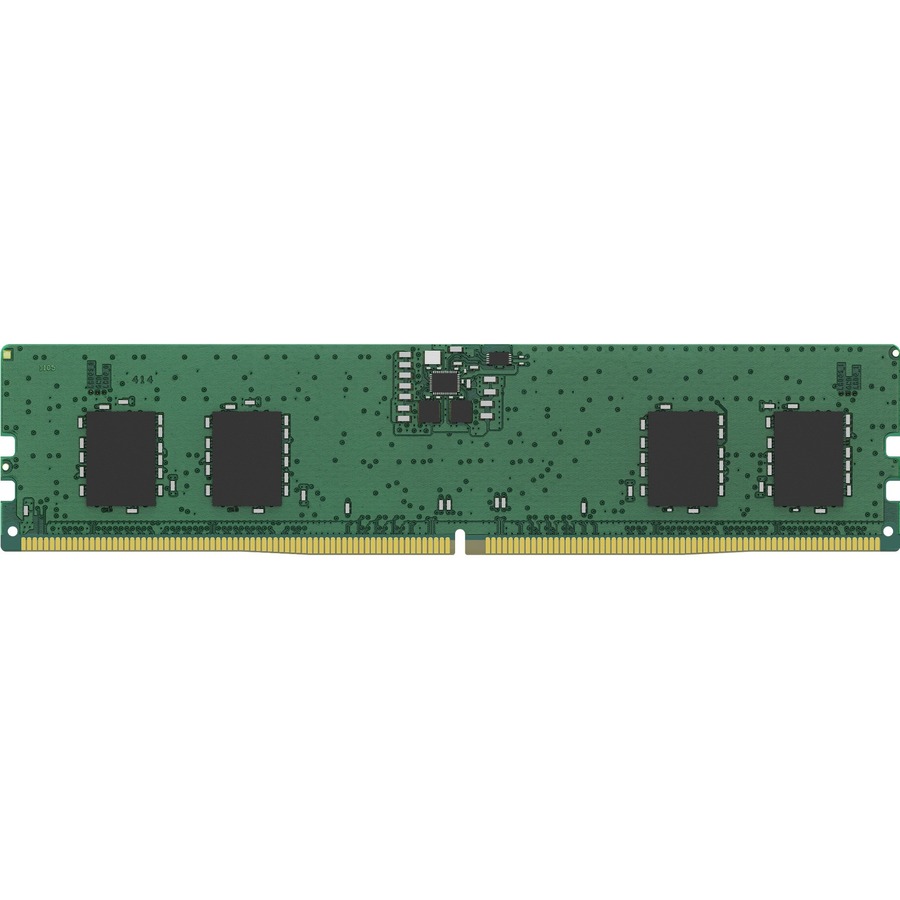
Kingston Technology
Kingston ValueRAM 8GB DDR5 SDRAM Memory Module
KVR56U46BS6-8
Kingston ValueRAM 8 GB DDR5-5600 CL46, a 288-pin non-ECC unbuffered DIMM at 1.10 V — the JEDEC speed grade that works out to roughly 16.4 ns of CAS delay.
Request pricingThe comparison
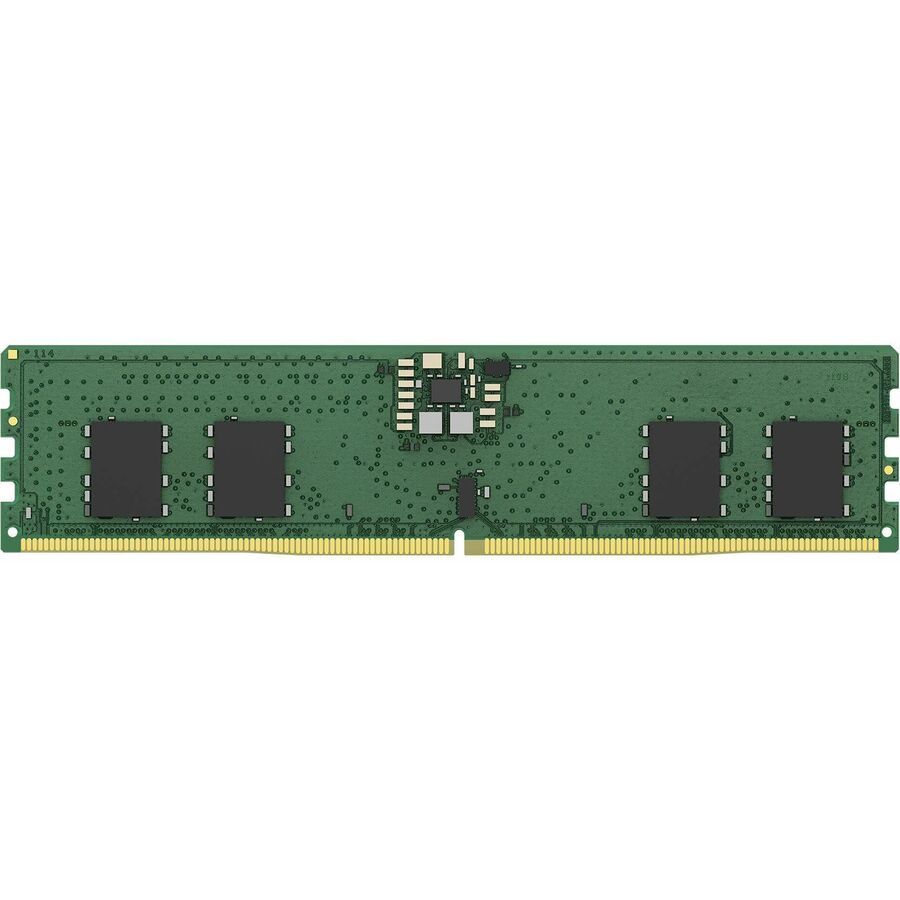
Kingston Technology
Kingston ValueRAM RAM Module
KVR64A52BS6-8
Kingston ValueRAM 8 GB DDR5-6400 CL52, also 288-pin unbuffered — a higher CL number and, at roughly 16.3 ns, marginally the shorter real delay.
Confirm the board and processor will run 6400 MT/s at your intended DIMM count before specifying it.
Request pricingCapacity per slot
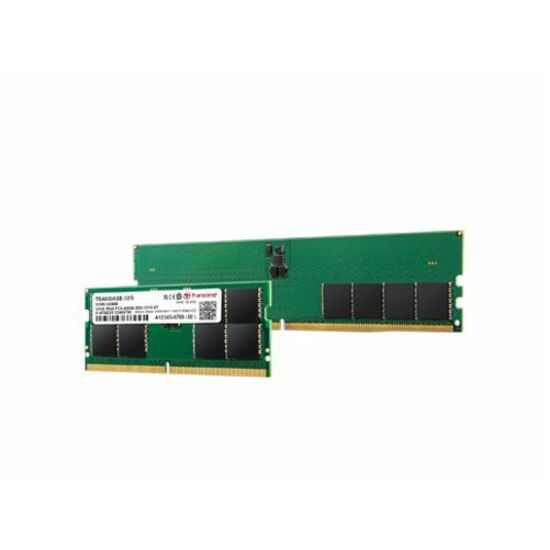
Transcend Information
Transcend JetRAM 32GB DDR5 SDRAM Memory Module
JM5600ALE-32G
Transcend JetRAM 32 GB DDR5-5600 CL46, a dual-rank 288-pin unbuffered DIMM with on-die ECC, for desktops where capacity per slot decides the build.
$859.49In stockFrequently asked
- Is a lower CAS latency always better?
- Only at the same data rate. CL counts clock cycles, and a faster module has shorter cycles, so CL46 at DDR5-5600 and CL52 at DDR5-6400 come out at roughly 16.4 ns and 16.3 ns respectively — the higher CL number is fractionally the quicker module, and it also carries more bandwidth. Compare CL numbers only within one speed grade; across grades, convert to nanoseconds.
- How do I convert CAS latency to nanoseconds?
- Multiply CL by 2000 and divide by the module's data rate in MT/s. The 2000 comes from DDR transferring twice per clock: the clock period in nanoseconds is 2000 divided by the MT/s figure. For a DDR5-5600 module at CL46 that is 46 x 2000 / 5600, or about 16.4 ns.
- What is the difference between MT/s and MHz on a memory module?
- MT/s is megatransfers per second, the rate at which data actually crosses the bus. MHz is the clock frequency, which on DDR memory is half the MT/s figure because data moves on both edges of the clock. A DDR5-5600 module runs a 2800 MHz clock. Use the MT/s figure in the nanosecond conversion; using MHz doubles the answer.
- Does CAS latency matter more than memory speed?
- For most business workloads, neither matters much next to capacity and platform support. Where the two are weighed against each other, the honest comparison is in nanoseconds rather than in cycles, and the faster grade usually wins on bandwidth while ending up level on latency. Check first whether the platform will run the higher grade at your intended DIMM count — processors derate memory speed as DIMMs per channel rise.
Sources
Keep reading