
Best AMD EPYC Processors for Servers
Server silicon by the job it does — core count, cache size, base and boost clocks, and the P and X suffixes that decide socket count and cache.
AMD EPYC processors in stock at Uniqcli
How to choose →A curated selection with live pricing — in-stock lines first, then back-ordered lines with a typical lead time. Every line is sourced through US distribution and screened for NDAA §889 status before checkout, with TAA verified on request.
- Advanced Micro DevicesAMD EPYC 7003 7443 Tetracosa-core (24 Core) 2.85 GHz Processor - 128 MB L3 Cache - 4 GHz Overclocking Speed - Socket SP3 - 200 W - 48 Threads100-000000340
$20.76
Back-orderedBack-ordered — estimated OEM lead time 3–8 weeks (Nov 16 – Dec 21 if ordered today).
- Advanced Micro DevicesAMD EPYC 7003 (3rd Gen) 7203 Octa-core (8 Core) 2.80 GHz Processor - OEM Pack - 64 MB L3 Cache - 4 MB L2 Cache - 64-bit Processing - 3.40 GHz Overclocking Speed - 7 nm - Socket SP3 No Graphics - 120 W - 16 Threads100-000001286
$348.00
$32.83
Back-orderedBack-ordered — estimated OEM lead time 3–8 weeks (Nov 16 – Dec 21 if ordered today).
- Advanced Micro DevicesAMD EPYC 7003 7203P Octa-core (8 Core) 2.80 GHz Processor - OEM Pack - 64 MB L3 Cache - 4 MB L2 Cache - 64-bit Processing - 3.40 GHz Overclocking Speed - 7 nm - Socket SP3 No Graphics - 120 W - 16 Threads100-000001287
$338.00
$32.83
Back-orderedBack-ordered — estimated OEM lead time 3–8 weeks (Nov 16 – Dec 21 if ordered today).
- Advanced Micro DevicesAMD EPYC 7003 (3rd Gen) 7303 Hexadeca-core (16 Core) 2.40 GHz Processor - OEM Pack - 64 MB L3 Cache - 8 MB L2 Cache - 64-bit Processing - 3.40 GHz Overclocking Speed - 7 nm - Socket SP3 No Graphics - 130 W - 32 Threads100-000001288
$604.00
$32.83
Back-orderedBack-ordered — estimated OEM lead time 3–8 weeks (Nov 16 – Dec 21 if ordered today).
- Advanced Micro DevicesAMD EPYC 7002 (2nd Gen) 7F72 Tetracosa-core (24 Core) 3.20 GHz Processor - OEM Pack - 192 MB L3 Cache - 3.70 GHz Overclocking Speed - Socket SP3 - 240 W - 48 Threads100-000000141
$72.55
Back-orderedBack-ordered — estimated OEM lead time 3–8 weeks (Nov 16 – Dec 21 if ordered today).
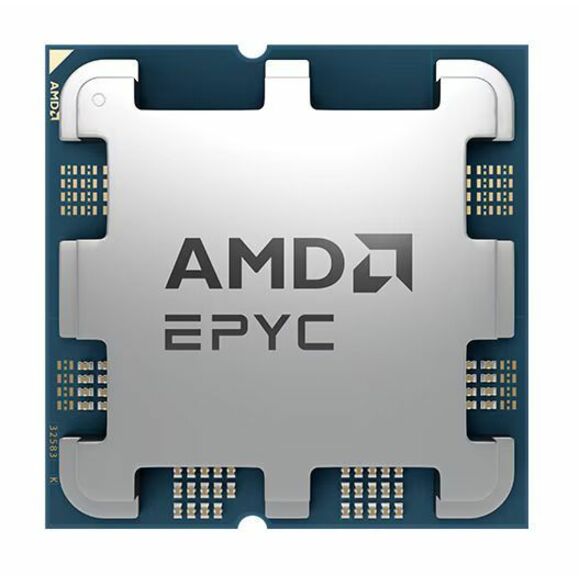
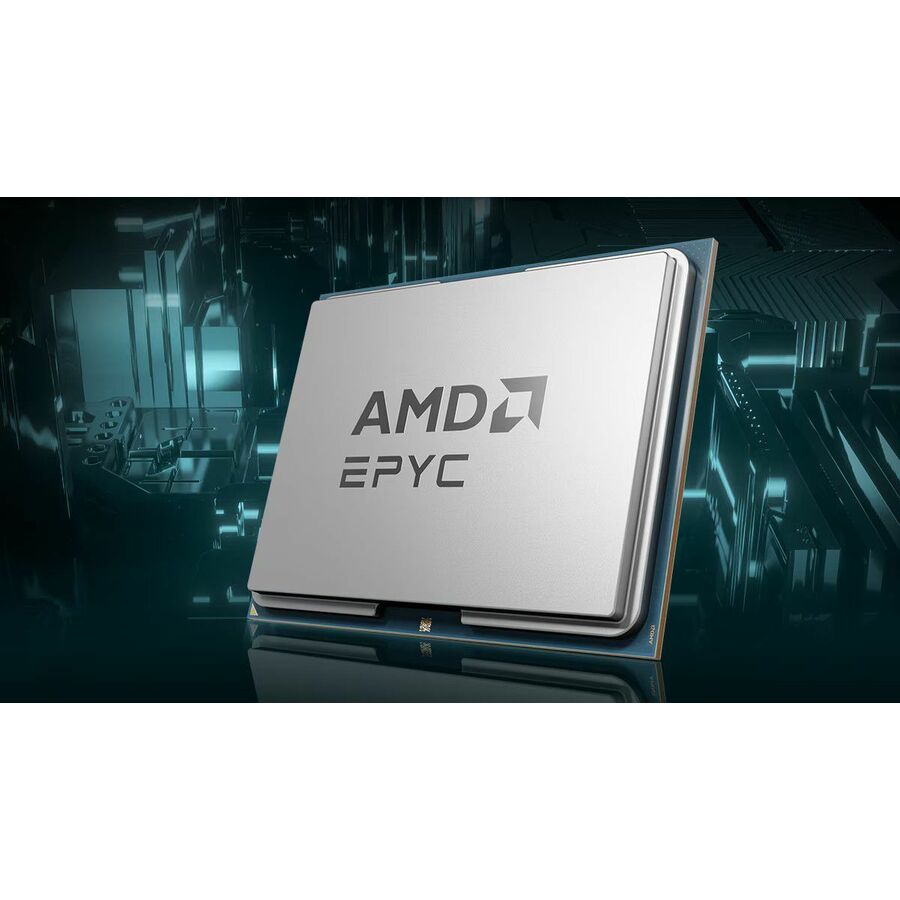
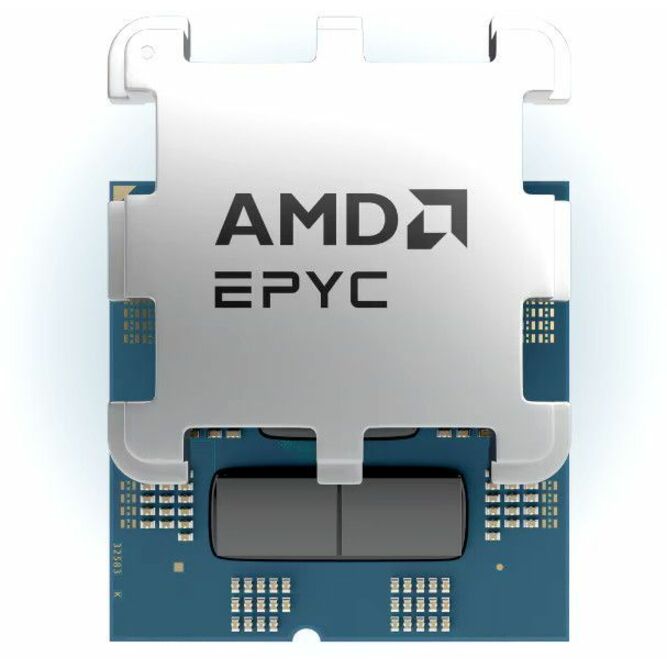
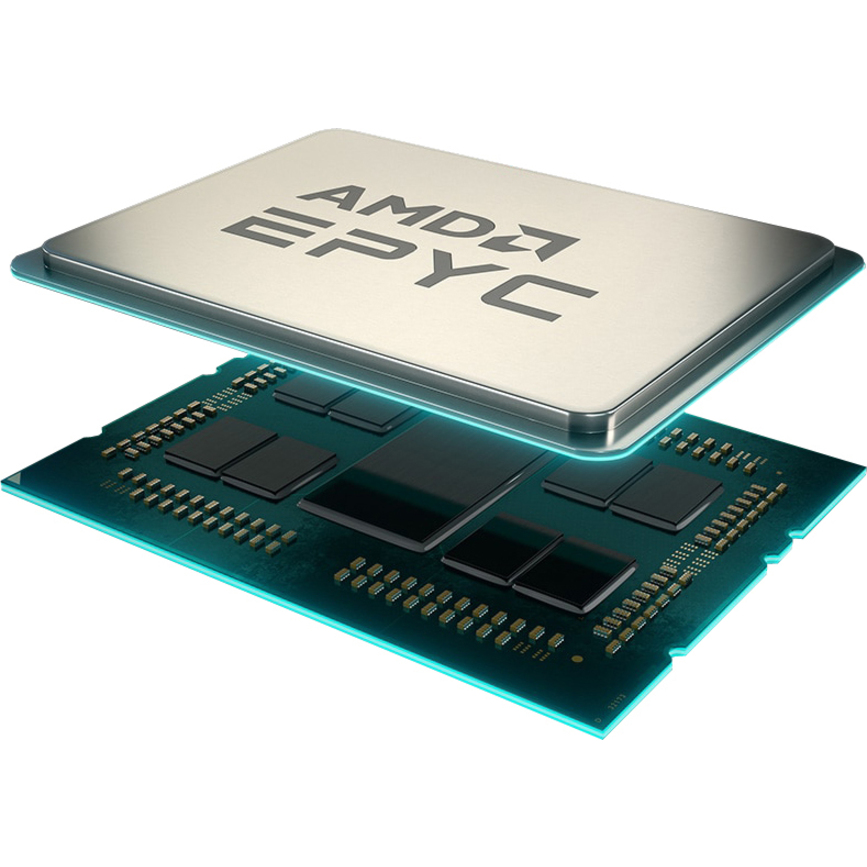
8-core single socket
Advanced Micro Devices
AMD EPYC 7002 (2nd Gen) 7232P Octa-core (8 Core) 3.10 GHz Processor
100-000000081
An EPYC 7002-series 7232P, eight cores at 3.10 GHz with 32 MB of L3 and 4 MB of L2, in an OEM pack — the P suffix marks it single-socket, which is the cheap correct answer for a one-CPU board.
$413.87Back-ordered16-core, 64 MB L3
Advanced Micro Devices
AMD EPYC 7002 (2nd Gen) 7282 Hexadeca-core (16 Core) 2.80 GHz Processor
100-000000078
An EPYC 7002-series 7282, sixteen cores at 2.80 GHz with 64 MB of L3 and 8 MB of L2 in an OEM pack — a general-purpose consolidation part for a virtualization or container host.
$1,422.40Back-ordered16-core retail pack
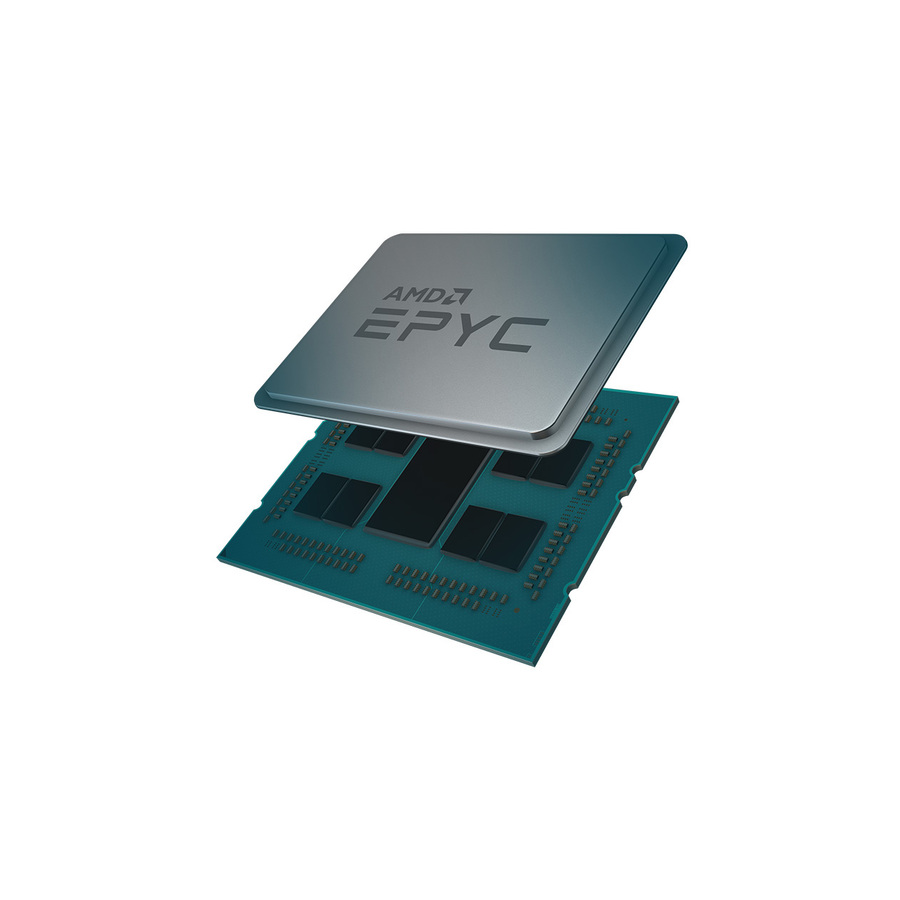
Advanced Micro Devices
AMD EPYC 7002 (2nd Gen) 7302 Hexadeca-core (16 Core) 3 GHz Processor
100-100000043WOF
An EPYC 7302, sixteen cores at 3 GHz with 128 MB of L3 and 8 MB of L2, supplied as a retail pack — the same core count as the 7282 with double the L3 and a higher base clock.
Retail pack rather than an OEM tray; check what cooling the chassis expects either way.
$1,120.51Back-ordered32-core single socket
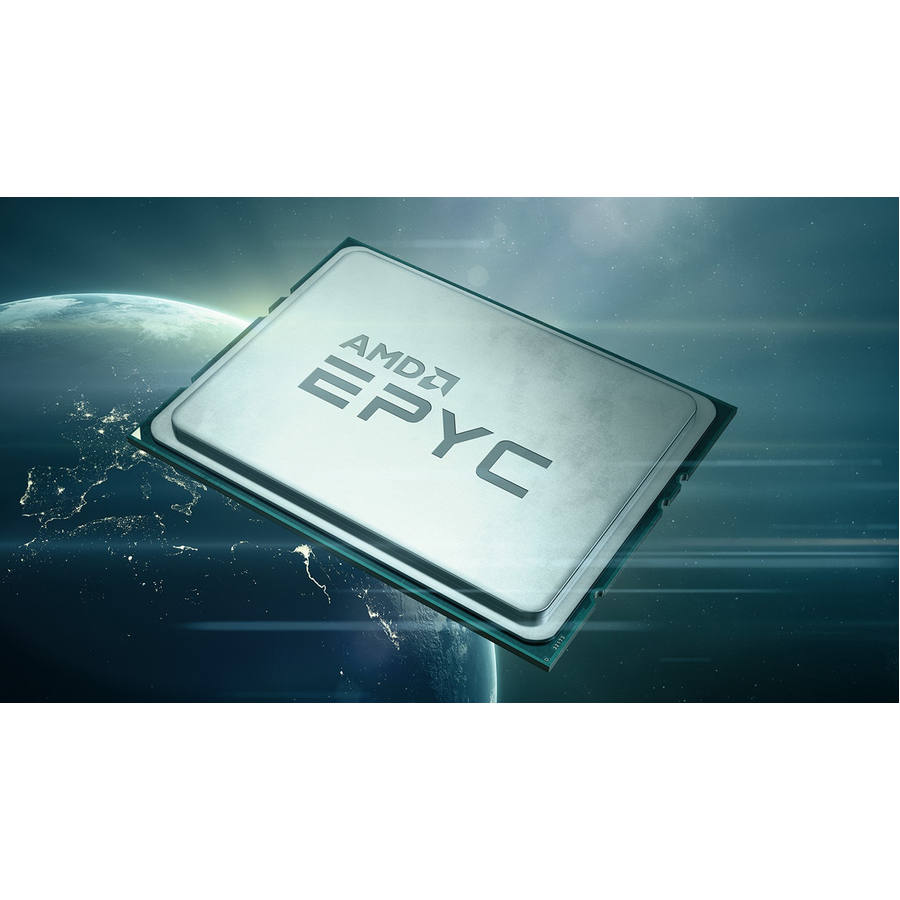
Advanced Micro Devices
AMD EPYC 7002 (2nd Gen) 7502P Dotriaconta-core (32 Core) 2.50 GHz…
100-000000045
An EPYC 7502P, thirty-two cores at 2.50 GHz with 128 MB of L3 and 16 MB of L2 in an OEM pack — the high-core-count single-socket part where one box has to carry a lot of guests.
$2,092.42Back-orderedHigh-frequency 8-core
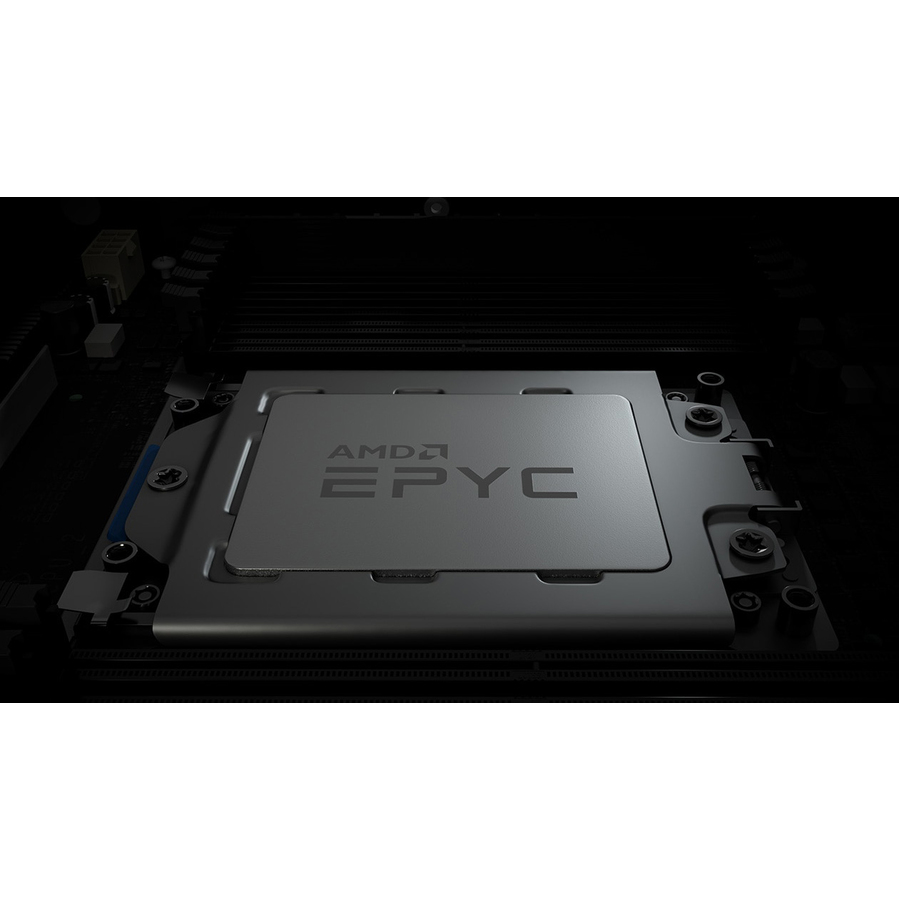
Advanced Micro Devices
AMD EPYC 7002 (2nd Gen) 7F32 Octa-core (8 Core) 3.70 GHz Processor
100-000000139
An EPYC 7F32, eight cores at 3.70 GHz boosting to 3.90 GHz with 128 MB of L3 — the F-series answer for software licensed per core or work that does not scale sideways.
Fewer, faster cores can cost far less to licence than a many-core part doing the same job.
$5,367.04Back-ordered768 MB V-Cache
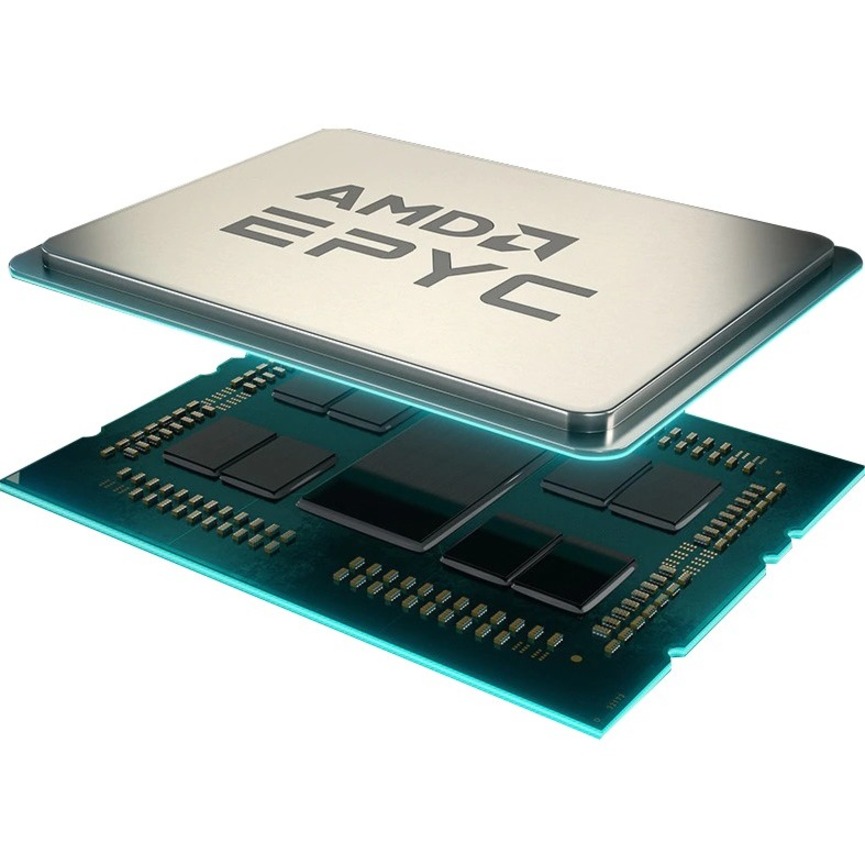
Advanced Micro Devices
AMD EPYC 7003 7373X Hexadeca-core (16 Core) 3.05 GHz Processor
100-000000508
An EPYC 7003-series 7373X, sixteen cores at 3.05 GHz boosting to 3.80 GHz with 768 MB of L3 from stacked 3D V-Cache — the cache-heavy part for simulation and EDA workloads.
$3,687.74Back-ordered16-core, 3.5 GHz
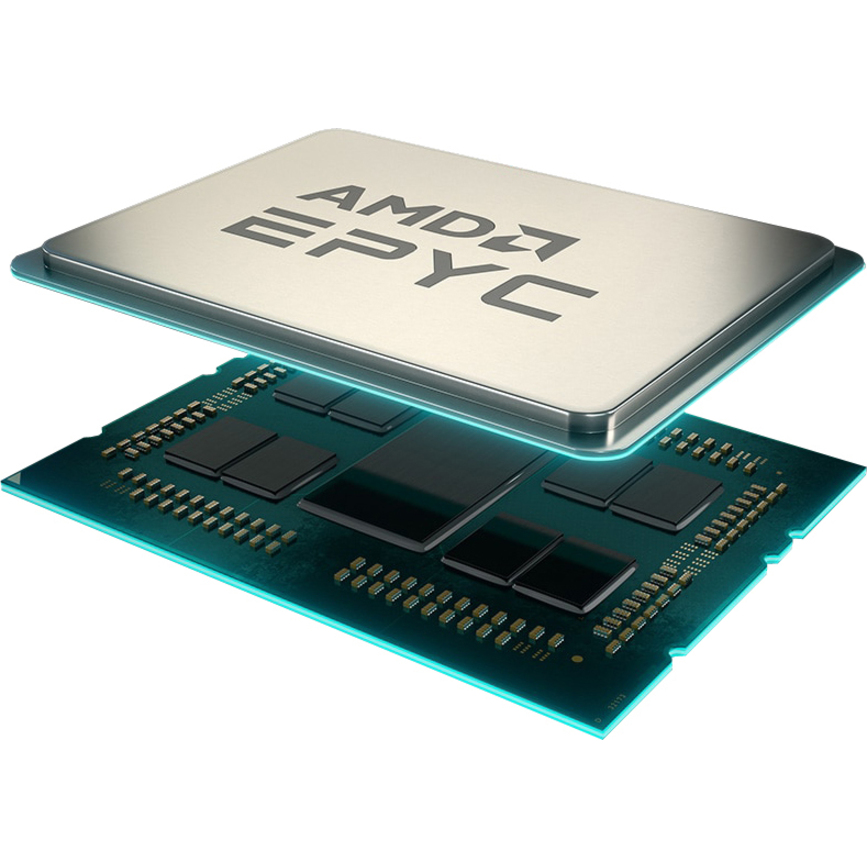
Advanced Micro Devices
AMD EPYC 7003 73F3 Hexadeca-core (16 Core) 3.50 GHz Processor
100-000000321
An EPYC 73F3, sixteen cores at 3.50 GHz boosting to 4 GHz with 256 MB of L3 — the high-frequency 7003-series part when both clock and a large cache matter.
$11,631.59Back-ordered32-core retail pack
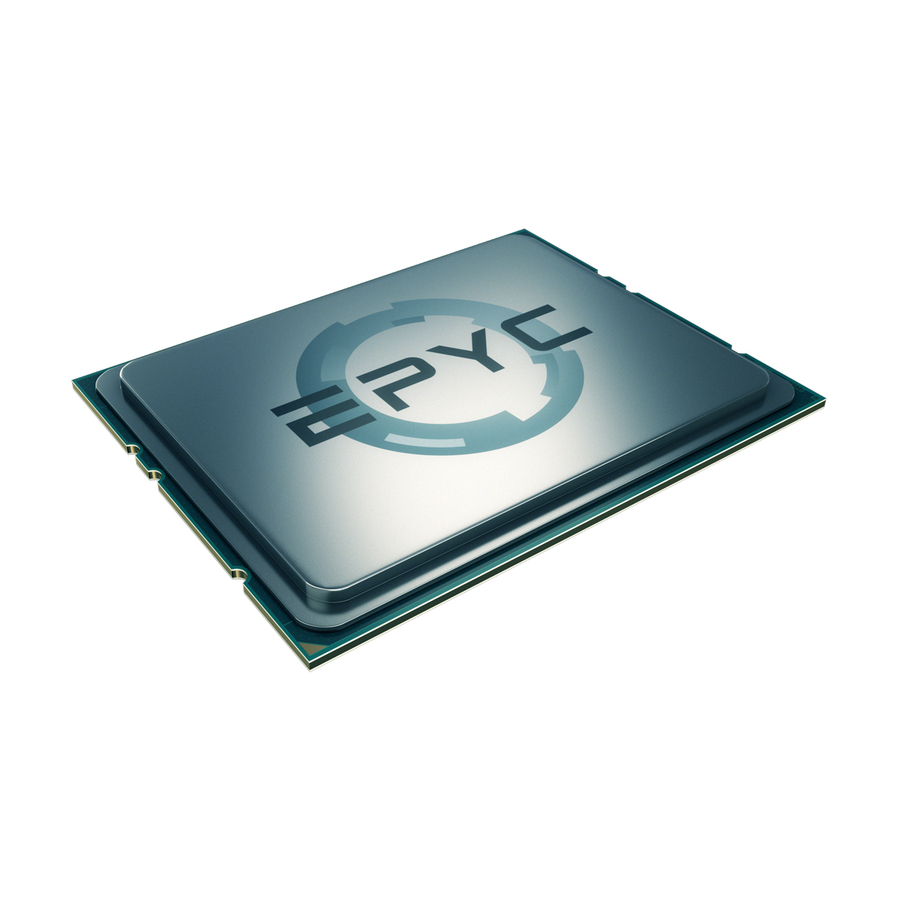
Advanced Micro Devices
AMD EPYC 7551 32 Core 2.00 GHz Processor Retail Pack
PS7551BDAFWOF
An EPYC 7551, thirty-two cores at 2.00 GHz with 64 MB of L3 and a 3 GHz boost, in a retail pack — a first-generation part for expanding or maintaining an existing Naples-era fleet.
$149.18Back-ordered32-core, single socket
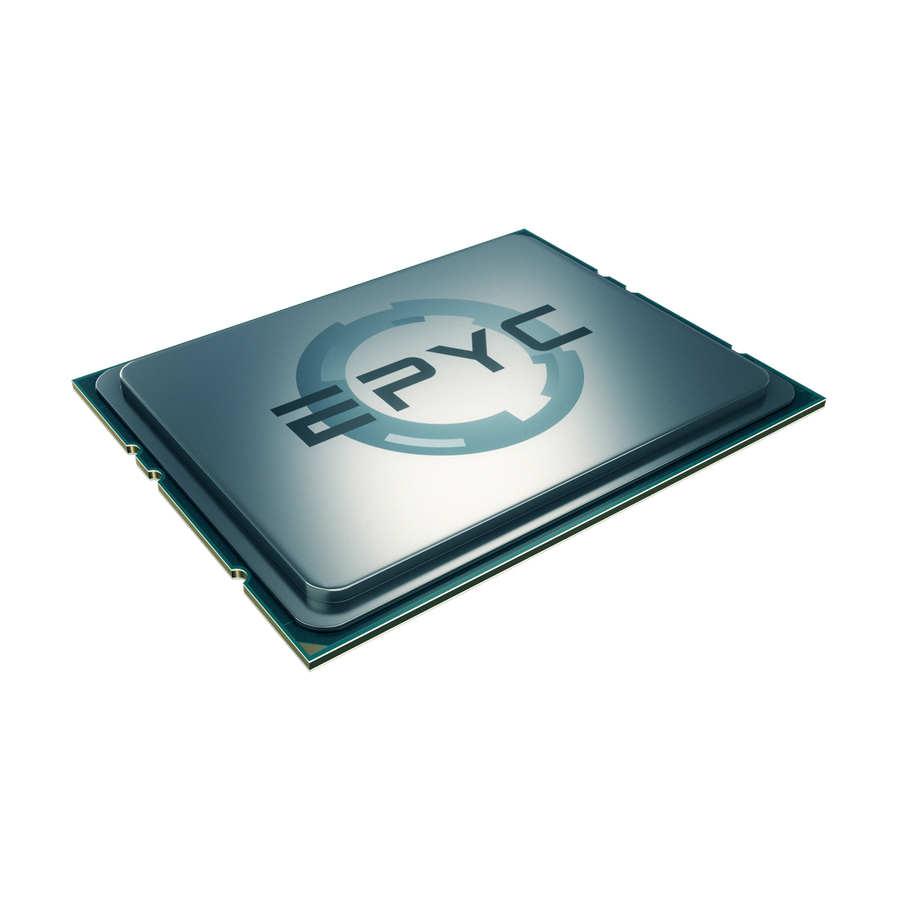
Advanced Micro Devices
AMD EPYC 7551P 32 Core 2.00 GHz Processor OEM Pack
PS755PBDVIHAF
The single-socket EPYC 7551P, thirty-two cores at 2.00 GHz with 64 MB of L3 and a 3 GHz boost in an OEM pack — the one-CPU variant of the same first-generation silicon.
$289.10Back-orderedOEM upgrade, 16-core
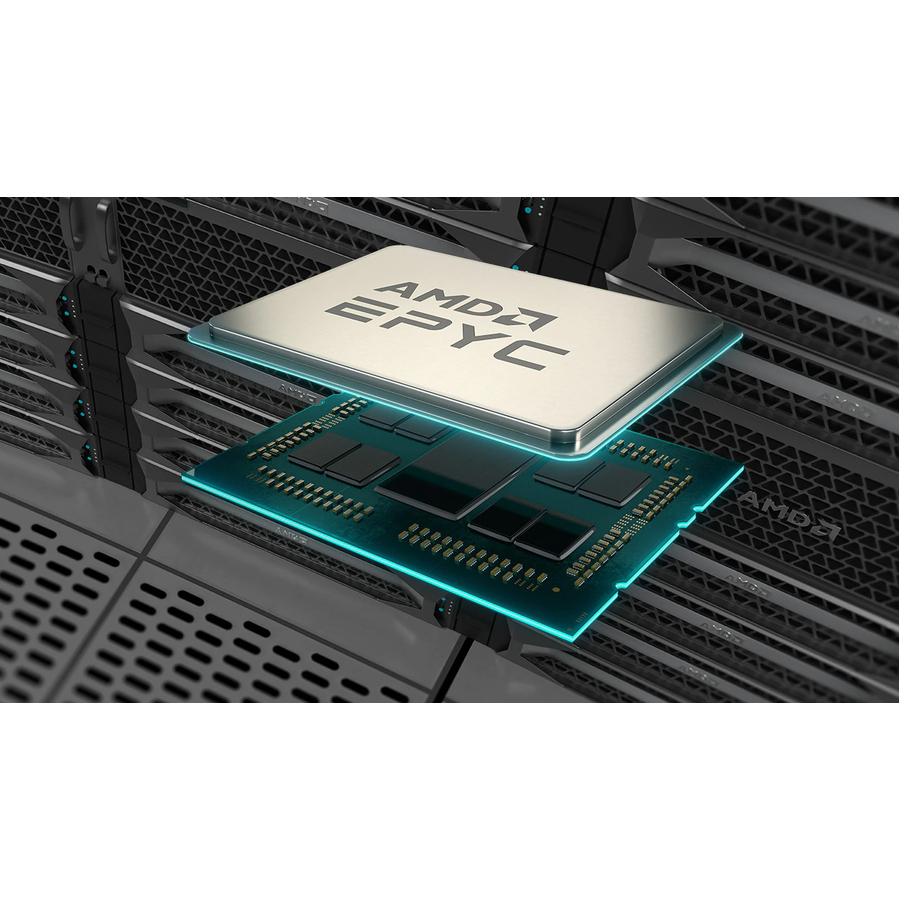
Lenovo
Lenovo EPYC 7002 7282 Hexadeca-core (16 Core) 2.80 GHz Processor Upgrade
4XG7A63359
An EPYC 7282 supplied as a Lenovo processor upgrade option, sixteen cores at 2.80 GHz with 64 MB of L3 — the qualified route to add a CPU to a server that vendor already supports.
An OEM upgrade option is qualified against a specific server family, which is what makes the change supported rather than experimental.
$2,297.47Back-orderedOEM upgrade, 8-core
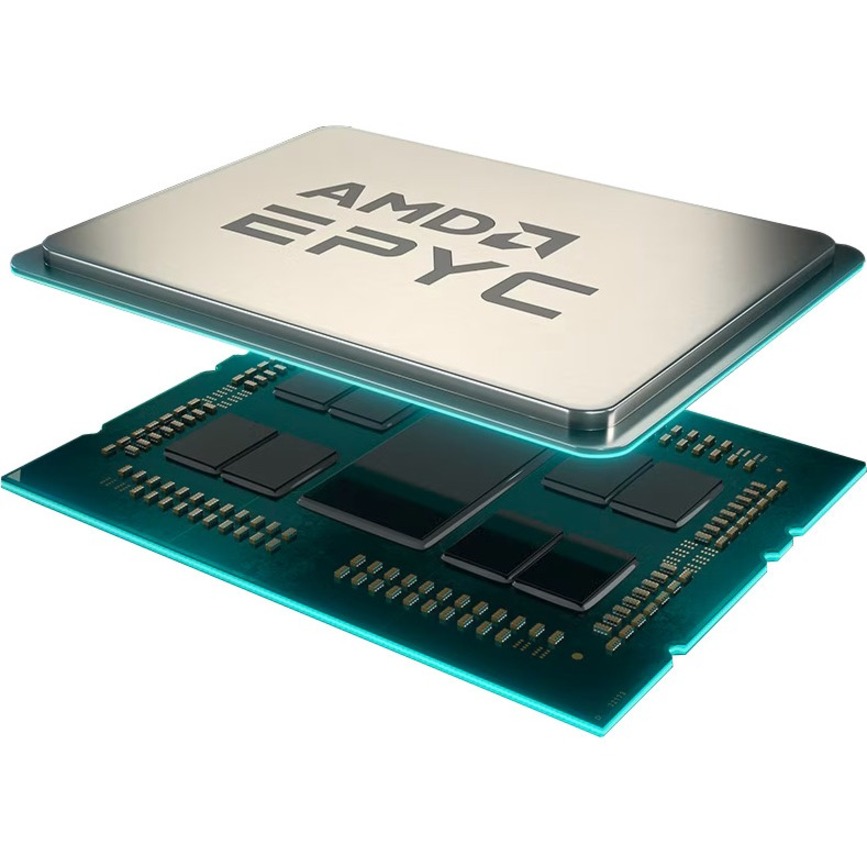
Lenovo
Lenovo AMD EPYC 7002 (2nd Gen) 7262 Octa-core (8 Core) 3.20 GHz…
4XG7A63373
An EPYC 7262 as a Lenovo upgrade option, eight cores at 3.20 GHz boosting to 3.40 GHz with 128 MB of L3 — a low-core-count, high-cache part for per-core licensed software.
$3,629.71Back-ordered24-core V-Cache
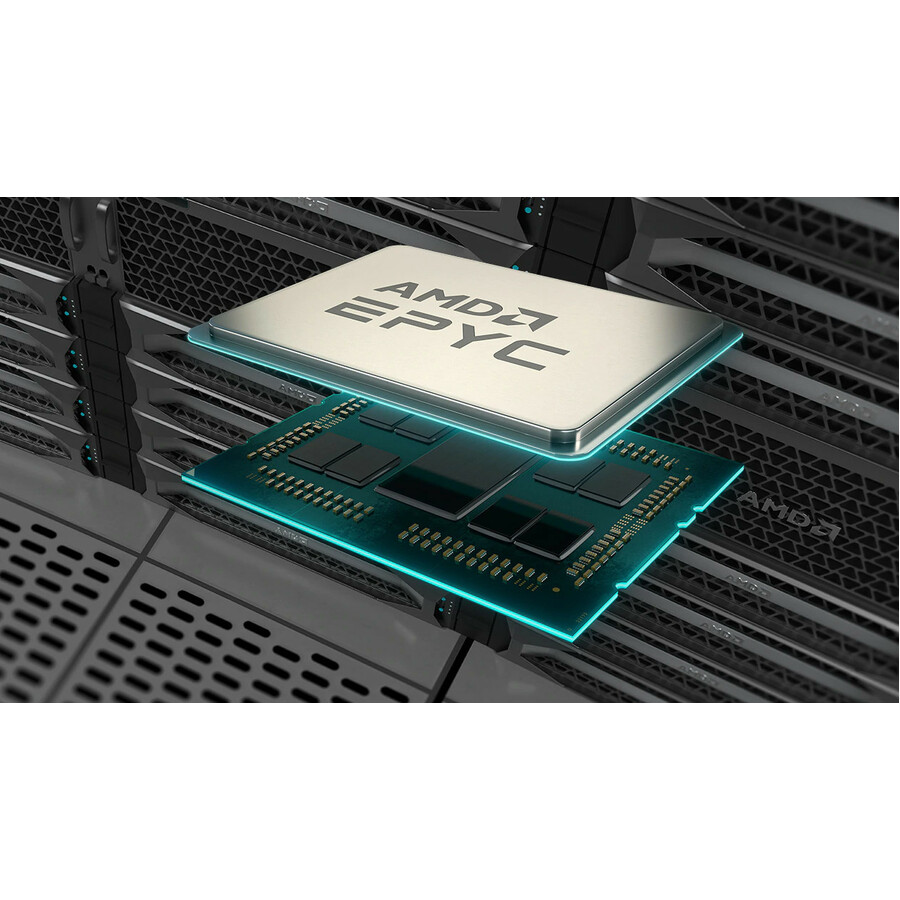
Lenovo
Lenovo EPYC 7003 (3rd Gen) 7473X Tetracosa-core (24 Core) 2.80 GHz…
4XG7A83633
An EPYC 7003-series 7473X upgrade option, twenty-four cores at 2.80 GHz boosting to 3.70 GHz with 768 MB of L3 — cache-heavy silicon in a vendor-qualified upgrade.
$12,028.08Back-ordered9004-series, 16-core
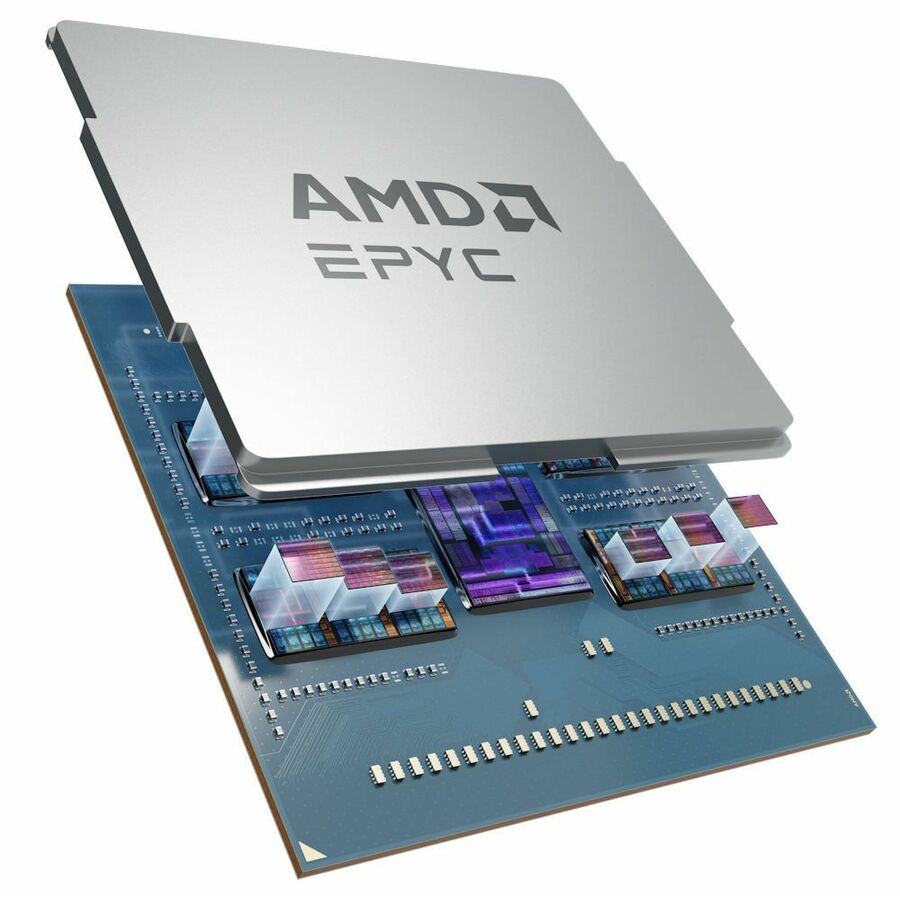
Lenovo
Lenovo AMD EPYC 9004 (4th Gen) 9184X Hexadeca-core (16 Core) 3.55 GHz…
4XG7A97359
An EPYC 9004-series 9184X upgrade option, sixteen cores at 3.55 GHz boosting to 4.20 GHz with 768 MB of L3 — the newest generation here, on its own socket and memory platform.
9004-series parts are not an upgrade path for a 7001, 7002 or 7003 server; the socket and memory generation differ.
$18,819.92Back-ordered64-core flagship
Lenovo
Lenovo EPYC 7003 (3rd Gen) 7773X Tetrahexaconta-core (64 Core) 2.20 GHz…
4XG7A83631
An EPYC 7773X upgrade option, sixty-four cores at 2.20 GHz boosting to 3.50 GHz with 768 MB of L3 — the highest core count on this page, and cache-heavy with it.
Check the chassis thermal design and PSU headroom before specifying a part at this core count.
$24,684.40Back-orderedMore processors in the Uniqcli catalog
See all 2,769 processorsMore from across this category. In-stock lines lead, and a back-ordered line carries the same estimated availability its product page does — with live pricing throughout, NDAA §889 screening before checkout and TAA verified on request.
- Advanced Micro DevicesAMD EPYC 9004 (4th Gen) 9684X Hexanonaconta-core (96 Core) 2.55 GHz Processor - OEM Pack - 1.13 GB L3 Cache - 64-bit Processing - 3.70 GHz Overclocking Speed - 5 nm - Socket SP5 No Graphics - 400 W - 192 Threads100-000001254
$14,756.00
$10,262.69
Back-orderedBack-ordered — estimated OEM lead time 3–8 weeks (Nov 16 – Dec 21 if ordered today).
- Advanced Micro DevicesAMD EPYC 9754 server CPU - AMD EPYC 9754 server CPU (128-core/256-thread, 2.25GHz base and up to 3.10GHz max boost* frequency, 256MB L3 Cache, 360W TDP, up to 6TB DDR5-4800 memory, 2P/1P)100-000001234
$11,900.00
$8,536.44
Back-orderedBack-ordered — we expect to receive stock the week of Oct 26 – Nov 1 and will process your delivery right after.
- Advanced Micro DevicesAMD EPYC 9004 (4th Gen) 9754S Octacosahecta-core (128 Core) 2.25 GHz Processor - 256 MB L3 Cache - 64-bit Processing - 3.10 GHz Overclocking Speed - 5 nm - Socket SP5 No Graphics - 360 W - 128 Threads100-000001371
$10,200.00
$8,067.25
Back-orderedBack-ordered — estimated OEM lead time 3–8 weeks (Nov 16 – Dec 21 if ordered today).
- Advanced Micro DevicesAMD EPYC 7003 7763 Tetrahexaconta-core (64 Core) 2.45 GHz Processor - 256 MB L3 Cache - 3.50 GHz Overclocking Speed - Socket SP3 - 280 W - 128 Threads100-100000312WOF
$7,890.00
$5,767.61
Back-orderedBack-ordered — estimated OEM lead time 3–8 weeks (Nov 16 – Dec 21 if ordered today).
- Advanced Micro DevicesAMD EPYC 7003 7713 Tetrahexaconta-core (64 Core) 2 GHz Processor - 256 MB L3 Cache - 3.68 GHz Overclocking Speed - Socket SP3 - 225 W - 128 Threads100-100000344WOF
$7,060.00
$5,419.00
Back-orderedBack-ordered — estimated OEM lead time 3–8 weeks (Nov 16 – Dec 21 if ordered today).
- Advanced Micro DevicesAMD EPYC 7003 7543 Dotriaconta-core (32 Core) 2.80 GHz Processor - 256 MB L3 Cache - 3.70 GHz Overclocking Speed - Socket SP3 - 225 W - 64 Threads100-100000345WOF
$3,761.00
$2,743.21
Back-orderedBack-ordered — estimated OEM lead time 3–8 weeks (Nov 16 – Dec 21 if ordered today).
- Advanced Micro DevicesAMD EPYC 7003 73F3 Hexadeca-core (16 Core) 3.50 GHz Processor - 256 MB L3 Cache - 4 GHz Overclocking Speed - Socket SP3 - 240 W - 32 Threads100-000000321
$12,352.17
$11,631.59
Back-orderedBack-ordered — estimated OEM lead time 3–8 weeks (Nov 16 – Dec 21 if ordered today).
- Advanced Micro DevicesAMD EPYC 7002 (2nd Gen) 7502 Dotriaconta-core (32 Core) 2.50 GHz Processor - OEM Pack - 128 MB L3 Cache - 16 MB L2 Cache - 64-bit Processing - 3.35 GHz Overclocking Speed - 7 nm - Socket SP3 - 180 W - 64 Threads100-000000054
$8,659.65
$8,154.48
Back-orderedBack-ordered — estimated OEM lead time 3–8 weeks (Nov 16 – Dec 21 if ordered today).
- Advanced Micro DevicesAMD EPYC 7002 (2nd Gen) 7452 Dotriaconta-core (32 Core) 2.35 GHz Processor - OEM Pack - 128 MB L3 Cache - 16 MB L2 Cache - 64-bit Processing - 3.35 GHz Overclocking Speed - 7 nm - Socket SP3 - 155 W - 64 Threads100-000000057
$8,164.59
$7,688.29
Back-orderedBack-ordered — estimated OEM lead time 3–8 weeks (Nov 16 – Dec 21 if ordered today).
- Advanced Micro DevicesAMD EPYC 8004 (4th Gen) 8534PN Tetrahexaconta-core (64 Core) 2 GHz Processor - OEM Pack - 128 MB L3 Cache - 64 MB L2 Cache - 64-bit Processing - 3.10 GHz Overclocking Speed - 5 nm - Socket SP6 LGA-4844 No Graphics - 175 W - 128 Threads100-000001172
$5,450.00
$5,057.05
Back-orderedBack-ordered — estimated OEM lead time 3–8 weeks (Nov 16 – Dec 21 if ordered today).
- Advanced Micro DevicesAMD EPYC 8004 (4th Gen) 8534P Tetrahexaconta-core (64 Core) 2.30 GHz Processor - OEM Pack - 128 MB L3 Cache - 64 MB L2 Cache - 64-bit Processing - 3.10 GHz Overclocking Speed - 5 nm - Socket SP6 LGA-4844 No Graphics - 200 W - 128 Threads100-000000875
$4,950.00
$4,597.23
Back-orderedBack-ordered — estimated OEM lead time 3–8 weeks (Nov 16 – Dec 21 if ordered today).
- Advanced Micro DevicesAMD EPYC 7002 (2nd Gen) 7F32 Octa-core (8 Core) 3.70 GHz Processor - OEM Pack - 128 MB L3 Cache - 3.90 GHz Overclocking Speed - Socket SP3 - 180 W - 16 Threads100-000000139
$5,699.52
$5,367.04
Back-orderedBack-ordered — estimated OEM lead time 3–8 weeks (Nov 16 – Dec 21 if ordered today).
- Advanced Micro DevicesAMD EPYC 7003 7513 Dotriaconta-core (32 Core) 2.60 GHz Processor - 128 MB L3 Cache - 3.65 GHz Overclocking Speed - Socket SP3 - 200 W - 64 Threads100-100000334WOF
$2,840.00
$2,596.45
Back-orderedBack-ordered — estimated OEM lead time 3–8 weeks (Nov 16 – Dec 21 if ordered today).
- Advanced Micro DevicesAMD EPYC 7002 (2nd Gen) 7252 Octa-core (8 Core) 3.10 GHz Processor - OEM Pack - 64 MB L3 Cache - 4 MB L2 Cache - 64-bit Processing - 3.20 GHz Overclocking Speed - 7 nm - Socket SP3 - 120 W - 16 Threads100-000000080
$4,021.85
$3,797.52
Back-orderedBack-ordered — estimated OEM lead time 3–8 weeks (Nov 16 – Dec 21 if ordered today).
- Advanced Micro DevicesAMD EPYC 7003 7373X Hexadeca-core (16 Core) 3.05 GHz Processor - 768 MB L3 Cache - 64-bit Processing - 3.80 GHz Overclocking Speed - Socket SP3 No Graphics - 240 W - 32 Threads100-000000508
$3,905.59
$3,687.74
Back-orderedBack-ordered — estimated OEM lead time 3–8 weeks (Nov 16 – Dec 21 if ordered today).
- Advanced Micro DevicesAMD EPYC 9004 (4th Gen) 9184X Hexadeca-core (16 Core) 3.55 GHz Processor - 768 MB L3 Cache - 64-bit Processing - 4.20 GHz Overclocking Speed - 5 nm - Socket SP5 No Graphics - 320 W - 32 Threads100-000001255
$4,928.00
$4,722.06
Back-orderedBack-ordered — estimated OEM lead time 3–8 weeks (Nov 16 – Dec 21 if ordered today).
- Advanced Micro DevicesAMD EPYC 7003 7543P Dotriaconta-core (32 Core) 2.80 GHz Processor - 256 MB L3 Cache - 3.70 GHz Overclocking Speed - Socket SP3 - 225 W - 64 Threads100-100000341WOF
$2,730.00
$2,596.67
Back-orderedBack-ordered — estimated OEM lead time 3–8 weeks (Nov 16 – Dec 21 if ordered today).
- Advanced Micro DevicesAMD EPYC 7002 (2nd Gen) 7502P Dotriaconta-core (32 Core) 2.50 GHz Processor - OEM Pack - 128 MB L3 Cache - 16 MB L2 Cache - 64-bit Processing - 3.35 GHz Overclocking Speed - 7 nm - Socket SP3 - 180 W - 64 Threads100-000000045
$2,211.21
$2,092.42
Back-orderedBack-ordered — estimated OEM lead time 3–8 weeks (Nov 16 – Dec 21 if ordered today).
- Advanced Micro DevicesAMD EPYC 7002 (2nd Gen) 7282 Hexadeca-core (16 Core) 2.80 GHz Processor - OEM Pack - 64 MB L3 Cache - 8 MB L2 Cache - 64-bit Processing - 3.20 GHz Overclocking Speed - 7 nm - Socket SP3 - 120 W - 32 Threads100-000000078
$1,503.16
$1,422.40
Back-orderedBack-ordered — estimated OEM lead time 3–8 weeks (Nov 16 – Dec 21 if ordered today).
- Advanced Micro DevicesAMD EPYC 7003 7413 Tetracosa-core (24 Core) 2.65 GHz Processor - 128 MB L3 Cache - 3.60 GHz Overclocking Speed - Socket SP3 - 180 W - 48 Threads100-100000323WOF
$1,825.00
$1,757.31
Back-orderedBack-ordered — estimated OEM lead time 3–8 weeks (Nov 16 – Dec 21 if ordered today).
- Advanced Micro DevicesAMD EPYC 7002 (2nd Gen) 7302 Hexadeca-core (16 Core) 3 GHz Processor - Retail Pack - 128 MB L3 Cache - 8 MB L2 Cache - 64-bit Processing - 3.30 GHz Overclocking Speed - 7 nm - Socket SP3 - 155 W - 32 Threads100-100000043WOF
$1,179.61
$1,120.51
Back-orderedBack-ordered — estimated OEM lead time 3–8 weeks (Nov 16 – Dec 21 if ordered today).
- Advanced Micro DevicesAMD EPYC 7601 32 Core 2.20 GHz Processor OEM Pack - 64 MB L3 Cache - 64-bit Processing - 3.20 GHz Overclocking Speed - Socket SP3 - 180 WPS7601BDVIHAF
$912.28
$874.69
Back-orderedBack-ordered — estimated OEM lead time 3–8 weeks (Nov 16 – Dec 21 if ordered today).
- Advanced Micro DevicesAMD EPYC 7002 (2nd Gen) 7232P Octa-core (8 Core) 3.10 GHz Processor - OEM Pack - 32 MB L3 Cache - 4 MB L2 Cache - 64-bit Processing - 3.20 GHz Overclocking Speed - 7 nm - Socket SP3 - 120 W - 16 Threads100-000000081
$430.23
$413.87
Back-orderedBack-ordered — estimated OEM lead time 3–8 weeks (Nov 16 – Dec 21 if ordered today).
- Advanced Micro DevicesAMD EPYC 7451 24 Core 2.30 GHz Processor OEM Pack - 64 MB L3 Cache - 64-bit Processing - 3.20 GHz Overclocking Speed - Socket SP3 - 180 WPS7451BDVHCAF
$328.21
$316.26
Back-orderedBack-ordered — estimated OEM lead time 3–8 weeks (Nov 16 – Dec 21 if ordered today).
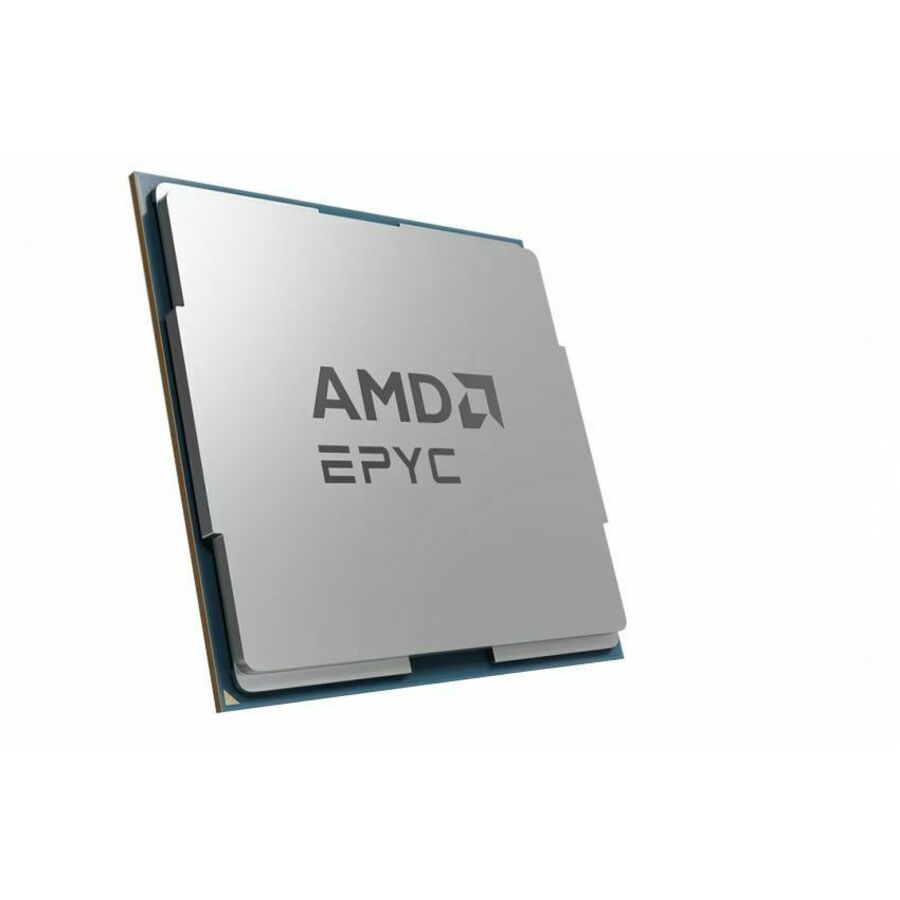
Need pricing on AMD EPYC processors?
Tell us where to reach you and a Uniqcli specialist will follow up by email with current pricing, availability and lead time for the quantities you need — including parts that aren’t shown on this page.
Buying for an organization or for yourself — both work. No payment up front.
EPYC is AMD's server processor line, and choosing one is mostly an exercise in reading three numbers and two letters on the part. The numbers are core count, clock and cache; the letters are the suffixes that change what the part is for. A P suffix means the processor is licensed and built for single-socket boards only, which is the right answer for a very large share of real servers and a cheaper one. An X suffix means the part carries AMD's stacked 3D V-Cache, and the rows here that carry it jump to 768 MB of L3 — a specification aimed squarely at simulation, EDA and technical workloads whose working set fits in cache. An F suffix marks the high-frequency parts, where fewer cores run faster because the software is licensed per core or simply does not scale sideways.
The generations matter as much as the model number, and the titles state them. The 7001 series is the original Naples generation, the 7002 and 7003 series are its successors on the same socket family, and the 9004 series is a later platform with a different socket and memory generation entirely. That last point is the one that costs money when it is missed: a processor is not a drop-in upgrade unless the board, the socket, the firmware and the memory all agree, and a 9004-series part does not go into a 7002-series server under any circumstances. Where a server is already in service, the safe path is the OEM's own supported-upgrade list, which is exactly what the Lenovo-listed rows on this page are.
The grid below is fenced to parts whose manufacturer's own title carries the EPYC name, which is why it holds both AMD's boxed and OEM-pack processors and the same silicon sold as OEM processor upgrade options. Read the core count against the licensing model before the workload: virtualization and container hosts are usually bought on cores and memory channels, while a database or an EDA seat licensed per core is often better served by a high-frequency part with fewer of them. Cards carry live pricing and current availability from the catalog, and nothing on this page is a benchmark result.
Buyer's checklist
How to choose an EPYC processor
- Start with the socket and the board, not the model number. EPYC spans several generations and more than one platform; the 9004-series parts here use a different socket and memory generation from the 7001, 7002 and 7003 families, and no amount of firmware makes one fit the other. Confirm the exact board or server model first.
- Read the P suffix. A P-suffix part is a single-socket processor, which is the correct and less expensive choice for the large number of servers that will never hold a second CPU. Buying a dual-capable part for a single-socket board is money spent on a capability the chassis cannot use.
- Read the X suffix. The X parts carry stacked 3D V-Cache and the rows here reach 768 MB of L3 — worth specifying deliberately for simulation, EDA and technical computing where the working set fits in cache, and not worth the premium for general virtualization.
- Read the F suffix, and check the software licensing before the core count. Where an application, database or hypervisor is licensed per core, a high-frequency part with fewer cores can cost dramatically less to run than a many-core part that idles under the same licence.
- Size cores against memory channels and the rest of the host. A processor is one line on a server build: the DIMM population, the number of memory channels the part supports, the PSU headroom, the cooling and the chassis airflow all move with it. A core count the cooling cannot sustain is a thermal problem, not a performance one.
- Distinguish OEM pack from retail pack, and processor upgrade options from bare trays. The titles here say which. An OEM-pack tray part often ships without a cooler; an OEM upgrade option is qualified against a specific server family and usually carries the heatsink and the airflow parts that family expects.
- For a server already in production, buy from the OEM's own supported list. The processor upgrade options on this page exist because a server vendor has qualified that exact part against that exact chassis, firmware and thermal design — which is what makes the upgrade a supported change rather than an experiment.
Cores, cache and clocks: which number is actually the constraint
Core count is the specification everyone leads with and it is the right lead for exactly one class of work: consolidation. A virtualization host, a container platform or a shared build farm is bought on how many independent things can run at once, and there the 32- and 64-core parts on this page pay for themselves in rack space, licences per socket and power per unit of work. That is the case EPYC was built for and it remains the most common reason a server carries one.
The other two numbers overturn that logic more often than people expect. Cache is the constraint for workloads whose working set is small enough to live in it and slow enough to hurt when it does not — the 768 MB X-series parts exist for exactly that, and where they fit, they change results in a way no core count does. Clock speed is the constraint where software is single-threaded, latency-bound, or licensed per core: an eight-core part running near 3.7 GHz can be both faster in practice and vastly cheaper to licence than a 32-core part at 2.5 GHz. The honest first question is not how many cores, but what the workload and its licence agreement actually reward.
Buying a processor as part of a server, not instead of one
A processor rarely arrives alone. A new host needs memory populated across every channel the part supports, storage sized to the workload, network adapters, a chassis with the cooling and power the CPU expects, and rack space and PDU capacity to receive it. An upgrade to an existing host needs the vendor's qualified part, the right heatsink, a firmware level that recognises the processor and, very often, a memory change alongside it. In both cases the processor is the line item that determines the rest of the bill of materials rather than the other way around.
Uniqcli quotes the processor with the server, the memory, the storage and the rack and power around it, so a refresh or a capacity expansion lands as one accountable order. Send the server models and quantities, the workload and its licensing model, the memory footprint you need per host and whether the sockets are single or dual, and we will come back with sized part numbers, availability, lead times and volume pricing on the whole build.
FAQ
Common questions
- What does the P mean in an EPYC part number?
- It marks a single-socket processor. A P-suffix part is intended for boards that hold exactly one CPU and cannot be paired with a second, and in exchange it is materially less expensive than the dual-capable part with the same core count and clock. For the large number of servers that are specified, built and retired with one socket populated, the P part is simply the correct choice. Buy the non-P version only when the board has a second socket you intend to fill, either now or in a planned expansion — otherwise you are paying for interconnect capability the chassis will never use.
- What is the X-series 3D V-Cache for?
- It is AMD's stacked cache technology, and on the rows here it takes the L3 cache to 768 MB — several times the cache of a conventional part with the same core count. That matters for workloads whose working set fits in cache and which stall waiting for memory otherwise: simulation, computational fluid dynamics, EDA, and some technical and financial computing. For general virtualization, web and database consolidation, the cache is largely idle capacity and the money is better spent on cores, memory or storage. If your application vendor publishes guidance on cache sensitivity, that guidance is the deciding input.
- Can I drop a newer EPYC into an existing server?
- Only within what the server vendor supports, and generation is the hard boundary. The 9004-series parts on this page use a different socket and memory generation from the 7001, 7002 and 7003 families, so they are not an upgrade path for an older host under any circumstances. Even within a family, an upgrade needs a board that supports the part, a firmware level that recognises it, a heatsink rated for its power, and often a memory change alongside. The processor upgrade options listed here exist precisely because a server vendor has qualified that exact part against that exact chassis.
- How many cores does a virtualization host need?
- It follows the consolidation target and the licence agreement rather than a rule of thumb. Count the virtual machines or containers the host must carry, their real committed CPU rather than their allocation, the memory each needs, and the headroom required to lose a host in a cluster without losing service. Then check the licensing: hypervisors and enterprise databases licensed per core can make a 32-core host far more expensive to run than two 16-core hosts, or the reverse. Size the memory channels and DIMM population in the same pass — a many-core part starved of memory bandwidth will not deliver what its core count suggests.
- Can business, government and education buyers order these?
- Every line Uniqcli quotes is sourced through US distribution and screened for TAA country-of-origin and NDAA §889 status before checkout — with documentation tied to the specific part number, not a product family.
Need AMD EPYC processors pricing?
Send a bill of materials or part numbers — we confirm stock and a below-market total, with TAA verified on request. No payment up front.