
Short answer
A tower server stands on the floor in its own upright chassis; a rack server is built to bolt into a 19-inch rack and is measured in rack units. Choose a tower for the first server or two, for an office with no equipment room, and where fan noise and internal expansion matter. Choose rack once you are managing a fleet in a room with front-to-back airflow. The components inside are often identical.
Key facts
- A rack unit is 1.75 inches, or 44.45 mm, of vertical mounting height in a standard 19-inch rack.
- Vertiv notes that most racks are sold as 42U, which holds forty-two 1U devices or any mix that adds up to 42.
- The 19-inch frame is the standardised mounting width the whole rack ecosystem is built around.
- A rack server's height caps its expansion: 1U and 2U chassis limit card height, slot count and cooler size in a way a tower does not.
- Racked equipment assumes managed airflow — the hot-aisle/cold-aisle arrangement the Department of Energy's data-centre design guide covers under air management.
Tower and rack servers are frequently built on the same processor families, memory architectures, and storage options, so the internal compute story is often similar. The real decision is about the chassis: where the machine physically lives, how it draws air, how loud it is next to people, and how you plan to scale the count of servers over time. Choosing the wrong form factor rarely breaks a workload, but it does create ongoing friction, wasted rack units, awkward cabling, or a server that is too loud to sit near staff.
The honest framing is a density-and-environment tradeoff rather than a performance contest. Towers stand on the floor or a desk, tolerate ordinary room conditions, and expand generously inside a single roomy chassis, which suits a first server or a lightly staffed remote site. Rack servers trade individual-chassis roominess for standardized 19-inch mounting, front-to-back airflow, and shared power and cooling, which is what lets you pack many systems into a cabinet and manage them as a fleet. The right answer depends on how many servers you expect, whether you have a proper equipment room, and who has to share the space with the machine.
At a glance
Side by side
| Factor | Tower server | Rack server |
|---|---|---|
| Form factor | Freestanding upright chassis, sits on floor or desk | Horizontal chassis mounted in a 19-inch rack, sized in rack units (1U-4U+) |
| Density | Low; one machine per floor footprint, no rack needed | High; a 42U cabinet holds many servers plus network and storage gear |
| Noise | Generally quieter; larger, slower fans suit occupied rooms | Often louder; 1U/2U chassis use small high-RPM fans built for equipment rooms |
| Cooling | Draws room air; tolerant of ordinary office conditions | Front-to-back airflow designed for hot-aisle/cold-aisle containment |
| Expandability | Roomy chassis, generous drive bays and full-height PCIe slots | Constrained by height; 1U/2U limit slot count, card height, and cooler size |
| Power & redundancy | Single fixed PSU on entry units; redundant supplies an option higher up | Redundant hot-swap PSUs common; fed from rack PDUs and shared UPS |
| Serviceability | Access via a side panel; relocated as one standalone unit | Slide-out rails and front/rear hot-swap access speed fleet servicing |
| Typical fit | Small office, branch, first server, remote site | Data center, server room, growing fleets needing consolidation |
Choose Tower server when
- You are deploying your first server or only one or two, and a rack cabinet would sit mostly empty and add cost
- The server must live in an office, reception area, or shop floor, where fan noise matters and there is no dedicated cooling
- You want maximum internal expansion in a single box, with room for extra drives, full-height cards, and larger CPU coolers
- You run a remote or branch site with no equipment room, no raised floor, and limited on-site IT staff
Choose Rack server when
- You expect to run several servers and want to consolidate them, plus switches and storage, into a managed cabinet footprint
- You have a server room or data center with front-to-back airflow, containment, and dedicated cooling
- You want standardized mounting, structured cabling, rack PDUs, and predictable per-U capacity planning
- You are scaling a fleet and value consistent form factor, rail-mount serviceability, and easy addition of like units
Bottom line
Buy a tower for the first server in a room with no rack; buy rack once you are managing a fleet with front-to-back airflow. If you are running a handful of servers or fewer in an ordinary room without dedicated cooling, a tower is usually the calmer, cheaper, more expandable choice and avoids paying for rack infrastructure you will not fill. Once you are consolidating multiple systems, have or plan a proper equipment room, and need to manage servers as a fleet with structured airflow and cabling, rack mounting is the standard for good reasons. Many organizations run both: towers at edge and branch locations, racks in the central room. Decide on projected server count and the physical space first; the compute inside is largely the same either way.
Products for this decision
Tower
Lenovo
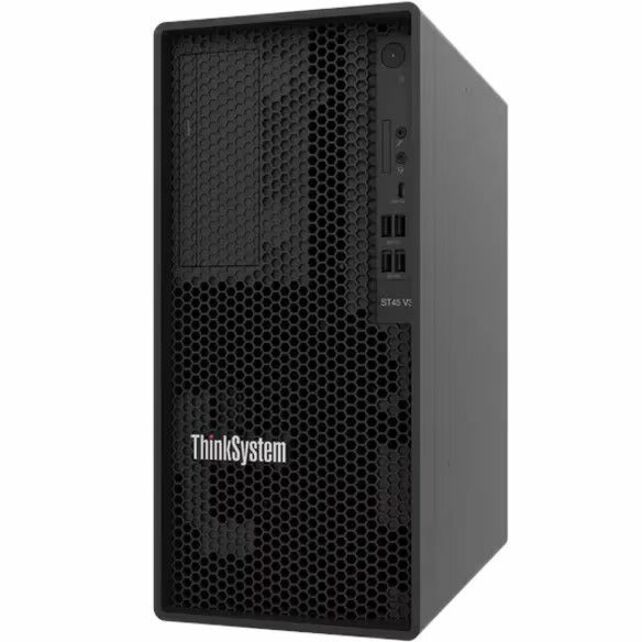
Lenovo ThinkSystem ST45 V3 7DH51002NA Tower Server
7DH51002NA
A single-socket tower server with five drive bays and a 300 W supply — the shape for a first server, a branch office or a room with no rack.
$1,552.99Back-ordered1U rack
Lenovo
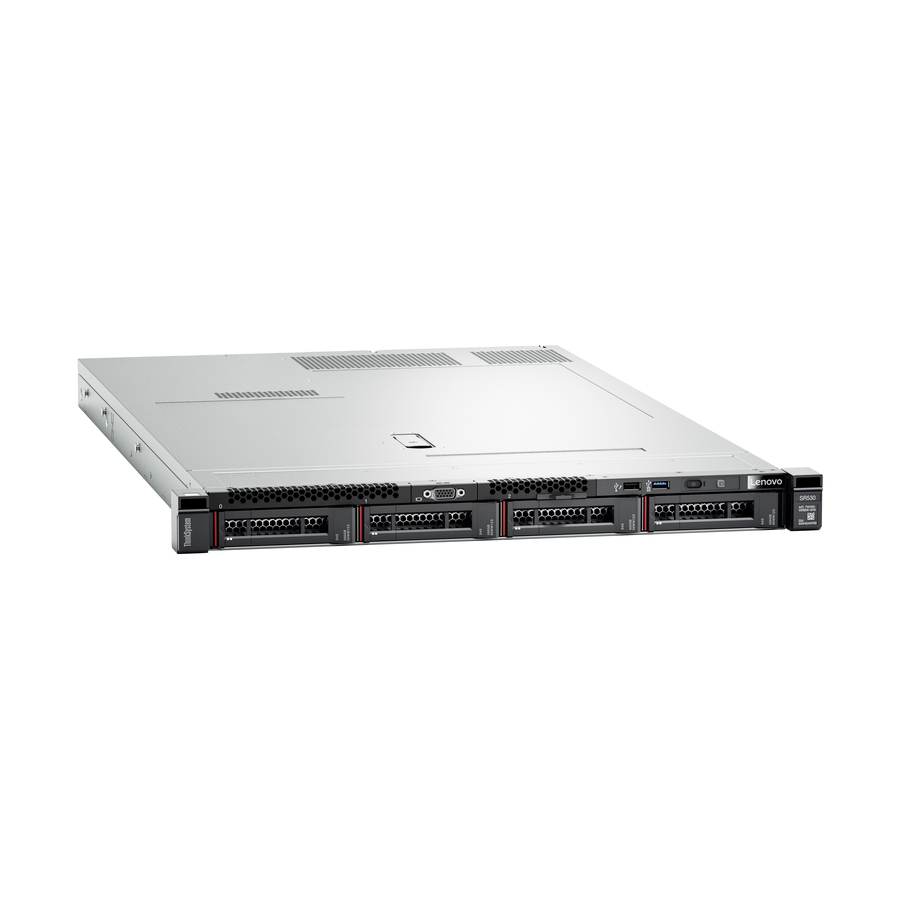
Lenovo ThinkSystem SR530 7X08A0BGNA 1U Rack Server
7X08A0BGNA
A 1U two-socket-capable rack server. One rack unit is 1.75 inches, so this is the densest way to put compute in a cabinet — and the most constrained on card height.
1U chassis use small high-RPM fans; plan for an equipment room rather than an occupied office.
$3,172.57Back-ordered2U rack
Lenovo
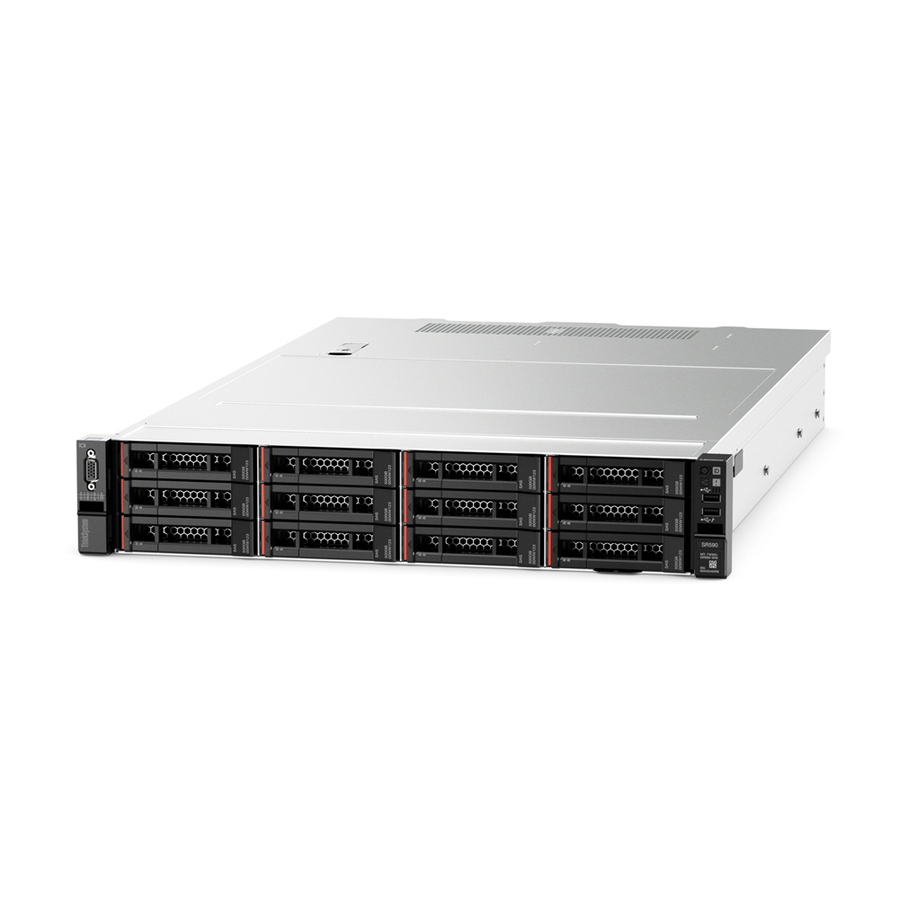
Lenovo ThinkSystem SR590 7X99A09DNA 2U Rack Server
7X99A09DNA
Two rack units instead of one, which buys back drive bays, full-height slots and cooling headroom while still racking cleanly.
$3,394.61Back-orderedFAQ
Common questions
- Can a tower server be mounted in a rack?
- Some towers offer optional rail or shelf kits, or tower-to-rack conversion kits, that let the chassis mount horizontally in a rack. Fit and rack-unit height vary by model, and a converted tower rarely matches the density of a purpose-built rack server, so verify the specific kit before planning.
- Are rack servers always louder than towers?
- Not always, but thin 1U and 2U rack servers commonly use small, high-RPM fans that are louder because they must move air through a shallow chassis. Towers typically use larger, slower fans that run quieter, which is why towers suit occupied rooms and rack servers assume an equipment room.
- What is a rack unit (U) and why does it matter?
- A rack unit is 1.75 inches (44.45 mm) of vertical mounting height in a standard 19-inch rack; a 1U server is one unit tall, a 2U is two. It matters because it governs how many servers fit in a cabinet and constrains internal space for slots, drives, and cooling in thinner chassis.
- Does form factor affect performance?
- Form factor itself does not determine compute performance; the CPU, memory, and storage do, and equivalent components can appear in either chassis. Form factor influences density, cooling headroom, and expansion limits, so a roomy tower may fit larger coolers or more full-height cards than a thin rack unit.
- What are the three types of servers?
- By chassis, the three are tower, rack and blade. A tower stands alone; a rack server bolts into a 19-inch cabinet and is measured in rack units; a blade is a stripped server that slides into a shared enclosure supplying power, cooling and networking to every blade in it. Blades reach the highest density but only pay off once the enclosure is well filled.
- What are the disadvantages of rack servers?
- Noise, cost of entry and constrained expansion. Thin 1U and 2U chassis need small high-RPM fans, so they belong in an equipment room rather than beside people; the first server also has to buy a cabinet, PDUs and rails before it holds anything; and chassis height caps card height, slot count and cooler size in a way a tower does not.
- Can you rack mount a tower server?
- Sometimes. Vendors offer rail or shelf kits, and some towers ship a tower-to-rack conversion kit that mounts the chassis on its side. Height in rack units and airflow direction both vary by model, and a converted tower rarely matches the density of a purpose-built rack server, so confirm the specific kit and the U count before planning the cabinet.
- What is a tower server used for?
- Typically the first or only server at a site: file and print, directory services, a line-of-business application, a backup target, or a small virtualisation host at a branch. It suits places with no equipment room and no rack, tolerates ordinary office conditions, and gives more room inside one chassis than a thin rack server does.