
Short answer
A GPU server is a rack server built around PCIe accelerator cards rather than around its processors: the chassis supplies the slot width, the PCIe lanes, the power and the airflow those cards need. The cards set the shape — an NVIDIA L4 is a single-slot low-profile card rated at 72 W, while an air-cooled RTX PRO 6000 Blackwell Server Edition is dual-slot and configurable up to 600 W.
Key facts
- NVIDIA lists the L4 as a 1-slot low-profile PCIe card with 24 GB of memory, rated at 72 W, on a PCIe Gen4 x16 link quoted at 64 GB/s.
- The RTX PRO 6000 Blackwell Server Edition carries 96 GB of GDDR7 with ECC and is configurable up to 600 W.
- That card is dual-slot full-height full-length when air-cooled and single-slot full-height extra-long when liquid-cooled.
- NVIDIA states that PCI Express Gen 5 provides double the bandwidth of PCIe Gen 4, so the host's PCIe generation is part of the card's specification.
- NVIDIA AI Enterprise is licensed per GPU: one license for every GPU installed in the server or workstation that hosts the software.
By Uniqcli Team
A GPU server is a rack server designed around its accelerator cards rather than around its processors. The CPUs, memory and drives are still there, but the chassis is specified backwards from the cards: how many double-width slots it can hold, how many PCIe lanes reach them, how many watts the power stages can deliver to each slot, and how much air the fans can push across a card that has no fan of its own.
That last point is the one that surprises buyers coming from workstations. A data-center accelerator is usually passively cooled — it is a heatsink in a slot, and the chassis supplies the airflow. Put one in a host that was not designed for it and the card throttles or refuses to run, even though it physically fits. This is why accelerators are sold against a list of qualified hosts rather than as a universal upgrade.
The practical question for a procurement engineer is therefore not "which GPU is fastest" but "which card fits the host I can actually buy, at the power and airflow that host provides, with the software licensing the workload needs." The three answers move together.
How does a GPU server differ from an ordinary rack server?
An ordinary 1U or 2U server is built to hold drives and network cards. Its expansion slots are usually single-width, its risers carry modest lane counts, and its power budget assumes nothing in a slot draws more than a few dozen watts. That is a perfectly good host for a network adapter or a storage controller and a poor one for an accelerator.
A GPU host inverts those assumptions. It provides full-height, full-length double-width slots, routes a full x16 link to each of them, and sizes the power supplies and the fan wall for cards that can each draw several hundred watts. NVIDIA quotes a PCIe Gen4 x16 link at 64 GB/s, and states that PCI Express Gen 5 provides double the bandwidth of Gen 4 — which is why the PCIe generation of the host is part of the accelerator's own specification, not a footnote.
Slots, lanes and power: the three constraints
Slot width comes first because it is physical. NVIDIA's L4 is a single-slot, low-profile card, so it fits hosts that were never intended for accelerators and can be installed several to a chassis. The RTX PRO 6000 Blackwell Server Edition is, in its air-cooled form, a dual-slot full-height full-length card; the liquid-cooled variant is single-slot but full-height extra-long, which is a different chassis question rather than an easier one.
Power comes second and is the constraint that most often decides the count. The L4 is rated at 72 W maximum. The RTX PRO 6000 Blackwell Server Edition is configurable up to 600 W. Eight of the first is a different power design from two of the second, and the rack circuit behind the host has to carry whichever you choose.
Lanes come third. Each accelerator wants its own x16 link, and a two-socket host has a finite number of lanes to distribute across accelerators, network adapters and storage. A configuration that looks fine on a slot count can still be bottlenecked by how the risers are wired, which is a question to put to the host vendor rather than to infer from a product photo.
Air-cooled and liquid-cooled accelerators
Data-center accelerators are sold in air-cooled and liquid-cooled forms, and the difference is not only thermal. NVIDIA lists the RTX PRO 6000 Blackwell Server Edition as dual-slot full-height full-length for air and single-slot full-height extra-long for liquid — so the two variants of one card occupy different physical envelopes and belong to different chassis.
Liquid cooling raises the density a rack can carry, and it introduces a facility dependency: manifolds, coolant distribution and a service procedure that the room has to support. For a first accelerated host, the air-cooled variant in a qualified chassis is usually the shorter path, and the decision is worth making before the order rather than after the delivery.
What should you confirm before ordering?
Start with the host vendor's qualified list for the exact card, in the exact variant, at the quantity you want. Confirm the slot form factor, the PCIe generation and lane width per slot, the per-slot power delivery, and whether the chassis needs a higher-airflow fan option or a different heatsink kit when accelerators are fitted.
Then check the software. NVIDIA AI Enterprise is licensed per GPU — a license for every GPU in the server that hosts the software — so the accelerator count sets the license count. Finally, size the rack: total the host's power draw with the cards fitted, compare it against the circuit and the PDU feeding the cabinet, and confirm the depth and weight the chassis adds before it arrives.
Key takeaways
- A GPU server is specified backwards from its accelerator cards — slot width, PCIe lanes, per-slot power and airflow are the design, not the trim.
- Data-center accelerators are typically passive: the chassis supplies the airflow, which is why cards are sold against qualified host lists.
- Card power spans a wide range — an NVIDIA L4 is rated 72 W, an RTX PRO 6000 Blackwell Server Edition is configurable up to 600 W.
- PCIe generation belongs in the specification: NVIDIA quotes Gen4 x16 at 64 GB/s and says Gen 5 provides double the bandwidth of Gen 4.
- Air-cooled and liquid-cooled versions of the same card have different form factors and belong to different chassis.
- Software follows the card count — NVIDIA AI Enterprise is licensed per GPU installed in the host.
Shop it at Uniqcli
Parts for this job
The high-end card
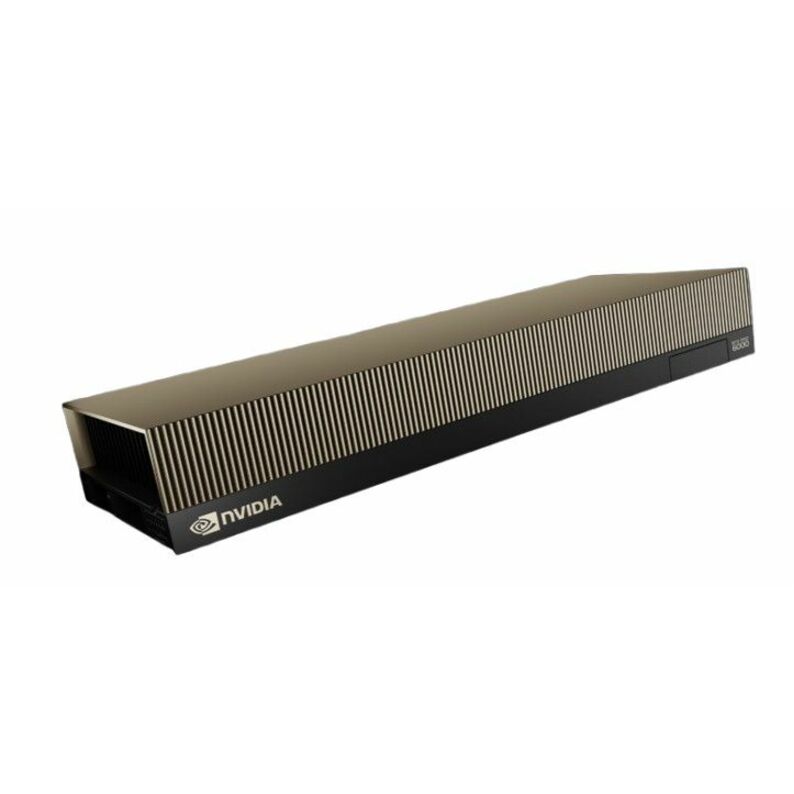
NVIDIA
NVIDIA RTX PRO 6000 Blackwell Server Edition Graphic Card
900-2G153-0000-200
NVIDIA RTX PRO 6000 Blackwell Server Edition — 96 GB of GDDR7 with ECC on a PCIe Gen5 x16 link, dual-slot with a passive cooler, so the chassis supplies the air.
Confirm the host is on NVIDIA's qualified list for this card and can deliver its configured power per slot.
$15,410.53Back-orderedThe density card
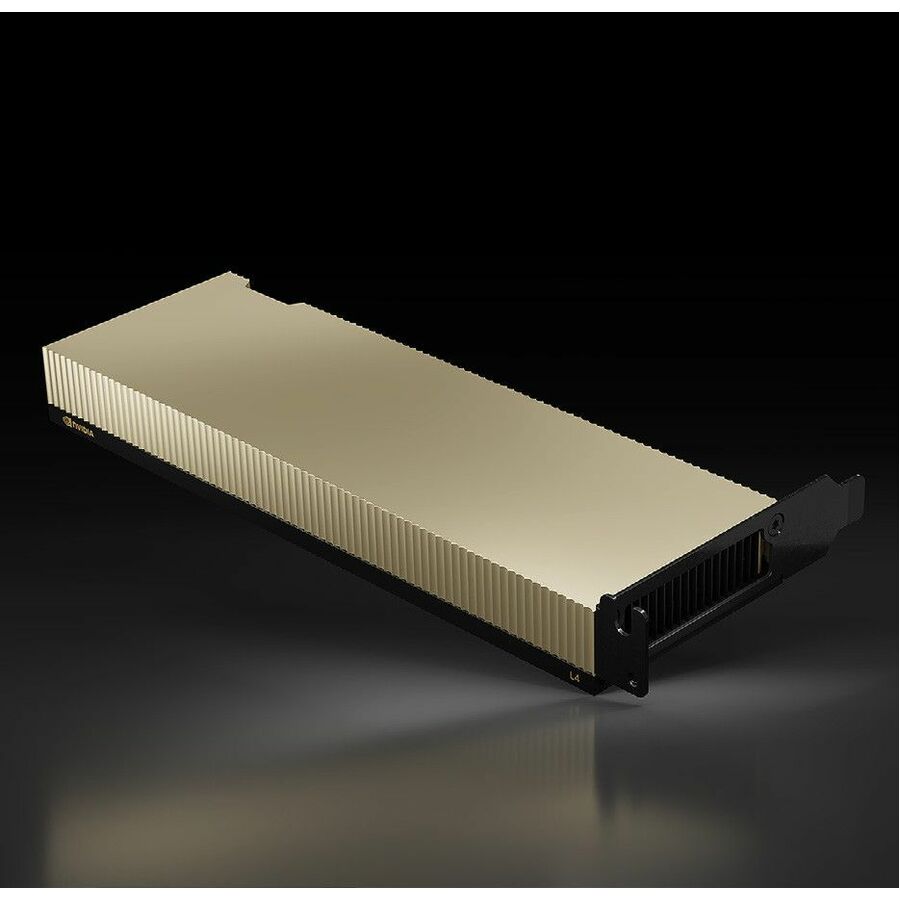
NVIDIA
NVIDIA L4 Graphic Card
900-2G193-0000-001
NVIDIA L4 — 24 GB on a single-slot, low-profile board rated at 72 W, the form factor that fits general-purpose hosts and goes several to a chassis.
$3,426.27Back-orderedA host to start from
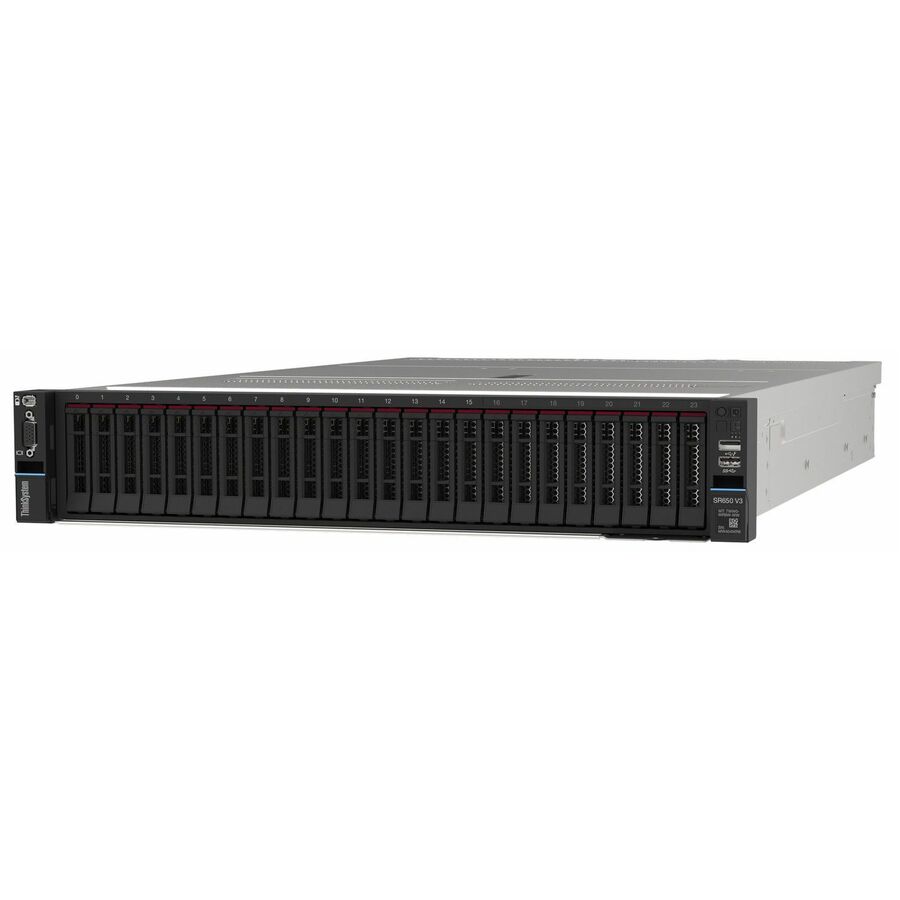
Lenovo
Lenovo ThinkSystem SR650 V3 7D76A07NNA 2U Rack Server
7D76A07NNA
Lenovo ThinkSystem SR650 V3, a two-socket 2U rack server with eight small-form-factor bays — the class of chassis PCIe accelerators are fitted into.
Slot, riser and fan options decide how many accelerators a 2U host can actually take; confirm the configuration before ordering.
$9,938.12Back-orderedFrequently asked
- How many GPUs fit in a GPU server?
- It depends on slot width and power, not on the chassis height alone. A single-slot, low-profile card such as the NVIDIA L4 — rated at 72 W — fits several to a host, while a dual-slot card configurable up to 600 W, such as the RTX PRO 6000 Blackwell Server Edition, takes two slots each and a much larger power budget. Confirm the host vendor's supported accelerator count for the exact card and quantity you want.
- What is the difference between a GPU server and a regular server?
- A regular rack server is built for drives and network cards: single-width slots, modest lane counts, and a power budget that assumes nothing in a slot draws hundreds of watts. A GPU server provides full-height double-width slots, a full x16 link to each of them, power delivery sized for the cards, and enough airflow to cool accelerators that have no fan of their own.
- How many PCIe lanes does a GPU need?
- Data-center accelerators are specified for a x16 link — NVIDIA lists the L4 as PCIe Gen4 x16 and quotes that link at 64 GB/s. In a real host the constraint is how many x16 links the risers actually provide once network adapters and storage controllers have taken their share, so ask the host vendor for the lane map rather than counting slots.
- Do I need a GPU server for AI inference?
- Not always. Inference workloads vary enormously in size, and a single low-profile accelerator in a general-purpose server handles many of them. The case for a purpose-built accelerated host is a workload that needs several cards, high-wattage cards, or the memory capacity that only larger accelerators carry. Size the workload first, then pick the chassis that can hold the cards it needs.
Sources
- 1.NVIDIA L4 Tensor Core GPU — specificationsnvidia.com
- 2.NVIDIA RTX PRO 6000 Blackwell Server Edition — specificationsnvidia.com
- 3.NVIDIA Enterprise Licensing Guide — AI Enterprise licensingdocs.nvidia.com
Keep reading