
How to Choose a 27-Inch Monitor for Office Work
Choosing 27-inch monitors for your office? Compare resolution, text readability, connectivity and desk setup to find the right fit for your team.
By Uniqcli Team · · 4 min read
On this page
Twenty-seven inches is a physical size, not a complete monitor specification. Different resolutions at that size create different text density and scaling choices. For an office rollout, evaluate the display with everyday applications and the actual desk before buying a fleet around the diagonal measurement.
27-inch office candidate
LG Electronics
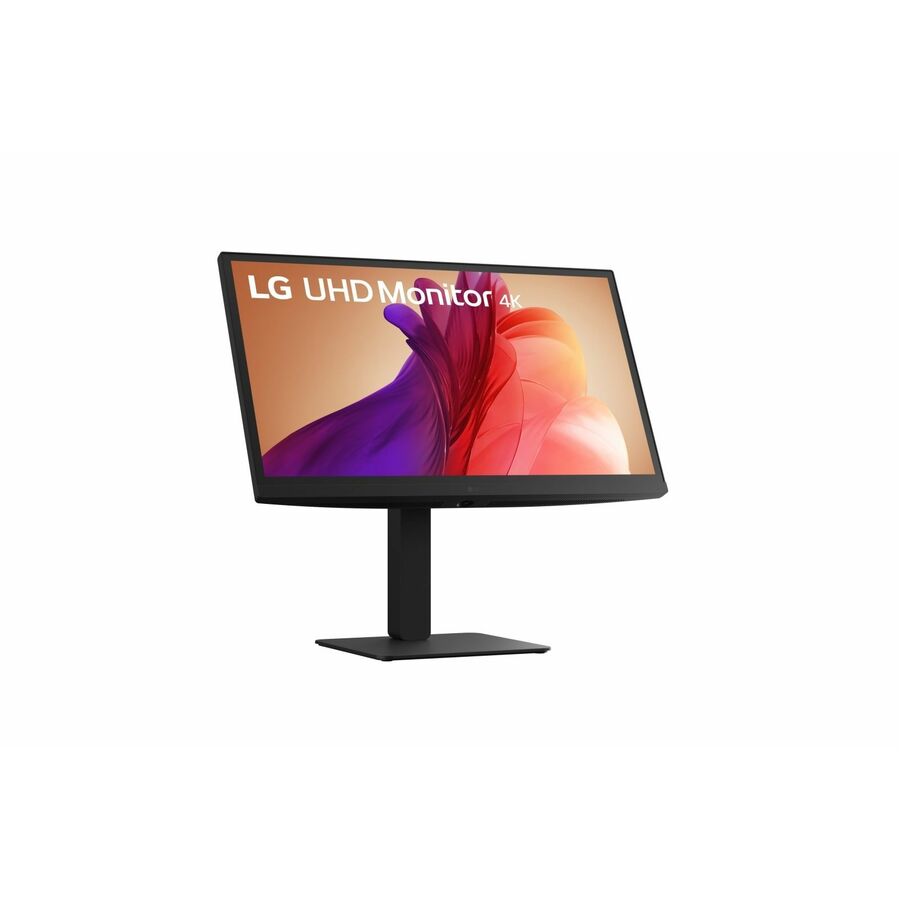
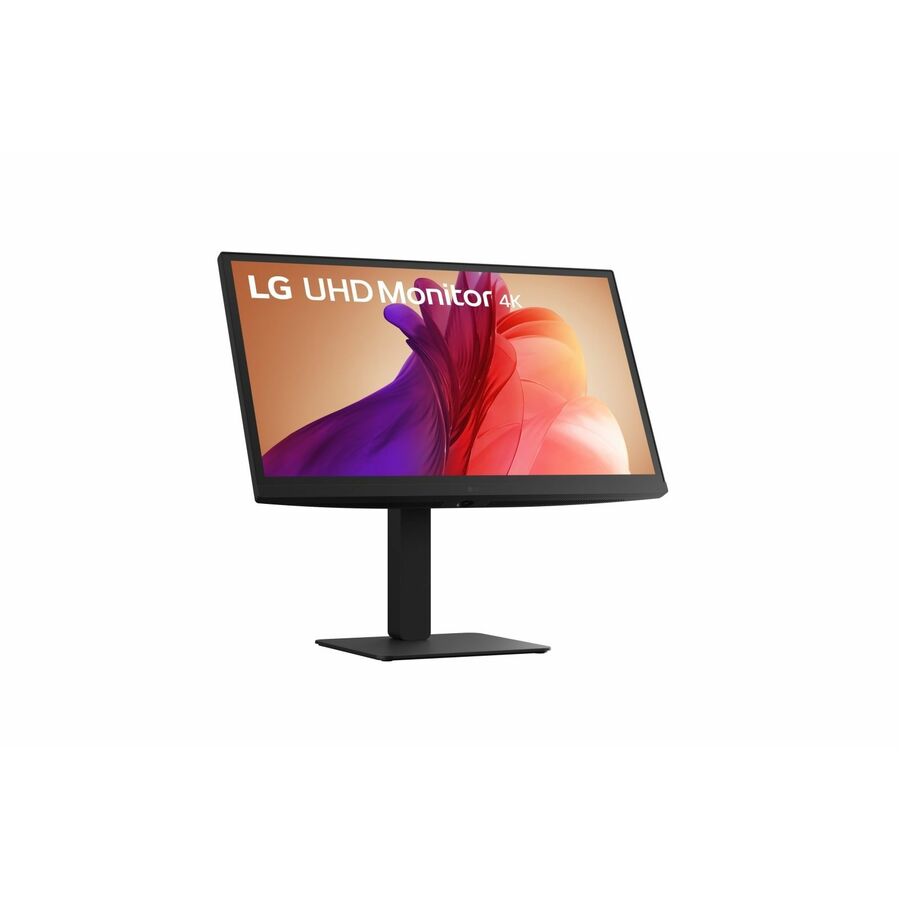
LG 27BA45U-B 27" Class LCD Monitor
27BA45U-B
The LG 27BA45U-B listing specifies a 27-inch IPS panel with height, pivot, swivel and tilt adjustment, plus HDMI and DisplayPort.
Verify the exact resolution and cable contents on the part-specific documentation before standardizing.
$510.00*Back-ordered1440p USB-C desk option
ViewSonic
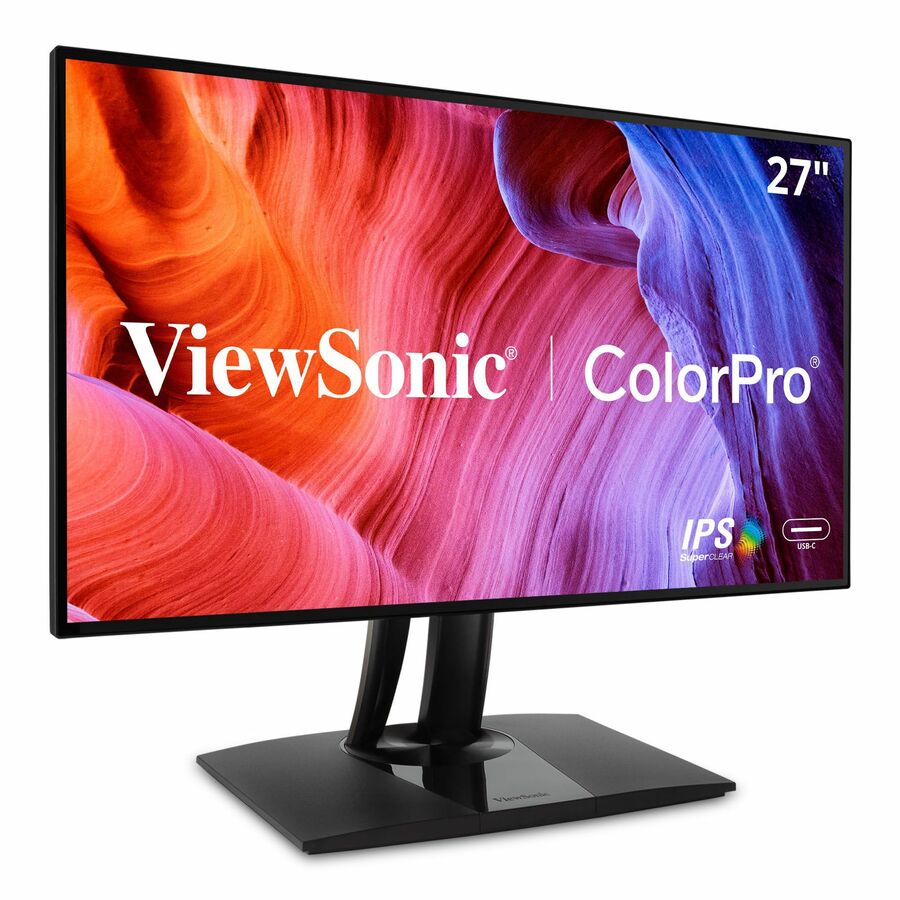
ViewSonic VP2768A 27 Inch 1440p ColorPro Monitor, IPS Display with 100%…
VP2768A
ViewSonic VP2768A combines a 27-inch 2560×1440 IPS panel with USB-C power delivery up to 90W and Ethernet, giving laptop desks an alternative with integrated connections.
Compare readability at the chosen scaling and confirm the laptop’s video and charging requirements before treating it as a dock replacement. Native 1440p differs from a 4K workspace.
$455.99In stockTwo-screen mounting option

StarTech.com
StarTech Desk-Mount Dual-Monitor Arm, For up to 27"(17.6lb/8kg)…
ARMBARDUOG
The StarTech ARMBARDUOG provides a listed mounting option for two monitors up to 27 inches where desk space calls for an arm.
Confirm each monitor’s weight, VESA fit and the desk’s clamp or grommet suitability. Diagonal size alone is insufficient.
$145.21In stockTreat resolution and scaling as one decision
Show users the documents and spreadsheets they normally work with. Compare how much information is usable at a comfortable text size, rather than counting pixels at a scaling setting they would never keep. A higher resolution can provide detail, but the operating system and application must render the content well at the chosen scale.
Mixed monitor layouts need attention too. If the laptop screen and external monitor use different scaling, move windows between them and test screen sharing. Record the chosen settings in the pilot notes so support can reproduce the experience. A monitor standard should leave room for users who need larger text or another screen arrangement.
Recommended configuration
- Text-heavy office work
- Prioritize: Comfortable scaling · Check before ordering: Real documents and spreadsheets
- Existing dual-monitor desk
- Prioritize: Matched usable layout · Check before ordering: Stand movement and cable path
- Laptop docking desk
- Prioritize: Verified USB-C features if needed · Check before ordering: Power and host support
Choose a practical stand and connection standard
Height, tilt and rotation options can matter more to a desk worker than a marketing feature they rarely use. Test the stand on the real desk, with the keyboard and mouse in place. If an arm is planned, verify VESA mounting and screen weight before removing the supplied stand.
Inventory HDMI, DisplayPort and USB-C requirements across the host fleet. Choose a cable path that reliably delivers the intended mode and document exceptions. Do not assume a 27-inch screen includes the desired cable or laptop charging. Request those details on the quote so the first deployment batch does not stall waiting for accessories.
Build acceptance around readability and stability
Check the screen with a sample spreadsheet, a long document and the collaboration application. Confirm the expected resolution, text clarity and external display behavior after the computer sleeps. Look for physical fit problems such as the stand consuming the space needed for documents or a desk phone.
For a large order, record exact part numbers and require substitution review. A visually similar 27-inch monitor can differ in resolution, stand adjustment and inputs. Keep the standard focused on the capabilities staff use, and evaluate any replacement model against the same acceptance tasks. Confirm the warranty and replacement process for the ordered units.
Make replacement units match the approved desk
Store the monitor’s resolution, stand capabilities, inputs and cable choice in the fleet record. A future replacement request that says only 27-inch monitor can produce a noticeably different experience. If a substitute is necessary, compare it against the saved desk requirements before authorizing it.
For paired screens, consider the effect of replacing only one unit on layout and scaling. A matched appearance is less important than a readable, stable arrangement, but the employee should understand the change. Request the current warranty and return procedure with the order, and keep the original stand when the organization expects monitors to move between arm-mounted and freestanding desks.
Questions before you order
Should a 27-inch office monitor always be 4K?
No. Test readability, application scaling, viewing distance and host capability. The right resolution is the one that delivers a usable layout for the role.
Can we replace one brand with another during a bulk order?
Only after comparing the approved requirements, including stand adjustment, inputs, resolution and service terms. A matching diagonal does not establish equivalence.
Build the right equipment list
Send your quantities, required configurations and delivery needs for a quote.
Sources
- 1.LG Electronics 27BA45U-B — catalog specificationsgetuniqcli.com
- 2.StarTech.com ARMBARDUOG — catalog specificationsgetuniqcli.com
- 3.StarTech ARMBARDUOG manufacturer datasheetmedia.startech.com
- 4.ViewSonic VP2768a manufacturer specificationsviewsonic.com
Manufacturer catalog image · 27BA45U-B