
Short answer
The main difference between a VLAN and a subnet is the layer they work at. A VLAN is a Layer 2 broadcast domain identified by a 12-bit VLAN ID inside an IEEE 802.1Q tag, with IDs 1 to 4094 usable; a subnet is a Layer 3 IP address range defined by a prefix length. Most networks map one VLAN to one subnet, and traffic leaving either one has to cross a router or a Layer 3 switch.
Key facts
- The IEEE 802.1Q VLAN identifier is 12 bits wide, so VLAN IDs 1 through 4094 are usable — 0 and 4095 are reserved.
- An 802.1Q tag adds 4 bytes to the Ethernet frame, carrying the VLAN ID plus a 3-bit priority code point.
- A subnet is written as a prefix under CIDR (RFC 4632): the mask length, not an address class, decides how many hosts it holds.
- A VLAN has no IP address of its own; the Layer 3 interface serving it does, and that address is the subnet's gateway.
- A VLAN cannot reach another VLAN unaided — the frame has to be routed by a router or a Layer 3 switch either way.
- Two VLANs can carry the same subnet and one VLAN can carry several; both work, and both break the one-to-one assumption.
VLAN and subnet are not competing ways of doing one job. They are two different mechanisms at two different layers that most networks deploy together, which is exactly why the question keeps coming up: if you always configure them as a pair, it is easy to lose track of which one is doing what. A VLAN lives on the switch and decides which ports share a broadcast domain. A subnet lives in the IP stack and decides which addresses a host believes it can reach without a gateway.
The reason it matters in practice is failure diagnosis and security design. Traffic that should be isolated but is not, a DHCP request that reaches the wrong scope, an ACL that quietly does nothing — each of these is a symptom of the two layers disagreeing. A device can be in the right VLAN and the wrong subnet, or in the right subnet on a switch port that carries a different VLAN, and the two faults look nothing alike on the wire.
The rule to carry into a design review is simple: separating broadcast traffic is a switch job, separating routing and policy is a Layer 3 job, and a one-to-one map between them is a convention, not a requirement. When you break the convention deliberately, document it; when it breaks by accident, that is usually the bug.
At a glance
Side by side
| Factor | VLAN | Subnet |
|---|---|---|
| Layer | Layer 2 — Ethernet switching | Layer 3 — IP addressing |
| What defines it | A 12-bit VLAN identifier carried in an IEEE 802.1Q tag | A network address plus a prefix length, written in CIDR notation |
| Address space | VLAN IDs 1 to 4094 are usable; 0 and 4095 are reserved | Any IPv4 or IPv6 prefix; the mask sets how many hosts it holds |
| What it separates | Broadcast domains — ARP, DHCP discovery and unknown-unicast flooding stay inside | IP reachability — anything outside the prefix is sent to a gateway |
| Where it is configured | Switch ports: an access port carries one VLAN, a trunk carries tagged VLANs | Host and router interfaces: address, mask and default gateway |
| Crossing out of it | A router or a Layer 3 switch; a VLAN cannot reach another VLAN by itself | Routing between prefixes, through an interface that holds an address in each |
| Overhead on the wire | 4 bytes added to the Ethernet frame for the tag, including a 3-bit priority field | None on the frame; the prefix is a property of the address, not the packet |
| Security role | Isolation only — enforcement needs ACLs, 802.1X or a firewall on top | Isolation only — enforcement needs a firewall or router ACLs |
The problem is a VLAN problem when
- Broadcast traffic from one device class is reaching machines that should never see it
- One cable to a desk has to carry two networks — a phone and a PC behind it, on separate tags
- Ports must be assigned to networks by identity or device type rather than by patch-panel geography
- You need traffic separated on the switch even though the traffic never leaves the building
The problem is a subnet problem when
- A scope is running out of addresses, or one flat range has grown past what a mask can hold
- You need a boundary a firewall or an ACL can reference, because policy is written against prefixes
- Routes need summarising, or a site's addressing has to slot into a wider plan without overlap
- DHCP scopes, reservations or relay behaviour are the thing behaving unexpectedly
Bottom line
They are complements, not alternatives. In almost every design each VLAN gets exactly one subnet, and the Layer 3 interface that serves that VLAN — an SVI on a Layer 3 switch, or a router subinterface — carries the gateway address the hosts point at. Where the two come apart is worth knowing about: two VLANs can be given the same subnet, and one VLAN can carry several subnets, and both configurations work while quietly breaking the assumption most monitoring and access-control tooling makes. Build the one-to-one map by default, deviate only on purpose, and when you are troubleshooting, name which layer you are testing before you change anything.
Products for this decision
Where VLANs get tagged
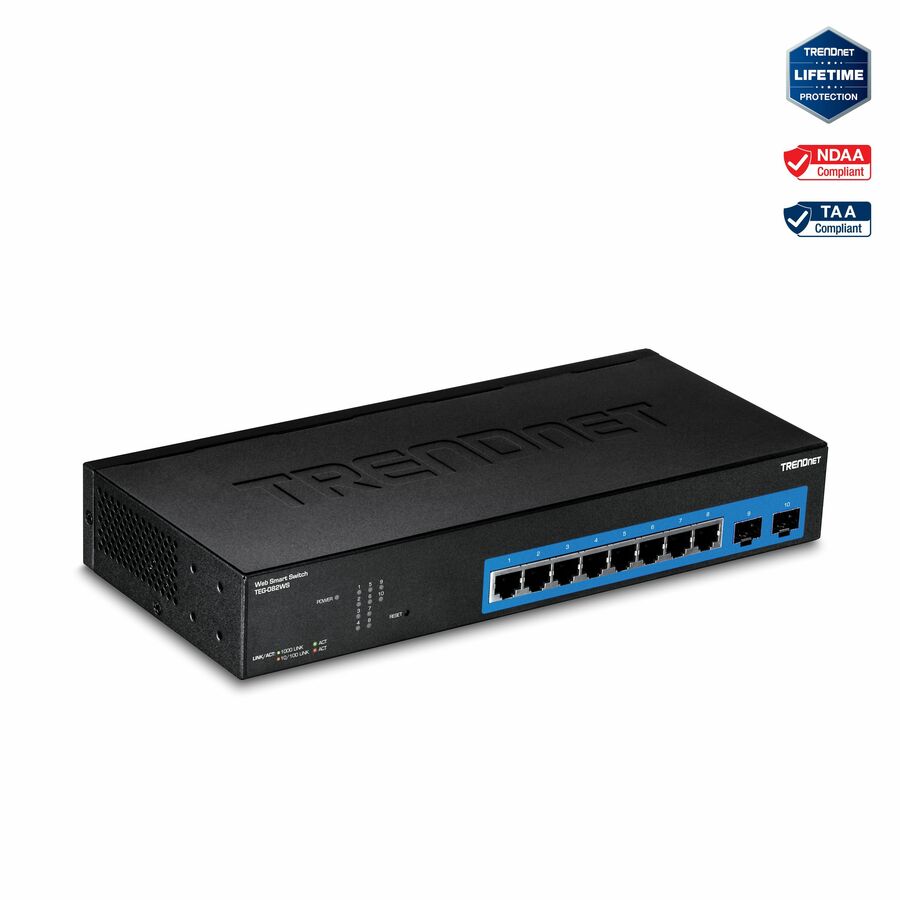
TRENDnet
TRENDnet 10-Port Gigabit Web Smart Switch; 20 Gbps Switching Capacity…
TEG-082WS
A ten-port gigabit web-smart switch with 802.1Q VLANs, QoS and LACP plus two SFP slots — the access-layer device that puts ports into VLANs.
$126.62Back-orderedWhere subnets meet
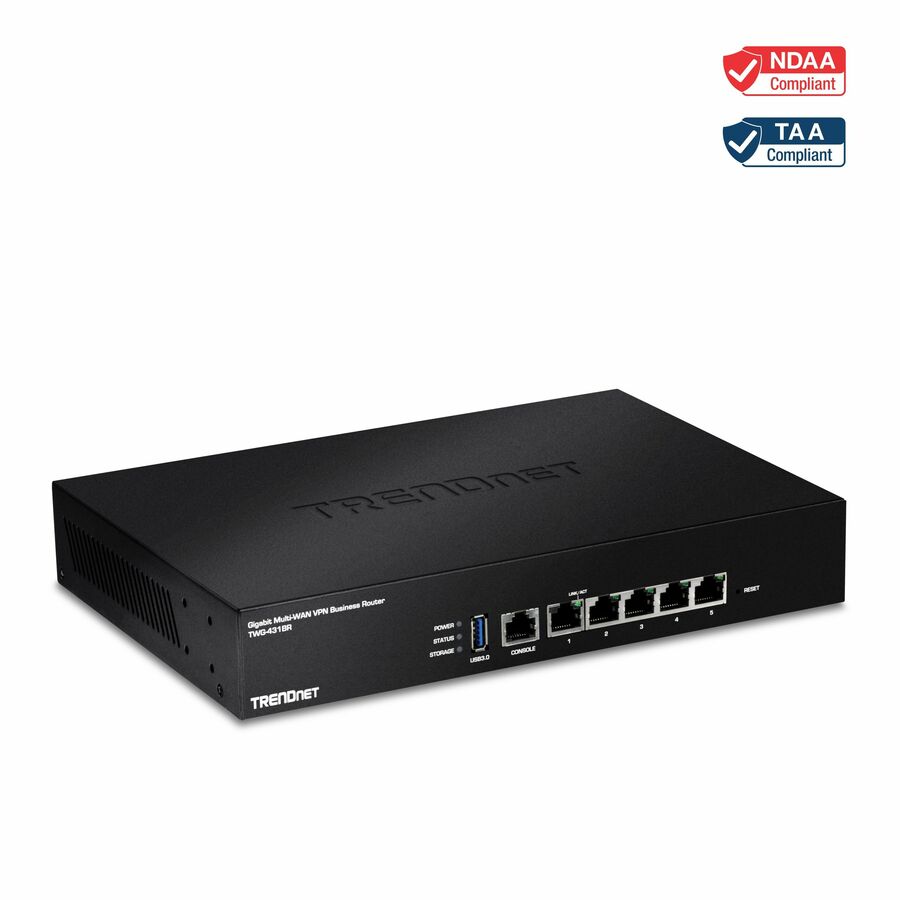
TRENDnet
TRENDnet Gigabit Multi-WAN VPN Business Router; TWG-431BR; 5 x Gigabit…
TWG-431BR
A multi-WAN business router with inter-VLAN routing, dynamic routing and load balancing, for a site where the gateway between VLAN subnets sits at the edge.
$164.35Back-orderedRouting in the switch
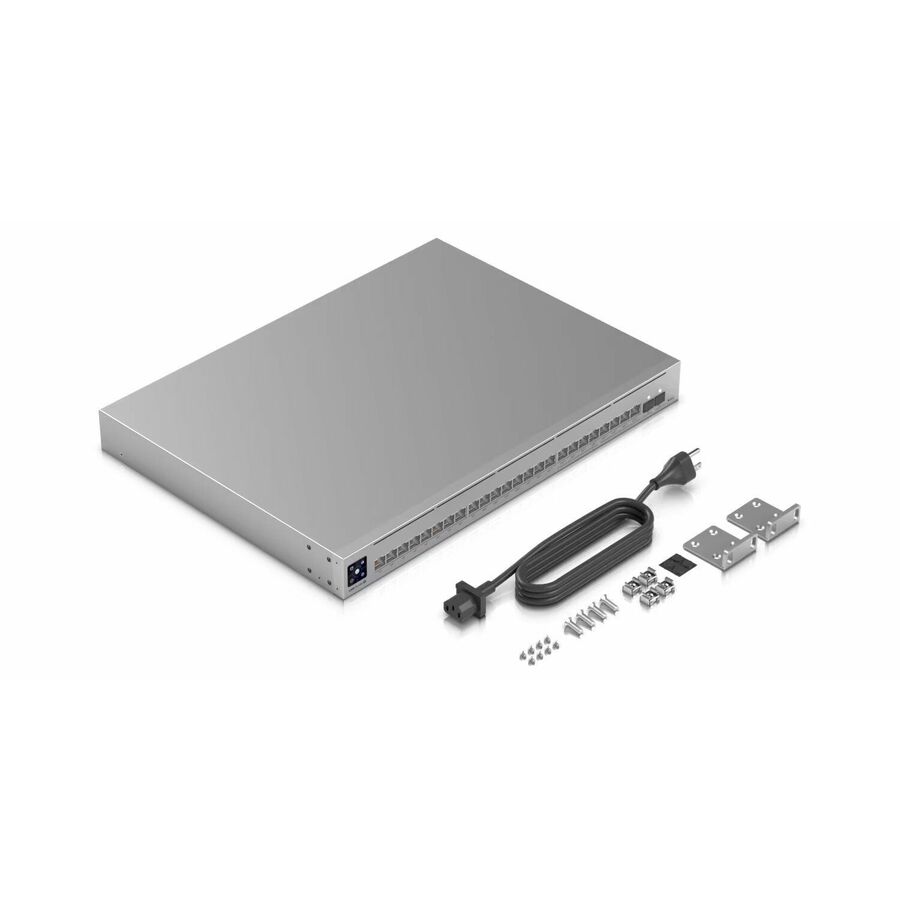
Ubiquiti
Ubiquiti Pro Max Layer 3 Switch
USW-PRO-MAX-24-POE
A 24-port Layer 3 PoE switch with 2.5G and 10G ports, so inter-subnet traffic is routed in the closet instead of hairpinning to the edge router.
Check the PoE budget against the devices you intend to power before ordering.
$1,017.93Back-orderedShop it at Uniqcli
FAQ
Common questions
- When should you use a VLAN?
- Use a VLAN whenever traffic has to be separated at the switch — different device classes on one cable plant, voice separated from data, guest or camera traffic kept out of the production broadcast domain, or ports assigned by device identity rather than by which patch panel they land on. If the separation only needs to exist at the routing or firewall layer, a subnet on its own may be enough.
- Do VLANs have an IP address?
- No. A VLAN is a Layer 2 construct and has no address. What has an address is the Layer 3 interface built on top of it — a switched virtual interface on a Layer 3 switch, or a router subinterface — and that address is what hosts in the VLAN use as their default gateway.
- Can VLANs use the same subnet?
- Technically yes, and it usually causes trouble. Two VLANs sharing one subnet means hosts believe each other are directly reachable while the switch keeps their frames apart, so traffic fails in ways ARP cannot explain. It is done deliberately in a few designs, such as private VLANs, but as an accident it is a bug worth hunting.
- What are the disadvantages of VLAN?
- A VLAN isolates broadcast traffic and nothing more — it is not access control, so anything crossing between VLANs still needs an ACL or a firewall. VLANs also add configuration state to every switch and trunk on the path, which means a mismatched trunk or a forgotten allowed-VLAN list becomes its own class of outage, and the 802.1Q identifier caps you at 4094 of them.
- Do VLANs need different subnets?
- Not strictly, but assume yes. The one-VLAN-one-subnet convention is what DHCP scopes, routing tables, ACLs and most monitoring tools are written against, so departing from it means every one of those has to be checked by hand. Give each VLAN its own prefix unless you have a specific reason not to.
Sources
- 1.IEEE 802.1Q — Bridges and Bridged Networks (VLAN tagging)standards.ieee.org
- 2.RFC 4632 — Classless Inter-domain Routing (CIDR)rfc-editor.org
- 3.RFC 950 — Internet Standard Subnetting Procedurerfc-editor.org