
Short answer
T568A and T568B are the two pin-pair assignments defined in ANSI/TIA-568 for an eight-position, eight-conductor jack, and the only difference between them is that the green and orange pairs are swapped. Electrical performance is identical, so pick one, write it into the cabling specification and use it at both ends of every run — mixing them on a single run produces a crossover.
Key facts
- T568A and T568B are defined in ANSI/TIA-568 for four-pair, eight-position, eight-conductor interfaces.
- The only difference between them is the orientation of the green and orange pairs; blue stays on pins 4 and 5, brown on pins 7 and 8.
- T568B lands white/orange on pin 1, orange on 2, white/green on 3, blue on 4, white/blue on 5, green on 6, white/brown on 7 and brown on 8.
- T568A is the default wiring scheme in ANSI/TIA-568, with T568B listed as optional.
- Both are straight-through schemes: each conductor connects to the same pin number at both ends of the cord.
- There is no functional difference between cords wired to the two schemes when each is used consistently end to end.
Nothing about this decision is technical, which is why it causes so much argument. T568A and T568B are two pin-to-pair assignments for the same eight-position, eight-conductor jack, defined in the same ANSI/TIA-568 standard, on the same cable, at the same performance category. Swap between them and the electrical result is identical. The only thing that matters is consistency.
The difference is one transposition. In T568A the green pair lands on pins 1 and 2 and the orange pair on pins 3 and 6; in T568B those two swap, so orange takes 1 and 2 and green takes 3 and 6. The blue pair stays on pins 4 and 5 and the brown pair on pins 7 and 8 in both. That is the entire delta, and everything else that gets said about the two schemes follows from it.
So the real deliverable here is a written decision. Pick one scheme, put it in the cabling specification, print it on the label at the patch panel, and hold every contractor to it for the life of the building. A site that has both schemes in it is not broken, but every future move, add and change becomes a small forensic exercise, and the first person to terminate a jack from memory creates a fault that a link tester will read as a crossed pair.
At a glance
Side by side
| Factor | T568A | T568B |
|---|---|---|
| Pins 1 and 2 | White/green, green | White/orange, orange |
| Pins 3 and 6 | White/orange, orange | White/green, green |
| Pins 4 and 5 | Blue, white/blue | Blue, white/blue |
| Pins 7 and 8 | White/brown, brown | White/brown, brown |
| Status in ANSI/TIA-568 | The default wiring scheme | Listed as optional |
| Electrical performance | Identical within the same category of cable and component | Identical |
| Historic lineage | Aligns with older one-pair and two-pair telephone wiring | Consistent with the older AT&T 258A scheme |
| Wiring type | Straight-through: each conductor lands on the same pin at both ends | Straight-through |
| Mixing the two on one run | Produces a crossover, not a straight link | Produces a crossover, not a straight link |
Choose T568A when
- You want the default scheme named in ANSI/TIA-568 rather than the optional one
- The building already has T568A on its labels, its panels and its as-builts
- The cabling specification you are working to names it explicitly
- Voice reuse matters and you want the pin order that follows the older telephone pairing
Choose T568B when
- The site, the integrator or the existing patch panels are already on T568B
- Your installers are trained on the older AT&T 258A pin order and terminate it from habit
- You are extending or repairing a plant whose as-builts record T568B
- Pre-terminated cords, panels and jacks already held on site are labelled for it
Bottom line
Pick one, write it into the spec and terminate every run the same way — performance is identical. ANSI/TIA-568 names T568A as the default and lists T568B as optional, which is a reasonable tie-breaker for a greenfield building; for an existing plant the only sensible answer is whatever the as-builts and the patch-panel labels already say. What is not optional is consistency: a run wired T568A at one end and T568B at the other is a crossover cable, and a modern switch with auto-MDI/MDIX will often hide that fact until the day something without it is plugged in. Put the chosen scheme in the specification, print it on the label, and test the link rather than trusting the colour order.
Products for this decision
Punch-down jack, both schemes labelled
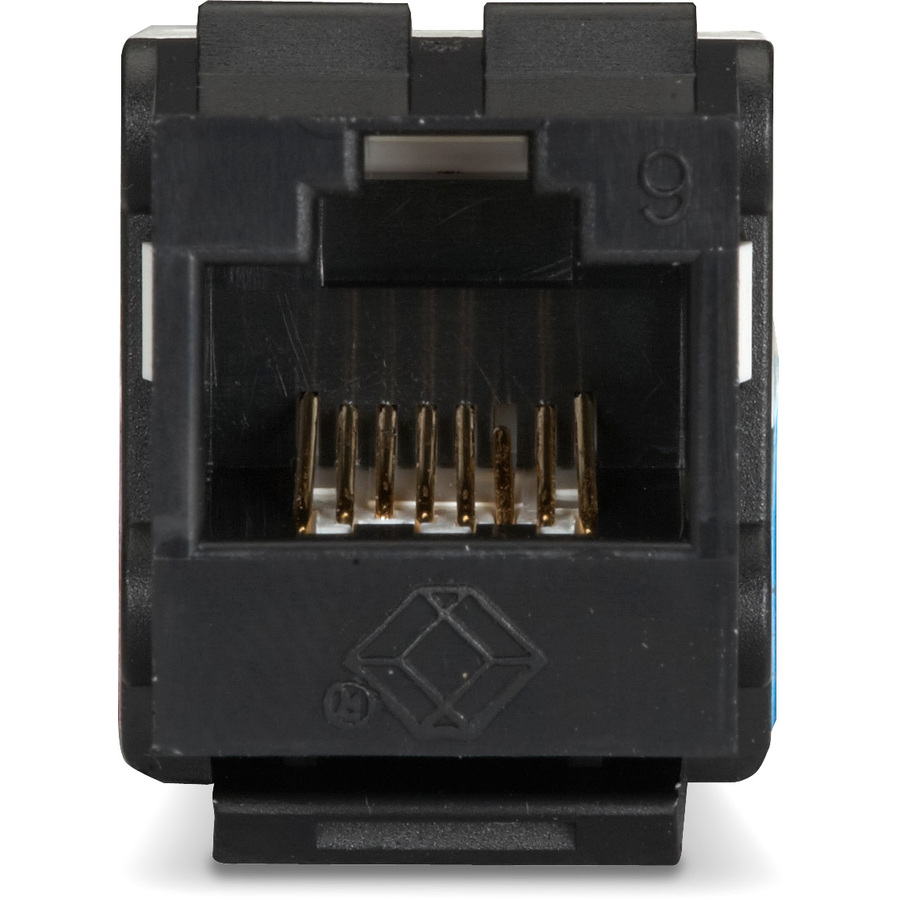
Black Box
Black Box GigaTrue2 CAT6 Keystone Jack
FMT631-R3
An unshielded Cat6 keystone jack with a 110 punch-down termination, the standard part for a wall plate or panel where the installer picks the scheme at the jack.
$7.89*Back-orderedCat6a step up
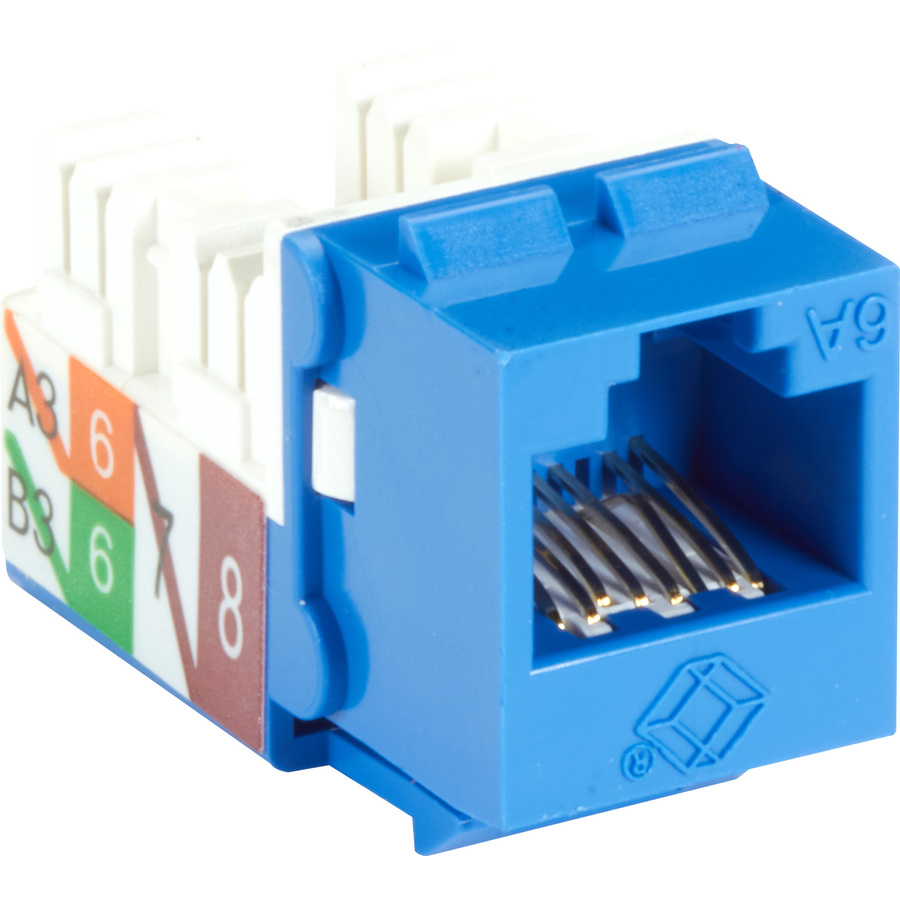
Black Box
Black Box GigaTrue 2 CAT6A Keystone Jack
C6AJA70-BL-R2
An unshielded Cat6a keystone jack for runs specified at the higher category, terminated the same way and to the same pin order as its Cat6 sibling.
$6.25*In stockCat5e, channel-rated
Leviton Mfg
Leviton GigaMax 5e Channel-Rated Keystone Jack
5G108-RW5
A channel-rated Cat5e keystone jack with a 110 termination, for repairs and additions to an existing Cat5e plant that has to stay on one scheme.
$15.29Back-orderedProve the pinout
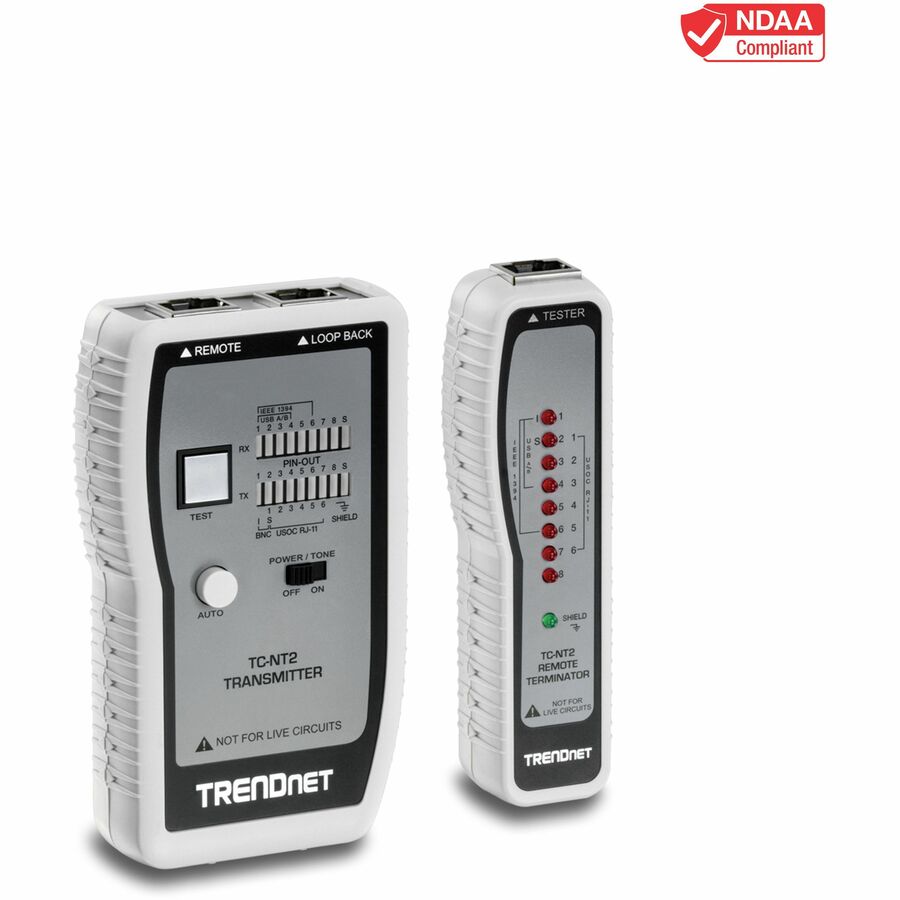
TRENDnet
TRENDnet Network Cable Tester, Tests Ethernet, USB And BNC Cables…
TC-NT2
A network cable tester that reads pin configuration end to end, which is how you find a run that was terminated to the other scheme by mistake.
$56.23*Back-orderedShop it at Uniqcli
FAQ
Common questions
- Should I use T568A or T568B?
- Use whichever one the building already uses, and if it is a new build, use T568A — ANSI/TIA-568 names it as the default scheme and lists T568B as optional. Neither performs better than the other. What matters is that the decision is written into the cabling specification and applied to every jack, panel and cord on the site.
- How do I know if my Ethernet cable is T568A or T568B?
- Look at the clear plug body with the clip facing away from you and read the colours from pin 1. If pin 1 is white with a green stripe, it is T568A; if pin 1 is white with an orange stripe, it is T568B. The blue and brown pairs sit on pins 4-5 and 7-8 either way, so those tell you nothing.
- What happens if you mix T568A and T568B?
- You get a crossover cable. Terminating one end to T568A and the other to T568B transposes the green and orange pairs across the run, which is exactly what a crossover does. Modern switches with auto-MDI/MDIX will usually still link, so the mistake can sit undiscovered until a device without that feature is connected, or until a link tester reports the crossed pairs.
- Is T568B faster than T568A?
- No. The two schemes carry the same four pairs on the same conductors of the same cable, and only the pair-to-pin mapping differs. Speed is set by the category of the cable and connecting hardware and by the equipment at each end, not by which of the two colour orders was punched down.
Sources
- 1.Panduit TR103 — Patch Cord Wiring Guidepanduit.com
- 2.Panduit — ATX6 PLUS modular plug installation instructions, T568B and T568Apanduit.com
- 3.TIA — standards development (the ANSI-accredited body behind TIA-568)tiaonline.org
- 4.IEEE 802.3-2022 — IEEE Standard for Ethernetstandards.ieee.org