
Short answer
The main difference is the management plane: a stackable switch joins several units over a dedicated stack link so they run as one logical switch with one IP and one configuration, while standalone switches each keep their own. Choose stacking when several switches share a closet and you want cross-member link aggregation; choose standalone when one switch rebooting must not disturb the others.
Key facts
- A stack is joined by dedicated stack cables on a rear connector, not by front-panel uplinks — that is what separates stacking from cabling switches together.
- Cisco caps both the Catalyst 9200 and the Catalyst 9300 at eight members per stack; the limit is a platform figure, not a general rule.
- Stack bandwidth is a platform figure too: StackWise-80 carries 80 Gbps, StackWise-160 160 Gbps, StackWise-480 480 Gbps and StackWise-1T 1 Tbps.
- Members usually have to be the same family: Cisco does not support mixed stacking between C9200 and C9200L models.
- Some models in a stackable line do not stack at all — the compact Catalyst 9200CX is excluded.
- The stack shares one software image, so an ordinary upgrade reloads every member unless the platform offers a hitless mode.
The choice between stackable and standalone switches is really a choice about how many management planes you want to operate and how you want failures to propagate. A stack presents multiple physical units as one logical switch: one IP, one configuration, one software image, with members joined by dedicated high-bandwidth stack links. Standalone switches each keep their own control plane, configuration, and management address, connected to the rest of the network through ordinary uplinks. Both move packets at the access layer; the difference is operational topology, not raw port count.
Neither is universally better. Stacking trades a shared fault-and-upgrade domain for dramatically simpler operations and cross-unit link aggregation, which pays off as a wiring closet grows past a handful of switches. Standalone units keep failure domains small and hardware sourcing flexible, at the cost of managing each box individually. The right answer depends on how many switches sit together, how much you value a single management surface versus fault isolation, and whether your redundancy and scaling needs are better met by physical stacking or by fabric-level alternatives like MLAG or spine-leaf.
At a glance
Side by side
| Factor | Stackable switches | Standalone switches |
|---|---|---|
| Management plane | Single logical unit: one IP, one config, one CLI for all members | Each switch managed separately with its own IP, config and image |
| Interconnect | Dedicated stack links (rear modules/cables), typically wired in a ring for resiliency | Standard front-panel uplinks (copper or fiber) between switches |
| Interconnect bandwidth | High: tens to hundreds of Gbps of stack bandwidth, platform-dependent | Limited to the uplink ports you provision and cable |
| Redundancy model | Elected master/active plus a standby member; ring survives one stack-link or member loss | Per-device; resiliency comes from redundant uplinks and protocols |
| Cross-unit link aggregation | Yes — a LAG can span ports on different stack members | Only via MLAG/multi-chassis features where the platform supports it |
| Fault and upgrade domain | Shared: a bad image or master fault can affect the whole stack | Isolated: one switch failing or rebooting does not take out the others |
| Scaling ceiling | Bounded member cap per stack (commonly around 8-9, varies by model) | Scales by adding independent switches; bounded by uplink and topology design |
| Cost drivers | Stack modules/cables plus same-family members add cost | No stacking hardware; mixed models or vendors possible over time |
Choose Stackable switches when
- A single wiring closet or IDF holds several switches you would rather manage as one device
- You want cross-member link aggregation and built-in member/uplink redundancy without running a full L2/L3 redundancy design
- High-bandwidth, low-latency traffic between the switches justifies dedicated stack links
- Operational simplicity — one config, one image, one upgrade — matters more than isolating fault domains
Choose Standalone switches when
- You need small blast radius: one switch rebooting or failing must not disturb the others
- Switches are spread across distant closets or floors beyond practical stack-cable reach
- You want flexibility to mix models, generations or vendors and upgrade units independently
- Scaling is better served by a routed fabric (spine-leaf/EVPN) or MLAG than by physical stacking
Bottom line
Stacking earns its price when several switches live together and you value one management surface, cross-unit LAG, and simple redundancy over strict fault isolation — classic access-layer closets. Standalone switches win when isolation, physical distance, or hardware flexibility outweigh the convenience of a single logical unit, or when scale is better handled by a routed fabric. Match the topology to how your switches are physically grouped and how much shared-fault-domain risk you can accept, not to a blanket preference.
Products for this decision
Entry stackable access
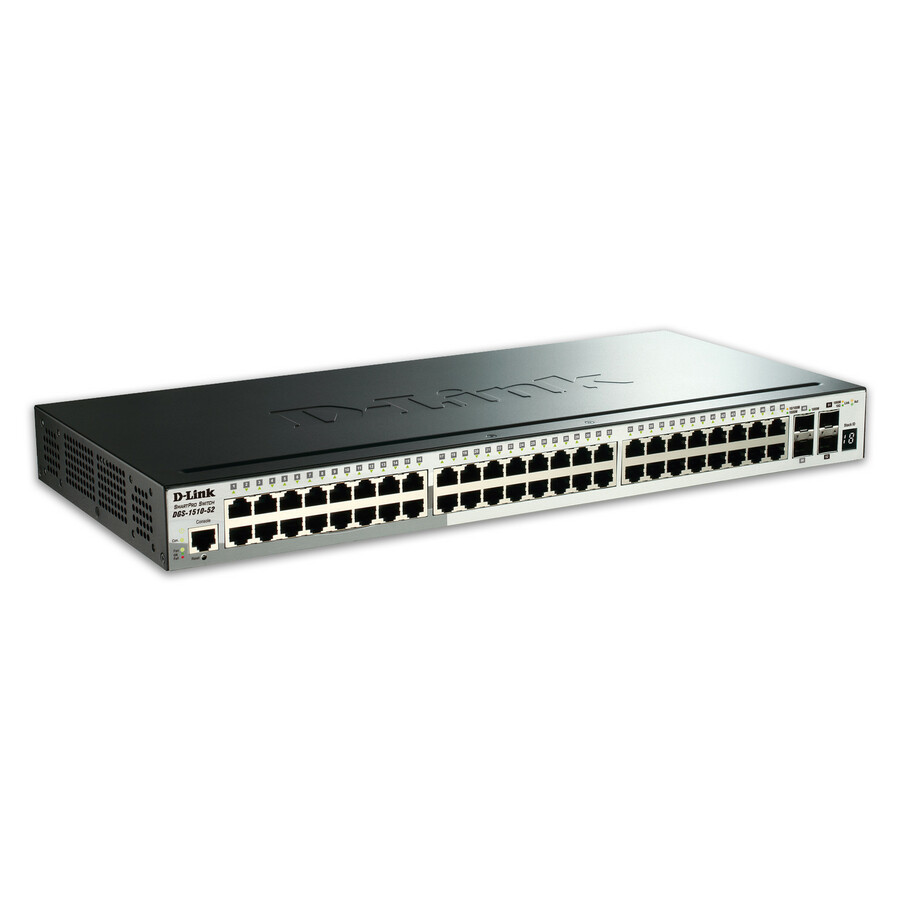
D-Link Systems
D-Link 52-Port Gigabit Stackable SmartPro Switch Including 4 10GbE SFP+…
DGS-1510-52X
A 52-port gigabit stackable switch with four 10GbE SFP+ ports, for a closet that will grow past one box and should stay one management surface.
Confirm the member limit and the stacking method for this exact model before planning a stack size.
$915.61Back-orderedStackable with PoE+
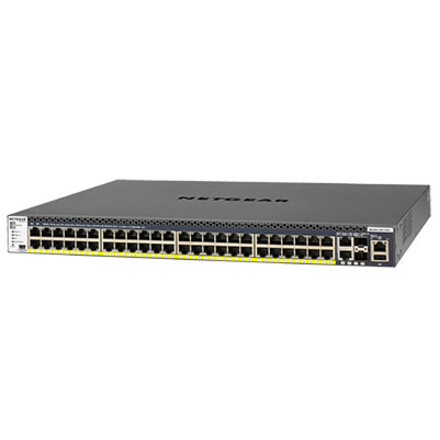
Netgear
Netgear M4300 48x1G PoE+ Stackable Managed Switch with 2x10GBASE-T…
GSM4352PB-100NES
A 48-port PoE+ stackable managed switch with 10G uplinks, for an access closet powering phones, access points and cameras from one logical unit.
$3,302.93Back-orderedStackable 10G aggregation
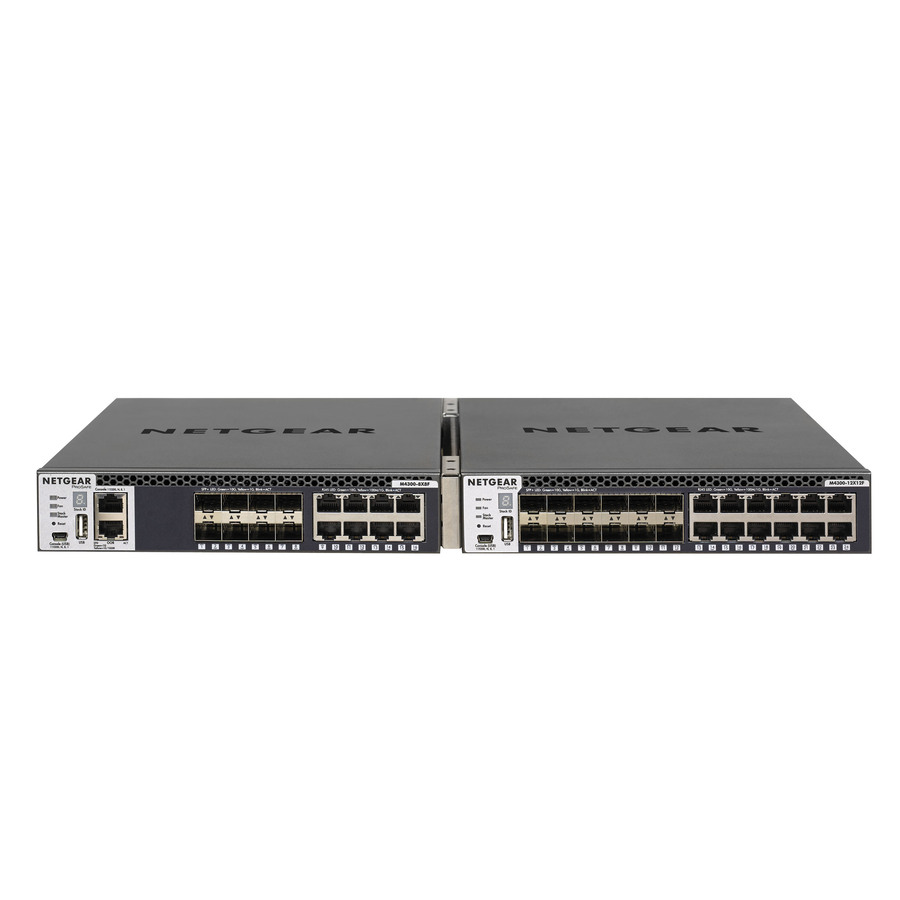
Netgear
Netgear M4300 Stackable Managed Switch with 16x10G Including…
XSM4316S-100NES
A 16-port 10G stackable managed switch, eight 10GBASE-T and eight SFP+, for the aggregation layer the access stacks uplink into.
$2,413.99Back-orderedFAQ
Common questions
- Does stacking increase throughput between switches?
- Yes, between stack members. Dedicated stack links provide far more inter-switch bandwidth than typical uplinks, and traffic across the stack uses that backplane. It does not increase a member's front-panel port speed or its uplink capacity to the rest of the network.
- What happens to a stack during a software upgrade?
- Because the stack shares one image, a standard upgrade reloads members and briefly disrupts the whole stack unless the platform supports a non-stop or hitless upgrade mode. This shared upgrade domain is the main tradeoff against standalone switches, which you can upgrade one at a time.
- How many switches can be in a stack?
- It depends on the platform. Many stackable lines cap a stack at around eight or nine members, limited by stack bandwidth and the architecture, though some cap lower or higher. Always confirm the member limit and total stack bandwidth for the specific model rather than assuming a fixed number.
- Is stacking the same as MLAG or a spine-leaf fabric?
- No. Stacking merges switches into one logical device over dedicated stack links. MLAG lets two independent switches present a shared link aggregation while keeping separate control planes, and spine-leaf/EVPN scales a routed fabric across many devices. They solve overlapping problems with different fault-isolation and scaling characteristics.
- What is a stackable switch?
- A stackable switch is one that can be joined to others of its family over a dedicated stack cable so the group is managed as a single logical switch — one IP address, one configuration file, one software image, and link aggregation groups that can span ports on different members. The stack link is a rear connector on the chassis, not one of the front-panel Ethernet ports, which is what distinguishes stacking from simply cabling two switches together.
- Can I stack switches of different models or brands?
- No across brands, and usually not across model lines either. Stacking is a vendor-proprietary mechanism with its own cable, connector and protocol, so a stack is built from one vendor's compatible family — Cisco, for instance, does not support mixed stacking between its C9200 and C9200L models, and its compact 9200CX does not stack at all. Mixing vendors or generations is exactly the case standalone switches and ordinary uplinks exist for.