
Best UPS Battery Backup for Remote and Home Office Setups
Desktop, tower and wall-mount battery backups sized for a single workstation, a router and a modem — read by the VA and watt rating on the row, the outlet count, and whether it carries automatic voltage regulation.
Compact UPS battery backups in stock at Uniqcli
How to choose →A curated selection with live pricing — in-stock lines first, then back-ordered lines with a typical lead time. Every line is sourced through US distribution and screened for NDAA §889 status before checkout, with TAA verified on request.
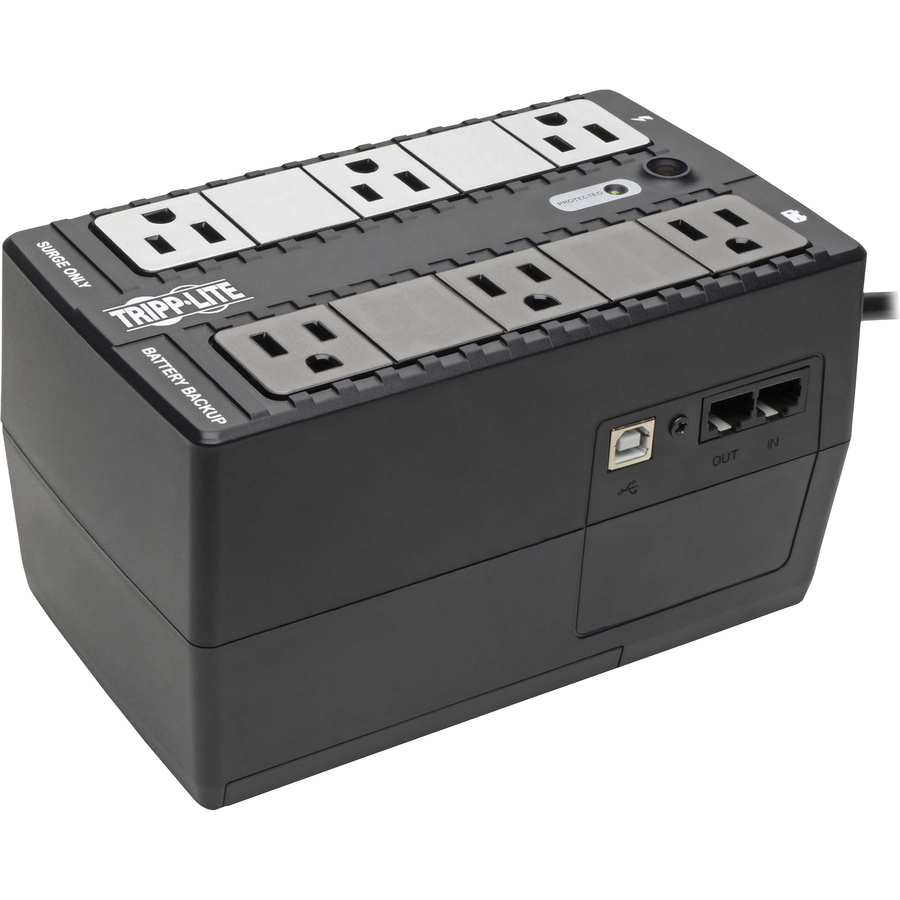
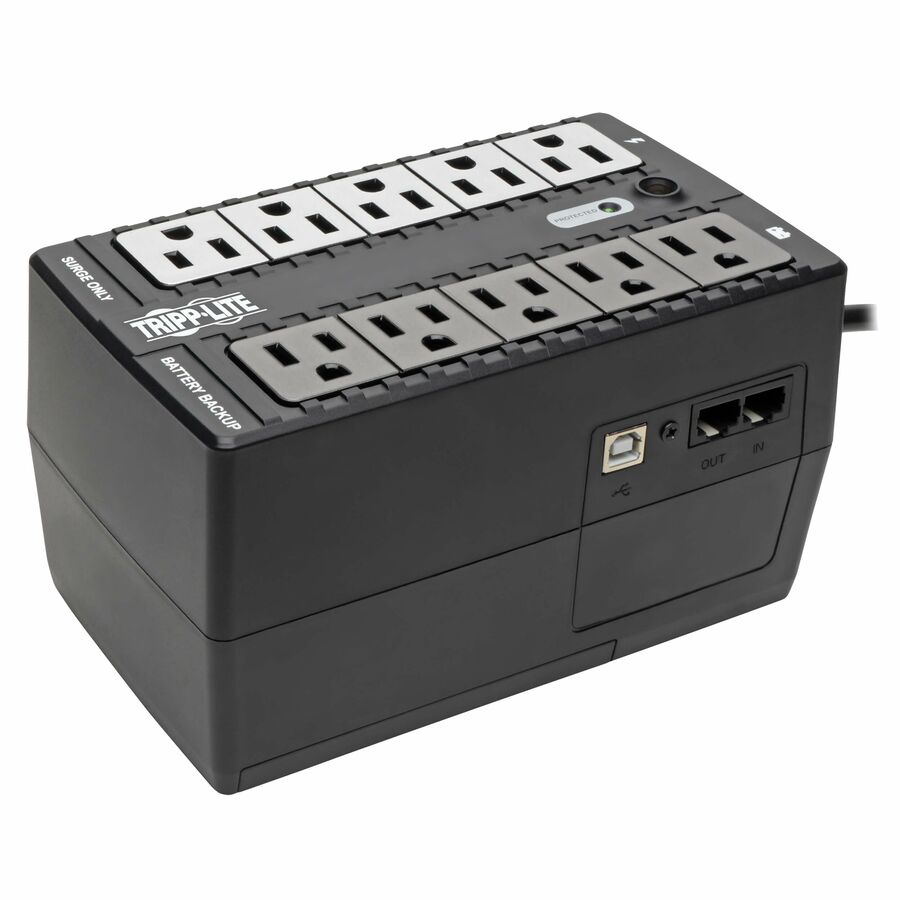
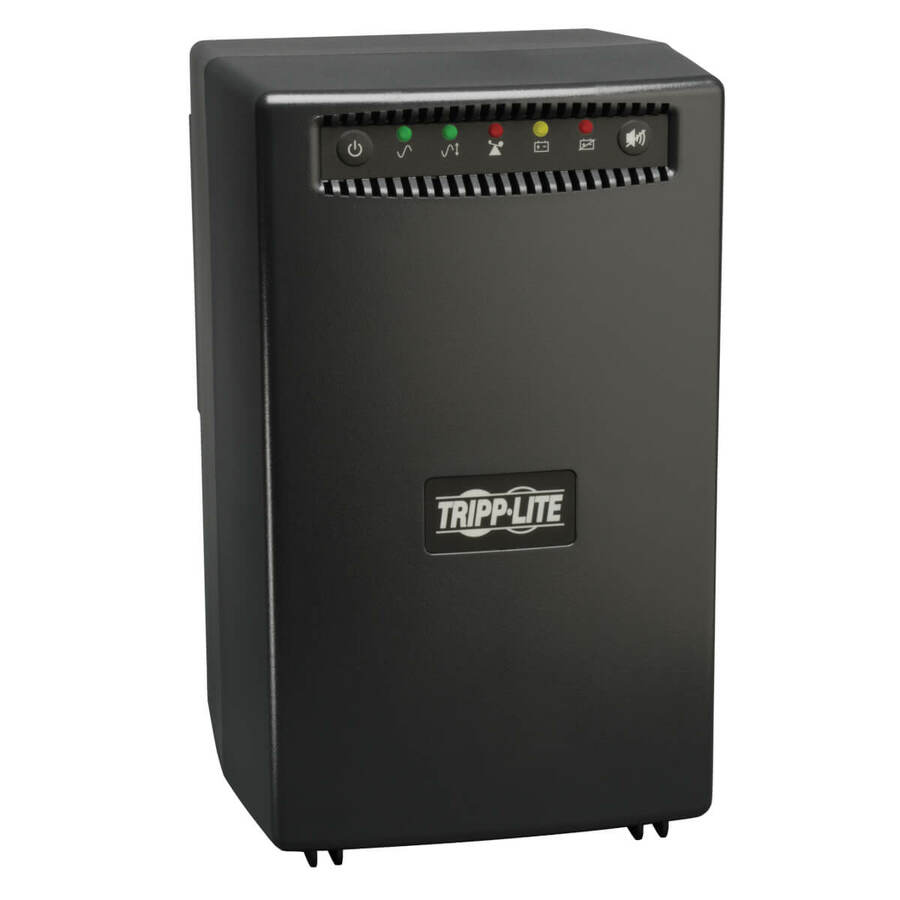
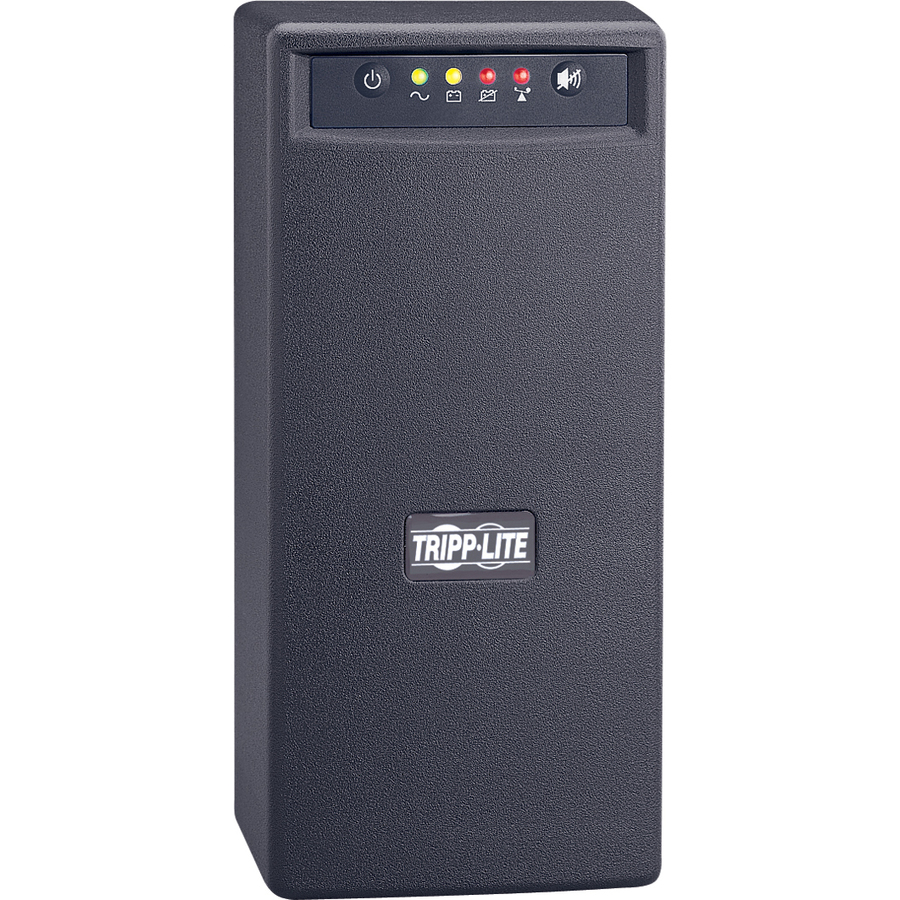
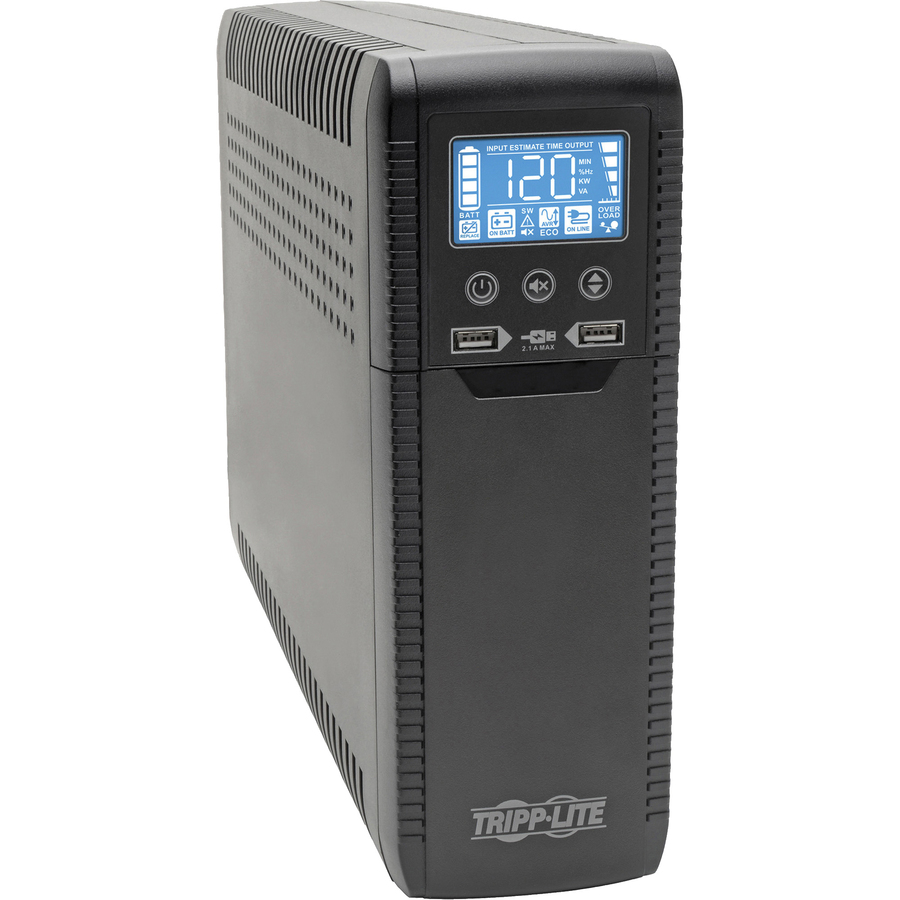
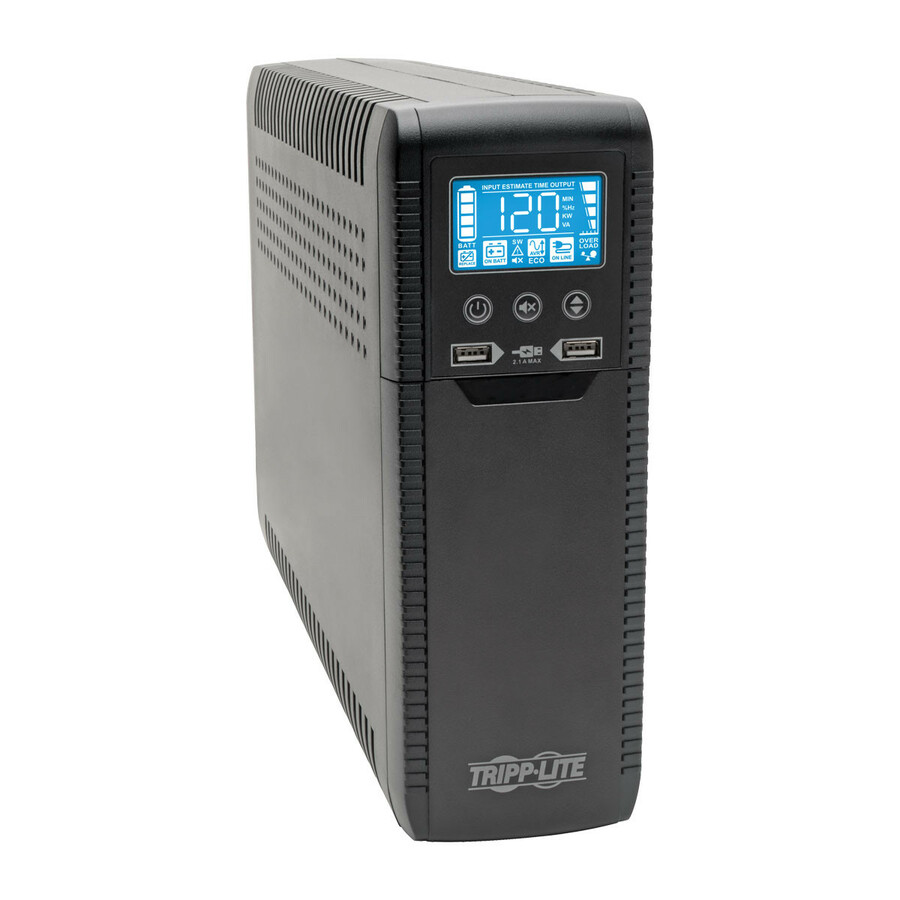
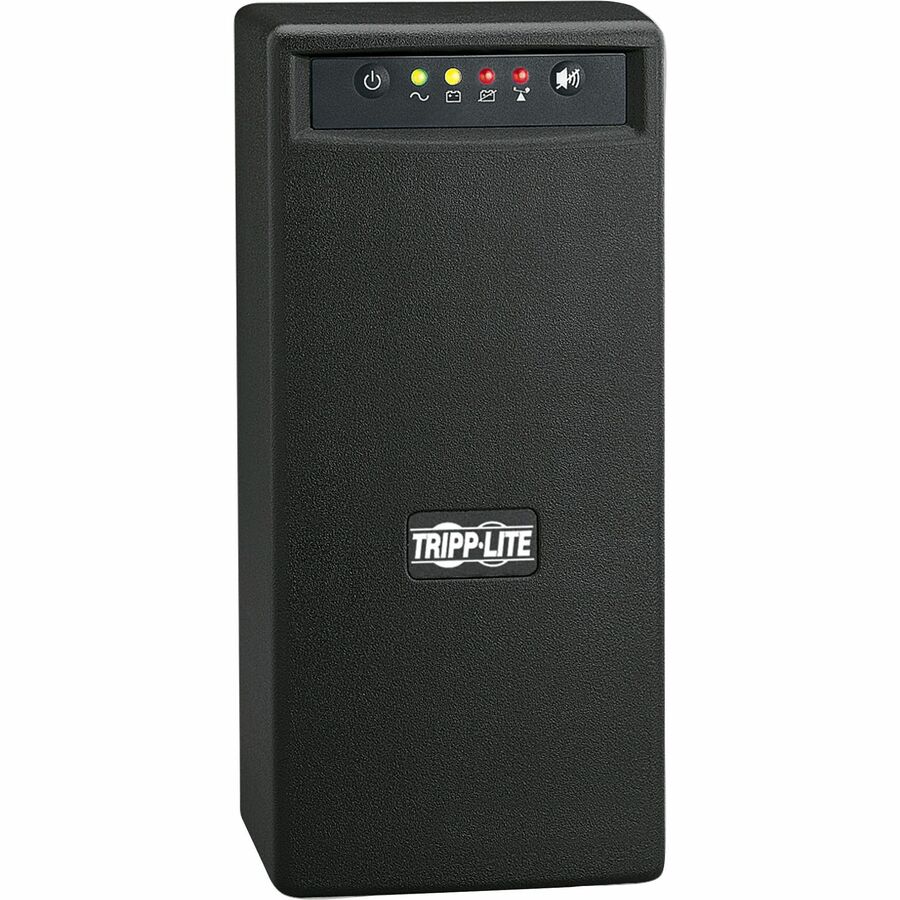
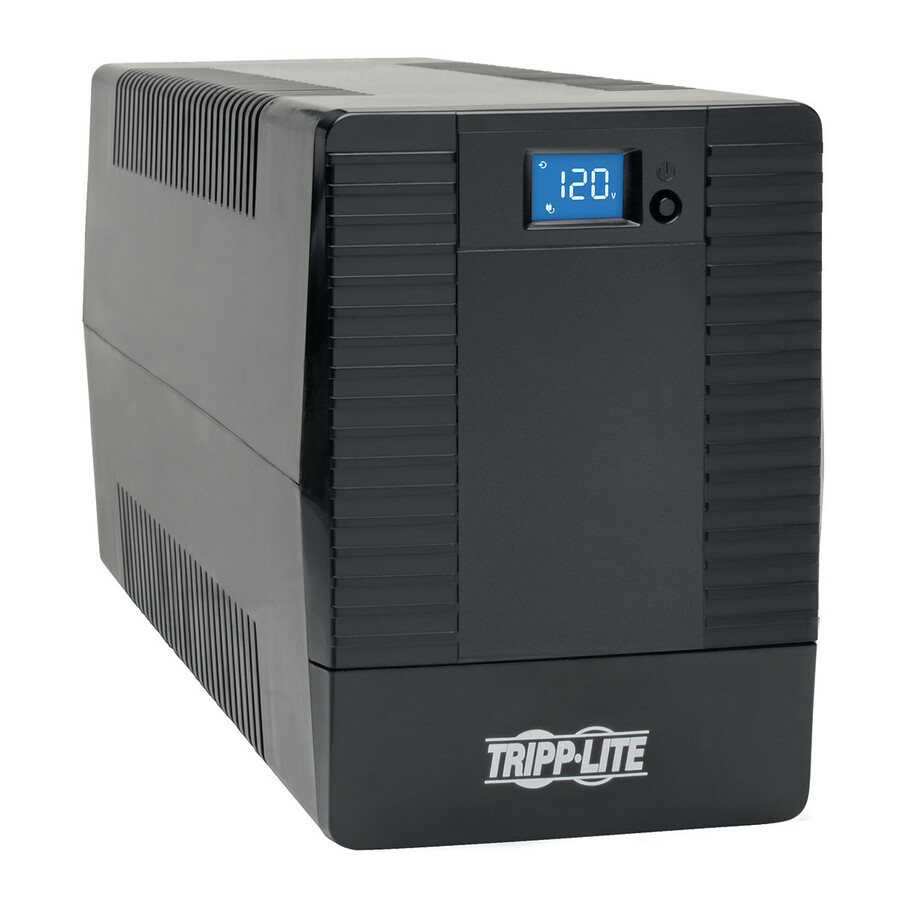
- EatonTripp Lite series Internet Office INTERNET600U 600VA Ultra-compact desktop/tower/wall mount UPS - Ultra-compact Desktop/Tower/Wall Mount - 6.50 Hour Recharge - 1 Minute Stand-by - 120 V AC Input - 120 V AC, 110 V AC, 115 V AC Output - Single Phase - Pulse-width Modulated Sine Wave - USB - LCD Display - 10 x NEMA 5-15R Receptacle(s)INTERNET600U
$138.00
$126.96
413 in stock
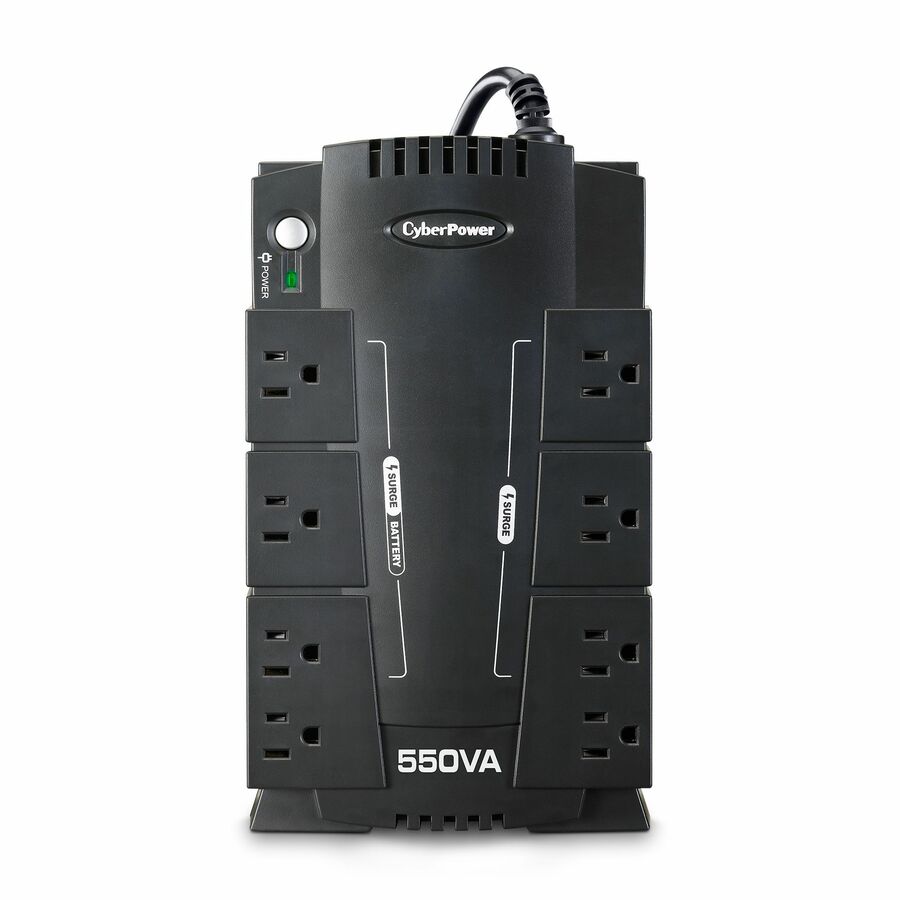

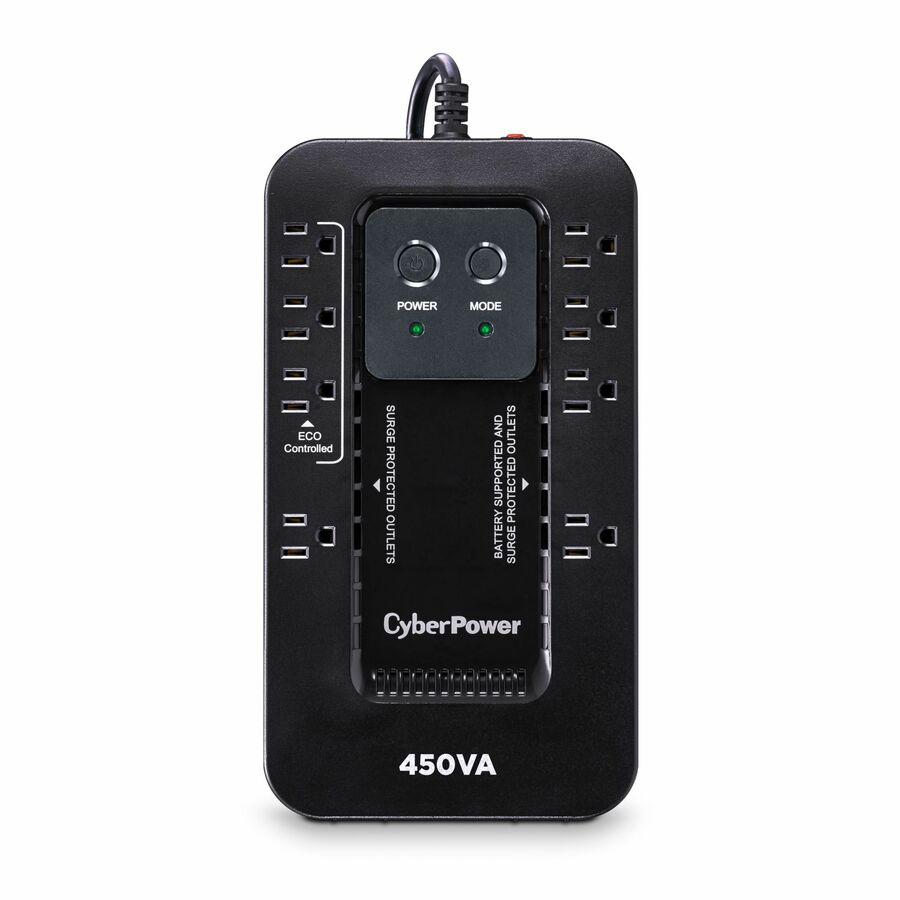
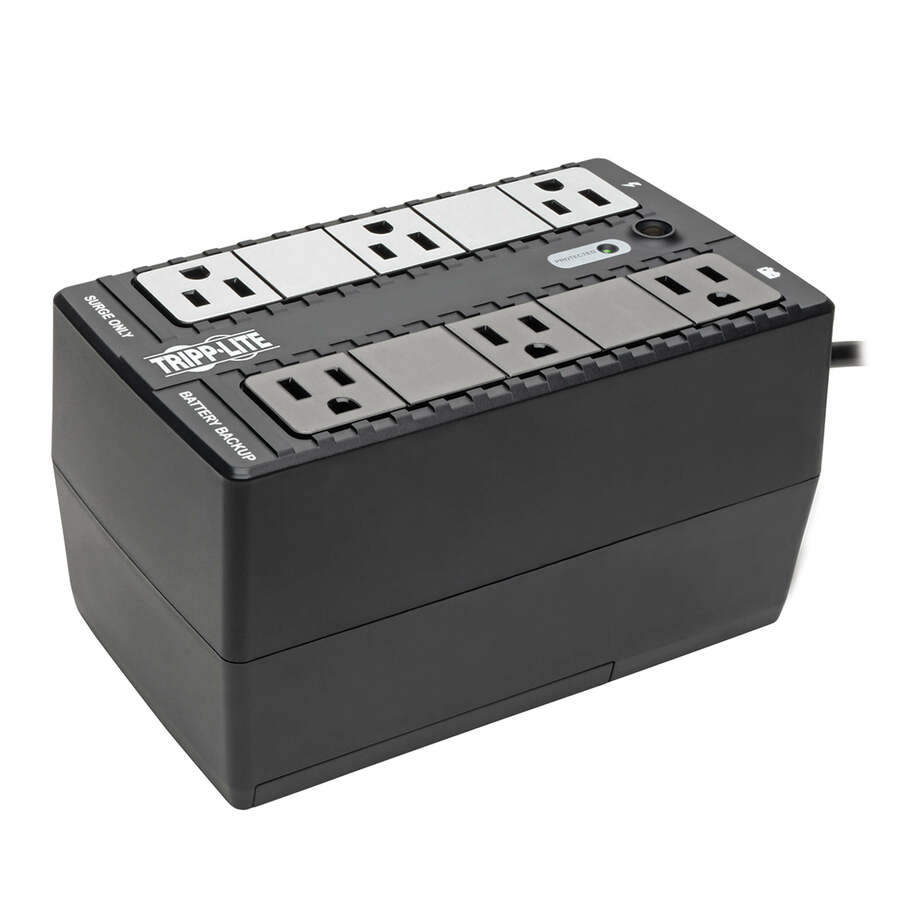

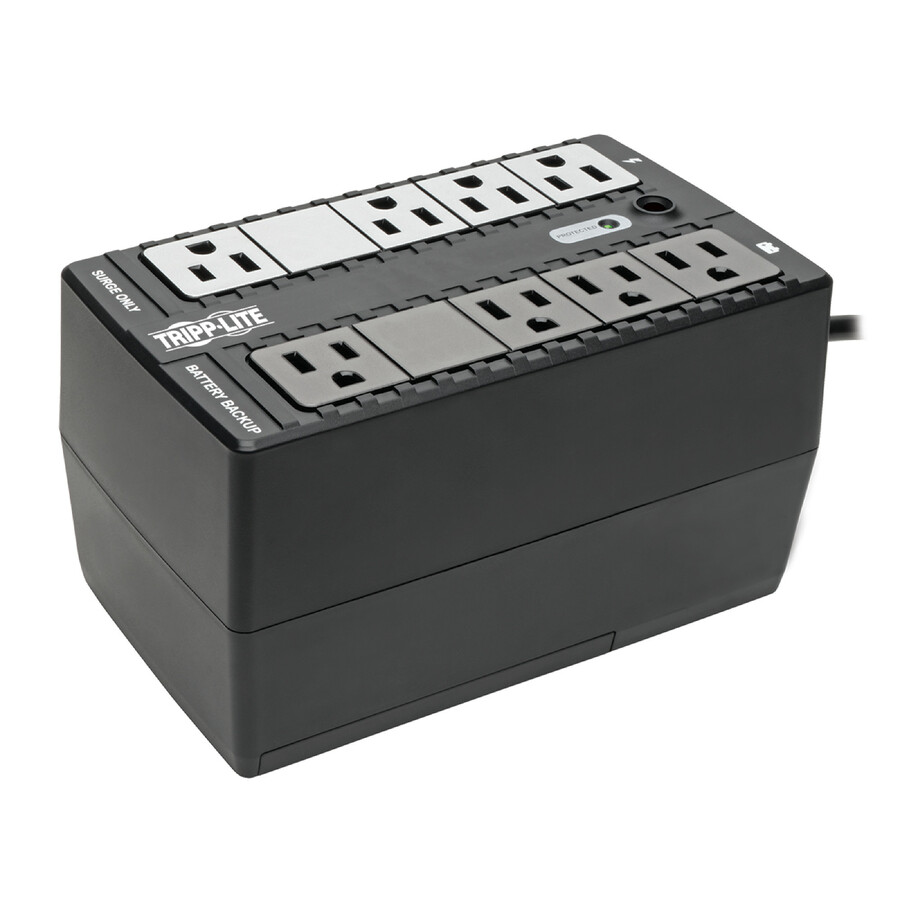

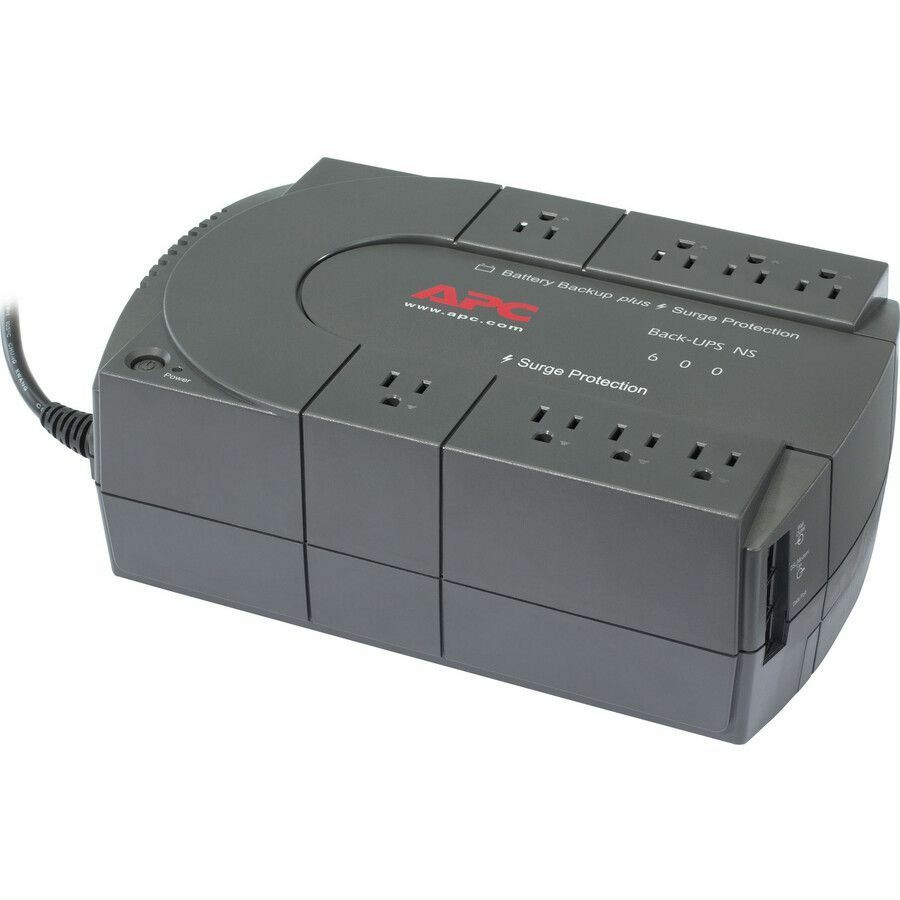
APC desktop 600VA
Schneider Electric
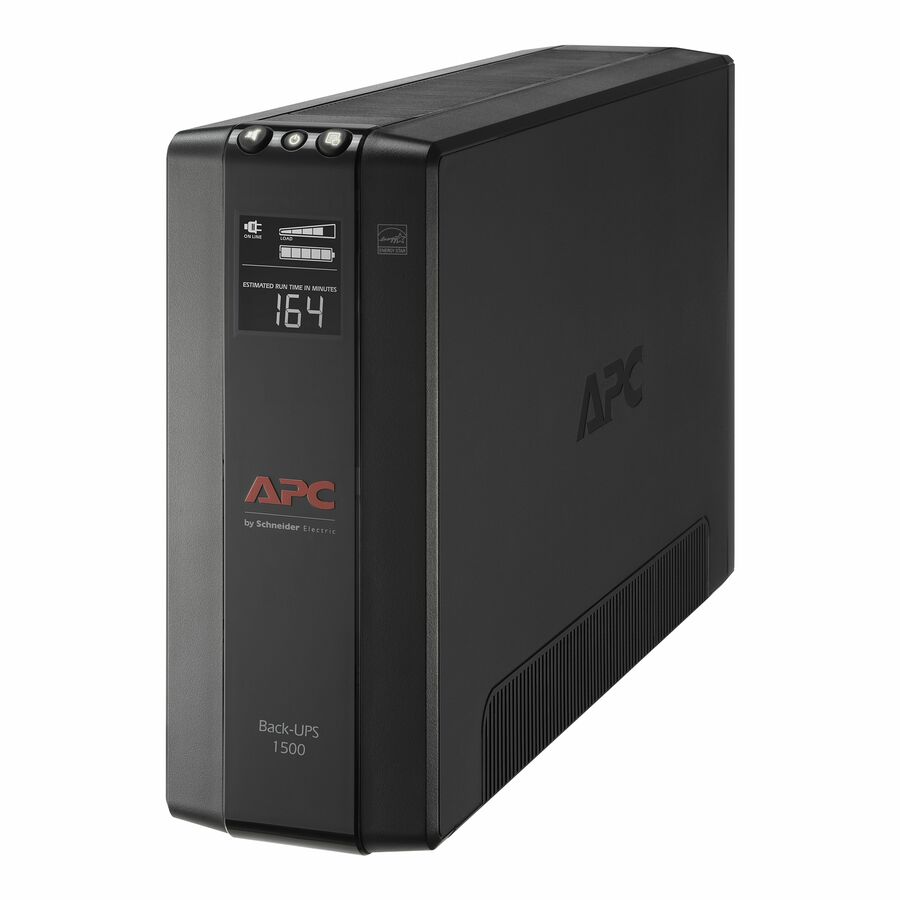
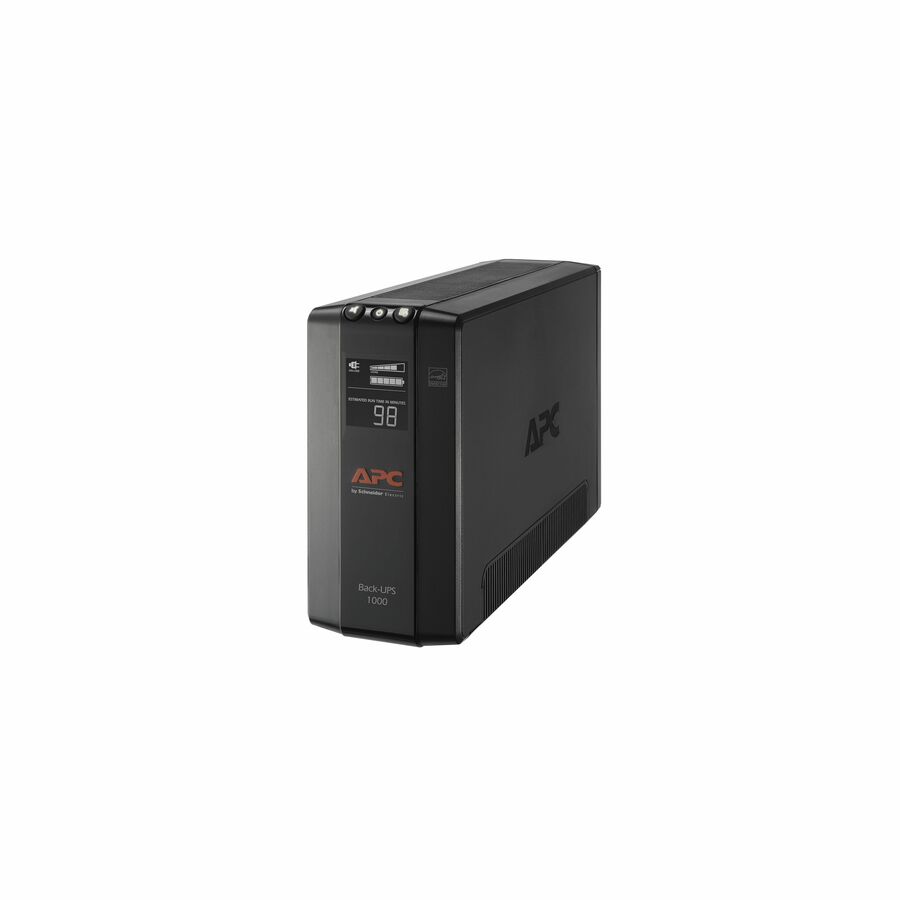
APC by Schneider Electric Back-UPS 600VA Desktop UPS
BN600G
The APC Back-UPS 600VA is a compact desktop standby unit — the low-cost way to give a single workstation and a router a clean shutdown through the short outages a home line delivers.
$66.74Back-orderedStandby 450VA
Eaton
Tripp Lite by Eaton UPS Standby UPS 450VA 255W
BC450
The Tripp Lite by Eaton 450VA/255W standby UPS carries eight NEMA outlets — a small, inexpensive backup for a light desk that only needs to ride out a flicker and save its work.
$103.96In stockEcologic 650VA
CyberPower Systems
CyberPower EC650LCD Ecologic UPS Systems
EC650LCD
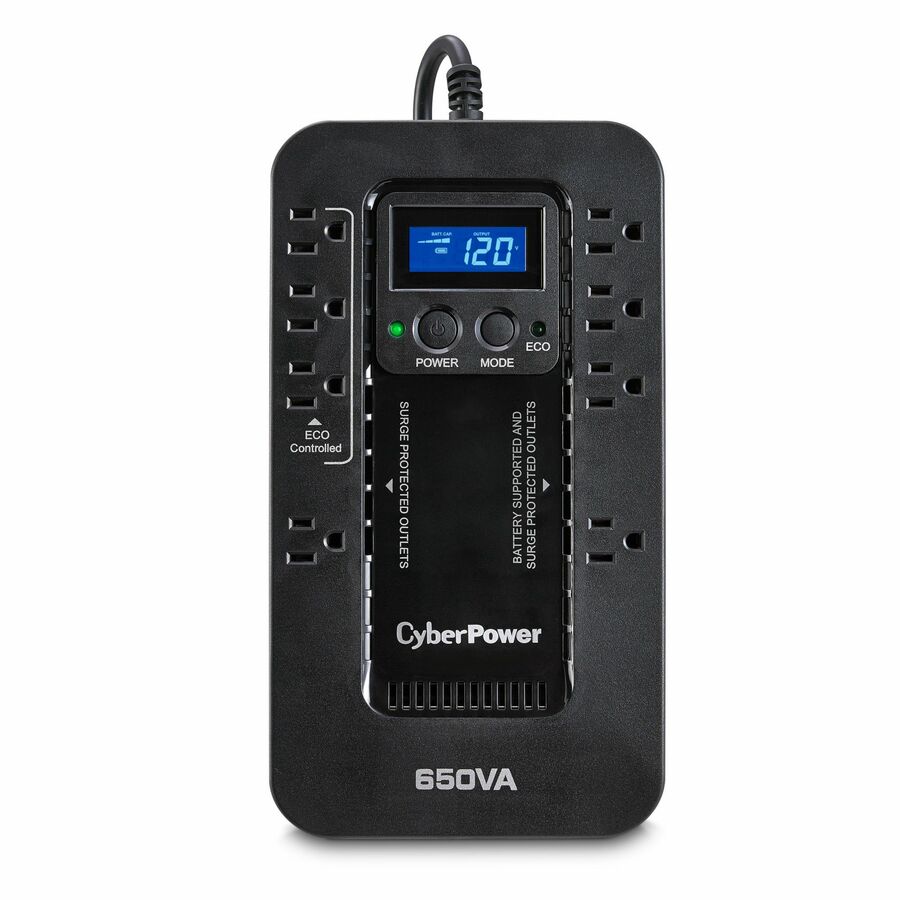
The CyberPower EC650LCD is a 650VA/390W standby unit with an LCD and an energy-saving Ecologic design — a small-office backup that shows its load and status at a glance.
$108.81In stockCompact desktop
Schneider Electric
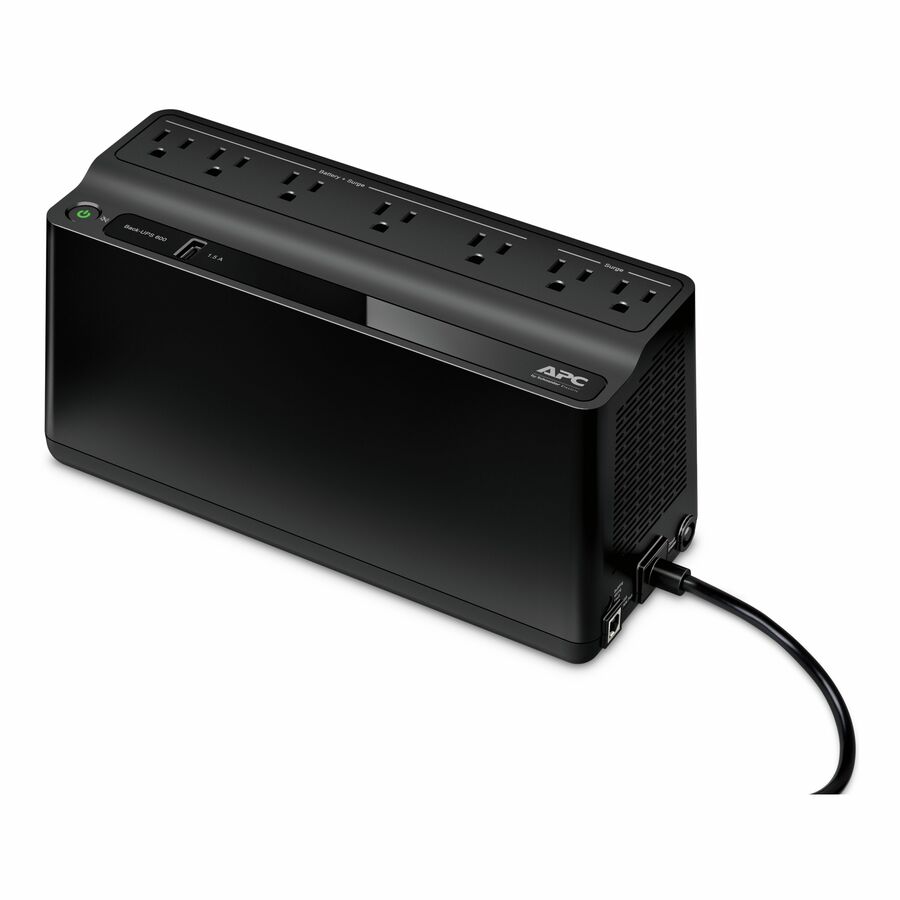
APC Back-UPS 600VA, 120V, 1 USB charging port, 7 NEMA outlets (2 surge)
BE600M1
An APC Back-UPS 600VA compact desktop unit with a USB charging port and seven NEMA outlets split into battery-plus-surge and surge-only groups — the small-footprint answer for a single workstation and a router.
Read the watt rating against your real draw before assuming runtime.
$124.60In stockLine-interactive 550
Eaton
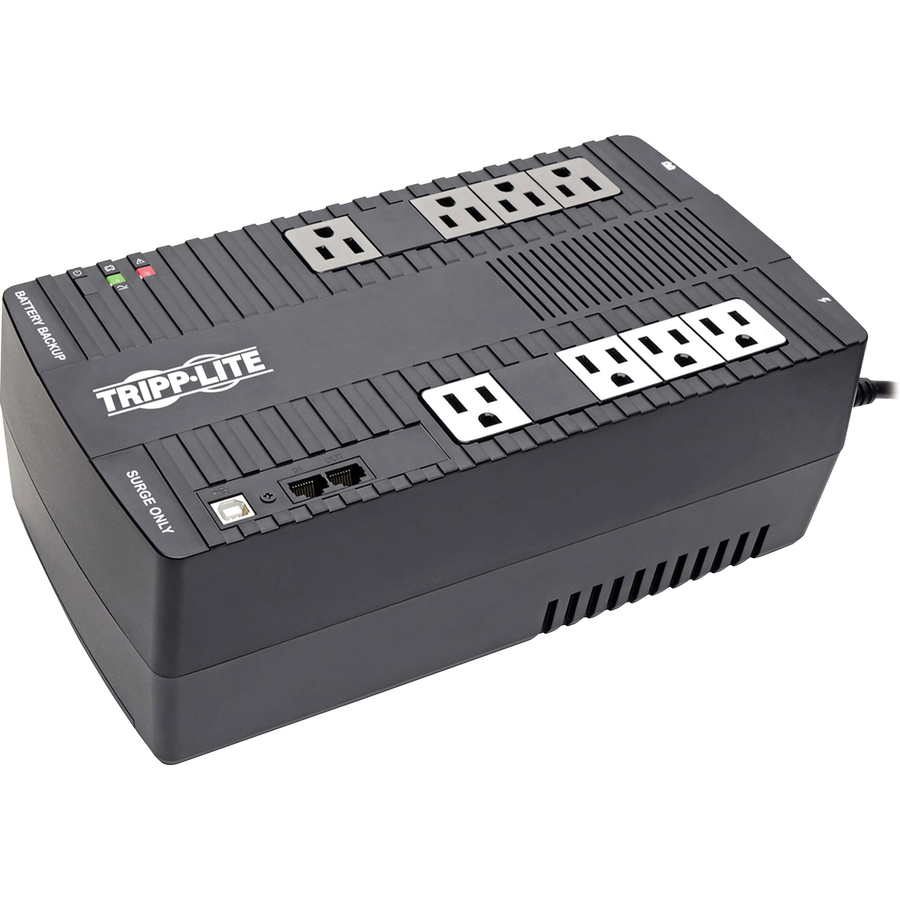
Tripp Lite by Eaton UPS 550VA 300W Line-Interactive UPS
AVR550U
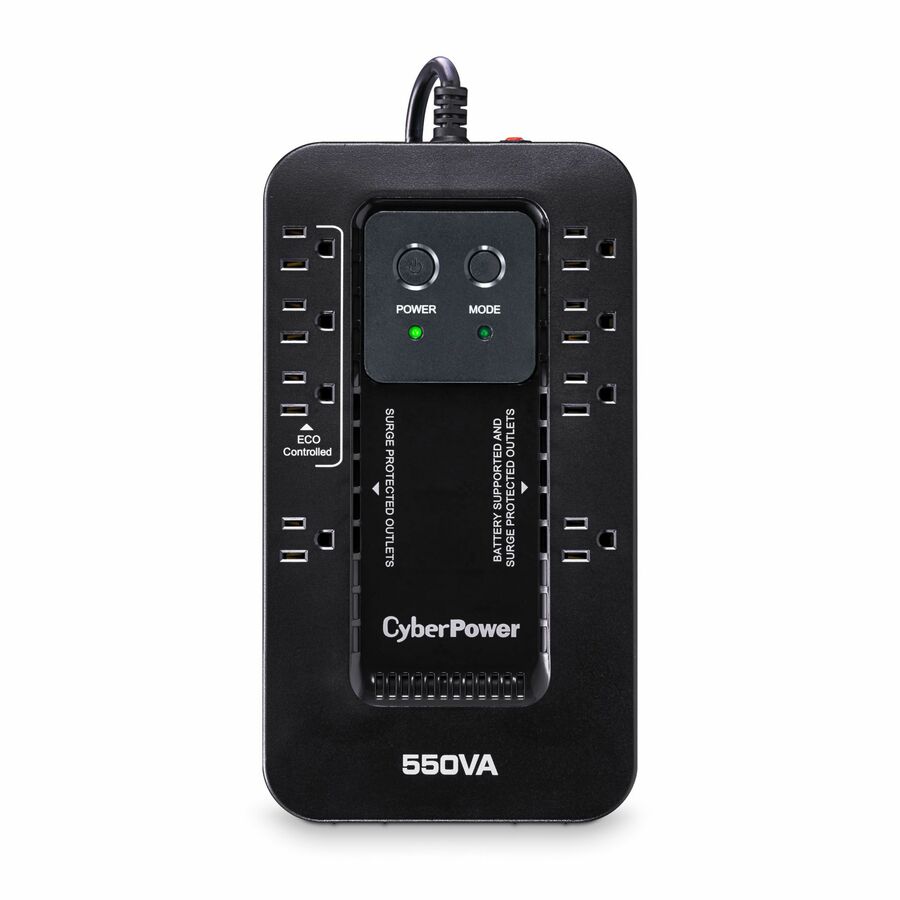
The Tripp Lite by Eaton AVR550U is a 550VA/300W line-interactive UPS with automatic voltage regulation — it trims the brownouts a home circuit delivers without spending the battery on every dip.
$149.96In stockAPC 650 tower
Schneider Electric
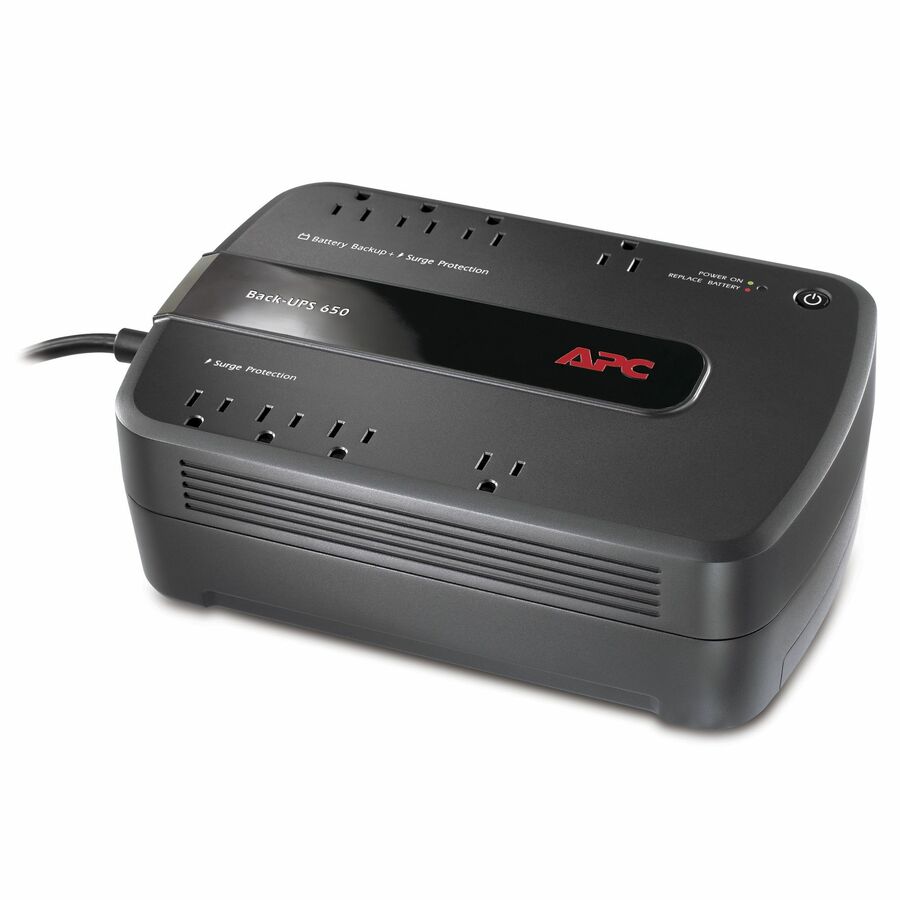
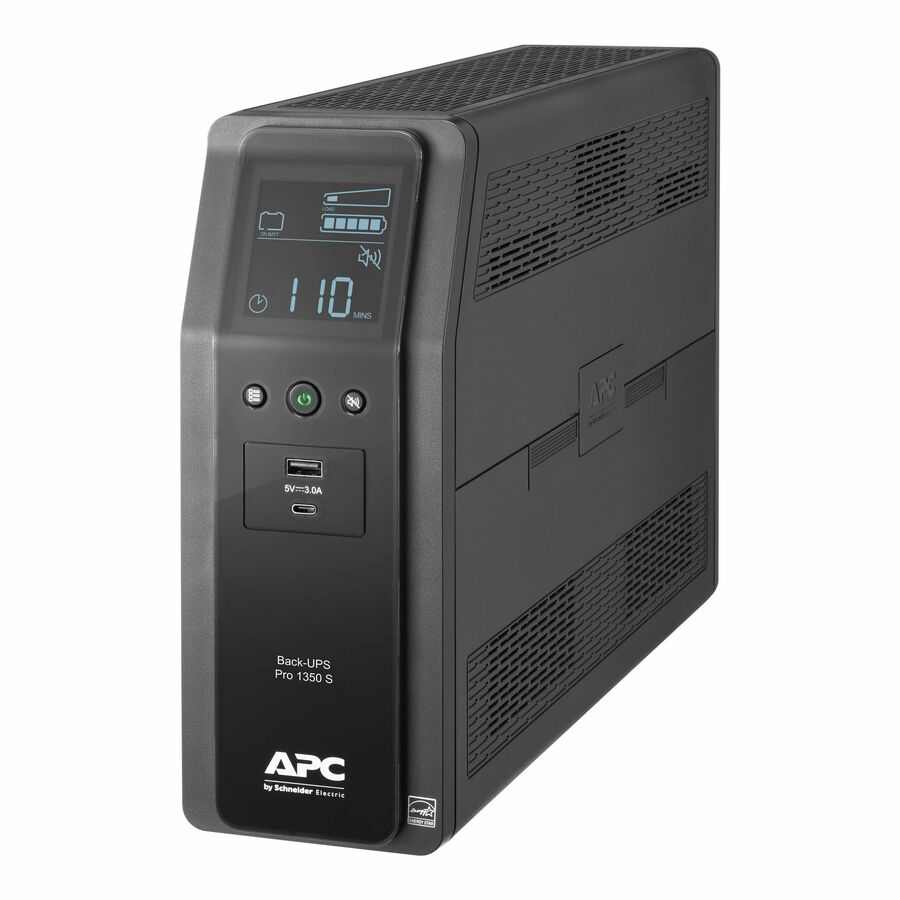
APC Back-UPS 650VA, 120V, 8 NEMA outlets (4 surge)
BE650G1
The APC Back-UPS 650VA is a tower unit with eight NEMA outlets, four battery-backed and four surge-only — enough sockets to split a PC and network gear from a printer on one unit.
$145.07In stockAVR 750VA
CyberPower Systems
CyberPower AVRG750U AVR UPS Systems
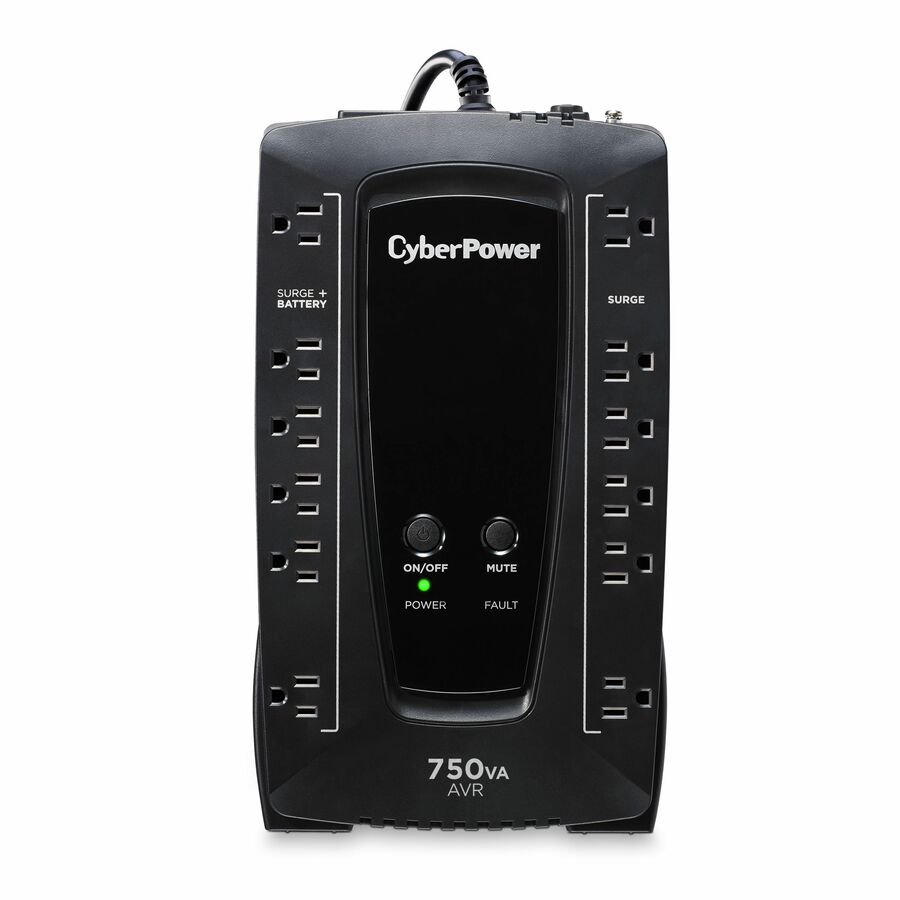
AVRG750U
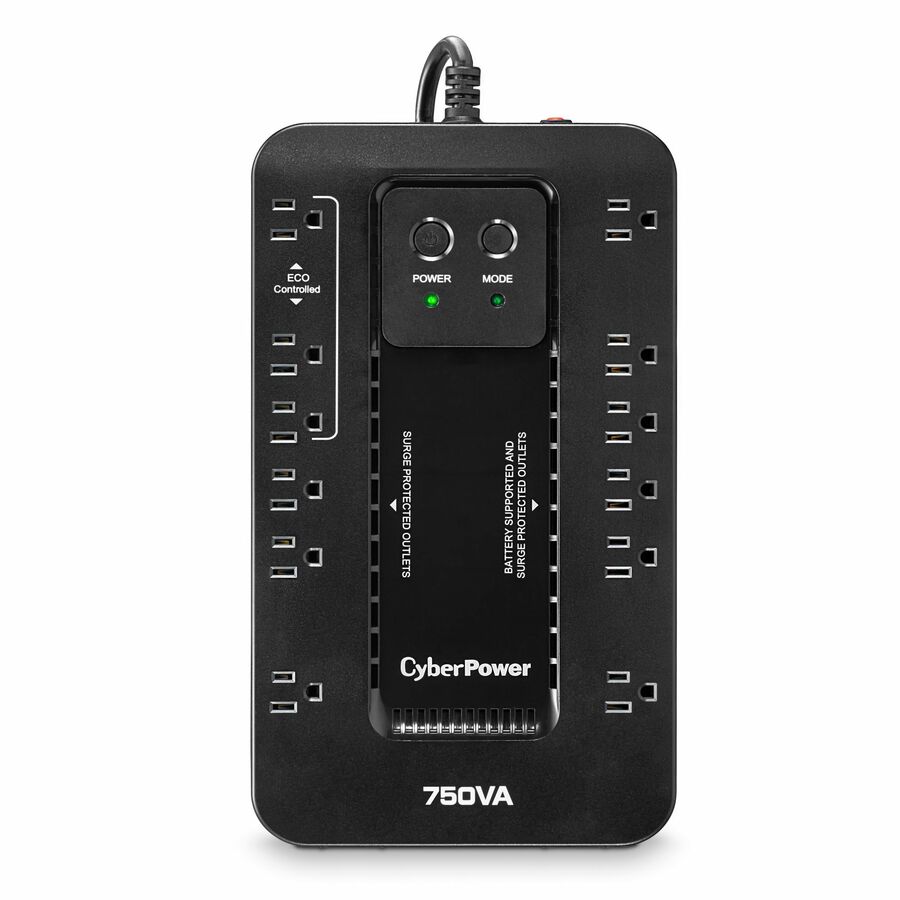
The CyberPower AVRG750U is a 750VA/450W AVR unit — the step up in watt headroom for a desk that has grown a second monitor or a dock and wants more than a couple of minutes of ride-through.
$136.76In stockAVR with LCD
CyberPower Systems
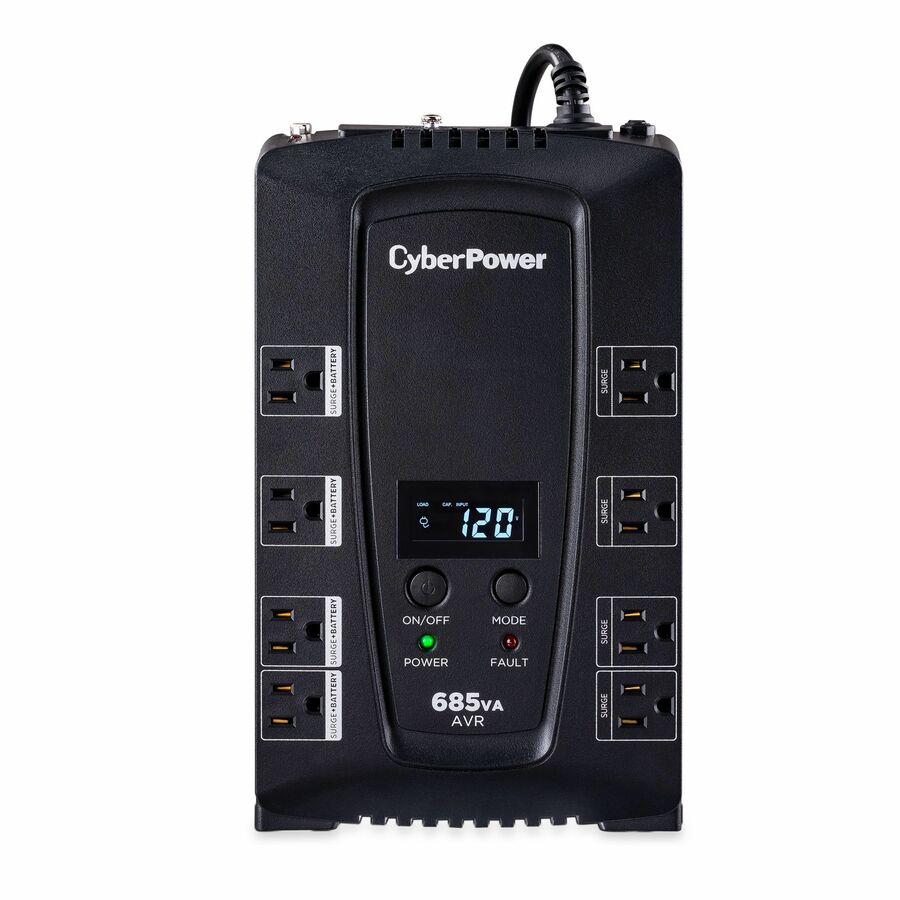
CyberPower CP685AVRLCD Intelligent LCD UPS Systems
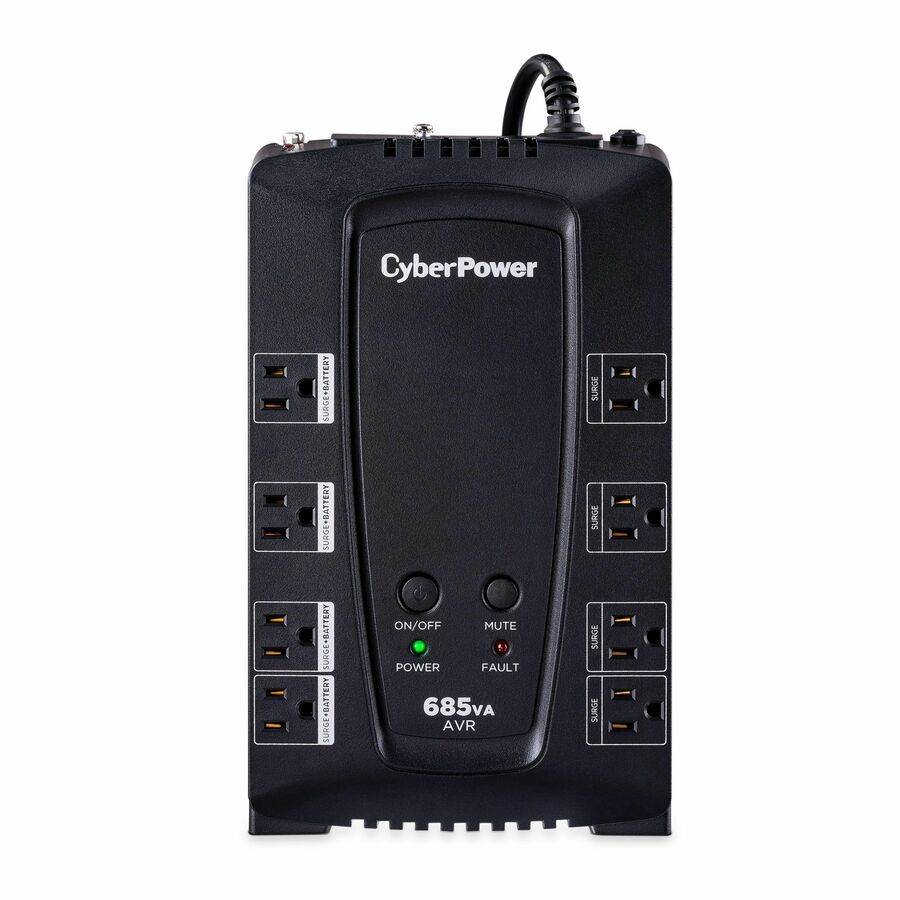
CP685AVRLCD
A CyberPower 685VA/390W line-interactive unit whose title carries an LCD status panel and automatic voltage regulation, so brownouts are trimmed without spending the battery and the load is visible at a glance.
$144.84Back-orderedMore outlets
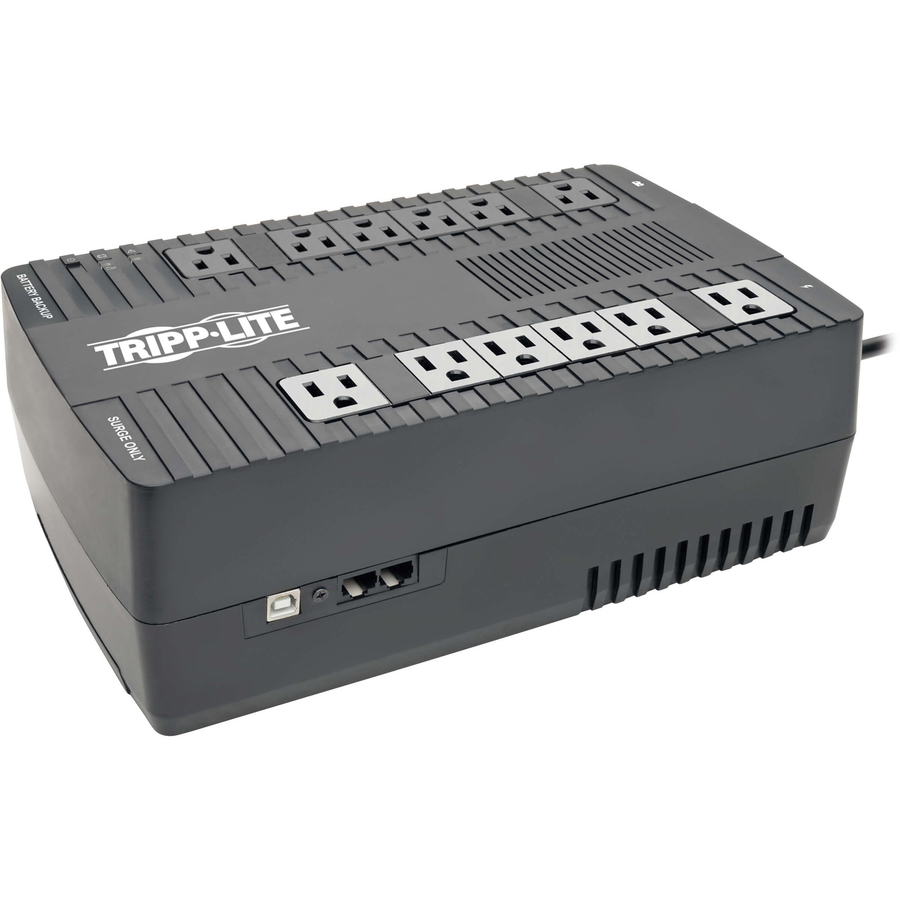
Eaton
Tripp Lite by Eaton UPS 900VA 480W Line-Interactive UPS
AVR900U
A Tripp Lite by Eaton 900VA/480W line-interactive UPS with twelve NEMA 5-15R outlets — the choice when a desk, its peripherals and the network gear all need battery-backed and surge-only sockets on one unit.
$194.12In stockVertiv 800VA AVR
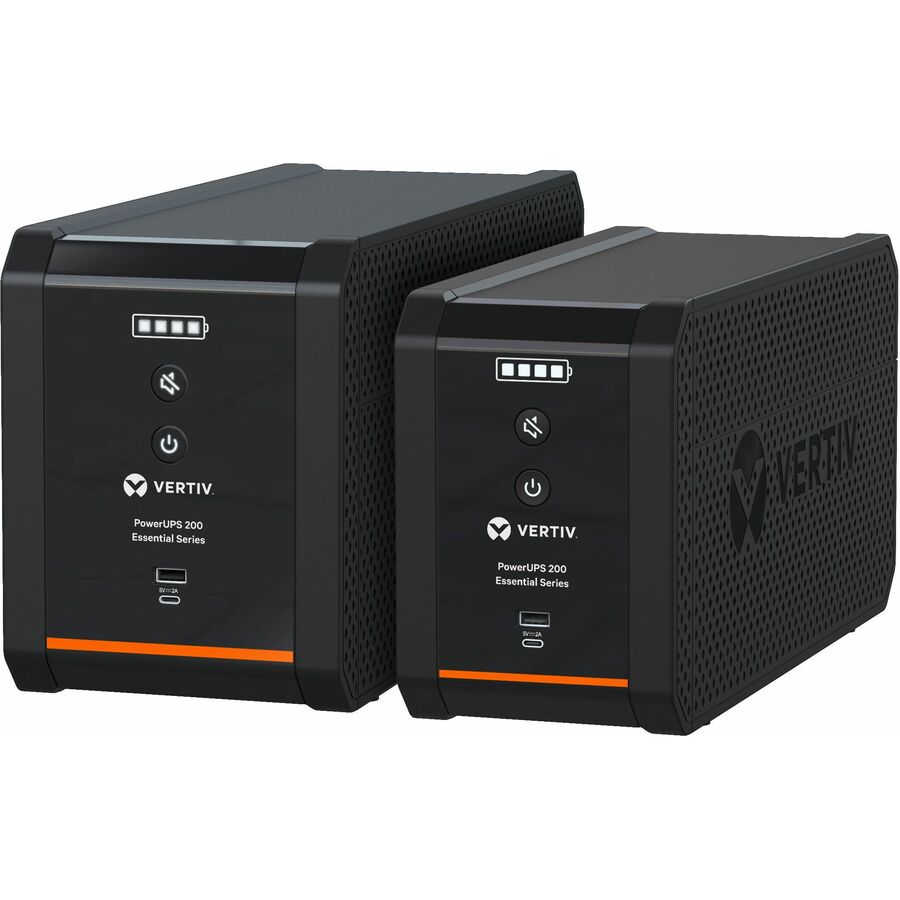
Vertiv
Vertiv PowerUPS 200 Essential PSA6E-800LVT, 800VA/450W, AVR…
PSA6E-800LVT
The Vertiv PowerUPS 200 Essential is an 800VA/450W line-interactive unit with AVR — a mid-size home-office backup that corrects sags and surges while it holds the desk through a short outage.
$155.45Back-orderedWall-mount 600VA
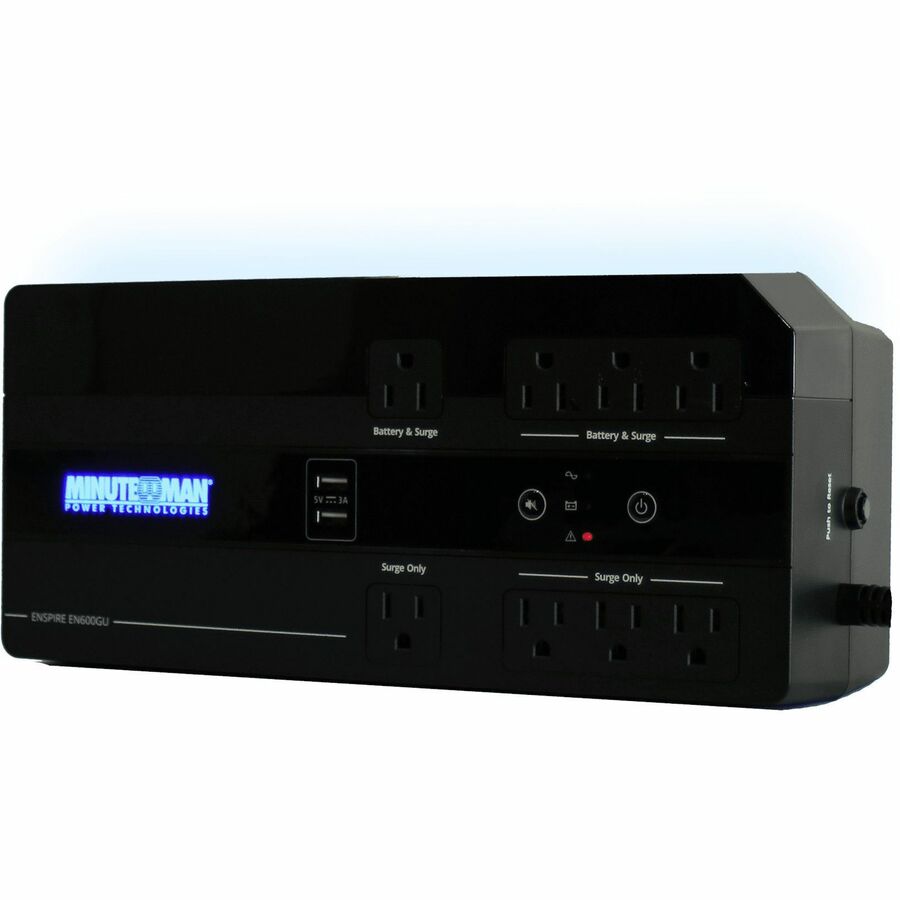
Para Systems
Minuteman Enspire-G EN600GU 600VA Wall/Desktop/Floor Mountable UPS
EN600GU
The Minuteman Enspire-G EN600GU is a 600VA unit that wall-, desk- or floor-mounts — the small backup for a closet or a wall that tucks a router and modem out of the way in a compact office.
$141.57Back-orderedWall-mount 900VA
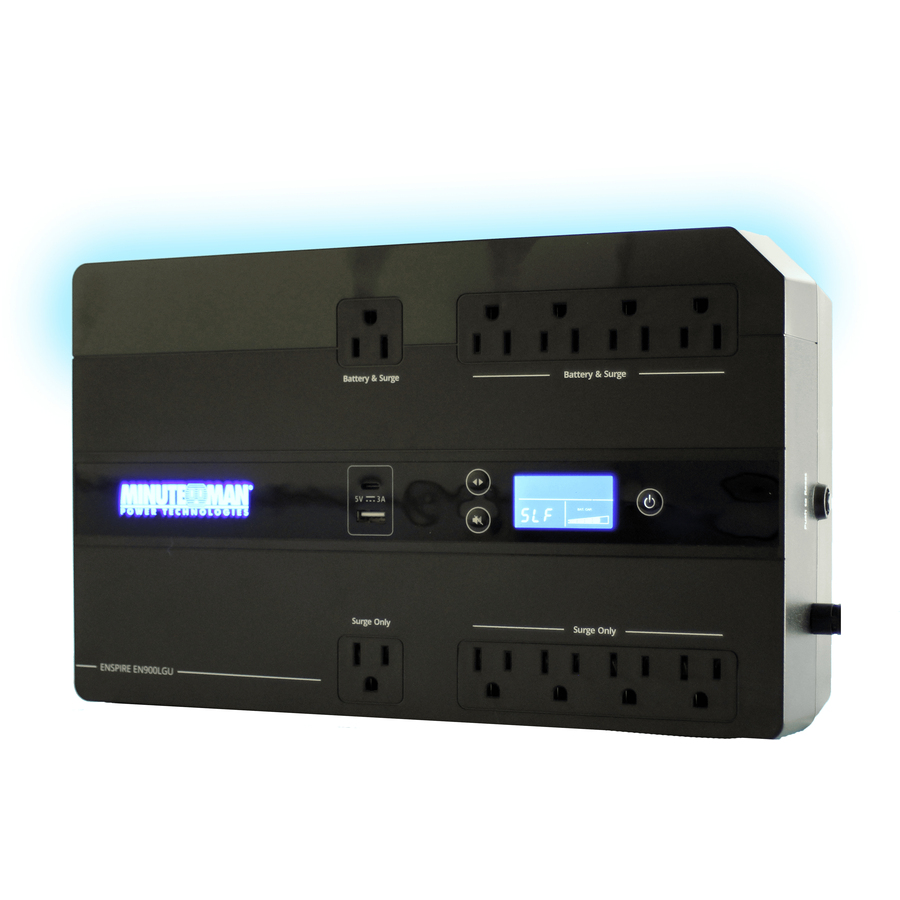
Para Systems
Minuteman Enspire-G EN900LGU 900VA Compact/Desktop/Floor/Wall Mountable…
EN900LGU
The Minuteman Enspire-G EN900LGU is a 900VA unit with the same wall-, desk- or floor-mount flexibility at more capacity — for a home office that keeps a workstation and its network gear alive a little longer.
$218.62Back-orderedStep up in runtime
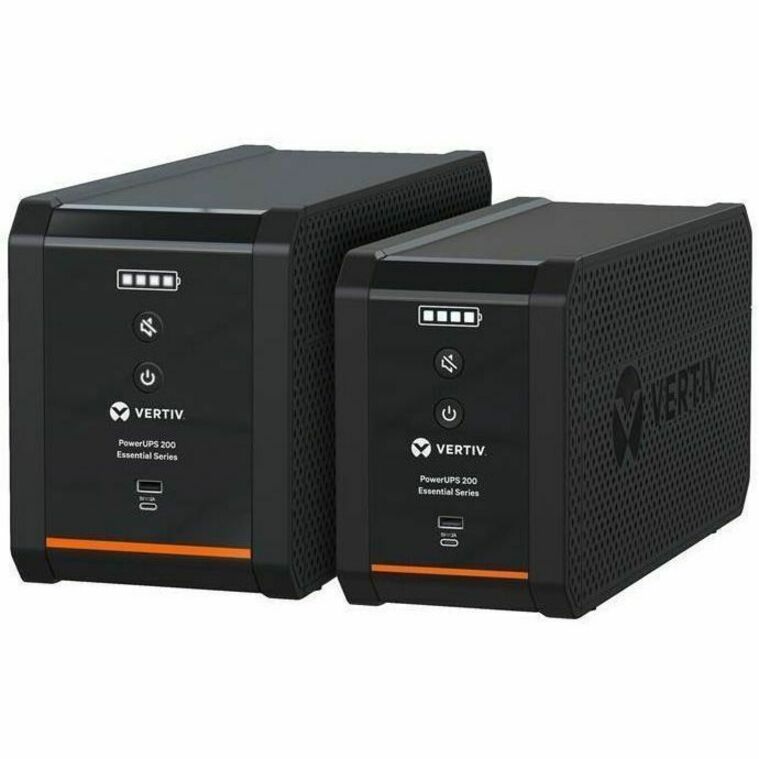
Vertiv
Vertiv PowerUPS 200 Essential PSA6E-1500LVT, 1500VA/850W, AVR…
PSA6E-1500LVT
A Vertiv PowerUPS 200 Essential 1500VA/850W unit for the home office that has grown a NAS, a dock and a monitor stack — the watt headroom to keep the whole desk and its connection alive through a longer dip.
$205.74In stockLithium 400VA
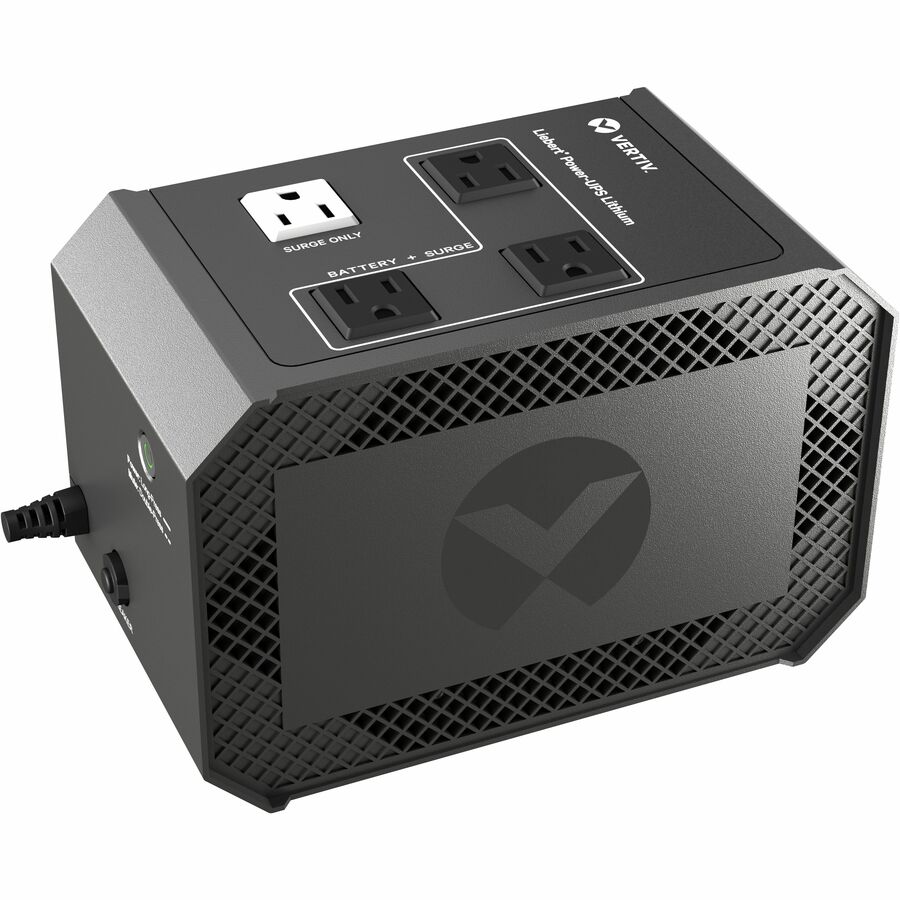
Vertiv
Vertiv Liebert Power-UPS Lithium 400VA/240W 120V Standby Lithium-Ion UPS
PUL-400LVT
The Vertiv Liebert Power-UPS is a 400VA/240W standby unit built on a lithium-ion battery — a compact backup whose lithium pack outlasts a sealed-lead-acid one over the years a home unit sits on a desk.
$237.74In stockMore general-purpose UPS systems in the Uniqcli catalog
See all 1,204 general-purpose UPS systemsMore from across this category. In-stock lines lead, and a back-ordered line carries the same estimated availability its product page does — with live pricing throughout, NDAA §889 screening before checkout and TAA verified on request.
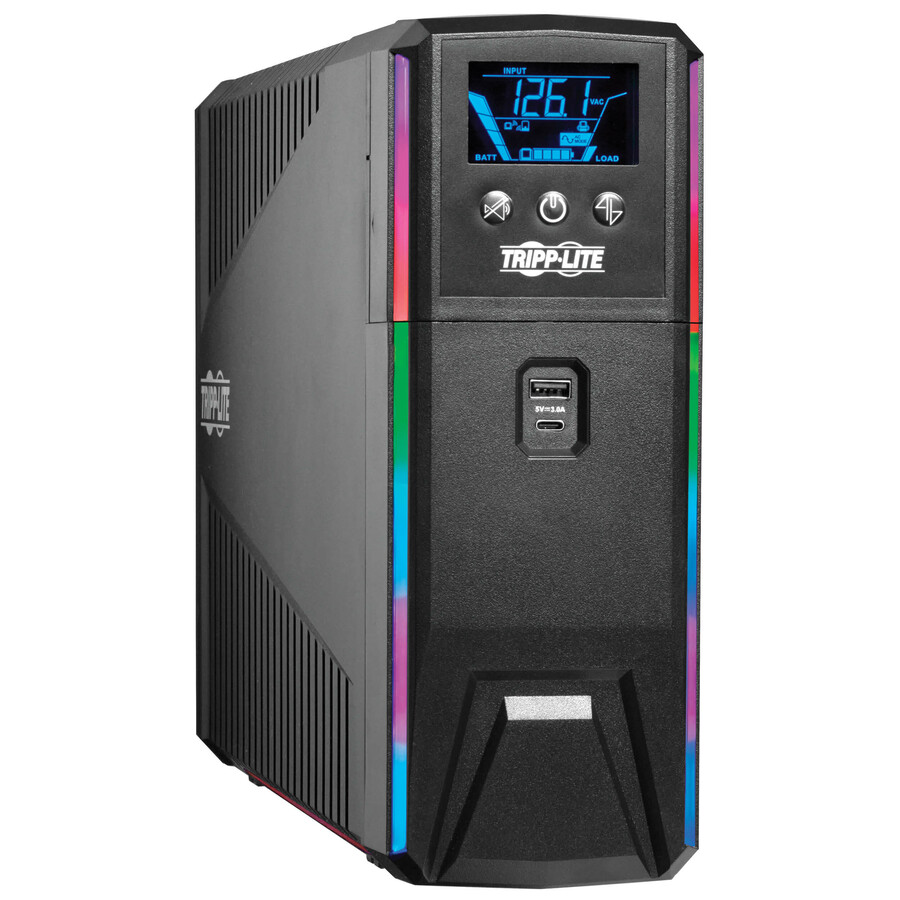
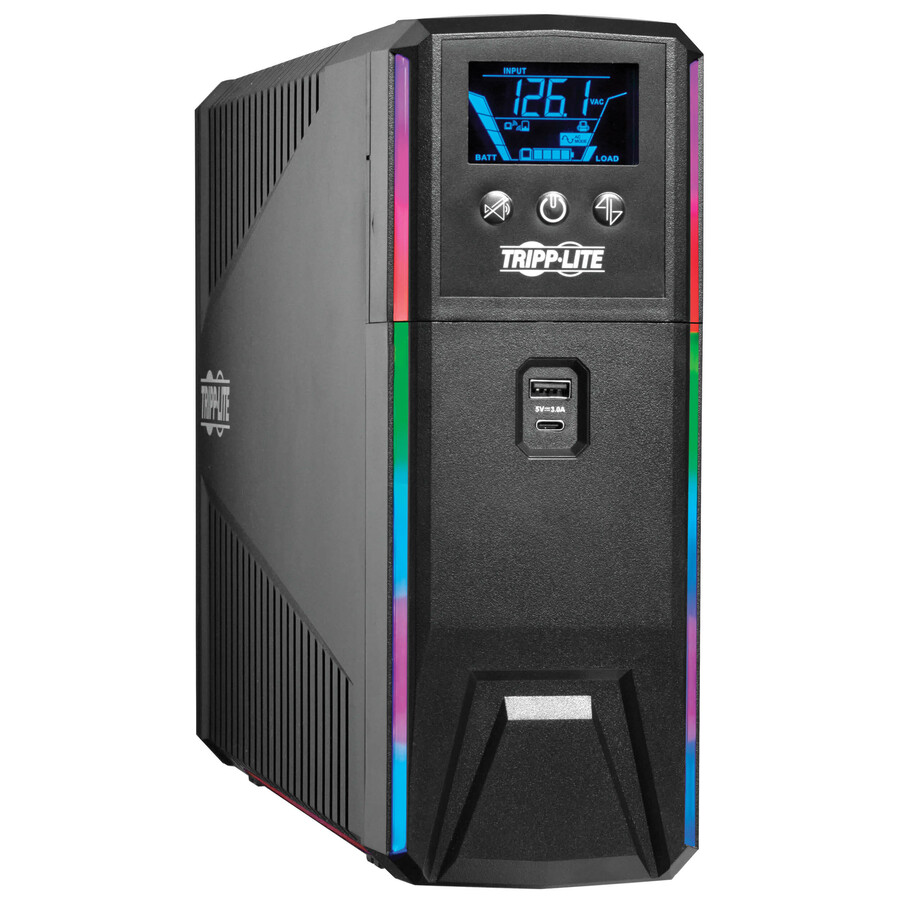
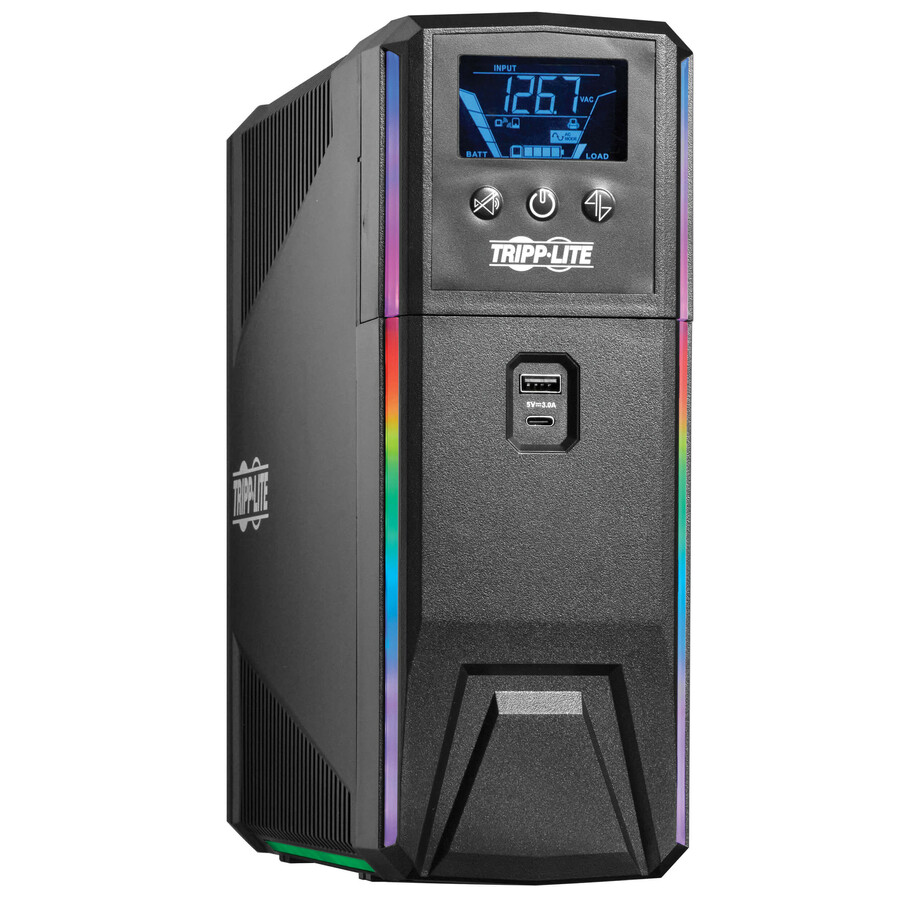
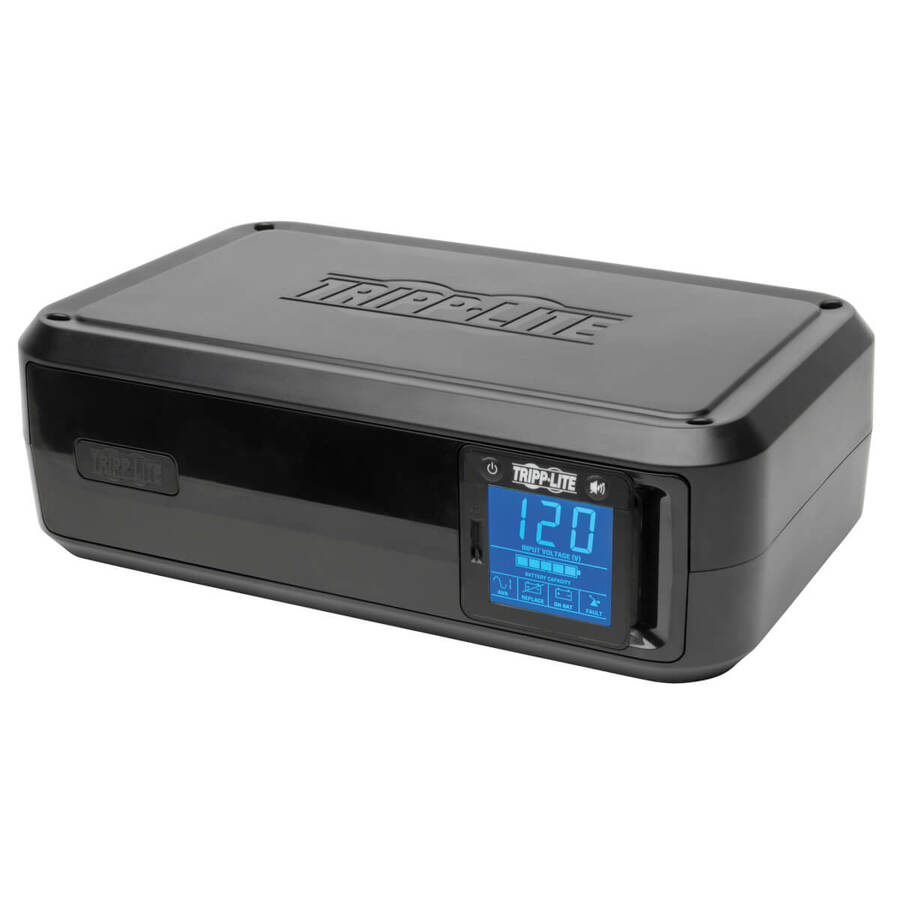
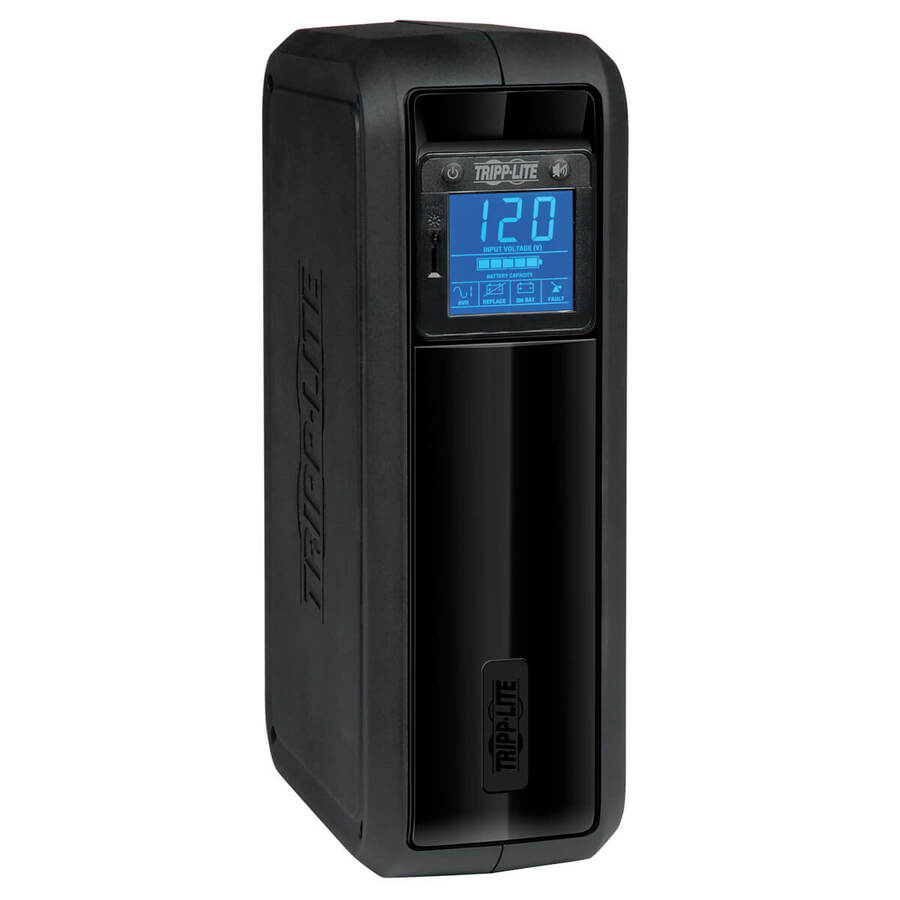
- EatonTripp Lite by Eaton UPS 1500VA 900W 120V Pure Sine Wave Gaming UPS Battery Backup - LCD, AVR, RGB LEDs, USB Charging, Power Saving - Tower - AVR - 7 Hour Recharge - 3 Minute Stand-by - 120 V AC Input - 120 V AC Output - Single Phase - Pure Sine Wave - USB - LCD Display - 10 x NEMA 5-15RSMART1500PSGLCD
$535.00
$492.20
222 in stock - EatonEaton Tripp Lite Series 1200VA 720W 120V Pure Sine Wave Gaming UPS Battery Backup - LCD, AVR, RGB LEDs, USB Charging, Power Saving - Tower - AVR - 7 Hour Recharge - 2.50 Minute Stand-by - 120 V AC Input - 120 V AC Output - Single Phase - Pure Sine Wave - USB - LCD Display - 10 x NEMA 5-15RSMART1200PSGLCD
$475.00
$437.00
17 in stock - EatonTripp Lite by Eaton UPS 1000VA 600W 120V Pure Sine Wave Gaming UPS Battery Backup - LCD, AVR, RGB LEDs, USB Charging, Power Saving - Tower - AVR - 7 Hour Recharge - 2 Minute Stand-by - 120 V AC Input - 120 V AC Output - Single Phase - Pure Sine Wave - USB - LCD Display - 8 x NEMA 5-15RSMART1000PSGLCD
$406.00
$373.52
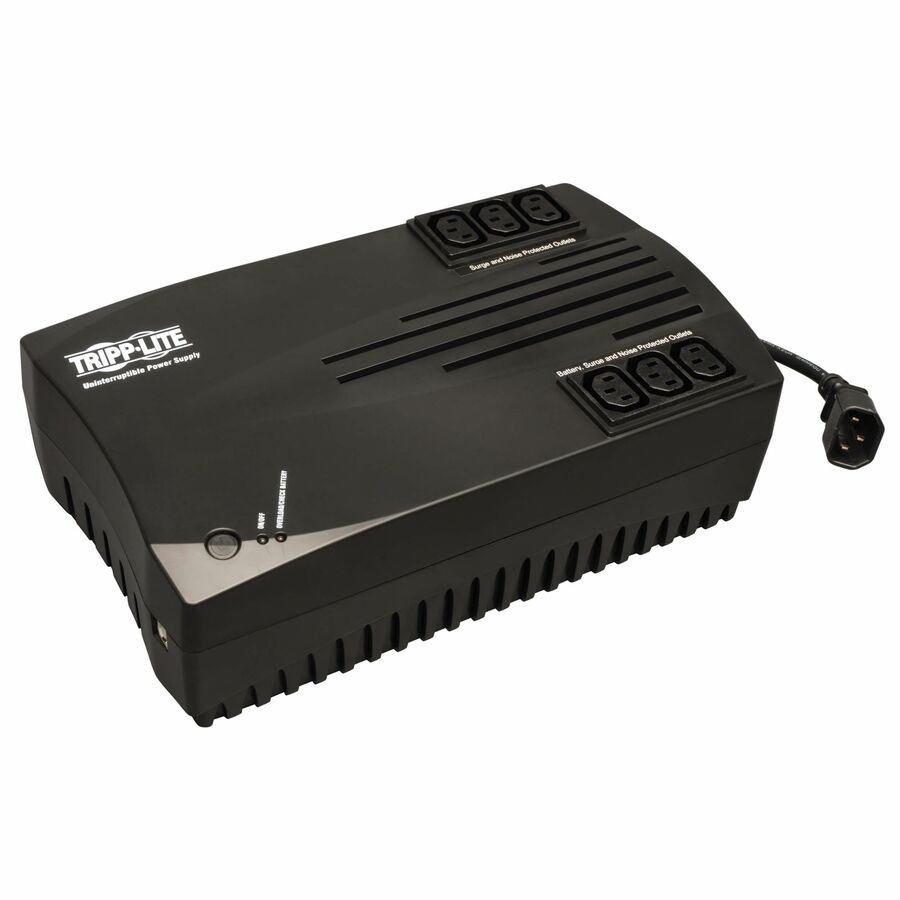
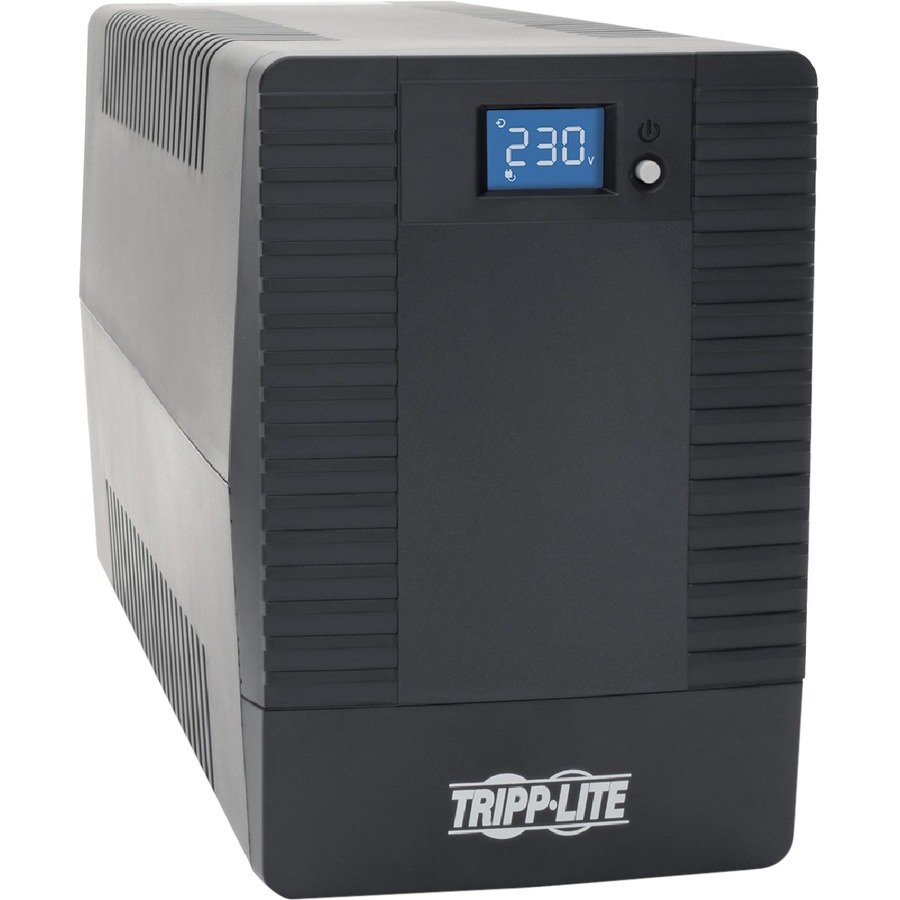
77 in stock - EatonTripp Lite by Eaton UPS AVR Series 230V 750VA 450W Ultra-Compact Line-Interactive UPS with USB port C13 Outlets - 750VA/450WAVRX750U
$399.68
$367.71
1,483 in stock

Need pricing on compact UPS battery backups?
Tell us where to reach you and a Uniqcli specialist will follow up by email with current pricing, availability and lead time for the quantities you need — including parts that aren’t shown on this page.
Buying for an organization or for yourself — both work. No payment up front.
A remote or home office runs on hardware that is not sitting in a data centre with generators behind it: a workstation or laptop dock, a monitor or two, a router, a modem and — increasingly — a VoIP phone or a small NAS. When the power dips or drops, an uninterruptible power supply carries that load long enough to ride through the blip or to save and shut down cleanly, and its automatic voltage regulation quietly corrects the brownouts and surges that a home circuit sees far more of than an office one. Every row in this grid is a general-purpose UPS priced under five hundred dollars, which is the band where the compact desktop and tower units live, and each names the two numbers that decide whether it fits: the VA rating and the watt rating.
Read the watts, not the VA. A UPS's headline figure is the volt-amp number because it is the larger one, but the load that matters is measured in watts, and a desk full of switch-mode power supplies — a PC, a monitor, a dock — draws close to the watt ceiling long before the VA ceiling. Size the unit so your real draw sits comfortably under the watt rating, and you buy runtime; size it to the VA number and you can find the battery flat in under a minute. The outlet layout on these units is deliberate too: most split their sockets into a battery-backed-plus-surge group and a surge-only group, so the printer and the space heater go on surge-only while the PC, the monitor and the network gear sit on the battery side.
Two features separate the units worth the money from the ones that only survive a flicker. The first is automatic voltage regulation — the AVR on the row — which trims sags and swells without dropping to battery, so the battery is spent on real outages rather than on every brownout. The second is monitoring: a USB or serial port and the bundled software that lets the machine it protects see the outage and shut itself down gracefully before the battery runs out, which is the difference between a clean save and a corrupted file. Uniqcli quotes these alongside the replacement batteries they will need in three to five years, surge strips, and the rack or wall-mount kit if the home office grows into a closet. This grid is drawn from the general-purpose UPS Uniqcli currently stocks under five hundred dollars, with live availability on each card.
Buyer's checklist
How to choose a home or remote-office UPS
- Add up the real watt draw of everything you want to keep alive — PC or dock, monitors, router and modem — and buy a unit whose watt rating clears that with room to spare. The VA number is the marketing figure; the watts are the ceiling that actually limits runtime.
- Insist on automatic voltage regulation (AVR on the row). It corrects brownouts and surges without switching to battery, so the battery is there for real outages rather than being drained by every dip a home circuit delivers.
- Check the outlet split. Most units here divide sockets into a battery-plus-surge group and a surge-only group — put the computer and network gear on the battery side and leave printers and anything with a heating element on surge-only.
- Match the form factor to the desk: compact desktop and tower units suit an open floor, while the wall-mount rows tuck a router and modem out of the way in a small office or closet.
- Choose a unit with a USB or serial monitoring port and shutdown software if the machine runs unattended — a graceful automatic shutdown before the battery empties is what protects unsaved work and a NAS's file system.
- Price the replacement battery at purchase. These are sealed-lead-acid packs that lose capacity over three to five years, and a unit whose battery is a stocked, user-swappable module outlasts one whose pack is hard to find.
Sizing runtime honestly
The single most common home-office mistake is buying VA and expecting watts. A 650VA unit might be rated for 390 watts, and a desktop PC with a dedicated GPU, a wide monitor and a dock can sit near that 390-watt line under load — which means a headline that reads like generous runtime delivers a couple of minutes in practice, enough to save and shut down and not much more. That is often the right amount: for most remote workers the job of the UPS is not to keep working through a long outage but to ride out the frequent short ones and to hand the machine a clean shutdown on the rare long one. If you genuinely need to keep going — a session you cannot drop, a phone that has to stay up — step up a VA class or two and re-check the watt rating, because runtime scales with the gap between your draw and the rating, not with the rating alone. Tell us the devices and we will size the unit against their real watts, not their nameplate.
The network gear people forget
A UPS on the PC and a dead router is a common and frustrating outcome: the computer is up, cleanly, and there is no internet to use it on. In a remote setup the router, the modem or ONT, and any managed switch or access point deserve battery-backed outlets as much as the workstation does, because they draw very little and keep the connection alive through exactly the short outages a home line suffers. VoIP desk phones and a small NAS belong on the battery side too — the phone so calls survive a flicker, the NAS so its file system is never yanked mid-write. Budget those low-wattage devices into the load when you size the unit; they cost almost nothing in watts and they are usually the difference between an outage you work through and one that stops you. We quote the UPS, the batteries it will need down the line, and the surge and cabling around it on one order, with lead times on the same document.
FAQ
Common questions
- How many watts of UPS do I need for a home office?
- Add up the real draw of what you want to keep alive and buy a unit whose watt rating clears it with margin. A typical remote setup — a PC or laptop dock, one or two monitors, a router and a modem — lands somewhere between 150 and 350 watts under load, so a unit rated 400 to 600 watts leaves headroom for a clean shutdown and a few minutes of ride-through. Read the watt rating rather than the VA number: the VA figure is larger and looks generous, but the watts are the ceiling that decides runtime, and a desk full of switch-mode power supplies pushes toward the watt limit fast. If you want to keep working through longer outages rather than just save and shut down, step up and re-check the watts.
- What is the difference between a standby and a line-interactive UPS?
- A standby unit runs your gear straight from the wall and switches to battery only when the power fails — it is the cheapest option and fine for a single PC that just needs a clean shutdown. A line-interactive unit adds automatic voltage regulation, so it trims brownouts and surges without dropping to battery, which both protects the equipment and saves the battery for genuine outages. In a home, where the incoming power is dirtier and dips more often than in an office, the line-interactive design usually earns its small premium; the rows here name AVR where they have it, and it is the feature worth paying for.
- Do I need the monitoring software, or is the battery enough?
- The battery buys you minutes; the software decides what happens with them. A USB or serial connection and the bundled shutdown utility let the protected machine see the outage and shut itself down gracefully before the battery empties, which matters most for anything left running unattended — a workstation you have stepped away from, or a small NAS whose file system must never be cut mid-write. For a machine you are sitting in front of, you can save and shut down by hand. For anything that runs on its own, the automatic shutdown is the point of the exercise, so choose a unit with the port and install the software.
- Can business, government and education buyers order these?
- Every line Uniqcli quotes is sourced through US distribution and screened for TAA country-of-origin and NDAA §889 status before checkout — with documentation tied to the specific part number, not a product family.
Need compact UPS battery backups pricing?
Send a bill of materials or part numbers — we confirm stock and a below-market total, with TAA verified on request. No payment up front.