
Best Student Laptops for School Districts
The education-grade laptops districts actually deploy 1:1 — spill-resistant, drop-tested 11.6-inch to 14-inch Chromebooks and Windows machines, chosen for durability, manageability and total cost per seat.
Student laptops in stock at Uniqcli
How to choose →A curated selection with live pricing — in-stock lines first, then back-ordered lines with a typical lead time. Every line is sourced through US distribution and screened for NDAA §889 status before checkout, with TAA verified on request.

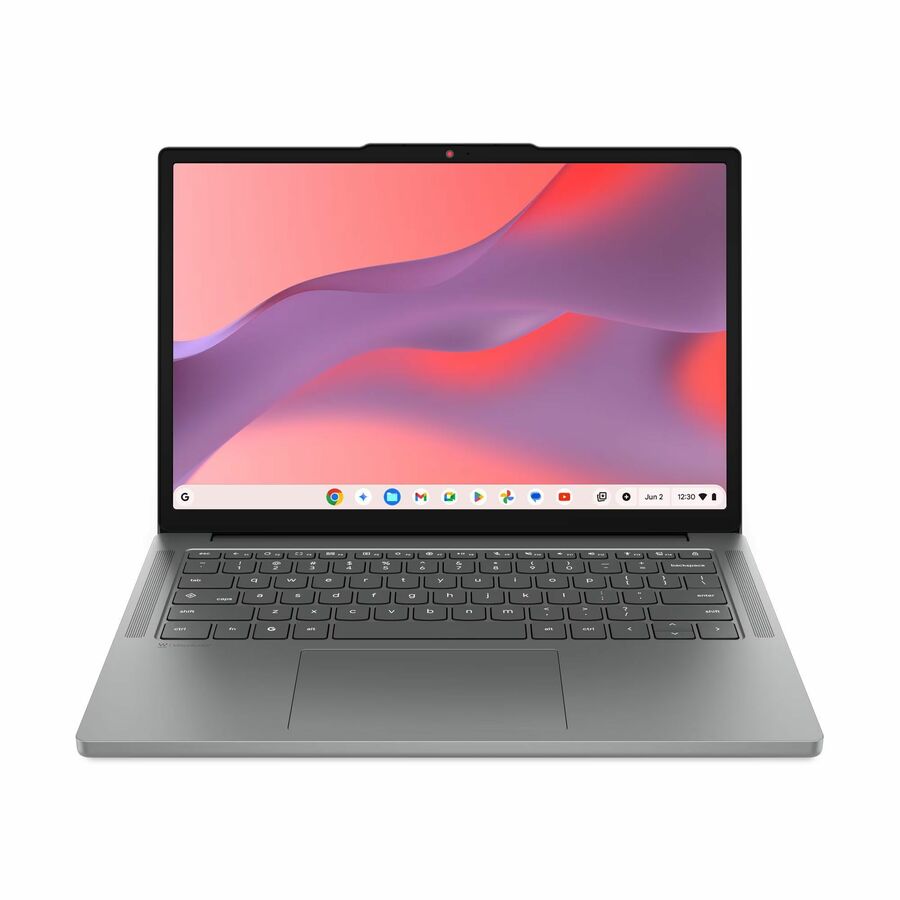
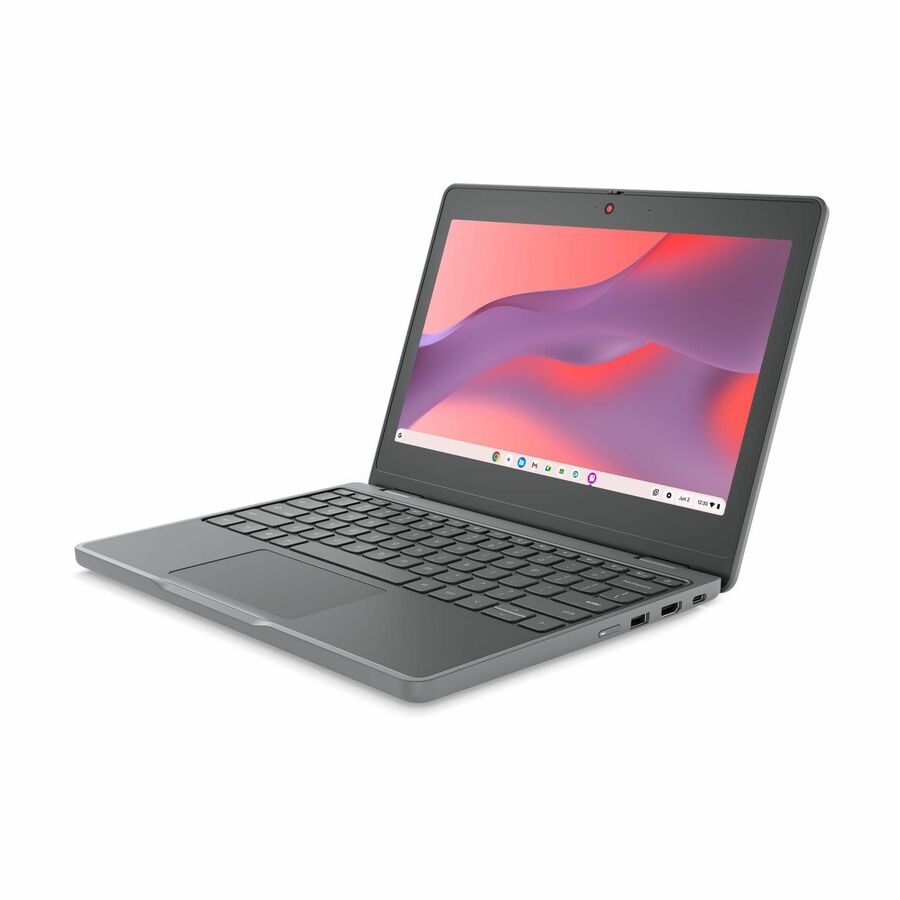
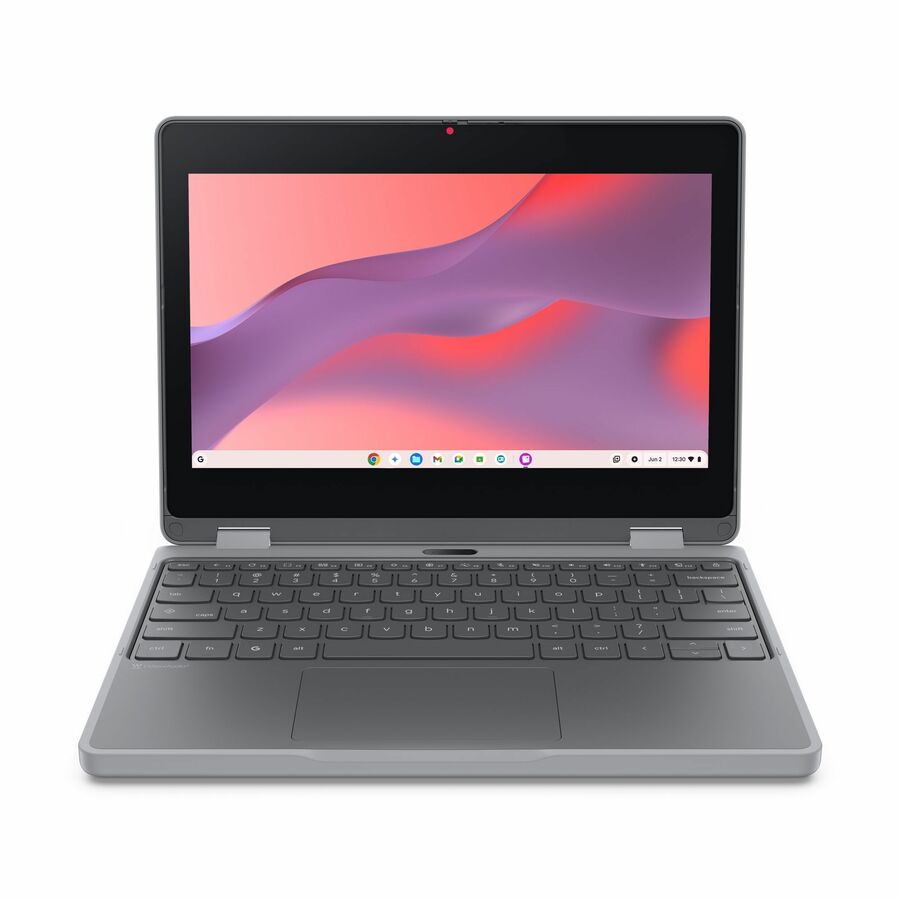
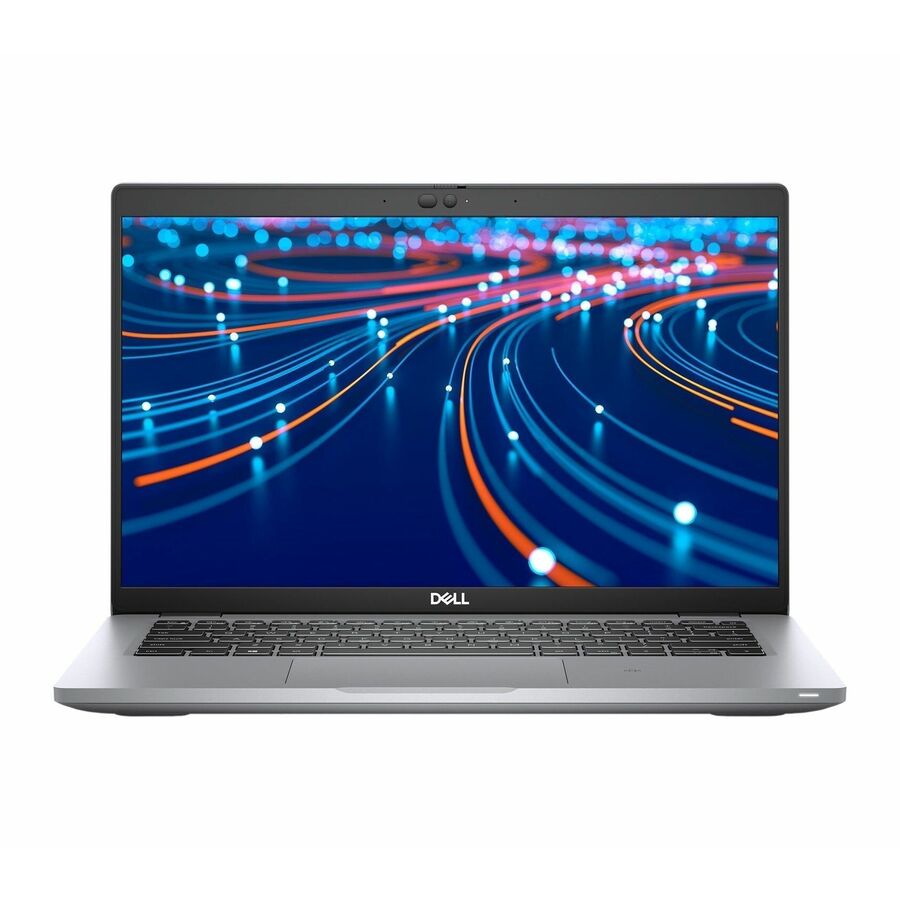
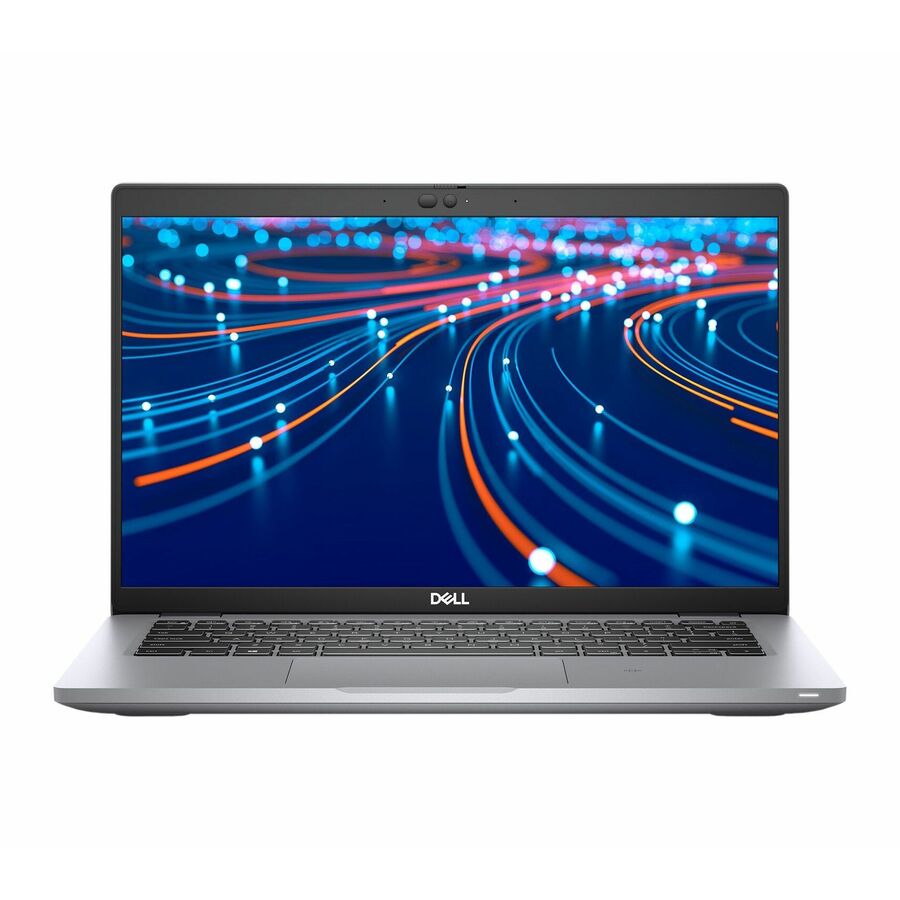
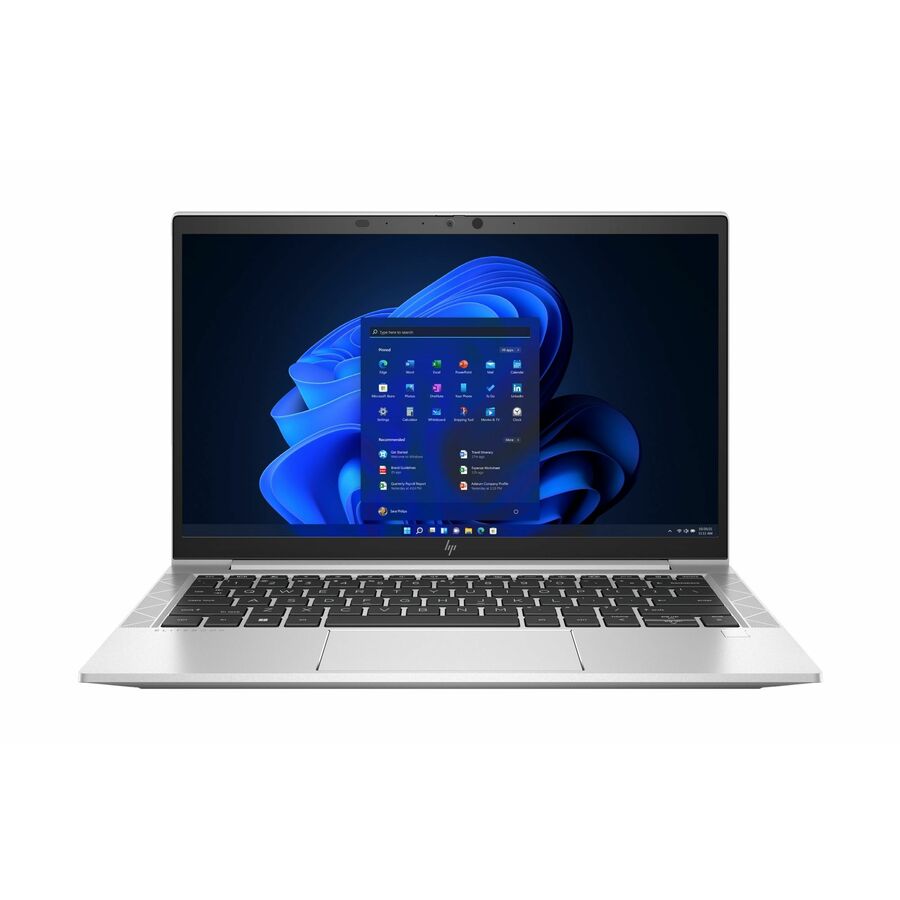
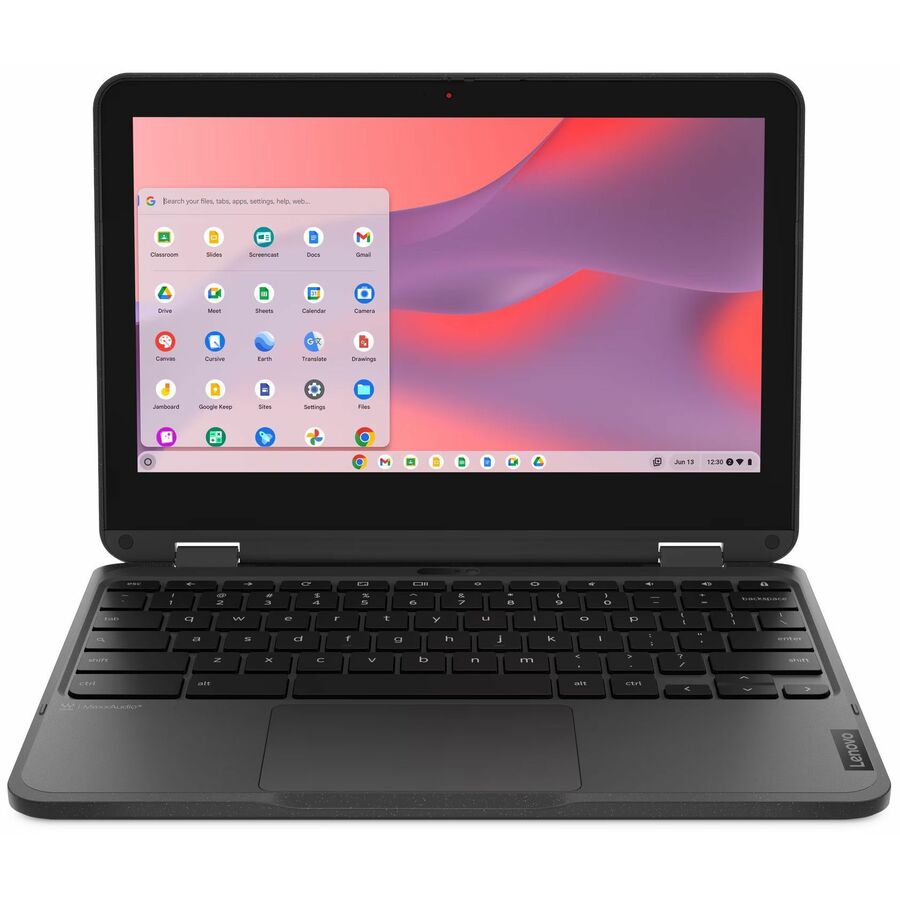
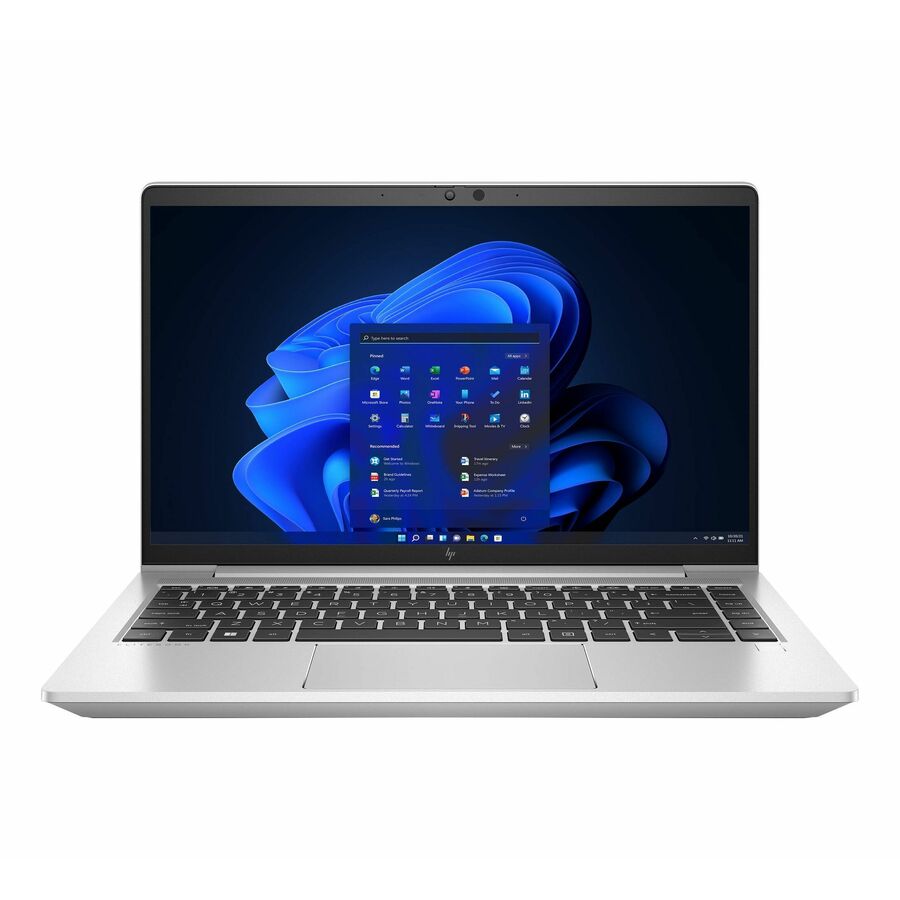
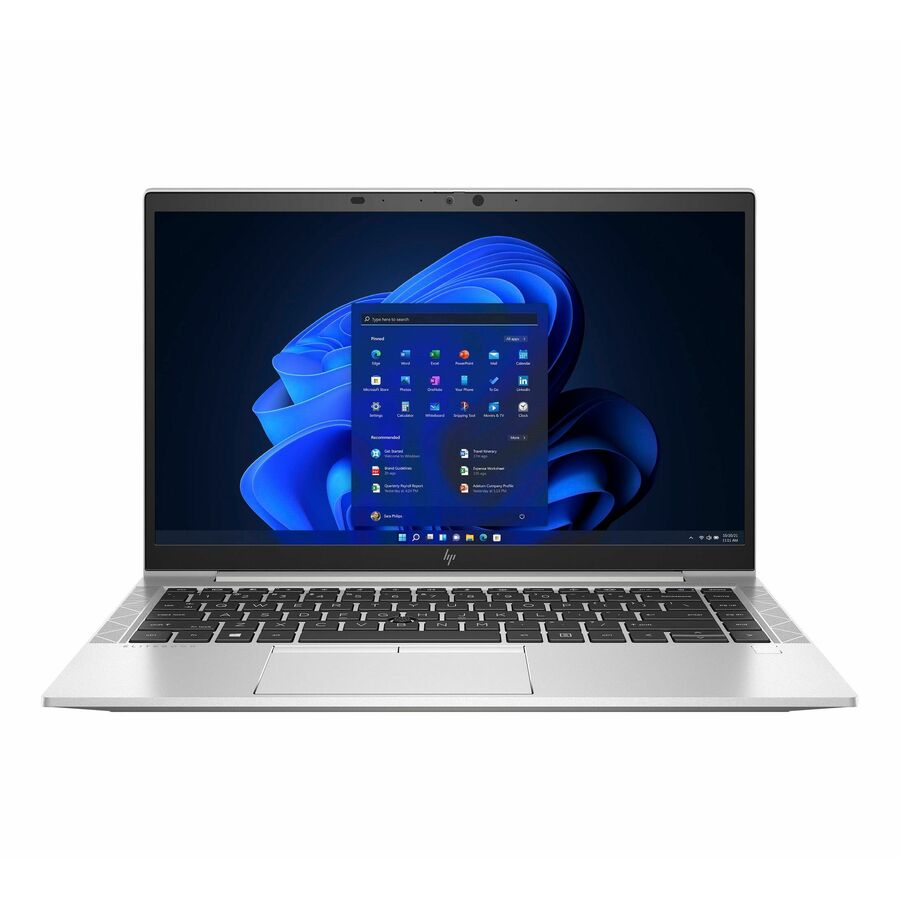
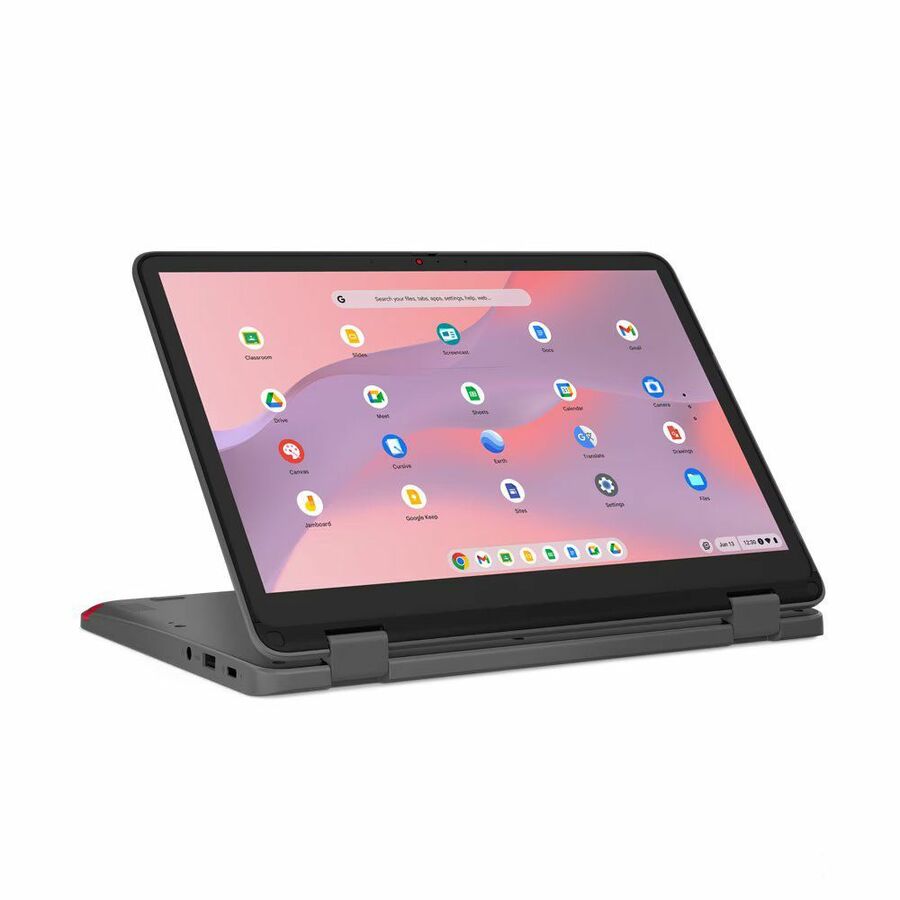
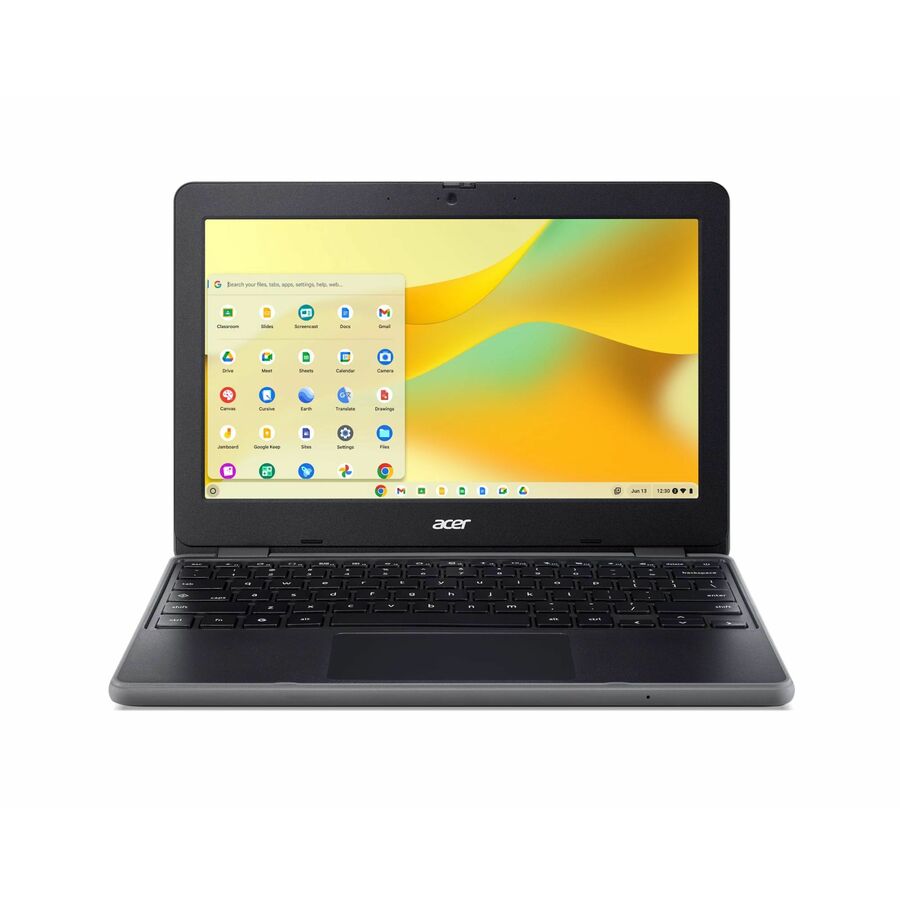

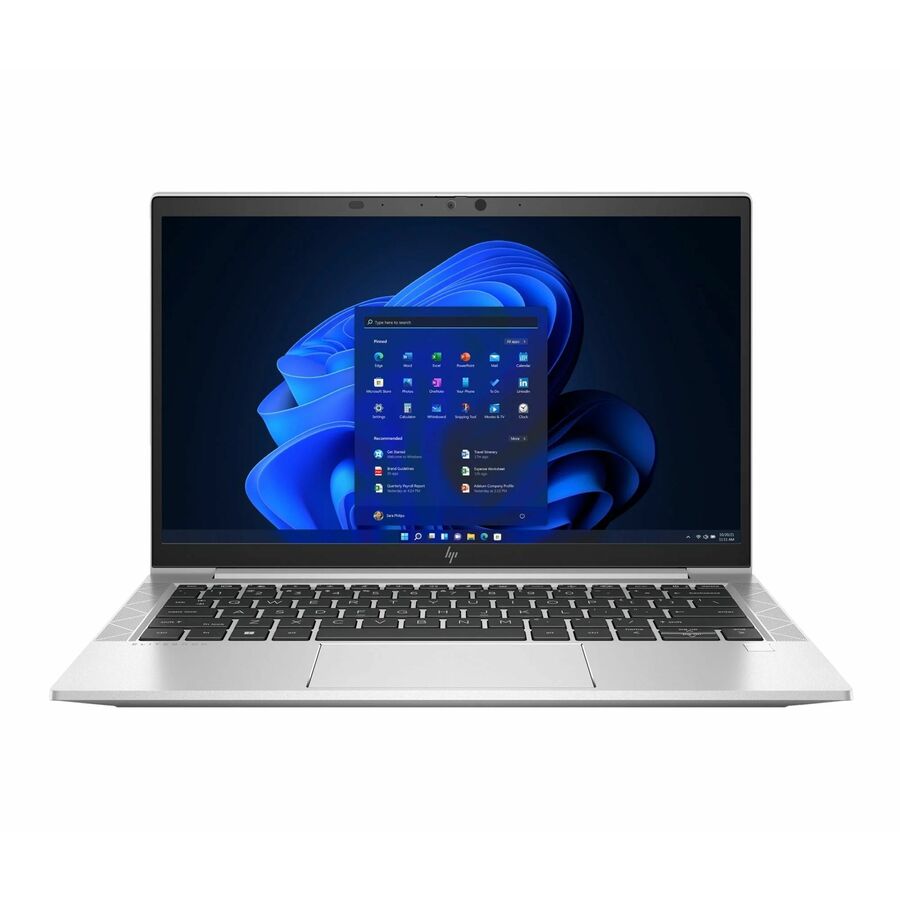
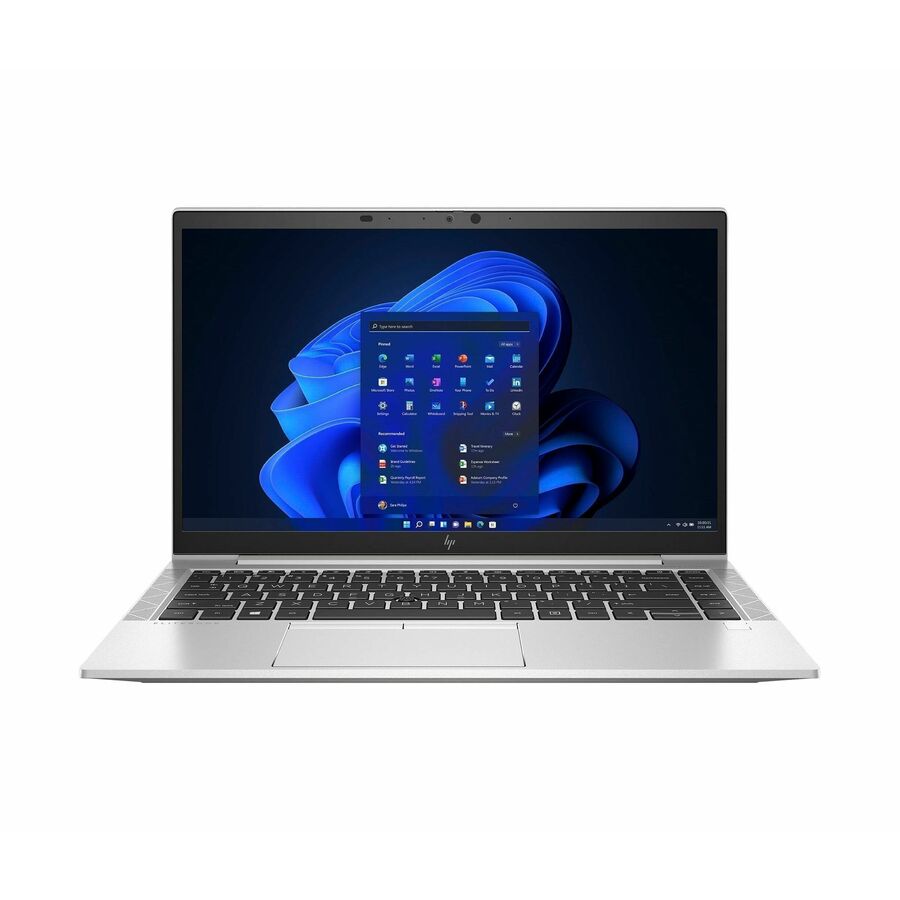
11.6in Chromebook
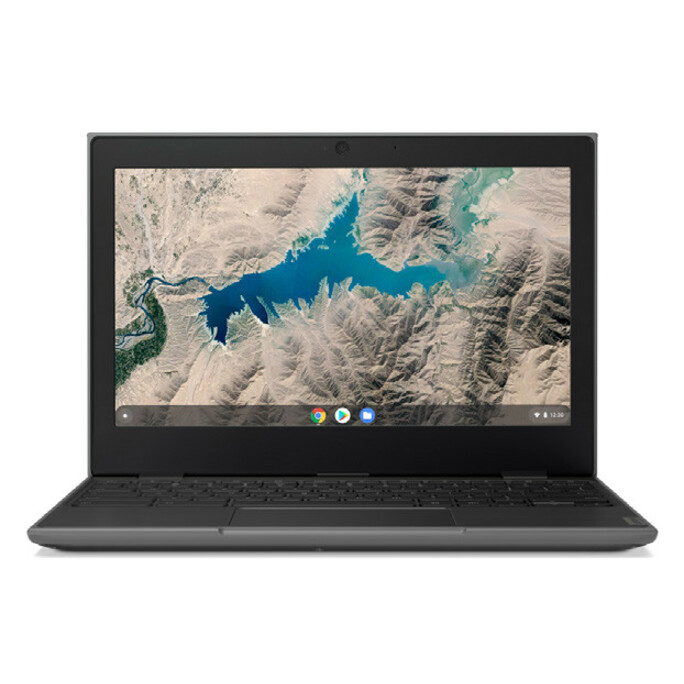
Lenovo
Lenovo 100e Chromebook 2nd Gen 82Q30003US 11.6" Chromebook
82Q30003US
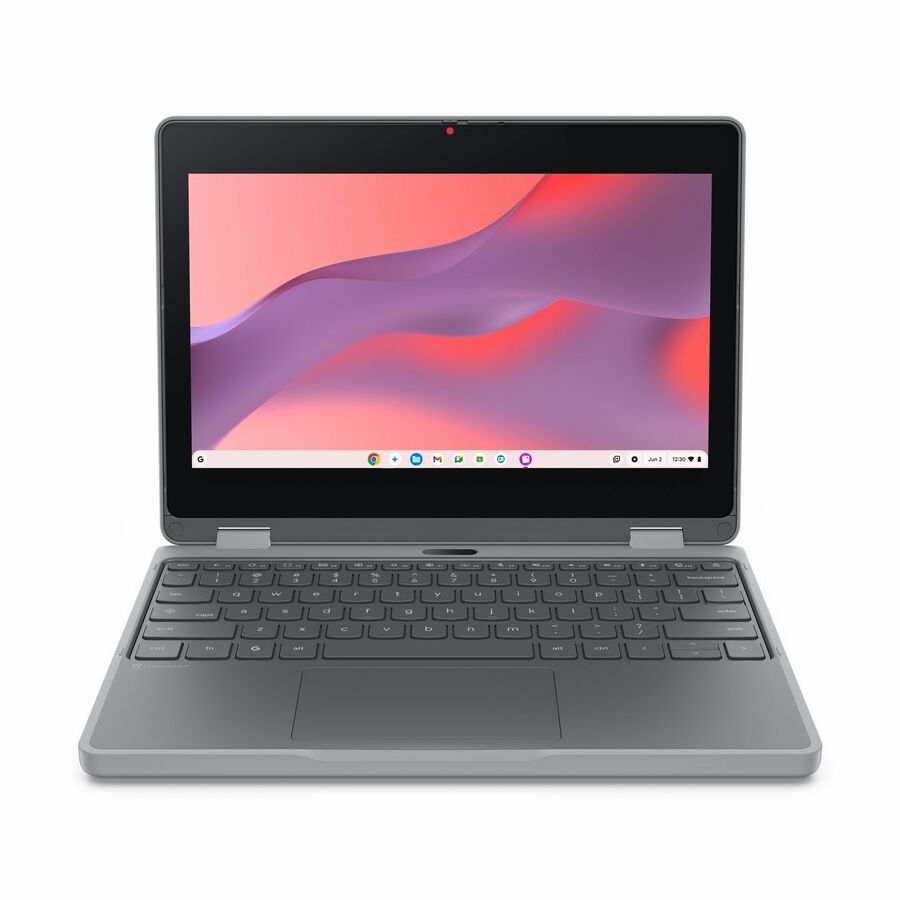
The Lenovo 100e Chromebook 2nd Gen — an 11.6-inch HD entry Chromebook built for the classroom, the low-cost workhorse of a 1:1 rollout.
$307.67Back-orderedChromebook Gen 3
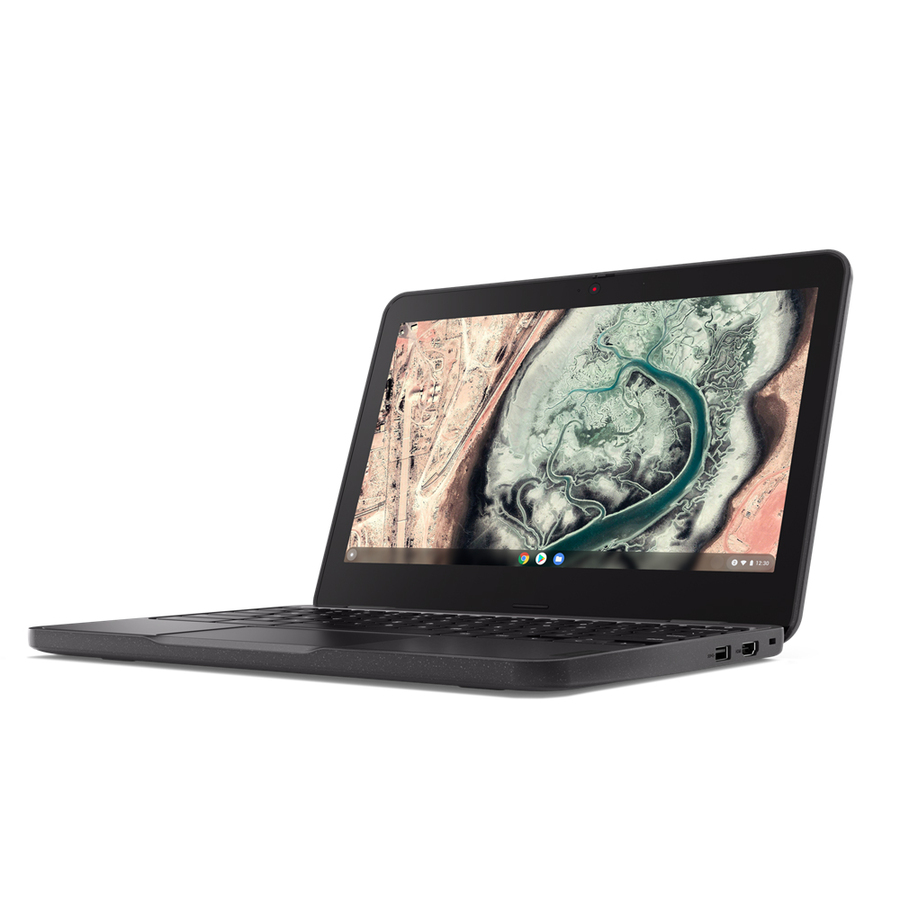
Lenovo
Lenovo 100e Chromebook Gen 3 82UY0000US 11.6" Chromebook
82UY0000US
The Lenovo 100e Chromebook Gen 3 with an Intel Celeron N4500 — a rugged 11.6-inch student clamshell managed through the Google Admin console.
$357.67Back-orderedChromebook Gen 5
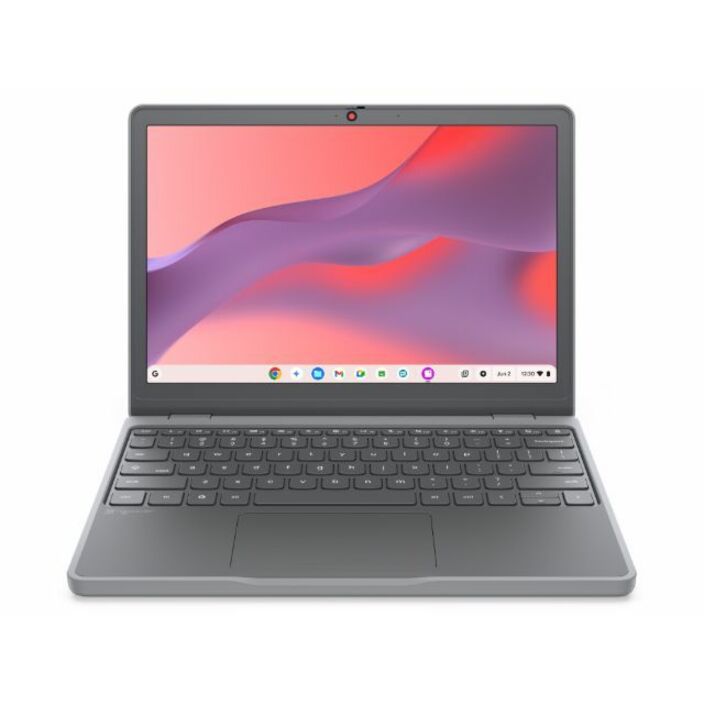
Lenovo
Lenovo Chromebook 100e Gen 5 M89 83T60006US 11.6" Chromebook
83T60006US
The Lenovo 100e Chromebook Gen 5 — the current-generation 11.6-inch education Chromebook, spill- and drop-designed for daily student handling.
$449.73Back-orderedWindows netbook
Lenovo
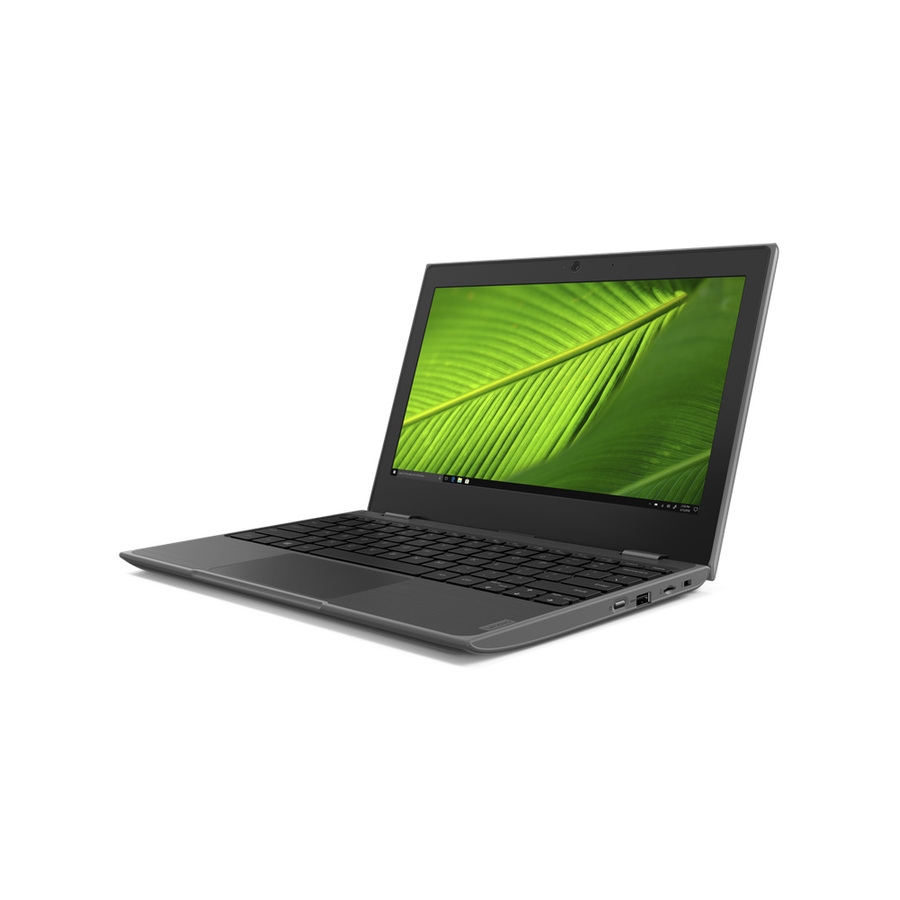
Lenovo 100e Windows 2nd Gen 81M80082US 11.6" Netbook
81M80082US
The Lenovo 100e Windows 2nd Gen — the same rugged 11.6-inch chassis on Windows with a 128 GB SSD, for classrooms that need locally installed software.
$368.29Back-orderedWindows, larger SSD
Lenovo
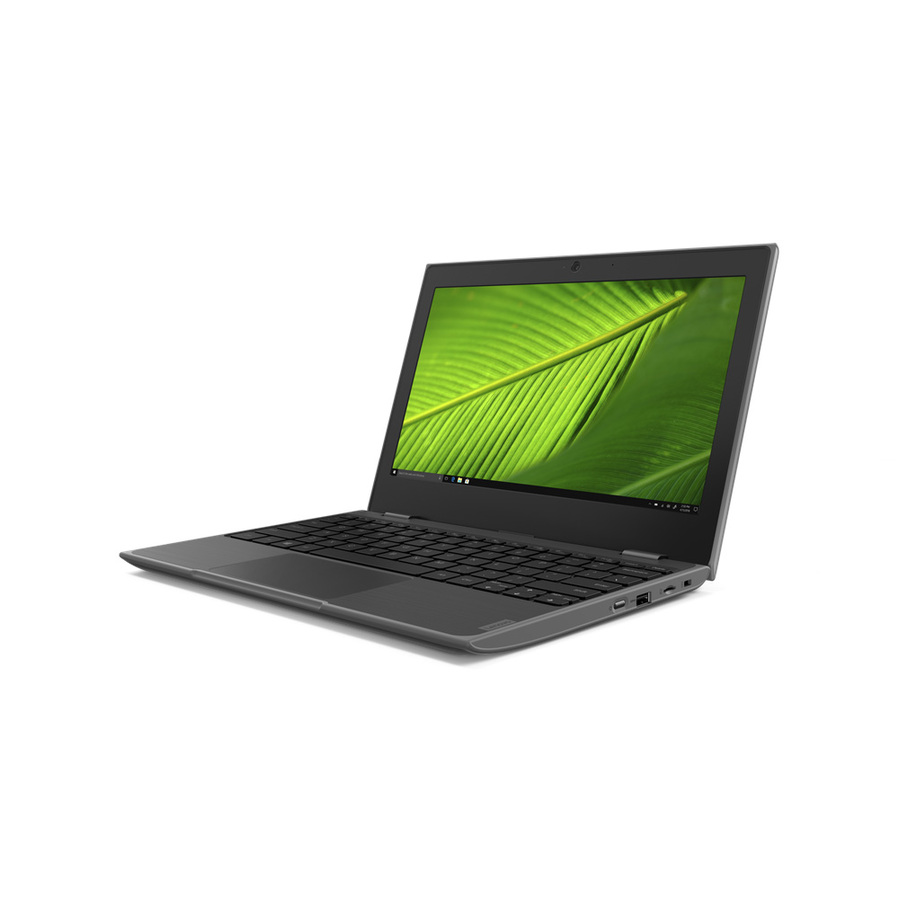
Lenovo 100e Windows 2nd Gen 81M8007LUS 11.6" Netbook
81M8007LUS
The Lenovo 100e Windows 2nd Gen (Celeron N4120, 128 GB SSD) — a durable Windows student laptop for testing clients and Windows-only curriculum tools.
$564.56Back-ordered300e 2-in-1
Lenovo
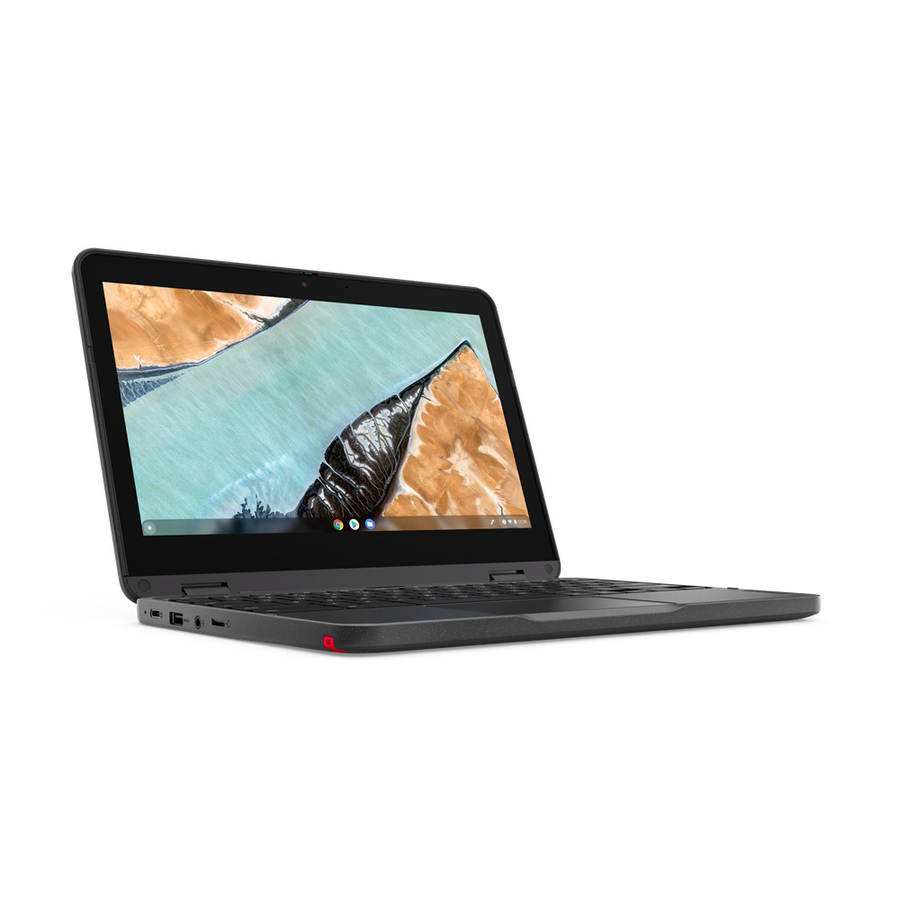
Lenovo 300e Chromebook Gen 3 82J90009US 11.6" Touchscreen Chromebook
82J90009US
The Lenovo 300e Chromebook Gen 3 — an 11.6-inch touchscreen convertible on an AMD 3015Ce, a flip-and-write 2-in-1 for younger grades.
$431.16Back-ordered500e pen 2-in-1
Lenovo
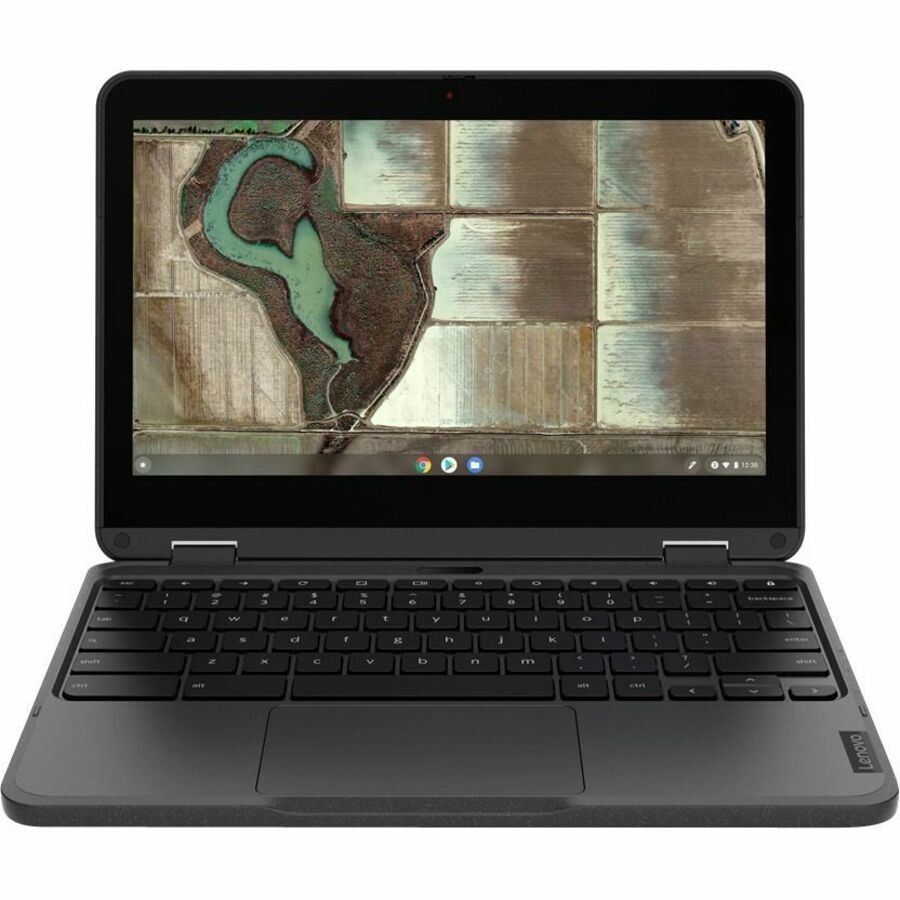
Lenovo 500e Chromebook Gen 3 82JB0015US 11.6" Touchscreen Convertible 2…
82JB0015US
The Lenovo 500e Chromebook Gen 3 — a convertible 2-in-1 with a touchscreen for drawing and note-taking, the top of the education Chromebook line.
$379.71Back-ordered500e Gen 5
Lenovo
Lenovo Chromebook 500e Gen 5 M89 83TA0002US 11.6" Touchscreen…
83TA0002US
The Lenovo 500e Chromebook Gen 5 — the current convertible 2-in-1 education model, touchscreen and rugged chassis for hands-on classroom work.
$525.72In stock14in Chromebook
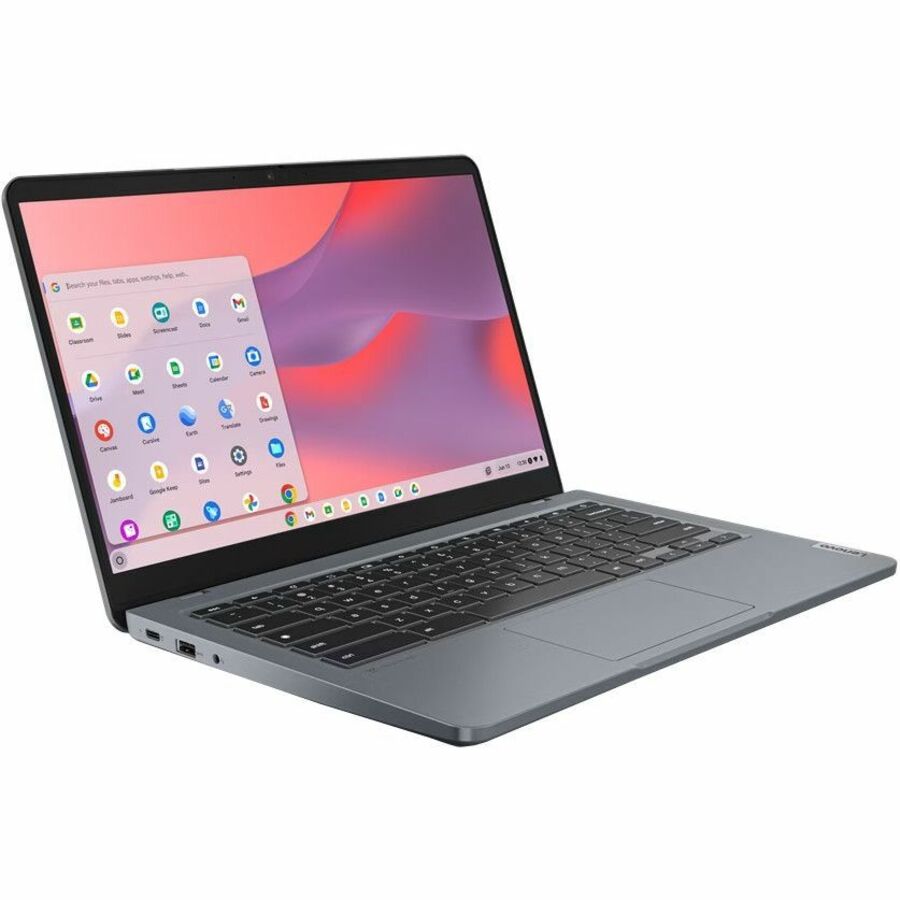
Lenovo
Lenovo 14e Chromebook Gen 3 82W6000AUS 14" Touchscreen Notebook
82W6000AUS
The Lenovo 14e Chromebook Gen 3 with an Intel N100 — a Full HD 14-inch touchscreen for older students who read and write more on the device.
$510.92Back-orderedAcer TravelMate B
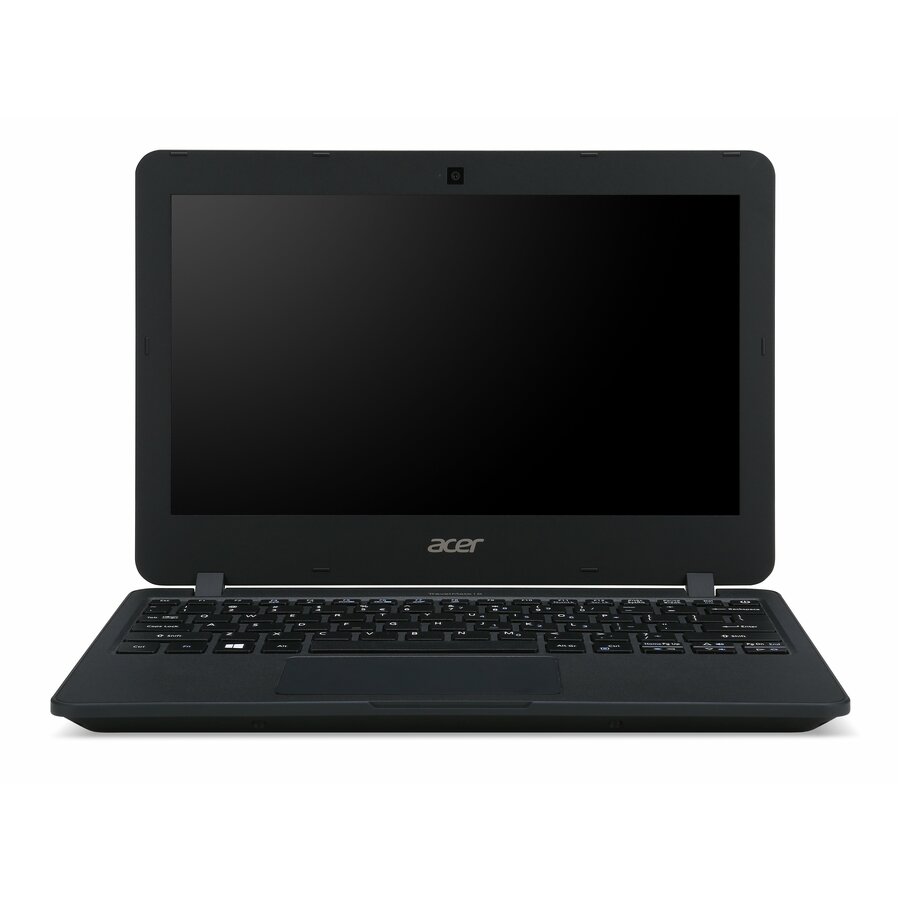
Acer
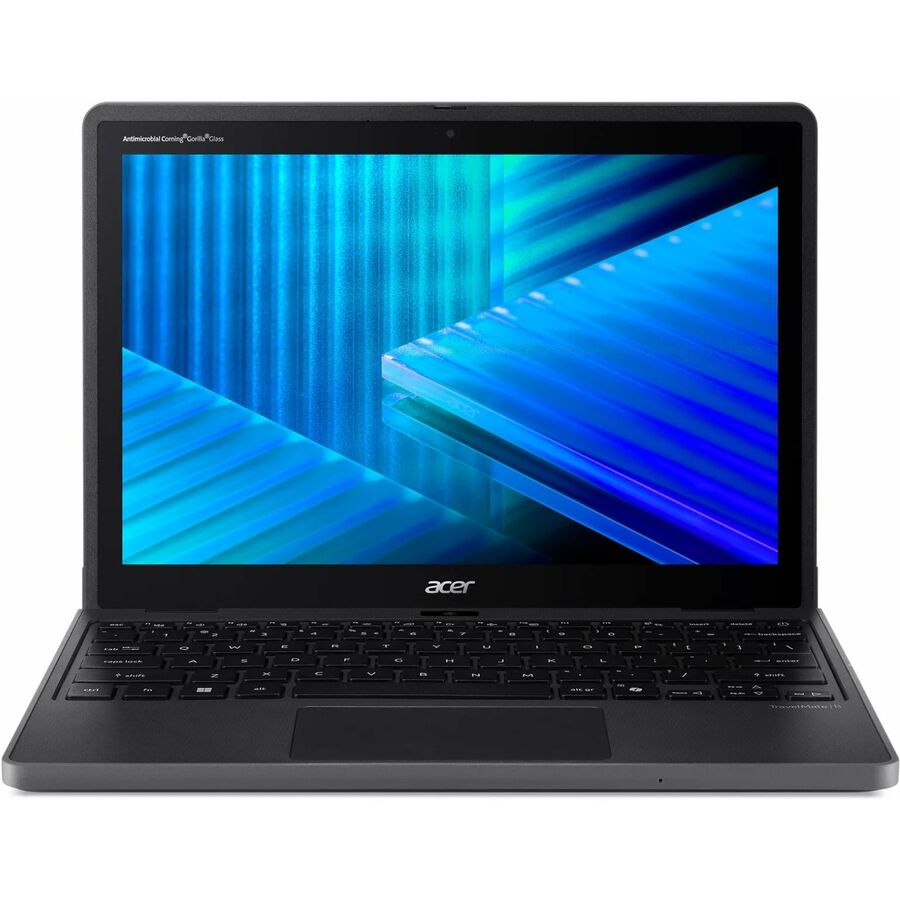
Acer TravelMate TMB117-M TMB117-M-C37N 11.6" Notebook
NX.VCGAA.006
The Acer TravelMate B117 — an 11.6-inch HD Windows education notebook with a 128 GB SSD, built for the rough handling of a school fleet.
$336.74Back-orderedTravelMate Spin B3
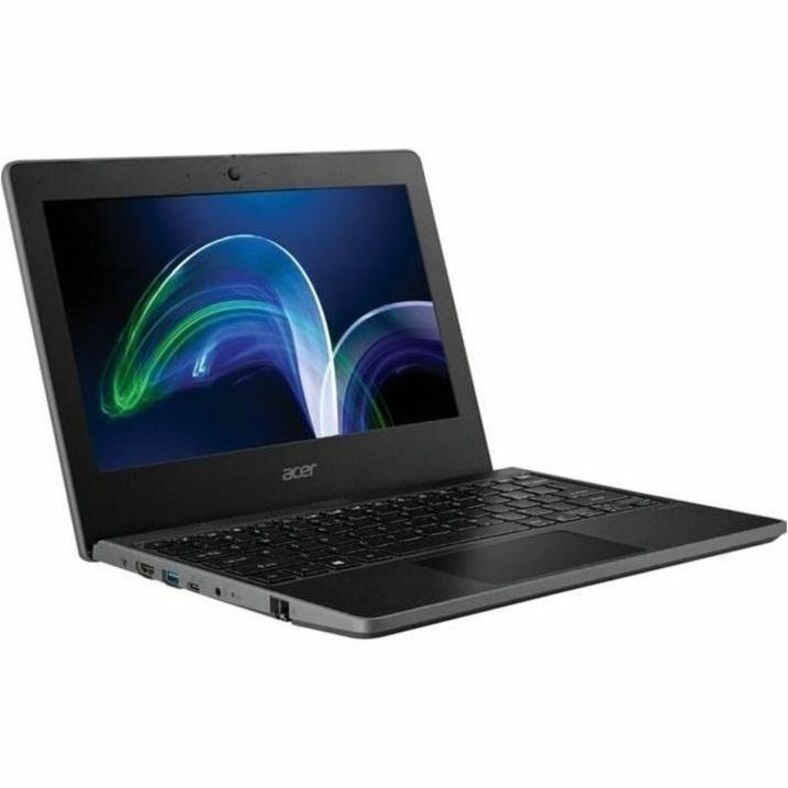
Acer
Acer TravelMate Spin B3 TMB311R-32 TMB311R-32-C47B 11.6" Touchscreen…
NX.VQWAA.004
The Acer TravelMate Spin B3 — an 11.6-inch touchscreen convertible 2-in-1 built for the classroom, flipping between laptop and tablet.
Request pricingTravelMate Spin B1
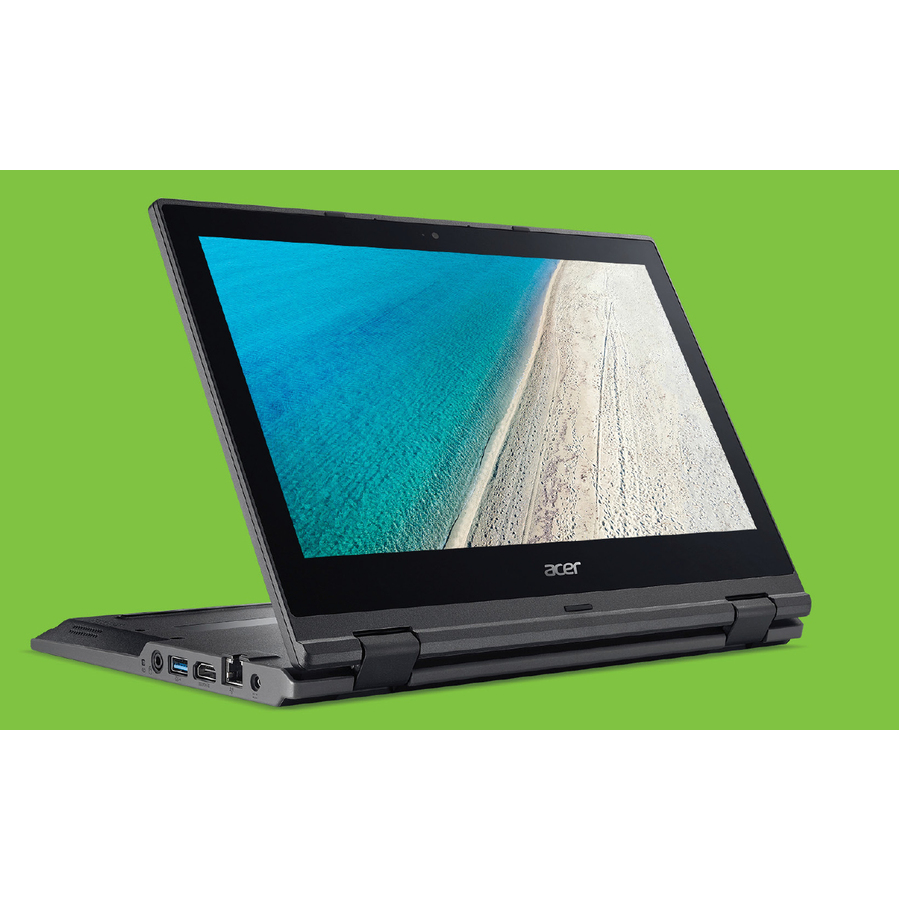
Acer
Acer TravelMate Spin B1 TMB118-RN TMB118-RN-C6LJ 11.6" Touchscreen…
NX.VFXAA.001
The Acer TravelMate Spin B1 — a Full HD 11.6-inch touchscreen convertible for younger grades and note-taking in a durable education chassis.
$498.21Back-orderedTravelMate Spin 12
Acer
Acer TravelMate B3 Spin 12 TMB312R-31 TMB312R-31-C45D 12.2" Touchscreen…
NX.BHBAA.003
The Acer TravelMate B3 Spin 12 — a 12.2-inch WUXGA touchscreen convertible, a slightly larger 2-in-1 for classrooms that want more screen.
$320.57Back-orderedMore laptops and Chromebooks in the Uniqcli catalog
See all 15,794 laptops and ChromebooksMore from across this category. In-stock lines lead, and a back-ordered line carries the same estimated availability its product page does — with live pricing throughout, NDAA §889 screening before checkout and TAA verified on request.
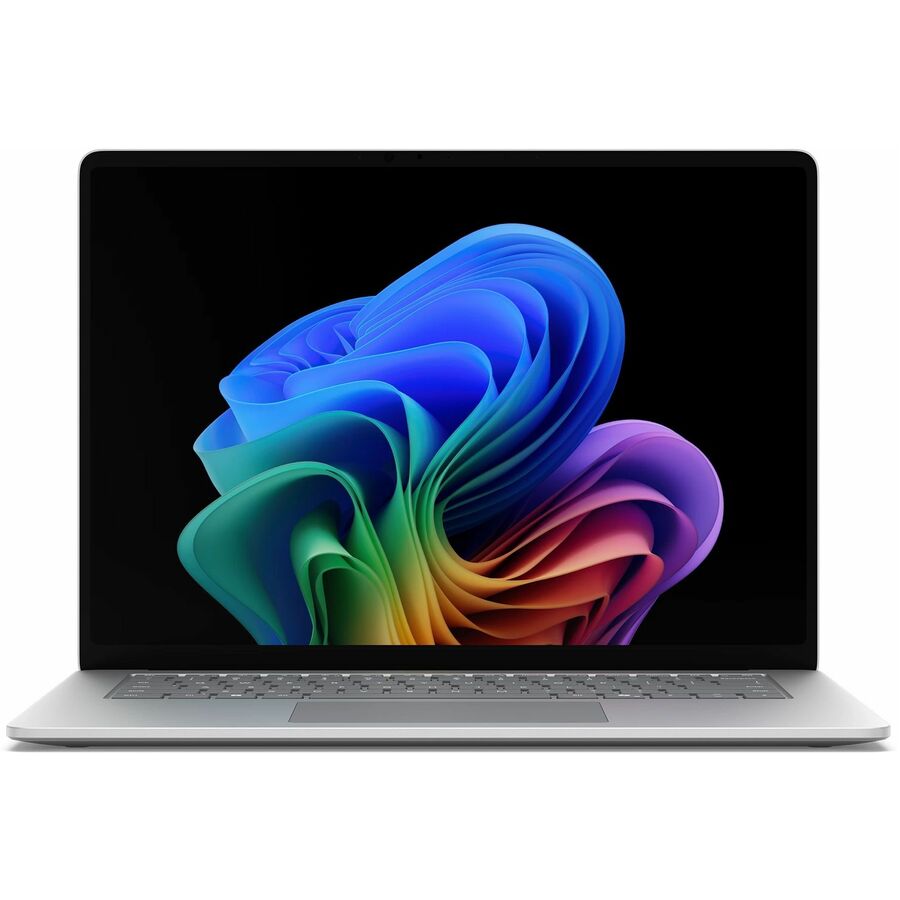
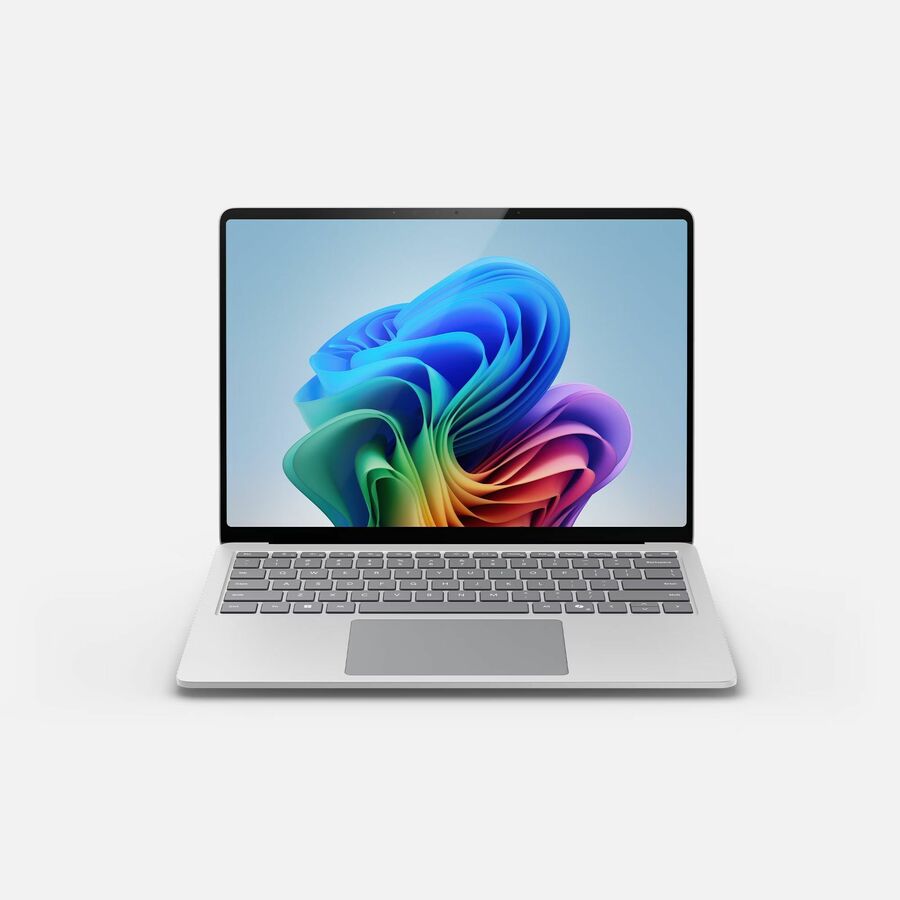
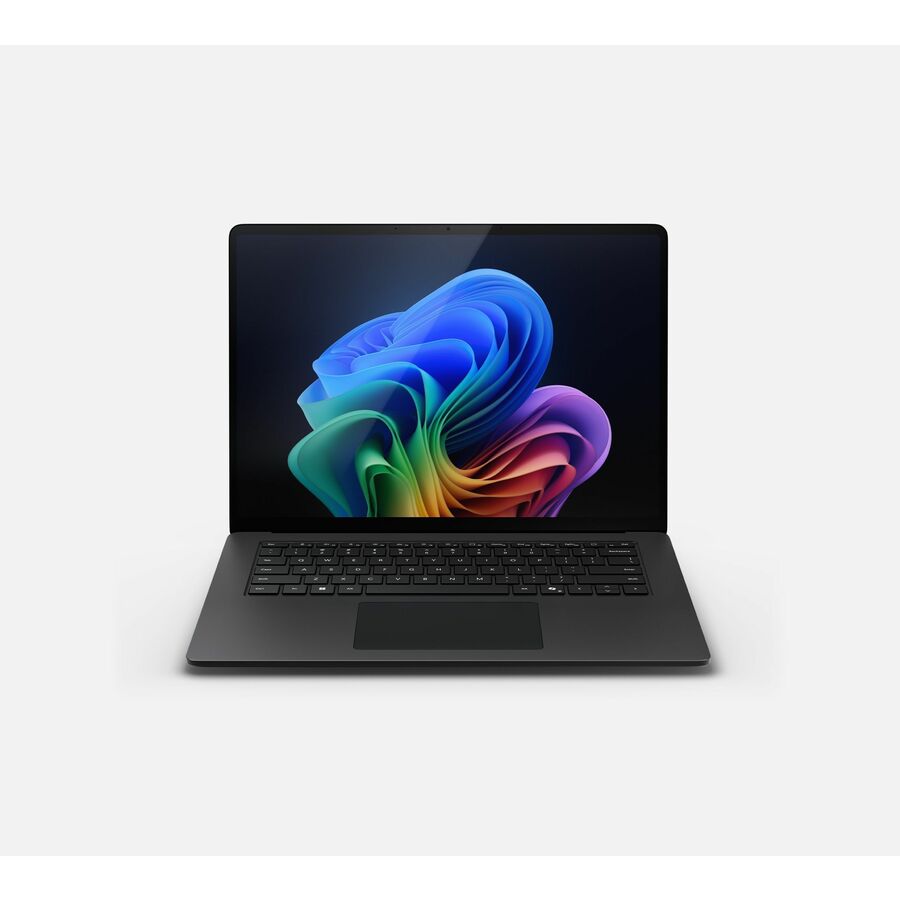
- MicrosoftMicrosoft Surface Laptop 8 13.8" Touchscreen Copilot+ PC Notebook - 120 Hz - Intel Core Ultra 5 Series 3 335 - 16 GB - 256 GB SSD - English Keyboard - Platinum - Demo - Intel Chip - 2304 x 1536 - Intel - PixelSense Flow - Front Camera/Webcam - 23 Hours Battery Run Time - IEEE 802.11be Wireless LAN Standard - Wi-Fi 7EP2-48243
$2,299.99
$1,310.39
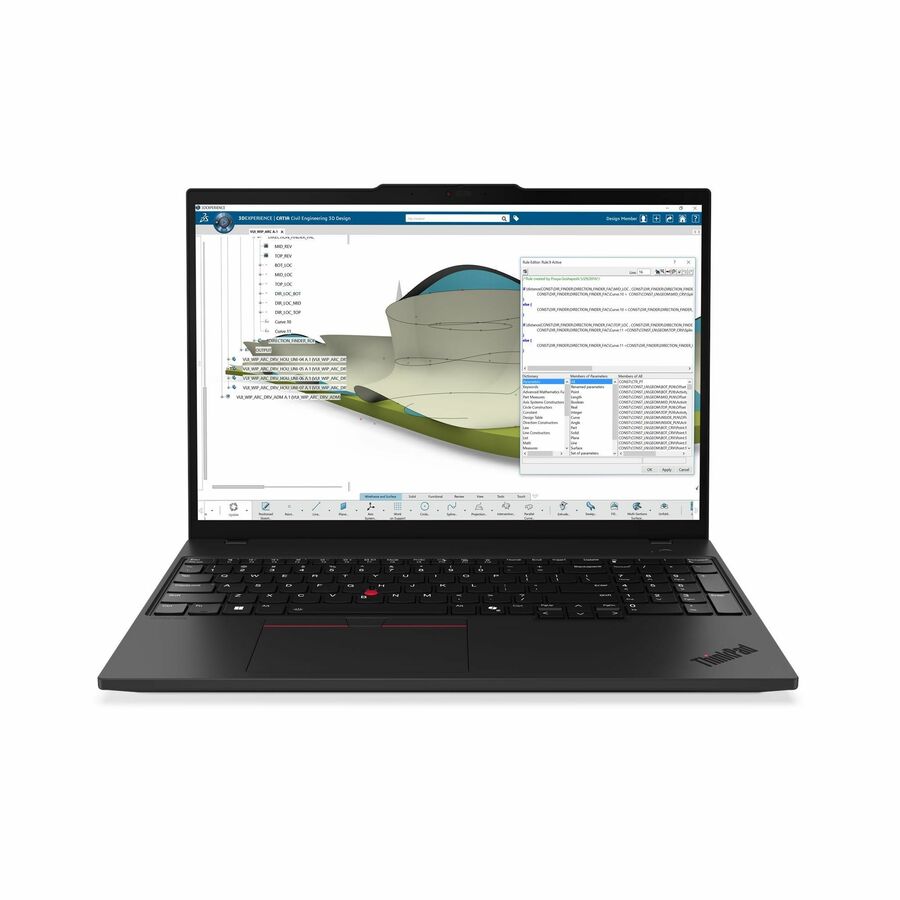
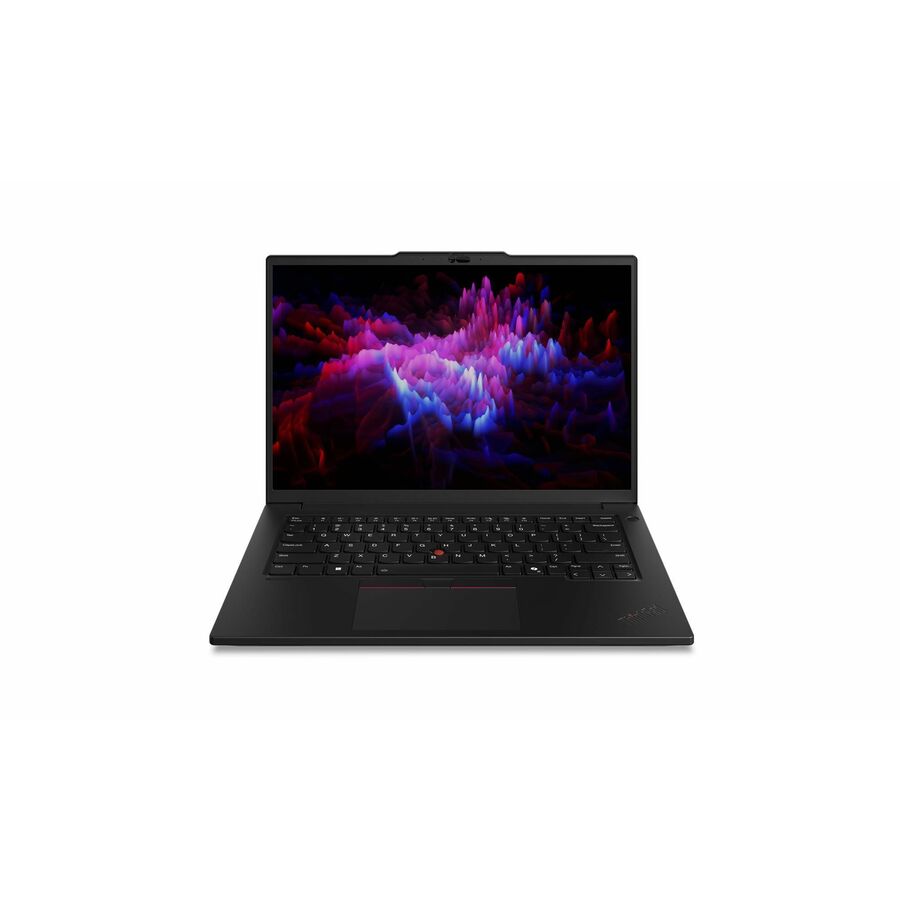
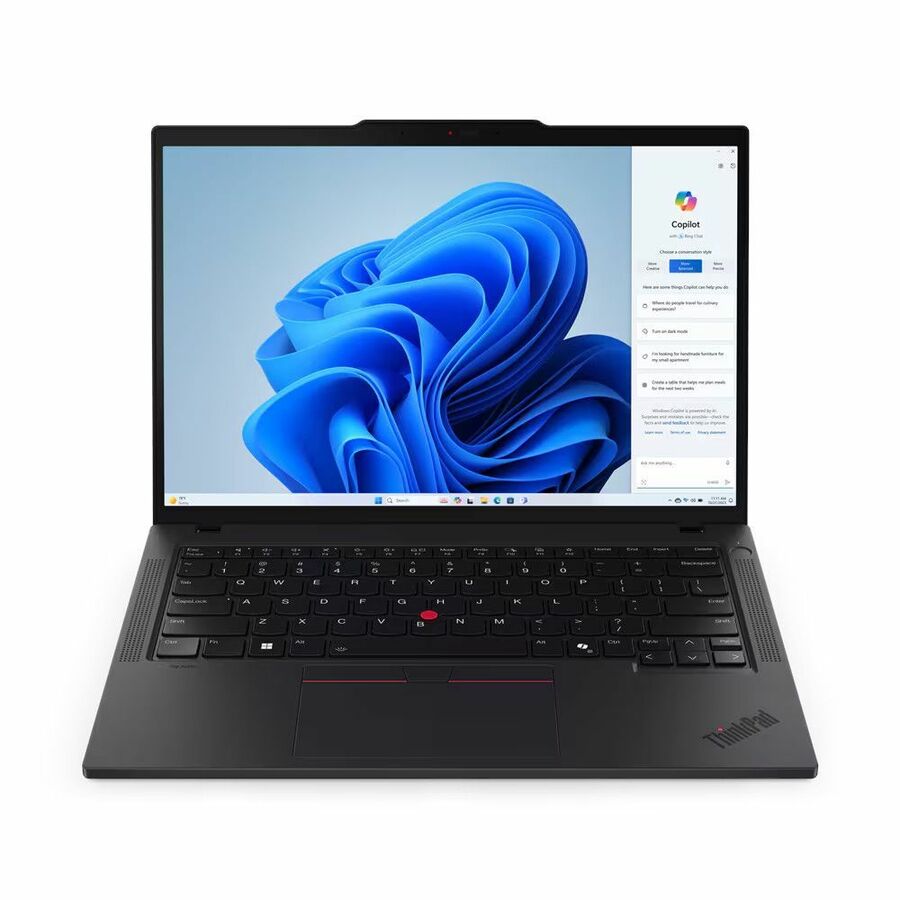
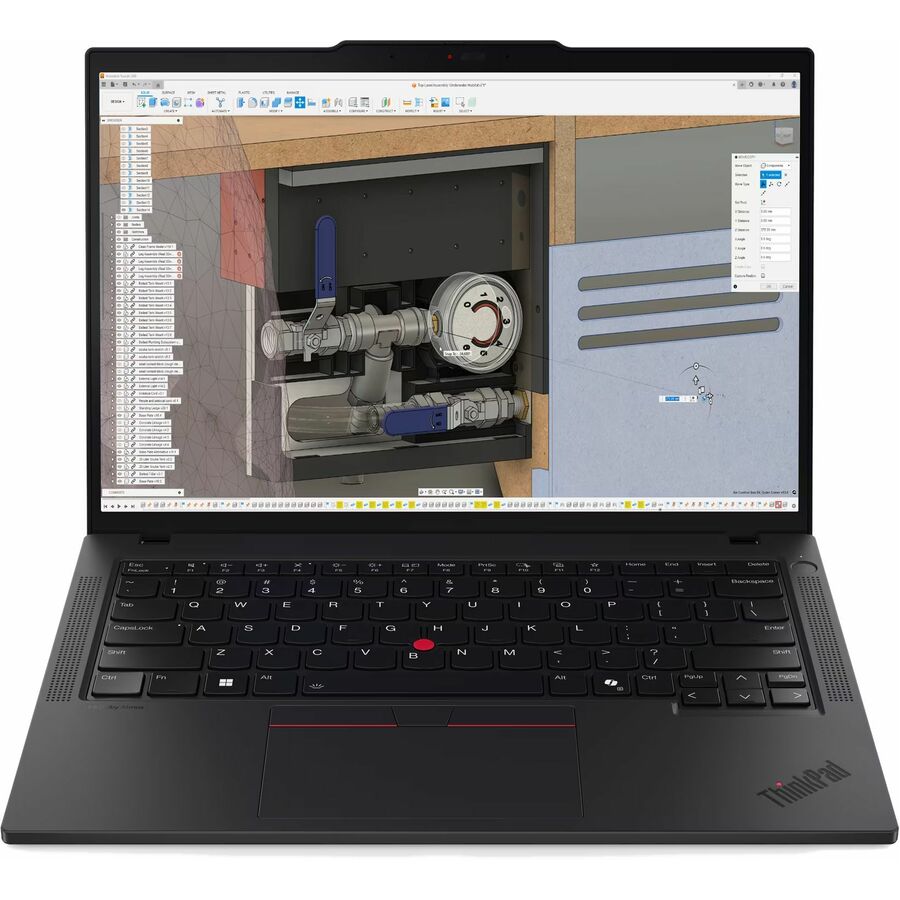
1 in stock - LenovoLenovo ThinkPad P16s Gen 4 21RX000LUS 16" Copilot+ PC Notebook - WUXGA - AMD Ryzen AI 9 HX PRO 370 - 96 GB - 2 TB SSD - English Keyboard - Black - AMD Chip - 1920 x 1200 - Windows 11 Pro - AMD Radeon 890M Graphics - In-plane Switching (IPS) Technology, Eyesafe - Front Camera/Webcam - IEEE 802.11be Wireless LAN Standard21RX000LUS
$6,279.00
$5,467.38
182 in stock - LenovoLenovo ThinkPad P14s Gen 6 21QT006UUS 14.5" Mobile Workstation - WQXGA - 90 Hz - Intel Core Ultra 7 265H - vPro Technology - 32 GB - 1 TB SSD - English Keyboard - Black - Intel Chip - 2560 x 1600 - Windows 11 Pro - NVIDIA with 6 GB - In-plane Switching (IPS) Technology, Eyesafe - Front Camera/Webcam - IEEE 802.11be Wireless LAN Standard - Wi-Fi 721QT006UUS
$4,119.00
$3,368.06
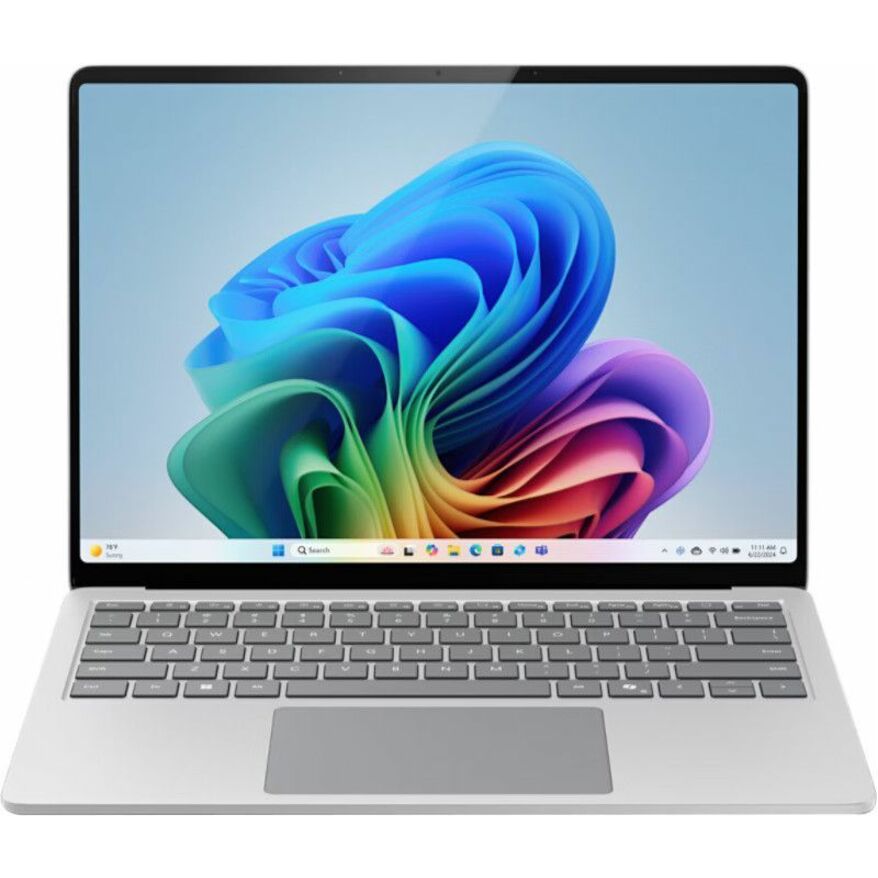
719 in stock - MicrosoftMicrosoft Surface Laptop 8 13.8" Touchscreen Copilot+ PC Notebook - 120 Hz - Intel Core Ultra 5 Series 3 335 - 16 GB - 256 GB SSD - English Keyboard - Platinum - TAA Compliant - Demo - Intel Chip - 2304 x 1536 - Intel - PixelSense Flow - Front Camera/Webcam - 23 Hours Battery Run Time - IEEE 802.11be Wireless LAN Standard - Wi-Fi 7EP2-68764
$1,749.99
$1,019.20*
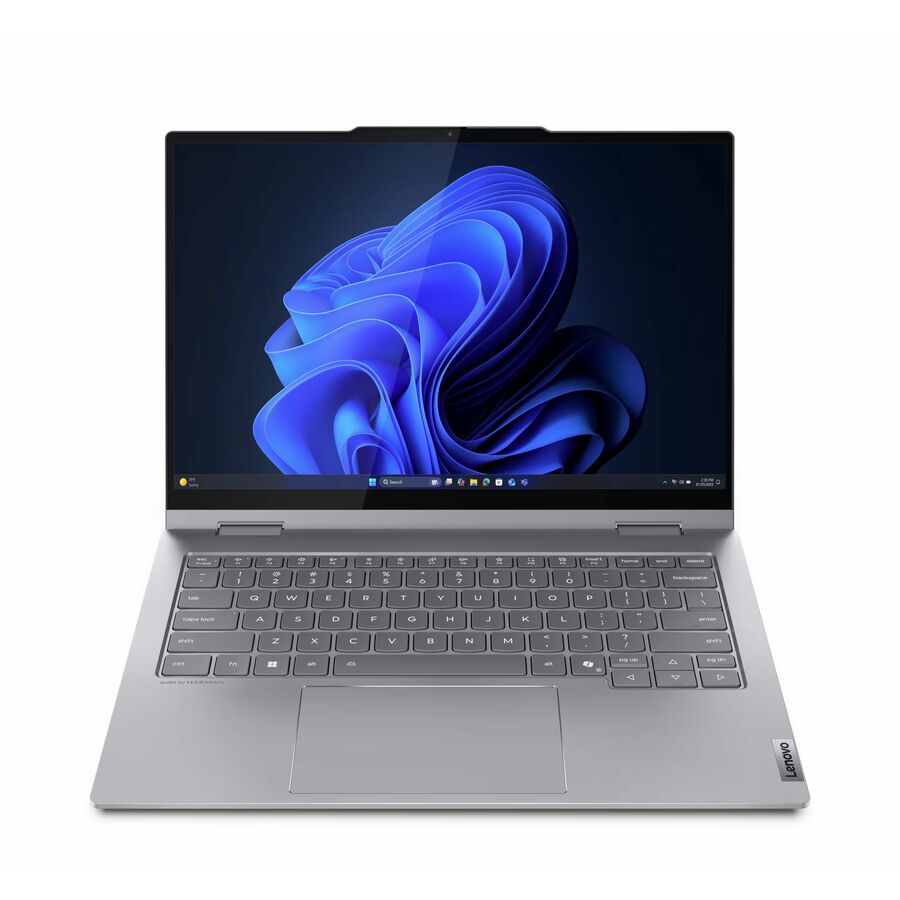
1 in stock - LenovoLenovo ThinkBook 14 G5 IAU 21SQ0001US 14" Touchscreen Convertible 2 in 1 Notebook - WUXGA - Intel Core Ultra 5 225U - 16 GB - 256 GB SSD - English (US) Keyboard - Luna Gray - Intel Chip - 1920 x 1200 - Windows 11 Pro - Intel - Front Camera/Webcam - IEEE 802.11ax Wireless LAN Standard21SQ0001US
$1,869.00
$1,347.71
50 in stock - LenovoLenovo ThinkPad T14 Gen 5 21MC004YUS 14" Touchscreen Notebook - WUXGA - 60 Hz - AMD Ryzen 7 PRO 8840U - 32 GB - 512 GB SSD - English Keyboard - Black - AMD Chip - 1920 x 1200 - Windows 11 Pro - AMD Radeon 780M Graphics - In-plane Switching (IPS) Technology - Front Camera/Webcam - IEEE 802.11ax Wireless LAN Standard21MC004YUS
$2,299.00
$1,783.19
1,506 in stock - LenovoLenovo ThinkPad P16s Gen 4 21QR001JUS 16" Copilot+ PC Notebook - WUXGA - AMD Ryzen AI 7 PRO 350 - 32 GB - 1 TB SSD - English Keyboard - Black - AMD Chip - 1920 x 1200 - Windows 11 Pro - AMD Radeon 860M Graphics - In-plane Switching (IPS) Technology - Front Camera/Webcam - IEEE 802.11be Wireless LAN Standard21QR001JUS
$3,109.00
$2,691.23
539 in stock - LenovoLenovo ThinkBook 14 G5 IAU 21SQ0000US 14" Touchscreen Convertible 2 in 1 Notebook - WUXGA - Intel Core Ultra 5 225U - 16 GB - 512 GB SSD - English (US) Keyboard - Luna Gray - Intel Chip - 1920 x 1200 - Windows 11 Pro - Intel - Front Camera/Webcam - IEEE 802.11ax Wireless LAN Standard21SQ0000US
$1,899.00
$1,510.78
261 in stock - LenovoLenovo ThinkPad P14s Gen 6 21QT006VUS 14.5" Mobile Workstation - WUXGA - 60 Hz - Intel Core Ultra 7 255H - 32 GB - 512 GB SSD - English Keyboard - Black - Intel Chip - 1920 x 1200 - Windows 11 Pro - Intel - In-plane Switching (IPS) Technology, Eyesafe - Front Camera/Webcam - IEEE 802.11be Wireless LAN Standard - Wi-Fi 721QT006VUS
$3,089.00
$2,720.19
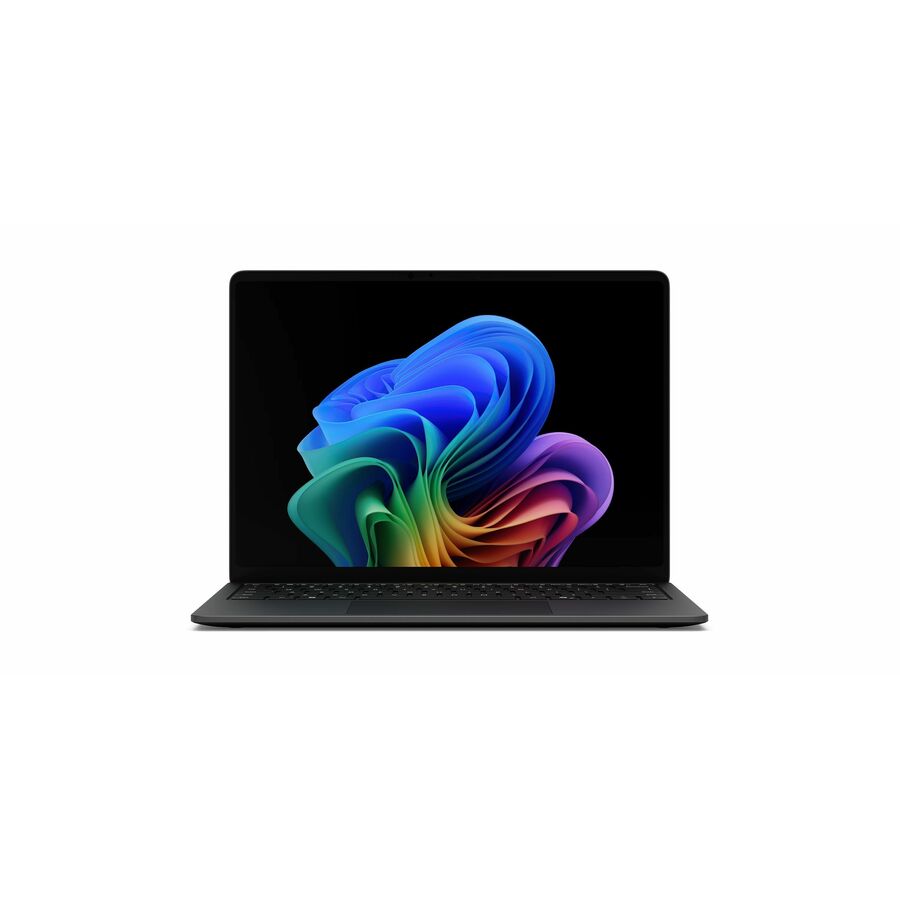
221 in stock - MicrosoftMicrosoft Surface Laptop 7 15" Touchscreen Copilot+ PC Notebook - 120 Hz - Intel Core Ultra 7 266V - 16 GB - 256 GB SSD - English Keyboard - Black - Intel Chip - 2496 x 1664 - Windows 11 - Intel Arc Graphics - PixelSense Flow - Front Camera/Webcam - 22 Hours Battery Run Time - IEEE 802.11be Wireless LAN StandardEP2-33234
$2,249.99
$1,996.15
520 in stock - MicrosoftMicrosoft Surface Laptop 7 13.8" Touchscreen Copilot+ PC Notebook - 120 Hz - Intel Core Ultra 7 266V - 16 GB - 512 GB SSD - English (US) Keyboard - Platinum - Intel Chip - 2304 x 1536 - Windows 11 - Intel Arc Graphics - PixelSense Flow - Front Camera/Webcam - 20 Hours Battery Run Time - IEEE 802.11be Wireless LAN StandardEP2-33247
$2,249.99
$1,996.15
415 in stock - LenovoLenovo ThinkPad P14s Gen 6 21QL0013US 14" Copilot+ PC Mobile Workstation - WUXGA - AMD Ryzen AI 7 PRO 350 - 32 GB - 1 TB SSD - English Keyboard - Black - AMD Chip - 1920 x 1200 - Windows 11 Pro - AMD Radeon 860M Graphics - In-plane Switching (IPS) Technology - Front Camera/Webcam - IEEE 802.11be Wireless LAN Standard21QL0013US
$2,999.00
$2,749.48
3,147 in stock


Need pricing on student laptops?
Tell us where to reach you and a Uniqcli specialist will follow up by email with current pricing, availability and lead time for the quantities you need — including parts that aren’t shown on this page.
Buying for an organization or for yourself — both work. No payment up front.
A student laptop is not a scaled-down business laptop; it is a different machine designed for a rougher life. Districts buy in the hundreds or thousands, hand a device to a child for a school year, and measure success in how few come back cracked. That is why the models on this page come from the vendors' dedicated education lines — Lenovo's 100e, 300e, 500e and 14e, and Acer's TravelMate B and TravelMate Spin B — rather than the consumer or business ranges. Each is built to survive a backpack, a dropped desk and a spilled water bottle, and each is priced for a per-seat budget that has to stretch across a whole grade.
The first fork is the operating system. Chromebooks dominate 1:1 programs because they are managed at scale through the Google Admin console, boot in seconds, share cleanly between students, and cost the least to buy and to run. Windows machines — here the 100e Windows models — matter where a district needs locally installed software, state testing clients, or a Windows-only curriculum tool. Several of these devices are convertible 2-in-1s with a touchscreen and a garaged or optional stylus, which suits younger grades and note-taking; the plain clamshells suit older students and typing-heavy work. Match the OS and the form factor to how the classroom actually uses the device before you standardize.
Durability is the spec that decides the real cost. Education models publish drop ratings and spill-resistant keyboards, reinforced ports and rubberized rails, because a device that survives is a device you do not re-buy mid-year. Pair that with a plan for charging and storage — a cart or cabinet that holds and powers a class set — and a case sized to the model, and the fleet holds together. Nothing here is a test result; the selection is fenced to catalog rows from the vendors' own education lines, and every card carries live pricing and current availability so a rollout can be quoted as a set.
Buyer's checklist
How to choose student laptops for a district rollout
- Pick the OS around management and curriculum. Chromebooks are the lowest-cost, easiest-to-manage 1:1 default and share cleanly between students; Windows machines earn their place where locally installed software, testing clients or a Windows-only tool require them.
- Read the durability rating, not just the price. Education models publish drop heights and spill-resistant keyboards; a machine that survives the year is cheaper than a cheaper one you replace in March.
- Match the form factor to the grade. A rugged 11.6-inch clamshell suits typing and older students; a convertible 2-in-1 with a touchscreen and stylus suits younger grades, drawing and note-taking.
- Size the device for the work, not the spec sheet. HD 11.6-inch screens and 4 GB of RAM run the browser-based and testing workloads most classrooms live in; step up to 14-inch or Windows only where a real need justifies the cost per seat.
- Plan charging, storage and cases in the same order. A class set needs a cart or cabinet to power and secure it overnight and a case sized to the exact model, or breakage and lost chargers eat the savings.
- Standardize on as few models as the curriculum allows. One or two SKUs across a grade band means one image, one spare pool and one support playbook — the difference between a manageable fleet and a drawer of oddballs.
Chromebook or Windows for a 1:1 program
For most districts the honest default is a Chromebook. It is managed centrally through the Google Admin console, so a technician enrolls, locks down and wipes a device without touching it; it boots and updates fast; it shares between students without a per-user reimage; and it is inexpensive to buy and to keep running. The 100e, 300e and 500e Chromebooks here span a plain clamshell for older students, a touchscreen model, and a convertible 2-in-1 with a pen for younger grades — one line, three levels of capability, all under the same management.
Windows still has a place. Where a curriculum depends on locally installed software, a state testing client that only ships for Windows, or tools a Chromebook cannot run, the 100e Windows models give a district the same rugged 11.6-inch chassis on a Windows base. The trade is management overhead and a higher run cost, so the disciplined pattern is a Chromebook fleet for the general 1:1 program and a smaller Windows pool reserved for the classrooms and courses that truly need it.
Durability, charging and the real cost per seat
The sticker price is only the start of the cost. A student device lives in a backpack, gets dropped, and meets water, so the education lines publish what matters: a rated drop height, a spill-resistant keyboard, reinforced ports and rubber bumpers. Those features are the difference between a fleet that limps to June and one that needs a mid-year re-buy, which is why durability, not the last ten dollars of purchase price, drives the true cost per seat over a three- or four-year refresh.
The other half of the cost is what surrounds the device. A class set needs a charging cart or cabinet to power and secure it overnight, a case sized to the exact model so a drop lands on plastic and not the screen, and enough spare chargers that a lost one does not benches a student. Uniqcli can quote the laptops, the carts, the cases and the cabling on one document for a district, so a 1:1 rollout lands as a planned set rather than four separate orders that arrive out of step.
FAQ
Common questions
- Should a district buy Chromebooks or Windows laptops for students?
- For a general 1:1 program, Chromebooks are usually the better fit: they are managed centrally through the Google Admin console, boot and update quickly, share cleanly between students, and cost the least to buy and to run. Windows laptops earn their place where a curriculum needs locally installed software, a Windows-only state testing client, or a tool a Chromebook cannot run. The common pattern is a Chromebook fleet for the whole program plus a smaller Windows pool reserved for the specific classrooms and courses that require it, which keeps management overhead and cost down without stranding those needs.
- What makes a laptop 'education-grade' rather than just cheap?
- Education-line laptops are engineered for a student's life rather than an adult desk. They publish a rated drop height, a spill-resistant keyboard, reinforced ports and rubberized rails, and their hinges and chassis are built for repeated open-close and the occasional fall. A merely inexpensive consumer laptop skips those features, so it costs less at purchase and more over the year in cracked screens and dead ports. For a fleet handed to children, the durability spec is what protects the budget, because a device that survives is a device you do not re-buy mid-year.
- What size and specification suits most students?
- An 11.6-inch HD screen with 4 GB of RAM runs the browser-based lessons, Google Workspace or Microsoft 365 work, and testing clients that most classrooms live in, and the compact size fits a small backpack and a standard charging cart. Step up to a 14-inch screen where students do more reading or writing and the larger display helps, or to a Windows machine only where the curriculum requires it. Convertible 2-in-1 models with a touchscreen and stylus suit younger grades and note-taking; plain clamshells suit older students and typing-heavy work.
- How do we manage and charge a class set of laptops?
- Chromebooks are managed centrally through the Google Admin console, where a technician enrolls, configures, locks down and wipes devices without handling each one; Windows machines are managed through the district's own tooling. For charging and storage, a class set needs a cart or cabinet that powers and secures the devices overnight, plus a case sized to the exact model and enough spare chargers to cover losses. Planning the laptops, carts, cases and cabling together is what turns a device purchase into a rollout that actually works on day one.
- Can school districts and education buyers order these?
- Every line Uniqcli quotes is sourced through US distribution and screened for TAA country-of-origin and NDAA §889 status before checkout — with documentation tied to the specific part number, not a product family.
Need student laptops pricing?
Send a bill of materials or part numbers — we confirm stock and a below-market total, with TAA verified on request. No payment up front.