
Best Conference Room Displays
All-in-one and touch collaboration displays built for the meeting room — read by screen size, touch technology and whether video conferencing is built into the panel.
Conference room displays in stock at Uniqcli
How to choose →A curated selection with live pricing — in-stock lines first, then back-ordered lines with a typical lead time. Every line is sourced through US distribution and screened for NDAA §889 status before checkout, with TAA verified on request.
- Maxnerva Technology ServicesInFocus JTouch IN6513 Collaboration Display - 65" LCD Cortex A76 + A55 - 8 GB DDR4 SDRAM - Infrared (IrDA) - Touchscreen - 16:9 Aspect Ratio - 3840 x 2160 - Direct LED - 450 Nit - 1,200:1, 5,000:1 Contrast Ratio - 2160p - USB - HDMI - VGA - Bluetooth - Android 13IN6513
$2,437.00
$1,768.61
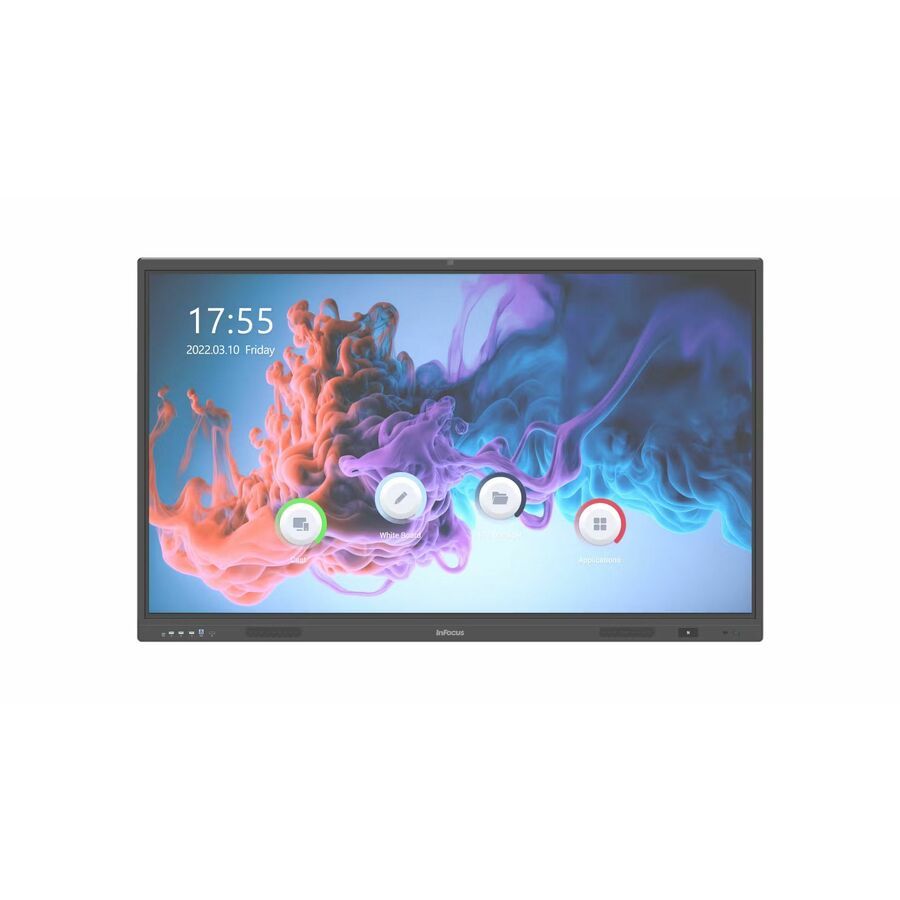
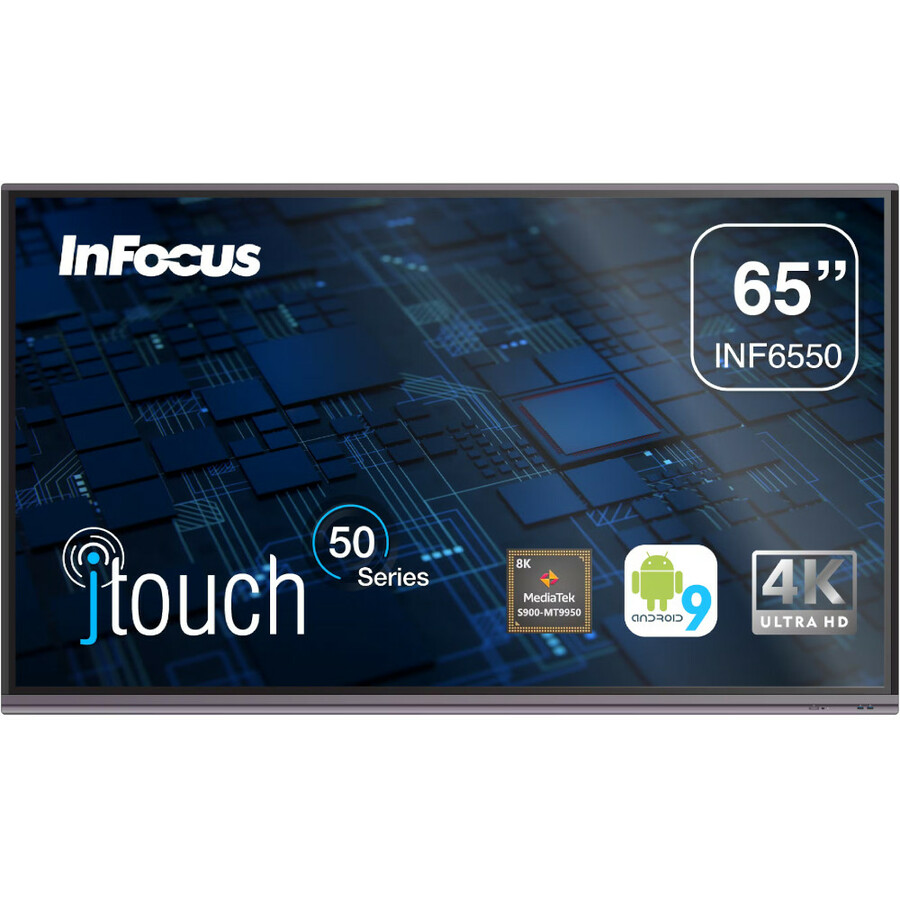
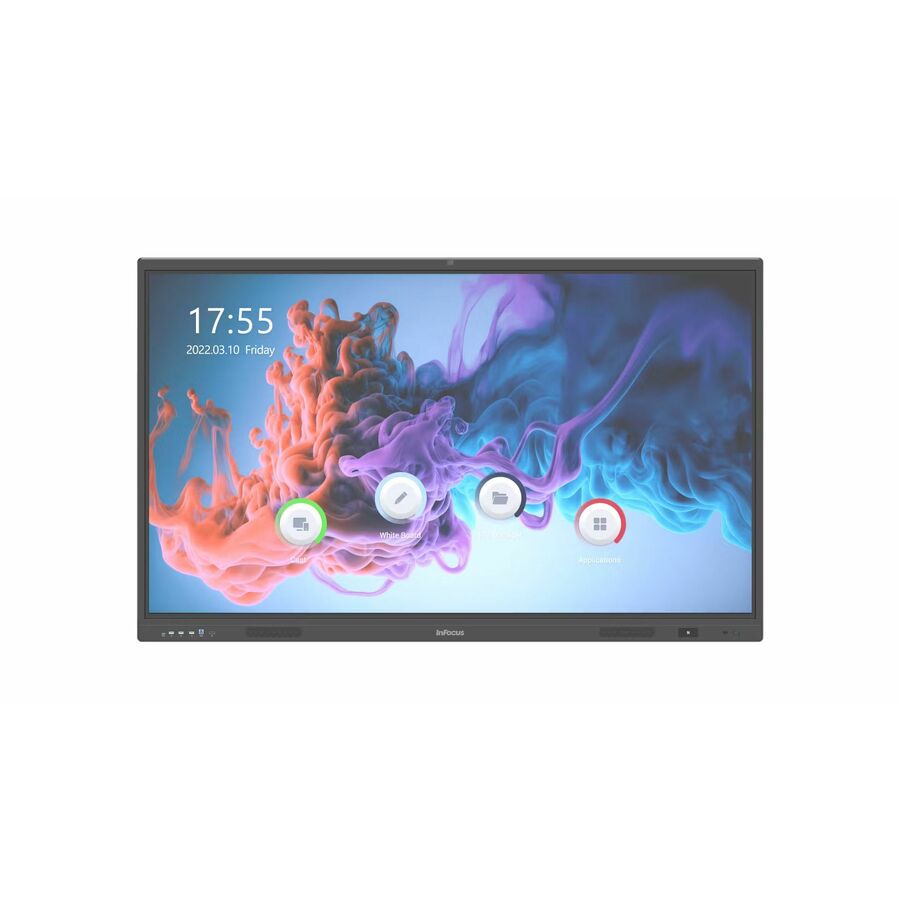
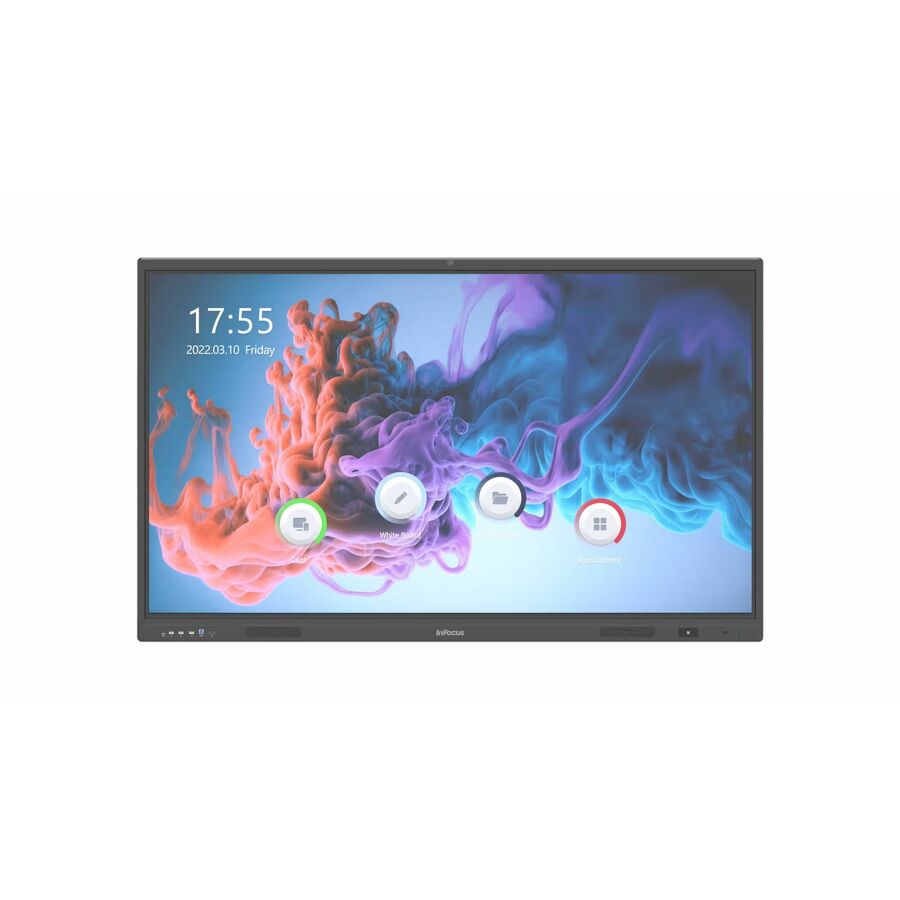
67 in stock - Maxnerva Technology ServicesInFocus JTouch INF6550 Collaboration Display - 65" LCD Cortex A73 1.80 GHz - 4 GB - Infrared (IrDA) - Touchscreen - 16:9 Aspect Ratio - 3840 x 2160 - Direct LED - 450 Nit - 1,200:1, 5,000:1 Contrast Ratio - 2160p - USB - HDMI - VGA - Bluetooth - Android 9.0 PieINF6550
$3,109.00
$2,255.46
15 in stock - Maxnerva Technology ServicesInFocus JTouch IN7513 Collaboration Display - 75" LCD Cortex A76 + A55 - 8 GB DDR4 SDRAM - Infrared (IrDA) - Touchscreen - 16:9 Aspect Ratio - 3840 x 2160 - Direct LED - 450 Nit - 1,200:1, 5,000:1 Contrast Ratio - 2160p - USB - HDMI - VGA - Bluetooth - Android 13IN7513
$3,582.00
$2,547.31
16 in stock - LenovoLenovo ThinkVision E55 Collaboration Display - 54.60" LCD - 16:9 Aspect Ratio - 3840 x 2160 - Direct LED - 400 Nit - 5,000:1 Contrast Ratio - 2160p - USB - HDMI64A9GAT1US
$1,262.82
Back-orderedBack-ordered — we expect to receive stock the week of Oct 26 – Nov 1 and will process your delivery right after.
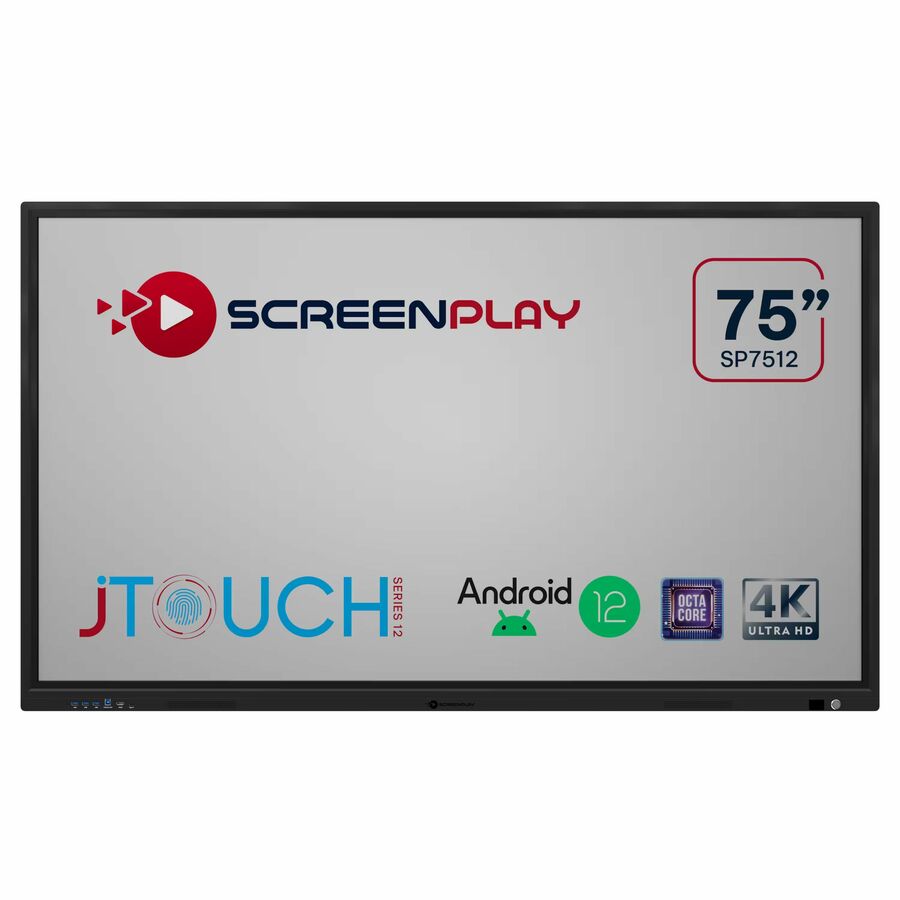
- Maxnerva Technology ServicesMaxnerva JTouch SP7512 Collaboration Display - 75" LCD Cortex A73 1.40 GHz - 8 GB DDR4 SDRAM - Infrared (IrDA) - Touchscreen - 16:9 Aspect Ratio - 3840 x 2160 - Direct LED - 450 Nit - 1,200:1, 5,000:1 Contrast Ratio - 2160p - USB - HDMI - VGA - Bluetooth - Android 11SP7512
$2,329.00
$1,476.86
Back-orderedBack-ordered — estimated OEM lead time 3–8 weeks (Nov 13 – Dec 18 if ordered today).
- Sharp ElectronicsSharp PN-LM431 43" Class AQUOS BOARD Touch Display - 42.50" LCD - ARM Cortex A73 2.30 GHz - Infrared (IrDA) - Touchscreen - 16:9 Aspect Ratio - 3840 x 2160 - Direct LED - 500 Nit - 4,000:1 Contrast Ratio - 2160p - USB - HDMIPNLM431
$2,214.00
$1,761.96
Back-orderedBack-ordered — we expect to receive stock the week of Nov 2–8 and will process your delivery right after.
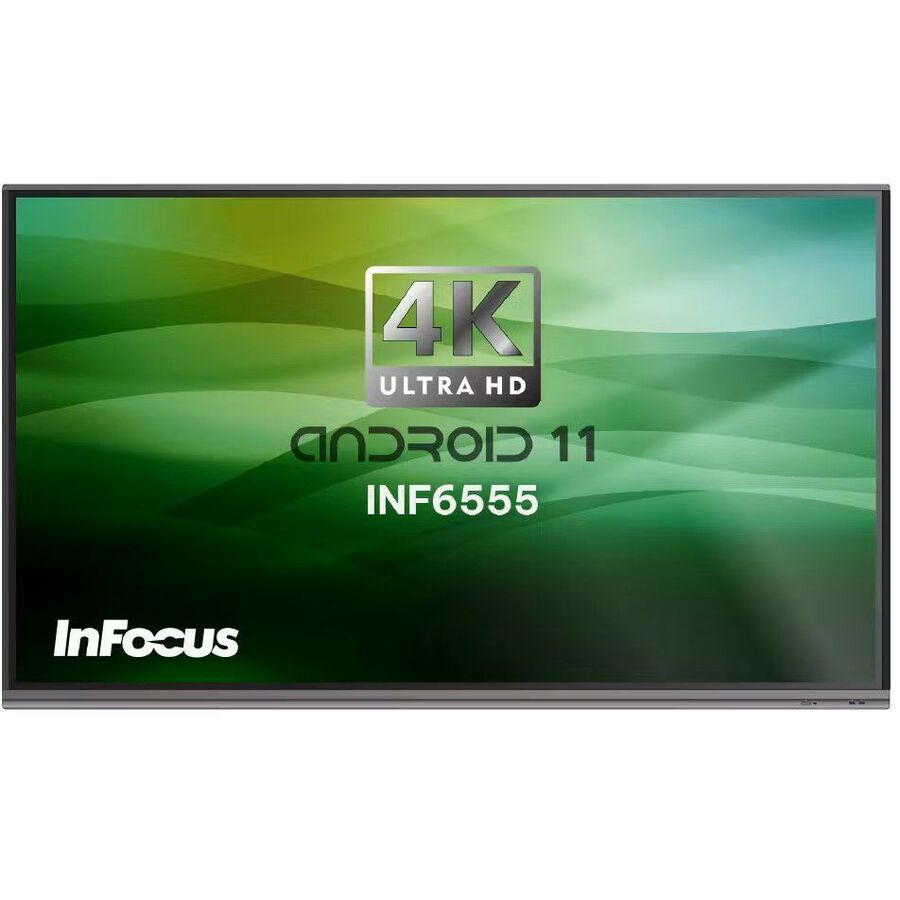
- Maxnerva Technology ServicesInFocus JTouch INF6555 Collaboration Display - 65" LCD Cortex A73 1.80 GHz - 8 GB DDR SDRAM - Infrared (IrDA) - Touchscreen - 16:9 Aspect Ratio - 3840 x 2160 - Direct LED - 450 Nit - 1,200:1, 5,000:1 Contrast Ratio - 2160p - USB - HDMI - VGA - Bluetooth - Android 11INF6555
$2,489.00
$1,816.46
Back-orderedBack-ordered — estimated OEM lead time 3–8 weeks (Nov 13 – Dec 18 if ordered today).
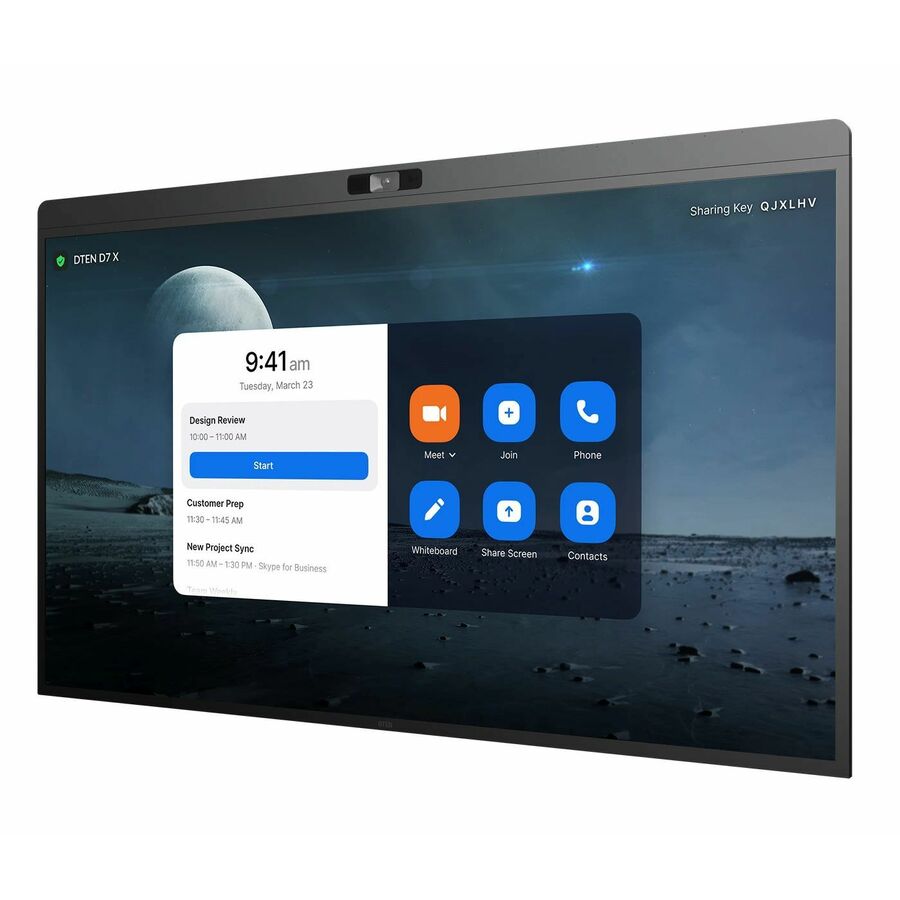
- DTENDTEN D7 Collaboration Display - LCD - Capacitive - Touchscreen - 16:9 Aspect Ratio - 3840 x 2160 - LED - 2160p - USB - HDMI - Windows IoTDB50455E
$3,999.00
$2,395.99
Back-orderedBack-ordered — estimated OEM lead time 3–8 weeks (Nov 13 – Dec 18 if ordered today).
- Maxnerva Technology ServicesInFocus JTouch IN8613 Collaboration Display - 86" LCD Cortex A76 + A55 - 8 GB DDR4 SDRAM - Infrared (IrDA) - Touchscreen - 16:9 Aspect Ratio - 3840 x 2160 - Direct LED - 450 Nit - 1,200:1, 5,000:1 Contrast Ratio - 2160p - USB - HDMI - VGA - Bluetooth - Android 13IN8613
$4,245.00
$3,082.94
Back-orderedBack-ordered — estimated OEM lead time 3–8 weeks (Nov 13 – Dec 18 if ordered today).
Back-ordered — estimated OEM lead time 3–8 weeks (Nov 13 – Dec 18 if ordered today).
- DTENDTEN ONboard DBR1455E-WB Collaboration Display - 55" LCD - Capacitive - Touchscreen - 16:9 Aspect Ratio - 3840 x 2160 - LED - 2160p - USB - HDMIDBR1455E-WB
$3,519.24
Back-orderedBack-ordered — estimated OEM lead time 3–8 weeks (Nov 13 – Dec 18 if ordered today).
- AVer InformationAVer CP754I Collaboration Display - 75" LCD Cortex A53 1.40 GHz - 2 GB - Infrared (IrDA) - Touchscreen - 16:9 Aspect Ratio - 3840 x 2160 - LED - 450 Nit - 1,200:1 Contrast Ratio - 2160p - USB - HDMI - Android 5.0.1 LollipopIFCP754I0
$3,945.52
Back-orderedBack-ordered — estimated OEM lead time 3–8 weeks (Nov 13 – Dec 18 if ordered today).
- AVer InformationAVer CP2-75 Collaboration Display - 75" LCD - ARM Cortex A73 - 2 GB - Infrared (IrDA) - Touchscreen - 16:9 Aspect Ratio - 3840 x 2160 - Direct LED - 350 Nit - 1,200:1 Contrast Ratio - 2160p - USB - HDMI - VGA - Android 7.0 NougatIFPCP275I
$3,945.52
Back-orderedBack-ordered — estimated OEM lead time 3–8 weeks (Nov 13 – Dec 18 if ordered today).
- DTENDTEN D7X Collaboration Display - 55" LCD - Capacitive - Touchscreen - 16:9 Aspect Ratio - 3840 x 2160 - LED - 2160p - USB - HDMI - BluetoothDBR1455E
$5,178.57
Back-orderedBack-ordered — estimated OEM lead time 3–8 weeks (Nov 13 – Dec 18 if ordered today).
- LenovoLenovo ThinkVision T65 Collaboration Display - 65" LCD Cortex A73 - 4 GB - Infrared (IrDA) - Touchscreen - 16:9 Aspect Ratio - 3840 x 2160 - Direct LED - 400 Nit - 1,200:1, 3,000,000:1 Contrast Ratio - 2160p - USB - HDMI - VGA - Bluetooth - Android 9.0 Pie, Windows 1162F3KATCWW
$5,494.20
Back-orderedBack-ordered — estimated OEM lead time 3–8 weeks (Nov 13 – Dec 18 if ordered today).
- DTENDTEN D7X Collaboration Display - LCD - Capacitive - Touchscreen - 16:9 Aspect Ratio - 3840 x 2160 - LED - 2160p - USB - HDMI - BluetoothDB71455E
$5,691.75
Back-orderedBack-ordered — estimated OEM lead time 3–8 weeks (Nov 13 – Dec 18 if ordered today).
- AVer InformationAVer CP864I Collaboration Display - 86" LCD Cortex A53 1.40 GHz - 2 GB - Infrared (IrDA) - Touchscreen - 16:9 Aspect Ratio - 3840 x 2160 - LED - 450 Nit - 1,200:1 Contrast Ratio - 2160p - USB - HDMI - Android 5.0.1 LollipopIFCP864I0
$6,214.20
Back-orderedBack-ordered — estimated OEM lead time 3–8 weeks (Nov 13 – Dec 18 if ordered today).
- LenovoLenovo ThinkVision T75 Collaboration Display - 75" LCD - ARM Cortex A73 - 4 GB - Infrared (IrDA) - Touchscreen - 16:9 Aspect Ratio - 3840 x 2160 - Direct LED - 400 Nit - 1,200:1 Contrast Ratio - 2160p - USB - HDMI - VGA - Bluetooth - Android 9.0 Pie62F4WA1CUS
$6,593.24
Back-orderedBack-ordered — we expect to receive stock the week of Oct 26 – Nov 1 and will process your delivery right after.


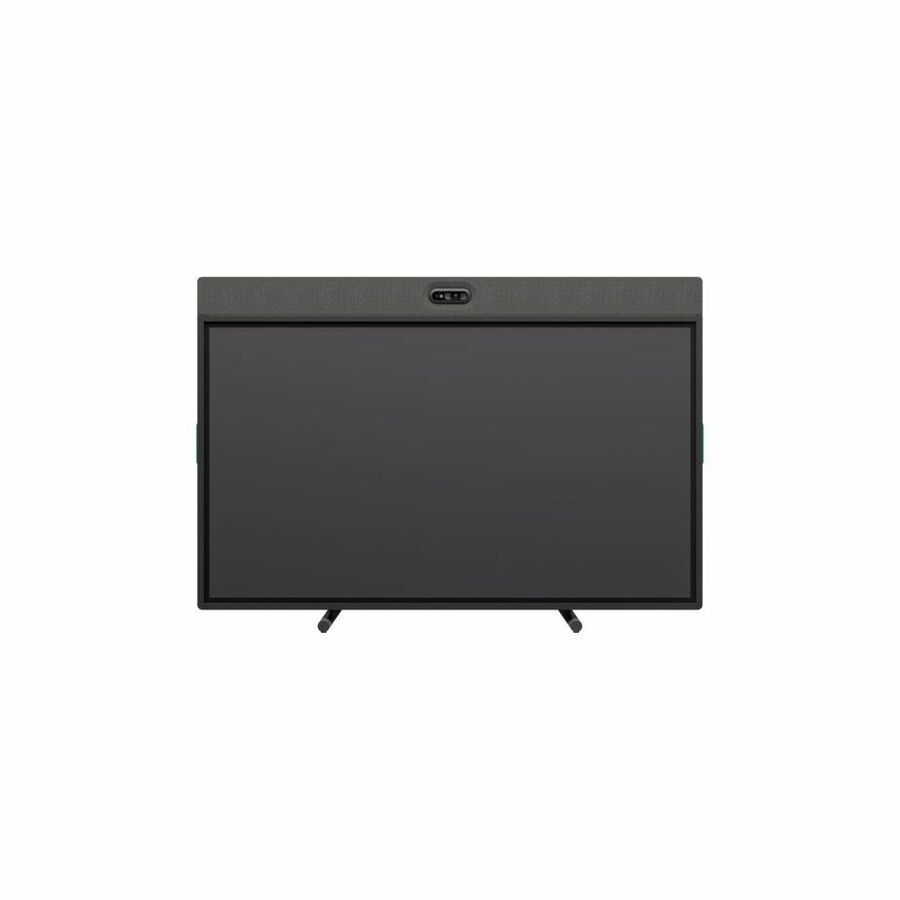

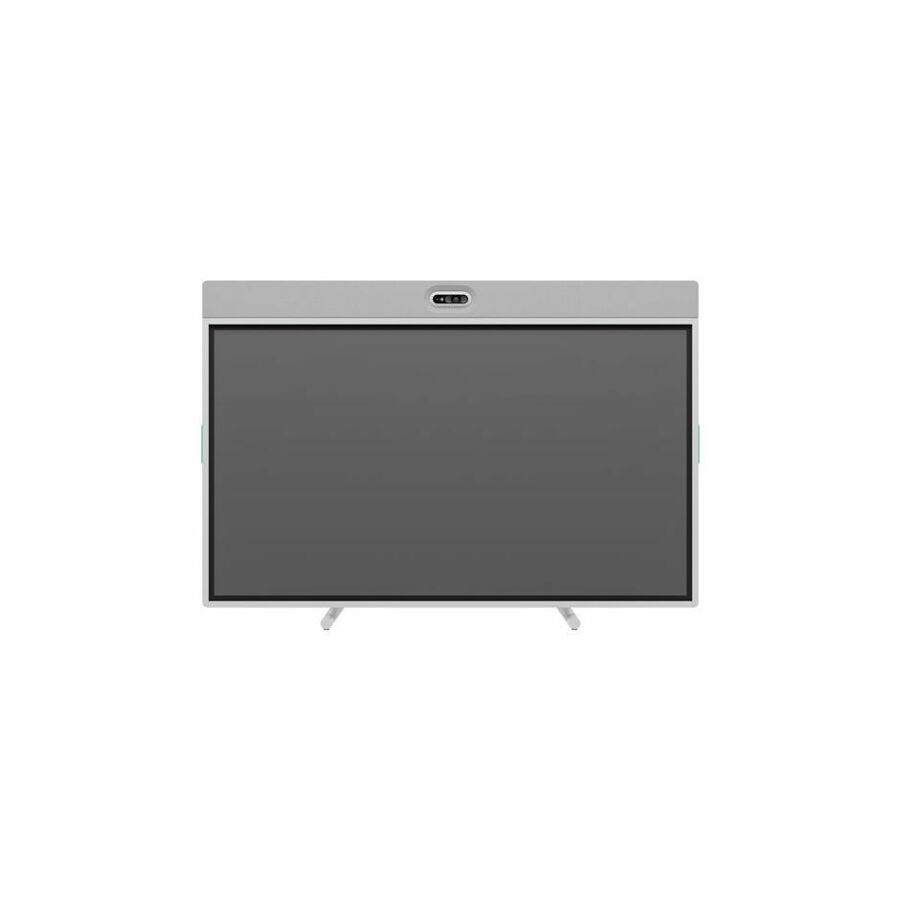
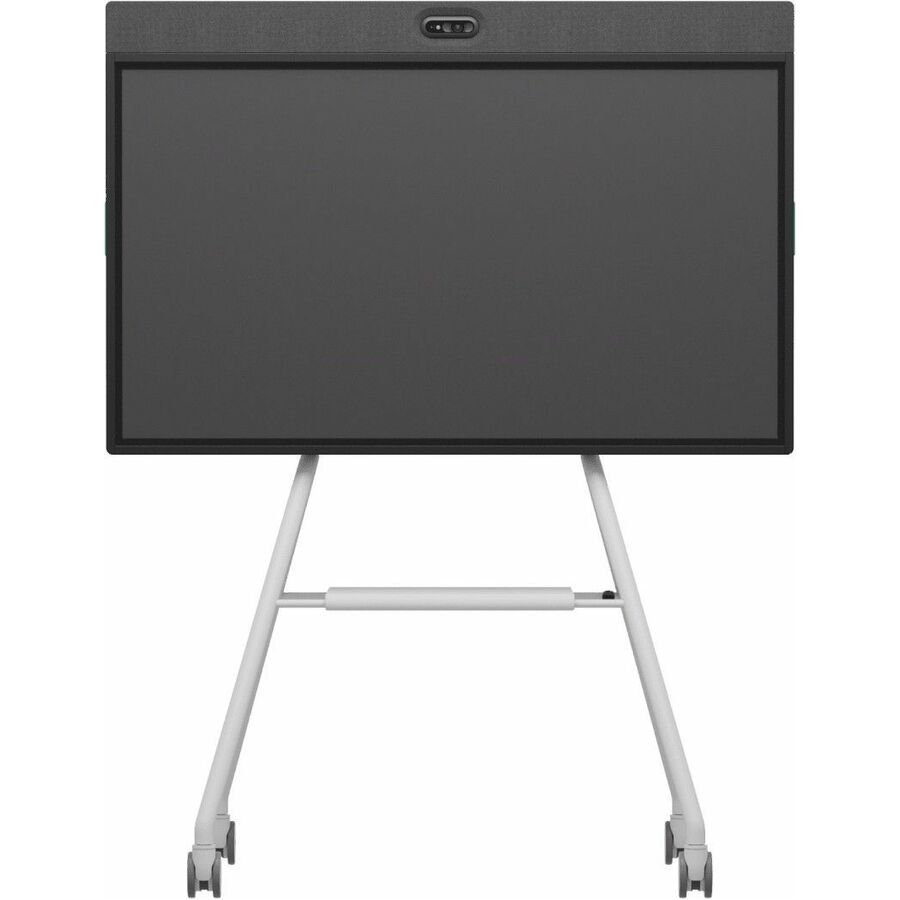
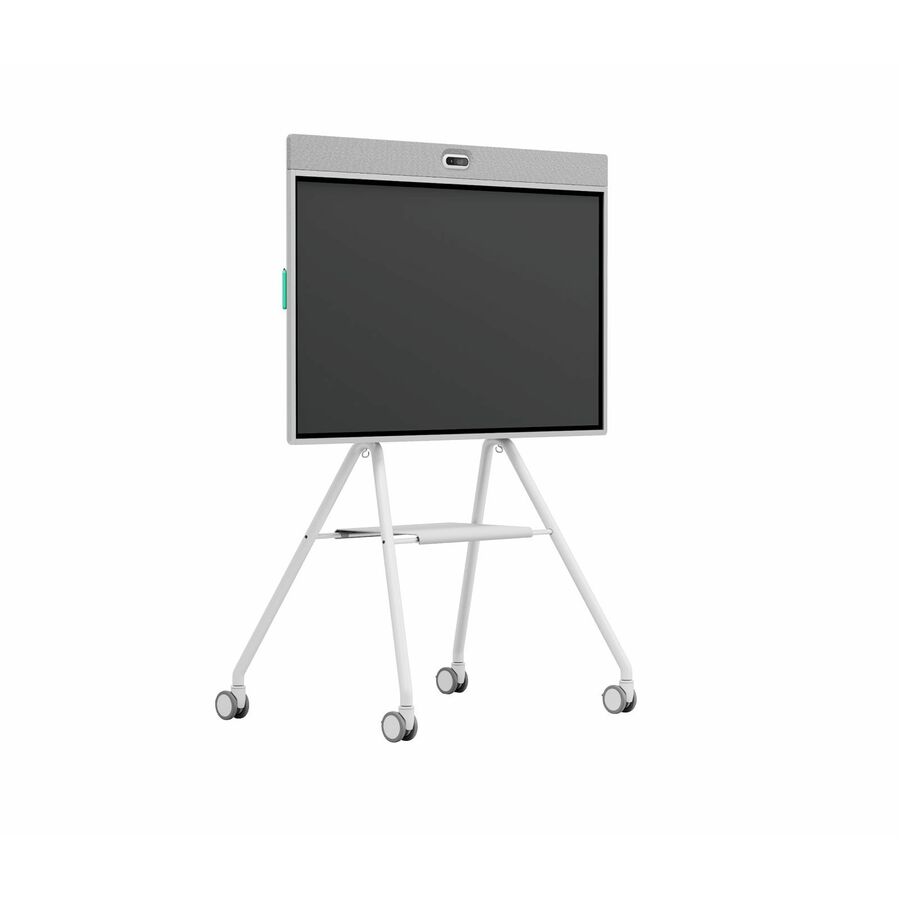


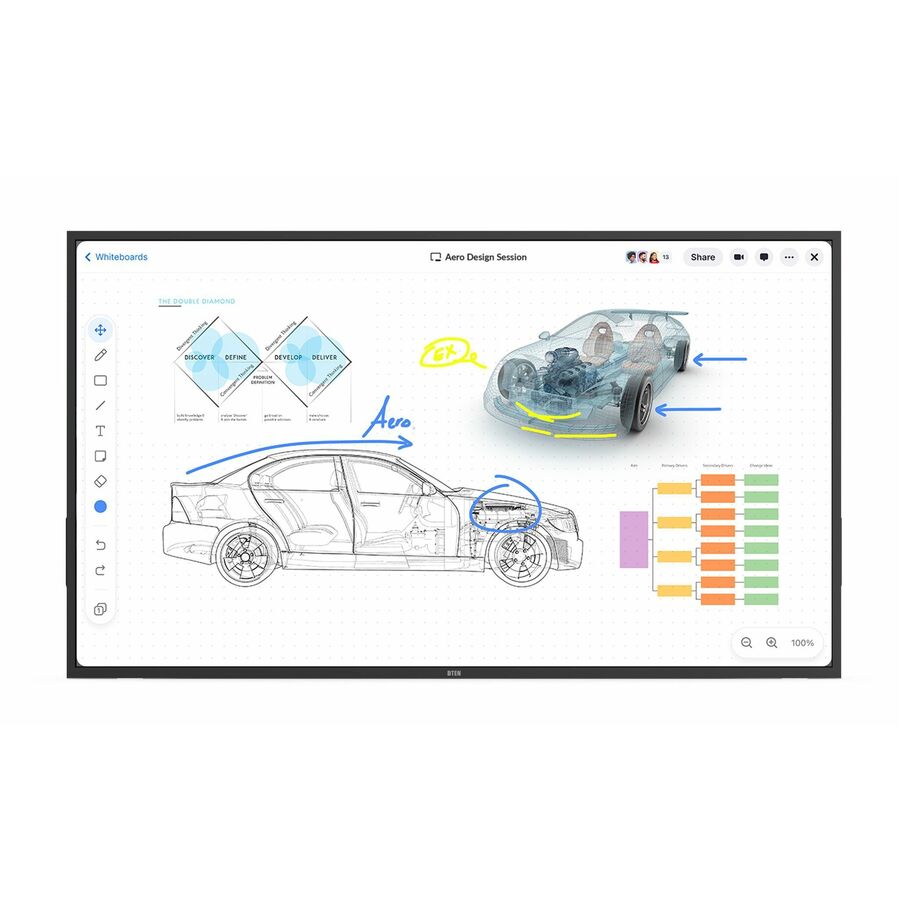
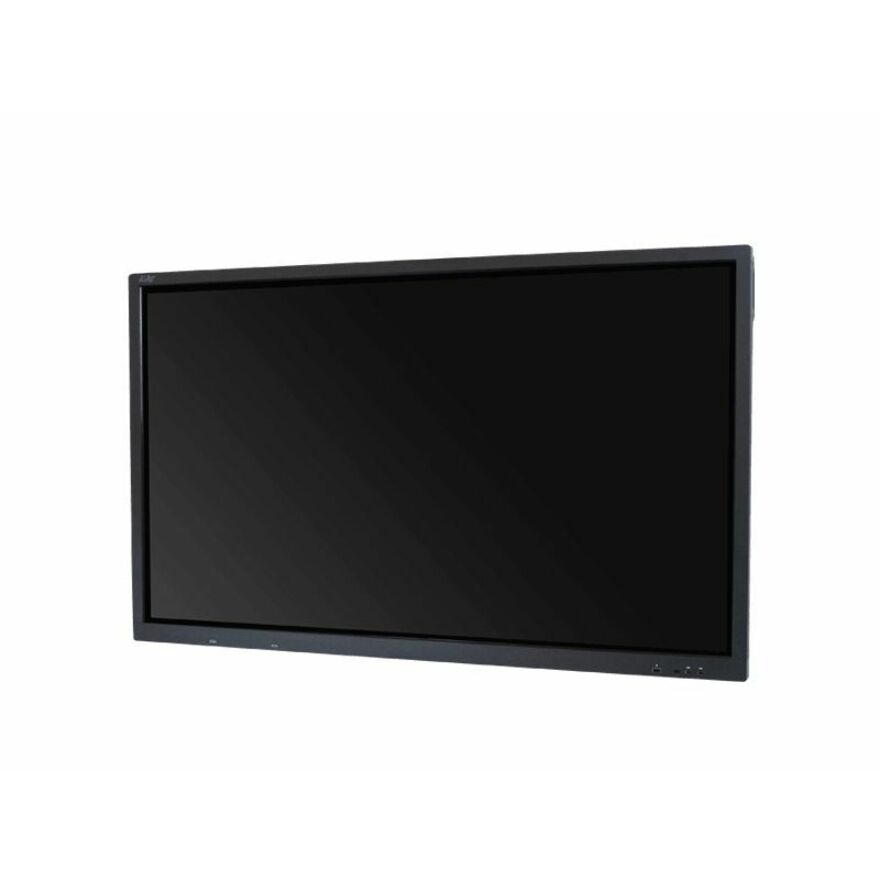
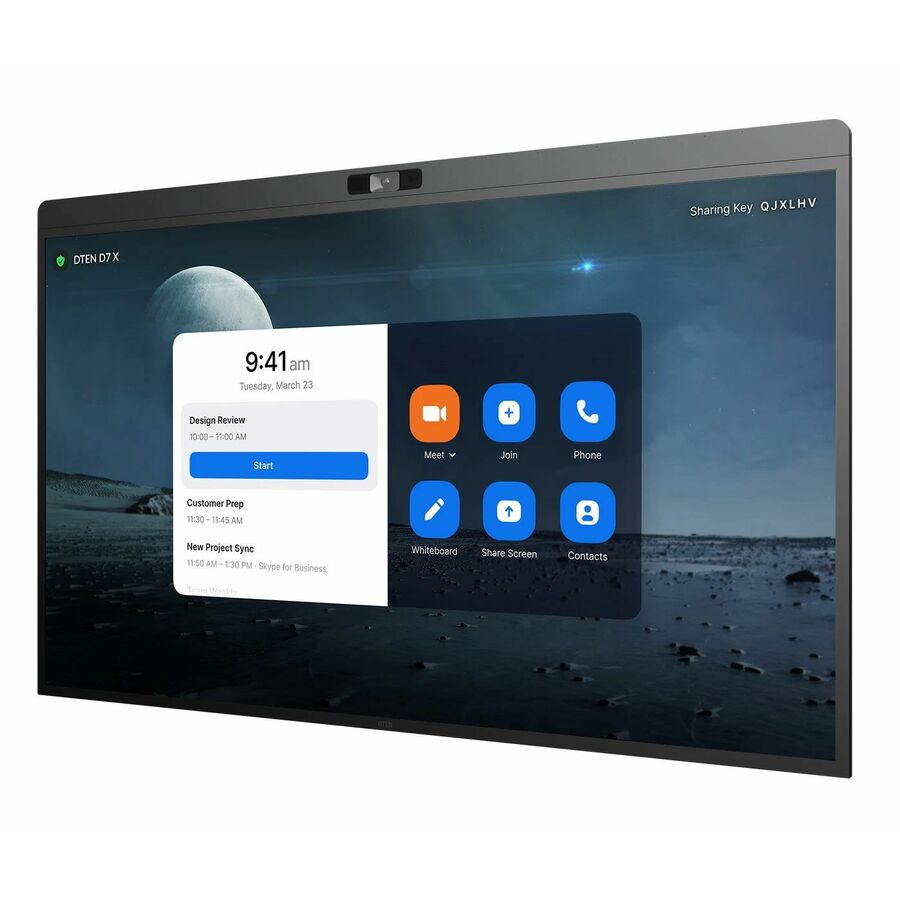
DTEN 55-inch all-in-one
DTEN
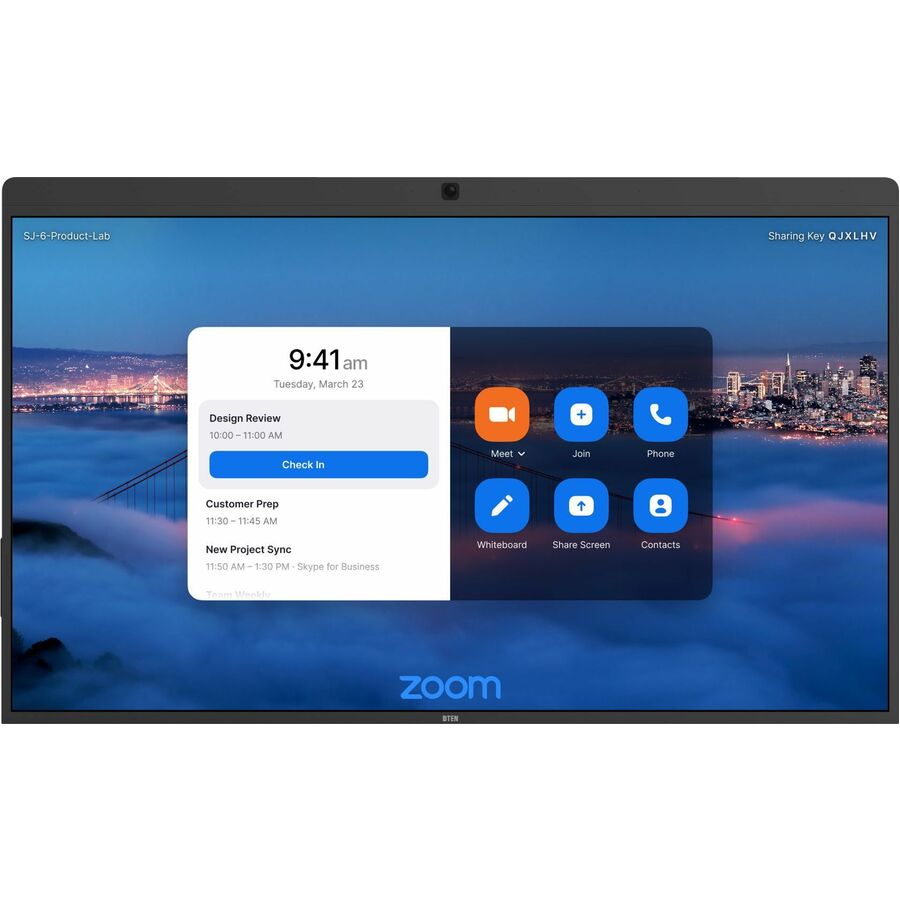
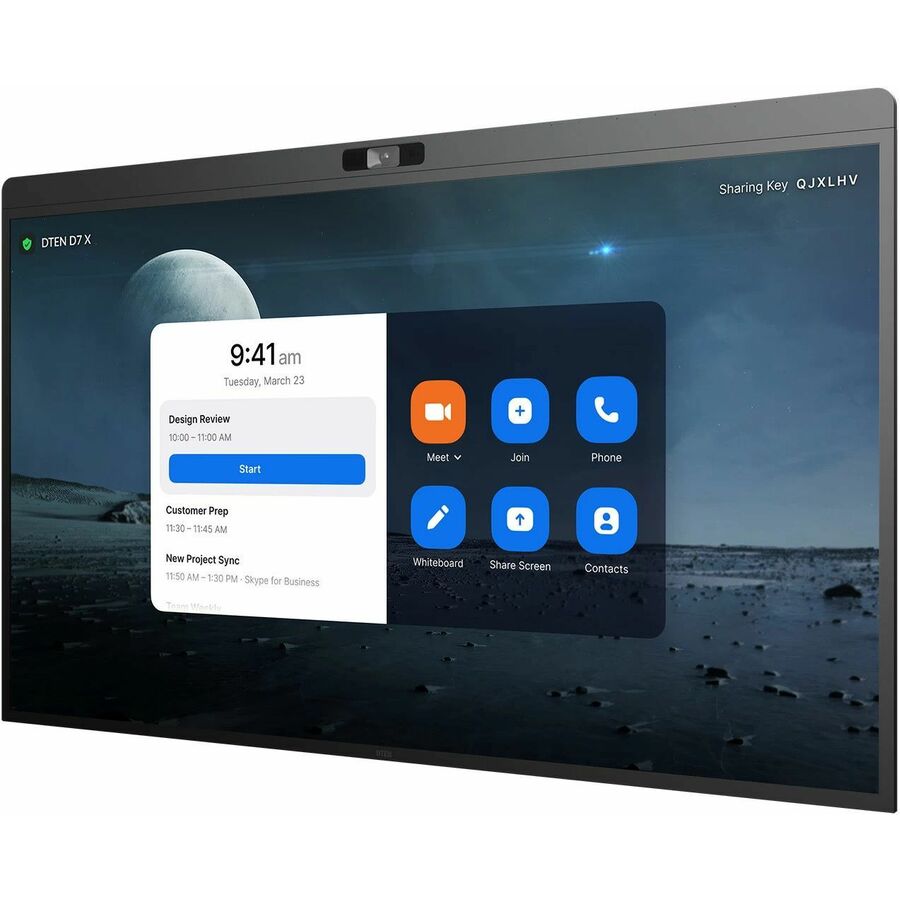
DTEN ONboard DBR1455E-WB Collaboration Display
DBR1455E-WB
A DTEN ONboard 55-inch all-in-one collaboration display with a capacitive touchscreen in a 16:9 panel — camera, audio and touch integrated for a meeting room.
$3,519.24Back-orderedDTEN D7X 75-inch
DTEN
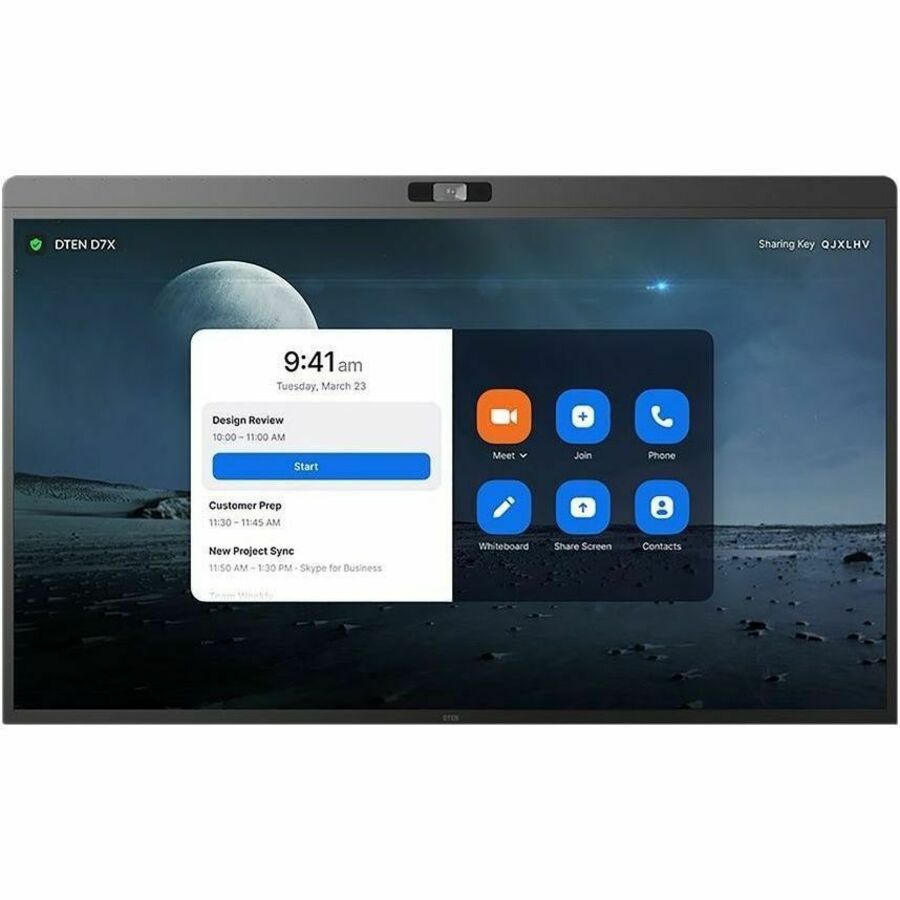
DTEN D7X 75" Multi-Platform Video Conferencing & Meeting Collaboration…
DBR1475E
A DTEN D7X 75-inch multi-platform video-conferencing and meeting collaboration display — an all-in-one board for a mid-to-large room.
$8,605.16Back-orderedAVer 75-inch display
AVer Information
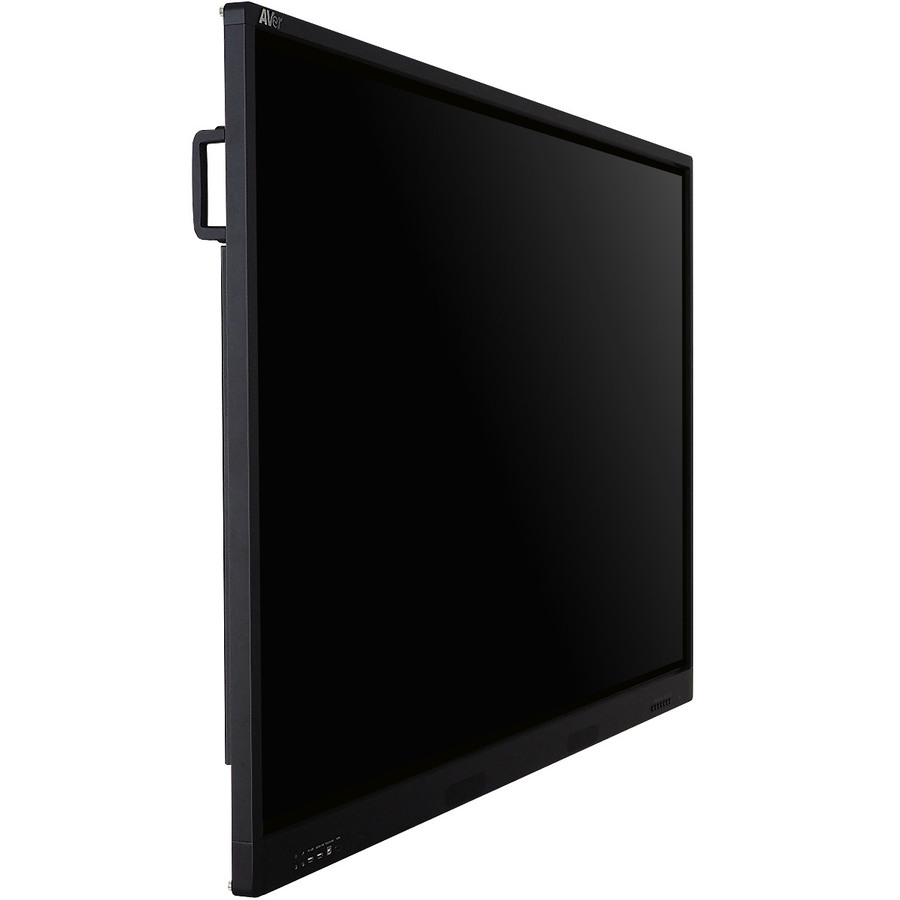
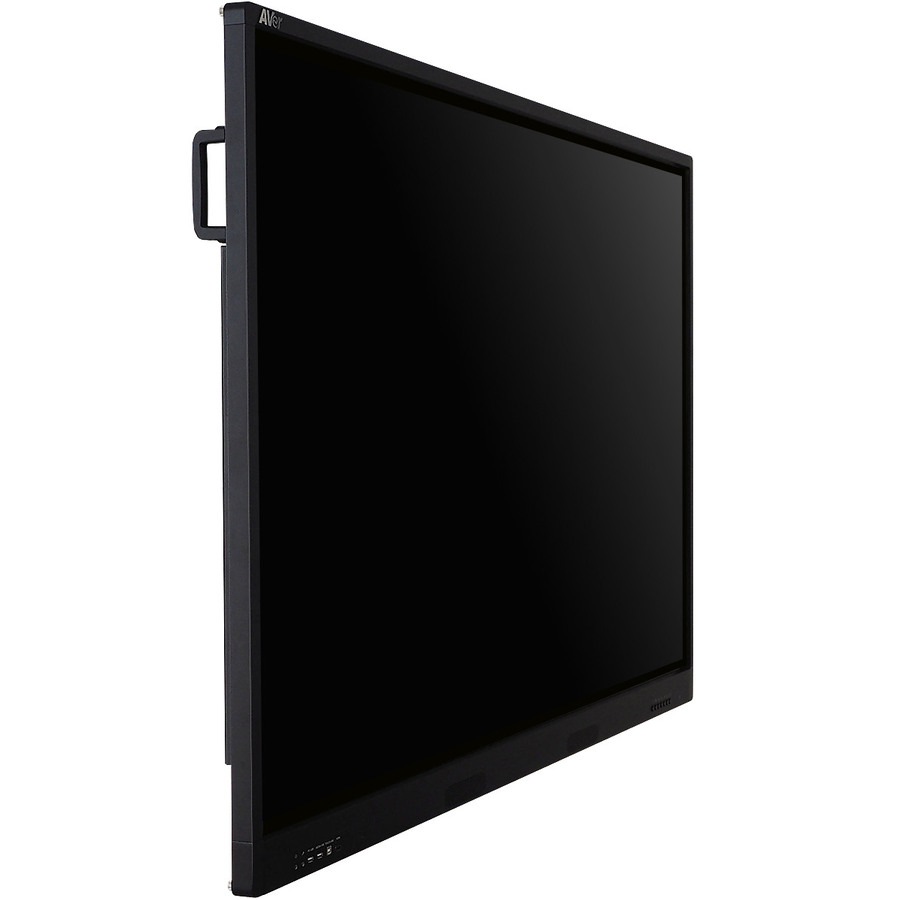
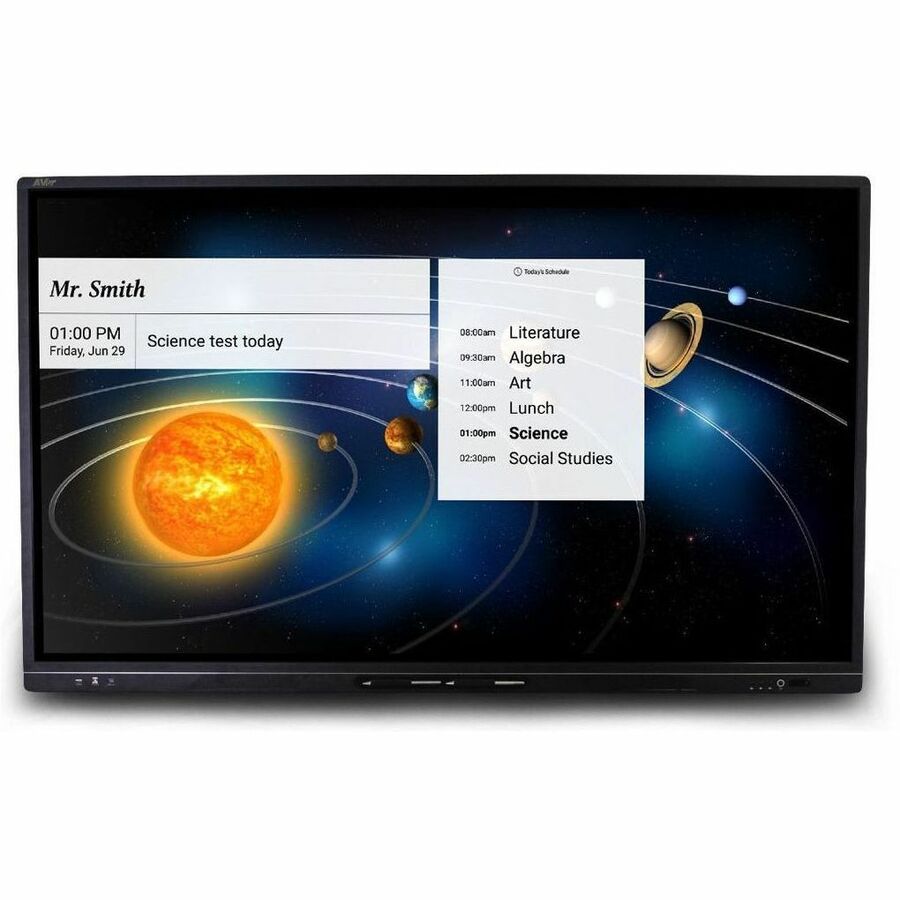
AVer CP754I Collaboration Display
IFCP754I0
An AVer CP754I 75-inch LCD collaboration display with infrared touch and an on-board Arm compute module for a conference room.
$3,945.52Back-orderedAVer 86-inch display
AVer Information
AVer CP864I Collaboration Display
IFCP864I0
An AVer CP864I 86-inch LCD collaboration display with infrared touch and on-board compute — a large boardroom or training-room surface.
$6,214.20Back-orderedLenovo ThinkVision 55
Lenovo
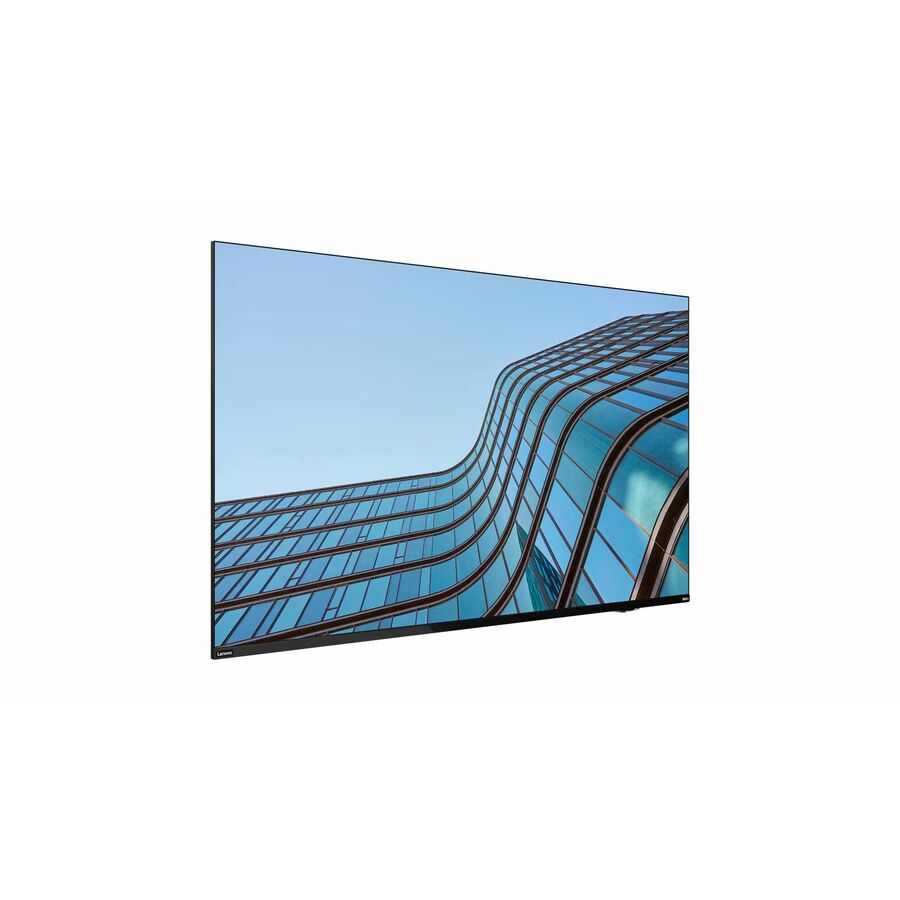
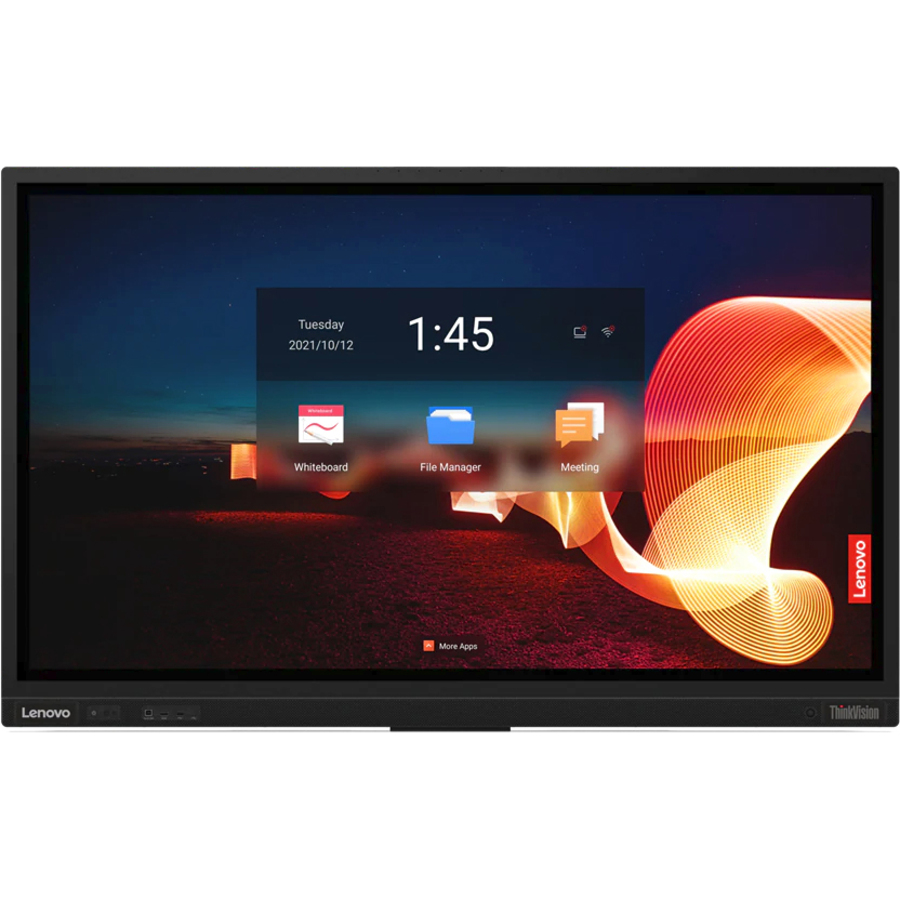
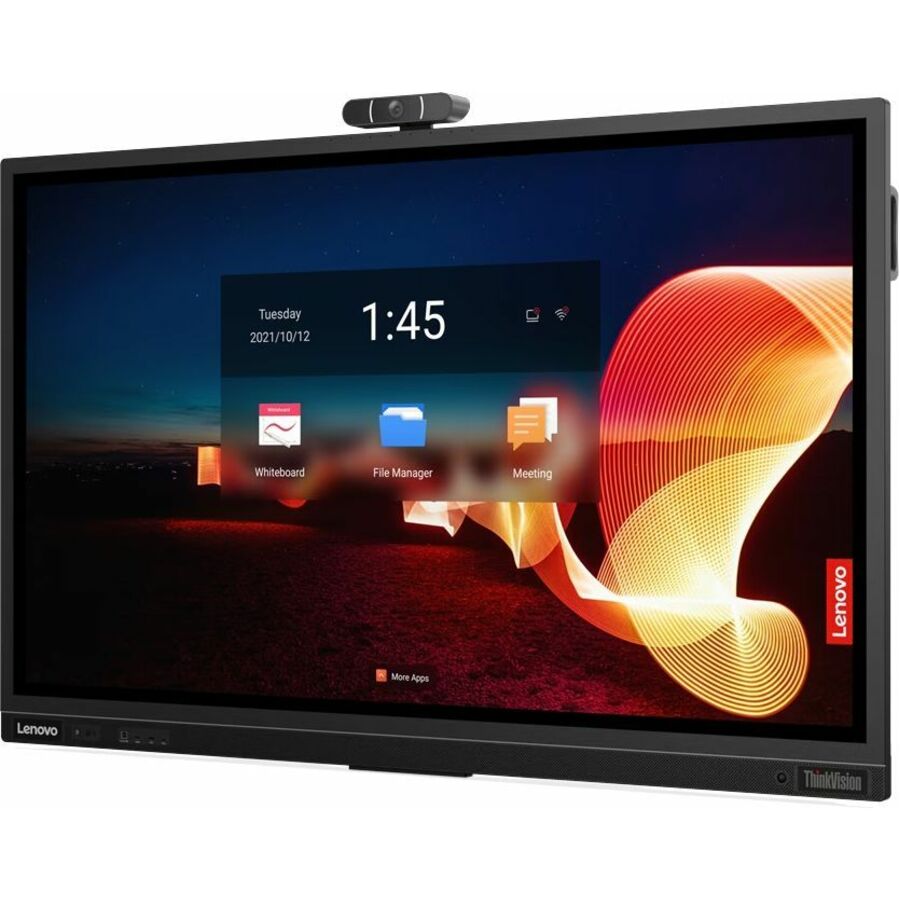
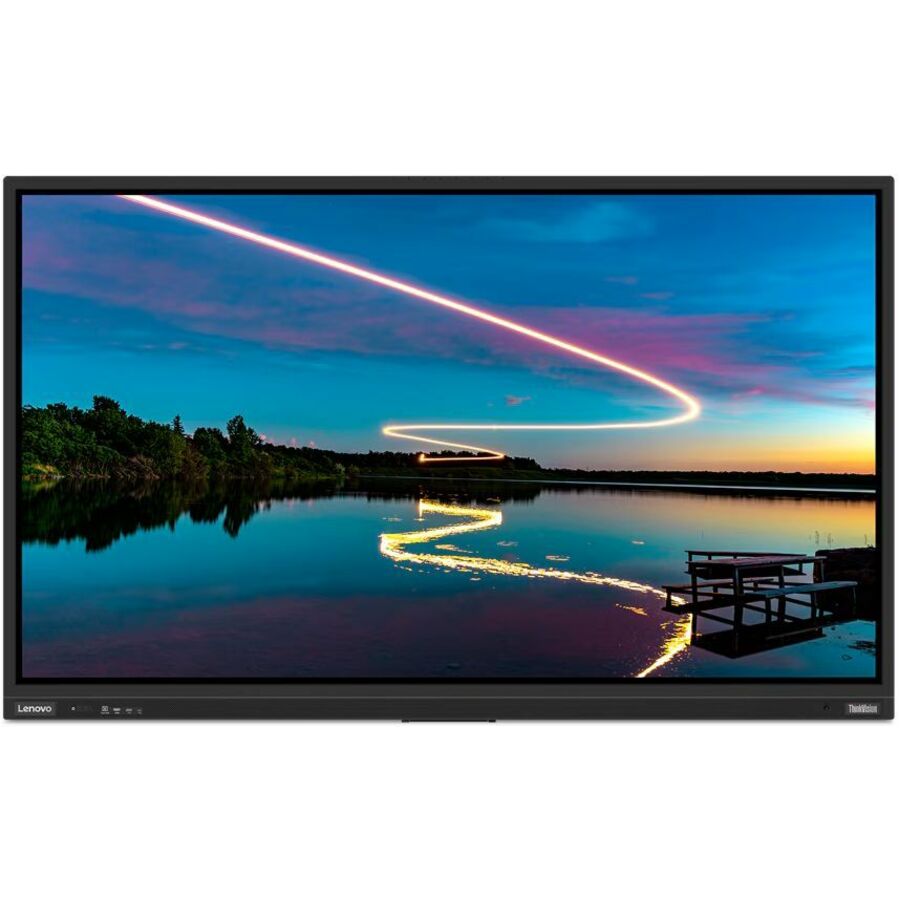
Lenovo ThinkVision E55 Collaboration Display
64A9GAT1US
A Lenovo ThinkVision E55 collaboration display, a 54.6-inch 16:9 LCD touch panel for a huddle or small meeting room.
$1,262.82Back-orderedLenovo ThinkVision T65
Lenovo
Lenovo ThinkVision T65 Collaboration Display
62F3KATCWW
A Lenovo ThinkVision T65 65-inch LCD collaboration display with infrared touch and an Arm compute module for a standard conference room.
$5,494.20Back-orderedLenovo ThinkVision T86
Lenovo
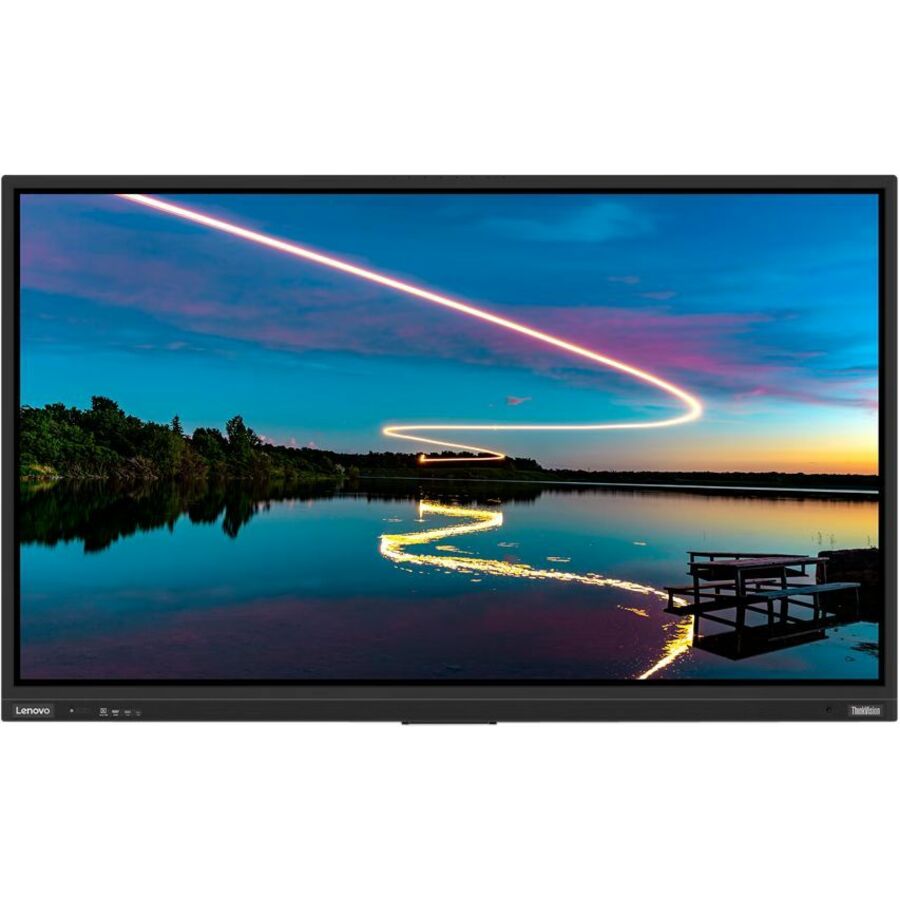
Lenovo ThinkVision T86 Collaboration Display
62F0KATAUS
A Lenovo ThinkVision T86 86-inch LCD collaboration display with infrared touch and on-board Android compute for a large room.
$8,791.36Back-orderedSharp AQUOS 43-inch
Sharp Electronics
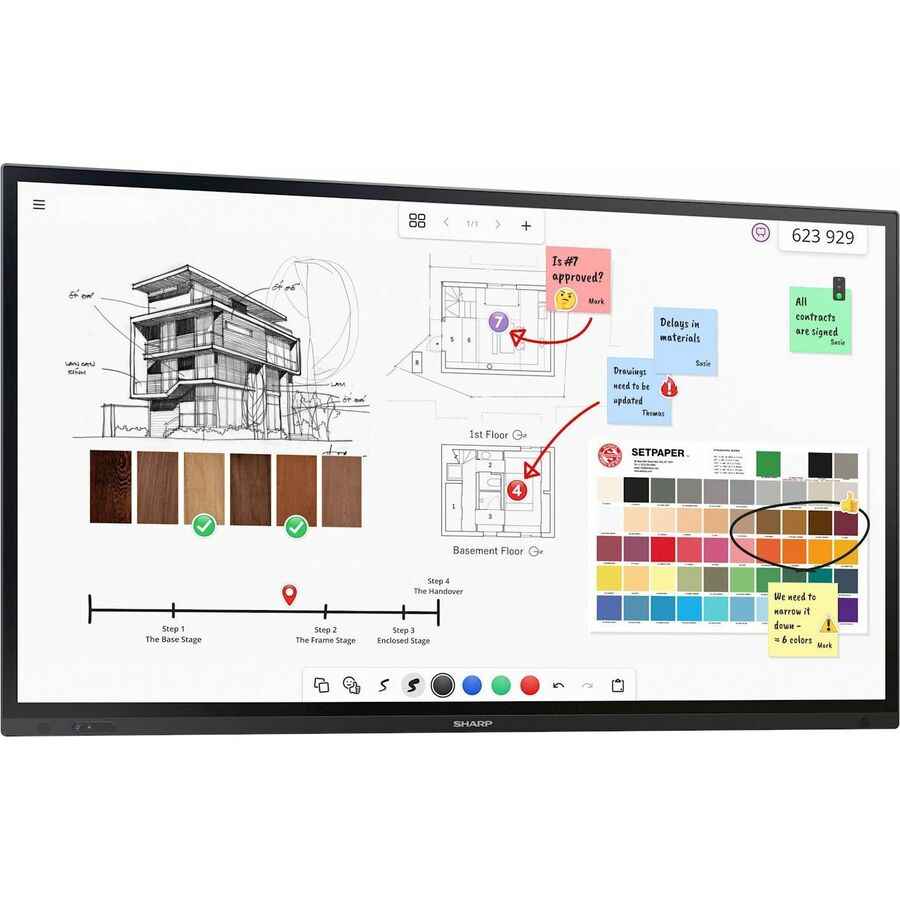
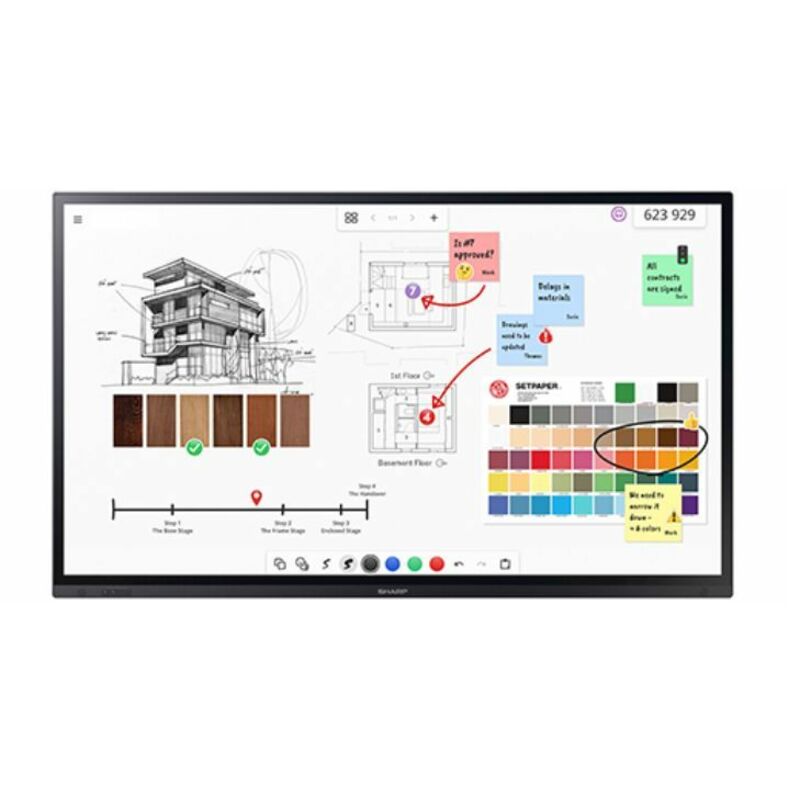
Sharp PN-LM431 43" Class AQUOS BOARD Touch Display
PNLM431
A Sharp PN-LM431 43-inch AQUOS BOARD touch display with an on-board Arm module — a huddle-room shared surface.
$1,761.96Back-orderedSharp AQUOS 55-inch
Sharp Electronics
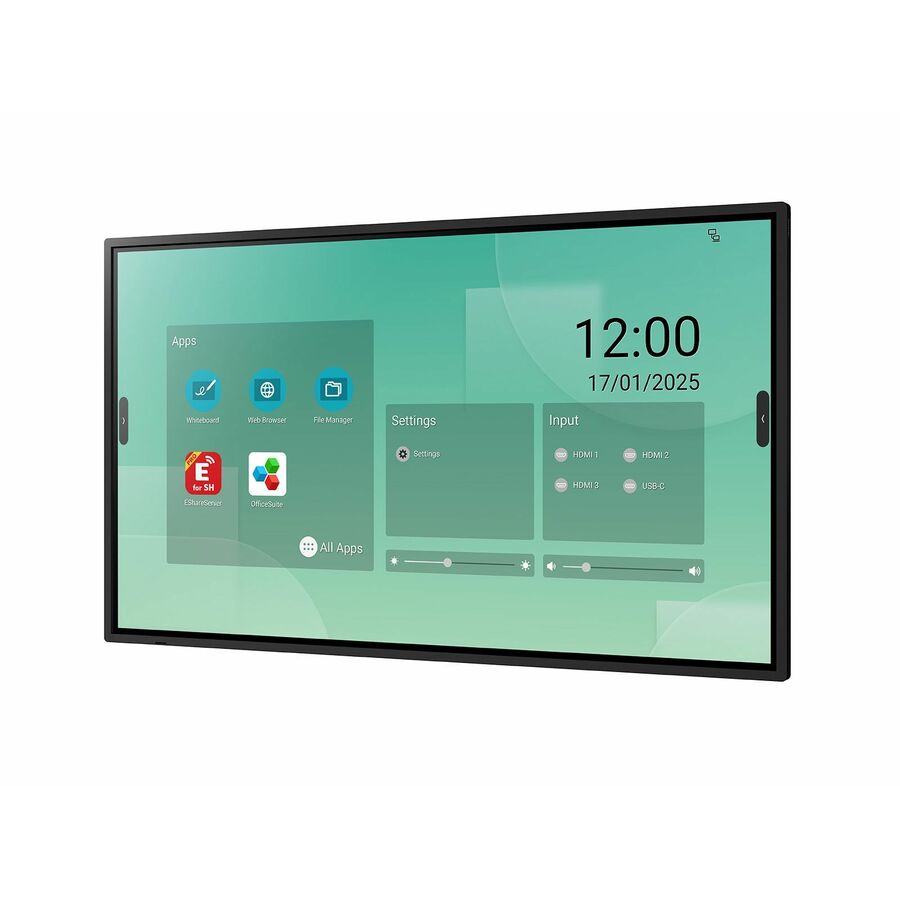
Sharp PN-LM551 55" Class AQUOS BOARD Touch Display
PNLM551
A Sharp PN-LM551 55-inch AQUOS BOARD touch display in a 16:9 panel — a small-to-mid meeting-room collaboration screen.
$2,052.26In stockLogitech Rally Board 65
Logitech
Logitech Rally Board 65: All-in-one device that combines brilliant…
960-001729
A Logitech Rally Board 65, a 65-inch all-in-one video-conferencing display that integrates camera, audio and a touchscreen in one device.
$8,926.30In stockSamsung WA86F 86-inch
Samsung
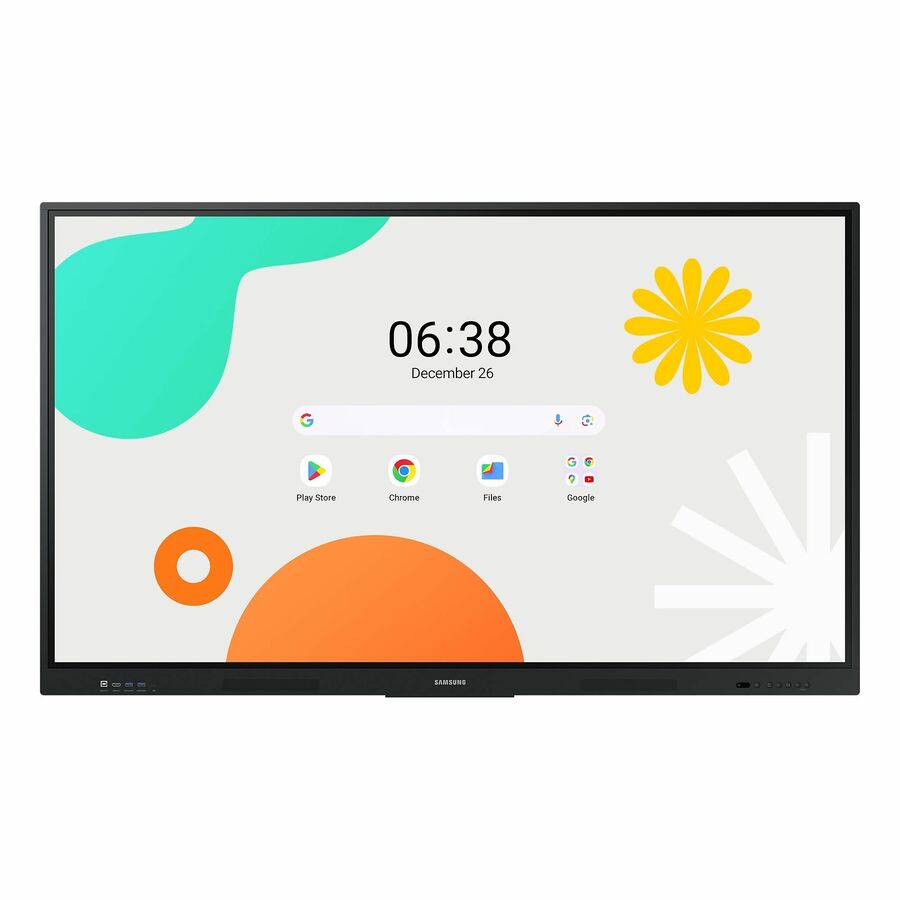
Samsung WA86F Collaboration Display
WA86F
A Samsung WA86F 86-inch collaboration display running Android — a large interactive meeting-room panel.
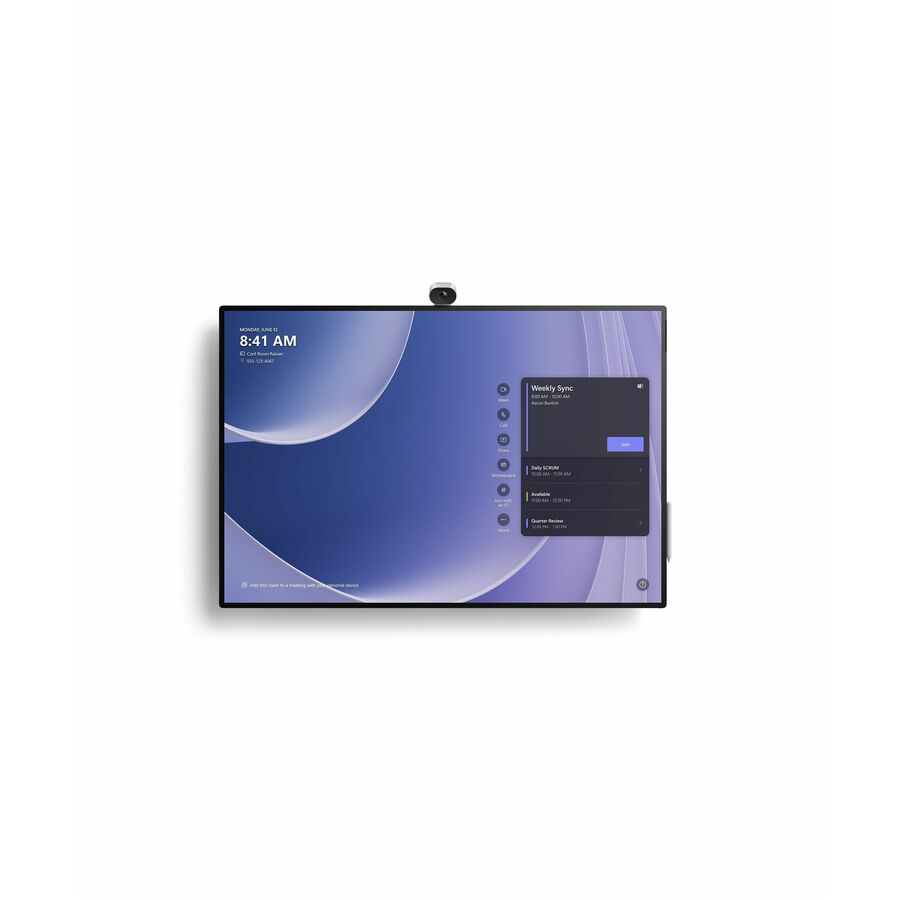
$3,434.73Back-orderedSurface Hub 3, 85-inch
Microsoft
Microsoft Surface Hub 3 for Business
VYB-00001
A Microsoft Surface Hub 3 for Business 85-inch LCD with an in-cell touchscreen and Core i5 compute — an all-in-one collaboration board for a large room.
Every row this page renders is a collaboration display in the manufacturer's own catalog, as this one is.
$14,700.66*Back-orderedMore collaboration displays in the Uniqcli catalog
See all 209 collaboration displaysMore from across this category. In-stock lines lead, and a back-ordered line carries the same estimated availability its product page does — with live pricing throughout, NDAA §889 screening before checkout and TAA verified on request.
- MicrosoftMicrosoft Surface Hub 3 for Business - 85" LCD Core i5 - 32 GB - In-cell Touch - Touchscreen - 16:9 Aspect Ratio - 3840 x 2160 - LED - 2160p - USB - HDMI - Bluetooth - Windows 11 IoT Enterprise - TAA CompliantVYB-00001
$23,099.99
$14,700.66*
Back-orderedBack-ordered — estimated OEM lead time 3–8 weeks (Nov 13 – Dec 18 if ordered today).
- Sharp ElectronicsSharp 65" Class Aquos Board - LCD - InGlass - Touchscreen - 16:9 Aspect Ratio - 3840 x 2160 - Direct LED - 500 Nit - 1,200:1 Contrast Ratio - 2160p - USB - HDMIPNLA652
$14,139.00
$11,304.22
Back-orderedBack-ordered — estimated OEM lead time 3–8 weeks (Nov 13 – Dec 18 if ordered today).
- DTENDTEN D7X 75" Multi-Platform Video Conferencing & Meeting Collaboration Solution - LCD - Touchscreen - 16:9 Aspect Ratio - 3840 x 2160 - LED - 2160p - USB - HDMI - Bluetooth - Windows IoTDB71475DSE-VC460-S1
$18,526.82
Back-orderedBack-ordered — estimated OEM lead time 3–8 weeks (Nov 13 – Dec 18 if ordered today).
- DTENDTEN D7X 75" Multi-Platform Video Conferencing & Meeting Collaboration Solution - LCD - Touchscreen - 16:9 Aspect Ratio - 3840 x 2160 - LED - 2160p - USB - HDMI - Bluetooth - Windows IoTDB71475E
$9,530.74
Back-orderedBack-ordered — estimated OEM lead time 3–8 weeks (Nov 13 – Dec 18 if ordered today).
- LenovoLenovo ThinkVision T86 Collaboration Display - 86" LCD Cortex A73 - 4 GB - Infrared (IrDA) - Touchscreen - 16:9 Aspect Ratio - 3840 x 2160 - Direct LED - 400 Nit - 4,000:1 Contrast Ratio - 2160p - USB - HDMI - VGA - Bluetooth - Android 9.0 Pie62F0KATAUS
$8,791.36
Back-orderedBack-ordered — estimated OEM lead time 3–8 weeks (Nov 13 – Dec 18 if ordered today).
- LenovoLenovo ThinkVision T86 Collaboration Display - 86" LCD Cortex A73 - 4 GB - Infrared (IrDA) - Touchscreen - 16:9 Aspect Ratio - 3840 x 2160 - Direct LED - 400 Nit - 4,000:1 Contrast Ratio - 2160p - USB - HDMI - VGA - Bluetooth - Android 9.0 Pie62F0WA1AUS
$8,791.36
Back-orderedBack-ordered — we expect to receive stock the week of Oct 26 – Nov 1 and will process your delivery right after.
- DTENDTEN DTEN D7X 75" Multi-Platform Video Conferencing & Meeting Collaboration Solution - 75" LCD - Touchscreen - 16:9 Aspect Ratio - 3840 x 2160 - LED - 2160p - USB - HDMI - Bluetooth - AndroidDBR1475E
$8,605.16
Back-orderedBack-ordered — we expect to receive stock the week of Nov 9–15 and will process your delivery right after.
- AVer InformationAVer CP3-86i Collaboration Display - 86" LCD - ARM Cortex A72 1.80 GHz - 4 GB - Infrared (IrDA) - Touchscreen - 16:9 Aspect Ratio - 3840 x 2160 - LED - 400 Nit - 1,200:1 Contrast Ratio - 2160p - USB - HDMI - VGA - Android 7.1 NougatIFPCP386I
$6,904.66
Back-orderedBack-ordered — estimated OEM lead time 3–8 weeks (Nov 13 – Dec 18 if ordered today).
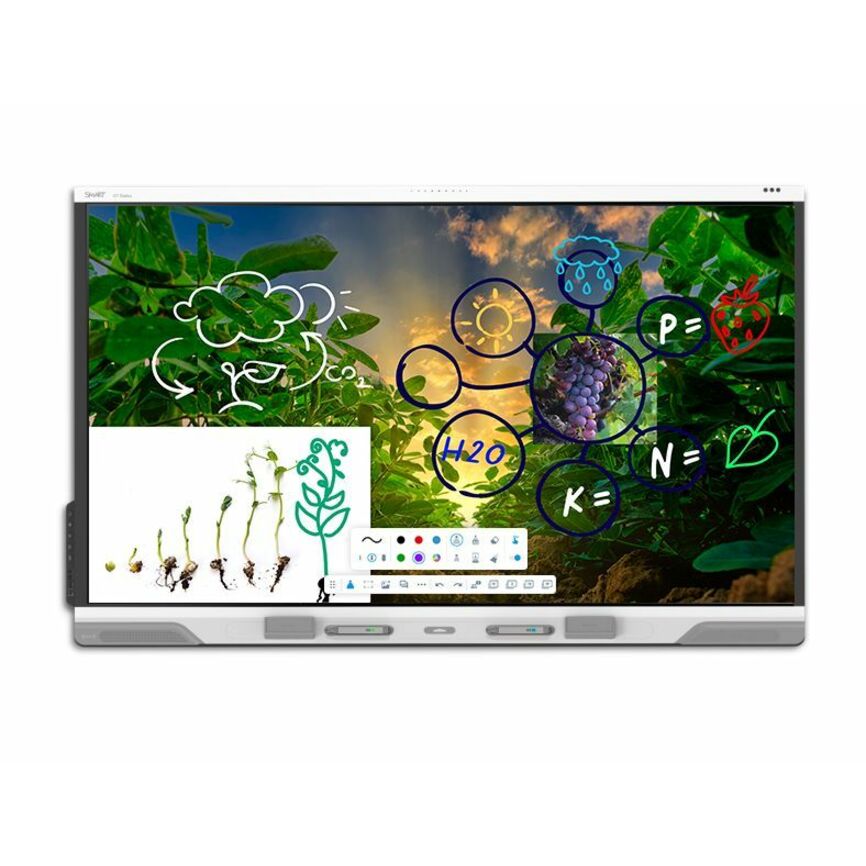
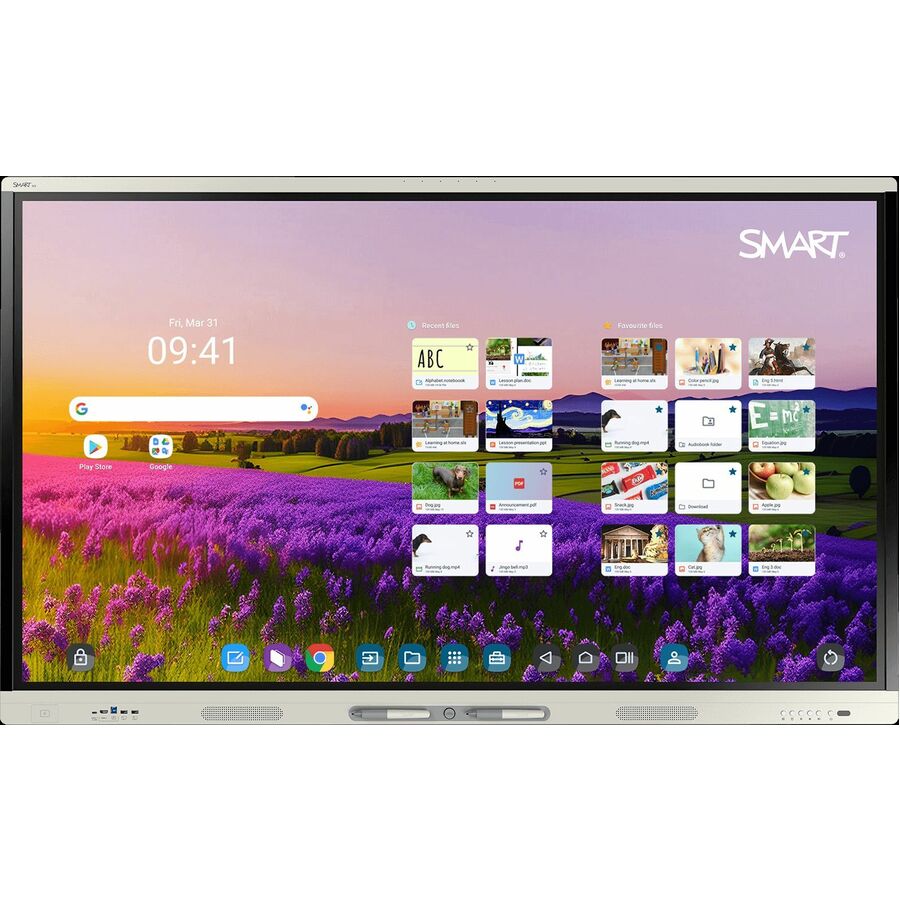
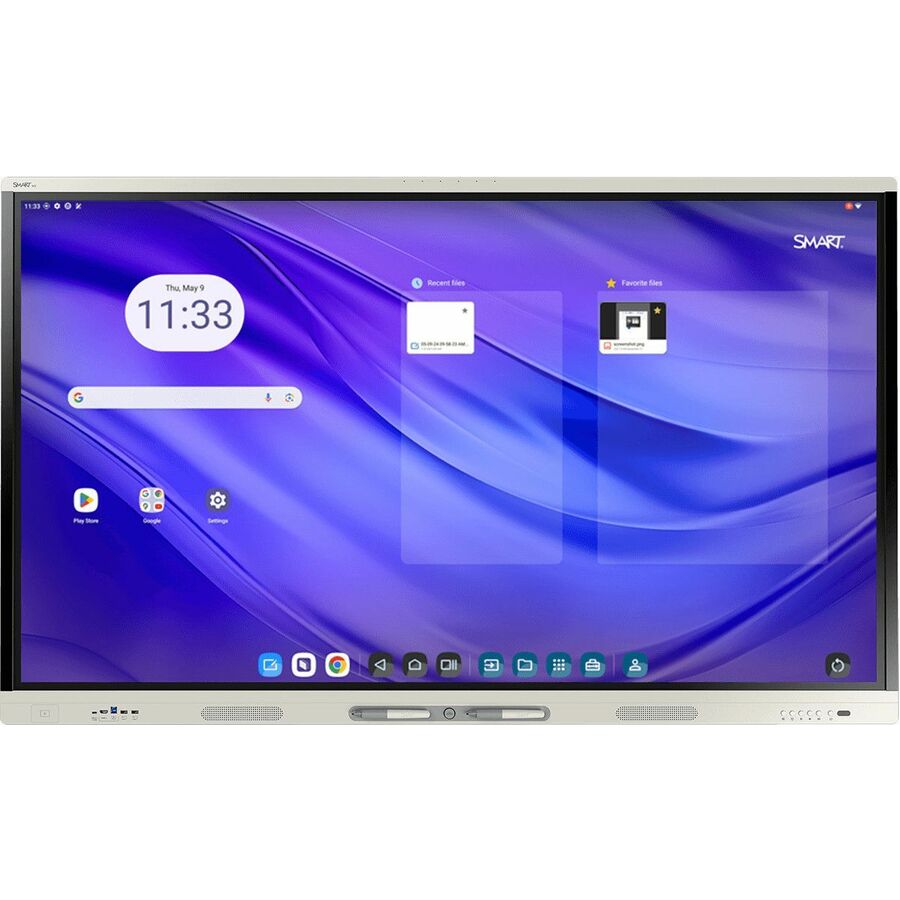
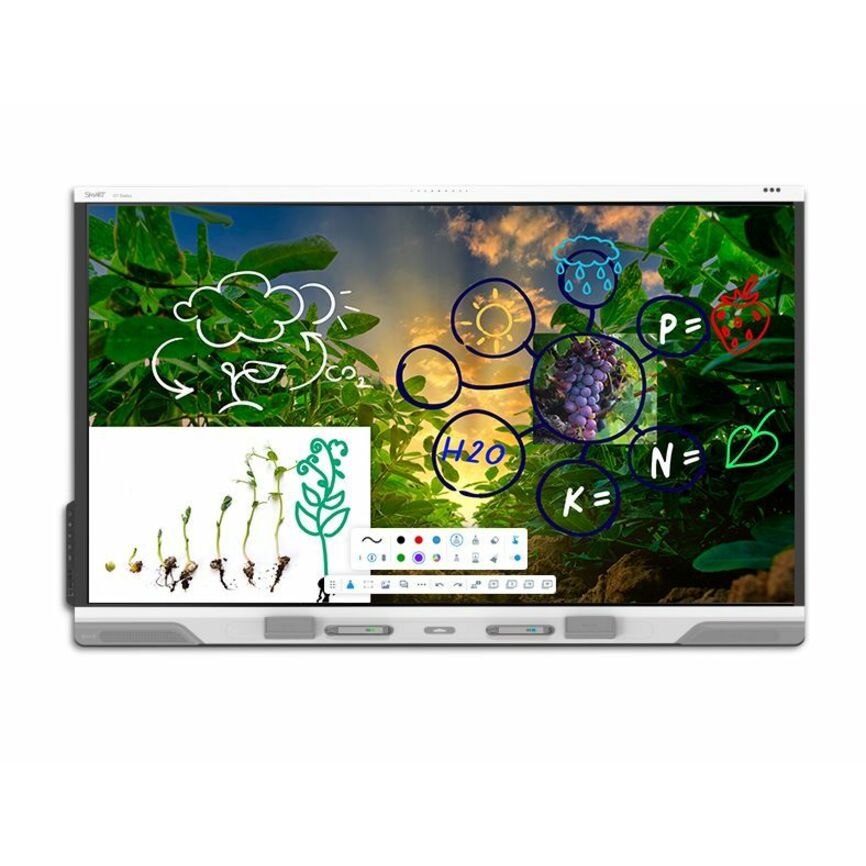
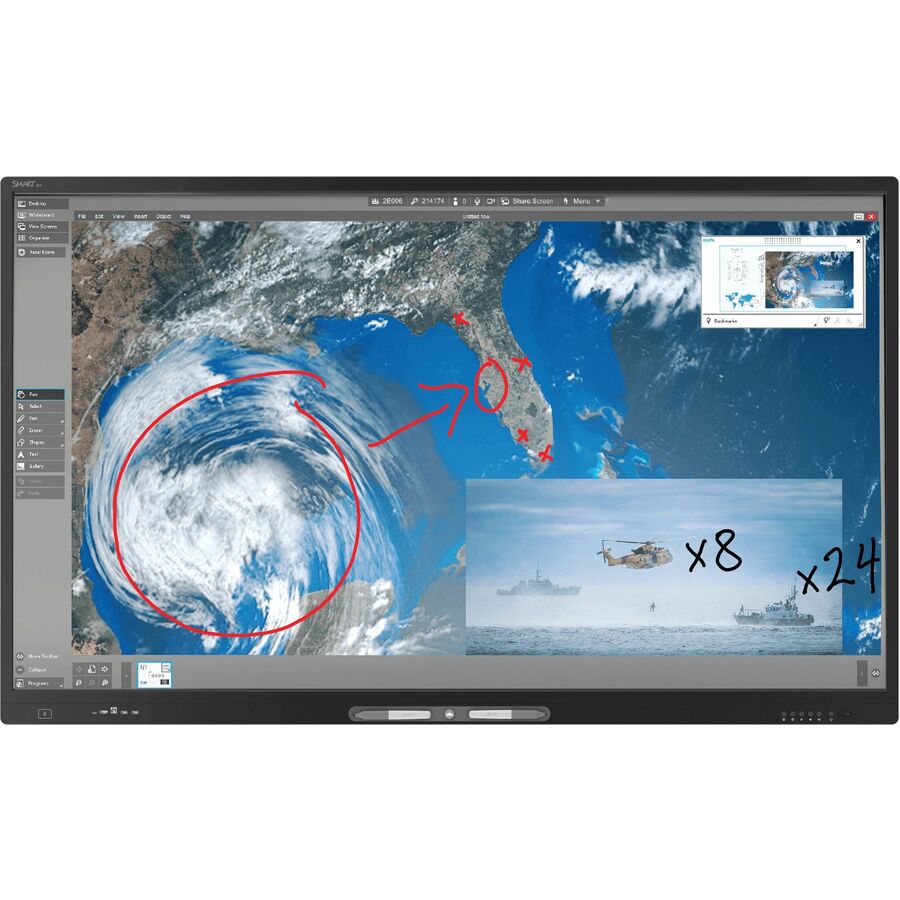
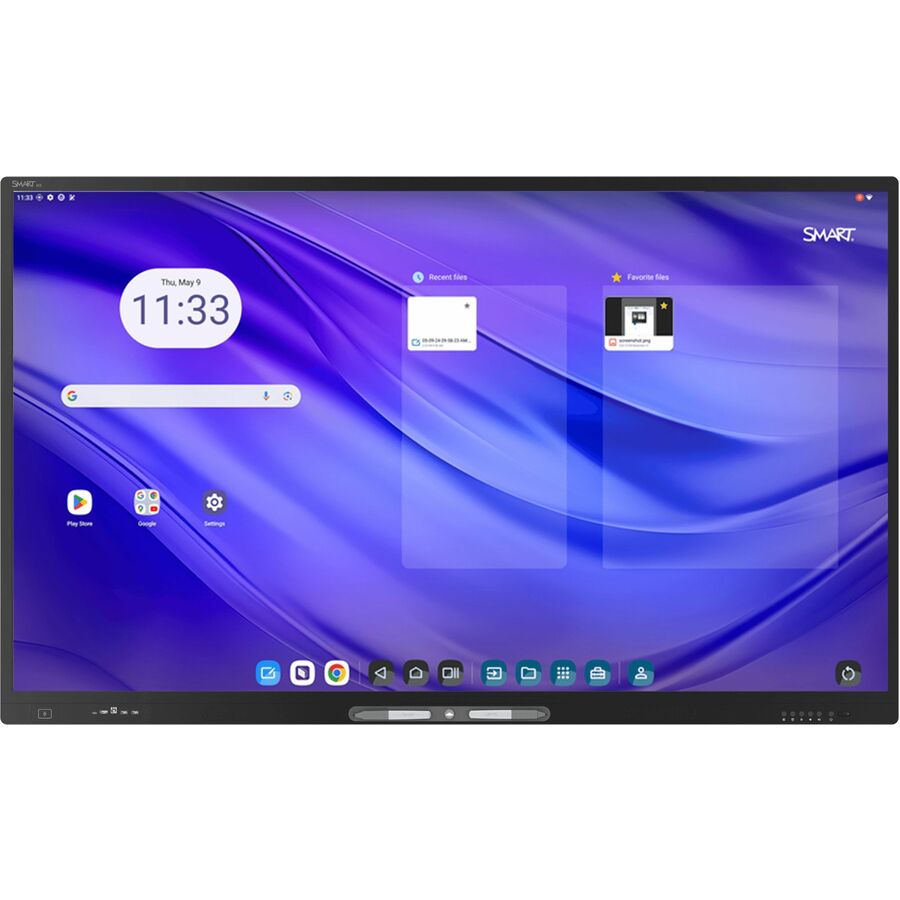
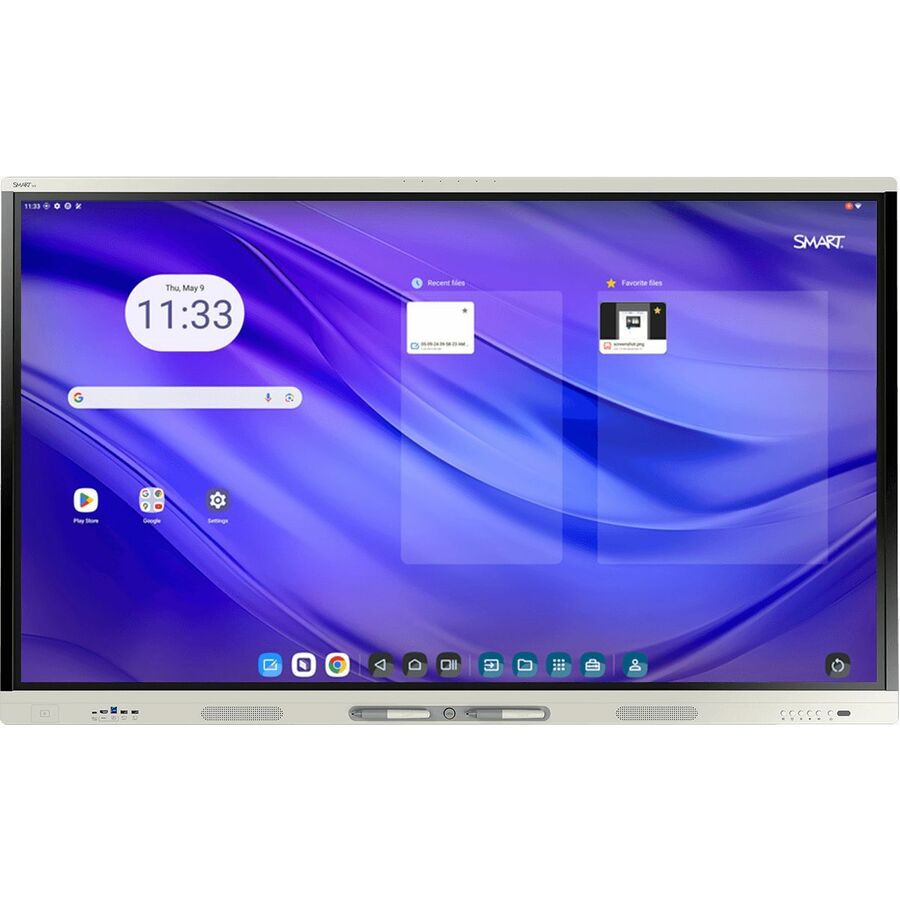
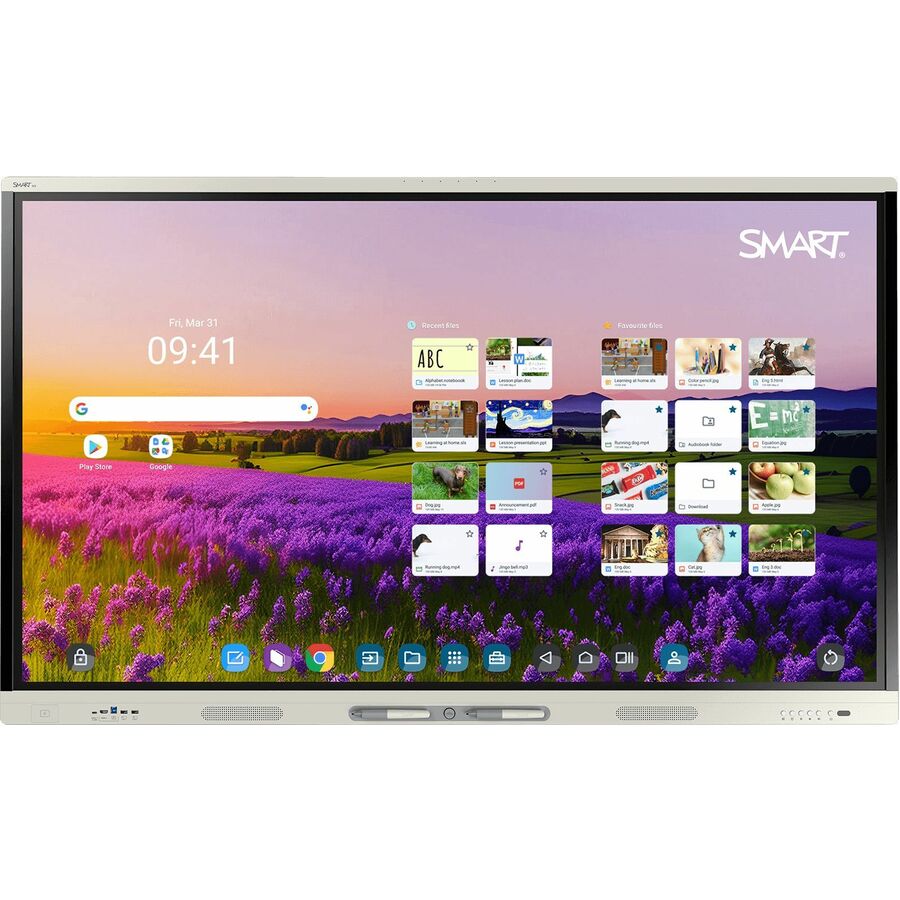
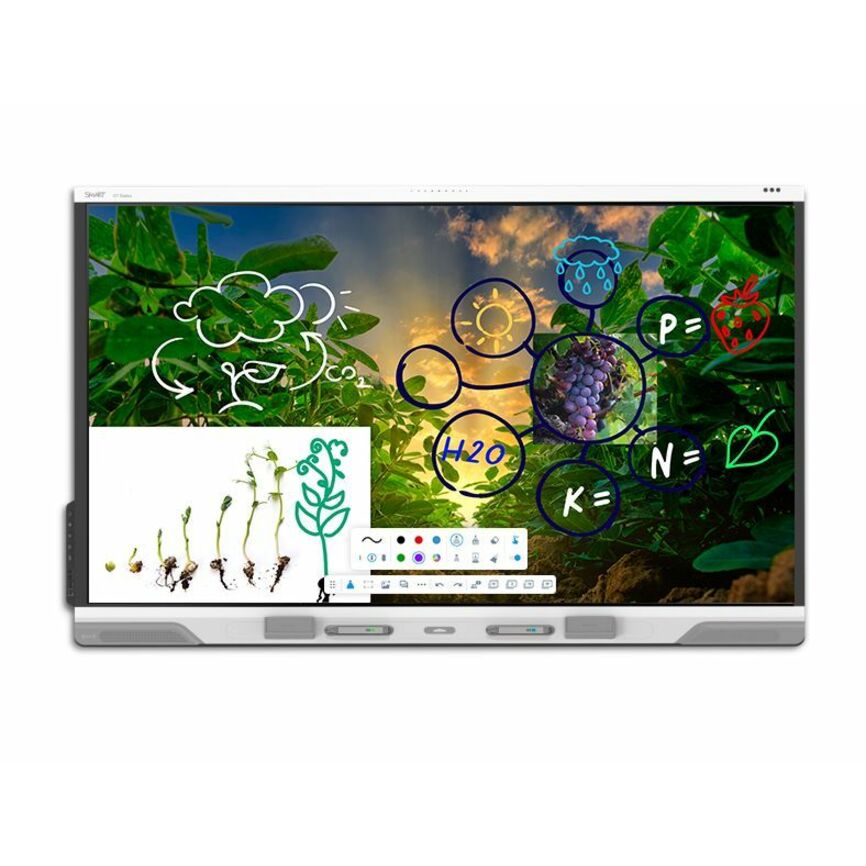
- SMART TechnologiesSMART Board RX286 Collaboration Display - SMART Board RX086 series interactive display with iQRX286
$8,605.00
$6,335.65
2 in stock - SMART TechnologiesSMART Board RX275 Collaboration Display - SMART Board RX075 series interactive display with iQRX275
$6,569.00
$4,871.72
2 in stock - SMART TechnologiesSMART Board RX265 Collaboration Display - SMART Board RX065 series interactive display with iQRX265
$5,185.00
$3,857.39
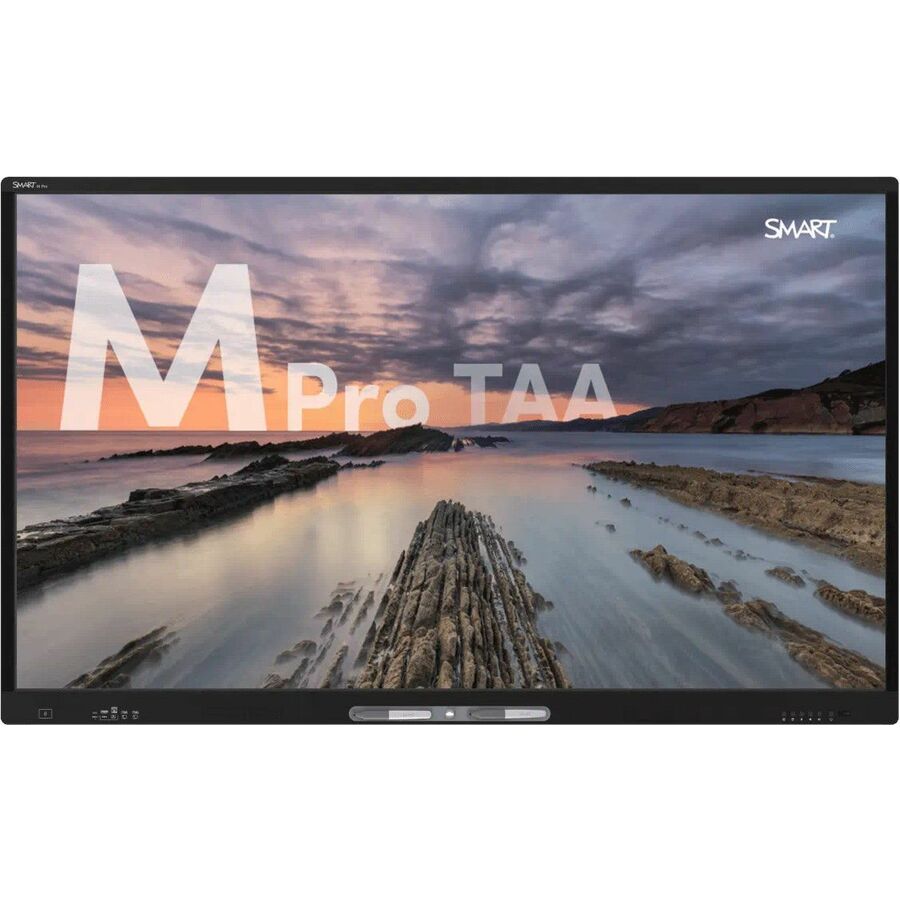
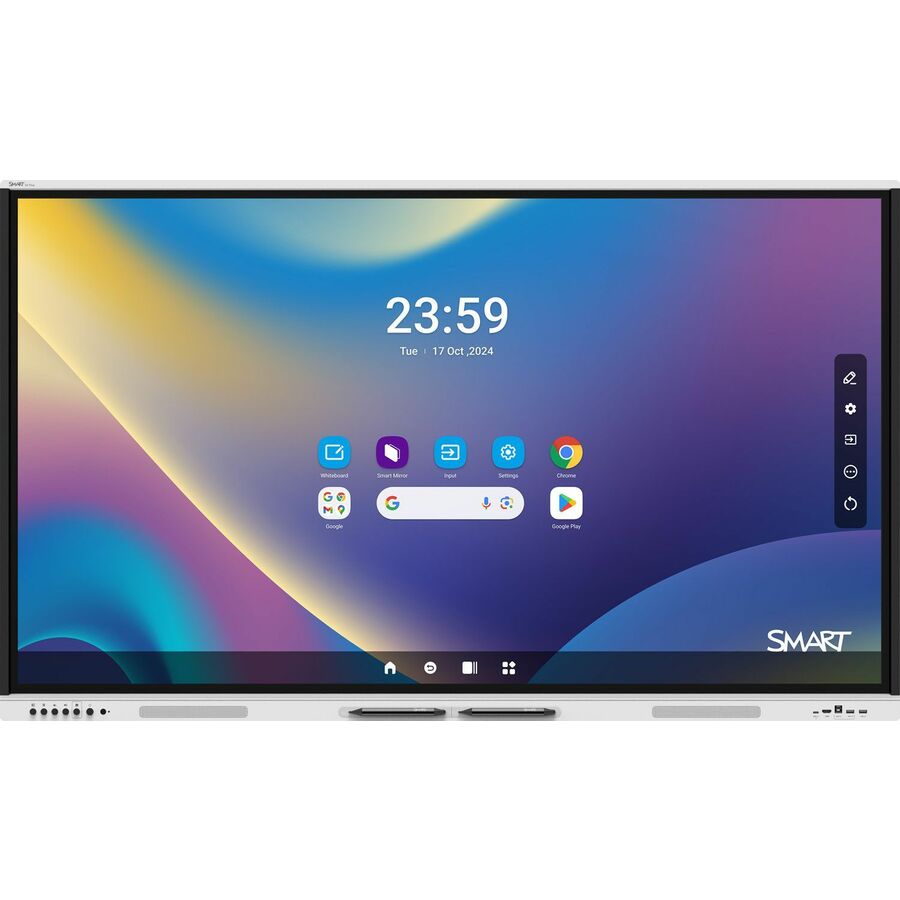
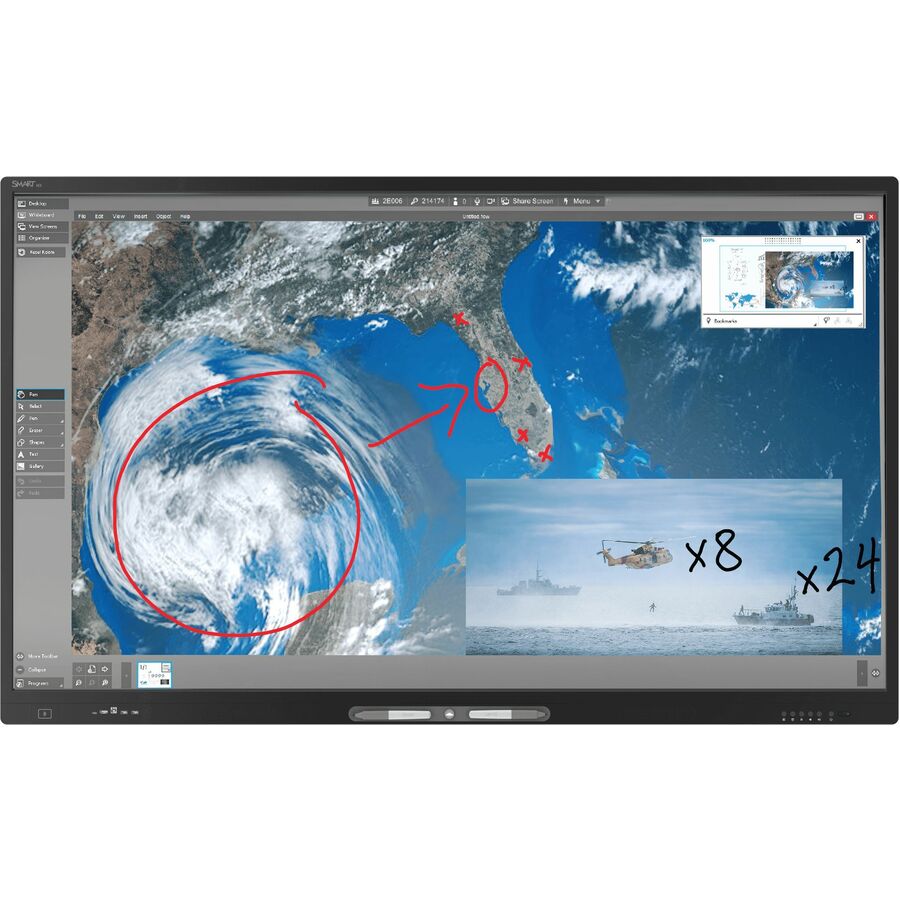
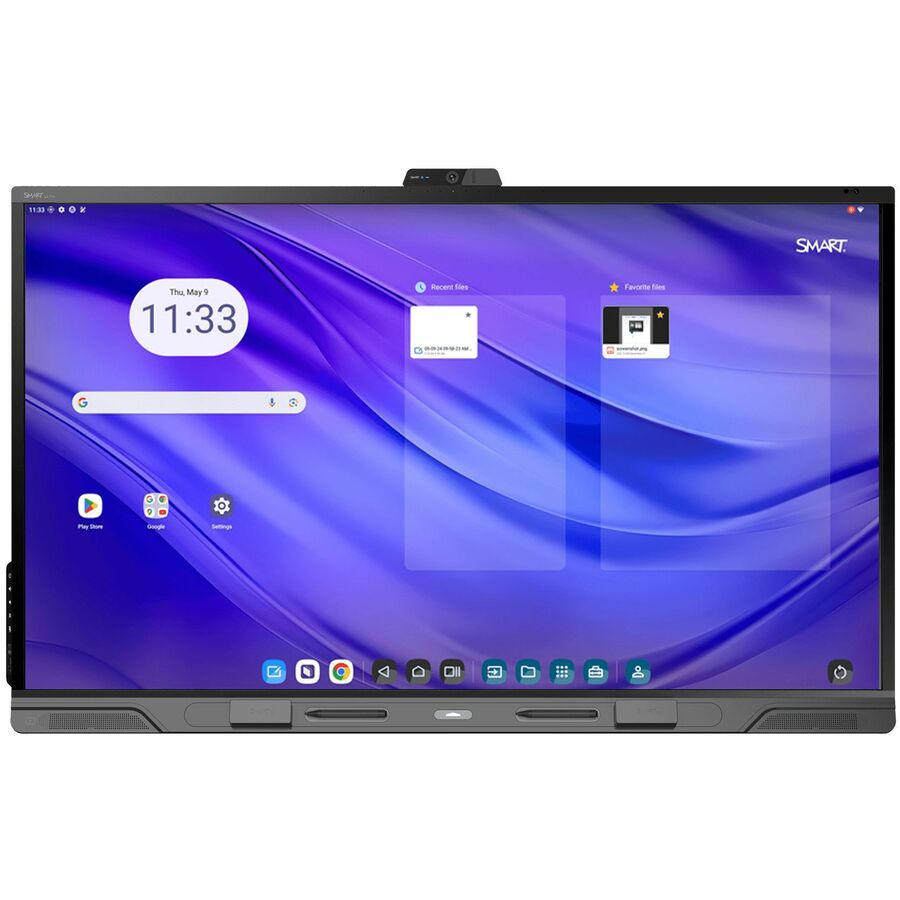
8 in stock - SMART TechnologiesSMART Board GX065-V4 Plus Interactive Display with Embedded OS (GMS) - 65" LCD - 8 GB DDR4 SDRAM - Advanced Infrared - Touchscreen - 16:9 Aspect Ratio - 3840 x 2160 - LED - 400 Nit - 1,200:1 Contrast Ratio - 2160p - USB - HDMI - VGA - Bluetooth - Android 14GX165N-V4
$2,369.00
$1,716.11
2 in stock



Need pricing on conference room displays?
Tell us where to reach you and a Uniqcli specialist will follow up by email with current pricing, availability and lead time for the quantities you need — including parts that aren’t shown on this page.
Buying for an organization or for yourself — both work. No payment up front.
A conference room display is not just a large screen on the wall — it is the room's shared surface for content and, increasingly, the video-conferencing endpoint itself. Every row on this page is a collaboration display in the manufacturer's own catalog category, and the first decision is how much the panel does on its own. An all-in-one meeting display like a DTEN or a Logitech Rally Board carries its own camera, microphones, speakers and touch, so the room needs little more than the screen; a touch collaboration display from Lenovo, AVer, Sharp or InFocus brings the shared touch surface and often an on-board Android compute module, paired with the room's own camera and audio. Matching that to how the room is built is the real choice.
The second fact is the screen size against the room, and it follows the geometry directly. A small huddle room reads a 43- or 55-inch panel comfortably; a mid-size conference room wants 65 or 75 inches so the person at the far end can read shared content; a large boardroom or training space runs to 86 inches. The titles below state the exact size, and the rule that decides it is the distance from the display to the farthest seat — content that a near seat reads easily is a squint from the back of a long room. Buying a size larger for a room that occasionally seats more people is usually the safer error than buying one that is unreadable from the last chair.
The rest of the decision is the platform, the touch and the connectivity. Many of these displays are built around a specific meeting platform or run an open Android module that hosts the room's software; the touch surface — capacitive or infrared — is what turns the panel into a shared whiteboard for annotation; and the connectivity decides how a laptop, a room PC or a wireless share reaches the screen. Send the room dimensions, the far-seat distance, the video platform the organization runs and whether the panel needs its own camera and microphones or plugs into the room's, and the display, the size and the all-in-one-versus-modular decision come back matched to the space.
Buyer's checklist
How to choose a conference room display
- Decide all-in-one versus modular first. An all-in-one meeting display carries its own camera, microphones, speakers and touch, so a small or mid room needs little else; a touch collaboration display brings the shared surface and often an on-board compute module but pairs with the room's own camera and audio. The title names the model, and this decision shapes everything after it.
- Size the screen to the farthest seat. A 43- or 55-inch panel suits a huddle room; 65 to 75 inches covers a standard conference room; 86 inches is for a large boardroom or training space. The rule is that the person in the last chair has to read shared content, and the exact size is stated in every title.
- Match the platform to what the organization runs. Some displays are built around a specific meeting platform and others run an open Android module that hosts the room's chosen software; buying a panel that fits the video and collaboration platform already in use avoids a second system in the room.
- Confirm the touch surface if annotation matters. Capacitive and infrared touch both turn the panel into a shared whiteboard; the number of touch points and whether it takes a pen are the facts that separate a presentation screen from a true working surface, and they are stated per part.
- Check the built-in camera and microphone coverage on all-in-one panels. An all-in-one display's camera field of view and microphone pickup range decide how large a room it can serve without add-ons; a bigger room may still need an expansion mic or a separate camera even with an all-in-one screen.
- Plan the connectivity for laptops, a room PC and wireless share. How a presenter's laptop, the room's own PC and a wireless cast each reach the display — the input set and the single-cable USB-C or HDMI path — decides how quickly a meeting starts, which is where most room friction actually is.
- Account for mounting and the room's sightlines. A wall mount, a mobile cart or a floor stand each change where the display sits and who can see it; the panel size and the mount together have to clear the table and keep content in view from every seat.
All-in-one or modular: how much the panel does
The decision that most shapes a conference room display is how self-contained it is. An all-in-one meeting display — a DTEN board, a Logitech Rally Board, a Microsoft Surface Hub — integrates the camera, the microphone array, the speakers, the touch surface and the compute into the panel, so the room is essentially the screen plus power and network. For a huddle room or a mid-size space run on a standard video platform, that is the fastest path to a working room and the least to install and support. The trade-off is that the camera and microphone coverage are fixed by the panel, so a large room may still need an expansion microphone even with an all-in-one screen.
A modular touch collaboration display — the Lenovo ThinkVision, AVer, Sharp AQUOS BOARD and InFocus JTouch panels here — brings the large shared touch surface and usually an on-board Android compute module, and pairs with the room's own camera and audio. That suits an organization that has standardized on a particular camera and microphone system, or a room where the display is primarily the content and whiteboard surface and the conferencing hardware is chosen separately. The titles name the model and its on-board compute, so the choice between an integrated appliance and a display that anchors a modular room can be read off the part before the size is even fixed.
Screen size, platform and the far seat
Screen size is set by the room, and the governing rule is the distance to the farthest seat. Shared content — a document, a plan, a spreadsheet on a call — has to be legible from the last chair, not just the one nearest the screen, so a 43- or 55-inch panel that reads well in a four-person huddle is a squint at the end of a twelve-seat boardroom. A standard conference room is usually right at 65 or 75 inches; a large boardroom or a training space runs to 86; and the safer error, where the room occasionally seats more people, is one size up rather than a panel that is unreadable from the back. The exact size is in every title, so it can be matched to a measured room rather than guessed.
The platform and the connectivity finish the specification. Some of these displays are built around a specific meeting platform and others run an open Android module that hosts whatever collaboration software the organization has chosen — matching that to the video platform already in use keeps the room to one system rather than two. Connectivity then decides how fast a meeting starts: how a presenter's laptop, the room PC and a wireless share each reach the display over the panel's HDMI, USB-C or wireless path. Send the room dimensions, the far-seat distance and the platform, and the display, the size and the all-in-one-versus-modular decision come back matched to the space.
FAQ
Common questions
- What size display do I need for a conference room?
- Size it to the distance from the screen to the farthest seat, because shared content has to be readable from the last chair. A 43- or 55-inch panel suits a small huddle room; a standard conference room is usually right at 65 or 75 inches; a large boardroom or training space runs to 86. The exact size is stated in every title on this page, and where a room occasionally seats more people the safer choice is one size up rather than a panel that is unreadable from the back.
- What is an all-in-one conference room display?
- It is a meeting display that integrates the camera, microphone array, speakers, touch surface and compute into the panel itself, so the room needs little beyond the screen, power and network. DTEN boards, the Logitech Rally Board and the Microsoft Surface Hub on this page are examples. It is the fastest path to a working huddle or mid-size room; the trade-off is that the camera and microphone coverage are fixed by the panel, so a large room may still need an expansion microphone.
- Do these displays have touch and whiteboarding?
- Many do — a capacitive or infrared touch surface turns the panel into a shared whiteboard for annotation, and the collaboration displays here are built for exactly that. The facts that separate a true working surface from a presentation screen are the number of simultaneous touch points and whether the panel takes a pen, both stated per part. If the room's main use is annotating and marking up shared content, confirm the touch technology and point count on the exact model.
- Can I use my existing video platform with these displays?
- It depends on the model. Some conference room displays are built around a specific meeting platform, while others run an open Android compute module that hosts whatever collaboration and video software the organization has standardized on. The right choice is the panel that fits the video platform already in use, so the room runs one system rather than two. Send the platform you run and whether the display needs its own camera and microphones or plugs into the room's, and the fit can be confirmed per model.
- Can business, government and education buyers order these displays?
- Every line Uniqcli quotes is sourced through US distribution and screened for TAA country-of-origin and NDAA §889 status before checkout — with documentation tied to the specific part number, not a product family.
Need conference room displays pricing?
Send a bill of materials or part numbers — we confirm stock and a below-market total, with TAA verified on request. No payment up front.